Customer Ratings & Reviews


- Model:
- MFC-J895DW
- SKU:
- 6239805
Rating by feature
- Value
Rating 4.7 out of 5 stars
- Quality
Rating 4.6 out of 5 stars
- Ease of Use
Rating 4.5 out of 5 stars
Customers are saying
Customers admire the Work Smart Series MFC-J895DW Wireless All-In-One Inkjet Printer's excellent print quality and speed, along with its ease of setup and use. Many appreciate its compact size and quiet operation, finding it a good value for the price. However, some users experienced challenges with wireless connectivity.
This summary was generated by AI based on customer reviews.
- Pros mentioned:Print quality
Not bad
||Posted .This reviewer received promo considerations or sweepstakes entry for writing a review.Feels very responsive and prints immediately after you press print in your PC.
I would recommend this to a friend - Pros mentioned:Print quality
Great Buy
||Posted . Owned for 1 month when reviewed.This reviewer received promo considerations or sweepstakes entry for writing a review.The printer does everything that I wanted it to do. The quality is great.
I would recommend this to a friend - Pros mentioned:Print quality
Good printer
||Posted .This reviewer received promo considerations or sweepstakes entry for writing a review.Use mainly for printing and copying. Print quality is good. Little slow, but overall good printer
I would recommend this to a friend - Pros mentioned:Print quality, Setup

Solid bang for the buck printer
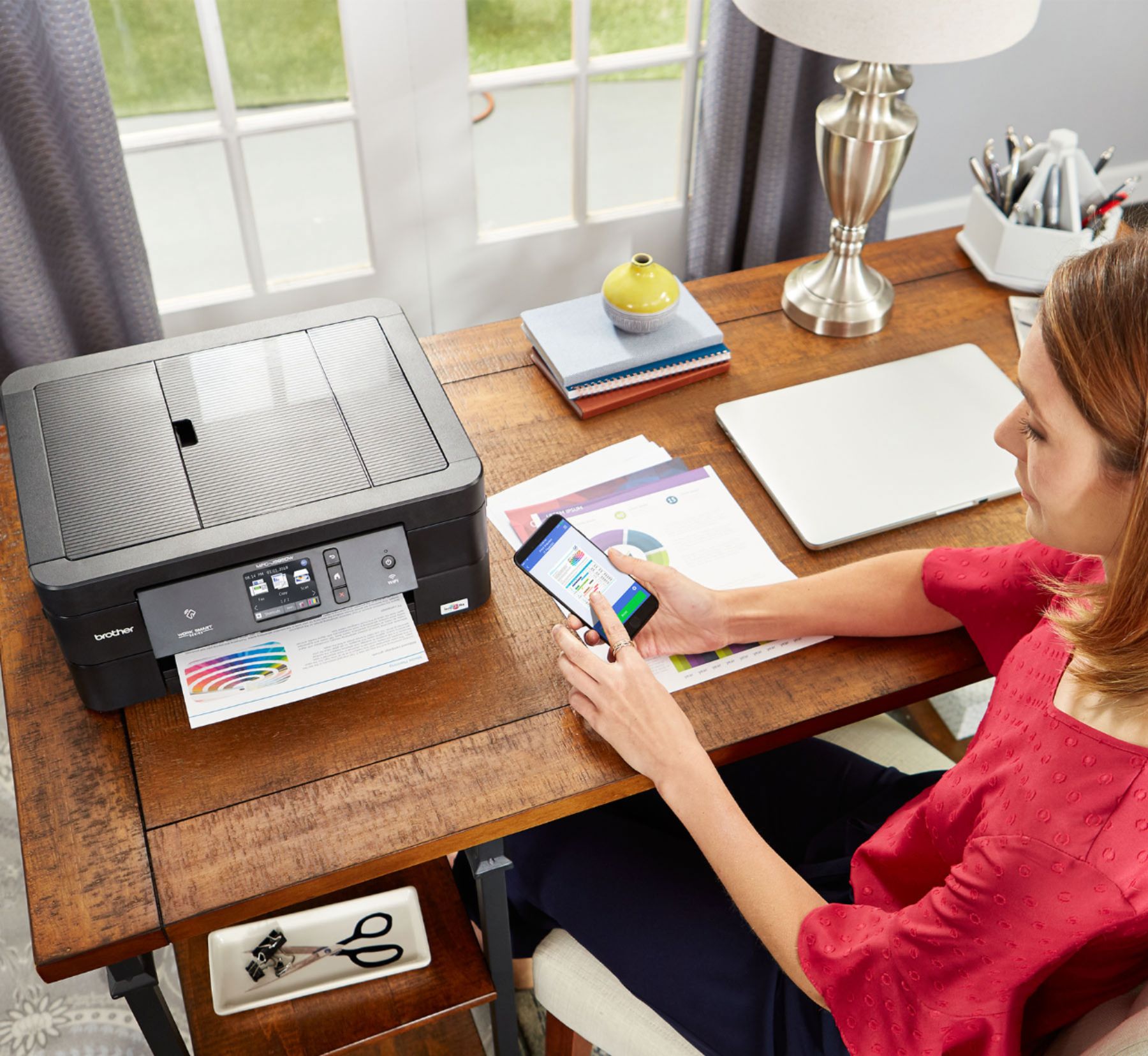
|Posted .This reviewer received promo considerations or sweepstakes entry for writing a review.If you have a middle/high schooler or college student printing off report after report, this is a great all-in-one. For pictures of any size/quality you are going to HAVE to have great photo stock to print on otherwise the ink this unit utilizes will not perform well. Yes, that could be said for most all run-of-the-mill at home printers, but with this one especially -- you want to print anything bigger than 4x6 and not have it look terrible? Get at least some mid-grate photo stock to use in only those situations. I point this out as I have a few other printers, and while they all have their downfalls when it comes to printing photos, my laserjet prints flawlessly regardless of what sort of paper quality it has in it. It's very quick and always looks sharp without saturating the heck out of the paper. But, that unit was nearly 4x the cost of this one, so it's to be expected. But, for what it WILL do well; scan whatever you want and print "normal" stuff, like papers, assignments, reports, etc etc. It knocks those out with little if any hiccups. Setup is a breeze, the software is extremely straight forward, and aside from being a little on the noisy side, there is very little that for $100 I can say I'm disappointed with. Even the mobile app works great! Not something I can say for other units. Brother really has this part of it figured out. After setup, I downloaded the app and within 15 seconds I was printing off a few test photos. After the first two I realized the aforementioned paper quality matter and put in some nice matte stock. The next 3 photos (printed, again, via my phone) were done in a few minutes a piece and looked pretty decent all things considered. It wasn't until I went and printed the exact same photos with the laserjet that it was glaring the difference in quality between $100 and $400. Bottom line; if you need an easy to use all-in-one that is a breeze to setup and can print from mobile devices via the NFC technology -- this is a bang for the buck master and one that should at least be considered if you're in the $75-$150 price range for just such a thing. If the MFC-J895DW were to perform slightly more quiet *and* not have such a drastic fall off when it comes to what paper you are printing on, it would be a 5-star review.
I would recommend this to a friend Fast and simple set up - easy to use
||Posted .This reviewer received promo considerations or sweepstakes entry for writing a review.I always have issues with home printers, finding them so much more difficult than office printers. This one is a dream - so far at least. Very simple to set up and to wirelessly print both from phone and lap top. One negative is that it is noisy when printing.
I would recommend this to a friend- Pros mentioned:Print quality
Fast Printer
||Posted . Owned for 1 month when reviewed.This reviewer received promo considerations or sweepstakes entry for writing a review.Can’t asked for a better printer. Prints fast, scans fast.
I would recommend this to a friend - Pros mentioned:Ease of use
Great printer for a small office
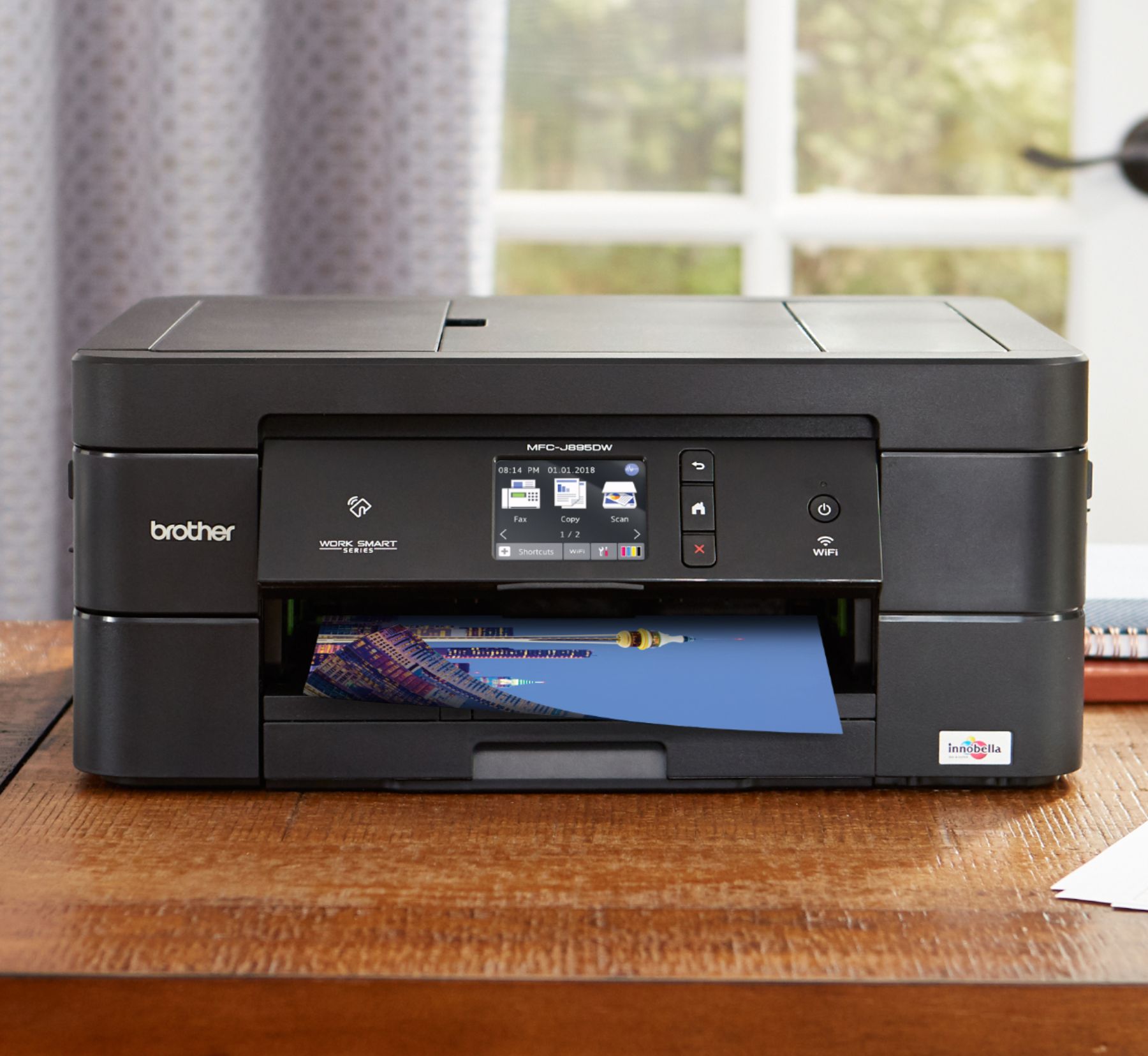
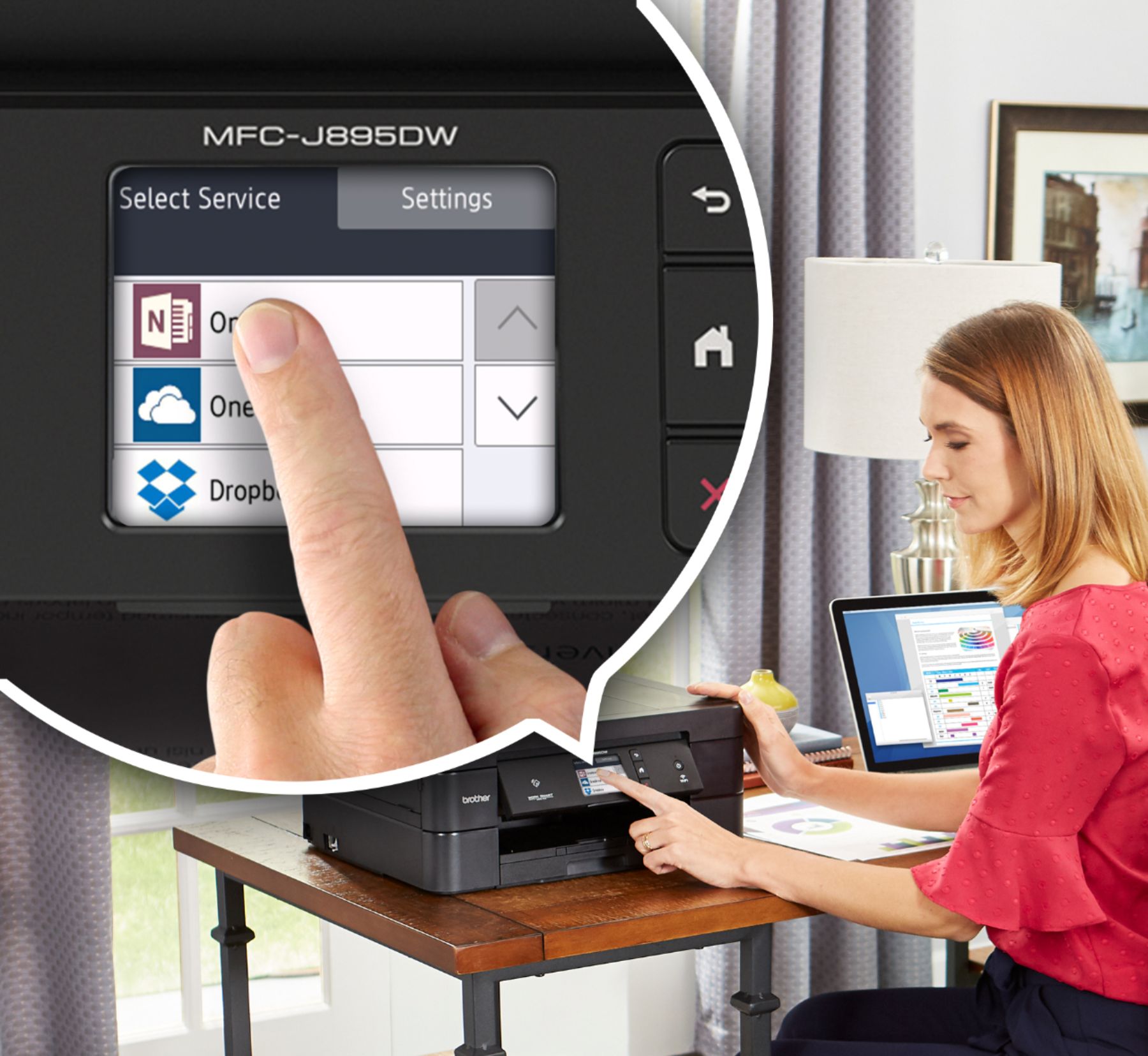
||Posted .This reviewer received promo considerations or sweepstakes entry for writing a review.This is a nice, easy to use, nice tilt control panel printer.
I would recommend this to a friend - Pros mentioned:Ease of use
Good printer
||Posted . Owned for 2 months when reviewed.This reviewer received promo considerations or sweepstakes entry for writing a review.Pretty good printer, good price, and very easy setup.
I would recommend this to a friend - Pros mentioned:Print quality
great all-in-one
||Posted . Owned for 1 year when reviewed.This reviewer received promo considerations or sweepstakes entry for writing a review.good quality printer, scanner, copier, fax. Ink is expensive
I would recommend this to a friend - Pros mentioned:Print quality
easy to set up, prints are of good quality
||Posted . Owned for 1 month when reviewed.This reviewer received promo considerations or sweepstakes entry for writing a review.Like the print quaility and very reasonable price.
I would recommend this to a friend - Pros mentioned:Print quality
Printer for students
||Posted .This reviewer received promo considerations or sweepstakes entry for writing a review.Printer works great for my daughters home work....
I would recommend this to a friend BROTHER MFC-J895DW
||Posted . Owned for 1 month when reviewed.This reviewer received promo considerations or sweepstakes entry for writing a review.Fast shipping! Excellent product! Just what I was looking for and happy to graduate to this new Brother printer. My last two printers were Brother. Very difficult to install from my limited tech knowledge but second call to Brother connected me to an expert who had me running in just a few minutes.
I would recommend this to a friend- Pros mentioned:Size
Great print quality but poor ink usage
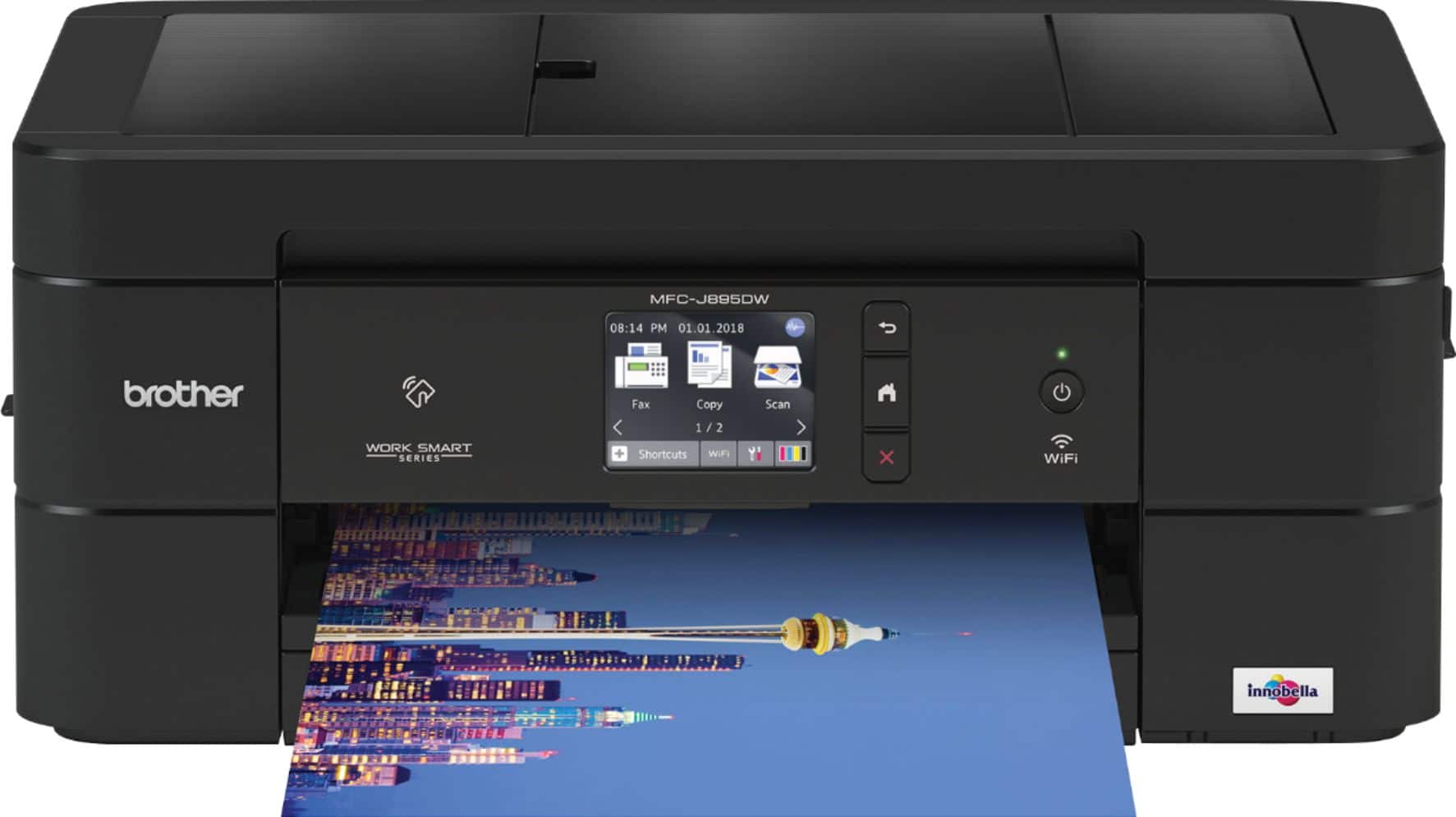
|Posted .This reviewer received promo considerations or sweepstakes entry for writing a review.Good overall output quality. Easy-to-use display, control panel. SD card and USB thumb drive support and 20-sheet ADF. All this in a very compact and lightweight unit. Running costs are high, but to be fair this is true for almost all printers in this class and price range. The MFC-J895DW comes with one input tray. It holds either 100 sheets of standard paper or 20 sheets of premium photo paper. The automatic document feeder (ADF) holds up to 20 sheets but alas does not support auto-duplexing, so to scan two-sided sheets, your assistance is needed...which is time consuming. Connectivity on the Brother MFC-J895DW consists of wired networking, wireless support, and direct-to-USB, and Near-Field Communications (NFC). The printer supports Apple AirPrint, Google Cloud Print, Mopria (for Android printing), and Brother's own iPrint&Scan. In addition you'll find a port for USB thumb drives and a slot for SD cards. The software suite includes The Brother ControlCenter4, this is a great scanner interface that allows you to define and manage your scan jobs in so many possible ways. You also get the Nuance PaperPort 14 SE with OCR. This document management program is great for archiving and locating important files, as well as for optical character recognition for converting scanned text to editable text. The reason for loss of a full star is the operating cost is high and lack of duplex scanning. I just feel that if you include a document feeder then go all in with duplex scanning capabilities.
I would recommend this to a friend Need an overview picture
||Posted . Owned for 3 weeks when reviewed.This reviewer received promo considerations or sweepstakes entry for writing a review.Still don’t about some of the things on the back of the printer, but haven’t finished going through the Inline Book. It would be nice to have a picture of what’s what. But it’s probably there just have to one section at a time. Think about an overview picture though.
I would recommend this to a friendVery pleased
||Posted .This reviewer received promo considerations or sweepstakes entry for writing a review.This printer is so much better than other ones I have purchased in the past. It prints so quietly. The only reservations I have are: 1) The color is not as brilliant as I would like it to be, and 2) the fax doesn't always work well.
I would recommend this to a friend- Pros mentioned:Print quality
Good for light home or home office use.
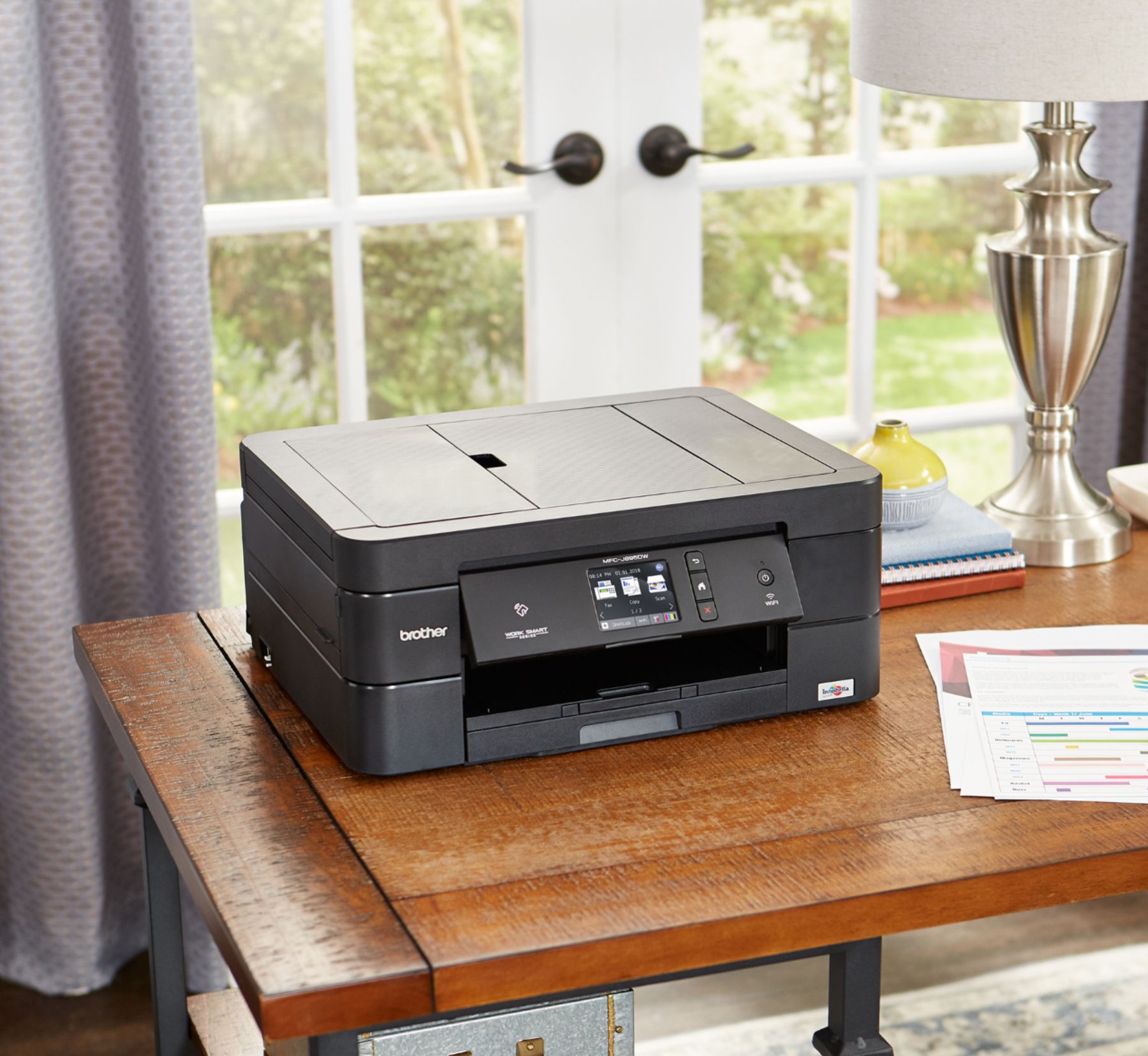
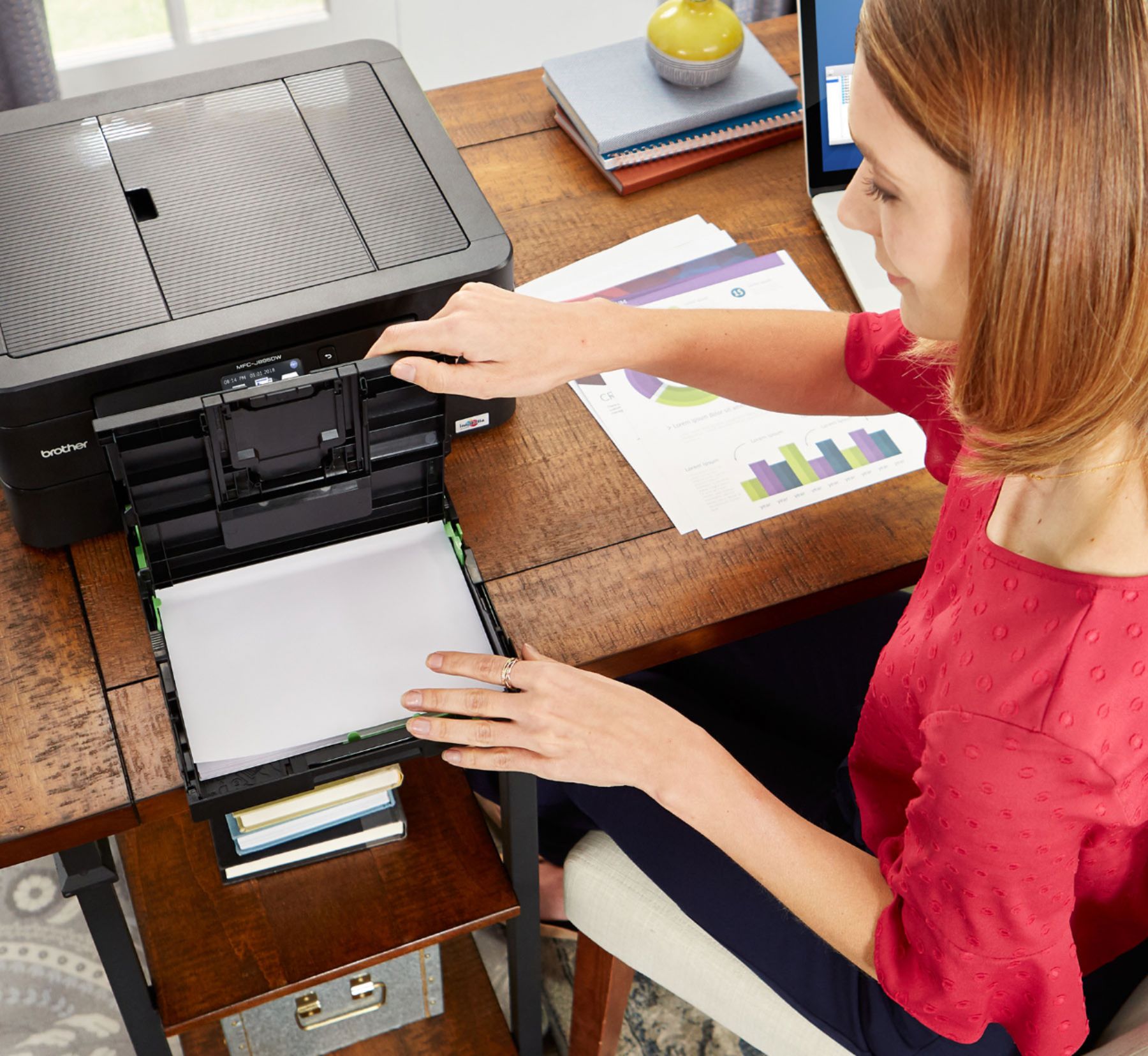
|Posted .This reviewer received promo considerations or sweepstakes entry for writing a review.The best thing about this printer is its connectivity options ethernet (wired), Wifi, USB, Wifi Direct and Near-Field Communications (NFC). What makes this printer so special is it’s ability to connect via Wifi Direct and NFC. This means you do not need a Wifi router to connect your wireless laptop to your printer. NFC allows you to connect your smartphone or tablet to the printer without a local network providing your devices support NFC. If you do connect the pronter to your network, it also supports third-party mobile-connectivity solutions includes Apple AirPrint, Google Cloud Print, Mopria (for Android printing), and Brother's iPrint & Scan. The MFC-J895DW has only one input tray which holds 100 sheets of standard paper. This is fine if you are using this printer to print occasional documents like resumes or recipes, but if you like to photos as well, you will have to swap out the standard paper for photo paper to do that. Print quality is about what I expected from an entry level home/office printer. Text documents look sharp and but when I printed some color heavy charts in my spreadsheets, I did notice that the color was slightly off, but impressively there was no color bleeding. Photos printed well. They were sharp and clear if not slightly faded looking. Brother’s software, ControlCenter, is a great app that allows you to manage all of your scan jobs. It uses Nuance PaperPort for document-management and OCR (optical character recognition, converting scanned text to editable text. Overall this is a nice option for a home or home office setup. The touchscreen is easy to use although at 2.2 inches, it seemed a little small for my big hands. I am using it as a secondary printer on a separate floor so that when I need to print something quickly, I don’t need to run downstairs to my office. For that purpose it works perfectly! For high volume printing though, you may find this (and other printers like it) too slow and too costly per page, but it wasn’t designed for that.
I would recommend this to a friend Great Printer
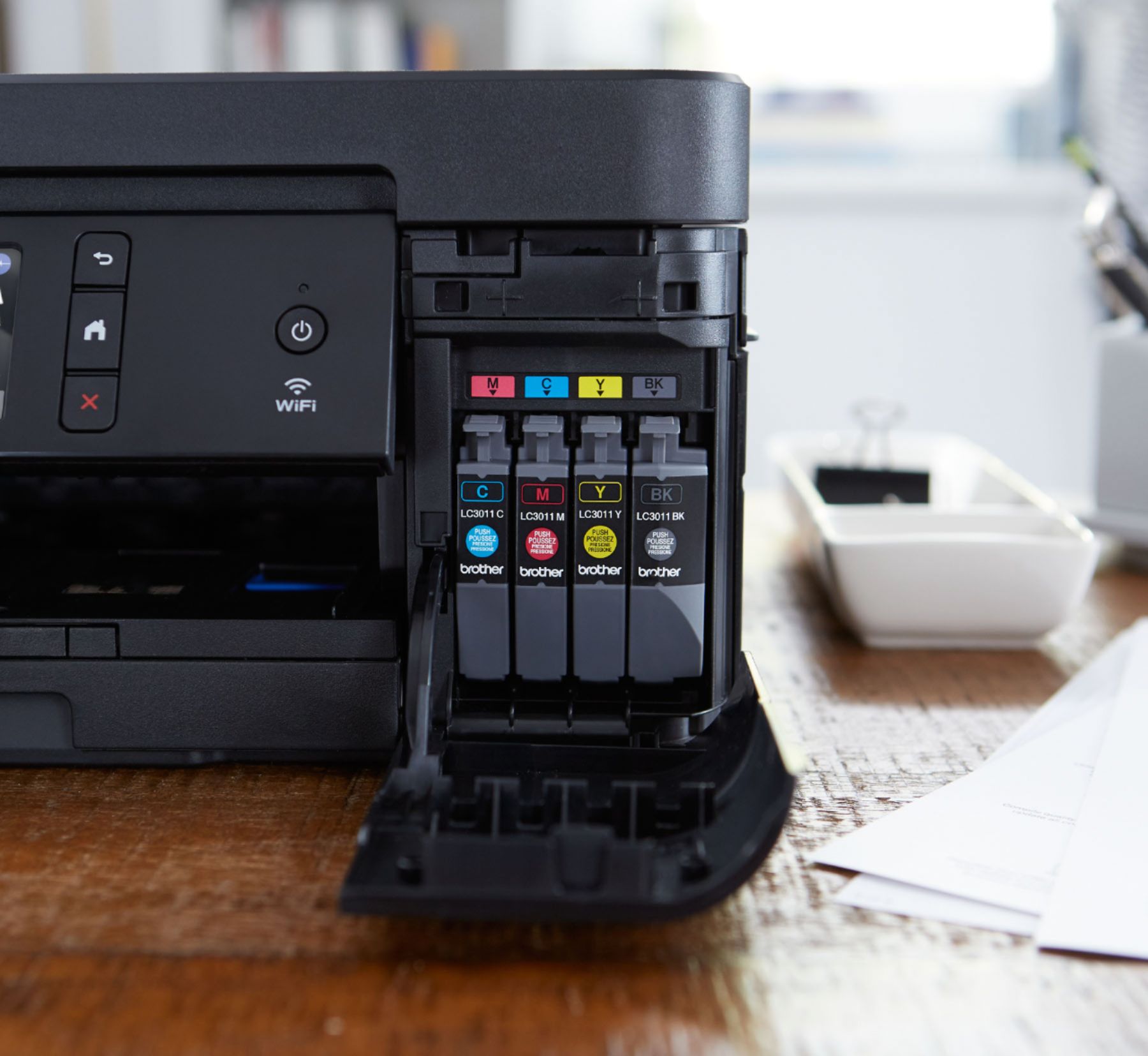
||Posted . Owned for 3 weeks when reviewed.This reviewer received promo considerations or sweepstakes entry for writing a review.We have owned several brother printers. They last 4 to 5 years. We have been very happy with them. The best part is you can purchase non brother print cartridges for far less.
I would recommend this to a friendEasy set up
||Posted . Owned for 1 month when reviewed.This reviewer received promo considerations or sweepstakes entry for writing a review.Easy to use and set up, seems to be an improvement over the last brother I had, but the customer service is so top notch I will always buy their machines.
I would recommend this to a friendGreat replacement
||Posted .This reviewer received promo considerations or sweepstakes entry for writing a review.I fought with an HP printers for years, ink replacements, windows 10 miscues, constant inkjet cleanings, print failures, and so on. I have had no problems with this Brother printer at all
I would recommend this to a friendGreat multifunction printer
||Posted . Owned for 1 month when reviewed.This reviewer received promo considerations or sweepstakes entry for writing a review.Brother makes great products that last a long time. Multi function printers have great features. Like this model with touch screen function vs. more buttons. Works well.
I would recommend this to a friend