Customer Ratings & Reviews

- Model:
- 5158C005
- SKU:
- 6535536
Rating by feature
- Value
Rating 4.6 out of 5 stars
- Quality
Rating 4.6 out of 5 stars
- Ease of Use
Rating 4.4 out of 5 stars
Customers are saying
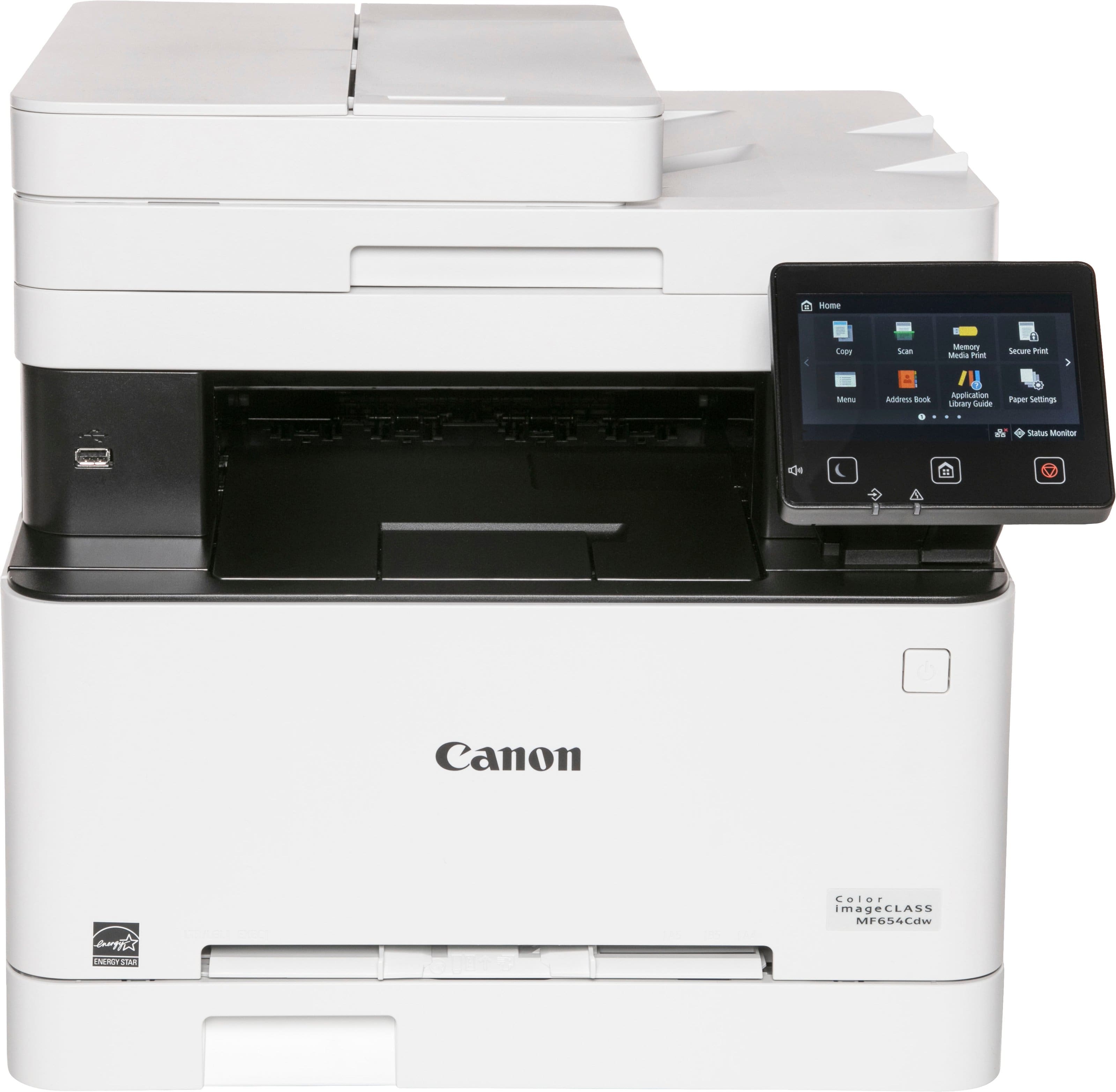
Customers love the imageCLASS MF654Cdw Wireless Color All-In-One Laser Printer for its impressive print quality and ease of use. Many find the overall performance, setup, and speed to be great, especially considering the price. However, some customers have noted that the noise level is a little high, and the size and weight can be a bit awkward, while others feel the software could be improved.
This summary was generated by AI based on customer reviews.
Cannon printer
||Posted . Owned for 1 month when reviewed.This reviewer received promo considerations or sweepstakes entry for writing a review.Customer service great.... Good location...........
I would recommend this to a friend- Pros mentioned:Print quality

Exceptional print quality
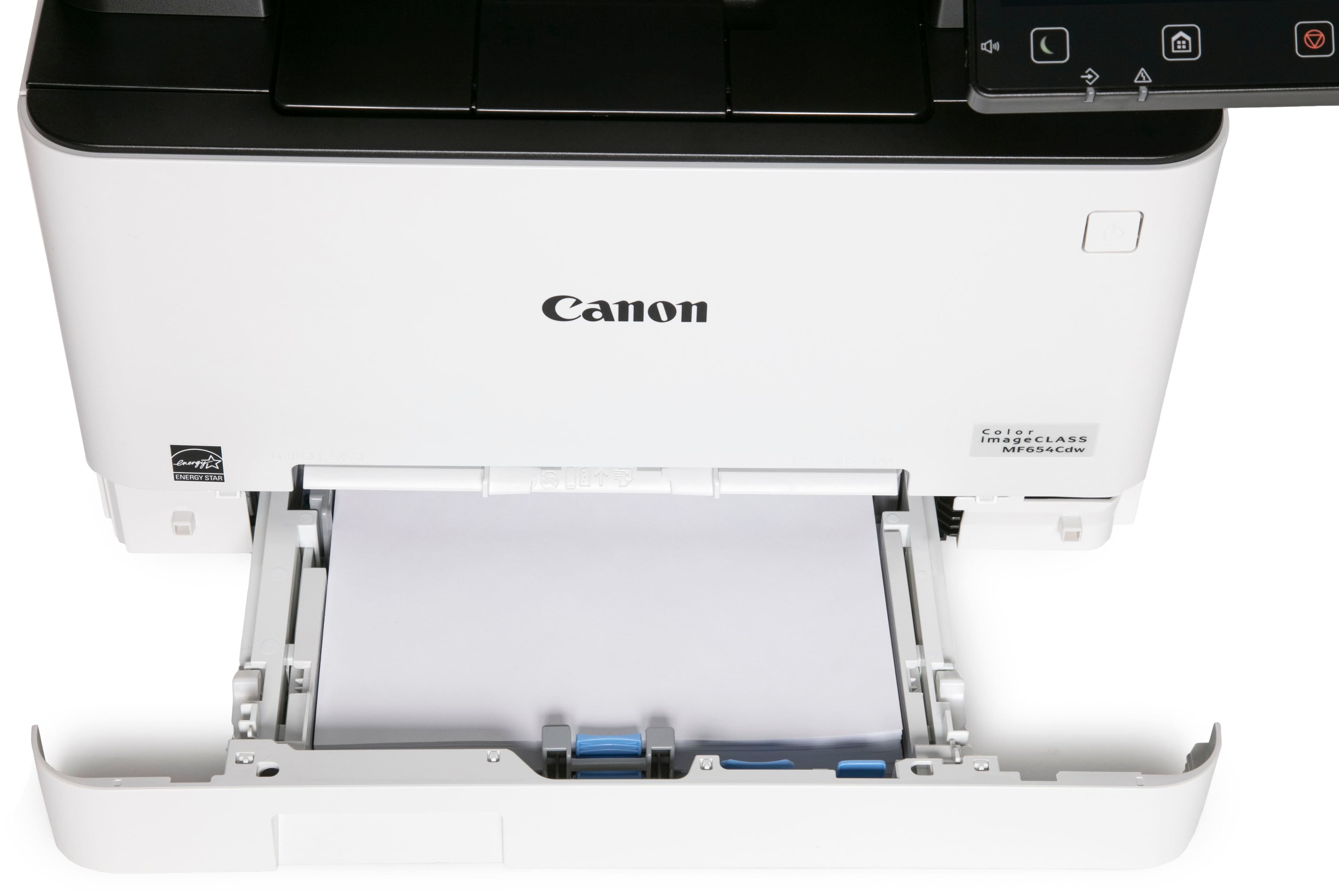
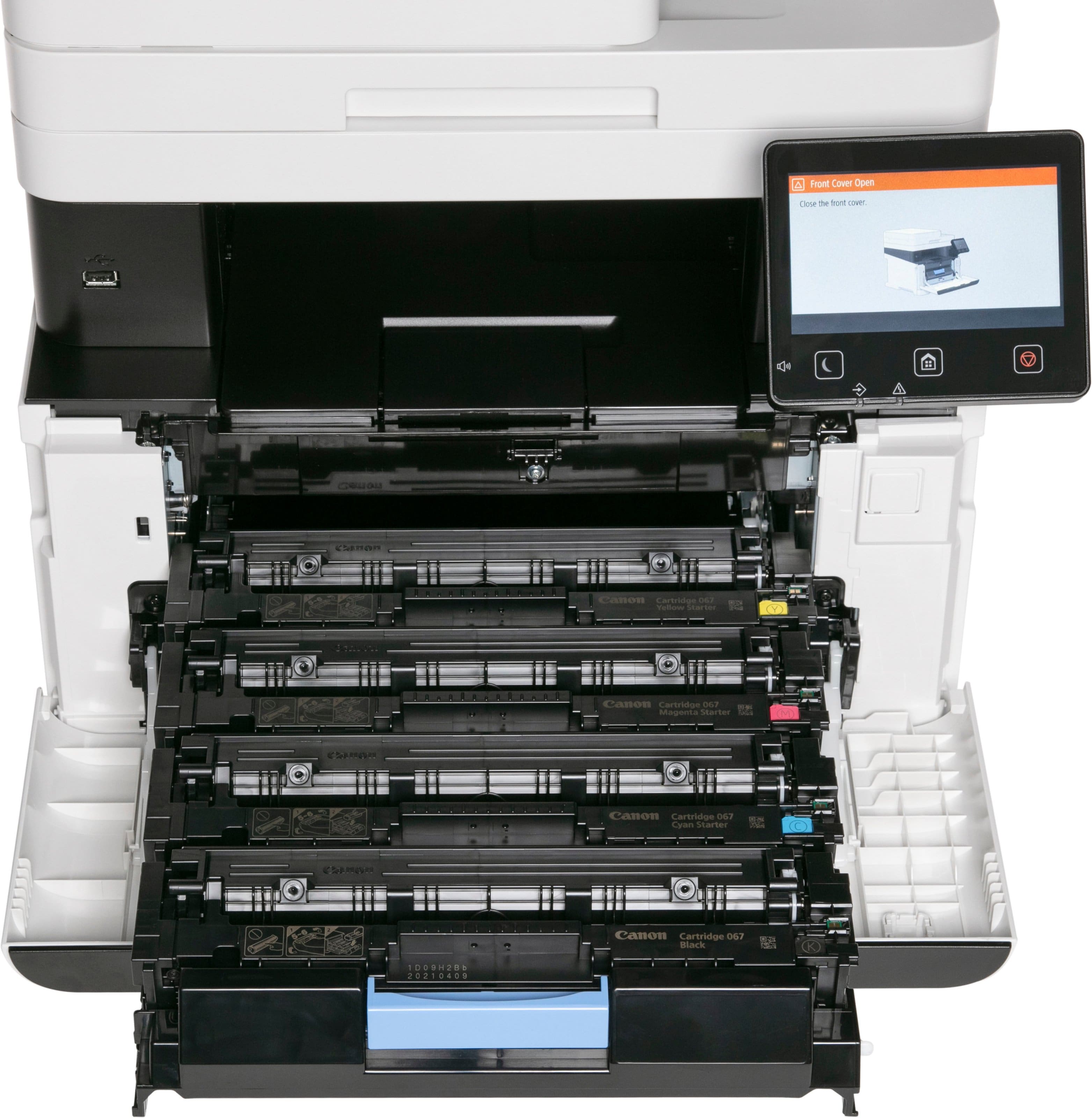
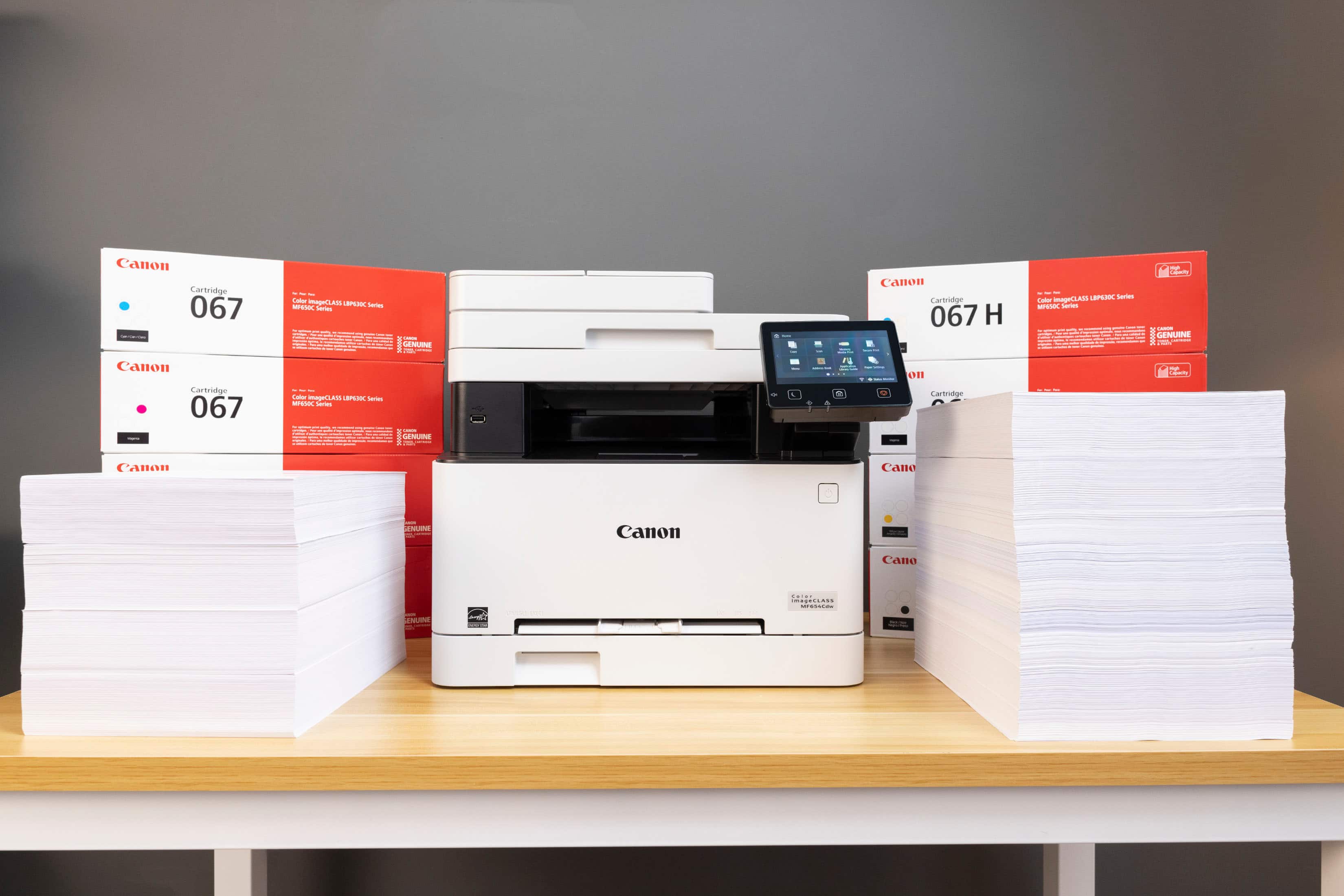
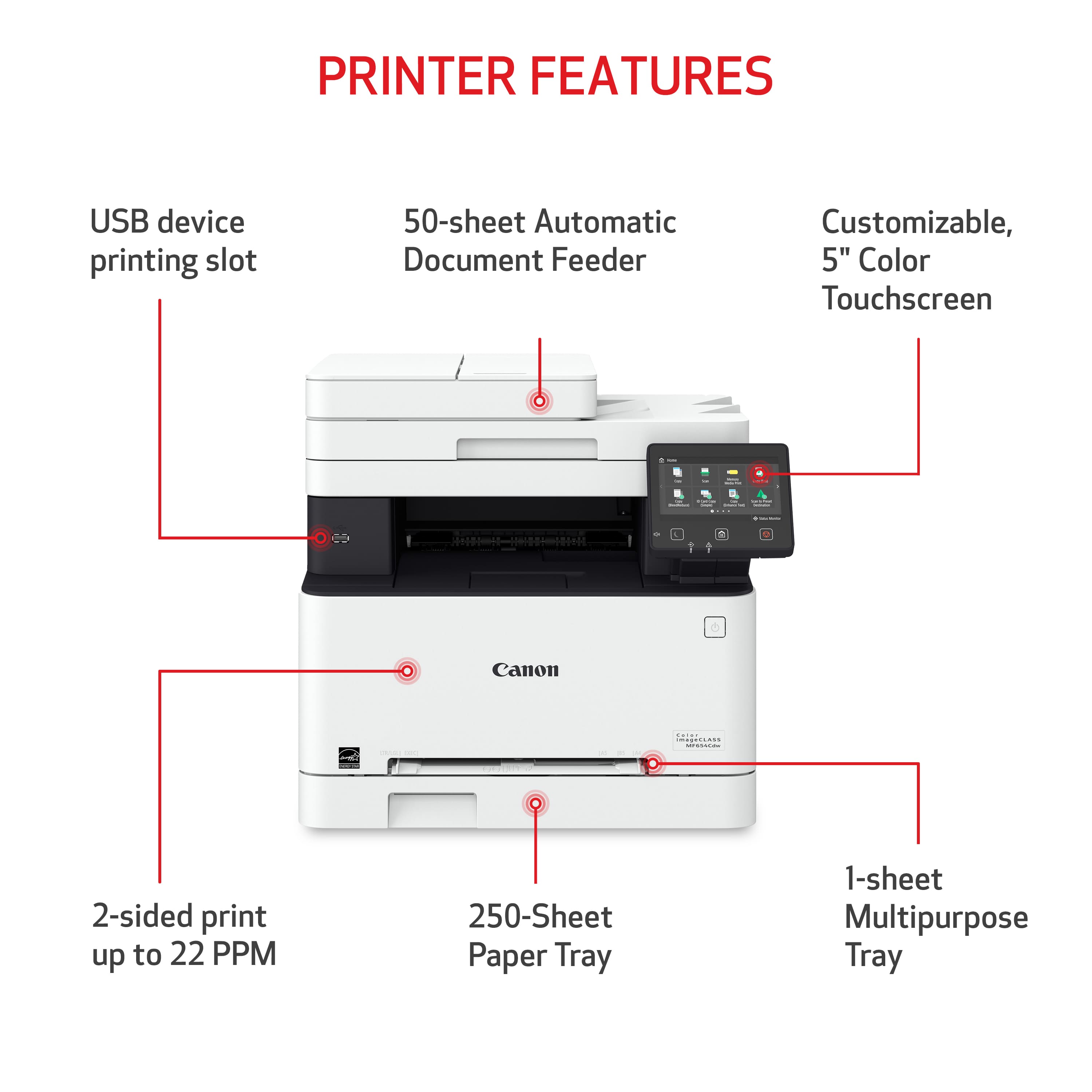
|Posted .This reviewer received promo considerations or sweepstakes entry for writing a review.It is very easy to setup. First time power up, follow the instruction on the printer's screen to set it up. The on-screen instruction also guides you to connect to the wifi. Next is to insert the CD to a computer to install the driver and software. The CD will install the MF Driver, MF Scan utility, Toner Status monitor and user manual. If you don't have a CD drive, you have to download MF Driver and MF Scan utility from Canon site. When installing the MF Driver, it will prompt you to set the default printer for the computer and print a test page, it also installs an icon on desktop that link to the printer's home page. You can use the web page to configure all kinds of settings of the printer, very easy. Printing is very fast but a bit loud. The print quality either text or color photo is exceptionally good. Scanning is very good as well and convenient; you use the on-printer display to select the function and location to send the scanned output. Unfortunately, this model does not have duplex ADF (Automatic Document Feeder), the one with fax does but I don't need the fax function. Canon should include duplex ADF for this model. It is nice that this printer comes with standard black toner that has 1300 pages capacity but the 3 color toners are starter toner with half the capacity. Also, each toner is about one hundred dollars, very expensive if to replace all 4 at the same time.
No, I would not recommend this to a friend I Love this.
||Posted . Owned for 4 months when reviewed.This reviewer received promo considerations or sweepstakes entry for writing a review.Great quality overall, i don’t regret buying it at all!
I would recommend this to a friendWe love it!
||Posted . Owned for 3 weeks when reviewed.This reviewer received promo considerations or sweepstakes entry for writing a review.We love it already. So glad we don’t have to worry about buying ink jet ink all the time.
I would recommend this to a friendNice, but can only scan with the app to my phone
||Posted . Owned for 3 weeks when reviewed.This reviewer received promo considerations or sweepstakes entry for writing a review.Color image Quality is decent not exceptional. I cannot get scanning to work to my desktop, but I can get it to scan to the KANNAN app on my phone and then save it to the Google Drive app on my phone. It’s workable, but not ideal.
No, I would not recommend this to a friendMy experience
||Posted . Owned for 1 month when reviewed.This reviewer received promo considerations or sweepstakes entry for writing a review.I experienced Good customer service At the best buy in gulfgate
I would recommend this to a friendCANON SAYS THEIR SCANNER WONT WORK WITH MICROSOFT
||Posted . Owned for 1 month when reviewed.This reviewer received promo considerations or sweepstakes entry for writing a review.If you scan documents and use Microsoft Windows DO NOT BUY this printer/scanner as the scanner does not work. Hours spent with Canon tech support trying to resolve error messages to be told by Canon support that Microsoft makes bad computers and I should buy an Apple. Total amateur hour on Canon's part. I previously used a Canon Ink Tank Maxify for 4 years without a problem.
No, I would not recommend this to a friendAwesome printer
||Posted . Owned for 3 weeks when reviewed.This reviewer received promo considerations or sweepstakes entry for writing a review.I would definitely recommend to someone else or buy again
I would recommend this to a friendCanon
||Posted . Owned for 3 weeks when reviewed.This reviewer received promo considerations or sweepstakes entry for writing a review.It’s very good product. I like it. I’ll recommend!
I would recommend this to a friendGreat printer
||Posted . Owned for 1 month when reviewed.This reviewer received promo considerations or sweepstakes entry for writing a review.Works excellent. Prints both side, colors. Was $100 off a good deal
I would recommend this to a friend- Pros mentioned:Print quality
Fantastic small office printer
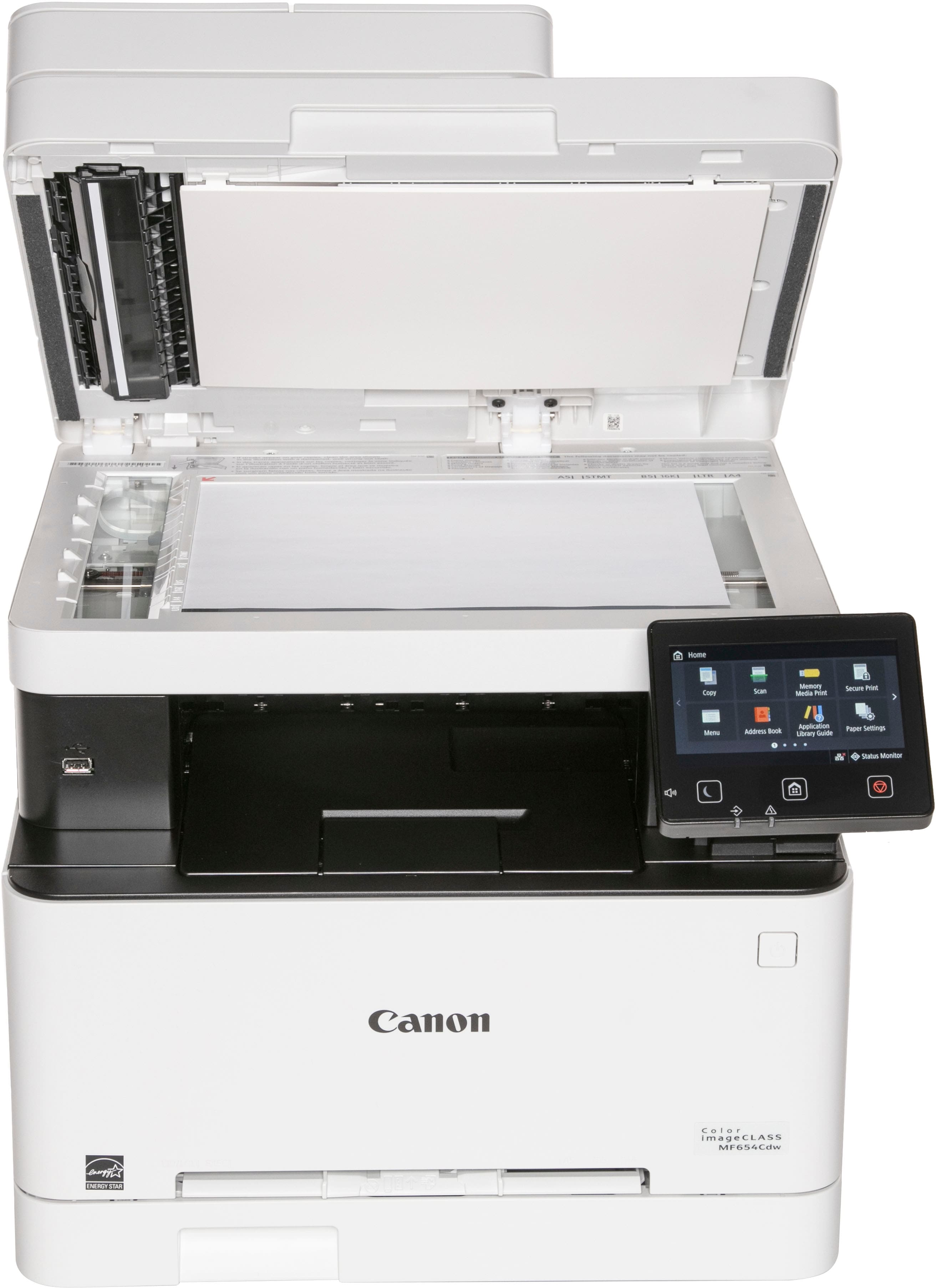
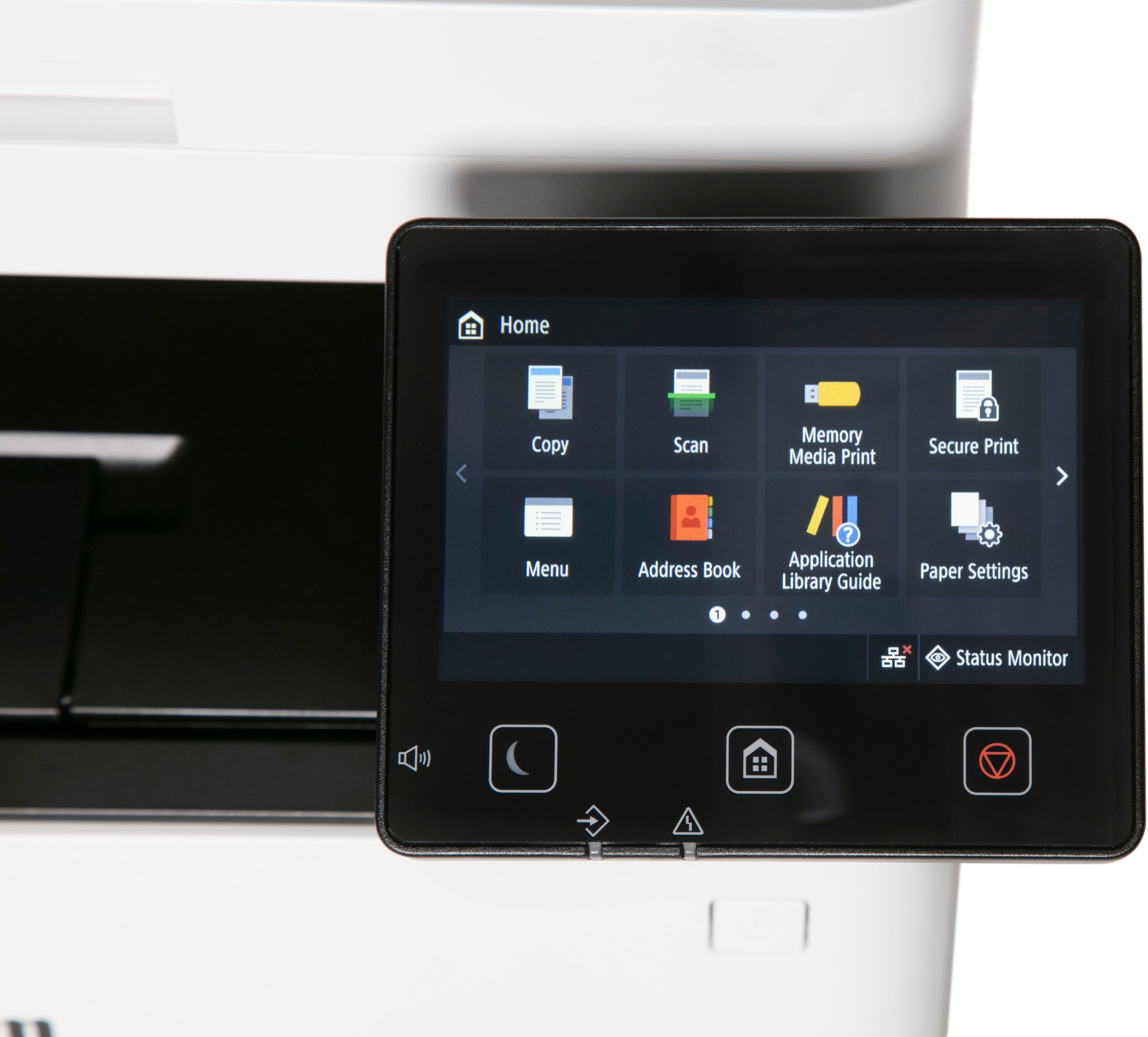
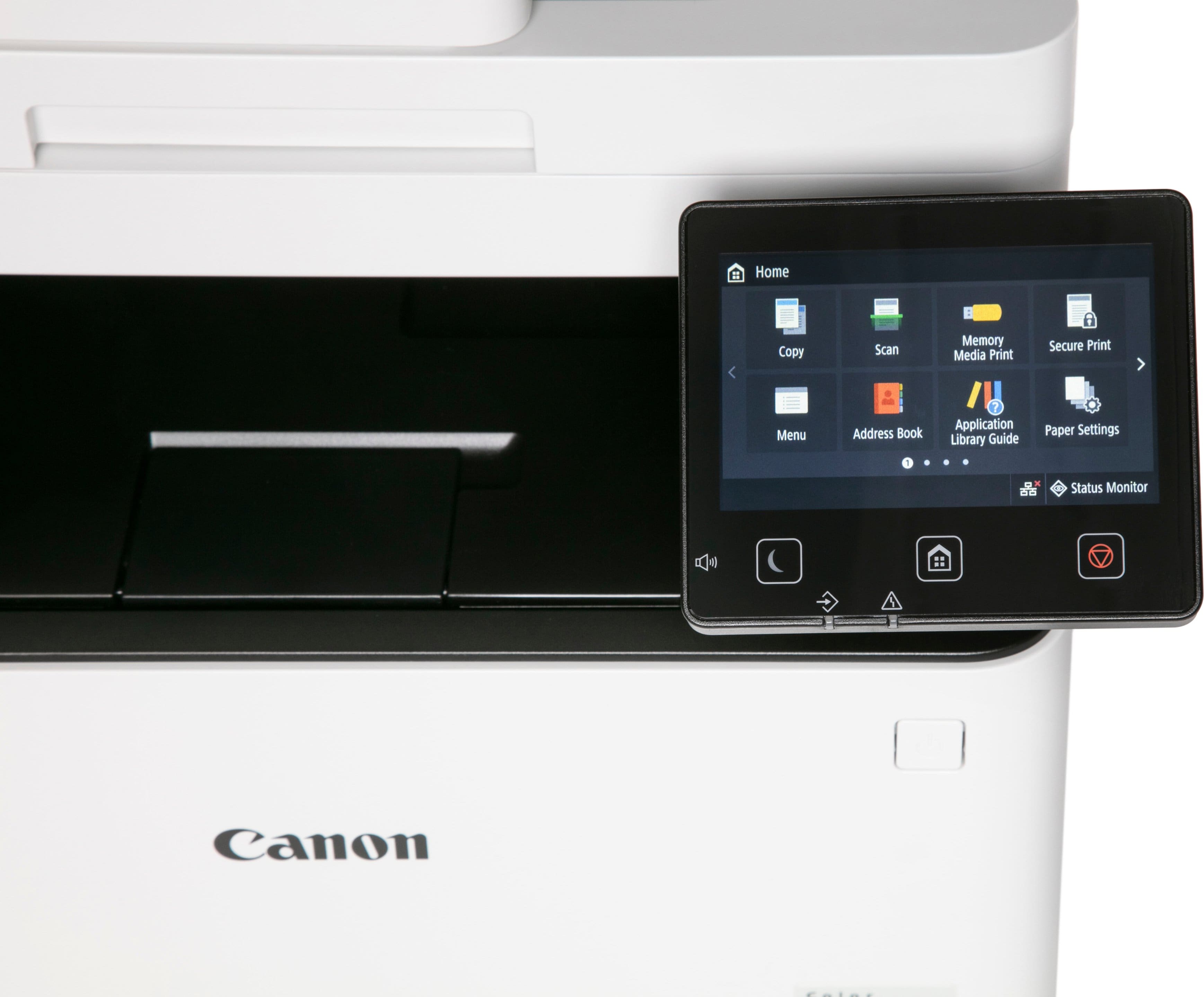
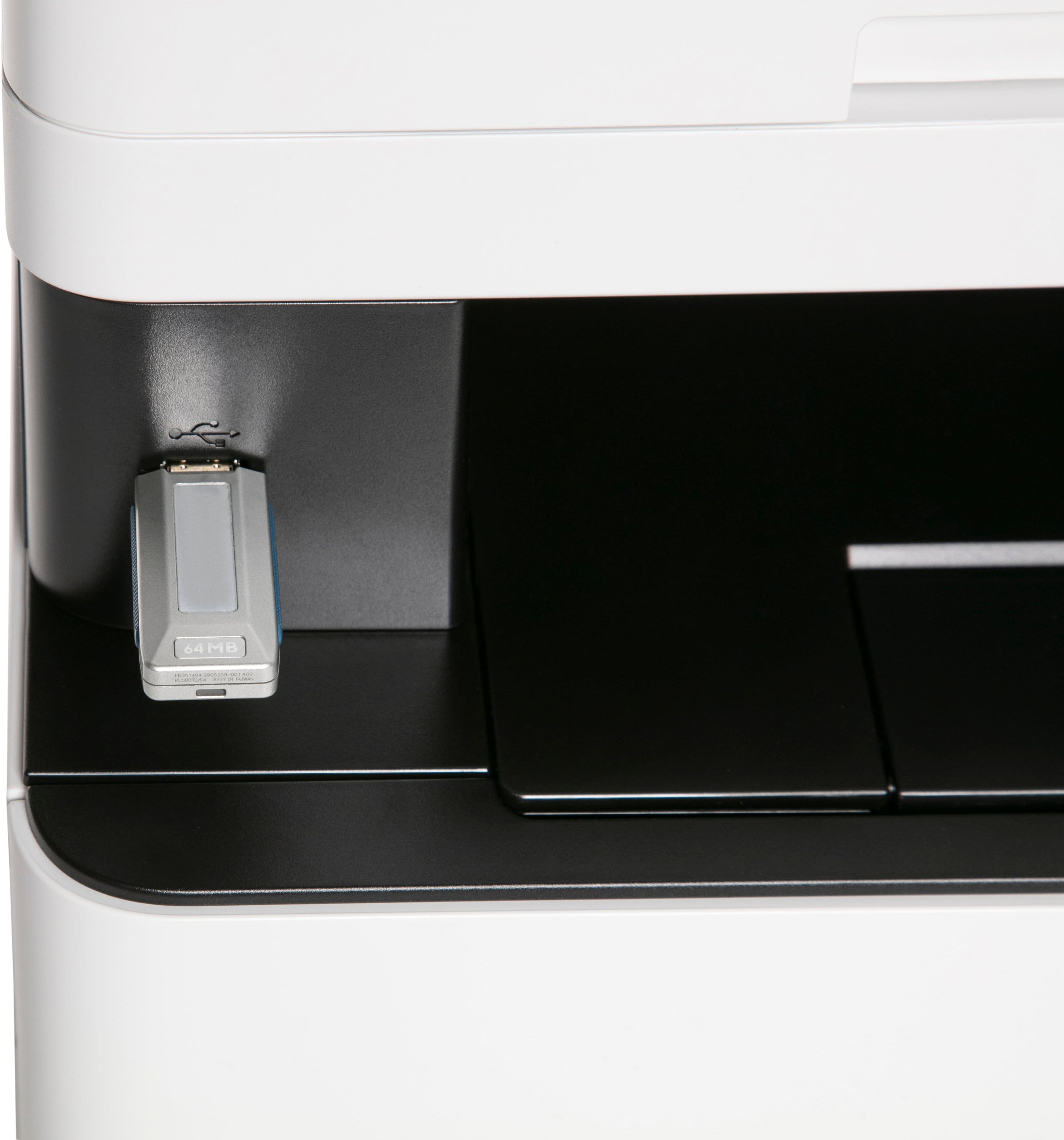
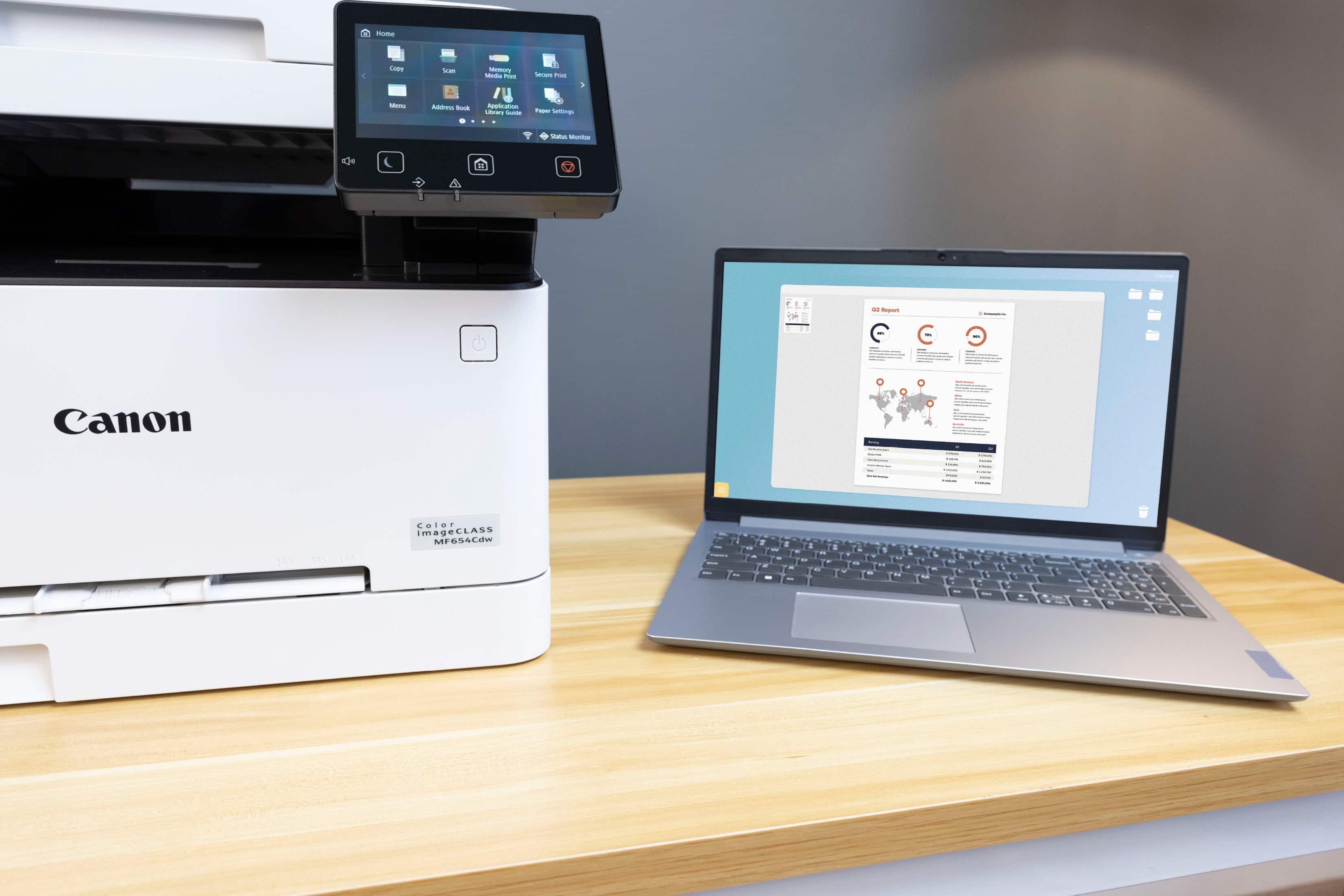
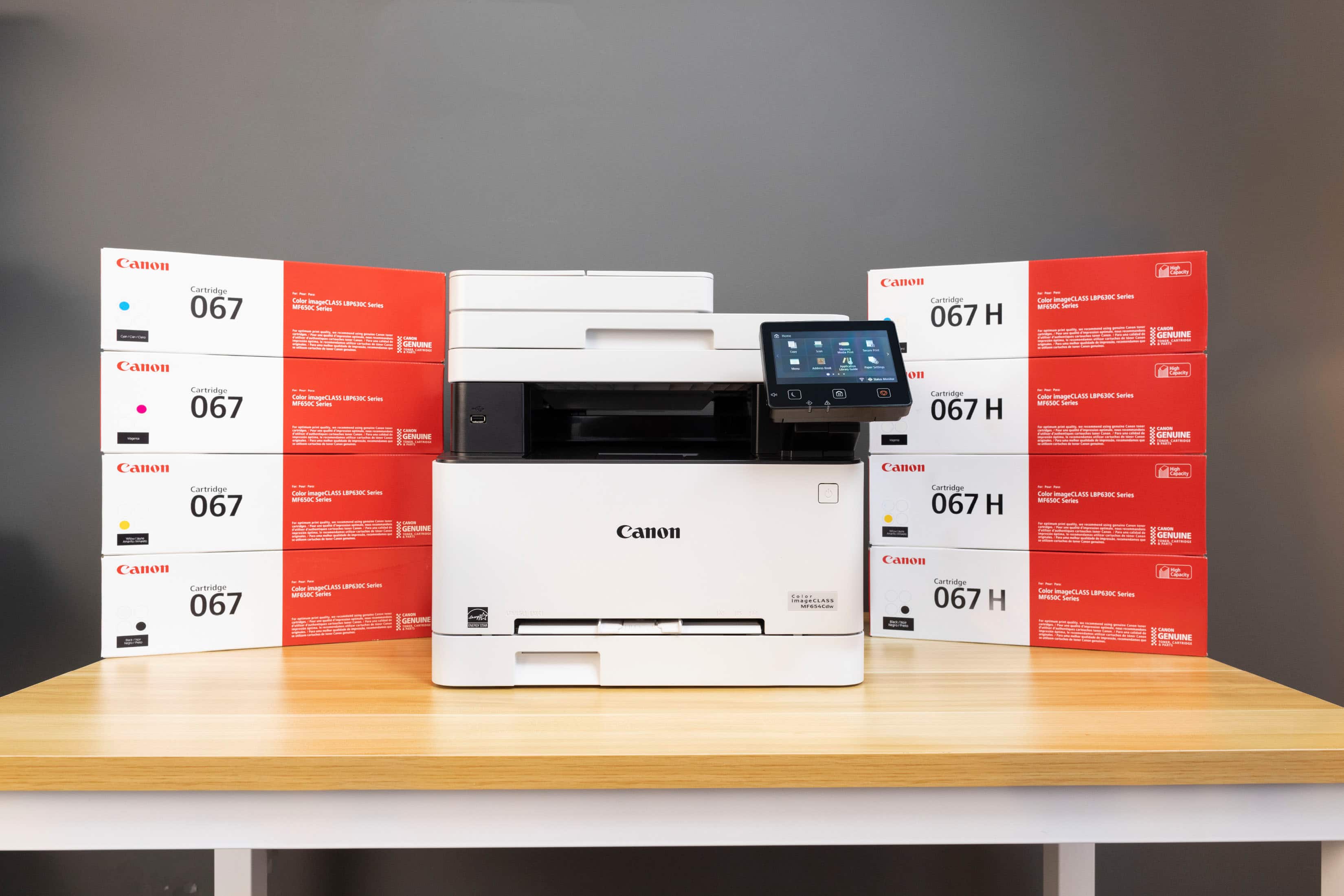
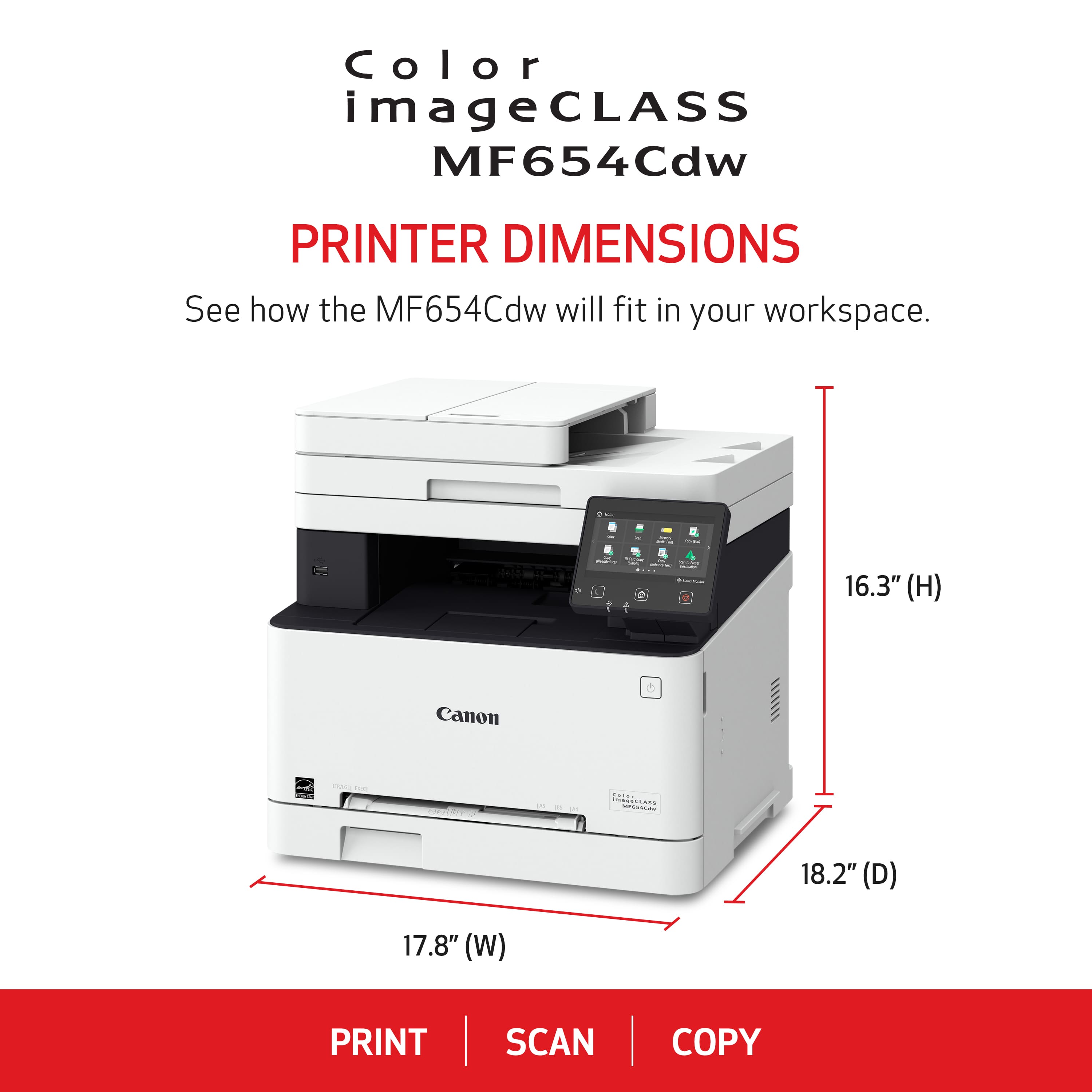
|Posted .This reviewer received promo considerations or sweepstakes entry for writing a review.This multifunction printer is ideal for a home or small business office setup, packing a ton of valuable office features into a relatively small form factor, though it is a bit large for someone who doesn't plan to take full advantage of it. Be aware that this unit is heavy, weighing in at just shy of 50 lbs, so take care. Inside the box you'll find the printer, power cable, and an installation disc. As per the usual, no USB cable is included. It uses a standard USB-A to USB-B 2.0 cable, and you probably have some of these lying around. If you're planning to use wireless functions, you won't need it. Unpacking is fairly standard and simple, with a host of orange tape holding parts together that you'll need to remove before turning the machine on. Setup is also simple, with large touchscreen navigation guiding you through the process. The printer found both my 2.4ghz and 5ghz networks immediately. On my Win11 PCs, setup was as simple as opening up Printers & Scanners and clicking "Add device". The printer was quickly detected on the network, and adding it automatically downloaded the necessary drivers, and I was printing a test page in minutes. IOS devices also were able to detect the printer on the network when connected to wifi and printed with no issue. The copier function on the machine works much like you'd expect, with plenty of options for adjusting brightness, contrast and size. The machine is capable of 2-sided printing, and has a function for copying single-sided pages to double, but isn't capable of making 2-sided to 2-sided copies (or 2-sided to single sided). The multipage feeder is fairly quick and scanned pages/copies come out surprisingly color-accurate, with very little variance. If you're putting this in an office that routinely scans or copies documents like IDs or passports, it has dedicated functions for those, as well as functions specifically designed around medical documents. You can scan documents directly to a PC if connected with a USB cable, as well as to an attached thumbdrive, or to email or a network destination that you can specify, and if you set up an account, you can have your machine automatically order replacement supplies as it needs them, so you'll be ready to go when it runs out. The control touchscreen itself is bright, intuitive and easy to read, and is one reason the machine is as easy to use as it is. The panel does get a little fiddly with button presses near edges, but not enough to be a constant source of frustration. So far, I've run a couple of hundred pages off without a hitch. Print quality itself is what you'd expect out of a laser, with both text and images coming out crisp and sharp. Large, solid patches of color can be slightly uneven at times. Fantastic for spreadsheets, diagrams, charts and such, but not something you'd want to try to print quality family photos on. Scanner quality is also great for an office machine, but if you need to make high quality scans for photo editing, it's probably best to look for something specifically designed for that task. Overall, the MF654Cdw is great for anyone looking for an all-in-one solution for their home office or small business, and has enough features to easily satisfy most office needs, and I'd definitely recommend it.
I would recommend this to a friend I will never buy a Canon Printer again
||Posted . Owned for 11 months when reviewed.This reviewer received promo considerations or sweepstakes entry for writing a review.Half the time this printer simply refuses to print anything from my computer. I get an error message, but it provides no information on what the problem was. The troubleshooter never works, and EVERY SINGLE PRINT requires me to get up, walk to the printer, and confirm that, yes, the paper that is in the tray is the paper I told the printer was in the tray. The printer refuses to print from the manual feed, requiring me to go through the non-user-friendly interface in order to change the paper type to put into the tray instead.
No, I would not recommend this to a friendProblematic
||Posted . Owned for 3 months when reviewed.This reviewer received promo considerations or sweepstakes entry for writing a review.Printer doesn't print most documents or sometimes wont printva document ones day saying it's "encrypted" but will print the same exact document if you try again the next day. This printer is a headache.
No, I would not recommend this to a friend- Pros mentioned:Print quality
A Big but Functional Printer!
|Posted .This reviewer received promo considerations or sweepstakes entry for writing a review.Let's go ahead and get this out of the way. This is a heavier bigger style printer. Maybe for the individual who is constantly printing documents. The setup was super easy. It took about 10 minutes or so. Just make sure you pull off all the orange tape. I was able to connect multiple devices to the printer without any problems. Just connect it to your wireless network and connect the printer to your device. The printer itself is not too noisy. It does print fast. It also has the capability of scanning and copying documents. The touchscreen in my opinion worked very well. It registered my clicks accurately and I didn't have any problems with it. This may not be the printer for someone who needs just basic print functions. For its size and capacities, there may be a learning curve for some. The only negative I can think of is the weight! This laser-style printer is not light! So this may not be for the minimalist type. It did fit my needs and capacitates for what needed it to do! Overall, you can't go wrong with it.
I would recommend this to a friend - Pros mentioned:Print quality
Noisy but good
||Posted .This reviewer received promo considerations or sweepstakes entry for writing a review.Have only been using it a few weeks, but print quality has been fine, setup was very easy, connection to devices has been easy. It is pretty loud, like if it was being used frequently and you were in the same small room with it, it would get annoying fast. It would also be noisy on Zoom calls if located nearby. We use it infrequently so I can live with the occasional noise.
I would recommend this to a friend - Pros mentioned:Print quality
Excellent all-around printing and scanning.
|Posted .This reviewer received promo considerations or sweepstakes entry for writing a review.This is a large printer, it is quite heavy, and it comes in an enormous box, but the large box is necessary to transport it properly and leave enough room for the foam packaging. Unpacking it is pretty easy. The package design is very intuitive and allows you to open the box and remove the printer safely and easily, step-by-step. Setting it up was straightforward. I just used the internet to download the drivers, though it also comes with a DVD. Computers with DVD drives, however, are becoming rare. This printer feels a bit old-fashioned, but in a good way. It's "dumb" in the best sense of the word. Unlike my experience with other brands of printers, with this printer, while you can sign up for an ink delivery service or download their app, you don't have to in order for the printer to work. Overall, it copies, scans, and prints well. It works quickly and is not overly complex. The printing is efficient, and the black ink results are crisp and clear. I copied a few brightly-colored images, and the quality of the images was extremely high. The printer produced sharp and saturated color pictures. The color correction setting makes the pictures look professional and vibrant. A few minor downsides: it's noisy, and the touch screen can be slow to respond. Plus, there are no instructions given beyond the setup guide, so, like with many things you purchase these days, you have to download a manual from the manufacturer’s website. No big deal, since you’re at the website, anyway, to download the drivers. This was only an issue for me with the scanner, as I ran into what I felt to be a bit too much trouble making the printer email a scan. But, the scanner was easy to use when I initiated the scan from my computer. Overall, this is a great printer. Highly recommended.
I would recommend this to a friend - Pros mentioned:Print quality
"Classy" MFP with a few minor issues
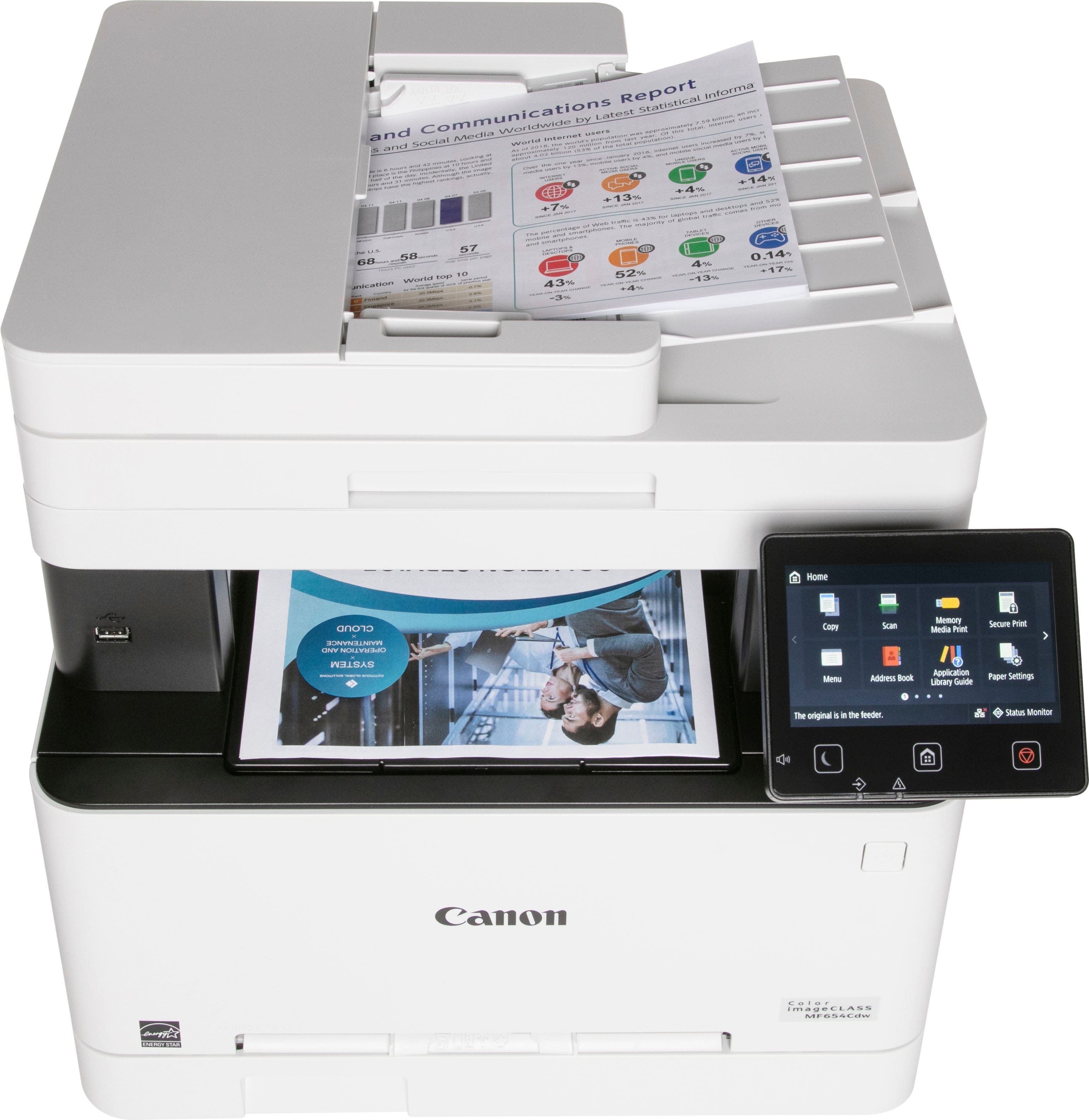
|Posted .This reviewer received promo considerations or sweepstakes entry for writing a review.Overall, I am fairly pleased with the Canon imageCLASS MF654Cdw Wireless Color All-In-One Lase printer/scanner. I print and scan anywhere from 50 - 300 documents on a daily basis and this Canon does a good job. It is quite a large machine - especially compared to a very similar device made by a different manufacturer. The LCD panel is HUGE in comparison and offers at lot of versatility. Pros: - Outstanding image quality for both text, photo, and multi-media documents - GIANT touchscreen LCD panel for simple functions - Fast platen and feed scanning (see con on this below) - Straightforward software once you've gotten through the set up process - VERY Mac friendly for Apple users - Fast printing, especially in black and white - Automatic duplex printing in both color and black & white - Versatility CONS: - The device is extremely LOUD in comparison to other multi-function print/scan/fax machines I've used in the past. - The document feeder is single-sided scanning only - The LCD panel, while very large and easy to see, is extraordinarily sensitive and can be frustrating at times - Once the printer goes to "sleep," half the time I have to go wake it up when I submit a print or scan job - it seems very random and I've tried on two different wifi networks - Bulky and heavy - No bulit-in fax capability with a traditional or VoIP phone line - Trickier than expected installation (over a wifi network) for Windows computers Overall, I am pleased with the Canon imageCLASS MF654Cdw Wireless Color All-In-One Laser Printer/Scanner. The quality of the prints is impressive and it print quickly. I would have easily given this device 5 stars if the document feeder scanned two-sided and included a faxing capability. At this price point, I would expect full duplexing for scanning and printing. Other than that, my only complaint is how loud this device is. Perhaps it seems louder because I have it installed in a cabinet - but it sounds like high-pitched jet engine humming when in use.
I would recommend this to a friend - Pros mentioned:Print quality
Canon imageCLASS MF654Cdw: A Reliable All-In-One P
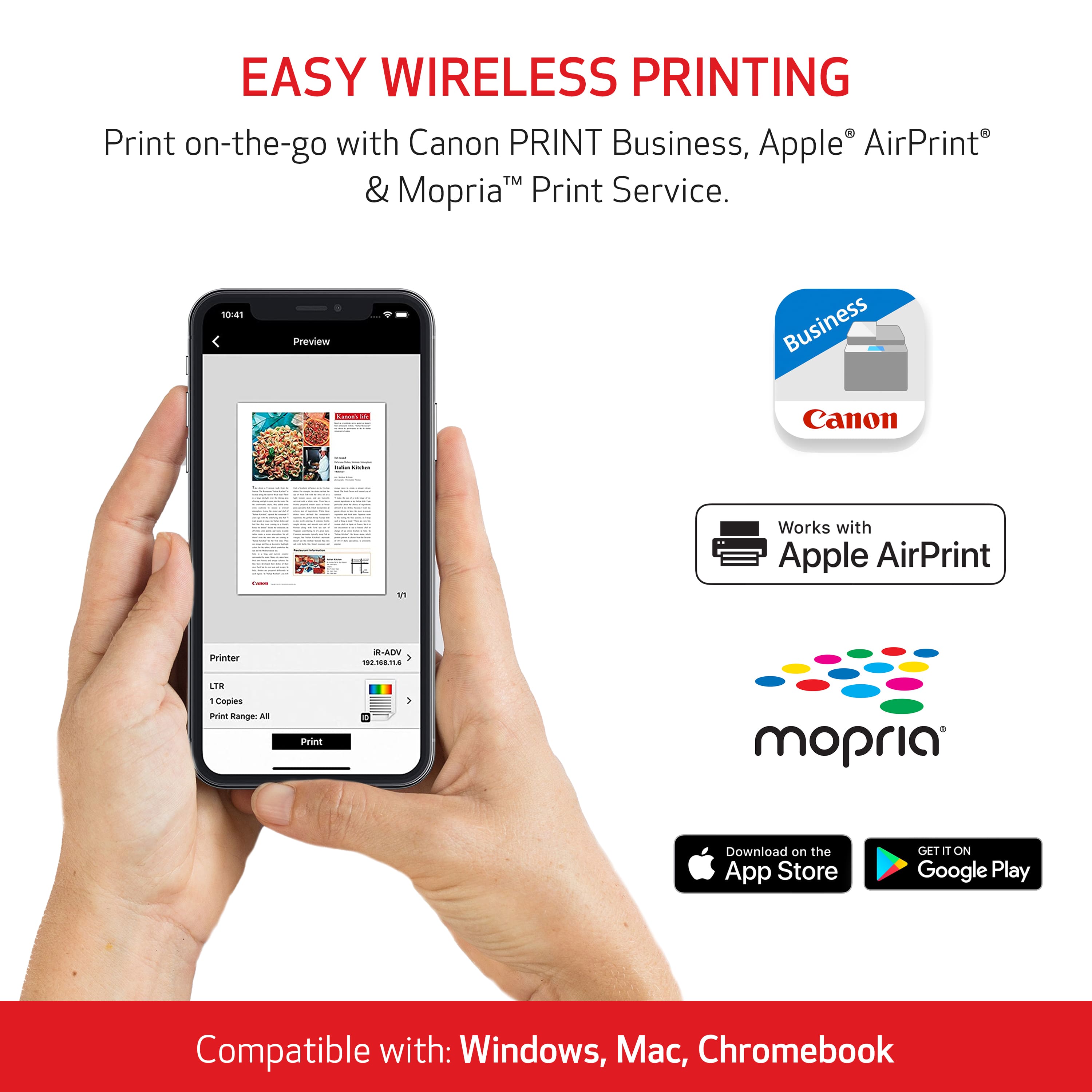
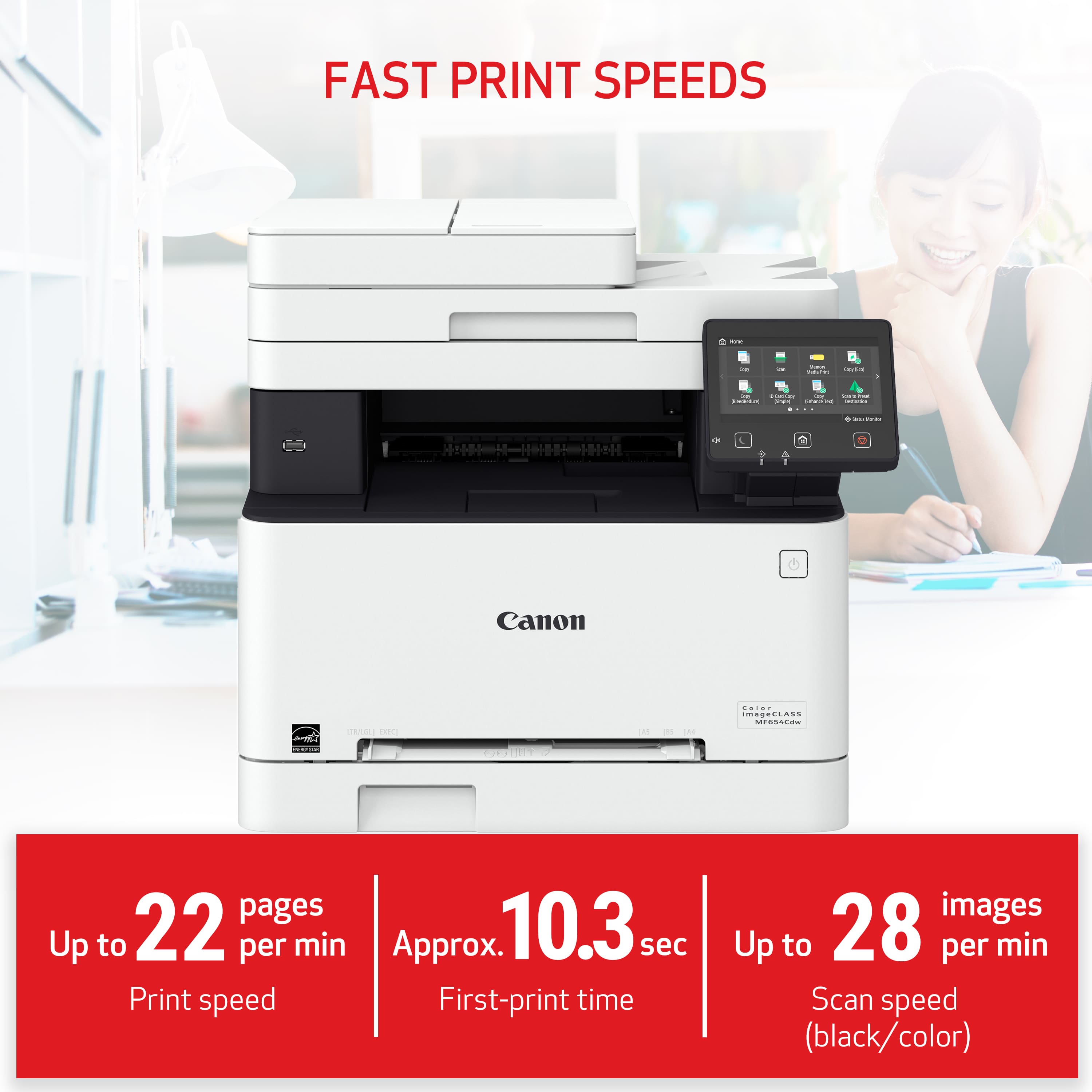
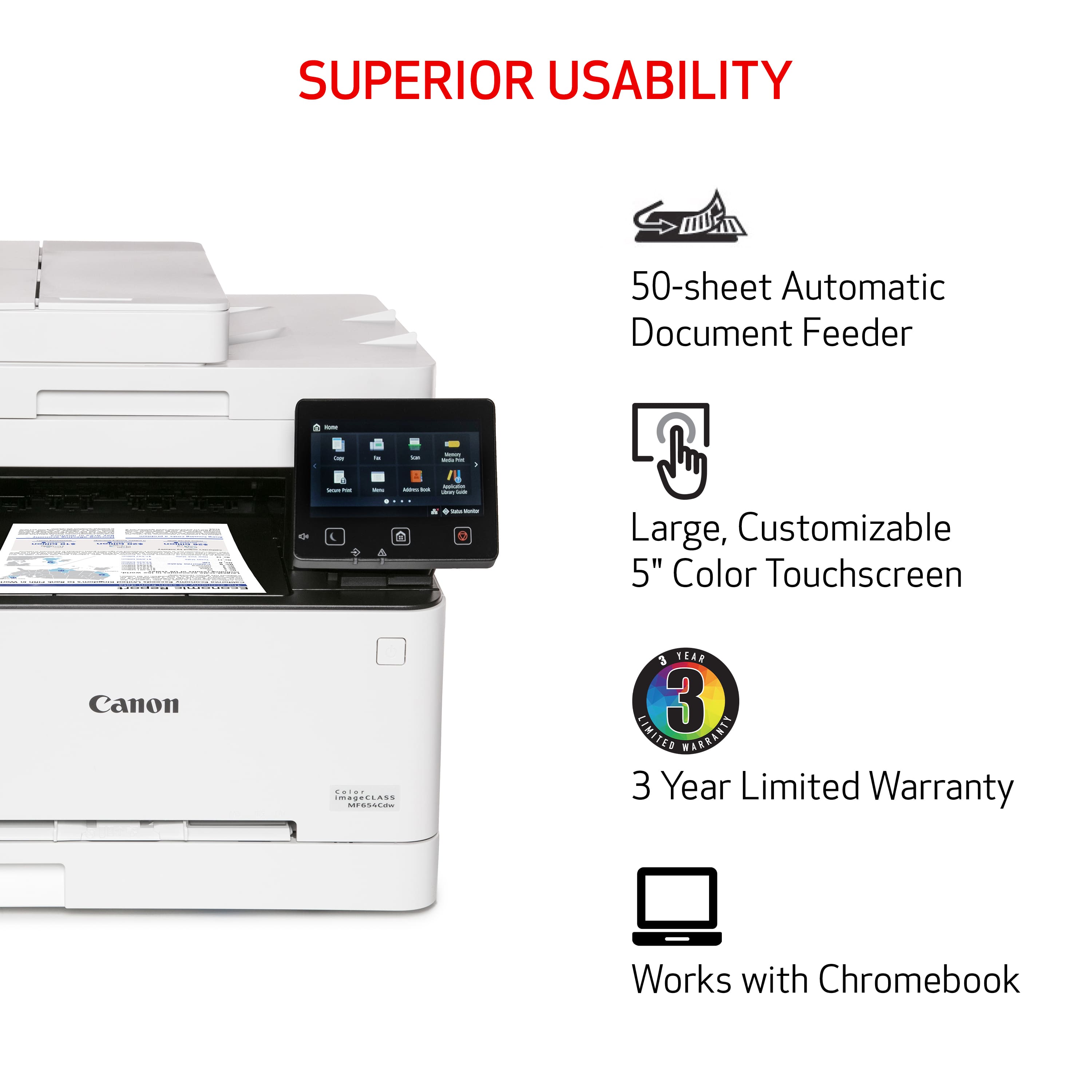
||Posted . Owned for 1 month when reviewed.This reviewer received promo considerations or sweepstakes entry for writing a review.The Canon imageCLASS MF654Cdw is an excellent all-in-one color laser printer, perfect for home offices and small businesses. Its high-quality print output, especially for text and color graphics, is truly impressive. Pros: Fast Printing: Delivers up to 22 pages per minute, with the first page out in about 10 seconds. User-Friendly: The 5-inch color touchscreen is intuitive and easy to navigate. Automatic Document Feeder (ADF): Handles up to 50 sheets, simplifying scanning and copying tasks. Versatile Connectivity: Supports wireless printing from smartphones and tablets, with compatibility for both Windows and Mac systems. Cons: Size and Weight: The printer is somewhat large and heavy, requiring a dedicated space. Noise: It can be a bit noisy during operation, though not disruptive for most users. Overall, the Canon MF654Cdw offers excellent performance, robust features, and reliable connectivity, making it a great investment for anyone needing a dependable, all-in-one printing solution.
I would recommend this to a friend - Pros mentioned:Print quality
Great printing/copy for business or home
|Posted .This reviewer received promo considerations or sweepstakes entry for writing a review.This is the first time I have owned a color laser jet printer. I was really happy to pick this printer up as its the complete package. At work we have very larger printers/copiers, and this does everything that those can do in a small package. The Canon imageclass printer would be perfect for a small business or home business. I do not have a business and we do not print a lot of stuff at home, so this printer is a little over kill for our needs. However, I would still purchase this as the replacement ink cartridges are cheaper than our current ink jet printer. The upfront cost is more than the inkjet but in the long run the Canon will be cheaper due to the longevity of the ink cartridges. Setup was very straight forward and easy. I was able to use the built in touch screen to have it connect to my Wi-Fi and do updates. Once it was on the network all of my devices (cell phone, computers, tablets, etc) could find and print to the printer. You can also scan and email documents to yourself or upload directly to a computer. This printer has many different copy/scanning functions. I was surprised to see that there was a setting to copy ID's or passports. There have been many times that I needed to scan these documents and its nice the printer is setup to copy those items. When you print word documents, they come out very clear and easy to read. The printer also prints to both sides automatically and quickly! I really wish I had this printer when I was in school to easily and quickly print out documents. I know laser printers are not know for printing photos, but this one does a really nice job. It is very comparable to the inkjet printer we have, if not better since it prints so much faster. Overall, I really love this printer as it is easy to use and does a great job. The printer is feature rich and will cover all your print/copy needs for personal or business use. It's also nice knowing that the ink will not dry up or clog print heads like ink jets.
I would recommend this to a friend - Pros mentioned:Print quality
Great All-in-One Printer for Home or Small Office
||Posted .This reviewer received promo considerations or sweepstakes entry for writing a review.I’ve been using the Canon imageCLASS MF654Cdw for a while now, and it’s been a solid performer. The print quality is excellent—sharp text and vibrant color—and it's pretty fast for a laser printer. Setup was easy, and I love the wireless printing from my phone. The toner lasts a long time, which helps keep costs down. It’s a bit bulky, but overall, it’s a great value for the features and performance. I’d definitely recommend it for anyone needing a reliable all-in-one printer.
I would recommend this to a friend