Customer Ratings & Reviews
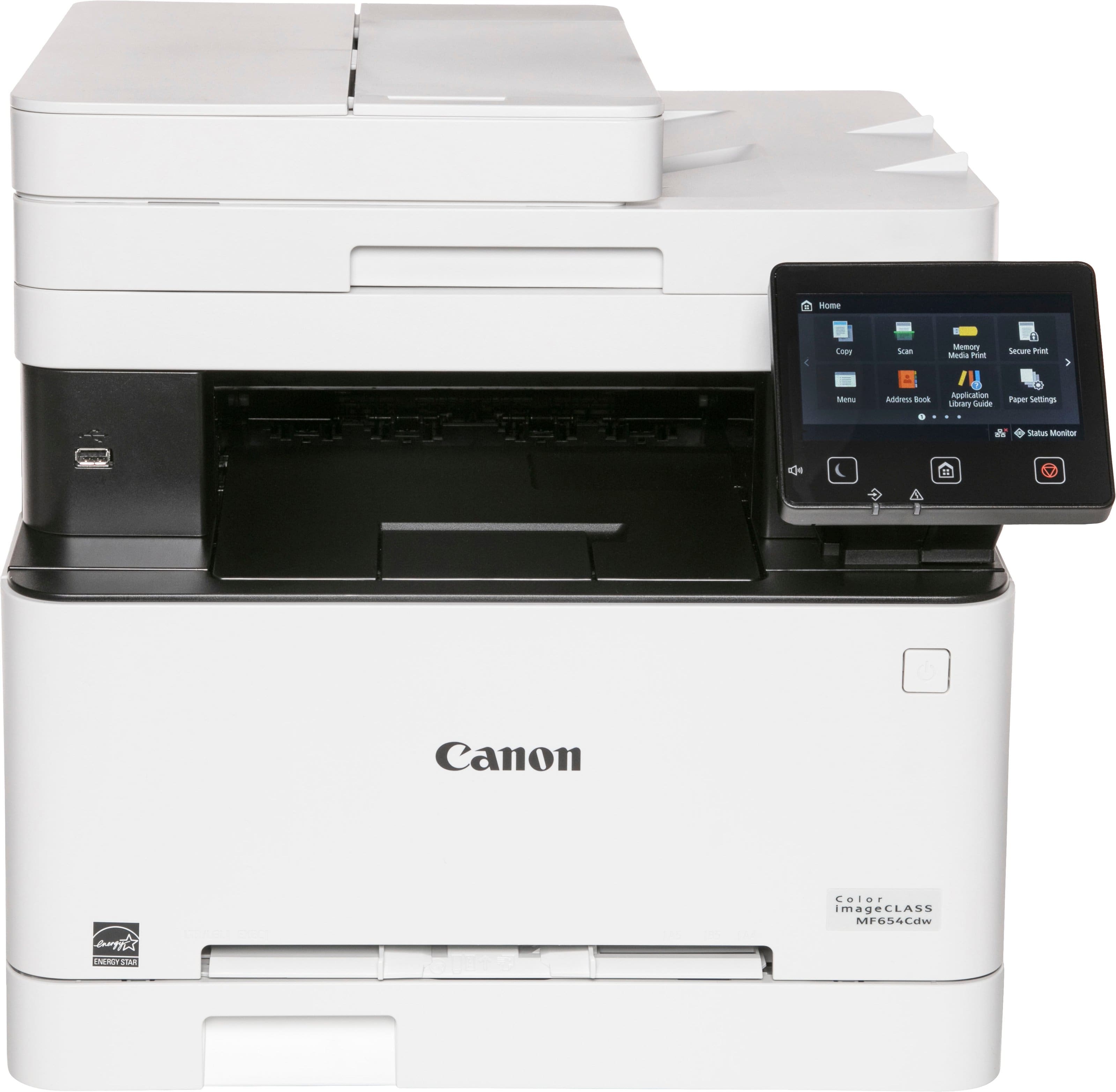
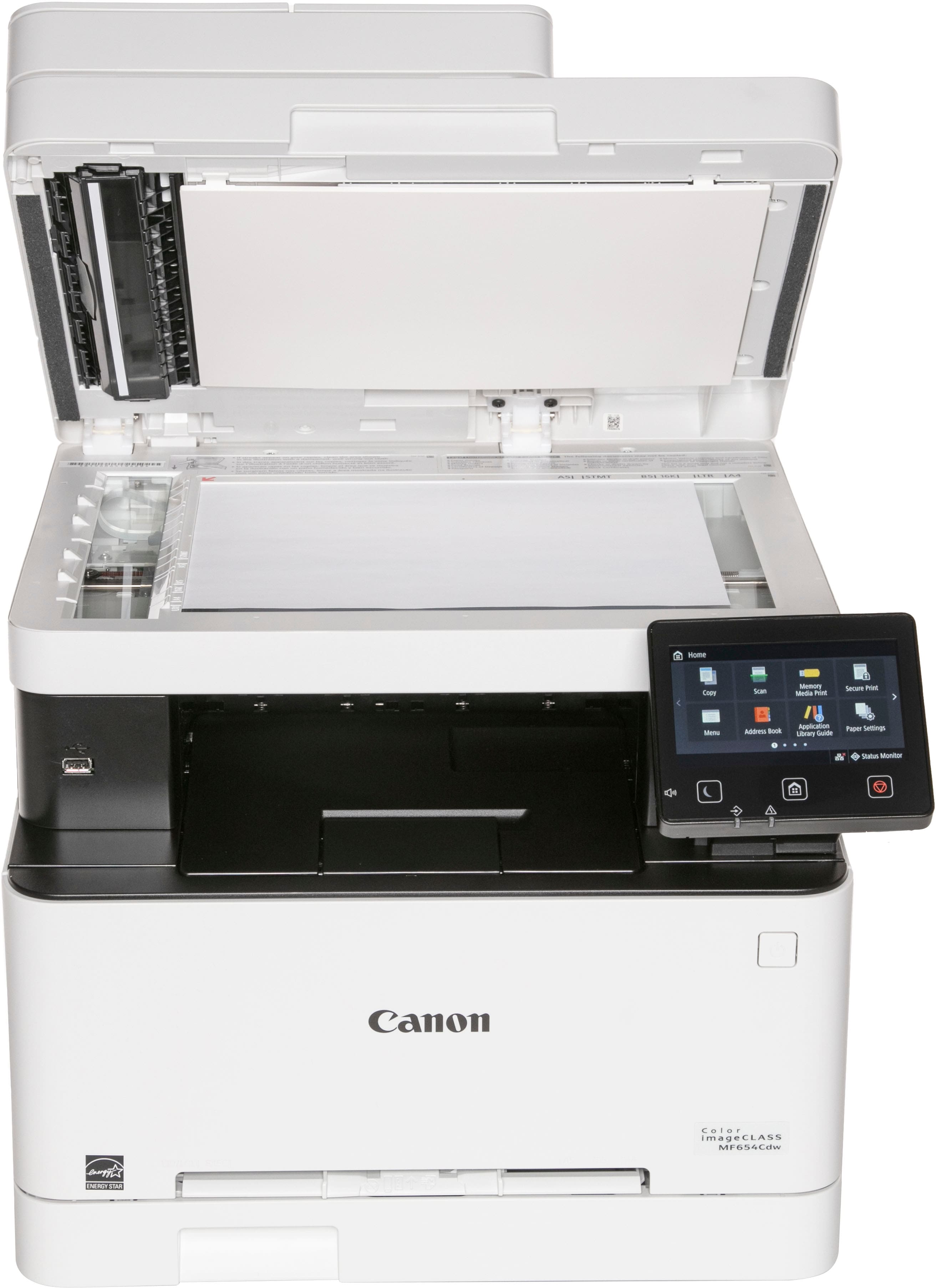
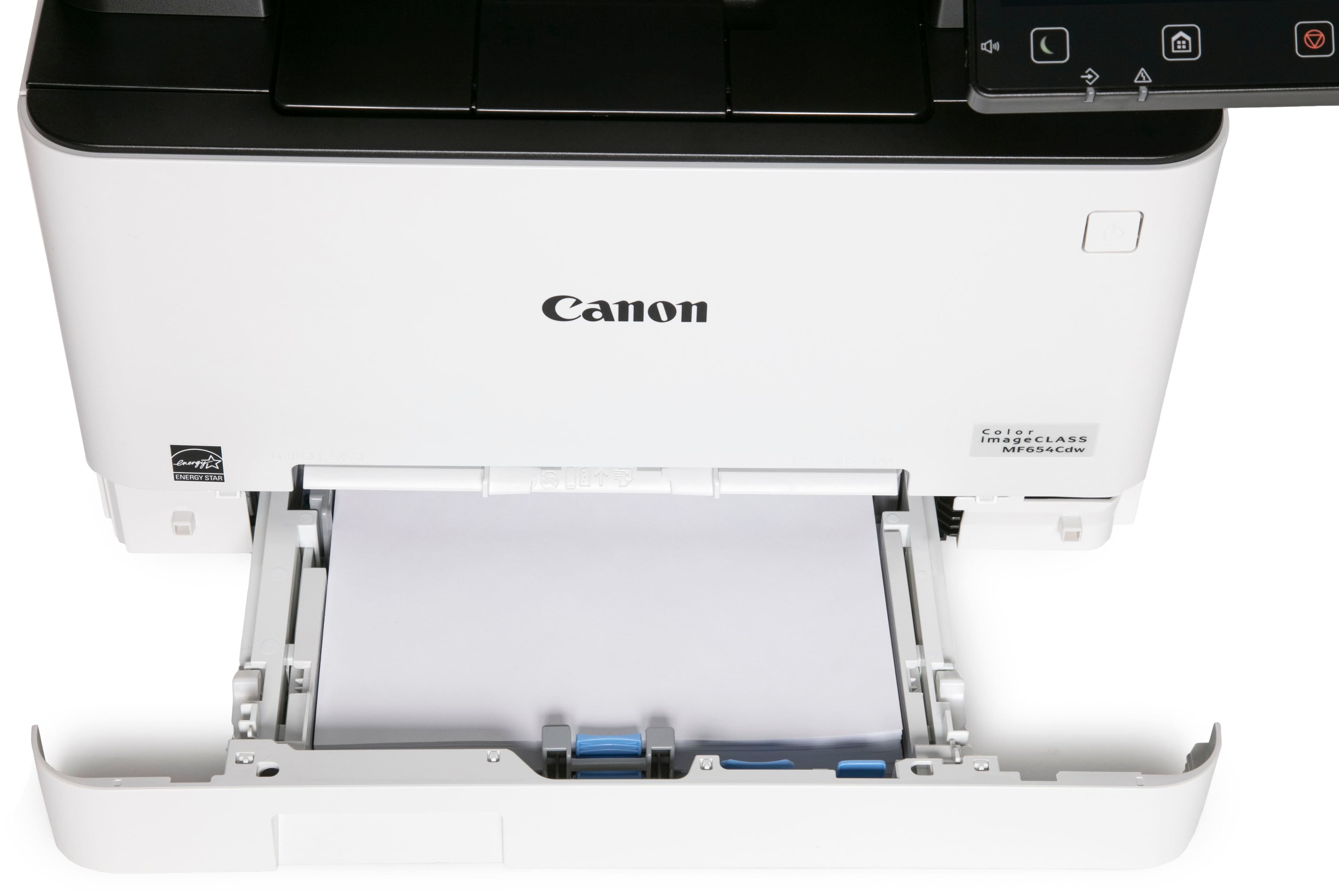
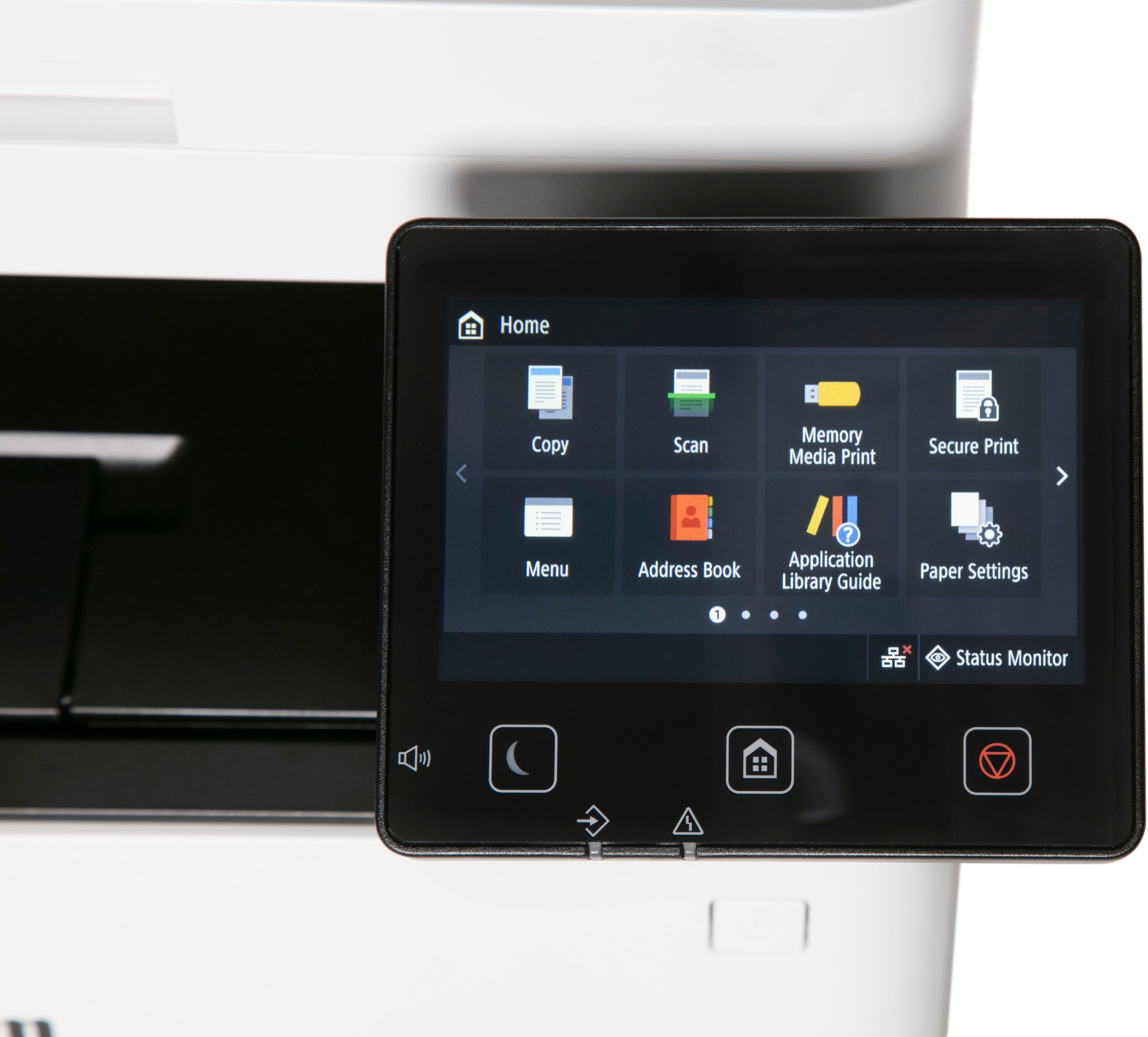

- Model:
- 5158C005
- SKU:
- 6535536
Rating by feature
- Value
Rating 4.6 out of 5 stars
- Quality
Rating 4.6 out of 5 stars
- Ease of Use
Rating 4.4 out of 5 stars
Customers are saying
Customers love the imageCLASS MF654Cdw Wireless Color All-In-One Laser Printer for its impressive print quality and ease of use. Many find the overall performance, setup, and speed to be great, especially considering the price. However, some customers have noted that the noise level is a little high, and the size and weight can be a bit awkward, while others feel the software could be improved.
This summary was generated by AI based on customer reviews.
- Pros mentioned:Print quality
So far, so good
||Posted .This reviewer received promo considerations or sweepstakes entry for writing a review.One month in.... Works very well. Setup was easy as pie. Printouts look good. Have not tried anything fancy, just plain printing and 2-sided. Sending from both laptop and iphone works fine.
I would recommend this to a friend - Pros mentioned:Print quality

Great printer for casual or heavy use
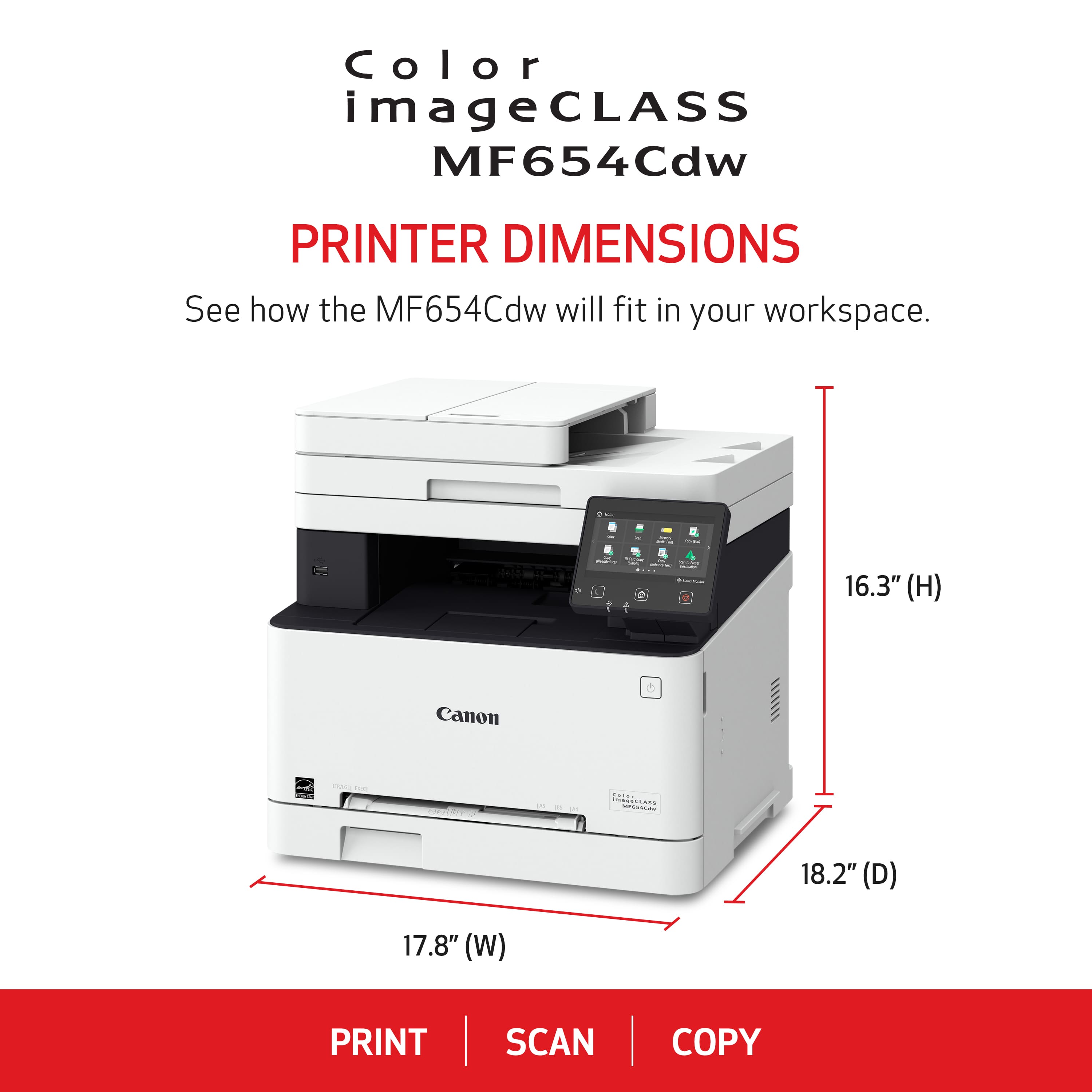
|Posted .This reviewer received promo considerations or sweepstakes entry for writing a review.I like many have owned an inkjet printer for most of my life. They are after all much cheaper, until you realize how much you're spending replacing the ink cartridges and how often as well. The Canon MF654Cdw is my first foray into owning a laser printer. Though chances are if you work at an office, you probably have already used one. A laser printer is actually very advantageous for the casual user. Unlike inkjet printers that use inkjet cartridges that can be dried over time even if you don't use it that much, toner cartridges by laser printers don't have that same issue. Toners are dry, powder based as oppose to ink. So this means that you will not have to replace a toner for a very long time if you barely print these days. However even if you're printing every day, a laser printer is so much more efficient and quiet in printing documents. When I printed a test paper with the MF654Cdw, I thought the test paper didn't print because of how quiet it was until I looked at the printer. It also printed very fast too. I unfortunately don't have laser printers to compare the MF64Cdw to, but from my time with it; it was easy to set up and use. Not any different from your run of the mills inkjet printer. Be sure to install the dedicated drivers and software for it from the printer's support page on Canon's site (or use the supplied DVD). You can connect remotely to manage the printer's setting on your computer (though be sure to set a pin first from the printer itself). I'm using the printer wirelessly and didn't run into issues connecting the printer to my WiFi unlike my old MP560 that has trouble connecting to one WiFi network of mine. That said, this printer is huge (as expected of laser printers) so you'll need some decent desk space for it. It's also a little under 50 lbs. I tested out the scanning capabilities, and it is fast. Quality of the scan seem to be sufficient. Likewise, no complaints about the printing quality of documents either. The fact that I don't have to deal with ink blots or clogs is a huge bonus with this laser printer. There are some caveats though with this printer and laser printers. The most obvious is the cost though compared to other colored laser printers, I don't think this is too bad. There's a more expensive version of this printer, but it's not too different from what I can gather although maybe a faster printing speed for multiple documents and faxing. Moreover, toner cartridges can be rather expensive. You can however go to 4inkjets to look for cheaper alternatives. Also while the quality for this printer is good with printing documents, printing high quality photos is still better with a traditional inkjet printer. All in all, I still would recommend this printer if you're someone who occasionally needs to print a document (and not having to worry about changing the cartridge) or need to print a lot of documents quietly and quickly.
I would recommend this to a friend - Pros mentioned:Print quality
Premium SOHO Print station!
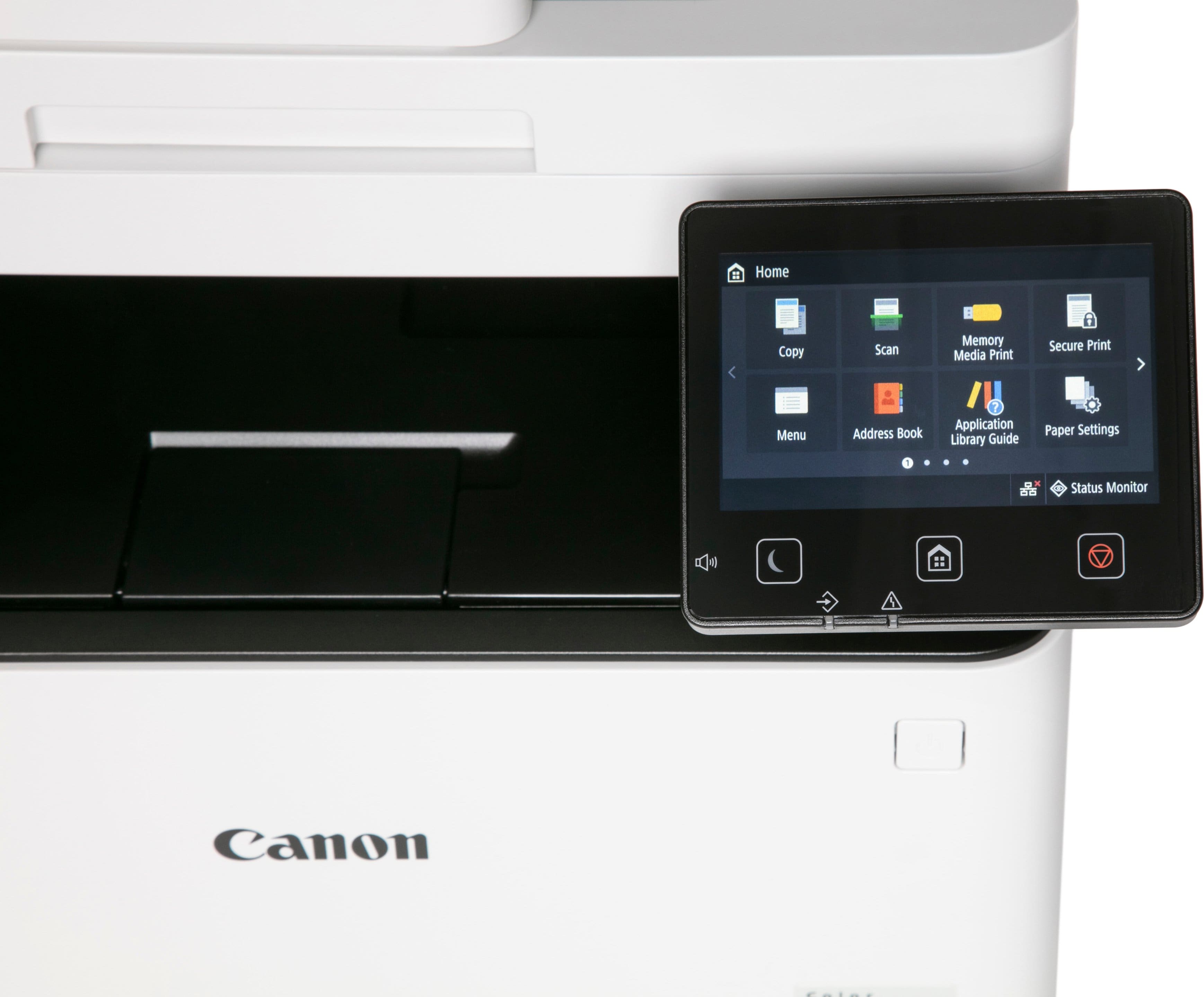
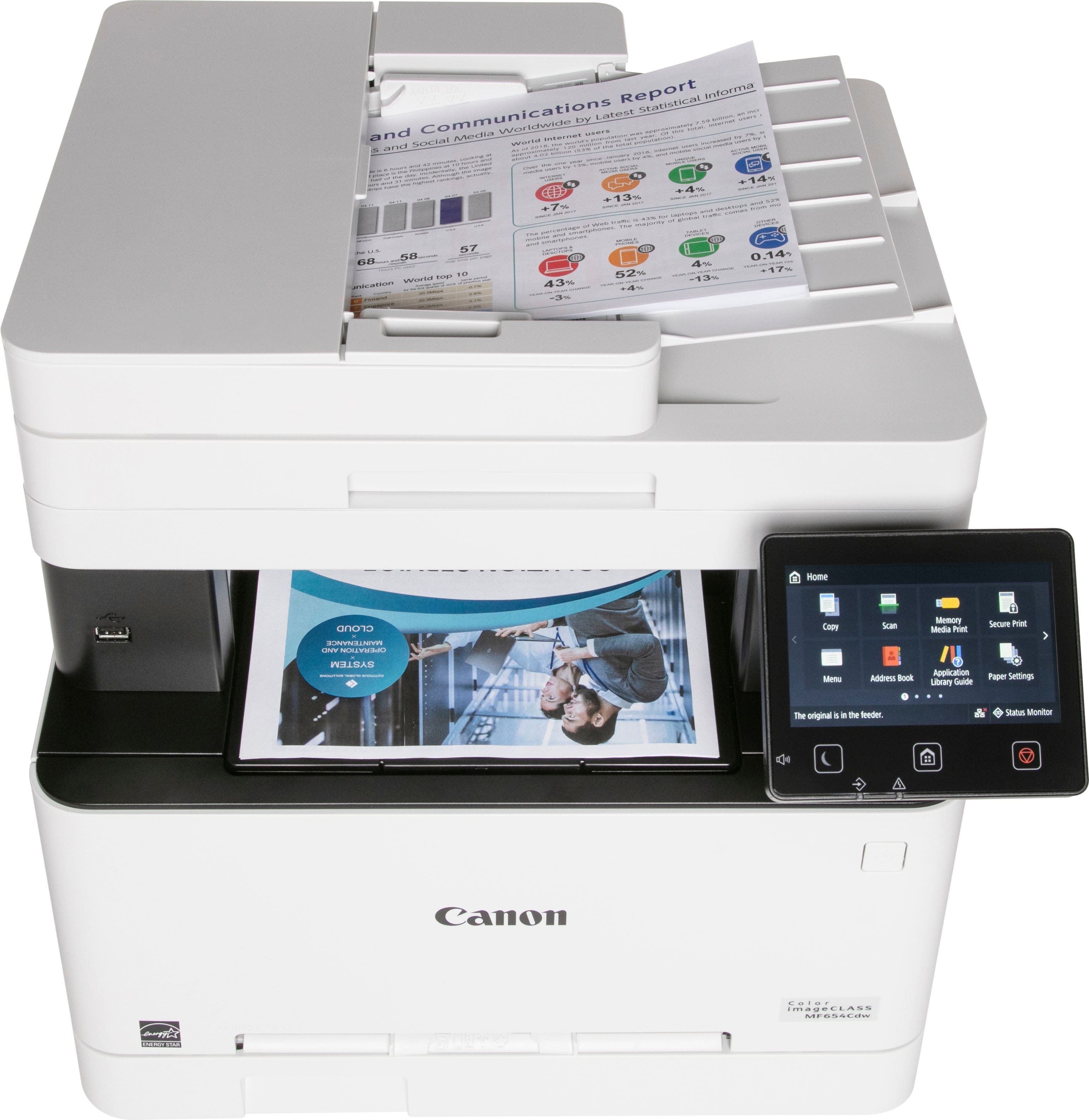
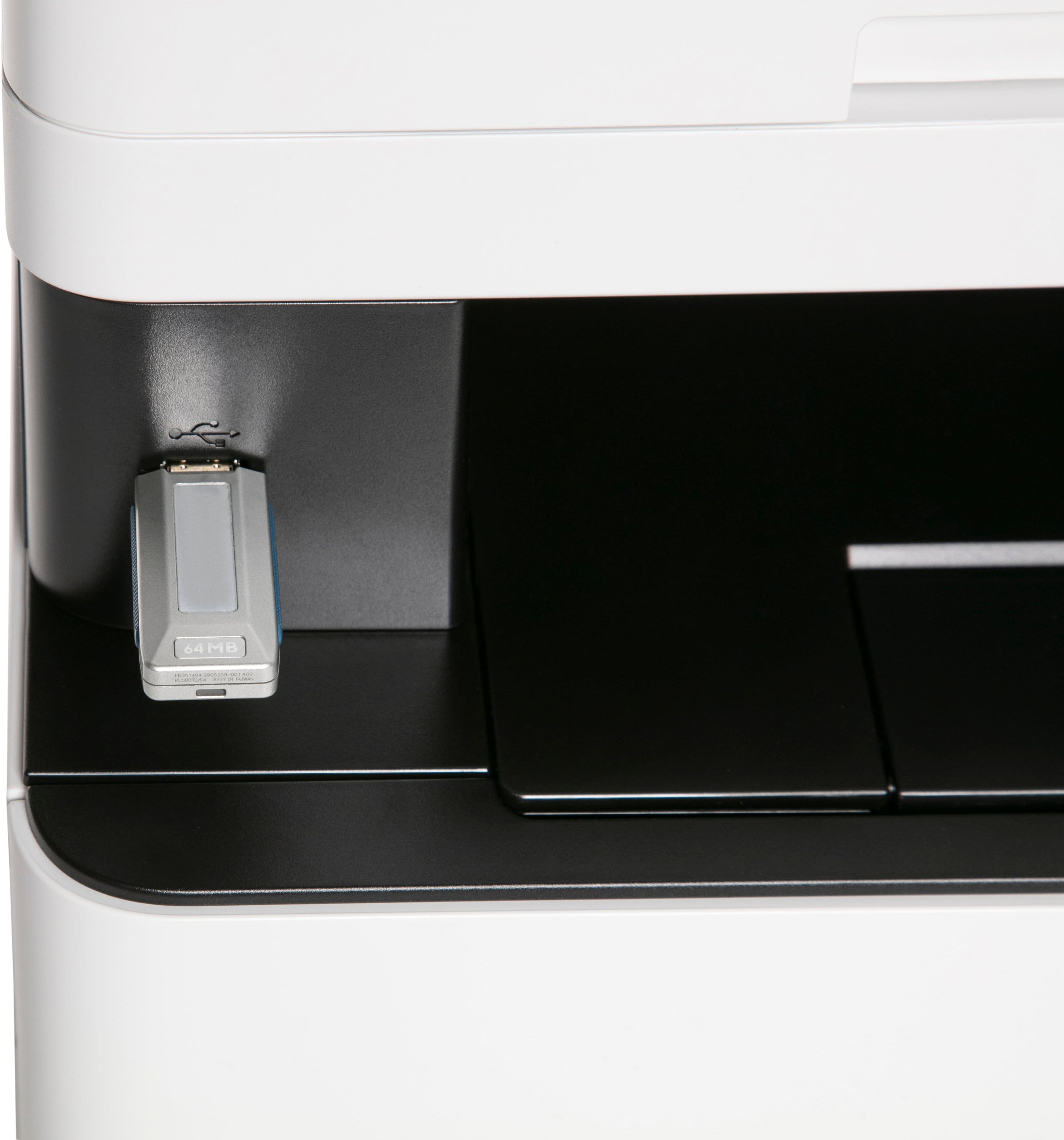
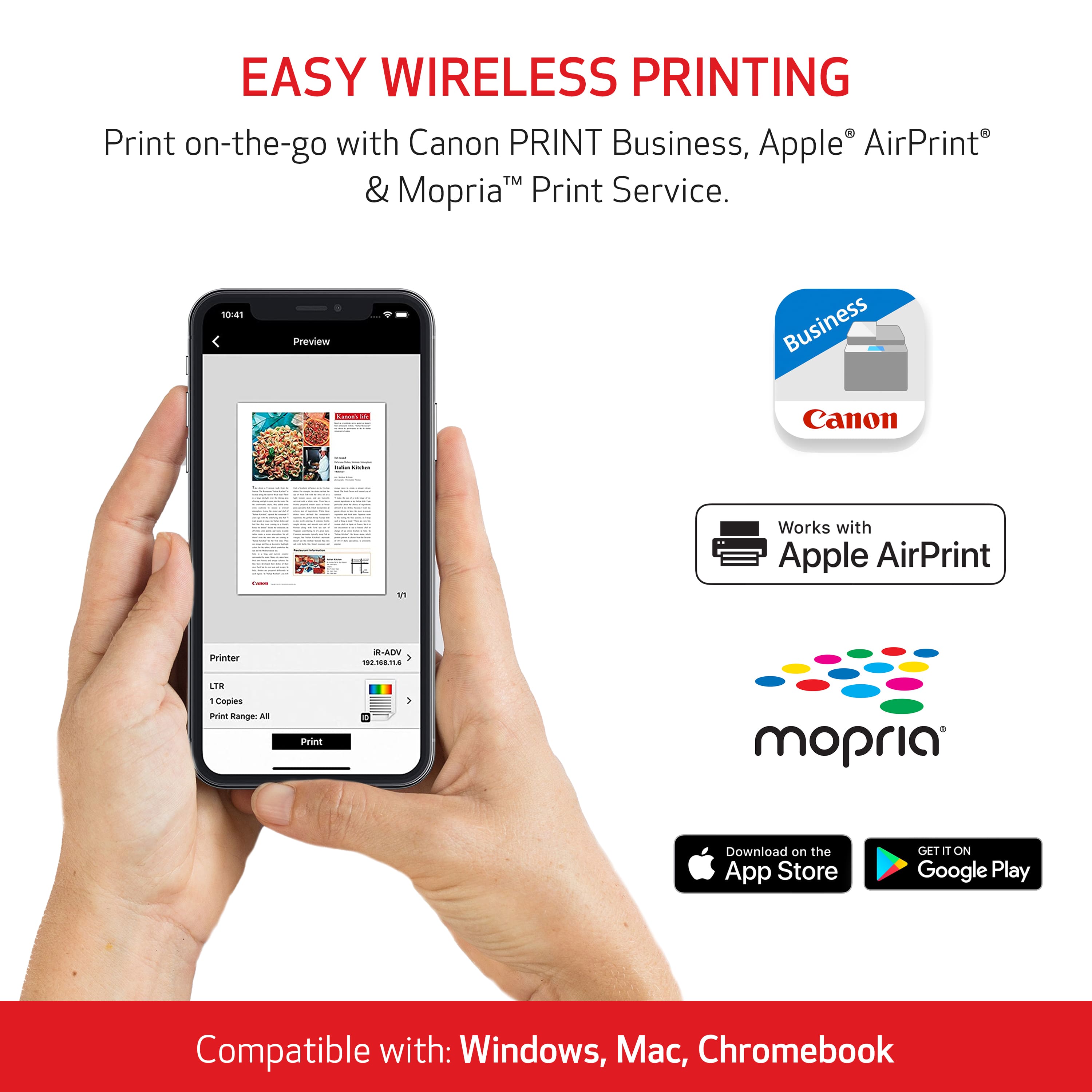
|Posted .This reviewer received promo considerations or sweepstakes entry for writing a review.This printer reminds me of a high-end business printer we had at my last job. Has all the bells and whistles and is a fraction of the size and easier to use. I’m replacing an older B&W laser printer I have at home, and wow what an upgrade. I feel like I’ve been living in the past way too long. I’ve worked with many printers over the last 20+ years, and I have to say this one takes the cake. Installation Install was easy, basically removed the tape and it was ready to go, toner was already installed. Downloaded the latest software from Canon’s website and installed it. It was a 2-part install, one for the drivers and one for the scanner utility. I’m not a fan of connecting to Wifi for printers since I’ve had problems in the past with others, but so far the wifi has been great between a laptop and desktop. I’m glad that an ethernet port is available even though I currently can’t use it. Using the Printer Using the printer is simple, the touchscreen is very responsive. I’m normally against touchscreens on printers because they’re cheap and have limited functionality such as swiping or the touch isn’t very sensitive and you have to hit the button several times. This is actually one thing I enjoy using. I even have the plastic still on the screen and its still very responsive. You have several options for scanning right from the touchscreen including scanning to your computer (works well), USB drive, email (requires additional setup), and 2 additional options for file and fax. I mostly have used the USB and scan direct-to-computer options… works flawlessly. You get the option to scan in color or B&W and of course, also have the scanning software on your computer. The software has a simple interface, just select the type of document you are scanning or how you want it processed and you are good to go. Print Quality I’m a big fan of laser printers, always have been. Cheaper than inkjet per print and prints much faster, has always been the way to go for me, especially for work-related documents where color isn’t needed. In exchange, I always accepted lesser quality prints which was a fair trade-off. Well not only is the print quality amazing, but the color is ridiculously good. I decided to do a few tests. One test, I copied a notarized document in color that my fiance’ and I signed since blue ink was involved, then I presented both the original and copy to her to see if she could tell the difference. She guessed the copied version was the original. No smudges, lines, or uneven toner anywhere. The signature looked so much alike it was crazy good. Another test was the color portion where I printed a photo from my phone using the Canon Business app. I have attached the photo to view, and for printing on standard non-photographic paper, I am blown away by the quality of this laser printer. I’ve only had this printer for a short while, but overall I’m VERY happy with this printer. I haven’t even had the chance to go through all the bells and whistles yet. The 2-sided printing is a great option to have, 3 year warranty, and its so simple you don’t have to be a tech whiz to use most of the features. Scanning to USB drives and printing from them couldn’t be easier. I normally do try to give the pros and cons of products, but so far I can’t really say there are any cons to be honest. If I had to say anything, it would be to bundle the scanner software together with the driver software and give you the option to select the scanner install to save you 2 downloads and installs, but its not a big deal. I remember when color laser printers were much more expensive and had a fraction of the features. I truly am impressed with this product and would recommend it to anyone, especially with a home office or someone who prints frequently.
I would recommend this to a friend - Pros mentioned:Print quality
Quality printer
||Posted . Owned for 2 months when reviewed.This reviewer received promo considerations or sweepstakes entry for writing a review.Great printer gets the job done. Good quality color print, wireless. Easybto set up. It is a little on the noisy side but good price and durable. I use it every day.
I would recommend this to a friend - Pros mentioned:Print quality
A Reliable Workhorse for My Home Office
||Posted . Owned for 1 year when reviewed.This reviewer received promo considerations or sweepstakes entry for writing a review.I've been using the Canon imageCLASS MF654Cdw for a few months now, and I'm really pleased with its performance. It's a reliable workhorse that handles all my printing, scanning, and copying needs with ease. Here's what I like about it: * Print quality: The text is sharp and clear, and the color prints are vibrant and accurate. It's definitely a step up from my old inkjet printer. * Speed: It prints quickly, which is important when I have a lot of documents to get through. * Wireless connectivity: Being able to print wirelessly from my laptop and phone is super convenient. * Easy to use: The touchscreen interface is intuitive and easy to navigate. * All-in-one functionality: Having printing, scanning, and copying in one machine saves space and makes my workflow more efficient. There are a few minor drawbacks: * Size: It's a bit bulky, so make sure you have enough space for it. * Noise: It can be a bit noisy when printing, but it's not a dealbreaker for me. Overall, I highly recommend the Canon imageCLASS MF654Cdw for anyone who needs a reliable and versatile color laser printer for their home office or small business. It's a great value for the price.
I would recommend this to a friend - Pros mentioned:Print quality
Printer
||Posted .This reviewer received promo considerations or sweepstakes entry for writing a review.Easy set up, quick prints, fantastic color quality , a bit loud
I would recommend this to a friend - Pros mentioned:Print quality
A great InkJet upgrade
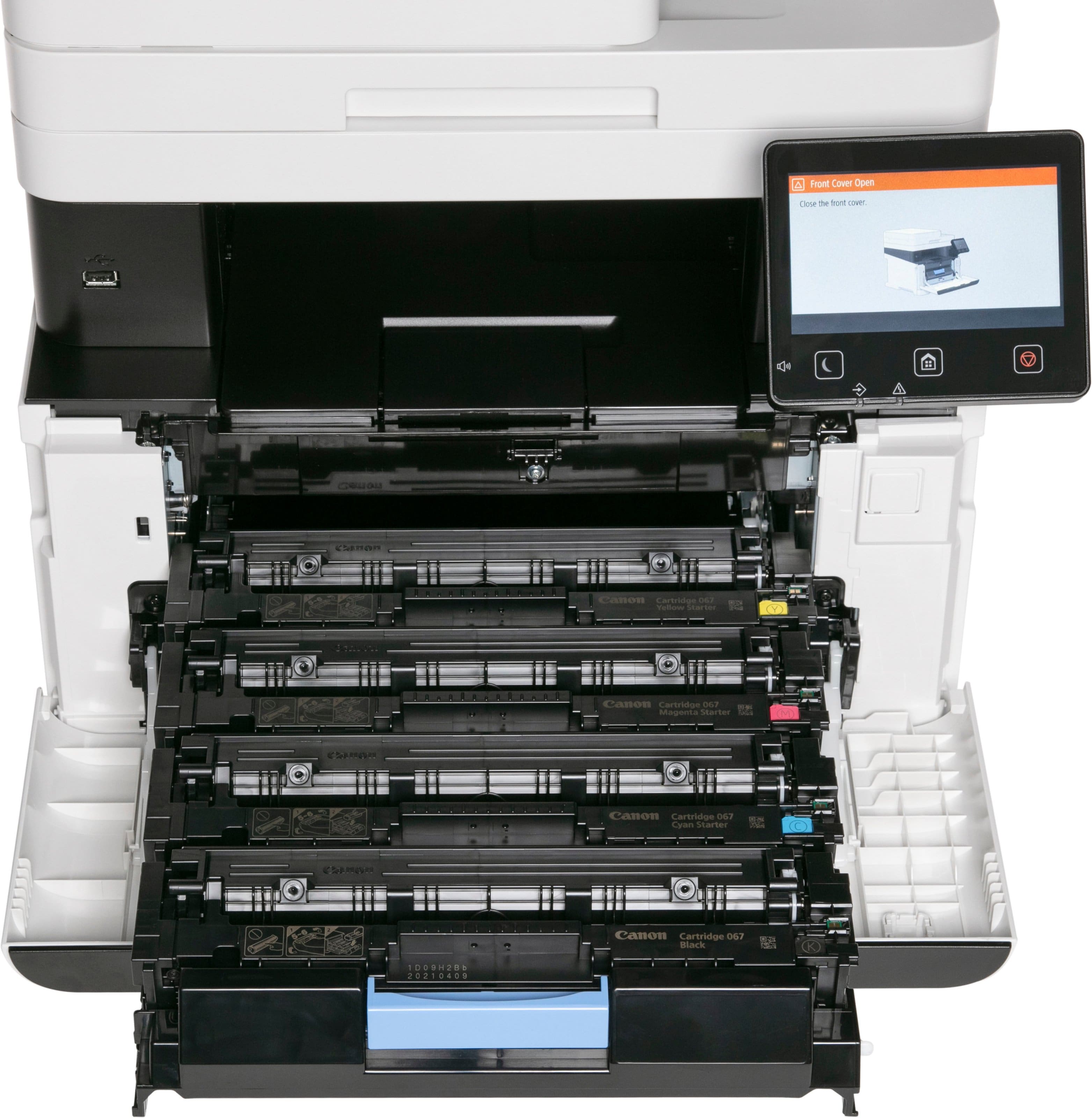
||Posted . Owned for less than 1 week when reviewed.This reviewer received promo considerations or sweepstakes entry for writing a review.So, I have had this printer for only a week, but I am very pleased with it. I found the summary of all reviews to be spot on. It's easy to setup, the print quality is great, and the Black Friday price was excellent. It is noising (very noise compare to my Inkjet) when printing (sounds like a jet engine), it is quite heavy @ nearly 50 lbs. (I am hoping it’s because it is well built), and the toner is not cheap (I paid BF price of $355+tax for 4 high-capacity toner cartridges). I have never owned a laser printer, but now print only occasionally and I like the fact that the toner should never try out and there are no printheads to clog. I have it connected via Wi-Fi, and have printed from multiple PCs and a laptop, iPads and iPhones, worked flawlessly.
I would recommend this to a friend - Pros mentioned:Print quality
Good Printer, Would Buy Again.
||Posted . Owned for 3 months when reviewed.This reviewer received promo considerations or sweepstakes entry for writing a review.I purchased the Canon imageCLASS MF654Cdw Wireless Color All-In-One Laser Printer at a discount during the 2024 Thanksgiving holiday period. Pros: The printer works well. I have no complaints regarding the quality of black and white or color printing. I like that I can go long periods without printing anything and the ink won't dry out unlike an inkjet printer. Also, the automatic document feeder works really nicely when you have a stack of papers that need to be scanned. It's only one sided, not duplex, but I think for the price to value ratio for this model its worth it. I also like that Canon gives the printer a three year warranty. Most other printer manufacturers only give you a one year warranty. In addition, if you purchase it with a credit card (like the BOFA Premium Rewards card) that provides an additional extended warranty, you get even more warranty protection. Cons: The printer is very large and very heavy in comparison to inkjet printers. If you don't have a designated space on a table for it, I recommend placing it on a heavy duty furniture mover/dolly, so that it can be maneuvered on the floor. The printer is so loud. You will be super shocked when you first hear this printer turn on and print something out. The cost of OEM toner is very high and you might get sticker shock. I did look into non OEM toner options, but right now they don't see great. When I was looking at printer options, it. came down to a laser printer vs an ink tank printer in terms of best price to value ratio. If you plan to print a lot and often in color, an ink tank printer would probably be a better choice. Overall, I would defintely purchase this printer again as composed to its competitors because of the convenience and value it provides.
I would recommend this to a friend - Pros mentioned:Print quality
Dylan saves the printer
||Posted . Owned for less than 1 week when reviewed.This reviewer received promo considerations or sweepstakes entry for writing a review.I just bought this model to replace my previous Canon printer a 6220 model. This printer is much, much heavier than my previous printer and it is much, much noisier. On the plus side, it was as easy to set up and it prints everything much, much faster. I would also like to recommend Dylan the customer rep who sold it to me. It was way too heavy for me to take by myself to the car and Dylan agreed to walk to my car with it. We could not fit it into the trunk and at first was not able to fit it into the front seat. But Dylan came up with the idea of angling it in and that worked. Dylan is a great employee.
I would recommend this to a friend - Pros mentioned:Print quality
Canon Printer
||Posted . Owned for 1 month when reviewed.This reviewer received promo considerations or sweepstakes entry for writing a review.Setup was quick and easy. The printer responds quickly and produces high quality black and white and color. We only had one issue which was resolved quickly by the Best Buy technical support.
I would recommend this to a friend - Pros mentioned:Print quality
Great for home office
||Posted .This reviewer received promo considerations or sweepstakes entry for writing a review.Works great! Easy install! Fires right up even after it's been not used for awhile. Quick printing with good quality. I don't use it for high quality printing so I don't know how good it is for that but for office work it is great. A little noisy though.
I would recommend this to a friend - Pros mentioned:Print quality
Great quality, functionality, easy to set up / use
||Posted . Owned for 1 month when reviewed.This reviewer received promo considerations or sweepstakes entry for writing a review.Very easy to set up, works wonderfully. Outstanding price for an all in one color laser printer. I only gave it 4 stars since it is rather large a a little noisy. But for ease of use, quality and cost it would be a definite 5 star review.
I would recommend this to a friend - Pros mentioned:Print quality
Great printing quality, but complex to use
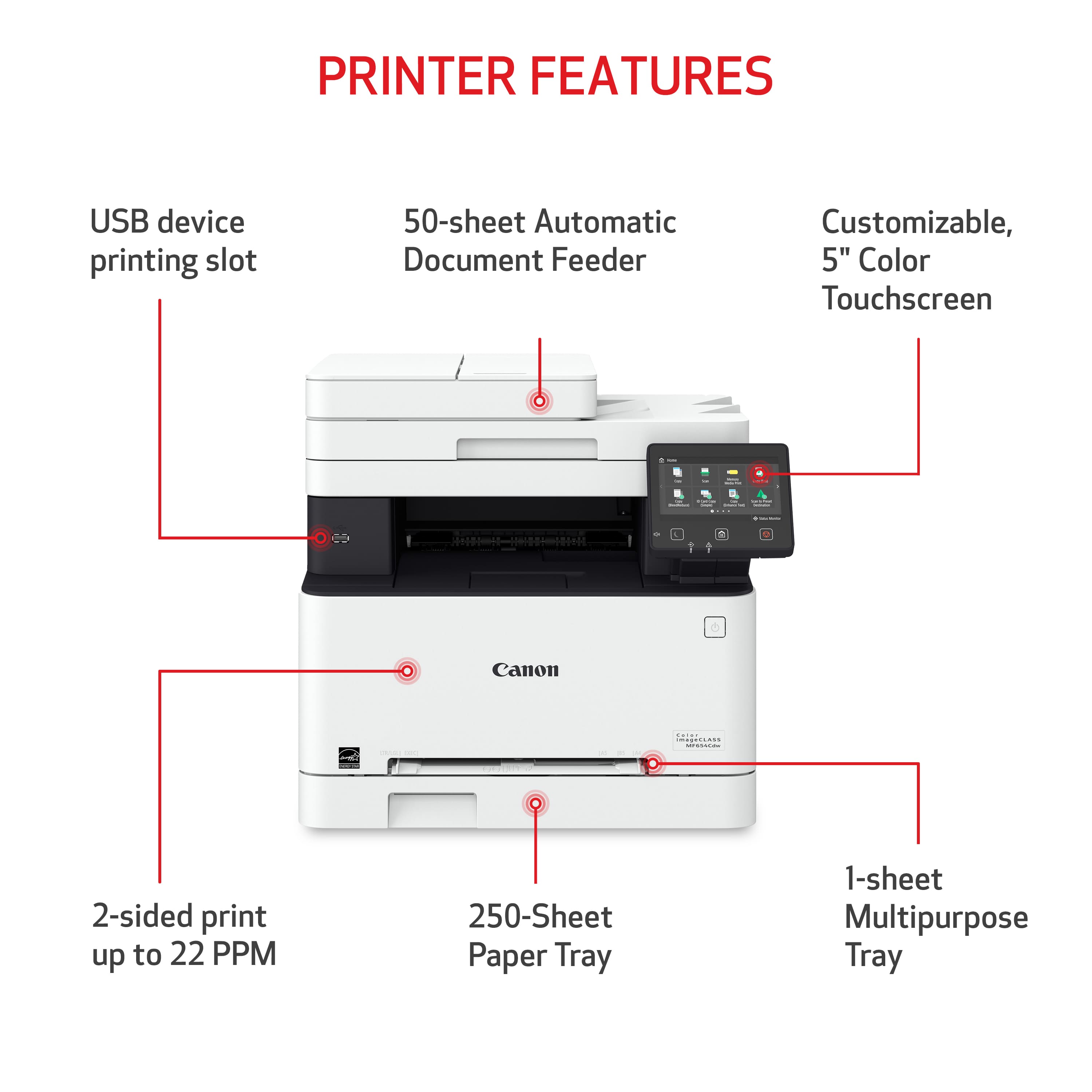
|Posted .This reviewer received promo considerations or sweepstakes entry for writing a review.I work in a small law firm. We have a large commercial printer, but we also have small printers in various locations throughout the office. And they’re a hodgepodge of brands. Not to mention some scan, some don’t, some are inkjet others are laser. Prior to getting this Canon, I had a desktop scanner and laser black and white printer on my desk - which I used for smaller jobs, large printing jobs I sent to our commercial printer (not because the Canon couldn’t handle it, but for other financial purposes). This Canon printer replaces both devices and does even more (wireless printing for example, allowing others in the office to use it). It has the feature set of a large commercial grade printer/scanner (minus some finishing features like stapling and hole punching) in a much smaller and more money friendly package. The biggest drawback, with virtually any printer, especially a laser printer, is the crazy cost of toner. Replacing all the toner costs half the cost of the printer. IN THE BOX Inside you get a power cable, printer, instructions (which aren’t worth much) and a DVD to install programs (really?). I wish they would include a USB cable, but I had one from my old printer so it wasn’t a huge deal. (it’s not necessary, but I always like having a hard wired ability to print from at least one computer). Know that this is a HEAVY printer, so I advise in getting help when moving it. SETUP The setup process was a little wonky, but nothing truly out of the ordinary. Of course, you have to take off all the tape that holds the printer doors, flaps, etc. closed during transit. From there, there’s a sticker covering the USB port telling you to ONLY plug in the USB after you installed the software. After plugging it in, you follow the onscreen prompts, of which, there aren’t too many. The big one is setting up Wi-Fi. After I did that, I did a Google search on my computer of what software I needed to download (my PC didn’t have a PC drive). It wasn’t hard to find the drivers/software, but there are a bunch of options on Canon’s website that can make it confusing as to what you really need. I ended up downloading the recommended software. My computer installed the necessary software and I seemed to be off and running. I didn’t however, see that there was actual software you open - it seemed to be the necessary software to transfer scans and print from your computer. After that I plugged in the USB cable but my computer didn’t recognize. A quick restart of the printer fixed that. In the meantime, I ran a diagnostic test to check the color of the printer. It printed a sheet and then you put that on the scanner glass. The one thing I didn’t do during the initial setup, which I wish I did, was setting up the UI interface. I’m unsure as to what it is, and how to set it up, and that’s because I couldn’t figure out how to do it (more on that below). All in all, getting things up and running didn’t take that long. And by running, I mean taking the printer out of the box, connecting it to WiFi and printing documents from my computer. FEATURES There’s a lot of features, most of which you would expect from a printer of this caliber. That is, it can fax (which I don’t use), scan and print. Its real value would be from how you can use it. When setup properly, you can print from your phone (although this requires yet another app on your phone, and Canon print services), from any computer on your network, and you can easily scan large batches of documents. I don’t think it does anything revolutionary, but what it does, it does well. There are additional features that require this UI interface. For example, there’s the ability to scan documents and “tag” them with the date (presumably when they’re scanned) and to scan photo ID cards. These are things that aren’t necessary, but can save you time on the back end. But I couldn’t use them because I was required to set up some UI interface. The screen gave me a QR code to scan, but that seemed like a dead end. There was no mention of it in the instruction manual. So while I can’t say I can’t use the features of this Canon printer, some of the potential conveniences are unavailable to me (for now) which is a bummer. Scanning was easy. I do often scan things in bulk. The tray on top of the printer holds I think about 50 pages. To scan, you hit a button on the homescreen and it feeds the documents through the scanner. It scans pretty quickly, and for me, it saved them to a folder that’s created based on the date I scanned. One of my pet peeves in scanning is how much effort it takes to find what’s scanned, rename it, and move it to the location where I ultimately want to save it. So while there might be times I want to scan something and email it directly, for the most part, I just want to save it to my office’s network and having a location where documents are saved on my computer until I’m ready to move them to their final location is nice. It does save me time. PRINT QUALITY AND SPEED With most Canon products, the printing quality is superb. I was impressed with its photo printing capabilities. I was using standard white copy paper but was left impressed with the color reproduction. Black and white documents, which is honestly the bulk of what I print, looked crisp. No bleeding, no fading. The speed is terrific. I’m never one to sit there and count the minutes as a printer prints something, but this moved things along pretty quickly. QUIRKS As I said, the UI interface thing is a bummer. I find most printers to be complicated to use and require too much effort to figure out the basic tasks and this printer is no exception. Is it difficult to use? No, not necessarily, but it does take a little time to figure out how to use it to its full potential. This requires some trial and error, which can be off putting. So long as it prints and scans, I’m typically ok, but it can be hard to justify the cost of this printer - and its toner - when I can use all the special features. I’m sure I’ll eventually figure it out overtime, but it should be more intuitive. It’s also extremely loud. Maybe it’s not so noticeable in a loud environment, but man, it sounds like a jet engine roaring up when I print something. It’s not the end of the world, but when first hearing the thought definitely crossed my mind “does it really need to be that loud?” CONCLUSION The print quality and speed is great. This includes scanning. It seems to have even more features that are just too difficult to figure out to use without a substantial investment of time by the user. It’s this “unintuitiveness” that really makes it hard to justify the purchase. Not necessarily because of its cost, but these features are what might make this particular printer stand out in the crowd. But if printing and printing quality is the most important factor or even the only thing you care about, I can wholeheartedly recommend this printer, it will not disappoint in that regard.
I would recommend this to a friend So far, so good!
||Posted .This reviewer received promo considerations or sweepstakes entry for writing a review.Works right out of the box, no real assembly required. Pull it out of the box, remove the many pieces of tape, put in toner and paper, then plug it in. Follow the prompts and you’re good! From the first sheet, it’s worked perfectly and it will be for light use. Time will tell if it can keep pace with my old HP inkjet or have the longevity it had. I had for more than 10 years that recently died, the reason I decided against another HP is that I wasn’t impressed with the quality of the newer ones and for the price point this one was at with a discount, I couldn’t pass it up!
I would recommend this to a friend- Pros mentioned:Print quality
Nice printer
||Posted . Owned for 3 weeks when reviewed.This reviewer received promo considerations or sweepstakes entry for writing a review.This has been a great printer. I found it on sale and this printer does it all! It has easy set up, and prints quickly. It also connected quickly to my WiFi for printing from my phone as well.
I would recommend this to a friend - Pros mentioned:Print quality
Canon color laser printer
||Posted . Owned for 2 months when reviewed.This reviewer received promo considerations or sweepstakes entry for writing a review.Finally, my old ink jet printer died and I purchased my first laser printer. Works great and prints fast. My only little complaint is it is a bit too loud, other than that I like it!
I would recommend this to a friend - Pros mentioned:Print quality
Very happy with my purchase!
||Posted .This reviewer received promo considerations or sweepstakes entry for writing a review.Very easy to set up and use! Prints fast! I'm moving to this laser printer from an inkjet, so this is very fast in comparison. I'm very happy with this purchase.
I would recommend this to a friend - Pros mentioned:Print quality
Amazing home laser printer!
||Posted . Owned for 7 months when reviewed.This reviewer received promo considerations or sweepstakes entry for writing a review.Works perfectly, great value, beautiful prints, not too huge. A wee bit noisy but that's to be expected. Replacement toner looks like quite an investment but I'm hoping i won't have to order that for a long while.
I would recommend this to a friend The Canon MF654Cdw printer is a marvel of modern t
|Posted .This reviewer received promo considerations or sweepstakes entry for writing a review.The Canon class MF654 CDW printer is the latest edition of color laser printers in canons exceptional history of building high quality printing devices. After unpacking and removing the printer, which was very securely held in place with Styrofoam tape and covered in plastic bags. I followed the instructions in the user manual to prepare and set up this new printer. It's important to take the time to read and reference the detailed user guide provided. Following the setup guide is your best bet unless you've already set one of these up before. You'll want to know how to prepare your networking environment and install the latest drivers on your computer. And depending on your usage there are additional settings you'll need to configure, for example for scanning documents and faxing documents. A nice feature if you have more than one of these printers to set up is that you can import the data registered on another of the same models directly into other printers on the network which will save you valuable time. This canon printer is highly network capable, for wired and wireless connections, perfect for any small business or Soho. Configuration can be done both at the printer directly, or in combination with a remote connection using the provided remote user interface from Canon. As with any networked device, particularly for a small business where data security is imperative, you will want to take steps to prevent unauthorized use or hacking of your data. In the past printers were a source of entry to gain access to a network, or to the built-in data storage device. Canon has taken extensive measures to ensure the integrity and security of your data that is on the device and access through your network connection. Take the time to review the user guide provided that explains how to secure your configuration. It's an important first step, and Canon has done a great job in providing you with information on how to do that. When the printer was turned on for the first time, they set up a guide greeted me to assist in setting up the initial configurations. These are high level configurations to get you going, afterwards you'll dig in deeper to set up more detailed specific configurations for your environment. During the initial setup you'll choose your language and country, you'll set up the date and time, although this will also be maintained by a network connection to keep all devices in sync, initially you can set it up here in UTC. Going on with the setup you'll configure initial security settings you'll do a color configuration and adjustment, setting up the network connection and setting up a automatic toner replacement service so that you have plenty of notification before running out of toner. There's also a presentation of the library of applications built into or available for the Canon printer. There is quite a few apps, it's always good for the first time to review them and know what they do. Quick access to information and configuration settings can be done using the operation handle LCD which is on the front of the printer. Canon provides a warning in its manual to be careful when handling the touch panel display as it is possible to damage it if handled too harshly. I can attest to this not on this printer, but another one, not a Canon, that I press too hard and killed the LCD. Fortunately, that printer also has a remote user interface and that's the only reason I can still use it without having to replace the broken panel which would not make good financial sense anyhow. All your settings are accessible through the panel; however, the remote UI provides you with more information and ease of accessibility in my opinion to the features and functions. The connectivity of the Canon printer is very robust with several ways of accessing and using the printer's many functions. If the printer is being installed on a corporate network, there are things to consider so far as sharing and access to privileges to be set. If you are uncertain of how to do these things, you may be best to request help from your IT department, or as I have found a call to the Geek Squad is also available to sort out any questions. If the printer is meant just for simple home use or for a home office and there isn't a concern for the risk of information being hacked and stolen, then it's very simple to set up wireless or wired connections. The simplest form of wireless configuration is to use the WPS method, you'll want to have access to your wireless router to make this happen quickly. The Canon printer is fully capable of handling all the current encryption technologies to protect your connection. It is IP4 and IP6 compliant, you can set static IP addresses or use DHCP. There is a full plethora of networking settings that gives you full control if you want it. From my computer I use the remote UI application to set up, configure, monitor and make ongoing tweaks to the printer. The applications dashboard provides you with quick and easy access to the printer's capabilities and functions. I find it to be a very useful and integral part of this printer's solution. I should mention again that this printer can be used very quickly with minimal setup time or knowledge if you simply follow the quick-start instructions. On the other hand, it is fully capable of handling complex printing situations and security settings on a network of devices. Depending on your scenario and situation you may not need much knowledge to set up the printer, or for complex settings you may need assistance from a knowledgeable computer IT person as this would entail network provisioning, network security, network sharing, setting up LDAP, setting up WINS, FTP, configuring the SMB, monitoring and controlling the printer using the simple networking management protocol by using a MIB etc. In the user manual and on the Canon support website page you will find information on how to utilize a print server service when using this laser printer. The purpose of a printer service is to reduce the load of print jobs from your computer to a configured computer on the network setup as a print server. Not necessary for small environments, but available for large networks. I didn't need this capability, but it's nice to know it's there and at this price point it's kind of incredible that it's offered and available for use that even a small business can afford and maintain... Surprisingly there is still a need for faxing documents, although that is slowly dying out there are still some situations where it is needed. I was able to use an existing landline to try out this feature. You can both receive and transmit faxes. I tried scanning several pages of documents containing both text and graphics to an online resource that accepts incoming fax protocol. The quality of the faxes was outstanding, and better than any quality facts you would have gotten in the 1980s! Lol! Anyhow the feature is there if you need it and want it. The printer provides two methods of inserting paper stock, it can be done automatically using the paper drawer or on the side of the machine is a manual feed slot. Mostly I use the automatic method, but I can see using the manual feed for specialty papers. But use your good judgment when inserting different types of paper as it could cause a jam. I found it funny that in the user guide Canon warns again certain types of paper, one of which is stated to be onion skin or thin paper. I hadn't heard of this term used before... As with any printing device when feeding it paper just use common sense, but I suppose the lawyers out there would want to be very specific and so know that you shouldn't put some things through the input slot. In addition to the weight of the paper you can adjust to the specific size of the paper, such as legal for A4, and so on. You can also adjust the input rails to handle such things as envelopes for instance. If the printer is set up and configured and plugged in and powered up it becomes available for use using any of its ingress access ports. But if the printer is not used for a long period of time, such as overnight or over weekends you can configure it to go into a power saving mode, or you can manually put it into sleep mode by a simple push of the button on the printer or through the remote UI. This should save electricity plus extend the life of the printer itself. I spent a good amount of My time with the Canon printer both copying documents as well as printing electronic material. From the copying perspective it's very straightforward and easy to use and doesn't require much understanding to create a copy if you're in front of the printer physically. The control panel provides all the functionality from simple to detailed as to the type of copy you'd like to make. It'll even do two-sided documents automatically without manual intervention. It'll reproduce exact copies of documents, or it can resize them bigger or smaller. It will handle black and white as well as color documents and I found the quality of the output to be the best I've seen in this class of printers. Copies were scanned and printed very quickly almost to the level of a business class printer costing three or four times the amount. It even does collating. Very impressive!
I would recommend this to a friend- Pros mentioned:Print quality
Well worth the cost!
||Posted .This reviewer received promo considerations or sweepstakes entry for writing a review.Super easy set up and outputs are fast, great clarity and super color quality
I would recommend this to a friend