Customer Ratings & Reviews

- Model:
- 5158C005
- SKU:
- 6535536
Rating by feature
- Value
Rating 4.6 out of 5 stars
- Quality
Rating 4.6 out of 5 stars
- Ease of Use
Rating 4.4 out of 5 stars
Customers are saying
Customers love the imageCLASS MF654Cdw Wireless Color All-In-One Laser Printer for its impressive print quality and ease of use. Many find the overall performance, setup, and speed to be great, especially considering the price. However, some customers have noted that the noise level is a little high, and the size and weight can be a bit awkward, while others feel the software could be improved.
This summary was generated by AI based on customer reviews.
- Pros mentioned:Print quality

Great color laser all-in-one with great features.
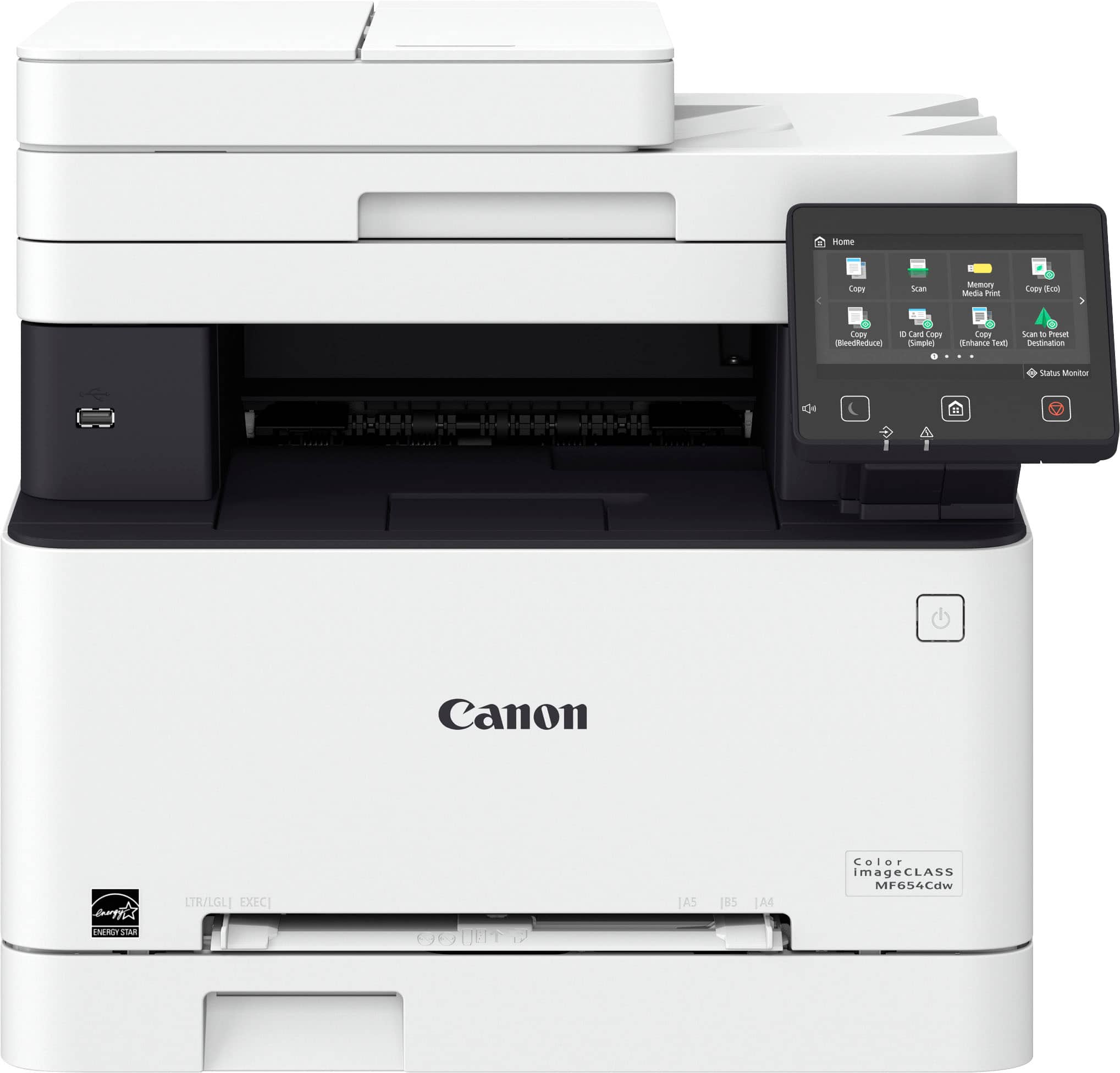
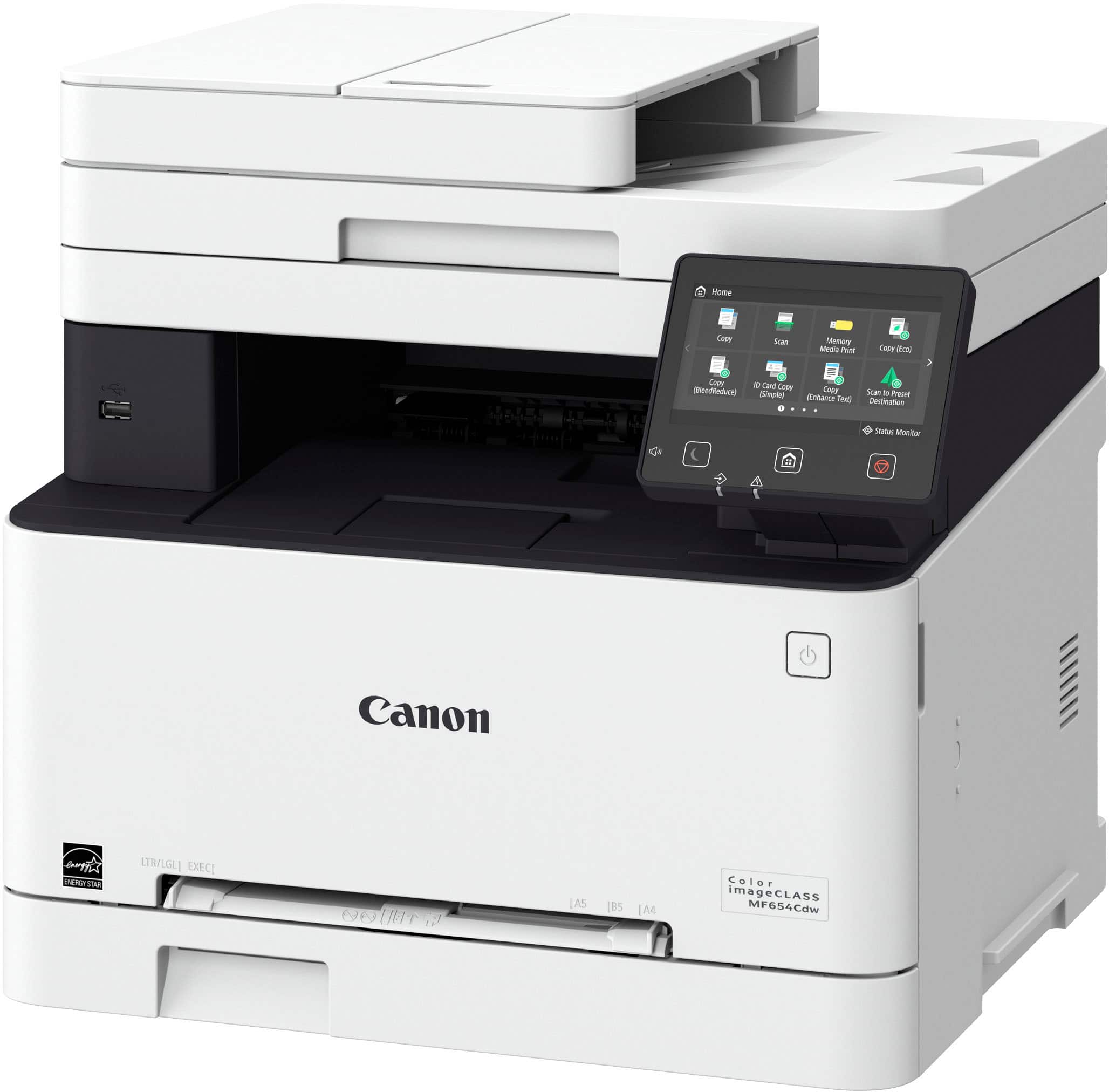
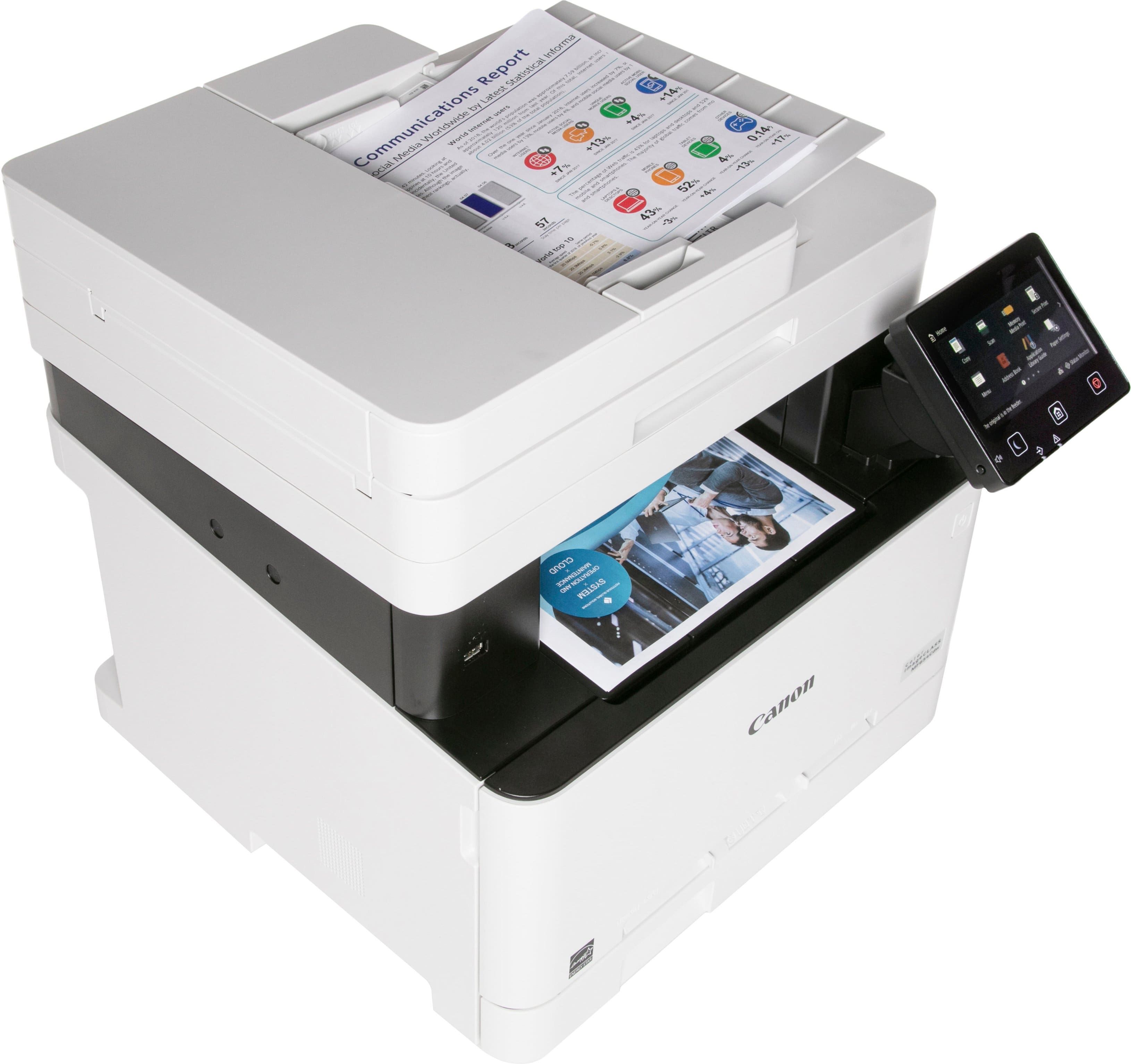
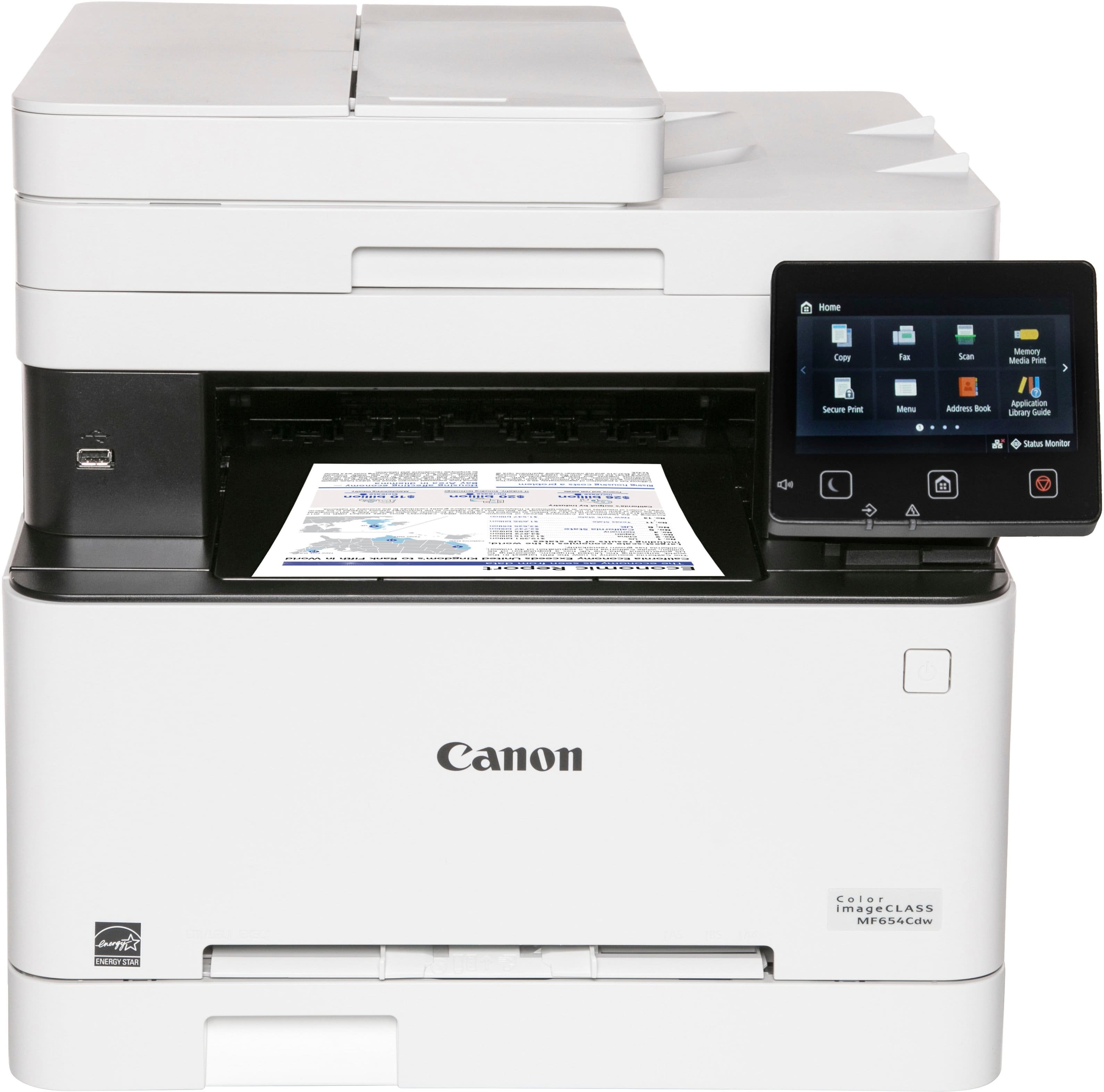
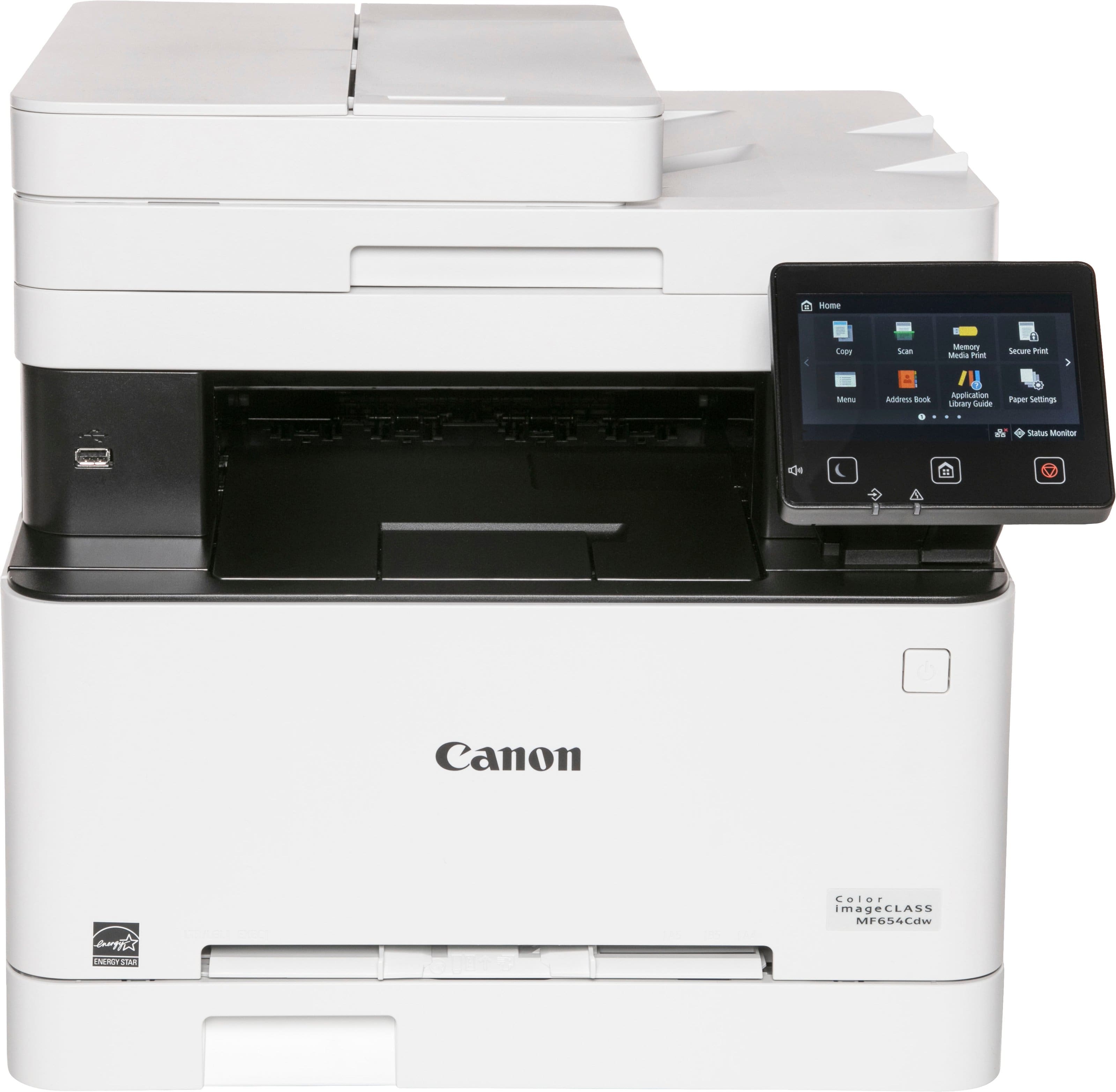
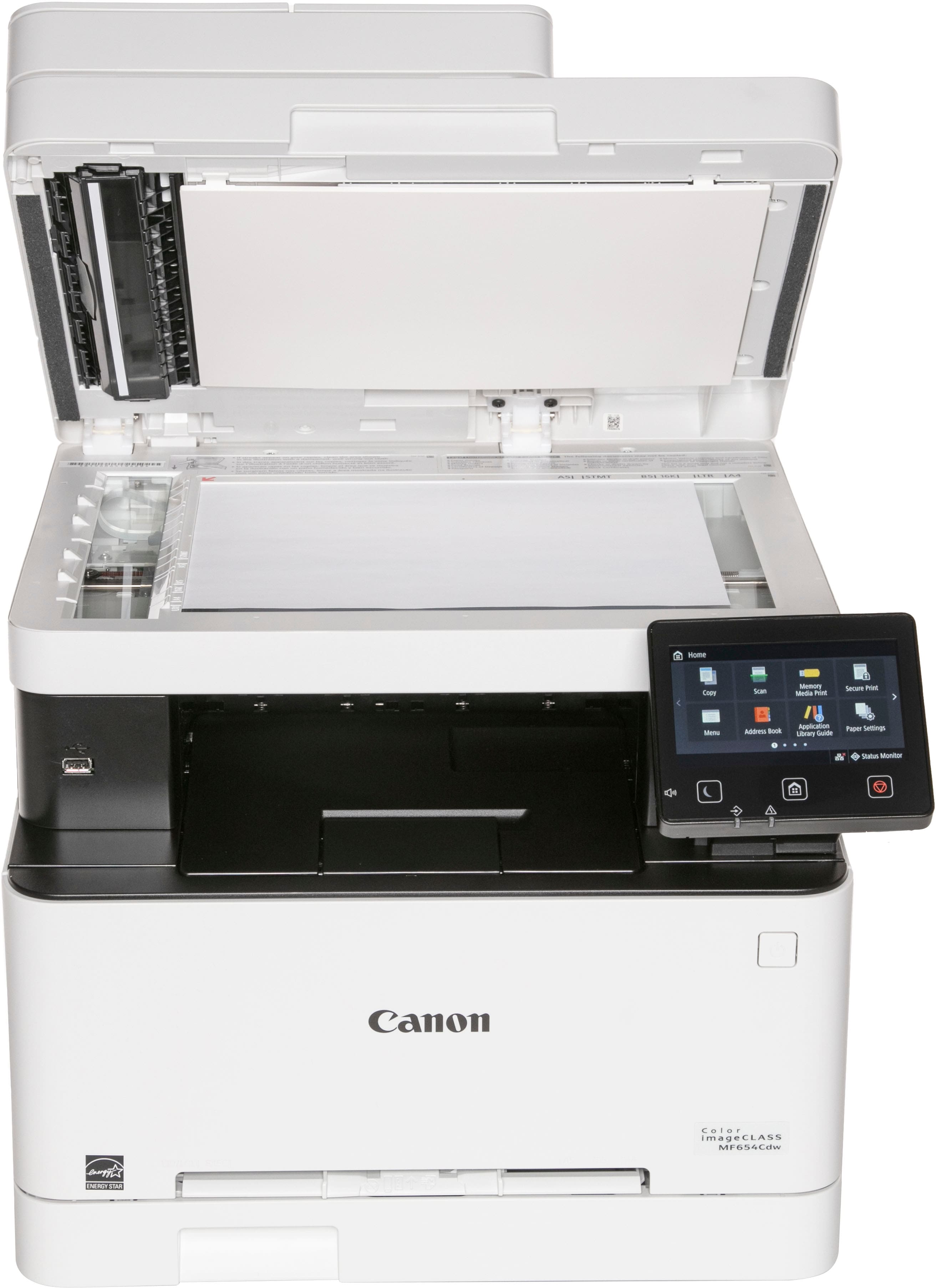
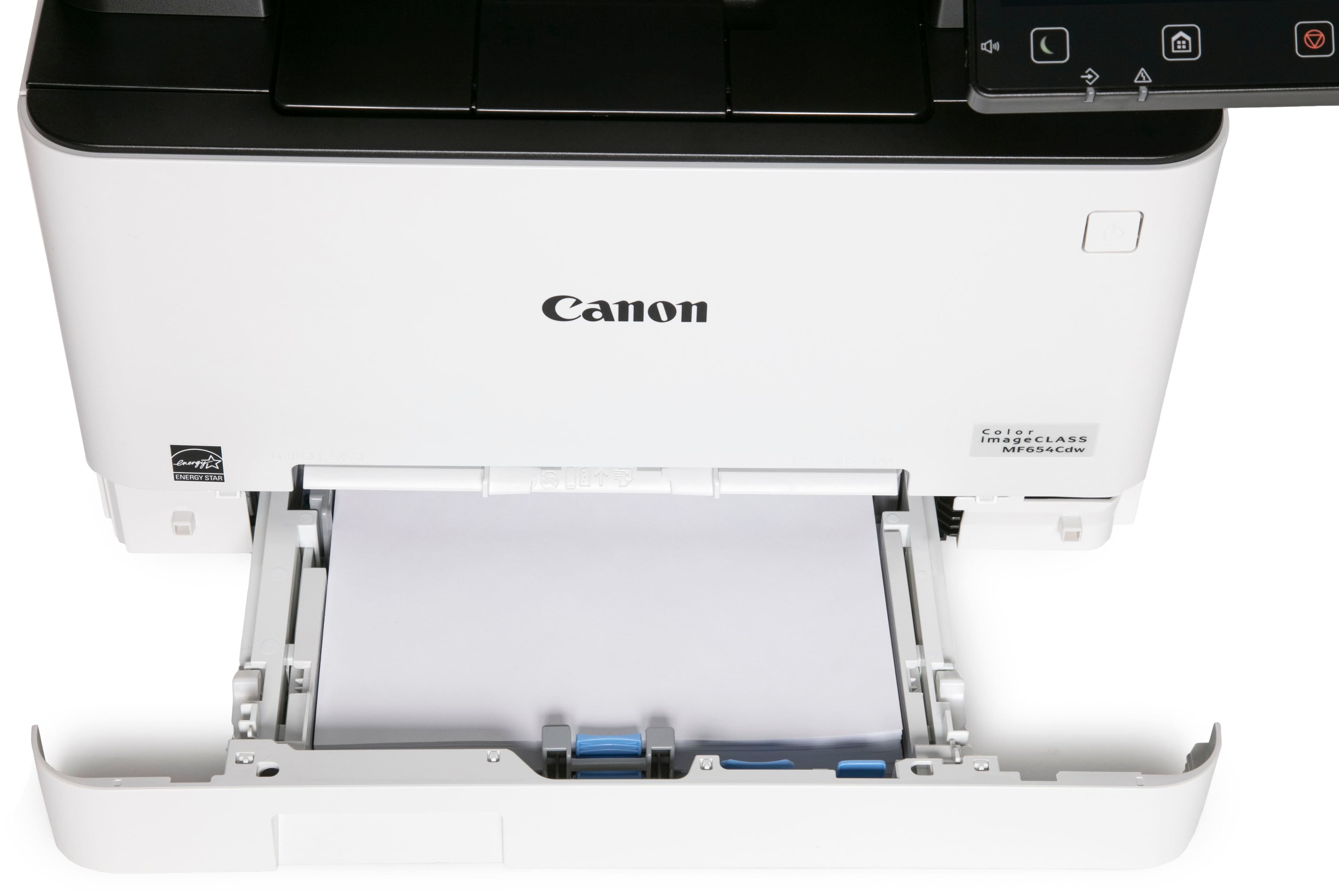
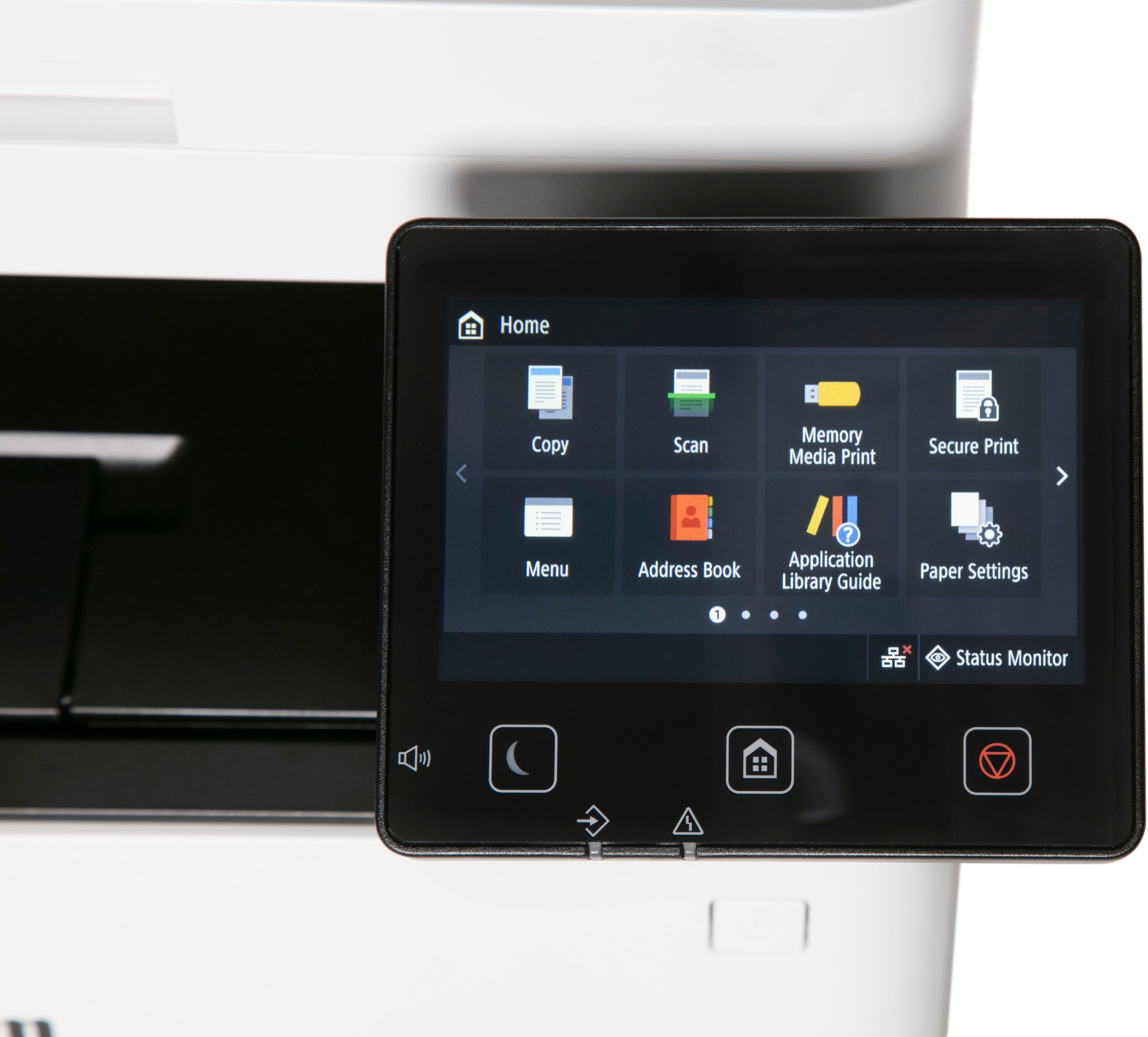
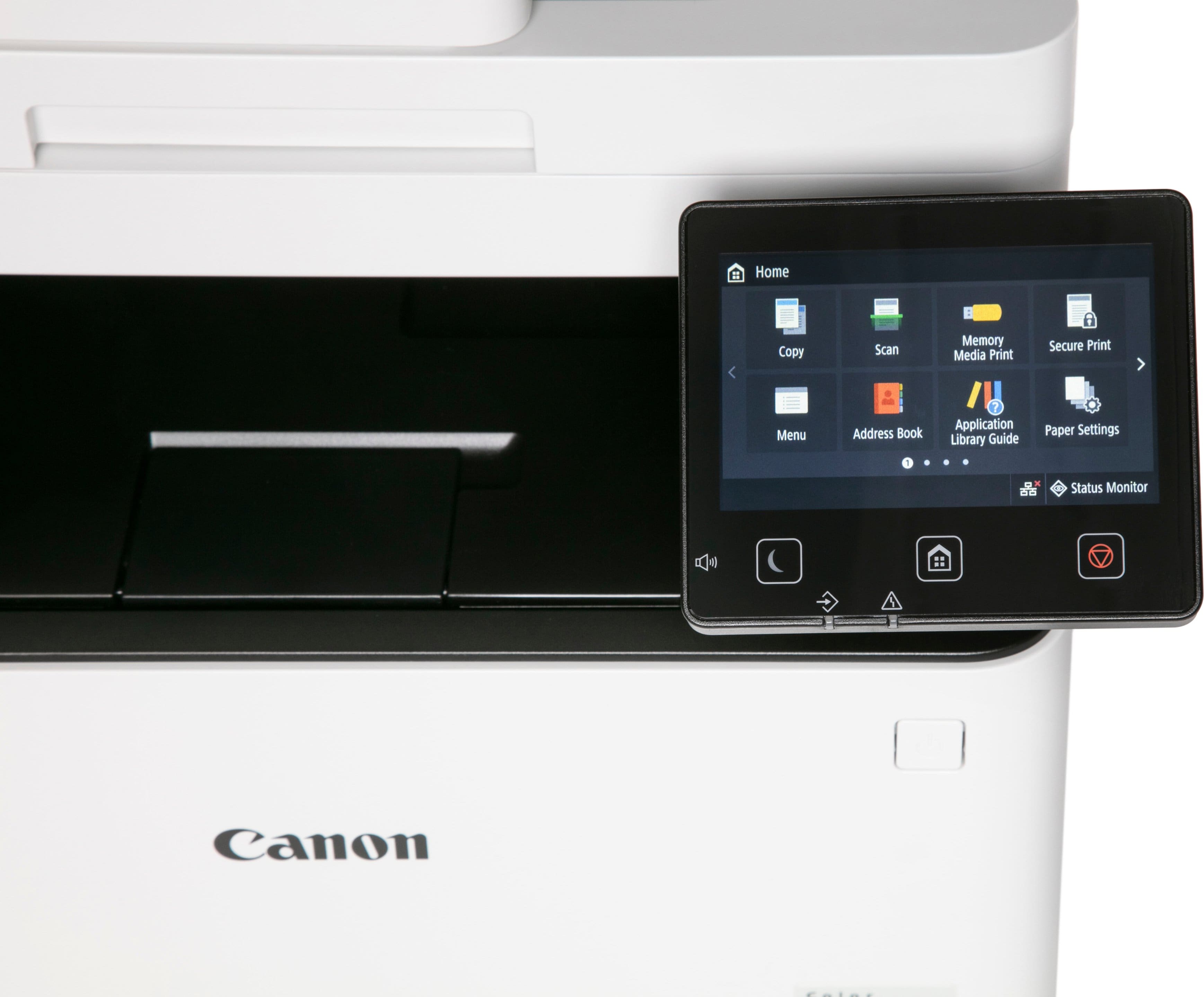
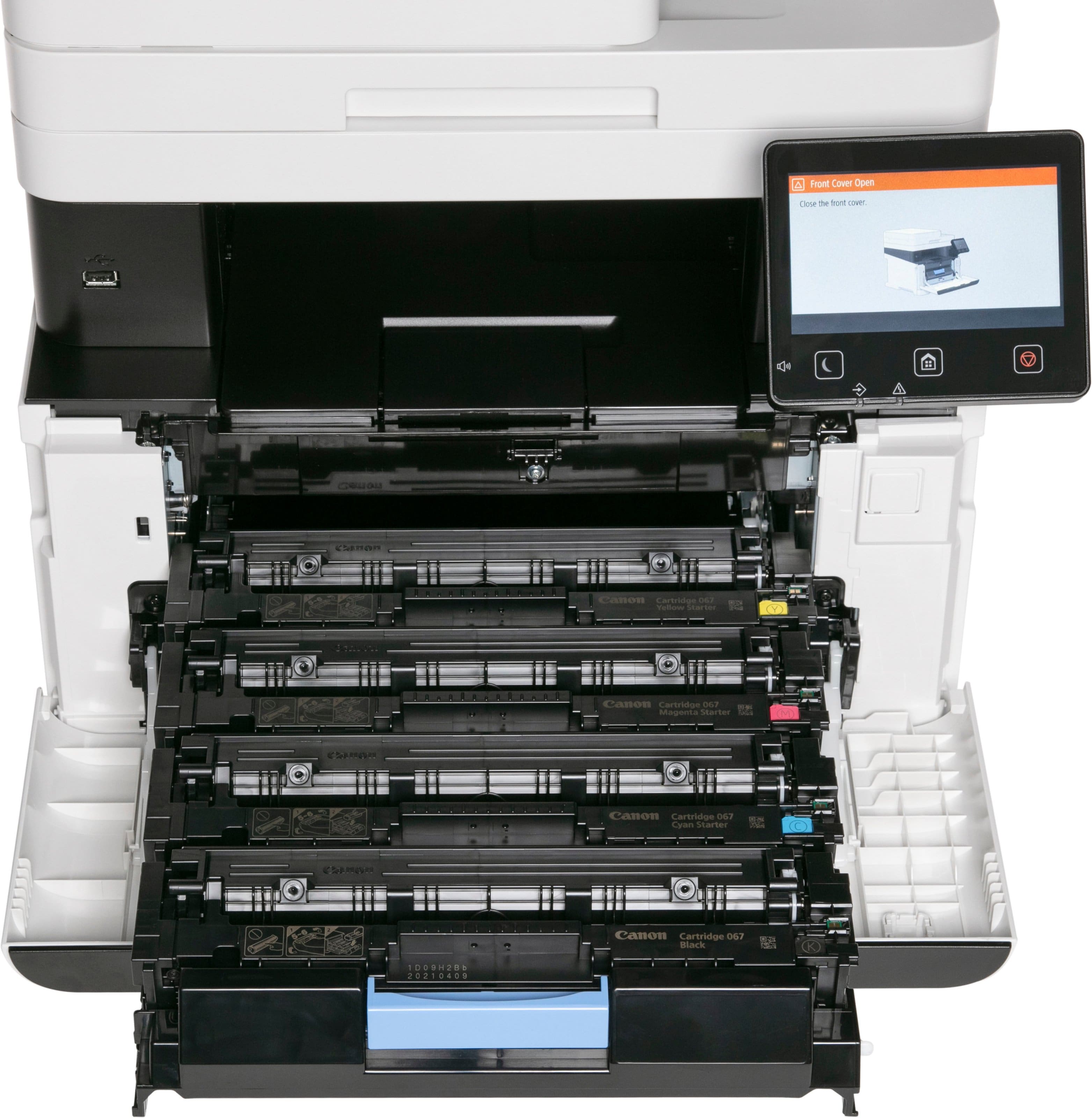
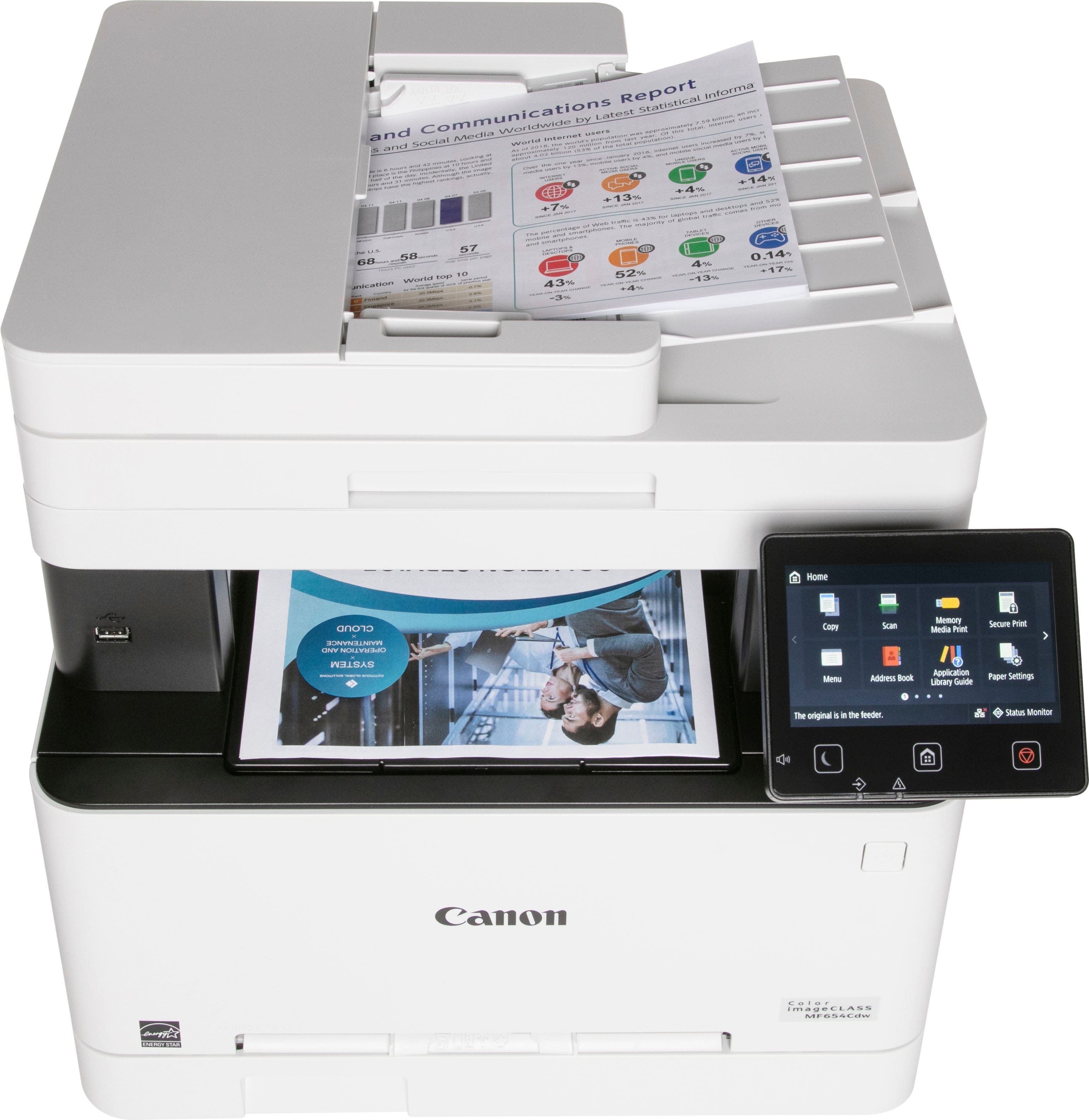
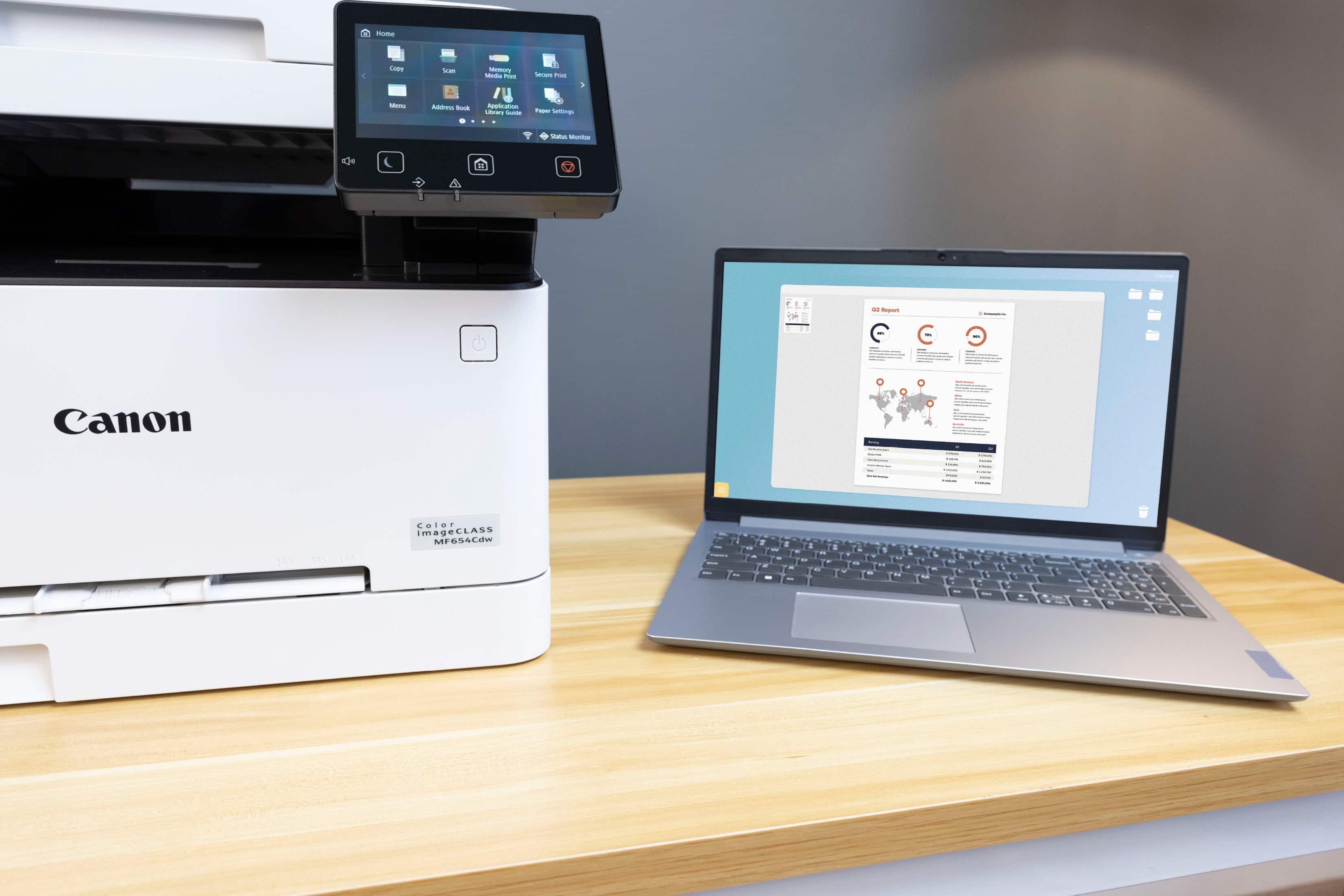
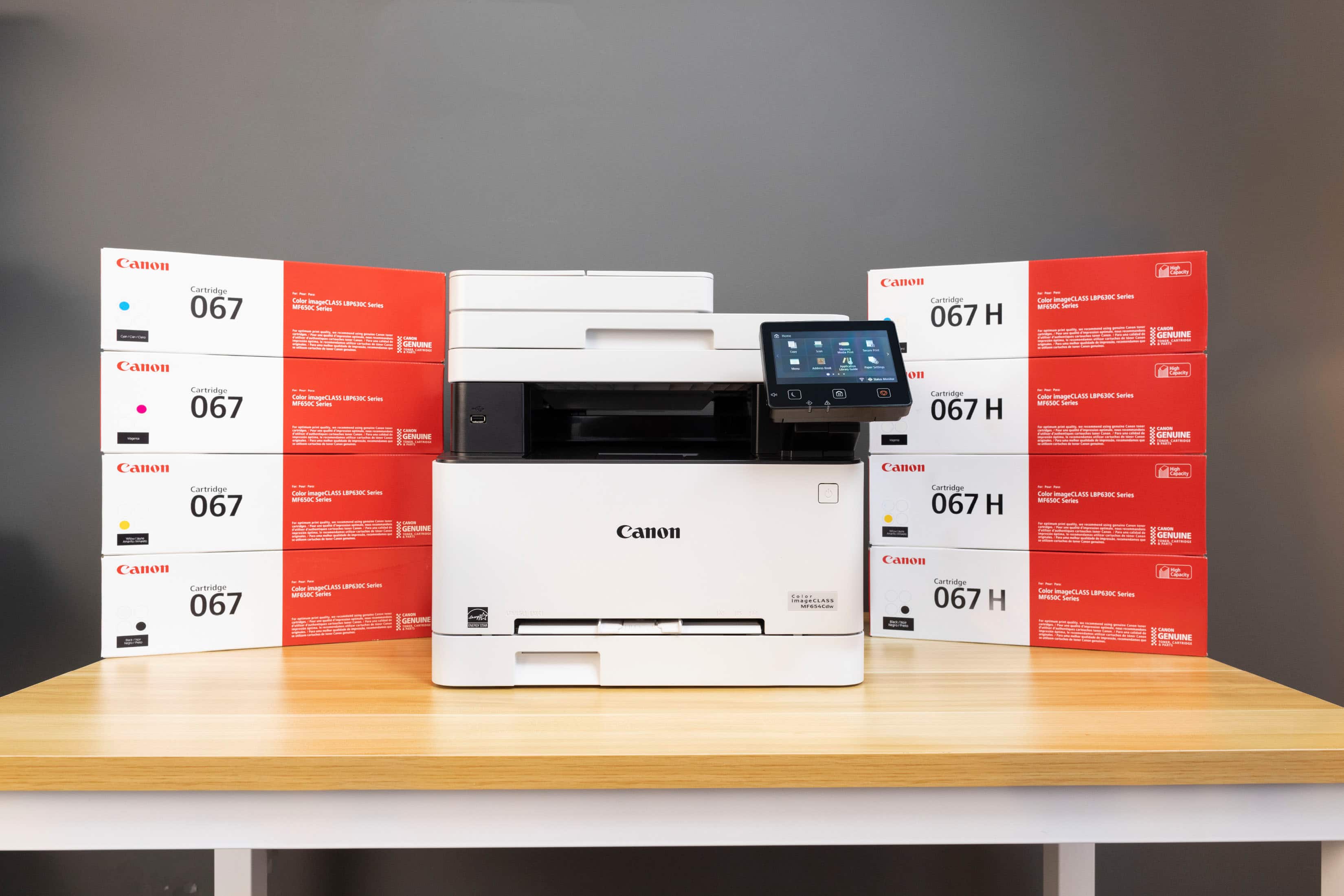
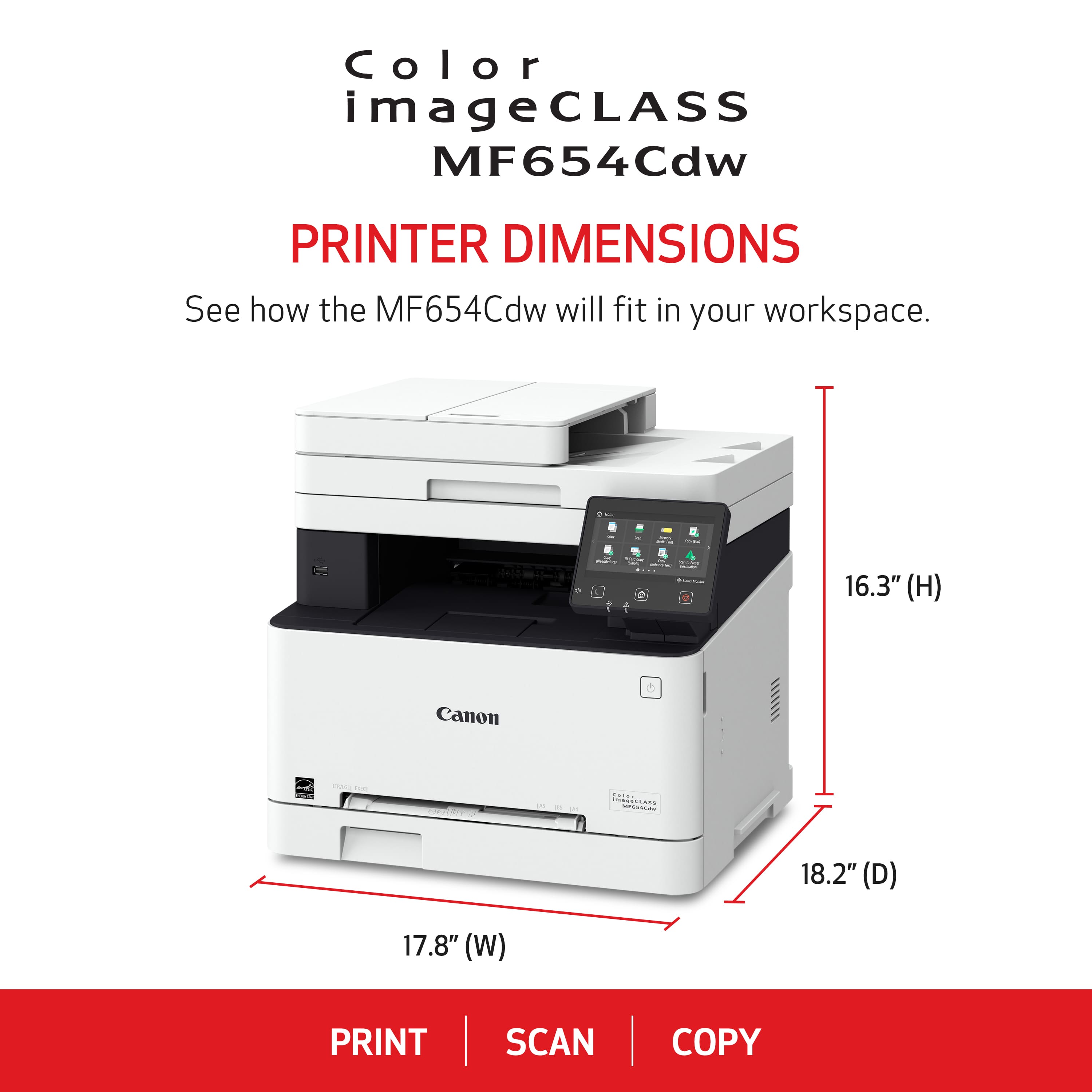
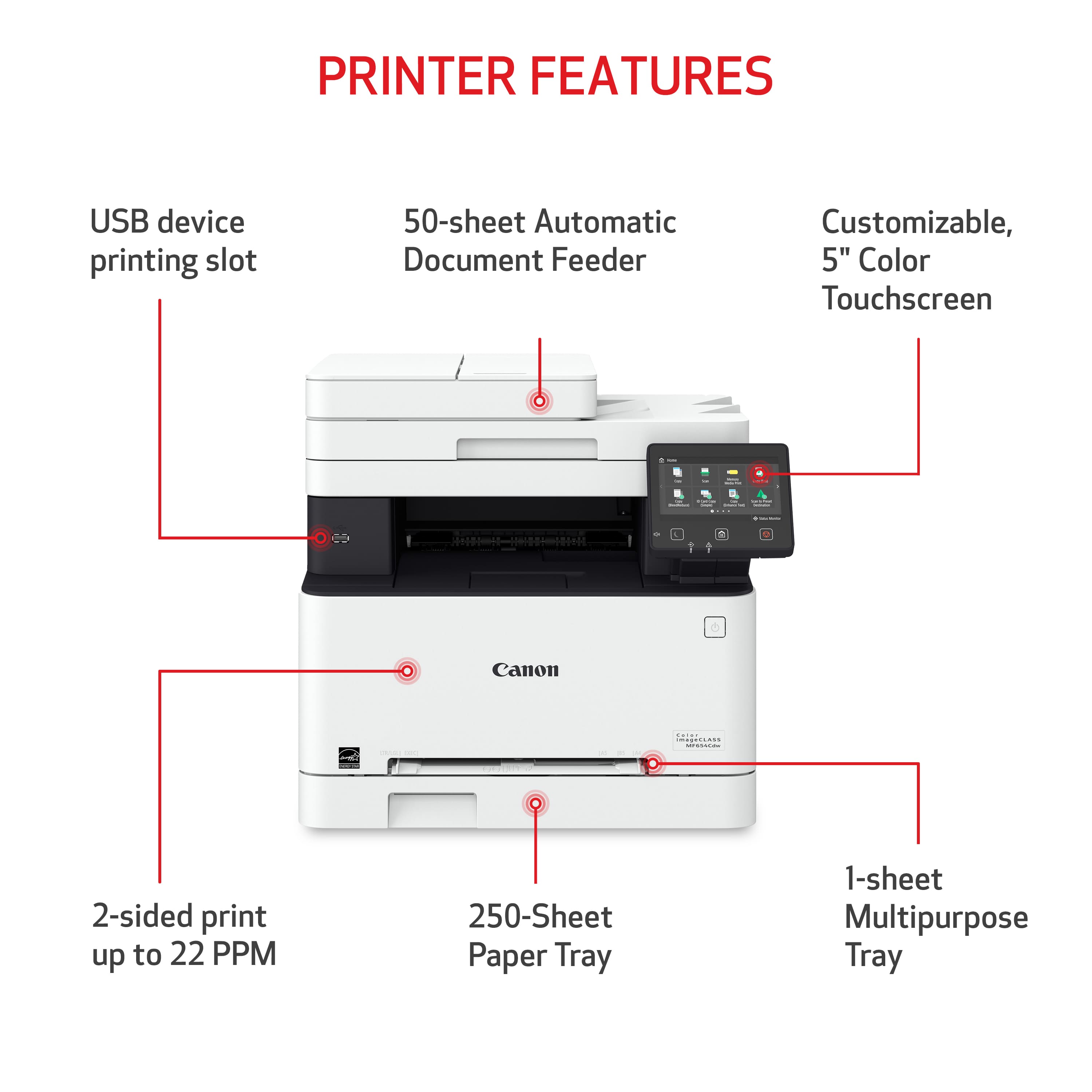
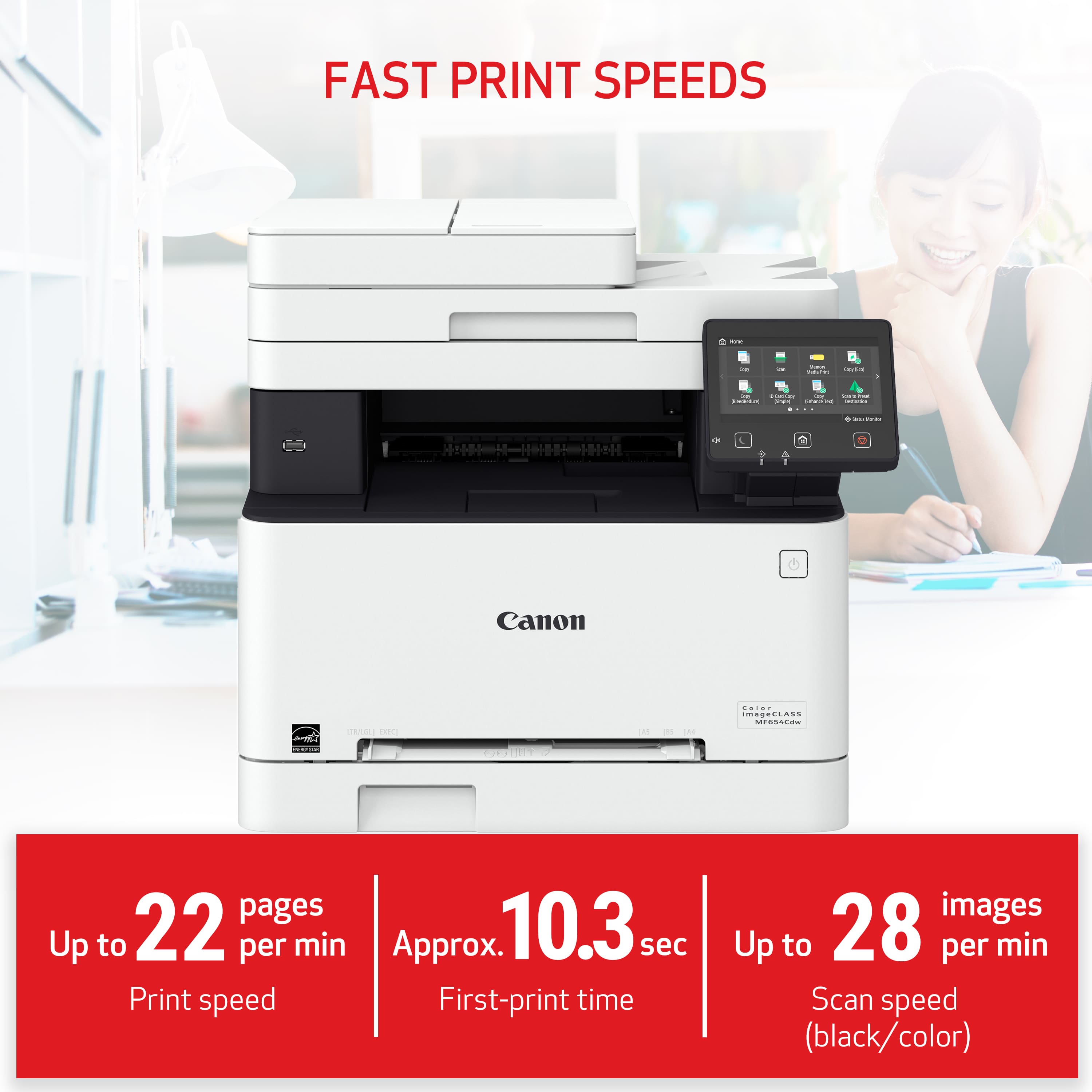
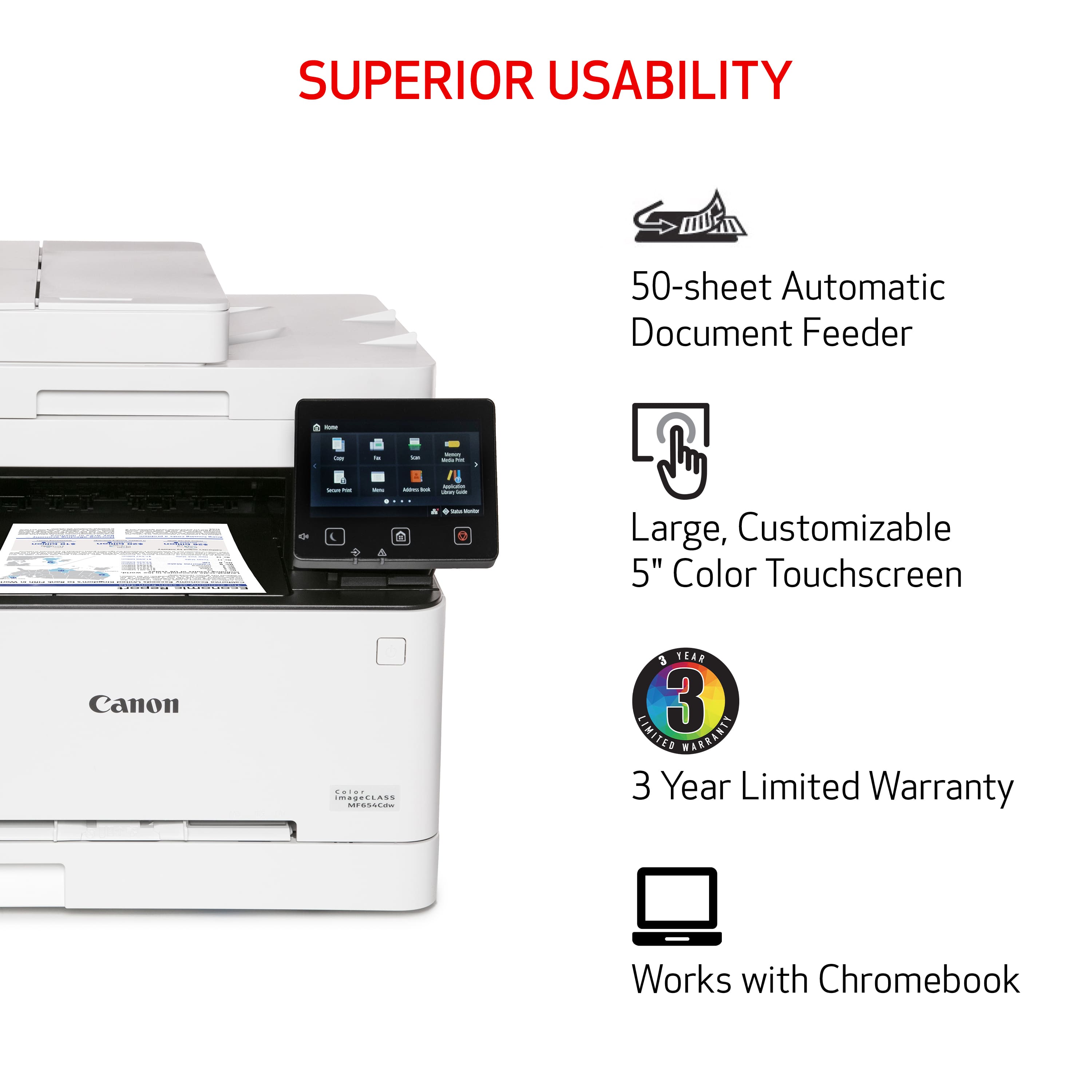
|Posted .This reviewer received promo considerations or sweepstakes entry for writing a review.This Canon imageCLASS MF654Cdw Wireless Color All-In-One Laser Printer was very simple to setup for use as a stand alone on the network, connecting wirelessly to a computer, and using with smart phones and tablets. The setup process is very easy to follow and there were no snags or issues at all. The printer is full of great features. It already has installed all four toner cartridges, one in black, one in magenta, one in yellow and one in cyan. It has a software CD with it, but you can get the latest versions online at the Canon website. The full color large touchscreen display responds quickly and had no issues. It’s adjustable too, so depending on where you install your printer, you can move the display up or down. It has an auto feeder on it for scanning or copying more than one page at a time. It also has a flatbed scanner too. The paper drawer is big and holds more than enough paper. The printer comes with a piece that goes on the drawer if you use legal sized paper, so it doesn’t get dust on it. It also has a slot with measurements to manually feed paper or an envelope. The duplex feature is awesome, as it prints on both sides of the paper. There are also options in the settings when you go to print that will allow you to print a book style page, or multiple pages on a single sheet of paper. You can print to email too. The print quality is fantastic. I printed flyers, checks, brochures, a picture (it’s not a photo printer), a newsletter, and a fake advertisement, to see how it would print. I thought it did an amazing job, even on the picture. The print speed is really good too, even in color. The printer weighs about 45 pounds, give it take a few pounds. It has a fairly small footprint for all that it does. It would go nicely on a printer stand, but I wouldn’t put it on a desktop beside my computer monitor.
I would recommend this to a friend - Pros mentioned:Print quality
Love it!
||Posted . Owned for 3 weeks when reviewed.This reviewer received promo considerations or sweepstakes entry for writing a review.easy set up. Very easy to use. Quick print. Pretty decent for the price.
I would recommend this to a friend - Pros mentioned:Print quality
Powerhouse of a scanner/printer!
||Posted . Owned for 1.5 years when reviewed.This reviewer received promo considerations or sweepstakes entry for writing a review.Purchased about a year ago for home use. Gone through two 3rd party sets of toners [do not buy toner cartridge that have leaky toner, it will streak!] Quick prints, OCR software works good for pdf scans, downside is difficulty trying to use legal size sheets or scans. Ditched ink printers for good after purchasing laser!
I would recommend this to a friend - Pros mentioned:Print quality
Very good printer but noisy
||Posted . Owned for 3 weeks when reviewed.This reviewer received promo considerations or sweepstakes entry for writing a review.This printer works very well. It prints good quality and is fast. The only thing is it is very loud since I had someone on the phone who could hear the printer in the background.
I would recommend this to a friend - Pros mentioned:Print quality
Nice print quality, easy setup, great home printer
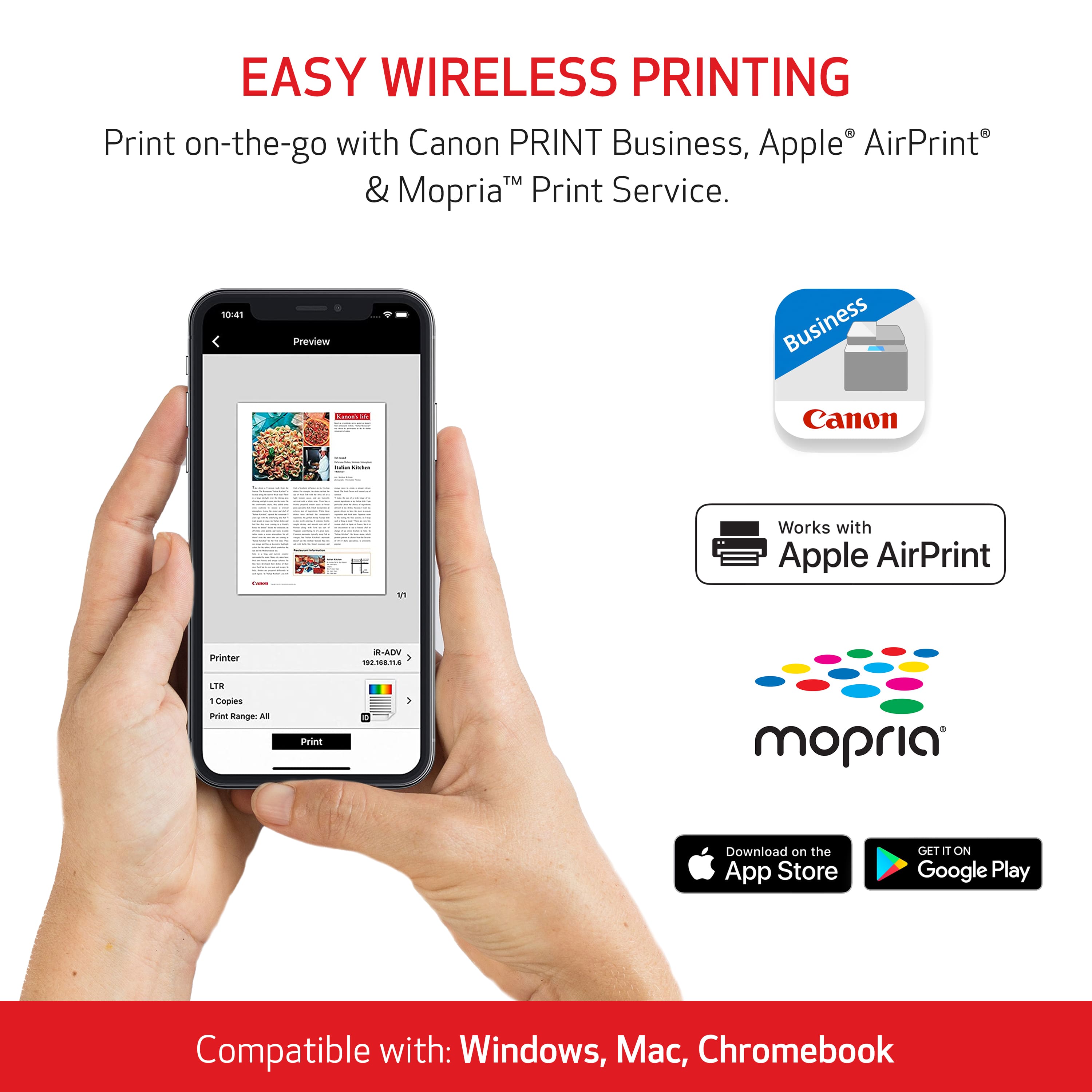
||Posted . Owned for 3 weeks when reviewed.This reviewer received promo considerations or sweepstakes entry for writing a review.Since I may print 120 pages and then nothing for two weeks my inkjet print heads were constantly plugging up and the time lost and wasted ink were killing me. I always thought color lasers were out of my price range but when I needed to replace four $125 ink cartridges that would take about half the ink just to get pages without missing lines I decided to do it. One of my coworkers has this same series printer he and his partner use for home business and he recommended it. I did my own research and it looked like what I needed. It is a little bigger than my old all in one inkjet but that's not a problem. No problems installing it or connecting to the network. have gone through about a ream of paper and printed several envelopes without any problems at all. Very good print quality and no problem with print speed. Android phone app is one of those things I never thought I'd use but I was wrong, nice to be able to print without booting up a computer. Click print and I know the print job will be waiting and not full of blank lines.
I would recommend this to a friend - Pros mentioned:Print quality
Functionable printer with features hey Siri spell
||Posted . Owned for 8 months when reviewed.This reviewer received promo considerations or sweepstakes entry for writing a review.This printer is definitely very functionable. It was easy for me to set up. It is heavy, so please have someone help you lift to destination. I like the feature of it being wireless and also being able to connect to it with a USB cord if needed I also like that you can scan to your computer. I had to call Cannon to help get me set up with that feature because I couldn't do it by myself overall the color quality is great. I am a real estate broker so I use it to print a lot of of my listings and other promotional advertisement. The print time is faster than I expected overall a very good midgrade, laser printer for the price that I paid. Thank you
I would recommend this to a friend - Pros mentioned:Print quality
Printer review
||Posted . Owned for 2 weeks when reviewed.This reviewer received promo considerations or sweepstakes entry for writing a review.Our new Canon printer has proved itself to be quiet fast and prints very nicely. It handles each job very professionally and I'm very happy with the quality of its operations.
I would recommend this to a friend - Pros mentioned:Print quality
Great AIO laser printer
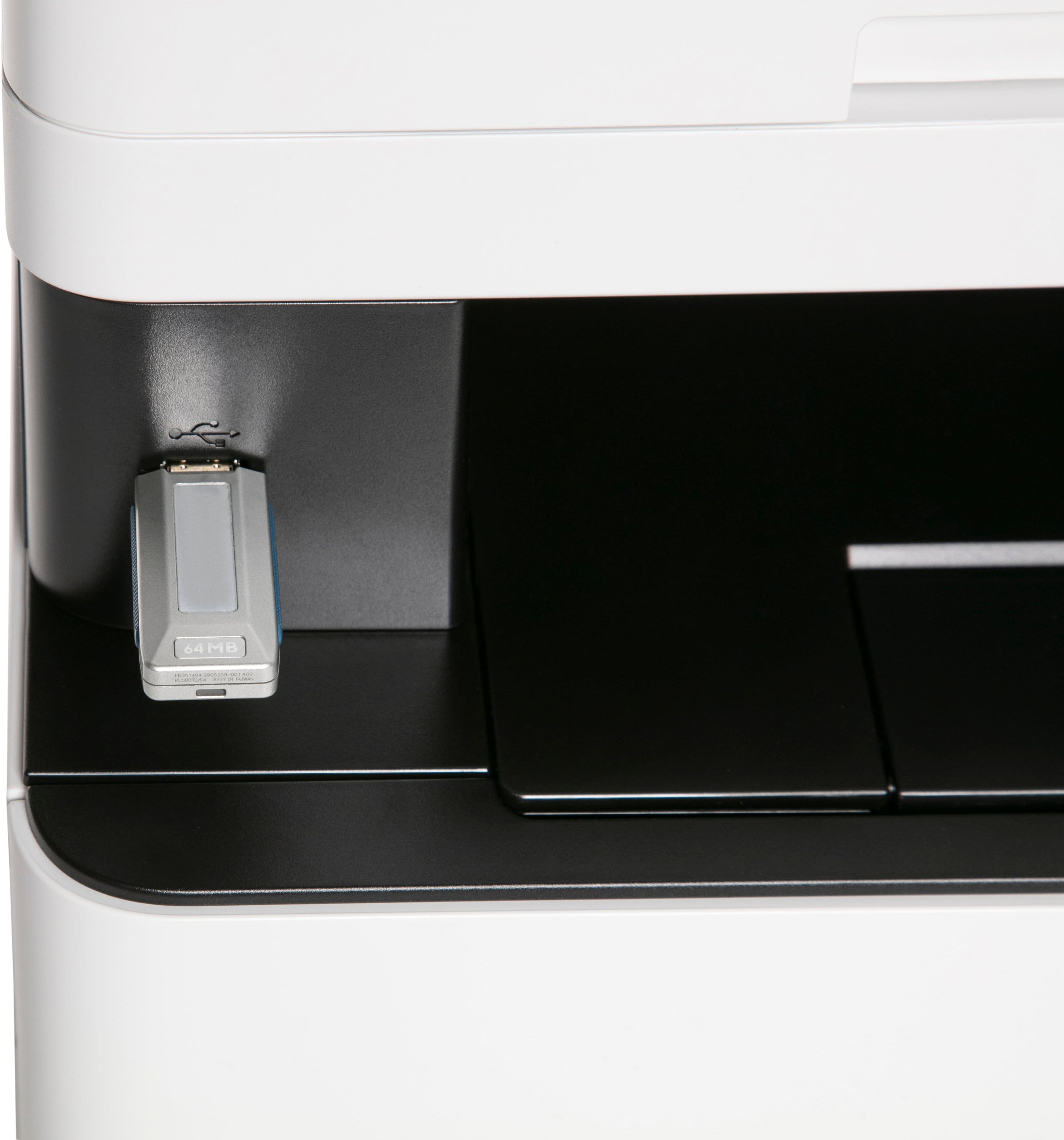
|Posted .This reviewer received promo considerations or sweepstakes entry for writing a review.The Canon MF654Cdw is a fast all in one laser printer that provides excellent image quality. If you have have a home office you know the value of a good printer, especially a good laser printer. My girlfriend is a realtor and uses a printer constantly so a good printer is a must have for us. Setting the machine up for wireless printing is simple, but if want to scan and have it wirelessly send it to the computer you have to download the drivers from Canon’s website. This is straightforward and takes only a few minutes to install and the drivers allow you to control more of the functions of the printer from the computer. The printer has AirPrint built in so you can easily print from any of your Apple products easily. The machine also has specific standalone settings for copying an ID or passport. The automatic two sided printing is something that saves a tremendous amount of time when you have a lot of stuff to print. Not sure how many people still need this, but it also has the ability to print from a usb drive. The one thing that could be improved is the touch screen interface, sometimes it can be a little to sensitive to the touch and you select something you didn’t mean to. The MF654Cdw is an overall great laser printer for a small home office that needs to print in color and black and white.
I would recommend this to a friend - Pros mentioned:Print quality
Great Value
||Posted .This reviewer received promo considerations or sweepstakes entry for writing a review.This is a great printer at a great price. This replaced an inkjet printer and I couldn’t be happier to be done with clogged print heads and buying ink every couple of months. So far this Canon color laser printer has performed flawlessly. Setup was a breeze (I’m using Apple operating software) and have had no connectivity problems. I do not consider it to be noisy as has been mentioned on other reviews. Very happy with this purchase.
I would recommend this to a friend - Pros mentioned:Print quality
High quality print/scan/copy
||Posted . Owned for 9 months when reviewed.This reviewer received promo considerations or sweepstakes entry for writing a review.This is a great machine, easy to use, fast and offers high quality printing, scanning and copying. The only negative is it's heavier than I expected and bulky.
I would recommend this to a friend - Pros mentioned:Print quality
Excellent for home or work
||Posted . Owned for 3 weeks when reviewed.This reviewer received promo considerations or sweepstakes entry for writing a review.I've been using this laser printer for a long time, and it's been excellent. Setup was fast - I had it connected to Wi-Fi and printing from my phone within minutes. Quality is perfect. I'd definitely recommend it!
I would recommend this to a friend - Pros mentioned:Print quality
Highly recommend Canon printer
||Posted .This reviewer received promo considerations or sweepstakes entry for writing a review.Very nice printer I would highly recommend. The colored prints are very clear and sharp. It scans and copies. It was fairly easy to set up and I am very happy with this printer.
I would recommend this to a friend - Pros mentioned:Print quality
Excellent All-In-One Color Laser Printer
||Posted .This reviewer received promo considerations or sweepstakes entry for writing a review.This all-in-one laser printer has been an absolute game-changer for my home office! Setup was fast and painless, connecting wirelessly to all my devices in just minutes. It produces crisp, vibrant color prints and sharp black-and-white documents with impressive speed — perfect for everything from everyday pages to detailed graphics. The touchscreen interface is intuitive and easy to navigate, and I love the built-in scanning and copying features. Whether you’re printing reports, homework, or photos, this machine delivers professional-quality results every time. Highly recommend for small business or personal use!
I would recommend this to a friend - Pros mentioned:Print quality
Very happy so far
||Posted . Owned for 3 weeks when reviewed.This reviewer received promo considerations or sweepstakes entry for writing a review.Very happy with our Canon laser printer so far (only a couple of months in). Got a great price on sale and setup was a breeze. Yes, it is big and bulky, but the footprint is not much larger than the inkjet printer it replaced and the print quality is noticeably superior.
I would recommend this to a friend Huge value for the money
||Posted . Owned for less than 1 week when reviewed.This reviewer received promo considerations or sweepstakes entry for writing a review.This printer really surprised me. To be honest, the stats on it don’t rank very high. What kept me coming back to it is the price. BBY is currently running a sale that puts it in a very affordable range. It’s really a Swiss Army type machine. For a laser jet it can do a little bit of everything pretty solidly. When it arrived at my house - free of charge (thank you BBY member’s perk) i was reminded of its size and weight. Its a beefy printer. The almost 50 lbs is probably a challenge for some people but, the benefits that it affords are awesome. There’s nothing like loading in 250 sheets of paper and walking away from adding more for a month :) You can really tell that the team that designed this thing is sharp and on their game. This definitely includes the shipping box. Packaging engineers lake note. This is how you ship something to keep it protected. The box is designed to just peel away from the printer leaving it easy to pick up and transfer to its location in the house. The printer set up incredibly easy (despite the old school software). The wifi connection was very quick and appears to be very realiable. Ive owned tons of printers over the years - all the market heavy hitters. None have given me and my family this positive of an experience. It makes an amazing network printer for our house. It earns a 5 star rating easily.
I would recommend this to a friend- Pros mentioned:Print quality
Responsive
||Posted . Owned for 3 weeks when reviewed.This reviewer received promo considerations or sweepstakes entry for writing a review.Quick response and copies come out nice. A bit loud, but worth the noise if you need a workhorse.
I would recommend this to a friend Replacement device excellent choice
||Posted .This reviewer received promo considerations or sweepstakes entry for writing a review.This was a replacement for a 15 year old canon image class laser. Love the easy of setup the speed of printing and double sided printing. The built in scanner copier has come in very handy also.
I would recommend this to a friendGreat Printer!!!
||Posted .This reviewer received promo considerations or sweepstakes entry for writing a review.Overall, from General Setup to daily usage the Printer is great. Easy accessible internal web address for setting changes and modifications. Would definitely recommend
I would recommend this to a friend- Pros mentioned:Print quality
Great print quality works with Mac computers!
||Posted .This reviewer received promo considerations or sweepstakes entry for writing a review.I've been using this printer non stop for 3-months now and it's been great! I own a Mac computer and this printer has all the printer drivers for my Mac unlike the HP printer that I purchased first. Since the HP printer did not have printer drivers for my computer the colors were printing way off. This Canon is fast, the print quality is excellent and the colors are pretty accurate! After a frustrating experience with the HP I'm very happy with this Canon printer and would recommend to Mac users and Graphic Designers.
I would recommend this to a friend - Pros mentioned:Print quality
Great for the price
||Posted .This reviewer received promo considerations or sweepstakes entry for writing a review.The printer works very well and fast. Good quality but gave only 3 stars because it's a bit noisy and driver setup a bit challenging.
No, I would not recommend this to a friend