Customer Ratings & Reviews
- Model:
- 5779C002
- SKU:
- 12633592
Rating by feature
- Value
Rating 4.2 out of 5 stars
- Quality
Rating 4.3 out of 5 stars
- Ease of Use
Rating 4.2 out of 5 stars
Customers are saying
Customers commend the product's phenomenal print quality, along with its simple setup and overall ease of use. They also appreciate its convenient size and strong overall performance. However, some users have noted that connectivity can take a long time to establish. Additionally, the printer's noise level has been described as a bit loud.
This summary was generated by AI based on customer reviews.
lack of support
||Posted . Owned for 3 months when reviewed.This reviewer received promo considerations or sweepstakes entry for writing a review.There is a support line that goes along with this item but it has been difficult to actually get in touch with them. I have yet to find the USB port that is supposed to be available for scanning documents. Sometimes I miss my HP printer
No, I would not recommend this to a friend- Pros mentioned:Print quality
My printer
||Posted . Owned for 3 weeks when reviewed.This reviewer received promo considerations or sweepstakes entry for writing a review.I love it and it very fast that i use it for every thing
I would recommend this to a friend - Cons mentioned:Connectivity
Regular $400-$500 wasn’t even worth the sale price
||Posted .This reviewer received promo considerations or sweepstakes entry for writing a review.This printer is slow, hard to reconnect to your smart phone when you want to print from your phone. It is also glitchy,etc.
No, I would not recommend this to a friend - Pros mentioned:Print quality
Canon
||Posted . Owned for 1 month when reviewed.This reviewer received promo considerations or sweepstakes entry for writing a review.So far, printer is working great. Black and colors look great.
I would recommend this to a friend Great Product
||Posted .This reviewer received promo considerations or sweepstakes entry for writing a review.Unlike epson products, THIS WORKS !!!!! I scanned 30+ pages with the Auto Document Feeder and no problems.
I would recommend this to a friend- Pros mentioned:Print quality
Awesome
||Posted . Owned for 1 month when reviewed.This reviewer received promo considerations or sweepstakes entry for writing a review.Just excellent, fast, quality, durability, perfect
I would recommend this to a friend Good all around combo printer
||Posted . Owned for 1 month when reviewed.This reviewer received promo considerations or sweepstakes entry for writing a review.Very happy with this Canon printer. Was easy to set up. Have not completed the FAX setup, but that doesn't appear to be hard.
I would recommend this to a friend.
||Posted . Owned for 3 weeks when reviewed.This reviewer received promo considerations or sweepstakes entry for writing a review.Great printer only thing that I find an issue with is that after searching for the setting to have it print out the fax receipt it was unable to do so but other than that the printer works great!
I would recommend this to a friendCanon printers have absolutely no support
||Posted .This reviewer received promo considerations or sweepstakes entry for writing a review.I have struggled with Cannon printers, but tried to stick with them because they are much better on ink prices and consumption. I upgraded to this printer because I wanted scan capabilities and my old printer is having time-out problems and having to reset. the 4020 was an absolute disaster - only outdone by the total lack of support from Cannon. I got the printer set up and printing with some struggle becuase there is not an actual guide to setting it up but it worked. But I never could get the scanner to connect to my computer. Canon support was no help and pushed me off to an off-shore paid service that was also worthless. I finally took the printer back to the store for a refund. Moral of the story is do not by Canon printers. They are no supported and if it doesn't work perfectly out of the box, you are out of luck.
No, I would not recommend this to a friendStudents and Teachers Check This Out!
||Posted . Owned for 3 weeks when reviewed.This reviewer received promo considerations or sweepstakes entry for writing a review.So far so good. This printer is working like a charm. We have a school teacher and a high school student in our household, and this printer is already making a difference.
I would recommend this to a friend- Cons mentioned:Connectivity
Lemon
||Posted .This reviewer received promo considerations or sweepstakes entry for writing a review.Complete lemon. Worse printer I've ever had. Goes offline, cannot scan even though it is supposed to. Decides not to print for no reason at the worst moments. DO NOT BUY. Now on Amazon for the third of the price I paid
No, I would not recommend this to a friend - Pros mentioned:Print quality, Setup, Size

One printer to rule them all(most)
|Posted .This reviewer received promo considerations or sweepstakes entry for writing a review.Tl;dr I’d recommend this printer if you need lots of good looking, color print outs and have some time to wait for them. A fast 9 pages per minute single sided will have you making flyers in no time. Double sided documents must be slowed down to reach the same quality Generally speaking, you can buy a cheap printer with expensive cartridges or an expensive printer with cheaper consumables. Canon is moving to the head of the pack when it comes to cheaper consumables, offering up to 16,000 pages from a single set of ink. Needless to say, I can’t confirm if Canon is lying, but I can say Canon is delivering this low cost per page with consistent, quality printing. That’s significantly better than ink jet printers I’ve used from Brother. Unfortunately, this is not a perfect unit that I can recommend to everyone. You can choose faster printing or double sided printing, but not both. When printing double sided pages, the ink doesn’t have enough time to dry before the page is sucked back through the rollers for printing on the other side. This results in some ghosting of text or images located near the bottom of the page. This can be fixed by increasing the drying time setting on the printer or by printing single sided only. With the drying time increased, the printer goes from 5 pages per minute (double sided) to 2 pages per minute. My friends Brother, color laser printer in his home office does 12 pages double sided per minute by comparison. It cost around the same amount up front. While his page cost is ~$.04 for consumables, this printer is < $.01 using Canon’s excellent ink. The printer was easy to set up and fairly easy to use. I had the printer out of the box and on the cart is < 5 minutes thanks to flexible, but strong cardboard packing materials. It was solid, but not heavy, weighing about half of my friends printer. Set up can be done through an app or a web page. Connecting it to WiFi was very straightforward. Loading the ink was similarly easy. It’s amazing how much ink the printer’s reservoirs go. While the print speed may be slow, the print quality is great (other than the ghosting issue mentioned above). Text is clear and precise. Mixed with graphics, this printer is hard to beat! The small office type color laser printers do not handle graphics and pictures as well, even at a higher cost per page. The single sided scanner can be set to use a variety of web services. E-mailing scans requires configuring an outgoing mail server, but gets the scan where it needs to be quickly. It isn’t the fastest around, but gets the job done in a pinch. The LCD screen is convenient for some things, but isn’t really large enough to make more than a few basic changes. It’s a touch screen and fairly responsive, but requires you to enter passwords and email addresses using the alphabet on a U.S. phone keypad. Also, it’s hard to access the screen when standing up as it doesn’t tilt up. Overall, this is a decent printer released at a time when fewer and fewer people are using paper. Therefore, the main use for this printer is destined to be flyers and other, similar collateral. For that, the double sided printing issue will not be a problem. It just means tweaking the printer setting each time double sided is needed. 4 stars for being a good value, just not quite the printer to rule them all.
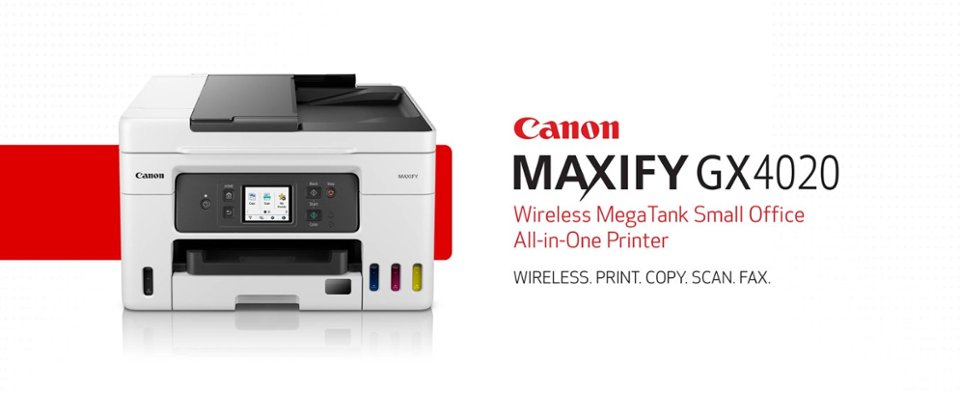
I would recommend this to a friend canon - MAXIFY MegaTank GX4020 Wireless;
||Posted . Owned for 3 weeks when reviewed.This reviewer received promo considerations or sweepstakes entry for writing a review.SO FAR SO GOOD, QUIET & EFFICIENT, THE EASE OF PURCHASE AND CUSTOMER SERVICE WAS COMMENDABLE. I ALSO APPRECIATE THE PROMPT DELIVERY
I would recommend this to a friendGreat printer
||Posted . Owned for 1 week when reviewed.This reviewer received promo considerations or sweepstakes entry for writing a review.Being not tech savvy I had my son set it up. This printer does not need special cartridges so much better.
I would recommend this to a friendGreat purchase
||Posted . Owned for 3 weeks when reviewed.This reviewer received promo considerations or sweepstakes entry for writing a review.Perfect for our needs. Great for students and business. I love the big ink tanks.
I would recommend this to a friendPerfect printer
||Posted . Owned for 3 weeks when reviewed.This reviewer received promo considerations or sweepstakes entry for writing a review.Love it! Highly recommended. Don’t hesitate , run.
I would recommend this to a friend- Cons mentioned:Connectivity
slow
||Posted .This reviewer received promo considerations or sweepstakes entry for writing a review.the printer takes a long time to think, compared to the brothers that I had, this one is the slowest, it takes a long time to load the system, it takes a long time to connect!
No, I would not recommend this to a friend canon printer
||Posted . Owned for 3 weeks when reviewed.This reviewer received promo considerations or sweepstakes entry for writing a review.I had to return this printer and exchange it. the printer kept eating my paper. maybe canon is a good brand but in my case, I cannot recommend it.
No, I would not recommend this to a friendImpossible to Connect !!
||Posted . Owned for less than 1 week when reviewed.This reviewer received promo considerations or sweepstakes entry for writing a review.I have never had such a difficult time trying to connect a printer to a computer via wifi ! I don't know what the problem is but it's beyond ridiculous ! I am not computer illiterate but apparently I am when it comes to Canon printers... no reason it should be difficult, at all ! Pick another printer, any printer ! My HP didn't last 2 years but at least I could connect it ! Ugh !
No, I would not recommend this to a friend- Pros mentioned:Print quality, Setup, Size
Fantastic and useful All in one GX4020
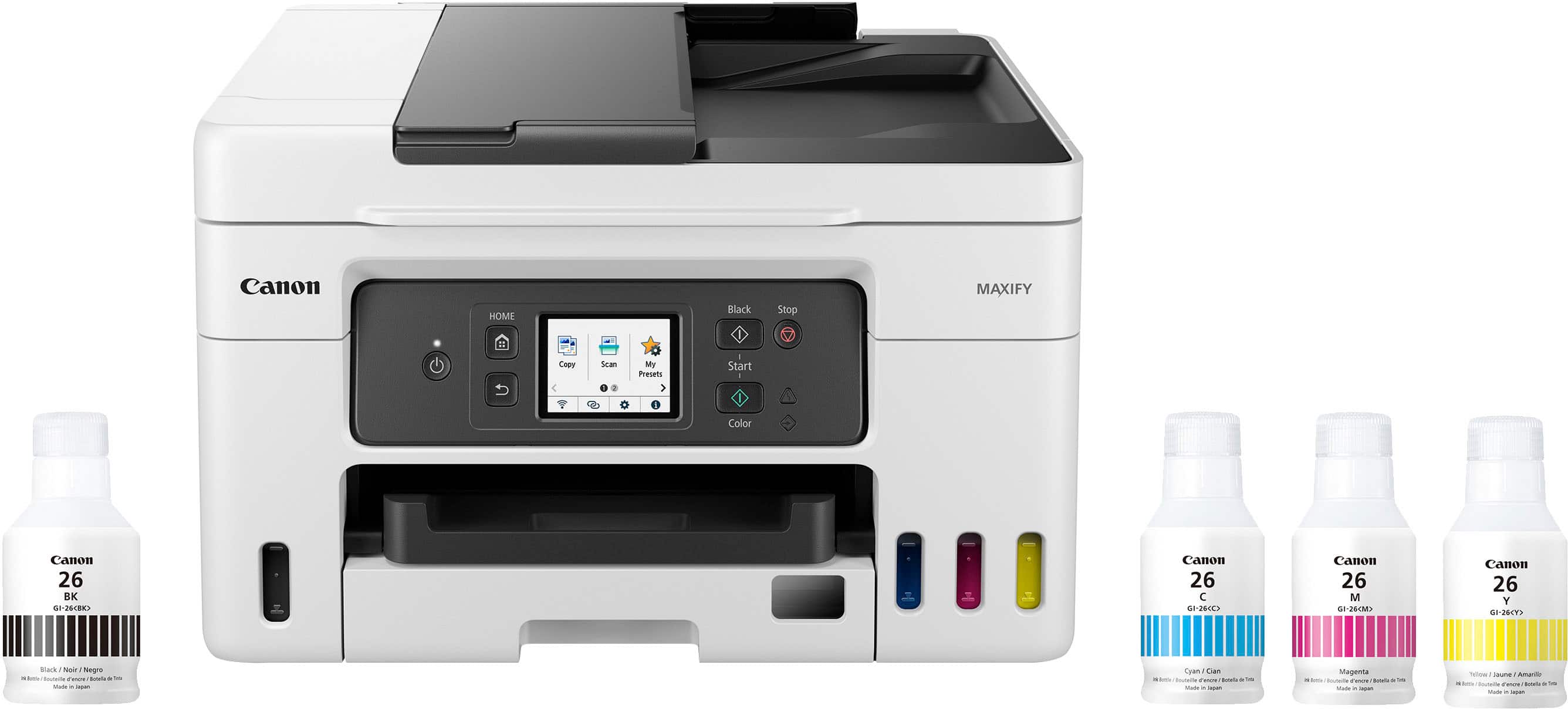
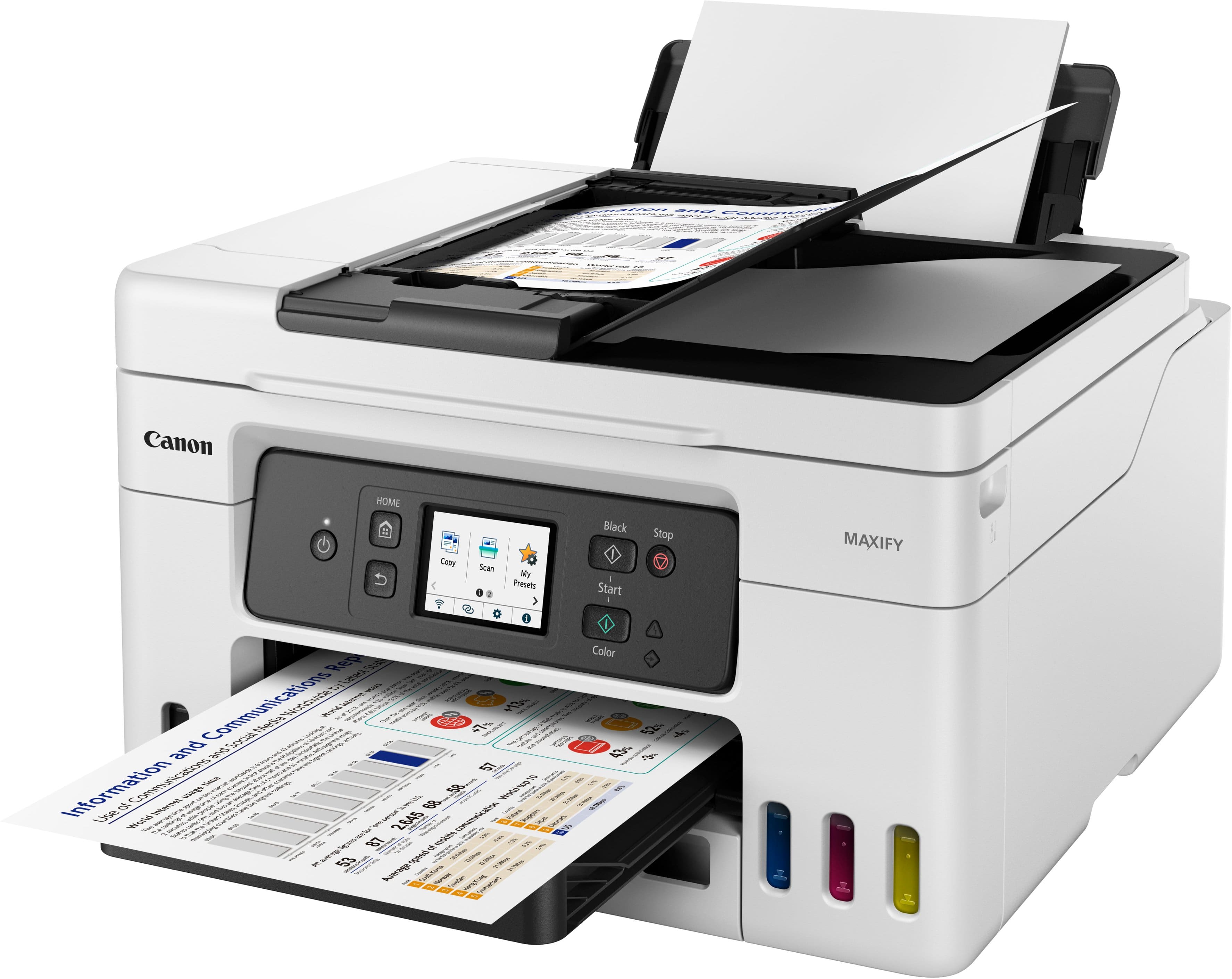
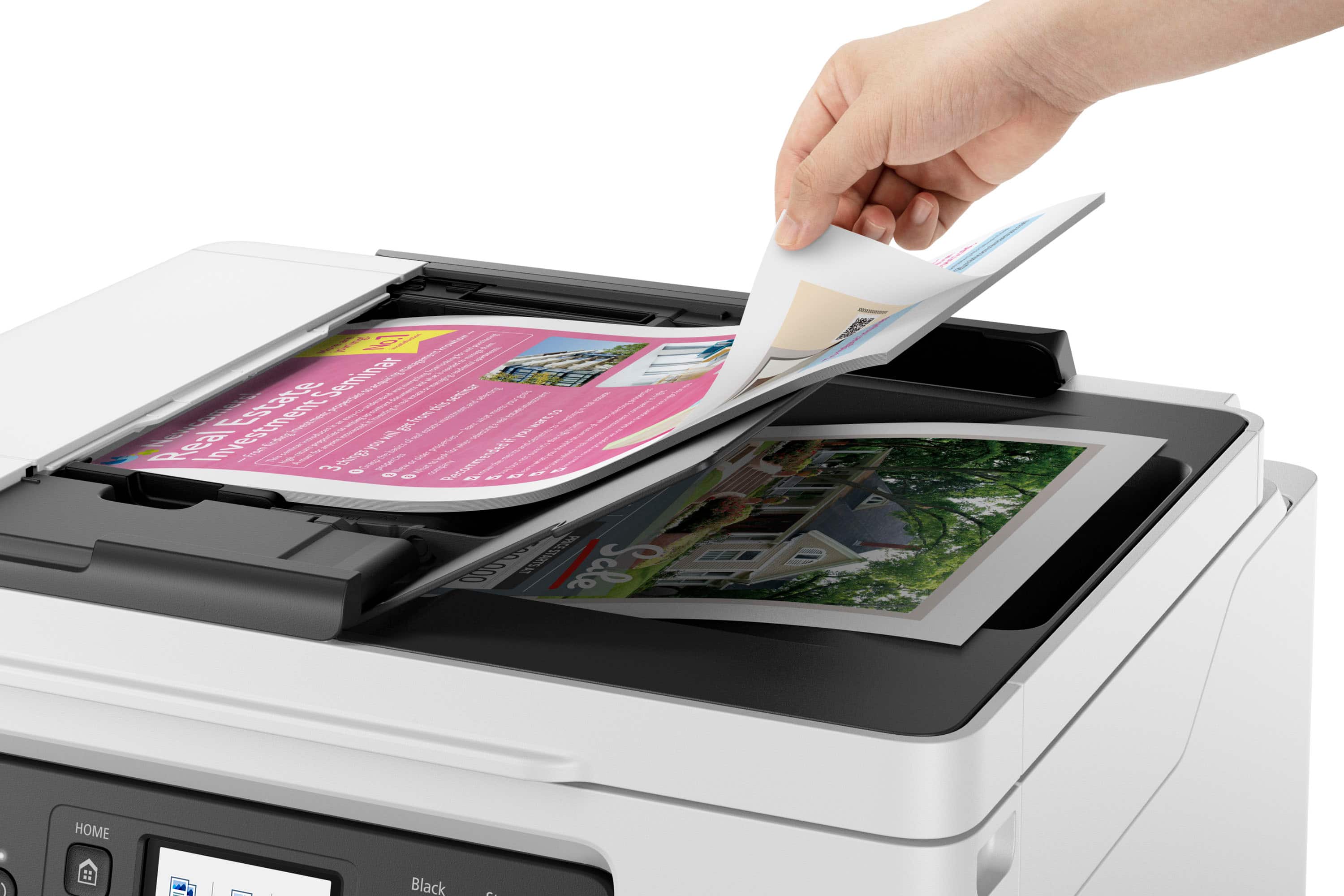
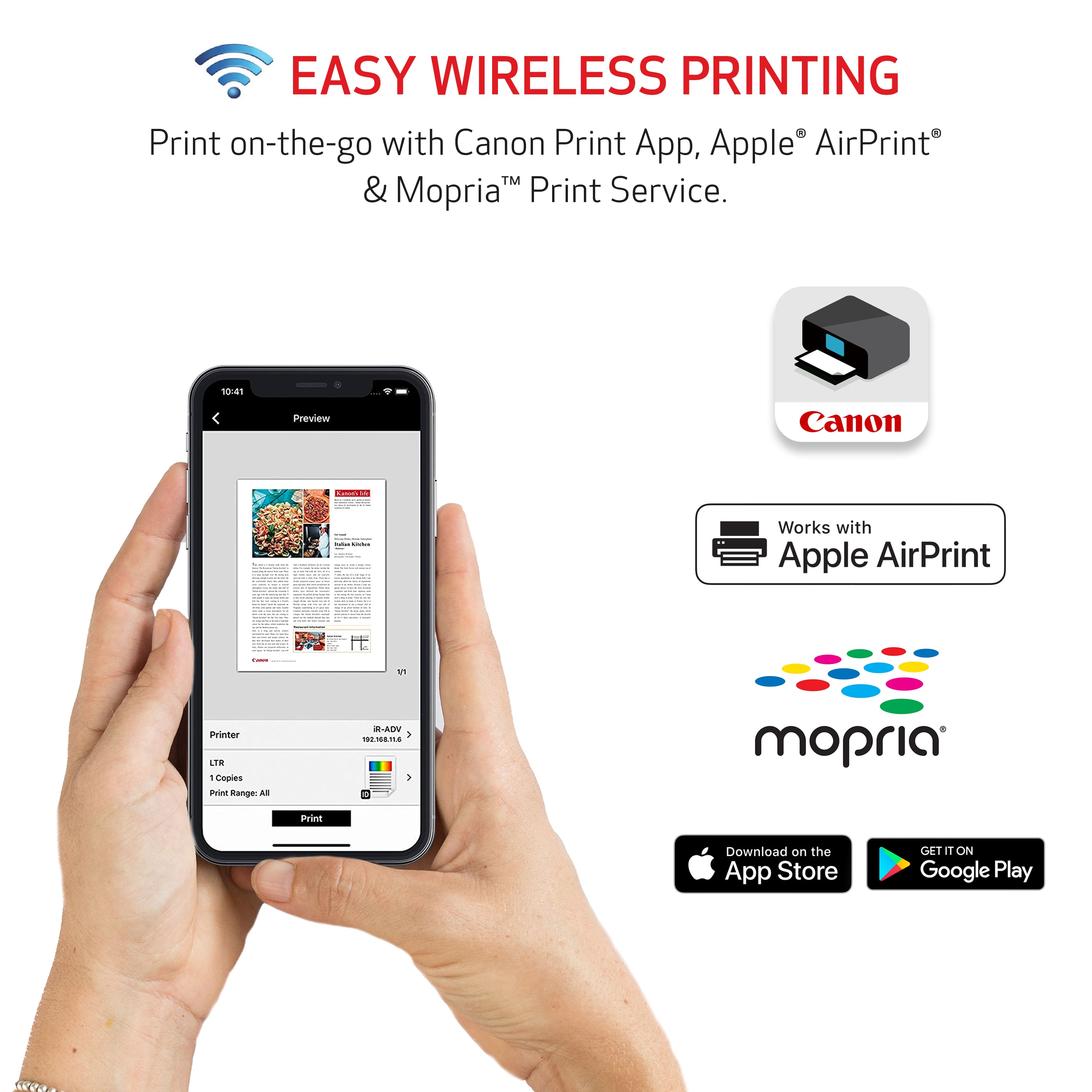
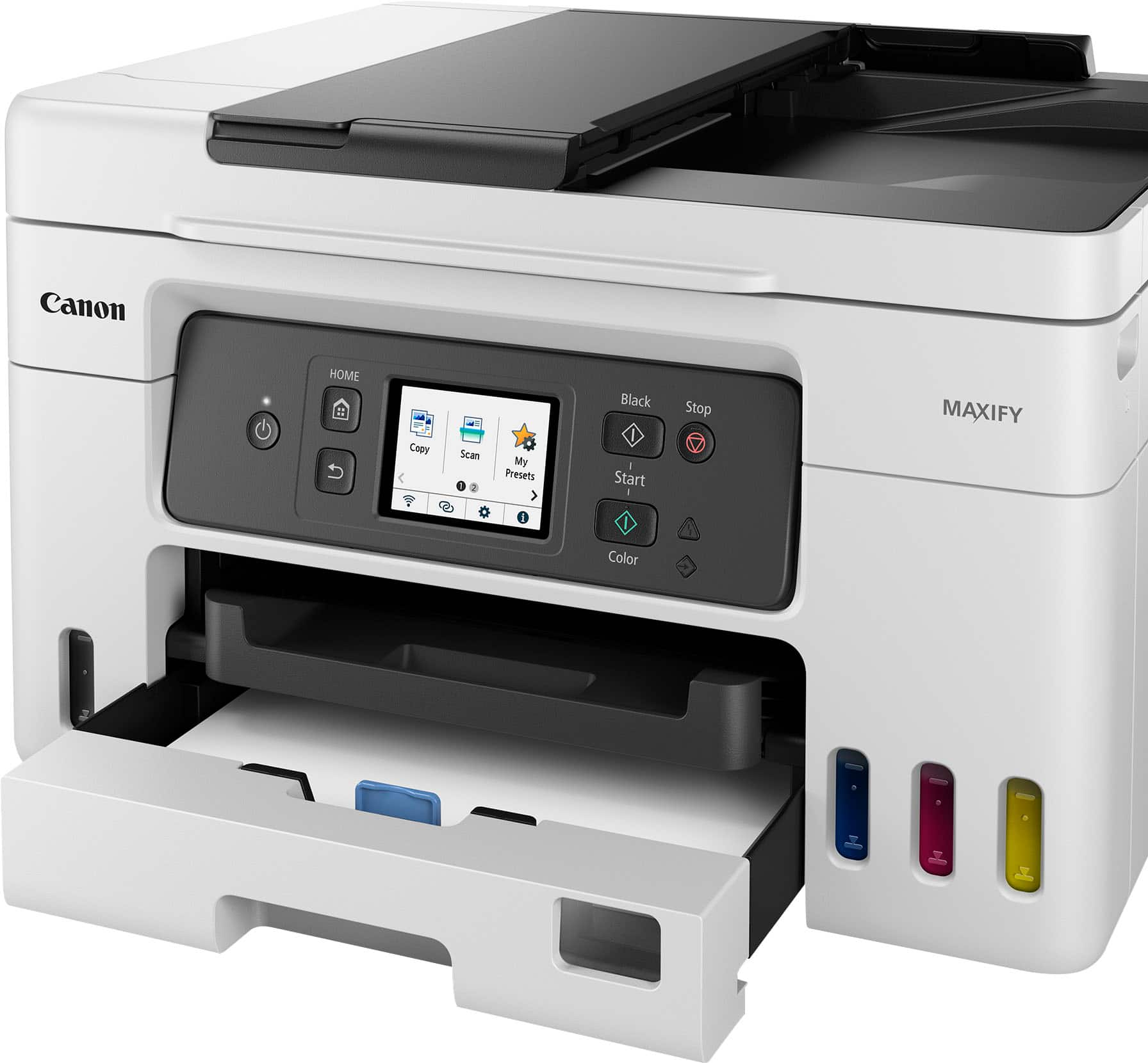
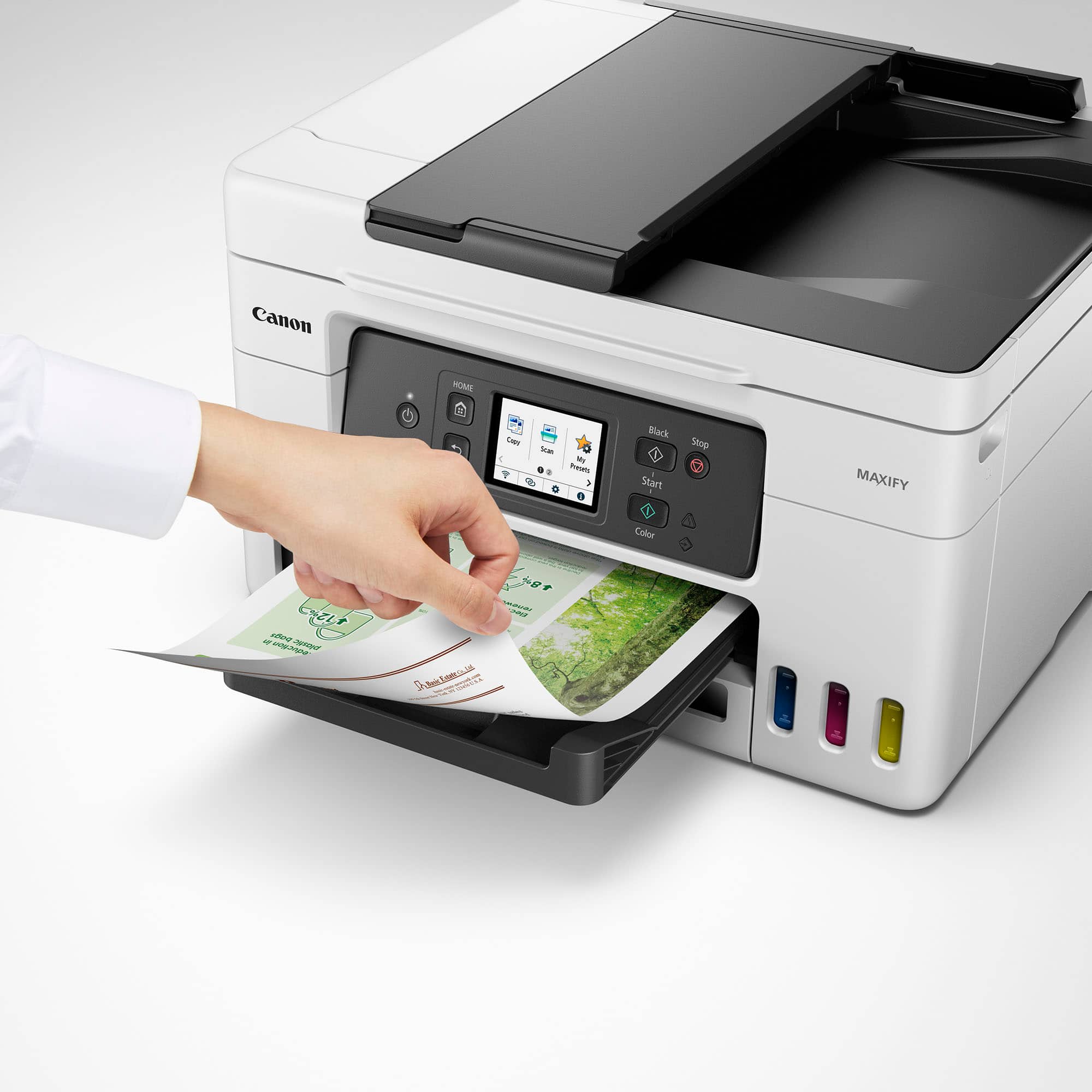
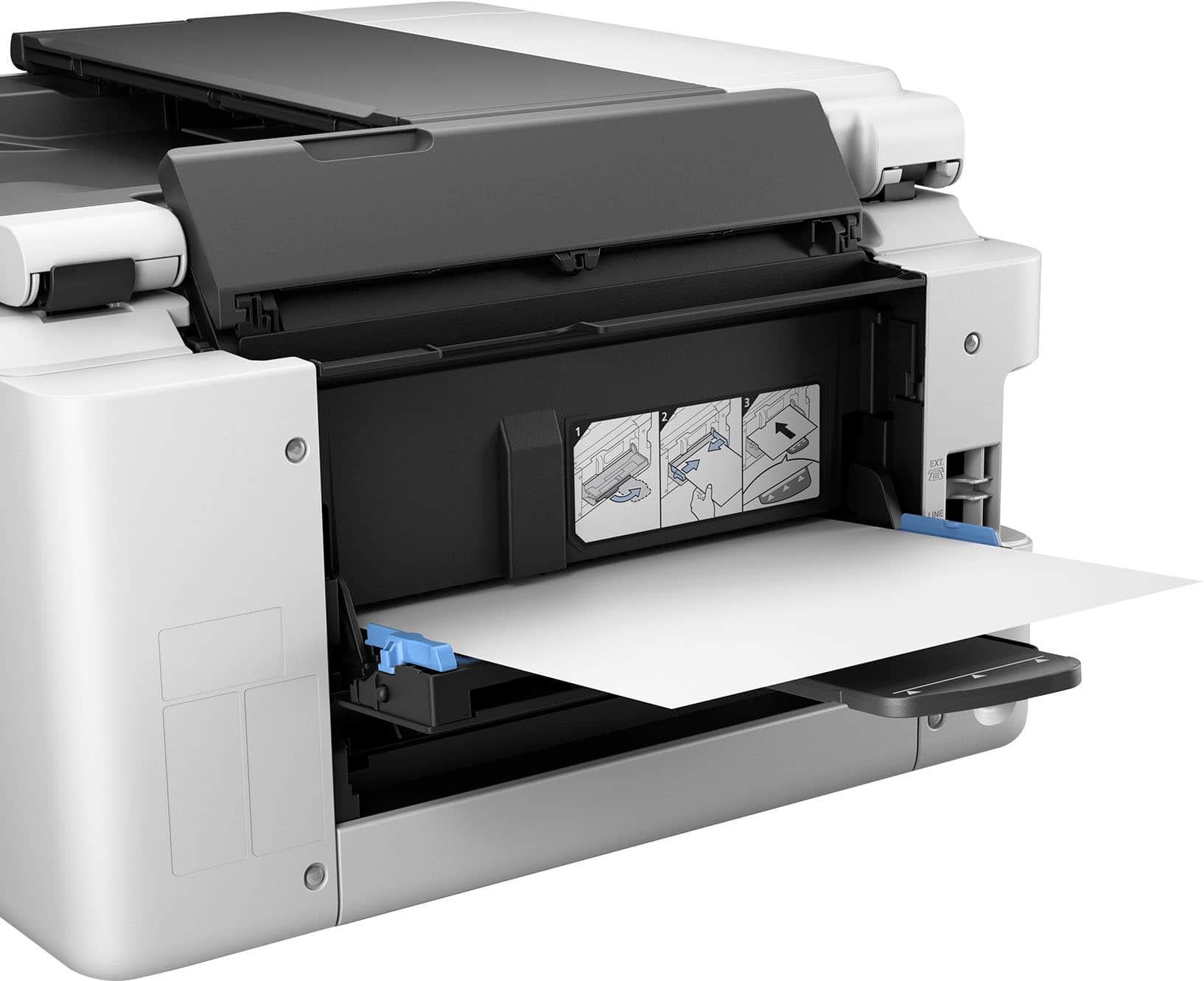
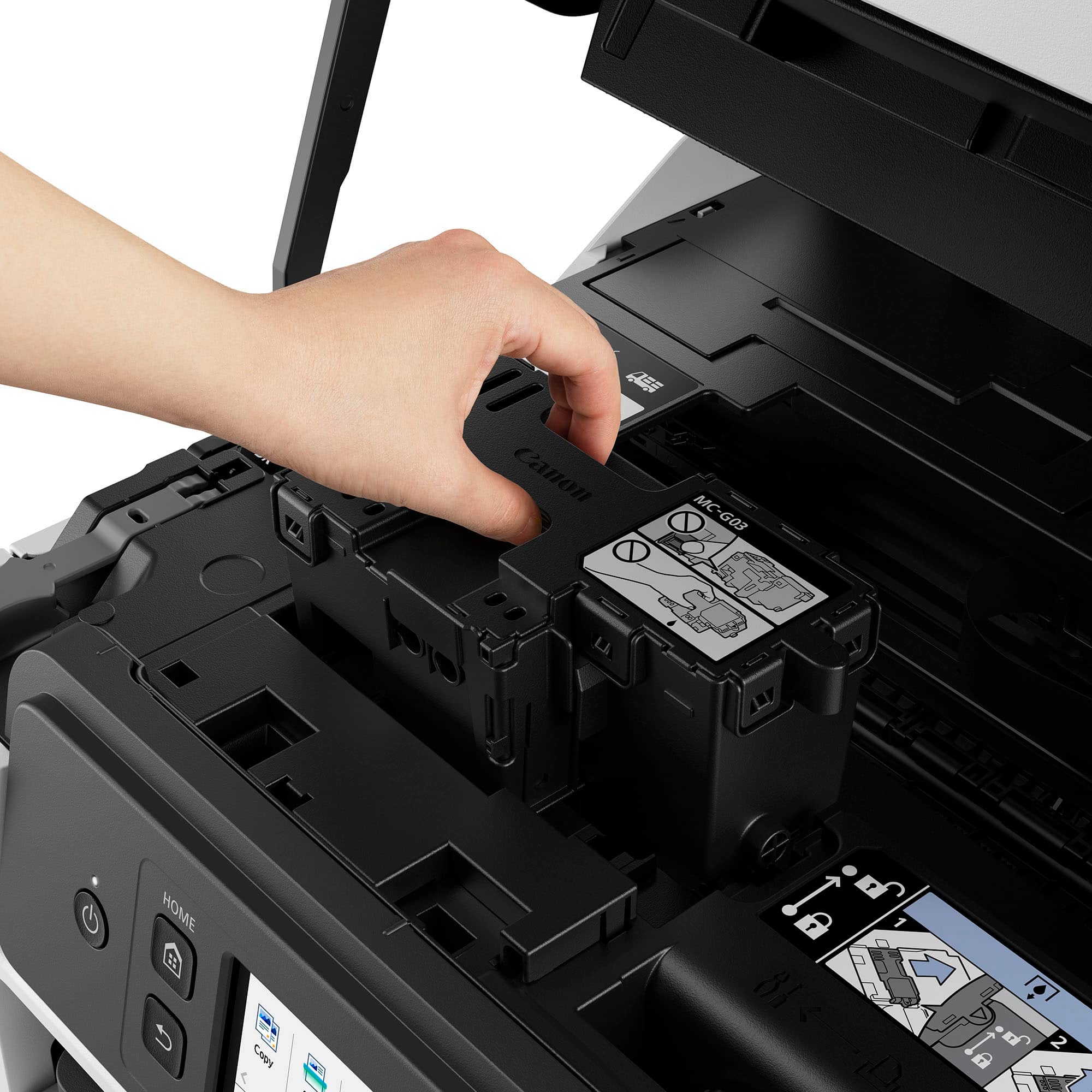
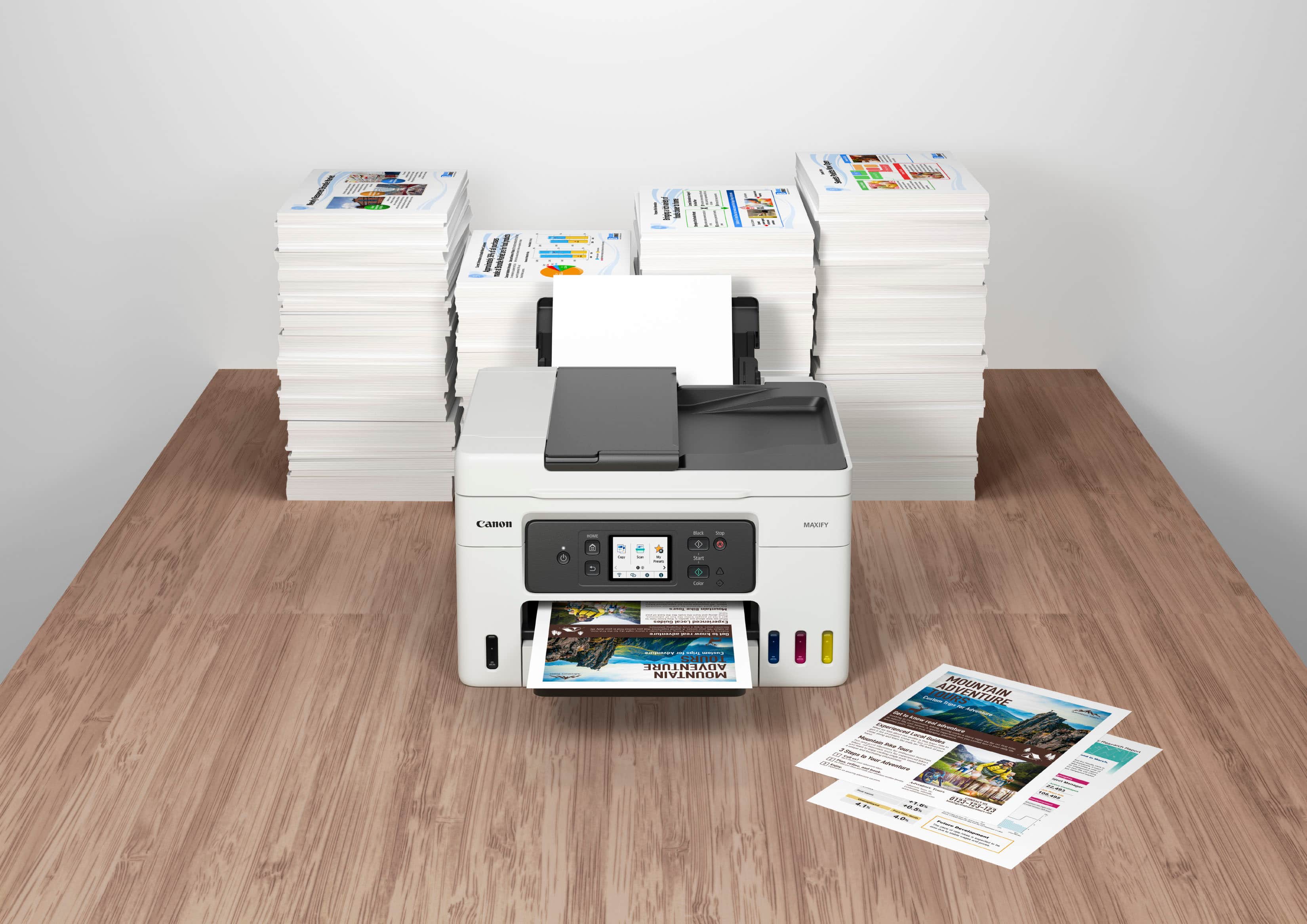
|Posted .This reviewer received promo considerations or sweepstakes entry for writing a review.I have many Canon products including my R7 and the Maxify GX4020 is what I needed for my home small office. Right out of the box it comes well packaged, it comes with instructions on how to take it out, it has tape to make sure everything is intact on arrival. The box comes with the GX4020, Power cord, telephone/fax cord, 4 Canon 26 ink (one yellow, one cyan, one magenta and one black) and lastly the manual and instructions. Setup is easy, it comes with a setup instructions pamphlet, and the application either on the computer or mobile device can be connected to the all in one. It has generic drawings of the printer and has step by step, from turning on the printer, pouring the ink, loading paper and the instructions on the screen of the printer. I like how it works either wired or wireless, so I do not need to have the printer next to me or my printer all I need is an outlet to plug it in. Printing is easy and for a home office it is fast, I like that I can print from my mobile device as well as my computer or laptop that I work from and it is not wired. I also like that it does print on both sides and it prints with a nice sharp and crisp finish. As I mentioned I have an R7 so I have printed my photos and they come out great. Copying is easy with the ADF or automatic document feeder up to 35 pages and that is more than enough for me. Scanning is something I do a lot since I do not like to have documents around, I just scan and store them on my computer, cloud or storage. The scanning resolution is 1200 x 2400 and it is plenty. Faxing can be done and it is a good option to have but I usually just scan and email or share the file. As for the ink, I really like the visual I have on the ink; the printer has windows to show the levels of ink and having a visual also helps to know if I have to order more Canon ink. I like the touch screen on the printer, I can do everything from the touchscreen if I want to and also it does give me important information such as how to do maintenance or fill with ink. I also like the shape of the printer, I can do everything I need without taking much space. Overall I really like the GX4020 for home or small office, I like how easy it is to setup and maintain. I like that it is easy to connect and use. I also like that all around the printer you have stickers showing me how to open, close, fill with ink and on the screen there is more information, finally on the application there is plenty more info available if necessary.