Customer Ratings & Reviews
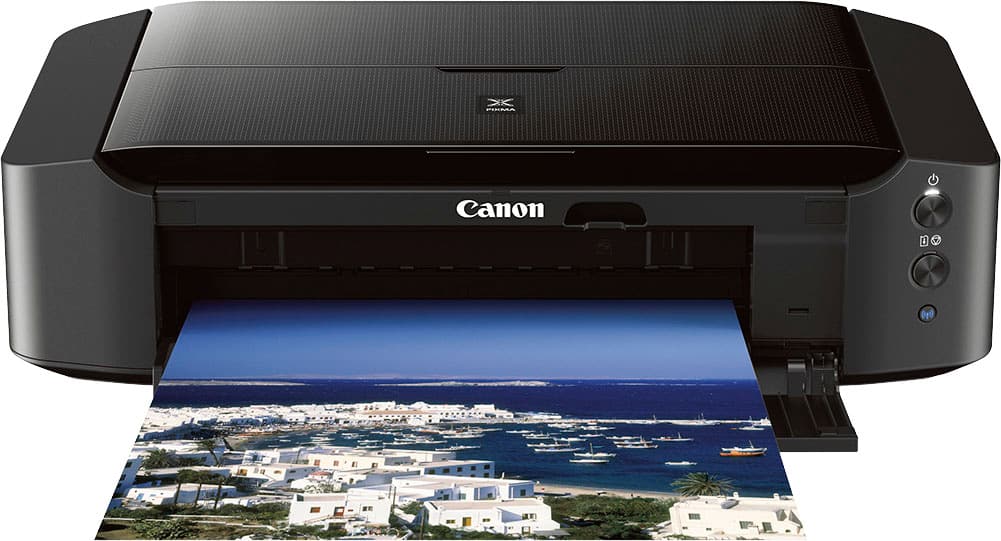
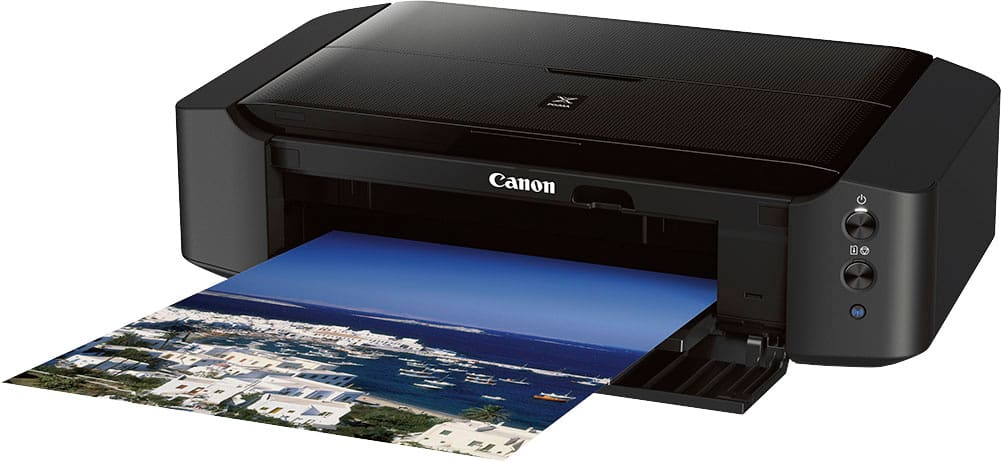
- Model:
- 8746B002
- |
- SKU:
- 4241003
Customer reviews
Rating 4.3 out of 5 stars with 374 reviews
(374 customer reviews)Rating by feature
- Value4.4
Rating 4.4 out of 5 stars
- Quality4.5
Rating 4.5 out of 5 stars
- Ease of Use4.1
Rating 4.1 out of 5 stars
Customers are saying
Customers are positive about the PIXMA iP8720 Wireless Photo Printer's print quality, ease of use, overall performance, price, and low noise level. However, some customers have reported issues with connectivity, while others have noted the printer's large size. Some customers have also mentioned difficulties during the initial setup process and expressed concerns about the user-friendliness of the software.
This summary was generated by AI based on customer reviews.
Rated 1 out of 5 stars
Bad quality buttons
||Posted . Owned for less than 1 week when reviewed.This reviewer received promo considerations or sweepstakes entry for writing a review.The wireless button got stuck in the first use. This turned out to be a common issue with many other people. I just returned it.
No, I would not recommend this to a friendRated 1 out of 5 stars
Bad printer
||Posted . Owned for 2 months when reviewed.This reviewer received promo considerations or sweepstakes entry for writing a review.Black lines and blotchy print out I’ve tried cleaning the heads watch tutorials and stills messy print out
No, I would not recommend this to a friendRated 5 out of 5 stars
nice printer
||Posted .This reviewer received promo considerations or sweepstakes entry for writing a review.looking for a home printer that prints at 13"x 19". no problem....
I would recommend this to a friendRated 1 out of 5 stars
setup too difficult
||Posted . Owned for 7 months when reviewed.This reviewer received promo considerations or sweepstakes entry for writing a review.was too hard to set up, I tried everything but never got it so I returned it
No, I would not recommend this to a friend- Pros mentioned:Print qualityCons mentioned:Size
Rated 4 out of 5 stars
well...
Posted .This reviewer received promo considerations or sweepstakes entry for writing a review.Everything's gone to wireless these days so I hoped I could have an easy connection between my laptop and printer. But, it didn't work. At all. It wouldn't connect to my wifi. No matter what. I did everything the website said, the directions, even other reviews. I screen shotted them before I even bought it so I'd know what to do, but it didn't work. Of course it comes with no cable to connect directly, so I had to buy one of those too. Cheap, but still couldn't use it right out of the box due to that. The print quality is fantastic! I haven't done full sheets but I make stickers and buttons for my store and the color quality is almost identical to my screen which is wack, because the rgb/cymk difference doesn't even feel like it's there. So far I've made maybe 50 sticker sheets and printed about 20 regular papers for buttons, and I'm already halfway out of ink. This is without printing full pages of color. Kind of worrisome. Overall, this is a great printer. Hella bulky, takes up half my desk. But it folds up the slides when you're not printing, isn't very loud and prints decently fast. Again I haven't printed full papers, but it doesn't print slow at all in my opinion. The only weird thing is that it paused halfway through, and when I was printing my laptop told me it was 'waiting for previous page to dry' which is nice, but again, a little weird and annoying with the pause if you're not leaning the papers on the tray. Once again. It's easy with the cable. Wifi connection SUCKS. I thought it wouldn't be like what people say but it really really does suck. The driver looked weird on my laptop too, like it just couldn't format so I could barely click the buttons.
I would recommend this to a friend - Pros mentioned:Overall performance, Print quality
Rated 4 out of 5 stars
The Right Choice For Me
Posted .This reviewer received promo considerations or sweepstakes entry for writing a review.The 4-star rating is only a reflection of the time I have used this printer. So, far the printer gets 5 stars for meeting my expectations. I am an enthusiast photographer who has been looking to gain the experience of printing my work. I had forgotten the joy that comes from printing your photographs. This printer does the job for me. It is simple to operate. The print quality is great for my purposes. I did a lot of research before buying this printer and I am happy with my decision. I have recommended this printer to friends with the following caveats: • I wish the printer had a built-in screen for information. I am not used to using the app on my computer. • The set-up instructions with the printer are bad. It is an outdated approach that assumes your computer can read a CD. Everything you need is online, but the process should be easier. • Based on this experience and other reviews, I have a wired connection to the printer. I cannot opine on the wireless option. • I have only printed on 8.5x11 paper (or smaller). There are no red flags about using 13x19 paper. • Be prepared to learn how to print. The printer needs your help to produce the best results. Learn the correct settings for your software. I highly recommend buying paper sample kits and testing different paper. The type of paper makes a difference in the results (and cost) of printing. Calibrate your monitor to help ensure that what you see is what you get. I love having the ability to print and share my work. It is entirely different that an online experience. If you are thinking about printing your photos, do it! The Canon Pixma iP8720 printer is a great option to help you learn the art of printing.
I would recommend this to a friend - Pros mentioned:Print qualityCons mentioned:Software
Rated 4 out of 5 stars
WORST PRINTING SOFTWARE EVER! Good otherwise.
Posted .This reviewer received promo considerations or sweepstakes entry for writing a review.I have owned my printer for 4 years now. It has always printed well. I have printed maybe 100 photos from 4x6 up to 12x26" long in size. The only reason I give it only 4 stars is the printing software and functioning. Here are a few of the problems with the printing software; YOUR ENTIRE PRINTING MENU REALLY SUCKS FOR WINDOWS! Here are some notes I made about the printing menu: a) WHY THE LENGTH LIMIT OF 26.6” ? Is this only a software limit? If so why not 12.5x37.5 e.g. 3/1 Panoramic? Or even a 12.5 x 50 panoramic print! (Yes you might have to make the printer track if enough ink was left to allow for such a large print.) b) Why can I print a 13x19 page but not a 13x24? c) Why are the choices for paper size for borderless printing so limited? Another area the printer software sucks is that The are multiple tabs on which to enter or click choices (such as preview before printing, paper size, etc....) On some of those tabs, you change one choice and you change all the tabs the same. Others this is not true! Also, on the print preview, since dimensions for leading and trailing unprinted borders are different, then it would help to know which is the downward end of the paper as it is feed thru the printer. i.e. Why not include a printing direction arrow indicator? Arrows are also need in your online help screens. 3) WHY is the large top and bottom margins set as hard (not just recommended) limits for "art paper?" What is "art paper?" Another problem, often I change something (such as borderless printing) and the software will then change other choices for me WITHOUT NOTIFYING ME THAT IT CHANGED THEM! How stupid is that. e.g. I put the paper size to 8.5x14 and then change to borderless printing and the software changes my choice of paper size to 8.5x11 WITHOUT ANY INDICATION IT DID SO! At least is should tell me it did so and why! I could go on but have run out of time...
I would recommend this to a friend Rated 1 out of 5 stars
Broken
||Posted .This reviewer received promo considerations or sweepstakes entry for writing a review.Bottom paper support fell apart. Could not set up computer because there is an admin password that I cannot find
No, I would not recommend this to a friendRated 1 out of 5 stars
Returned
||Posted .This reviewer received promo considerations or sweepstakes entry for writing a review.had to return to store usb plug was damaged and paper loaded on the outside of printer
No, I would not recommend this to a friendRated 1 out of 5 stars
Do NOT waste your time or money
||Posted . Owned for 1 month when reviewed.This reviewer received promo considerations or sweepstakes entry for writing a review.will not install at all, or connect with WIFI. Awful and terrible product.
No, I would not recommend this to a friend- Pros mentioned:Noise level, Print quality
Rated 5 out of 5 stars
Canon Pixma iP8720
Posted .This reviewer received promo considerations or sweepstakes entry for writing a review.I searched for a long time for a replacement printer for the one I had. Even though the two cannot be evenly compared, I find this printer does a really good job printing photographs. My previous printer used pigment ink and this is dye based ink. The ink seems to dry quickly and the machine is quiet and prints quickly. The software that comes with it could be improved on. There are not many choices of paper sizes and card stock comes in all sizes. I have not had time to fully investigate how to set custom paper, but the one time I tried it did not print the image in the correct size for the paper. For the price, I find it to be an acceptable printer and have been using standard size papers. The prints look like what I see on my screen. I like its compact footprint.
I would recommend this to a friend - Pros mentioned:Print qualityCons mentioned:Connectivity
Rated 5 out of 5 stars
Reliable. Does the job.
Posted .This reviewer received promo considerations or sweepstakes entry for writing a review.I'm a graphic designer and print a lot of things on cover stock, special papers and envelopes. I bought is as a replacement for my Canon Pixma Pro9000 and it has done very well on most things. Prints fast, but also has higher resolution print options when color and coverage are key. I never got the wireless connection to work (I can if I take some more time), but since it's on the same surface as my laptop, I just plug it in. The ink also seems to be less expensive and readily available.
I would recommend this to a friend - Pros mentioned:Print quality
Rated 3 out of 5 stars
I can't recommend this printer.
Posted .This reviewer received promo considerations or sweepstakes entry for writing a review.Print quality is good. This printer is not for a senior citizen or someone not tech savvy. No screen to debug issues, just a set of color lights. Understanding the print dialog had the wrong paper size set, an air other printers are pretty clear about, was a multi-day mystery to solve. Can't recommend it.
This review is from Canon - PIXMA iP8720 Wireless Photo Printer - Black
No, I would not recommend this to a friend Rated 1 out of 5 stars
Disappointed in wireless function
||Posted . Owned for 2 months when reviewed.This reviewer received promo considerations or sweepstakes entry for writing a review.I have never been able to print wirelessly from this printer. I have called Canon three times. I have went into Bestbuy. Therefore, unfortunately I have no idea how this printer works.
No, I would not recommend this to a friend- Pros mentioned:Print qualityCons mentioned:Size
Rated 4 out of 5 stars
Another Canon brand for our house
Posted .This reviewer received promo considerations or sweepstakes entry for writing a review.My faux pas, was expecting a small table top photo printer. I thought the price was a bit high until I saw the actual size! What’s great is that I was able to salvage my leftover toner from my recently crashed Pixma printer for this one. Too early to tell how it goes as I just got it but I’m impressed with the features and the test photo I printed came out great!
I would recommend this to a friend - Cons mentioned:Connectivity
Rated 3 out of 5 stars
Decent printer it you don’t need WiFi
Posted .This reviewer received promo considerations or sweepstakes entry for writing a review.I got this printer specifically to print with black ink on 13” wide transparency film. The setup was easy enough with the instructions. Setting up WiFi did not go as well. I’ve only been able to print by using a printer cable/cord from laptop to printer. In this day and age WiFi is kind of important! I found guidelines (by another user) on how to set up the perfect black print on transparency film in printer settings and it worked! The actual printer seems like cheap plastic and I’m afraid the covers are going to crack/snap.
No, I would not recommend this to a friend - Pros mentioned:Print quality
Rated 2 out of 5 stars
Nice machine, but taking back
Posted .This reviewer received promo considerations or sweepstakes entry for writing a review.This printer does a good job, fast, quite, but has 1 major issue that I cannot live with, therefore returning. The problem is border-less printing, it expands the photo out for cover, is the official Canon explanation but that leaves you with a partial photo. It cuts off each end of the photo approx 3% so you end up with something missing. In my case I have a lot of car photos that cover most of the frame, after printing, part of the front end and rear end of the car are cut off, very frustrating. After talking to Canon tech support, that's just the way it is. You can reduce to a degree but it doesn't really help. My previous photo printer, a different brand, did not have this problem. So if you can live with part of your photo missing, using border-less, your good to go.
No, I would not recommend this to a friend - Pros mentioned:Print quality
Rated 5 out of 5 stars
Best photo printer!
Posted .This reviewer received promo considerations or sweepstakes entry for writing a review.My old canon printer broke down after 12 faithfully years. I was so glad when my sister found this printer. It is 10time better and fast at printing my pictures. The quality of the print is amazing! I highly recommend!
I would recommend this to a friend - Pros mentioned:Print quality
Rated 5 out of 5 stars
nice purchase
Posted .This reviewer received promo considerations or sweepstakes entry for writing a review.I have printed 4x6, 8 x10, and 8 x 8 photos both color and black and white and I am amazed how sharp the photos are. I have never had a problem with wifi. I have printed enough to go through two sets of inks. I can't wait to print some larger prints for display. p.s. the price was right
I would recommend this to a friend - Pros mentioned:Print quality
Rated 5 out of 5 stars
Excellent remake of the older Cannon Pro-100
Posted .This reviewer received promo considerations or sweepstakes entry for writing a review.Excellent replacement for the Pro-100. Uses fewer ink colors but produces exceptional photographic quality. Still capable of 13x19 prints. Very fast in both color and b&w. Well built And comparatively light 18 lbs)
I would recommend this to a friend