Customer Ratings & Reviews

- Model:
- 5805C002
- SKU:
- 10154963
Rating by feature
- Value
Rating 4.5 out of 5 stars
- Quality
Rating 4.4 out of 5 stars
- Ease of Use
Rating 4.4 out of 5 stars
Cannon printer
||Posted . Owned for 3 weeks when reviewed.This reviewer received promo considerations or sweepstakes entry for writing a review.Not a great printer, at least it isnt an HP product.
No, I would not recommend this to a friendHad to return.
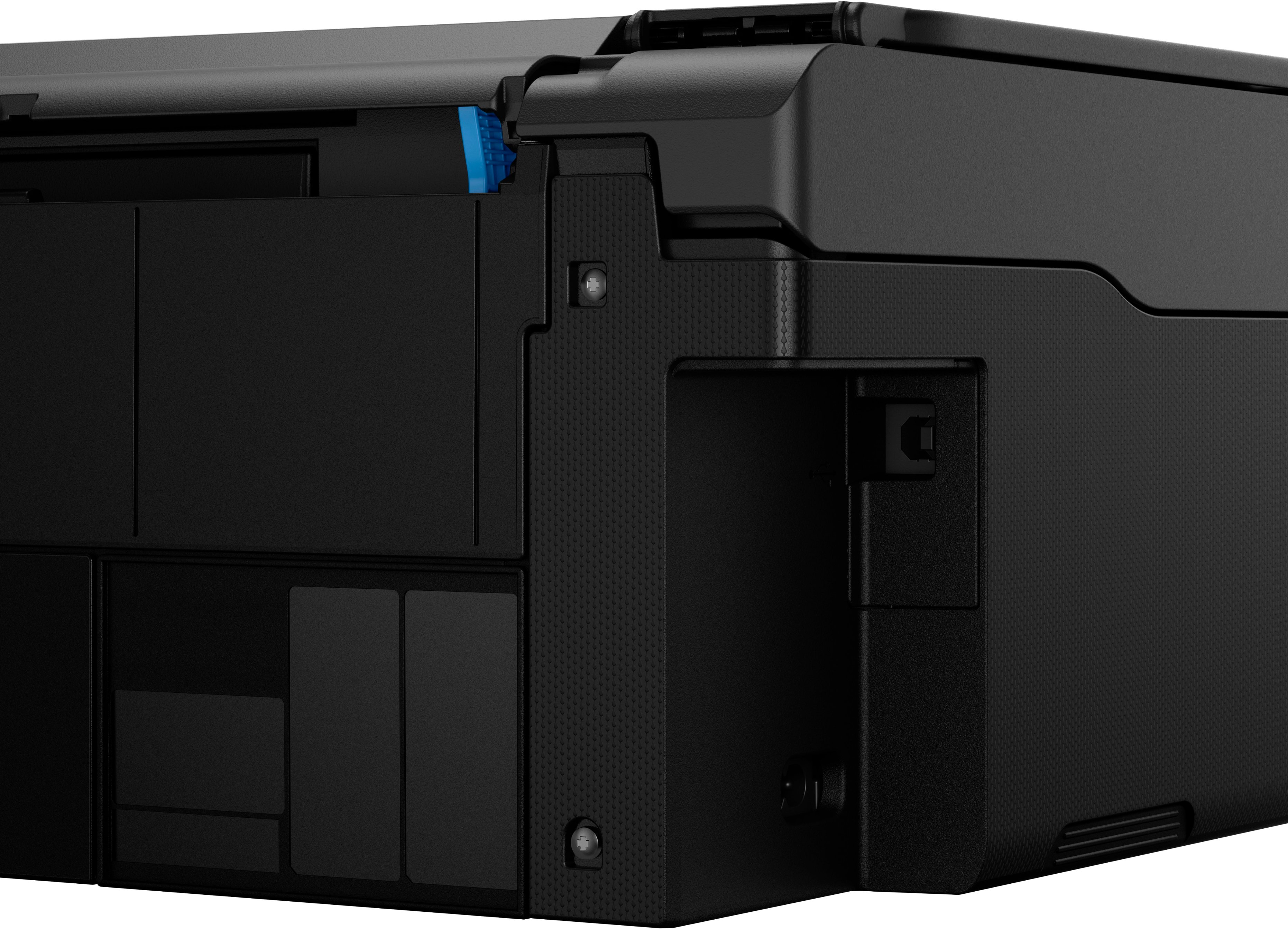
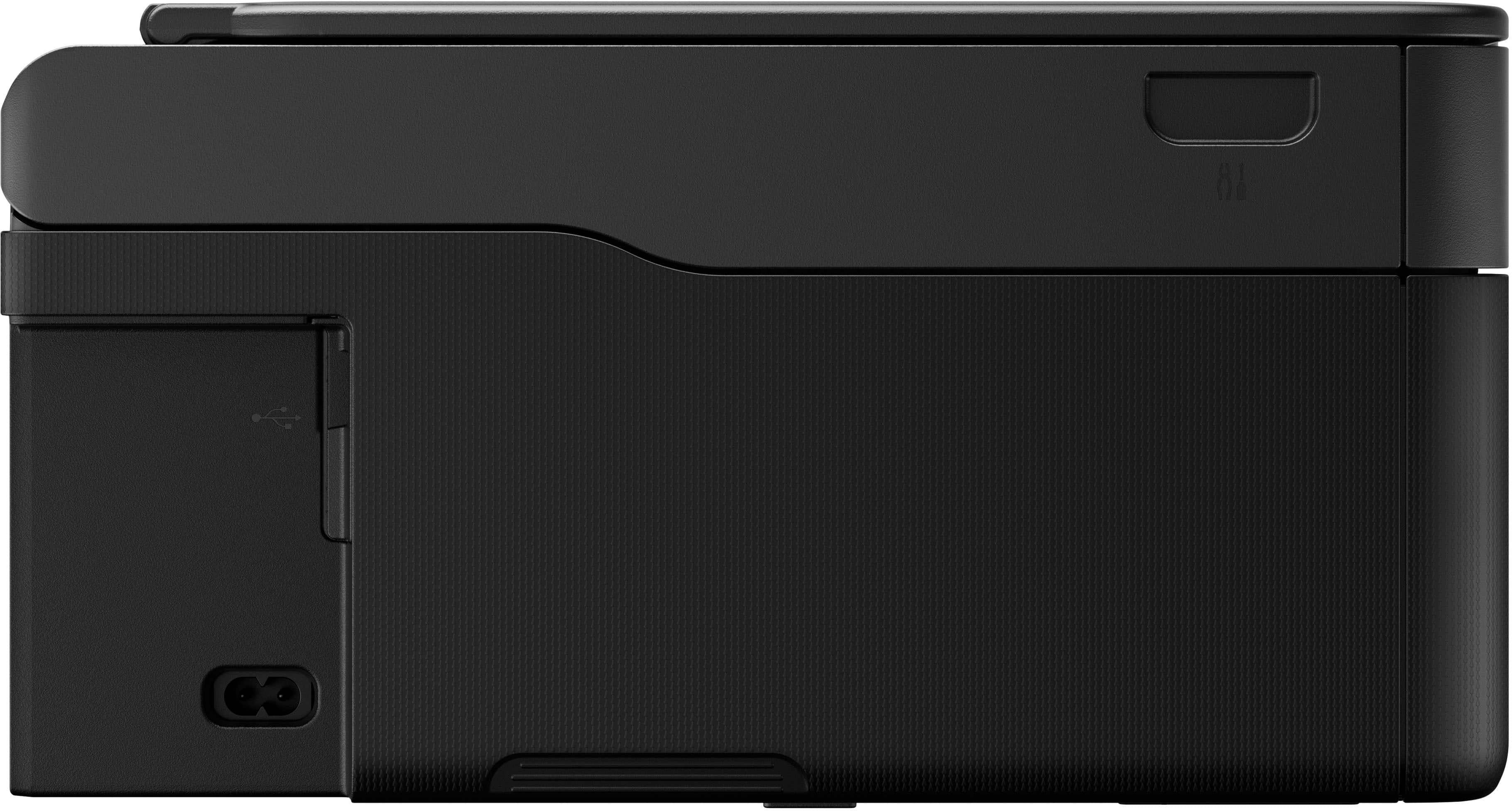
||Posted .This reviewer received promo considerations or sweepstakes entry for writing a review.The machine I got was faulty. Wouldnt connect to wifi and it does not have a USB slot to plug into computer. Called Canon service to help and we tried everything, it still couldnt connect. Had to return.
No, I would not recommend this to a friendSucks
||Posted . Owned for less than 1 week when reviewed.This reviewer received promo considerations or sweepstakes entry for writing a review.Was looking to upgrade at least a 7 year old printer and this has less features than the old workforce printer I was looking to replace. Also terrible printing right off the bat. It seems to print a border where there is no border and just not very intuitive interface or the app. Going back
No, I would not recommend this to a friendDon't buy
||Posted . Owned for 3 months when reviewed.This reviewer received promo considerations or sweepstakes entry for writing a review.Was working fine the first week until the second week when it stop working and printing in color because the hose it has connecting to the ink tanks stopped sending the ink through.
No, I would not recommend this to a friend- Pros mentioned:Ease of use, Print qualityCons mentioned:Automatic document feeder

Print out those photos, yep! No cartridge needed.
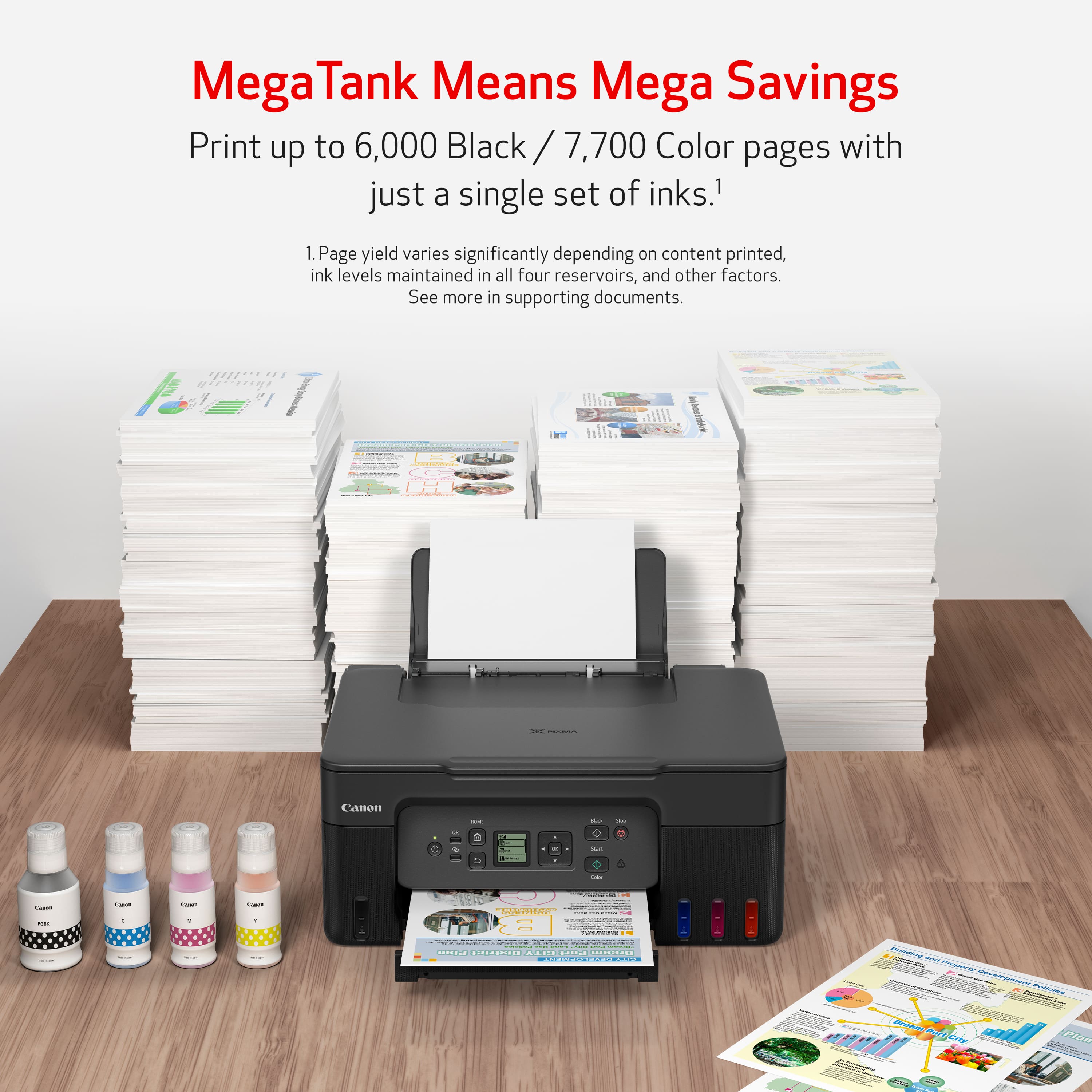
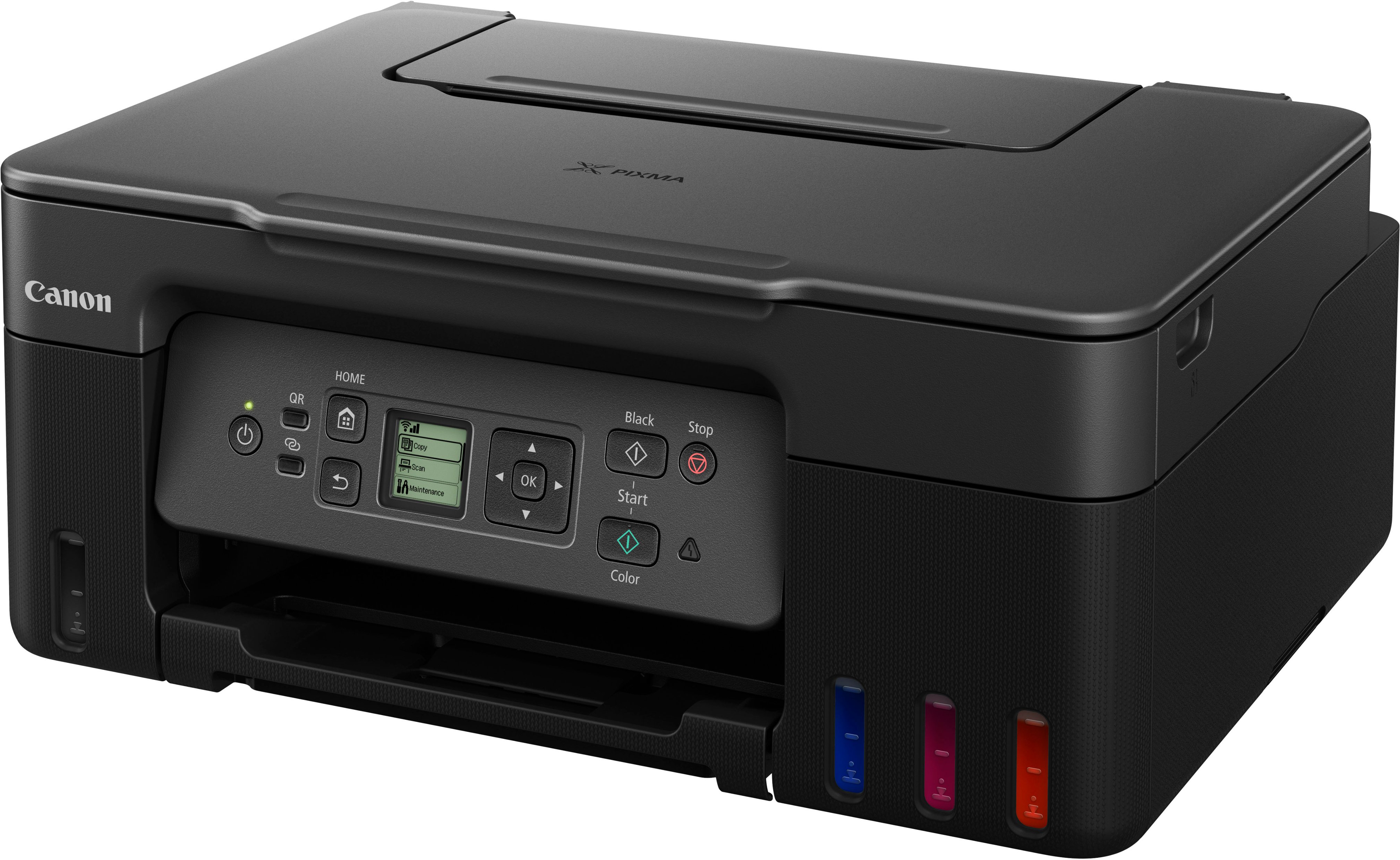
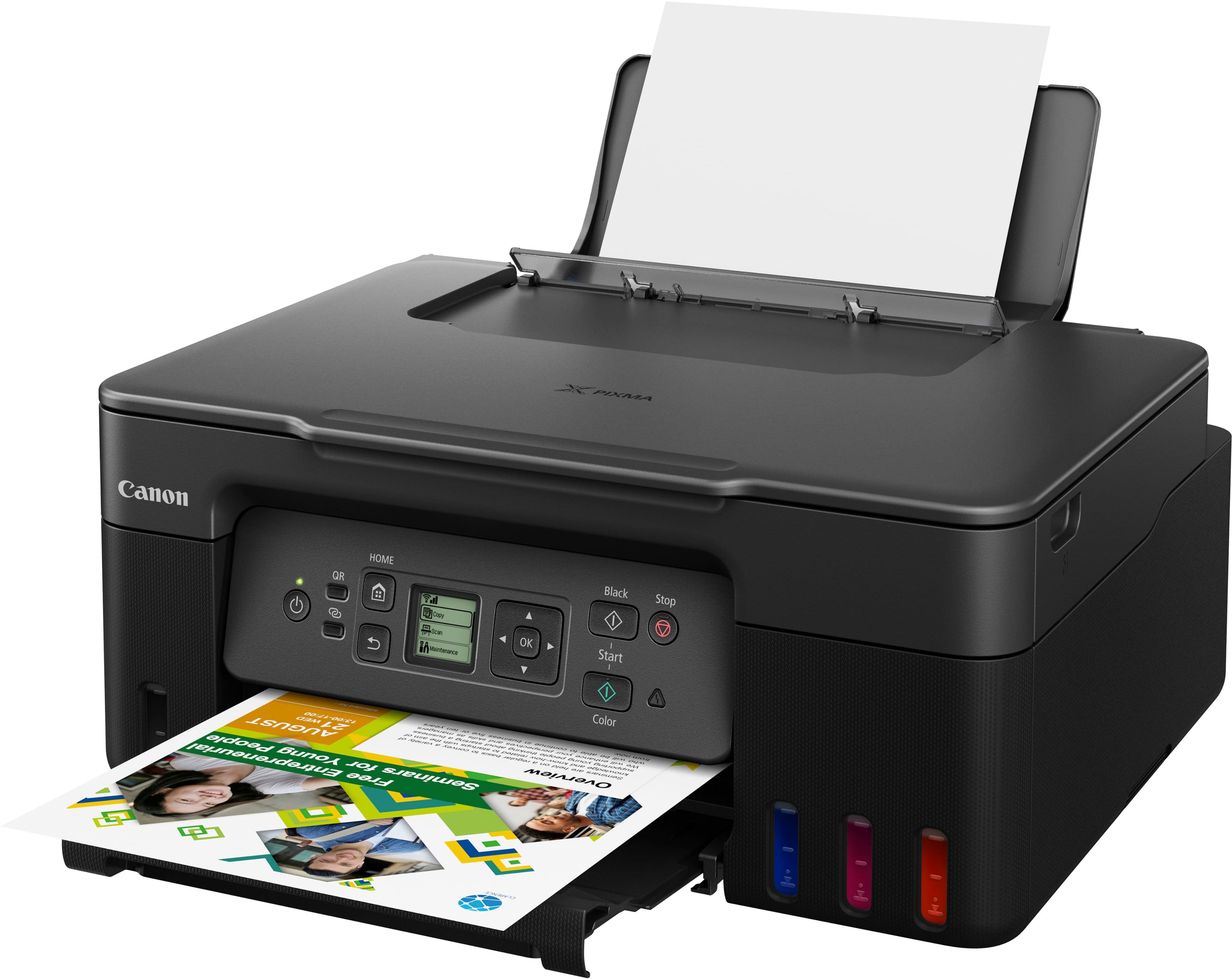
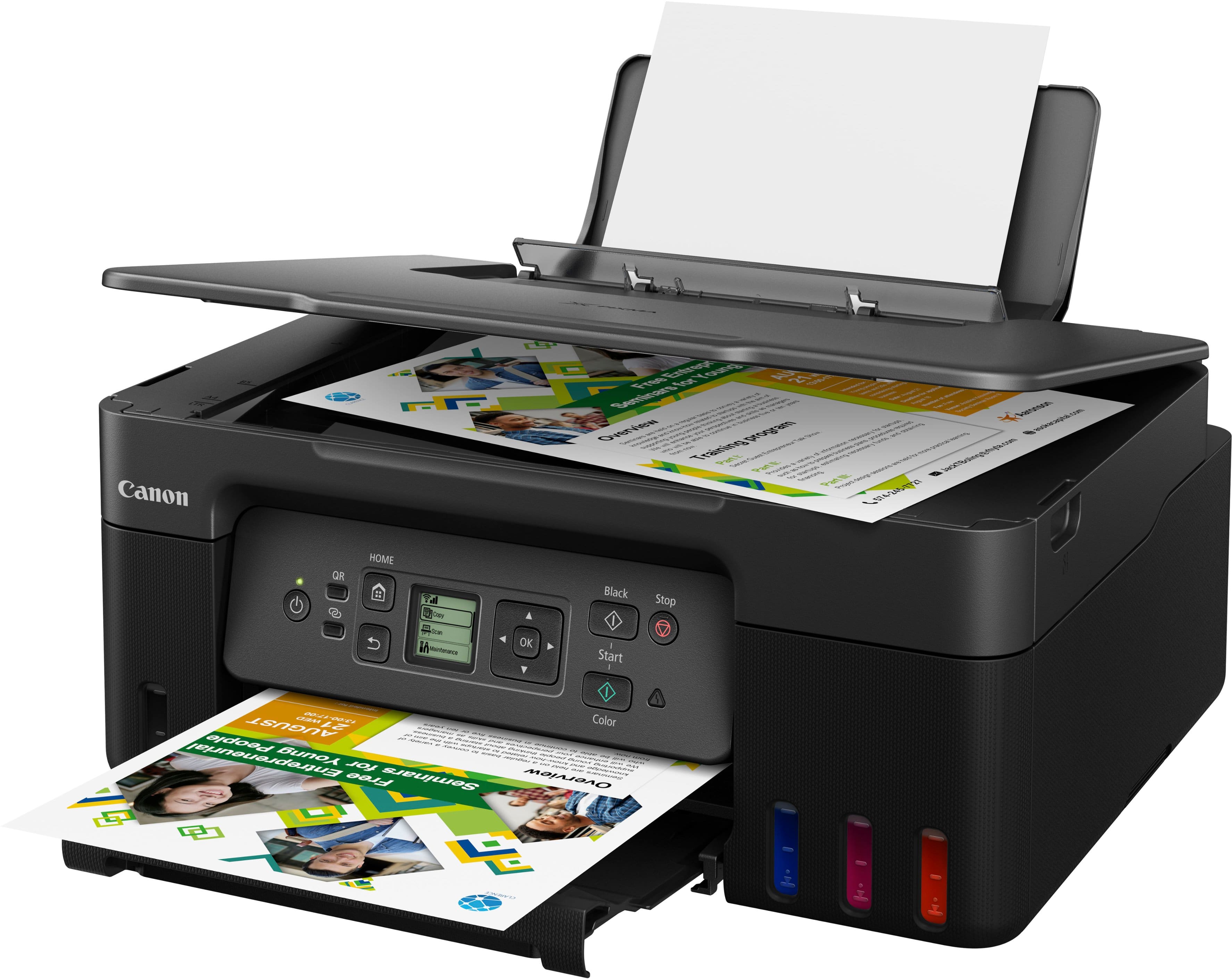
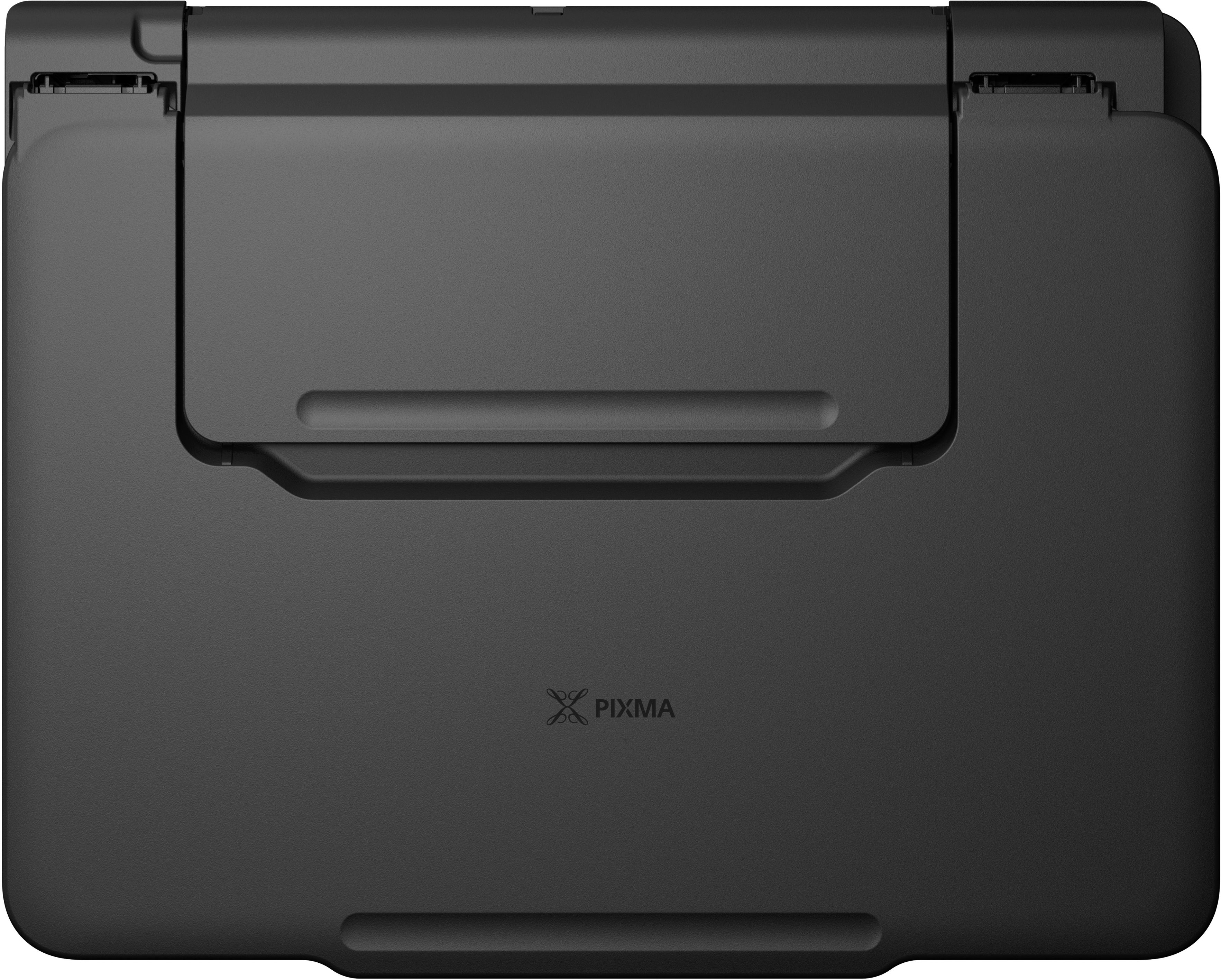
|Posted .This reviewer received promo considerations or sweepstakes entry for writing a review.I have always been a fan of tank-based all-in-one printer as they offer good value for my printing needs. The features that I would look for in a printer: Good print quality for both documents and photos Easy to use Wireless connectivity and mobile app, which is a must-have these days Good value for the money The good news is this Canon printer meets all those requirements. However, unlike typical inkjet printer that is so much cheaper to buy, the initial investment for a tank-based printer is usually higher. That is because typical inkjet printer will have you buying expensive print cartridges as soon as the ink level went low and we all know it won’t be long before we need to replace those cartridges. We would pay more upfront with tank-based printers however, the printer is able to print literally thousands of pages before the tank needs a top up. With full tank capacity, Canon rates the printer at 7700 pages of color print or 6000 black and whites. The actual number of pages for photo prints will be less because photo prints require more ink density to print. Because I like to print both documents and photos at home, having a tank-based printer makes much more sense for my needs because typical inkjet printer will run out of ink pretty fast if we use it to print photos. It saves me from having multiple supply runs or ditching the waiting time for the supplies to arrive from online purchase. Having this printer at home is very useful to print pictures straight from the phone as our phone has become the primary camera these days. Ok so what about print quality? For documents, this printer does the job ok. Print quality for picture is satisfying as long as we’re using very good photo paper. Canon is a photo company after all. There’s a preset for Canon’s photo paper which will allow the printer to apply the best setting for the paper automatically. When printing photos from computer or phone, there might be some color and contrast differences from the picture that appears in your computer screen but they are somewhat expected because we are not using a professional photo printer and our computer/ phone screen may not have been color calibrated using the same technology that the printer uses as its point of reference. Again, this is not a printer designed to print color accurate photos for professional/ creative industry use. If print result is not up to your liking, the solution is fairly simple, try to adjust the picture by using any photo editor app in your phone then print the picture using the Canon app. The printer is able to print a photo in less than a minute, which is about the same printing speed as my previous printer. For documents, we should be looking at less than 10 pages a minute or in the ballpark of 8 pages, which is acceptable result from a non-laser printer. Also, this printer does not support automatic duplex printing, which is not a surprise considering that this is an entry level tank-based printer. Duplex printing is still possible but it has to be done manually. As an all-in-one printer, we can copy and scan up to letter-sized documents at 600x1200 dpi with 16 bit of color. However, there is no automatic document feeder system, which means we have to do it one page at a time. Last but not least, this printer is pretty big especially when you compare it with typical inkjet printers. However, the dimension and weight are normal for a tank-based printer. So, placing the printer properly may become a challenge if we don’t have a large working space. In summary, this is a solid printer for home use as long as we don’t need to print multiple pages of documents on both sides automatically. This printer is best for people who expects to print many pages and photos at home.
I would recommend this to a friend Junk & Impossible To Use
||Posted . Owned for 1 month when reviewed.This reviewer received promo considerations or sweepstakes entry for writing a review.I hate this printer! Canon Customer service is impossible to get a hold of. Geek Squad, too. Used to an easy online print with my Epson till it broke again. Thought Canon was quality. Not.
No, I would not recommend this to a friendLook Elsewhere!
||Posted . Owned for 1 month when reviewed.This reviewer received promo considerations or sweepstakes entry for writing a review.Horrible printer. You can push buttons, clean, and align all day long, but it won't produce a usable copy without blurred lines.
No, I would not recommend this to a friendNot all the features I need/want
||Posted . Owned for 3 weeks when reviewed.This reviewer received promo considerations or sweepstakes entry for writing a review.Doesn’t print legal size; not impressed with other features
No, I would not recommend this to a friendYou may, or not, find it defective from the start.
||Posted . Owned for 3 weeks when reviewed.This reviewer received promo considerations or sweepstakes entry for writing a review.The printer was returned for another Canon. The black ink cartridge was defective and so was the printer. I exchanged for the Canon TS6420a.
No, I would not recommend this to a friendNot worth the money
||Posted . Owned for 2 months when reviewed.This reviewer received promo considerations or sweepstakes entry for writing a review.Not to good .., wireless hook up pretty bad and color even worse.. set up was ok but just not worth the money
No, I would not recommend this to a friendWorst
||Posted . Owned for 3 weeks when reviewed.This reviewer received promo considerations or sweepstakes entry for writing a review.I’ve always bought Hewitt Packard and never had an issue bought. This one have had nothing but issues. Worst mistake.
No, I would not recommend this to a friend- Pros mentioned:Connectivity, Ease of use, Print quality
Vibrant prints
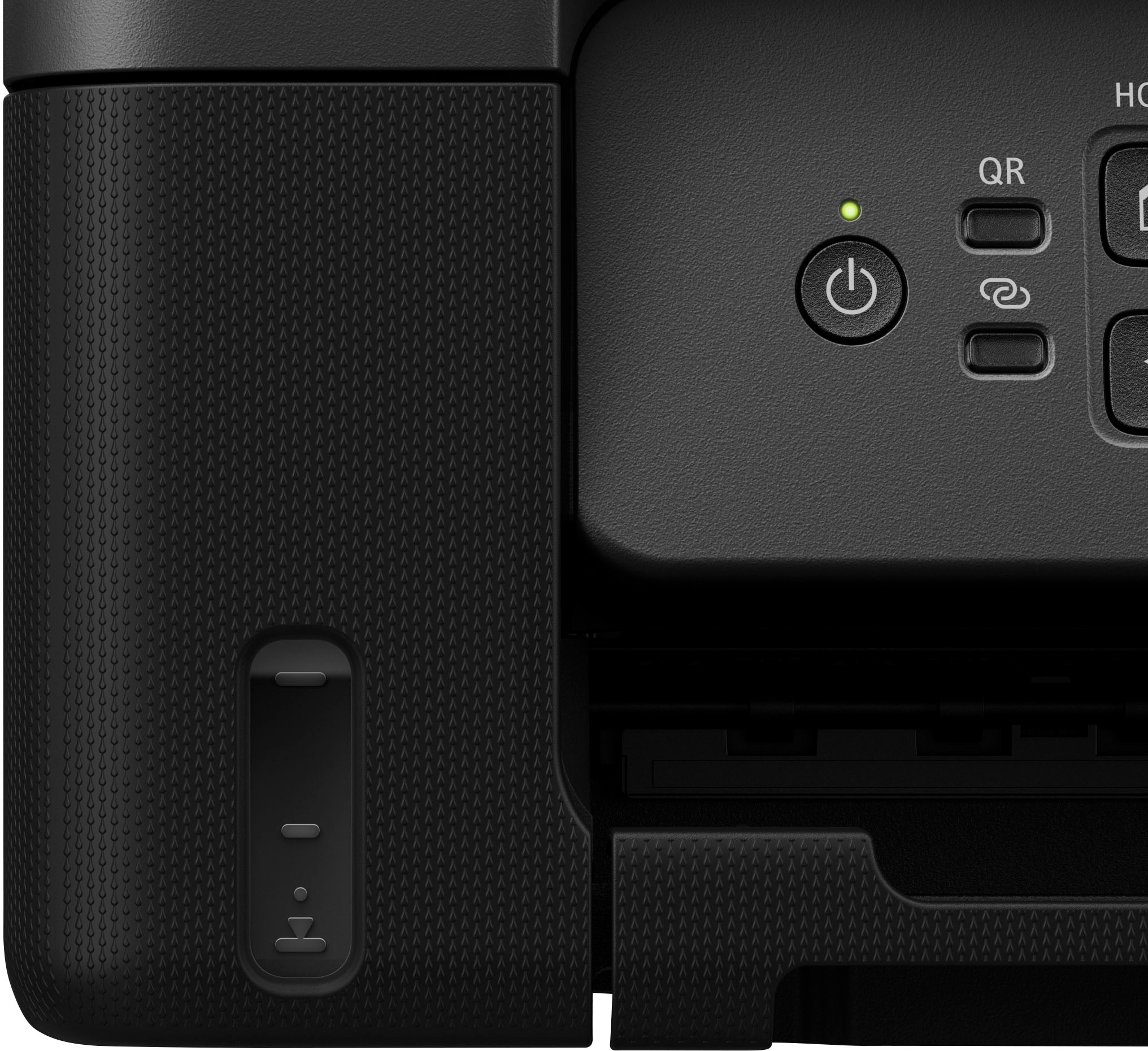
|Posted .This reviewer received promo considerations or sweepstakes entry for writing a review.The Canon Pixma Mega tank is an amazing printer to have! I love that it is an eco tank where i can just fill up the ink instrad of having to replace cartridges. I find that refillable tanks dont use as much ink as cartridges and the ink lasts longer in my opinion. Installation is a breeze when you use the sfep by step instructions. This printer prints vibrant beautiful colors! I can print tons of pages in very little time. I use it daily to print worksheets for my children since we are a homeschooled family. Every print comes out perfect and i have had no issues with it. I have used it to print ohotos of the kids and the photos come out amazing on photo paper ! This printer is wireless making it easy to print from anywhere in my home! As a mom of 5, I dont have time to stay at the printer and wait for pages to print and print them one by one so having a wireless printer is more convenient for me to multitask. Filling the ink containers is easy and takes only a minute or two. The buttons on the front are easy to see and comprehend when you are needing them. Oberall this is a great printer if your needing to print tons of vibrant worksheets. Photos, or even jusg documents!
I would recommend this to a friend - Pros mentioned:Ease of use, Print quality
Great printer, but could use some upgrades.
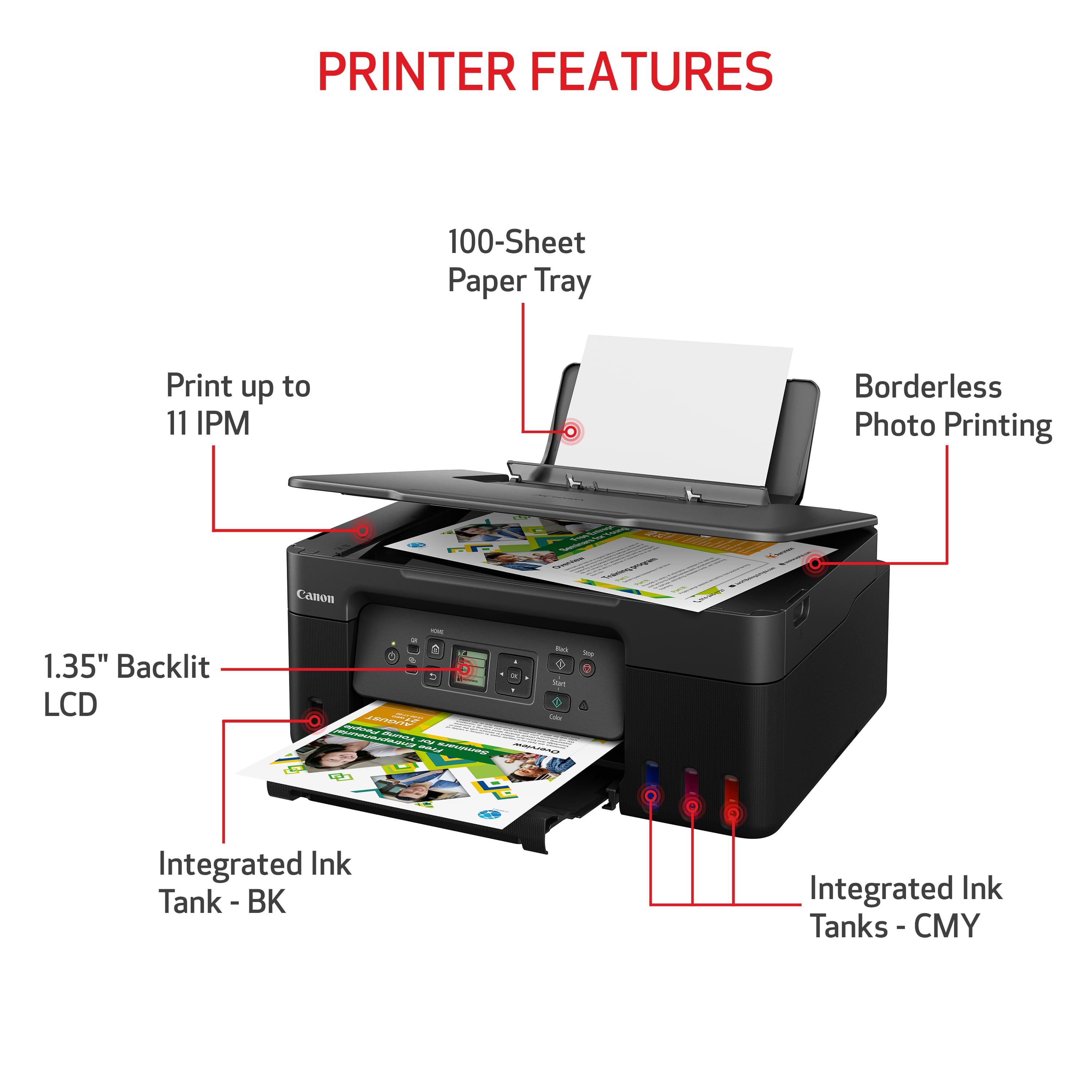
|Posted .This reviewer received promo considerations or sweepstakes entry for writing a review.My previous printer was a complete pain to use. If not used often enough, the print heads would clog and I would have to print 3-5 pages after cleaning the print heads to get it to print properly. The Canon doesn't have that issue. First, setup was quick and easy. I set it in position, turned it on and it had me download the app. The app walks you through setup, which involves filling the ink tanks and installing a couple of print heads. This is where Canon did it right. Each color bottle has a unique "key" so they only fit their color. Filling the tanks was as easy as taking the cap off the bottle and turning it upside down on it's color. Once that was done I connected it to WiFi. This process was quick and I didn't have any issues. The print quality is great. I initially printed a few copies from the templates menu (a blank calendar sheet and a couple of checklist sheets). Printing was very fast. My wife then needed to print something for work, which was in color. The colors were sharp and perfect. Canon states that this printer can get 6,000 pages of black and 7,700 pages of color out of the cartridges. That's very economical. With the cost of ink, I try to get as much out of it as I can. It prints up to 11 ppm black and 6 ppm in color, which is more than enough for us. It prints great photos. As an amateur photographer it comes in handy and can print up to 8.5" x 11" photos. The one drawback that I see is that the screen is quite small and not adjustable. My old printer had a larger, full color display that you could also tilt to get the viewing angle right. The Canon's display is flat against the printer and black and white. It is not easy to read if you're not directly in line with it. I wish that it was larger and the front control panel had the ability to tilt. Hopefully, in the future they will correct that. Overall, it's a great printer for home/home office use.
I would recommend this to a friend - Pros mentioned:Connectivity, Print quality
Love this printer, my new daily driver
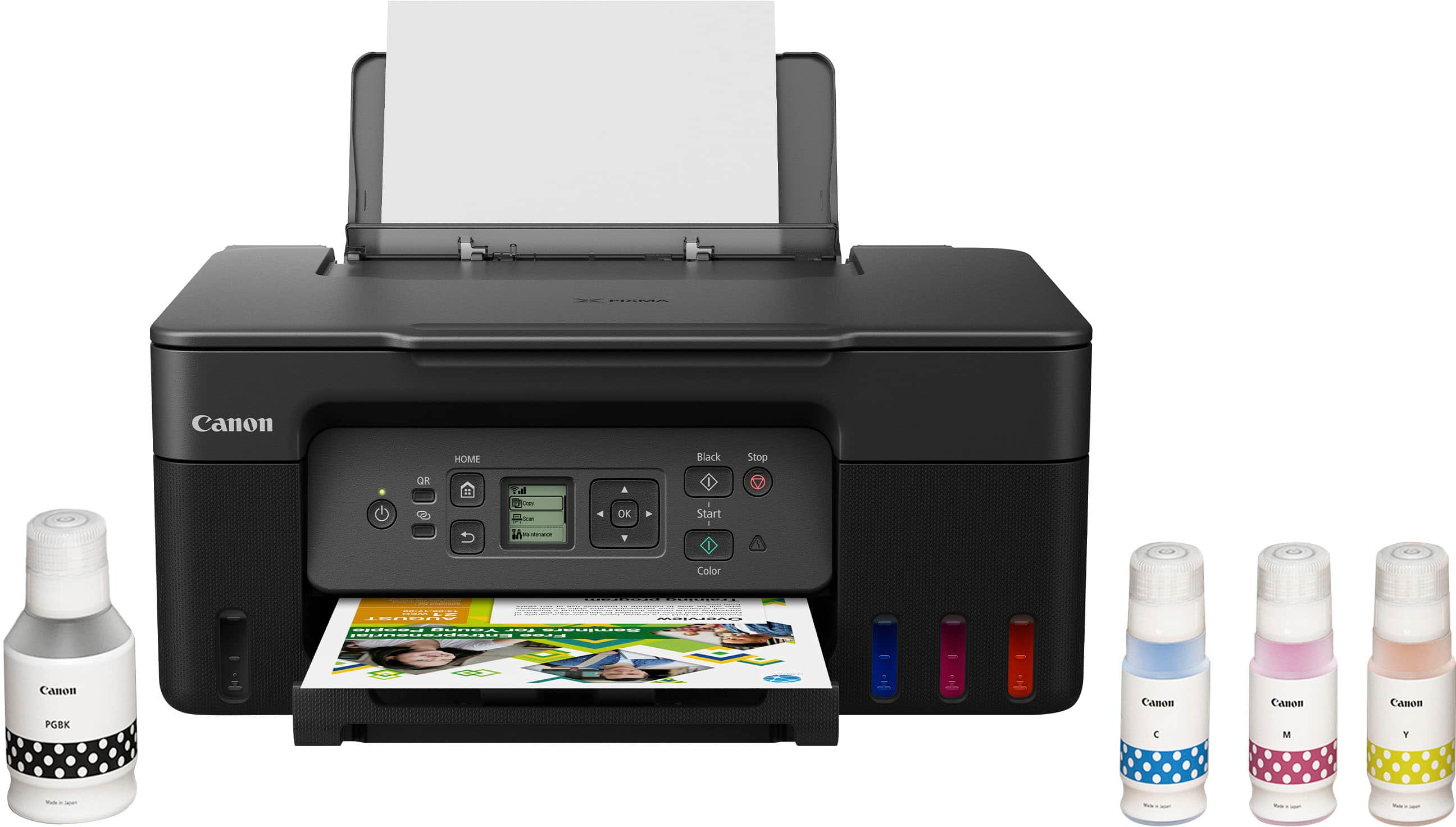
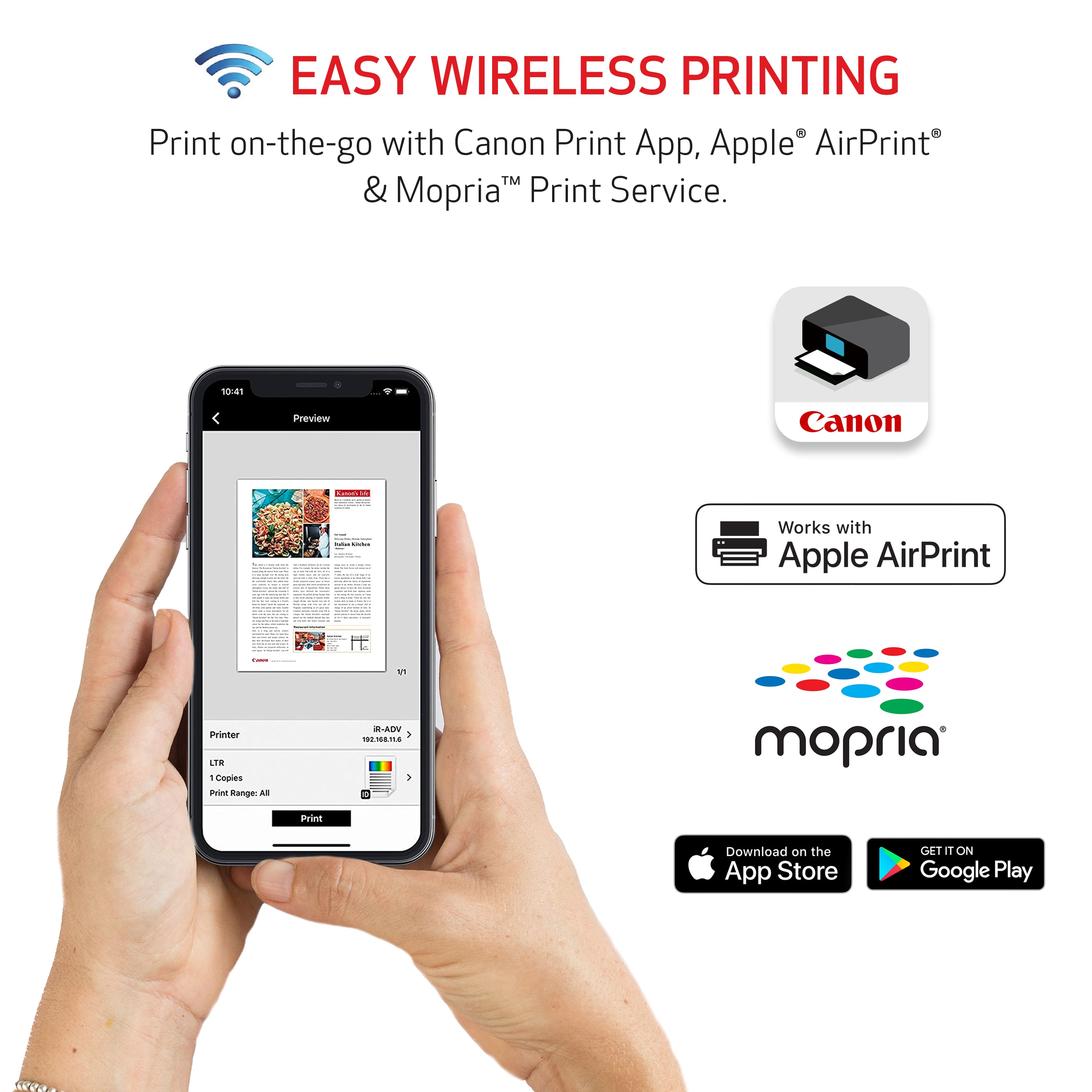
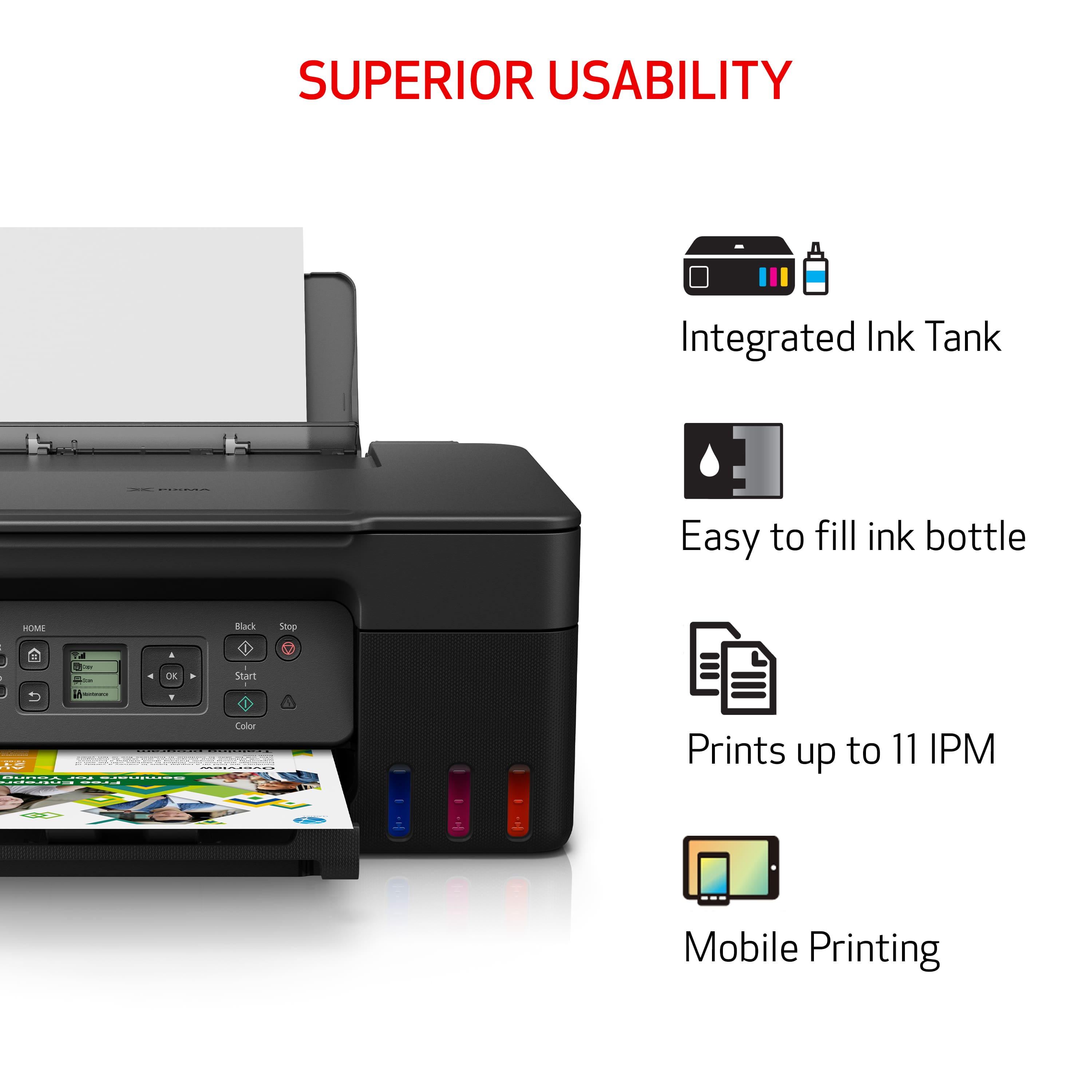
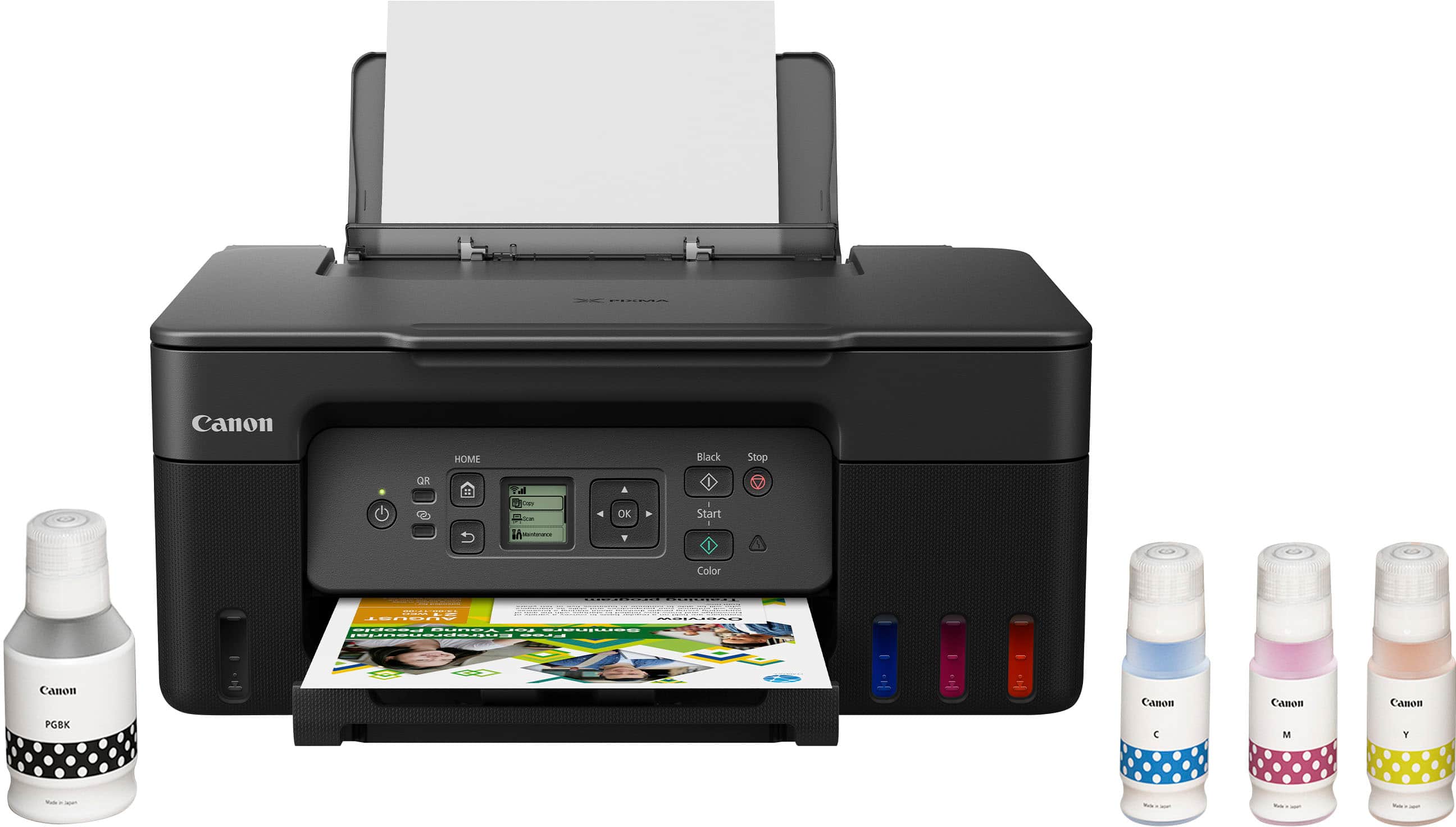
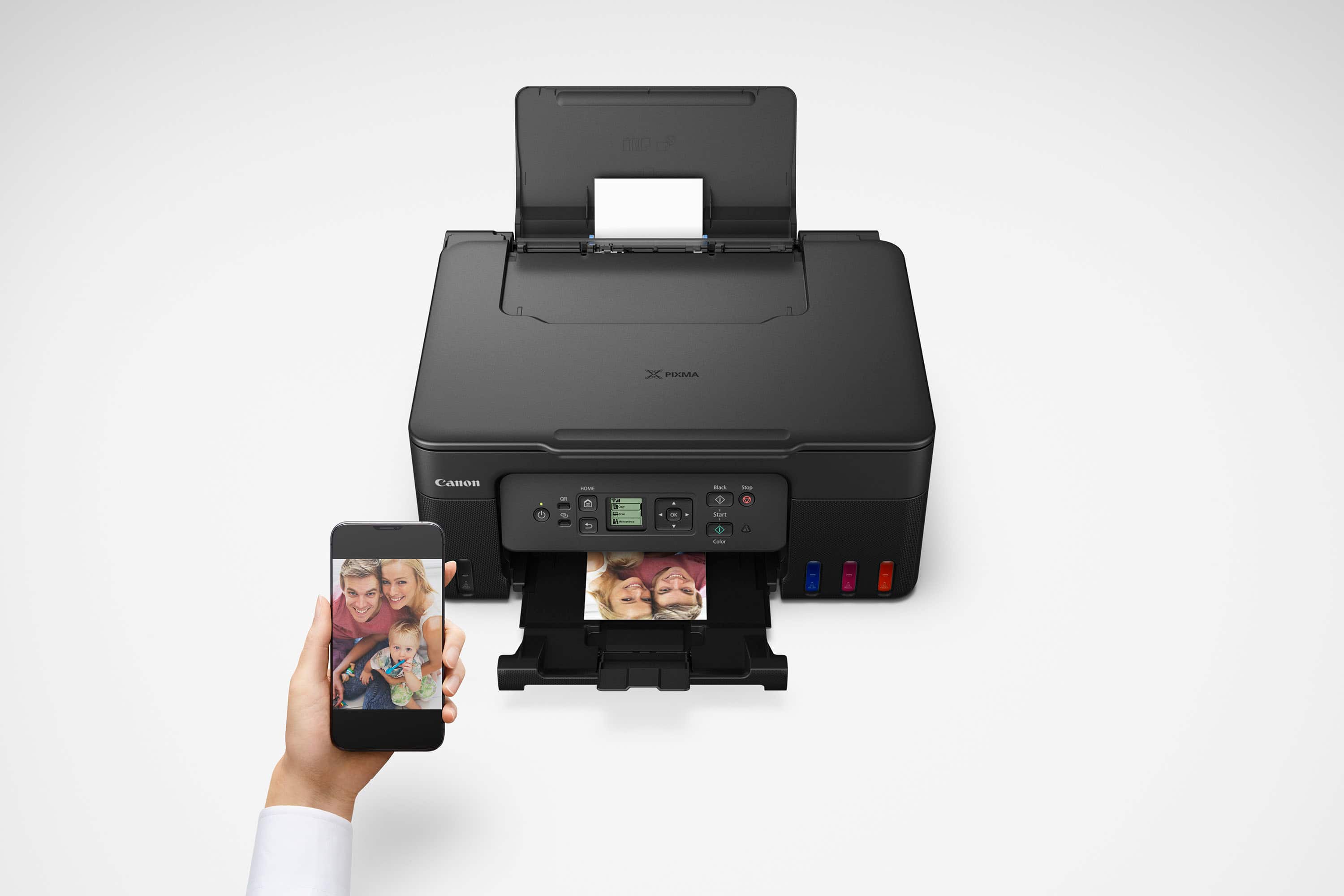
|Posted .This reviewer received promo considerations or sweepstakes entry for writing a review.The canon pixma G3270 is proof that personal inkjet printers have come a long way. Over the past 10 years I’ve only used laser printers at home due to their economy, speed, and value. This inkjet printer changed my mind. This is one impressive printer for a variety of reasons, and it will become my new daily printer. It comes with 4 large bottles of ink: Black, Cyan, Magenta, and Yellow. For each bottle, you unscrew the cap, turn it upside down, and fill up the reservoir. I was afraid that I might accidentally fill up the wrong reservoir but each color has a special fit to prevent this from happening. There's no mess either when you're filling it up. I’ve printed several 8.5x11” edge-to-edge full color prints and they're still sitting right at 100%. It looks like this printer will live up to it’s claim of 6000+ prints. It’s capable of printing up to Legal size (8.5x14”), (only 8.5x11” LTR prints with full bleed) and as small as 3.5 x 5” Postcard size prints. I remember taking my camera down to get pictures developed years ago and I was blown away by the quality of these printed photos on 4x6” glossy photo paper. The quality is every bit as good as any photo printer I’ve seen. Even more impressive was the speed and the fact that I sent the photo directly from my phone. I was able to connect by bluetooth or wifi, pull up my photo album, see the preview, and print directly to the printer. I would purchase this printer for the photo print quality alone, but it can do much more. I printed a few of my favorite recipes that I had bookmarked. There’s a cool feature where you can remove header and footer data from websites, it printed in a matter of seconds, and quality was on point. I typically use my phone for all of my scanning but quickly changed my mind. Using the Canon app on my PC, I scanned an important document, full color, and it produced a 300dpi 2MB file in less than 5 seconds. I scanned a 4x6 photo from the past and it took a bit longer, approximately 10 seconds. Default settings were 300 dpi on the photo setting and the file was approximately 270 kb. I increased the settings to 600 DPI and high quality. Output was about 1.6 MB and scanning took about 10 to 15 seconds. To the eye, detail was slightly better, but if printing you will probably see an increase in quality with the higher settings. A cool feature I also used is scanning directly from the CanonPRINT phone app. This is useful if you need to print or scan anything from your phone and email to someone. The connectivity covers all the bases. I’ve printed via wifi from my computer, directly from my phone, and there’s a port if you need a hardwire hookup to your computer. I printed from a 2016 iMac and the software download and installation was seamless. If you are using the wifi settings, make sure your phone and printer or computer and printer are on the same wifi network (SSID) or you might receive errors. Pros: *Outstanding Photo Quality & Beautiful Color *Quick photo/document scanning *Meets all your needs for quick print daily use *More than quick enough for personal use *Ink lasts a significant amount of time Cons: *Only 100 sheet input tray *There is a slight delay before your first print that’s most likely required to get all of the nozzles ready to print *Does not come with any paper or sample paper
- Pros mentioned:Ease of use, Print quality
Solid printer for the average joe
|Posted .This reviewer received promo considerations or sweepstakes entry for writing a review.As of late, printer variety spans wide lengths with insane picture quality, different features, screens, etc. etc. Do most people need all of that? No. The Canon - PixMA megaTank G3270 is a great printer for the average person doing basic printing, scanning, and copying. In terms of design, this printer is pretty basic. The screen on the printer is small, and limited. While it doesn't look as nice, for most, this won't matter. Most of the printing you do with this printer will be controlled via your computer, or the app on your phone. Set-up on this printer was far easier then I thought. Receiving the printer with the ink bottles made. me a little nervous, I immediately pictured me spilling ink all over the place, but that wasn't the case. I had everything loaded up and the printer ready to print in a few minutes. Picture quality on the printer is solid. I printed photos directly from my phone and they all looked good. Not as bright as I would have liked, but that may be a result of the paper used. Scanning can be a hassle as you can only scan one page at a time. In this form factor, you shouldn't really expect much more, if you have to scan 100s of pages you're probably better of not doing it at home. The biggest win on this printer is cost of use. Now, I've read up on the ink tank printers and per my research they tend to print tons color pages for far cheaper then other methods of printing. In the time I've tested this printer, I still have a ton of ink left. Now, I haven't printed hundreds of pages yet, but it appears this printer may be true to form in regards to cost of usage in the long run. Is this printer perfect? No...it has it's issues, but for the average person, it gets the job done.
I would recommend this to a friend - Pros mentioned:Ease of use, Print quality
Small Form Factor, big features!
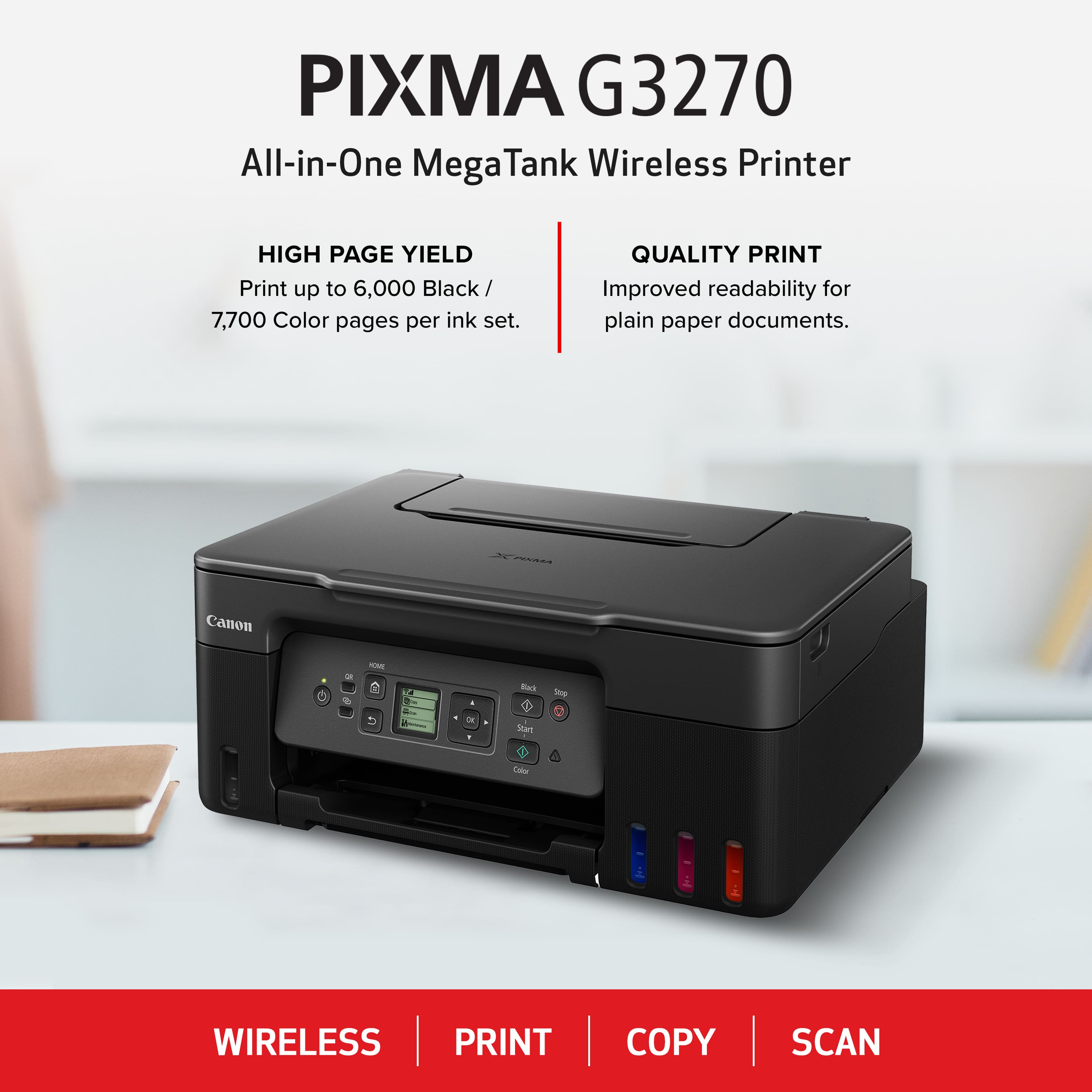
|Posted .This reviewer received promo considerations or sweepstakes entry for writing a review.Review for Canon - PIXMA MegaTank G3270 Wireless All-In-One SuperTank Inkjet Printer - Black Like many people these days, my printing habits have changed dramatically. I no longer print every day. I don’t print as many copies of things as I used to do. And yet this printer is everything I need! It’s easy to print from my computer, my tablet, and my phone. It’s got a great compact footprint. It’s easy to use as a copier with a very readable, illuminated LCD screen. And the scanner lets me make both printed copies and PDF versions of important documents to save or send online. But my single, most favorite feature is the large tanks of ink that make two of my biggest printing headaches a thing of the past. When I need to print in high volume - not a frequent demand, but it does happen - I don’t have to worry about burning through little, costly ink cartridges. I can print up to 6000 pages in black and white and up to 7700 pages in color. My other resolved headache is almost the opposite extreme. When I haven’t printed in a few weeks (or sometimes longer) this printer picks up right where I left off. No dried up or clogged cartridges! Full disclosure, the first time printing after a “dry spell” takes a few seconds as the printer primes itself again, but I’ve never had a page fail to print, or worse, print partially or in less than full color. The rear paper tray holds up to 100 sheets; far more than many printers. So running out of paper, mid-job is also mostly a thing of the past. I’ve had great success printing on media other than standard paper, as well. Labels come out sharp and clear, and I was floored by the quality of photos printed on specialized photo paper. In terms of cost savings for ink, there’s almost no comparison! New bottles of black, and separate bottles for color (cyan, magenta, and yellow) added up, cost about the same as one standard printer cartridge, but will probably last me 10 times longer. I’m happy for the cost savings and equally happy for so much less waste!
I would recommend this to a friend - Pros mentioned:Print quality, Setup
Perfect home printer
|Posted .This reviewer received promo considerations or sweepstakes entry for writing a review.So far I am very happy with the Canon G3270 printer. It has everything you need for a good home or small office printer. The scanning and copying work great. But the printing is the real show stopper. I've used it for documents and some photo printing as well. All have turned out fantastic. Although you wouldn't generally think of an office style printer such as this for photo printing, I've found the results using Canon glossy photo paper to be impressive. The two things that stand out to me the most are how easy it was to set up, and the generous amount of ink. Using the Canon online guide for setting it up had me printing in no time. The Canon print utility is very easy to use. The software is much easier to use than what I've experienced with other brands. Wireless printing with both my laptop and my phone have worked perfectly. As for the ink, I love the new way of dealing with ink! Instead of the small cartridges that never seem to last very long, you fill each color with a bottle of ink. And these are sizeable bottles that I have no doubt will last a very long time. Far longer than any previous ink cartridges I've used. And filling the ink is so simple. Just tip the bottle and let it flow. Each color has a keyed tip so it's impossible to put the wrong color in each ink holder. Brilliant! Can't think of a single bad thing about the G3270.
I would recommend this to a friend - Pros mentioned:Ease of use, Print quality
a fantastic deal and a high quality printer……………..
|Posted .This reviewer received promo considerations or sweepstakes entry for writing a review.What can I say about this printer. One of the things that I love about it was how easy it was to set up. With having multiple Wi-Fi settings in the house, just make sure the printer and the device you are trying to connect it to are on the same network. Another bonus is the bottles of ink that it comes with is plentiful. This in could last a really long time like thousands of pages. One thing I did not like was the fact you had to download the application to get the manual online, I’m one that likes hard copies and not loading up my device with unnecessary apps. The screen on the printer was user friendly but yet a little difficult to read because the screen is a tad bit small. This printer offers high quality print and the ink is affordable. One minor thing that is great about this printer is the way you load the paper is located on top of the printer vs a loading tray at the face. I like just getting the paper and sticking it in the top and not having to open the bottom tray. That’s a simple thing but I like that. Overall this printer is a great and economical purchase and I would buy it again.
I would recommend this to a friend - Pros mentioned:Print quality
Ink Bottles Saves Money Over Ink Cartridges
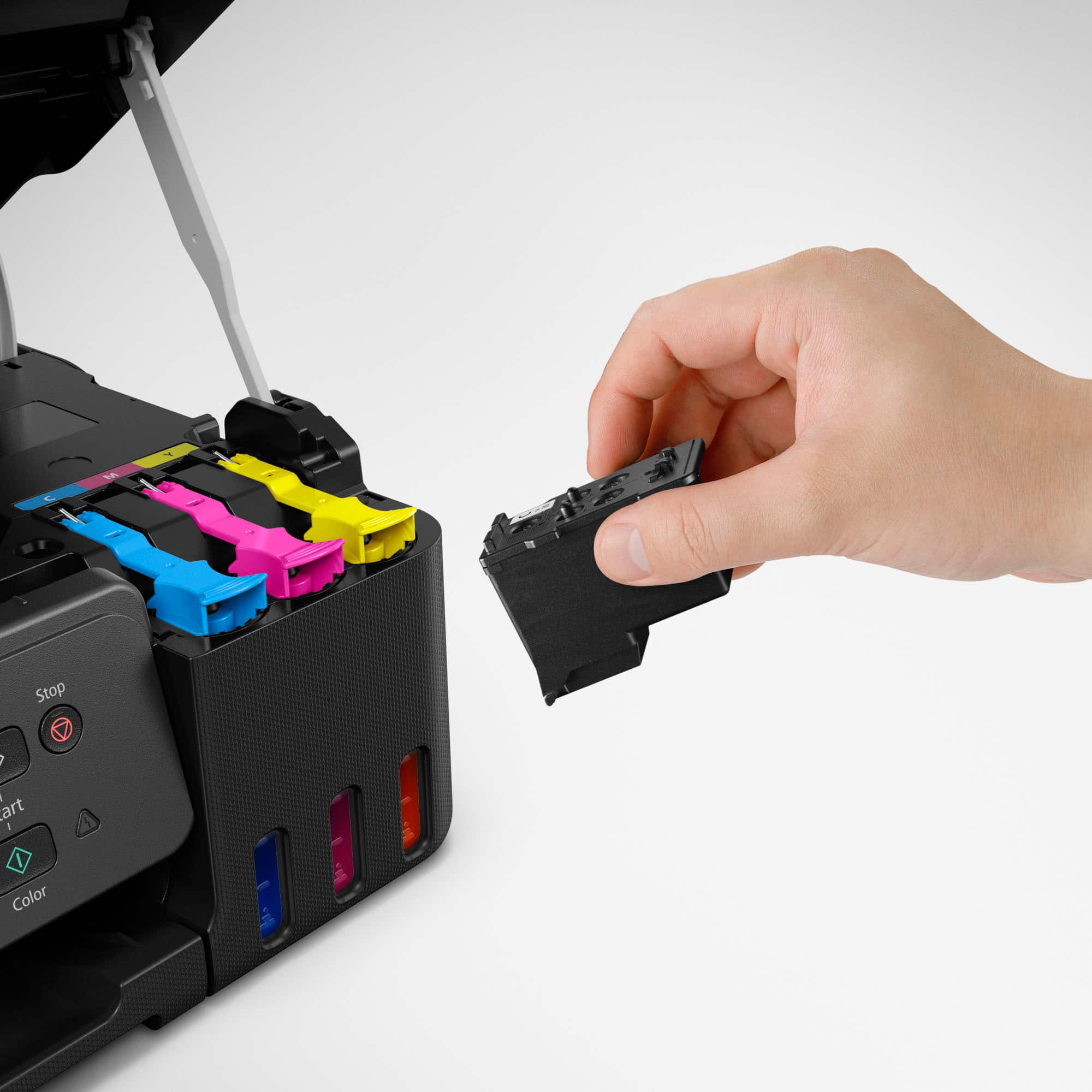
|Posted .This reviewer received promo considerations or sweepstakes entry for writing a review.As a member of the Tech Insider's Network, I recently got the Canon Pixma MegaTank G3270 printer to review. It came at a great time as my previous Canon Pixma MG6220 after 12 years of great service decided to not turn on anymore. I had been looking for another inkjet printer that had 6 ink cartridges for printing photos but I couldn't find any that fit my budget. The thing I like most about Canon printers over any other brand is the fact that the print heads are replaceable. The MG6220 had a cradle that eventually clogged after not using the printer for a few months and I just ordered a new cradle and replaced the clogged one. This new MegaTank G3270 has a different method of doing that. Instead of a cradle, there is a black printhead cartridge and a color printhead cartridge that are removable. That's so much better than having to dispose of an entire printer when the heads get so clogged that the software nozzle/head cleaning doesn't work. The MegaTank system is way better that I ever thought. I was under the impression that you had to put in the tank and then remove it when the ink got to the fill line and put it away until the next time you needed to refill the ink, therefore spilling ink when removing the cartridge. Instead the bottles are measured out to fill the tanks exactly so once the tank is filled, the bottle is totally empty. The bottles have a stopper mechanism that prevents the ink from spilling when turning the bottle upside down to insert it and is keyed so that you can't put the wrong bottle and ruin the colors. The bottles contain a lot more ink than a cartridge so I won't have to buy cartridges every few weeks. The setup of the printer was very easy. After plugging in the electric cable, I opened the Canon app on my iPhone and searched for and found the new printer in a moment. There are a lot of features available on the app such as photo printing any size print on any kind of paper, scanning, document printing, cloud printing, a link to open a second Canon Easy-PhotoPrint Editor app that will let me print ID photos, business cards, collages, stickers, calendars, etc. Now let's talk about the quality of the prints, even without the extra Gray color cartridge that I was used to, the prints came out fantastic. I made a few 8x10's and a few 4x6's and they look just as good as with my previous Canon printer. My only complaint about the G3270 would be the size of the screen. I was used to a much larger color screen on the old Canon printer but I'll get used to this screen as it still has all of the functionality of the old one. This is a great printer and I know that I'll save a lot of money on the ink bottles rather than ink cartridges.
I would recommend this to a friend - Pros mentioned:Connectivity
Supertank printer. Great for students/home office
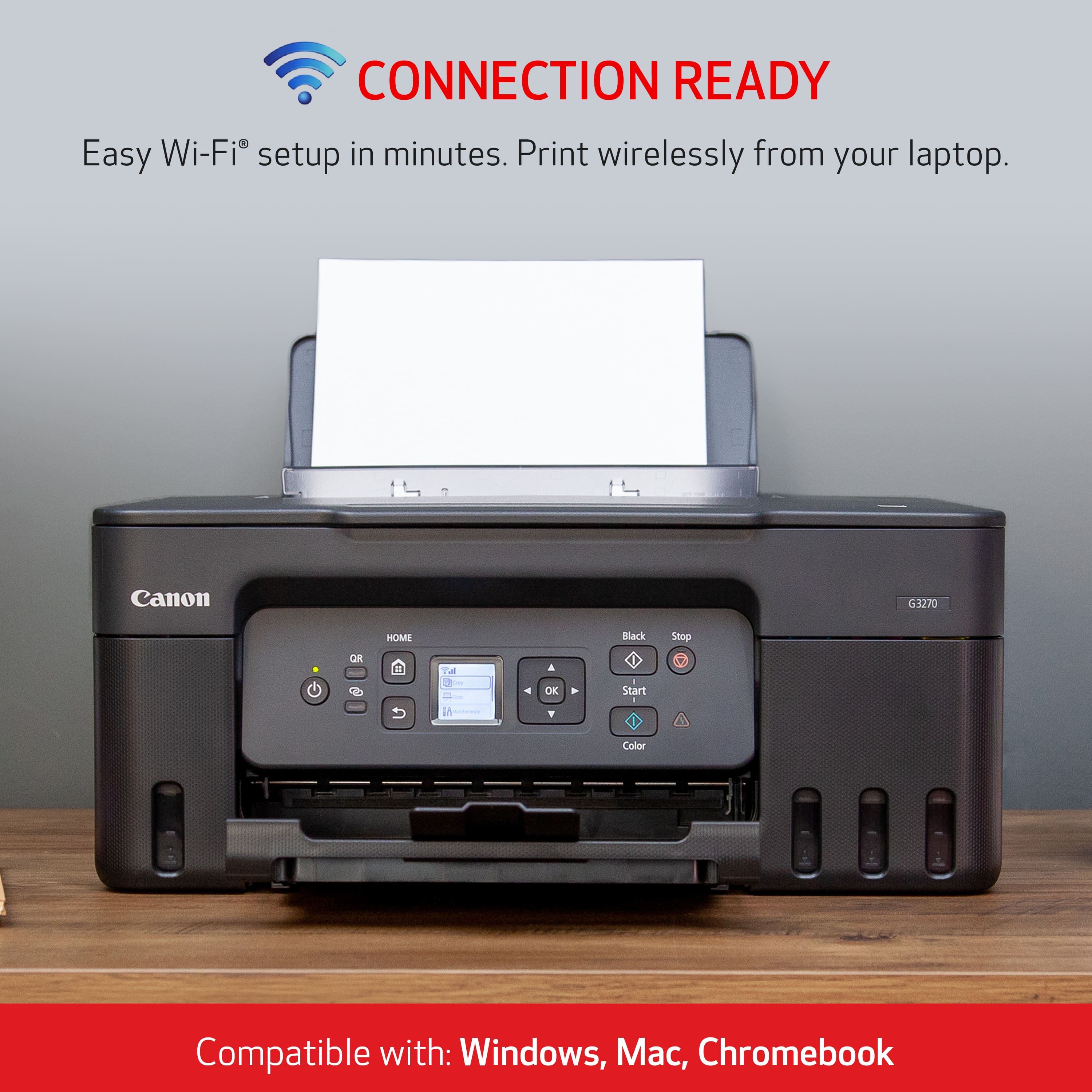
|Posted .This reviewer received promo considerations or sweepstakes entry for writing a review.Canon G3270 is a little beyond entry-level all in one large tank printer from Canon. Canon and Epson have been coming out with many models of this type of printer – the initial purchase costs more than their other inkjet but it costs very little to use since the inks comes in bottles instead of cartridges which are very costly. Each set can print as many as 6000 black and white pages and up to 7700 pages in color. Your mileage may vary if you do full color pages or photos. This printer can print duplex but in manual mode only. The driver will tell you to flip the paper over at the end of the front page. It really is not that hard but you have to be around the printer when this happens – so it may not be for everyone especially if you are very busy. The old models of these Canon printer had one thing that alarmed me. I could have easily filled the wrong color into the wrong tank since the nozzles are identical in shape. This means if the wrong color (in any amount) goes into the wrong tank, you might as well dump the printer because there is no easy way to purge the ink. This printer will only take the correct ink since the nozzles are keyed, but do pay attention when you fill the ink anyway. The initial set up takes a while and you need to follow the poster by the letter. Pay absolute attention to what you are doing and do not get distracted. You are directed to their (Canon) website to download the drivers, etc. While the entire bottles will fill the tank, it takes a bit of ink to fill the lines (tubes) that go to the printheads. But since another set of inks isn't that expensive, it's not a bad idea to have an extra one just in case. Canon comes with neat programs when you install the driver. Where that you could do all kind of things with this printer. You can also print from your phone, remotely as well. I think this printer is perfect for a college student. It probably isn't heavy-duty enough to be shared in a busy office because the tray only holds a hundred sheets of paper, and it has to be filled fairly often. Keep in mind that this type of printer needs to be used once in a while as the printheads make it clogged. (It is not unusual for an inkjet printer to do that.) But since it costs a little to print, you might as well print something once a week to prevent it from happening. I configured my program that I used to print postage and it printed envelopes without any problem. The scanner on the top turns this printer into a copier. There is no auto feed function so you have to scan/copy one item at a time – and the largest size would be the letter size. You can directly connect your computer via the USB, or you can use Wi-Fi to print. It supports 2.4 gigahertz and five gigahertz. The driver now supports Windows 11 all the way back to Windows 7. It doesn't work with Windows XP for those that have the old computers. For Apple Macintosh, it supports that, and according to the website, it support Chrome book as well but I am unable to test it. It has auto power which you could tell the printer to turn itself off – and when this happens, the printer parks its print heads, so it will not dry out. And it will wake itself up when you send it a page to print. I have seen some people carrying a printer to the library to print stuff – most places allow that but you have to be very careful. If the lid (of the inktank) is not on tightly, the ink will leak – so do not tilt the printer when you have to move it. Fortunately and I think it took Canon a while to catch on – there is a replacement maintenance tray in the back. (Canon MC-G04). Most people do not know what this is. If you have defects when you print the page – for example some lines that are not being printed due to clogged printheads, you could run the "clean print head" function. What this does is actually it squirts the ink through the printhead to unclog it. There is also a heavy-duty function that uses more ink to do this – but since seeing isn't that expensive – it isn't the problem. The sponge on the bottom of the printhead soaks up the extra ink and if it gets too wet, the printer stops working. The older model that had no replaceable maintenance tray, you would have to take it to their official factory service center to get that replaced. Many people just basically throw the printer away (but it doesn't happen until you do this quite a lot) but nevertheless the newer models have the replaceable maintenance tray so when the printer tells you the tray is full (which means it is soaked with ink) you simply remove it and put in a new one. The new one costs about USD10 or so and you could continue to use the printer. The printer works well for a small office with one, or two person. But if you have to print a lot and especially on both sides of the paper, it could get in your way (especially if it is used by more than one person), but for a home office, I think it is quite perfect if you don't mind scanning/copying the paper one piece at a time. It prints pretty loudly but there is a "quiet mode" which will work a little slower but it is, more quiet of course. When you set this up, you have to install the printheads. The color printheads will not fit into the black ink printhead or vice versa. But you really have to pay attention to what you are doing. I could not tell the output of this printer to another Megatank printer that I have (or from another manufacturer.) There are pretty much similar. And if you pay a little more, you could get one that holds more paper (bigger tray, or more than one tray), and may print faster, or may have the automatic sheet feeder on the top that you could copy or scan a bunch of papers automatically. The more expensive models might be able to scan on both sides by flipping the paper or have they dual scanner (that scans both sides at once.) You really do get what you pay for but those could be quite expensive but are made to be used all day long. Some of their top-of-the-line models actually has a fax machine built-in, as well. Some will print on 11 x 17 paper too. This printer is perfect for high school/college student. Even for a teacher who does not mind investing a bit more money by buying this type of printer which will cost him or her a lot less money when the inks are replaced. For a home based office, it would do fine (unless you need a fax machine but nowadays you could get E fax account which is extremely convenient and inexpensive, too.) But for a multiuser, since it doesn't do duplex, it may cause some confusion if more than one person is using it at once. (The first job has to be flipped over to print on the other side, before the second job is printed.) If you take this to work (if that is allowed, that is), you may as well connect it to your computer via a USB cable as you will have to connect it wirlessly to the work's network account, and some place may not let you do that without an official permission. I strongly recommend this printer with the minor inconvenience mentioned above for those who print a lot – it pays for itself pretty much in no time. I have a similar printer (also can) that I took to work and I use it every day and it really took almost a year to have to fill the ink.
I would recommend this to a friend