Customer Ratings & Reviews

- Model:
- 5805C002
- SKU:
- 10840211
Rating by feature
- Value
Rating 4.5 out of 5 stars
- Quality
Rating 4.5 out of 5 stars
- Ease of Use
Rating 4.4 out of 5 stars
Customers are saying
Customers recognize the decent print quality and overall strong performance of the product. Many appreciate its ease of use, with setup being described as quick, easy, and straightforward, complemented by versatile wired and wireless connectivity. However, some users have noted that the paper tray is only external and that the device can be quite noisy during operation.
This summary was generated by AI based on customer reviews.
- Pros mentioned:Print quality

Compact Printer/Compact Display
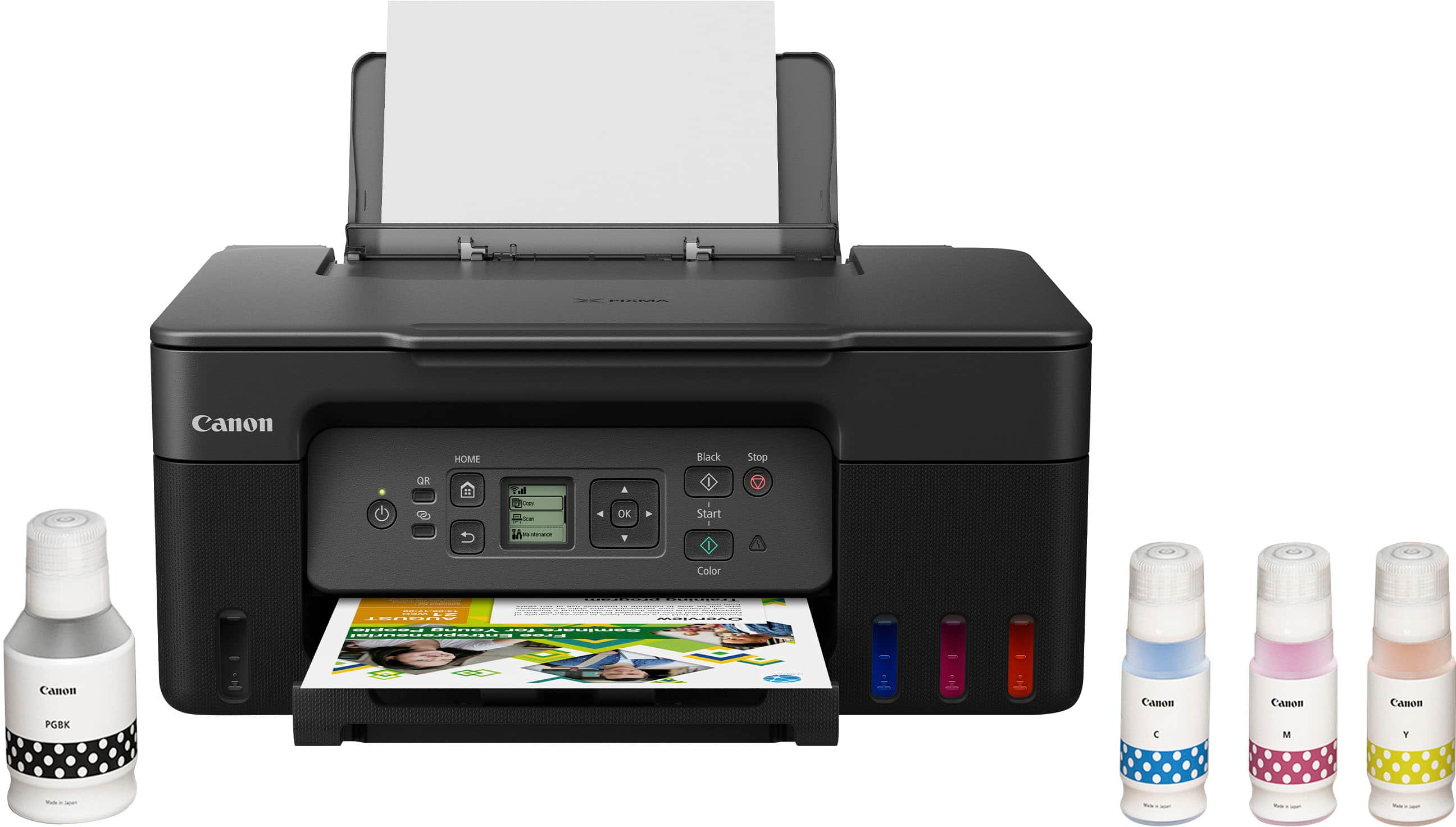
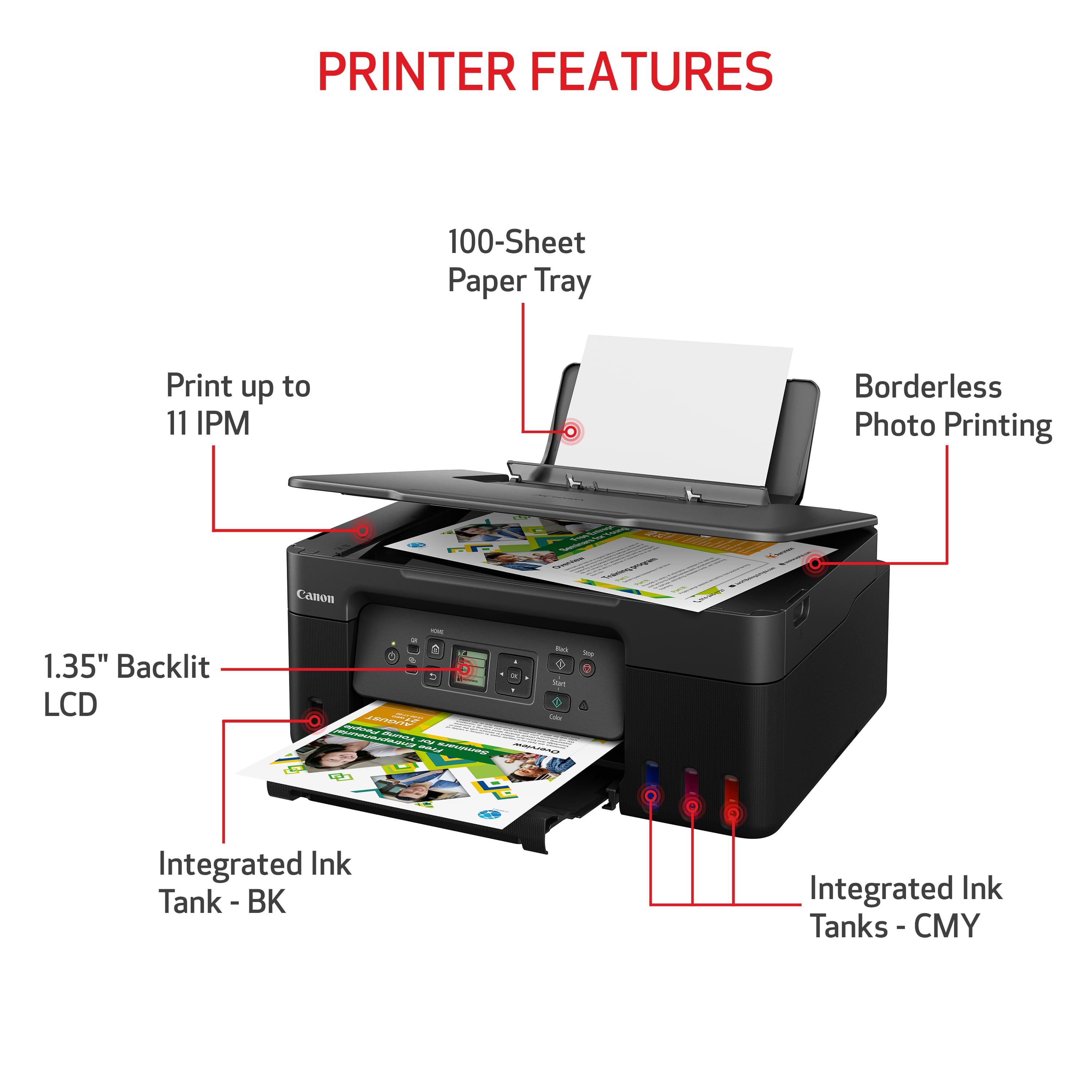
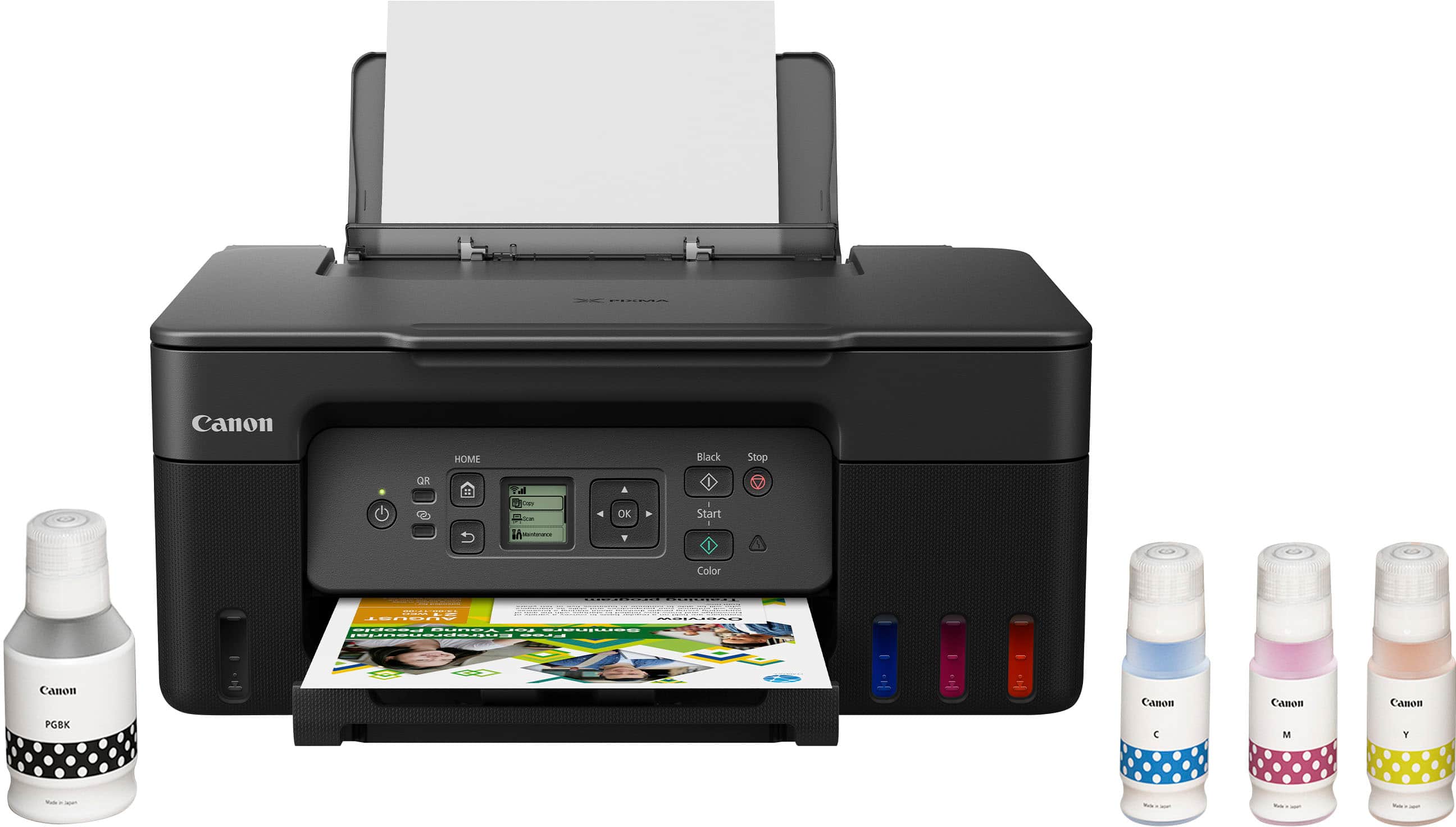
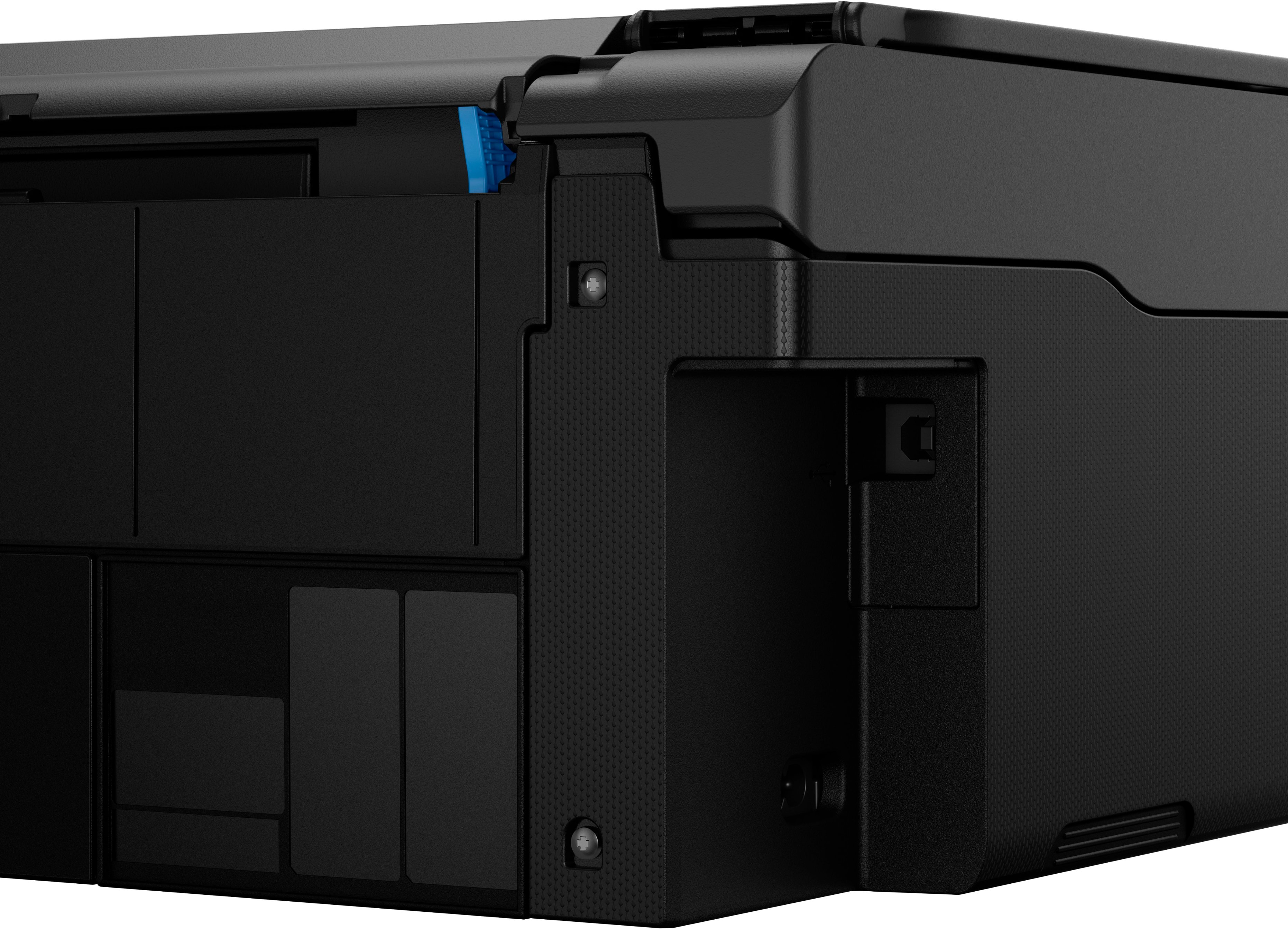
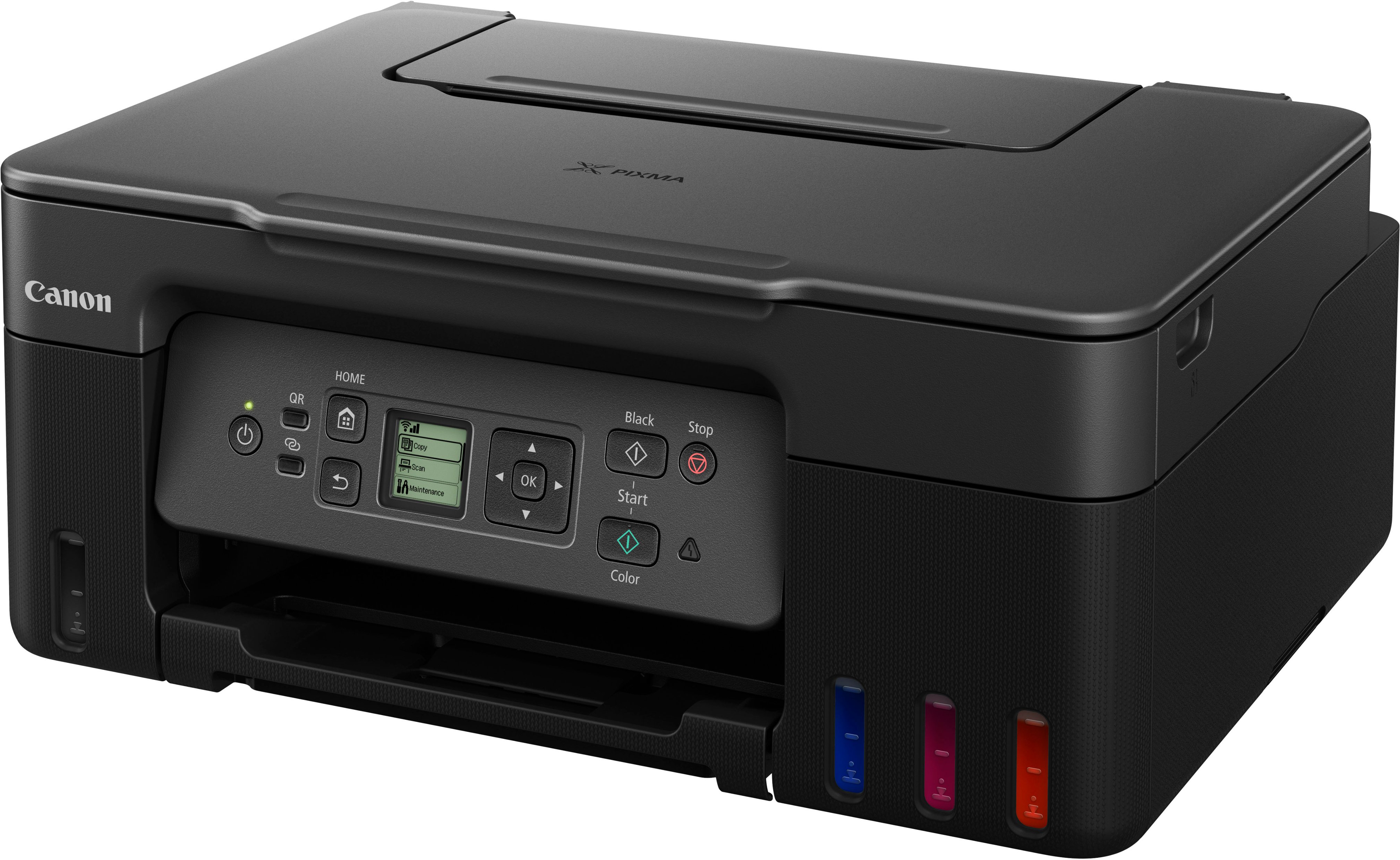
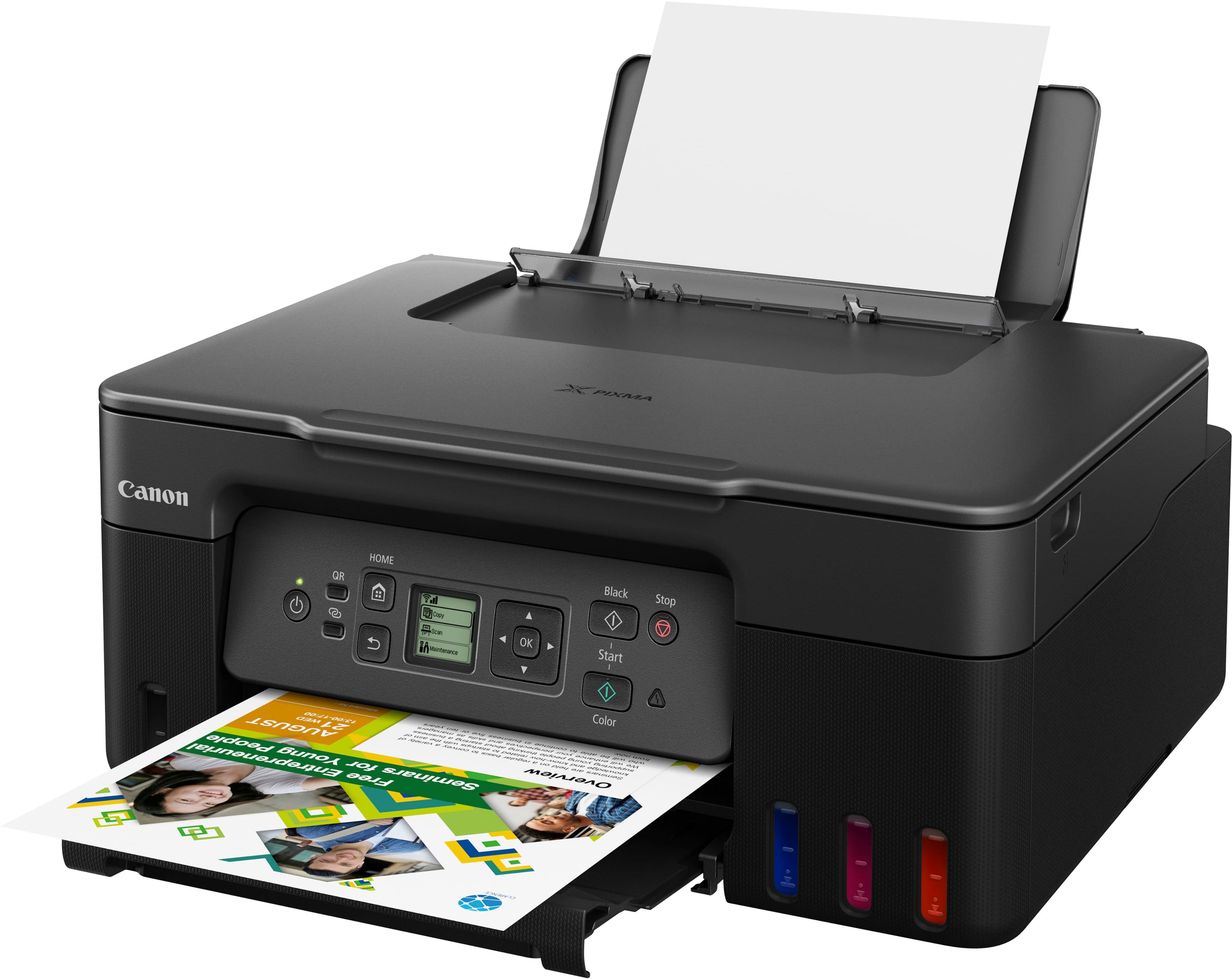
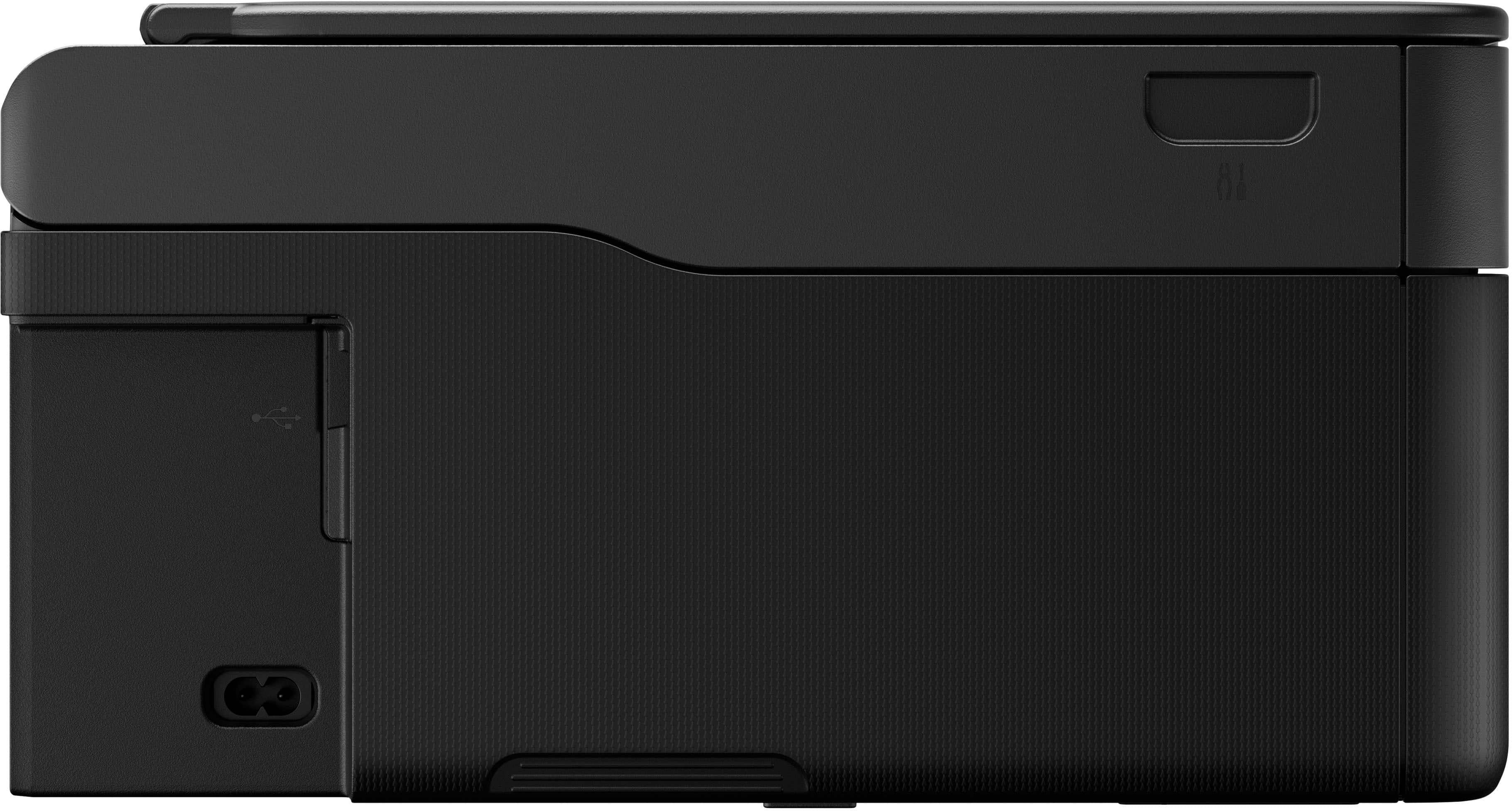
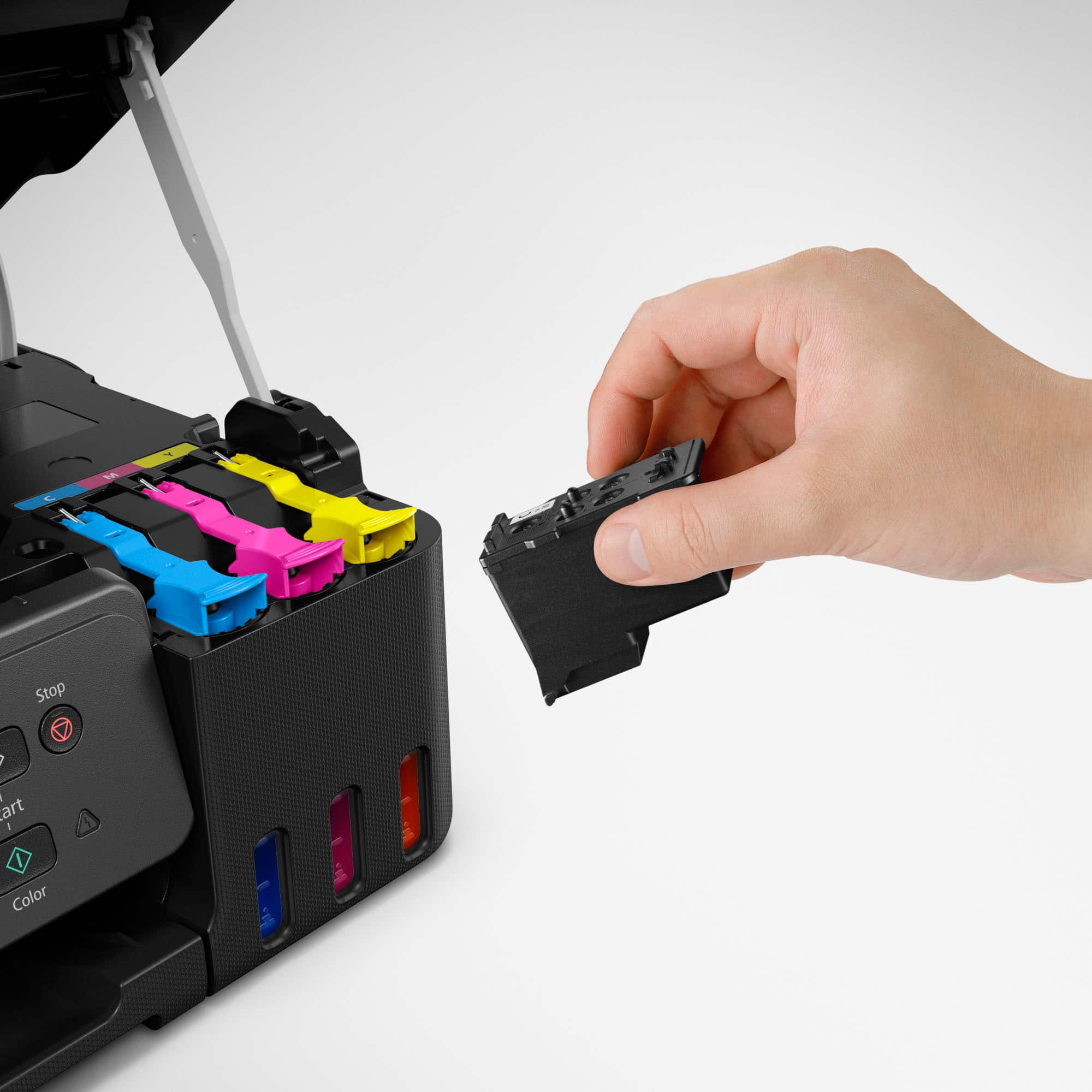
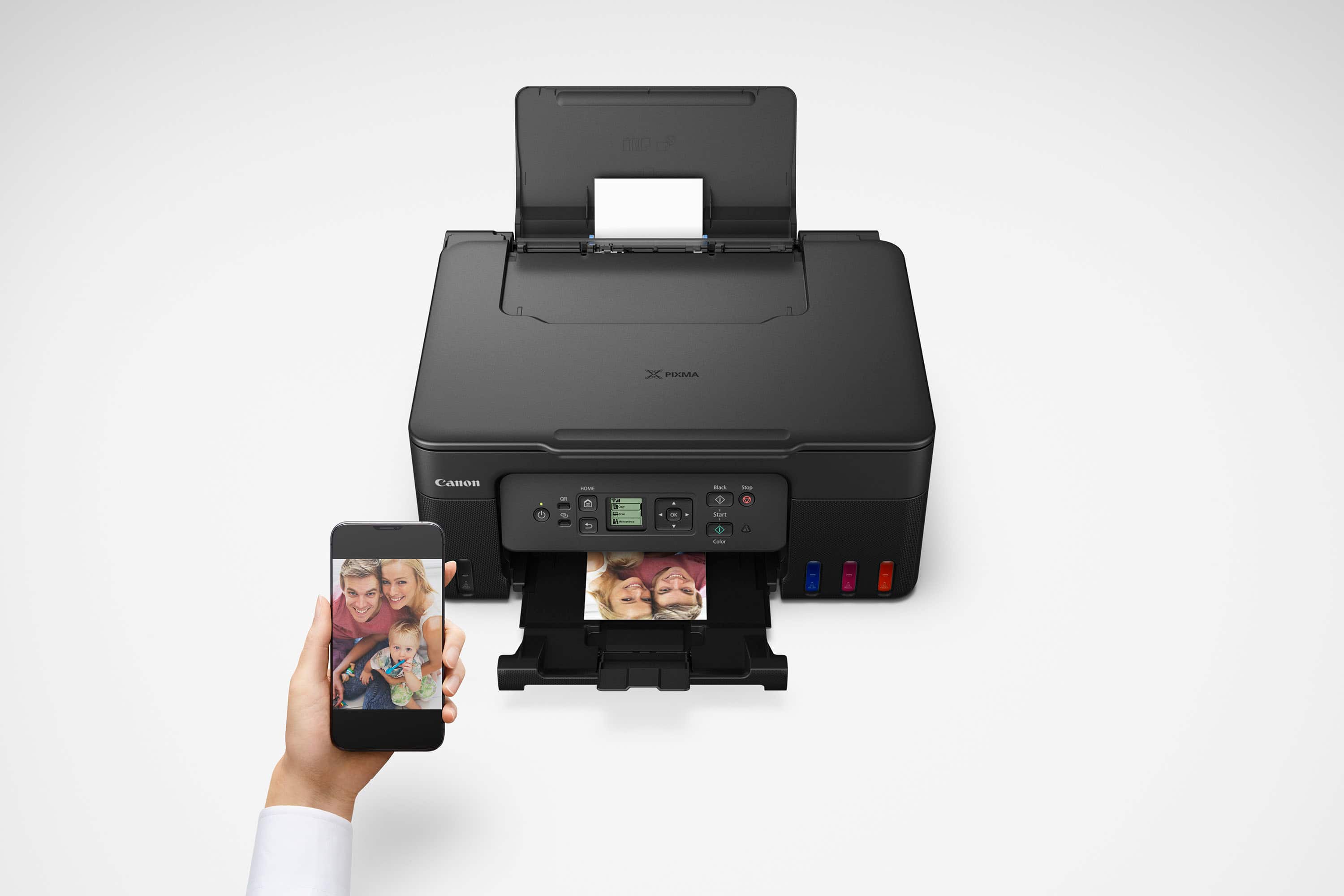
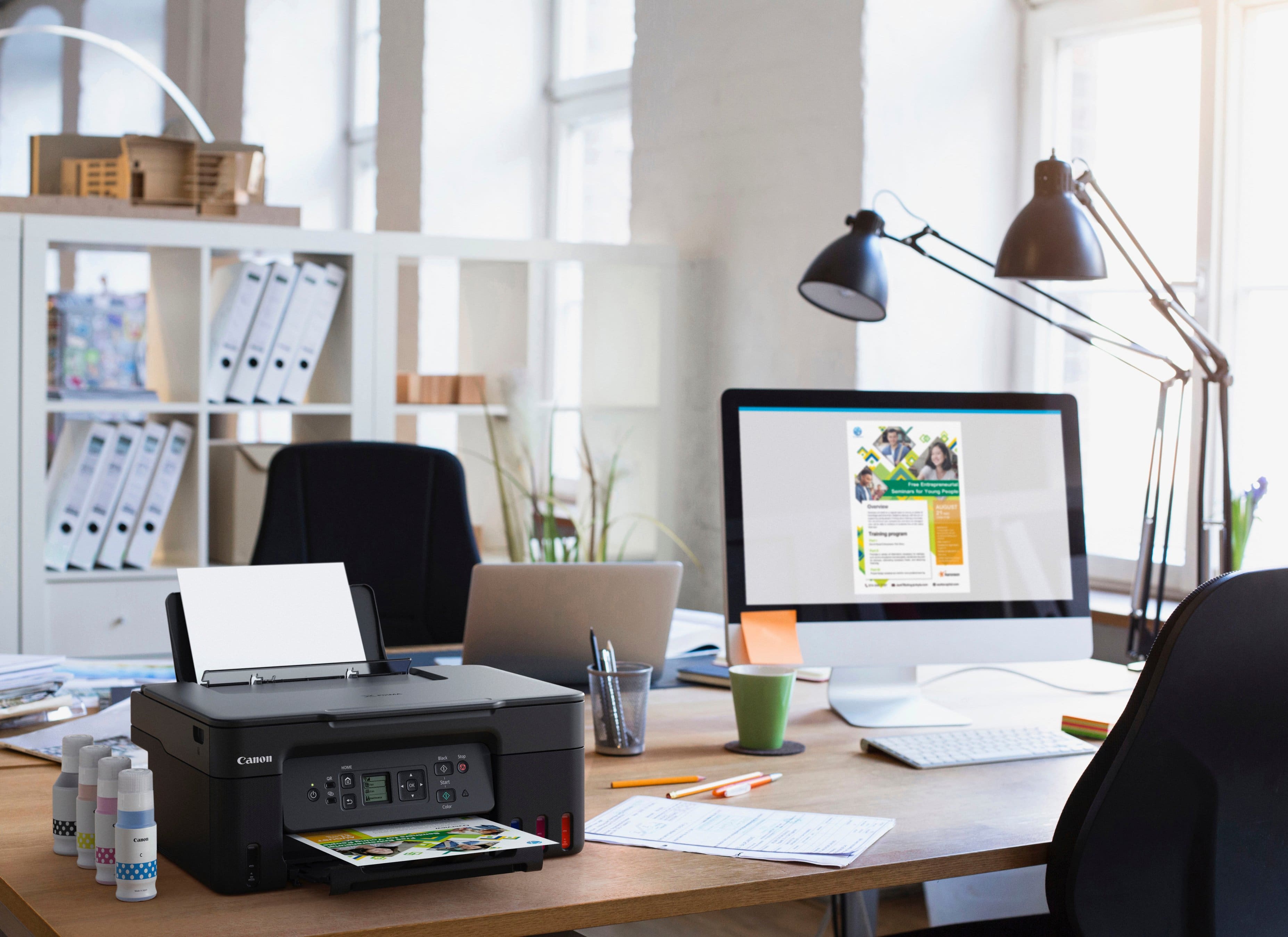
|Posted .This reviewer received promo considerations or sweepstakes entry for writing a review.The Canon Pixma MegaTank G3270 Printer is a relatively compact printer. It does not take up too much room on your desk or shelf. However, that being the case it does come with a very compact display with no tilt either. Which means you practically have to be eye level in order to see the display and menu options. The setup was pretty straight forward. Only two orange tapes to remove and no extra foam inside the printer. Fill the ink takes and each color only fits its correlating color, so pretty fool-proof. It is definitely nice to actually see the ink levels, Kudos to not having to guess how much is left or will you run out of ink during mid-print. Bigger ink takes are nice and should allow for more prints. Dual labeled print heads are easy to install. Installation instructions were given via scanning QR code and online. I think a quick startup page would have been simpler. Connecting it to your phone, either iphone or android is pretty easy. However, trying to connect it to your computer/chromebook seems a little difficult. I did not want to waste so much time on that part. So therefore, it is not so intuitive to wirelessly connect with the computer/chromebook. I think I will use a direct USB connection for the time being, WHICH it does not come with a USB direct connection cable. Luckily I do have plenty of those USB printer cables. Document print quality is fine. Photo prints I feel lack the color and depth, the blacks aren’t as black and the colors aren’t as crisp, BUT I did not have any photo paper available and was printed on standard paper. So maybe photos will look a lot better on photo paper. It holds a decent amount of paper vertically, but does not actually have a dedicated paper tray. I have not had a chance to print 6000 plus pages of documents to test the capacity of the mega tanks. I will do some price checking to see how much replacement in “bottles” cost. Overall, I do like the size and setup of the printer. I like the mega tanks, I like the ink view windows. Do not like the tiny display screen.
I would recommend this to a friend - Pros mentioned:Overall performance, Print quality
Great Printer
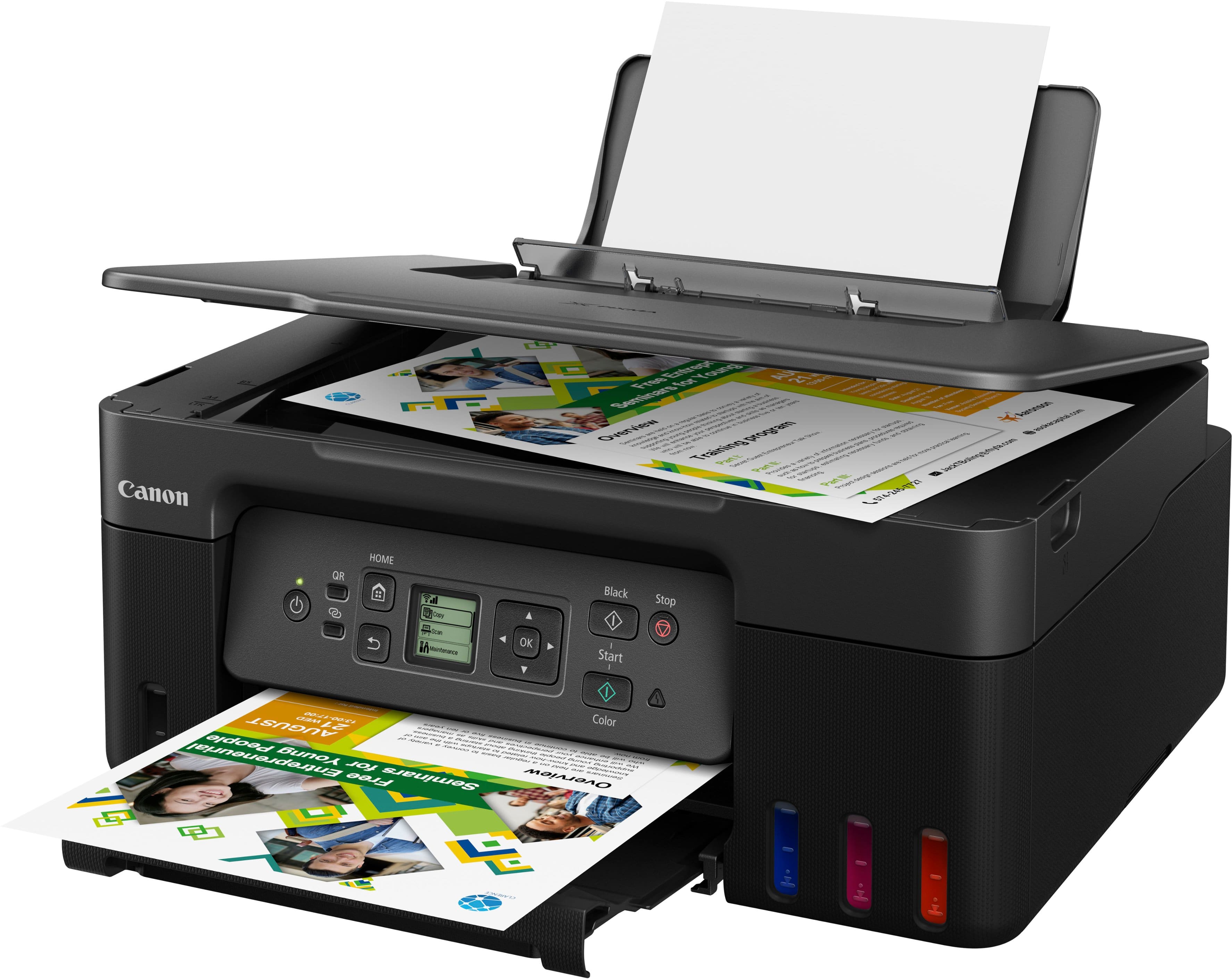
||Posted . Owned for 7 months when reviewed.This reviewer received promo considerations or sweepstakes entry for writing a review.Very good printer. The quality and speed is very impressive. I like the ink tank and not having to worry about buying an entire cartridge with just one color goes out. The scanner also does a great job with documents and photos. We use our printer for work and personal products and k have no complaints at the moment.
I would recommend this to a friend - Pros mentioned:Ease of use, Print quality, Setup
Just what I needed
||Posted . Owned for 2 weeks when reviewed.This reviewer received promo considerations or sweepstakes entry for writing a review.Perfect size, not too loud and print speed is very good. Set up was seamless.
I would recommend this to a friend - Pros mentioned:Overall performance, Print quality
Working well so far.
||Posted .This reviewer received promo considerations or sweepstakes entry for writing a review.Printer works well and I like the tank version of ink. My only reservation is that I had a similar version of this printer with cartridges that only lasted 2 years before the paper try started malfunctioning. That is probably why they have removed that on this model and only has the rear paper feed. Copies seem fine and I also like the "always on" feature so you don't have to turn it back on if it sits for a while. I wish that it had a larger display, but this just works OK.
I would recommend this to a friend - Pros mentioned:Ease of use, Overall performance
So happy with this printer
||Posted .This reviewer received promo considerations or sweepstakes entry for writing a review.Exactly what we were hoping for in a printer. We had so many troubles with the prior subscription printer. This one just works. It is so easy to set up. Ready to go in less than 10 min. I saw some people mention a small screen, but it is very easy to read and gives clear directions. So thankful we got this printer, ink included.
I would recommend this to a friend - Pros mentioned:Ease of use, Print quality
Excellent printer
Posted .This reviewer received promo considerations or sweepstakes entry for writing a review.Great printer , easy to add ink , great quality printing and pictures, easy to program , does not take up much space but screen size is small. Would be 5 if screen were bigger, nota deal breaker I only used screen for the set up and not much else.
I would recommend this to a friend - Pros mentioned:Ease of use, Print quality
Excellent Printer with Huge Ink Savings
||Posted . Owned for 2 weeks when reviewed.This reviewer received promo considerations or sweepstakes entry for writing a review.I bought the Canon PIXMA MegaTank G3270 from Best Buy, and it’s been a great purchase. Setup was easy, wireless printing works flawlessly, and print quality is sharp with vibrant colors. The MegaTank system is the real win—ink lasts a long time and dramatically reduces printing costs. Quiet, reliable, and perfect for home or small office use. Highly recommended!
I would recommend this to a friend - Pros mentioned:Ease of use, Overall performance, Print quality
Easy to use and works great
||Posted .This reviewer received promo considerations or sweepstakes entry for writing a review.works great and easy to set up. I love the ability to print full paages.
I would recommend this to a friend - Pros mentioned:Print quality, Setup
Easily set up amazing printing for a business labe
||Posted .This reviewer received promo considerations or sweepstakes entry for writing a review.OK, let me start off by saying I was terrified to try a printer not knowing what printer to use what to get for my business because I’ve never been down this road and it is quite scary. However I am so happy I went with this printer it is so easy to set up. It is dummy proof And it prints absolutely amazing labels for my small business a great value and this will save me tons from purchasing labels from Avery. If you were thinking of getting us, don’t think just get it. Trust me you will be so happy. The ink is lasting forever. I am on my second month and it’s not even halfway gone Print absolutely amazing. The only thing I wish is that it was a little bit faster printing, however at this price point, you really cannot go wrong.
I would recommend this to a friend - Pros mentioned:Print quality
MegTank Ink Printer, Just what I needed
||Posted . Owned for 2 months when reviewed.This reviewer received promo considerations or sweepstakes entry for writing a review.I just started using it and did one print job and all went fine. Just what I needed, it came with a mega tank of ink and I love it. I was tired of buying ink that cost almost more per cartridge than the printer itself. I got burned on a Brother MFC-J1215W printer that was supposed to be a supertanker but actually wasn't. I think the mega tank inks on this one will last a long time for my rate of printing. So overall I am very satisfied and would highly recommend this printer.
I would recommend this to a friend Hassle Free wireless Ink Jet
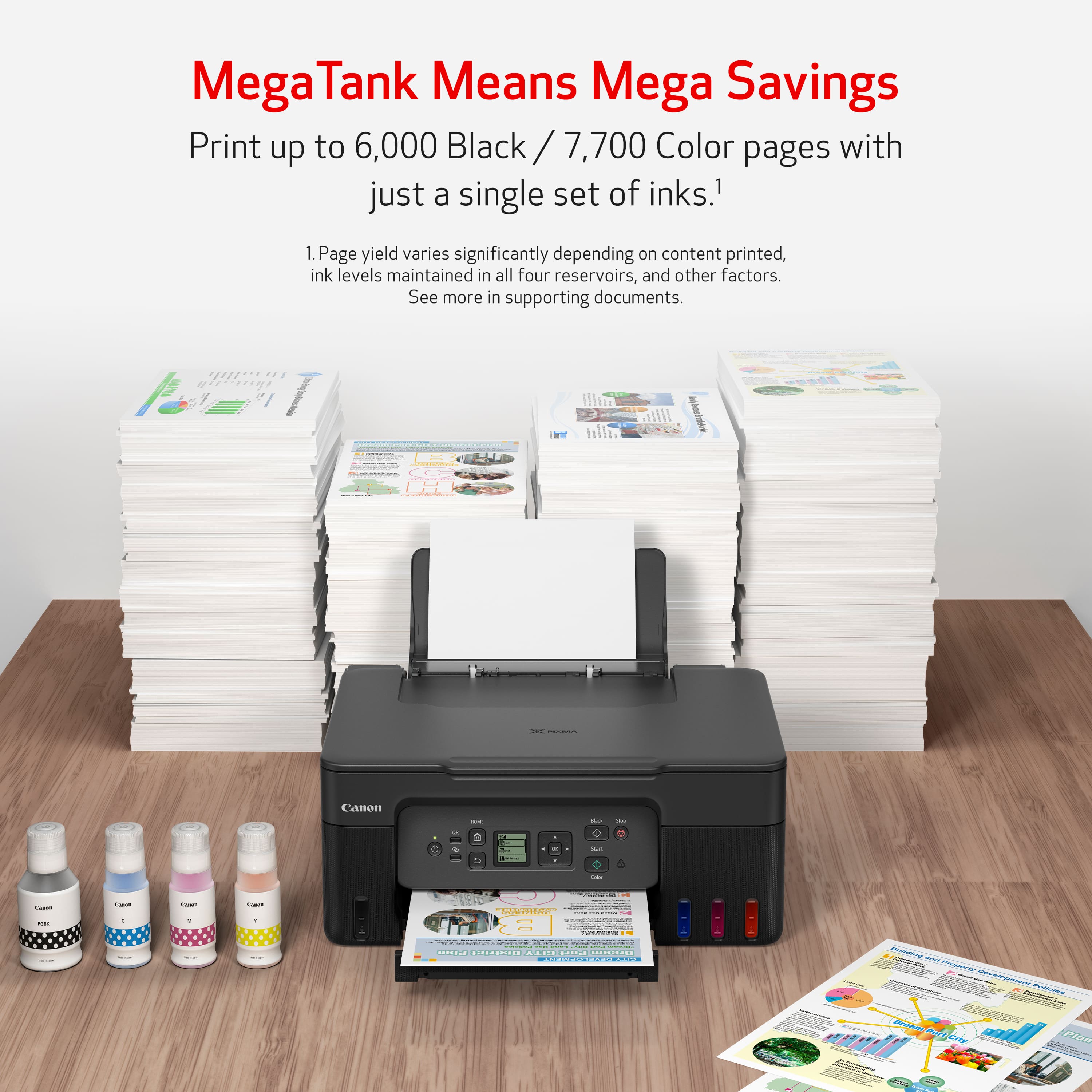
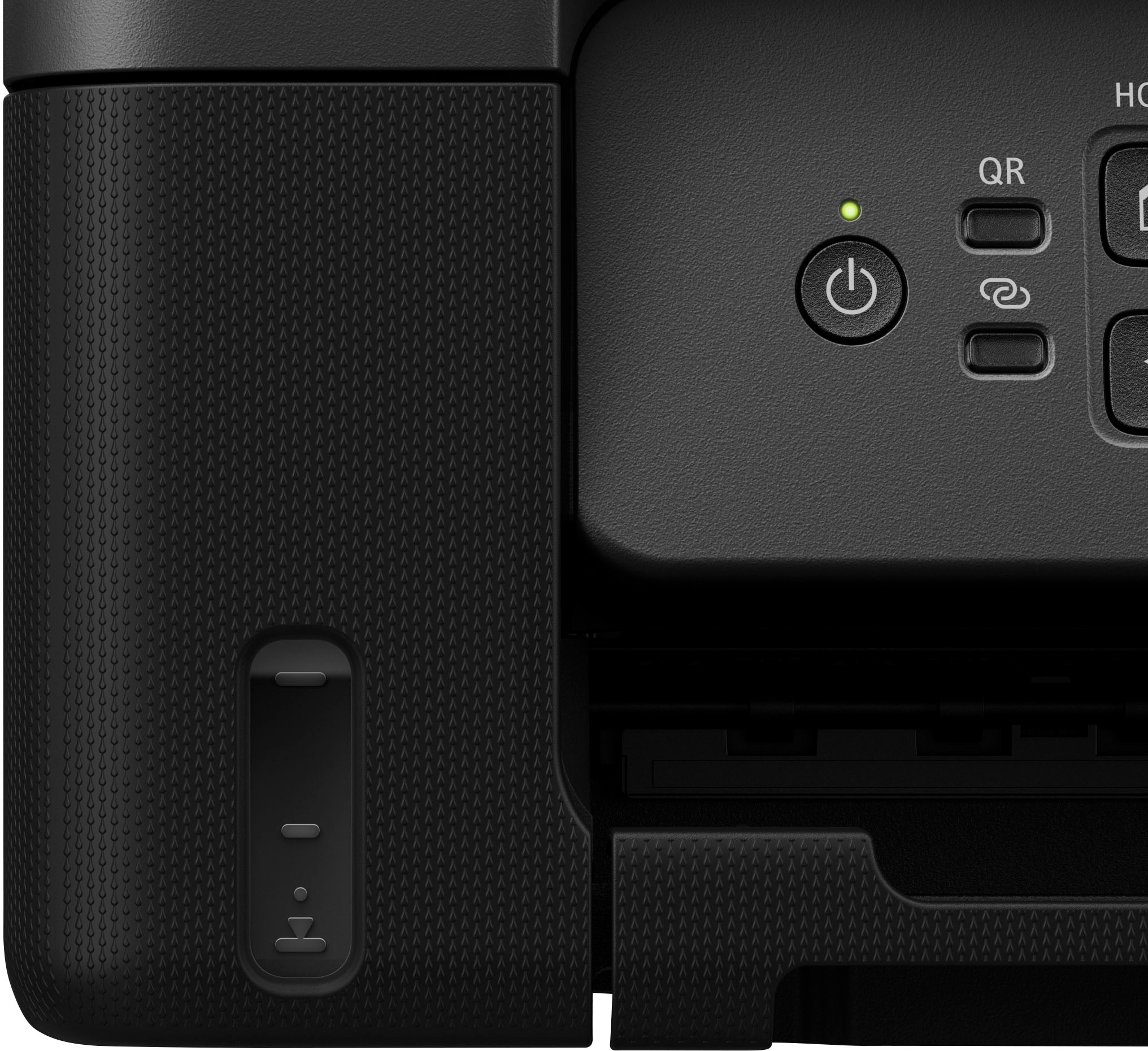
|Posted .This reviewer received promo considerations or sweepstakes entry for writing a review.Very Ordinary Printer with an Extraordinary Ink Supply. I don’t know exactly how long the ink supply lasts (Real Time) but the super-Tank holds a remarkable amount of ink Boasting Well over 6-7 THOUSAND Pages before refills needed. NOW for those who buy refill and Refill/kits and do it the sloppy way – refilling small cartridges in the standard inkjets this puppy would be a godsend. One nice feature is the semi-transparent ink reservoirs. You can easily see how much ink is left from the OUTSIDE of the printer, the plastic reservoirs are marked at the low points where you can avoid getting caught with sudden loss of a color or not even realize until the fading color cause damage to the ink-jet spray in the printer Since I rarely use color and am sick and tired of eye balling my ink levels this and the oddity that my line of printers typically seem to lose the yellow printing capacity because Color ink “leaks” out on all your B/W printouts and many of the older inkjets do not report enough accurate readings on ink levels, some fail completely and others make you throw out excessive ink. I find this very useful The All-In One is standard and functional, wireless being the best. I’ve always bought high end multi functional printers with fax, network, USB, wireless, multipage feeders but the line that I followed sold me a lemon so I both needed a printer STRONG in the areas where mine was negligent and this printer has the longevity of ink, the exceptional reliable wifi, and color ink at a reasonable cost. when I do need to do photos, I will miss the 7 cartridge color ink jet and the TRUE 3d Flatbed scanner multi-sheet feeder and trays but for personal use and more cell phone friendly it was overdue ONE thing I hate is the small boxy 1x1 LCD controls for Manual operations. Although backlit very well for nighttime use the characters and arrow selection setup is almost criminal, it does have a color/black and QR button but all other MANUAL operations run through the LCD you really need to download the apps to see what’s up with the printer Also 1 USB connector w/o cable? In Summation a very hassle frees Printer a good cell phone crossover genZ Machine.
I would recommend this to a friend- Pros mentioned:Ease of use, Print quality
SO glad I made the switch to the Canon PIXMA G3270
||Posted . Owned for 1 week when reviewed.This reviewer received promo considerations or sweepstakes entry for writing a review.I have been using my new Canon PIXMA G3270 printer for the past couple weeks and am extremely happy with it. After struggling with my lousy HP Laserjet for the past couple years, I finally had enough, pitched it, and went for the Canon. Very pleased! Setup was easy and the online guidance is fantastic and vert user friendly. It's quiet, fast, and prints clear. Even the test page needed no adjustments. SO glad I made the change. I will NEVER buy another HP printer, and, if this one continues to work this well, I'll be a Canon user from here on out.
I would recommend this to a friend - Pros mentioned:Overall performance, Print quality, Setup
Solid photo/color printer
||Posted .This reviewer received promo considerations or sweepstakes entry for writing a review.Quick, easy set up. Works great so far. I like how the ink bottles have unique nozzles so you can't put the wrong ink in the wrong tank.
I would recommend this to a friend - Pros mentioned:Ease of use, Setup
Solid Printer
||Posted . Owned for 1 month when reviewed.This reviewer received promo considerations or sweepstakes entry for writing a review.I ordered this printer on sale a couple of months ago for packing slips and hobby prints. Device was easy to get going, and use.
I would recommend this to a friend - Pros mentioned:Ease of use, Overall performance
Canon for the win!!!
||Posted . Owned for 2 weeks when reviewed.This reviewer received promo considerations or sweepstakes entry for writing a review.So far so good. Setup was easy and filling ink was easy as well. Printing is a little slow but overall a great printer.
I would recommend this to a friend - Pros mentioned:Connectivity, Overall performance, Setup
Great printer.
||Posted .This reviewer received promo considerations or sweepstakes entry for writing a review.Great printer. Easy to setup and print from app on my phone.
I would recommend this to a friend - Pros mentioned:Print qualityCons mentioned:Noise level
Great for teachers!
||Posted .This reviewer received promo considerations or sweepstakes entry for writing a review.Great little printer with long-lasting ink capacity! As a teacher, I print A LOT and this printer is awesome. Is it the fastest or quietest printer I've owned? No, but its also not the slowest or noisiest. For the price, its excellent!
I would recommend this to a friend - Pros mentioned:Connectivity, Print quality
Great Canon printer
||Posted . Owned for 2 weeks when reviewed.This reviewer received promo considerations or sweepstakes entry for writing a review.Really nice printer for the price. Excellent print quality and immediately connected to my WiFi. Refillable ink wells are easily filled.
I would recommend this to a friend - Pros mentioned:Ease of use, Print quality
New Canon Printer
||Posted . Owned for 1 month when reviewed.This reviewer received promo considerations or sweepstakes entry for writing a review.I really love my Canon printer. Easy setup and usability. Prints fast and with ease. Very pleased with this purchase and would definitely recommend this printer.
I would recommend this to a friend - Pros mentioned:Ease of use, Print quality
I Love my Canon3270 Printer
||Posted . Owned for 3 weeks when reviewed.This reviewer received promo considerations or sweepstakes entry for writing a review.I love my Canon 3270 Printer. The Color is sharp. Prints fast. Easy to install ink. I would recommend this printer for sure.
I would recommend this to a friend