Customer Ratings & Reviews
- Model:
- 3113C002
- SKU:
- 6356231
Rating by feature
- Value
Rating 4.3 out of 5 stars
- Quality
Rating 4.3 out of 5 stars
- Ease of Use
Rating 4.1 out of 5 stars
Customers are saying
Customers find value in the PIXMA Megatank G6020's exceptional print quality, ease of use, and overall performance. The setup process is also considered simple. However, some customers have expressed concerns regarding the display, connectivity, control panel readability, and noise levels during printing.
This summary was generated by AI based on customer reviews.
Can Not Read Display Not Backlit
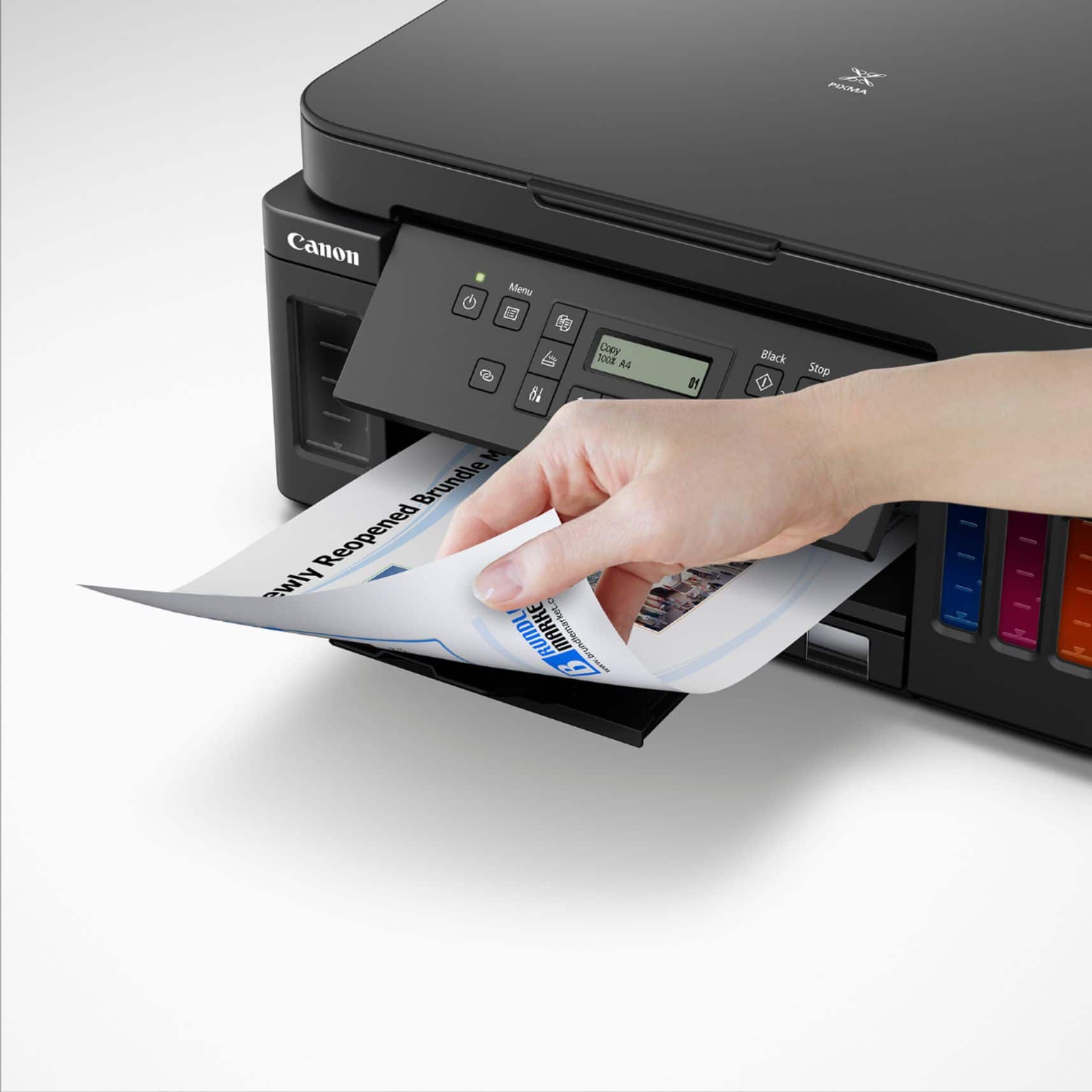
||Posted . Owned for less than 1 week when reviewed.This reviewer received promo considerations or sweepstakes entry for writing a review.The display is small and not backlot so you need a flashlighr to adjust settings on the printer.
No, I would not recommend this to a friendCame broken and refused to help.
||Posted . Owned for 1 month when reviewed.This reviewer received promo considerations or sweepstakes entry for writing a review.Came broken and refused help fix the issue. Very disappointed.
No, I would not recommend this to a friendCanon printer issues
||Posted . Owned for 3 months when reviewed.This reviewer received promo considerations or sweepstakes entry for writing a review.Bought this and just hooked all up and it won’t print I’ve tried to flush it and print numerous copies and noting comes out I would not recommend it
No, I would not recommend this to a frienduseless
||Posted . Owned for 3 weeks when reviewed.This reviewer received promo considerations or sweepstakes entry for writing a review.It was useless since I could not get it to operate! I followed the instructions to the letter with no success. Next summer I will use it for a boat anchor!
No, I would not recommend this to a friendCanon Pixma G6020
||Posted . Owned for 1 year when reviewed.This reviewer received promo considerations or sweepstakes entry for writing a review.Mickey mouse design, not good. Cheaply made. Hard to use. I'd never buy another one.
No, I would not recommend this to a friendDon’t buy
||Posted . Owned for 1 month when reviewed.This reviewer received promo considerations or sweepstakes entry for writing a review.Doesn’t work after 2 months. Tried multiple options but it just doesn’t connect to anything anymore
No, I would not recommend this to a friendCannon pixma
||Posted . Owned for 1 month when reviewed.This reviewer received promo considerations or sweepstakes entry for writing a review.Wasnt so easy to set up..and ink blurring not printing correctly after only 1 week...
No, I would not recommend this to a friendDon't buy if you scan also
||Posted .This reviewer received promo considerations or sweepstakes entry for writing a review.Bought it because it said you can scan multiple pages. It does but only one page at a time. I had to buy a separate scanner.
No, I would not recommend this to a friendNot recommended
||Posted .This reviewer received promo considerations or sweepstakes entry for writing a review.Poor quality. Not at all as expected. It did not connect and would not work. Returned it.
No, I would not recommend this to a friendThe display and connectivity sucks.
||Posted . Owned for 1 month when reviewed.This reviewer received promo considerations or sweepstakes entry for writing a review.The lcd on this is impossible to read. Worked great for a while..then started to smudge. Canon...youve got to do better than this.
No, I would not recommend this to a friendHad to return the printer
||Posted . Owned for 1 month when reviewed.This reviewer received promo considerations or sweepstakes entry for writing a review.There is no backlight on the screen and you need a flashlight to even read it. This printer is not consumer friendly at all.
No, I would not recommend this to a friendPrinter poor quality
||Posted .This reviewer received promo considerations or sweepstakes entry for writing a review.Unable to connect to internet after a Geek Squad visit
No, I would not recommend this to a friendDon’t buy
||Posted . Owned for 1 month when reviewed.This reviewer received promo considerations or sweepstakes entry for writing a review.Wasn’t what I expected. Colors aren’t very vibrant
No, I would not recommend this to a friendLegion printer
||Posted . Owned for 3 weeks when reviewed.This reviewer received promo considerations or sweepstakes entry for writing a review.Very slow Hard to program and programs g does not stay
No, I would not recommend this to a friendTerriable Printer
||Posted . Owned for 10 months when reviewed.This reviewer received promo considerations or sweepstakes entry for writing a review.This printer STINKS! The print is so faded, tried everything. Don't buy.
No, I would not recommend this to a friend- Pros mentioned:Print quality

No more INK Cartridges!, peace of mind!
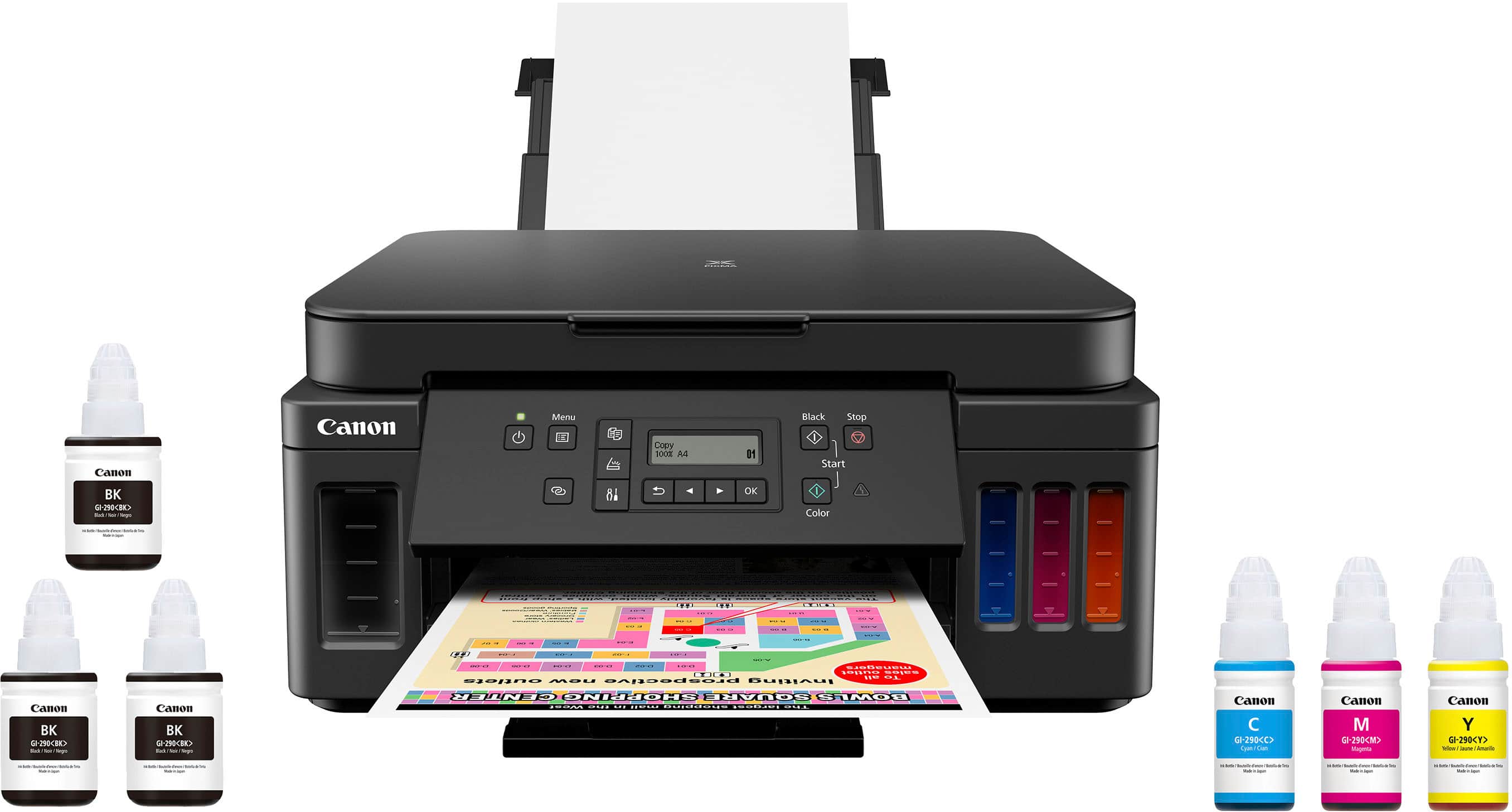
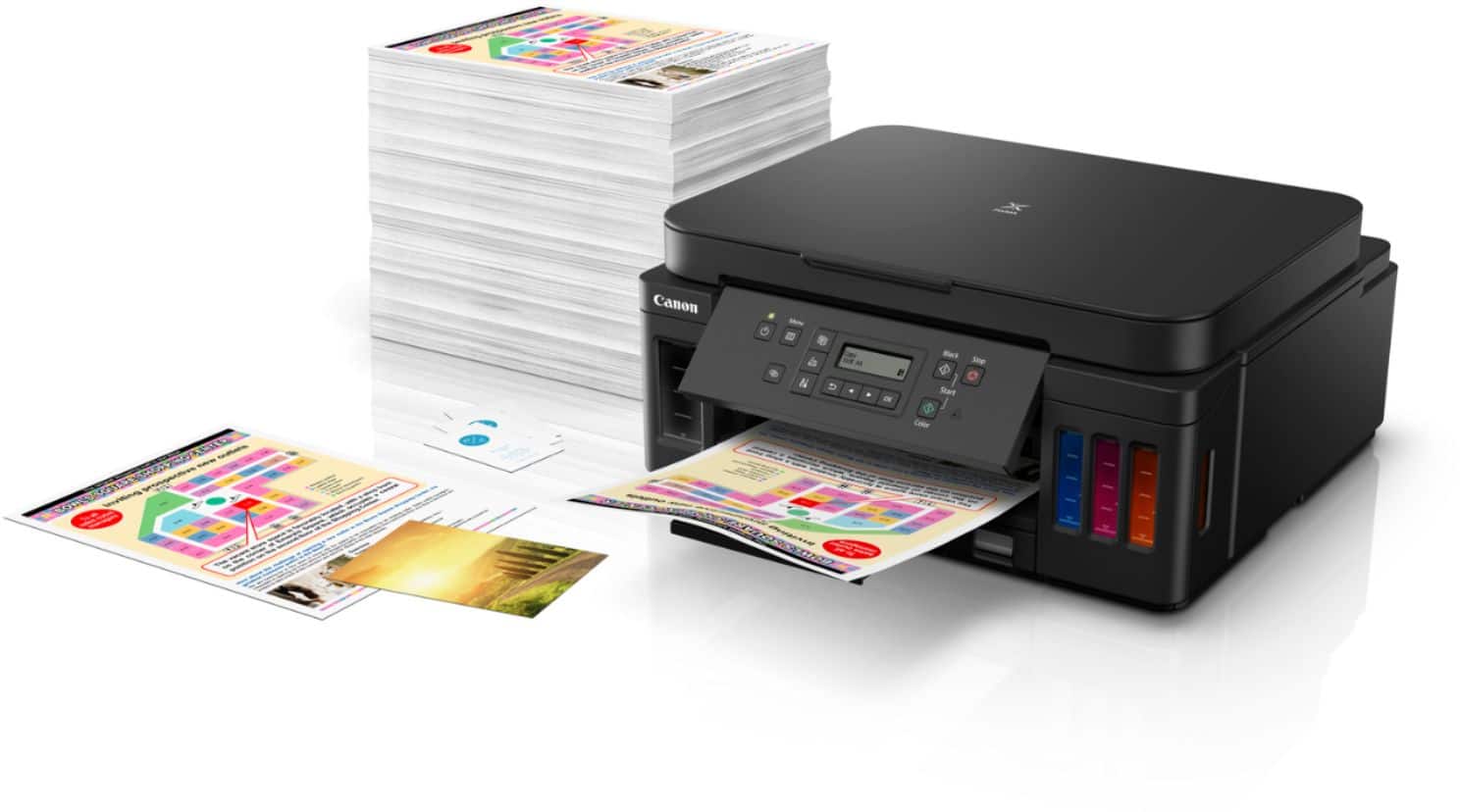
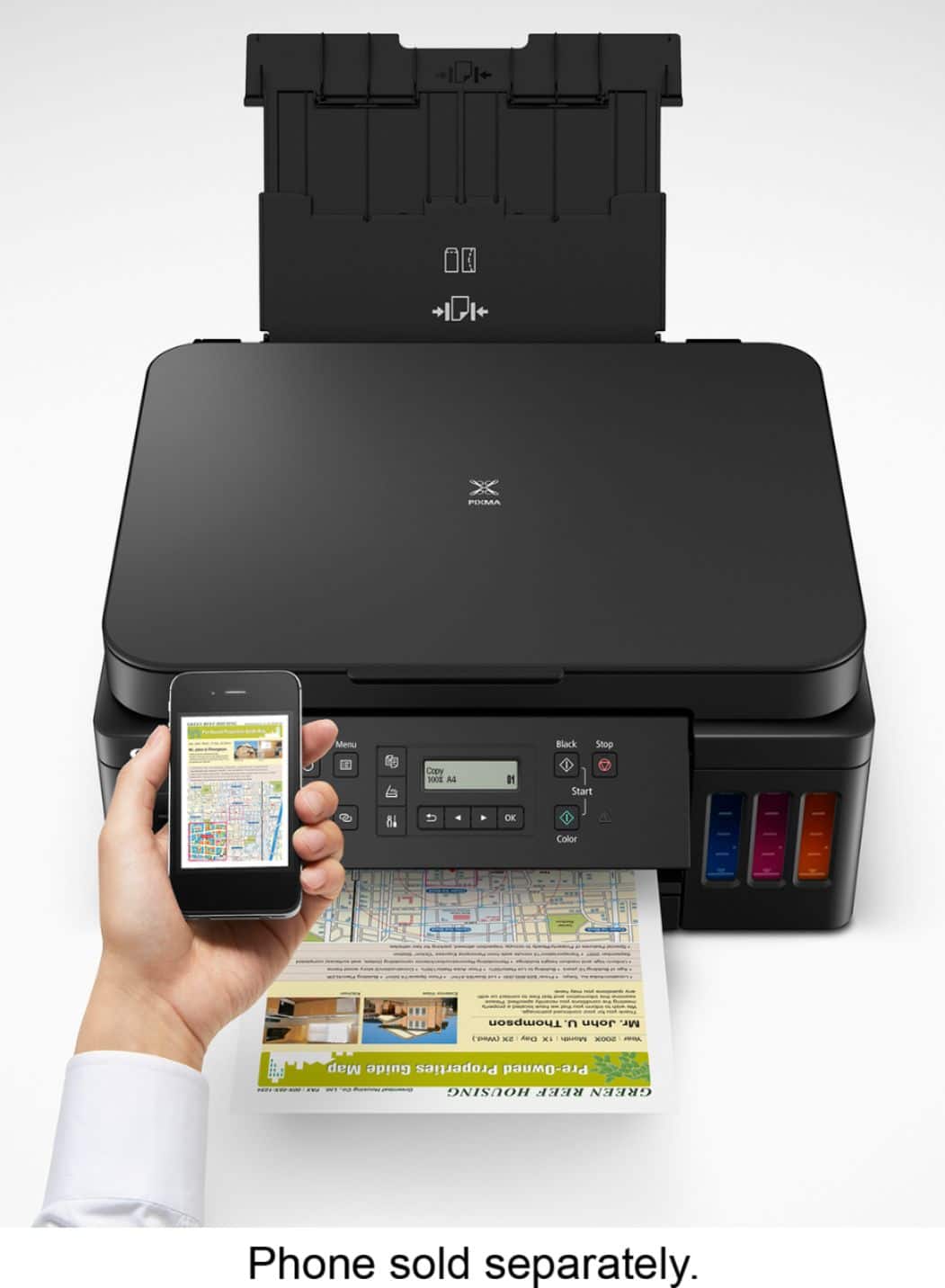
|Posted .This reviewer received promo considerations or sweepstakes entry for writing a review.I decided to switch printers because my old Laser Color HP one was big, heavy, slow and the Toner Cartridges are way too expensive. The only feature my old printer had was to print regular 8.5x11 paper. I received the box and the first thing I noticed when I carried it upstairs was how light the box felt. However, considering this new concept of not using print cartridges, but a refill Ink tank for each color was a little concerning for me in terms of printer setup and filling the ink tank, however both actions are easy to accomplish. No more Ink Cartridge! Years ago I had an HP Ink cartridge Printer and I really hated it because of the cost of each cartridge, at the end they ended up costing more than the printer itself. The constant and annoying print head alignment which was a waste of time when I was rushing for a quick paper print was also time consuming. So basically the box comes with three Black ink bottles, one blue ink bottle, one yellow, and one red so six ink bottles in total. It also comes with the power cord, two print heads, a setup CD-ROM, a getting started manual, details on safety and important information, and obviously, the printer. It doesn’t come with the USB cable, but that you can find easily and cheap in the store. I think the reason that they are not including it anymore is because of the wireless technology to print. The manual also offers a link to a video by canon to help us visual learners set it up. The instructions were clear and simple. The basic steps include putting the printer heads in place, pitting the ink in the printer, connecting it to the power cord, and turning it on. This printer comes with a really cool feature that allows the printer to connect to WiFi so after setting up your printer I highly encourage everyone to install the Canon Print app. I used the one that is available in the Google and Apple store. The app connects to the printer and immediately connects it to your WiFi. Once it connects to WiFi, you discover a variety of cool features this printer gives you. For example, one of the most popular features is the scanner. The top part of the printer opens and you can put and paper or document. Then you press the scan option on your app and you instantly get and scan or copy or your page on your phone. Like looking at a picture of the page. This app also allows you to photo print, document print, and smartphone copy. This printer gives me high quality printing and also auto two-sided printing. The printer has also the capability to scan but one side, not duplex, which I really don’t need, I am more towards having the duplex printing option. The printer itself is small and easy to move around. It also has a window in the lower right corner that allow me to see the remaining paper in the cassette without having to remove it. The printer can hold 350 sheets of paper in total. Another cool feature is that you can fit the paper cassette to different paper sizes. For example, I can easily put in letter paper as well as A4. All these features are incredible helpful to me since I currently attend college and was in need of a good printer for all my assignments and projects. I recommend this great printer to anyone looking get rid of their old one! The quality is amazing, comparing to my old HP laser color, I can say that the results are way better. Doing some research about the technology that is involved with this printer, I found out that this comes with a unique version of "real" print heads. Despite other ink printers, the head of this one is replaceable, if for some reason material got caked and the print head doesn’t work, you could take out the print head and clean or replace it. So not only the printer comes with ink bottles, which means, no more cartridges but the inkwells are big enough to not worry to refilling for a long time. So, you can have enough ink for up to 6000 black and 7700 color prints. The inks that are included with the printer are two extra black ink bottles that allow you to have another 12,000 black prints. The print resolution for black is 4800 x 1200 dpi creating a sharp black documents and vivid, detailed full color images. Copy and Scanner features works great too, with time response of 20 second first copy and 1200 x 2400 dpi resolution for scans. Definitely, great idea to develop a non-cartridge ink printer with replaceable head and at the same time exceeding the printer quality. That says a lot about Canon listening to the customers needs. I am really pleased with this printer and it really feels it will save money as an long term investment.
I would recommend this to a friend Save your money
||Posted . Owned for 1 month when reviewed.This reviewer received promo considerations or sweepstakes entry for writing a review.Shuts off Between uses takes to long to power up again for the price I would expect a better printer
No, I would not recommend this to a friendextremely faded print
||Posted .This reviewer received promo considerations or sweepstakes entry for writing a review.Had to return printer the colors seem extremely faded when printing
No, I would not recommend this to a friendNo internet connecting devices. NO DRIVERS !!!!
||Posted .This reviewer received promo considerations or sweepstakes entry for writing a review.NO DRIVERS!!!!!!!!!!!!! This was a waste of my time money and gas...
No, I would not recommend this to a friendPhoto print quality poor
||Posted . Owned for 2 weeks when reviewed.This reviewer received promo considerations or sweepstakes entry for writing a review.Setup was a pain and then photo print quality was poor
No, I would not recommend this to a friend