Customer Ratings & Reviews
- Model:
- 3113C002
- SKU:
- 6356231
Rating by feature
- Value
Rating 4.3 out of 5 stars
- Quality
Rating 4.3 out of 5 stars
- Ease of Use
Rating 4.1 out of 5 stars
Customers are saying
Customers find value in the exceptional print quality, ease of use, and overall strong performance, with many appreciating its simple setup. However, some users have noted issues with the display not being backlit, frequent connectivity loss, a hard-to-read control panel, and a noisy operation during printing.
This summary was generated by AI based on customer reviews.
- Pros mentioned:Print qualityCons mentioned:Control panel
Nice AIO printer
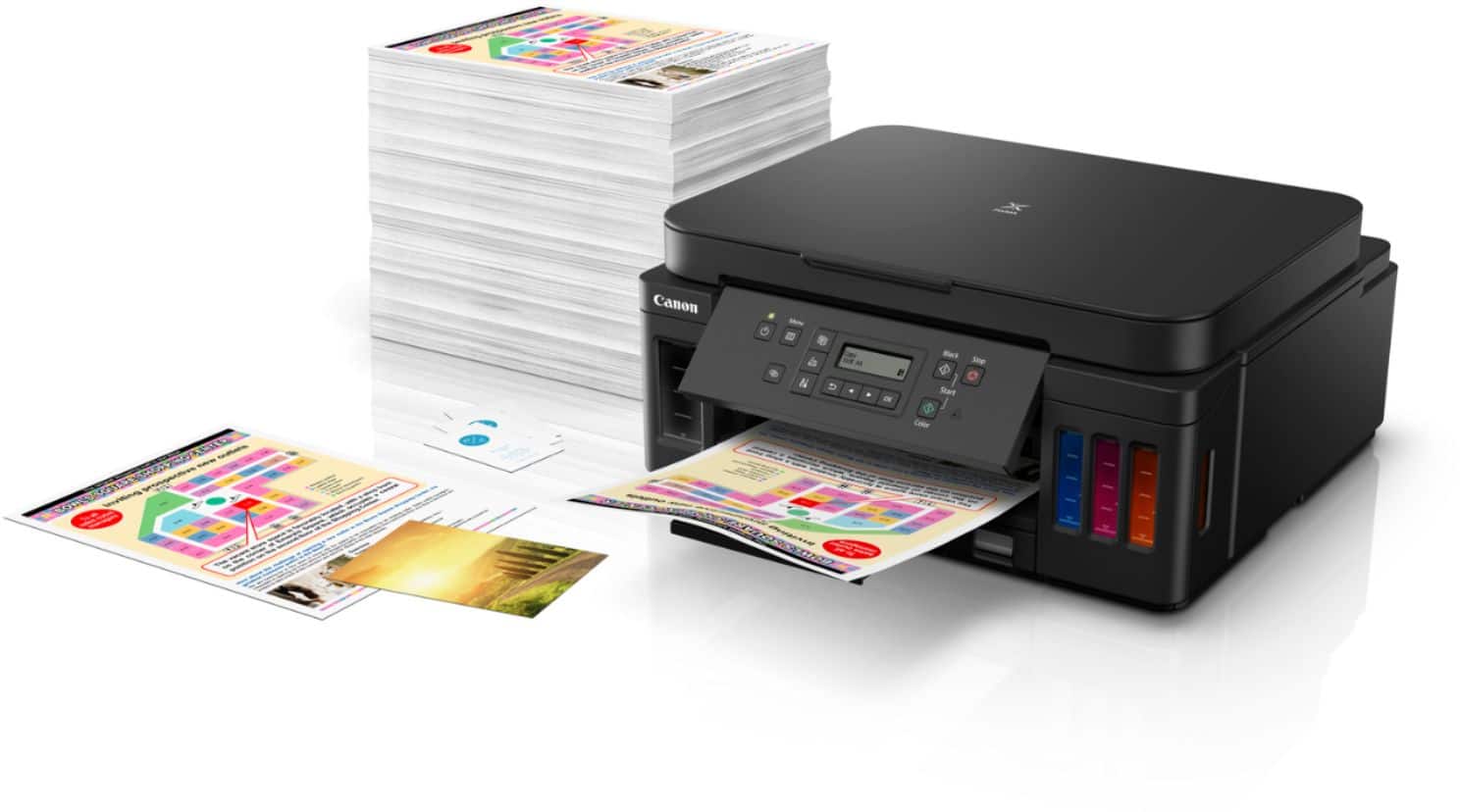
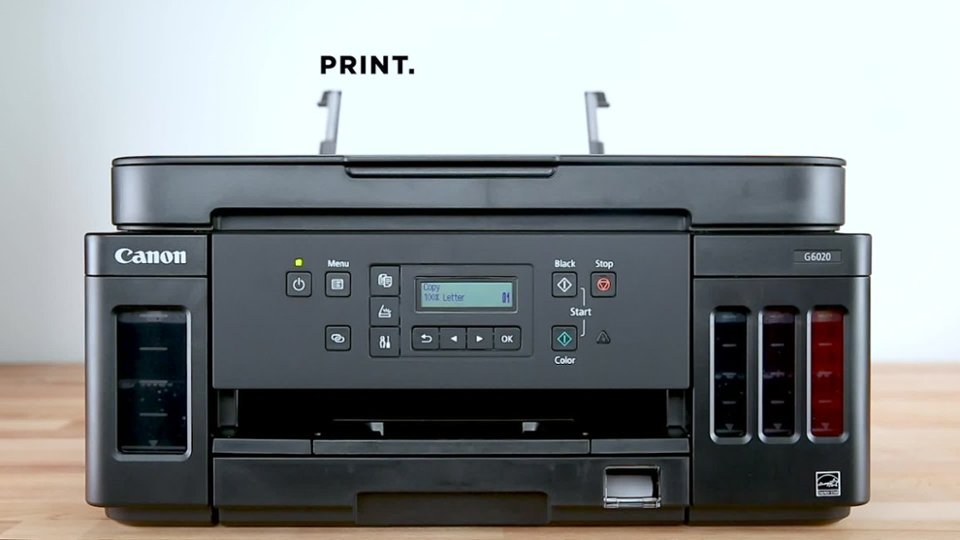
||Posted . Owned for 3 weeks when reviewed.This reviewer received promo considerations or sweepstakes entry for writing a review.I bought this printer specifically because it does not use cartridges but refillable ink tanks instead. This should keep the printing costs down and the used cartridges out of the landfill. Even if the cartridges are recycled, some plastic had to be used to create them in the first place, so decreasing that, even by the small amount generated by printing by my family, seems like a good thing to me. The printer performs all its functions as expected, and I've not found anything in the specifications or description that was not true. Be aware that the setup is a little involved, primarily due to the very '90s control panel. It isn't something that you would do very often though, and while the panel is clunky compared to other printers that have a full color touch screens, it functions just fine once you get the hang of it. Printing speed seems quite a bit slower than my previous HP OfficeJet Pro 8610, but not unbearably so. Print quality is good. The printer comes with basic photo editing and publishing software, which is a nice bonus. I like that this printer is quite a bit smaller than the HP was, but it also does not have a feeder for the scanner. I decided that I did not use that feature often enough to justify paying for it though. Network printing and scanning are both present and working fine, including network scan-to-pc function. It remains to be seen how well does the printer and the Canon ink keep the print heads from getting clogged. This is my first Canon inkjet printer, and I am hoping that it will last longer than other manufacturers' ink jets.
I would recommend this to a friend - Pros mentioned:Overall performance
Good printer
||Posted . Owned for 3 weeks when reviewed.This reviewer received promo considerations or sweepstakes entry for writing a review.Took a bit longer to set up than I would have liked...almost 2 hours! I cannot upload a receipt to register it. It would have been better if there was a qr code or postcard to mail in. Its a little slow, but overall, it's a good printer for what I need it for.
I would recommend this to a friend - Pros mentioned:Print quality
So glad I made the leap!
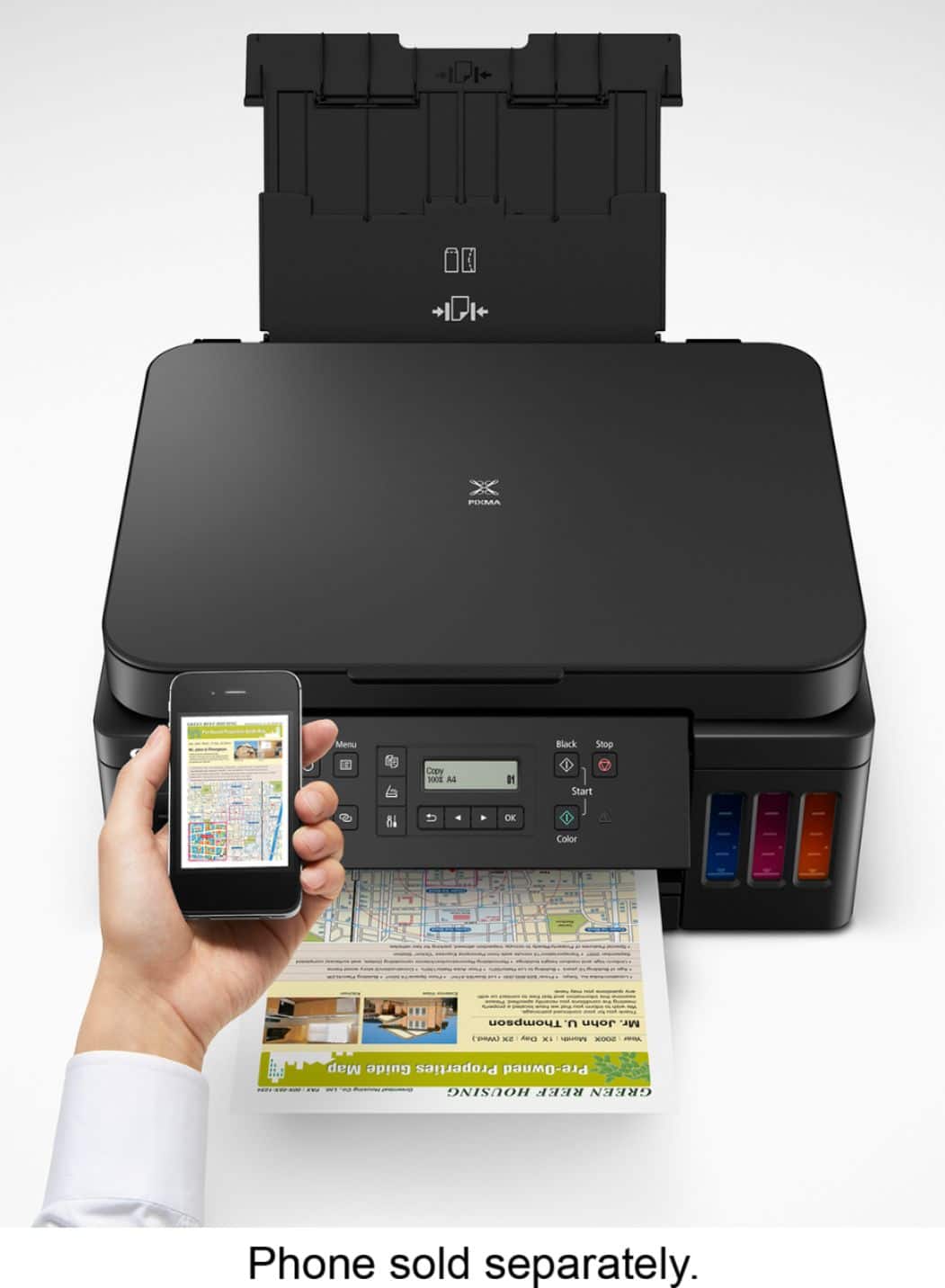
||Posted .This reviewer received promo considerations or sweepstakes entry for writing a review.The printer came with a lot of ink! I haven't come close to needing to refill but it definitely tipped the scales on purchasing this giant. Use: It's not a speedy printer but it prints well. I choose to set it on draft when it's something I don't need high quality on. I printed only one photograph and that from my phone. The quality left something to be desired but since I didn't adjust the setting and didn't use photo paper, there may be room for improvement. The front panel has very simple buttons that aren't labeled so for some, I guess. The panel isn't backlit so I have to particular about the angle when trying to read what is scrolling across. Also, the printer will not print if both the control panel and back paper feeder are not extended. I don't know why I need paper in the back to print when I'm only using paper from the front tray. But it meant having to give the printer a permanent extra 6-7 inches of space in the back. I've had one paper jam but it was due to the legal paper in the back having sat for a few weeks without use and starting to roll up. It was stuck in a not obvious place so I was quite irritated. Then I remembered the app and it gave me instructions with photos/video to get the paper right out. Set-up: I followed the instructions exactly and got it connected to my network without a hassle. But there was sitting and waiting to connect each (printer to internet, phone to printer, pc to printer). Overall: So far this has been a great printer and I'm very glad I made this purchase.
I would recommend this to a friend - Pros mentioned:Print quality
Solid bang for the buck printer.
Posted .This reviewer received promo considerations or sweepstakes entry for writing a review.This is an amazing printer and super efficient on ink. I’ve owned it since April 2020. It’s now September 2024 and since that time I have only used 1 bottle of each color and 2.5 bottles of black. I’m still on my original ink that came with the printer. This printer comes with 3 black and 1 of each color in the box. I paid $250 back then and now’s it’s at $199. I would recommend this printer to anyone since it’s a solid printer with zero issues.
I would recommend this to a friend - Pros mentioned:Overall performance
I needed AI to Set it up.
||Posted . Owned for 1 month when reviewed.This reviewer received promo considerations or sweepstakes entry for writing a review.I actually love this printer. BUT! the LED screen is IMPOSSIBLE to use. It's too small, and too dark. I have to use a flash light to view the screen. It's also very hard to set-up. I had to use AI (Bing Copilot) to walk me through every step of the setup and printing menu. Often by uploading screen shots of what was happening. It took hours. Now it's working and I love it.
I would recommend this to a friend - Pros mentioned:Print qualityCons mentioned:Display
Excellent Printer for the Price
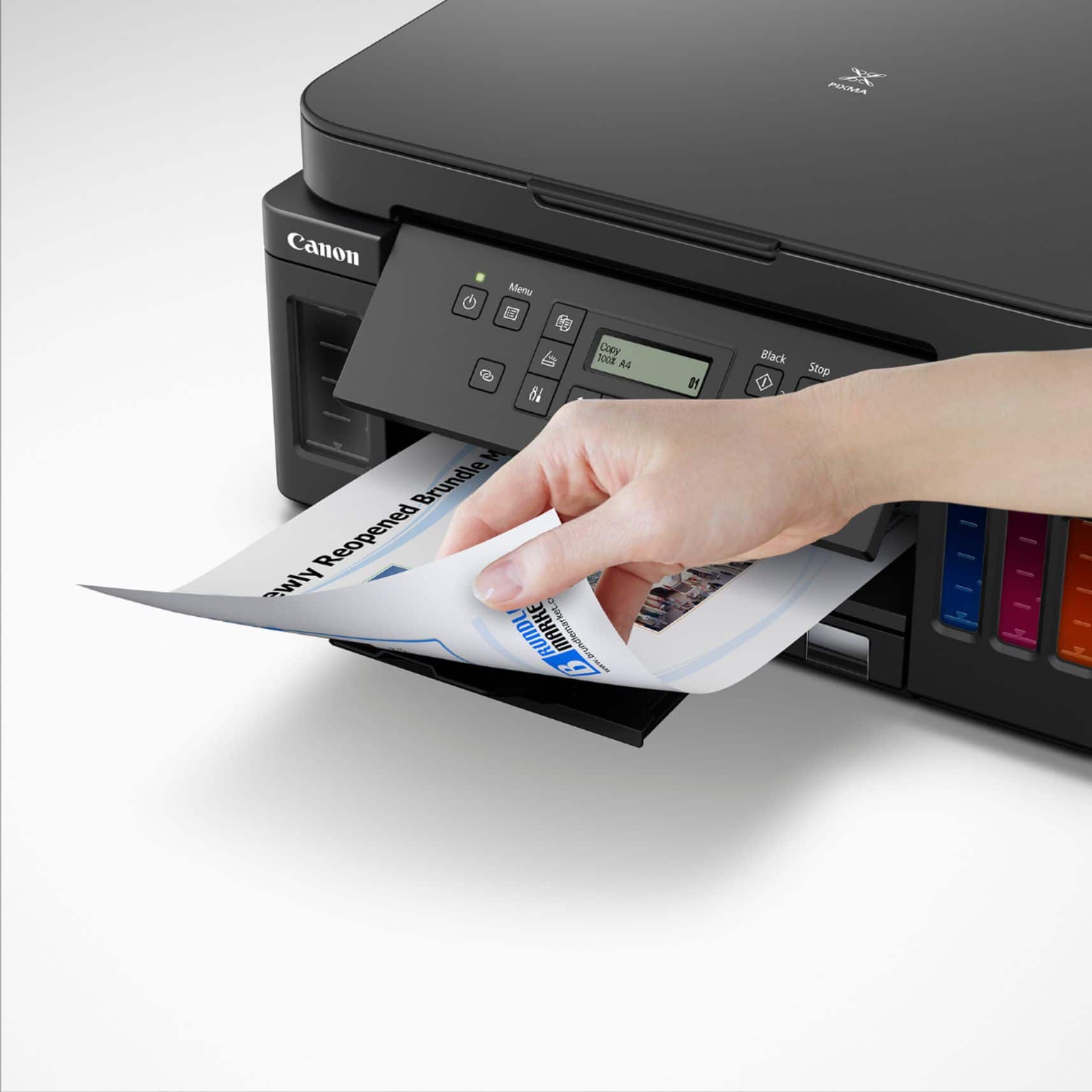
||Posted . Owned for 1 month when reviewed.This reviewer received promo considerations or sweepstakes entry for writing a review.We decided we wanted to try one of the ink tank printers, so we looked for one that had the features we wanted, at a reasonable price. We found this Canon, it does print, copy and scan, and has auto duplex printing and Wifi direct. It has 2 paper feeds, one tray and the back feed for envelopes and odd size paper. Setup was easy, we used the included disk, followed the steps for USB connection and everything worked. Setting up wifi direct was easy, again just followed the steps and it worked. Print quality is very good. We're very pleased with it so far. The only drawbacks are the display is tiny and not backlit, so very difficult to see. Use a flashlight to see it. It is somewhat slow, but not a big deal. Overall, a very good printer.
I would recommend this to a friend Absolutely blown away - fantastic color output
||Posted . Owned for 2 weeks when reviewed.This reviewer received promo considerations or sweepstakes entry for writing a review.Blown away by the quality of the color printing on this printer. Set up was effortless also. Run, run, run to get this. I have been so frustrated by many printers I have purchased for our small business in the past. And I have never been happier with color printer output that I am with this. Reminder: buy a Jet compatible paper to use with this. I mistakenly bought something only compatible with laser printers, and you will get smearing unless you’re using the correct type of paper
I would recommend this to a friend- Pros mentioned:Overall performance, Print quality
High Quality Prints - Affordable Ink Solution
||Posted .This reviewer received promo considerations or sweepstakes entry for writing a review.Easy set-up, excellent performance. The orinter comes with enough ink to take care of all my printing needs fir the foreseeable future. If you do the math, the total cost of this ink megatank printer is well below the cost of a $44 cartridge ink printer, when you consider the number of disposable ink cartridges you'd buy in just one year to print even just a few hundred pages.
I would recommend this to a friend - Pros mentioned:Overall performanceCons mentioned:Connectivity
Best buy printer review.
||Posted . Owned for 3 weeks when reviewed.This reviewer received promo considerations or sweepstakes entry for writing a review.Like it printer is great. Noise is not an issue. Hard to connect to WiFi. Good value for the price.
I would recommend this to a friend - Pros mentioned:Overall performance, Print qualityCons mentioned:Display
Solid Machine
||Posted . Owned for 1 month when reviewed.This reviewer received promo considerations or sweepstakes entry for writing a review.So far, the printer works well. I love the large ink tanks, and the money that is saved with them. The display is not lit well, and that makes it hard to read. I also wish it has software that could be used from the computer, but that is just because it would be easier than using the dimly lit screen.
I would recommend this to a friend - Pros mentioned:Ease of use, Print qualityCons mentioned:Display
Great printer, Good price
||Posted . Owned for 2 weeks when reviewed.This reviewer received promo considerations or sweepstakes entry for writing a review.Easy setup, I'm using the wireless connection. Holds half a ream of paper and more ink than I'll use in 2 years, and I print a lot for someone using strictly at home. Print quality is fantastic. I have printed from my computer, iphone, ipad and even from an Amazon Dot! The only negative I would give it is the display is small, but it's only a minor problem since you can do just about everything through the computer or the apps. And the G6020 is even smaller than my previous ink jet printer. All I can say is buy it you won't be sorry.
I would recommend this to a friend - Pros mentioned:SetupCons mentioned:Control panel
So far so good, after we got through WIFI setup
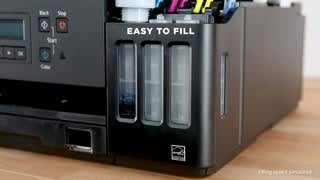
||Posted .This reviewer received promo considerations or sweepstakes entry for writing a review.So far it has worked well. Set up was (mostly) really easy. The ink tanks were easy to fill. The hardest part was connecting to the internet. They really buried the way to connect straight to the wireless without going through their software. It is literally not in the getting started guide. But you'll need to use the set up menu, and go to Wifi set up to connect straight to your wifi. (This is the only way to use the device with chromebooks as far as I can tell.) So far other than this is has been good. But they should add the wireless only set up to their getting started guide. Also the control panel is a bit a hard to read for an old lady like myself. Here are the instructions I used: https://ij.manual.canon/ij/webmanual/Tutorial/G6000%20series/EN/TRL/Top.html
I would recommend this to a friend - Pros mentioned:Ease of use, Print qualityCons mentioned:Display, Noise level
Great printer
||Posted . Owned for 1 month when reviewed.This reviewer received promo considerations or sweepstakes entry for writing a review.Wonderful printer, prints beautiful photos. Scanning is easy. Definitely could have a more high tech screen, and could be a little quieter.
I would recommend this to a friend - Pros mentioned:Ease of use, Print qualityCons mentioned:Display
Canon G6020
||Posted . Owned for 2 weeks when reviewed.This reviewer received promo considerations or sweepstakes entry for writing a review.This is a great printer. Prints quickly and effortlessly. Ink tanks are easy to fill. Not frustrating like the Canon MG7520, that keeps requiring verification of paper stock type. The Canon Print phone app is pretty worthless, but Airprint works well. Haven't printed in color, photos or specialty stocks yet, but have printed from paper cassette and back feed. The G6020 set up was pretty intuitive. So far my only complaint is the didital display, black print difficuot to tead on gray screen.
I would recommend this to a friend - Pros mentioned:Print quality, SetupCons mentioned:Display, Noise level
My canon
||Posted .This reviewer received promo considerations or sweepstakes entry for writing a review.I like that it uses tanks for ink & prints clearly. It was easy to setup. Drawbacks are it is slow, noisy, and the screen does not light up therefore hard to read it's messages.
No, I would not recommend this to a friend - Pros mentioned:Ease of use, Print qualityCons mentioned:Control panel
A Great Buy
||Posted . Owned for 1 month when reviewed.This reviewer received promo considerations or sweepstakes entry for writing a review.It was a very easy set up. The printing speed is slower than advertised but the print quality is good. One important flaw is the fact that the control panel has no light.
I would recommend this to a friend - Pros mentioned:Ease of use

The Office Sidekick
|Posted .This reviewer received promo considerations or sweepstakes entry for writing a review.It's a printer. That's really all you wanna hear, but the truth is, this is a beautiful work of art. I love the fact that it has a reservoir that can keep you in the ink. And if you're in the ink, you're making things happen. It's well designed with the ability to feed paper from the front or back and it's really all wireless. It works with PC, Mac or mobile phones. It can print on both sides of the sheet and it's really simple to use. It's the perfect office companion. The footprint isn't all that much bigger than my old printer and it just looks better. I highly recommend the Canon PIXMA 6020 Wireless All in One Printer to anyone needing to spruce up their office life. As I like to do, here's a link to my online review. https://docs.google.com/document/d/1w4vCv9Cqex6wfZ3oUJKNMxmGX3IdF1UvROJg8l_fTbE/edit?usp=sharing
I would recommend this to a friend - Pros mentioned:Print quality
Recommend
Posted .This reviewer received promo considerations or sweepstakes entry for writing a review.interesting, wireless, color printer all in one. convenient, fast and quite simple. bought, installed and turned on in the children's room. now I don't worry about running out of ink in a few days. the ink supply in the printer box is enough, I think, for at least six months for my children. definitely recommend :)
I would recommend this to a friend - Pros mentioned:Overall performance, Print quality
Good printer. Works in my roll top computer desk.
||Posted . Owned for 1 month when reviewed.This reviewer received promo considerations or sweepstakes entry for writing a review.Works great. Really like the ink tanks verses cartridges. Seems to be exactly what I needed.
I would recommend this to a friend - Pros mentioned:Print qualityCons mentioned:Display
Good and Bad
||Posted . Owned for 1 month when reviewed.This reviewer received promo considerations or sweepstakes entry for writing a review.I bought this to replace a PIXMA MG-6120 that died. Which, by the way had been an EXCELLENT all-in-one printer. Checking several sources, I found there was no current Canon printer available equivalent to my old machine, so I settled for this one. The good part is the mega ink tanks which last for a very long time and are economical to replace. They also turn out very good print copies. However, photo prints are very much inferior to my old printer. The worst part is what many other reviewers have complained about. I can't believe at this price point that Canon did not see fit to equip the printer with a back lit display. Unless your printer display screen happens to be directly under and at close proximity to a bright desk lamp, it is impossible to read without the use of a flashlight. I have used only Canon printers for years and have more than one in my home, but whoever designed this model sure missed the mark.
No, I would not recommend this to a friend