Customer Ratings & Reviews

- Model:
- 4451C002
- SKU:
- 6426775
Rating by feature
- Value
Rating 4.1 out of 5 stars
- Quality
Rating 4.2 out of 5 stars
- Ease of Use
Rating 4.1 out of 5 stars
Customers are saying
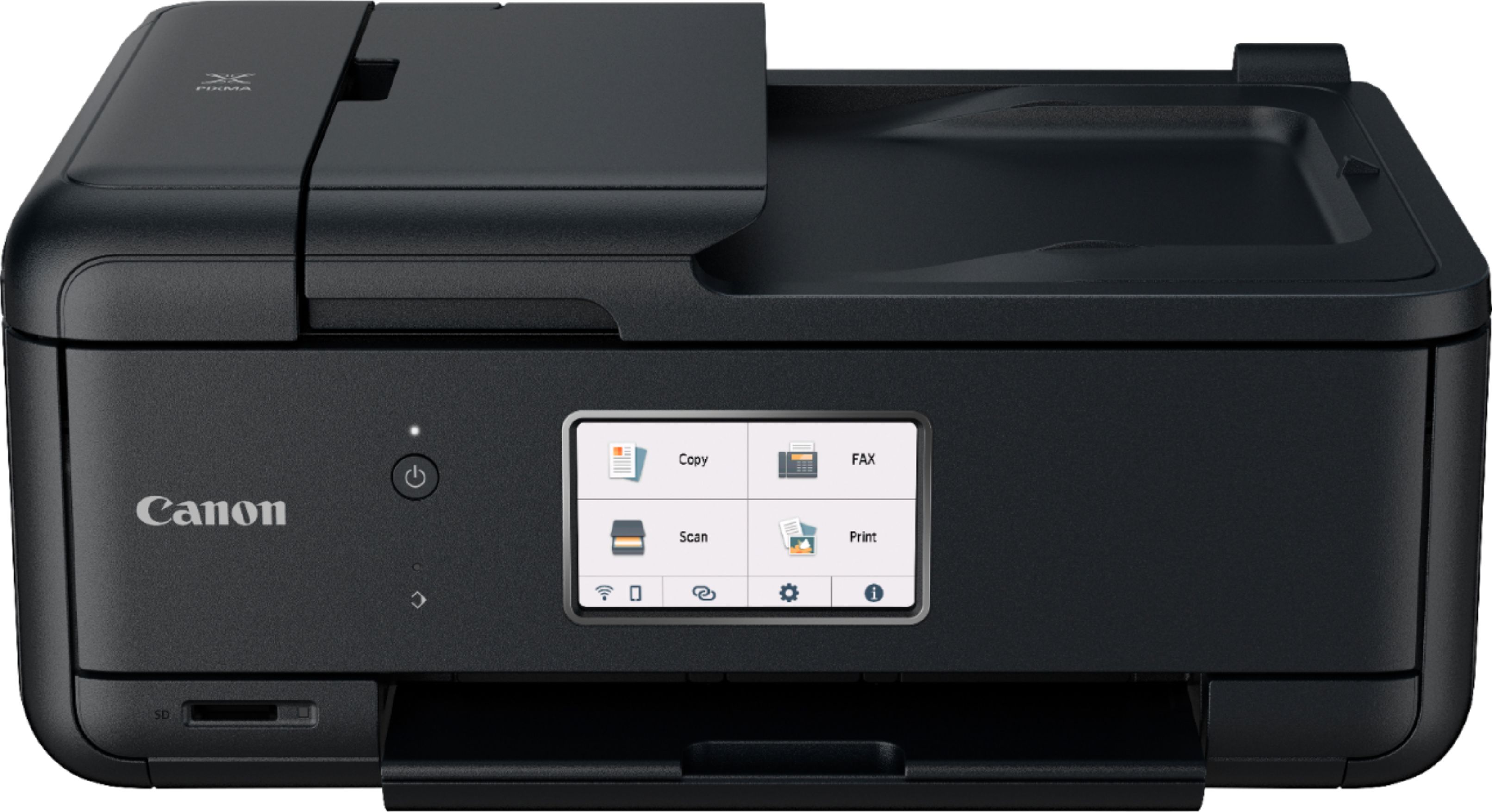
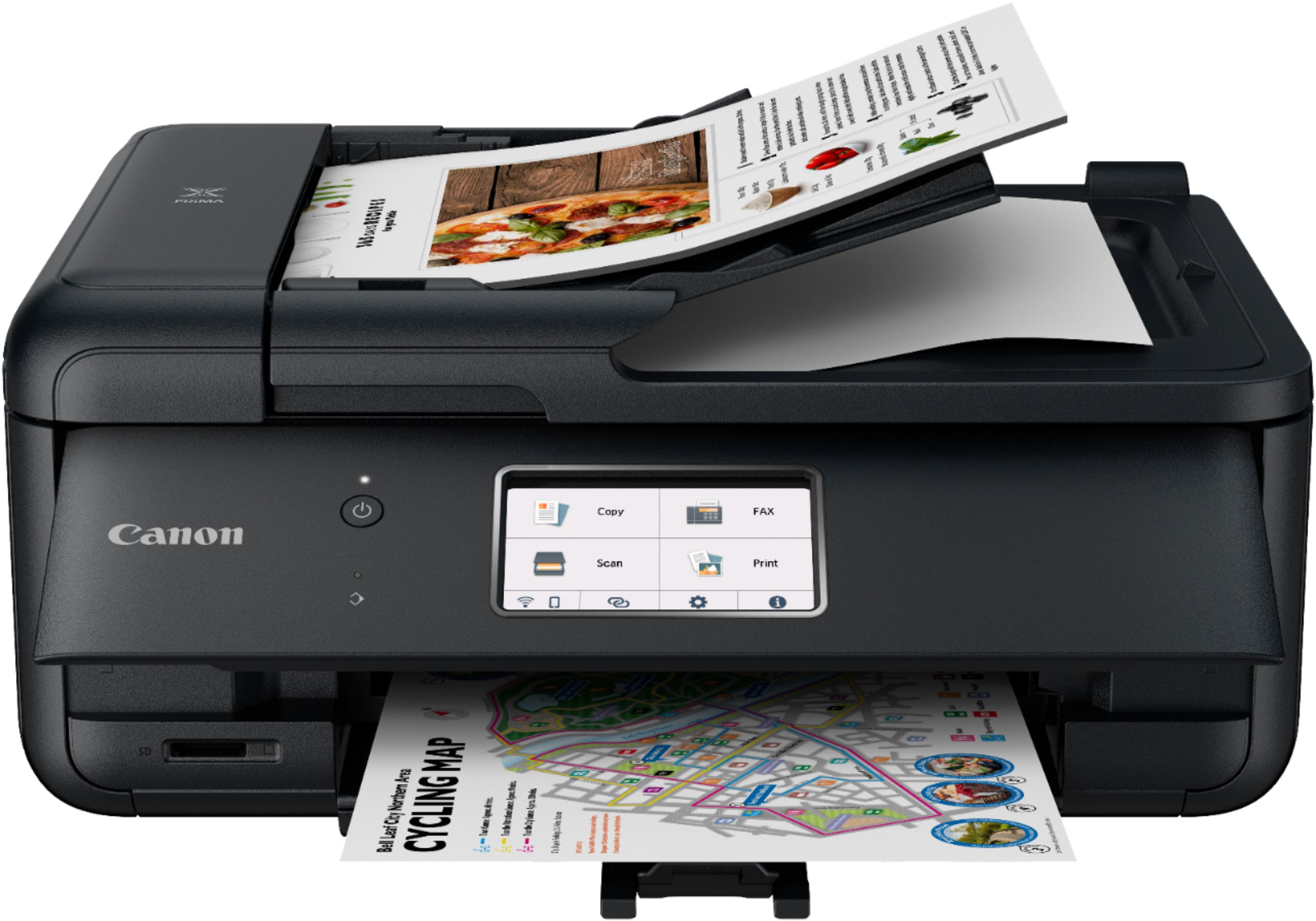
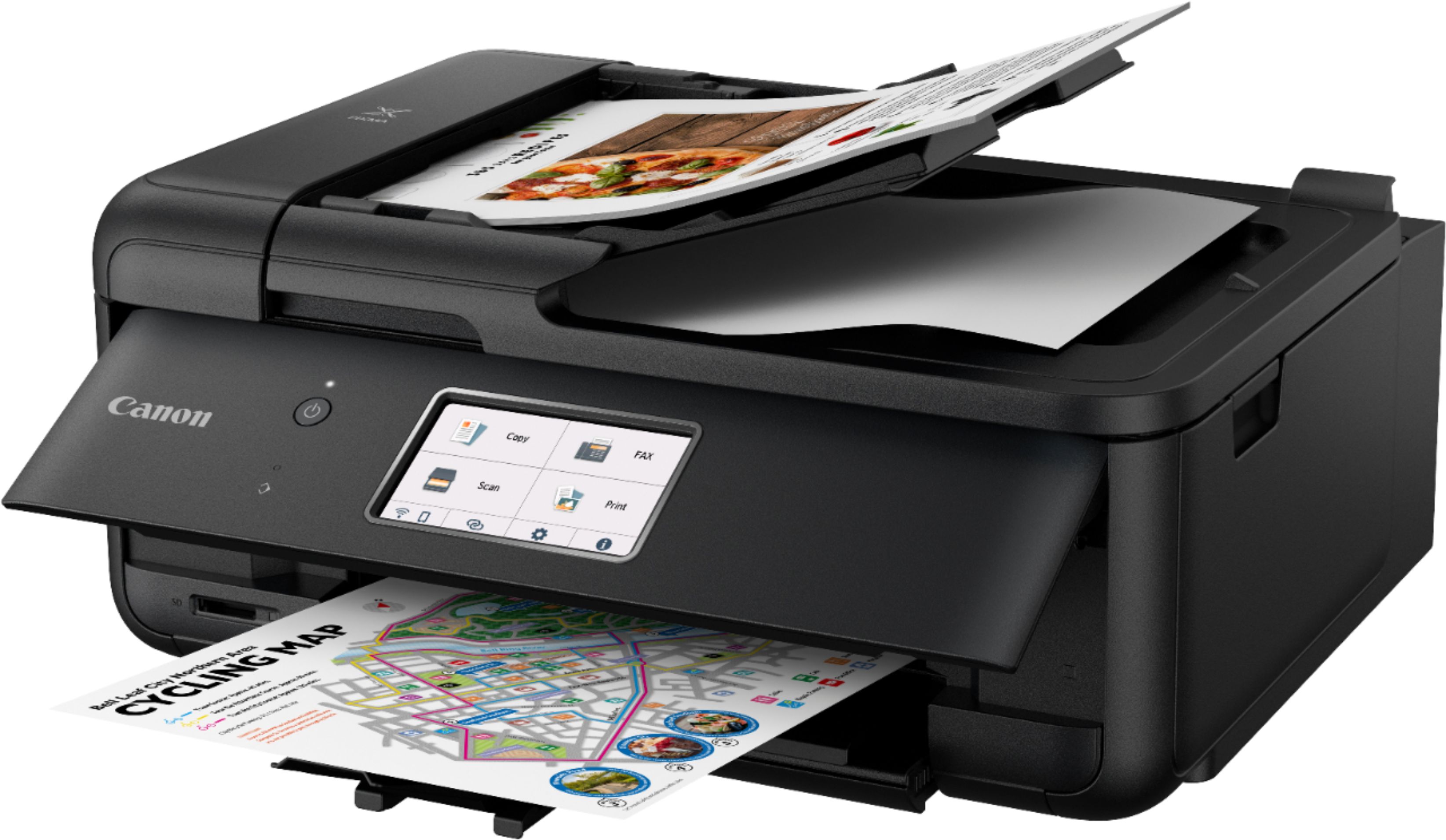
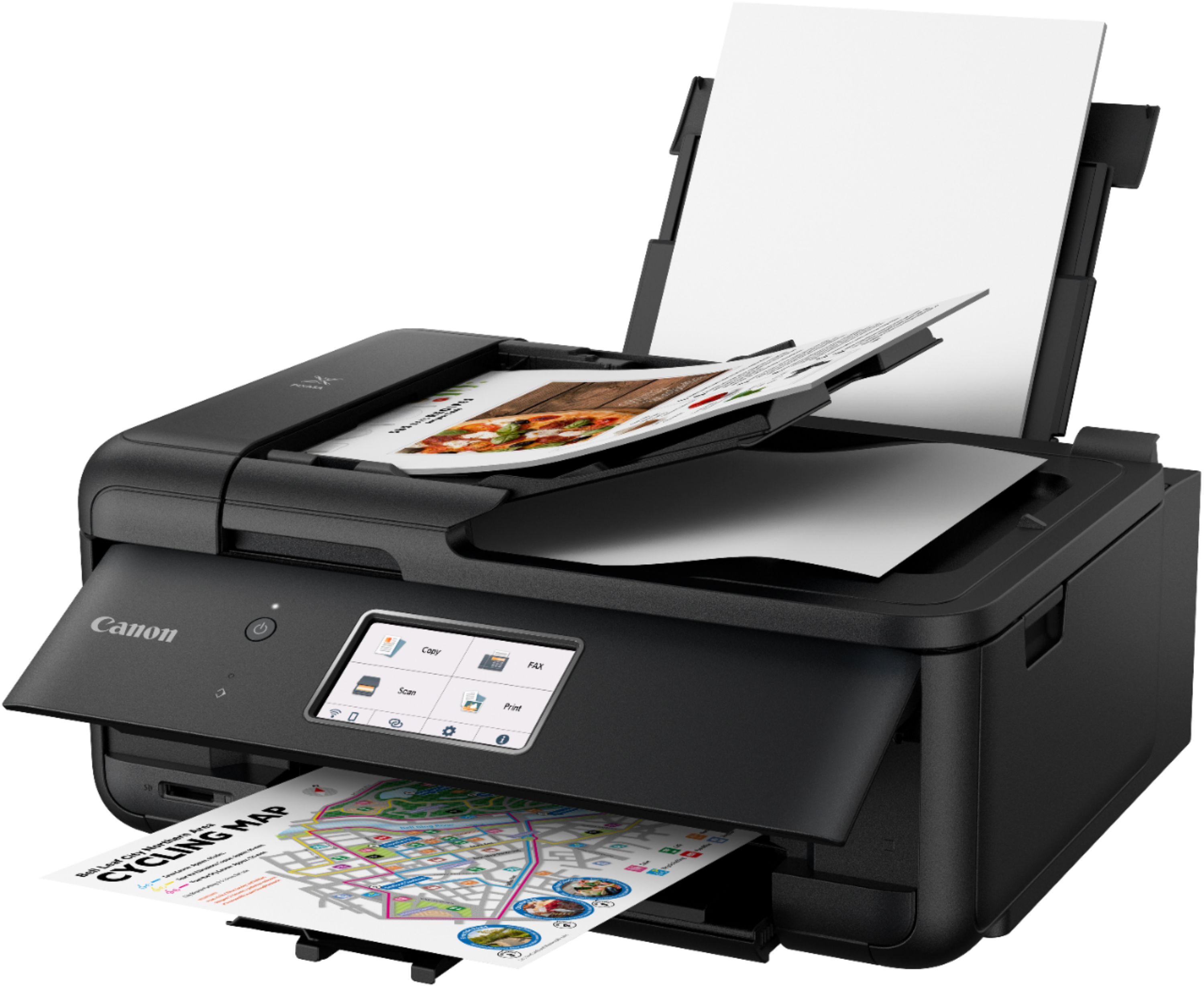
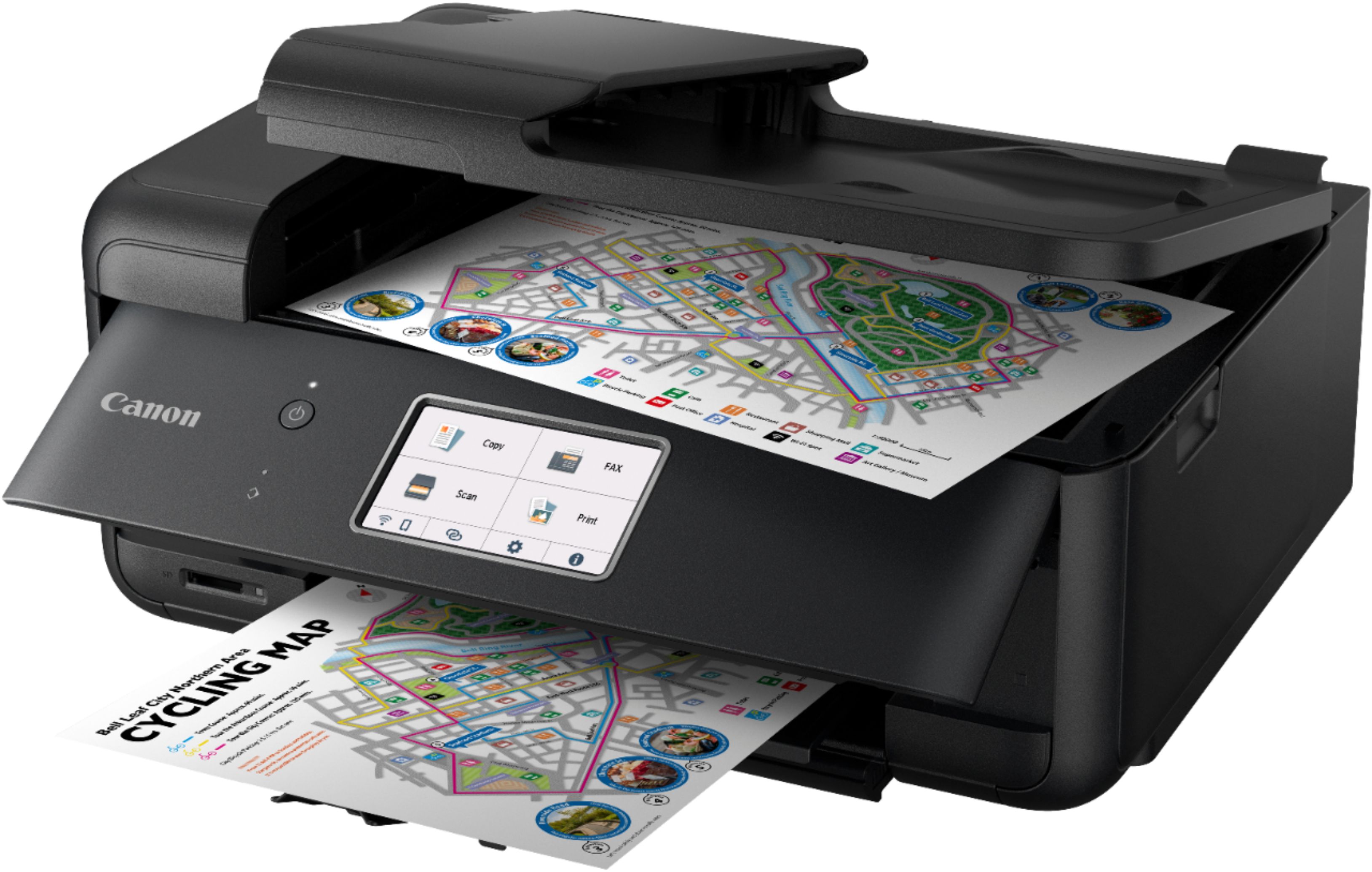
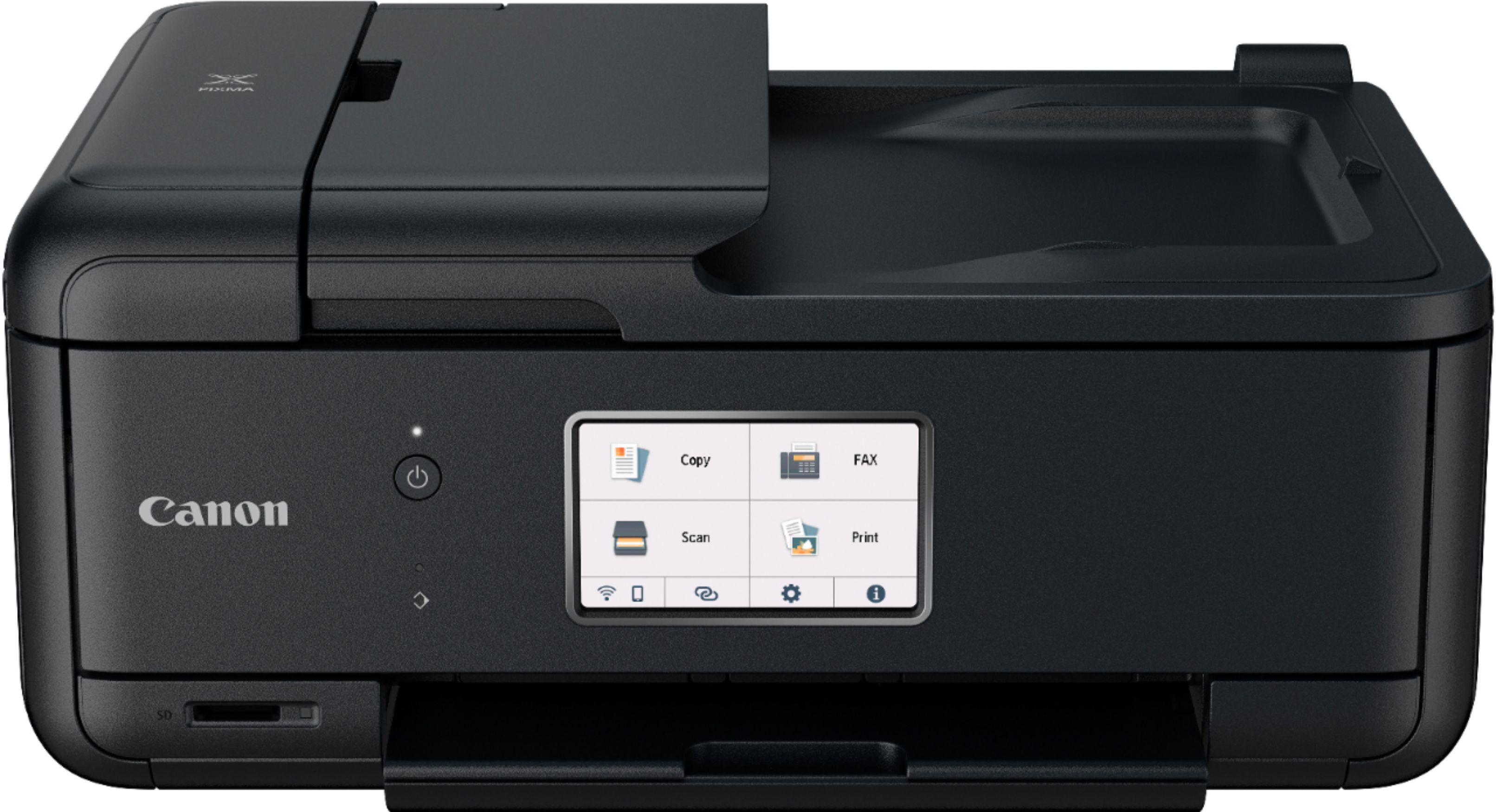
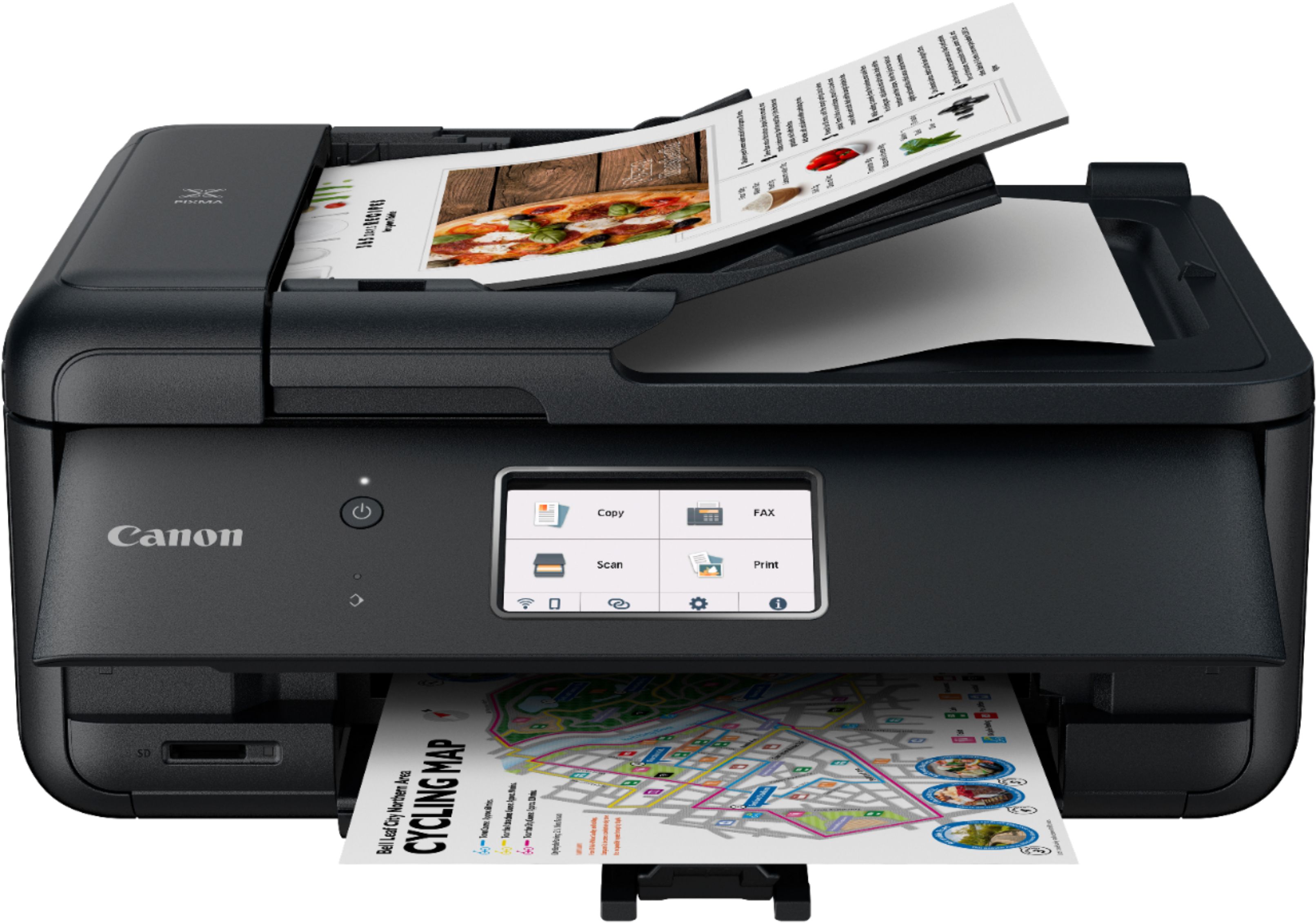
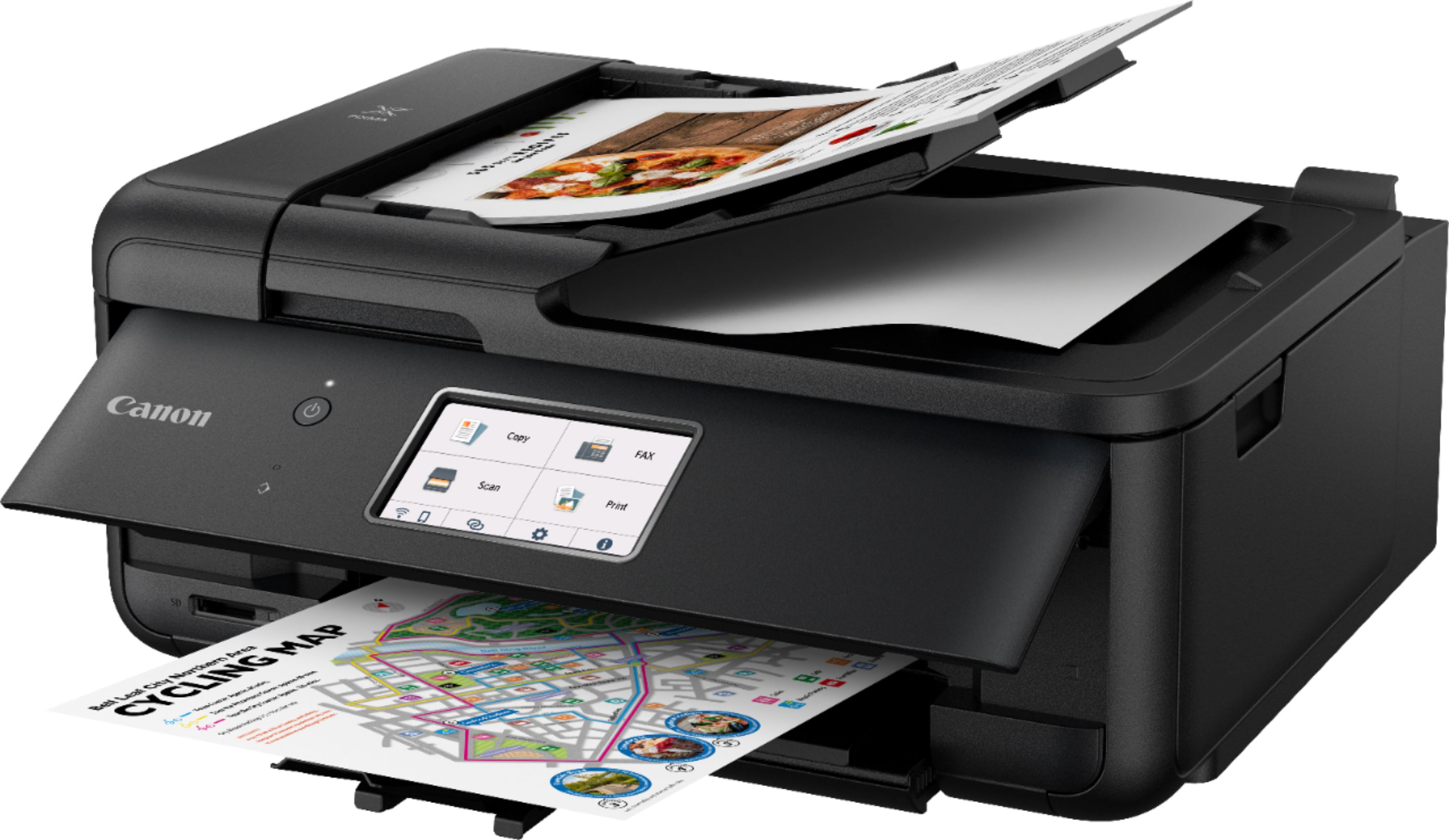
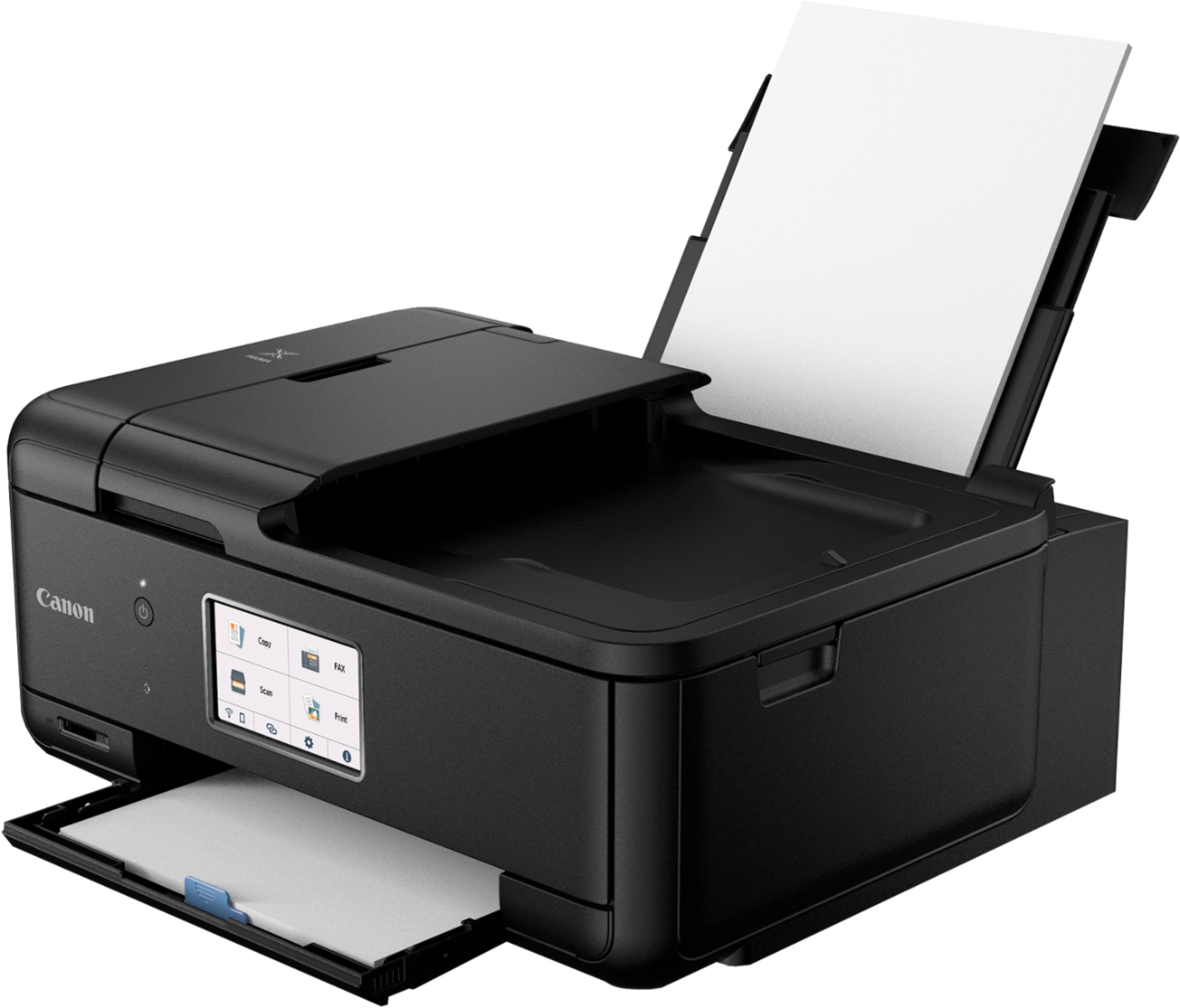
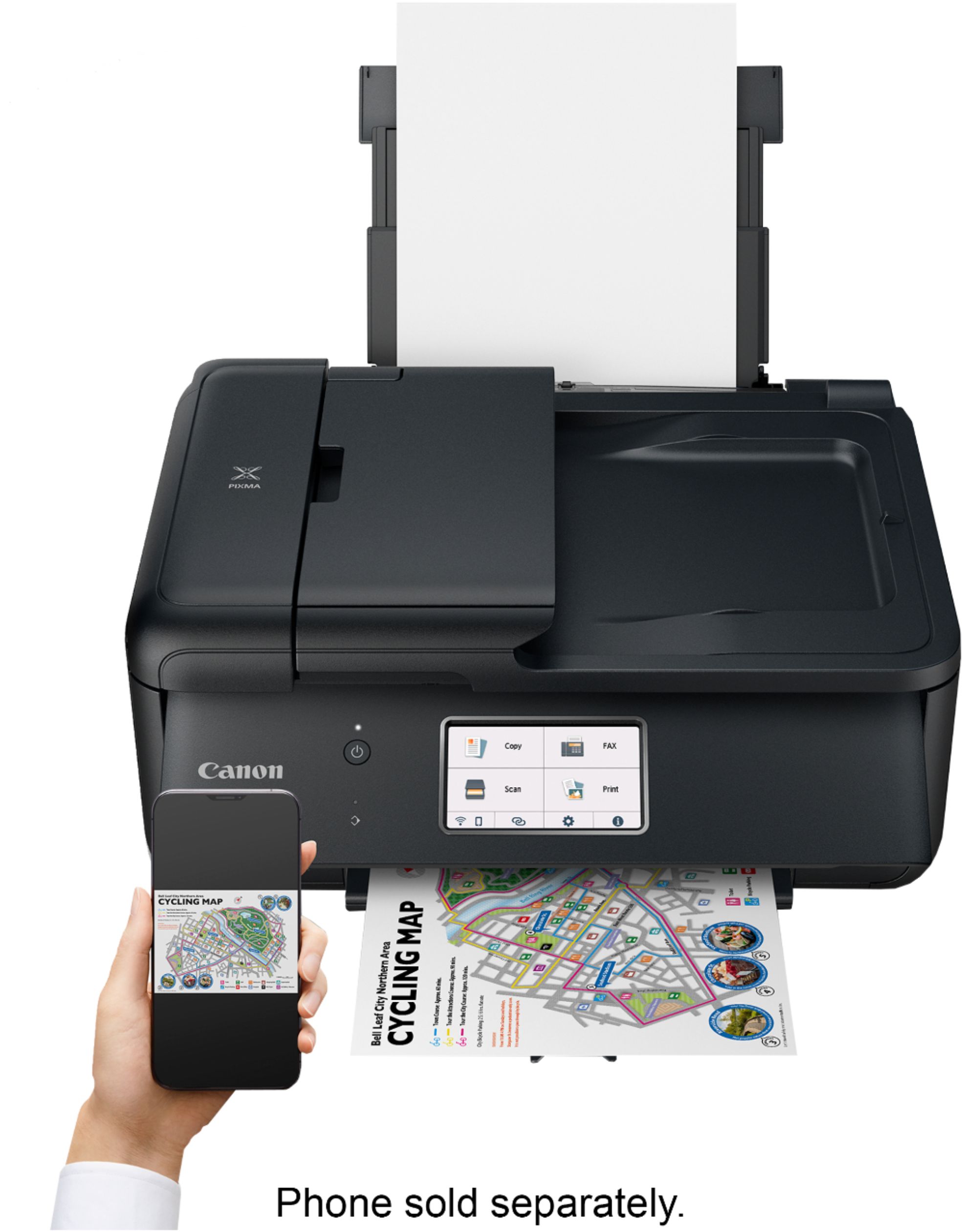
Customers appreciate the Pixma TR8620's high-quality prints and ease of use, frequently praising its user-friendly design and convenient wireless connectivity. Many also find the printer's size and setup process to be positive aspects. However, some users express dissatisfaction with the limited capacity of the paper tray.
This summary was generated by AI based on customer reviews.
- Pros mentioned:Ease of use
Great printer great price
||Posted . Owned for 1 month when reviewed.This reviewer received promo considerations or sweepstakes entry for writing a review.This printer is easy to maneuver and was easy to set up. I use it to print things from my phone so I use the wireless features frequently I love it. only downside is I have to often enable the wireless capabilities but it’s super easy! I love it!
I would recommend this to a friend - Cons mentioned:Paper tray
Works well but needs improvement
||Posted . Owned for 1 month when reviewed.This reviewer received promo considerations or sweepstakes entry for writing a review.This printer works well but I am unhappy with the paper tray. It is thin and flimsy. It is awkward to pull the tray out and then it has a plastic partial cover which makes it difficult to add paper. You really need to remove this cover when changing paper. My old Canon printer was of much higher quality.
No, I would not recommend this to a friend I like this printer.
||Posted . Owned for 3 weeks when reviewed.This reviewer received promo considerations or sweepstakes entry for writing a review.Great little printer. Price was very affordable. I did my due diligence and am very happy with it.
I would recommend this to a friendSuits my at-home needs perfectly, esp. photos
||Posted . Owned for 1 month when reviewed.This reviewer received promo considerations or sweepstakes entry for writing a review.Very pleased with this printer, especially the photos. Some reviewers referred to parts being "cheap plastic" and I suppose this could be true. However, I have found the quality of the plastic in the print tray, etc to be basically the same in all printers I looked at. The Canon is no better and no worse in that respect. Some also referred to difficulty to set up and connection to WIFI. I am older and not particularly tech savvy, and I had no problem with any of it. Can recommend this printer without reservation.
I would recommend this to a friend- Pros mentioned:Print quality
Great
||Posted . Owned for 1 month when reviewed.This reviewer received promo considerations or sweepstakes entry for writing a review.Our printer stopped printing, so we replaced it with this one, much better than the one we had.
I would recommend this to a friend - Pros mentioned:Wireless connectivity
Wireless printer
||Posted . Owned for 3 weeks when reviewed.This reviewer received promo considerations or sweepstakes entry for writing a review.Doing good, I haven’t hooked up fax yet but printer is doing well and I have it has wireless.
I would recommend this to a friend - Pros mentioned:Ease of use
Awesome Printer
||Posted . Owned for 1 month when reviewed.This reviewer received promo considerations or sweepstakes entry for writing a review.Easy to set up and easy to follow instructions. Very little hiccups with doing all tasks with this all-in-one Inkjet Printer. I would definitely recommend this printer. I have already used it to print and scan.
I would recommend this to a friend - Pros mentioned:Print quality
High Quality Prints
||Posted . Owned for 1 month when reviewed.This reviewer received promo considerations or sweepstakes entry for writing a review.The Canon Pixma TR8620 has been a reliable machine with high quality color prints and black and white prints. We use it in a small office environment and it has been a great purchase for us.
I would recommend this to a friend - Pros mentioned:Print quality
Great ink jet printer.
||Posted . Owned for 3 weeks when reviewed.This reviewer received promo considerations or sweepstakes entry for writing a review.A good ink jet printer. Fairly easy to set wireless on CPU, Ipad and cell phone. Ink cost is comparable to other ink cost.
I would recommend this to a friend - Pros mentioned:Print qualityCons mentioned:Paper tray

Perfect for a student or a home office
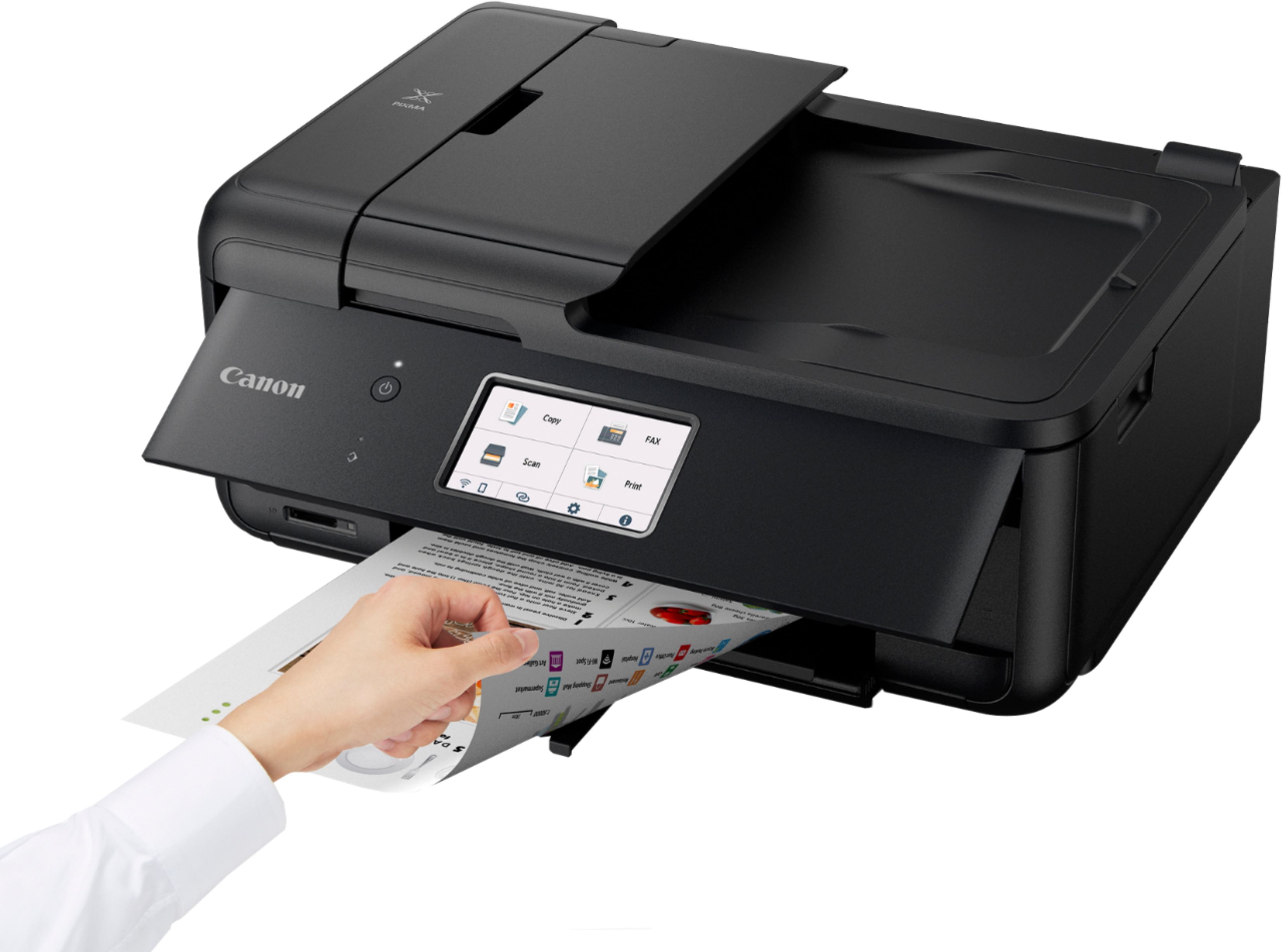
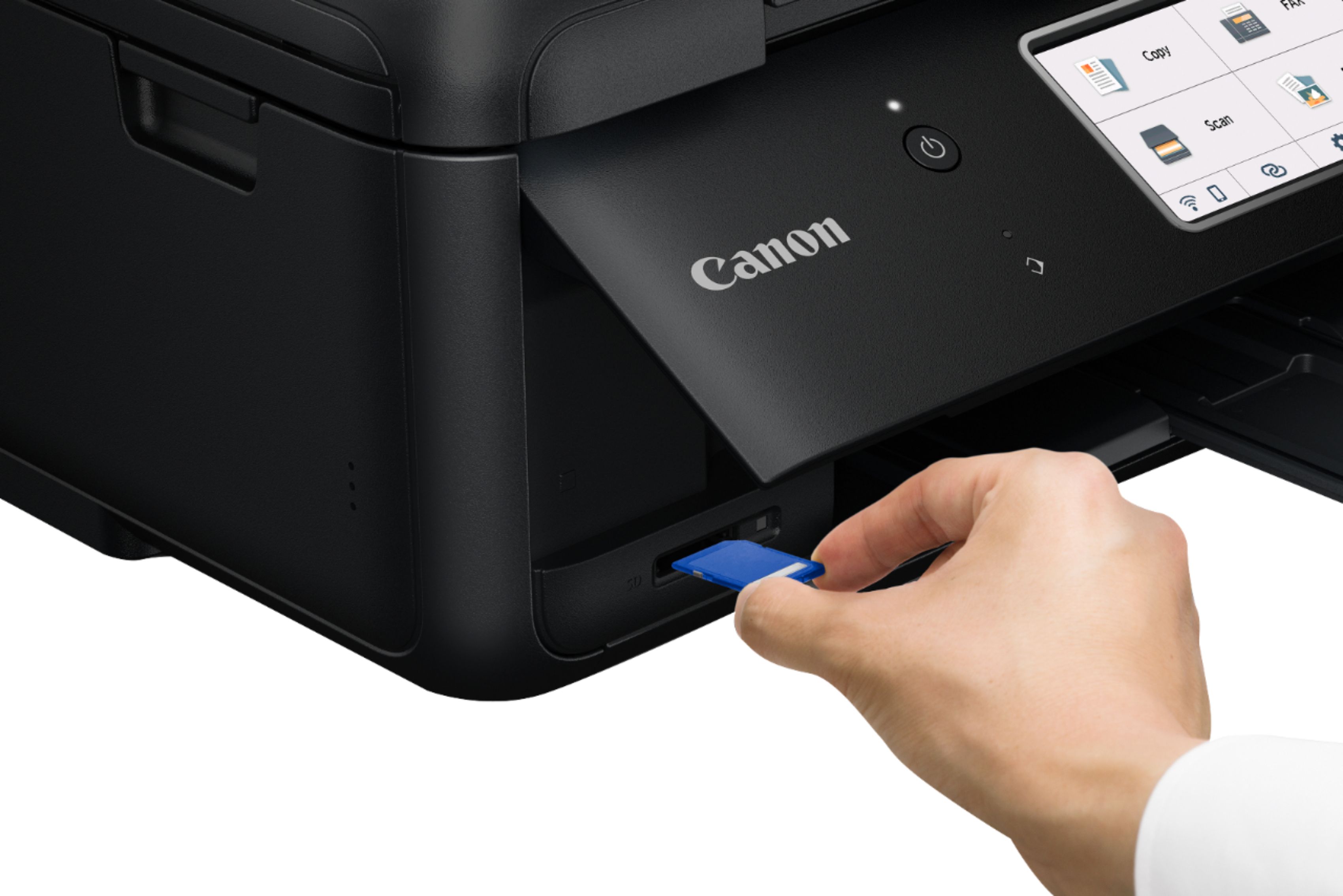
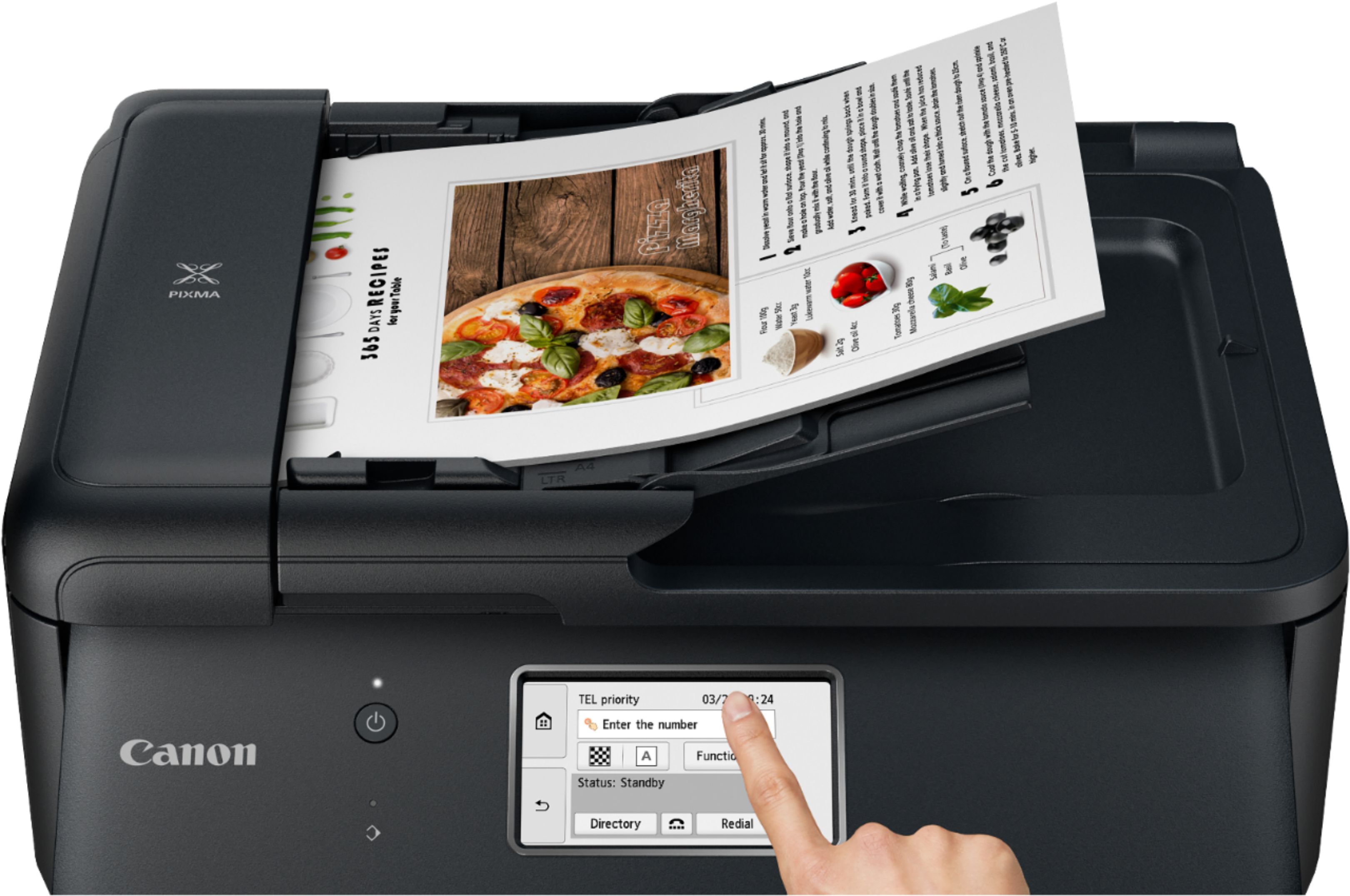
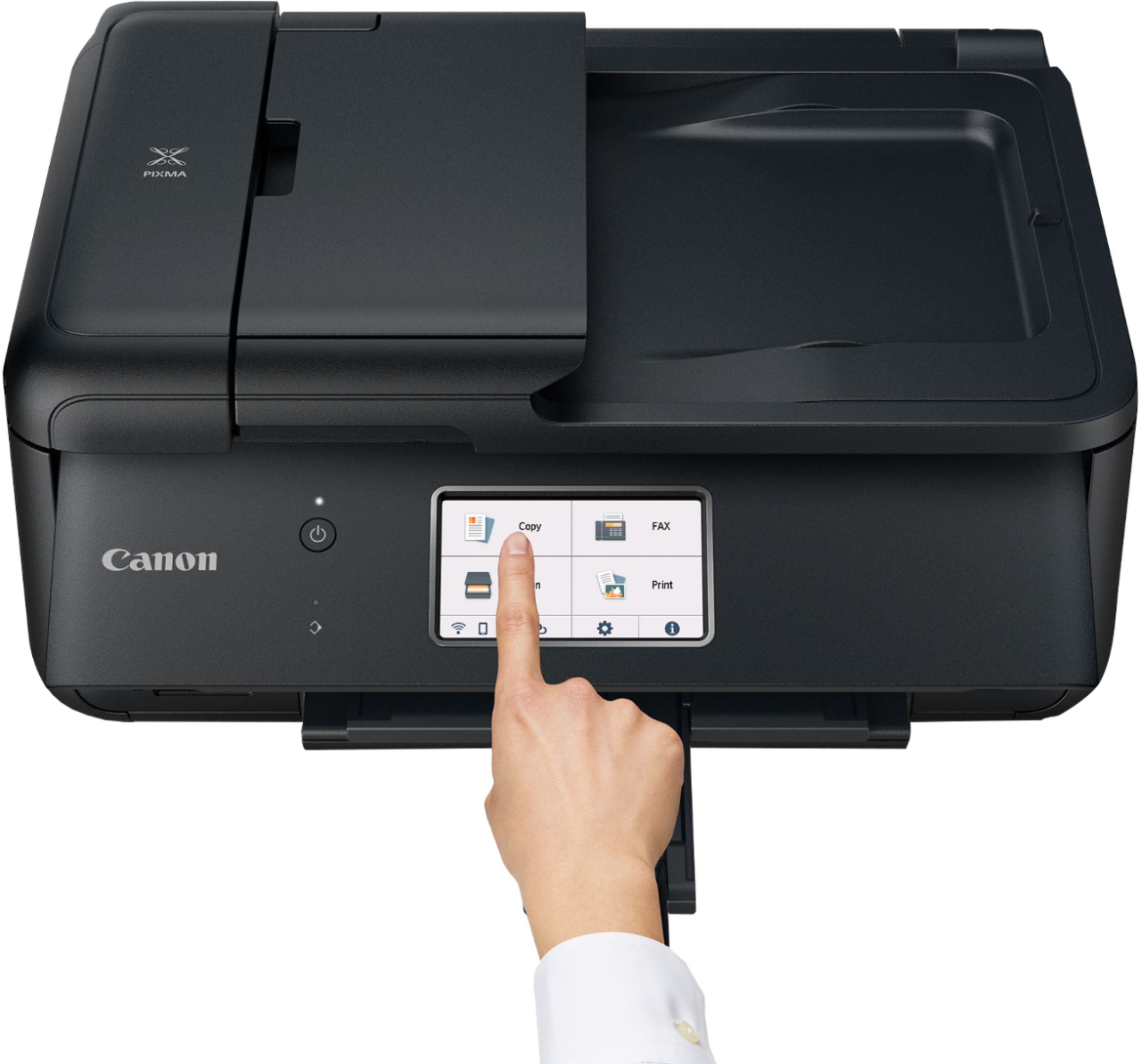
|Posted .This reviewer received promo considerations or sweepstakes entry for writing a review.The Canon Pixma TR8620 All-In-One printer may be the fastest, non-commercial printer I have ever used. With a lot of other printers, speed comes at the cost of quality. That is not the case here. Even at the default settings, text is extremely crisp and clear. The same goes for photos despite me not using the special photo paper you are supposed to. What surprised me the most was that full-page photos, even when printed on standard paper, came out dry to the touch and not soggy. I have other inkjet printers that cannot manage this same feat. Scans and copies, whether you use the table or the auto document feeder, are near perfect reproductions. I only noticed some very faint degradation in some finer details, such as in logos, when using the default settings. Turning up the resolution fixes this at the cost of speed. Also, copies made using the feeder tended to come out slightly crooked. It was only by a few degrees but it was noticeable. The Canon Pixma TR8620 is also reasonably quiet, especially when you consider how fast it is working. Setup was straight forward and easy to accomplish when following the directions in the guide. The only hiccup I encountered was when I was attempting to connect the printer to my Wi-Fi using my phone. However, it was not the printer’s fault. There was an auto network switch setting on my phone I had to disable to share the network credentials with the printer. Worked flawlessly after that. While I am on the topic of using my phone, wireless prints from the Canon app went through without hesitation and worked perfectly every time I tried. The touchscreen is easy to read, even in bright environments, and is very responsive. The panel the screen resides in (Canon calls it the “operation panel”) can be tilted from fully vertical to fully horizontal and everywhere in-between. The hinge it pivots on contains gears to keep it exactly where you position it which I appreciate. They were a couple things I wasn’t particularly fond of though. For some reason, the operation panel has to be opened as far as it can in order to print. If it’s not, an error message appears on the display and the job will not be processed until it is. I have no idea why since there seems to be plenty of room for the paper to come out even when fully closed. The paper cartridge doesn’t hold a lot of paper either, only around 100 pages. If you don’t do a lot of printing, this likely won’t be a concern. Finally, you have to hold the power button for a few seconds before releasing it in order to shutdown the printer. Also not a major concern and something you would eventually become accustomed to. Personally, I am a fan of the Pixma TR8620. It prints quickly, with very good resolution, without disturbing the entire neighborhood in the process. And unless you regularly chew through entire reams of paper, I would recommend you consider getting one for yourself.
I would recommend this to a friend - Pros mentioned:Ease of use
HOMEUSER
||Posted . Owned for 3 weeks when reviewed.This reviewer received promo considerations or sweepstakes entry for writing a review.Great printer for home office. Yet to learn and use the FAX but it is there so time will tell. As always, ink is the expense but will stay with Canon Ink as last printer had head trouble using cheaper inks.
I would recommend this to a friend - Cons mentioned:Paper tray
Good Printer
||Posted . Owned for 1.5 years when reviewed.This reviewer received promo considerations or sweepstakes entry for writing a review.Good Printer and some time it says not correct paper formating
I would recommend this to a friend - Pros mentioned:Setup
Canon is still one of the best!
||Posted . Owned for 1 month when reviewed.This reviewer received promo considerations or sweepstakes entry for writing a review.Very happy not only the Best Buy associates but this Canon printer. Has performed very well, scanning, printing and was very simple to set up. I use it wirelessly and was snap to connect.
I would recommend this to a friend - Cons mentioned:Paper tray
Pain in the Neck
||Posted . Owned for 3 weeks when reviewed.This reviewer received promo considerations or sweepstakes entry for writing a review.Not as great as I thought, not so user friendly, its always trying to pull drom the rear tray, even though you set it for front tray. Pain in the u know what. My mom though out the box to early, if I had the box I've would of returned it. Advise to all always keep your box for a couple of weeks, just in case you have to return your product.
No, I would not recommend this to a friend Good deal
||Posted . Owned for 1 month when reviewed.This reviewer received promo considerations or sweepstakes entry for writing a review.Works fine. Automatically powers off after non use. Like the document feeder to scan several pages at once with the option to combine several pages into one fine in PDF mode. Uses a separate cartridges for each color and two black ink cartridges. Same cartridges are used in Canon's high end printers and are readily available at very reasonable cost. One drawback. Only scans a maximum 600 dpi.
I would recommend this to a friend- Pros mentioned:Size
Printer
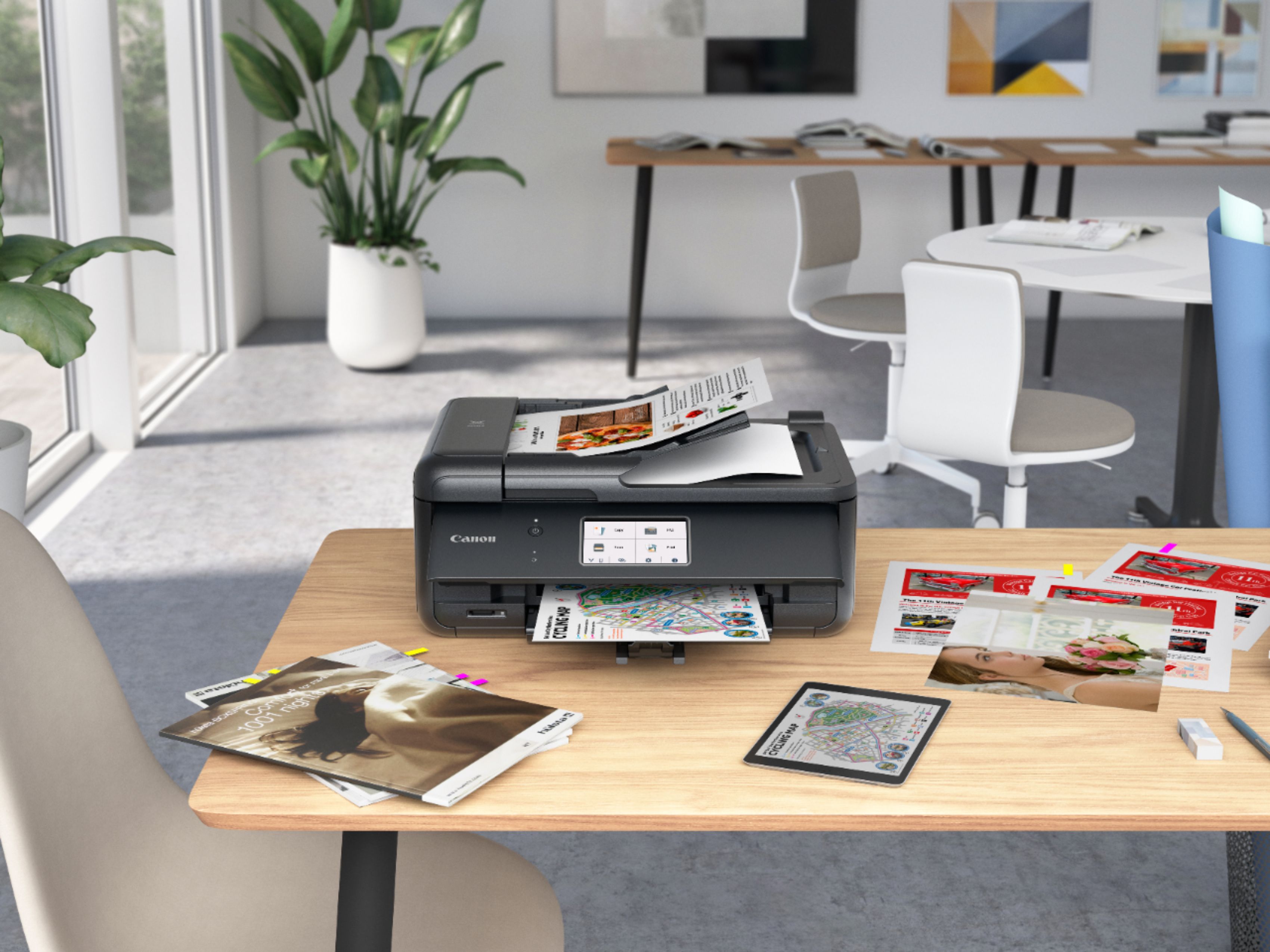
||Posted . Owned for 1 month when reviewed.This reviewer received promo considerations or sweepstakes entry for writing a review.Efficient and reliable. Fits perfectly on desk. Responds well with phone and laptop.
I would recommend this to a friend - Pros mentioned:Print quality
Home printer
||Posted . Owned for 3 weeks when reviewed.This reviewer received promo considerations or sweepstakes entry for writing a review.Good overall light printing. Can print photos, fax, and scan. All of the features I might use.
I would recommend this to a friend - Pros mentioned:Ease of use
Quick and easy
||Posted . Owned for 3 weeks when reviewed.This reviewer received promo considerations or sweepstakes entry for writing a review.Easy set up and works well with co3 computers and two cell phones
I would recommend this to a friend - Pros mentioned:Ease of use
Canon printers are well made and easy to use.
||Posted .This reviewer received promo considerations or sweepstakes entry for writing a review.Very easy to set up and use. Setting up the last printer I bought, which was an HP, took days because the instructions were incomplete. Canon is the best!!! I'm so glad I bought this printer.
I would recommend this to a friend - Pros mentioned:Setup
Can’t go wrong with cannon
||Posted . Owned for 1 week when reviewed.This reviewer received promo considerations or sweepstakes entry for writing a review.Solid choice for a multi purpose printer. It was extremely easy to setup with apple air print which not all are. I like that the paper drops in from the back to conserve space on the desk.
I would recommend this to a friend