Customer Ratings & Reviews

- Model:
- 4451C002
- SKU:
- 6426775
Rating by feature
- Value
Rating 4.1 out of 5 stars
- Quality
Rating 4.2 out of 5 stars
- Ease of Use
Rating 4.1 out of 5 stars
Customers are saying
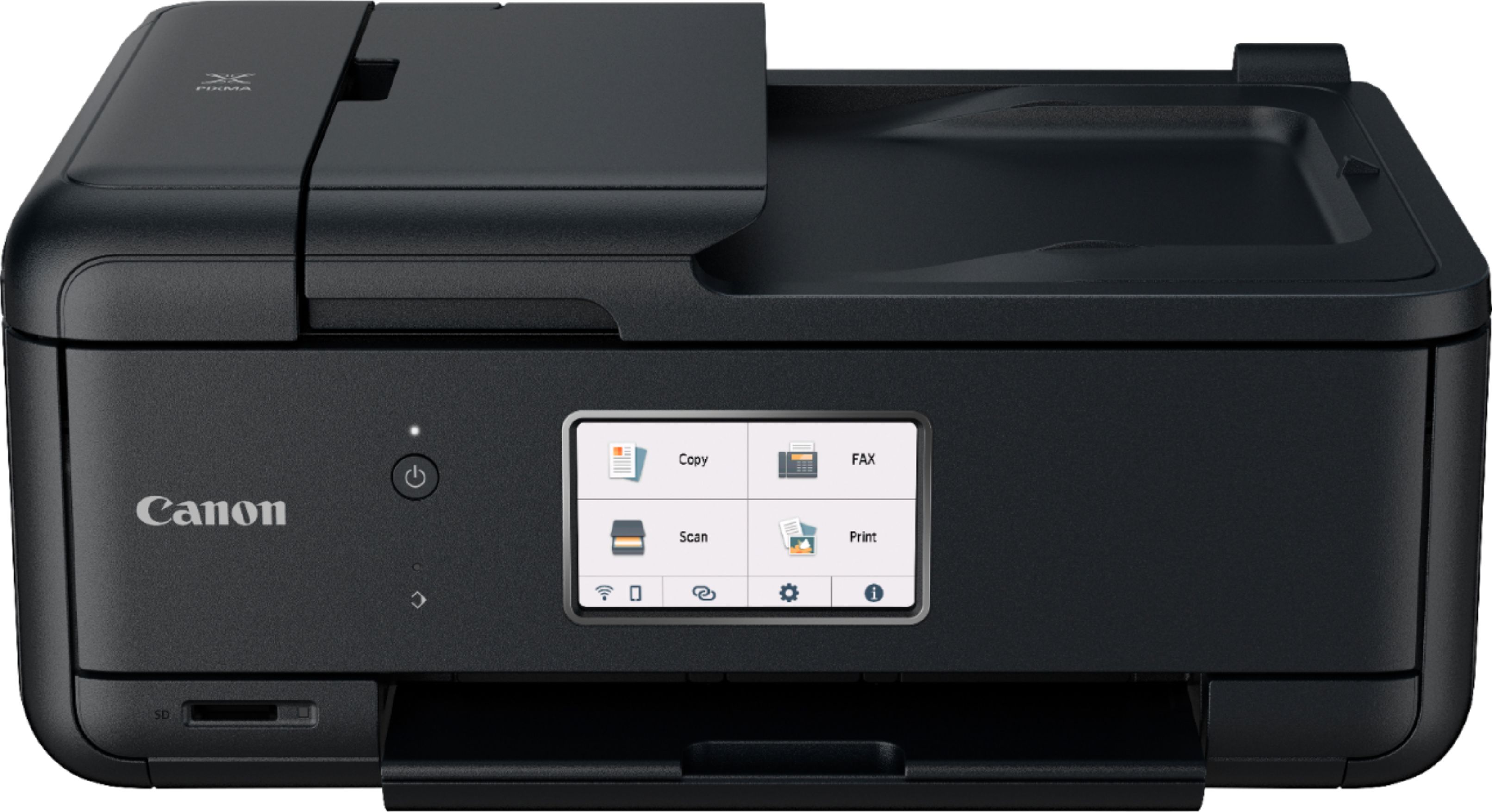
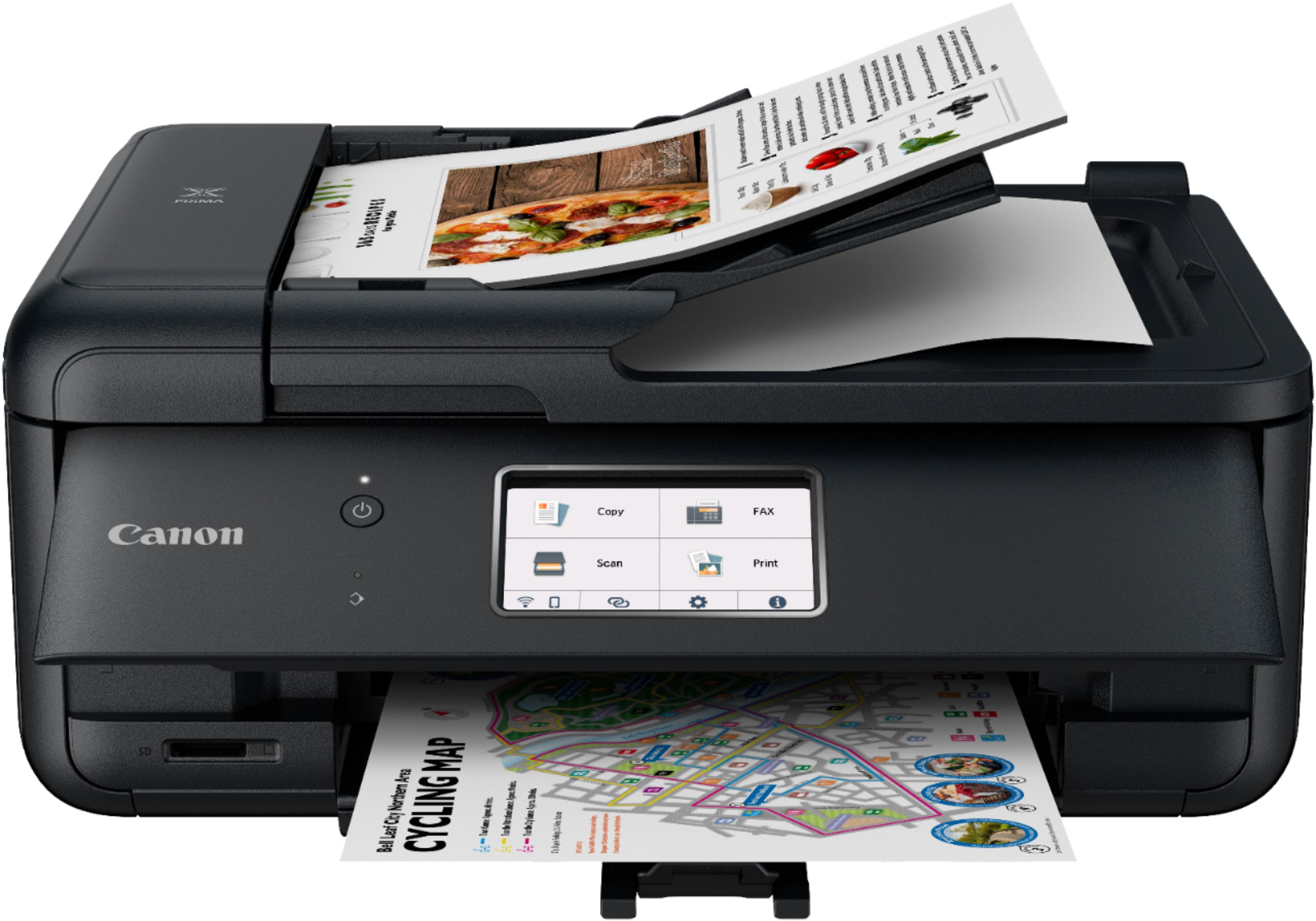
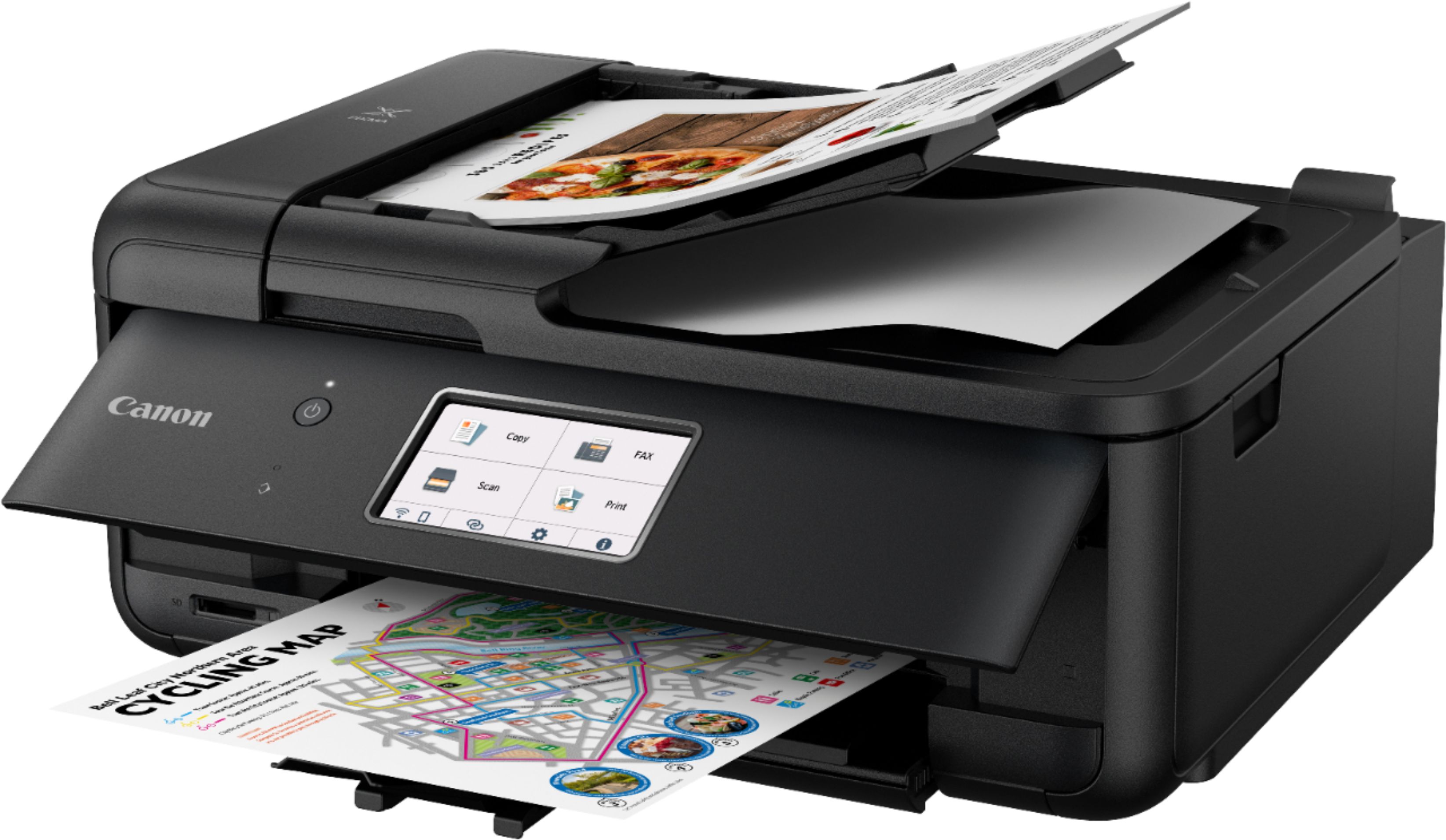
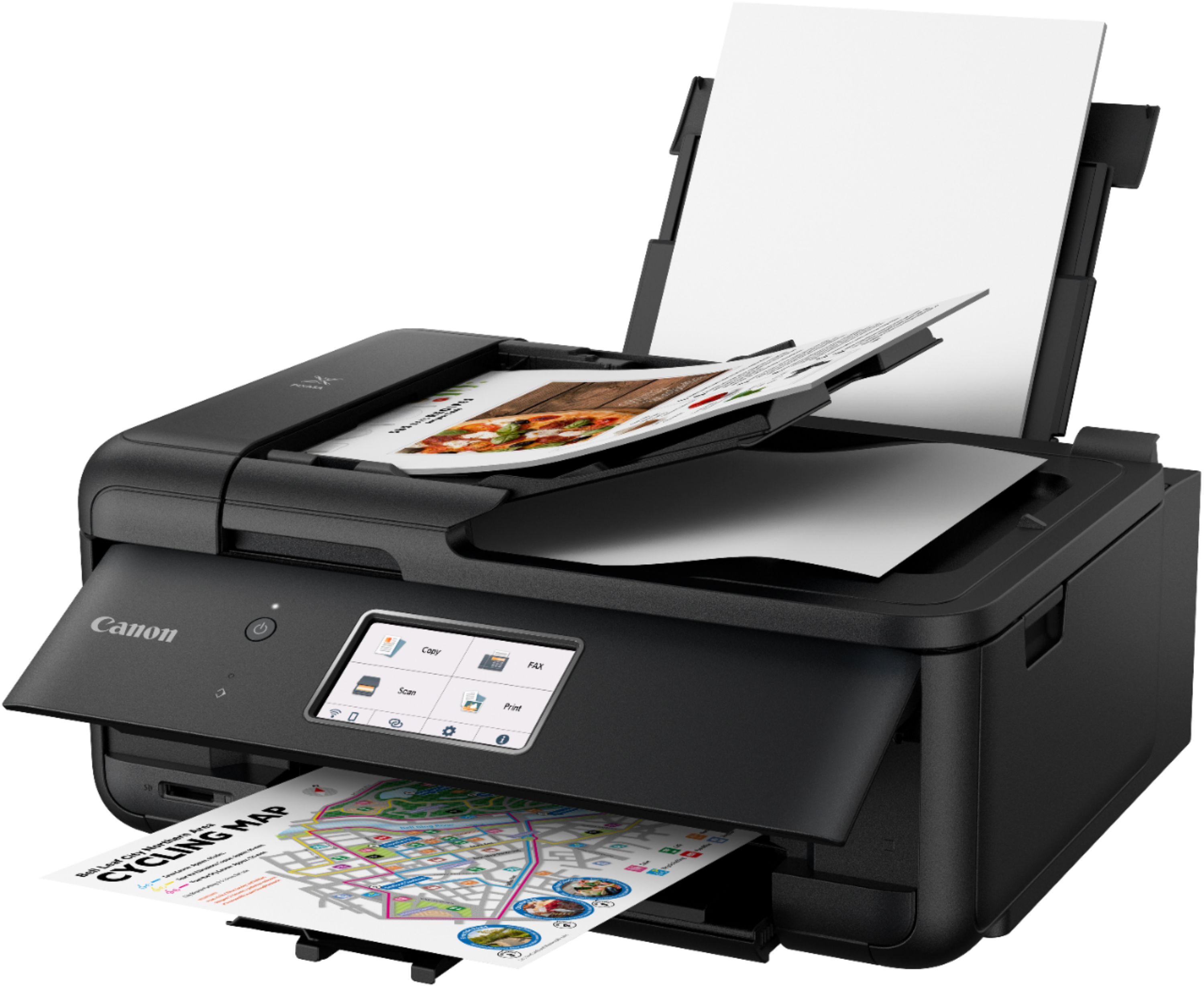
Customers appreciate the Pixma TR8620's high-quality prints and ease of use, frequently praising its user-friendly design and convenient wireless connectivity. Many also find the printer's size and setup process to be positive aspects. However, some users express dissatisfaction with the limited capacity of the paper tray.
This summary was generated by AI based on customer reviews.
Time for upgrade
||Posted .This reviewer received promo considerations or sweepstakes entry for writing a review.I needed another printer, seems like every 1- 2 years the printers go out like cell phones time for upgrades.
I would recommend this to a friendPrinter
||Posted . Owned for 3 weeks when reviewed.This reviewer received promo considerations or sweepstakes entry for writing a review.It has worked as expected so far. My only complaint is it's very loud. I haven't had it long enough to do everything on it yet.
I would recommend this to a friendI like it.
||Posted . Owned for 3 weeks when reviewed.This reviewer received promo considerations or sweepstakes entry for writing a review.It's a printer, what else can you expect from it? It's not going to change the world. It does take a little longer than expected to scan items, but it's not a deal breaker as it's not being used for business purposes.
I would recommend this to a friendworks and prints very well
||Posted . Owned for 3 weeks when reviewed.This reviewer received promo considerations or sweepstakes entry for writing a review.not easy to connect wireless if you have a mac mini & want to print something off of e-mail
I would recommend this to a friendNot a good buy .
||Posted . Owned for 1 month when reviewed.This reviewer received promo considerations or sweepstakes entry for writing a review.Even Best Buy does not have ink for this printer . Neither does any other store in the Chicago area . We were happy with our last Canon MX922 , we could get ink at Best Buy and other stores and the ink lasted longer ,and we could make any size print . Can not do that with this one ,and the screen does not have a picture of the picture we want to print . Bottom line I waisted our money on this printer .
No, I would not recommend this to a friendCannon printer user
||Posted . Owned for 1 month when reviewed.This reviewer received promo considerations or sweepstakes entry for writing a review.Just got this and haven’t had a chance to use it a lot. From the initial experience, setup can be a little burden but not too much. I looked up some YouTube videos. Prints fine but a bit slow coming from brother laser printer. Color depiction is fine.
I would recommend this to a friendGood home or office printer.
||Posted . Owned for 2 weeks when reviewed.This reviewer received promo considerations or sweepstakes entry for writing a review.All in one printing. Easy to setup and use. Home or office is convenient. Ink refills are expensive though!
I would recommend this to a friendNoisy Workhorse
||Posted . Owned for 3 weeks when reviewed.This reviewer received promo considerations or sweepstakes entry for writing a review.Good price for a workhorse of a printer. Setup was easy (medium-tech skills). The major drawback is the printer is noisy.
I would recommend this to a friendCanon printer
||Posted . Owned for 3 weeks when reviewed.This reviewer received promo considerations or sweepstakes entry for writing a review.This Canon printer is a good purchase for home use. I am waiting to see if I like the individual ink scenario.
No, I would not recommend this to a friend- Pros mentioned:Ease of use
Printer / fax
||Posted . Owned for 1 month when reviewed.This reviewer received promo considerations or sweepstakes entry for writing a review.Great unit / easy set up Need a cloud printing option for 5 stars
I would recommend this to a friend Get a price match from Canon and this printer is g
||Posted . Owned for 1 month when reviewed.This reviewer received promo considerations or sweepstakes entry for writing a review.I have a cannon mx870 which I absolutely love. I needed another printer for home office use and found this in my price range. This printer is pure garbage, it is cheaply made, the front screen that is a touch pad you have to touch very hard. It is not sensitive at all you have to lift the front part up for anything to print from the bottom. And I am very savvy with the internet and I could not connect to this printer from Wi-Fi for the life of me. I returned this printer to Best buy. Also if you are going to buy this printer they sell it at Canon for less than Best buy is charging please get a price match!
No, I would not recommend this to a friendGood pictures
||Posted . Owned for 3 weeks when reviewed.This reviewer received promo considerations or sweepstakes entry for writing a review.Haven’t had this printer that long but so far I like it. Makes good color photo prints which is what I do a lot of.
I would recommend this to a friendMeh
||Posted . Owned for 3 weeks when reviewed.This reviewer received promo considerations or sweepstakes entry for writing a review.I had a canon printer already but it died. I bought this one thinking the quality would have improved in 5 years time, but no. This has similar if not worse quality of printing despite being a much higher priced model than what I had. Next time I’ll get an epson
No, I would not recommend this to a friend- Pros mentioned:Wireless connectivityCons mentioned:Paper tray

Good every day printer, nothing special.
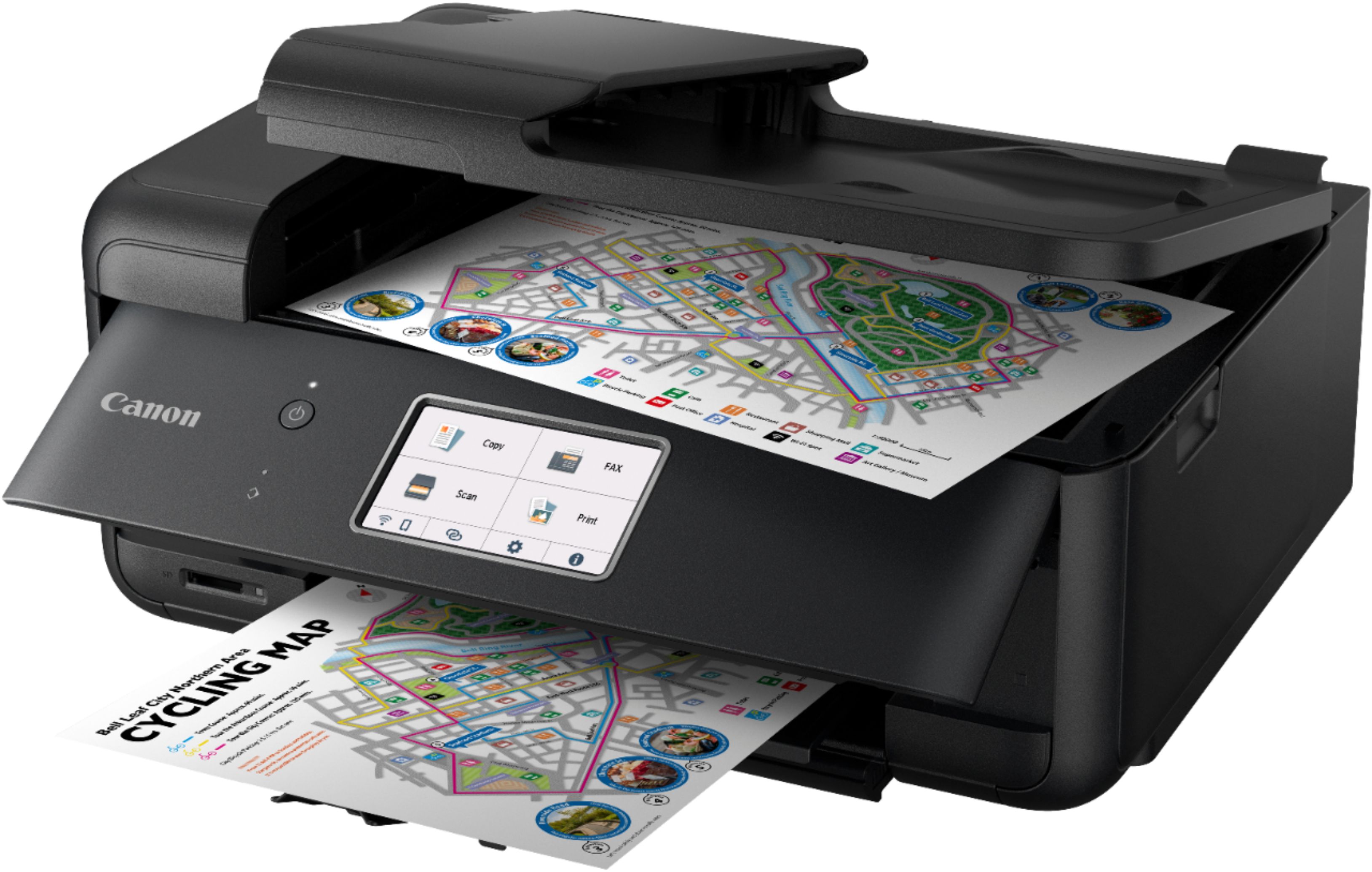
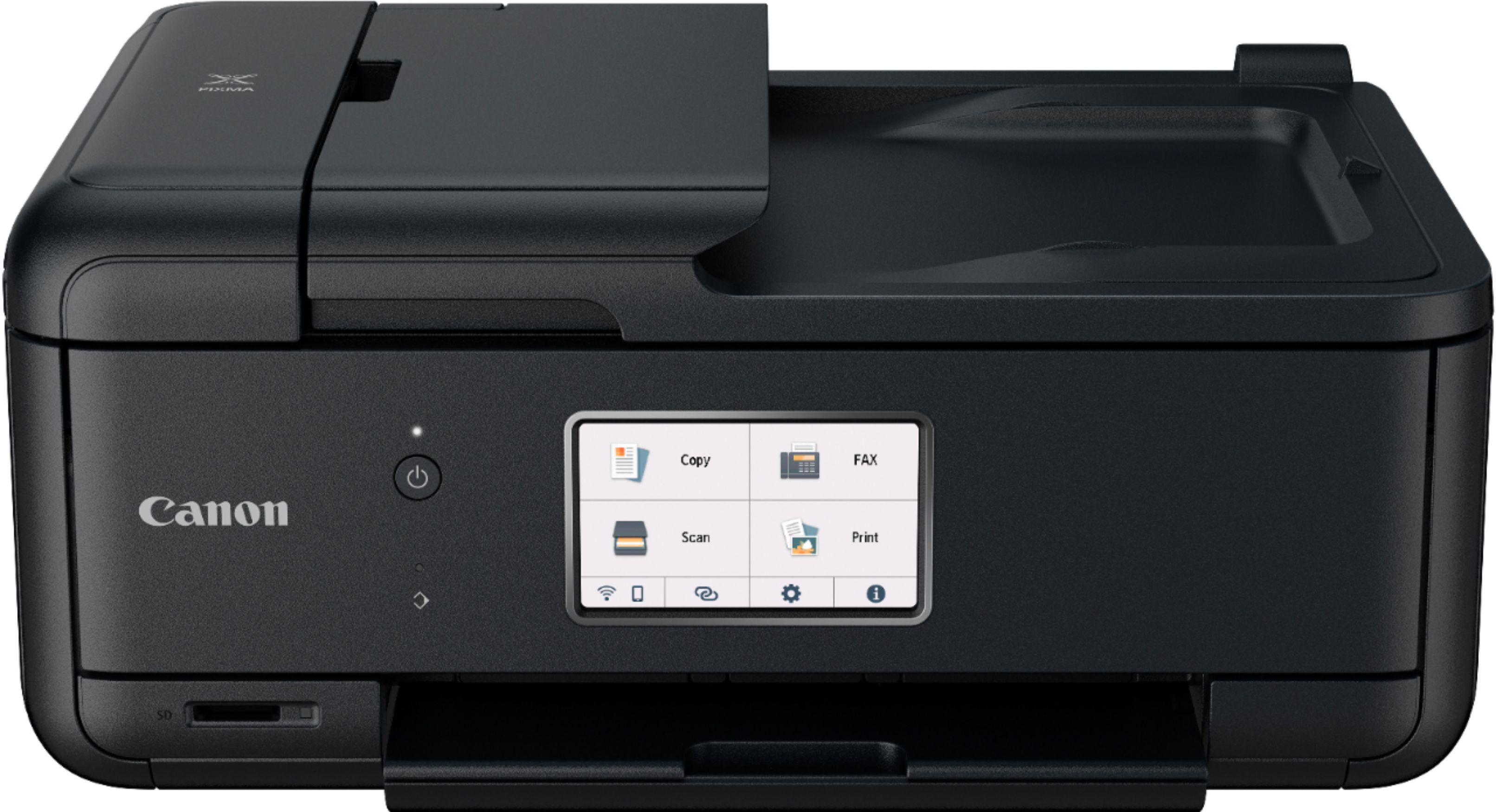
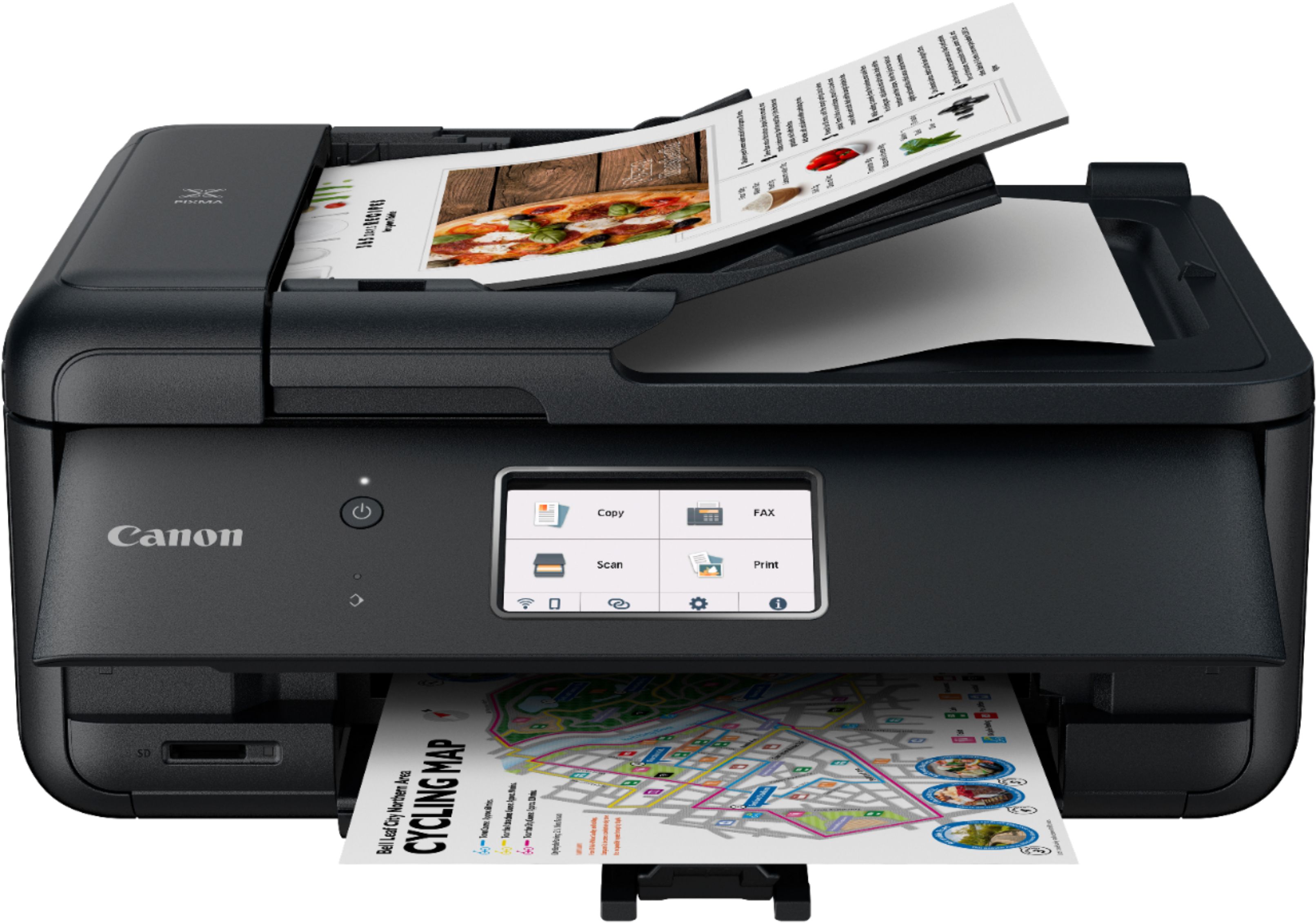
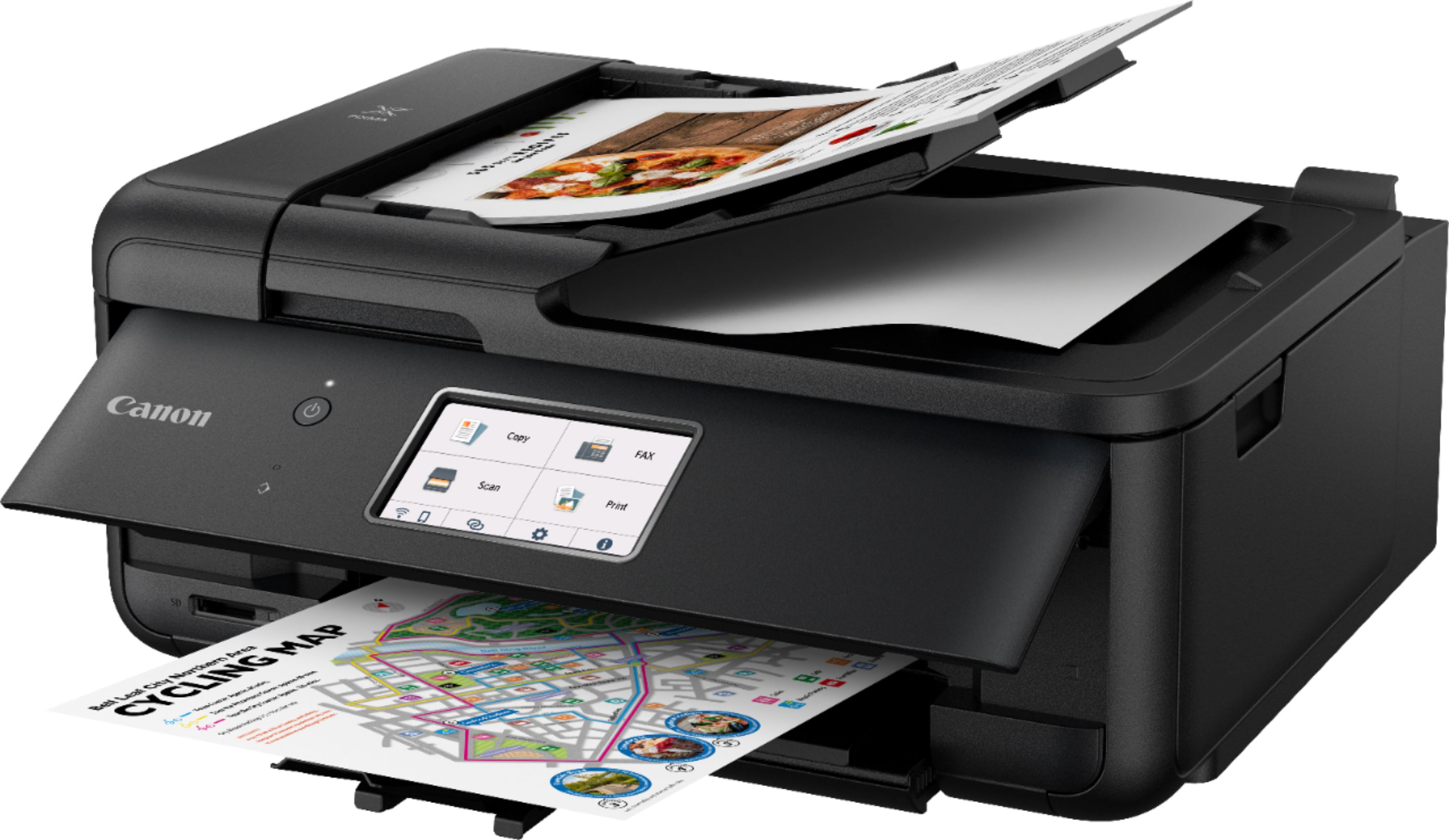
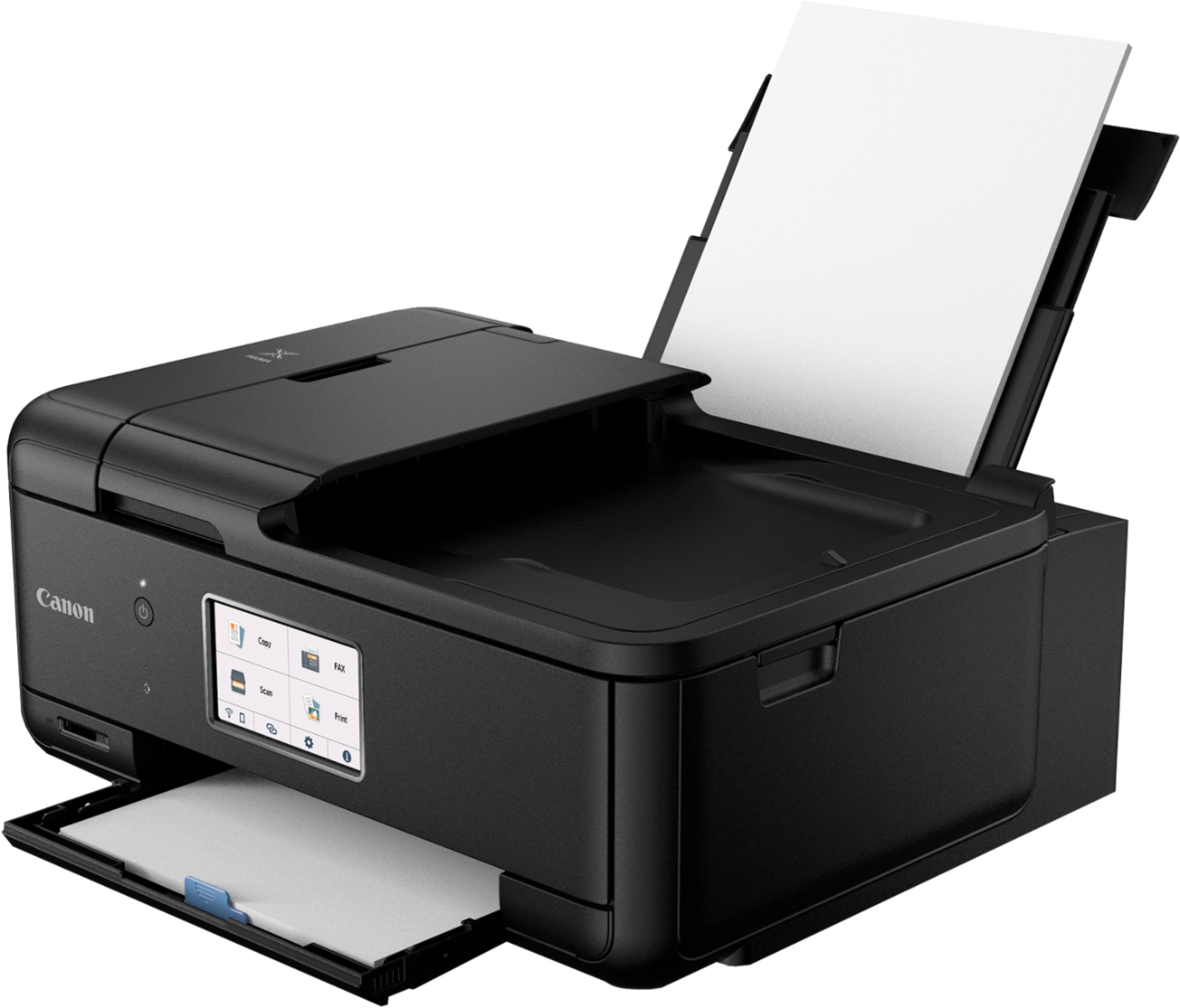
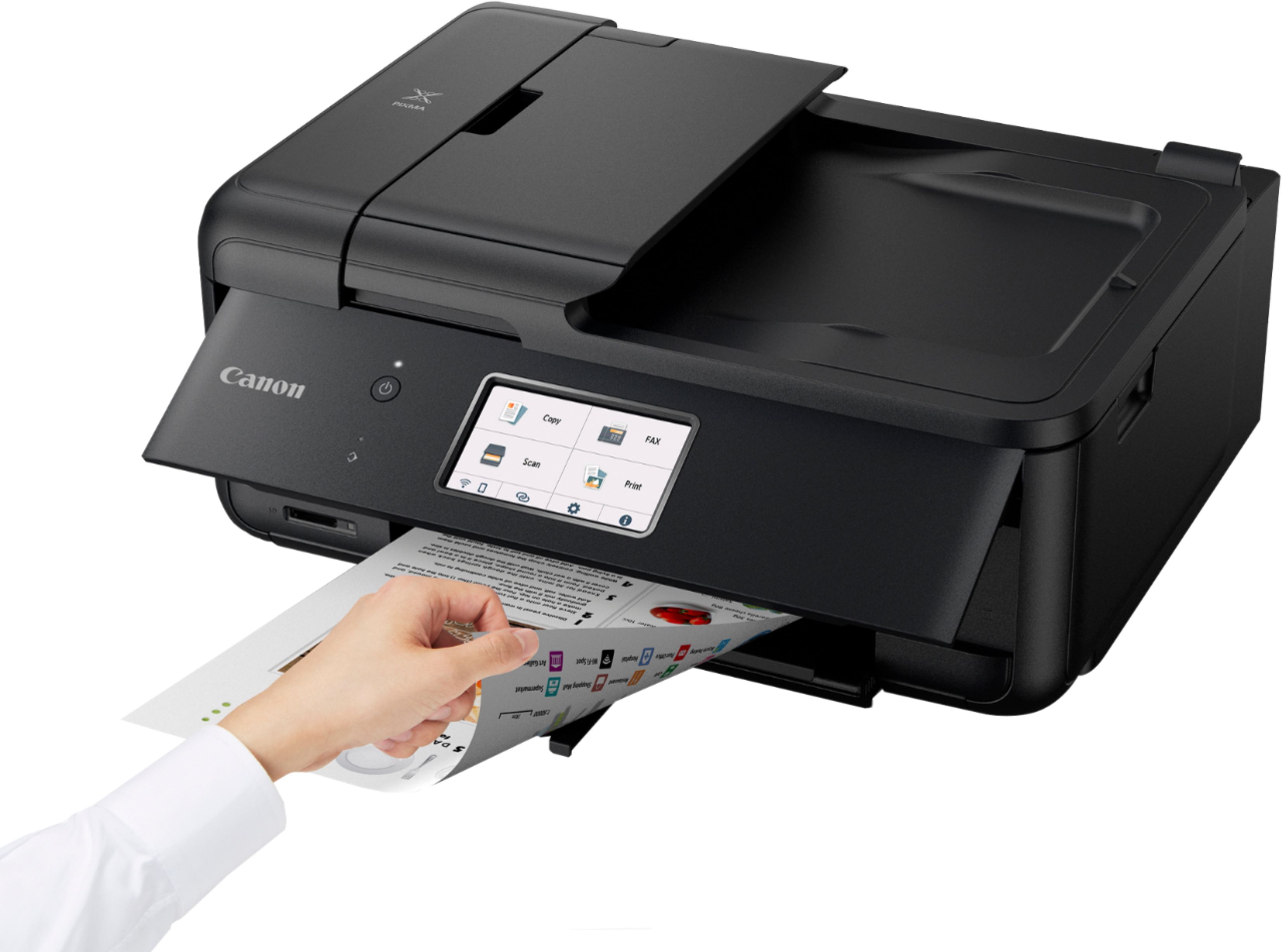
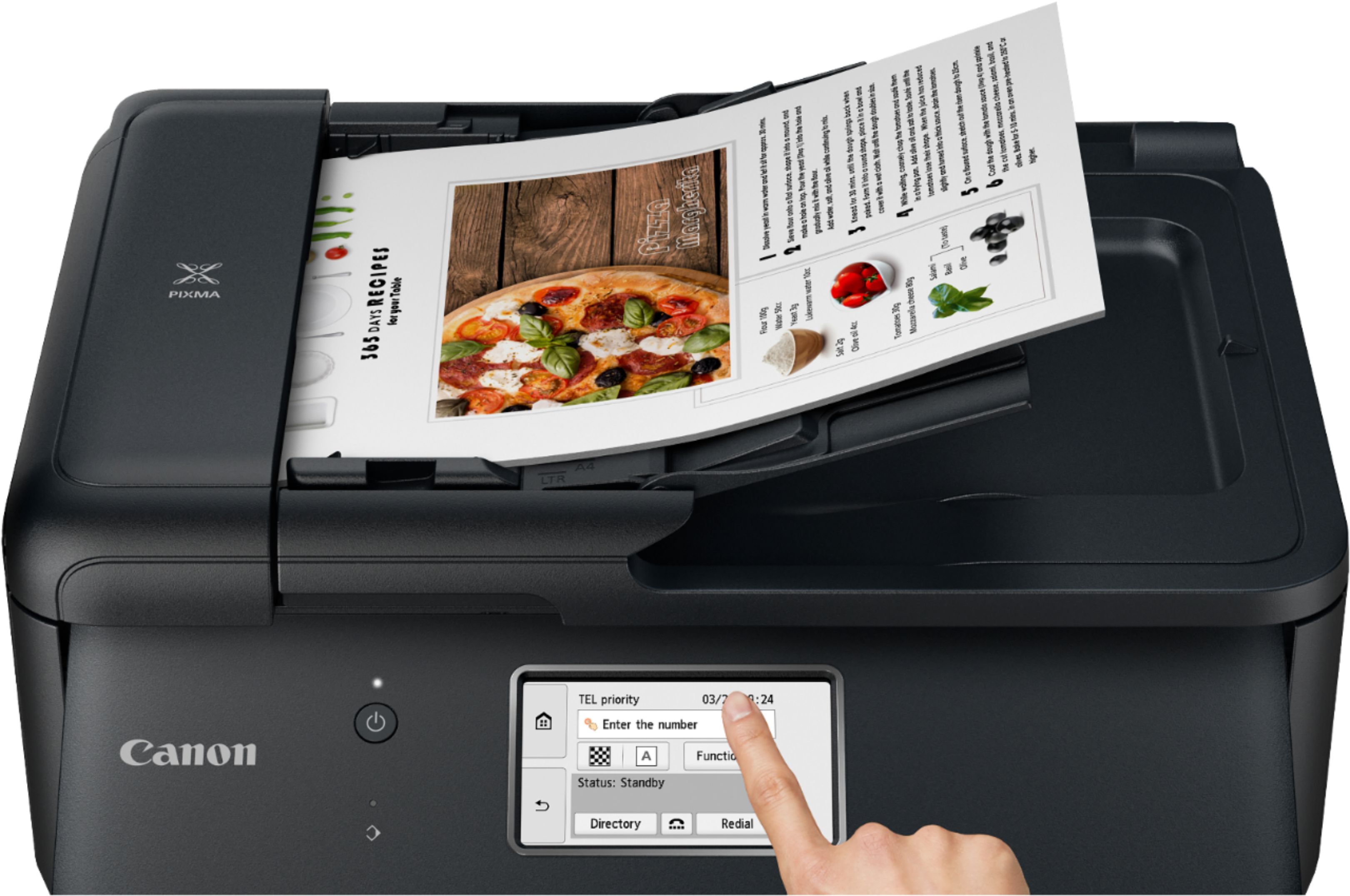
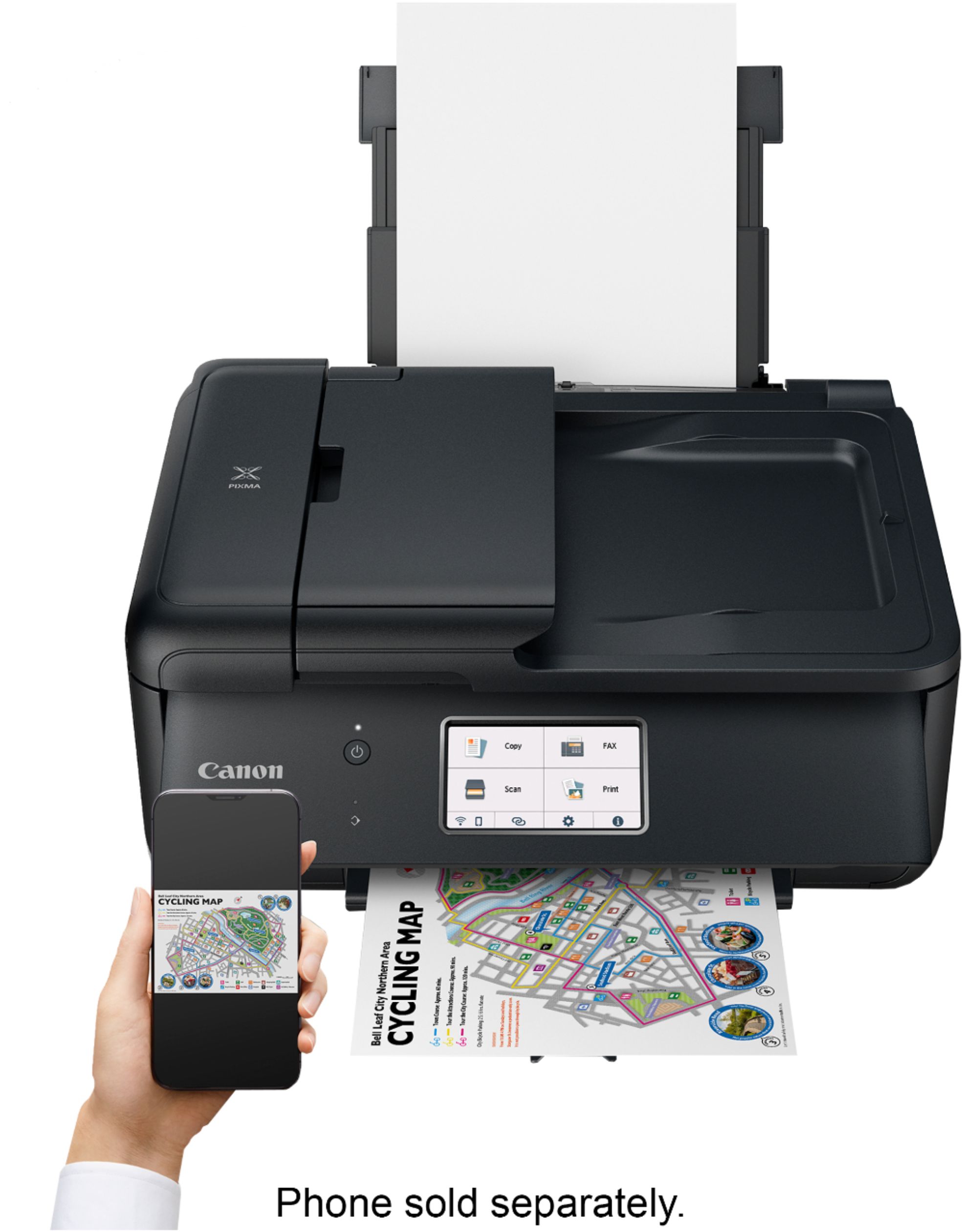
|Posted .This reviewer received promo considerations or sweepstakes entry for writing a review.Canon - Pixma TR8620 Wireless All-In-One Inkjet Printer with Fax - Black The Canon TR8620 printer is one of the new style of wireless printers where they don’t actually want you to print from your computer, but through an App or the Web. The biggest difference between Canons approach and HP, is that if you jump through enough hoops Canon will let you put it on your wireless network without all the IoT (internet of things) crap that comes along with a Web printer. It takes a short while for each step of the computer setup to fail before it will allow you to continue with the next step. Once it has failed to setup using the instructions that are supposed to go along with the no Web option it finally gives up and allows you to just enter your wireless router, or access point on the printer itself, and then the printer is on your network. After that, printer and scanner drivers are easy to install, and they see the printer right away. You may need to turn the printer back on if it falls asleep while trying to get it setup in the first place. There are a lot of negative reviews about this printer on the internet. About not being able to print to it from your computer. I believe it is because Canon wants you to use Web printing. If I was able to just press the wireless button on the printer and input my wireless settings it would have taken about 10 minutes to setup. But because the options are not accessible until each previous setup fails, the next option is not available. Ok, once that’s out of the way and you have the printer on your wireless network, without the IoT crap, we can now start testing what the printer can do. The scanning is a bit on the slow side, just under 30 seconds per sheet and single sided only. It does allow double sided scanning, but with a manual sheet change. The front display is very clear about what way the paper needs to be re-inserted. The scanning features are plentiful and completely adjustable. You can, if desired, place a picture on the scanner glass and do a good scan at full 300 or even 600 dpi resolution. The copy function is only held back because of the slow scanning. Don’t get me wrong, the slow scanning on this Canon is 4 times faster than it’s HP equivalent. One thing to note is the front access panel has to be open for the printer to print. When closed, it leaves a gap of about an inch, but that’s not good enough. It warns you that the cover is closed and to open it and pull out the output tray. Ok so just leave the door open, it can be set to sleep after a period of time and automatically wake up if something is sent to it. The printer holds 5 ink cartridges, there is an extra black used in photo printing. A complete set of replacement XL cartridges runs about $73.00. Canon doesn’t seem to want to tell you that you can expect about 200 pages, plus or minus depending on what your printing, per set of cartridges. They don’t publish this information, you need to do a search for the sheet count. A single color or black cartridge runs between $20.00 and $25.00, as of this writing. The printer does duplex printing without any paper change on your end. The paper tray is said to hold 100 sheets, I believe this is maxed out. The paper tray is very small. Here is the bottom line. As a stand-alone printer to be used by 1 or 2 people in a house, this might be good enough. If one of those people is a student that still needs to print things for school, you might want something that has a larger page yield for ink tank. Not that the page count is so bad at 13 cents per sheet per color. But you may be changing a lot of cartridges in a short amount of time. This printer is in the same quality line of the printers of 10 years ago. Back then this printer would cost about $45.00 and when the ink ran out you just bought another printer. My best friend did a cost analysis of ink cartridges vs new printer at that time and just stocked up on printers. The printer companies got wind of this and pushed their printer costs up to the point where replacing the cartridges makes more sense. On my last note about this printer. I had abandoned Canon years ago because of print head issues. I assume they have resolved this, only time will tell. Before buying any printer do a cost per copy analysis of it. The lower the better if you’re only looking for a daily printer. If your looking for larger page sizes, or faster printing, you may need to look at something more expensive.
I would recommend this to a friend PIXMA TR8620
||Posted . Owned for 3 weeks when reviewed.This reviewer received promo considerations or sweepstakes entry for writing a review.Does everything I need it to do and then some. A great feature, which I didn't know about, is the ability to fax a document directly from a computer screen, which saves time and ink. It also has a decent footprint for a small office.
I would recommend this to a friend- Pros mentioned:Ease of use, Print quality, Size
Perfect for Home Use
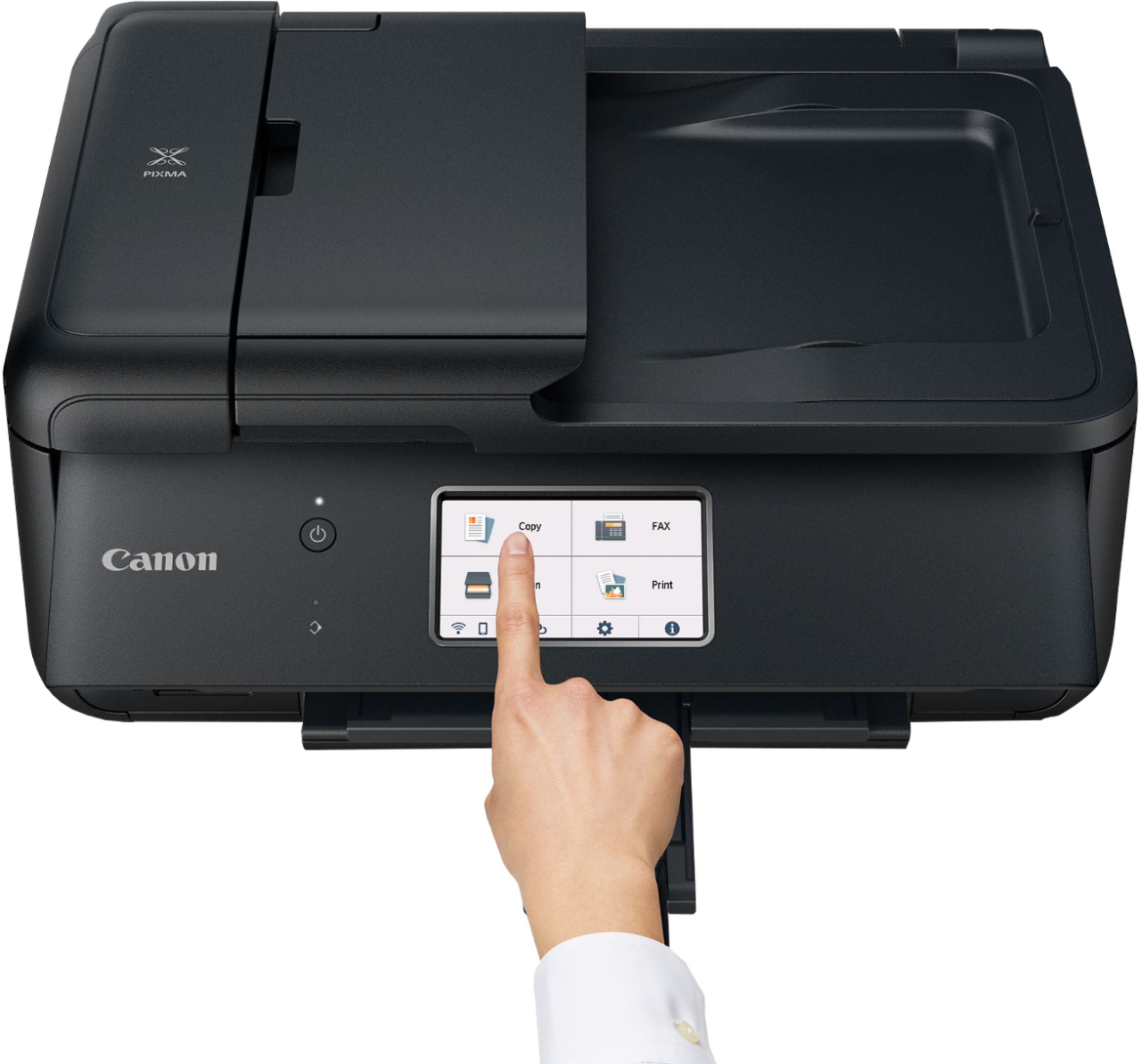
|Posted .This reviewer received promo considerations or sweepstakes entry for writing a review.I needed a compact, easy to use printer to use at home. I selected this Canon and it has all the features I need:print, scan & fax. I like to print my photos at home and think it provides a nice quality photo. Set up was a bit tricky and took longer than I wanted but once done the machine is easy to use. The touchscreen is self explanatory and a nice feature. It’s a great size for my small in home office and is fairly quiet while performing its jobs. I give it a thumbs up!
I would recommend this to a friend Nice looking printer
||Posted . Owned for 3 weeks when reviewed.This reviewer received promo considerations or sweepstakes entry for writing a review.Honestly, we haven't had time to hook it up yet....just been too busy! However, We're HAPPY we chose this printer,
I would recommend this to a friendAll in 1 canon
||Posted . Owned for 3 weeks when reviewed.This reviewer received promo considerations or sweepstakes entry for writing a review.Very difficult to learn how to operate the fax portion. Other than that love all the features this 3 in 1 offers.
I would recommend this to a friendCanon printer replacement
||Posted . Owned for 1 month when reviewed.This reviewer received promo considerations or sweepstakes entry for writing a review.I was able to buy the upgrade/newer model and still use ink cartridges I already had. (Cartridges are expensive and it made buying another Canon a "no-brainer") New model has also made ease of use improvements as well
I would recommend this to a friendOn the Whole, I'd Rather be in Pittsburgh!
||Posted . Owned for less than 1 week when reviewed.This reviewer received promo considerations or sweepstakes entry for writing a review.It was not straightforward to install. The Ethernet plug on the back of the unit was not in the location indicated in the instructions, which were very specific about not connecting to the wrong receptacle. In addition, in the software installation, it took several loops through the installation process to find the proper path. The Ethernet option did not work. I had to use the USB option to get it to complete installation. Finally, the unit never printed properly and after exhaustive attempts to clean and align the print nozzles, using almost full tanks of ink, I invoked the product protection plan. That's another review for another time. On the whole, it was just another Pandemic experience with poor quality control and customer service.
No, I would not recommend this to a friend