Customer Ratings & Reviews
- Model:
- 3775C042
- SKU:
- 6367448
Rating by feature
- Value
Rating 4.2 out of 5 stars
- Quality
Rating 4.3 out of 5 stars
- Ease of Use
Rating 4.1 out of 5 stars
Customers are saying
Customers appreciate the PIXMA TS8320's excellent print quality and ease of use, finding it straightforward to set up and operate. Many also highlight its compact size and sleek design. However, some users experienced issues with the paper tray and occasional reliability problems.
This summary was generated by AI based on customer reviews.
- Pros mentioned:Setup, SizeCons mentioned:Paper tray
Simple to setup and compact
||Posted . Owned for 3 weeks when reviewed.This reviewer received promo considerations or sweepstakes entry for writing a review.Setup instructions were easy to follow. This all-in-one was about a 1/3rd the size of the old HP. Printing directly from a smart phone is very easy. The only complaint is the plastic parts keep getting thinner and therefore more flimsy so you need to be gentle with opening the paper trays. Photo printing was very fast compared to the 5 yr old HP this replaced.
I would recommend this to a friend - Pros mentioned:Ease of useCons mentioned:Paper tray
Good for the price
||Posted . Owned for 1 month when reviewed.This reviewer received promo considerations or sweepstakes entry for writing a review.The unit feels a little flimsy. Set up was easy and easy to use until you run out of paper and no one explains the difference in the paper trays. Found out through watching a YouTube the small top tray is the paper tray and the bottom tray holding the paper is the paper feed. Once got that figured out everything has been good. It was a good price for what it is.
I would recommend this to a friend - Cons mentioned:Paper tray
Good printer, but...
||Posted . Owned for 1 month when reviewed.This reviewer received promo considerations or sweepstakes entry for writing a review.We needed to replace our printer and settled for this Cannon. It prints well, but whenever the paper tray is only halfway full it says that there isn't any paper in the tray. Other than that, I would recommend this printer.
I would recommend this to a friend - Cons mentioned:Paper tray
Worked well for awhile, currently can't print!
||Posted . Owned for 1 month when reviewed.This reviewer received promo considerations or sweepstakes entry for writing a review.I purchased during the pandemic. I could not get any help or answers to my questions. No where did the manual or Geek squad tell me that I needed a cable to connect my printer and laptop. Of course one wasn't included in the package. Finally a friend figured it out and it worked okay for a while. Now it reports a jam that does not exist & keeps telling me to repeat what I just did. Never progresses to the next step. I have used the online manual but am still stuck with a printer that doesn't work! I will call the Geek squad again and may have to return the printer.
No, I would not recommend this to a friend - Cons mentioned:Paper tray
PS 8320 Printer review Canon
||Posted .This reviewer received promo considerations or sweepstakes entry for writing a review.Very flimsy feeling. Printer tray sticks out unproportionally that need to shove back manually after power off. Top cover hinges feels they are broken or loose Makes very weird sound before printing Had to buy it because my old cannon broke down after so many years and everything else was out of stock due to covid 19
No, I would not recommend this to a friend - Pros mentioned:Print qualityCons mentioned:Paper tray
Get an extended warranty with this printer
||Posted . Owned for less than 1 week when reviewed.This reviewer received promo considerations or sweepstakes entry for writing a review.It prints great (when it does)but had to return it because it constantly says”paper jam” and there wasn’t any paper in the printer.
No, I would not recommend this to a friend - Cons mentioned:Paper tray
Good printer for the money
||Posted . Owned for 1 month when reviewed.This reviewer received promo considerations or sweepstakes entry for writing a review.Good printer for the money. Has a few good things that my old one didn't have.
I would recommend this to a friend - Pros mentioned:Print quality, SizeCons mentioned:Paper tray

Awesome All-In-One
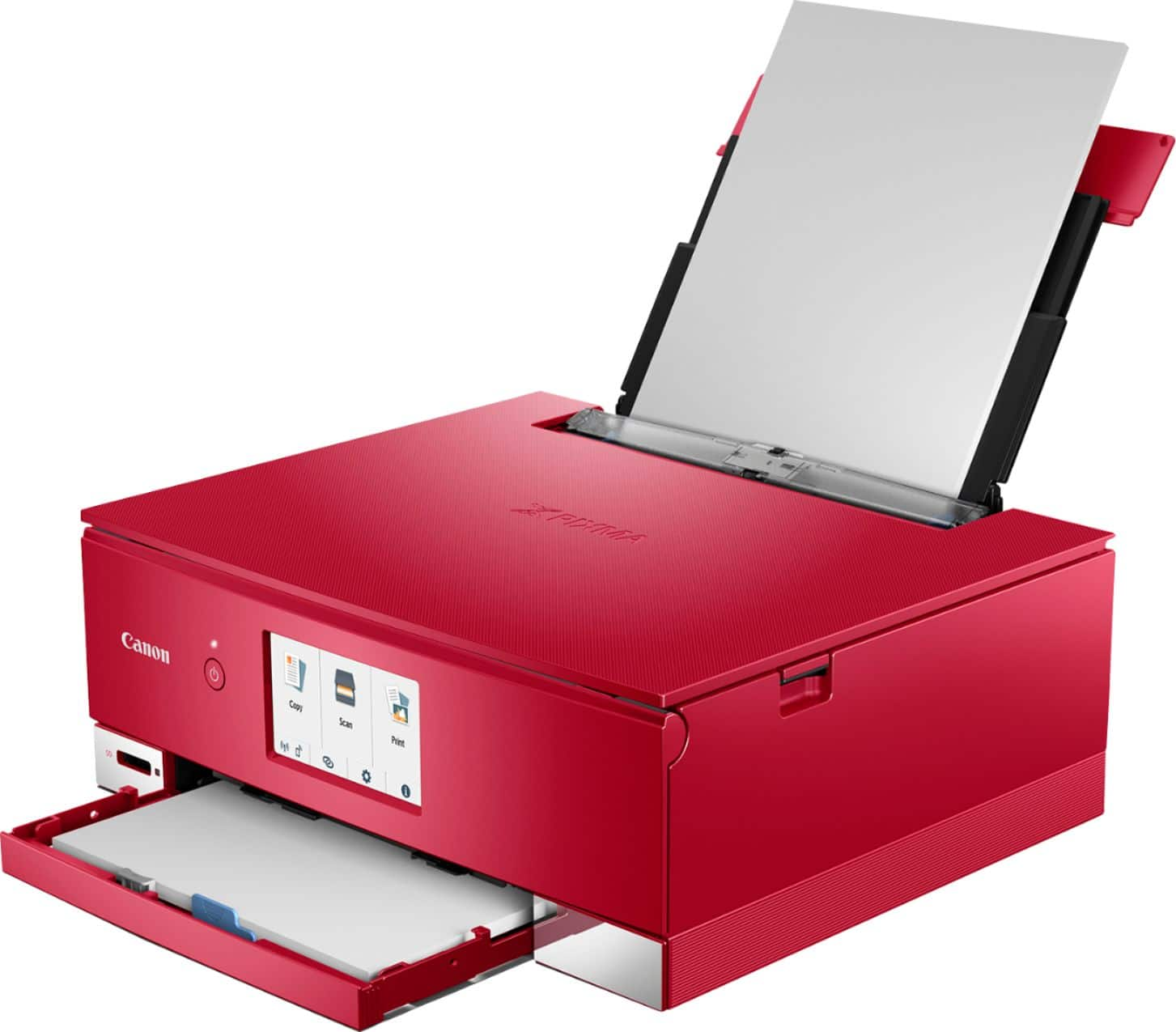
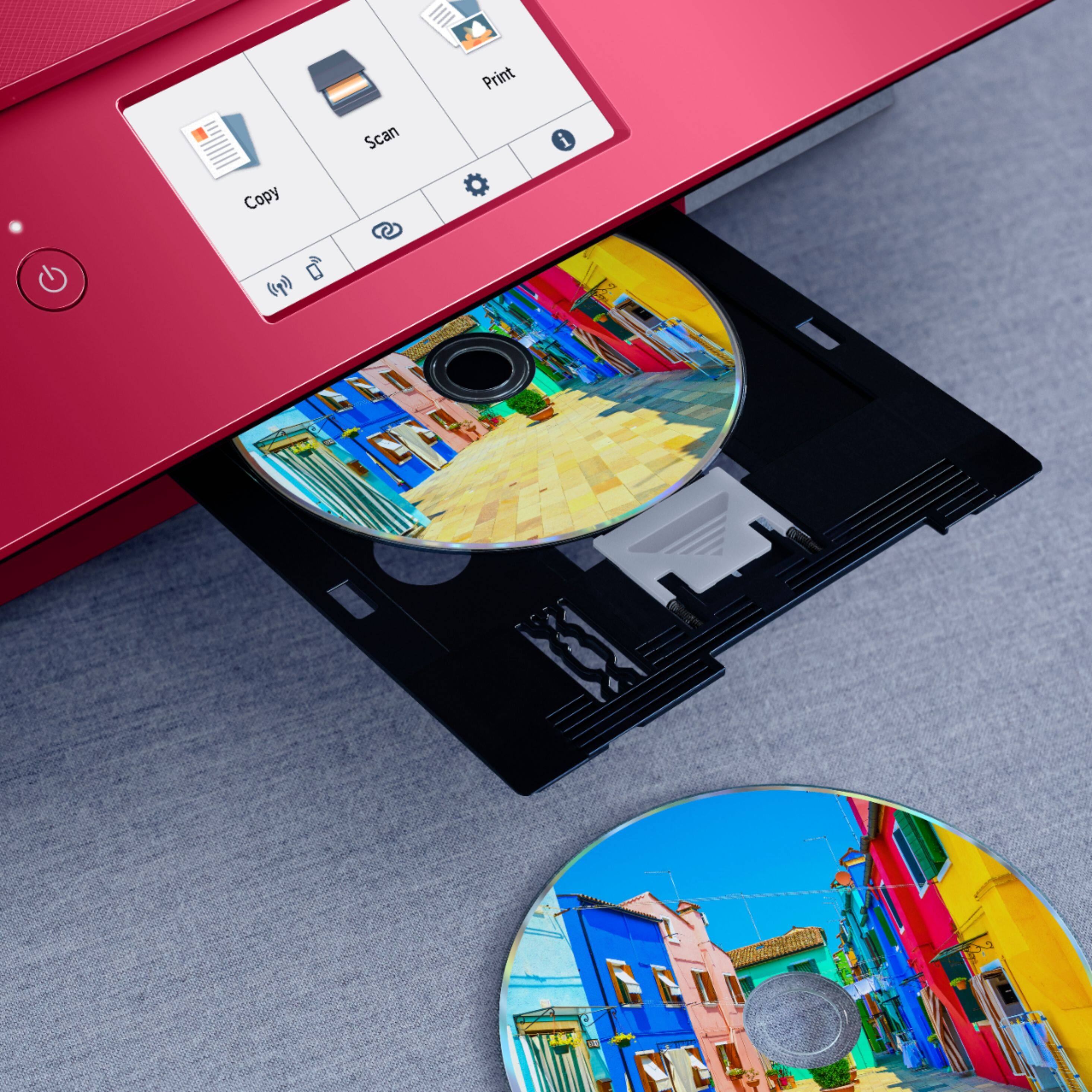
|Posted .This reviewer received promo considerations or sweepstakes entry for writing a review.Many years ago I switched to Canon printers. I’ve found Canon printers to have excellent quality for photo printing, better features than most of the peers in this category, and decently long service lives for what is a fairly complex and relatively inexpensive piece of hardware. My old one was finally starting to give up and the TS8350 was the equivalent model to replace it with. The TS8350 is packed with features and is in a compact (for an all-in-one), sleek box. It actually looks nice on a desk and fits in with just about any home office. The printer features everything an all-in-one should have – a scanner, two paper feeds (a main tray for traditional letter sized paper and a back upper deck feed for specialty papers), dual band 2.4 and 5ghz wireless, an intuitive touch screen, discrete ink cartridges, and the ability to print on printable CD/DVD/BD discs. It can also direct print from various apps or from camera memory cards. It’s probably boring, but the dual paper feeds on Canon printers are really handy and well designed. The main lower tray handles traditional sized papers, and the back upper feed handles photo and specialty papers (it can handle letter sized paper too). The printer also has a built in duplexer so it can duplex print (print on both sides of a single sheet) without manually flipping the paper, a huge plus when trying to conserve paper. The back upper deck feed is something my previous Canon didn’t have – the one I had before had two lower trays, and I like this design a lot more. This back feed automatically detects how far apart the paper guides have been set and the printer will ask you to verify compatible paper sizes – this allows the printer and devices connecting to it to know exactly what size they are printing, which is awesome for things like AirPrinting square photos. Additionally, the papers are loaded print side facing the user, which is more intuitive. The best part though is that the papers loaded in this back deck feed don’t need to do a “U” flip through the printer, which is excellent for thicker media like magnetic paper. I like Canon’s multi-ink system, although they can get kind of expensive to keep replacing. If you are printing a lot of a certain color (black text, blue sky pictures, etc), not having to toss out single multi-color ink cartridges still full of red and yellow pigments is more efficient in the long run. It also allows Canon printers to have excellent photo quality, with discrete cartridges for picture black and picture blue (a more grey/blue color). Photo quality is excellent as expected from a Canon. The front control panel flips up for more intuitive control, and finished paper tray will automatically extend to receive printed media, a nifty trick. The tray tilts letter sized paper up slightly to keep it from flying off and keep the sheets in order, which is nice. I did find that some smaller photo papers are kind of trick to get to in the back of the tray around the control panel. Also, pushing the control panel back down almost feels like it takes too much pressure and something might give, but it also has to be sturdy enough to be used so this make sense. The scanner works well, and works for scanning to a PC or copying media. One other quirk to keep in mind is that by default the printer will power off after 6 hours. Without changing the power saving settings, this means that you can’t print to it without powering it back on. Finding the options for this are a little counter intuitive. Tap the settings gear, go to Device Settings, Other Device Settings, Energy saving settings, and enable “Auto Power On” to allow the printer to “wake up” when something prints to it, or disable the auto power off entirely if that is more your desire. Overall, this is an excellent, stylish, feature packed printer at a good price. Canon is one of the few left that still retains the ability to print directly on discs, and the discrete inks allow for you to get every last drop out of them and allow for more dynamic color blending in photos. They are about as close to lab quality as you can get at home, and are the icing on the cake for this great all-in-one printer.
I would recommend this to a friend - Cons mentioned:Paper tray
Older printer MX922 is much better printer
||Posted . Owned for 2 months when reviewed.This reviewer received promo considerations or sweepstakes entry for writing a review.Not impressed with this Canon printer. It jams all the time. I receive a notice of paper jam, clean it all out and reset it. Then the s paper jams again. This process repeated about 8 times before I gave up. The rear paper cassette works ok though. It just seems that this particular model waput together very cheaply especially the paper tray.
No, I would not recommend this to a friend - Cons mentioned:Paper tray
Piece of junk. Avoid.
||Posted . Owned for 4 months when reviewed.This reviewer received promo considerations or sweepstakes entry for writing a review.The worst printer I've ever had the misfortune to own. Has all the bells and whistles but is a total pain to use. Always asleep and then you will spend 15-20 minutes turning it on and off trying to get it to work and connect to the router, which is 6 feet away in the same room. Then, if it connects, 9 times out of 10, the paper jams. This printer is junk. Avoid.
No, I would not recommend this to a friend - Cons mentioned:Paper tray
no to the printer
||Posted . Owned for 7 months when reviewed.This reviewer received promo considerations or sweepstakes entry for writing a review.This printer is a waste of $. The paper tray is terrible, scanning is a high hassle, jams, goes through so my ink, don't waste your money.
No, I would not recommend this to a friend - Pros mentioned:Print qualityCons mentioned:Paper tray
Great printing, ok printer.
|Posted .This reviewer received promo considerations or sweepstakes entry for writing a review.After having this printer for a couple weeks I have developed a few opinions of it, both good and bad. Since I’m generally an upbeat kind of guy, let’s start with the positives. Well the main positive is probably its most important feature. It prints beautiful pictures! The quality of the images I get are the best of any printer I have ever owned. Use some good quality photo paper and man; you will get some amazing prints. I can’t overstate how impressed I am with the quality of an image this thing can produce. Well beyond my expectations for a printer in this price range. So if all you care about is an affordable near photo quality printer you will use occasionally, this is a pretty solid choice in my opinion. In that circumstance I would recommend this to a friend. Now for the negatives. It’s a little on the loud side. The machine feels cheap and flimsy, when I mess with the paper tray I’m constantly worried its going to break. I still can’t get it to work wirelessly, I’ve never had such a difficult time setting something like this up in my life. I tried tech support but got not help. My brother is usually excellent with these sorts of things as he has done IT support for a living and he couldn’t get it to work. So I gave up and just connected via a network cable. The scanner I think is working, but I hope its not as intended because the quality is very poor. I've already had 4 paper jams and have only printed maybe 30 pages. And the overall design just feels like is has an unnecessary amount of moving parts that makes me worry about longevity. So as you can see I'm really of two minds here. I gave it 3 stars despite all the issues because at its core its actual printing ability is amazing. If the rest of the machine was on the same level as the actual printing it would be an absolutely fantastic printer. But past its main function everything is pretty much 1 star.
I would recommend this to a friend - Cons mentioned:Paper tray
Surprise its actually junk
Posted .This reviewer received promo considerations or sweepstakes entry for writing a review.Ink Cartridges suck. In the last two weeks I put in two new sets, and I can't get the blue ink to print unless I run a test page each session. As far as the rest of the printer, it does jam every once in a while, considering how often I use it... which is rare, I'm shocked that its doing that at all.
No, I would not recommend this to a friend