Customer Ratings & Reviews
- Model:
- 3775C042
- SKU:
- 6367448
Rating by feature
- Value
Rating 4.2 out of 5 stars
- Quality
Rating 4.3 out of 5 stars
- Ease of Use
Rating 4.1 out of 5 stars
Customers are saying
Customers appreciate the PIXMA TS8320's excellent print quality and ease of use, finding it straightforward to set up and operate. Many also highlight its compact size and sleek design. However, some users experienced issues with the paper tray and occasional reliability problems.
This summary was generated by AI based on customer reviews.
- Pros mentioned:Print quality, Size
Perfect for what I need this for!
||Posted . Owned for less than 1 week when reviewed.This reviewer received promo considerations or sweepstakes entry for writing a review.I thought I wasn’t going to like this BUT, it turns out this is the BEST printer I have owned! It cam with everything I needed. Including ink! I’m so glad that I took the shot. It’s small foot print is great to go under my desk and printing Is so quick. I’ll attach a photo of one of my prints ( in color ); so you can see what it looks like! I heard someone complain about the “plastic” and I don’t mind it! It’s not so cheap feeling and its a solid build. It’s worth it! For 150 yeah it’s perfect. I was looking for an inexpensive & easy to use printer. This is what you need.
I would recommend this to a friend - Pros mentioned:Print quality
Great printer at a great price.
||Posted . Owned for 1 year when reviewed.This reviewer received promo considerations or sweepstakes entry for writing a review.This is a great printer. Would recommend it 100% printing quality is top Notch.
I would recommend this to a friend - Pros mentioned:Print quality, Setup

Good Printer, But There's a Catch
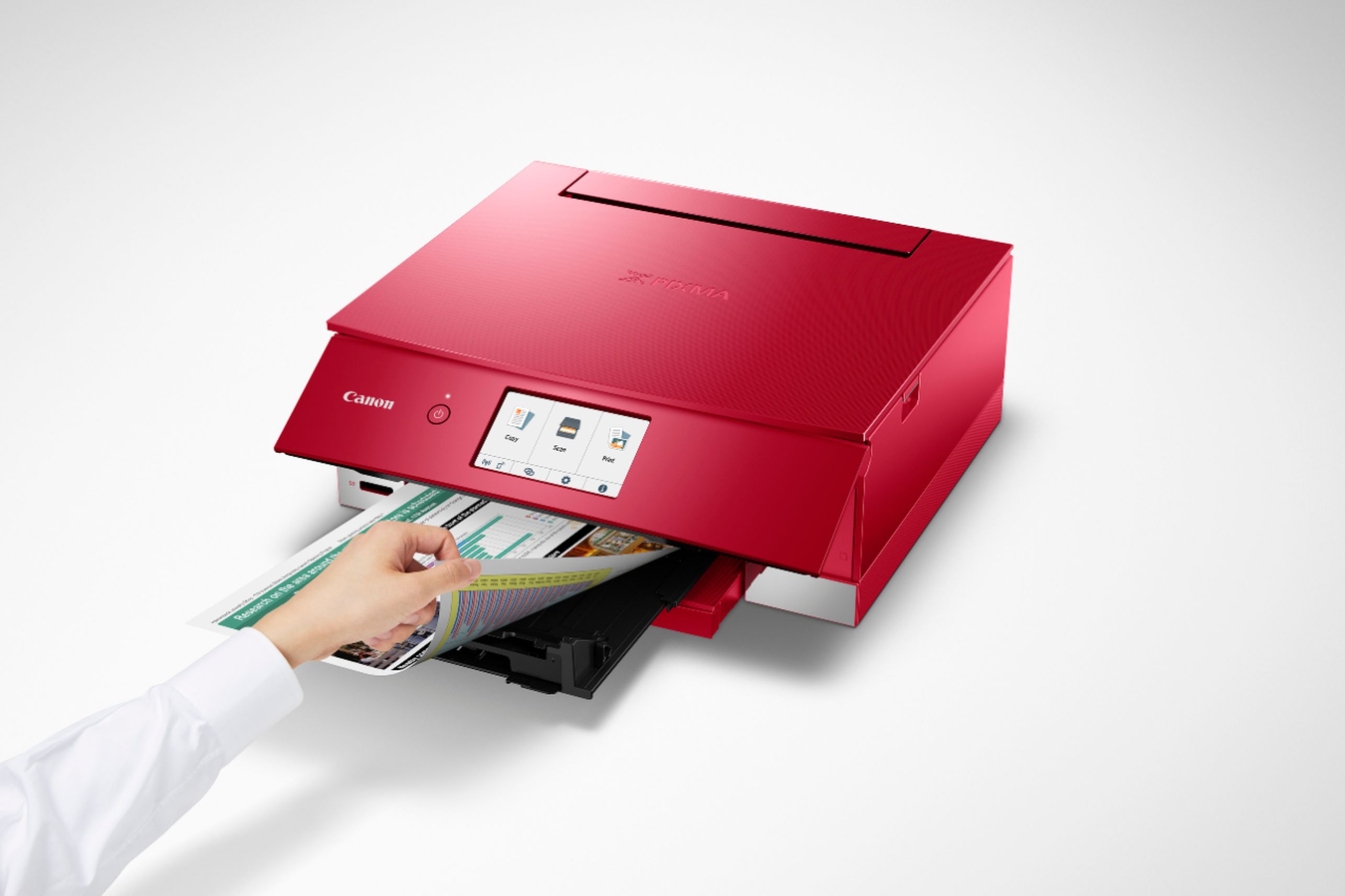
|Posted .This reviewer received promo considerations or sweepstakes entry for writing a review.Overall, I really like this Canon printer. Right out of the box, you can tell it's well made. I felt well guided through the setup process when I followed the setup link and watched the setup video on Canon's website. However, even with the setup video, it took me about 30 minutes to set this this up from opening the box to printing page one. There is a ton of plastic protectors to remove, a Canon utility to download, ink cartridges to insert, and an alignment that needs to run. Once functional, this thing is like most modern home-office printers. It connects to your devices wirelessly, it prints, and it scans. But there are a couple things that make this unique and a little bit nicer experience, especially for photo printing. There is an SD card slot on the front of this printer that allows you to print photos straight from your camera without going to your computer first. Love that feature. The additional ink cartridges/ colors create really nice photo prints, especially on photo paper. The touch screen makes it easy to select what you want the printer to do, change settings, etc. I also really like the fact that this printer can do two-sided printing all on its own. It is a bit slow, but it's far easier than taking each sheet and flipping it manually. I'm down for easier ways to save on paper! But, what's the catch? The additional ink cartridges are a huge plus for range of colors this thing can print, but that comes with a hefty ink bill. There are six ink cartridges in this printer and if you buy them directly from Canon, you're talking $10.99 per regular cartridge, and $15.99 per large blank cartridge. For me, I don't print enough for ink costs to be a constant and pressing concern, but if you do, be mindful you're going to spend a bit for those really nice prints.
I would recommend this to a friend - Pros mentioned:Print quality
Wireless Photo Printing for the Win!
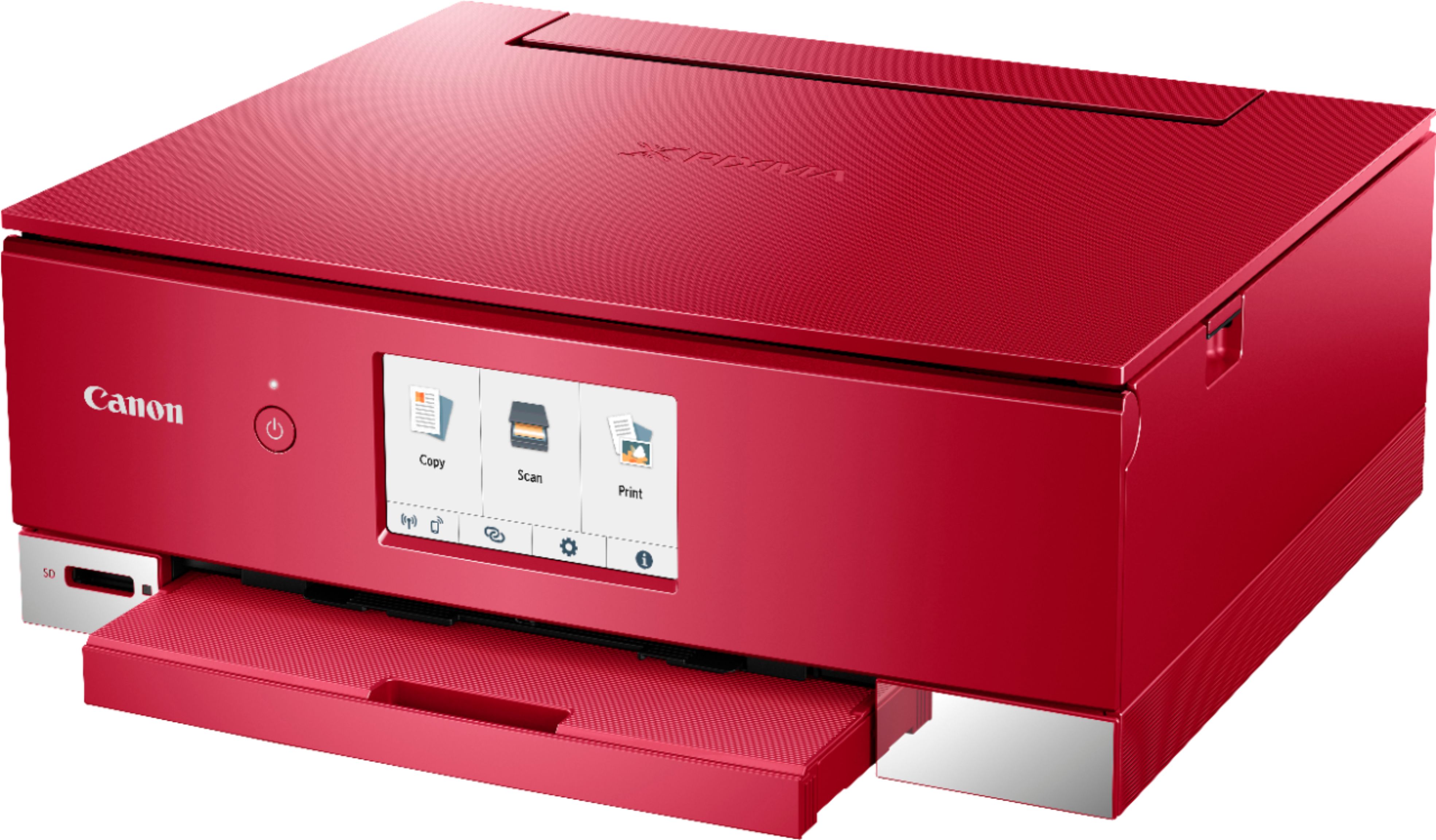
|Posted .This reviewer received promo considerations or sweepstakes entry for writing a review.Bottom Line Upfront: The Canon PIXMA TS8320 is an affordable, wireless, feature packed inkjet printer that excels at photo printing. There is room for improvement, particularly in its “plasticky” design and scanning capabilities. Be aware that you will need to purchase 6 separate ink refill cartridges as they begin to go through their life cycle. ===================================================================================== Detailed Thoughts and Observations: ===================================================================================== Design/Physical Appearance: This Canon PIXMATS8320 lends a new level of productivity to my home office and nicely compliments my Canon Multifunction Color Laser printer. The Pixma is sleek, relatively compact, and sports a decent sized color touch LCD screen for control. There is even an SD Card reader slot built into the lower front facing lower panel for added convenience. Unfortunately, some of the PIXMA TS8320's design decisions present some minor draw backs that bring it down a little in my opinion. - The scanner lid is feather light, and exhibits relatively large amounts of “flex”. It seems durable enough not to snap, however it also comes across as a little on the flimsy side. Interestingly, it does have an interesting texture on the upper surface that helps hide scratches, smudges and fingerprints very well. (more on that below) - I worry the plastic support joints that hold the scanner lid onto the body of the printer may not hold up to prolonged, heavy, or sustained use over time. - The shiny gloss plastic on the main body look great – when new – however, I tend to dust and wipe my equipment to keep it clean on a regular basis. As a result of this, the shiny gloss plastic body panels are beginning to show light swirl marks in the surface. This is purely cosmetic; however, it makes me wonder why they didn't just make the whole body out of something like the scanner lid (see above) - which would have also help to reduce the fingerprints and dust I was wiping off in the first place. - I’m not entirely sure why the paper loading tray had to be designed to “stick out” the way it does. I’m certain there is/are engineering reasons for why it is the way it now; however, I feel that the paper trays current design makes it look like it has a “buck tooth” jutting out an otherwise compact, professional looking design. - This should not come as a surprise ... but the Pixma TS8320 is comprised out of a fairly large amount of plastic - within plastic - within even more plastic panels and trays ... and of course we can't forget the plastic doors that have more plastic things inside them as well. This is not a negative observation per say, since this design seems to contribute to the overall compactness and professional design of the unit. It is still something to be aware of though, particularly if you don't want to remove a plastic tray, only to pop out another tray cover that feeds into another plastic bay… just to refill the paper for example … while simultaneously not trying to have the CD printing tray or front facing plastic panel get in your way. Functionality/Performance: Setting the printer up was very easy with the included instructions, and the Canon PRINT App works well enough to configure, monitor, and sync the Pixma TS8320 all by itself. That in itself is say A LOT. So many of the “Apps” out there work right some of the time, and usually cut out some of the features of whatever product your trying to control/access. I was pleasantly surprised to have been able to manage and install all of my desired network and local print settings through the Canon PRINT App itself – wirelessly – without having to touch the built in LCD screen. I printed a fair amount of text only, mixed media style documents over the past few weeks and the Pixma TS8320 handled them well enough. The black and white text documents did not match the accuracy and clarity of my Canon Laser Printer, but were still above average and very readable. Color mixed media came out better, and I even printed some photos on the included photo paper that canon was nice enough to include as a sample. The photos were far and away they strong suite of this printer. No, its not professional photo lab prints, but it really good for at home, and honestly should be more than enough for the majority of users printing photos for everyday use. I plan on going out and getting some more photo paper myself for that reason. One of the most disappointing things I can across while using the Pixma came after I scanned some photos to send as email attachments to friends and family. The photos I scanned were mostly dark, and had heavy amount of low light and shadows in them, so realistically that may have been more detail than the Pixma’s imaging sensor can handle at this price point. That being said, I did try a few non-photo documents with bright colors and they came out exactly as expected. I was a little concerned with having to purchase 6 individual ink cartridges, however I noted that there are actually 2 types of “black” ink – one of which is pigment based; which should help lengthen the amount of time that the colors and other cartridges last. Some may see it a pro … others a con - The LCD system control menus are responsive, easy to understand, easy to navigate, and get things done. - The Canon PRINT App works as intended ... enough said - Text only documents were not the “best” quality – but still very good - Photos printed on “photo paper” were the Pixma’s ace in the hole - The scanner performance was subpar in my scans of colored images and documents - Start saving for 6 individual ink cartridges…the time will come when you need them eventually ===================================================================================== In Summary: ===================================================================================== Honestly, the Pro's far outweigh the Con's and if you’re looking for photo-centric inkjet printer…this is THE one to get. The only criticism I can honestly say affect my rating for the Pixma TS8320 were centered around plastic heavy/shiny panels used on the body of the printer and the sub par scanner design and my dark photo performance experience. If you need top notch scanner performance, or use the scanner feature a lot - then, and only then - would I say maybe look at some other models in this price range. Otherwise, you can’t go wrong with this printer. This is a solid 4 out 5 stars in my book.
I would recommend this to a friend - Pros mentioned:Print quality
Decent printer but very frustrating setup quirks
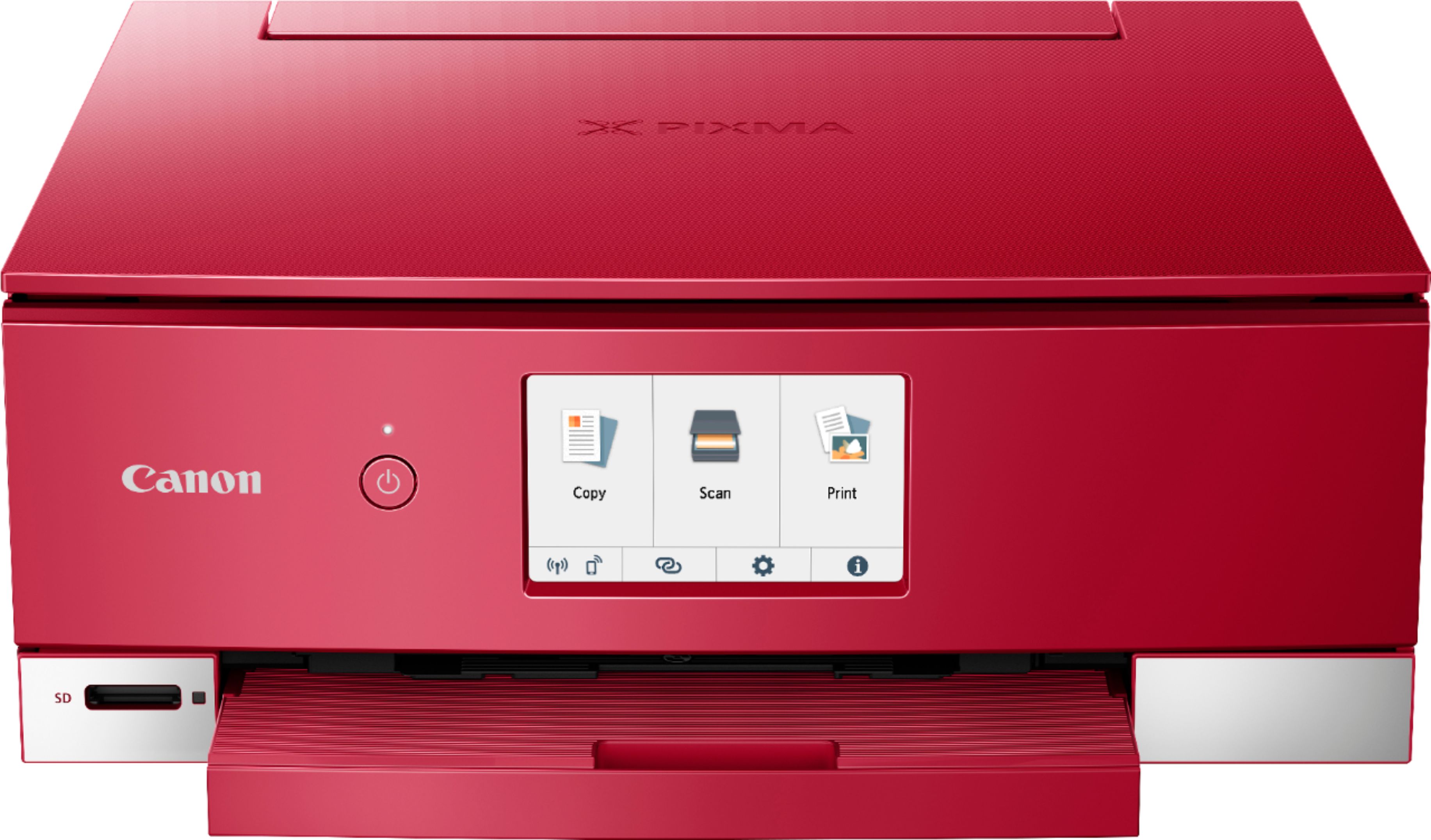
|Posted .This reviewer received promo considerations or sweepstakes entry for writing a review.The Canon TS8320 is a multi-use printer that doesn’t take up a lot of space on your desk – about 12 inches wide and a bit deeper with the trays extended, it’s still smaller than some others on the market. Build quality overall is ok, though I find the paper trays to feel flimsy and cheap, and the main body area doesn’t stay up well when installing inks (it could open more, in my opinion). I guess printers are considered disposable these days due to their pricing, so it is what it is. While I’ve seen this printer described as an “all-in-one”, keep in mind it does not have a fax function. The main screen (clear and bright), offers COPY, SCAN, and PRINT along with various settings. There is no paper feed built into the lid as you see on office class printers, in my opinion, this is much more appropriate for those wanting to do basic printing, photos, greeting cards, etc. There are six inks that include standard black but also a photo black and blue to get the best photo quality. Depending on your use, you can potentially save some money as you only have to replace what you need, but also, there are six, which can increase the cost if you need to replace them all. My biggest gripe against this printer which is why I’m only giving it the rating I am, is the setup process. Using the app was tedious, and the app itself keeps sporadically saying it is not connected to any wifi (though it is), and then will re-connect itself on and off, sporadically. I found this to happen on both the IOS (Apple) and Android app versions. Likewise, when the app shows you a frame as to what is supposed to be included in your print, the printer tends to crop it in tighter no matter your settings in the app. Example – the app will show you someone’s head is fully in the pic, but once printed, the top of their head may be cropped out, no matter the setting, etc. There’s also more than one app that can be used depending on what you want to do, but finding out what they are isn’t straight forward or brought to your attention via the main app, easily. In other words, setup for mobile type devices anyway, is a “hot mess”. Once I did get it up and running, the prints are fine, mostly. The 4x6 prints I’ve done (though cropped) look good and the colors are very nice. They come out for the most part dry and ready to hold. Plain paper printing looks good overall, as the text is sharp and the photos on plain paper what you can expect for that, however, the TS8320 is pretty heavy-handed using ink on plain paper. I use a slightly thicker than normal inkjet paper for plain paper printing, and they come out feeling soggy and wet with the TS8320 – much moreso than a similar Epson I use at home, and a HP we use at work. So much so the paper coming out of the Canon is curled and warped, and needs to be set aside to dry. This is with all printer settings set correctly for plain paper, etc. I’ve noticed the ink tank levels drain quicker than the norm, too, so I can guess even after a short time using this that it’s heavier on ink use than my Epson or the HP at work. The copy function works fine so long as you don’t have a ton of copies since there’s no true paper feeder. Double sided printing works, though again, with heavier ink use. The scan function works, but fine detail seems to be missing compared to others I’ve compared it to. Most should be fine with the scans, though. One I got a fairly stable connection to maintain itself, the printer will scan photos or documents directly into the Canon app on the phone/tablet and on those screen sizes they look fine. From there, you can send or save them onto or from the device. I do notice at times with pics though, it will leave a thin white line around the bottom and sometimes one side of the print when saving it. There is an auxiliary tray that will allow you to print on DVDs but I was unable to try this function. It also claims to allow you to print “fingernail stickers” (do people do this?). Rating is hard on this one because overall in terms of print quality I would give it four stars, but in terms of setup process, the app being unnecessarily quirky, and connection issues, I’d give it two stars. So I’ll just settle for three to average the score. There are better printer out there, but sometimes this one is on a steep discount already, so if you are willing to put up with a little frustration and don’t mind figuring a few things out for yourself, this could still be a good deal for you. If Canon can clean up the apps, combine all of them into a single app, and fix the wireless quirks, I’d recommend it even more.
No, I would not recommend this to a friend - Pros mentioned:Print quality
Great Quality and Setup Support
|Posted .This reviewer received promo considerations or sweepstakes entry for writing a review.I recommend this printer to anyone looking for an inkjet printer for photos and/or letter paper. I can honestly say that Canon offered great step by step setup instructions for the PIXMA TS8320. Connecting everything took some time, but it was super worth it to sit there and connect via WiFi, Bluetooth, etc. The printer comes with a complimentary set of three 5” x 5” photo paper so after I finished the setup and the test print on letter paper, I popped in a 5” x 5” photo paper to the rear tray and printed from the Canon Print Selphy app. The app is awesome because you can print directly from your phone. This printer can also connect to Dropbox and Google Drive - not from your phone, but directly on the printer’s LCD screen. I was very impressed by this! The screen is a little sensitive so be patient with it when you’re selecting your paper type or signing in to cloud services. I was a little confused on how to set up the rear tray but all I had to do was search online “how to set up rear tray on Canon TS8320” and Canon had a video tutorial just for that! The paper goes face up on the rear tray FYI. The photo I printed was quick and looks high quality, great color rendition. This all-in-one inkjet printer is quite the powerhouse. It’s pretty compact for a printer so I’m able to set it up on my desk next to my computer. I mainly wanted this product for the printing aspect so the scanner is a plus for me. Upon doing the setup where the printer makes a test print with letter paper, I was happy to find out it does double-sided printing. The printing time itself was quick with both letter and photo paper. It’s a hefty but not extremely heavy product - it really feels like a quality product when you pick it up. The packaging was very protective and offered manuals and other reading material.
I would recommend this to a friend - Pros mentioned:Print quality
Great Printer
|Posted .This reviewer received promo considerations or sweepstakes entry for writing a review.The Canon Pixma TS8320 is a nice printer with many features! The setup could have been easier but I found excitement in the setup because this is where you'll understand the printer. The printer has many different jobs it can do but the coolest is the printable nail stickers, however I was really disappointed when I found that no sample paper was given to print these nails in which I probably won't buy any just on the simple fact I don't know how they work and would have liked to try them first. This printer can accommodate almost every paper size and it includes a cassette tray that hides your paper. The other cool thing is the rear tray is for photo paper so you know your not mixing up your paper types. Quality of prints are amazing! I printed off reports, powerpoints, and photos! Every job ran smooth and the colors pop more with Canon than what most other printers can do. I fully recommend this printer!!
I would recommend this to a friend - Pros mentioned:Print quality
Excellent Printer With a Variety of Perks!
|Posted .This reviewer received promo considerations or sweepstakes entry for writing a review.Are you looking for a printer that prints your documents and more? This Canon All-In-One Printer does it all. It not only prints your documents but it prints out vibrant photos. But wait...that is not all. After playing around with the settings, I have discovered that this printer has a quiet mode! You can also print from your phone if you so desire. Along with that, the printer has pre-loaded templates such as a graphing paper, notebook paper, and a checklist! The vibrant LCD display is nice to the touch and simple to use. The instructions were clear and straightforward. Simply scan the QR code and you'll be directed to the set-up animations. The printer prints out fairly quickly and the prints are superb quality. The six ink cartridges are the reason for the high quality prints. The photos are the best prints! Along with the printer , you will receive a sample pack of 5x5 photo paper! The only downside to this printer is that there is no USB cable included with the printer. This printer supports USB cable printing from your computer but out of the box, you will have to print wirelessly. Overall, if you are looking for a printer that does it all. The printer lives up to its name. This is truly an All-In-One and you will not be dissapointed.
I would recommend this to a friend - Pros mentioned:Print quality
Super easy to set up
|Posted .This reviewer received promo considerations or sweepstakes entry for writing a review.This is a great printer. It is really easy to wirelessly connect to phones, computers or tablets. The print quality is very good. I have not had to replace ink yet but it apparently runs about $55 or so. I will probably look into refilling the cartridges at least a couple of times.
I would recommend this to a friend - Pros mentioned:Print quality
Ok Printer
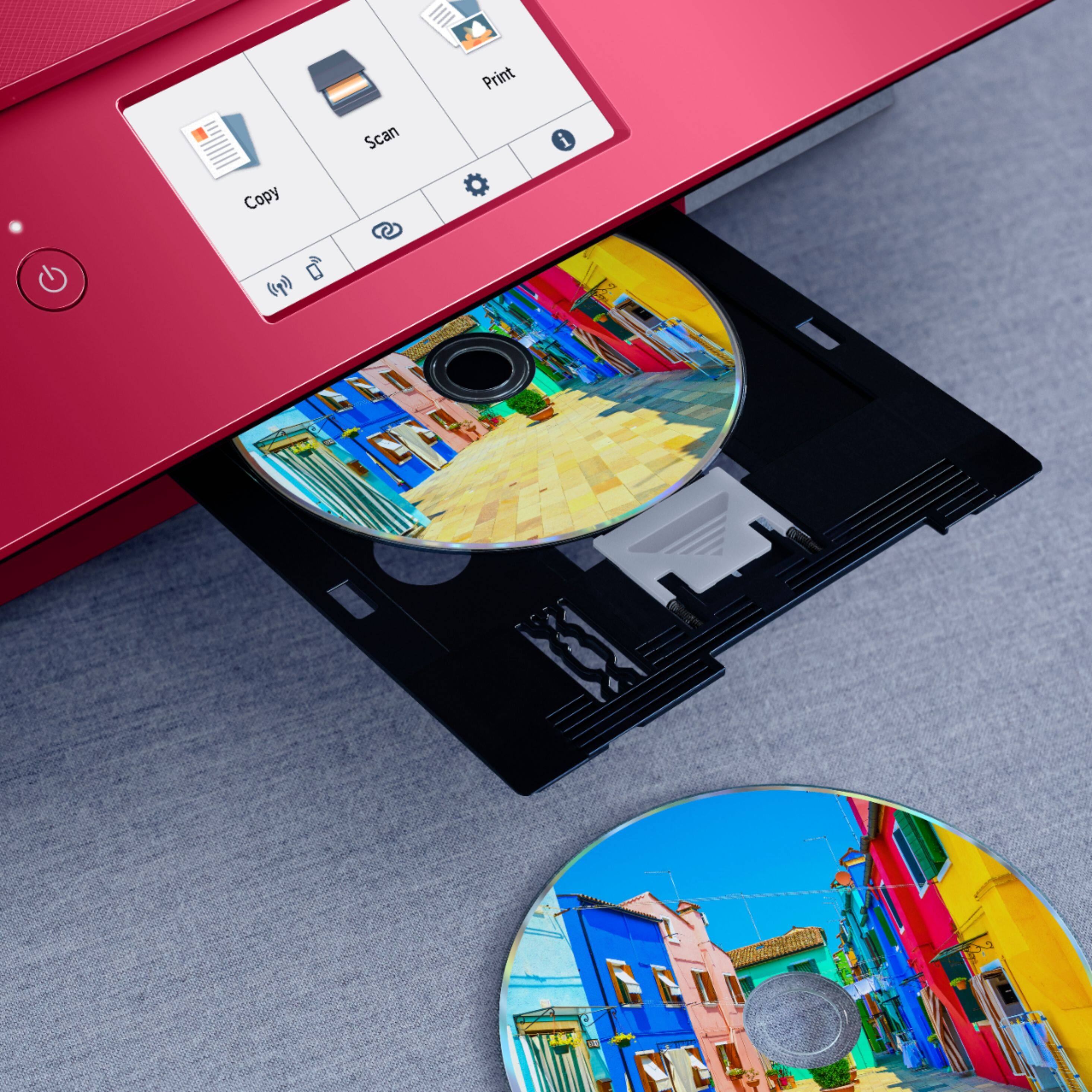
|Posted .This reviewer received promo considerations or sweepstakes entry for writing a review.The Canon TS8300 Printer had some issues at first, I got an error while trying to install the software. After a couple of tries I got a little further when I got a script error. After the work around I was able to finish the installation. The printer prints DVD/CD disks. The tray uses a pinch method vs a center hole snap on. While printing the disks if you twist the tray while putting it in the printer the disk becomes lose and smears the ink. The slot for inputting the DVD/CD tray is well hidden behind the door. You have to bend over every time you put a disk in to align it properly. Printing on paper is nice, I got sharp printouts on both documents and pictures. I did not have any problems with the printing on this Canon TS8300. If you are doing a lot of DVD/CD disk printing I would pass on this Printer. For regular at home/home office printing this printer can handle it.
No, I would not recommend this to a friend - Pros mentioned:Ease of use, Print quality, Setup
Great for printing stickers
||Posted . Owned for 3 weeks when reviewed.This reviewer received promo considerations or sweepstakes entry for writing a review.I spent days researching an affordable printer with high quality and plenty of printer options. This printer has been so good to me since the day I got it. Easy to use and I use it religiously to print my stickers. Only thing is in order to use photo or sticker paper i have to use the rear tray which is fine but I can only set that setting with my laptop. My iPad only sends it to the cassette tray so I have to save and send my whatever i wanted printed on nice paper to my laptop. The ink it comes with is a lot. And I went through almost 50 pages of high quality sticker images until i finally ran out of ink. Set up was clear and easy and I enjoy this product.
I would recommend this to a friend - Pros mentioned:Ease of use, Print quality, Size
Excellent Printer
||Posted . Owned for 1 week when reviewed.This reviewer received promo considerations or sweepstakes entry for writing a review.I have had all the name brand printers. The Canon TS8320 is an excellent printer for text and exquisite photos. One of the best. It has a small footprint with great features. The installation was smooth and error free on Windows 10. If you are considering a new printer this is a great choice. You won't be disappointed. Photos look as good as my professional printer. Canon offers good support for their products.
I would recommend this to a friend - Pros mentioned:Ease of use, Print quality
Great little printer
||Posted . Owned for 1 week when reviewed.This reviewer received promo considerations or sweepstakes entry for writing a review.I just got one of these and couldn't be more pleased. The setup was straightforward and extremely easy. I will say however that if you intend to use the printer wirelessly you should follow the instructions on the Canon site for easy wireless connection. Basically, you just press the icon that looks like 2 paper clips on the printer's touch screen. It then walks you through all the other steps and works like a charm. This is my first wireless peripheral and It's great. I easily set it up on another computer by using the setup disc that comes with the printer. Interestingly, it still takes you to the online download and setup site. I wanted this printer for it's ability to print on CD's, DVD's, and Blu-Rays and that works extremely well. You just have to install the Easy-PhotoPrint Editor software and then choose to print a disc label from it. The other great features are the front loaded paper tray, the way the output tray automatically extends and retracts, the automatic 2 sided printing. The print quality is excellent and if you use the copy function, you can't tell the difference from the original. I have no cons against this product. Canon has knocked it out of the park with this one.
I would recommend this to a friend - Pros mentioned:Ease of use, Print quality, Size
Easiest set up!
||Posted . Owned for 4 months when reviewed.This reviewer received promo considerations or sweepstakes entry for writing a review.Amazing printer! The setup took less than 20 minutes and was very easy to connect my pc, and phone. I love that I can print from my phone as well. The ink is easy to access and replace and the print quality is great. The printer is compact and very space efficient. Excellent buy!
I would recommend this to a friend - Pros mentioned:Ease of use, Print quality
Canon Printer better than any HP
||Posted . Owned for 3 weeks when reviewed.This reviewer received promo considerations or sweepstakes entry for writing a review.I had a Canon years back and loved it. I had then gotten an HP printer which was junk from the beginning. The HP finally paper jammed beyond the point of being able to use it. I desperately needed a printer that day to help my grandson with his homework...no school here in Illinois. I knew I wanted a Canon again. I actually would have upgraded over this model, but this was in stock and I needed it that day. No time to get a better one shipped in. It does perform well and certainly worth the price. Clear printing, scans well and certainly easy to set up and use.
I would recommend this to a friend - Pros mentioned:Design, Ease of use, Print quality
Nice Job
||Posted . Owned for 2 weeks when reviewed.This reviewer received promo considerations or sweepstakes entry for writing a review.I’ve been buying Canon printers for years. Some are better than others. This one is a home run. Nice design, easy to set up and easy to use. The print quality is very good. I think it’s the cheapest I’ve paid for a Canon printer. I’m a happy dude.
I would recommend this to a friend - Pros mentioned:Ease of use, Print quality
Excellent Value for the Money
||Posted . Owned for 1 month when reviewed.This reviewer received promo considerations or sweepstakes entry for writing a review.I am very happy with this little printer. It has a small footprint, is very quiet, offers wireless printing and was very affordable. This is my second Canon inkjet printer and I am sold on this brand. It was also quite easy to set up.
I would recommend this to a friend - Pros mentioned:Print quality
Stayed with Canon
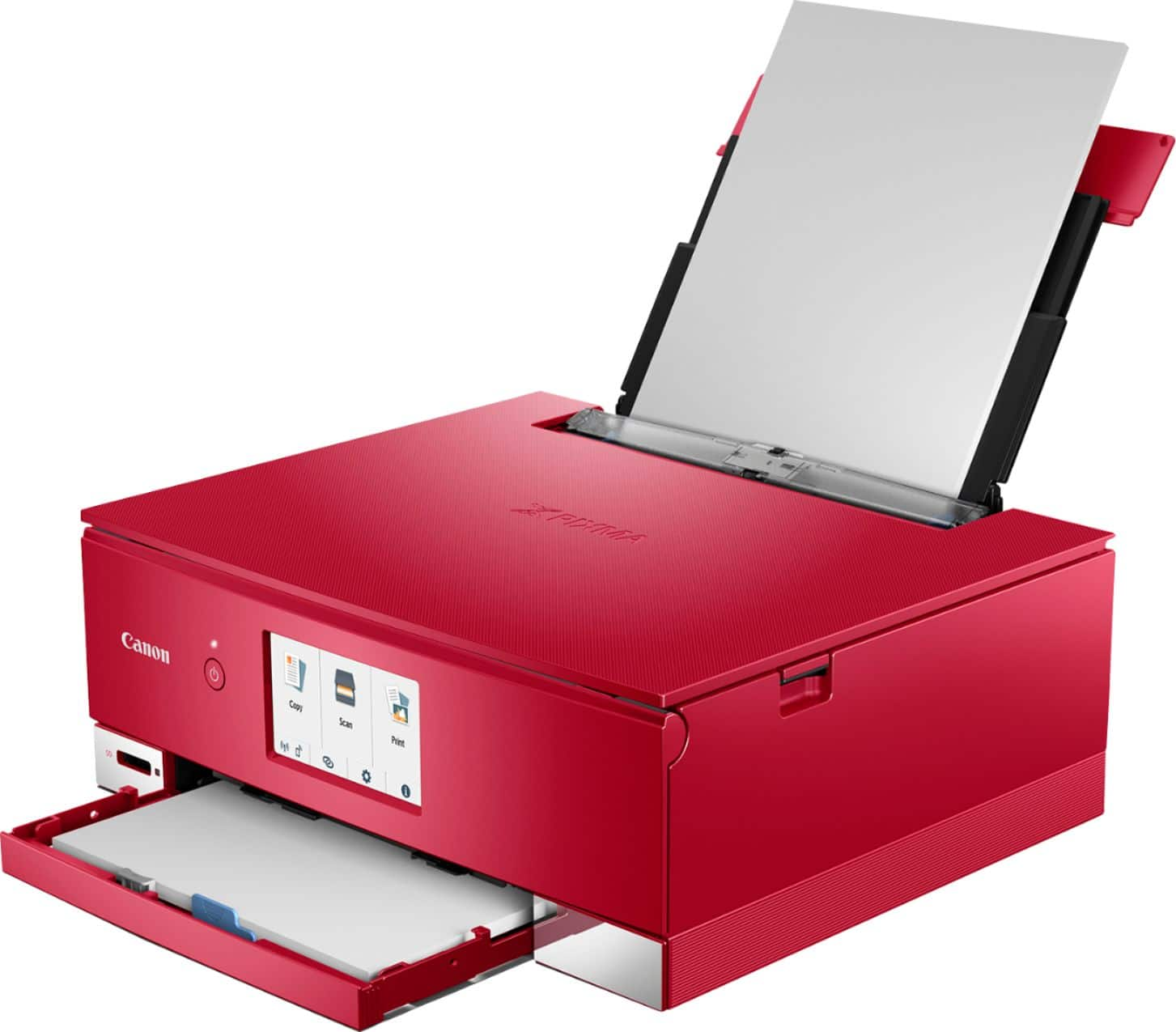
||Posted . Owned for 1 week when reviewed.This reviewer received promo considerations or sweepstakes entry for writing a review.Sadly, my dependable inkjet printer died and wouldn't turn on. While I ruled out HP due to it's lack of individual color ink cartridges, it was a close call between Epson and Canon. As a photographer, basic photo printing is mandatory and both had the multiple black, Canon added a purple (gray on the previous model) photo cartridge for greater midtone detail. What I liked about the Epson is both trays were inside, retaining a compact shape. The second tray isn't obvious on the Canon with a single lower tray. Setting the rear feed up becomes the second tray, but it is permanently open as it extends above the printer. While they probably could be switched, lower tray has letter paper while the rear feed is loaded with 4X6 Canon Glossy and it auto switches as it receives the print job from the computer. Printers have really shrunk compared to the similar class printer that was replaced, and was able to remove it from my desk with greater placement flexibility setting up wirelessly. Only complaint - I had just put fresh ink in the old printer which took the 150/151 cartridge and this one takes the 180/181 cartridge where no printer available today took the original cartridge set. That, of course, freed me up to consider Epson and while I ruled out the entry level model, look at the next two steps up, none of the three Epson models took the same ink as each other. Print quality of photos is excellent and no problem setting up AirPrint with Apple.
I would recommend this to a friend - Pros mentioned:Ease of use, Print quality
Great Canon printer!
||Posted . Owned for 1 month when reviewed.This reviewer received promo considerations or sweepstakes entry for writing a review.Easy set up for this Canon Wireless Printer. It does a great job of printing documents and is very quiet. The Canon app was easy to use when I had to replace the router and reset the wireless settings.
I would recommend this to a friend - Pros mentioned:Print quality
Great Printer
||Posted . Owned for 1 week when reviewed.This reviewer received promo considerations or sweepstakes entry for writing a review.This is my first inkjet printer since the 90's. While I will always prefer a laserjet, the toner cartridges are expensive, and we just needed a printer for home use. Setup was easy, once I connected it to the wireless network. It's a little loud, and since I'm spoiled by laser printers at work, of course it is a bit slower. However, the printouts look good, and it's just for home use, so this will work. I was most impressed that I can automatically send duplex print jobs to it. I tried it out, and this feature works nicely. I haven't tried printing photos yet, but I am hopeful that we will be able to enjoy this feature as well, based on other reviews. For home use, I would definitely recommend this printer.
I would recommend this to a friend