Customer Ratings & Reviews
- Model:
- 3775C042
- SKU:
- 6367448
Rating by feature
- Value
Rating 4.2 out of 5 stars
- Quality
Rating 4.3 out of 5 stars
- Ease of Use
Rating 4.1 out of 5 stars
Customers are saying
Customers appreciate the PIXMA TS8320's excellent print quality and ease of use, finding it straightforward to set up and operate. Many also highlight its compact size and sleek design. However, some users experienced issues with the paper tray and occasional reliability problems.
This summary was generated by AI based on customer reviews.
- Pros mentioned:Print quality

Great value on a do-it-all printer
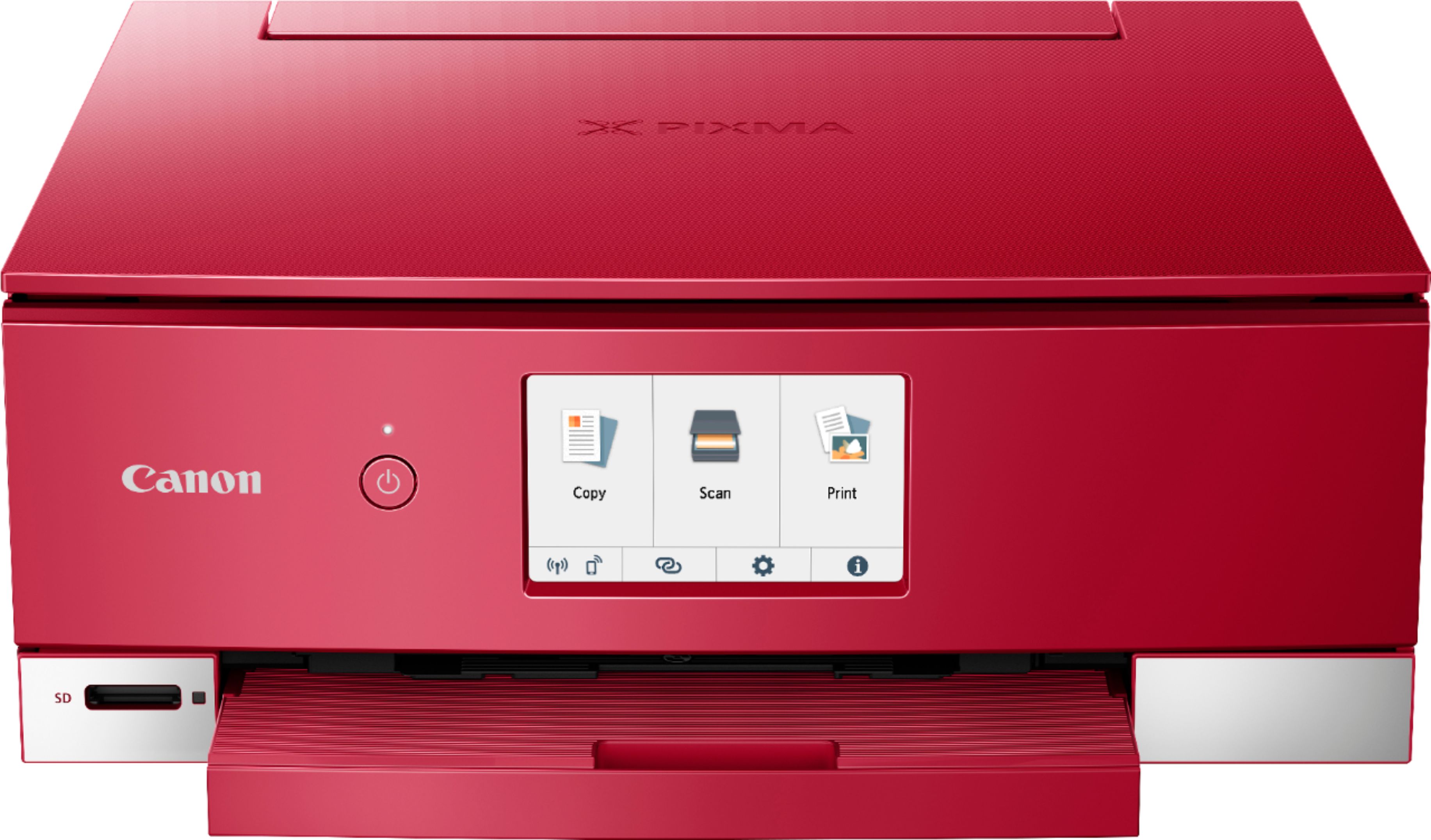
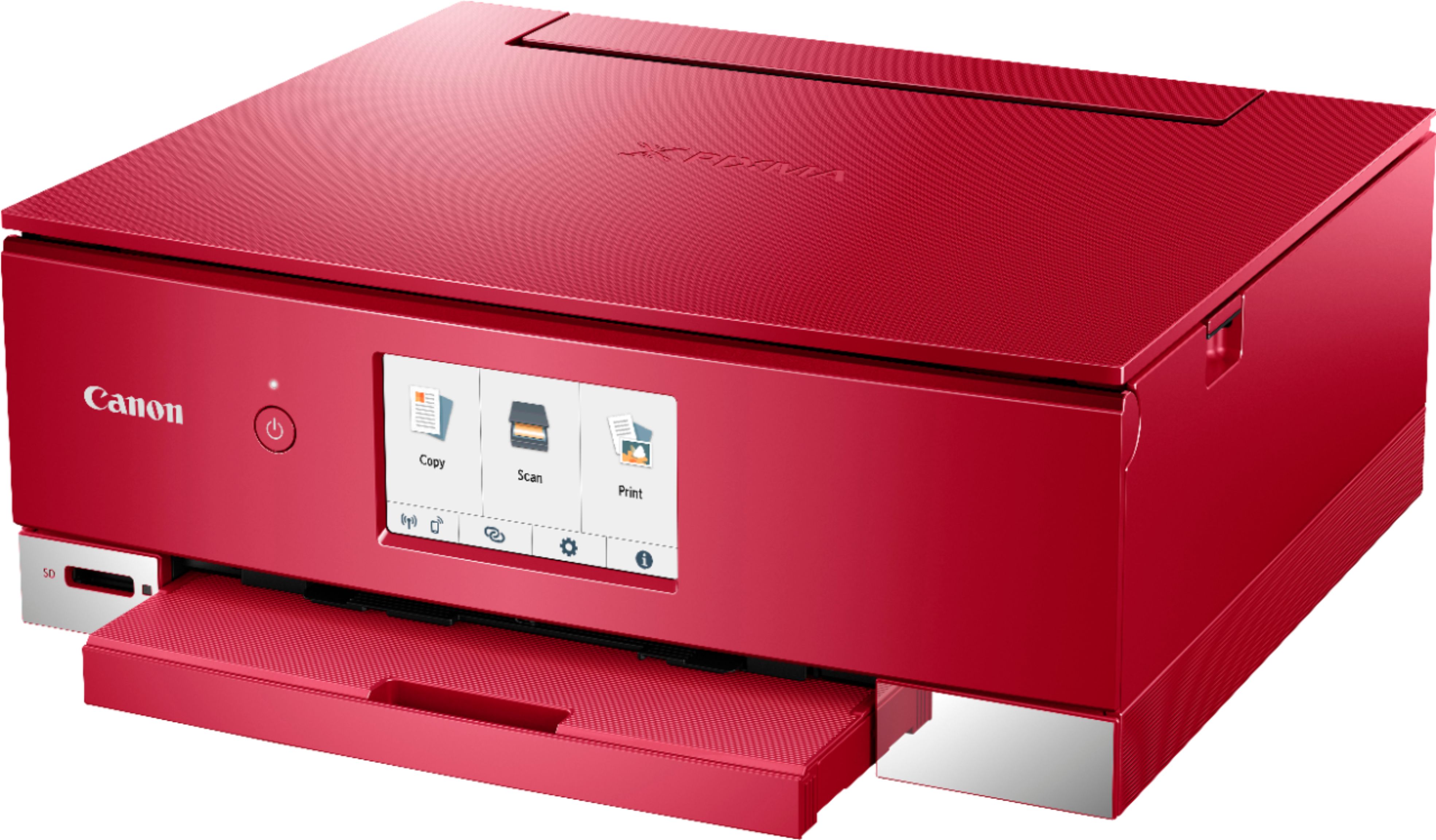
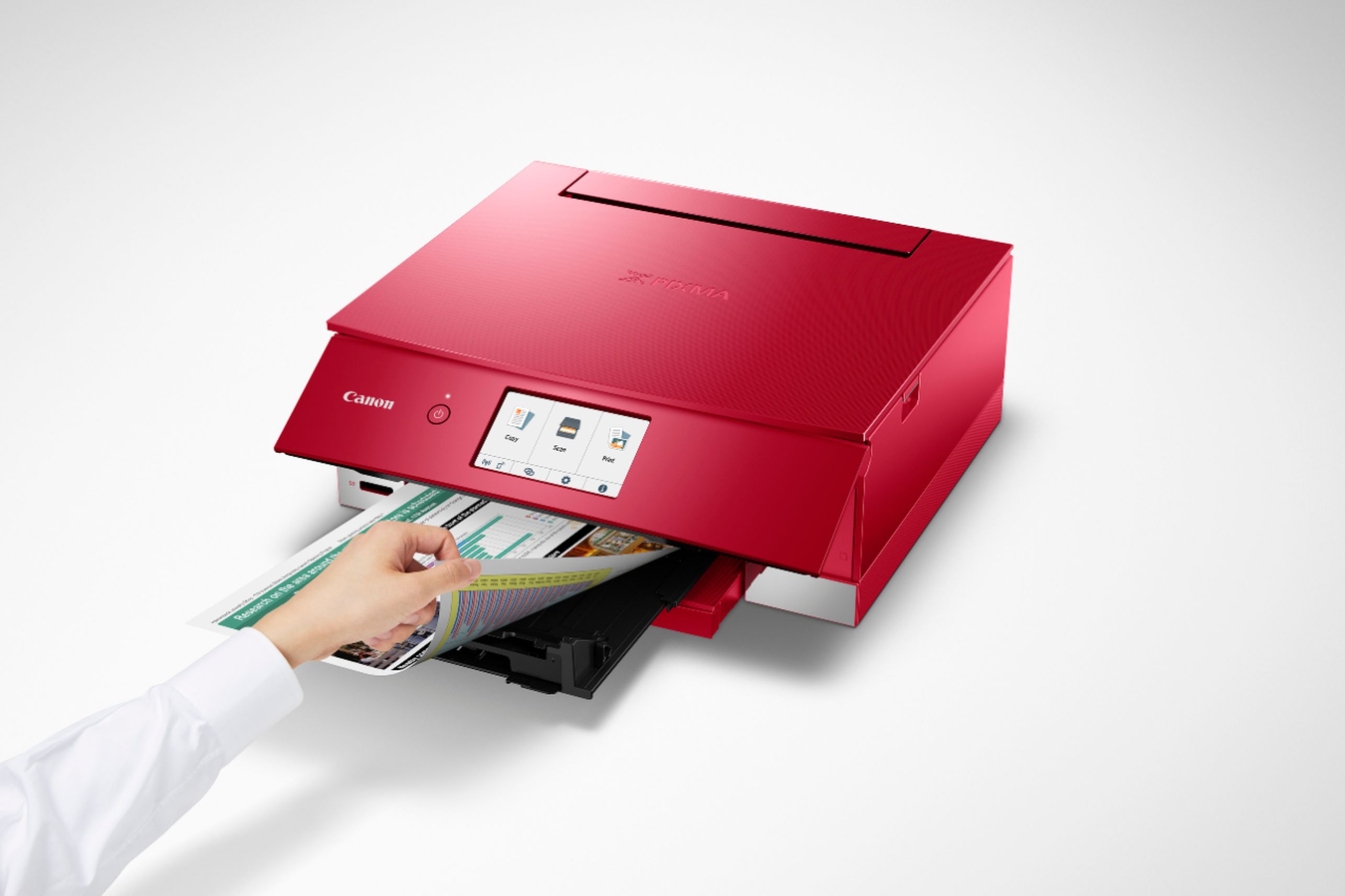
|Posted .This reviewer received promo considerations or sweepstakes entry for writing a review.My old HP 7520 inkjet printer is still working just fine, so I didn’t really think I needed or wanted a new printer. I’d heard good things about Canon’s line of printers, so I ultimately decided it was time to take the plunge and upgrade my home printer. Like the HP, Canon’s printer is an all-in-one, meaning that it can print, scan, copy and print photos. It does not, however, include the ability to fax, which could limit someone who needs that function for their home or business. For me, it’s a non-issue. I found setup to be a breeze. Other reviewers have complained about a convoluted setup process for earlier models, but I thought this setup was very straightforward and simple. Included in the box is a CD with the setup software and drivers, but I found it just as easy to download the software from Canon’s web site and go from there. The quick setup guide gives you the URL to use for this, so I didn’t have to waste any time looking for it. Setup was super simple, and it even connected to my home’s wifi with no problem. It’s important that both your computer and the printer are joined to the same SSID on your router. If not, they won’t be able to find each other. This was perhaps the best part for me, since wireless printing on my old printer was a hit or miss affair. Wireless printing on the Canon 8320 worked flawlessly, and print quality was excellent. The Canon 8320 comes with 6 separate ink tanks. While this is touted as a big advantage (and it is), this is pretty common on most decent printers, so it’s not really a game-changer. Like the HP, this Canon printer recognizes whether you’re using genuine OEM ink. I haven’t yet tried to use third-party ink, but we’ll see if that is a problem when I do. Loading the ink is simple, and you just have to wait for the printer to get itself ready to go. I already mentioned wireless printing, but I should also mention that, when you send a document to the printer, it automatically extends a print tray to hold the pages. This is a nice touch and prevents you from getting to the printer only to find your pages all over the floor. The printer automatically handles 2-sided printing, and it handled that very well. Next, I tried the scanning function. Like most scanners, you just lay the page face down on the glass and close the lid. The nice color touch screen has three big buttons: copy, scan and print, so it’s pretty tough to get it wrong. Here’s where I found something I really liked: the wireless connection between computer and printer is two-way, meaning that you can scan directly back to your computer wirelessly! This is integrated into the Canon software that is installed during setup, and worked flawlessly for me. You can also scan to the built-in SD card, but if you’re using the computer, this is the way to go. Reviews for earlier versions of this model have complained about poor scan quality, but I think that’s because Canon, in trying to make it simple, hides the scan settings in the default setup. This is where their UI on the touch screen could be a little clearer. When I figured out how to get to the scanning settings, I was able to bump up the quality and get a much better scan. The default is only 300 pixels, which is not going to be good enough for most applications. Copying is similar to scanning, and you need to access the settings to get the best quality copies. Cranking out a copy is quick and easy, and I was satisfied with the quality. It’s not comparable to the quality that you get from a laser printer, but it’s quite good, and is all I need. Canon also has a smartphone app that you can download to control the printer from your phone. If you’re like me, you already have too many apps on your phone, so I chose to skip this for now. The good thing is that the printer supports Apple Air Print and Google Print out of the box, so I was able to print directly from my phone without any additional software. My understanding is that the app has many more features, so I’ll probably end up checking it out at some point. Speaking of printing from the phone, I decided to print a photo from my phone to see how well this printer could handle photo printing. I loaded a piece of photo paper into the separate feeder at the back of the printer and sent a photo from my phone. It printed easily and the quality was quite good. I didn’t fiddle with settings for photo printing, so I’m sure it’s possible to get high-quality photos from this printer. I don’t print a lot of photos, so I think this will be just fine for my needs. As for the printer itself, it’s well built, but not great. It’s not a high-priced printer, so I think Canon has done a good job and given us a quality product for the price. The touch screen on the front panel can be angled up to give you a better view when standing in front of the printer. My only concern here is that it’s not clear how best to put the panel back down into its default vertical position. I was able to push it back into place, but is this the best way to do it? I’m looking forward to seeing whether this printer can supplant HP printers as my printers of choice, but so far it’s looking pretty good. For $100, this is a quality printer that looks good and doesn’t take up too much space on your desktop. If you’re in the market for a new printer, give this one a look.
I would recommend this to a friend printer review
||Posted . Owned for more than 2 years when reviewed.This reviewer received promo considerations or sweepstakes entry for writing a review.I'm not a fan of this printer because it has an ink cartridge that I cannot find ink for. Its part of the set of inks but I havnt come across another one from the one it came with.
No, I would not recommend this to a friend- Cons mentioned:Paper tray
no to the printer
||Posted . Owned for 7 months when reviewed.This reviewer received promo considerations or sweepstakes entry for writing a review.This printer is a waste of $. The paper tray is terrible, scanning is a high hassle, jams, goes through so my ink, don't waste your money.
No, I would not recommend this to a friend - Cons mentioned:Reliability
Avoid like the plague!
||Posted . Owned for 11 months when reviewed.This reviewer received promo considerations or sweepstakes entry for writing a review.This is the most overpriced junk on the market! It didn't even last a year before it crumbled all the prints and jammed constantly. Don't waste your money!
No, I would not recommend this to a friend Ink hungry printer
||Posted .This reviewer received promo considerations or sweepstakes entry for writing a review.Looks cool, but makes a lot of noise. Uses a lot of ink and I guess that’s because it uses ink to flush the print head every time the printer starts or refreshes. The ink cartridges are too expensive to replace.
No, I would not recommend this to a friendMakes a great copier and not much else
||Posted . Owned for 1 month when reviewed.This reviewer received promo considerations or sweepstakes entry for writing a review.Outdated. Weird output tray. And of course Canon’s infamously bad instructions/website/support. WiFi in this is week so keep near router or get the USB cable to connect it. Will work with a Mac. Eventually. Sometimes.
No, I would not recommend this to a friend- Pros mentioned:Print quality
A printer not buy
||Posted . Owned for 1 month when reviewed.This reviewer received promo considerations or sweepstakes entry for writing a review.I have been HP GUY for ever, I was looking for a good back printer and this printer and it had some very good write up. I bought home and it was DOA.
I would recommend this to a friend Needed a replacement from my previous Canon
||Posted . Owned for 2 weeks when reviewed.This reviewer received promo considerations or sweepstakes entry for writing a review.This printer is extremely slow. I would like to get something else, but I just purchased this one. When this one dies, I will get something different. My other Canon printers were never this slow.
No, I would not recommend this to a friendBasic
||Posted . Owned for 1 month when reviewed.This reviewer received promo considerations or sweepstakes entry for writing a review.It's okay. I thought it would be a little better quality since it's a Canon, but it's pretty chintzy. If you're looking for a very basic printer/scanner, then this will fit the bill..
No, I would not recommend this to a friend- Pros mentioned:Print quality, Size
A solid printer with some neat tricks
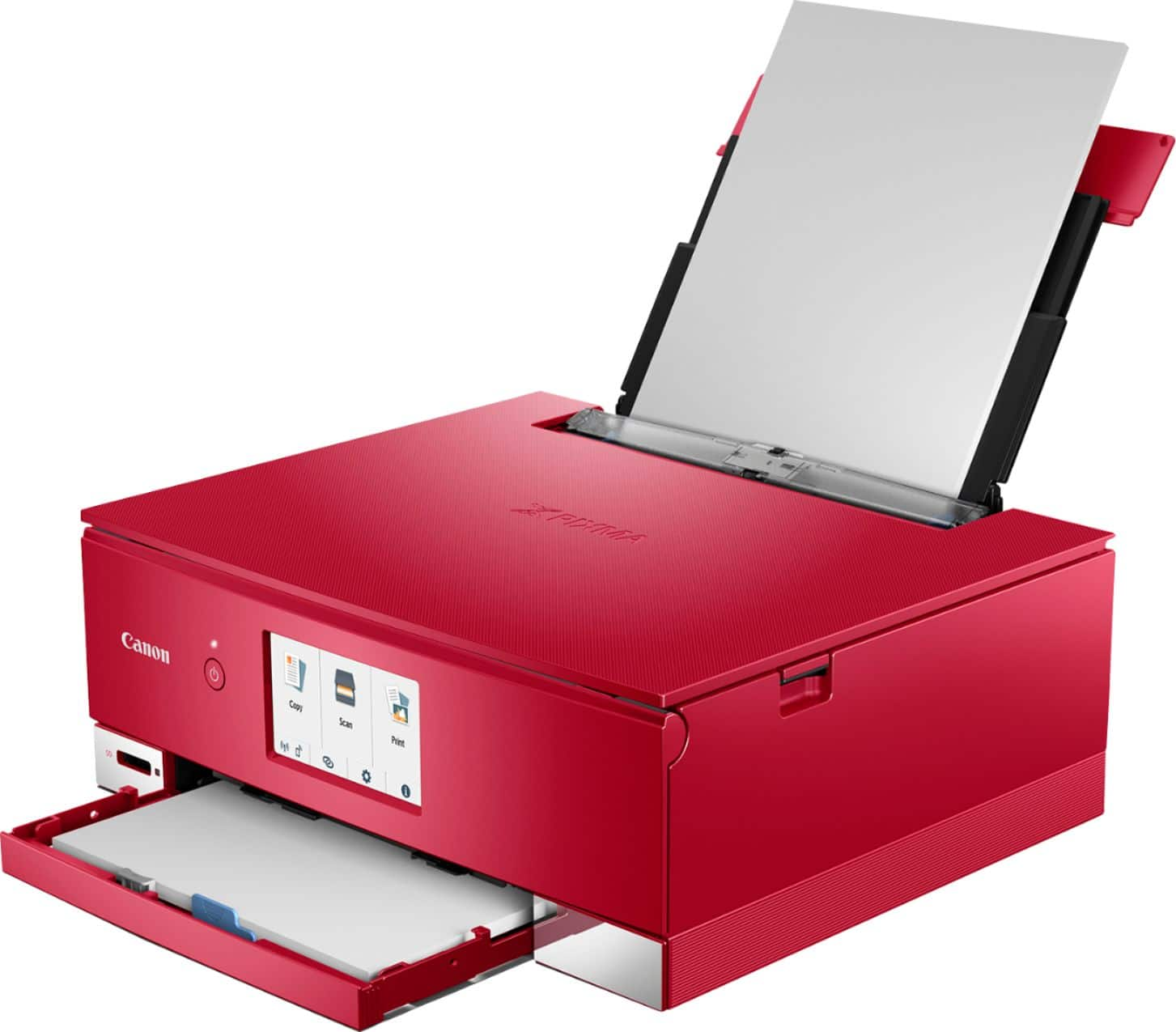
|Posted .This reviewer received promo considerations or sweepstakes entry for writing a review.This is the first non-HP printer I've ever used for my home. The printer it is replacing is an HP OfficeJet Pro 8210. Comparing technical specs, the Canon is a slower printer that holds less paper, but should print higher quality photos and the Canon adds a single-sheet scanner as an additional bonus. Physically the Canon is a compact printer compared to the HP I'm used to seeing on my desk which I love. I struggled a bit with how to adjust the paper feeder and at first was put off by how it juts out from the front of the unit but this design makes a bit more sense the first time you print something and you see how the front slides open to reveal the output. The curved document tray is also a nice touch making sure the output doesn't spew out onto the floor. With the HP I'm always forgetting to extend the holder and half the time end up with paper strewn all over the floor. Kudos to Canon for solving that one out of the box. Using the same paper and printing from the same PDF, I printed my taxes from Turbotax on both the HP and the Canon using the double-sided print feature. While the tax documents are mostly black and white, Turbotax adds a few of their logos to the printout letting me see some basic color options. As expected the HP finished much faster than then Canon. When comparing the ink quality of the results, I was disappointed to find that the Canon produces a muted Red instead of the bright Red's that come from the HP. The black text is sharp and clear and crisp from both printers, but the lack of pop to the red from the Canon was a disappointment. Next I tried printing a photo and found that the HP does a much better job printing colors on regular paper. Switching to Photo Paper though, and the reverse is true; the Canon does a better job printing on photo paper. And by better I mean crisper images that pop on the page instead of looking dull and muted. Wireless printing, ethernet printing, and even AirPrint from my iPhone all worked great on the Canon and despite what the owner's manual says, you don't actually have to download the Canon print app to print from your phone. Overall the printer fits my needs.
I would recommend this to a friend - Pros mentioned:Print quality, Size
Decent Printer
|Posted .This reviewer received promo considerations or sweepstakes entry for writing a review.Small footprint of the printer was nice for space saving. Pretty light weight, however that is probably due to it being made with plastic. I do like the texture of the top lid though. Picture print quality is quite good for a home printer. Printing from an SD card is pretty intuitive and convenient. Just insert card and select picture to print. Make sure you have photo paper loaded. Comes with 6 ink cartridges. Guess that is what makes the photo quality pretty good. Main drawback is no auto feed tray for scanning multiple documents like my previous printer. General document printing is quite detailed. Paper front and back paper trays hold a decent amount of paper, although I only load what I need. Caveat, with front paper tray, there is a little gray tab that must be pinched in order for the front paper tray to fully rest inside the printer. It was quite annoying trying to figure that out. Overall, a good quality printer for documents and pictures for home use!
I would recommend this to a friend - Cons mentioned:Reliability
Printer simply doesn't work
||Posted . Owned for 2 months when reviewed.This reviewer received promo considerations or sweepstakes entry for writing a review.This printer jams all the time I can't get it to work properly. Had it less than 60 days
No, I would not recommend this to a friend Worst printer I ever purchased.
||Posted . Owned for 3 months when reviewed.This reviewer received promo considerations or sweepstakes entry for writing a review.This is the most unpredictable printer I’ve ever had. I took it back because it was so frustrating. It wouldn’t print from a device unless you went into the app and reconnected to the WiFi. Then sometimes you had to switch the connection to Bluetooth. Just awful and frustrating. I do not recommend at all.
No, I would not recommend this to a friendcheap
||Posted .This reviewer received promo considerations or sweepstakes entry for writing a review.It works but it's flimsy and cheap. I said it works but its flimsy and cheaply built, buy a more substantial product if you don't want problems
No, I would not recommend this to a friendGreat printer. All in one is a stretch.
||Posted . Owned for 1 month when reviewed.This reviewer received promo considerations or sweepstakes entry for writing a review.It does the job. But that is it. I thought it had a feeder but it doesn't. It is great if you don't need to use scanner that much.
No, I would not recommend this to a friend- Pros mentioned:Print quality
An Excellent Device, Some Connectivity Issues
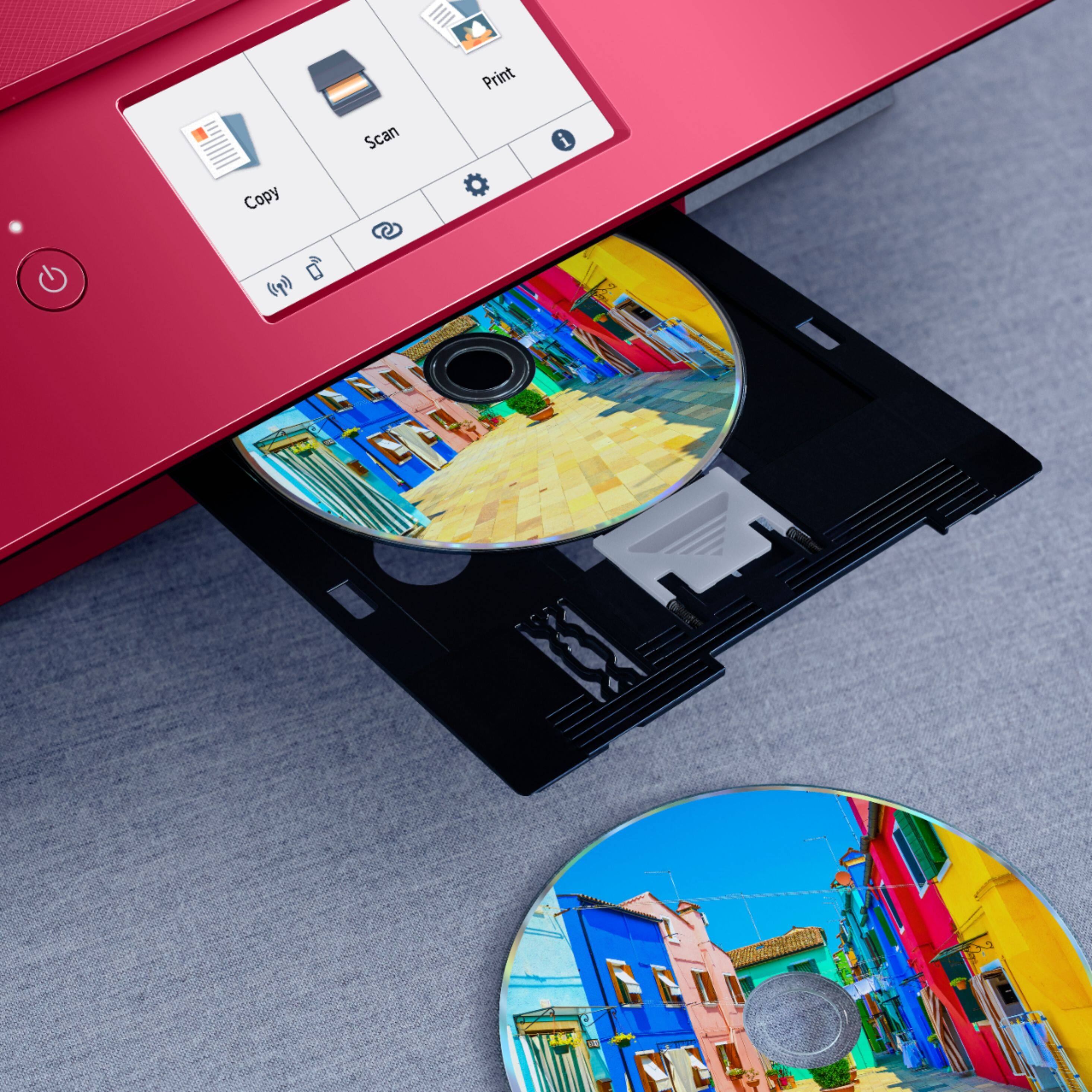
|Posted .This reviewer received promo considerations or sweepstakes entry for writing a review.By most measures, the Canon PIXMA TS8320 is an excellent printer. It prints quickly, with great quality, nice text resolution, and can accomplish double-sided printing easily. You can connect to the printer with Wi-Fi, Bluetooth, or USB cable, which certainly allows for a good degree of flexibility. You can also connect to Dropbox and Google Drive directly from the printer, which is quite cool as I often use cloud storage amongst my many devices. There is also a SD card slot on the front of the printer, which is great for easy photo printing. Furthermore, the six separate ink cartridges are a very nice touch, as every other printer I have owned has used grouped color ink, which needed to be replaced every time one of the individual colors ran out; even if other colors still had ink remaining. Ink cartridges are still fairly expensive, with the cost per sheet of color printing being a bit higher on this inkjet overall. This being said, with the quality of the prints, and the individual ink cartridges, I far prefer this system to other printers I have had to use. With connectivity to the printer itself, I found I was able to connect my phone directly to the printer without issue. However, this does lead me into one of my biggest complaints with the printer, which is the Wi-Fi set-up process and connectivity consistency of the printer. The initial set-up is fairly simple, with most of it being done on either the computer or phone connected to the desired wi-fi network. This being said, the set-up process is generally vague, and when you run into issues, it can be very confusing how to fix them. I was able to connect one of the laptops in my house with no issue, however, the other one has been very spotty in terms of staying connected to the printer. There are times where it will let me print without issue, and others where it will say the printer is offline even though it is clearly not. I have found rebooting the printer helps, as does reconnecting to the wi-fi network, but both solutions are less than ideal and not always consistent. This being said, this problem is limited to one device for the most part, and so in general is not a deal-breaker for me. The biggest issue is simply that I have spent hours trying to figure out why these problems are occurring, and still haven’t been able to find a stable solution. In terms of build quality, the printer feels sturdy, with a bright and responsive screen that allows the user to easily manage the many functions contained within the printer. The printer itself is physically quite heavy, which is generally a good sign in my book, and functions very smoothly. Overall, I have no issues recommending this device. It is very flexible and can accomplish far more than I will likely ever use, including printing on CD/DVD discs. Yes, it can be a bit tricky with set-up or connection issues via wi-fi, but the various connectivity options, printing options, print quality, software flexibility, and more make it well worth picking-up in my opinion.
I would recommend this to a friend Canon PIXMA 8320
||Posted . Owned for less than 1 week when reviewed.This reviewer received promo considerations or sweepstakes entry for writing a review.I give this printer 0 stars! I was never able to print from the rear tray which is why I bought the printer. I returned it right away. I stayed up until 3AM researching ways to get the printer to work & all I found was other mad people, no solutions to fix the problem!
No, I would not recommend this to a friend- Pros mentioned:Ease of use, Print quality
Great for printing photos
|Posted .This reviewer received promo considerations or sweepstakes entry for writing a review.I like the Canon TS8320 multi-function printer. The unit is very easy to setup. You can follow videos on the internet and configure it manually, or you can configure it from your smart phone, which is very quick and easy. It does take a while for the printer to align the print heads, but I like that it's an automatic process that doesn't require you to subjectively interpret the results. Once set up, the printer is very capable. It uses 6 separate ink cartridges to produce better quality photographs. While that does mean the ink cost might be a bit higher, it really does produce a very high quality photograph with superior color range. You can print on plain paper as well as photo paper, but what's really nice is the manual tray that allows you to print on the face of printable DVDs and CDs. Not too many printers let you do that these days. It also has the ability to automatically duplex your printing to both sides of the page, saving you lots of paper. The print speed is decent and the quality excellent. The scanner does a good job of reproducing the original. It would have been nice to have an automatic feeder to really make the scanner fully functional. There is no faxing capability, but few printers in this price range have that capability. I recommend this printer for the home user that wants to print high quality photos or CDs/DVDs at home.
I would recommend this to a friend - Cons mentioned:Reliability
So so
||Posted .This reviewer received promo considerations or sweepstakes entry for writing a review.Is not that reliable paper gets jammed all the time thr paint goes empty so quickly
No, I would not recommend this to a friend - Cons mentioned:Reliability
bad choice
||Posted . Owned for 1 year when reviewed.This reviewer received promo considerations or sweepstakes entry for writing a review.This printer stopped working after about 2 months.
No, I would not recommend this to a friend