Customer Ratings & Reviews
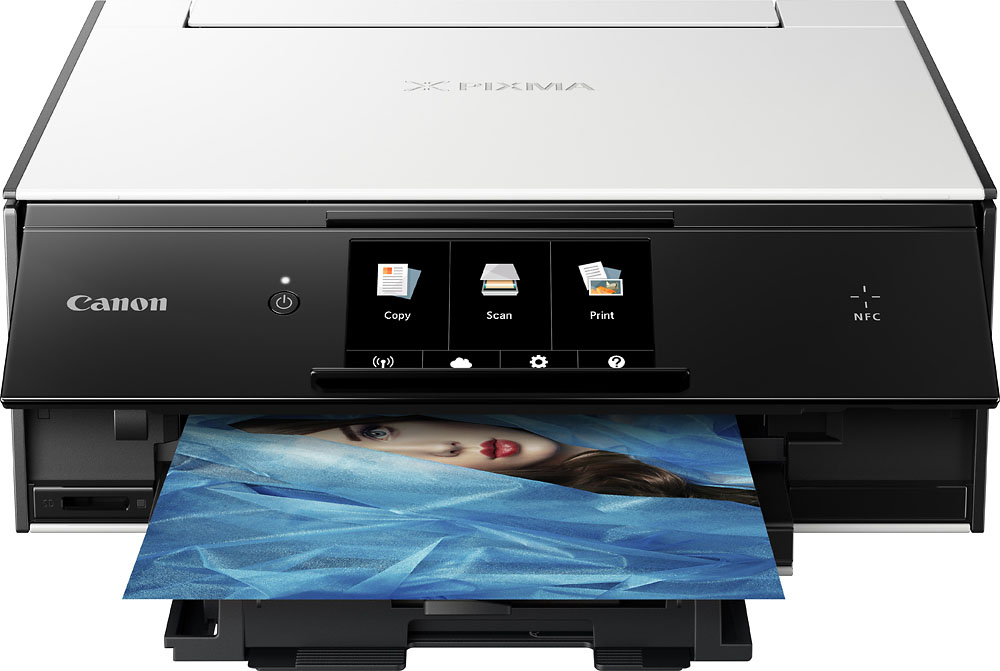
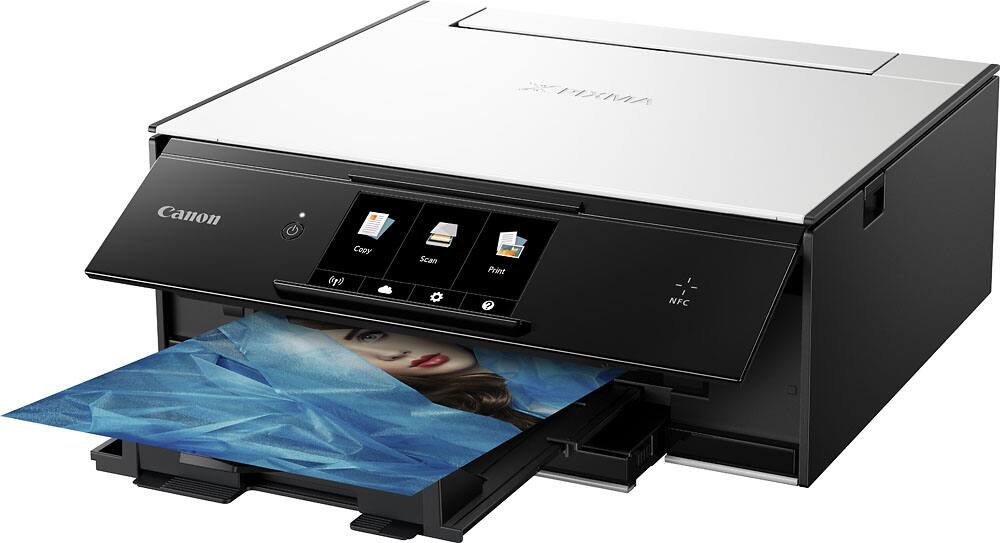
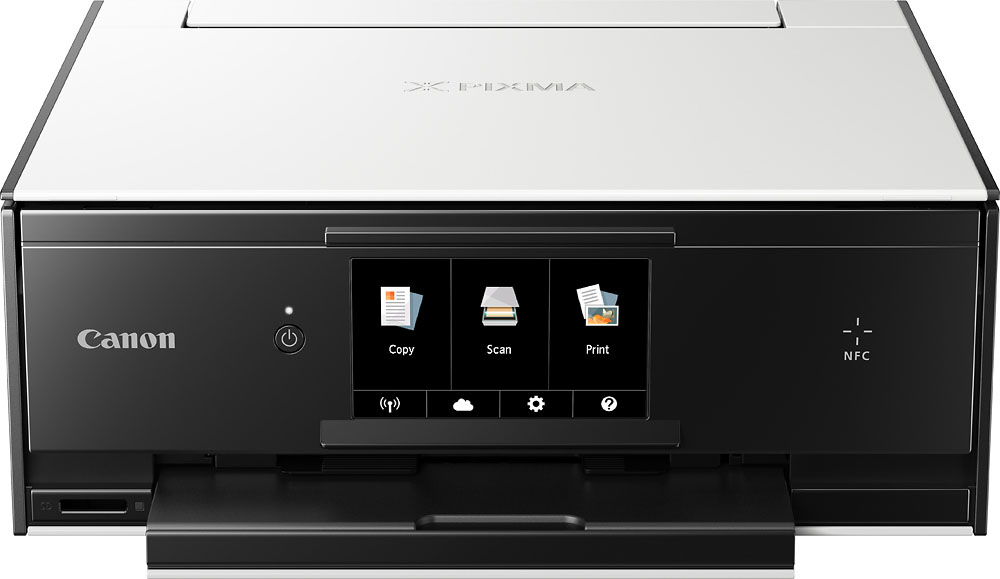
- Model:
- 1371C002
- |
- SKU:
- 5712932
Customer reviews
Rating 4.4 out of 5 stars with 1047 reviews
(1,047 customer reviews)Rating by feature
- Value4.2
Rating 4.2 out of 5 stars
- Quality4.2
Rating 4.2 out of 5 stars
- Ease of Use4.1
Rating 4.1 out of 5 stars
Customers are saying
Customers admire the PIXMA TS9020's high print quality and ease of use, frequently praising its compact size and convenient wireless functionality. However, some users express concerns regarding the printer's paper tray capacity and noise level during operation. The software also received mixed reviews, with some users finding it challenging to set up or use.
This summary was generated by AI based on customer reviews.
Rated 1 out of 5 stars
defective
||Posted .This reviewer received promo considerations or sweepstakes entry for writing a review.I had high hopes for this Canon printer but unfortunately it was defective. Could not get it of the first screen. Even the geek squad couldn't get it to work. So sadly had to return it and went with another brand.
No, I would not recommend this to a friendRated 1 out of 5 stars
Jams constantly
||Posted .This reviewer received promo considerations or sweepstakes entry for writing a review.I was excited to get this printer in as the last pixma I had was great! This one is awful. I've had it for two weeks and all it does is jam and turn itself off. Total waste of time and money.
No, I would not recommend this to a friendRated 1 out of 5 stars
This printer sucks
||Posted .This reviewer received promo considerations or sweepstakes entry for writing a review.Do not buy this printer. it does print so bad that can't print things correct which means it may print one little page into several print paper. everything will be messed up.
No, I would not recommend this to a friendRated 1 out of 5 stars
Not user friendly.
||Posted .This reviewer received promo considerations or sweepstakes entry for writing a review.Not user friendly at all. stop working after 2 months use. also its not returnable. I'm not happy with Best buy, goodbye to BestBuy and Hello to AMAZON!
No, I would not recommend this to a friendRated 1 out of 5 stars
Printer is useless
||Posted .This reviewer received promo considerations or sweepstakes entry for writing a review.Worst printer I ever had. Went and bought an other one. I had the Canon 1 month and all the ink was used up. Nothing was good about it.
No, I would not recommend this to a friendRated 1 out of 5 stars
Can’t recommend
||Posted . Owned for 1.5 years when reviewed.This reviewer received promo considerations or sweepstakes entry for writing a review.no, just no. get up it’s much much better and ink is much better for the money.
No, I would not recommend this to a friendRated 1 out of 5 stars
Offline
||Posted .This reviewer received promo considerations or sweepstakes entry for writing a review.I would like to return it if I could. Printer not responding or offline every time I want to use
No, I would not recommend this to a friendRated 1 out of 5 stars
Don't get this for IOS MacBook Pro
||Posted .This reviewer received promo considerations or sweepstakes entry for writing a review.The most cumbersome setup ever for Apple products. This is a Microsoft Product.
No, I would not recommend this to a friendRated 1 out of 5 stars
Not a good printer
||Posted .This reviewer received promo considerations or sweepstakes entry for writing a review.This is very hard to set up. Documentation is very sparse and incomplete.
No, I would not recommend this to a friendRated 1 out of 5 stars
Had to return it
||Posted .This reviewer received promo considerations or sweepstakes entry for writing a review.The printing was off. I didn’t like it, it was very difficult
No, I would not recommend this to a friendRated 1 out of 5 stars
More like a toy
||Posted .This reviewer received promo considerations or sweepstakes entry for writing a review.Had to return 2 of them. Problems with ink carriage. Very flimsy!
No, I would not recommend this to a friend- Pros mentioned:Print quality
Rated 5 out of 5 stars
Love this printer!!
Posted .This reviewer received promo considerations or sweepstakes entry for writing a review.I absolutely love this printer. I returned 3 printers prior to keeping this one. The overall print quality is fantastic. It prints photos like a professional. The speed could be a little better and the paper tray size could also be a little bigger too. But other than those two things this printer is a great product for its price. Also ink can be a little pricy but you can get it online much cheaper!!
I would recommend this to a friend - Pros mentioned:Print qualityCons mentioned:Paper tray
Rated 4 out of 5 stars
Difficult to set up
Posted .This reviewer received promo considerations or sweepstakes entry for writing a review.Once you get it set up, it is a very nice printer. I've printed several photos on it and am very happy with the quality. I like how it sends the scan directly to my laptop. There was very little setup for that process. I didn't like how I had to download drivers and software from the internet. I don't have very fast internet and it took forever and didn't complete correctly. I ended up with two installations of the printer. One from the plug and play and one from the driver install disk that comes with it. There is no reason that they can't load the software on that disk. I also dislike that I have to set the paper loaded in the tray every time I open the tray. I wish it would just be set and only change if I go into the settings to change it.
I would recommend this to a friend - Pros mentioned:Print quality
Rated 4 out of 5 stars
Quality Printing for 6 years
Posted .This reviewer received promo considerations or sweepstakes entry for writing a review.Good print quality for home projects, birthday cards and light office use. I've owned this for 6yrs, its starting to need more cleanings for a clean print so I'm looking to replace with a newer model.
I would recommend this to a friend - Pros mentioned:Print quality
Rated 5 out of 5 stars
Can't beat the quality and price
Posted .This reviewer received promo considerations or sweepstakes entry for writing a review.The REASON why it's $50 b/c the big company that had them went out of business so local electronic stores purchased them even walmart. It's not 100% new but it's not used/return/refurbished. That's why it's called replenished. Don't let that discourage you from buying though. The print quality is excellent. My only complaint is it has a lot of pieces together and that increases chance of breakage/lost. Took me some time to understand where each piece goes and I'm an auto mechanic. It's worth the $200 so for $50 it's a killer deal. Not to mention generic ink cartridges are dirt cheap. I purchase 2 HP printers last week, one $60 and one $130, and the HP photo print quality can't compare to this cannon. Who do I mean? The HP printer's photo quality colors are off compare to this canon. This canon prints my picture colors as close to what I see on my computer screen as possible. Whereas, for example, the HP printers printed the yellows too yellow, red too red, blocks tii black, etc. Really off balance of colors.
I would recommend this to a friend - Pros mentioned:Print quality
Rated 3 out of 5 stars
Printer good
Posted .This reviewer received promo considerations or sweepstakes entry for writing a review.printerworks good prints very clear prints and doesphotos very clear prints very fast
I would recommend this to a friend - Pros mentioned:Print quality
Rated 3 out of 5 stars
Long setup
Posted .This reviewer received promo considerations or sweepstakes entry for writing a review.I just got this Canon Pixma on 08/20/17. I partially bought it due to the easy set up according to the reviews here on BestBuy.com. It may just be a 10 minute set up on a cable connection. However, if you plan to do this as a wireless connection, plan on bringing a lunch. I did the first set up on a HP Envy Laptop, 1 hour. I did the second setup on a mini Mac, 20-30 minutes. I did the third on a HP Pavillion desktop, 45 minutes. It is a great printer, no if's and's or buts, however, it takes more than 10 minutes to set it up. Shoot, it takes that long to get out of the box, pull all the tape off, uninstall all the covers, and reinstall everything to make it run again. Awesome in the print department though.
I would recommend this to a friend - Cons mentioned:Software
Rated 1 out of 5 stars
Good hardware, horrible software
Posted .This reviewer received promo considerations or sweepstakes entry for writing a review.I've owned this printer for about 6 months. It worked fine initially, however the software package started creating boot errors. Uninstalled and reloaded, but only got the printer to work. It can't find the scanner drivers. Reloaded a couple of times to no avail. It prints just fine, but what is the point in buy an all-in-one printer that won't scan.
No, I would not recommend this to a friend Rated 1 out of 5 stars
great pics, garbage printer.
Posted .This reviewer received promo considerations or sweepstakes entry for writing a review.I bought this printer to replace my Epson, it was highly rated. Set it up on my wired network, it worked great, I was pleased with the print quality. A couple of days later I went to print more pictures. I got a "printer not responding" message. I reinstalled the printer, still got the same message. Checked all my settings, still no good. I tried reinstalling again, using a usb cable. Still no luck. Tried wi-fi. No good. My computer sees the printer, shows ink levels, etc. I set it up on my laptop, no luck. I printed some photos directly from an sd card. Worked the first time, then it stopped recognizing any of my sd cards. I replaced the printer with a Brother MFC-J95dw. Works great.
No, I would not recommend this to a friendRated 1 out of 5 stars
Garbage, will not stay on line
Posted .This reviewer received promo considerations or sweepstakes entry for writing a review.Easy set up on three machines, but after that I couldn't get it to print anything. Does not auto wake up. Even after I woke it up I couldn't get it to print. Windows 10 machines with an Xfinity router, all within 15 feet of each other. Customer support sent out a new one. I set it up again on three machines. Printed the test pages just fine and a day later, wouldn't print anything.
No, I would not recommend this to a friend