Customer Ratings & Reviews
- Model:
- CIR5001
- SKU:
- 6397663
Rating by feature
- Value
Rating 3.7 out of 5 stars
- Quality
Rating 4.0 out of 5 stars
- Ease of Use
Rating 3.8 out of 5 stars
Customers are saying
Customers are pleased with the parental control feature as it provides them with great capability to control their children's usage. They also appreciate the time limit feature, which allows them to assign time limits to specific apps. However, some customers have concerns about the monthly subscription fee and connectivity issues at home.
This summary was generated by AI based on customer reviews.
- Pros mentioned:Screen time
Good product
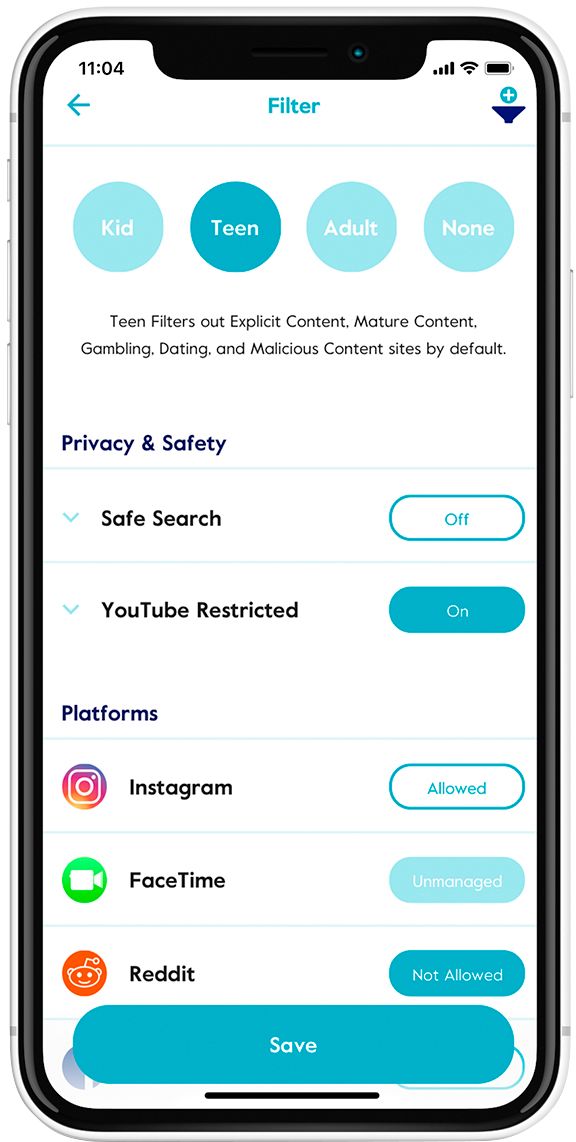
||Posted . Owned for 2 months when reviewed.This reviewer received promo considerations or sweepstakes entry for writing a review.Good addition to internet security for the home. If you have kids, this is a must. Can limit time of access and time of use. Also filters based on age.
I would recommend this to a friend - Cons mentioned:Internet connectivity
Does it's job but slows down internet at times
||Posted . Owned for 2 months when reviewed.This reviewer received promo considerations or sweepstakes entry for writing a review.Does all it states it would do. Still in the 3 month premium plan so don't know what the free version will remove. Wifi can be slow at times.
No, I would not recommend this to a friend - Pros mentioned:Ease of use
100% recommend
||Posted . Owned for 5 months when reviewed.This reviewer received promo considerations or sweepstakes entry for writing a review.OMG I love this so much! Even I can set up. It's so great controlling the internet. I recommend this to everyone who has kids. I started out with the 3 month subscription to give it a fair test I ended up buying a lifetime subscription. I didn't know I was going to love it so much! My bet is after your 3 months you too will get the lifetime subscription.
I would recommend this to a friend Awesome parental controls
||Posted . Owned for 1 month when reviewed.This reviewer received promo considerations or sweepstakes entry for writing a review.This is best parental control I have found. I assign devices to my daughters and set the controls. Any devices assigned to my daughter that is on our network ( including Roku and Samsung TV when assigned to her) blocks Netflix, Youtube and shows rated higher than PG 13. I can assign time limits to Disney+ and Spotify. I really like the Circle. It has help keep my daughter safe on internet.
I would recommend this to a friend- Pros mentioned:Filtering
Works as described
||Posted . Owned for 3 weeks when reviewed.This reviewer received promo considerations or sweepstakes entry for writing a review.Compared to the original circle I feel like features like an official "blocked content" page the first gen circle had were way better. As far as function goes, I don't have any kind of internet slow down like I did with the first gen and it does it's job equally as well! Works great for content filtering.
I would recommend this to a friend great for controlling multiple ages!
||Posted .This reviewer received promo considerations or sweepstakes entry for writing a review.i can controll when the children get on the internet, even at night when i go to bed. the back up battery feature is great to surprise thosae crafty kids!
I would recommend this to a friendGreat Tool for Managing Family Internet
||Posted . Owned for 6 months when reviewed.This reviewer received promo considerations or sweepstakes entry for writing a review.Many of the more recent WiFi 6 routers haven’t figured out parental controls, so we use this to regulate our kids internet habits. We use it with the Verizon Fios WiFi 6 base with satellite in another room. It does it’s job well. You do have to pay for subscription service after the initial period.
I would recommend this to a friendBasic, Functional, Android Support Spotty
||Posted . Owned for 3 weeks when reviewed.This reviewer received promo considerations or sweepstakes entry for writing a review.I really wanted to like Circle. And it has some great features to prevent circumvention and also incorporates safety for devices off wifi which is great. Support was very responsive and helpful and resolved some if my issues. Unfortunately the Circle app didn't reliable ensure protection when off wifi which is why I chose it. So I has to return it. I've instead chosen to use Google Family Link for off wifi protection and Firewalla for on Wifi protection. If you are all Apple or popular Android (Samsung/Google), then it may work great for you.
I would recommend this to a friendCircle is the best internet control device avail.
||Posted . Owned for 1 week when reviewed.This reviewer received promo considerations or sweepstakes entry for writing a review.Great device for internet and device management. Much better than anything else I have tried. The customization is essential to keep everyone in the house happy. It works with the Linksys MESH system which was supposedly questionable.
I would recommend this to a friend- Cons mentioned:Vpn
Great for young kids, not the tech savvy ones.
||Posted . Owned for 7 months when reviewed.This reviewer received promo considerations or sweepstakes entry for writing a review.It’s decent. My kid is too smart and can find ways to bypass it. Even with VPN, some apps are still accessible.
I would recommend this to a friend - Cons mentioned:Vpn
Doesn't cover everything
||Posted . Owned for 3 weeks when reviewed.This reviewer received promo considerations or sweepstakes entry for writing a review.Doesn't work on phones with vpn. This is also a stupid requirement for a review..150 characters?
No, I would not recommend this to a friend - Cons mentioned:Internet connectivity
Cool idea but slows down and cuts out my internet
||Posted . Owned for 1 month when reviewed.This reviewer received promo considerations or sweepstakes entry for writing a review.Thought this would be cool and had it integrated in a previous router but this one slowed my internet down and even made it cut in and out a few times a day. I have since disconnected it am waiting on a future update to hook it back up. I may return.
No, I would not recommend this to a friend - Pros mentioned:App functionality, Ease of use

A Lot of Pros, a Couple Cons
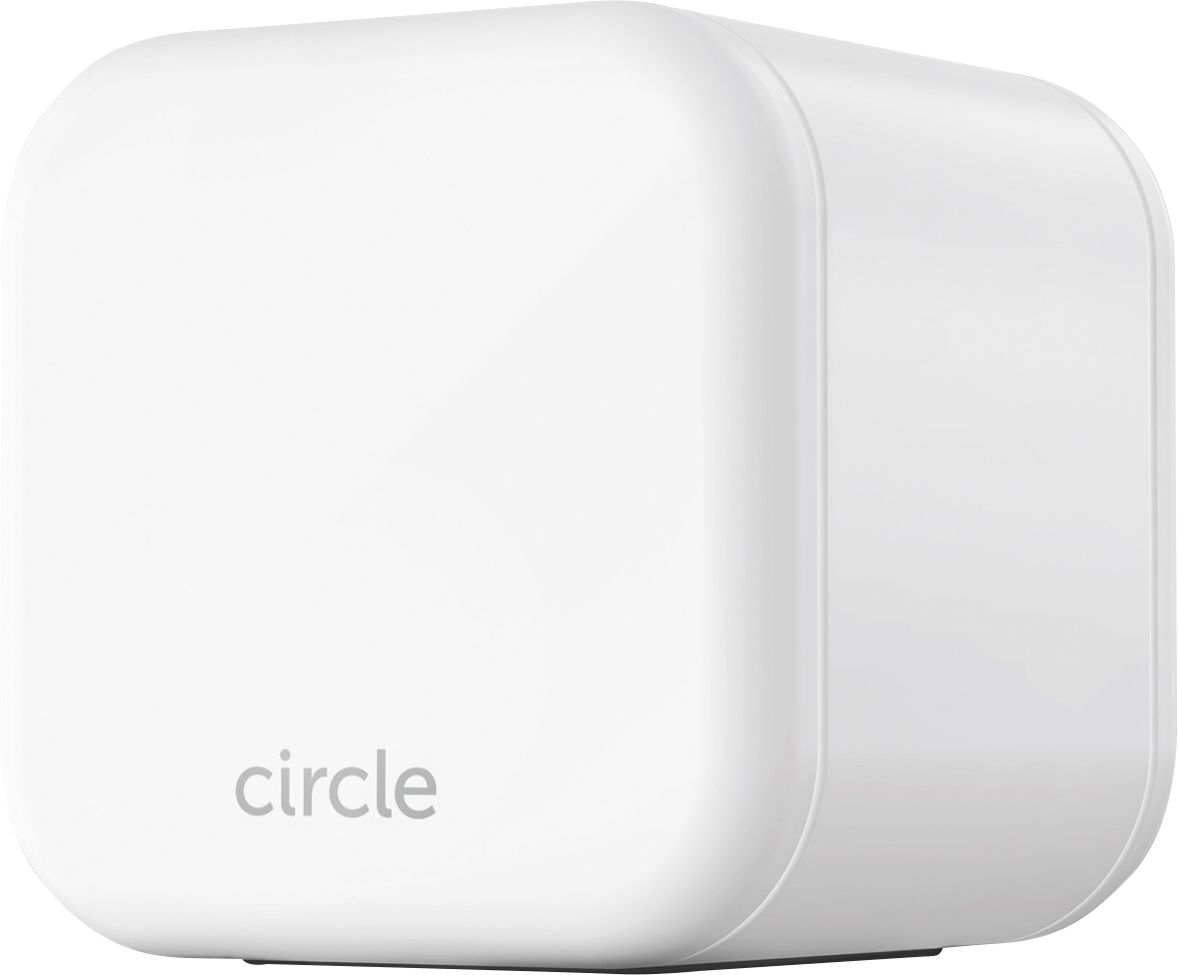
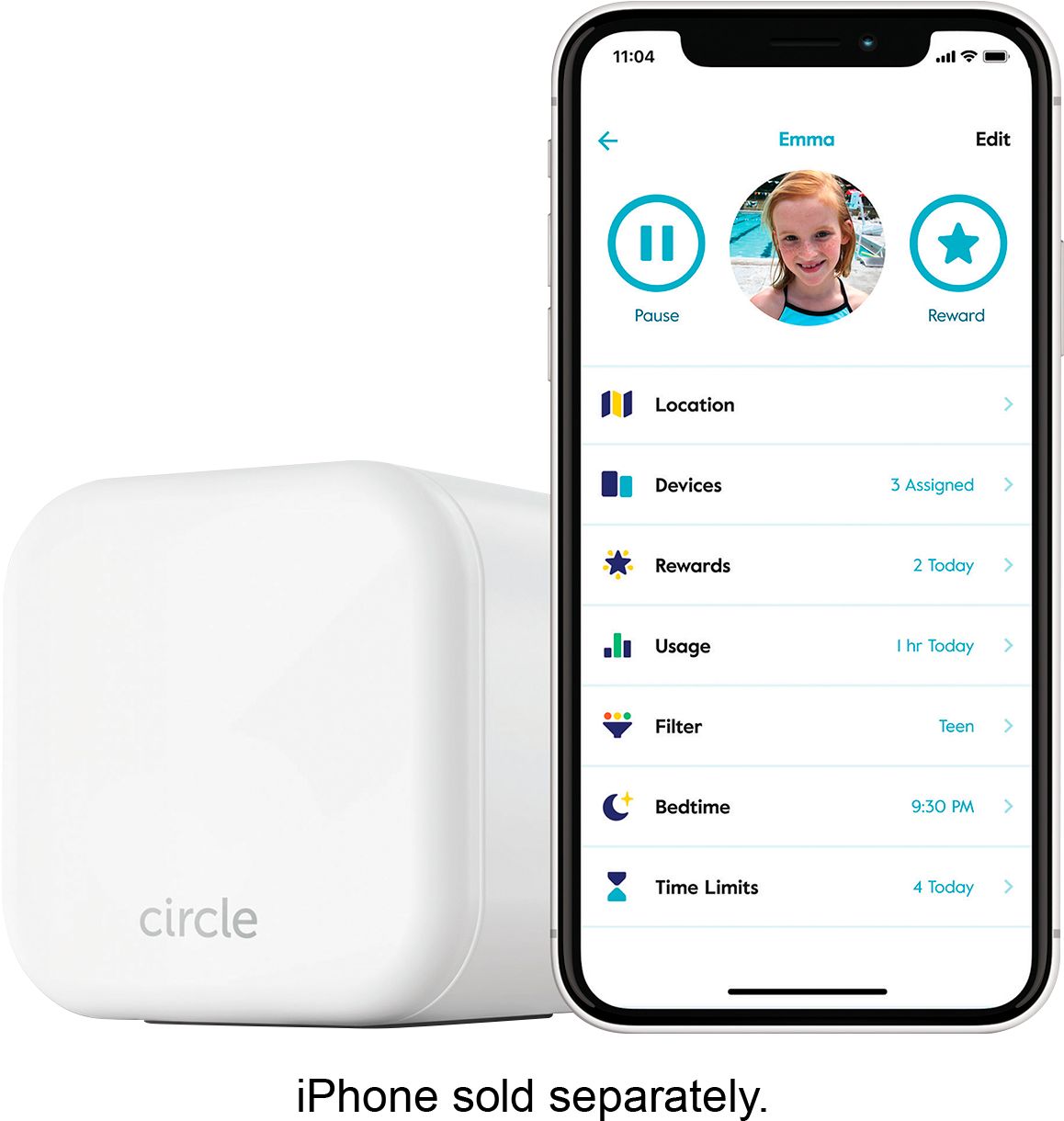
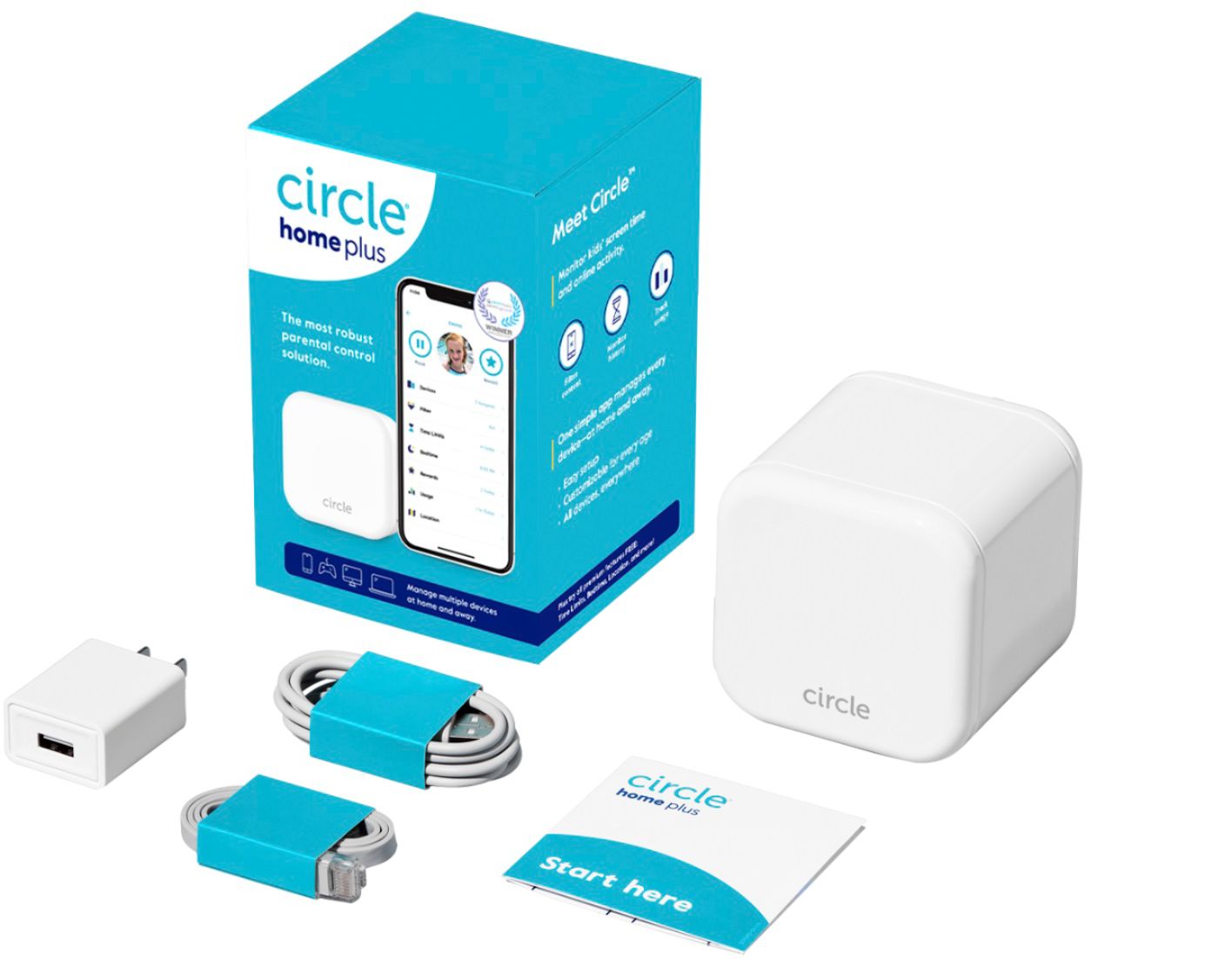
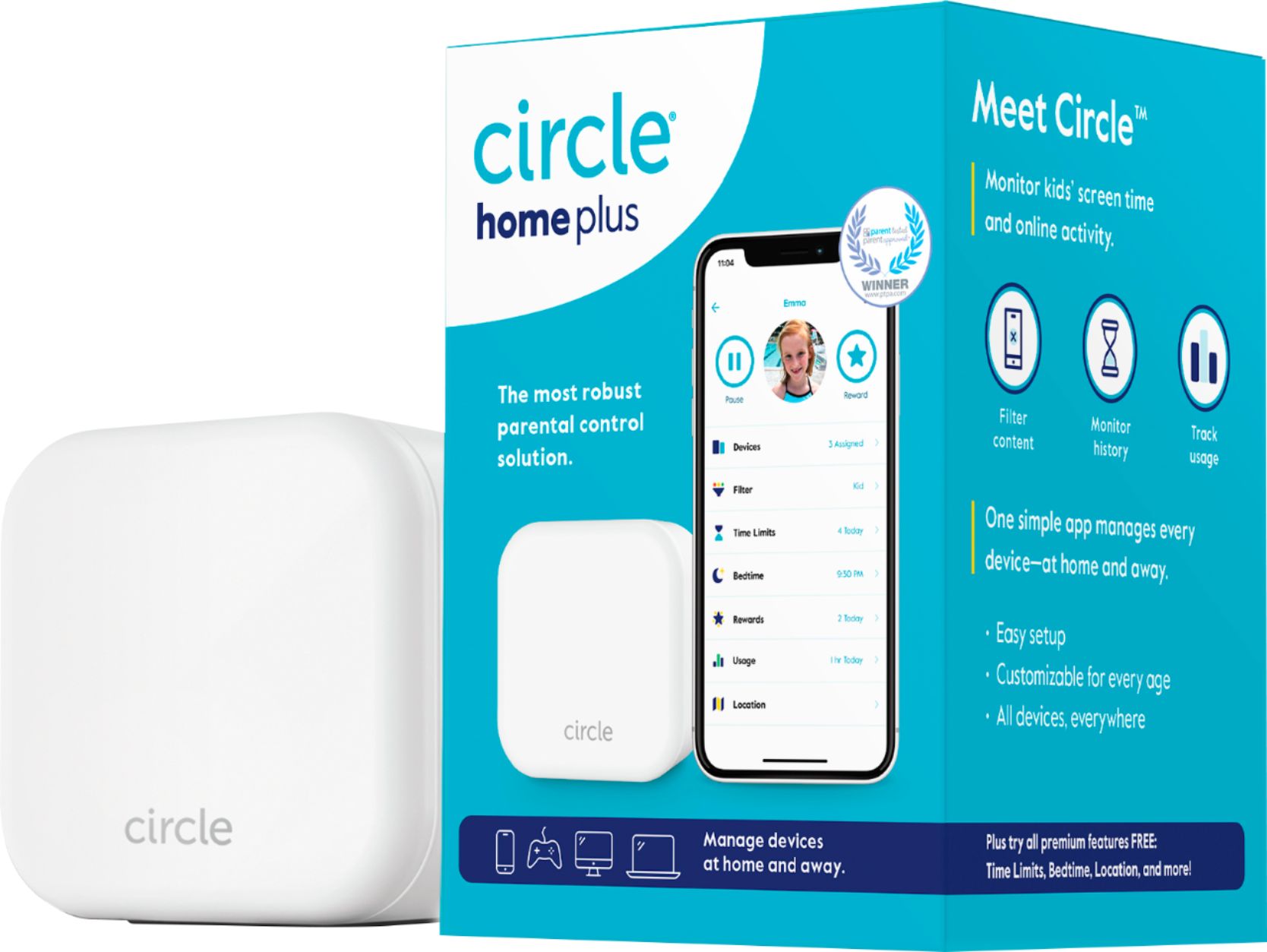
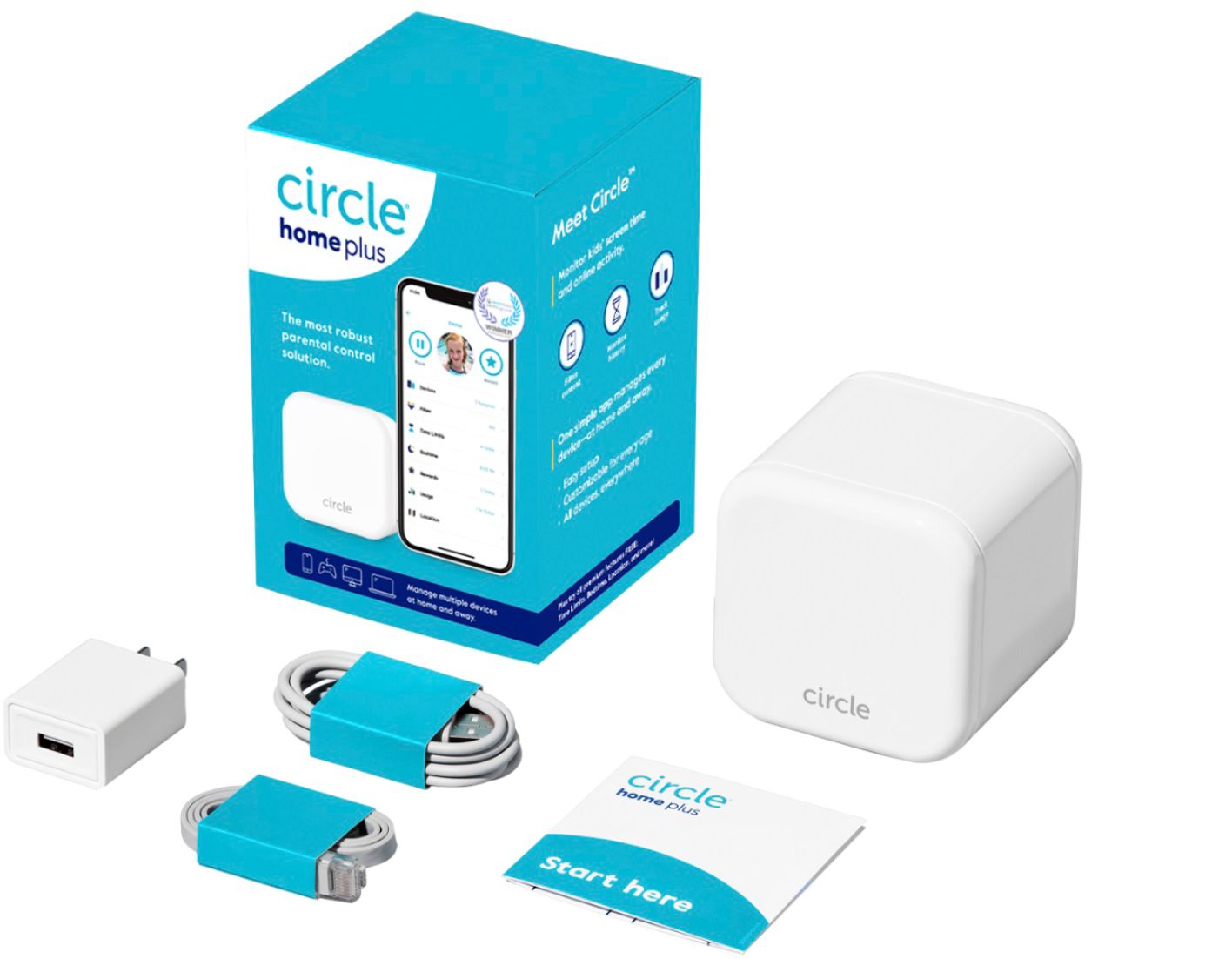
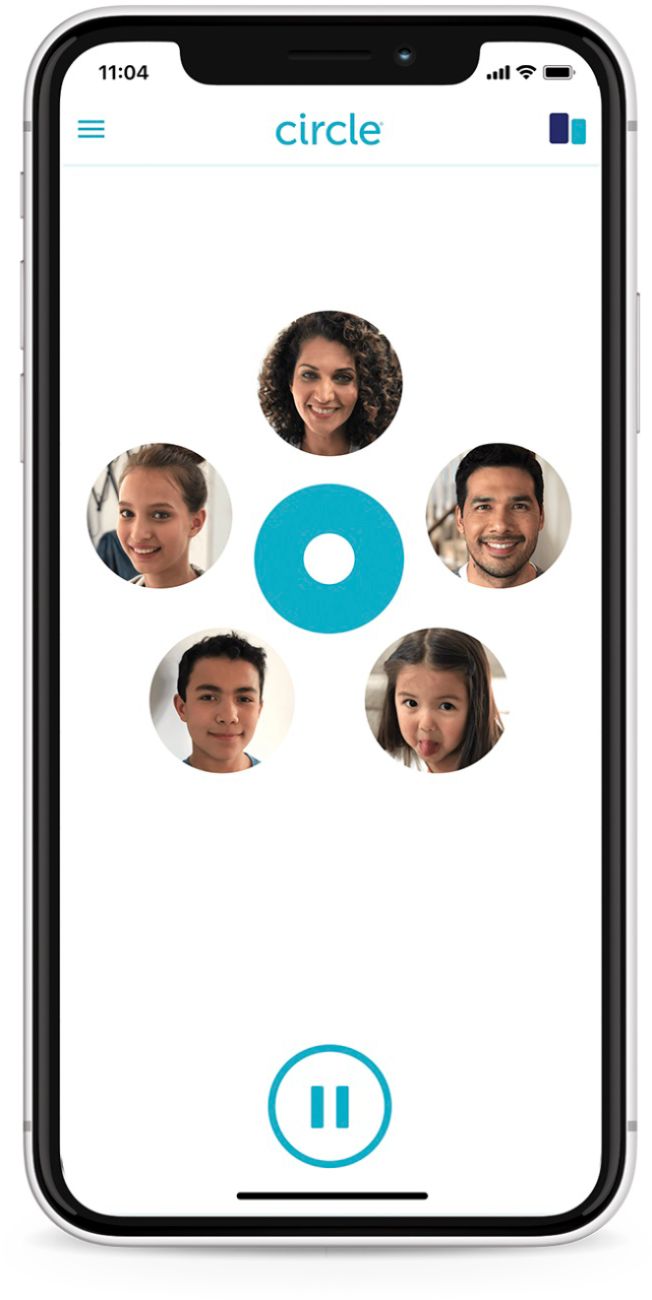
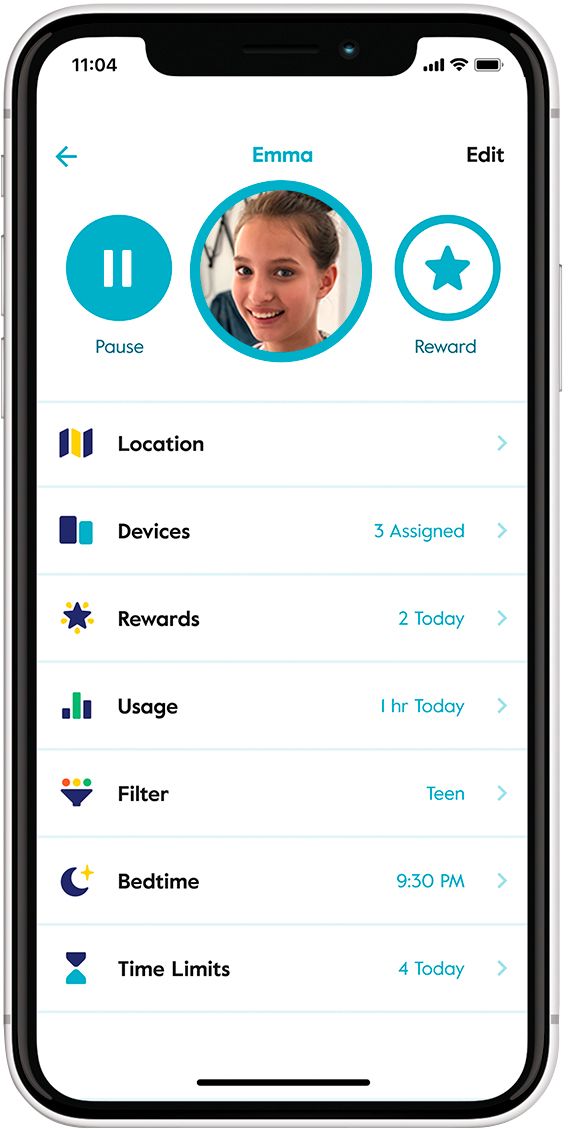
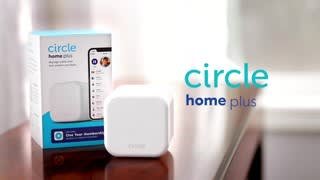
|Posted .This reviewer received promo considerations or sweepstakes entry for writing a review.The Circle Home Plus is a small, white box that has both ethernet and WiFi capability. The box comes with an ethernet cable in it, all you have to do is plug it into your router. WiFi is mainly supposed to be a backup source in case the box gets unplugged. The unit has a small battery in it that will keep it active in case it gets unplugged, if, say, a kid decided they wanted to unplug it and attempt to access the internet. The key to the Circle Home Plus working is to install the app, found on either the Android or Apple stores. It's free and easy to install. The Circle Home Plus does come with a limited-term free premium subscription, after which it will cost $9.99 a month to renew. After the app is installed (I have iOS devices), setup begins. If you don't have a Circle account, you are instructed to create one. After this, the app starts to scan the network for devices, using the Circle Home Plus device attached to the router. The devices are listed within the app and can be assigned profiles or declared exempt. This part of the set up took a really long time. Many of the devices in the list gave little to no indication of what they were. Some were "Unknown," or others said something generic like, "Intel Device." Well, I have 5 Intel devices, six smartphones, two iPads, and a mess load of other items that require internet access. It took quite a while to figure out what device was what and who it belonged to. Fortunately, the device names can be changed within the app, so once I tracked the MAC and IP addresses, things came together nicely. However, this process took me several hours to complete. The app has you create profiles that the Circle Home Plus utilizes to regulate internet access to the devices you assign to each person. These profiles allow you to choose automatic filters of Kid, Teen, and Adult. You can set the Circle Home Plus to allow only safe searches and restrict apps such as YouTube, Amazon, Disney +, and many more. Each profile can be set to limit the amount of time that each profile is allowed to access the internet, and when bedtime is. There are also two great tools provided: History and location. With history, you can see what websites your kid has accessed. This was very cool! It gives peace of mind to know that my kids aren't accessing things they shouldn't be. However, this comes with a caveat: Unless you install the Circle app on each of the smartphones or devices with cell capability, you will not be able to see what happens when those devices are off of WiFi. The Circle Home Plus device, as a standalone device, only monitors WiFi use. If you want to track cellular use also, Circle has apps that install a VPN on the phones that you want to be monitored and provides you with not just WiFi usage data, but also with cellular usage data. These apps allow you to track your kids' location, their internet history, and to make on the fly, real-time changes to the controls. Want to turn off their ability to use mobile data? Just push the pause button in your phone's Circle app, and they are off the internet. Want to reward them for being good and getting the dishes done? You can push the reward button on your phone's app and give them extra internet time. To test the Circle Home Plus, I set early bedtimes for two of my kids and placed a daily time limit on their internet use. I also installed the Circle app on their phones to regulate cellular usage. In all cases, the app and Circle Home Plus device worked flawlessly. I chuckled at one of my kids when he tried to use the internet after 10 PM on his Android phone, and he complained that nothing worked. I was like, "Aren't you supposed to be asleep?" I've used two other parental control services over the last couple of years. Both are well known. Neither has a hardware device, but are instead cloud-based, software solutions. They don't have the level of control, in my opinion, that the Circle Home Plus does. The ability to regulate both WiFi and cellular usage is a great tool to have, as well as using the locator ability. However, both of those are significantly cheaper from a subscription perspective. One costs only $15 a year, and the other is only $33 a year. The Circle Home Plus premium subscription runs $120 a year, so that is quite a difference. If you decide not to pay for the premium service, the device will still function, but you will be limited to only filtering, history, and usage. No settings will be enforced. I like the Circle Home Plus. It provides a peace of mind that I've struggled with for several years trying to raise kids in a crazy world. A challenging setup process and a relatively high subscription fee are the only cons I've come up against so far. The hardware and software solutions for Circle are well-designed and simply work. I recommend the device.
I would recommend this to a friend Good for managing kids/teen devices at home
||Posted . Owned for 1 month when reviewed.This reviewer received promo considerations or sweepstakes entry for writing a review.I used the circle app with a router in which the circle hardware was integrated with the router. I decided to replace the router with a mesh router. Circle wasn’t integrated with this one so I bought the external circle device. Easy to connect and configuration is easy through the app. It’s nice to set up separate groups with their respective devices as each kid has a different bedtime and filter level. It works great IF your kids are on your WiFi network. It will NOT work if they connect to the neighbor’s WiFi or say a free network at a fast food place.
I would recommend this to a friendGreat product and value. Could be easier to use.
||Posted . Owned for 1 month when reviewed.This reviewer received promo considerations or sweepstakes entry for writing a review.Does exactly what it is advertised to do. The history viewing capabilities could be easier to find. Not as intuitive as advertised and I am a techie. But happy with the product.
I would recommend this to a friend- Pros mentioned:Filtering
there are much better options available.
||Posted . Owned for 8 months when reviewed.This reviewer received promo considerations or sweepstakes entry for writing a review.It does an OK job of filtering but does a terrible job of determining what is educational for school use. It was also really hard to block things. My 9 year old always found ways around it.
No, I would not recommend this to a friend - Cons mentioned:Internet connectivity
Issues
||Posted . Owned for 3 months when reviewed.This reviewer received promo considerations or sweepstakes entry for writing a review.Good idea but difficult to use unless each kid uses only his/her electronic, sharing of electronics causes an issue and difficult to get good use out of circle. Also started turning off internet At night and shutting everything off. Quit using about 1 mo after having and not used since. May be good for one child family but not with our multi child family. Good idea but better options to be had.
No, I would not recommend this to a friend This is not the device you're looking for...
||Posted . Owned for 5 months when reviewed.This reviewer received promo considerations or sweepstakes entry for writing a review.I'm going to be honest with you. I bought this to limit my kids time on their computers at night. Being that they're doing the home schooling (with Covid) they tend to sneak onto their game systems and computers at night. This device wants $10 a month to run bedtime features (which I had to manually activate each night despite trying to set up bedtime schedules). Now comes the honesty - just buy a timer outlet. You can get them at Best Buy and there's no $10/month charge. Also they actually work when you set up a schedule for bedtime, etc. Just plug your router's power cord into the timer, set the timer (for bedtime) and you're all set. You're welcome!
No, I would not recommend this to a friendpretty good
||Posted . Owned for 3 months when reviewed.This reviewer received promo considerations or sweepstakes entry for writing a review.it's good, not great, I dont know what else I expected but just maybe it was home school during COVID that ruined it for me lol
I would recommend this to a friend- Pros mentioned:Screen time
Great product!
||Posted .This reviewer received promo considerations or sweepstakes entry for writing a review.It does a great job helping to limit screen time! I would definitely recommend it.
I would recommend this to a friend