Customer Ratings & Reviews
- Model:
- CA-9011381-WW
- SKU:
- 6640878
Rating by feature
- Value
Rating 4.6 out of 5 stars
- Quality
Rating 4.6 out of 5 stars
- Ease of Use
Rating 4.8 out of 5 stars
Customers are saying
Customers often highlight the fantastic sound quality and exceptional comfort as the standout features of this headset. Users also appreciate the long battery life, versatile connectivity options, and the lightweight design that makes it easy to wear for extended periods. While the overall experience is highly positive, some users have expressed dissatisfaction with the performance of the microphone during voice communications.
This summary was generated by AI based on customer reviews.
- Pros mentioned:Sound quality
Great gaming gift
||Posted .This reviewer received promo considerations or sweepstakes entry for writing a review.Love this brand. I’m hard on my headsets and this brand lasts the longest. Great quality, my go to for the price. Use my rewards for even bigger deals!
I would recommend this to a friend Pretty good
||Posted . Owned for 4 months when reviewed.This reviewer received promo considerations or sweepstakes entry for writing a review.Sound quality and comfort is perfect, battery life is great considering leaving it uncharged for a couple days
I would recommend this to a friendUpgrade
||Posted . Owned for 2 months when reviewed.This reviewer received promo considerations or sweepstakes entry for writing a review.The sound quality is awesome. The mic is crisp, and it feels good on my ole noggin
I would recommend this to a friendnice lightweight design
||Posted . Owned for 1 week when reviewed.This reviewer received promo considerations or sweepstakes entry for writing a review.like the reduced weight vs my last pair with no quality loss. ability to connect to 2 different devices is nice
I would recommend this to a friend- Pros mentioned:Sound quality
PS5 ready!
||Posted .This reviewer received promo considerations or sweepstakes entry for writing a review.This work very well on a PS5 and the sound quality is very good.
I would recommend this to a friend Great headset!
||Posted . Owned for 2 weeks when reviewed.This reviewer received promo considerations or sweepstakes entry for writing a review.This Corsair headset is a "safe bet." You aren't just paying for the name; you're getting a headset that usually feels more expensive than it is
I would recommend this to a friend- Cons mentioned:Microphone
Horrible Mic Quality over Discord
||Posted . Owned for 1 week when reviewed.This reviewer received promo considerations or sweepstakes entry for writing a review.Horrible sounding mic quality over discord, did everything to make it sound better to friends on the other end. Was insanely disappointed as I love Corsair products. Only positive is that it uses ICUE and I do enjoy that program over some of the others out there.
No, I would not recommend this to a friend Entry level Elite Sound
||Posted . Owned for 1 week when reviewed.This reviewer received promo considerations or sweepstakes entry for writing a review.Dude for the price point of these !!!!!!!you will not be disappointed!!!!!!
I would recommend this to a friend- Pros mentioned:Sound quality
Not bad
||Posted . Owned for 2 weeks when reviewed.This reviewer received promo considerations or sweepstakes entry for writing a review.Not bad, I ended up returning the item as they are over priced for what you get. Gaming headsets are a gimmick I have no need for the mic, I own one and I have studio quality headphones that sound better
No, I would not recommend this to a friend Loved the quality of them!
||Posted . Owned for 2 weeks when reviewed.This reviewer received promo considerations or sweepstakes entry for writing a review.Nice and affordable for the price, awesome material
I would recommend this to a friendVery good headphones
||Posted . Owned for 2 months when reviewed.This reviewer received promo considerations or sweepstakes entry for writing a review.Overall very satisfied. Totally recommended. Easy to use and very good customer support too.
I would recommend this to a friend- Pros mentioned:Battery life, Comfort

Budget friendly find!
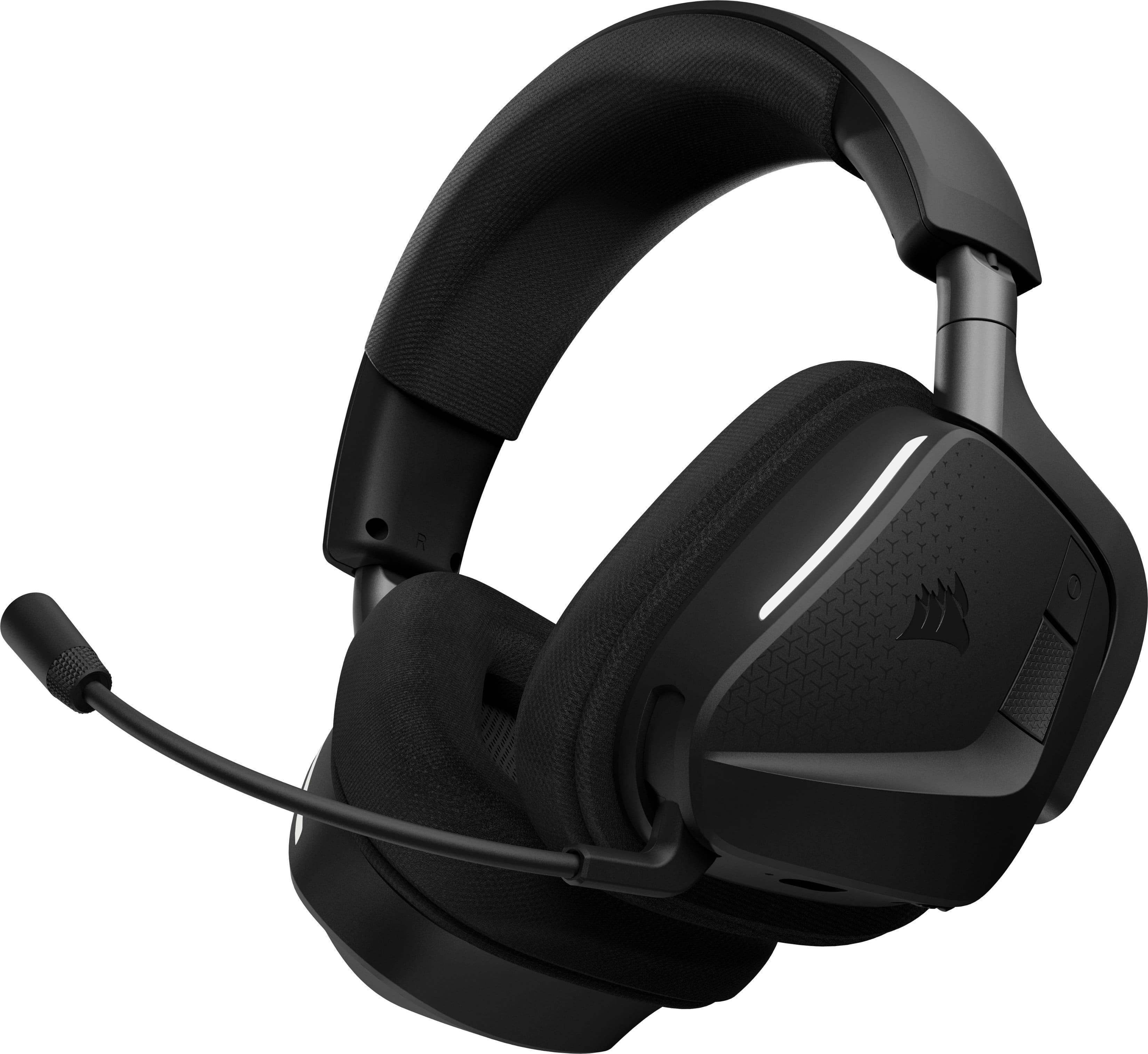
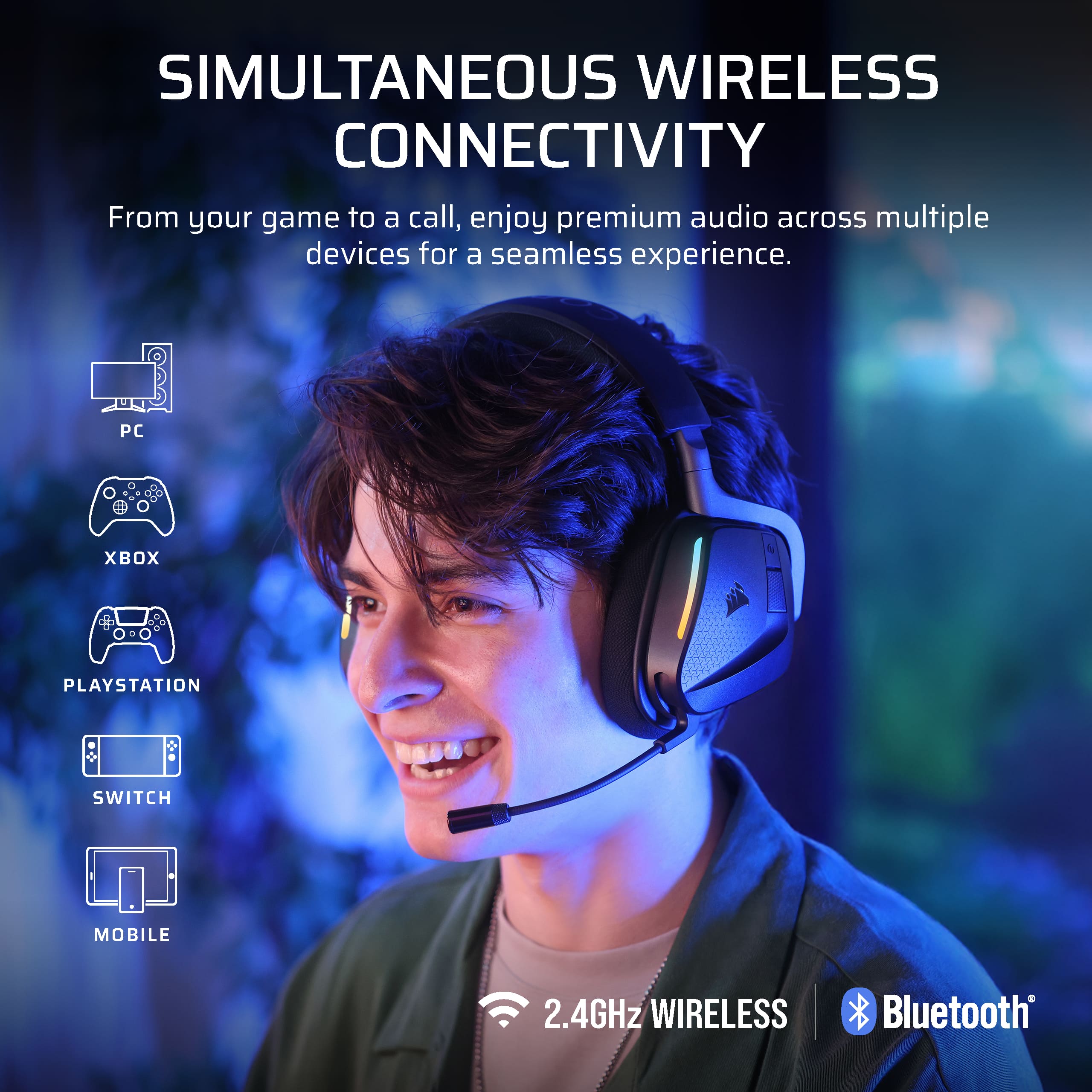
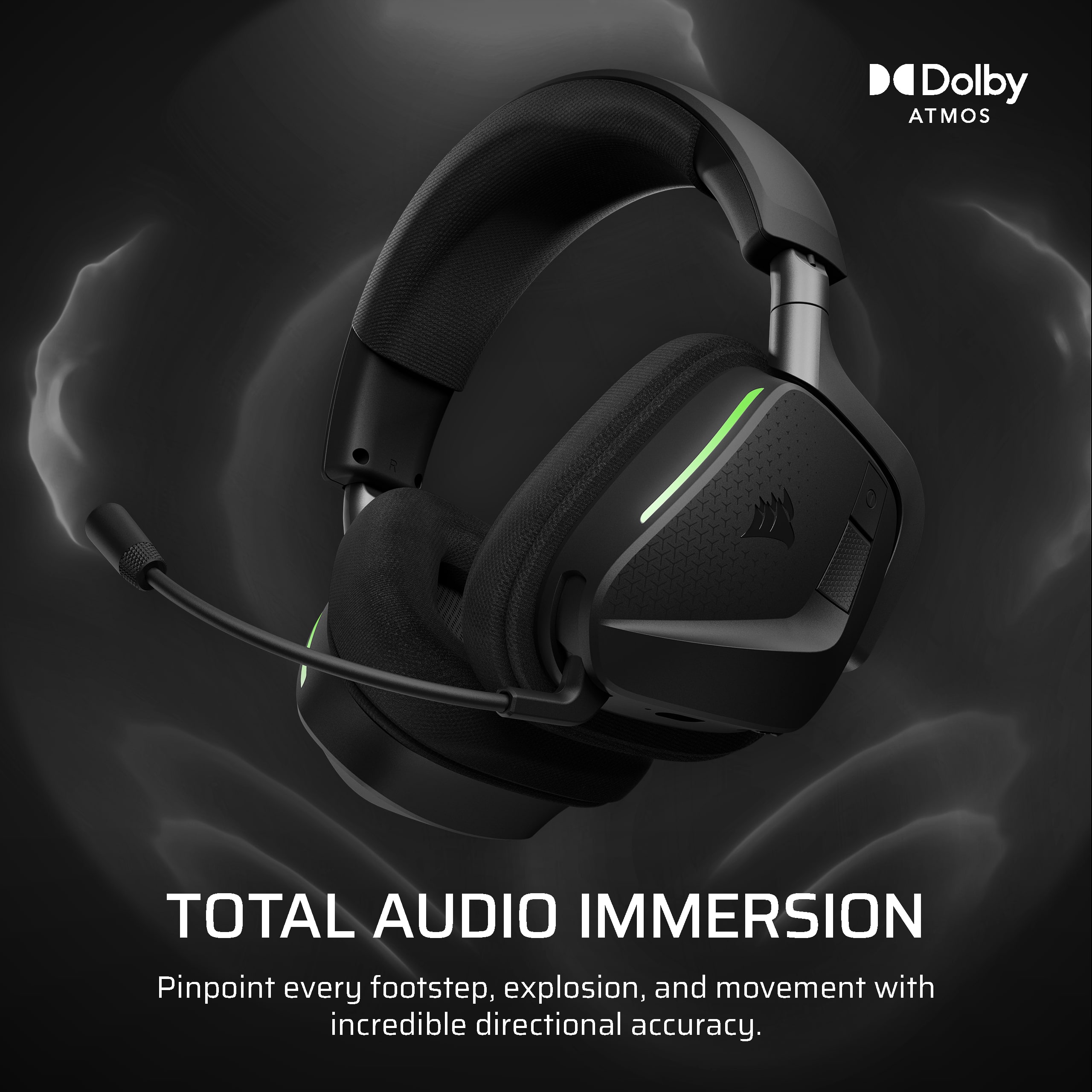
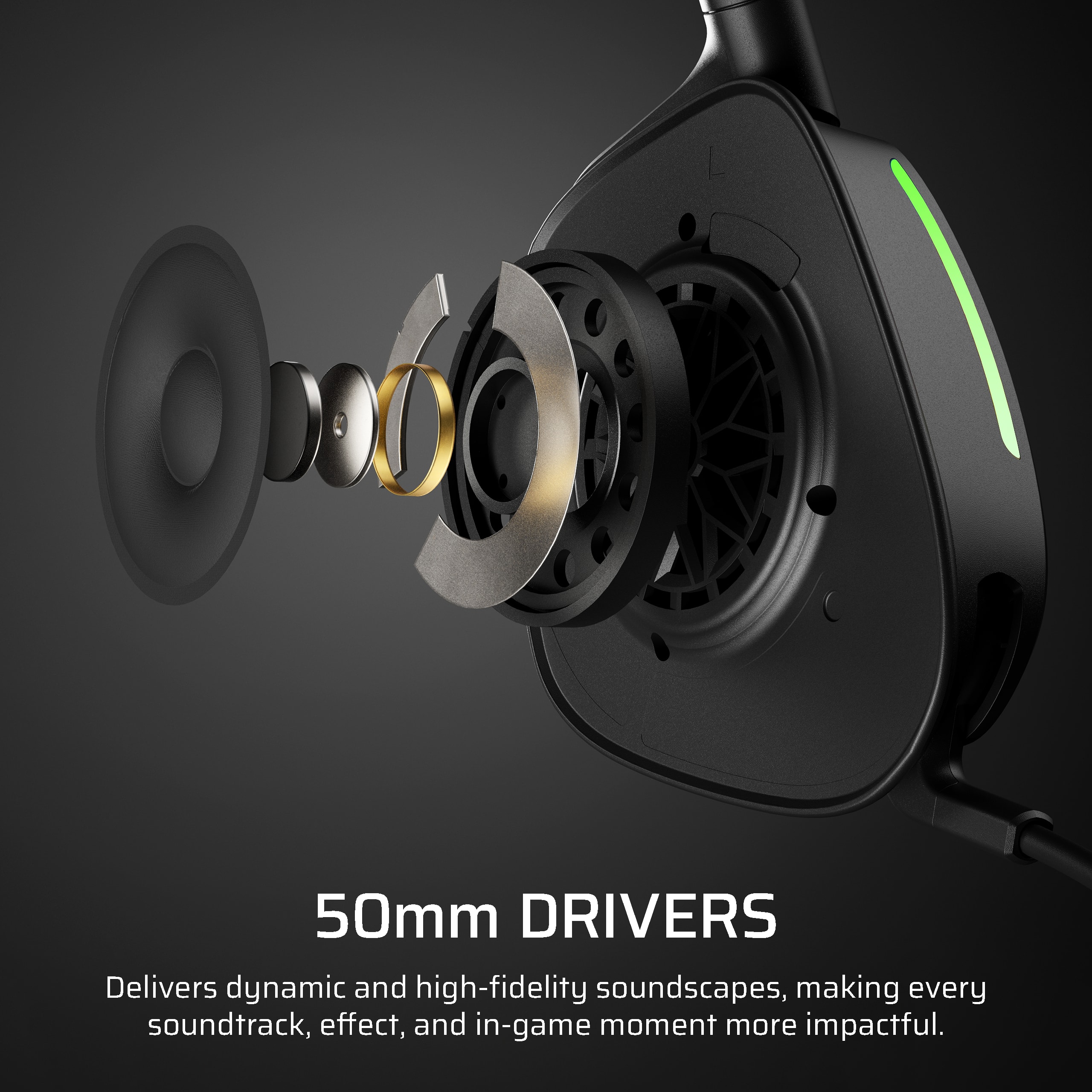
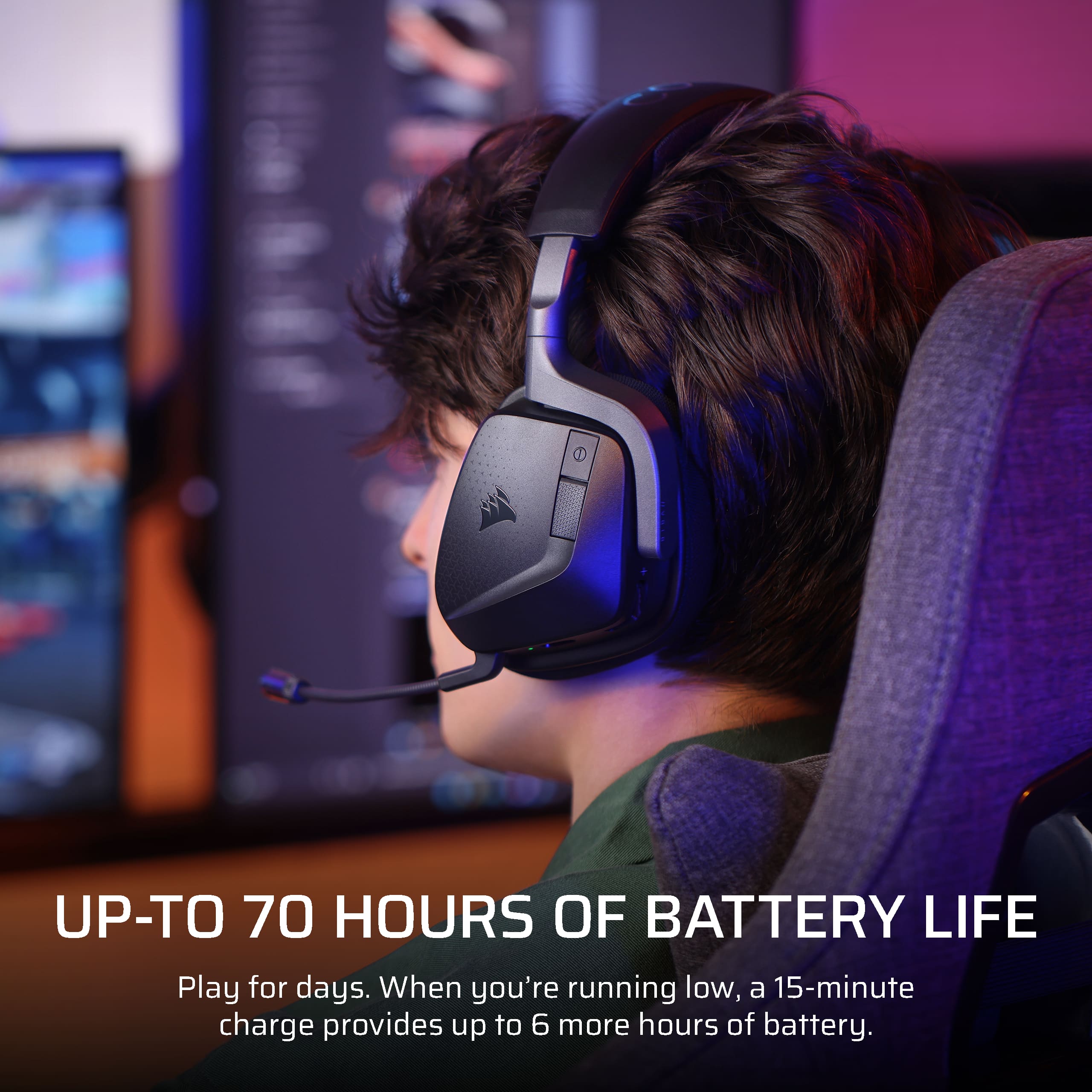
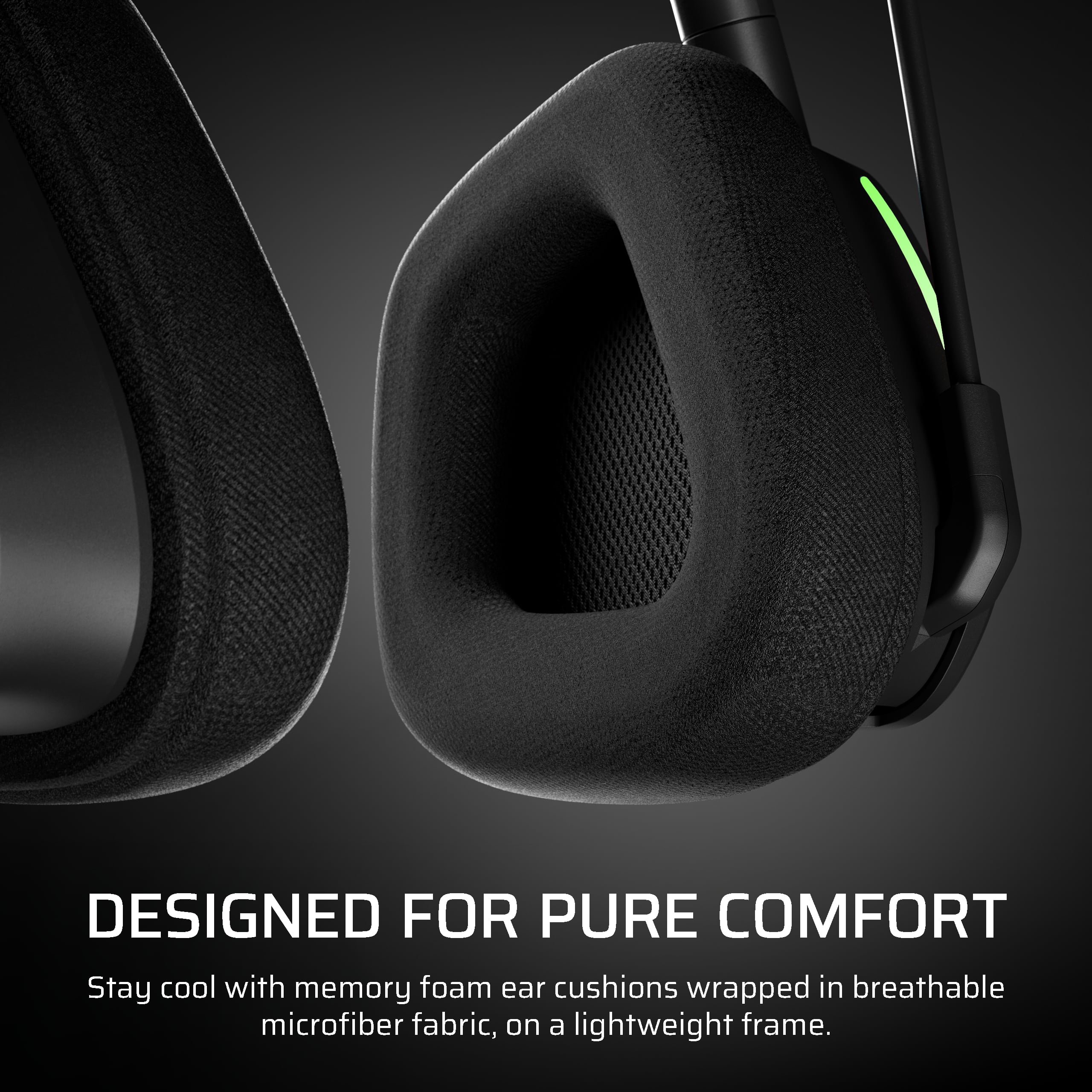
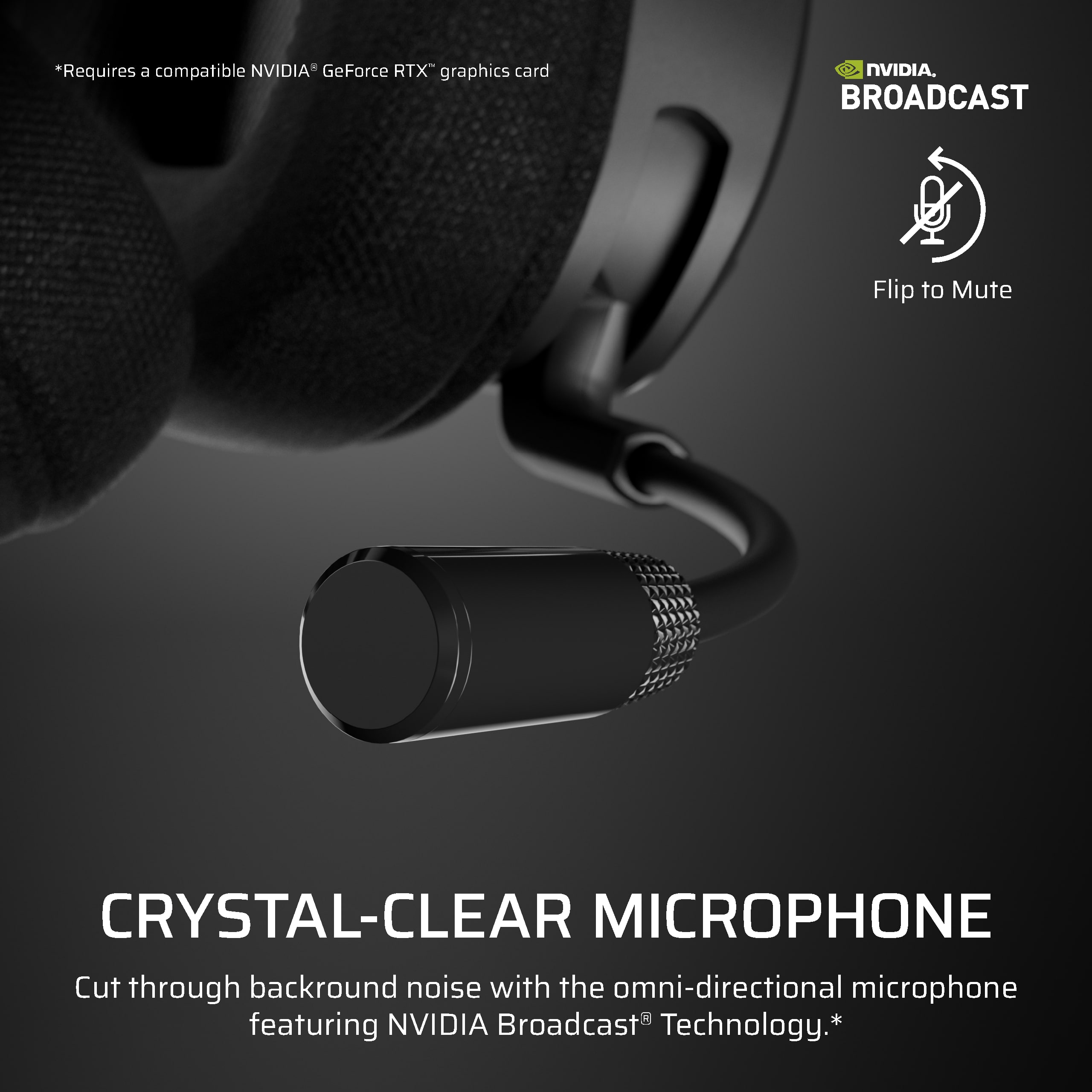
|Posted .This reviewer received promo considerations or sweepstakes entry for writing a review.Bottom Line Up Front The CORSAIR VOID WIRELESS v2 is a budget-friendly, multi-platform gaming headset that delivers strong battery life, versatile wireless options, and accessible customization through iCUE while keeping a surprisingly competitive feature set for the price. Design and comfort - Fit and materials: Breathable memory foam ear cushions wrapped in microfiber fabric provide consistent comfort during long sessions. - Build and controls: On-ear controls give instant access to mute, volume, and mode switching. The power button placement is inconvenient and harder to access than it should be. - Multiplatform focus: Dual wireless compatibility for PC, PlayStation, Nintendo Switch, and mobile makes the headset a flexible pick for mixed-console households. Sound performance - Drivers and spatial audio: Custom-tuned 50mm drivers combined with Dolby Atmos Spatial Audio produce dynamic and directional sound that helps pinpoint footsteps, explosions, and movement precisely. - Overall fidelity: Audio quality is not perfectly consistent across all sources but remains well above "horrible" and more than acceptable for gaming, movies, and casual music listening. - Use case:Dolby Atmos and driver tuning deliver a clear advantage in positional awareness for competitive play while providing immersive soundscapes for single-player and media consumption. Microphone and voice features - Microphone tech: The omni-directional mic with NVIDIA Broadcast technology effectively reduces background noise and produces clear communication for teammates and calls. - Practical results: Voice clarity and noise rejection are strong for a headset in this price range. Battery life and connectivity - Endurance:Up to 70 hours of battery life enables days of use between charges. - Fast charging: A 15-minute top-up supplies around 6 hours of play time. - Wireless modes: Low-latency 2.4GHz wireless covers high-performance gaming needs while Bluetooth offers easy device switching and added versatility. Software and customization - iCUE integration: CORSAIR iCUE provides RGB control, mic customization, firmware updates, and pre-tuned profiles. - Missing element: The current lack of an integrated iCUE equalizer is a notable omission that limits on-the-fly tonal adjustments, which is the primary reason the headset earns four stars instead of five. Pros - Exceptional battery life and fast-charge capability. - Dolby Atmos and capable 50mm drivers for strong spatial audio. - Dual wireless modes plus easy multi-platform switching. - Comfortable memory foam ear cushions for long sessions. - NVIDIA Broadcast noise reduction delivers clear voice communication. - Aggressive price to feature ratio. Cons - Power button placement is poorly located and inconvenient. - Audio quality varies with source and is not uniformly consistent. - No built-in iCUE equalizer limits granular on-device tuning. Verdict For anyone seeking a budget-friendly headset with long battery life, reliable wireless performance, and strong spatial audio, the CORSAIR VOID WIRELESS v2 is an excellent value. The headset delivers most of the features gamers want at a modest price with only a few compromises. The inconvenient power button and the absence of an iCUE equalizer keep it from perfection, but it remains the best budget unit I have tested and one I would happily buy if needed.
I would recommend this to a friend - Pros mentioned:Battery life, Comfort, Connectivity
Premium Gaming at a non premium price
|Posted .This reviewer received promo considerations or sweepstakes entry for writing a review.The Corsair Void V2 Max wireless headset brings alot the wireless gaming table. The versatility to add to a PC or console or both at the same time really opens the doors to how you want to use it. You get a 2.4ghz wireless option as well as bluetooth and the ability to have both at the same time is really great. I found the headset to be very comfortable for long extended gaming sessions, I will admin my ears got a bit warm but that might just be me. I do wish the mic was removable when not needed, but it did not effect my enjoyment of the headset. Communication on the mic was crystal clear and all my teammates had no issues hearing me or complaining about too much background noise being picked up. Battery life here is really king at a 70 hours of play time and when you get low a quick 15 min charge will net you another 6 hours if needed. No hot swappable batteries here still the quick charge keeps in the action quickly. Sound is really top notch whether its getting lost in a movie, song or fps game. I could hear all the footsteps and environmental sounds I could imagine all around me. Watching movies really made the surround sound pop in my headset and made for an immersive viewing experience. On PC the software makes everything very customizable from RGB to making custom actions for the buttons so you really can tailor the experience to what you want out of it. If you want to play on XBOX you still get a premium experience all the way around, its nice getting the option to use it how you want. Corsair really gave us a premium headset option here without the premium price you might find on other comparable brands. Overall very happy with the headset and would absolutely recommend.
I would recommend this to a friend - Pros mentioned:Battery life, Comfort, Connectivity
Hits that sweet spot
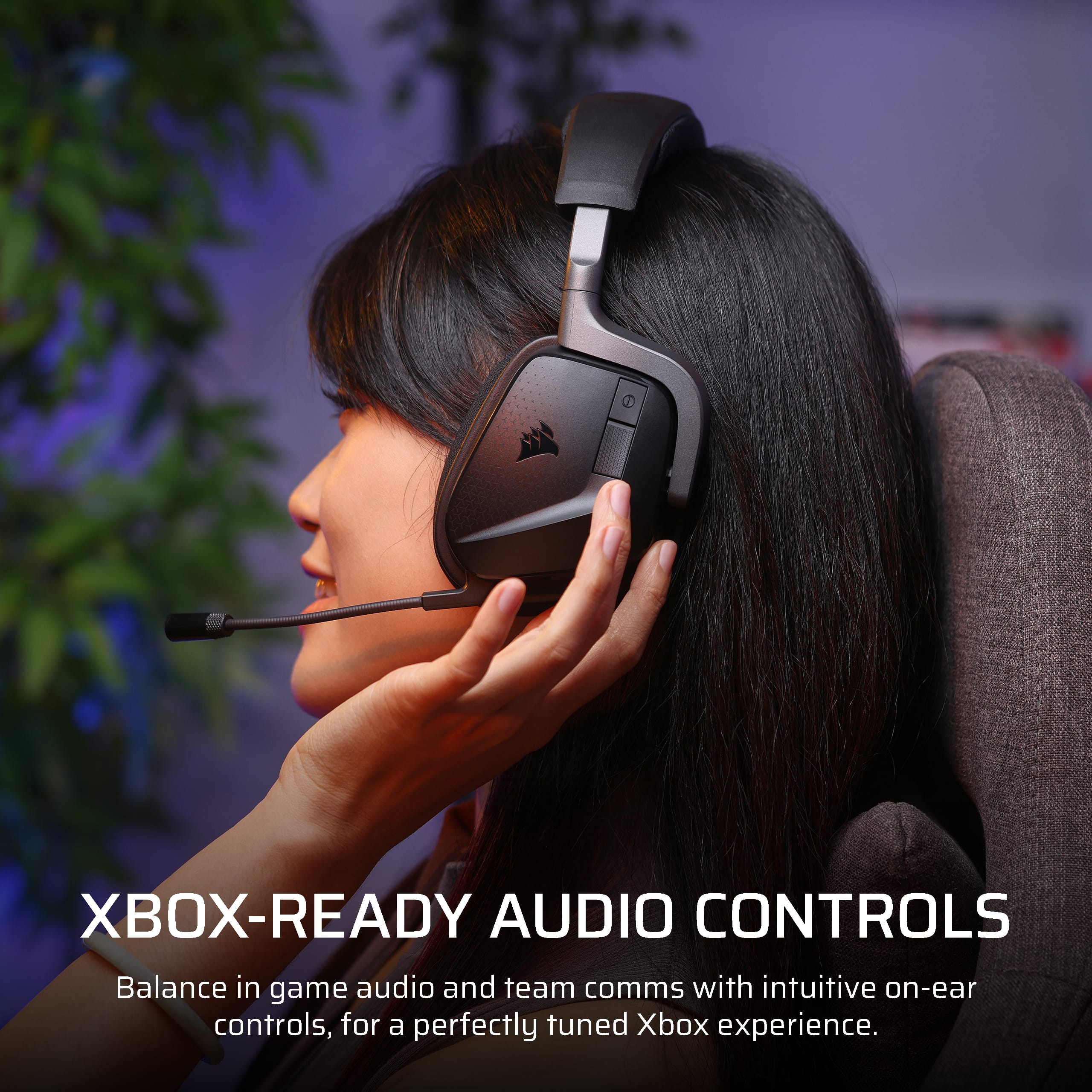
|Posted .This reviewer received promo considerations or sweepstakes entry for writing a review.I’ve been running the CORSAIR VOID V2 Max Wireless through its paces on the Xbox, and honestly, it’s one of those headsets that quietly earns its keep. First off, the sound profile is clean and immersive — Dolby Atmos support paired with custom 50mm drivers. Whether I’m deep in a movie or bouncing between Discord and gameplay, the audio stays crisp and balanced. What really sold me is the dual connectivity: simultaneous 2.4GHz wireless and Bluetooth. I can take calls or scroll TikTok while waiting for a game to load — no need to switch devices. That’s a game-changer for me, especially when I’m coordinating with friends or juggling playlists for the correct game im playing. Comfort? It’s built for long sessions. The memory foam ear cushions and breathable microfiber fabric keep things cool for me during long sessions — and I’m in Mississippi, so that matters (its hot). The headset is light at 303 grams and its well-distributed, and I didn’t feel any pressure points, even with glasses on. That’s rare. Battery life is another win: up to 70 hours on a full charge, and a quick 15-minute top-up gives you 6 more hours. That’s sweet when you’re heading into a late-night game sessiobn and forgot to plug in the headset earlier. Mic quality is solid — auto-mute when you flip it up is intuitive, though I wish it were detachable. It’s clearly designed for home gaming, not commuting, and that’s fine by me. A few small touches I appreciate: the RGB lighting is subtle, not flashy; the earcup controls for game/chat balance are super handy on the Xbox. The headset lays flat on my neck when I need a break — no awkward neck pressure. At $149, it’s not budget-tier, but it punches above its weight in features and comfort. If you’re looking for a headset that doesn’t just sound good but feels right for long sessions and multitasking, this one’s worth the money.
I would recommend this to a friend - Pros mentioned:Battery life, Comfort, Sound quality
For a midrange headset VOID V2 delivers
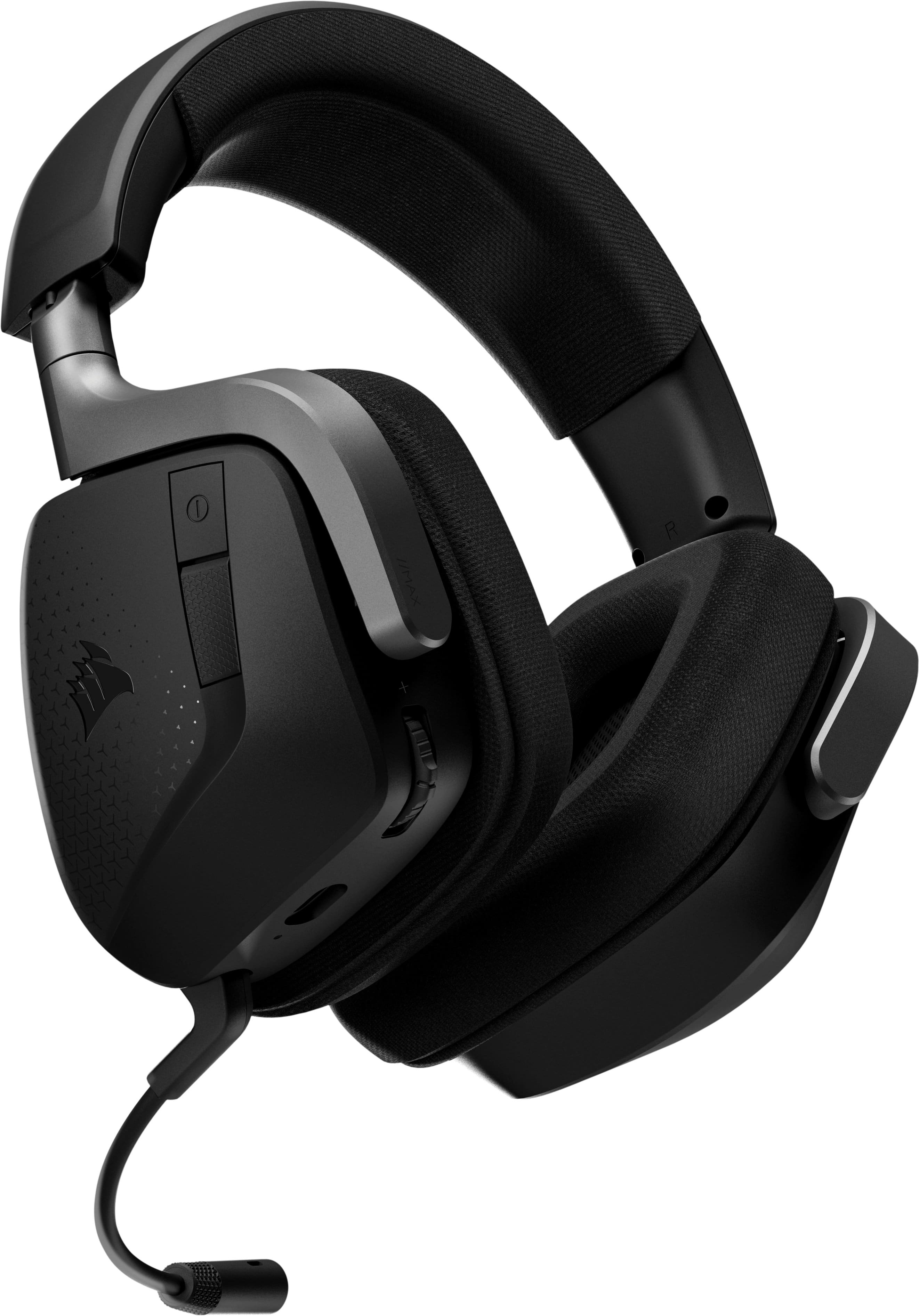
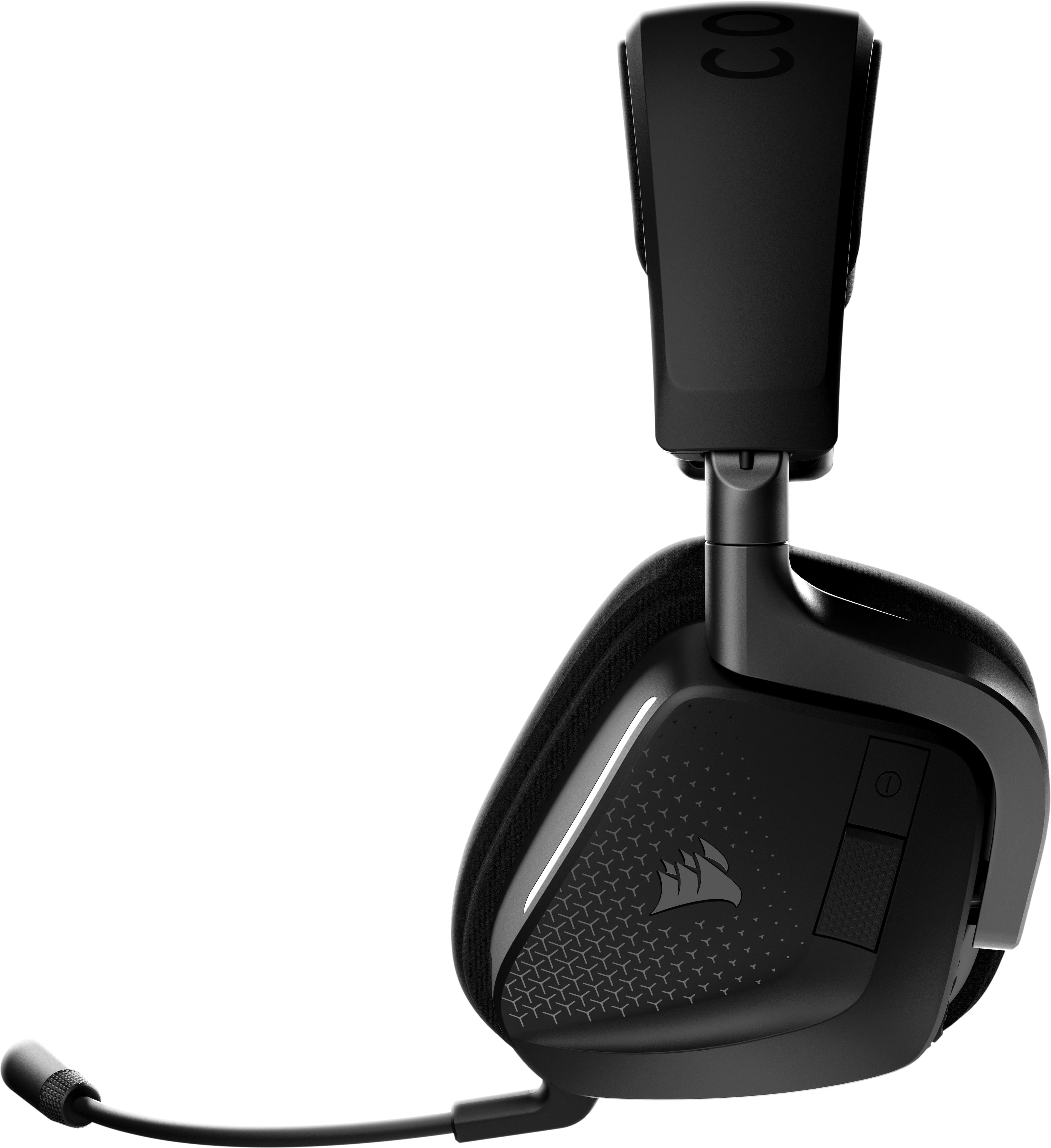
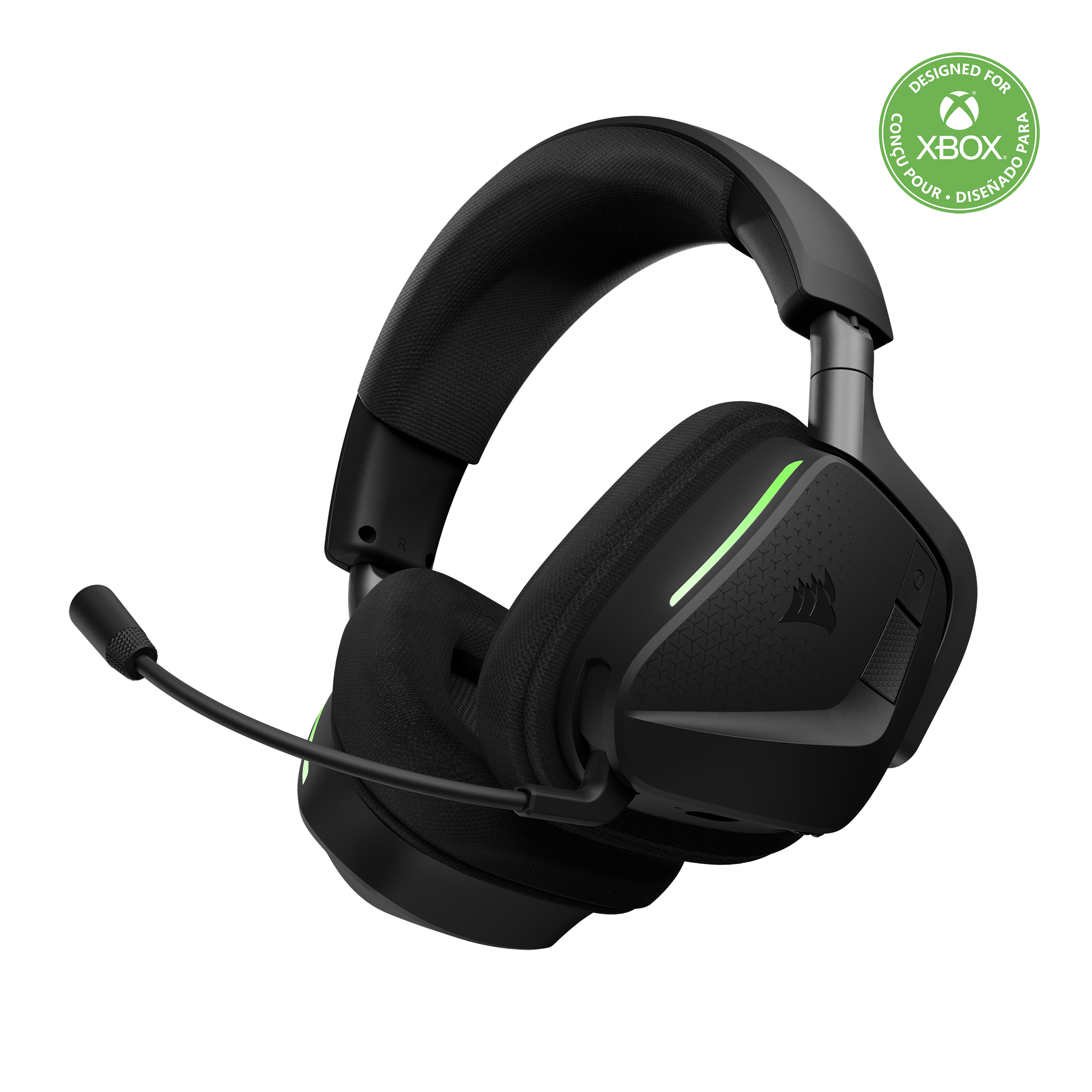
|Posted .This reviewer received promo considerations or sweepstakes entry for writing a review.The CORSAIR - VOID V2 Max Wireless Gaming Headset for Xbox, PC, Playstation, and Mobile – Carbon is a plug and play midrange value headset that is extremely comfortable and produces fantastic sound quality. It’s super lightweight with large soft cushions made from memory foam and breathable microfiber fabric. The weight is barely 300grams and the plush fabric-covered ear cushions and thick padded headband create a very comfortable gaming session. The snug and plush earcups that have replaceable mesh-covered foam earpads can rotate angles up to 90 degrees. There are two RGB strips down the front side of each earpiece to display a variety of RGB options such as lights flickering between a range of different colors. The controls are on the left earcup. From there I have connection ports, the power button that can switch between the 2.4GHz wireless and Bluetooth connections and a textured multi-function button below it. The multifunction button can answer/hang up phone calls, play/pause music, skip a track, go back one track and enter Bluetooth pairing mode. A volume rocker, which can also be pressed to access the headset's onboard EQ presets is also there. There are 4 EQ presets to choose from, though the standard EQ setting is surprisingly flat. I can install the iCUE software to get the most out of the Void Wireless V2, with a 10-band EQ, except that is only available for PC and Mac. Of course with the VOID V2 50mm drivers I have plenty of sound coming out powerfully. It produces a balanced sound profile, with deep but slightly restrained bass, a solid midrange, and clear, comfortable highs. Connections come via both Bluetooth and a sizeable 2.4Ghz USB-A wireless dongle. The VOID V2 includes an omnidirectional microphone arm that automatically mutes when flipped up and turns on when angled down. This non-detachable boom mic is above-average in microphone quality. It is great for chatting with friends and teammates and it performs exceptionally well, with the amount of depth it manages to capture. Charging is via a USB-C port, with its included 1.8m charging cable giving a maximum of 65 hours of playtime. The CORSAIR - VOID V2 Max Wireless Gaming Headset for Xbox, PC, Playstation, and Mobile – Carbon is a very versatile headset. As the latest CORSAIR on the market, at a great price, this VOID V2 has not disappointed my gaming experiences.
I would recommend this to a friend Great Headset
||Posted . Owned for 1 week when reviewed.This reviewer received promo considerations or sweepstakes entry for writing a review.I bought these for my son for Christmas. He loves them. Bonus on the flexible mic so his little sisters can’t break it as easily!
I would recommend this to a friendGreat for the price
||Posted . Owned for 2 weeks when reviewed.This reviewer received promo considerations or sweepstakes entry for writing a review.Comfortable, though a little heavier than i would expected. The RGB is a nice touch, and the sound isolation works pretty good too!
I would recommend this to a frienddoes not work with playstation
||Posted .This reviewer received promo considerations or sweepstakes entry for writing a review.it says that it works with playstation but it doesn't so I don't recommend it for playstation
No, I would not recommend this to a friend- Pros mentioned:Battery life, Comfort, Connectivity
Crisp and clean sound at an affordable price
|Posted .This reviewer received promo considerations or sweepstakes entry for writing a review.I got this Corsair Void V2 headset with my husband in mind. He primarily plays games on his Xbox, but occasionally plays on a PC too. I always hear him mention his every day headset is dying, so I thought this headset seemed like a well-rounded, affordable option for him to have as a second pair. Overall, this headset is very comfortable and adjustable to fit just right on his head. It holds quality sound and has a crisp and clean microphone. The battery life seems great too. He hasn't had to charge it with a couple hours of use each day over a weeks time. It's also extremely durable as our cat has already knocked it off his desk quite a few times on tile flooring! Aside from that, it was easy for him to connect to his Xbox and begin using. He had to do some quick firmware updating right out of the box but it was quick and painless and he gave them a full charge before first use. He likes being able to walk two floors away and still being able to talk to his friends and not have any connection issues. And he loves the customizing you can do with the RGB lighting and even with the audio. This headset is definitely is new primary. You can't be the price and quality!
I would recommend this to a friend great headset
||Posted .This reviewer received promo considerations or sweepstakes entry for writing a review.Great headset that works well. It is replacing my H55 that has constant connectivity issues.
I would recommend this to a friend