Customer Ratings & Reviews
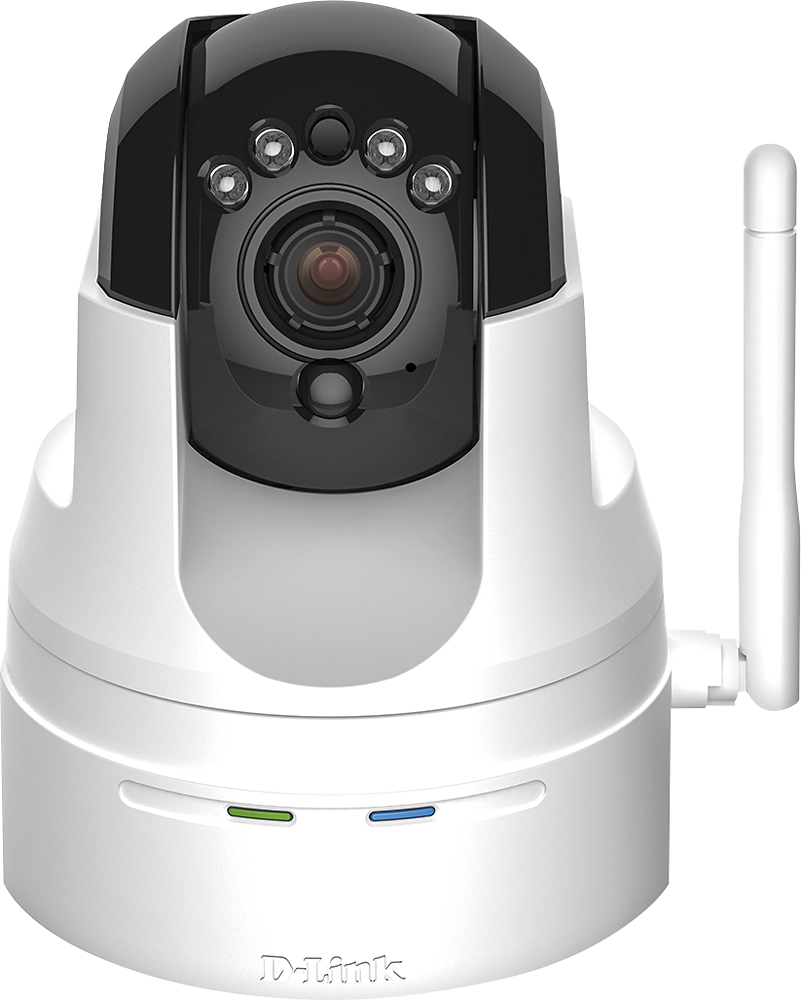
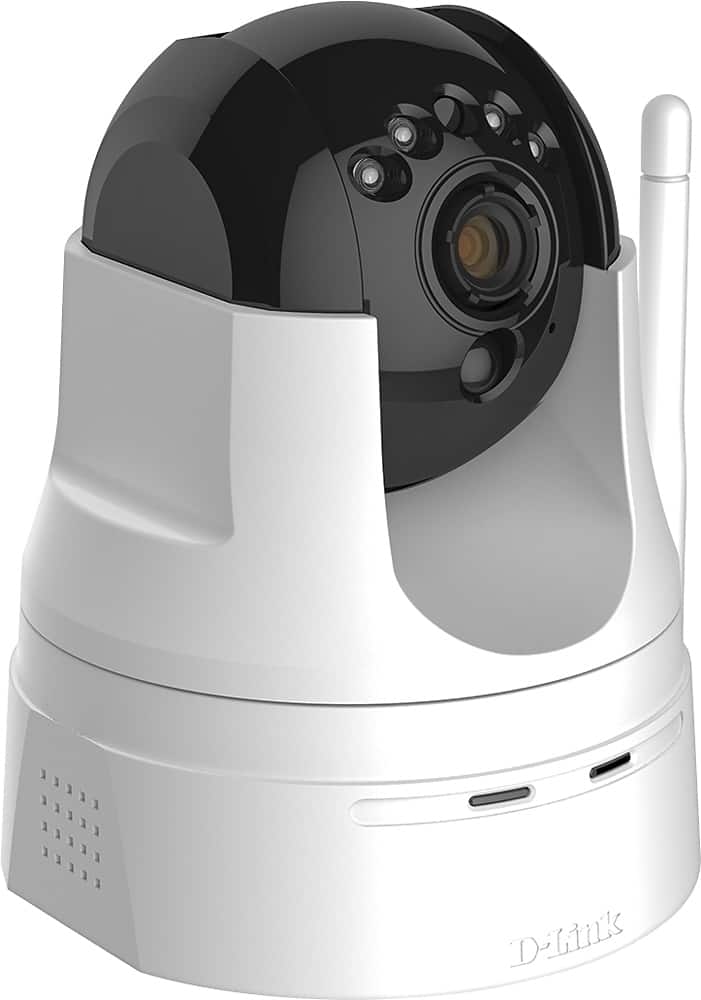
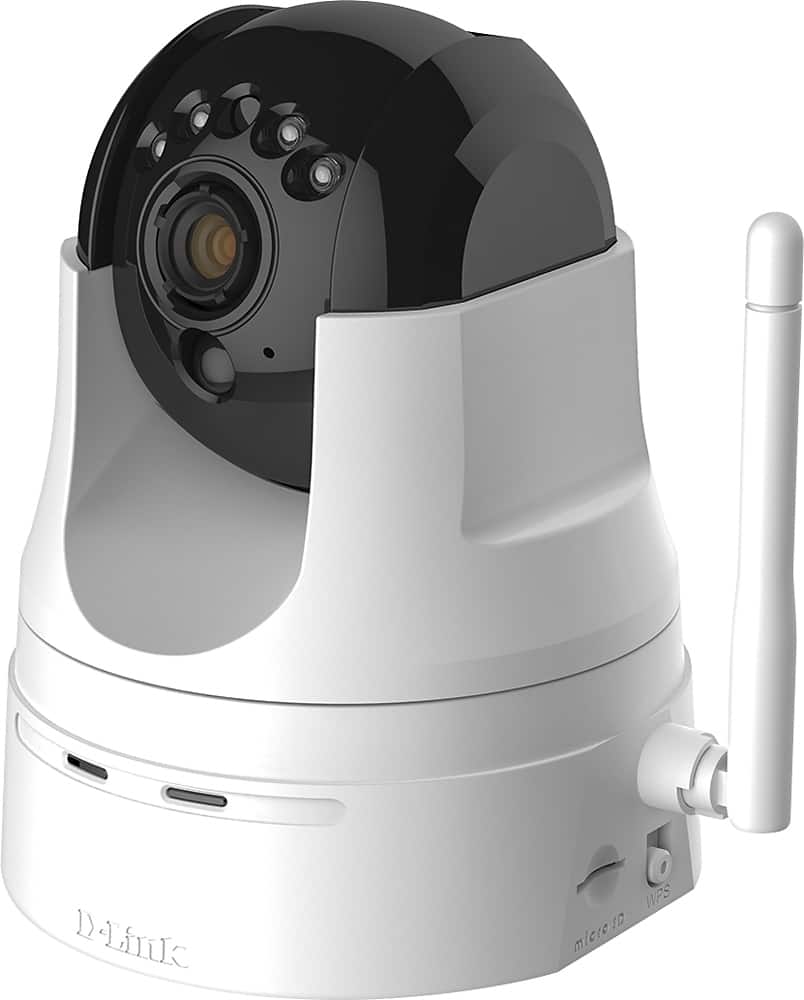
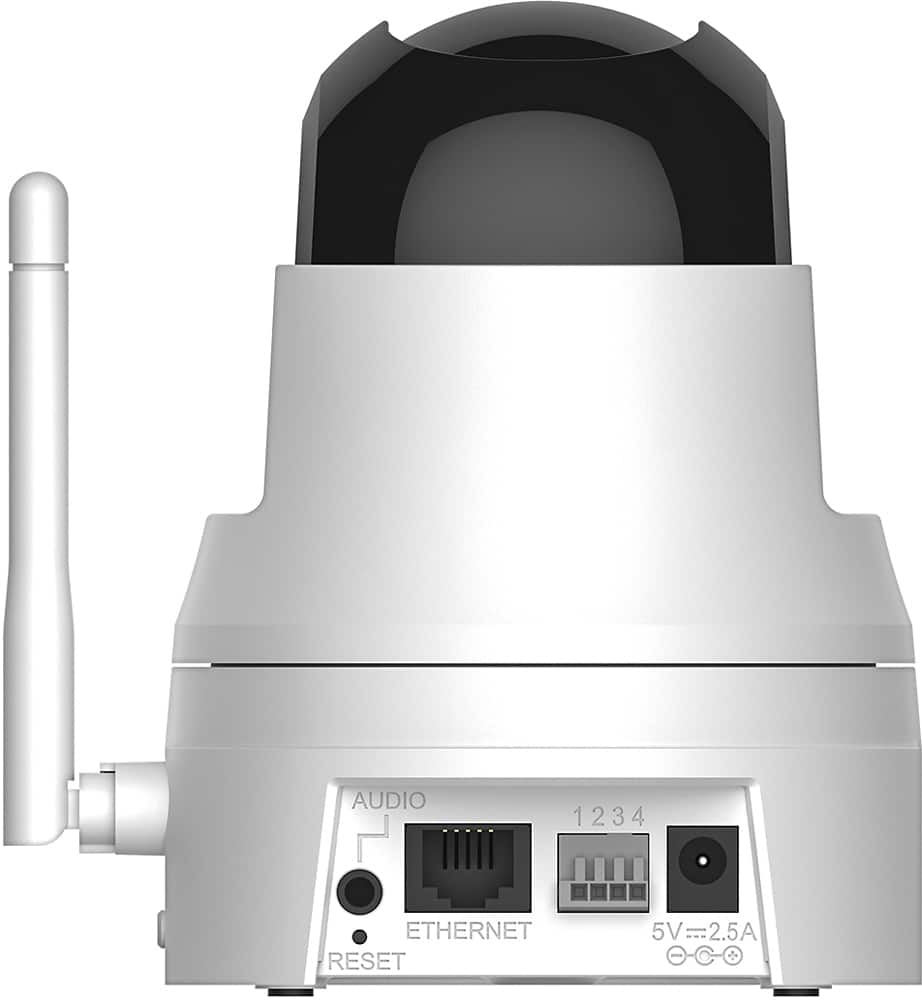
- Model:
- DCS-5222L
- SKU:
- 5619743
to a friend
Customers are saying
Customers are pleased with the excellent camera quality, ease of use, and the pan and tilt features of the High-Definition Pan and Tilt Wi-Fi Video Security Camera. Many also appreciate the night vision and motion detection capabilities. However, some users experienced difficulties with the setup process and software, while others reported issues with Wi-Fi connectivity and overall reliability. Improvements to the software and setup instructions would enhance the user experience.
This summary was generated by AI based on customer reviews.
Terrible
||Posted .This reviewer received promo considerations or sweepstakes entry for writing a review.This camera is not at all what I was expecting. It doesn't stay connected to the app on my phone. It's connected to high speed internet and the frame rate to review it sucks. So when I'm reviewing its skippig and in slow motion. And I can't hear anything but garble.
No, I would not recommend this to a friendtook it back
||Posted .This reviewer received promo considerations or sweepstakes entry for writing a review.wasn't happy with the quality.. very low resolution.
No, I would not recommend this to a friendBrand response from D-Link Support
Posted .We appreciate the feedback as we value the input with great consideration and we are sorry to hear that you have returned the product. Please note that the DCS-5222L offers HD 720p video. For future reference we suggest that you contact our technical support team for assistance with your issues. An agent will be glad to assist you with the problems you are experiencing.

- Pros mentioned:Camera quality, Motion detection
Good quality camera at a low price!
Posted .This reviewer received promo considerations or sweepstakes entry for writing a review.It’s a great camera for what it’s worth. I’m able to view any activity through my laptop and phone app with little lag. Not to mention I receive quick push notifications whenever it senses motion, which is a major plus! I tested out the two-way audio and it’s awesome as well. I had a problem setting up the camera to my wireless router at first, but I called the dlink customer service and they resolved the issue for me fairly well. The tech representative guided me step-by-step through the installation process and it was a breeze! I can say that I am very pleased with my purchase. Tech Rep ID# AR004627
I would recommend this to a friend - Pros mentioned:Camera quality, Motion detection
DLink DCS-5222L Camera
Posted .This reviewer received promo considerations or sweepstakes entry for writing a review.Every thing to get the camera up & running was a BREEZE as advertised. Gett he 32GB SD card when you buy the camera and install Plug cam into router and follow instruction-It does it all fast and easy. Set or mount camera in position and download the App for smartphone and also load onto computer and your ready for the long task of setting it for your needs. When mounting using hanger-hang as you need (under or over) the picture can be rotated to correct in the advanced settings if it appears upside down. On my initial install I found that it will record a lot IMPORTANT-I found that if the camera is unplugged during recording, that clip WILL be blank. Good to knoww hen adjusting length of recording-if set to long and an intruder spots and unplugs, you WILL NOT have them coming. I found the factory setting for this is 5 seconds which feels a little to short for me. Not sure but to view the files on the SD crd I have to do it from my laptop and not cell phone. The picture quality at night and day is GREAT!!! You can select 3 or 4 different setting upto HD Quality. I have mine mounted in the Center of a room that is 16x20 and the entire room is in view. Defining the MOTION Detection areas in the Advanced Settings make it much easier to eliminate common areas that trigger unwanted recording vs the Setting you find NOT going into Advanced settings area. In advanced you are able to select multiple areas as needed by click and hold mouse and drag until the area are lit you want one at a time. I love the idea of being able to have multiple cameras at this price under one program and at your finger tips from anywhere. I do have to have WIFI access away from home to be able to use it on the phone. Not sure if there are better service cell phones that will work with out the WIFI access while out and about. I recommend this for anyone looking for a cheap way to keep an eye on the house, kids, pets, etc...for as cheap as it is you wont be disappointed.
I would recommend this to a friend Poor quality
||Posted .This reviewer received promo considerations or sweepstakes entry for writing a review.I have had nothing but troubles keeping this camera working. It shuts down both on the computer and iPhone. Picture freezes
No, I would not recommend this to a friendNot happy
||Posted .This reviewer received promo considerations or sweepstakes entry for writing a review.I was not happy with this camera. It only recorded the first 9 seconds of every minute it was set to record. I returned the camera and will not use the brand again. To be fair, the camera was very easy to set up.
No, I would not recommend this to a friendBrand response from D-Link Support
Posted .We thank you for your feedback as we do value your comments and concerns. Based on the information provided from you within your review D-Link would like the opportunity to get your contact information and gather up the additional details regarding the issue you experienced by having one of our D-Link support specialists contact you directly to go over this information and further troubleshoot with you directly. Please utilize the link below designed specifically for you so that you may click on it to update all of your current contact information as well as any further details you may submit:
Here is your link: http://supportrequest.dlink.com?id=d289b255398b4f5d8436c6c5f3a724aa&token=a83461409b034d28a862df2831fa0eeb
Thank you for being a D-Link customer and we look forward to hearing back from you with the additional information we requested.
Terrible Instructions and setup
||Posted .This reviewer received promo considerations or sweepstakes entry for writing a review.I had a horrible time trying to set this camera up. I don't think it ever did find the wireless internet. I have had 3 Dlinks and have returned everyone because of terrible set up. I wont buy another.
No, I would not recommend this to a friendUnreliable
||Posted .This reviewer received promo considerations or sweepstakes entry for writing a review.This was not a good purchase. The camera does not sync with your device every-time when you pull up the app. You must constantly unplug and restart the cam. Just not the best purchase
No, I would not recommend this to a friendDid not work
||Posted .This reviewer received promo considerations or sweepstakes entry for writing a review.Tried to set this up for over an hour with no luck . I called d links customer service number and was put on hold for over 30 minutes before I gave up.. Returned this item for a refund.
No, I would not recommend this to a friend- Pros mentioned:Ease of use, Motion detection, Night vision
Very nice for the price!
Posted .This reviewer received promo considerations or sweepstakes entry for writing a review.I had tried another brand and was unable to get it connected to my router. This one took me about 10 minutes and it was up and running. There are some fairly complexed setting to get the camera to record with motion and noise. Sends email notification to my phone when motion occurs. Did call support got right through.......agent id AR004620 took care of my recording problem very quickly......
I would recommend this to a friend - Pros mentioned:Motion detection, Pan and tilt
Great Camera / Better Customer Service
Posted .This reviewer received promo considerations or sweepstakes entry for writing a review.Misha (Dlink Rep) was great. After trying on my own for an hour. I decided to call the help desk number. She helped me setup my whole system (two cameras and recorder) with no problem. She helped me for a good hour and made sure everything was in working order before we ended our conversation. She even 'ghosted' my computer to make sure all my settings were correct. As for the camera, it's a great thing to have. Like getting alerts on my smart phones (need the Dlink Lite app) when motion is sensed. Controlling the camera from my smart phone is awesome (can tilt it more up or down or more to the left or right) Adding the recorder is good because you can record video from certain times and certain days of the week. All videos are saved onto an external drive (be sure to get a 1TB if you want good quality video recorded). Now I have a great security camera system to go with my motion sensors at my main door and living room.
I would recommend this to a friend Didn't Work -- Returned it.
||Posted .This reviewer received promo considerations or sweepstakes entry for writing a review.Did not work. Would not link up to my network. And when I hooked it up via direct ethernet, it still didn't work. Took it back and got a NEST camera.
No, I would not recommend this to a friend- Pros mentioned:Ease of useCons mentioned:Software
Good enough for basic security needs
Posted .This reviewer received promo considerations or sweepstakes entry for writing a review.I purchased this wifi camera for 2 reasons: (1) I need to catch that dog pooping bandit and the owner of that dog; (2) because it is wifi, installation was a walk in the park. The only hard wiring is the power supply. About 2 weeks ago, I first purchased the DCS-5020 and it went back to the store the next day, simply because it didn't meet my expectation. I went for the extra dollar to get this model, not for the HD but for the ability to record on its own and not have to purchase a recording unit and an external hard drive. Otherwise, I could have went for the $ 500 and up security system. Simple, wifi, somewhat user friend - even for a "newbee" like me with no experience or expertise in security camera, much more security camera language. Getting into the understanding of how to maximize the use of the camera takes time and understanding, and to be honest, I am still learning. It is good enough to alert me via email if the camera "captured" movements or "heard" loud noises. Only issue I have is support. Unless I was just reading too fast, I didn't find a phone number so a real person can "walk" me through some stumping blocks or misunderstanding of how to operate or translate. Instead, it was a quite a few "live" experimentation on the program to see what happens if I do this and do that, then if all else fail, the infamous "reset" button does it all and start from square one and then go another route of learning and experimentation. I use an old desktop PC, using the explorer may be a bit slow but it does the job. Wish the program has a choice to use the presets but instead, I had to use my android cellphone to bring it to the presets I designated. I also used my son's ipad, and it was easy to check the link. So far, I didn't have any problem with the three Operating Systems # windows, android, apple. # The only problem I am having now is every time I go into the website, the camera always default to its home setting and not on the home setting I designated. Until I get that figured out, I just have to learn to accept it until I learn how to. I'll give myself another 2 weeks and see what happens, if it is good or not so good, I'll try to get back and update my review. Hope this helps the next buyer/user.
I would recommend this to a friend mobile barely works
||Posted .This reviewer received promo considerations or sweepstakes entry for writing a review.they need to fix the mobile access and turning the camera is hard to do as well with the app. it gets stuck or goes crazy sometimes.
No, I would not recommend this to a friendBrand response from D-Link Support
Posted .We want to thank you for the feedback as we take the input into great consideration and we are sorry to hear that you are encountering issues with the product. D-Link would like for you to perform a factory reset on the camera and then download and install the latest firmware from www.support.dlink.com. If that does not resolve your issue please give our technical support team a call at 1-877-453-5465 so they can assist you. Thank you for choosing D-Link.
Not good
||Posted .This reviewer received promo considerations or sweepstakes entry for writing a review.This is very complicated to setup never was able to get it working piece of dog feces took it back never again
No, I would not recommend this to a friend- Pros mentioned:Camera quality
Good security camera
Posted .This reviewer received promo considerations or sweepstakes entry for writing a review.After finally setting this up, it is working well. I'm very happy with the quality of video it produces and its features (pan/tilt functions + others). I had to call the D-Link Help line to get it set up. #They were easily accessible and helpful on the Sat after Christmas#. The "Quick Install Guide" says my model is "DCS-5222L" so I tried to use this number to set it up. After speaking with their Help people, it turns out that my model is actually "DCS-5222LB1". #This model number IS on the bottom of the device, but I was using the number on the manual they enclosed in the box. User error?#. Once the correct model number was confirmed, the set up was very easy and its working fine. I can access the camera easily via my PC and my iPhone #via the free "mydlink Lite" app#. Picture and sound quality are very good #although the picture and sound do not sync very well#. Still cannot access the camera via AT&T's 4G network or external WiFi #at Starbucks#. Not sure if this is a DLink issue or my ISP issue. Still working on these ... I'm optimistic that this will get sorted out. Very happy with this so far..
I would recommend this to a friend Would be great if I could get it to connect...
||Posted .This reviewer received promo considerations or sweepstakes entry for writing a review.Gave up trying to connect this thing after an hour... Back to Best Buy for an exchange.
No, I would not recommend this to a friend- Pros mentioned:Camera quality, Night vision
Good for video; no simultaneous in and out audio
Posted .This reviewer received promo considerations or sweepstakes entry for writing a review.I bought the camera to be able to monitor my elderly parents. I expected to be able to talk to them through the camera and to hear them respond. You can, but only in one direction at a time. In other words, it's like a walkie-talkie where you have to toggle between listening and speaking. Technical support said that will be fixed in an upcoming firmware release. In addition, it sometimes takes a couple of clicks to enable me to listen to them (it should take only one click), delaying my ability to listen to them after I talk by ten seconds or so. If the audio ever gets fixed, I will raise my rating to five stars.
I would recommend this to a friend - Pros mentioned:Motion detectionCons mentioned:Setup
Nice camera but difficult to connect to network.
Posted .This reviewer received promo considerations or sweepstakes entry for writing a review.Took about 2 hours to get the camera recognized on home network. iPhone App did not work for initial setup so I used a Mac and downloaded the Mac OS X software but it still was a no go. After some research found a site were a user pointed out that there are 2 firmware versions. Went back to D-Link website and sure enough after I downloaded the other setup software for version "B" the webcam was up and running. The hardware install was easy. The mounting bracket is solid and allows for just the right angle setup one needs. The power cord is very long which made it very convenient to connect to the outlet. I hardwired the webcam since it was near an Ethernet jack. Even though initial setup did not work through the App, the actual software configuration and viewing with the iPhone App works fine. Watching live video is good, as well as moving the camera remotely. This was true even when I was not home using the D-Link cloud service. I enabled motion detection and push notifications. Many options here to play with. I was also able to access the webcam and configure it and watch live video through its assigned ip number on a web browser. We tested the Android App and that worked just as well. Only thing I haven't done yet is to install a memory card to record video. That is the last thing to do. To sum up: after initial difficult setup all is fine and I am happy. D-Link needs to do a better job with the documentation to guide the user in the installation process.
I would recommend this to a friendBrand response from D-Link Support
Posted .We thank you for the feedback and we want to apologize for the initial setup issues you encountered with the camera. We will pass on the information you have provided to our Product Management team for evaluation. If you ever run into any issues feel free to contact our technical support team by calling 1-877-453-5465. Thank you for being a D-Link customer.
- Pros mentioned:Camera quality
Good for the price
Posted .This reviewer received promo considerations or sweepstakes entry for writing a review.First of all, some of the previous reviews I found to be wrong and almost didn't purchase this camera because of them. One said that it was difficult to set up. WRONG. Another said that the movement of the camera was loud. Also WRONG. This camera was easy to set up, and when I had it pan to any direction, was nice and quiet. All in all, it is fine for surveillance. But if your looking for something with smooth, fluid video, and need to focus on things more than 25 feet away, this camera may not be what you need. The video is a bit choppy and not smooth when watching in real-time. BUT, it would serve its purpose for surveillance alone. Even though it didn't work for what I need it for, I have to say that for the money, this is a great camera.
I would recommend this to a friend