Customer Ratings & Reviews
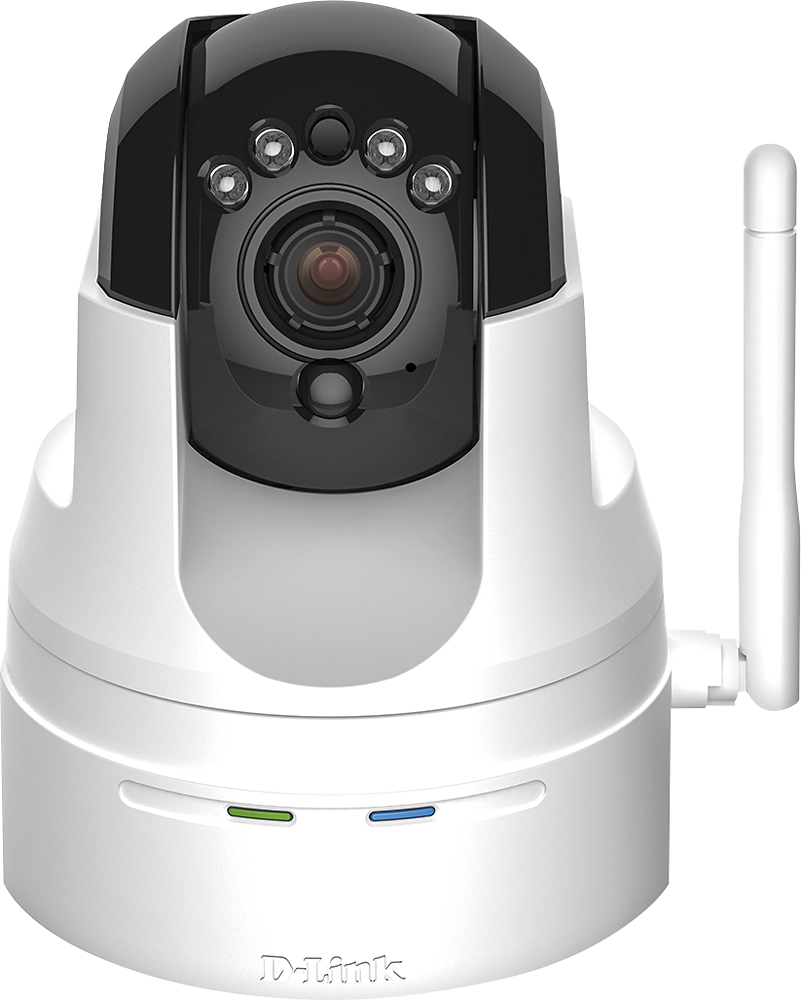
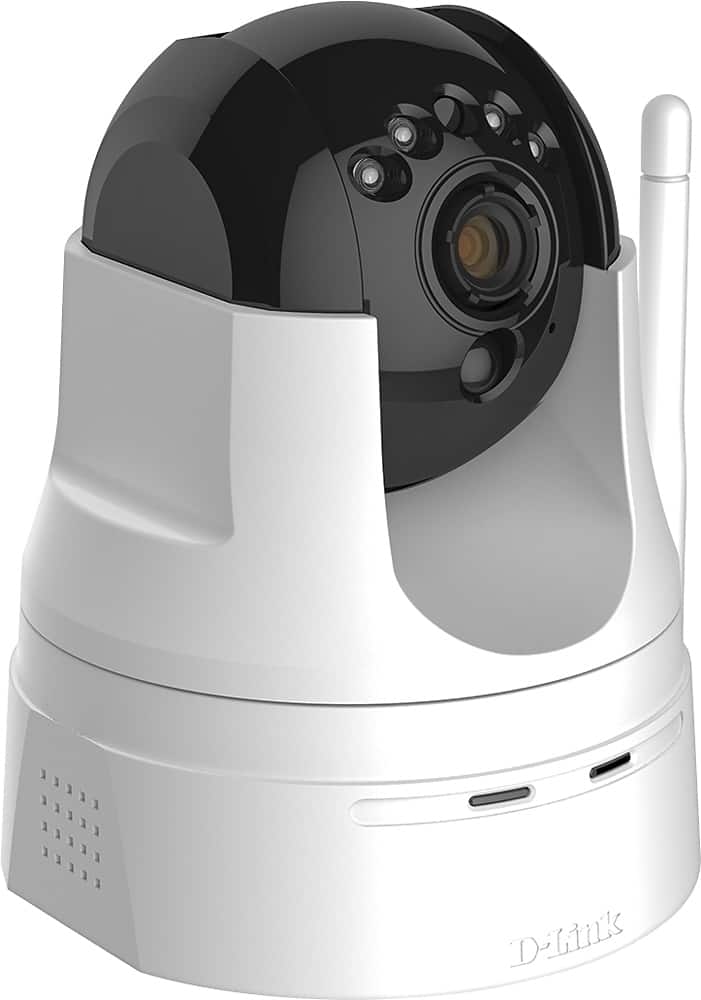
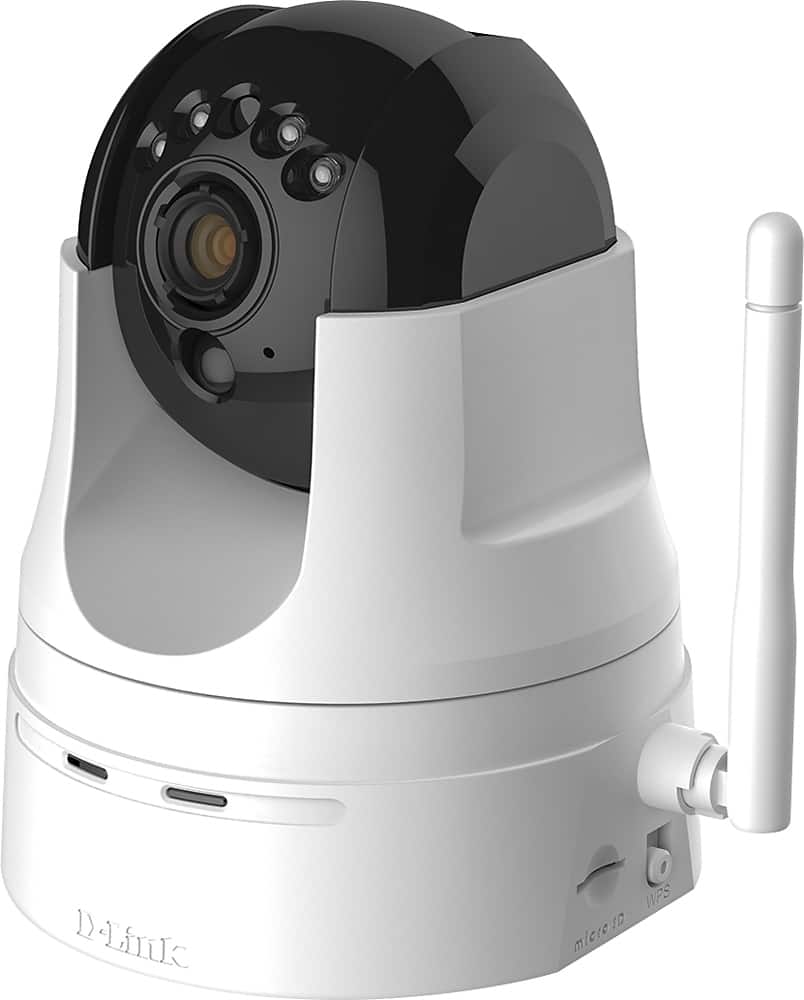
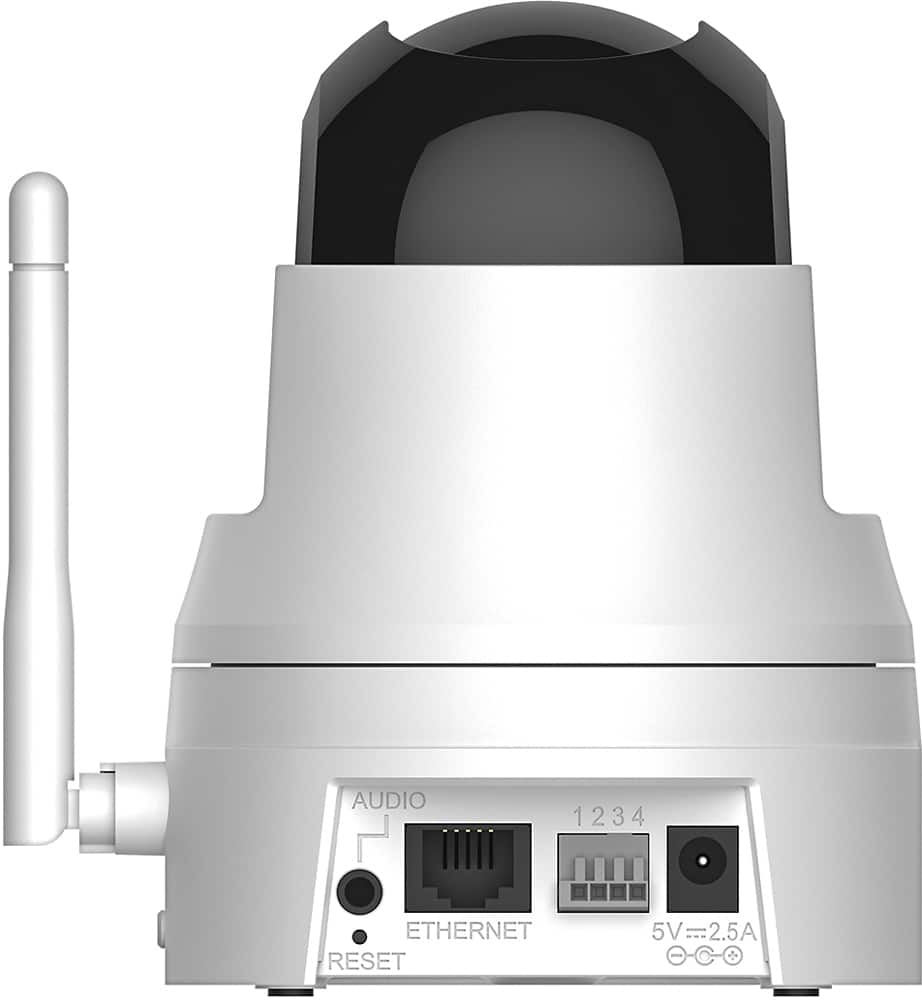
- Model:
- DCS-5222L
- SKU:
- 5619743
to a friend
Customers are saying
Customers are pleased with the excellent camera quality, ease of use, and the pan and tilt features of the High-Definition Pan and Tilt Wi-Fi Video Security Camera. Many also appreciate the night vision and motion detection capabilities. However, some users experienced difficulties with the setup process and software, while others reported issues with Wi-Fi connectivity and overall reliability. Improvements to the software and setup instructions would enhance the user experience.
This summary was generated by AI based on customer reviews.
Did not work wireless
Posted .This reviewer received promo considerations or sweepstakes entry for writing a review.The app you have to get takes awhile to load and sign in and I have been having glitches of it loading. It worked fine wired but would not connect or be found when wireless. You have to download and install Java to do anything with it on the computer. I am returning and looking for a different brand because the set up should not have to be this difficult.
No, I would not recommend this to a friendMuch easier to install than I expected
Posted .This reviewer received promo considerations or sweepstakes entry for writing a review.I got the picture up on the pc and my phone within 5 minutes but the email notification needed a call to DLink Rosvel from Dlink had me up and running within another 10 minutes. Good value!
I would recommend this to a friend- Cons mentioned:Software
Poor software
Posted .This reviewer received promo considerations or sweepstakes entry for writing a review.I found the software to be clunky, and have found cameras with better software since
No, I would not recommend this to a friendBrand response from D-Link Support
Posted .We thank you for the feedback you have provided and we wanted to apologize for the issues you are having with the camera. Our initial suggestion is for you to have the latest firmware installed. If that does not resolve your issues then please give us a call at 1-877-453-5465 so one of our technicians may assist you. Thank you for giving D-Link a chance.

Not Recommended!
Posted .This reviewer received promo considerations or sweepstakes entry for writing a review.I purchased this D-Link security camera and attempted to install it both using WPS and Ethernet. After 45 minutes of trying, neither worked. Then, to see if there is anything that could be done, I phoned the D-Link technical support line that claims to be available 24/7. After going through all the announcements and pressing the appropriate buttons for technical support, after being told via recorded announcement that the wait could exceed ten minutes, I was disconnected! I am a long term and very experienced user of technology, and this was a definite fail both in the inability of the product to perform as advertised and in customer support. I am returning the product this AM. My recommendation, especially to inexperienced persons, is to stay away from this product. As for me, I'll stay away from all D-Link products in the future.
No, I would not recommend this to a friend- Cons mentioned:Software
Piece of Junk
Posted .This reviewer received promo considerations or sweepstakes entry for writing a review.worst wi-fi device ever. lousy instructions. poor software. device times out without finding camera. will be returning ASAP and buy a competitor's device.
No, I would not recommend this to a friend seems to be just fine, just got it
Posted .This reviewer received promo considerations or sweepstakes entry for writing a review.The fellow that helped us was great we never could have done it on our own. His case# is C6846811 AR004301 thanks so much!!!!
I would recommend this to a friendWell worth the money with great features
Posted .This reviewer received promo considerations or sweepstakes entry for writing a review.Great camera wonderful resolution and full of great features
I would recommend this to a friendFantastic camera! Customer Support Fantastic
Posted .This reviewer received promo considerations or sweepstakes entry for writing a review.Jenny was fantastic! She should be given a raise/promotion to train/teach all customer support staff for this product! DCS-222L!
I would recommend this to a friendNo Support - Returning Monitor
Posted .This reviewer received promo considerations or sweepstakes entry for writing a review.There is absolutely NO support for this product. The product would not work out of the box. I tried to contact Dlink but there is no telephone number, only a website form to complete. I did that 4 days ago, and didn't receive a response. Yesterday I reached out via Twitter, and again no response. I'm returning this product and won't be buying again from Dlink.
No, I would not recommend this to a friendD-Link Camera Exceeded Expections!
Posted .This reviewer received promo considerations or sweepstakes entry for writing a review.Set-up was easy, software/app simple to use, and performance was better than expected.
I would recommend this to a friendI like the cameras very much
Posted .This reviewer received promo considerations or sweepstakes entry for writing a review.Marvin badge # ar004612 This guy is wonderful ### and the camera is very nice also
I would recommend this to a friend- Cons mentioned:Software
Not recommended it has bugs
Posted .This reviewer received promo considerations or sweepstakes entry for writing a review.This camera does not work with MAC OS X ... It has Java bugs. The product needs much more development! Even dlDlink tech support could not make it work. If you want headaches get this product.
No, I would not recommend this to a friend great camera
Posted .This reviewer received promo considerations or sweepstakes entry for writing a review.Id number ar004648, Rosvel, great customer service setting me up for the camera
I would recommend this to a friendDon't buy it
Posted .This reviewer received promo considerations or sweepstakes entry for writing a review.I started with a bad camera and I had to return it for a new one. I bought this camera to watch my home while I'm at work, so it means I have to remote access the camera to watch the live feed but the problem is the app never works when i need it. Sometimes it works sometimes it doesn't but most of the time it doesn't work. I have high speed internet at home and at my office and I'm using wired connection at home. The app looks like it was developed in the 90s and the presets most of the time don't show up. The cameras design looks good but isnt worth the money, so I'll look for something better.
No, I would not recommend this to a friendmotion detection garbage
Posted .This reviewer received promo considerations or sweepstakes entry for writing a review.I have owned this product for just over a week, and have tried everything with the settings and conclude that the motion sensor program is garbage. The PIR setting is always makes the camera record constantly, and the plain motion detection picks up absolutely nothing. It is probably a firmware thing not the camera but either way DLink has offered no help after contacting them. I will be returning this product this week.
No, I would not recommend this to a friendBrand response from D-Link Support
Posted .We appreciate the review as we truly value the comments and we are sorry to hear that you are encountering issues with the motion detection feature. D-Link advises that you upgrade to the latest firmware version found on www.support.dlink.com. Just keep in mind that there are two versions of the DCS-5222L (A & B) so you want to confirm you are downloading the correct firmware. If you are trying to contact our technical support team for assistance we suggest that you call 1-877-453-5465. Thank you for choosing D-Link.
Did not perform as explained. Going back
Posted .This reviewer received promo considerations or sweepstakes entry for writing a review.Set up took over 30 min as the camera could not be detected. Since the motion detection emails are not working and the connection is wired because we do not have a D-link router, we will be returning the camera.
No, I would not recommend this to a friendBrand response from D-Link Support
Posted .We wish to thank you for submitting us your feedback as we do appreciate it. We are sorry to hear that the DCS-5222L did not meet your expectations and you are returning the unit. D-Link suggests the following steps be followed whenever you are unable to setup connectivity to the camera:
To enable Remote Access, simply go through the Camera Installation Wizard included on the Installation CD that came in your package. You can also download the wizard from http://support.dlink.com.
After going through the wizard, you should see Remote Status: Enabled on the summary page. If you see Remote Status: Disabled, make sure that:
...the front LED on your camera is lit solid green
...your Internet connection is working
...your router’s LAN & WAN connections are working properly
...your router has UPnP enabled (if your router does not support UPnP, please refer to Appendix A)
...your router can get a public IP
...your router is upgraded to the latest firmware
...you have tried rebooting your router by unplugging it, then plugging it back in
After checking the above items, you can click the Retry button to refresh the summary screen to see if Remote Access has been enabled. You may also contact our D-Link support team at 1-877-453-5465 for assistance as well.
As for the notifications being triggered, make sure that you have checked the the box titled Enable Video Motion on you Live Video configuration settings and be sure adjust and set the Sensitivity and Drawing Mode as well and then save the settings. The same goes for the Sound Detection settings as well, make sure you have checked the box titled Sound Detection and then setup your detection level and then saved the settings. Thank you for choosing D-Link.
Poor performance, poor audio
Posted .This reviewer received promo considerations or sweepstakes entry for writing a review.This device was suppose to be in my family room so I can see whats happening and communicate with my family other than going on skype. I sent my buddy to get this ( I am out of state) and he got the Dlink version over dropcam (b/c it was cheaper) and he set it up... -The set up process was terrible -didn't like the wifi without factory reset -POOR VIDEO AND VIDEO!!! -when panning around, its extremely laggy (yes i have high speed internet.. 25 down and 7 up) I asked my friend to return the unit asap and get a dropcam pro! WOW! Seriously a HUGE upgrade! Definitely worth the extra cash!
No, I would not recommend this to a friendBrand response from D-Link Support
Posted .We want to thank you for the feedback as we greatly value the input and we are sorry to hear that you were dissatisfied with your purchase. For future reference, anytime you encounter any issues, we suggest that you contact our technical support team for assistance by calling 1-877-453-5465. An agent will be glad to assist you in resolving your problems. Thank you for choosing D-Link.
Ar004627
Posted .This reviewer received promo considerations or sweepstakes entry for writing a review.very happy with results and with expert advice....
I would recommend this to a friendAwful awful awful
Posted .This reviewer received promo considerations or sweepstakes entry for writing a review.This has to be the worst most unreliable product of it's type. Connects about 20% of the time after you jump through about 20 hoops. Very unresponsive as far as camera controls go.....can't understand audio. It's just really, really a bad product. PLUS.....it times out every couple of minutes when you are monitoring via online and you have to start the whole horrible process of trying to reconnect again.....run from this....run fast.
No, I would not recommend this to a friendBrand response from D-Link Support
Posted .We appreciate the feedback as we take the input into great consideration. D-Link suggests that you perform a factory reset on the camera and then download and install the latest firmware from www.support.dlink.com. If that does not resolve your issue please give our technical support team a call at 1-877-453-5465 so they may assist you. Thank you for choosing D-Link.
don't waste your money
Posted .This reviewer received promo considerations or sweepstakes entry for writing a review.I was on the phone with your tech support and it was hard to understand the agent. Not satisfied with what the agents told me that I should contact my router company (who will charge me extra for their support). Very discouraging. Knowing there are numerous devices on my router that there is no problem. They were not helpful and put the blame on the customer instead of making the situation more pleasant. Item doesn't connect to the router wirelessly as advertised on the box.
No, I would not recommend this to a friendBrand response from D-Link Support
Posted .We thank you for the review and we are sorry to hear that you encountered a bad experience with our tech support. D-Link strives for excellence and we want to make sure that every customer receives the support they deserve. Being said, we will like for you visit the unique link we have created specifically for you. By filling out the necessary information, we will have one of our technical support specialists contact you directly for further troubleshooting and assistance.
http://supportrequest.dlink.com?id=b674bc442aef45b5a9bd91ffe081497a&token=96e2852cdc104631b6475db8c56a188d
We want your issue to be resolved and we hope to hear from you soon.