Customer Ratings & Reviews
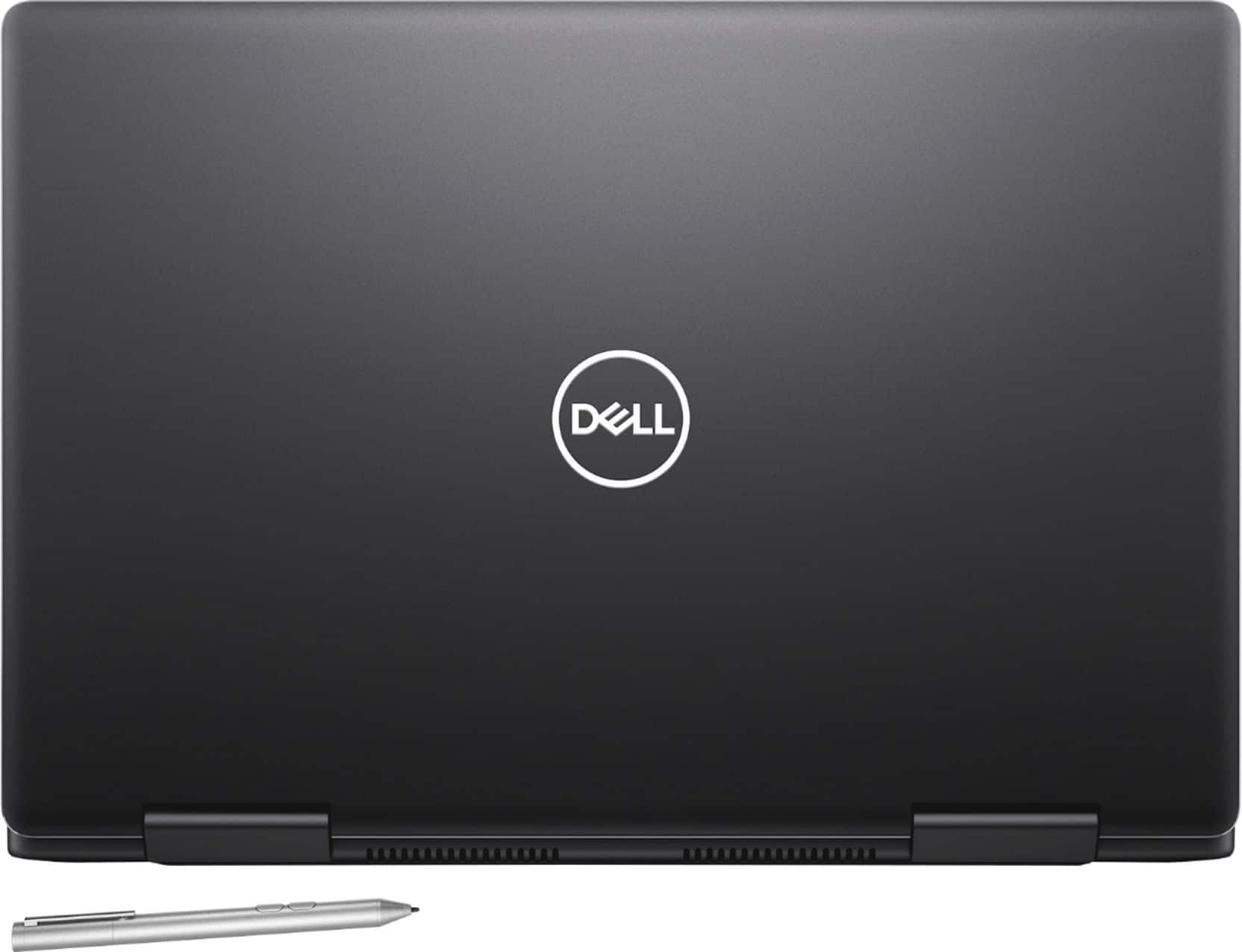
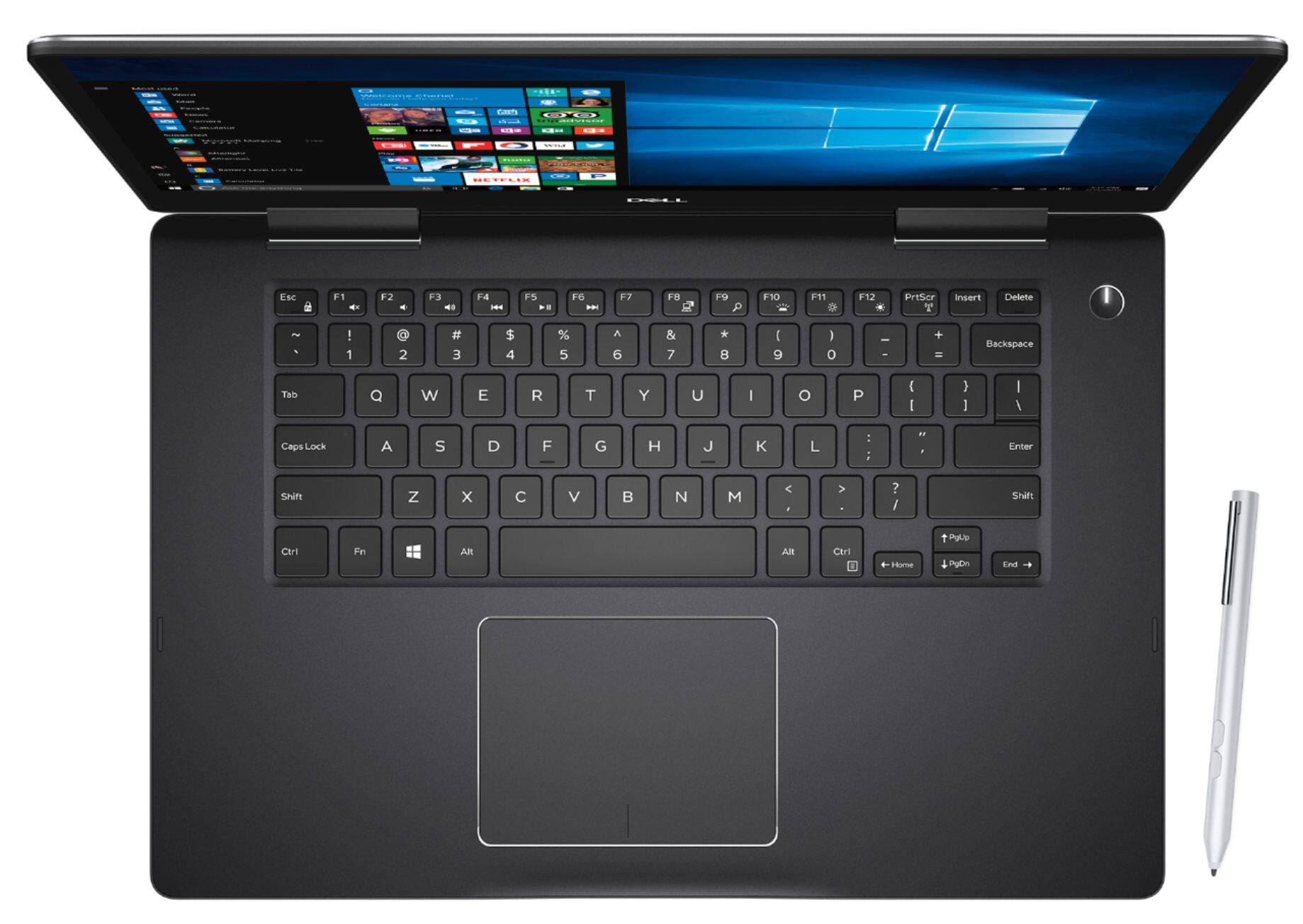
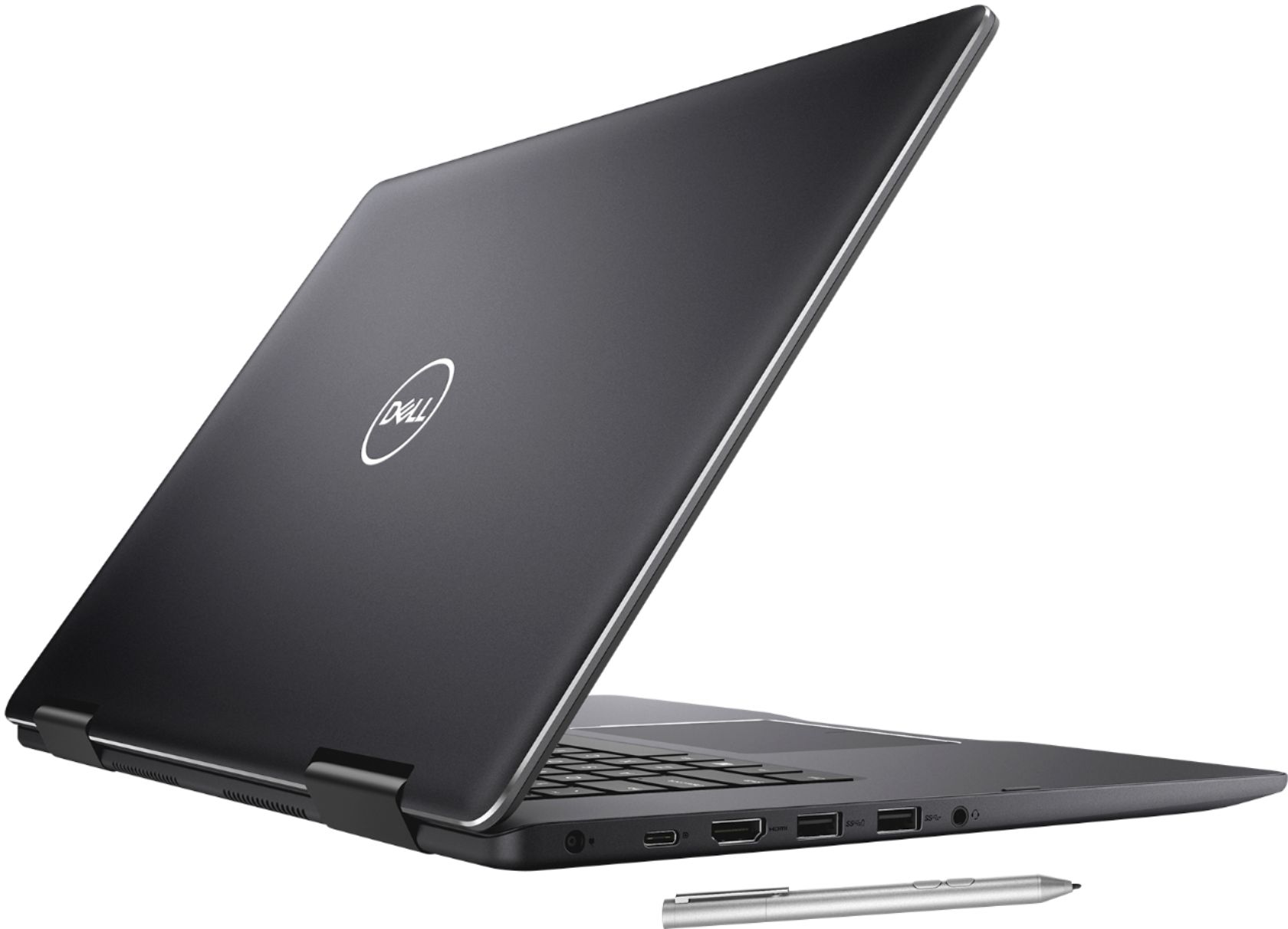
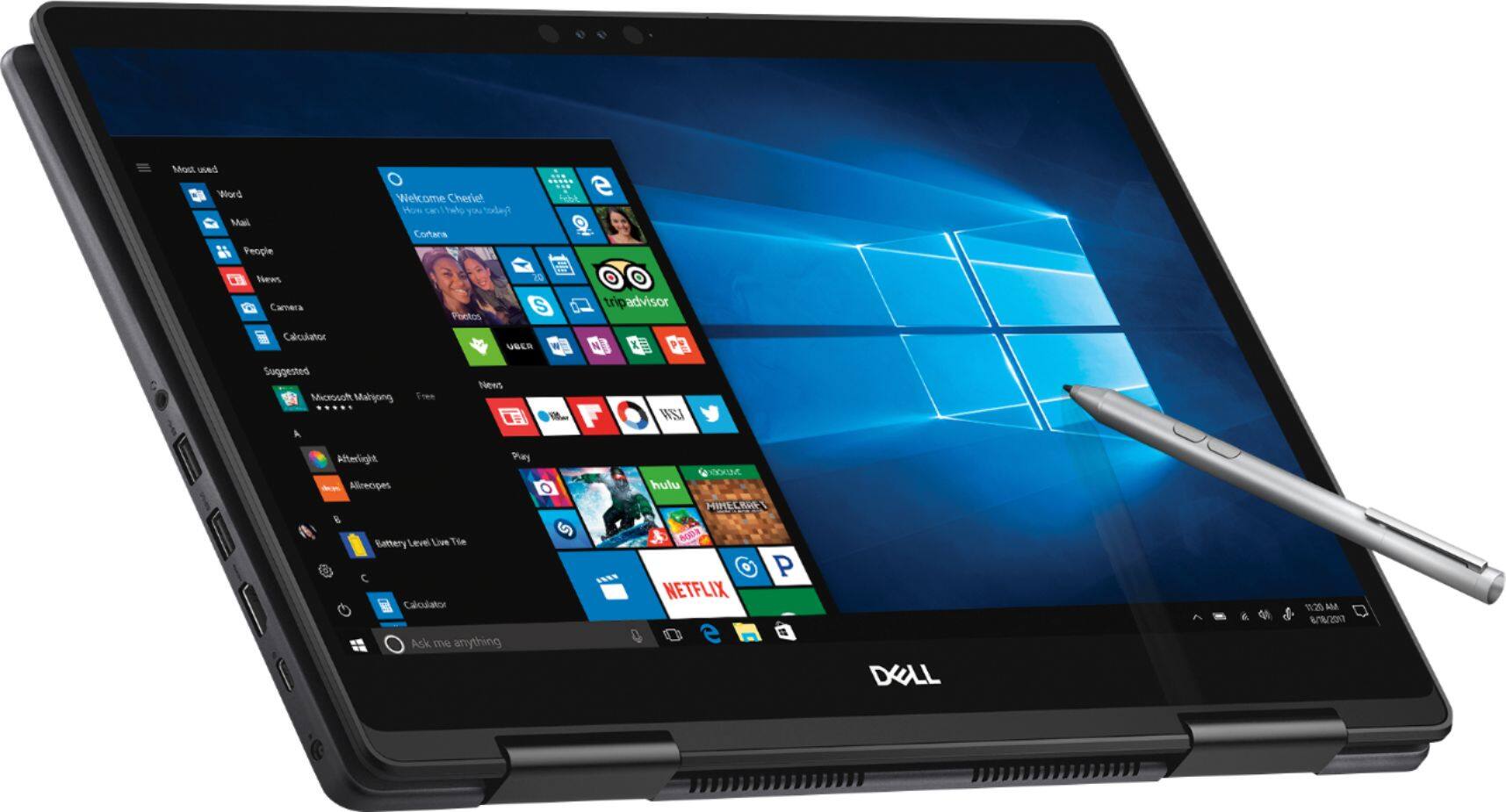
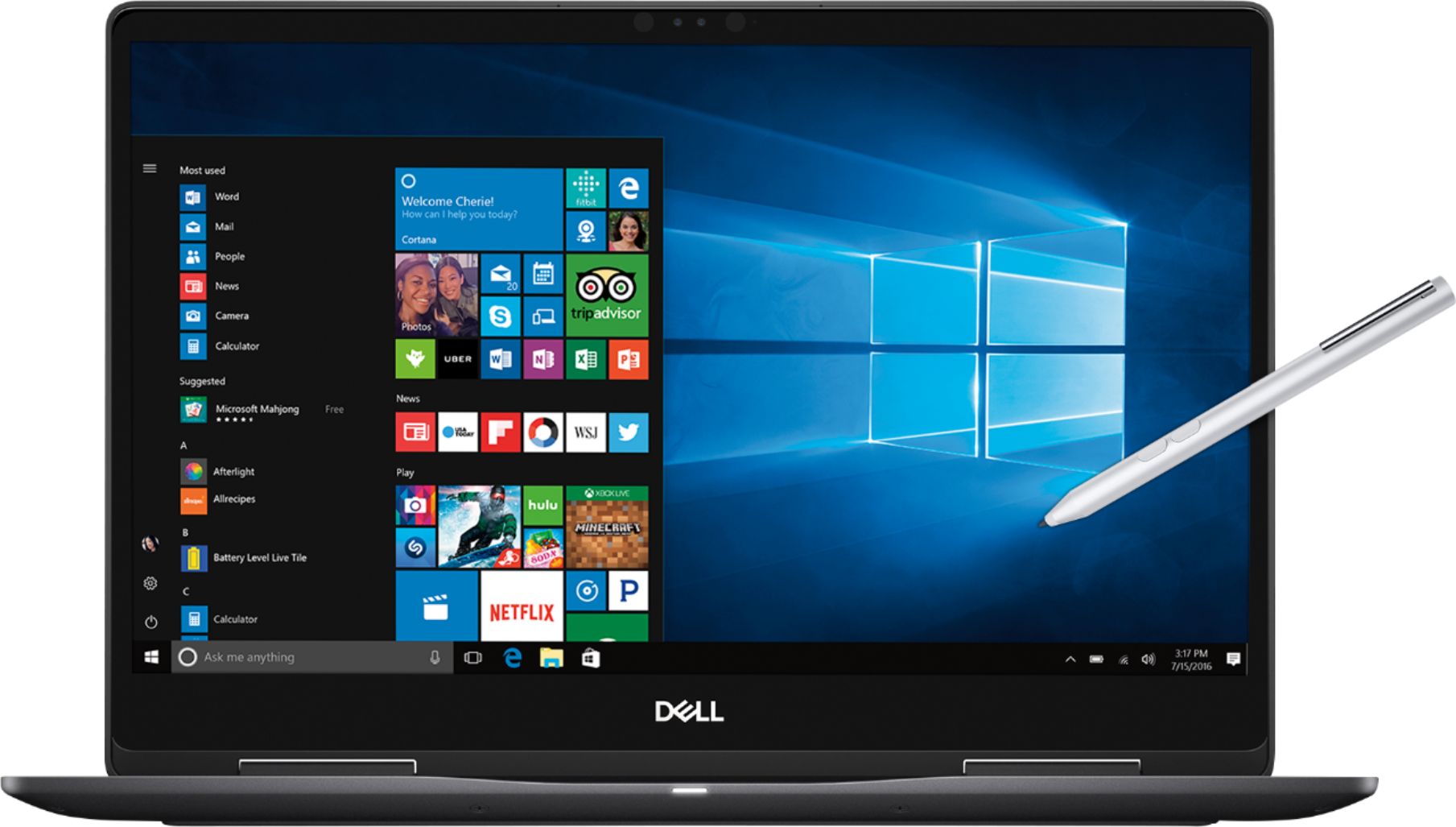
- Model:
- I7573-7019BLK-PUS
- SKU:
- 6208307
Rating by feature
- Value
Rating 4.0 out of 5 stars
- Quality
Rating 4.0 out of 5 stars
- Ease of Use
Rating 4.5 out of 5 stars
Customers are saying
Customers are enthusiastic about the 4K touch screen, performance, price, build quality, and processor of the 2-in-1 15.6" 4K Ultra HD Touch-Screen Laptop. They appreciate the laptop's fantastic 4K display, fast and smooth performance, good price point, premium build quality, and powerful i7 processor. However, some customers have concerns about the battery life, storage capacity, heating issues, fan noise, and weight of the laptop.
This summary was generated by AI based on customer reviews.
Good deal
||Posted .This reviewer received promo considerations or sweepstakes entry for writing a review.Works well and didn’t break the bank. No problem so far
I would recommend this to a friendGreat for the beginner
||Posted .This reviewer received promo considerations or sweepstakes entry for writing a review.So far so good after a rocky start. I love it so far!
I would recommend this to a friendThis is an awesome computer!
||Posted .This reviewer received promo considerations or sweepstakes entry for writing a review.This is an awesome computer would recommend it to anyone
I would recommend this to a friendGreat
||Posted .This reviewer received promo considerations or sweepstakes entry for writing a review.Great laptop..easy to use.........................
I would recommend this to a friendGreat laptop for school
||Posted .This reviewer received promo considerations or sweepstakes entry for writing a review.Great laptop for school/ very affordable. Many features
I would recommend this to a friendGreat Computer
||Posted .This reviewer received promo considerations or sweepstakes entry for writing a review.This computer provides a great value for what you get.
I would recommend this to a friendGreat laptop
||Posted .This reviewer received promo considerations or sweepstakes entry for writing a review.Great laptop for college. Would highly recommend it .
I would recommend this to a friendGreat laptop
||Posted .This reviewer received promo considerations or sweepstakes entry for writing a review.I love is perfect :-) :-) :-):-) :-):-):-):-):-):-)
I would recommend this to a friendBest product ever
||Posted .This reviewer received promo considerations or sweepstakes entry for writing a review.It is one of the best laptops and brands i have own
I would recommend this to a friendGreat Laptop
||Posted .This reviewer received promo considerations or sweepstakes entry for writing a review.Wanted and needed a faster computer... Love this!!
I would recommend this to a friendGreat laptop and easy to use
||Posted .This reviewer received promo considerations or sweepstakes entry for writing a review.Am enjoying the laptop more after each time I use it.
I would recommend this to a friend- Cons mentioned:Battery life
Weak battery
||Posted . Owned for 1 year when reviewed.This reviewer received promo considerations or sweepstakes entry for writing a review.The battery died already. Needs a new battery. Won't charge
No, I would not recommend this to a friend The display flashes intermiently
||Posted .This reviewer received promo considerations or sweepstakes entry for writing a review.Even though running fairly light programs loads the display. It flashes intermittently. May be due to some persistent problem in GPU
No, I would not recommend this to a friendBrand response from YourDellTeam
Posted .Soum,
Thanks for your review and we're sorry to hear about the screen flickering that you're experiencing. We'd recommend that you reach out to Dell's Technical Support Team for additional assistance: http://dell.to/2sH7Qlm.
You can also look for assistance on Dell's Product Support Page for your computer: http://dell.to/2F1mrhh.
We hope these tips help your computer work better for you.
Best,
Bryan
1-800-624-9896
Already having issues
||Posted .This reviewer received promo considerations or sweepstakes entry for writing a review.I loved the picture quality for my laptop. However, it has not even been six months and the speakers crackle, and the mouse seems very unsteady. I am glad I got the Best Buy insurance, but in the middle of working on a project so don’t have time to take it to them. I was told it would take a week for them to get it repaired.
No, I would not recommend this to a friendBrand response from YourDellTeam
Posted .ALayWoman,
We are sorry that your computer's speakers are not working well for you. We'd recommend checking to make sure that your drivers are up to date on this site: http://dell.to/2yuPeJ9.
If you'd like to re-calibrate your trackpad, you can follow these steps: Some Notebooks and Tablets with Keyboards have added gesture features to the touchpad hardware and drivers. A few of these features are two or three finger scrolling, pinch zoom, circle zoom, rotate and swiping. These new features may be the reason for the erratic cursor movement since most are turned on by default. You can disable or modify the way the features work in the touchpad driver properties. Here are some tips to modify these settings:
1. In the Search box, type main.cpl.
2. Touch or click main.cpl in the list of programs.
3. Touch or click the Dell Touchpad tab.
4. Touch or click on the picture of the touchpad.
5. Touch or click Gestures (depending on your computer there may not be a Gestures option).
6. Change the options as preferred.
7. Touch or click Save.
8. Touch or click the X in the upper-right corner to close the Dell Touchpad Utility.
9. Touch or click OK on the Mouse Properties window.
10. If the touchpad still does not work after following the preceding steps, refer to Dell Knowledge Base article - http://dell.to/2iaiujA.
You can read the full article here - http://dell.to/2tqmS02.
Best,
Bryan
1-800-624-9896
sound get freeze
||Posted . Owned for 1 year when reviewed.This reviewer received promo considerations or sweepstakes entry for writing a review.I have 1 year and is not what I expected the sounds get freeze and the browser with windows block the 4k card!
No, I would not recommend this to a friend- Pros mentioned:Touch screen

Good workhorse of a computer
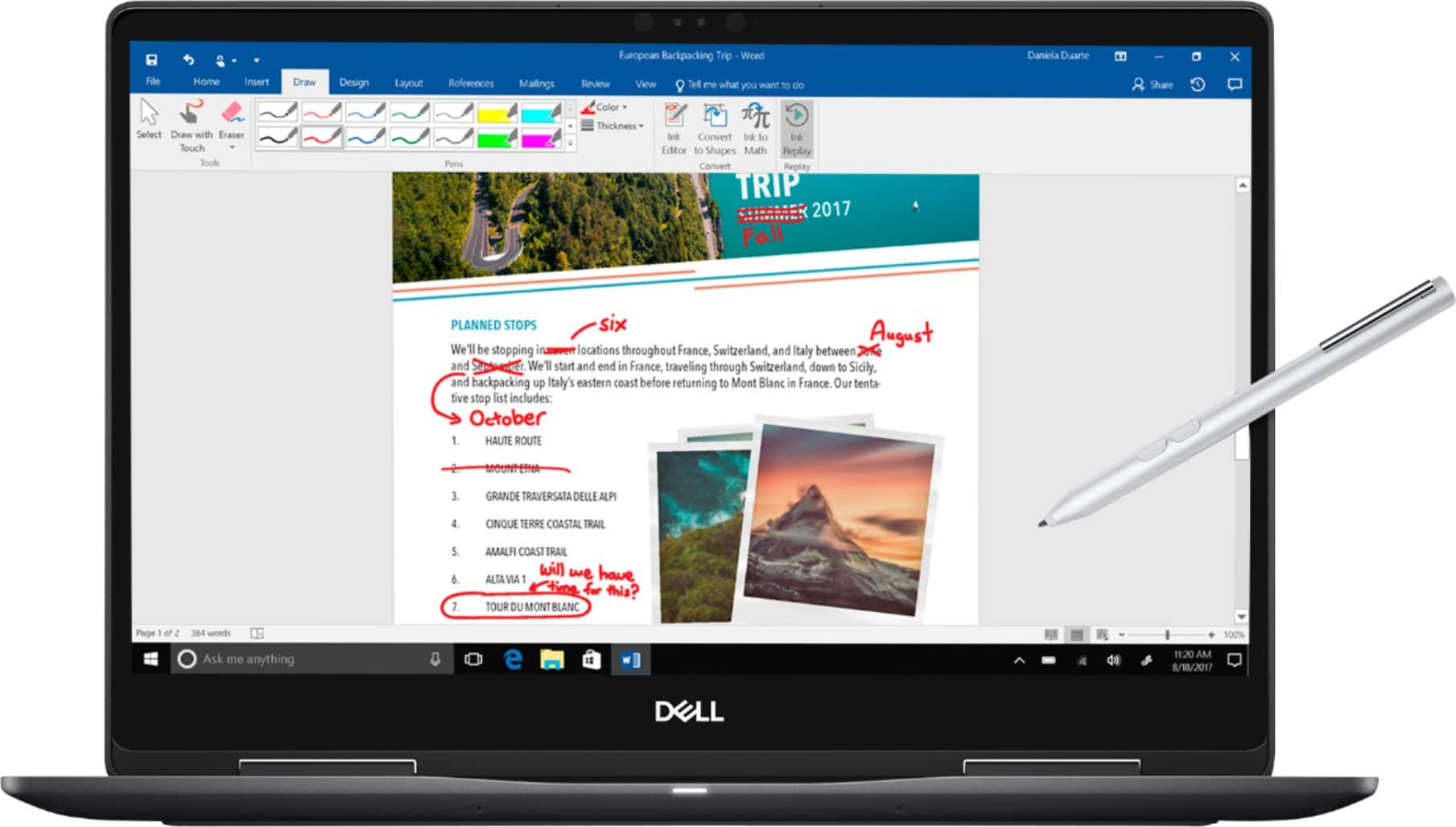
|Posted .This reviewer received promo considerations or sweepstakes entry for writing a review.I picked up this laptop when my previous laptop of 5 years gave up the ghost. I wasn't looking to upgrade and picked up this Dell because it was about the same price. It was an upgrade, though, as technology has advanced. So far, I am really happy. To begin with, the screen is huge! For a relatively light laptop, this screen has fantastic resolution and is wide and great for watching movies. It is also a touch screen, which I like. The computer came with a Dell Active Pen, which is pretty fun to use on the touch screen. I'm not the greatest artist, but the screen pen and the graphics programs that came with the computer make me seem far more talented than I actually am. I'm not an intensive gamer, but the graphic programs I use are fast, smooth, and a dream to use. The keyboard is lit, making for a great visual effect. Other than that, it's not special. It is functional, though. It is part of the reason that I didn't give this computer a full 5 stars. The other reason that I couldn't give the computer a full 5 stars is that, while it's certainly portable, and light enough for what it is, it isn't a computer that I really want to travel with, or stuff into a bag just in case I need it. For people needing something to carry to and from work, this is a great computer, but if you want to keep it with you always, it can be a bit heavy. All in all, I'm glad that I got this computer. I'd recommend it to friends.
I would recommend this to a friend Not wonderful, but solid
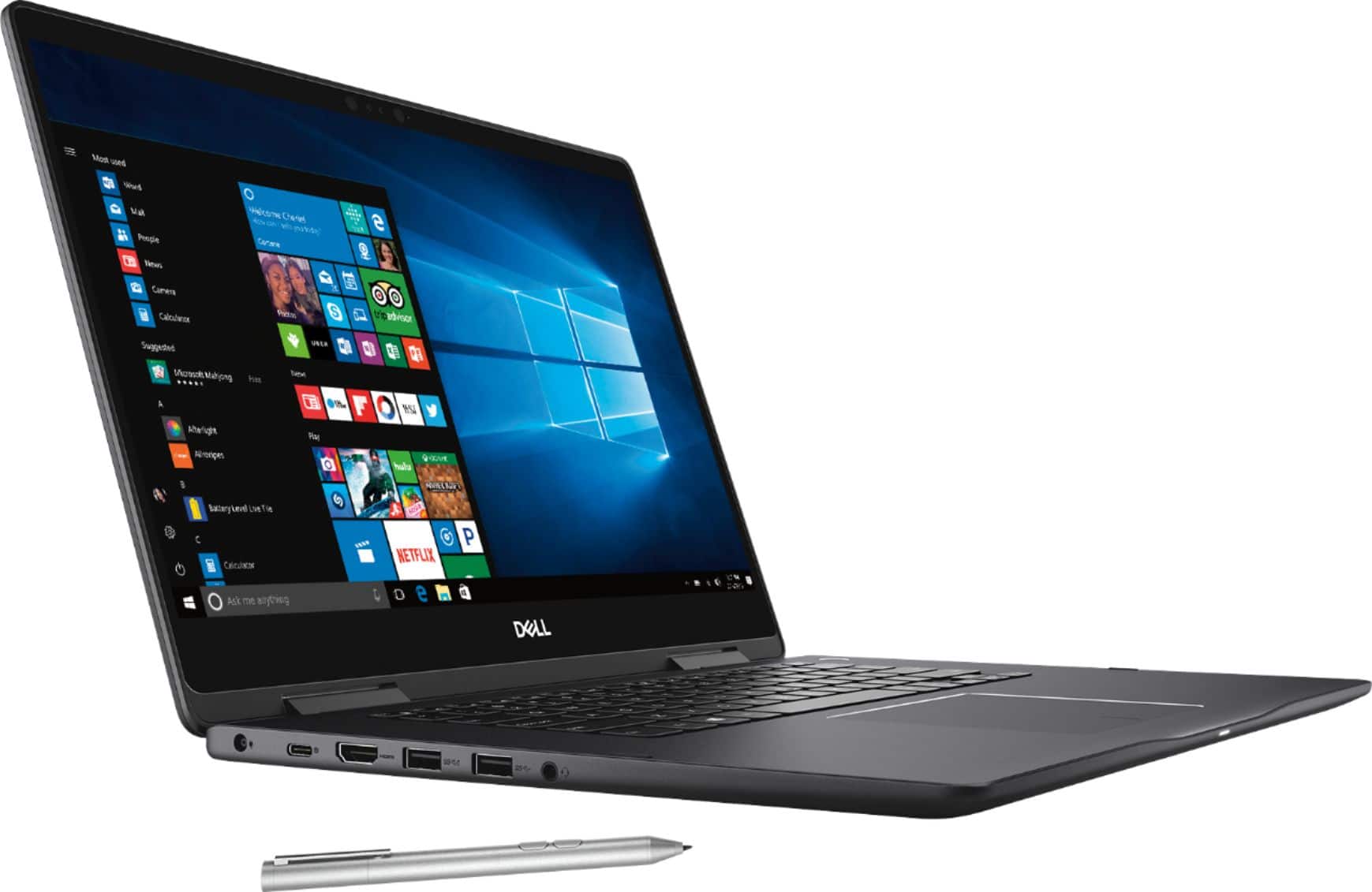
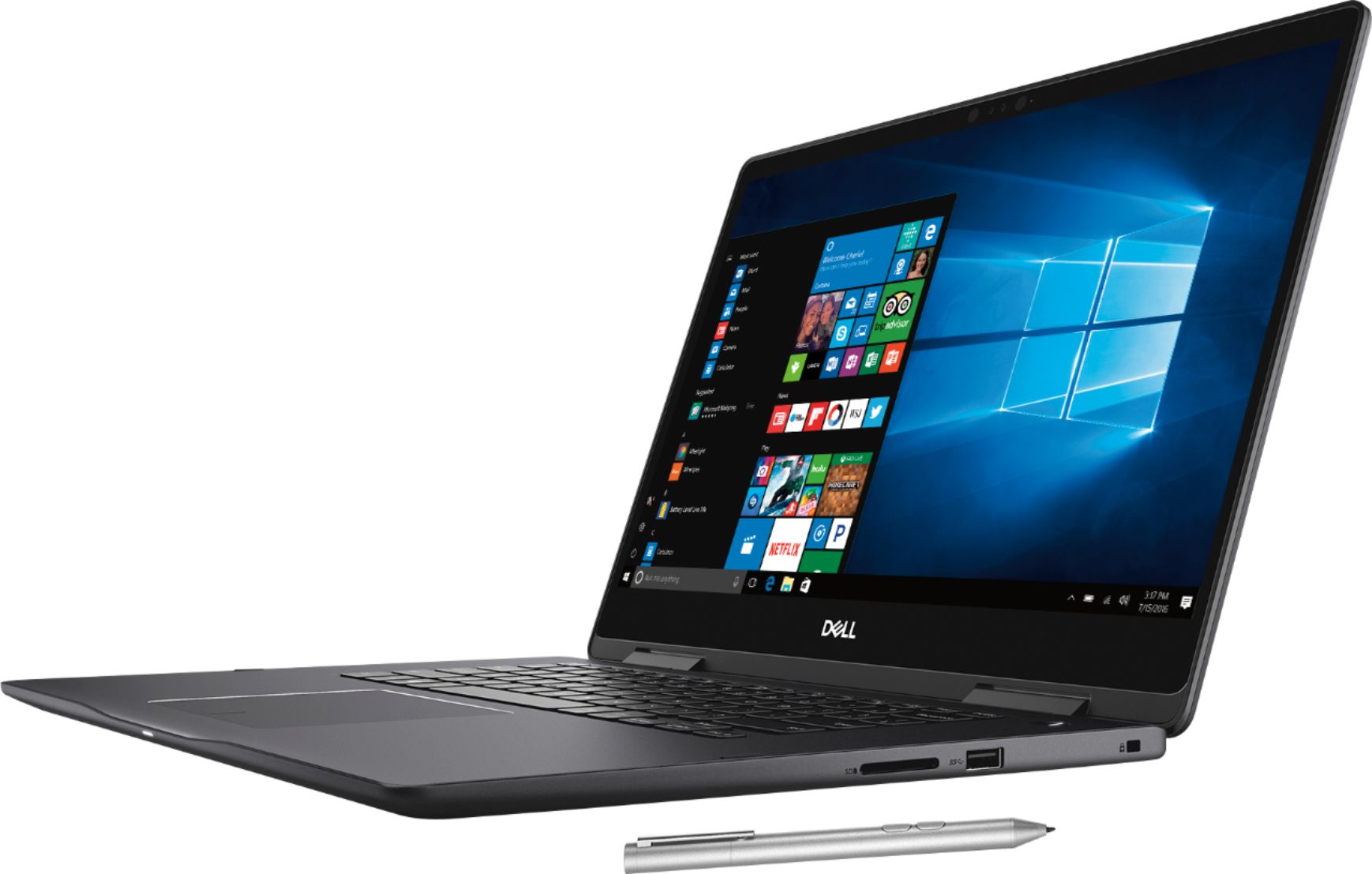
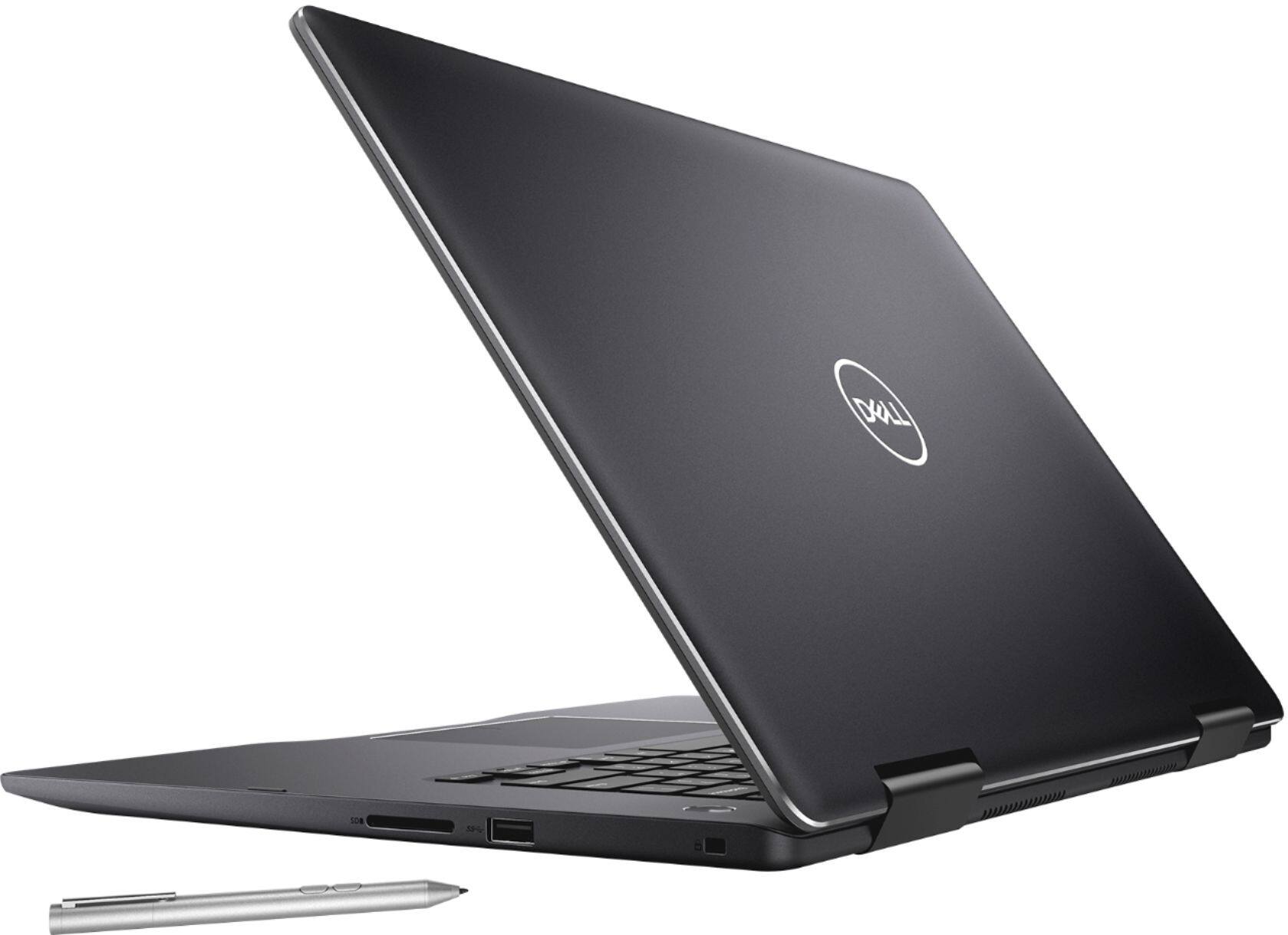
|Posted .This reviewer received promo considerations or sweepstakes entry for writing a review.Review of the Dell - 2-in-1 15.6" 4K Ultra HD Touch-Screen Laptop Because my university had a special relationship with Dell, I used Dell l63 aptops at work for about 20 years, until my retirement. I found the various Dell laptops I used to be solid, if not very inspiring machines (and therefore found the name Inspiron a little ironic). So when I had an opportunity to acquire a Dell 2-in-1 4K Ultra HD Inspiron 15 in exchange for writing a review of it, I jumped at the chance. The specs on this laptop are very good: An Intel i7 CPU, 16GB of DDR4 memory, a 256GB SSD, and the 4K screen powered by a dedicated NVIDIA GeForce MX130 GPU. This 2-in-1 Inspiron 15 has been described as a competitor for the HP Spectre x360, which I own. Depending on how this Dell computer performed, I figured that it could either be a replacement for my HP laptop or a gift for a member of my family who has been looking for a laptop for graphics work. Well, it turned out that the Dell is not going to replace my current laptop or serve as a gift. It was surprisingly slow out of the box, given its powerful processor, generous amount of RAM, and solid-state disk. After the usual introduction to Windows 10, the first thing the laptop wanted to do was have me update the driver for the MX130 GPU. I have updated graphics drivers numerous times in my life, and I realize that such updates can take a little time, but I think that this was the longest update I have ever done for a driver. Not just because I had to register with NVIDIA to do the update. It seemed like I waited forever for the download, then preparing for installation, then the actual installation itself. Not only did the laptop continue to run somewhat sluggishly after that, but it heated up quickly. The fan came on only about five minutes after boot-up and was rather loud. Also, the bottom of the laptop felt hot. It would not be comfortable on my lap for an extended period of time. I hoped that the laptop's performance might improve after a break-in period, but for the next two days I continued to experience slowness, high temperatures, and a noisy fan that came on frequently. Finally I looked to the Internet to see if others had discussed these issues and indeed they had. However, one person noted that it takes a long time for the laptop to do all of its updating, and after the updates completed the laptop's performance would improve. Prophetically, that was true. Later that day I checked for both Windows and Dell updates, and there were none, and I no longer experienced slowness. However, the laptop continued to heat up, and the fan still comes on a lot. I decided to compare the performance of the Dell with my older and less powerful HP Spectre x360. The Spectre is a couple of years old, has a duo- rather than quad-core processor, and half the RAM of the Dell. I compared performance with UserBenchmark and confirmed some of the numbers with CPU-Z. Here is the comparison: HP 827E Model: Spectre x360 Convertible 13-w0XX CPU Name Intel® Core™ i7-7500U CPU @ 2.70GHz Threading 1 CPU - 2 Core - 4 Threads Multi-Thread (4T) 1024 Temperature 71 °C / 160 °F UserBenchmark PC Performing above expectations (80th percentile) Dell OPRWJ1 Model: I7573-7019BLK-PUS CPU Name Intel® Core™ i7-8550U CPU @ 1.80GHz Threading 1 CPU - 4 Core - 8 Threads Multi-Thread (4T) 1897 Temperature 92 °C / 198 °F UserBenchmark PC Performing above expectations (63rd percentile) The results confirm that the Dell runs much hotter than the HP. Also, the overall UserBenchmark performance for the Dell was only at the 63rd percentile, while the HP was at the 80th percentile. Note that this score is relative to other PCs, given the particular hardware of the laptop, and that the Dell's score at the 63rd percentile is above average. In other words, a nice, sold performer—just like the Dell laptops I used at work for over 20 years. Still, the HP is performing way, way above expectations, which is consistent with the zippy feeling I still experience when I use that laptop. The dedicated graphics processor, by the way, might be great for videos, but would be insufficient for 3D gaming. Its UserBenchmark on 3D graphics was poor. So this is not a gaming laptop. Aesthetically, I could not get excited about the Dell. The black exterior is a fingerprint magnet, which is something I don't usually worry about, but this time it bothers me. I don't have that problem with my silver HP. The keyboard has a nice feel and the backlighting is nice, but no better than my HP. The touchpad works very well although I always prefer using an external mouse with laptops. The overall surface area below the keyboard is gigantic—so large that it looks like a DVD drive could fit in that space (but there is no such drive). If you've read the specs you know that the laptop has an impressive number and variety of I/O ports—I have not seen so many USB ports since I retired my old SONY Vaio. Three USB 3.0 Type-A ports and a USB 3.1 Type C port, HDMI-out, and a card reader (who provides that anymore?) But, you know what? I thought that I would miss having the four USB ports (Type A, of course) on my old Vaio, but I've found I get by just fine with the one Type A and two Type C ports on my HP. I use a Bluetooth mouse instead of a USB mouse and am never short of USB ports. And the Type Cs are Thunderbolt, which is not true for the Dell. I did a side-by-side comparison of the Dell and HP playing the same HD video at the same time. To me, the displays were virtually indistinguishable. Perhaps the colors were a little more saturated in the Dell. But I could not detect any difference in detail. I guess it might be a little nicer watching a movie on the larger, 4K display, if you are going to watch movies on your laptop, something I rarely do. When I ditched my old SONY Vaio, I worried that I would miss the 15" screen, but I found I adapted immediately to the 13" screen on my HP. Of course a real downside of having the larger screen on the Dell is that it adds to the overall weight. I strongly prefer my lightweight HP Spectre x360 ultrabook to the Dell, even though it is considered relatively light for a non-ultrabook. I am sorry, but these models feel more like a stationary desktop than a portable laptop. And forget about switching to tablet mode. You'll pull a muscle trying to hold the Dell as if it were a tablet. To be fair, I prefer not to use the HP in tablet mode, but at least it is doable if I needed to. If you want a tablet, get a tablet. The sound, as you might expect for any laptop, is not terrific. But it is much better than I expected, a little richer and deeper than the Bang & Olufsen system on my HP. I have a reference song that I use to test any audio equipment (Sean's Song by Honeychurch), and it sounded just a shade more beautiful on the Dell than on my HP. It was nice that an active pen (model number PN338M) was included with the laptop. Drawing with the pen was smooth, a very good experience. The pen also functions as a mouse if you like. Too bad the pen does not work with my HP laptop, which also supports active pen—just not this model. Ironically, HP used to recommend an older Dell active pen for use with their Spectre x360 laptops, but now I guess the pen that comes with this model is not cross-compatible with other computers. In fact, when researching this pen to see if I could get it to work with my HP, I found many Dell users who thought that this pen would work with their model and were disappointed when it did not. I also discovered that Dell apparently uses a different protocol (MPP instead of AES) with a slightly different 2-in-1 model (the 7579). You have to be really careful if you want to use an active pen to make sure that it works with your laptop. I don't know why the industry can't settle on standards to prevent confusion. The family member whom I offered the laptop to was also under-impressed with the overall performance and appearance of the Dell, and said she would continue to use a MacBook that she has been borrowing. Another family member, who works in IT, was also underwhelmed by the Dell, although he said he might be willing to take it off my hands. It isn't clear whether he would actually use it much, so I am more likely to hold on to the Dell until my 80-something mother-in-law's old, rebuilt Toshiba laptop dies. The Dell would certainly be an improvement over that. My initial impulse was to give this laptop a rating of 3 out of 5 stars because it is very solid, right in the middle of the distribution of similar machines. If there was a 3.5 star rating, that is where I would place it. I would recommend it to others only if they understood its limitations: it is somewhat heavy, runs hot, and has a somewhat loud fan (not horribly loud, just louder than I am accustomed to for laptops). In the end, grade inflation moved my rating to 4 stars. The Dell 2-in-1 15.6" 4K Ultra HD Touch-Screen Laptop really is not a bad machine at all as far as I can tell. Not sleek and sexy, but it looks like a good solid performer, just like the Dells I have used at work in the past. I would probably be happy using it at work and leaving it there. But since I am retired, I'll stay with my ultrabook.
I would recommend this to a friend- Cons mentioned:Storage
Fantastic jack of all machine(video issue solve)
|Posted .This reviewer received promo considerations or sweepstakes entry for writing a review.Out of the box this machine was crippled, it was not able to play a youtube video on any browser I installed with ease. And I was wondering how it could be given the specs on this thing. So I investigated it and what I found was that, by the time you will open this machine, there will be a windows update due. And OS will push it to your machine (due to the nature of windows 10). Plus there is McAfee (it comes with 12 months free subscription), downloading its latest signature files and scanning the new files. These tasks along with few others (I believe indexing also happens) takes up considerable CPU for some reason. Now when you are running a video out there, and try to launch another app, the machine’s computing power is already devoted to something else, and this is where it seems to be struggling. The solution: I powered the laptop and set it on for whole night, which allows windows and other updates to finish. A few restarts and now it works like a champ. So if its taking too much of resources, identify if its update via task manager. If it is, just let it complete. It should hopefully be just one time thing. I am using it now, and its super snappy with everything I throw at it. Now to the review This is the laptop you should buy if you are looking for a general purpose laptop, for your offices, power browsing where you have multiple taps open along with other applications. Or you are write code, you have visual studio installed with some virtual machine software. Or you want to do some occasional design with the Pen it comes with, or to use it touch screen tablet mode and with these tasks you want to game a bit as well, or binge watch some hulu and netflix. Now it is granted it cannot really play games at the native resolution. 4k is too taxing even for a desktop 1070. What you would do is set the game resolution to 1080p and try medium settings, see if you are getting playable FPS, if not try low settings. Based on benchmarks over internet, MX130 (the GPU equipped in this machine), should be able to pull low – medium on 1080p. I do not get the logic of fitting 4K resolution on such a small screen, I would be happy with 1080p, for both games and video, or maybe there is some segment out there really making use of it or may be its just a marketing gimmick. I think Dell has a version for similar spec on 1080p as well, so you can try searching for that at BestBuy or get this one if you want 4k. Resolution aside, laptop is fantastic on specs and performs so as well, it is very snappy for all the usual tasks. The SSD and extra Ram helps the processor work as it should. The appearance is very good, smooth looking, it is on a heavy side though. I believe it is due to the 4 cell battery. But you get some you lose some. Touch is responsive, I read a book in night and it was grand on such a big screen vs my kindle but yeah kindle does not cause fatigue though this will. Similarly, Hulu looks better than watching on a tablet. The 2in1 mode is good as you can just flip it and it needs much less space vs a traditional laptop setup. One thing I want to point out is Audio, using my Razer Kraken headphone (USB based) sound in Witcher 2 was fantastic. Using the headphone jack with SHP9500 it was still very loud and crisp, though I felt USB was better. It comes with Max Pro Audio, which gives decent customization, which I think should take care of most of the things. All in all, it sounds better than any laptop I have heard. Typically laptops come with a small SSD and an HDD, this one comes with a single 256gb SSD, which is not much and you will end up either upgrading it, buying an external one or perhaps using a SD card. It would have been great if they would have club a small HDD, but a 256gb ssd instead of typical 128 is not bad either. I have been using it for some time now, and I am very pleased with this machine. You will benefit if you have a laptop cooler to use with it as it does run hot. This thing is known as “New Inspiron 15 7000 2-in-1 Special Edition” on dell website.
I would recommend this to a friend great for a first time touch screen owner
||Posted .This reviewer received promo considerations or sweepstakes entry for writing a review.I really like this lab top but its difficult to use the pen unfortunately.
No, I would not recommend this to a friendBrand response from YourDellTeam
Posted .Applekid,
Thanks for your review. We're glad that you are enjoying your new computer for the most part. We're sorry that you're having some difficulty with the pen. Please visit our Product Support Page for answers to questions that you may have: http://dell.to/2F1mrhh.
Best,
Bryan
1-800-624-9896
- Pros mentioned:Touch screen
Overall a great laptop
|Posted .This reviewer received promo considerations or sweepstakes entry for writing a review.Setup was easy and almost fun if you can believe that. I was almost able to do the entire setup via Cortana with voice instructions. There were just a couple of items I actually had to go to the mouse and keyboard to manually enter something in. After setting up I was also super impressed with the speed and accuracy of the Windows Hello sign-in. Hardware: * I7 8550 CPU is awesome. Very fast and powerful. Love that it also has 16GB of DDR4 RAM. Many laptops only come with 8GB. Plenty of memory to run any game out there or demanding apps like Photoshop. * NVIDIA MX130 graphics is pretty powerful by laptop standards. I played a couple of games that come pre-installed (Minecraft & March of Empires) and they played super smooth with graphics at high setting. * The laptop runs pretty cool and I never noticed it getting overly warm, however, the fan does get a little loud when the CPU/GPU is running high. * Great that it has an SSD for primary storage which helps make it really fast, however, 256GB is a bit on the small side these days. Of that amount 13GB is used by recover partitions and not accessible. After setup there was 224GB usable space on the C: drive with 183GB free. * Media card reader is a plus. * Trackpad is large and works very well even though I'm not a huge fan of trackpads. * Backlit keyboard is also very nice. * 3 USB ports but I wish there was one on the right side. They are all on the left. * 15" display bright with very good colors and response. Software: * There is some pre-installed bloatware but nothing that you can't get rid of if you don't want which will free up some disk space. * Several games (Minecraft trial, March of Empires free to play, 2 Candy Crush, and a few more) * MS Office is preinstalled so if you have a license or subscribe to 365 it is a simple activation. * Mcafee, meh not a huge fan but hey you get a free 12-month subscription * Dell utilities - The auto updater was a bit disappointing. I guess it does it's job fine but there is very little feedback to know what, when, or how it is updating. I did like the power manager app which had a ton of options for managing power, battery use and consumption. * SmartByte - neat little network gauge where you can supposedly give priority to different apps but I had no way to verify that it was really improving things Pen: * The quick start guide for the Dell Pen was very confusing past putting the battery in. I could not find out what it was trying to tell me about the button usage. They just don't seem to do what the pictures indicate. The pen works fine but the only thing I could figure out for the side buttons was holding button #1 turns it into an eraser in paint. Documentation: * Pretty sparse as they expect you to use the help app on the computer. I found that to be sometimes useful and other times not so much where I would end up just doing an internet search on my own in the browser. There was one problem with the auto screen rotation would not work. I found that the screen rotation lock was set on and the control to switch it off was disabled which meant that going to tent mode meant that the screen has to be manually rotated. This was annoying when trying to use tent mode. I still have not found a solution for this yet.
I would recommend this to a friend