Customer Ratings & Reviews
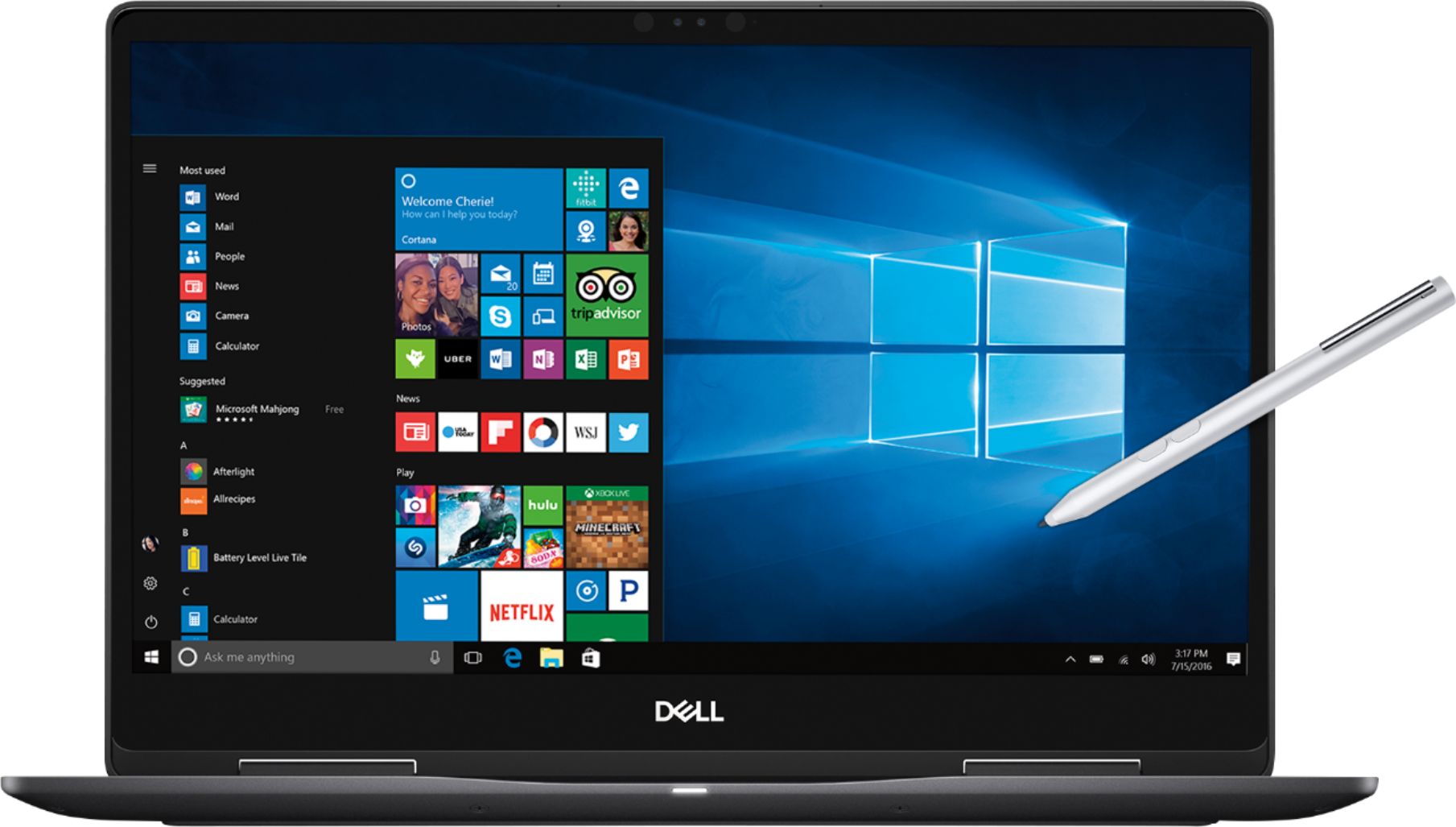
- Model:
- I7573-7019BLK-PUS
- SKU:
- 6208307
Rating by feature
- Value
Rating 4.0 out of 5 stars
- Quality
Rating 4.0 out of 5 stars
- Ease of Use
Rating 4.5 out of 5 stars
Customers are saying
Customers are enthusiastic about the 4K touch screen, performance, price, build quality, and processor of the 2-in-1 15.6" 4K Ultra HD Touch-Screen Laptop. They appreciate the laptop's fantastic 4K display, fast and smooth performance, good price point, premium build quality, and powerful i7 processor. However, some customers have concerns about the battery life, storage capacity, heating issues, fan noise, and weight of the laptop.
This summary was generated by AI based on customer reviews.
It ran a little slow for me
||Posted .This reviewer received promo considerations or sweepstakes entry for writing a review.I have had other laptops with better performance such as asus
No, I would not recommend this to a friendBrand response from YourDellTeam
Posted .Cotton,
We're sorry to hear that your computer is running slower than you had hoped it would. We'd recommend running the Windows Performance Troubleshooter to see if there are ways for your computer to run faster:
1. Close all open windows.
2. Press the Windows logo key + X key on the keyboard.
3. Click Control Panel.
4. Click System and Security.
5. Under Security and Maintenance, select Troubleshoot common problems.
6. Under System and Security, click Run maintenance tasks.
7. Follow the on-screen instructions and prompts to complete the process.
8. Restart the PC.
You can read the full article here - http://dell.to/2tSulGV.
Best,
Bryan
1-800-624-9896
Screen Died
||Posted .This reviewer received promo considerations or sweepstakes entry for writing a review.Big fan of this laptop in years past. New change to 4k screen was premature. Riddled with odd hardware problems and ultimately the screen went out 2 months after purchase. Covered under warranty, however, I'm losing faith in Dell (again) after just coming back.
No, I would not recommend this to a friendBrand response from YourDellTeam
Posted .Willirob,
We appreciate your feedback on your new Dell 2-in-1. We'd recommend checking to make sure that you have the most up to date drivers and software installed on your computer. You can check for updates here - http://dell.to/2yuPeJ9.
We hope that once you update your computer that it will operate the way that you intended it to.
Best,
Bryan
1-800-624-9896
He screen went
||Posted . Owned for 1.5 years when reviewed.This reviewer received promo considerations or sweepstakes entry for writing a review.Bought it 18 months ago and I used maybe 5 times and this is the first month I have used it everyday and the screen went
No, I would not recommend this to a friend
Good Value and Design
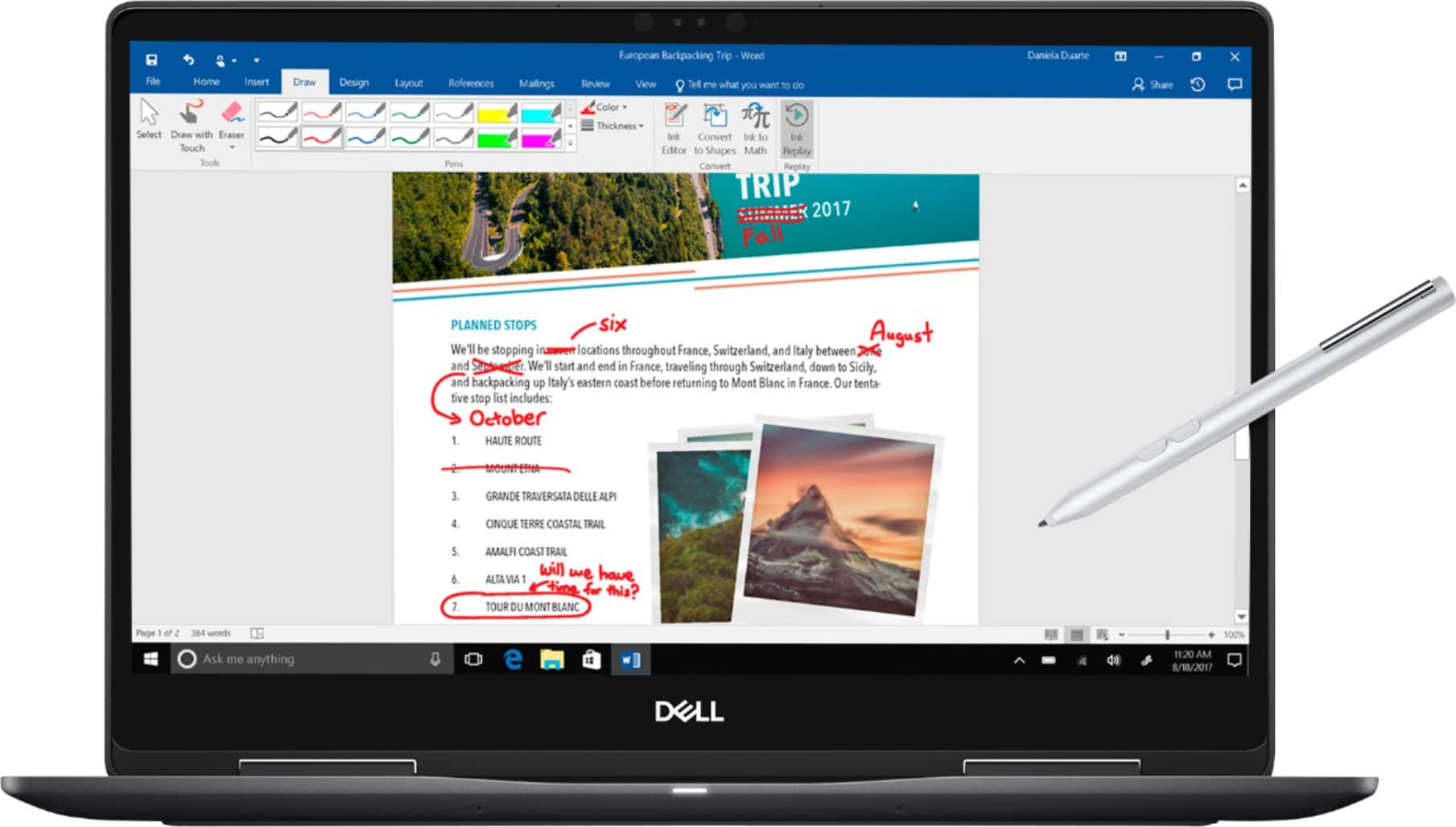
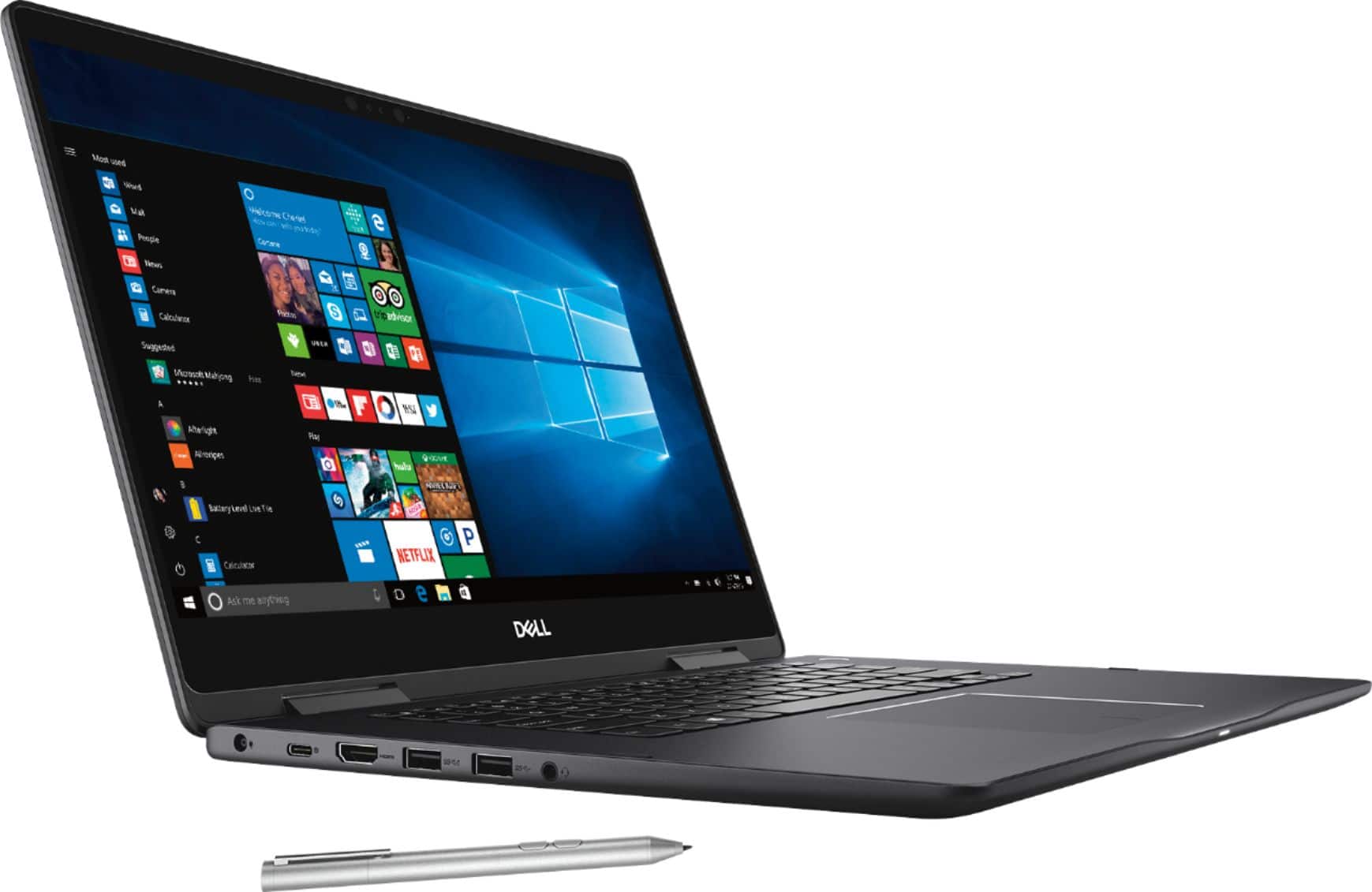
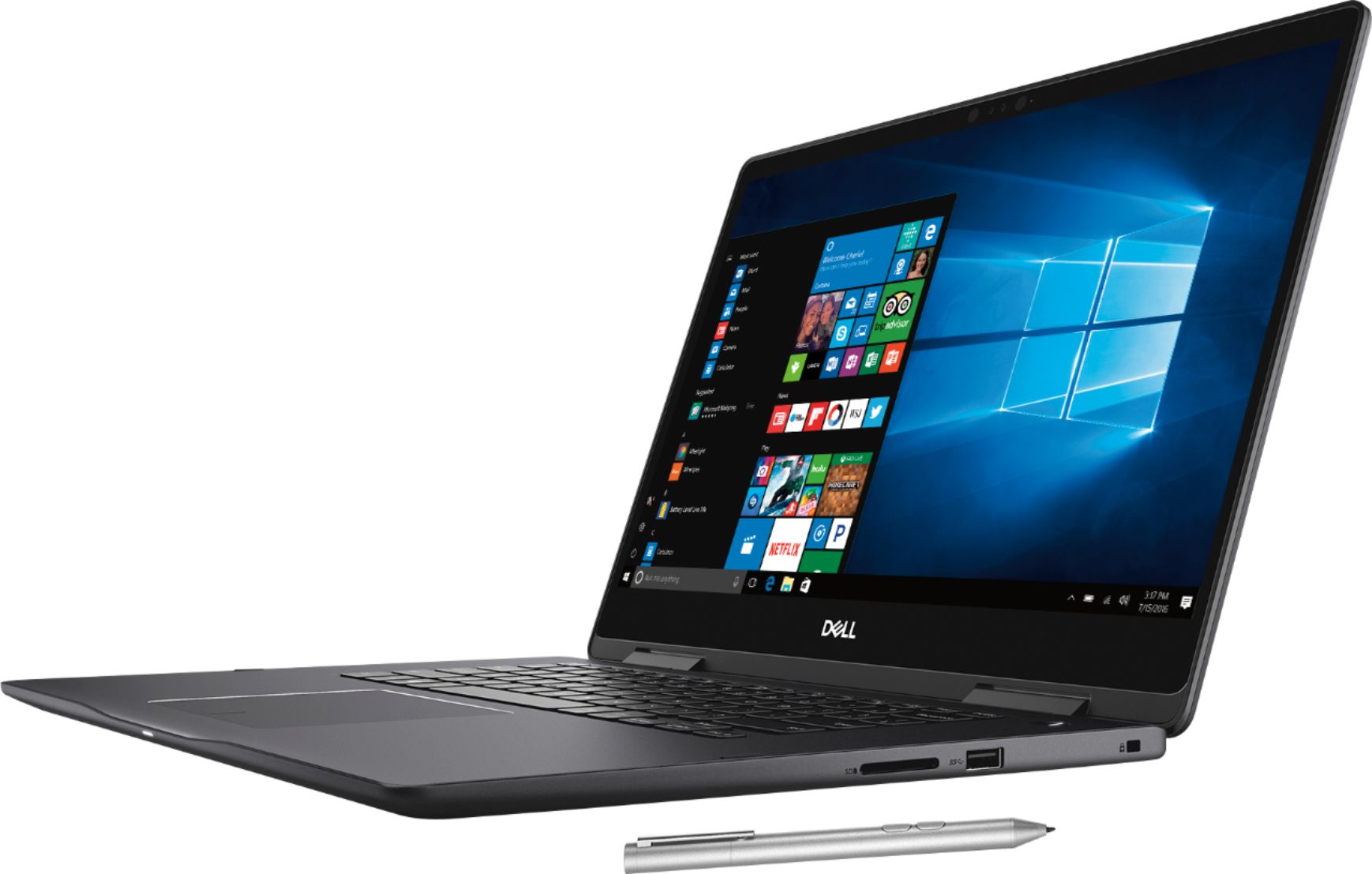
|Posted .This reviewer received promo considerations or sweepstakes entry for writing a review.Being that I have not had a new laptop in about 5 years, this has been a pleasure to use and test. After perusing some other reviews that complain about the weight I went down to my local store to test out some other models and indeed this is a bit heavier. However, it feels really solid and when hinging from closed to open to tent to tablet mode it operates such that I am confident it will continue to make these maneuvers for quite some time into the future. The included pen is nice to use for browsing and after downloading a coloring book app was quite satisfying to use. The drawback is there is no onboard storage for the pen. I really wish the pen was a bit narrower and there was a hole to store it in the laptop - so for now it is a handy novelty that I sometimes need to live without because it gets left at home or at the office. The display is sharp and beautiful no complaints there. All in all this is a good machine that I anticipate using happily into the future.
I would recommend this to a friendTerrible build quality
||Posted .This reviewer received promo considerations or sweepstakes entry for writing a review.I really have nothing good to say. From bios to build quality, a nightmare.
No, I would not recommend this to a friendBrand response from YourDellTeam
Posted .CrabbyPaddy,
Thanks for your review. We're sorry to hear that you're unhappy with your Dell laptop. Have you considerd updating the BIOS on your computer? http://dell.to/2ESD8fU.
We hope that your computer performs the way that you wanted it to soon.
Best,
Bryan
1-800-624-9896
- Pros mentioned:Touch screen
Excellent
|Posted .This reviewer received promo considerations or sweepstakes entry for writing a review.I really do love this laptop. The battery life is really good and the 2 in 1 feature is a the best! The pen is pretty good bonus so I can use it when taking notes in class. The only thing I dont like is the little icon that is constantly there when I use it. Its like the pointer icon when using the mouse. If I can get rid of it (I havent tried to yet) It will be perfect. I like that its touch screen so you can go back and forth using the mouse or scrolling with your finger or your pen. The pen is only about $35...I can live with the pointer icon in that case. Also, I love that it can go into tablet mode and you can bend it so it actually feels like a tablet. This really is a great laptop! Its lightweight and the screen size, picture quality and smooth feel puts this right up there. I would def. recommend this laptop.
I would recommend this to a friend - Pros mentioned:SpeedCons mentioned:Battery life
Excellent.
Posted .This reviewer received promo considerations or sweepstakes entry for writing a review.I like its design. It's very comfy and speed is also good. The only thing they need to improve is the battery life.
I would recommend this to a friend Overpriced and Unremarkable
||Posted .This reviewer received promo considerations or sweepstakes entry for writing a review.This laptop is overpriced and a complete waste of money
No, I would not recommend this to a friendBrand response from YourDellTeam
Posted .wesleychap,
Thanks for your review and we're sorry to hear that your computer is not fully meeting your needs. If you have questions about how to make it run better for you, please read our Product Support Page here - http://dell.to/2F1mrhh.
Best,
Bryan
1-800-624-9896
Sound laptop with good performance.
|Posted .This reviewer received promo considerations or sweepstakes entry for writing a review.The latest Dell 2-in-1 laptop is a solid performer with some nice features. Like all of the Dell products, the laptop comes packaged in a solid box with plenty of biodegradable protective materials to make sure the unit gets to you in good shape. The unboxing process is unremarkable and everything you need comes in the box. This unit also includes a pen (which is often an extra-cost item with other models) in the box. I did have a bit of a mishap with the pen - when I unscrewed the top to install the battery there is a tab of paper that contains some information and is fastened into the battery compartment. I pulled the tab thinking it was supposed to be removed prior to use and the battery spring came flying out! I never did find it and had to fashion a replacement to get good connectivity with the battery. Word to the wise - be careful! After plugging the unit in and pressing the power switch you must endure the insufferable Windows 10 start-up "experience". Cortana begins chattering its head off as it walks you through the initial configuration and then finally dumps you into the Windows login screen. Then you get to enjoy the Windows 10 update process. This took nearly two hours even on this relatively spry machine. None of this is a criticism of the Dell product. The laptop is relatively snappy (Intel i7 and SSD), the screen is bright and the sound is good. In summary - a good solid laptop that deserves a long look.
I would recommend this to a friendGood specs, but lacking performance
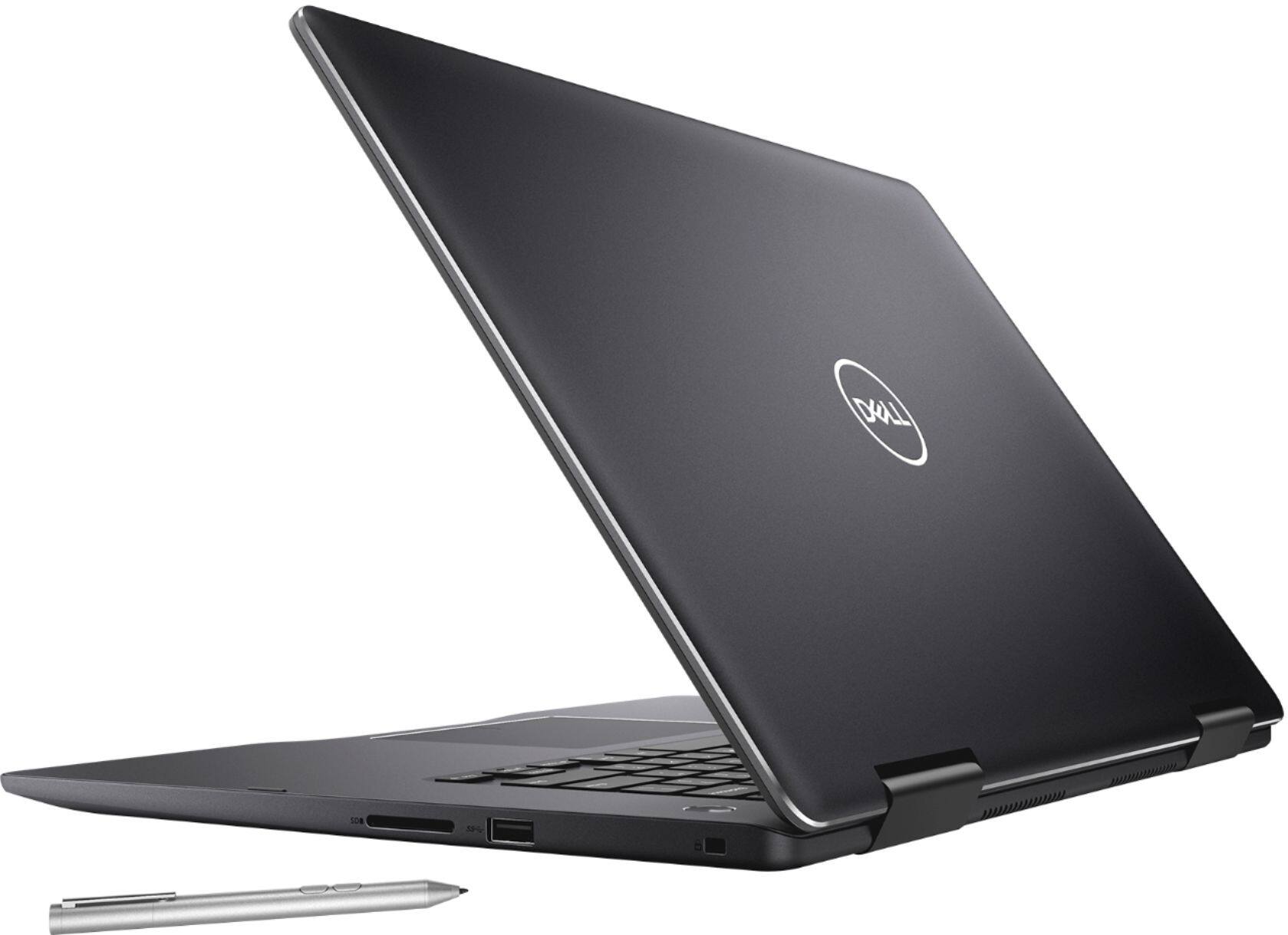
|Posted .This reviewer received promo considerations or sweepstakes entry for writing a review.This is a good looking laptop. It's shell has a fingerprint-deterrent coating on it to keep it looking good. Has a pretty good battery life and a nice active stylus pen included. It starts up fast and switches between laptop and tablet seamlessly. The dual band wi-fi is a great feature, as I have both 5Ghz and 2.4ghz bands on my router. Overall this is a smooth running laptop but I have a hard time saying that for the tablet side of it. One of the bad parts of this laptop is the unreliability of the tablet mode. When using tablet mode, the computer slows down and randomly freezes during use. It generally works great, then out of nowhere the computer freezes and you can't tap anything on the screen.. Then after 5-15 seconds the computer unfreezes then opens up everything you have been tapping. It is quite annoying to use when this happens randomly multiple times in say a half hour period of time. The 4k also seems very lacking and is choppy.. It must have a very low refresh rate. Although a lot of your 4k experience depends on your internet connection like watching online 4k content etc. The active stylus is great to have, but they don't give you anywhere to put it so you need to keep track of it all the time when using it. The 256GB SSD is very underwhelming for this laptop, and so is the graphics card. 2GB is not a lot for great 4k performance and is scaled very low on Nvidias laptop graphics cards. The 8th gen Intel i7 processor is nice but again generally slow for great use of the 4k screen. 1.8Ghz is its base speed, but has a dynamic ramping to faster speeds when demanded. The freezing problem and choppyness of watching 4k videos' make it seem like this laptop is very underpowered, even suprisingly with the 16gb memory backing it up.. It is still very nice for general use and even tablet mode with the problems it has, but there are better options.
No, I would not recommend this to a friend- Cons mentioned:Battery life, Storage
Ok laptop for the price, great for open box.
Posted .This reviewer received promo considerations or sweepstakes entry for writing a review.So the laptop specs and price are ok. This laptop has a 56Kwh battery which prevents the use of the 2.5” hard drive bay from being used. The M.2 drive is SATA which means 500/500MB R/W speeds. The laptop does support NVMe drives though so it’s replaceable. The laptop comes with 16GB DDR4 2400 memory but it’s a single DIMM which prevents the system from running in dual channel mode. As far as the CPU goes it thermal throttles from 3.6 to 2 Ghz after 3 minutes. AIDA64 testing shows it plain as day. After reapplying thermal paste (I used MX-4) it settled at 2.9 GHz with a 10c drop in temps across the board. The chasis is high quality, but the edges are not flush like on a MacBook. They scrap you’re forearm or wrists as you type if you rest them on the chasis. I got this laptop open box for 750.00 and at that price it was a steal. If it was 1050.00 I’d probably pick up something else and definitely wouldn’t buy at 1299.99. I’m not going to fault the battery’s choice but everything else remains odd choices to me. The heatsink fins could have been twice the length, it could have averaged hand dual channel by default. The chasis could have been sanded down or something.
No, I would not recommend this to a friend - Pros mentioned:4k screen
Beautiful and Fast System!
|Posted .This reviewer received promo considerations or sweepstakes entry for writing a review.Nice aesthetics, and an 8th Gen Intel Core i7 along with 16 GB of DDR4 memory, and a 256GB SSD make this a REALLY fast system. The 4K display provides awesome image quality as well.
I would recommend this to a friend - Cons mentioned:Fan noise
Excellent Build, Display and Value
Posted .This reviewer received promo considerations or sweepstakes entry for writing a review.Purchased this yesterday and ran all the Microsoft and Dell updates. I had originally ordered the 13" version with the 1080P screen but changed my mind for 3 main reasons. 1. 4K screen resolution 2. Discreet graphics 3. Memory upgradable to 32GB (13" laptop memory is soldered on motherboard.) The laptop is very well built and is rock solid. The screen is superb and vibrant and the speed is exceptional. Battery power is also very good. Definitely an excellent choice. Now for the not so good news which I am sure will get resolved in future software/firmware updates. 1. The fan is a bit annoying. It seems to turn on with very little activity. I spent some time experimenting and discovered that unplugging the power adapter and running on battery power the fan turned off and worked normal. I spent 3 hours on battery power and never heard the fan turn on once. I played videos, surfed the web and ran some CPU intensive tasks but never heard the fan turn on. As soon as I plugged the power back in the fan turned on again. I am sure it is a firmware bug that will get fixed. The laptop never felt hot in all cases. 2. The 4K screen resolution is very high even for a 15" screen so the recommended scale for fonts and text is 250% otherwise the text is very small and difficult to read. My complaint is that when using Remote Desktop to sign into my other computers some programs on my remote computer did not scale to the 250% setting making it impossible to read the text. This happened with one or two applications and I need to experiment some more to see if this is a problem with the RDP or display drivers. I use RDP from MacBook Pro with Retina display and do not see the problem. In summary my main gripe is the fan and I will change the rating to 4 once this is resolved.
I would recommend this to a friend Amazing!
|Posted .This reviewer received promo considerations or sweepstakes entry for writing a review.First of all the unit should be lighter. However, everything else is amazing! The screen is crystal clear, the laptop switches seamlessly between tablet and laptop. The speed is amazing and the unit is very quiet. I have been using my phone for most of my computer needs but this unit allows me to go back to using the more powerful laptop. I am going to start PC gaming as this unit is strong enough to handle games!
I would recommend this to a friendGood PC
|Posted .This reviewer received promo considerations or sweepstakes entry for writing a review.This computer has really good overall functionality and features. It's fast and the transition from laptop to tablet mode is seamless. I would give this product 5 stars had there been a mount or concealment location for the included stylus and maybe a bit more appealing outer surface (something more than just the black plastic).
I would recommend this to a friend- Pros mentioned:4k screen, Speed
Great Laptop
Posted .This reviewer received promo considerations or sweepstakes entry for writing a review.I recently bought this laptop for my son and he loves it. We considered the HP Spectre and Lenovo Yoga 920 and decided on the Dell 2-in 1 laptop. This laptop is very fast and he loves the specs and 4K screen. The student discount made the decision easy for us.
I would recommend this to a friend Worth it!
|Posted .This reviewer received promo considerations or sweepstakes entry for writing a review.I have used many laptops and this was the fastest I have used in a very long time. Startup is in seconds and with Windows Hello set up it is logged in almost instantly. It is very fast and the screen is so very clear. I am so glad I got this machine.
I would recommend this to a friendSuper smooth.
Posted .This reviewer received promo considerations or sweepstakes entry for writing a review.Good laptop. Super smooth process purchasing at best buy.
I would recommend this to a friend- Cons mentioned:Battery life, Fan noise
Terrible battery life, sharp edges, noisy
Posted .This reviewer received promo considerations or sweepstakes entry for writing a review.Even with very aggressive power saving settings (heavy power saving starting at 50%) battery life is 3:35 till the "plug in" warning, and 3:50 till shutdown. This with no special high power tasks being run. I checked with Dell and Best buy before purchasing and was told battery life would be 6-7 hours. Before making those aggressive settings battery life was more like 2.5 - 3 hours. Given that the battery is inadequate I expect it will get hard use which will make it's life short. Even under light usage plugged in with the default "active" cooling policy the fan runs a lot and is noisy. It also generates a lot of heat and is uncomfortable on my lap. The edges of the laptop are quite sharp and uncomfortable when using it. It would be best to think of this as a portable desktop plug in computer, not a laptop. It's battery life and comfort are too bad to think of it as a laptop. The screen is gorgeous, but I'm still thinking it's just not worth it. I plan to return it.
No, I would not recommend this to a friendBrand response from YourDellTeam
Posted .Corky,
We're sorry to hear about your experience with your new computer. If you'd like to increase your computer's battery life we'd recommend the following steps:
Change the Power Plan:
1. On the notification area of the taskbar, right-click the Battery icon.
2. On the options list, click Power Options.
3. Select a power plan on the battery meter, such as Power Saver or Balanced. Windows 10 has a built in 'Battery Saver' mode that can be activated to extend your system's battery life. The Battery Saver mode will monitor and limit background activity and other features such as push notifications. You do have the option to enable or disable this mode within settings or within advanced Battery Saver settings, you can customize the mode to best suit your needs.
a) Click on the Action Center icon in the taskbar and select the tile for Battery Saver.
b) If running Cortana then type Battery Saver into the search box and select from the results.
Within the Battery Saver settings page, you will be able to turn on and off the feature and customize the feature to best meet your needs.
c) Turn Battery Saver On or Off.
d) Additional settings available via the Battery use and Battery saver settings links.
e) Battery use shows further info on apps and their power usage.
f) Battery Saver Settings screen allows you to customize further Battery Saver feature.
You can read the full article here - http://dell.to/2vfXWf4.
If your computer is running hot we'd recommend that you try the following:
Tips for Proper Usage:
1. Dell does not recommend placing portable systems directly on your lap. Due to reductions in the thickness of modern portable systems, heat transfer can be an issue.
2. Using a portable system (Laptop) on a hard, flat, non-cloth surface will increase airflow and reduce heat from underneath and inside the system.
Using the portable system on a blanket, pillow, or other types of cloth will cover up the fan cause the computer to overheat and can cause permanent damage.
3. It is recommended to use the portable system in a Room temperature of 0°C to 35°C (32°F to 95°F) with a Humidity level no greater than 90%.
4. Use compressed air to clean the vents on a regular basis.
5. Using a cooling pad can decrease heat and increase performance.
6. If you want to know the temperature limitations for your system, go to the Dell Support Website, look up your system model then open the user guide under the manuals link.
You can read the full article here - http://dell.to/2uJ8AdG.
Lastly, we'd recommend updating the BIOS on your computer:
Update the BIOS: An out-of-date BIOS can cause loud fan noises by having an outdated temperature table for the system. Refer to update BIOS and follow the instructions to update the BIOS on your computer. You can also follow up with our Technical Support Team here - 1-800-624-9896.
You can read the full article here - http://dell.to/2ENlXfz.
We hope these tips help your computer run better for you.
Best,
Bryan
1-800-624-9896
Lots of potential not realized
|Posted .This reviewer received promo considerations or sweepstakes entry for writing a review.On paper, the specs are there, it's a good looking laptop, the screen is gorgeous, size and heft are average. My enthusiasm when I received the new laptop was short-lived once I began using it. A couple of examples to hopefully explain: Ex: Watching YouTube videos - the video freezes for a few seconds as the audio plays normally then displaying the cached video sped up until it catches up with the audio. This occurs repeatedly and makes viewing a video an exercise on frustration. Note that none of my other machines, using the SAME wireless network in the same location in my house, exhibit this behavior. It is not related to my network. Ex: Adjusting screen brightness with keyboard keys - no effects on brightness changes then suddenly the brightness levels change. In addition to running hot as indicated by lots of cooling fan activity, it seems as if the CPU is severely throttled back frequently with the result being a frozen laptop that doesn't respond to keyboard input or incoming data. I really want to like this laptop. I've been a Dell fan for many years. As of today, I cannot recommend purchasing this laptop.Despite all of the positives, the lagging is inexcusable and makes the unit unusable.
No, I would not recommend this to a friendBrand response from YourDellTeam
Posted .Hi mojo,
Thanks for your review. We hope that after you update the drivers on your computer that you will have a smoother connection. We'd recommend checking here for the current drivers for your computer: http://dell.to/2yuPeJ9.
Please read the following tips about Adaptive Screen Brightness that may apply to the concerns that you have about adjusting your screen: Windows can adjust the brightness of the display based on how much light is reaching the system's ambient light sensor. This feature is referred to as 'adaptive brightness' and it can be disabled in Windows. Here are some steps to adjust this feature:
1. In the Search box, type Settings.
2. Touch or click Settings (Modern application).
3. Touch or click System.
4. On the Display screen find the Adjust my screen brightness automatically option.
5. Touch or click the slider to toggle the option on or off.
6. Touch or click Apply.
7. Close the System window.
You can read the full article here - http://dell.to/2vjtPzg.
Lastly, if you'd like some tips about your computer overheating, here are some tips:
Tips for Proper Usage:
1. Dell does not recommend placing portable systems directly on your lap. Due to reductions in the thickness of modern portable systems, heat transfer can be an issue.
2. Using a portable system (Laptop) on a hard, flat, non-cloth surface will increase airflow and reduce heat from underneath and inside the system.
Using the portable system on a blanket, pillow, or other types of cloth will cover up the fan cause the computer to overheat and can cause permanent damage.
3. It is recommended to use the portable system in a Room temperature of 0°C to 35°C (32°F to 95°F) with a Humidity level no greater than 90%.
4. Use compressed air to clean the vents on a regular basis.
5. Using a cooling pad can decrease heat and increase performance.
6. If you want to know the temperature limitations for your system, go to the Dell Support Website, look up your system model then open the user guide under the manuals link.
You can read the full article here - http://dell.to/2uJ8AdG.
We hope these tips help your computer perform better for you.
Best,
Bryan
1-800-624-9896