Customer Ratings & Reviews







- Model:
- DEC27260-7968WHT-PUS
- SKU:
- 12724474
to a friend

Dell 27" AIO: The AI-Ready Productivity Powerhouse
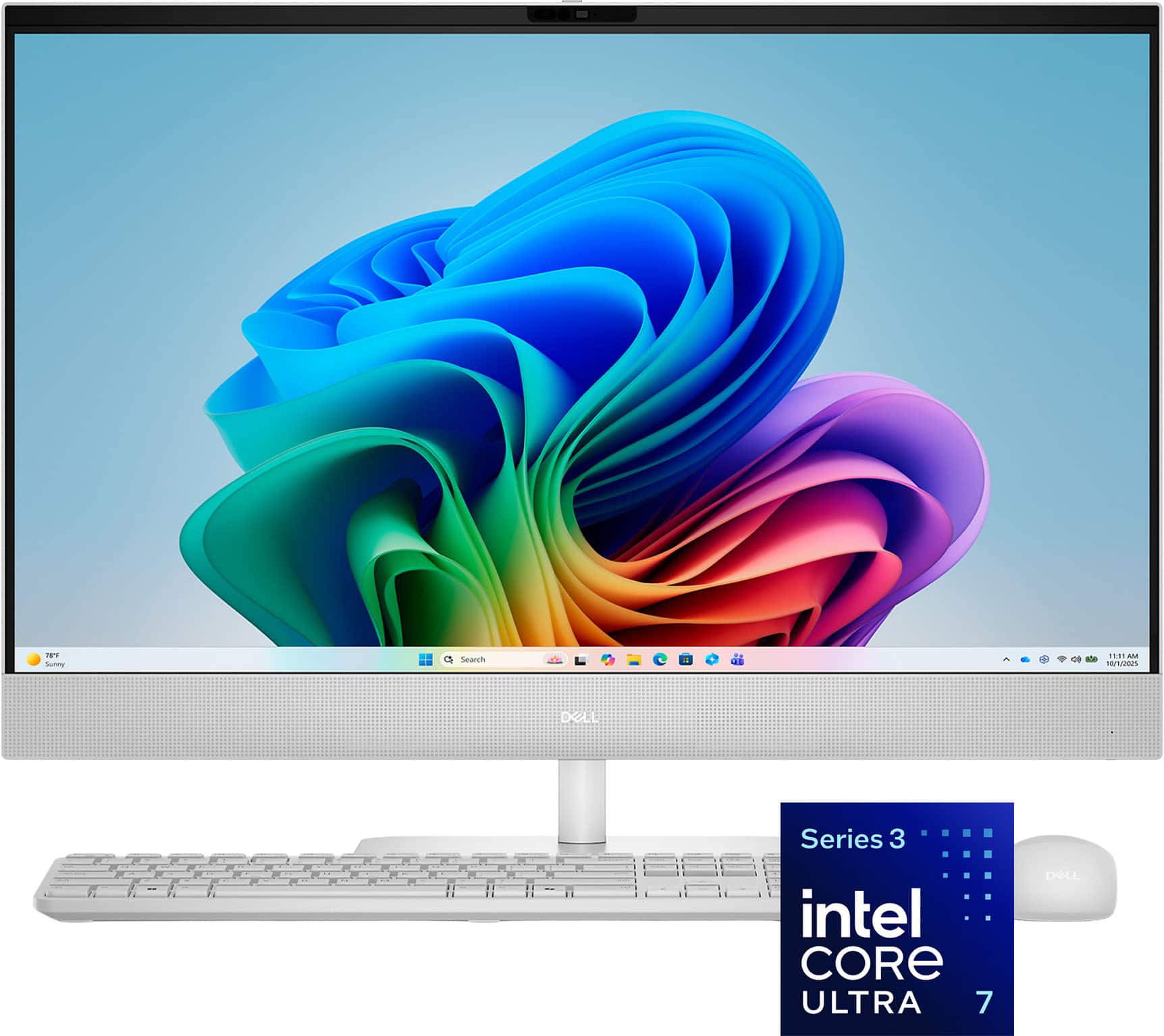
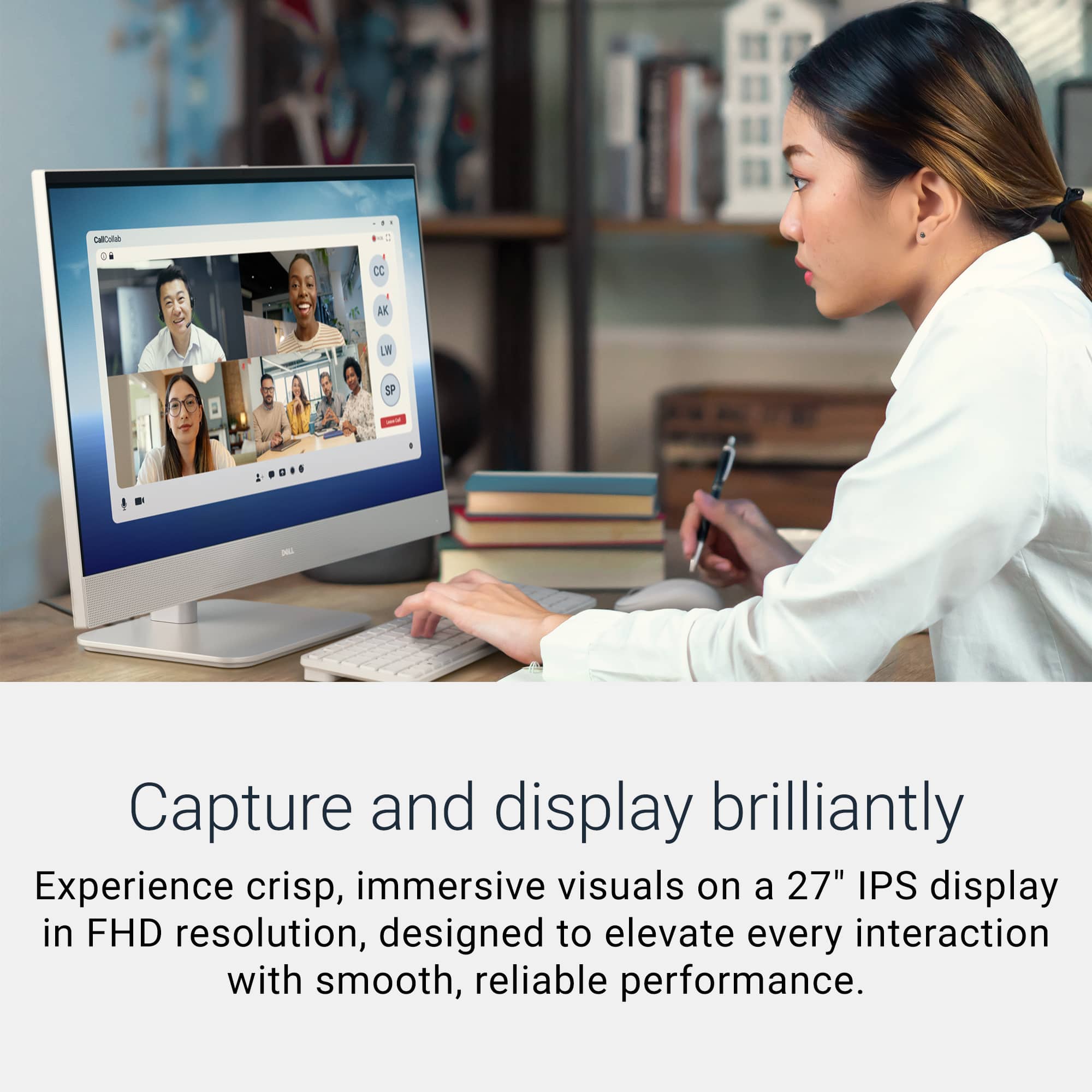
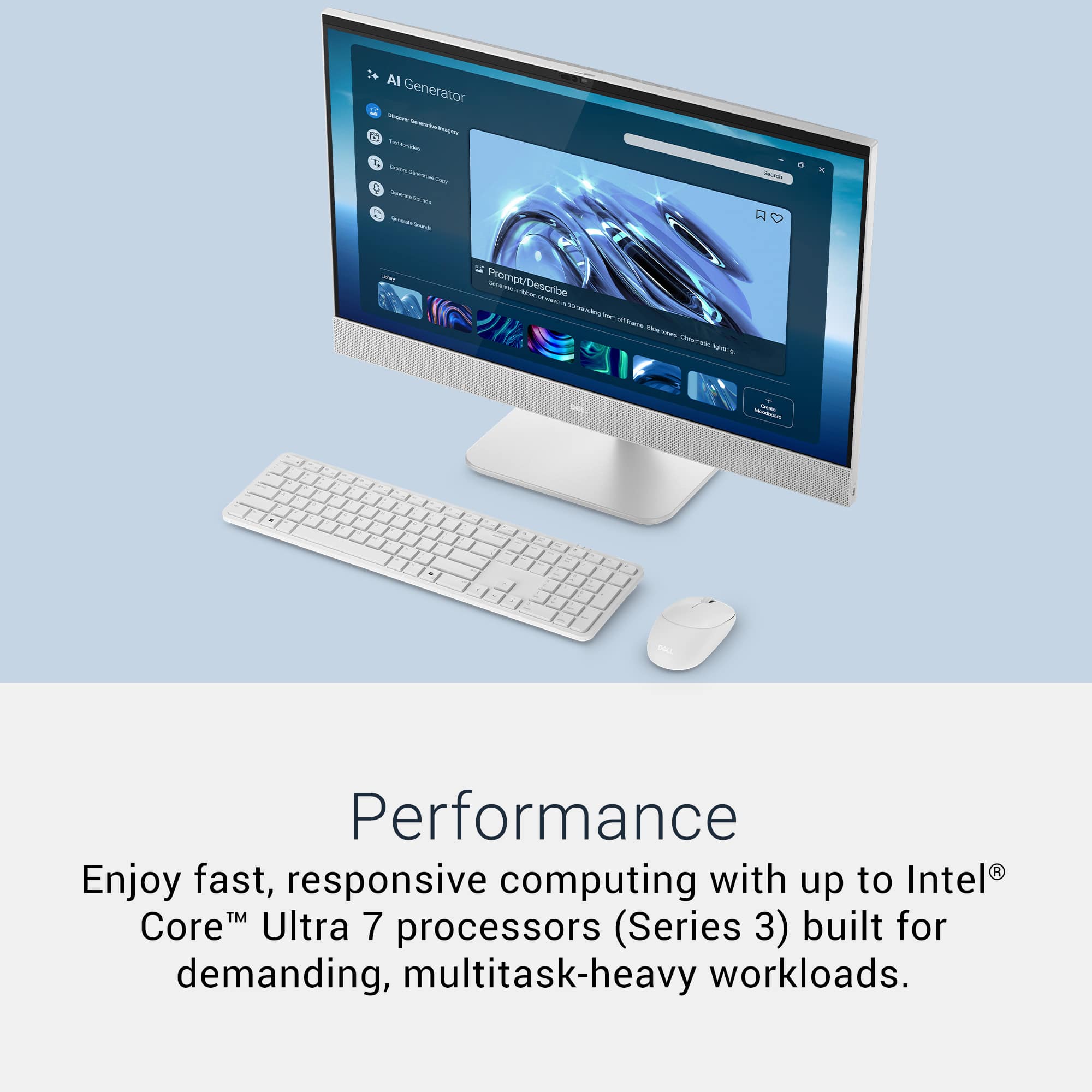
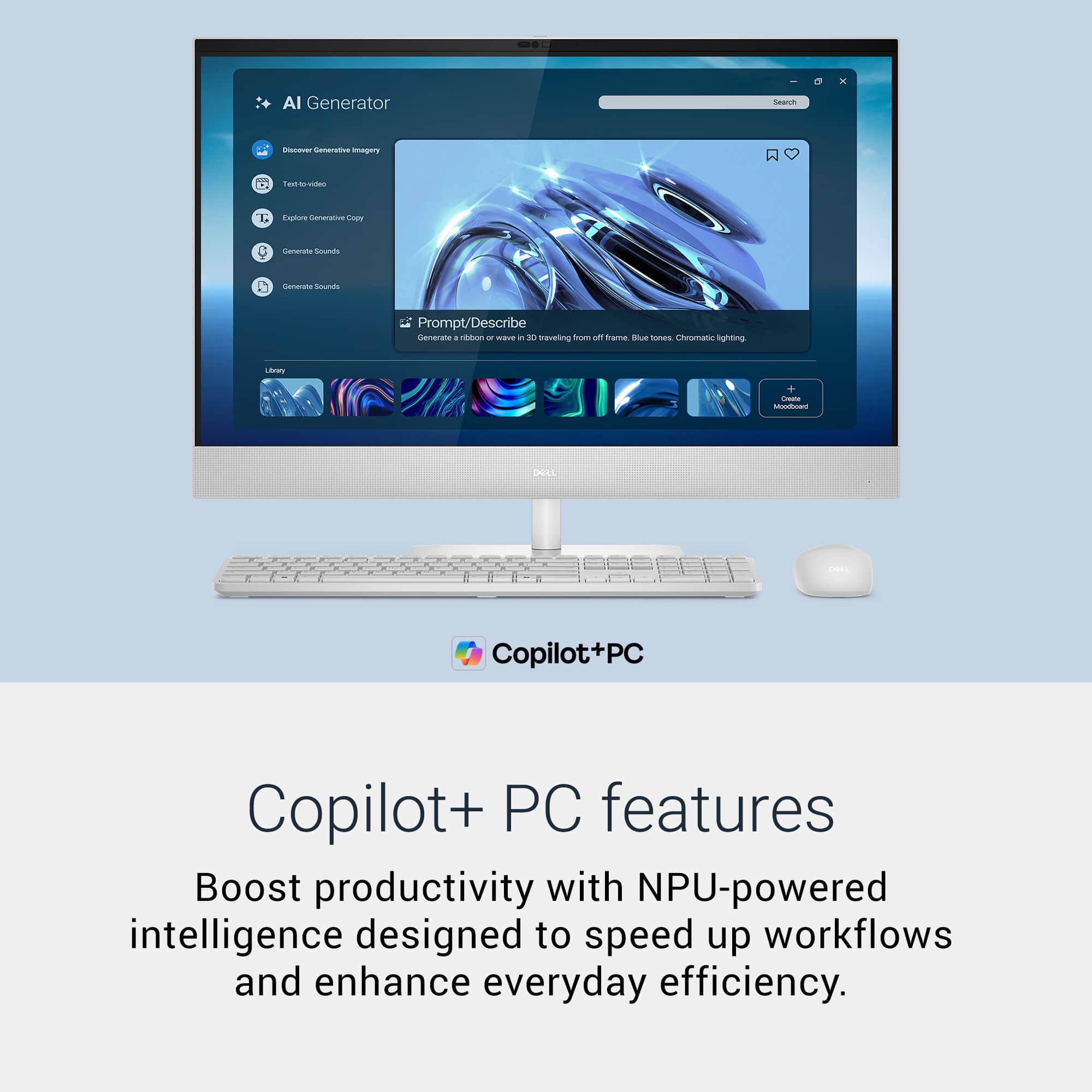
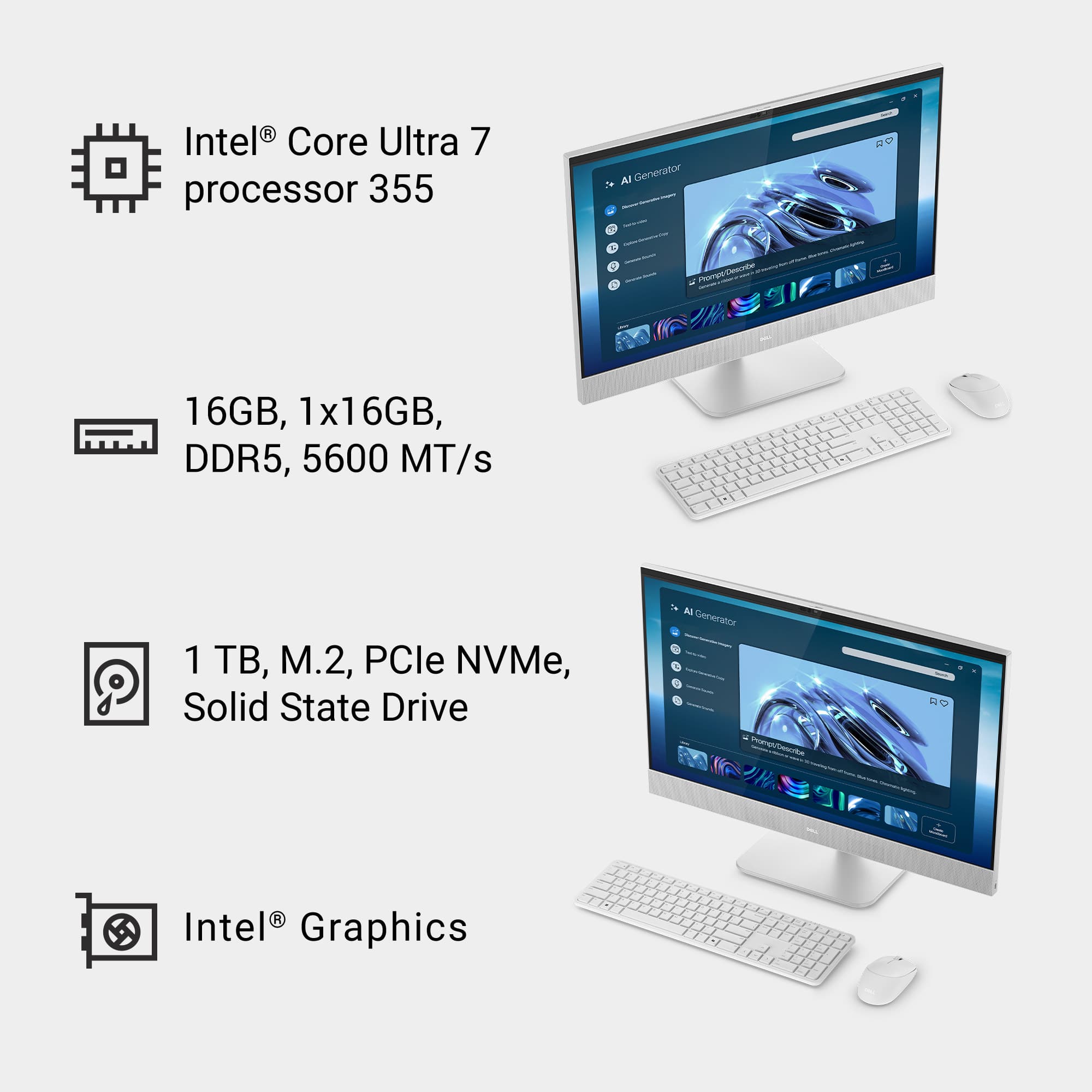
|Posted .This reviewer received promo considerations or sweepstakes entry for writing a review.My experience with the Dell 27” 2K IPS Touchscreen All-in-One PC has been positive thanks to its good hardware and A.I. software that enhances productivity and efficiency. The first thing I like with All-in-One computers is the ease of setting up; nothing to connect but the power cord. The second thing is the absence of cable clutter. This model looks clean and modern and comes with a wireless keyboard and mouse. The big 27-inch 2K touchscreen display looks great at its native 2560 x 1440 resolution. The colors are rich and the pictures clear. The screen size facilitates productivity by having two windows open at the same time without feeling cramped. I found it particularly useful while on a video call with ample space for my spreadsheet on one side and the video on the other side. The touchscreen feature is among the best I’ve seen. It’s responsive and precise. My only gripe with the screen is that it doesn’t have height adjustment, it’s only tilting up or down. The keyboard is comfortable to type on. It’s soft to the touch with no plasticky sounds. I only wish it was a lit keyboard as I like to work in low lights. The mouse is simple but comfortable with rounded edges. The wireless connection through the dongle stays reliable with every use. At 5 megapixels, the camera gives out good details during my many video calls. It has an infrared sensor for face recognition that works wonders. It is quick and precise even in a poorly lit environment. The sound from the two speakers is decent and good for regular listening. The speakers are a bit too close together which limits the stereo effect. A separate rig is a best bet for great quality sound. As far as performance, under the hood, the 16GB of memory complemented by the Intel Core Ultra 7 355 handles productivity apps, multiple browser windows without blinking. It comes with a 1TB solid state drive to hold plenty of documents and a media library. The Copilot integration does a good job at locating a folder or files and during the video calls, I tried the captions and it left me impressed by how quickly it transcribes the information. The use of Copilot didn’t seem to affect the performance at all. To conclude, I like the Dell 27” 2K IPS Touchscreen All-in-One PC a lot for productivity and everyday tasks, plus it looks great on my desk. Even though it comes with an advanced Intel processor well integrated with A.I., It has its limitations if you want to use it as a gaming machine which it is not, or for graphic heavy programs. Besides that, I recommend it as a good computer capable of handling many demanding tasks without a sweat.
I would recommend this to a friendAmazing specs for multitasking.
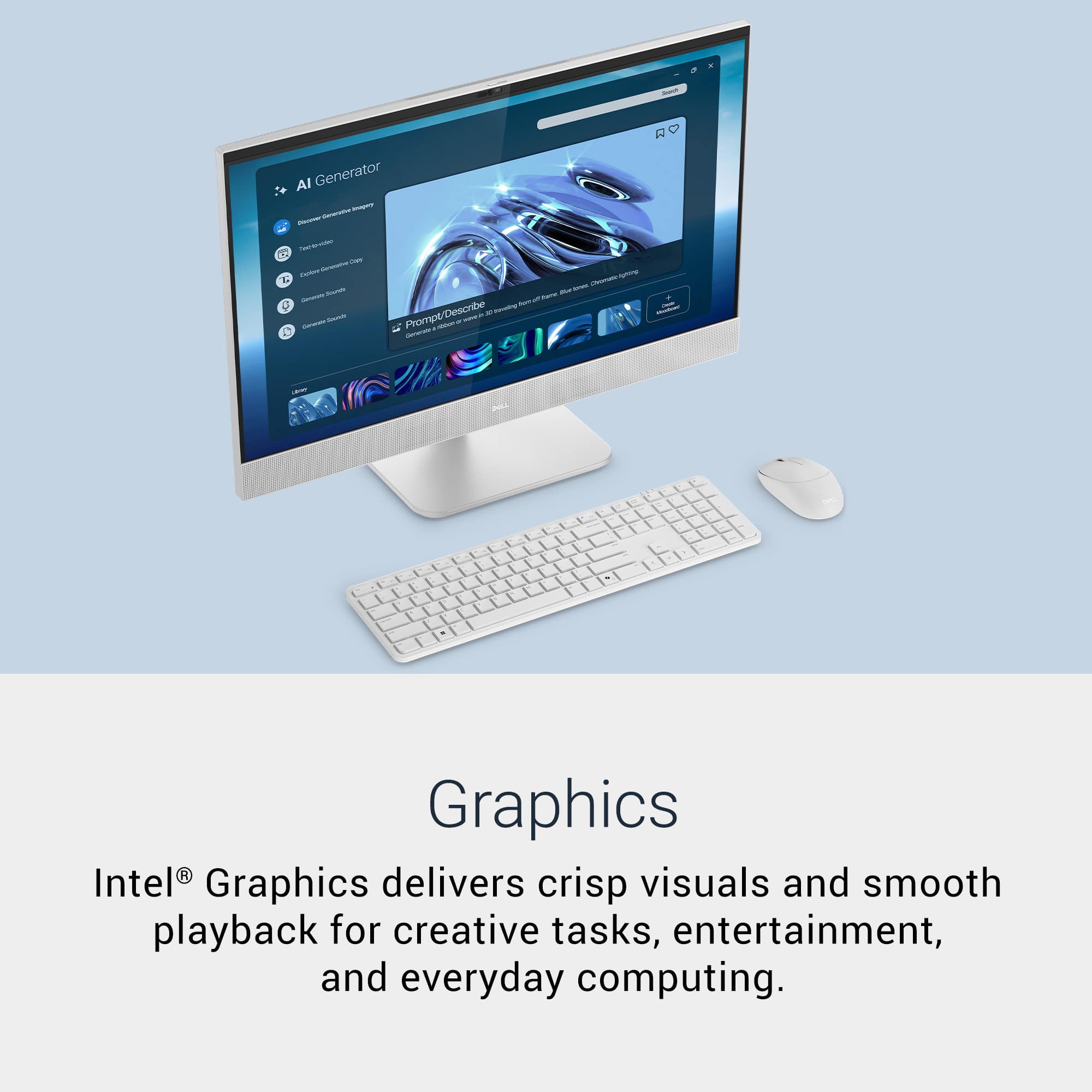
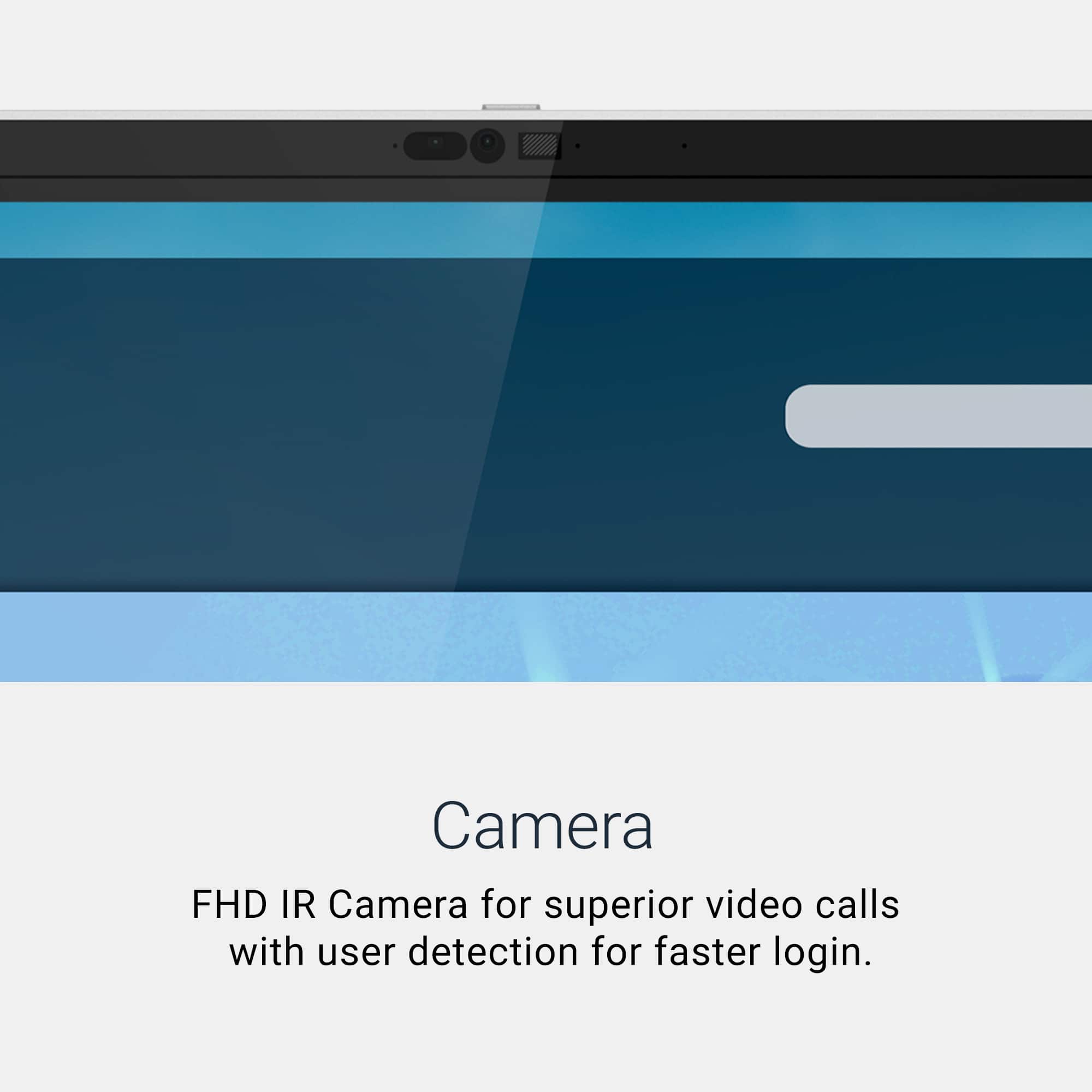
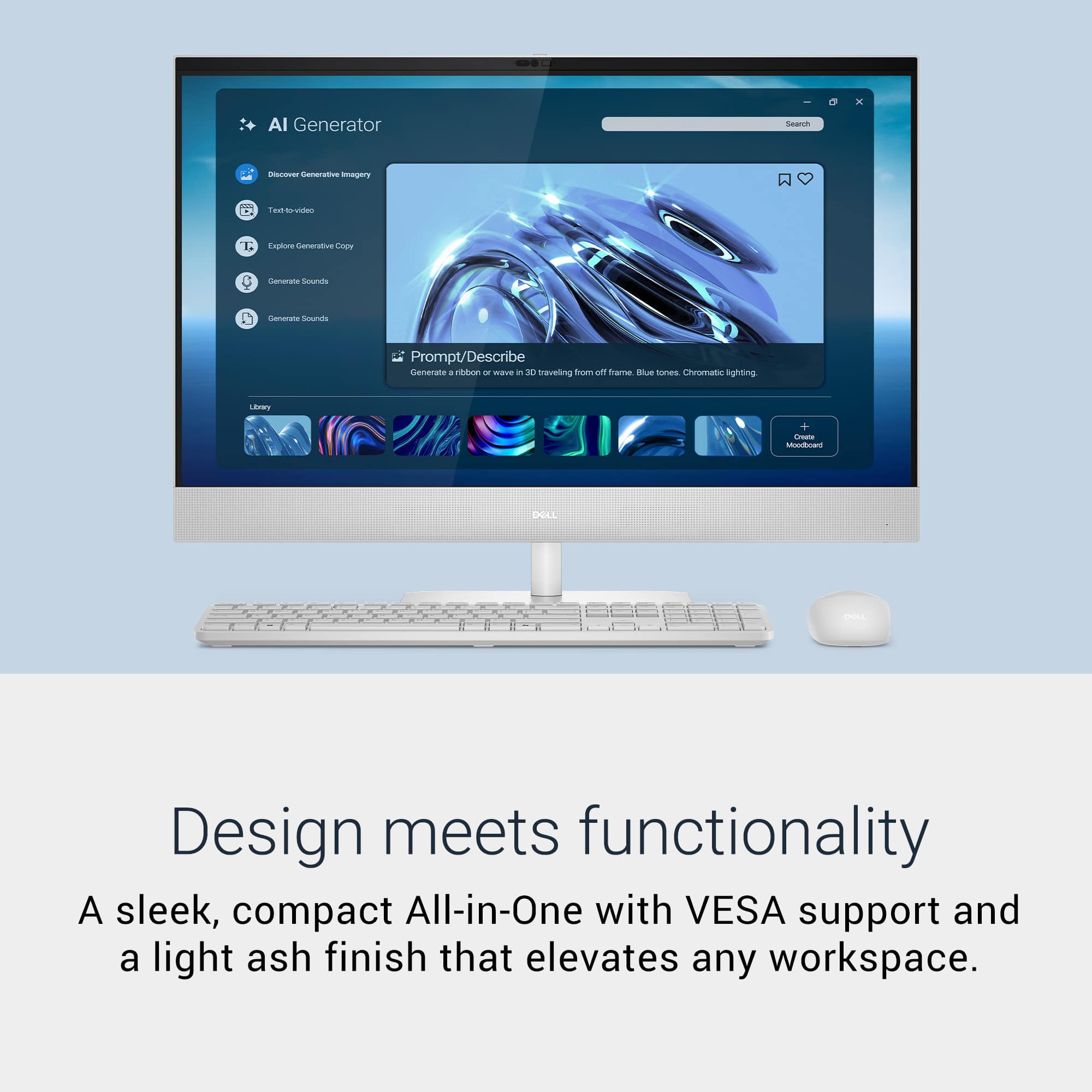
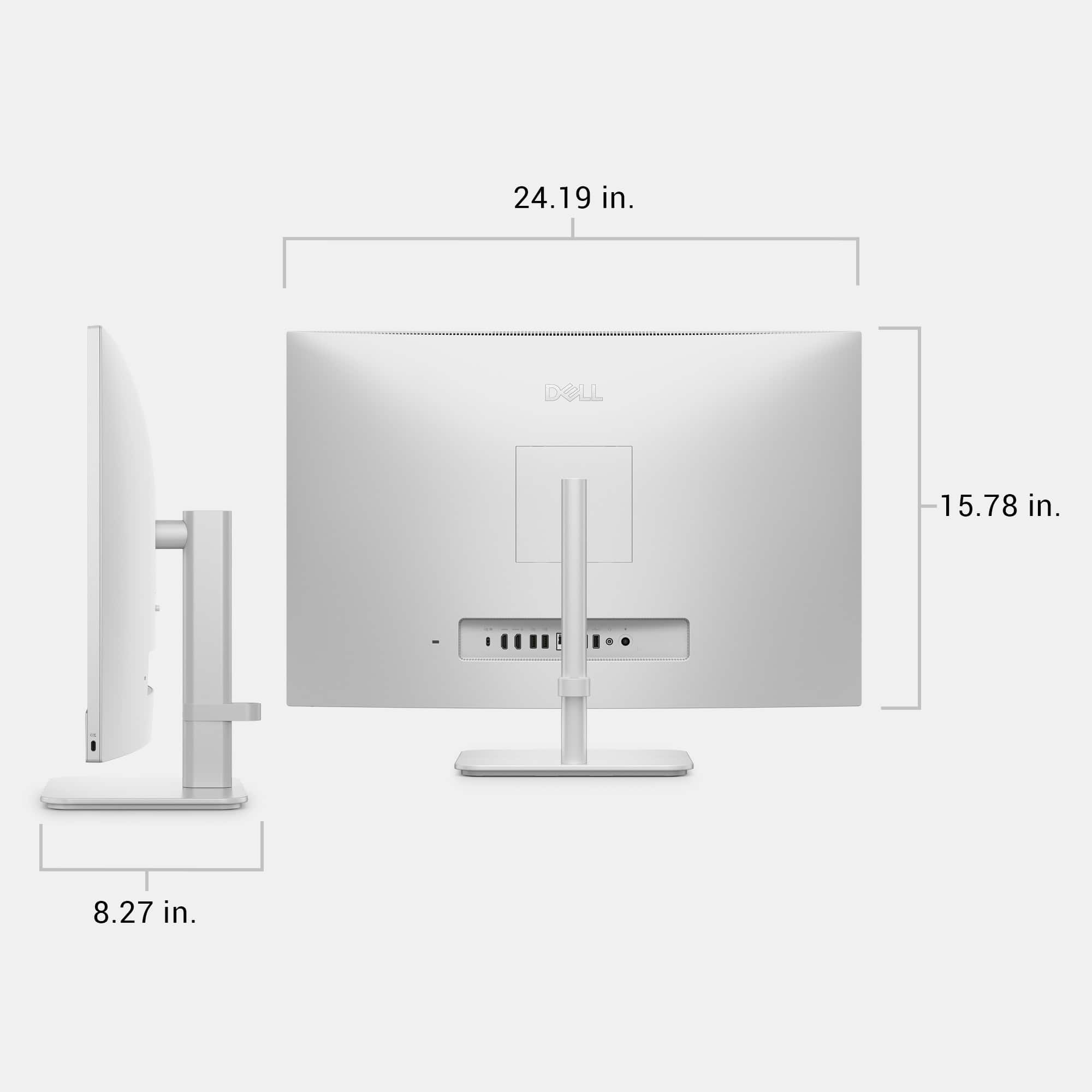
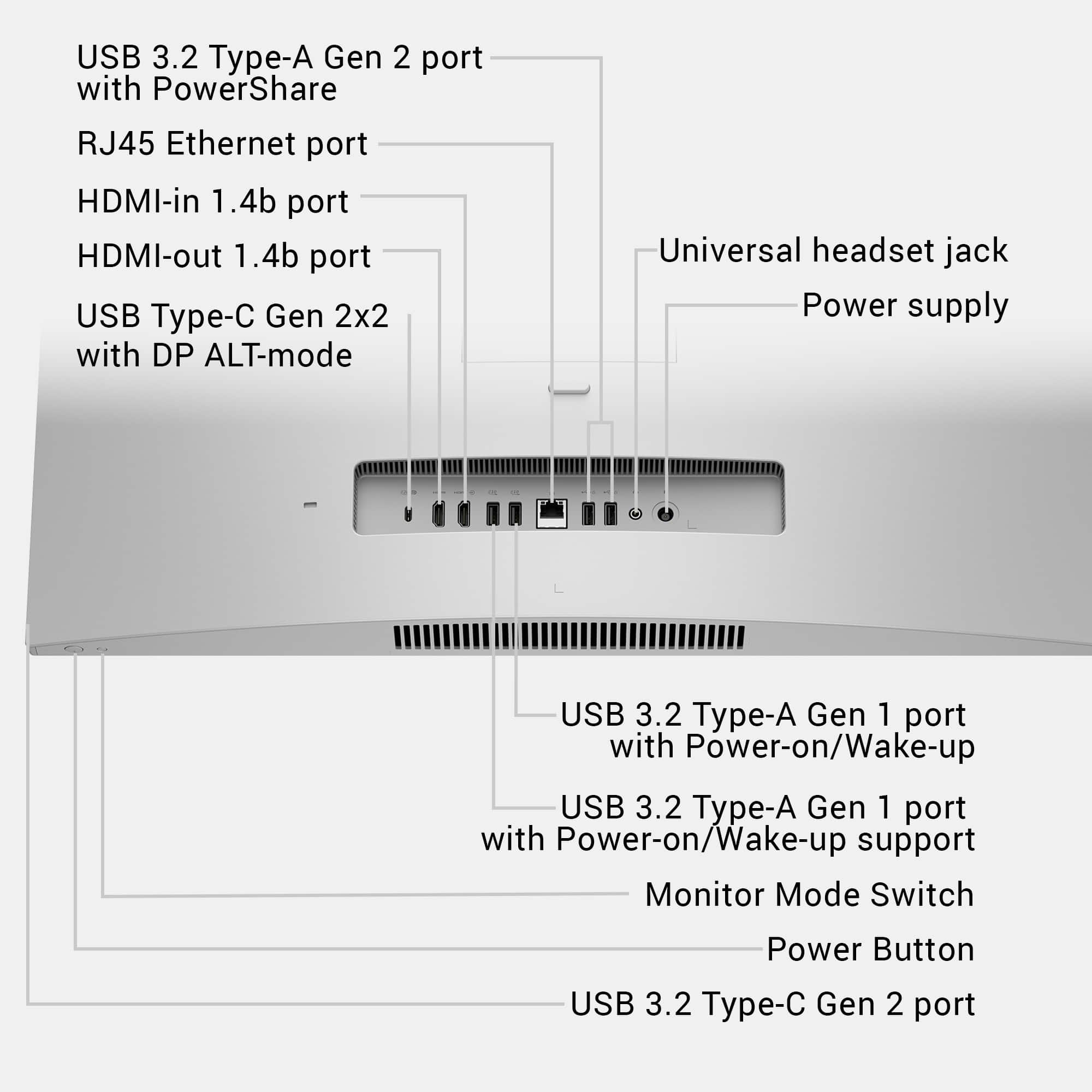
|Posted .This reviewer received promo considerations or sweepstakes entry for writing a review.The Dell 27” All-in-One desktop delivers a powerful, responsive, and minimalist computing experience by eliminating traditional tower clutter and managing cables through an intuitive, built-in routing channel. Right out of the box, the unit impresses with its surprisingly compact packaging and straightforward, tool-free hardware assembly. You simply connect the computer to the neck and then to the base. The simple aesthetic leans heavily toward a clean, matte white, giving the Dell a very sleek and modern, premium appearance that looks really nice in my home office. Doubling as my primary home computer for both office and my MHA program as well as my kids to do their schoolwork on, this meets those needs seamlessly. This Dell 27" computer comes with an Intel Core Ultra 7 processor, 16GB of DDR5 RAM, and a 1TB SSD, which combined provides an incredibly snappy and polished workflow for web browsing, streaming, and daily multitasking. Coming mostly from my 15" laptop, the massive 27-inch display provides an expansive amount of screen real estate, making it perfect for office tasks where having multiple windows open side-by-side is essential for productivity. This is very good as a productivity and media machine instead of a heavy gaming system. If you are looking for a computer for heavy FPS competitive gaming, this will not be sufficient as its integrated Intel graphics are not built to handle any demanding 3D rendering. That being said, it is excellent for family entertainment and easily handles lighter games like Roblox with absolutely no frame drops or stuttering, which is a major plus for keeping my kids entertained. While the physical setup is a breeze, the initial software initialization requires a bit of patience, often taking anywhere from forty-five minutes to several hours to complete. This delay is largely driven by standard, mandatory Windows 11 and Dell driver updates that require multiple system restarts out of the box. Once fully updated, the system connected seamlessly to my home Wi-Fi, my Bluetooth wireless printer, and pairs nicely with my Windows Phone Link. The built-in Dolby Atmos dual speakers sounds really nice, providing clear audio, while the integrated FHD camera features a highly appreciated physical privacy shutter at the top of the screen. Since all of this is all-in-one, you no longer need to connect speakers to to the back of the computer. The speaker lies right at the bottom of the screen and provides amazing sound quality directly towards you. Being a 2K IPS screen is bright, vibrant, and sharp. The touchscreen itself is highly responsive and always available as a convenient alternative whenever you simply do not want to use the keyboard and mouse. While its utility feels incredibly fluid and natural when standing close to the machine at a standing desk, operating the desktop purely via touch similar to a tablet does feel a little awkward due to the sheer size of the screen. The IO is exceptionally well-rounded, featuring multiple USB-A ports (1 USB 3.2 Gen 2 Type A, 1 USB 3.2 Gen 1 Type A, 2 USB 2.0 Type-A, an HDMI-in and an HDMI-out, Ethernet, and 3.5mm Audio jack). I wished that the audio jack was in the front for easy access. There is only 1 accessible USB-C port cleverly placed right on the bottom corner of the display bezel for effortless flash drive swapping. I had wished there were additional USB-C ports in the back instead of the USB 2.0. I like that this is bundled with a wireless keyboard and mouse (batteries are included), but they are lightweight, basic, and feel a bit cheap compared to the premium build of the desktop itself, Overall, this Dell All-in-One is an amazing, dependable, and highly recommended computer. If you value saving desktop space space for a general productivity, multitasking, and casual family gaming computer, than this is a very logical choice.
I would recommend this to a friendFunctional PC w/ shortcoming on Touchscreen
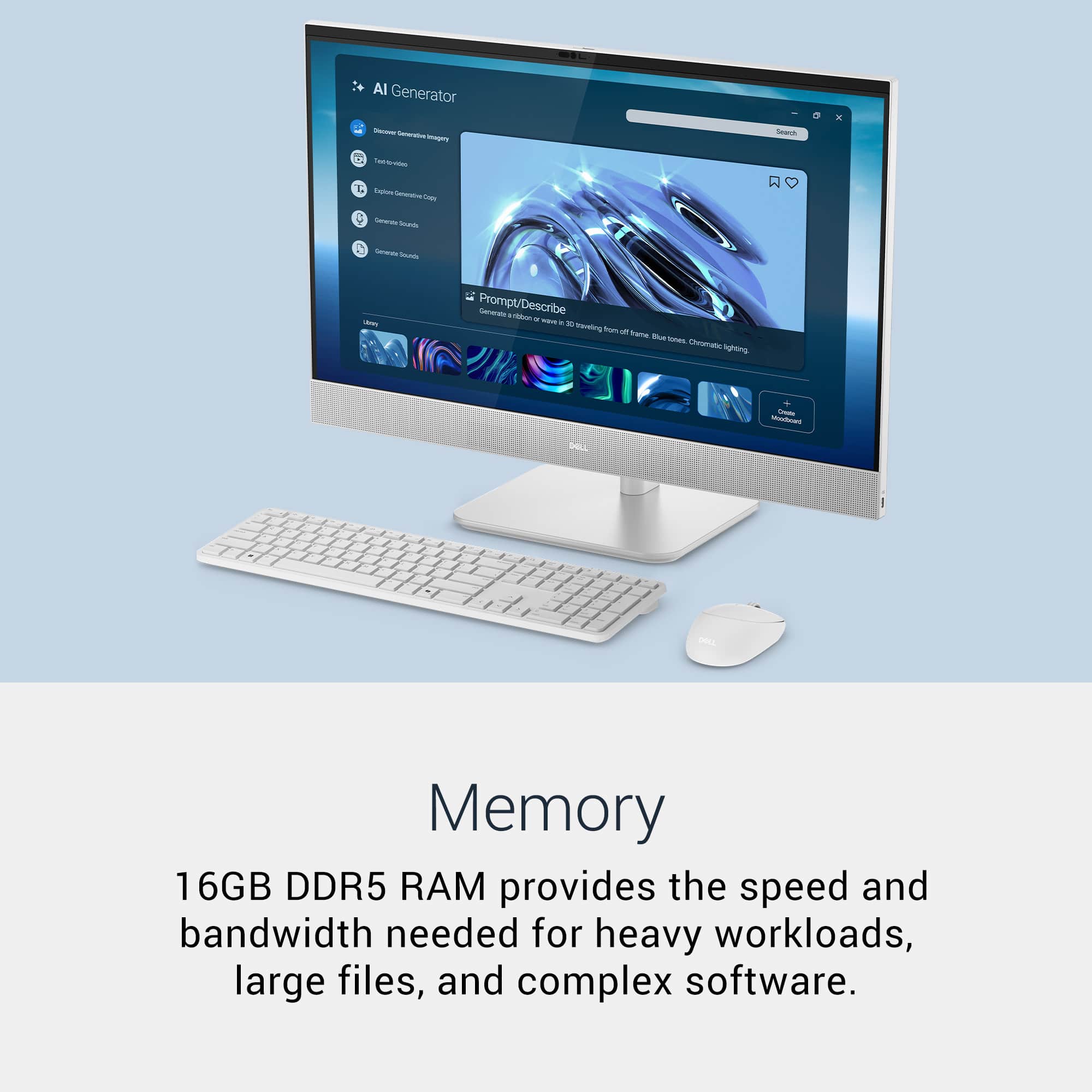
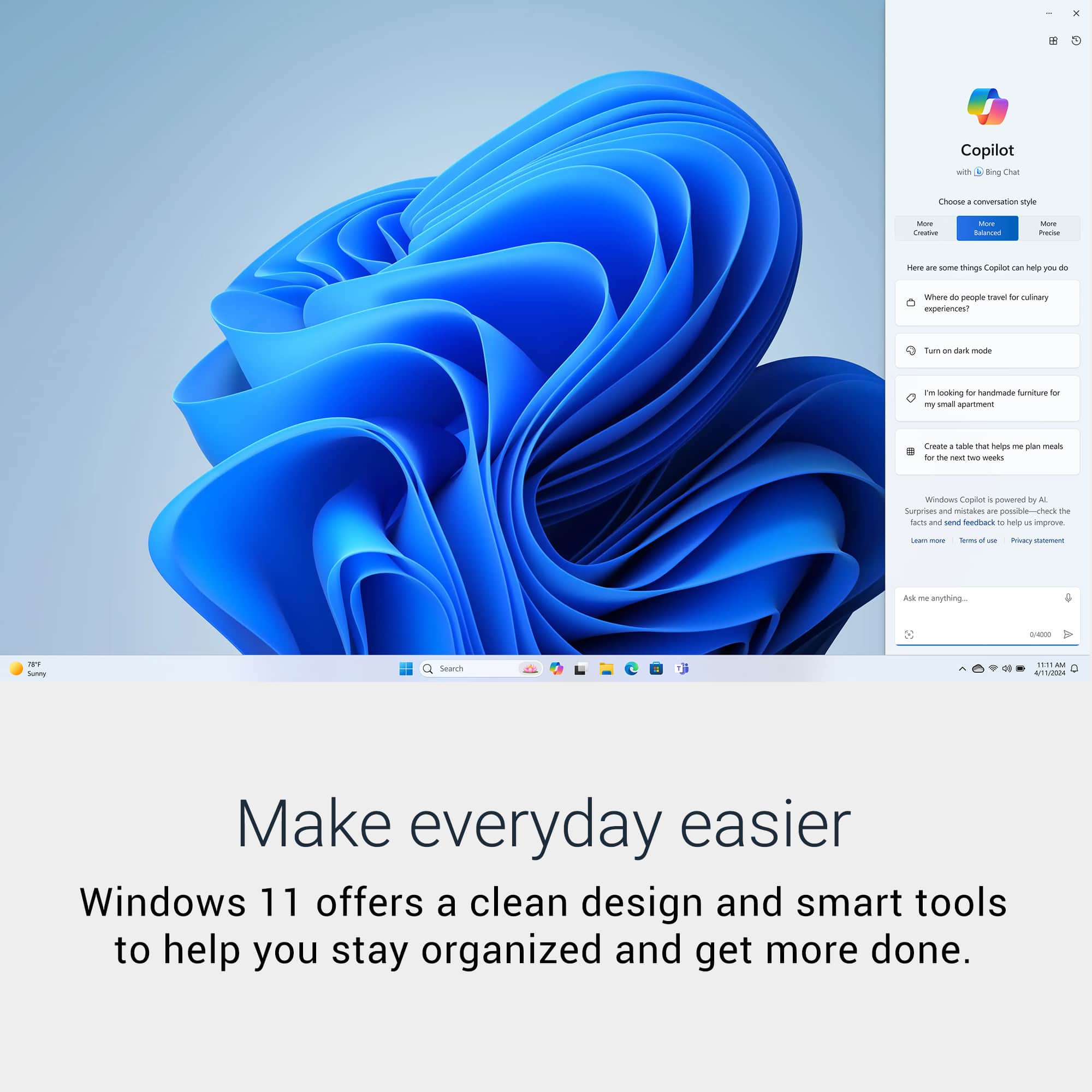
|Posted .This reviewer received promo considerations or sweepstakes entry for writing a review.This is review of Dell - 27" 2K IPS Touchscreen All-in-One in color Light Ash At first unpacking and setting on the desk, it does ook simple, minimalist feel of the space around. Without the need of traditional bulky pc tower, and extra cables in between to connect with the monitor, Dell 27” All In One pc does deliver the latest to the practical pc experience for hardware experience. The components of the hardware specifications are: - Processor: Intel Core Ultra 7 355, 2.30 GHz - Installed RAM: 16GB, Speed 5600 MT/s (15.6 GB usable) - Graphic Card: 128 MB, Intel(R) Graphics - Storage: 1TB SSD (After all the latest updates as of date 90GB of 954GB used) - Display type: 27”, Touch, FHD WVA - Audio and Speakers, Dual Speakers with Dolby Atmos - FHD + IR Camera, Camera Shutter, with microphone - Wireless Intel® Wi-Fi 7, BE213 (2x2), 802.11be, Bluetooth® 6.0 wireless card And it includes: - VESA- compatible plate stand with tilt adjustment - Wireless Keyboard - Wireless Mouse with Dongle USB-A - Charging Cable, 130 W AC adapter, 7.4 mm barrel -Pre Installed Microsoft Windows 11 Home version with Copilot+PC Ports: -1 HDMI-in 1.4 -1 HDMI-out 2.1 -1 USB 3.2 Gen2 (10Gbps) -1 USB 3.2 Gen2 (10Gbps) w/ Power share -1 RJ45 Ethernet port -1 USB 2 (480Mbps) with wake support (smart power) -1 headset (headphone and microphone combo) port -1 power-adapter port -1 USB 3.2 Type-C® Gen 2 (10 Gbps) port As the list of technical specifications can tell is the All In One is packed mostly with the latest version of hardware, being the Touchscreen mode an add-on experience to the daily desktop work. Now, hand to the setting up software side, upon starting it for first time, it requires the regular Microsoft Windows initialization process. This being having to answer and select options for each of questionnaire which take away some of excitement of start using new pc. Then once it is completed, it needs to be updated each of drivers and software versions of the hardware components from Microsoft and Dell Update. For Microsoft side, it listed around 45 updates at least and this process alone can take more than an hour or at least that much requiring multiple restart. For the Dell Update side, it also can take its own part of time to dedicate addition the time spend on Microsoft updates. Total time spend between setting and updates took more than 4 hours, and that being present front of the pc. Fortunately or unfortunately depending point of view, this process is a norm in setting recently purchased PC’s out of box, meaning it is not unique to the model under review. On display, it is vivid, clear, and feels sharp on the pixels. Its maximum of 1920x12000. It offer orientation mode of Landscape or Portrait. It can be tilted due to the stand that allows it. Now, using it is quite standard of Microsoft, there isn’t a specific difference to highly remark. The only differences to spot is that now it comes with integrated AI via Copilot PC, and Touchscreen, The Copilot PC experience is highly interested into the system but only can take advantage if you the Microsoft Edge browser, and Office services after subscription. The experience of using the Touchscreen in a PC without PC box, can be describes by dividing in two angles of usage: 1. With Keyboard and Mouse: Same as traditional usage. 2. Touchscreen Only: User can tap on the link and buttons of any options and features. However it feels the limitations during the usage and short coming of the design. It highly depends on the applications On Screen Keyboard. This has to be enabled, and have it opened in order to type any if need of entering characters based input. Hence for the case of entering URL or search keyword on the browser, the On Screen Keyboard has to be opened in order to type it. Upon touching on the URL field, it doesn’t show up automatically and the hide once the typing is completed. Alternative to the typing, it has Voice to dictate. But it doesn’t work straight at first, neither after multiple attempt. What I wish it well better: 1. Remove the requirement of dependency of On Screen Keyboard always for the case of using without Keyboard and Mouse. It takes space from the screen, and user has to maximize or minimize during usage. Quite an overhead to the user experience. 2. For Sign In by Face scanning. It doesn’t work straight forward, having to enter manually PIN or Password instead after multiple attempt to login by Face scanning. 3. Monitor rotation. It only can be tilt up and down, but can’t move right to left or vice versa, nor adjust the hight. Considering it, it is odd to see in Device setting can switch the orientation. 4. The monitor handle the finger prints. After using on TouchScreen mode, the finer prints is highly visible everywhere. 5. The monitor has high level of light reflection. It has high level of glow which kind of diffuse the content. 6. Charging port were USB-C instead of 7.4 mm barrel. To end, the All In One Copilot-PC from Dell is nice and seems to fit perfect to use as PC for everyday work and entertainment. But its usage experience as TouchScreen falls short and moreover when intend to use without Keyboard and Mouse.
I would recommend this to a friendAlmost There but Falls a Little Short
|Posted .This reviewer received promo considerations or sweepstakes entry for writing a review.I was very excited and happy to be able to select the Dell - 27" 2K IPS Touchscreen All-in-One - Intel Core Ultra 7 355 2026 - 16GB Memory - 1TB Storage - Copilot+ PC in light ash. There is no doubt that this is a very powerful, capable, and superior all-in-one desktop. When I first selected this, I did not realize that this is a very stable tabletop unit. What all was included-the all-in-one, the electric plug, a Dell keyboard and mouse. Aesthetically, this is a clean, modern, sleek-looking unit that is efficient with the space that you want to install in. By the way, light ash is white to me, maybe not optic, brilliant white, but white, nonetheless. So, set up is the first thing that needs to get done. Set up was easy, but plan on taking a least an hour in my case, because as you follow the set-up install, the computer took about 45 minutes to install Windows updates over 3 different segments. I then used my Microsoft account to connect it to share files and settings of my various other computers, so that all my usual apps and programs were downloaded to this machine. I also, using the Phone Link app, connected my android phone for texts, emails, and telephone use. This computer seamlessly connected to Wi-Fi and all the usual other integration items. The viewing on this LCD screen is dynamic, transitioning from tab to tab, screen to screen, etc. was flawless and the built-in AI these days is there for the user's preference. Additionally, I connected wireless printers, and accessed not only the printing, but the scan app However, I did run into an issue that needed a phone call to Dell tech support. My computer's audio was not working and no matter how I tried to go into the sound settings and keep making adjustments, nothing worked. While the representative from India was helpful, respectful, and took the time to get my audio working, it is one of my pet peeves that this off shored to a foreign country where there may be language barriers, especially due to accent. Beware, going through the tech toll-free number line takes time and persistence since there are obstacles in your way. I called numerous times to figure out how to get to tech, and it is imperative that you have the device's ST alphanumeric, non-hyphenated code which is out of the way and hard to access where the unit's other identifying information is. Bottom line, no ST, no help. The tech asked permission to take control through an online web Dell support site and gave me a code to enter so that they knew that they were in the right computer. It was determined that even though this was a newly manufactured device, the Real Tek audio driver was somehow corrupted, and the tech uninstalled the driver that was originally installed and then re-installed the same driver. In the end all worked and was good, but it took another 30–45 minutes because the computer had to shut down and restart numerous times to get this all accomplished. By the way, this tech's manager asked to talk to me after all of this to ask questions on how this whole "fixing" process went. I got what I needed but not thrilled that I had to go through all of this. Overall, I do recommend this all-in-one, and I believe that whoever uses this computer, for whatever purpose, will find it pleasurable.
I would recommend this to a friendFast, but pricey for what you get
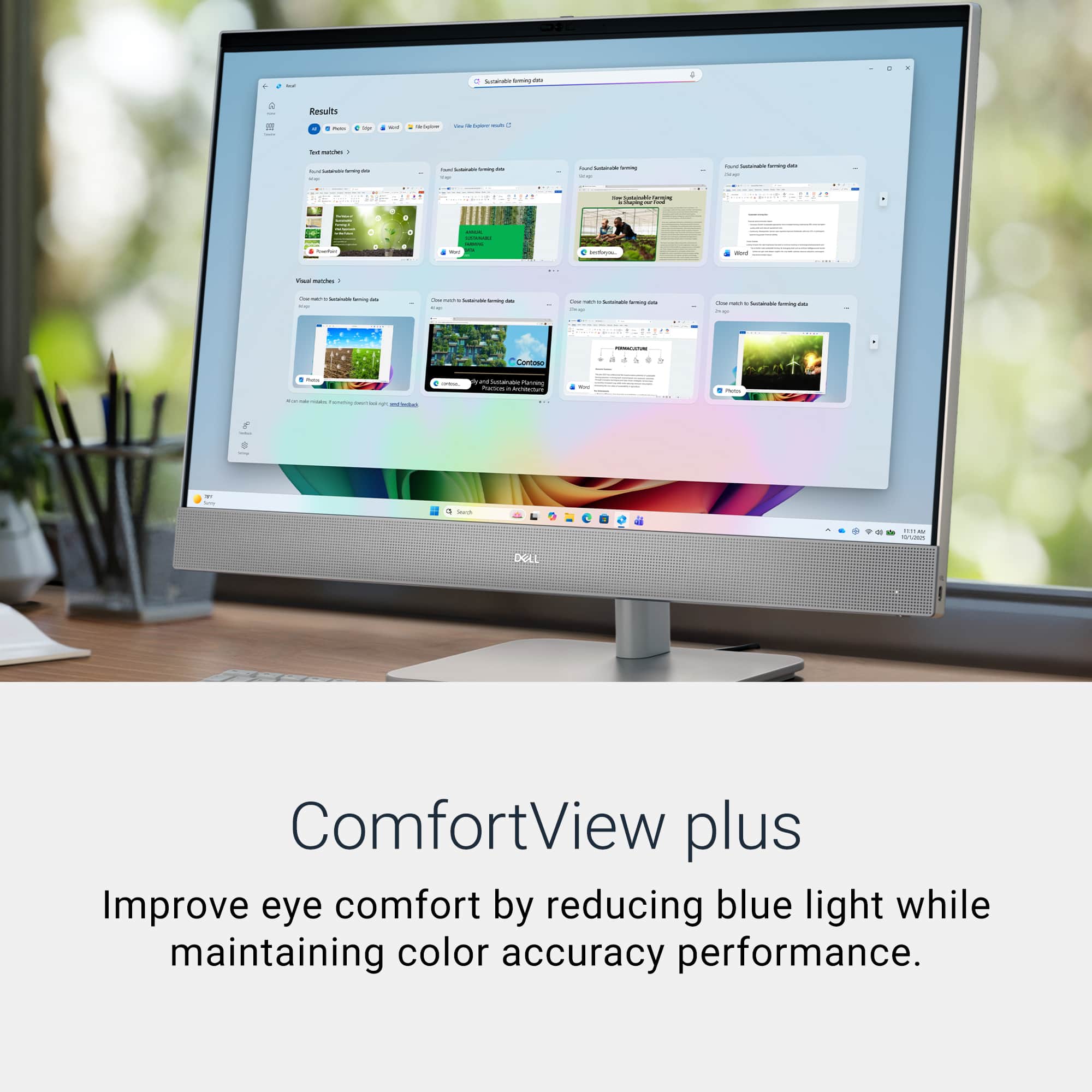
|Posted .This reviewer received promo considerations or sweepstakes entry for writing a review.All-in-one computers have always been a bit of a mixed bag in my opinion. You can’t easily upgrade your monitor, or really any internal components for that matter, and once the computer itself starts slowing down and aging, you’re kind of at square one with your whole computer setup. In that regard, they’re like most laptops. That doesn’t mean they don’t serve everyone, and if you’re looking for a capable all-in-one package like you would when buying a laptop, then all-in-ones can be the right solution offering good performance for everyday and lighter tasks. So, what are my thoughts on this Dell machine? Well, just as I began this review saying all-in-one’s are a mixed bag, this one falls into that same category. Let’s start with the screen, which is a 27” IPS touchscreen boasting a measly full 1080P resolution. I’m a little stunned that at this price point it doesn’t include a 4K or at least a 2K resolution monitor. Also of note, Best Buy’s site lists it as a 2K display, but when you scroll down into specifications it clearly states its resolution is 1920x1080 FHDP, which matches the max resolution in Windows settings. So, it’s clearly not super high resolution. But at least what it lacks in resolution is somewhat forgiven by how bright the screen is for not being an HDR screen (and to clarify, I can’t find any specifics on how many nits this thing puts off but it bright to my eye), and its color accuracy and saturation. This FHD screen pops in a good way, though some might find it perhaps overly saturated. Now for a big negative: The screen is also super glossy. That’s because of its glass touchscreen. So be very cognizant of your workspace because this screen gives off so much glare it puts mirrors to shame. Also, I’m not sure what the use for the touchscreen is on this machine since it really doesn’t tilt back enough or adjust enough to use this for creative work. I can only see the touchscreen being useful as a kiosk in like a retail environment or something like that. The speakers on this are decent for watching shows, or general media consumption. They aren’t going to compete with dedicated speakers or the like as they lack low end, but they are more than serviceable. I did notice a little bit of distortion when listening to some music at near max/louder volumes, but I won’t typically be fully blasting these speakers. But it’s something to keep in mind. Overall, the setup of this machine was quick, I had it up and running in less than half an hour. It runs fast enough for all my chrome tabs, Windows office applications, etc. without even a hiccup thanks to the intel core ultra 7 chip. But there is a noticeable, if even very quiet fan noise that you can hear even with just a handful of tabs and applications open. I imagine that might get louder over time, but only time will tell. Overall, this is a good all-in-one option, especially if you are looking to stick with Windows as your operating system of choice. But if you’re open to operating systems, the M4 iMac gives you a slightly smaller 24” 4.5K higher resolution display, with better speakers for a starting price of $100 less than this machine. That machine is also fan-less, so it runs silent. Sure, you don’t get a touchscreen, but as I said earlier, I really don’t know who the touchscreen is for on this machine.
No, I would not recommend this to a friend2026 Dell All-in-One PC
|Posted .This reviewer received promo considerations or sweepstakes entry for writing a review.Dell’s 2026 27 inch all in one PC is an interesting PC. This device has a nice class of features that should be worthy of serious consideration. The system comes equipped with a beautiful 27-inch IPS touchscreen, mouse, and keyboard. Opening the package is straight forward. Comes packaged with monitor screen with PC components built-in, stand, base, ac adapter, keyboard and mouse, wire clip for cable management, and a booklet with QR code. The QR code is an important step to not overlook as this is where all the documentation is housed for the PC. After starting the PC by pressing the button at the bottom of the screen, startup moved along quickly. The processor, the Intel Core Ultra 7 Series 3 355 that this system comes with is 8-cores and power efficient. Ranging from 12-55 watts of power usage. This will allow for some cost savings compared to some higher end CPU's with much higher power draws. The PC screen is housed in recycled hard plastic instead of a more premium look and feel. This cuts down the total weight of the PC, but I expected a more premium look and feel at the price point. The all-in-one PC comes with Windows 11 home edition which is upgrade-able to Pro. The system also comes with multiple USB ports and two HDMI ports. One thing to note is that you have the ability to use the PC screen as a monitor. When connecting an external source to the HDMI 2 port, you can display your source. The only downside is that there is no way to control the speaker's volume of the source. The built-in PC speakers play the source at a set volume. There is no way to adjust the volume if using the PC speakers. The touchscreen is responsive, and has 1 TB of internal storage, and 16GB of ram is enough to get tasks done. The PC is Copilot+ enabled as well. I have tried these features on some of my other devices, so they could be useful for most people. This system is built for productivity and media consumption. If you need something that doesn't take up too much space and allows you to get up and running within a short time-frame, this may be the system for you.
I would recommend this to a friendAwesome All-in-One from Dell!!
|Posted .This reviewer received promo considerations or sweepstakes entry for writing a review.The Dell 27” Touchscreen All-in-One is an impressive machine that can easily handle your day to day tasks, with only minor things that I would improve upon. As I worked to unbox the PC, I kept thinking I would stumble across the instructions for how to assemble everything. I eventually found the small pamphlet at the very end of this task, when I had already figured out how to put it all together. Thankfully, even without instructions, everything is pretty straightforward in terms of assembly. I really like that the stand is easy to put together, and attaches very simply to the screen/PC combo. The included keyboard and mouse use a small USB-A dongle that slots into the back of the machine, and they did include batteries for both of these devices. This is something that I would improve upon in future iterations. The keyboard and mouse feel CHEAP. Definitely not up to par with a PC in this price range, and the fact that they are not rechargeable is even worse. Even trying to open the battery cover on the keyboard was frustrating, as it seemed to be stuck on one side, causing me to almost break it just to put batteries in. Once everything is set up, another problem arose. To get things going, I had to enter the password for my Wi-Fi network. At this point, the keyboard would not communicate with the PC. I kept turning the keyboard on and then off, repeating this process, to no avail. Eventually, letters would finally appear when I typed. This problem occurred again after the computer was done updating, and was in your typical desktop mode. As of right now, the keyboard does seem to wake up and work properly when I need to use it. I even scanned to QR code to look at the user manual, and it does not even mention the keyboard or mouse at all, so it is no help. I thought perhaps there was an additional USB dongle for the keyboard, but no, it uses the one found in the mouse. I really think that Dell should upgrade the peripherals for this PC. Otherwise, I would recommend purchasing a better set, that works more reliably, and can be recharged. Using the PC is very straightforward, and there are a number of things I like. First, the 1080p front camera, which looks pretty good for Zoom calls, has a cover that can be slid across the lens for privacy. This camera is also used for face unlocking, which can be finicky, but usually works very well with most Windows 11 PCs. The inclusion of a touchscreen on this model is also very cool. I have this problem with touchscreen PCs, in which I typically forget that they have this feature, and rarely use it, but when used, it’s more than just a neat gimmick. The touchscreen is very responsive, and I had no problems using it to navigate through web browsing and using my desired programs. For specs, Dell has ensured that this All-in-One will not be obsolete in a few months time, and includes items such as: - Intel Core Ultra 7 Series 3 processor - 27" 2K IPS LCD Touchscreen Display - 16 gigs of RAM - 1 TB SSD - Windows 11 Home - Ports include 2 x USB-A 2.0, 3 x USB-A 3.2, 1 x USB-C 3.2, and 1 HDMI output - CoPilot+PC capabilities Overall, I found that this Dell model is beyond well suited for daily tasks, some more intensive programs, and perhaps very light gaming. I typically use my PC for work and school, as well as streaming movies, TV, and YouTube, and gaming, which depends on how powerful the PC is. This PC had no problem with my daily use needs, and I feel like it could easily be pushed further. This PC has CoPilot+, but this is something I personally don’t use much. If you’re into AI tools, you might get some use out of this. Otherwise, I have always found these “tools” to be very mediocre and lacking in functionality. One thing I noticed is how good the screen looks. I pulled up some 8K sea footage on YouTube, and was impressed with the details and color that was presented by this 2K display. It also gets plenty bright for my needs, as I had the brightness on about half during my testing. The built in speakers also sound nice, and have a decent amount of volume when turned up. Everything about this PC looks and feels well-made and high quality, EXCEPT for the keyboard and mouse. Overall, I can only fault this PC on things that I personally found to be frustrating, and even then, you may not have a problem with. Even so, the keyboard and mouse can easily be swapped with some upgraded items, so this is not a problem with the PC itself, which is a plus. I love how easy to use this Dell is, and despite the “figure it out as you go” unboxing and assembly, and slight issues with the peripherals, it really is a great All-in-One machine. It has been a joy to use during my time with it, and I’m excited to use it as my daily driver in my home office. I would take off half of a star for the issues stated, and if you are already planning on using a better set of peripherals, then no issues at all. If you’re looking for a stylish, well made, powerful device with a gorgeous display, this Dell should be at the top of your list!
I would recommend this to a friendGood performance and Full HD(1920x1080resolution
|Posted .This reviewer received promo considerations or sweepstakes entry for writing a review.The Dell 27” All-in-One with the Intel Core Ultra 7 Series 3 355 is a great looking all-in-one computer and I do like the clean design of it. The nice big 27” touch screen is one of the best features in my opinion and it should be great for everyday use, web browsing, video calls and streaming. Performance also looks very solid for a home or home office type of setup and the Core Ultra 7 processor, fast 1TB SSD storage and 16GB of DDR5 memory handled normal daily tasks without any issues. I also like that this has some of the newer Copilot+ PC features built in, although I do not think that will matter as much to everyone. One thing that does concern me a little is the display description. Some listings call this a 2K model, but the listed screen resolution appears to be 1920 x 1080, so that is something I would double check before buying if that matters to you. Overall, this seems like a nice all-in-one for someone who wants a simple, clean desktop that does not take up much room and should work great for everyday tasks, but I would not look at this as serious gaming or high-end creative machine. Pros: Large 27” touch screen Clean all-in-one design great for normal daily use for home or home office Fast SSD storage Does not take up much room on a desk Easy to store wireless keyboard and mouse Cons: Not for serious gaming Not ideal for demanding creative work Heavy Mount only angles, not up and down
I would recommend this to a friendA Sleek Desktop Upgrade That Simplifies Your Space
|Posted .This reviewer received promo considerations or sweepstakes entry for writing a review.I was looking for a desktop to replace my current laptop setup. I like the clean look of an all-in-one computer as compared to the laptop, external monitor and keyboard I currently have. It’s also nice to reduce the number of plugs needed as there are always too many wires. This Dell all-in-One is a nice solution to free up desk space, I get a larger screen, and built in speakers that sound better than my laptop as well. Setup: This Dell 27” desktop was simple to setup, simply screw the base into the support arm and then clip the 27” computer onto the arm. I like that they include batteries for the matching wireless keyboard and mouse. The mouse cover lifts off the reveal the battery (AA) compartment and the USB wireless receiver, plug the USB-A receiver into the back of the computer and you’re ready to go. The keyboard and mouse are nice looking, somewhat plain, but it does the job. The keyboard has a dedicated button for Microsoft’s AI tool, Co-pilot. As far as ports, this desktop includes: - 4 USB-A 3.2 (1 is used by the wireless dongle for keyboard/mouse) - 1 HDMI in - 1 HDMI out - USB-C on the right side of the computer (website shows it on the back, it is not there) - Headphone jack - Ethernet port This Dell all-in-one has all the connections one would need, although I think there should be more USB-C ports vs . USB-A ports, as most devices are USB-C these days. It also features a touch screen functionality. I don’t find myself using that feature too often. Maybe I’m just used to moving with a mouse. The speakers sound decent, no need for additional external speakers, sound quality is okay, it’s what you would expect from built in speakers, more than adequate for most tasks, if you want to listen to music, you may want to get separate speakers. Performance: I found this Dell all-in-one to be quick for all the tasks I used it for. With the Intel Core Ultra 7 355, 16GB of Ram and 1 TB storage, it performed very well. I use it for normal household functions including spreadsheets, viewing pdfs, Word docs, internet browsing, stream audio, stream from Netflix and photo management and organizing. It performs all these tasks very well and much faster than my laptop. Summary: I found this Dell to be an excellent computer, I wish the monitor was height adjustable, but you can only tilt it up and down a bit. It is a great computer to do everyday home and school tasks. One of it’s strength’s is the clean design and minimal aesthetics, I love the fact that there isn’t a bunch of wires on and under your desk after you set it up. There’s a lot to like with this Dell All-in-One! Pros: - Nice clean look - Sufficient computing power for home and school use - Touch screen, although I don’t use this feature often - Screen pivots to angle display up/down (fixed height) Cons: - Not VESA mount compatible - Display not height adjustable
I would recommend this to a friendGreat all-in-one
|Posted .This reviewer received promo considerations or sweepstakes entry for writing a review.The PC market has seen some turbulence since the push for AI, unfortunately component prices have gotten out of control. While there is still a need some companies have not pushed the “cost increases” onto consumers. Enter Dell, they are still reasonable when it comes to their offerings. The Dell - 27" 2K IPS Touchscreen All-in-One is an example of that. I have the Core 7 series and I have had it for roughly two weeks it is an improvement over the previous generation. The improvements were the removal of the metallic foot stands, and the “pop up camera”. These improvements are great because the previous stand was replaced with a traditional pedestal stand that has a heavy base like the monitors do that the company sells. I like that the camera has a privacy cover and the camera is built in like a laptop screen. The less moving parts the better especially in a device like this. Now the configuration you opt for can vary from mid-tier specifications such as the core 5 (formerly the i5 series) to the Core 7 (formerly the i7 series). RAM is limited to only two options 16 or 32gb of DDR5 ram. And the memory is customizable as well ranging from 512GB – 2TB. These are pretty good for whatever you decide to use it for. Now it is important to take note that this not a gaming PC. While you can play games using game pass service streaming would be the way to go. The Intel graphics are not anything to brag about and can’t be considered good enough for gaming. If that is what you are looking for then look at Alienware for that kind of gear. I use this at home and it is great I already knew what to expect as I am no stranger to Dell devices and equipment. My Dell boots fast, and is used for home use helping the children with homework assignments, shopping and studying. The overall package is great, the speakers are loud and crisp, the camera is good quality and the microphone is great for conference calls. The keyboard is decent and the mouse as well, I would have preferred a higher quality mouse and keyboard though it is too “generic” in my opinion. If you have used a PC at any point in your life then you already know what to expect as the wheel wasn’t reinvented here. What you see is what you get. Windows 11 performs as it should and the hardware is robust enough to handle most tasks. If you are looking for a reasonably priced home of office PC then this should fit the bill. It is nice to see that not ever PC manufacturer has lost their mind with pricing.
I would recommend this to a friendFast everyday All-in-One computer.
|Posted .This reviewer received promo considerations or sweepstakes entry for writing a review.The Dell 27” All-in-One computer arrived quickly, and the first thing I noticed was that the box was actually smaller than I expected, which was a nice surprise. Everything was well packaged and protected inside, but still very easy to unpack. Getting it set up was super quick and simple. You remove the foam pouches from around the display and stand pieces, connect the base to the arm of the stand, then place the display back into the box face down so you can click the stand into the back. It really does just click right into place. There is also a small plastic cord-channel piece that attaches to the back of the stand so you can route the cords through it and keep everything looking cleaner. Once the stand was attached, I grabbed the keyboard and mouse, plugged in the small USB dongle which was inside the mouse, connected the power cord, and fired it up. I logged into my Microsoft account, let Windows do its updates, and after about 20 minutes or so, it was ready to go. This is a really nice computer. It’s fast, responsive, easy to use, and it looks great sitting on a desk. The Dell 27” All-in-One has an Intel Core Ultra 7 Series 3 355 processor, 16GB of DDR5 memory, a 1TB SSD, Windows 11 Home, integrated Intel graphics, and Copilot+ PC capabilities. For everyday use, that is a really solid setup. I’ve used it for web browsing, streaming videos, working with documents, managing files, using different apps, and just normal day-to-day computer tasks, and it has handled everything smoothly. Apps open quickly, Windows feels snappy, and the whole experience feels polished and enjoyable. The display is beautiful, but I am a little confused because the Best Buy listing calls this a 2K touchscreen display, but when I checked the display resolution in Windows, it showed 1920 x 1080. The box also says FHD, so this is a Full HD display, not a true 2K or QHD display. I understand that 1920 pixels across is close to 2,000 pixels, so maybe that is where the 2K wording comes from, but I think most people see “2K” and expect something closer to 1440p. So, just to be clear, this is a 27-inch Full HD touchscreen display. That being said, the screen still looks really good. It is glossy, bright, colorful, and sharp. I loaded up 4K videos on YouTube and streamed different content just to see how everything looked, and I was very happy with the picture quality. Colors look nice, the screen is bright, and I love that it’s touchscreen, especially since I'm using it at a standing desk.. I don’t always remember to use touchscreens on desktop-style computers when I’m sitting, but for some reason when I’m standing in front of it, I use it more often, and it works really well. It is responsive and makes scrolling, tapping, and navigating certain apps feel easy and natural. This is not a gaming computer, and I don’t think anyone should buy it expecting it to perform like a gaming desktop or a laptop with a dedicated graphics card. It has integrated Intel graphics, which are fine for everyday use, streaming, productivity, and maybe some very light gaming, but this is not the computer you buy for serious gaming or heavy graphics work. For what it is meant to be, though, it does a great job. This is more of a clean family computer, home office computer, school computer, or general workstation. It would also be great in a small office or shared workspace where you want a full desktop setup without having a tower taking up extra room. The built-in speakers get loud enough for normal use and sound clear when watching YouTube, streaming shows, listening to music, or doing video calls. Obviously, they are not going to replace a dedicated speaker system or soundbar, but for built-in all-in-one speakers, I think they sound really good. The camera is also nice to have, especially if you use Zoom, Teams, or other video calling apps, and I like that Dell included a little physical shutter that slides over the camera, so you can keep it covered when you’re not using it. That should honestly be standard on every computer with a built-in camera. The computer has multiple USB-A ports, USB-C, HDMI, Ethernet, and the usual connections you would expect on a desktop-style setup. I especially love that there is a USB-C port on the bottom right corner of the display. That is such a convenient place for it. It makes it easy to plug in a flash drive, phone cable, external device, or whatever else without having to reach around the entire back of the computer. The stand is solid and looks nice, but I do wish it had more adjustability. The display tilts backward pretty well and tilts forward just a little bit, but that is basically it. You cannot swivel it left to right, and you cannot raise or lower the height. That is a little disappointing, especially at this price point. I don’t understand why more all-in-one stands don’t include basic height adjustment and swivel. Even a little side-to-side movement would make it feel more premium and more flexible on a desk. The included keyboard and mouse are just standard. They work, but there is nothing special about them. The mouse is very lightweight and feels like a basic wireless mouse. The keyboard feels okay to type on, but again, it is nothing to write home about. For a computer that feels this nice overall, I do wish Dell included a slightly better keyboard and mouse, or the option to select a nicer keyboard and mouse, or none at all, when ordering it. One funny thing I noticed is the power cord. The plug that goes into the back of the computer has a ring of light around it, and when the room is dark, that light glows against the wall behind the computer. It is not super bright, but if the house is completely dark, you definitely notice it. Overall, I’m really happy with the Dell 27” All-in-One. It is fast, clean-looking, easy to set up, easy to use, and powerful enough for everything I need it to do on a daily basis. The Intel Core Ultra 7 processor makes the whole system feel quick and responsive, the 1TB SSD gives you plenty of storage, and the touchscreen display looks great even though it is Full HD and not really what most people would think of as 2K. If you are looking for a clean, dependable, space-saving desktop for the office or home and general productivity, I think this Dell All-in-One is a solid choice that you will be happy to own.
I would recommend this to a friendGreat for daily tasks, and light gaming!
|Posted .This reviewer received promo considerations or sweepstakes entry for writing a review.DELL AIO EC27260 27" Intel Core Ultra 7 Series 3 I prefer the All-In-One PC over Desktop versions for my home office. I have a traditional desk, which limits the amount of room for a tower. This Dell EC27260 is my third All-in-One PC. This Dell AIO is perfect for everyday tasks, like browsing, reading emails, light editing, managing files, and watching tutorials. It is great for light gaming and such. It can even handle my embroidery software. What it lacks for me is a dedicated GPU. I have several graphic programs: Affinity Designer, Adobe PS, and Silhouette Studio. I can run these programs; however, there is some lag. My Dell 7710 AIO has a dedicated GPU and can run all of these programs simultaneously. Setup: I scanned the QR code to piece the AIO together. It comes with a mouse, a dongle (that's inside the mouse), and a keyboard. Power cord, the stand, and a small pamphlet are also included. Features: 27" touchscreen, Intel Core Ultra 7 processor, 16 GB DDR5 RAM, 1TB SSD storage, Co-Pilot+, 1920 x 1080 (Full HD). 2 x USB-A 2.0, 3 x USB-A 3.2, 1 x USB-C 3.2 plus 2 HDMI ports. This is fabulous AIO, which I will use daily. I just wish it had a dedicated GPU. Highly Recommend!
I would recommend this to a friend27 inch screen is great,
||Posted . Owned for 3 weeks when reviewed.This reviewer received promo considerations or sweepstakes entry for writing a review.core7 is fast, i shouldn't have waited so long with my 10 year old dell core3, and the 27inch so much better than 24 inch
I would recommend this to a friendI trust Dell and am a repeat purchaser
||Posted . Owned for 3 weeks when reviewed.This reviewer received promo considerations or sweepstakes entry for writing a review.I was replacing my last Dell all in one. I was happy to be able to set up new computer and printer alone. Design is nice. I really just bought the latest version of my 4 year old Dell.
I would recommend this to a friendTouch screen
||Posted . Owned for 3 weeks when reviewed.This reviewer received promo considerations or sweepstakes entry for writing a review.Easy to use and worth the money would buy this type of product again
I would recommend this to a friendDELL 27inch
||Posted . Owned for 3 weeks when reviewed.This reviewer received promo considerations or sweepstakes entry for writing a review.This computer is easy to use and has been very useful to me. There is nothing that i dislike.
I would recommend this to a friendPerfect for small business
||Posted . Owned for 1 month when reviewed.This reviewer received promo considerations or sweepstakes entry for writing a review.I need a more updated computer for my small business, and this has been perfect!!
I would recommend this to a friendEast setup, fast pc
||Posted . Owned for 2 weeks when reviewed.This reviewer received promo considerations or sweepstakes entry for writing a review.Cant imagine why anyone would purchase a imac, bang for your buck this is as good as it gets
I would recommend this to a friendBeautiful screen quality
||Posted . Owned for 3 weeks when reviewed.This reviewer received promo considerations or sweepstakes entry for writing a review.This computer is as expected. Screen quality is amazing.
I would recommend this to a friendAlmost No Flaws
|Posted .This reviewer received promo considerations or sweepstakes entry for writing a review.It took me years to appreciate all-in-one PCs but now I only use desktop/tower option for high-end video games or for video editing for very special cases. With this Dell, I can edit most of my daily videos without the need of a high-performance workstation. For my daily home or even business needs, this can do it all and Copilot+ capability is a must for me because I intensely use it for business. That’s excellent news because with an all-in-one option, I get a chance of having a less cluttered desk. If it weren't for a couple of things I mention below, this would be my dream all-in-one. I love the touchscreen which not only has a good 2K display with excellent colors even when working with high-resolution videos, but also is very responsive. As for storage, 1TB is more than enough for me, especially because I store final videos and documents on a RAID SAN and online. The audio is a little better than I expected for built-in speakers, especially if you are not editing music and don't intend to use it for intense audio which would be best with external speakers. And the camera is good though not excellent due to its 1080p instead of 4K resolution and is compatible with facial recognition which is something I love. Now, the not-so-good observations. Although I had no issues assembling it, I couldn’t but notice that there were almost no printed instructions. In other words, easy to install despite the lack of good instructions. I couldn't find the wireless dongle in the keyboard but I quickly figured out it was hidden in the mouse. But what is really disappointing is the keyboard and the mouse. They match the color of the PC as expected, but they feel so cheap and light that it makes me wonder what Dell was thinking. It doesn't match the overall quality of the system. I disliked them so much that I am using another wireless keyboard and mouse that somewhat matches the design but feel so much higher end. Overall, I am very satisfied with it but for those minor details I just mentioned.
I would recommend this to a friend