Customer Ratings & Reviews
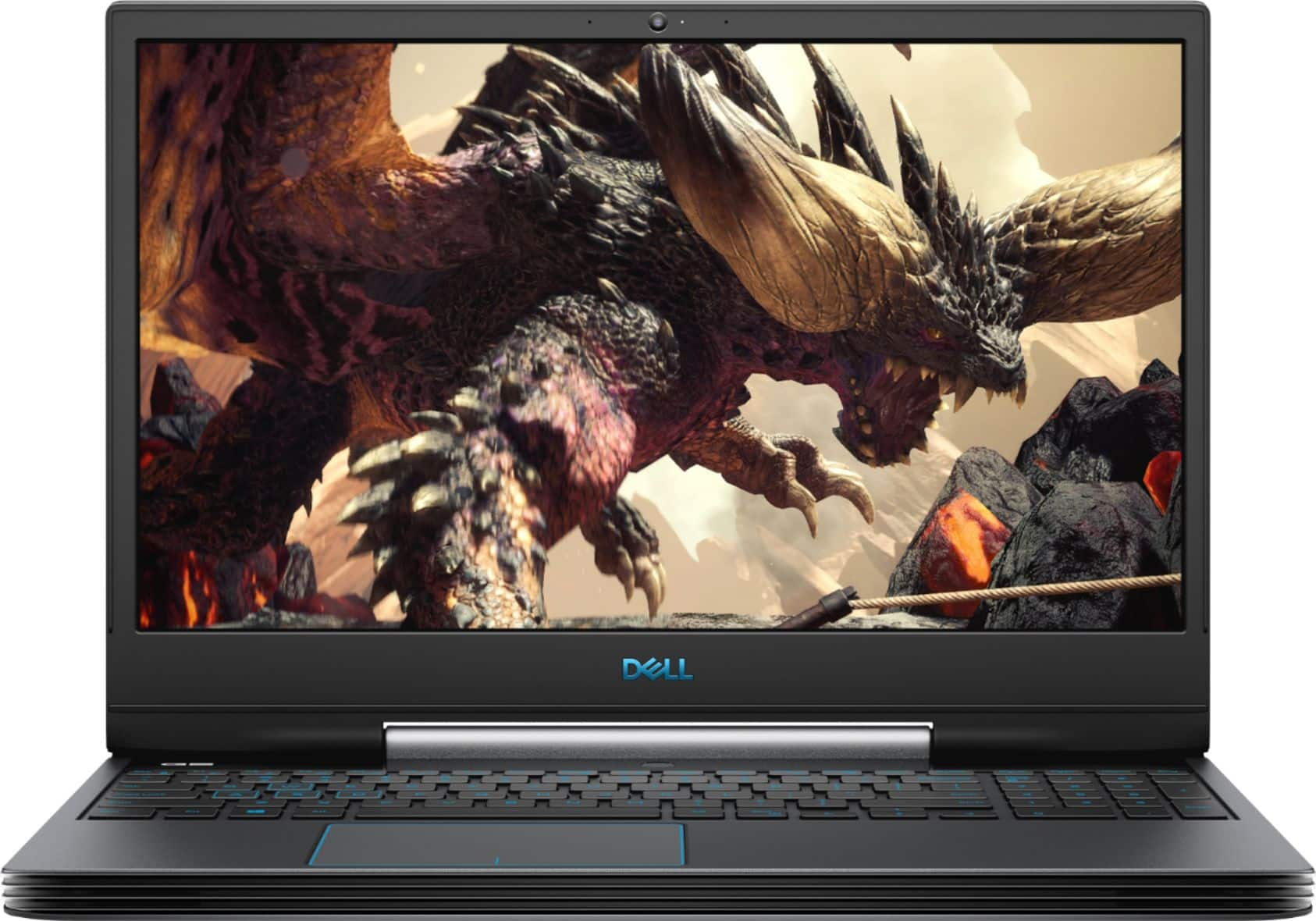
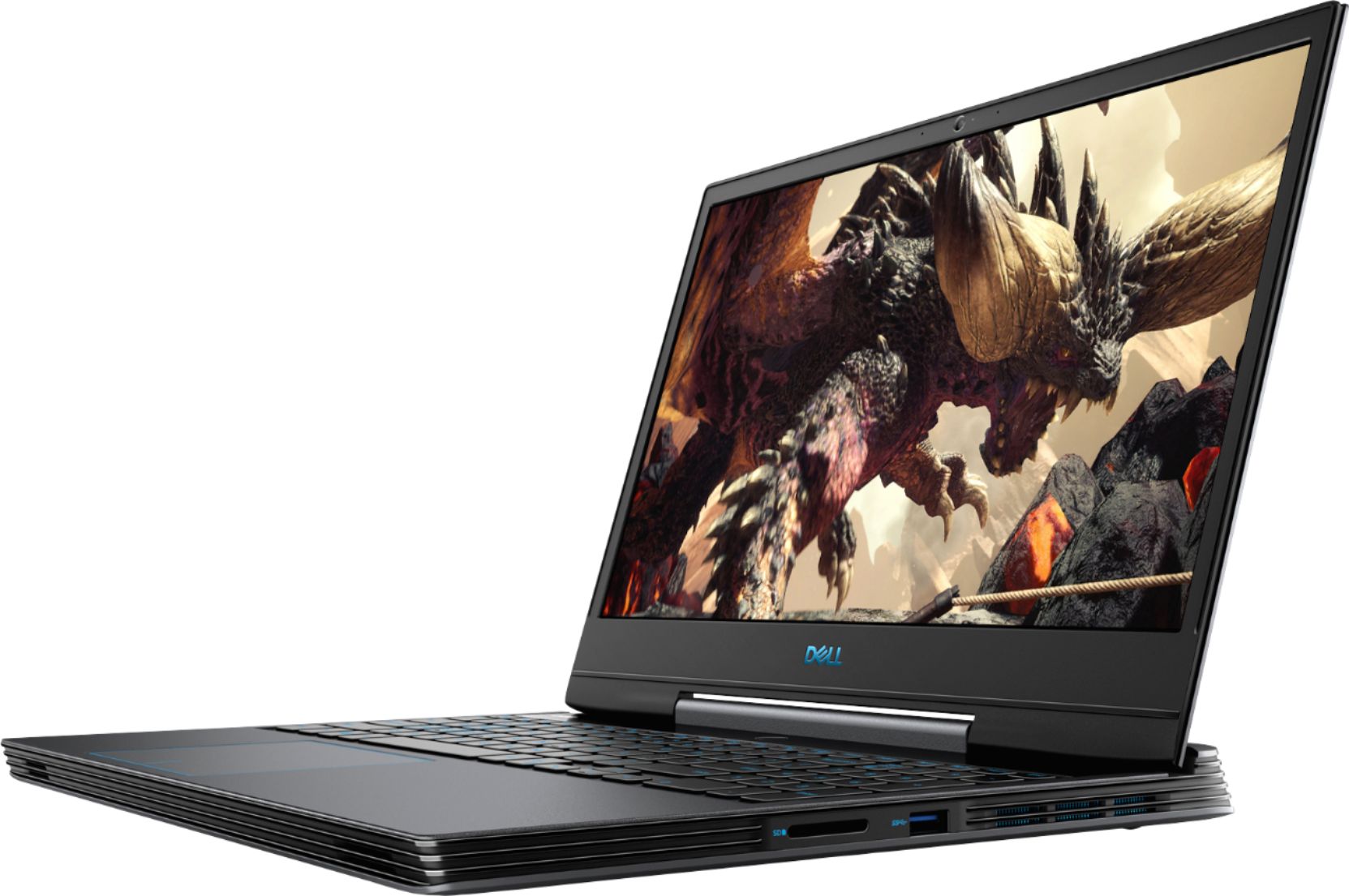
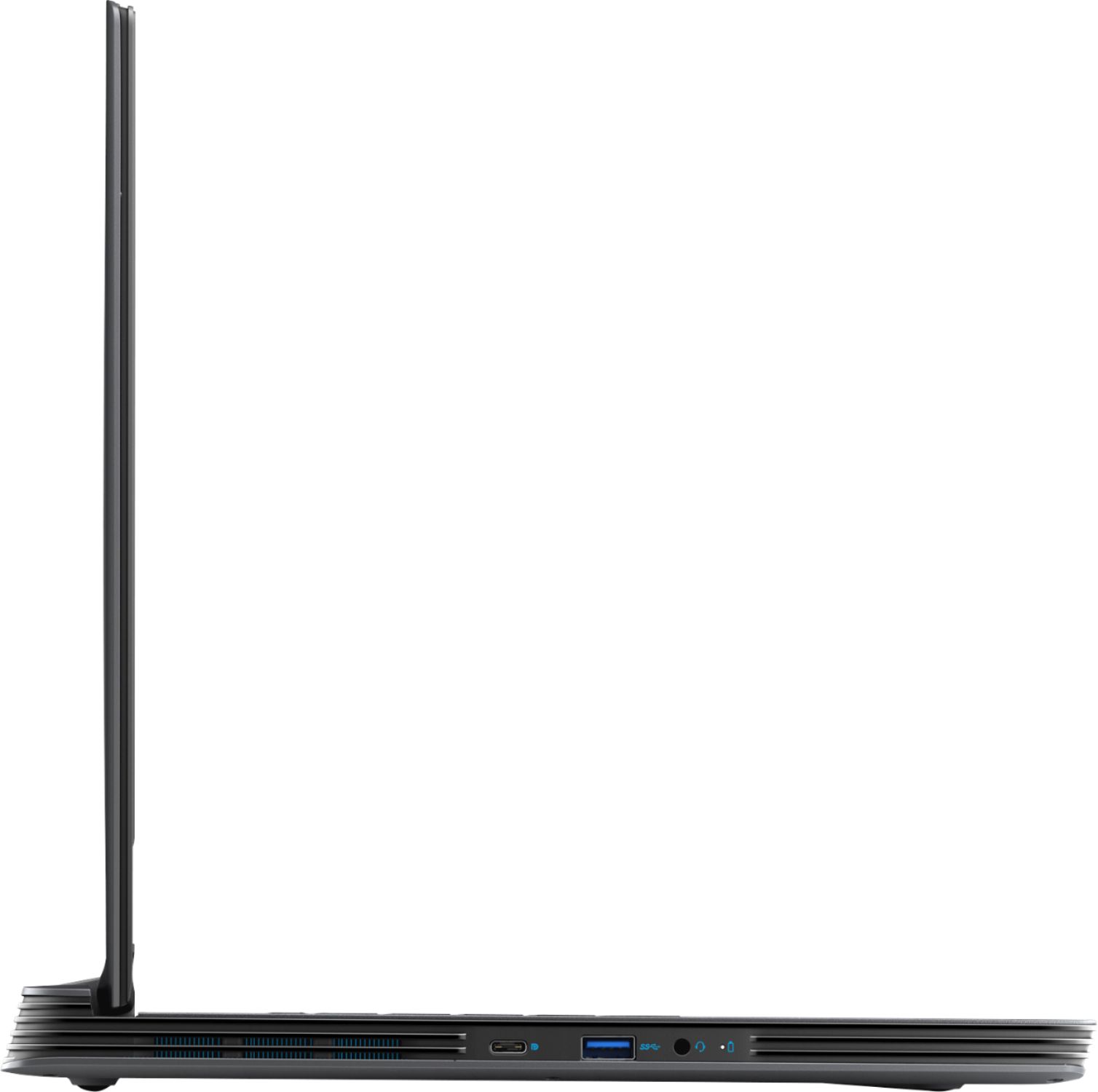
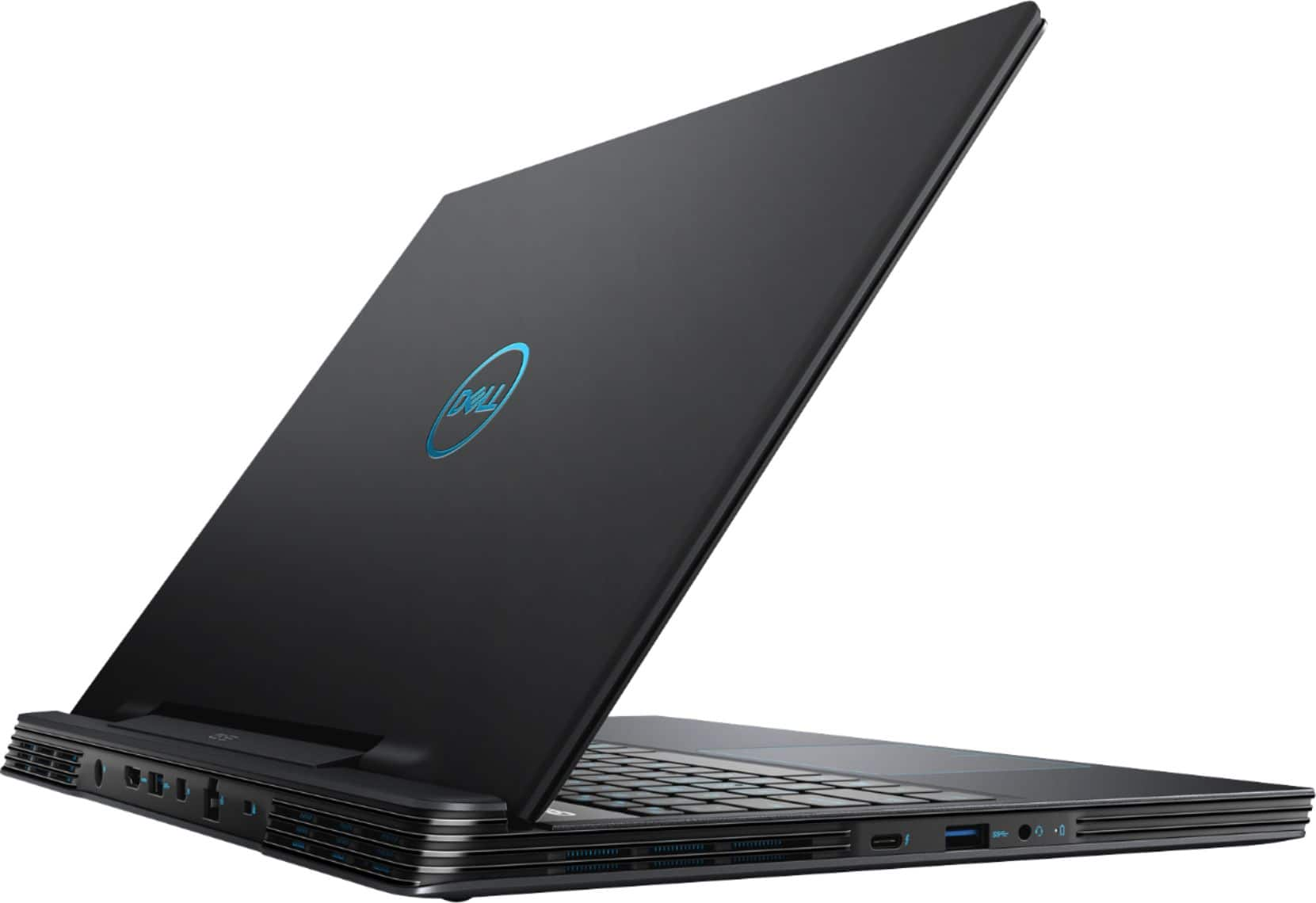
- Model:
- G5590-7176BLK-PUS
- SKU:
- 6350874
Rating by feature
- Value
Rating 4.3 out of 5 stars
- Quality
Rating 4.4 out of 5 stars
- Ease of Use
Rating 4.5 out of 5 stars
Customers are saying
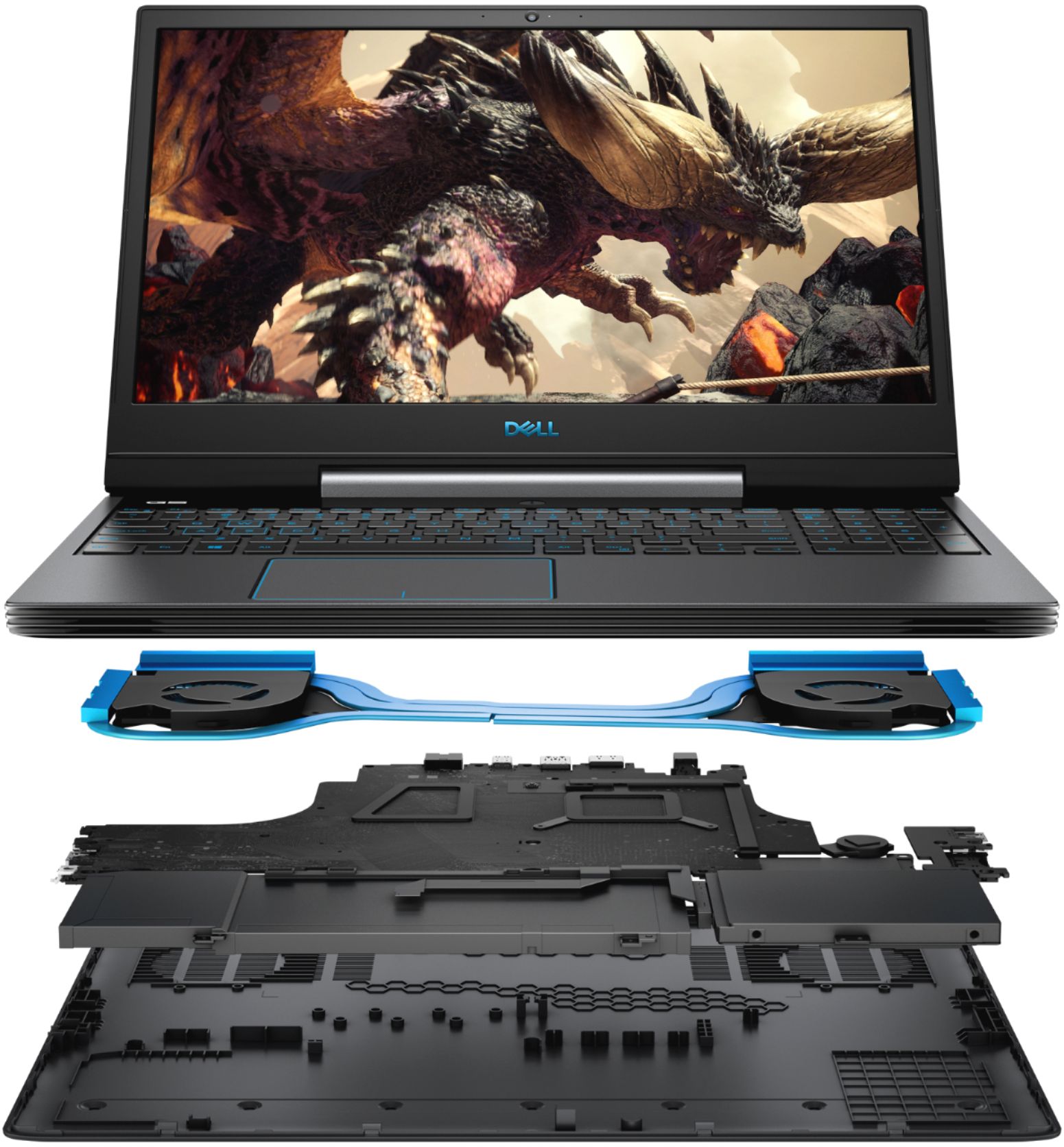
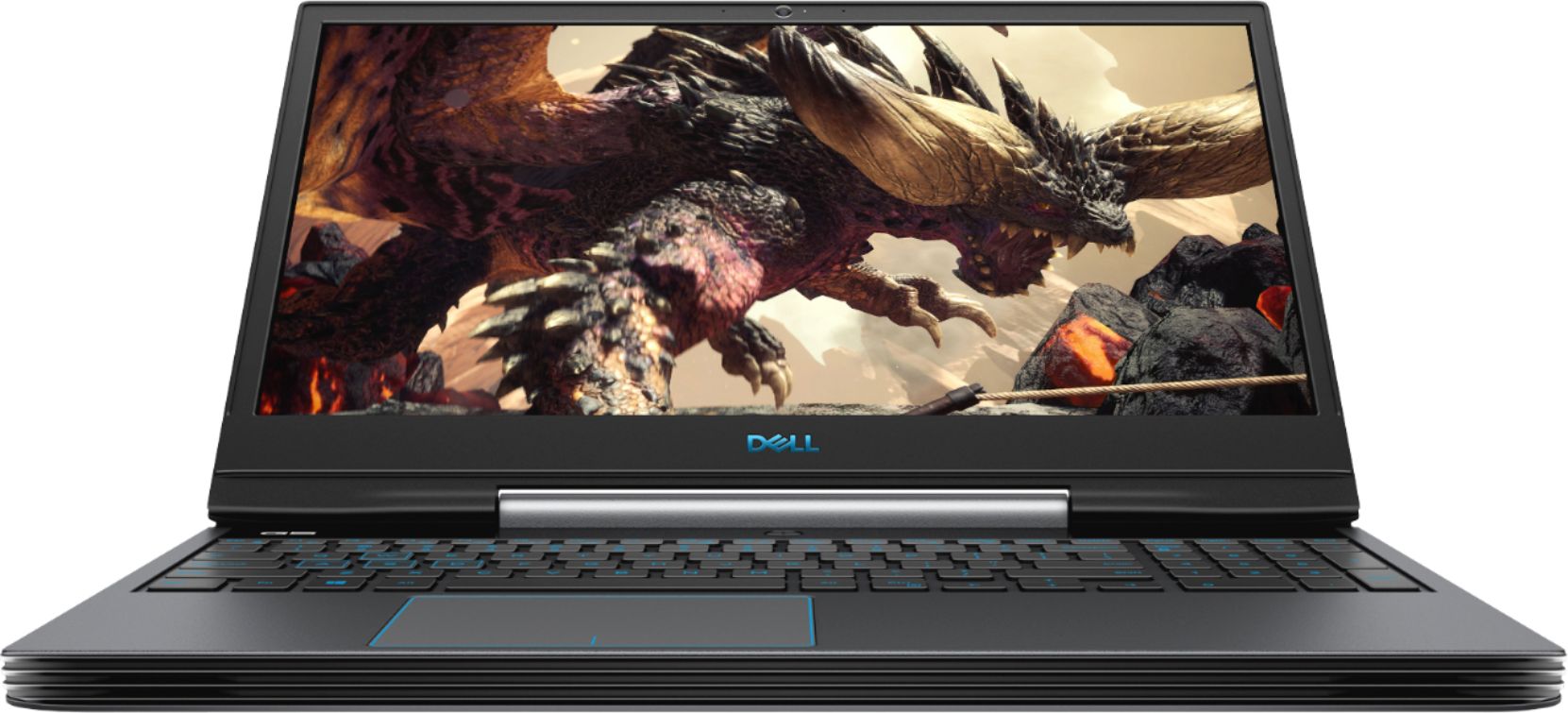
Customers have good things to say about the G5 15.6" Gaming Laptop's performance, graphics capabilities, and fast startup times thanks to its SSD. Many appreciate its ease of use and sufficient memory and storage for their needs. However, some customers find the laptop heavy and note that it can get warm and have noticeable fan noise during use. The battery life is considered adequate by most users.
This summary was generated by AI based on customer reviews.
Great laptop
||Posted . Owned for 1 month when reviewed.This reviewer received promo considerations or sweepstakes entry for writing a review.Excelente condition I like for my job and excelente service
I would recommend this to a friendit works great love how fast it is.
||Posted . Owned for 2 months when reviewed.This reviewer received promo considerations or sweepstakes entry for writing a review.its a great computer for the price i spent for it.
I would recommend this to a friendLove it
||Posted . Owned for 3 weeks when reviewed.This reviewer received promo considerations or sweepstakes entry for writing a review.I wish it was a touch screen. But he still loves it
I would recommend this to a friendGreat
||Posted .This reviewer received promo considerations or sweepstakes entry for writing a review.Great product great product great product great product
I would recommend this to a friendVery good gaming pc
||Posted . Owned for 1 month when reviewed.This reviewer received promo considerations or sweepstakes entry for writing a review.I enjoy every bit of it, very different from other computers
I would recommend this to a friendGood laptop
||Posted . Owned for 5 months when reviewed.This reviewer received promo considerations or sweepstakes entry for writing a review.I don't have a comments I don't have a comments thanks
I would recommend this to a friendReally happy with this laptop.
||Posted .This reviewer received promo considerations or sweepstakes entry for writing a review.Setup was pretty easy. Is really fast on the startup.
I would recommend this to a friendGreat computer for home and work
||Posted . Owned for 1 month when reviewed.This reviewer received promo considerations or sweepstakes entry for writing a review.very clear picture, easy to use keys. good memory
I would recommend this to a friendFast!
||Posted . Owned for 1 month when reviewed.This reviewer received promo considerations or sweepstakes entry for writing a review.Got this laptop for work and it does not disappoint!
I would recommend this to a friendAwesome computer!
||Posted . Owned for 1 month when reviewed.This reviewer received promo considerations or sweepstakes entry for writing a review.Best computer for the money and also great for gaming!
I would recommend this to a friendGreat gaming laptop
||Posted . Owned for 2 weeks when reviewed.This reviewer received promo considerations or sweepstakes entry for writing a review.On point, quick reaction time. Lightweight. Great buy.
I would recommend this to a friendDecent laptop but issues with Wireless Card
||Posted . Owned for 3 weeks when reviewed.This reviewer received promo considerations or sweepstakes entry for writing a review.Laptop has good specs but lots of issues keeping the wireless card from maintaining connection to WiFi. Updated driver but frequently need to reboot to re-establish connection. It's almost as if it falls asleep and disconnects. In this day and age this should not ever happen. Doing some research this seems to be a common problem. So overall have disappointment.
No, I would not recommend this to a friendBrand response from YourDellTeam
Posted .Kris,
We're sorry to hear about the connection issues that you're having. Here are the connectivity troubleshooting steps that we have and the fact that you updated the driver already is a good start:
1. Download and install the latest Wireless Card driver. (https://dell.to/2th3Tpe) After updating the driver, re-establish the connection with the Wireless Access Point and check the wireless performance.
2. If the issue persists, proceed to step 3.
3. Power-cycle the local network. Shut down the Dell system, the Wireless Access Point/Router and the Modem. Wait a minimum of 60 seconds before powering up the components in the following order:
4. Power ON the Modem, and wait for it to boot fully.
5. Power ON the Wireless Access Point/Router, and wait for it to boot fully.
6. Power ON the Dell system.
7. Open Network and Sharing Center
8. In the left side navigation pane, click on Change Adapter Settings
9. Right click on the wireless connection icon and select Properties followed by the Configure button
10. Under Wireless Options, select the Wireless N mode
11. For Windows 8 or later systems click the Advanced tab and look for 802.11n Mode on the right you will be given the option to Enable or Disable. If the mode is not visible you may need to update your drivers and firmware.
12. From the drop-down menu, choose Disable followed by Ok
13. This should restore the wireless download and upload speed. Internet speed can be tested at http://speedtest.net.
Best,
Bryan
1-800-624-9896
Pc
||Posted . Owned for 1 week when reviewed.This reviewer received promo considerations or sweepstakes entry for writing a review.Great pc I’m happy with the purchase I wil recomend
I would recommend this to a friendThe fan sounds like it is going to explode
||Posted . Owned for 2 months when reviewed.This reviewer received promo considerations or sweepstakes entry for writing a review.Originally purchased this laptop and had to return it after initial setup with Cortana as the screen glitched. Returned that and bought a new one as the reviews seemed good. Now, two months into owning this, the fan constantly sounds like it is going to explode even if I am simply browsing a website. We are also having issues with hooking it up to a docking station (ThunderBolt) - It will not accept a charge and I have to make several tweaks in order to get my alternate monitors to connect.
No, I would not recommend this to a friendBrand response from YourDellTeam
Posted .Hi,
Thank you for your review. I am sorry to hear about the issues you are having with your fan. I will provide troubleshooting steps you may take to repair the issue,
1. Update your computer BIOS to the latest version available
• Browse to the Dell Drivers & Downloads page:
• Ensure you have selected the correct Operating System
• Under Category, choose BIOS
• Locate the latest System BIOS
• Click Download and save the file to your PC
• Open File Explorer and browse to the location where you saved the downloaded file
• Double-click the BIOS setup file and follow the on-screen instructions to complete the installation process
2. Open Alienware Command Center
3. Click Thermal at the Active Default Theme and set it to Performance
4. Restart the computer
5. Once the computer boots into Windows open SupportAssist
6. Go to the Troubleshooting tab and click on I want to check a specific piece of hardware
7. Click CPU under CPU Devices
8. Select CPU Stress Test and click Run Test
9. Open the Alienware Command Center and go to the Fusion tab
• The CPU peak temperature should be less than or equal to (≤) 100 ℃
• When under high stress, the computer's average temperature can be expected to be less than (≤) 100 ℃.
If you need further assistance, please feel free to reach out to Dell Support directly.
http://dell.to/2sH7Qlm
Best,
Meridith 1-800-624-9896
Returned
||Posted . Owned for 9 months when reviewed.This reviewer received promo considerations or sweepstakes entry for writing a review.I ended up taking this one back. The screen was awful. Everything else was worth the price though! But the screen on the one I got... awful
No, I would not recommend this to a friendGood design. Defective keyboard
||Posted . Owned for less than 1 week when reviewed.This reviewer received promo considerations or sweepstakes entry for writing a review.Overall well designed. However, keyboard was defective right out of the box. F4 and backlight did not work. Updated bios, etc. but this did not help.
No, I would not recommend this to a friendBrand response from YourDellTeam
Posted .Cs30,
Thanks for your review. We're sorry that your keyboard is not working the way that it should. If you believe that this issue may be covered under your computer's One Year Limited Warranty, we'd recommend that you read about Dell's Warranty policy here: http://dell.to/2tNsVOs.
Best,
Bryan
1-800-624-9896
- Cons mentioned:Fan noise
runs hot with gaming
||Posted . Owned for 3 weeks when reviewed.This reviewer received promo considerations or sweepstakes entry for writing a review.Processor becomes extremely hot with heavy gaming use. Temperature near 100 C and fans very loud.
No, I would not recommend this to a friendBrand response from YourDellTeam
Posted .hotprocessor,
Thanks for your review and we're sorry that your computer is running hotter than you hoped it would. Please view our BIOS update and troubleshooting page for your computer here: https://dell.to/3jgQlm6.
Best,
Bryan
1-800-624-9896
Not a gaming laptop
||Posted . Owned for 3 weeks when reviewed.This reviewer received promo considerations or sweepstakes entry for writing a review.The keyboard even at Max brightness is very dim. The dedicated graphics card does not function until a second monitor is connected, which is not disclosed. In fact the techs at best buy, were rather surprised when they learned this. The laptop runs warm even without the dedicated graphics card running Great having the power, Ethernet and HDMI Connections at the back of the laptop. Would I recommend this laptop: absolutely not, especially to a friend
No, I would not recommend this to a friendBrand response from YourDellTeam
Posted .Sven,
Thanks for your review. We're sorry that the screen brightness is not what you hoped it would be. If your laptop is running hot for you, we'd recommend the following tips:
Tips for Proper Usage:
1. Dell does not recommend placing portable systems directly on your lap. Due to reductions in the thickness of modern portable systems, heat transfer can be an issue.
2. Using a portable system (Laptop) on a hard, flat, non-cloth surface will increase airflow and reduce heat from underneath and inside the system.
Using the portable system on a blanket, pillow, or other types of cloth will cover up the fan cause the computer to overheat and can cause permanent damage.
3. It is recommended to use the portable system in a Room temperature of 0°C to 35°C (32°F to 95°F) with a Humidity level no greater than 90%.
4. Use compressed air to clean the vents on a regular basis.
5. Using a cooling pad can decrease heat and increase performance.
6. If you want to know the temperature limitations for your system, go to the Dell Support Website, look up your system model then open the user guide under the manuals link.
You can read the full article here - http://dell.to/2uJ8AdG.
Best,
Bryan
1-800-624-9896
- Cons mentioned:Fan noise
Loudest computer I have ever owned
||Posted . Owned for 4 months when reviewed.This reviewer received promo considerations or sweepstakes entry for writing a review.I do not recommend this laptop. It is the absolute loudest computer I have ever owned, it flashes me back to 1995 every day. There is a BIOS update that is utterly useless. This fan noise overrides any positives of this computer. I regret this purchase.
No, I would not recommend this to a friendBrand response from YourDellTeam
Posted .Dear Valued Customer,
We're sorry to hear about the noise issues that you're having with your gaming laptop. There is a troubleshooting page for your computer that includes a BIOS update along with troubleshooting tips that we'd recommend: https://dell.to/3jgQlm6.
We hope this helps your computer perform better for you.
Best,
Bryan
1-800-624-9896
Ok for the price
||Posted . Owned for 1 month when reviewed.This reviewer received promo considerations or sweepstakes entry for writing a review.Had issues alittle buggy, but the worst part is the speakers the sound terrible at high volumes.
No, I would not recommend this to a friendBrand response from YourDellTeam
Posted .Hello Charles,
Thank you for your purchase and review. We are sorry to hear that the built-in speakers are not quite meeting expectations. We recommend you try the different audio profiles available between the Waves MaxxAudio application that came pre-installed with your device for best results. Hope this helps.
Best Regards, Anthony P.