Customer Ratings & Reviews
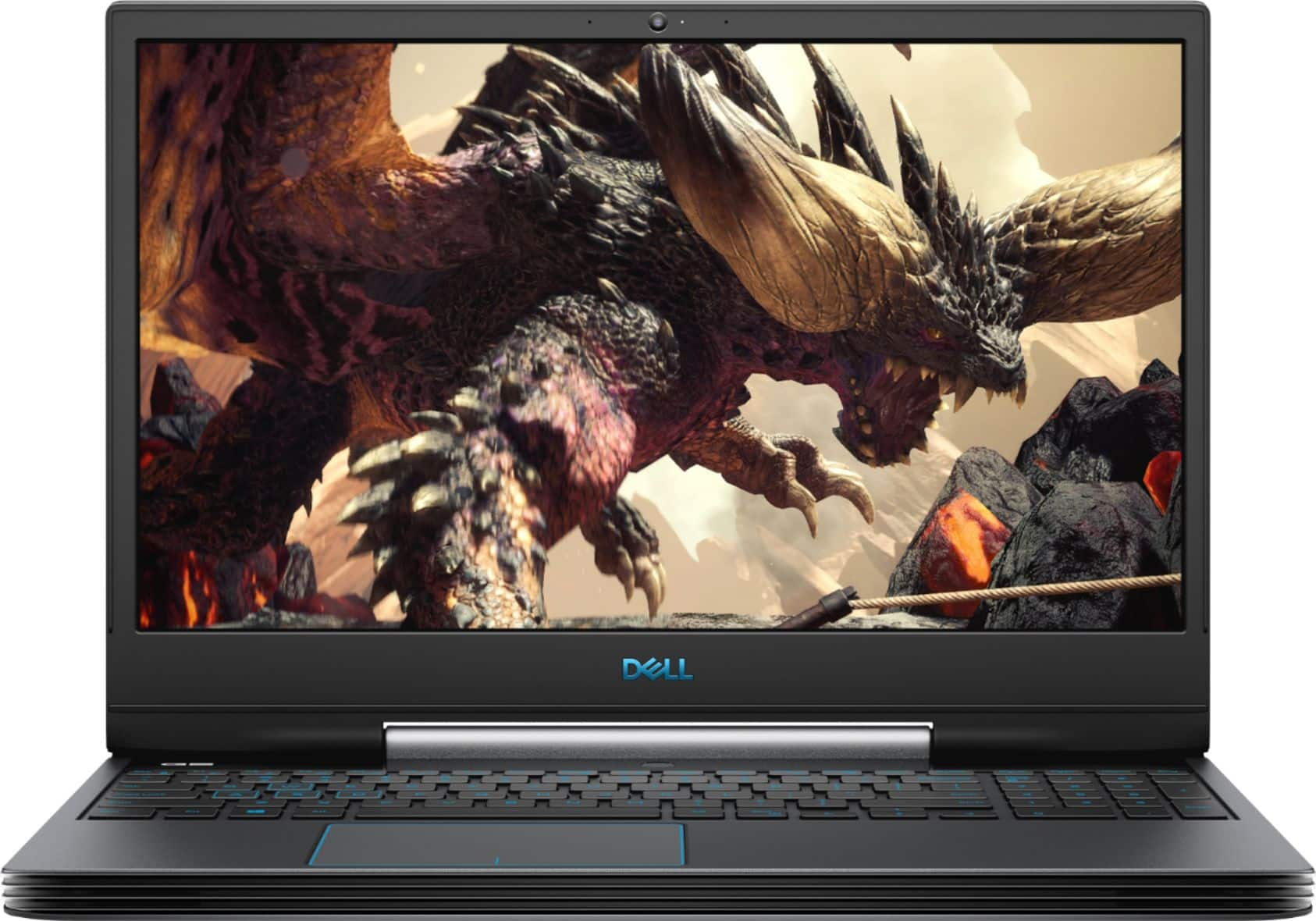
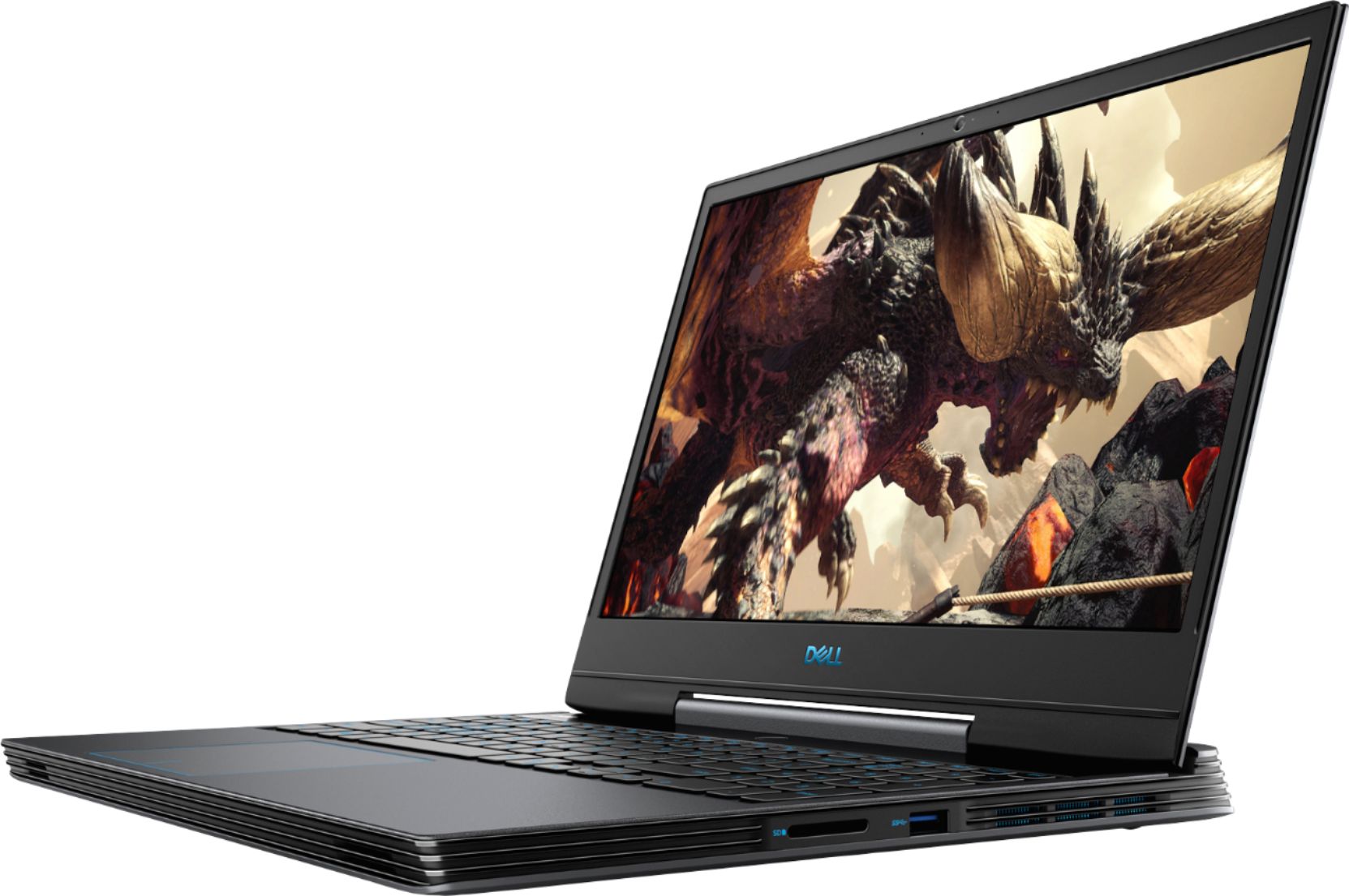
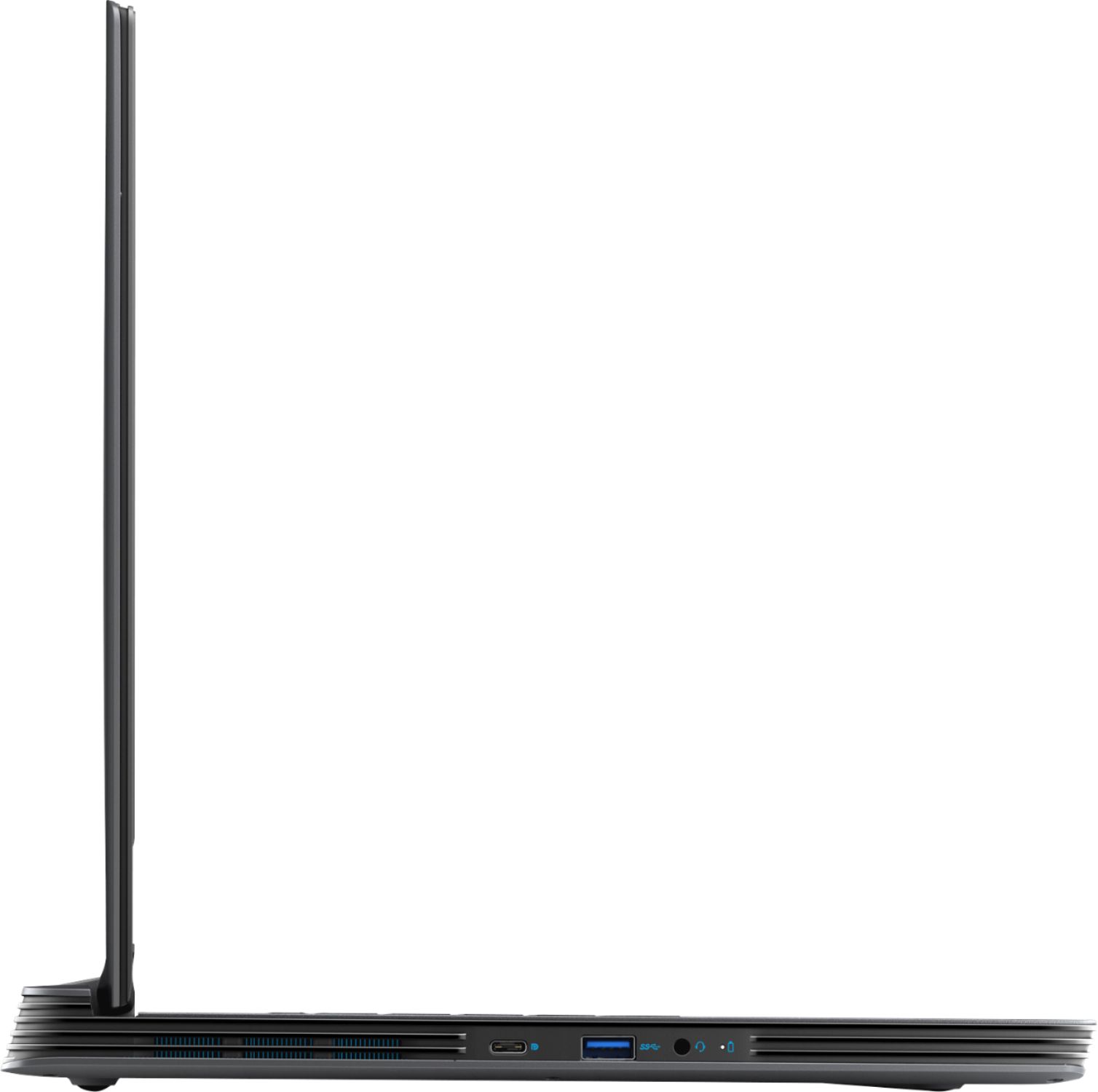
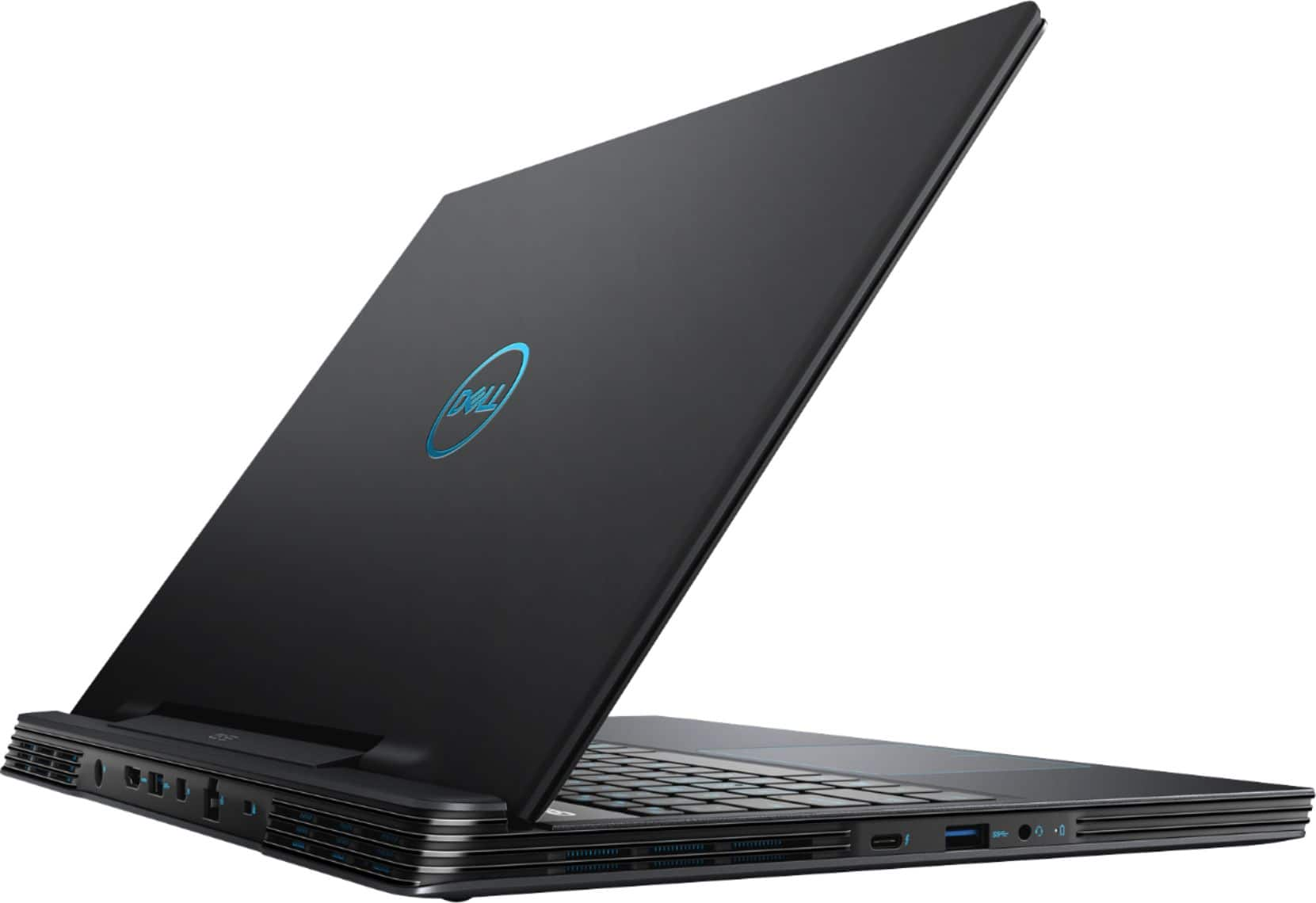
- Model:
- G5590-7176BLK-PUS
- SKU:
- 6350874
Rating by feature
- Value
Rating 4.3 out of 5 stars
- Quality
Rating 4.4 out of 5 stars
- Ease of Use
Rating 4.5 out of 5 stars
Customers are saying
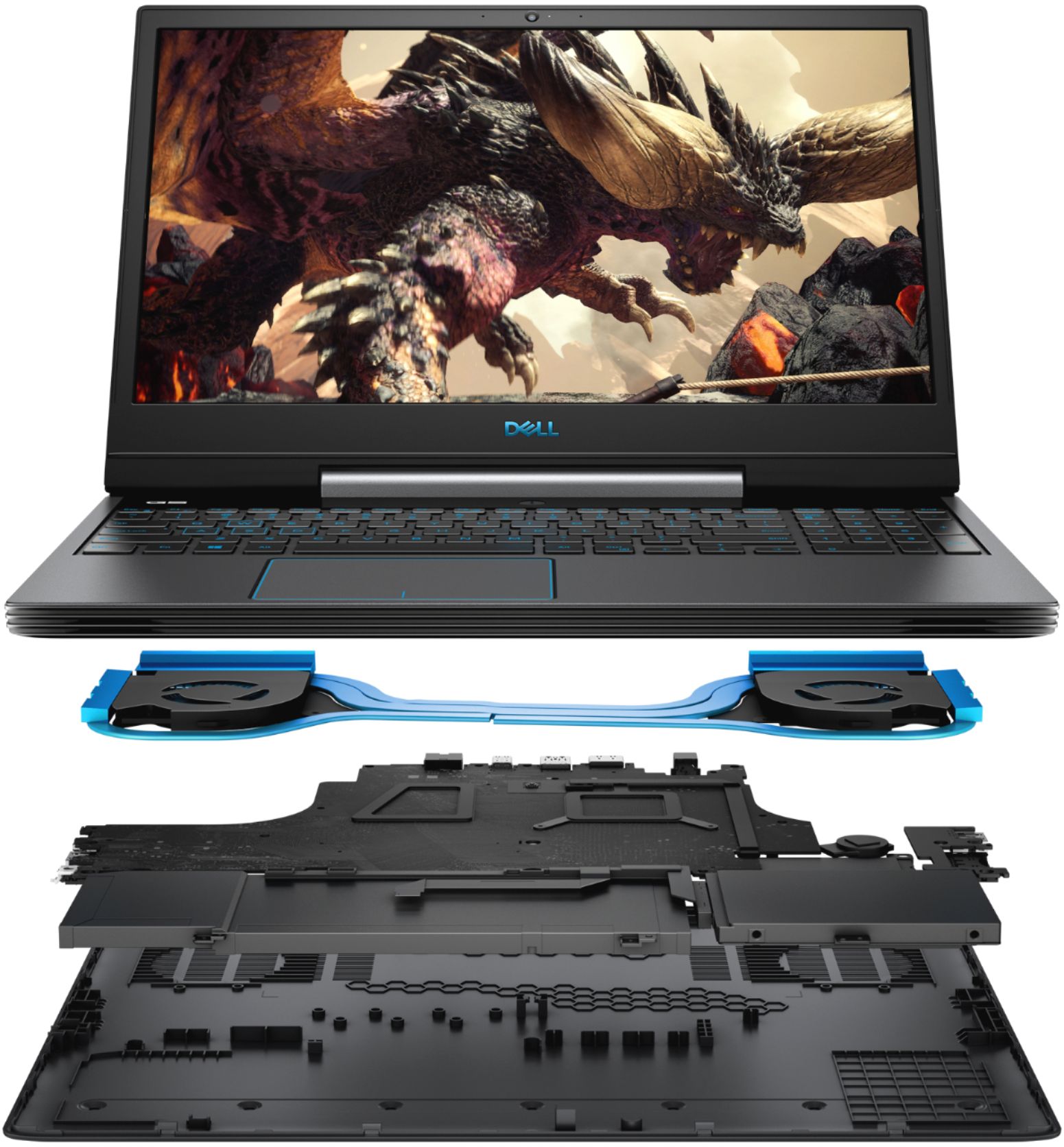
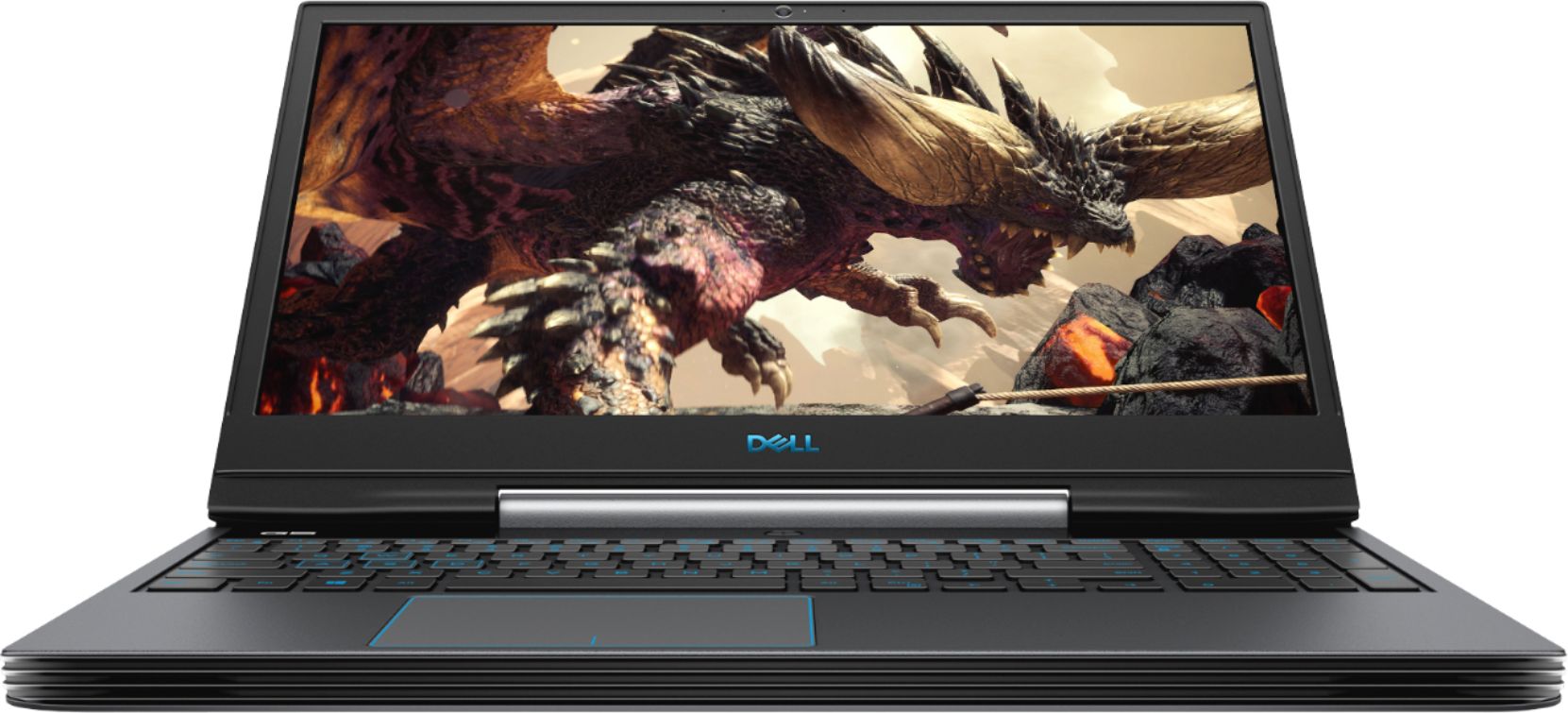
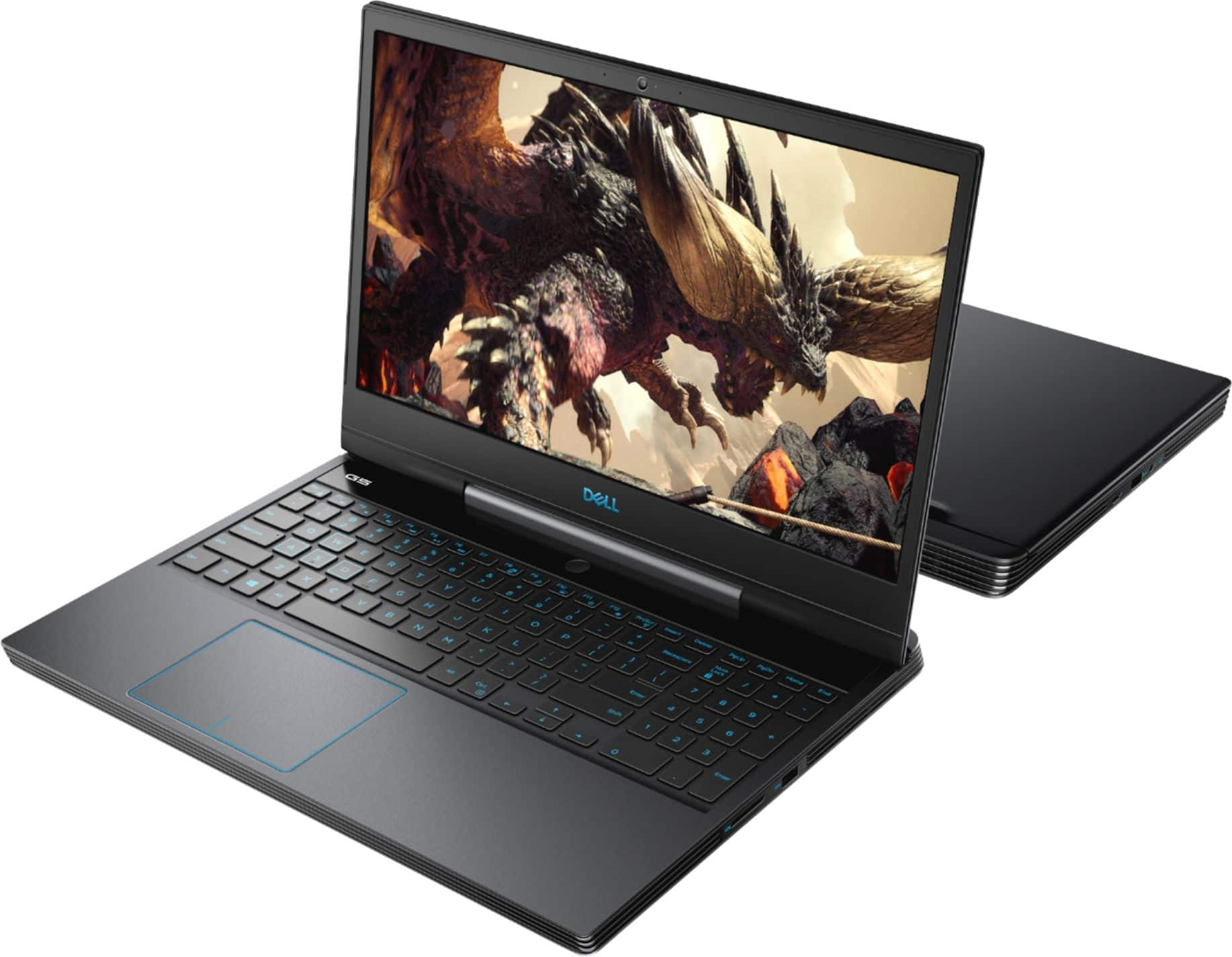
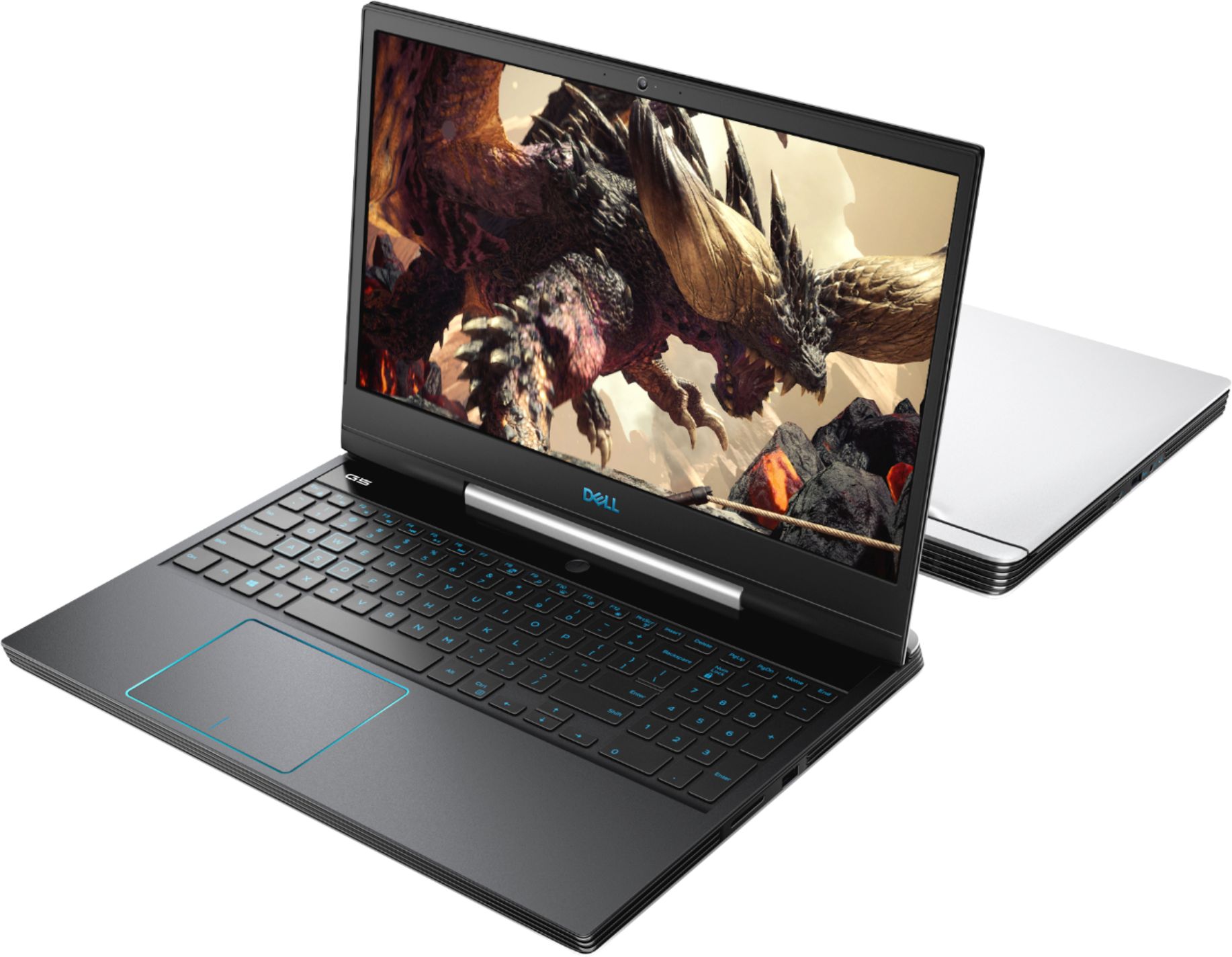
Customers have good things to say about the G5 15.6" Gaming Laptop's performance, graphics capabilities, and fast startup times thanks to its SSD. Many appreciate its ease of use and sufficient memory and storage for their needs. However, some customers find the laptop heavy and note that it can get warm and have noticeable fan noise during use. The battery life is considered adequate by most users.
This summary was generated by AI based on customer reviews.
Garbage!
||Posted . Owned for 3 months when reviewed.This reviewer received promo considerations or sweepstakes entry for writing a review.This is the worst computer I’ve ever purchased! It crashes 4 times a day....it can’t be trusted. Tech support is a joke, if you can get though to them. I will never buy Dell again!
No, I would not recommend this to a friendBrand response from YourDellTeam
Posted .LapineJT,
Thanks for your review. We're sorry to hear about the crashes that you're experiencing on your computer. We'd recommend diagnosing your crashes with the following steps:
1. At the desktop, click the Search the web and Windows box and type "problem reports".
2. Select View all problem reports to view a list of errors that have occurred on your computer and possible solutions for them, such as updating drivers, flashing your system BIOS, or checking for updates to the software.
3. Under the Source column, look for Windows and under Summary, look for Shut down unexpectedly.
4. Right-click the line item and select Check for a solution.
We'd also suggest checking to make sure that your software and drivers are up to date on Dell's Product Page - https://dell.to/2JoGytX.
You can read the full article here - http://dell.to/2u98Cct.
Best,
Bryan
1-800-624-9896
Curb pickup service for return or custumer bad exp
||Posted . Owned for 2 months when reviewed.This reviewer received promo considerations or sweepstakes entry for writing a review.I bought this laptop, wifi will not be on all the time it will show that the laptop does not have wifi integrated. Will titan off and on 4or 5 times and suddenly it will have wifi
No, I would not recommend this to a friendBrand response from YourDellTeam
Posted .Mejia,
Thanks for your review. We're sorry to hear about the connectivity issues that you're having with your new computer. Here are some steps to try to increase your WiFi capabilities:
1. Download and install the latest Wireless Card driver. (https://dell.to/2th3Tpe) After updating the driver, re-establish the connection with the Wireless Access Point and check the wireless performance.
2. If the issue persists, proceed to step 3.
3. Power-cycle the local network. Shut down the Dell system, the Wireless Access Point/Router and the Modem. Wait a minimum of 60 seconds before powering up the components in the following order:
4. Power ON the Modem, and wait for it to boot fully.
5. Power ON the Wireless Access Point/Router, and wait for it to boot fully.
6. Power ON the Dell system.
7. Open Network and Sharing Center
8. In the left side navigation pane, click on Change Adapter Settings
9. Right click on the wireless connection icon and select Properties followed by the Configure button
10. Under Wireless Options, select the Wireless N mode
11. For Windows 8 or later systems click the Advanced tab and look for 802.11n Mode on the right you will be given the option to Enable or Disable. If the mode is not visible you may need to update your drivers and firmware.
12. From the drop-down menu, choose Disable followed by Ok
13. This should restore the wireless download and upload speed. Internet speed can be tested at http://speedtest.net.
Best,
Bryan
1-800-624-9896
Keyboard doesn't work
||Posted .This reviewer received promo considerations or sweepstakes entry for writing a review.They must inform if the article has any inconvenience or damage. On the page it says only in good condition and does not indicate that the article is not working properly.
No, I would not recommend this to a friendDysfunctional Laptop
||Posted . Owned for 3 weeks when reviewed.This reviewer received promo considerations or sweepstakes entry for writing a review.The keyboard stopped working after a few days of use. The touchpad was low quality from the start. The only saving saving grace was that it virtually worked great as advertised.
No, I would not recommend this to a friendBrand response from YourDellTeam
Posted .Hi Robert,
Thank you for your review. I am sorry to hear about the issues you have had with your computer. I can understand how frustrating this can be.
Some Notebooks and Tablets with Keyboards have added gesture features to the touchpad hardware and drivers. A few of these features are two or three finger scrolling, pinch zoom, circle zoom, rotate and swiping. These new features may be the reason for the erratic cursor movement since most are turned on by default. You can disable or modify the way the features work in the touchpad driver properties. Here are some tips to modify these settings:
1. In the Search box, type main.cpl.
2. Touch or click main.cpl in the list of programs.
3. Touch or click the Dell Touchpad tab.
4. Touch or click on the picture of the touchpad.
5. Touch or click Gestures (depending on your computer there may not be a Gestures option).
6. Change the options as preferred.
7. Touch or click Save.
8. Touch or click the X in the upper-right corner to close the Dell Touchpad Utility.
9. Touch or click OK on the Mouse Properties window.
10. If the touchpad still does not work after following the preceding steps, refer to Dell Knowledge Base article - http://dell.to/2iaiujA.
You can read the full article here - http://dell.to/2tqmS02.
Best,
Meridith 1-800-624-9896
- Pros mentioned:Ssd

OK Laptop, not a gaming laptop
|Posted .This reviewer received promo considerations or sweepstakes entry for writing a review.This Dell laptop works well and was easy to get started. However, it's not that fast and graphics not that great to call it a 'gaming laptop'. I ran an online system test with UserBenchmark and here is the summary: Gaming 13% Desktop 53% Workstation 36% Generally it's a good laptop for general computing needs (office style programs, web browsing, video watching, email etc.). It's not so great for speed an graphics. I played a couple games (shooter and racing) to do a quick test and it was average at best on game loading and graphics speed/choppiness in general. The battery seems okay but I have not done a full rundown to see how long it lasts. I did play on/off for 4+ Hours and it did not need a charge yet. It came with Windows 10 and Cortana did all the initial setup stuff (which takes about 10-20 minutes) It started right up. One good thing is the laptop bootup is quick so you won't be waiting on startup. It also has plenty of RAM and memory for whatever you want to run, hard drive & SSD.
No, I would not recommend this to a friendBrand response from YourDellTeam
Posted .hokie00,
Thanks for your review. We're sorry to hear that your computer is not performing as well as you'd like it to. We'd recommend running the Windows Performance Troubleshooter on your computer to see if there are ways for it to run a little faster:
1. Close all open windows.
2. Press the Windows logo key + X key on the keyboard.
3. Click Control Panel.
4. Click System and Security.
5. Under Security and Maintenance, select Troubleshoot common problems.
6. Under System and Security, click Run maintenance tasks.
7. Follow the on-screen instructions and prompts to complete the process.
8. Restart the PC.
You can read the full article here - http://dell.to/2tSulGV.
Best,
Bryan
1-800-624-9896
- Pros mentioned:Processor speedCons mentioned:Weight
Fast but heavy
|Posted .This reviewer received promo considerations or sweepstakes entry for writing a review.This laptop is indeed a powerhouse. I have used it for a few days already and have found it a great laptop. PROS: fast processor, backlit keys, video is great HD quality.. Good sound quality. Bluetooth compatible for speakers and mics. CONS: very heavy and bulky, fingerprints mark up the keys and exterior very easily, no optical drive.
I would recommend this to a friend Very Mad
||Posted . Owned for less than 1 week when reviewed.This reviewer received promo considerations or sweepstakes entry for writing a review.I bought a computer and have been charged twice and it is very difficult to get in touch with someone to get my money back!!!! I still haven't.
No, I would not recommend this to a friendBrand response from YourDellTeam
Posted .jerry123,
We're sorry to hear about your purchase experience with Best Buy. We'd recommend reaching out to Best Buy Support to find out about possibly reversing one of the charges: http://bit.ly/2v2IVhI.
Best,
Bryan
1-800-624-9896
No usb 3.0 port! On a GAMING laptop ugh!
||Posted . Owned for 5 months when reviewed.This reviewer received promo considerations or sweepstakes entry for writing a review.NO USB 3.0 PORT MAKES IT USELESS TO ME BECAUSE I BOUGHT IT TO STREAM FROM MY PS4 USING MY CAPTURE CARD.
No, I would not recommend this to a friendAwful
||Posted . Owned for 2 months when reviewed.This reviewer received promo considerations or sweepstakes entry for writing a review.Fans went out and it stuttered all the time. Got about two hours of battery life under light or medium load.
No, I would not recommend this to a friendBrand response from YourDellTeam
Posted .Edrake911,
Thanks for your review and we're sorry to hear about the issues that you've had with your gaming laptop so far. If you'd like ways to increase the battery on your computer you can try these steps: We'd recommend the following tips to help extend the life of your battery:
Change the Power Plan:
1. On the notification area of the taskbar, right-click the Battery icon.
2. On the options list, click Power Options.
3. Select a power plan on the battery meter, such as Power Saver or Balanced. Windows 10 has a built in 'Battery Saver' mode that can be activated to extend your system's battery life. The Battery Saver mode will monitor and limit background activity and other features such as push notifications. You do have the option to enable or disable this mode within settings or within advanced Battery Saver settings, you can customize the mode to best suit your needs.
a) Click on the Action Center icon in the taskbar and select the tile for Battery Saver.
b) If running Cortana then type Battery Saver into the search box and select from the results.
Within the Battery Saver settings page, you will be able to turn on and off the feature and customize the feature to best meet your needs.
c) Turn Battery Saver On or Off.
d) Additional settings available via the Battery use and Battery saver settings links.
e) Battery use shows further info on apps and their power usage.
f) Battery Saver Settings screen allows you to customize further Battery Saver feature.
You can read the full article here - http://dell.to/2vfXWf4.
Best,
Bryan
1-800-624-9896
laptop was made of plastic
||Posted . Owned for 1 month when reviewed.This reviewer received promo considerations or sweepstakes entry for writing a review.ausa laptops are not a good buy if you buy it and it torn up in the box
No, I would not recommend this to a friendBrand response from YourDellTeam
Posted .richard,
We're sorry that you are not happy with the quality of your new computer. We'd recommend reaching out to Best Buy directly in order to see what your return and exchange options might be: http://bit.ly/2v2IVhI.
Best,
Bryan
1-800-624-9896
Dont deserve a star
||Posted . Owned for 3 weeks when reviewed.This reviewer received promo considerations or sweepstakes entry for writing a review.Why would I give you a review whe I still dont have the item
No, I would not recommend this to a friendBrand response from YourDellTeam
Posted .Valued Customer,
We're sorry to hear that you haven't received your new laptop yet. Please reach out to Best Buy's Customer Support Team to see if they can update you on the status of your laptop: http://bit.ly/2v2IVhI.
If you have technical questions about your computer you can check our Product Support Page here: https://dell.to/33BtKJy.
Best,
Bryan
1-800-624-9896
Bought 2 of these - 1 is crap
||Posted . Owned for 3 weeks when reviewed.This reviewer received promo considerations or sweepstakes entry for writing a review.1 works fine and 1 doesn't work at all -- IT WILL BE GOING BACK!!
No, I would not recommend this to a friendBrand response from YourDellTeam
Posted .EveM,
Thanks for your review. We're sorry to hear about the trouble that you had with one of your Dell gaming laptops. We'd recommend reaching out to Dell's Technical Support Team for additional assistance before returning your computer: http://dell.to/2sH7Qlm.
If you'd like to look up answers to questions about your computer you can check our Product Support Page here: https://dell.to/33BtKJy.
Best,
Bryan
1-800-624-9896
It has issues
||Posted . Owned for 1 month when reviewed.This reviewer received promo considerations or sweepstakes entry for writing a review.It has issues that Dell has NOT address successfully.
No, I would not recommend this to a friendBrand response from YourDellTeam
Posted .Fred,
Thanks for your review and we're sorry that your gaming laptop is not working the way you'd like it to. We'd recommend the following tips if overheating is one of your concerns:
1. Update your computer BIOS to the latest version available
• Browse to the Dell Drivers & Downloads page:
• Ensure you have selected the correct Operating System
• Under Category, choose BIOS
• Locate the latest System BIOS
• Click Download and save the file to your PC
• Open File Explorer and browse to the location where you saved the downloaded file
• Double-click the BIOS setup file and follow the on-screen instructions to complete the installation process
2. Open Alienware Command Center
3. Click Thermal at the Active Default Theme and set it to Performance
4. Restart the computer
5. Once the computer boots into Windows open SupportAssist
6. Go to the Troubleshooting tab and click on I want to check a specific piece of hardware
7. Click CPU under CPU Devices
8. Select CPU Stress Test and click Run Test
9. Open the Alienware Command Center and go to the Fusion tab
• The CPU peak temperature should be less than or equal to (≤) 100 ℃
• When under high stress, the computer's average temperature can be expected to be less than (≤) 100 ℃.
Best,
Bryan
1-800-624-9896
Horrible thermals
||Posted .This reviewer received promo considerations or sweepstakes entry for writing a review.CPU reaches 95+ under load and throttles horribly.
No, I would not recommend this to a friendBrand response from YourDellTeam
Posted .SirDanOfCamelot,
We're sorry to hear about the temperature of your gaming laptop. Here are some tips to help you resolve the overheating that you're experiencing:
1. Update your computer BIOS to the latest version available
• Browse to the Dell Drivers & Downloads page:
• Ensure you have selected the correct Operating System
• Under Category, choose BIOS
• Locate the latest System BIOS
• Click Download and save the file to your PC
• Open File Explorer and browse to the location where you saved the downloaded file
• Double-click the BIOS setup file and follow the on-screen instructions to complete the installation process
2. Open Alienware Command Center
3. Click Thermal at the Active Default Theme and set it to Performance
4. Restart the computer
5. Once the computer boots into Windows open SupportAssist
6. Go to the Troubleshooting tab and click on I want to check a specific piece of hardware
7. Click CPU under CPU Devices
8. Select CPU Stress Test and click Run Test
9. Open the Alienware Command Center and go to the Fusion tab
• The CPU peak temperature should be less than or equal to (≤) 100 ℃
• When under high stress, the computer's average temperature can be expected to be less than (≤) 100 ℃.
Best,
Bryan
1-800-624-9896
Great gaming laptop, not an eyesore
|Posted .This reviewer received promo considerations or sweepstakes entry for writing a review.Dell made a gaming laptop that will stand tall with the competition and won't break the bank. It's hard to believe this is promoted as a gaming laptop, as it looks and feels like a working professional's machine when compared to some others out there. The G5 is heavy at a little more than 6 lbs., so for me it is more of a mobile desktop than something I would want to casually tote anywhere. Its 15.6" screen has some visible bezel, but otherwise it's built with a sleek, smooth, and sensible design. This gaming laptop is easily disguised as a stealthy, professional laptop. The screen looks a bit dark to me out of the box, so a little bit of color and brightness adjustment got me to a comfortable setting. Not a lot of glare either, so that was nice. However, I do like to game at a desk while connected to an external monitor, so the screen issues don't really bother me as much. The machine itself seems to process things lightning fast. I've been playing and running several programs simultaneously, all while browsing and listening to music, and I feel little to no hiccups in my gaming. Some of my older games (Diablo III, COD) ran beautifully, while The Sims 4 looked and felt great playing on the screen even while going back and forth through Twitch and Steam. I did notice the laptop gets a little hot, and you can hear that fan kick in somewhat loudly as a result. It was startling at first, but I've gotten used to it. Not an issue for me. The touchpad is smooth and large, though I generally connect a mouse to my computers. It's fine. I do like the brilliant, blue glow from the keyboard, which makes playing games in low light or at night a breeze. The lighted keys are spaced out sufficiently and feel very responsive. Finally, I generally play using a headset, and with this laptop it's no different. However, the external speakers are fairly standard and a bit of a letdown for me compared with the rest of the G5's impressive features. This model of G5 has a decent 256GB SSD and a 1TB hard drive, enough room for most gamers, and its 16GB of RAM is up to par with current standards. It is lined with plenty of ports (HDMI, 3 USB 3.1, SD/microSD slot), and battery life was surprisingly good. The computer held up well while straight gaming in 2.5-3 hour blocks, and some casual gaming while browsing over longer periods did not threaten the battery life too badly. Obviously, there are options to configure the screen, fan, and power settings that will alter your experience. It hit all the right marks for my gaming needs, and it has the specs to appease my multitasking needs as well. Overall, I really like this laptop. It's like a covert gaming machine disguised as a professional work computer, though it handles both jobs with ease. It looks great and performs well above my expectations. Full disclosure, I received this product for my honest, unbiased review.
I would recommend this to a friendTerrible do not buy
||Posted . Owned for 3 weeks when reviewed.This reviewer received promo considerations or sweepstakes entry for writing a review.it's not good at all it stopped working after a month
No, I would not recommend this to a friendBrand response from YourDellTeam
Posted .Ryan,
Thanks for your review. Have you tried looking at our Product Support Page for your computer: https://dell.to/33BtKJy? If your computer is not starting for you, please try these steps:
1. If the computer is displaying the Dell logo and does not move past that point, it has probably failed POST.
2. If the power indicator lights up and it is amber or orange, this is usually an indicator that it has failed POST.
3. If you see text on a black screen, the computer is currently performing the POST. If the computer stays in that condition and does not move past it, it has probably failed POST.
4. If the video screen displayed anything at all during the startup process but is now black, this probably indicates that the computer failed POST.
5. If the computer is beeping or if Caps/Num/Scroll Locks are flashing, note if there is a particular pattern in which it beeps or flashes.
6. If the computer is not beeping and caps/num/scroll locks are not flashing, unplug all connections and remove all media communication devices (e.g. external monitors); reconnect one at a time and check if the computer functions.
7. For a notebook, press and hold the Fn key and then press the power button. This starts the pre-boot testing and will launch ePSA. In case you have a Desktop at the Dell logo screen tap the F12 key to enter One Time Boot Menu and use the arrow keys to highlight Diagnostics and press enter.
You can read the full article here - http://dell.to/2uj1Sby.
We hope that these tips help your computer work for you.
Best,
Bryan
1-800-624-9896
- Cons mentioned:Fan noise
Hot Laptop. Literally. VR ready-ish
|Posted .This reviewer received promo considerations or sweepstakes entry for writing a review.Have not had a gaming machine in a long time, and thought the G5 would handle my dormant Oculus Rift. I was right, and wrong. The machine packs decent hardware and graphic benchmark tests for it aren't all bad (though it did fail on one of the PassMark tests). Is it powerful? Yes. Can it handle the Oculus Rift? Yes, but it's too bad Oculus Rift is not a great product. As long as it is plugged in, the full power of the laptop is unleashed and games run pretty smooth (even when you set the graphics in game to the highest quality). I quickly found out that if I don't have the power plugged in, any games (especially VR games) will not run smoothly on battery. It took 30 minutes of normal laptop usage for the battery to get super hot. It only takes a few minutes of playing a game before the very loud fans also kick it to cool down the laptop. This brings the next helpful hint: HEADPHONES. WEAR HEADPHONES. Without the headphones blocking the noise from the fans, you will become worried as it sounds like your laptop is now a jet engine about to take off. The keyboard and keys look and feel nice, I like that they are also illuminated so I can easily see them in the dark. USB Ports: There are only 3, and Oculus takes 2 of them, and 1 for the Xbox controller, leaving you without a port for the mouse. So again, not the best for a VR setup. Is it the best gaming machine out there? No, but it does the job, as long as you get some sort of cooling fan to sit the laptop on and wear over the ear headset to drown out all that noise while playing a game, though I imagine most people wear them anyways to get the sounds right. The built in speakers aren't bad either, it was working well for the beginning of a game, but as soon as those fans kicked in, it overpowers the gaming experience as drowns out the game sounds/music.
No, I would not recommend this to a friendBrand response from YourDellTeam
Posted .MrPHD,
Thanks for your review. We're sorry to hear about your overheating and fan noise issues. If you update the BIOS on your computer it should help with some of the fan noise that you're experiencing:
An out-of-date BIOS can cause loud fan noises by having an outdated temperature table for the system. Refer to update BIOS and follow the instructions to update the BIOS on your computer. You can also follow up with our Technical Support Team here - 1-800-624-9896.
You can read the full article here - http://dell.to/2ENlXfz.
If you'd like to reduce the heat of the battery on your laptop you can try these tips:
Tips for Proper Usage:
1. Dell does not recommend placing portable systems directly on your lap. Due to reductions in the thickness of modern portable systems, heat transfer can be an issue.
2. Using a portable system (Laptop) on a hard, flat, non-cloth surface will increase airflow and reduce heat from underneath and inside the system.
Using the portable system on a blanket, pillow, or other types of cloth will cover up the fan cause the computer to overheat and can cause permanent damage.
3. It is recommended to use the portable system in a Room temperature of 0°C to 35°C (32°F to 95°F) with a Humidity level no greater than 90%.
4. Use compressed air to clean the vents on a regular basis.
5. Using a cooling pad can decrease heat and increase performance.
6. If you want to know the temperature limitations for your system, go to the Dell Support Website, look up your system model then open the user guide under the manuals link.
You can read the full article here - http://dell.to/2uJ8AdG.
We hope that these tips make your computer better for you to use.
Best,
Bryan
1-800-624-9896
solid laptop with some gaming
|Posted .This reviewer received promo considerations or sweepstakes entry for writing a review.the good: 9th gen i7 CPU (6 core) good storage speed (HDD plus SSD) good keyboard feel and travel good array of ports graphics card - The 1060 ti isn't a bad graphics card. In fact, it's probably the only thing "gaming" about this laptop. You won't be playing the latest and greatest games on ultra settings, but current gen games should get decent framerates FHD with moderately high settings. the bad: display - 1920 x 1080 @60Hz. Typically, gaming laptops are FHD because of the tradeoff between resolution and frames per second. Here, we're limited to FHD without the higher FPS that gamers tend to want (capped at 60Hz). The display doesn't look *bad* per se, but it's certainly not what I would consider "gaming" as the name would suggest. misc: weight - At a little over 6lbs, it's a bit on the heavy side. non "gamer" design - Very understated design. No one will confuse this for a gamer laptop based on appearance. overall: While I wouldn't exactly characterize this as a gaming laptop, it is a solid mid-tier entry. There is no "gamer" styling and no real gamer specs to speak of. That being said, it is a solid processor with a decent graphics card, RAM, and storage speed. For that alone it's a pretty good daily driver. My only real knock against this laptop is the display - for this MSRP it feels like a compromise that could've been avoided. 4 stars.
I would recommend this to a friendWay better than expected!
|Posted .This reviewer received promo considerations or sweepstakes entry for writing a review.I love this laptop, period! The amount of power it has is amazing. I use this for light FPS gaming but really wanted the graphics card for 3D modeling. With gaming, it works, and does it quite well for a lap top. I find it has a very small lag on high speed graphics but not much, most people will not see it but being an ex high level gamer, it works for the quick and fun rounds. The graphics for Solidworks and Mastercam is top notch. I am is straight love with how well this computer works for 3D modeling and using simulation testing, it just never misses a beat. The keyboard is great, very nice feel and layout. The touchpad is nice as well but I use a 3D mouse and regular mouse for my work. The HDMI out works great and displays great on my 4K 75" TV. Wifi is fast and never slows down on my network. The USB ports are plentiful forms laptop and I enjoy the port layout on the laptop. The screen is nice but for the price, could have been touchscreen in my opinion. Had a few issues when I first booted up and had to use a few Windows utilities to fix them including windows not activating. I have been strongly using this laptop for 5 days now and I do not plan to stop.
I would recommend this to a friendG5 Laptop
Posted .This reviewer received promo considerations or sweepstakes entry for writing a review.good school laptop for its time. as of now, either my laptop is just crowded with junk from the years or it just seems slow compared to more newer laptops that have more power.
I would recommend this to a friend