Customer Ratings & Reviews




- Model:
- G7700-7231BLK-PUS
- SKU:
- 6416473
Rating by feature
- Battery Life
Rating 4.2 out of 5 stars
- Speed
Rating 4.6 out of 5 stars
- Display
Rating 4.8 out of 5 stars
Customers are saying
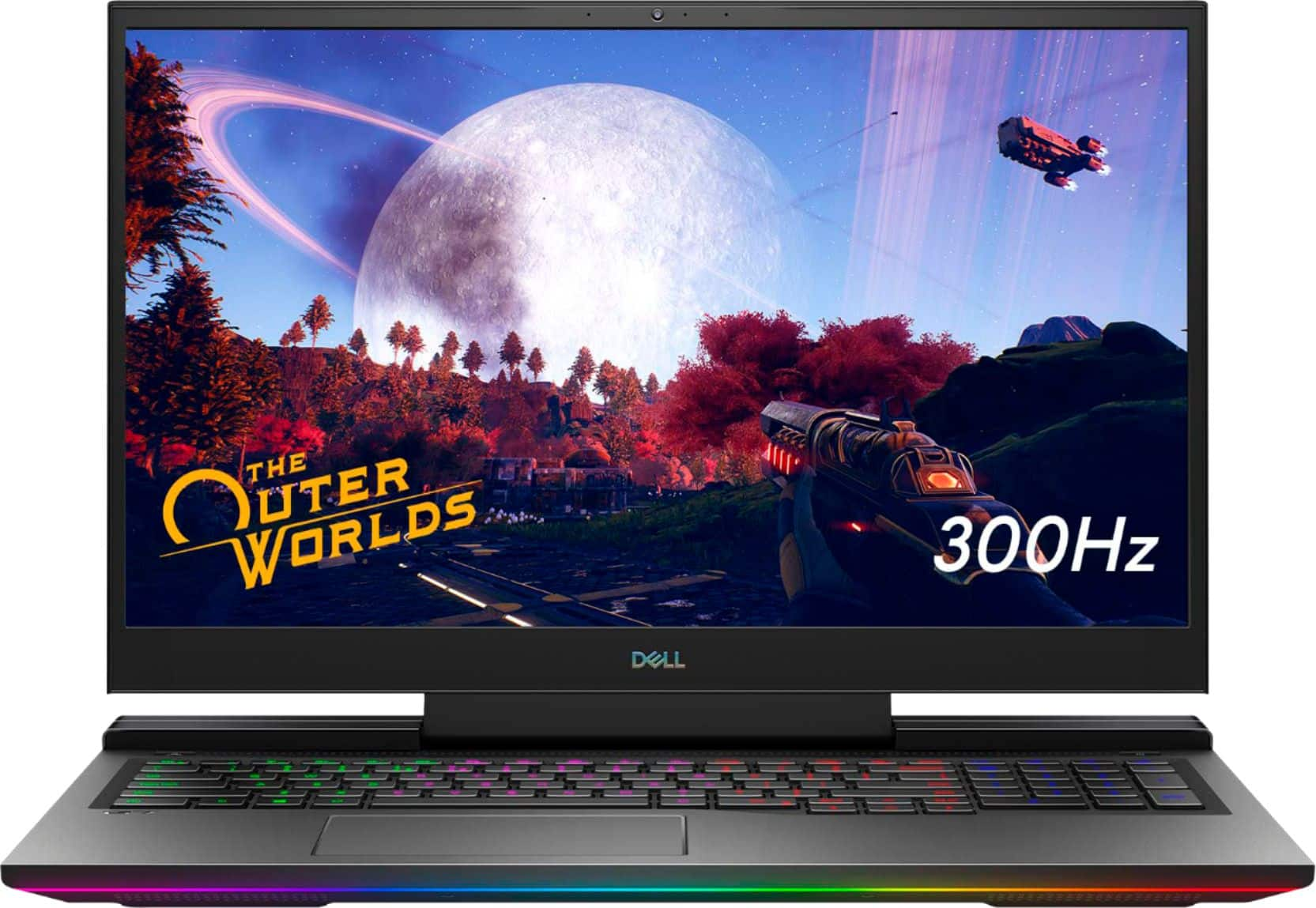
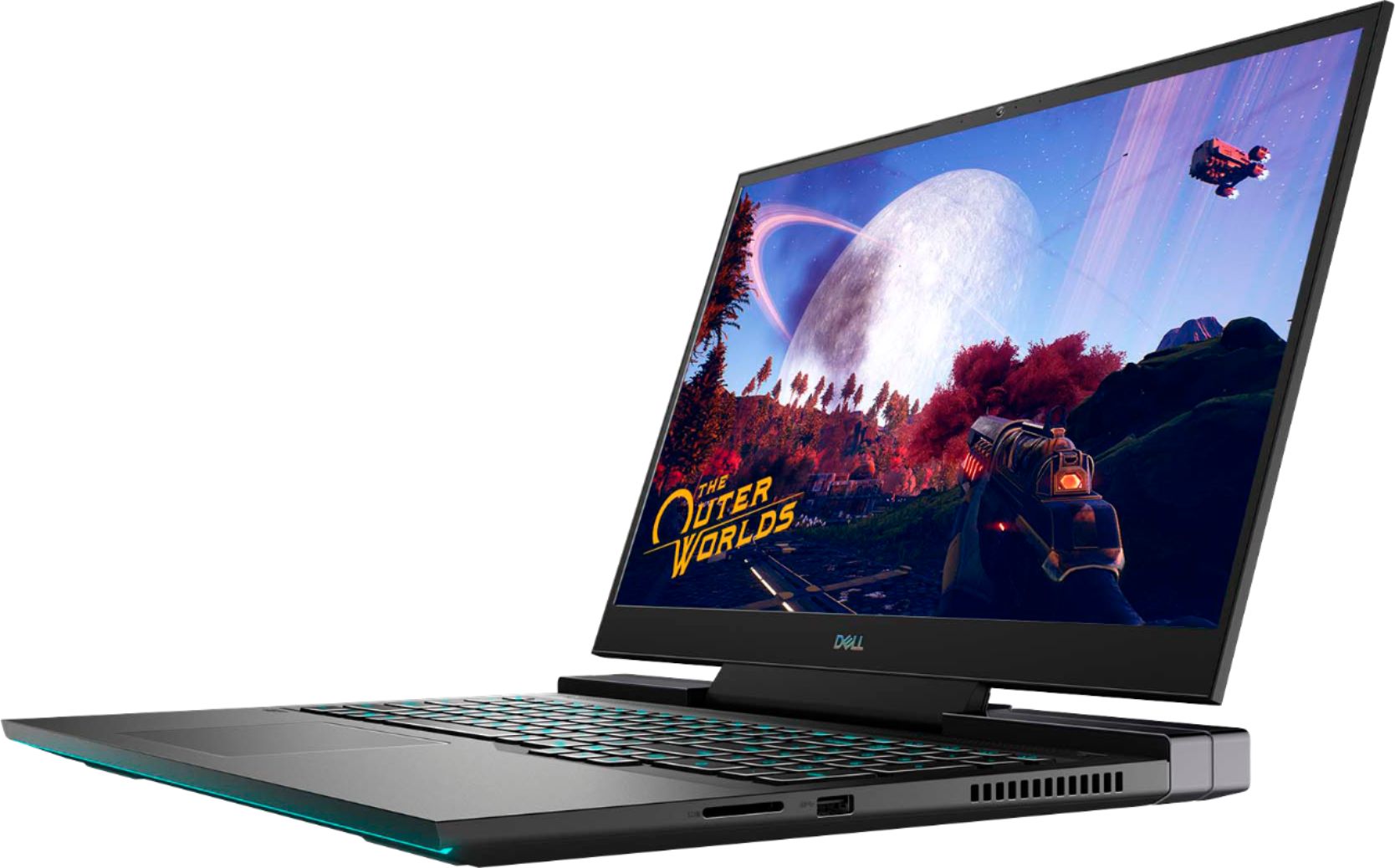
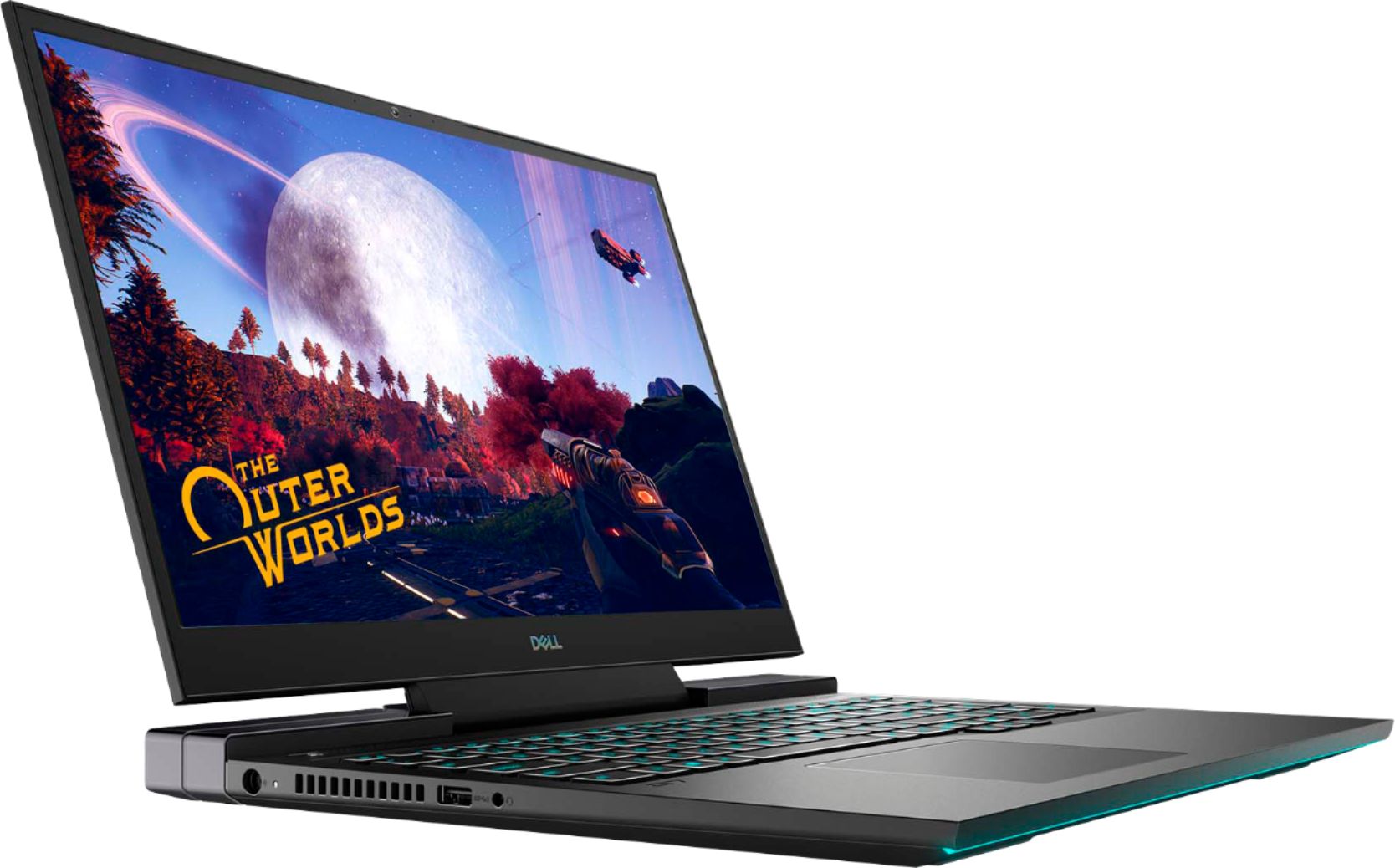
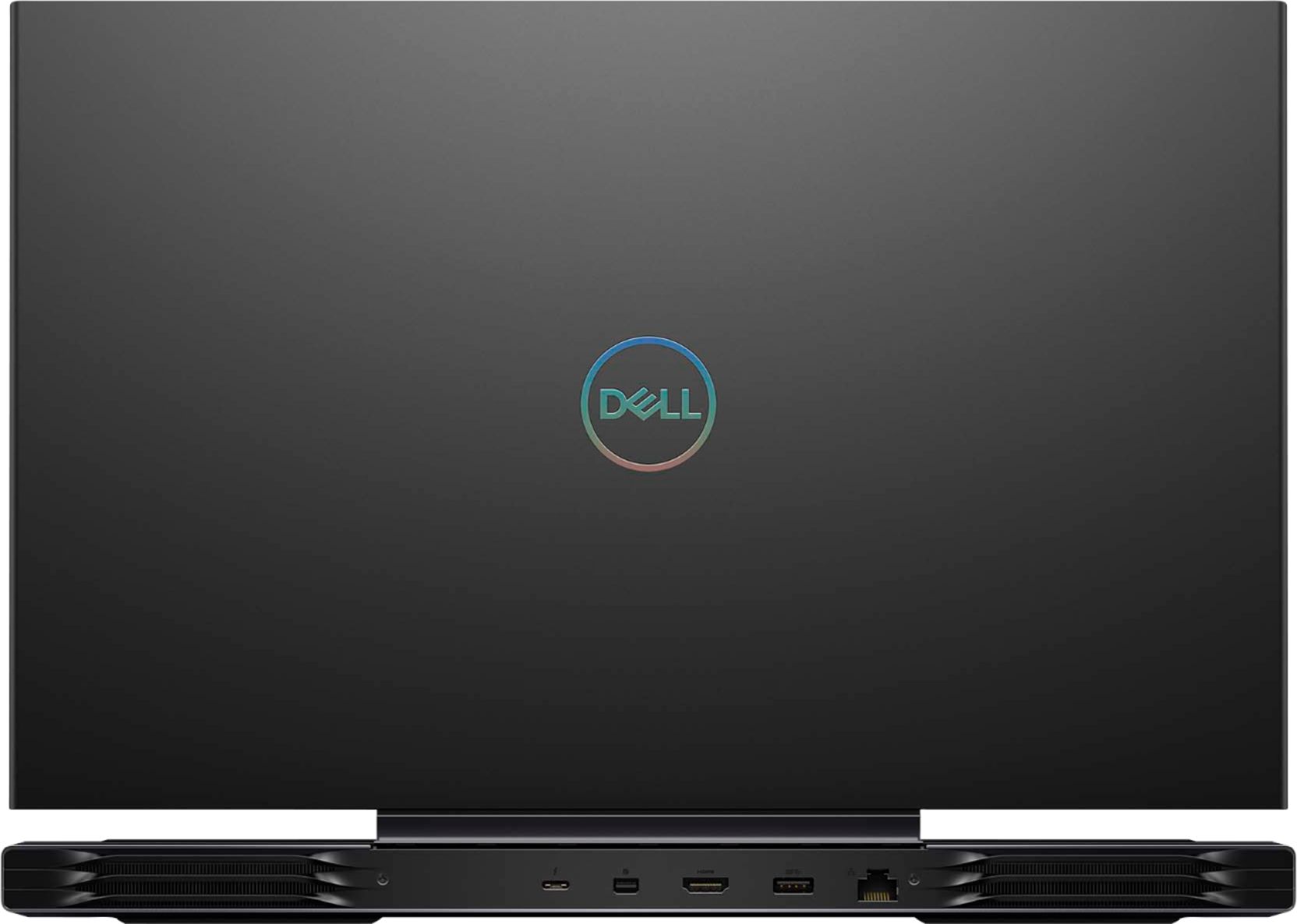
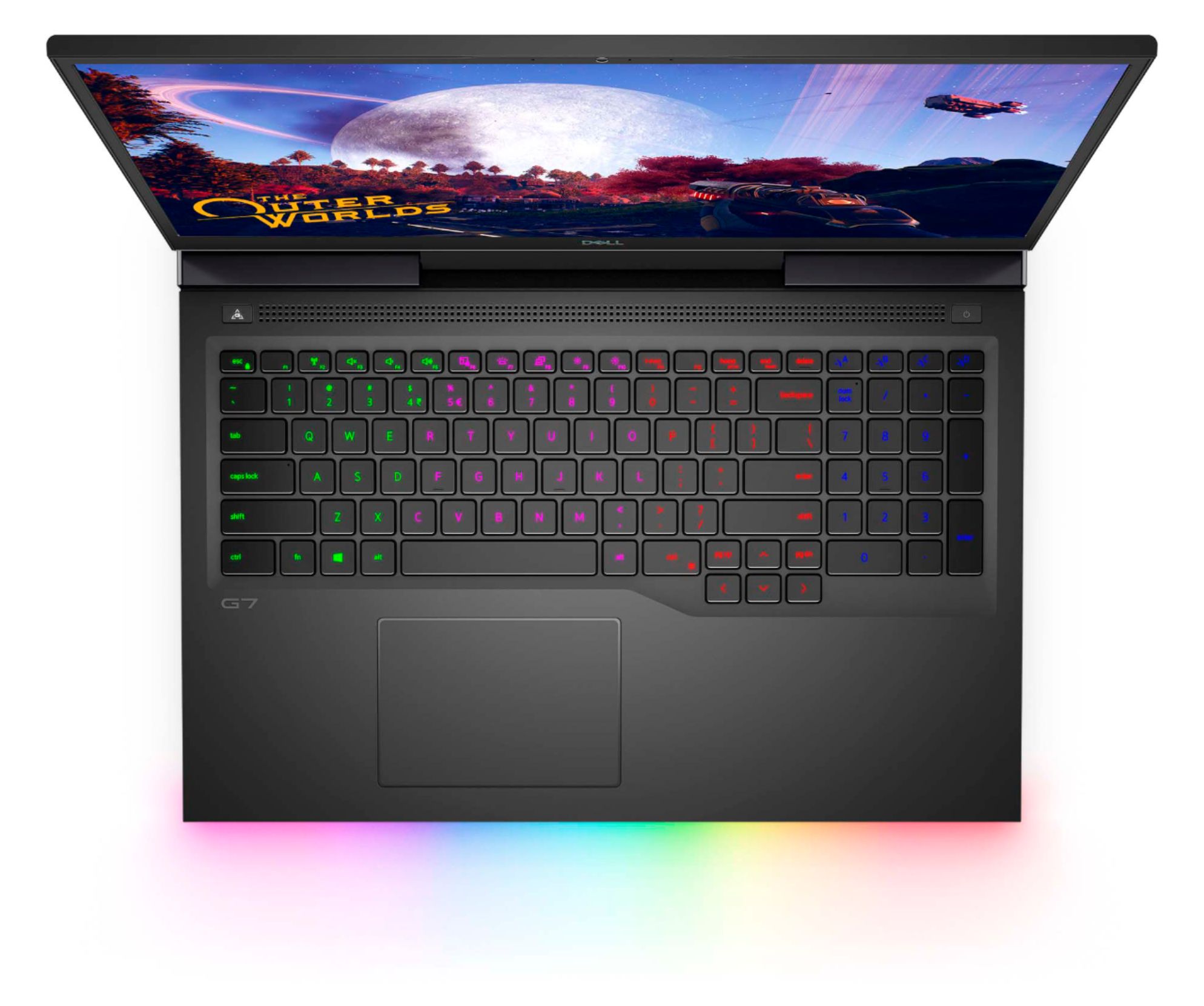
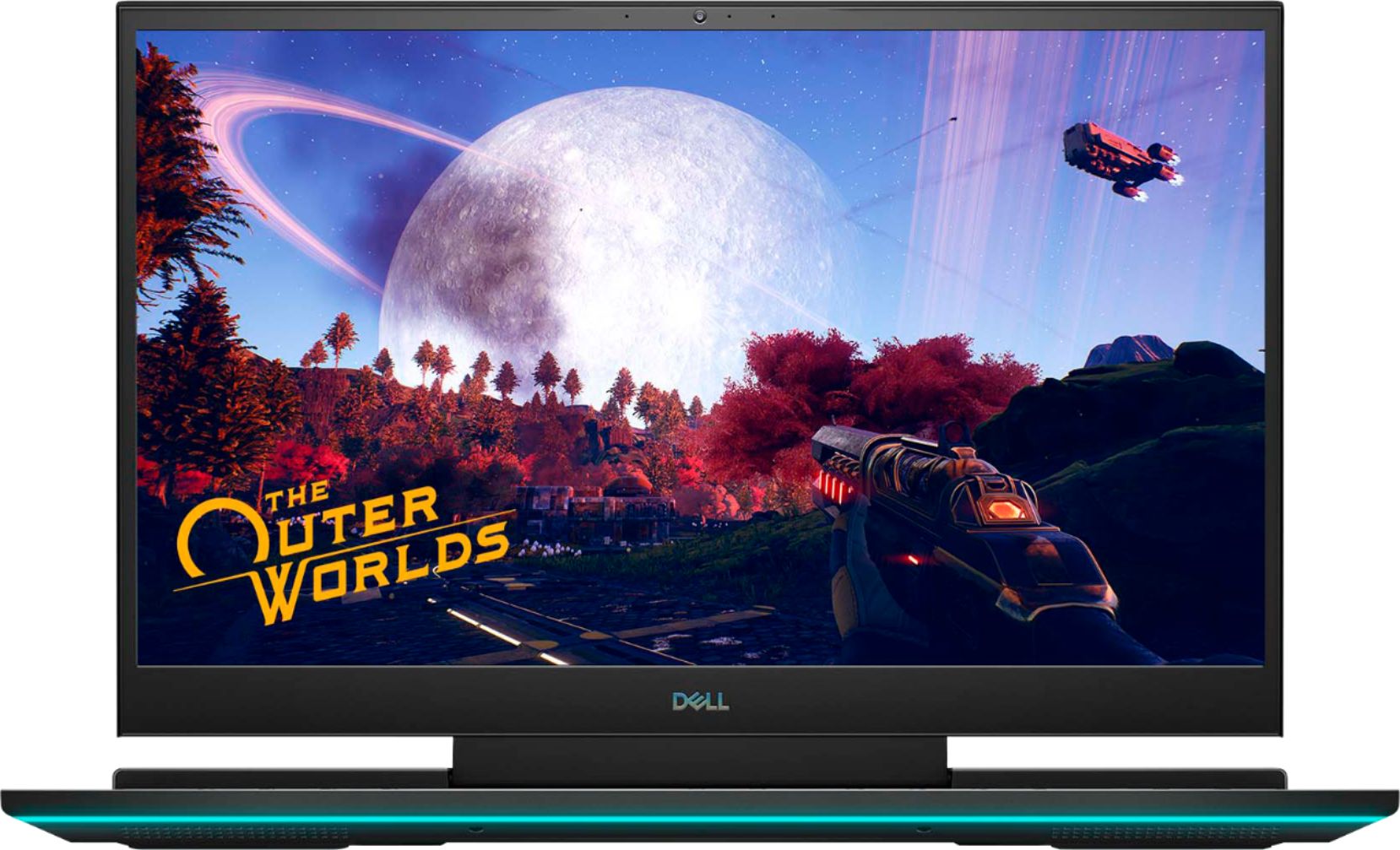
Customers regard the G7 17.3" gaming laptop favorably for its performance, large screen size, and impressive graphics capabilities, with many also praising the high refresh rate and RGB keyboard. However, significant concerns exist regarding overheating and loud fan noise, while some users also mentioned the limited SSD storage and the laptop's considerable weight. The build quality received mixed reviews, with some finding it solid while others did not. Despite some negative feedback, the price point was generally considered reasonable.
This summary was generated by AI based on customer reviews.
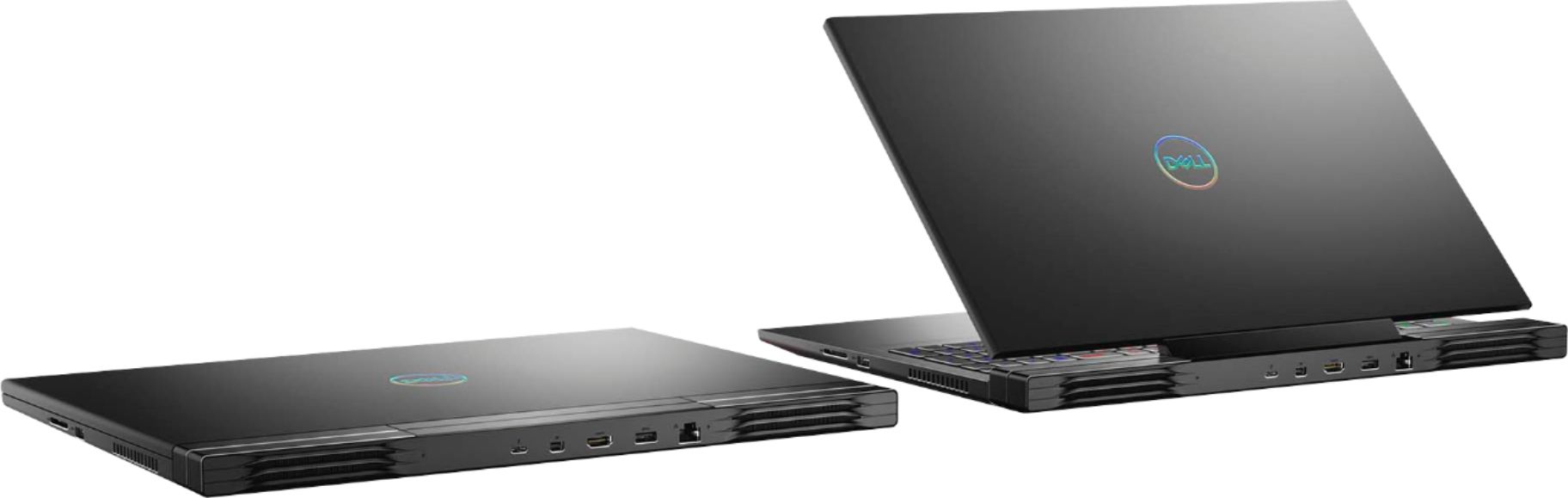
Two laptops
||Posted . Owned for 1 month when reviewed.This reviewer received promo considerations or sweepstakes entry for writing a review.I absolutely love my laptop so much I gave my old one to my boyfriend's daughter and I am in the process of paying off my new one.
I would recommend this to a friendLed lights!!
||Posted . Owned for less than 1 week when reviewed.This reviewer received promo considerations or sweepstakes entry for writing a review.This is basically an Alienware. It runs much cooler than my MSI. IT HAS A BRILLIANT DISPLAY. THE LIGHTS ON THE FRONT ARE A NICE LOUD TOUCH.
I would recommend this to a friendGreat for Gaming
||Posted . Owned for 5 months when reviewed.This reviewer received promo considerations or sweepstakes entry for writing a review.A great purchase in terms of value. Great graphics card that works well with any high performance game. The only downside is the heating
I would recommend this to a friendMy son loves his computer.
||Posted . Owned for 3 weeks when reviewed.This reviewer received promo considerations or sweepstakes entry for writing a review.We bought this gaming computer for my son for his remote learning. The quality is amazing and he loves using it for his video games with his friends.
I would recommend this to a friendNew gaming laptop
||Posted . Owned for 8 months when reviewed.This reviewer received promo considerations or sweepstakes entry for writing a review.My sons new gaming laptop has been the joy of his life. It works well for his gaming and he spends hours on it on the weekends.
I would recommend this to a friendGreat Laptop
||Posted . Owned for 1 month when reviewed.This reviewer received promo considerations or sweepstakes entry for writing a review.I had bought an Alienware direct from Dell, had nothing but issues. The G7 has all of the features of the Alienware and I've had no issues to date.
I would recommend this to a friendgamelaptop
||Posted . Owned for 1 week when reviewed.This reviewer received promo considerations or sweepstakes entry for writing a review.I couldnt recieve it but I know its a good laptop.
I would recommend this to a friendGaming laptop
||Posted . Owned for 7 months when reviewed.This reviewer received promo considerations or sweepstakes entry for writing a review.Love this new laptop. I only use this at home and it would be bulky for travel but it is exactly what I wanted in a laptop.
I would recommend this to a friend- Cons mentioned:Heat
Great 10fps gaming beast lmao!
||Posted . Owned for 5 months when reviewed.This reviewer received promo considerations or sweepstakes entry for writing a review.This laptop is great if you enjoy framerates fluctuating between 10fps and 90fps. That is the best you'll get out of this laptop. Every 2 or 3 minutes during gameplay the laptop overheats and fps drops to 10. Pressing the turbo button mitigates this for about 60 seconds before dropping back down to 10fps. Never buying a dell gaming laptop again.
No, I would not recommend this to a friendBrand response from YourDellTeam
Posted .SteveJobs,
Thanks for your review and we're sorry to hear about the performance issues that you're experiencing with your laptop. There is a BIOS update available for your computer along with some troubleshooting suggestions here: https://dell.to/3jgQlm6.
Best,
Bryan
1-800-624-9896
Great gaming laptop, but the Alienware software...
||Posted . Owned for 2 weeks when reviewed.This reviewer received promo considerations or sweepstakes entry for writing a review.Great for the price, but the built in software can be a bit weird. The Alienware software and the G-key cause more problems than they are worth. I ended up uninstalling them because it caused a lot of lag in heavy games and would throttle the GPU down to 300mhz.
I would recommend this to a friendBrand response from YourDellTeam
Posted .Luke, Thanks for your review and we're sorry to hear about the issues that you've had with your computer so far. There is a new BIOS update available for your computer and you can see troubleshooting tips here: https://dell.to/3jgQlm6.
Best,
Bryan
1-800-624-9896
G7 Dell
||Posted . Owned for 3 months when reviewed.This reviewer received promo considerations or sweepstakes entry for writing a review.It works perfect for all my gaming and school needs! I love the lighting features for both the keyboard and lower front part of the laptop.
I would recommend this to a friendOpen Box Laptop for a great price! Excellent Displ
||Posted . Owned for 1 week when reviewed.This reviewer received promo considerations or sweepstakes entry for writing a review.The OLED display is noticeably brighter and crisper, you will not want to go back to older LED screens anymore.
I would recommend this to a friendGreat gaming laptop
||Posted . Owned for 2 months when reviewed.This reviewer received promo considerations or sweepstakes entry for writing a review.I love this laptop it plays all of my games perfectly with high fps all settings maxed out worth the money and it's upgradable
I would recommend this to a friend- Cons mentioned:Heat
Do not buy it
||Posted . Owned for 1 month when reviewed.This reviewer received promo considerations or sweepstakes entry for writing a review.Complete waste of money. I owned this computer for just about a month and then the USB C input failed. When it worked it was a great gaming laptop. The screen was beautiful and I never everienced any overheating issues. I was using an external monitor and Samsung SSD, so the bad USB C killed it for me. Thankfully Best Buy honored the return warranty for me and I moved to a different brand of computer. I see more Dell computer in the open box, certified Geek Squad case.
No, I would not recommend this to a friend quick and quiet
||Posted . Owned for 1 month when reviewed.This reviewer received promo considerations or sweepstakes entry for writing a review.the laptop works better than expected and is quieter than i thought it would be.i also like the alienware contoll center.
I would recommend this to a friendGreat Gamings Laptop
||Posted . Owned for 1 week when reviewed.This reviewer received promo considerations or sweepstakes entry for writing a review.My son loves this laptop. A cool design, the lights. You can configure many things and also the games can be wonderful
I would recommend this to a friendDell G7
||Posted .This reviewer received promo considerations or sweepstakes entry for writing a review.Good gaming laptop. It cooling system is adorable. It cools the system so that we can get good gaming performance
I would recommend this to a friend- Cons mentioned:Fps
Good on paper
||Posted . Owned for 1 month when reviewed.This reviewer received promo considerations or sweepstakes entry for writing a review.I was very disapointed, thought it was great at first but over the first week i started having issues. At first i was able to get a solid 150-200 fps is apex legends but slowly every day it went down to 80 then 60 and so on till i was barley breaking 30 frames on this 1600$ laptop. I dont know if it was an isolated incodent but when i reached out to support they didnt know what was happening either or didnt tell me if they did
No, I would not recommend this to a friendBrand response from YourDellTeam
Posted .Hello MommaJude,
Thank you for taking the time to share your thoughts on your G7. We are sorry to hear that the gaming performance did not meet your expectations. In regards to addressing your concerns around gaming performance, we recommend you ensure the latest graphics drivers are installed. This can easily be done with the GeForce Experience application. You may also download the latest update here: https://dell.to/3tAQ4PI.
If you want to keep your graphics driver up to date by GeForce Experience, click the gear icon on the top-right corner of the screen. In the General tab, enable the "Automatically download driver updates and let me choose when to install" option.
GeForce Experience also features a "optimize playing experience" function where it will automatically adjust visual settings on a per game basis to provide a balance of the best performance and the best visuals for your system. If you still run into issues after updating your system, please use the information below to contact Dell Support.
Best,
Wendy C.
https://bit.ly/DellSupportTeam.
Phone number to Dell: 1-800-264-9896.
Very nice
||Posted . Owned for 1 year when reviewed.This reviewer received promo considerations or sweepstakes entry for writing a review.Had no problems with this laptop. Love the screen size and it’s ability to do work and gaming.
I would recommend this to a friendvery fast
||Posted . Owned for 3 months when reviewed.This reviewer received promo considerations or sweepstakes entry for writing a review.this thing is a power house i upgraded to 32 Gig of ram and 1 TB drive ran tons of game with ease. great value for the money.
I would recommend this to a friend