Customer Ratings & Reviews




- Model:
- G7700-7231BLK-PUS
- SKU:
- 6416473
Rating by feature
- Battery Life
Rating 4.2 out of 5 stars
- Speed
Rating 4.6 out of 5 stars
- Display
Rating 4.8 out of 5 stars
Customers are saying
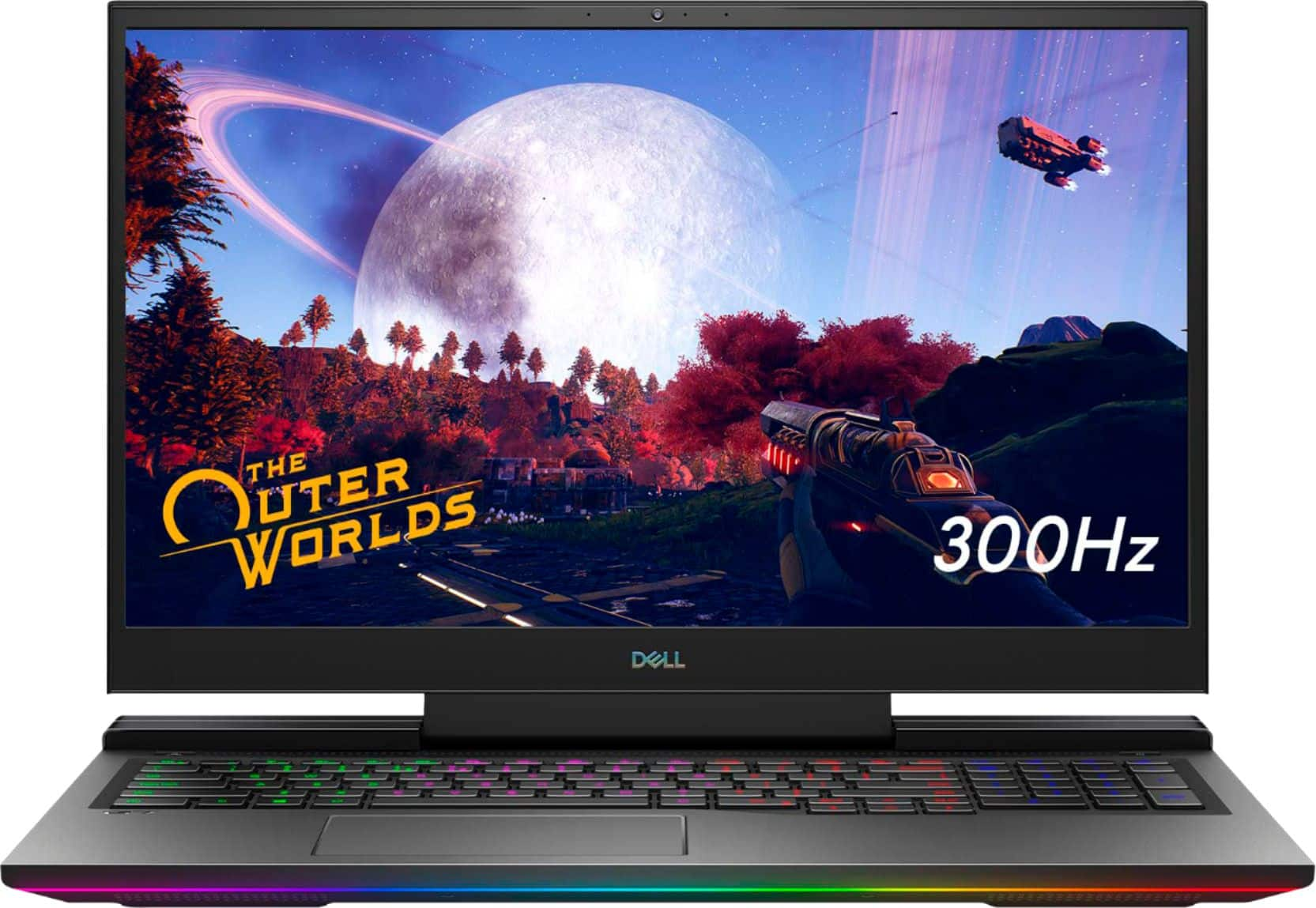
Customers regard the G7 17.3" gaming laptop favorably for its performance, large screen size, and impressive graphics capabilities, with many also praising the high refresh rate and RGB keyboard. However, significant concerns exist regarding overheating and loud fan noise, while some users also mentioned the limited SSD storage and the laptop's considerable weight. The build quality received mixed reviews, with some finding it solid while others did not. Despite some negative feedback, the price point was generally considered reasonable.
This summary was generated by AI based on customer reviews.
perfect
||Posted . Owned for 3 months when reviewed.This reviewer received promo considerations or sweepstakes entry for writing a review.great quality love it keep it up BESTBUY THANKS...
I would recommend this to a friendDellLaptop
||Posted . Owned for 1 month when reviewed.This reviewer received promo considerations or sweepstakes entry for writing a review.Excellent service in the store, love the laptop...
I would recommend this to a friend- Cons mentioned:Heat
Not worth it
||Posted . Owned for 1 month when reviewed.This reviewer received promo considerations or sweepstakes entry for writing a review.It over heats so bad. It made every game i played crash 3 times. The internet crashes too.
No, I would not recommend this to a friendBrand response from YourDellTeam
Posted .Hello,
Thank you for your review. We are sorry to hear your G7 is experiencing system crashes and heating issues more frequently than expected. We understand how frustrating this can be. In regards to your concerns, we have a number of solutions to ensure you have the best experience. We would recommend checking to ensure that the latest BIOS is installed on your system. There was a BIOS update for this series that was recently released and you can download the update here - https://dell.to/3tAQ4PI. We hope this helps with any overheating issues that you are experiencing.
Lastly, you can prioritize cooling by opening the Alienware Command Center application on your laptop and select the 'Cool' thermal profile. If you still come across issues after updating your BIOS, you can use the information below to contact the Dell Support Team via Chat or Call.
Best regards,
Wendy C.
https://bit.ly/DellSupportTeam.
Phone number to Dell: 1-800-264-9896.
- Cons mentioned:Fps
Bad for gaming
||Posted . Owned for 1 month when reviewed.This reviewer received promo considerations or sweepstakes entry for writing a review.Had to return it because it was not working, not recommended at all, super laggy FPS dropping
I would recommend this to a friendBrand response from YourDellTeam
Posted .Hello Greatqual,
Thank you for your review. We are sorry about the trouble you have encountered with the performance of your G7. If you come across any further questions, issues or concerns, please use the information below to contact Dell Support at your earliest convenience.
Best regards,
Wendy C.
For further assistance, you can contact Dell directly with the information below Chat or Call:
https://bit.ly/DellSupportTeam.
Phone number to Dell: 1-800-264-9896.
Great, fast laptop
||Posted . Owned for 1 month when reviewed.This reviewer received promo considerations or sweepstakes entry for writing a review.Fast processing, great for gaming or for students.
I would recommend this to a friendSuper
||Posted . Owned for 11 months when reviewed.This reviewer received promo considerations or sweepstakes entry for writing a review.Great device for me. Wish it were a little better on memory and speed but it is great for a laptop
I would recommend this to a friendBrand response from YourDellTeam
Posted .Hello Awesomeness,
We want to thank you for your valued feedback. We are happy to hear you are enjoying your Dell G7. We will share your comments about the memory with our quality team so improvements can be to current and future products. As for the performance issue, There are a number of ways to help improve the performance of your computer if it is running slower than you expected it to. We'd recommend the following steps to help improve your computer's overall performance and speed: 1. Restart your computer regularly.
2. Run the automated tools provided in the SupportAssist Tool.
3. Run a complete hardware diagnostic test.
4. Scan your computer for malware.
5. Restore your Dell computer using Windows System Restore.
6. Reinstall Microsoft Windows.
You can read the full steps associated with each of these recommendations here: https://dell.to/3n29QjE.
After utilizing the troubleshooting options provided above, if the issue is not resolved, please feel free to reach out to our support team here: https://bit.ly/DellSupportTeam.
If you require further assistance, you can contact Dell directly with the information below.
Chat or call: https://bit.ly/DellSupportTeam
Phone number to Dell 1-800-624-9896
Best,
Ashley@Dell
- Cons mentioned:Heat
gaming Laptop no so much
||Posted . Owned for 2 months when reviewed.This reviewer received promo considerations or sweepstakes entry for writing a review.Overheats a lot, when used for gaming. for general uses is an excellent machine.
No, I would not recommend this to a friendBrand response from YourDellTeam
Posted .DellG7,
Thanks for your review and we're sorry to hear about the overheating that you're experiencing. If you'd like to troubleshoot the overheating we'd recommend downloading the latest BIOS update and use some of the troubleshooting tips on this site: https://dell.to/3jgQlm6.
Best,
Bryan
1-800-624-9896
- Cons mentioned:Weight
Very long and wide laptop for portable use.
||Posted . Owned for 3 weeks when reviewed.This reviewer received promo considerations or sweepstakes entry for writing a review.Very large laptop and heavy for portablity and usage.
I would recommend this to a friendBrand response from YourDellTeam
Posted .Hi ATLIEN,
Thank you for your valued feedback. We are sorry to hear you are not completely satisfied with the size and weight of your Dell G7. We will share your comments with our quality team so improvements can be made in the future.
Should you need further assistance, you can contact Dell directly with the information below.
Chat or call: https://bit.ly/DellSupportTeam
Phone number to Dell 1-800-624-9896
Best,
Ashley@Dell
Gaming Laptop
||Posted . Owned for 5 months when reviewed.This reviewer received promo considerations or sweepstakes entry for writing a review.Heating problems and constantly slows down with simple games. Not for hardcore gaming.
No, I would not recommend this to a friendBrand response from YourDellTeam
Posted .YasuAsu93,
Thanks for your review and we're sorry to hear that your computer is overheating. We'd recommend following some of the suggestions on this page to help relieve the overheating that you're experiencing: https://dell.to/2L8yNct.
Best,
Bryan@Dell
If you require further assistance, you can contact Dell directly with the information below
Chat or Call:
https://bit.ly/DellSupportTeam
Phone number to Dell: 1-800-624-9896
- Cons mentioned:Fan noise
loud and annoying
||Posted . Owned for 2 months when reviewed.This reviewer received promo considerations or sweepstakes entry for writing a review.loud and annoying. powerful hardware. loud and annoying.
No, I would not recommend this to a friendBrand response from YourDellTeam
Posted .Hello,
Thank you for your review. We are sorry to hear about the loud fan noise your are experiencing. Below I have the steps to updating the BIOS, which help resolve issue. I have also provided the full troubleshooting article.
Bios Update
1. Browse to the Dell Drivers & downloads page.
2. Identify your Dell computer
*Click Download and Install SupportAssist to automatically identify your Dell computer.*
*Or, enter the Service Tag, Express Service Code, or model number of your Dell computer and click Search.
*Or, click Browse all products and select your Dell computer from the list.
3. Select the Operating System.
4. Under Category, select BIOS.
5. Locate the latest System BIOS.
6. Click Download and save the file to your computer.
7. Open File Explorer and browse to the location where the downloaded file is saved.
8. Double-click the BIOS setup file and follow the on-screen instructions to complete the installation process.
Overheating link: https://dell.to/3nmRfiZ
For additional support, please call Dell directly at 1-800-624-9896
Best, Lexy
- Pros mentioned:Build quality

Gaming paradise
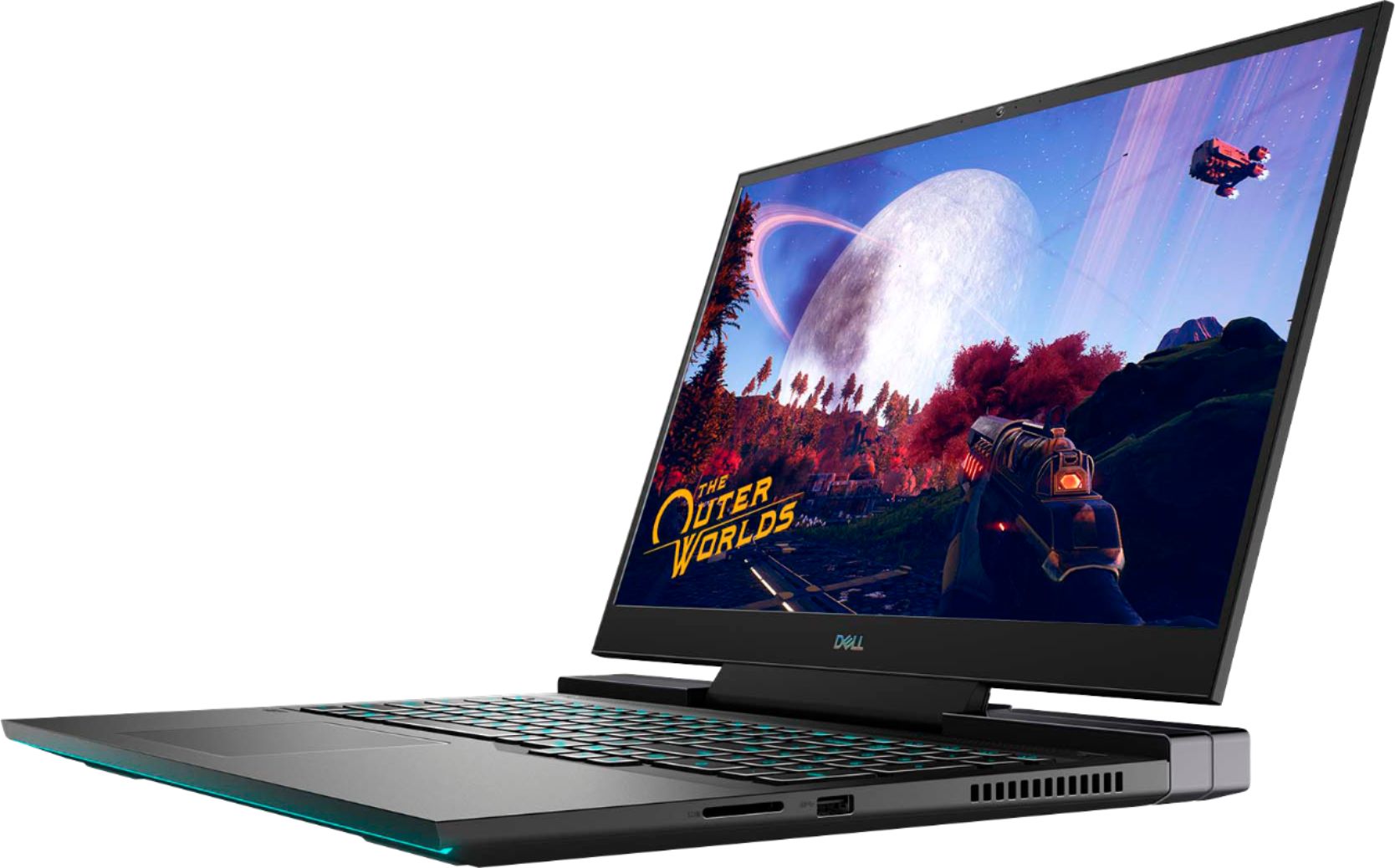
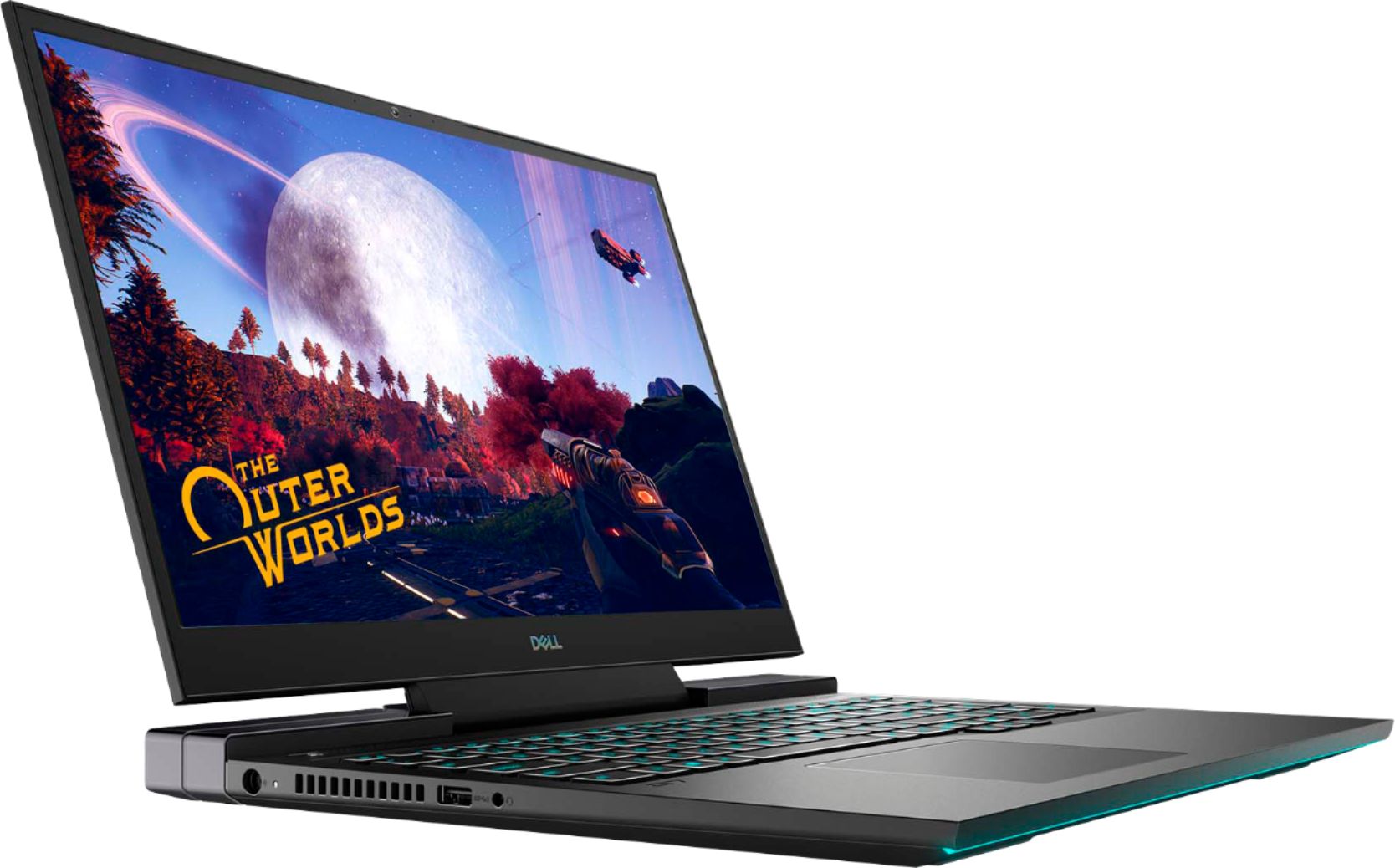
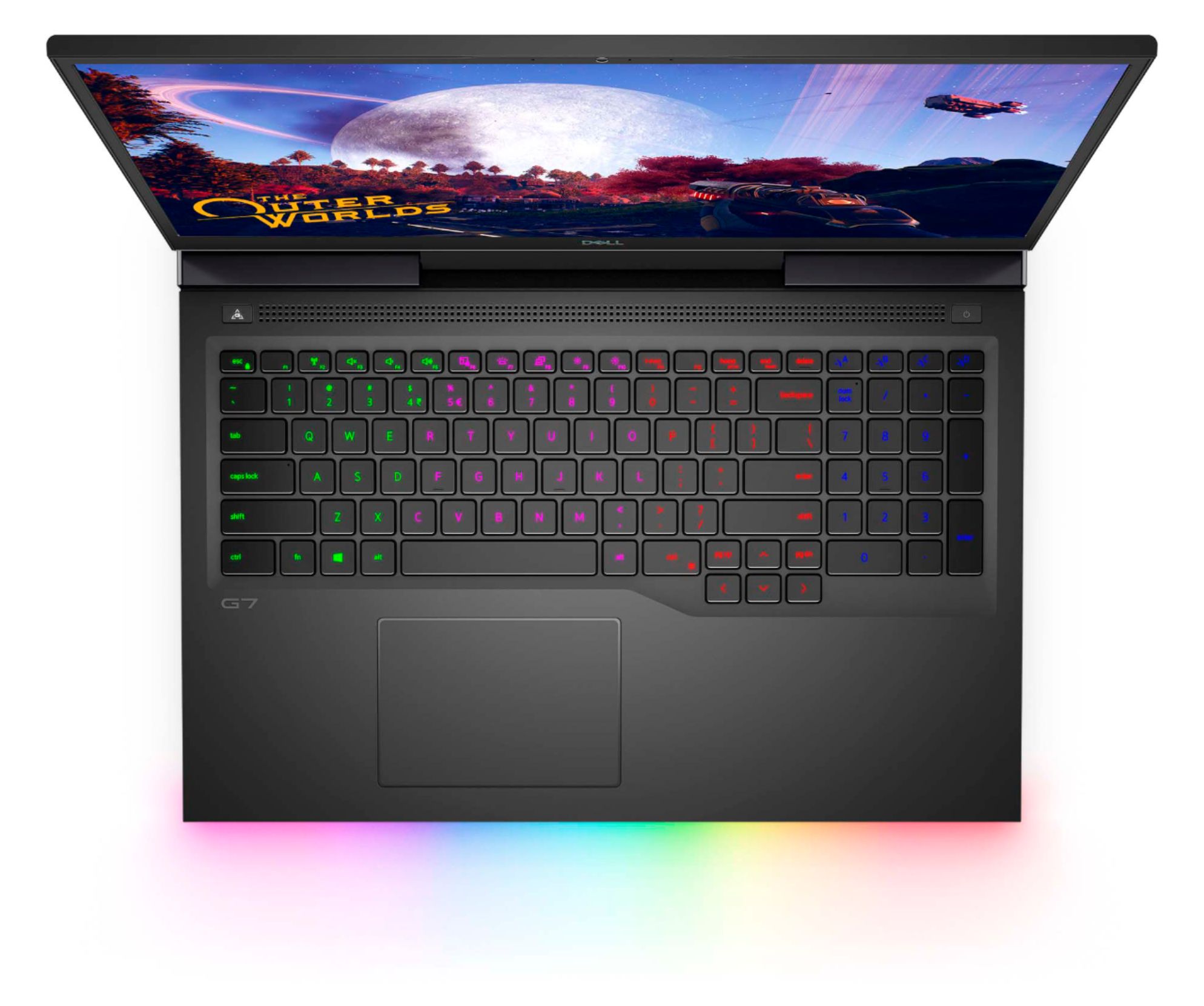
|Posted .This reviewer received promo considerations or sweepstakes entry for writing a review.Build quality is amazing thin lightweight gaming laptop with a matte black finish. The rib strip on the front is also a nice touch. The battery life is also up to par for the full hd display with resolution at 1920x1080. My favorite aspect of this laptop is the customizable multi segmented rugby keyboard. The different combinations that can be done had me entertained for a while. This is a laptop that will be utilized to its fullest and will be enjoyed while doing so.
I would recommend this to a friend - Cons mentioned:Heat
Bring the Marshmallows...
||Posted .This reviewer received promo considerations or sweepstakes entry for writing a review.My quick take: Within one week, it overheated so badly that it blue screened due to a memory crash. And, running at modest settings in Outriders, it still stuttered terribly. I also could have just about cooked over it. Returning it for sure.
No, I would not recommend this to a friendBrand response from YourDellTeam
Posted .Hello TheAverageGeek,
Thanks for your review. We are sorry to hear that your laptop is running a little warmer than you would like. Your feedback is sincerely appreciated. If system thermals are of concern, you can prioritize cooling by opening the Alienware Command Center application that came pre-installed with your device and select the 'Cool' thermal profile. You can view the full article here - https://dell.to/2XAULtU.
Keep in mind that our G7 follows Intel performance design guidelines, which can lead CPU temperatures to reach 100°C to output top in-game performance. We fully warrant the product under these conditions. If you see CPU temperatures rising beyond 100°C on Alienware Command Center, you are more than welcome to contact Dell support for further assistance.
Best regards,
Wendy C.
For further assistance, you can contact Dell directly with the information below Chat or Call:
https://bit.ly/DellSupportTeam.
Phone number to Dell: 1-800-264-9896.
It’s alright
||Posted . Owned for 3 weeks when reviewed.This reviewer received promo considerations or sweepstakes entry for writing a review.It’s alright laptop gets hot and something start lagging when it’s hot
No, I would not recommend this to a friendBrand response from YourDellTeam
Posted .Hello Tanveer,
Thank you for your review. We are sorry to hear that your G7 is running a little warmer than you would like. We would recommend checking to ensure that the latest BIOS is installed on your system. There was a BIOS update for this series released in the middle of April and you can download the update here - https://dell.to/3tAQ4PI. We hope this helps with any overheating issues that you are experiencing.
Best regards,
Wendy C.
For further assistance, you can contact Dell directly with the information below Chat or Call:
https://bit.ly/DellSupportTeam.
Phone number to Dell: 1-800-264-9896.
- Cons mentioned:Ssd
Not ideal
||Posted . Owned for less than 1 week when reviewed.This reviewer received promo considerations or sweepstakes entry for writing a review.Subpar thermal management, only one duct for heat withdrawal, and not to mention the the second m.2 connection doesn't have mounting equipment so you will have to special order it. It's a good laptop, but not for games
No, I would not recommend this to a friendBrand response from YourDellTeam
Posted .Hello,
Thank you for taking a moment to share your feedback and response. We are sorry to hear that the cooling system has not met all of your expectations. We really value your feedback, ad we will forward these issues you stated onto our product team to improve ourselves for the future. If you come across any questions, issues, or concerns, feel free to review the product Support Page of your G7.
Best,
Wendy C.
https://bit.ly/DellSupportTeam.
Phone number to Dell: 1-800-264-9896.
- Cons mentioned:Heat
Bad just.. bad.
||Posted . Owned for less than 1 week when reviewed.This reviewer received promo considerations or sweepstakes entry for writing a review.It's hot.. like VERY hot. The alienware software button to put it into gaming mode doesn't even work! I've had it for 4 days, and I hate it. Terrible product that is getting returned this weekend. Dude.. it's a dell.
No, I would not recommend this to a friendBrand response from YourDellTeam
Posted .Hello Dellislame,
We are sorry to hear that your G7 did not quite meet expectations. Your feedback is sincerely appreciated. If system thermals are of concern, you can prioritize cooling by opening the Alienware Command Center application that came pre-installed with your device and select the 'Cool' thermal profile.
Keep in mind that our G7 follows Intel performance design guidelines, which can lead CPU temperatures to reach 100°C to output top in-game performance. We fully warrant the product under these conditions. If you see CPU temperatures rising beyond 100°C on Alienware Command Center, you are more than welcome to contact Dell support for further assistance at 1-800-264-9896.
This article contains further details that can help with your overheating: https://dell.to/3jgQlm6.
Best regards,
Wendy C.
Unhappy
||Posted . Owned for 1.5 years when reviewed.This reviewer received promo considerations or sweepstakes entry for writing a review.Really not a fan this laptop is always updating i dont use it for a few day then i have to update it 20 min before i can use it and comes with anti virus wich take for ever to load wish i never bought it sorry
No, I would not recommend this to a friendRUNS SUPER HOT!
||Posted . Owned for 2 weeks when reviewed.This reviewer received promo considerations or sweepstakes entry for writing a review.The summary says it all. Regardless of the specs, this thing runs super hot and games begin to stutter after less than 30 mins, regardless of the fan/cooling settings. Just a VERY poor heat management system. Yes, drivers and BIOS were all updated. MAYBE some improvement, but honestly, I couldn't honestly tell you it actually made a difference. It's like the difference between hot and a little hotter. It's still HOT!
No, I would not recommend this to a friendBrand response from YourDellTeam
Posted .HiFi80sMan,
Thanks for your review and we're sorry to hear that your computer is still running hot even after everything has been updated. We'd also recommend managing your computer's thermals with the Alienware Command Center. You can use the Alienware Command Center to manage your system's thermal temperatures based on how you are using your computer.
If you have additional questions you can reach out to Dell's Technical Support Team here: http://dell.to/2sH7Qlm.
Best,
Bryan
1-800-624-9896
Great laptop, Crappy battery & GeekSqaud service!
||Posted . Owned for 2 months when reviewed.This reviewer received promo considerations or sweepstakes entry for writing a review.The laptop works great, however the battery is not working well. Took it to Geek Squad they replaced it and same issues. They said there's nothing they can do. So I just have to keep it plugged in. Annoying.
No, I would not recommend this to a friendGood for 30 min... bad for longer..
||Posted . Owned for 2 months when reviewed.This reviewer received promo considerations or sweepstakes entry for writing a review.Stay away from this laptop if you're here for serious gaming power.. Although it has great specifications, the cooling system in this laptop makes it impossible to play games for longer than 30min-1hr regardless of what "cooling mat" you buy.
No, I would not recommend this to a friendBrand response from YourDellTeam
Posted .Hello Garrett,
We are sorry to hear that your G7 did not quite meet expectations. Your feedback is sincerely appreciated. If system thermals are of concern, you can prioritize cooling by opening the Alienware Command Center application that came pre-installed with your device and select the 'Cool' thermal profile.
Keep in mind that our G7 follows Intel performance design guidelines, which can lead CPU temperatures to reach 100°C to output top in-game performance. We fully warrant the product under these conditions. If you see CPU temperatures rising beyond 100°C on Alienware Command Center, you are more than welcome to contact Dell support for further assistance.
Best Regards,
Anthony P.
1-800-624-9896
- Pros mentioned:Screen size, Speed
Wicked Fast Gaming laptop
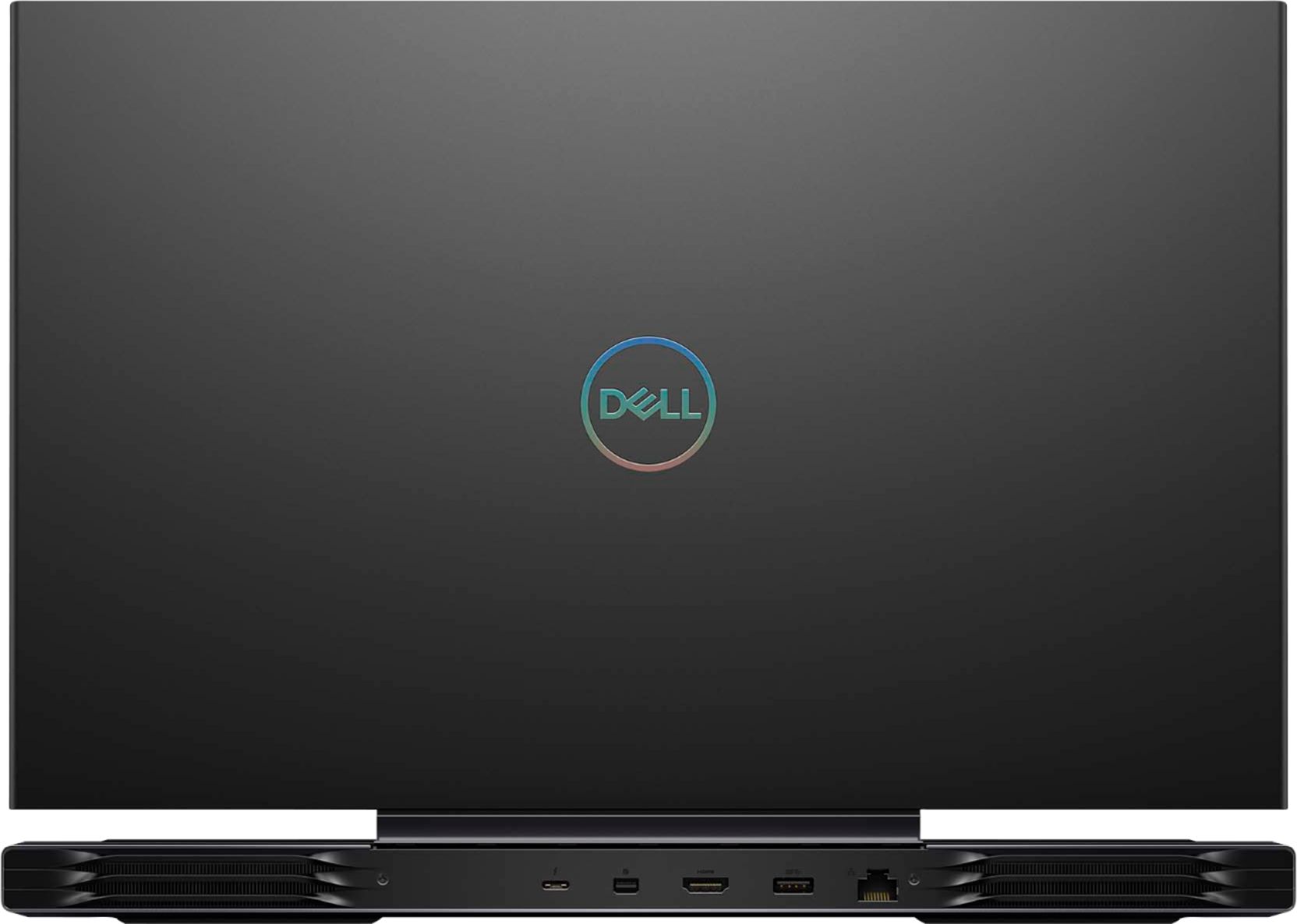
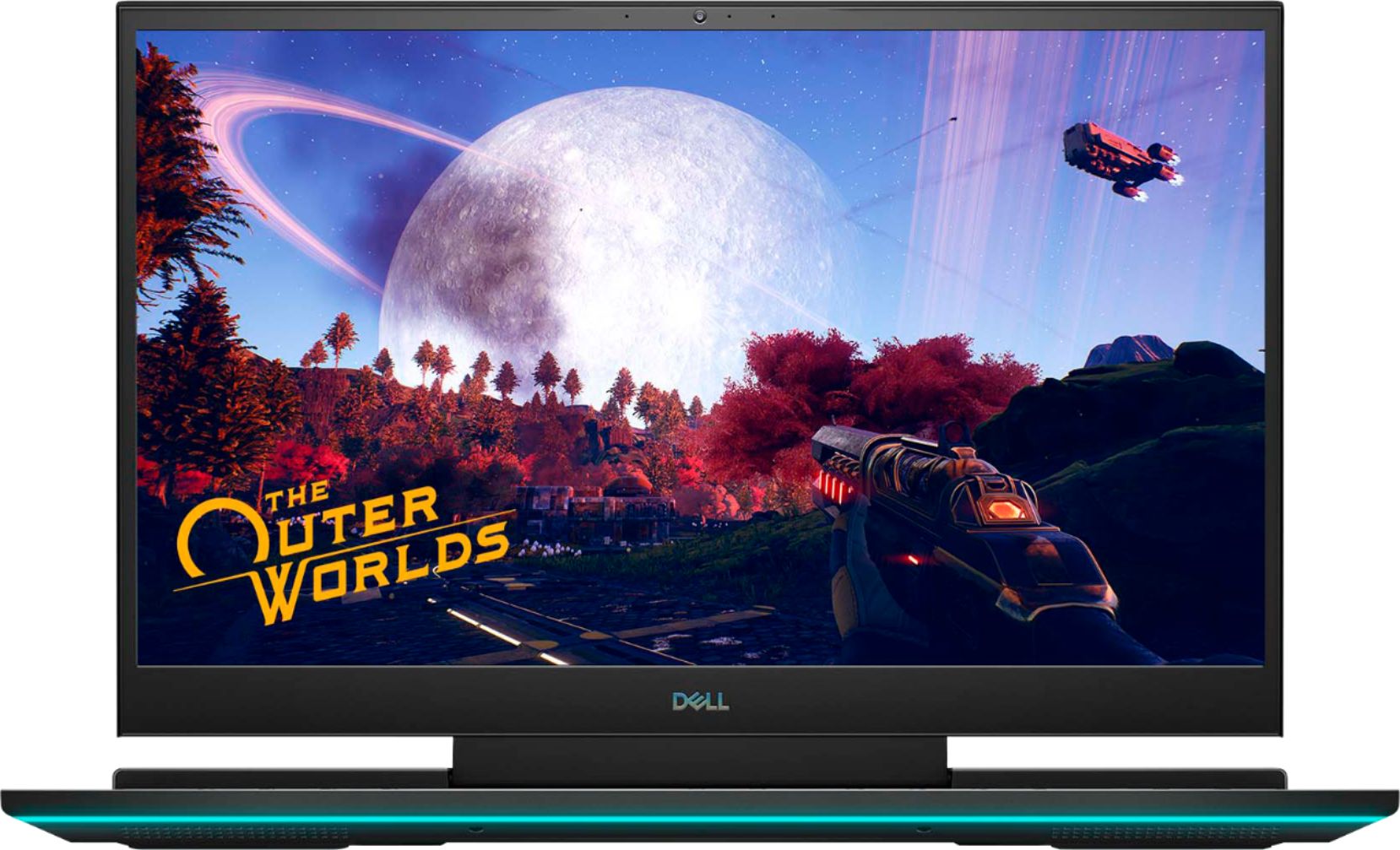
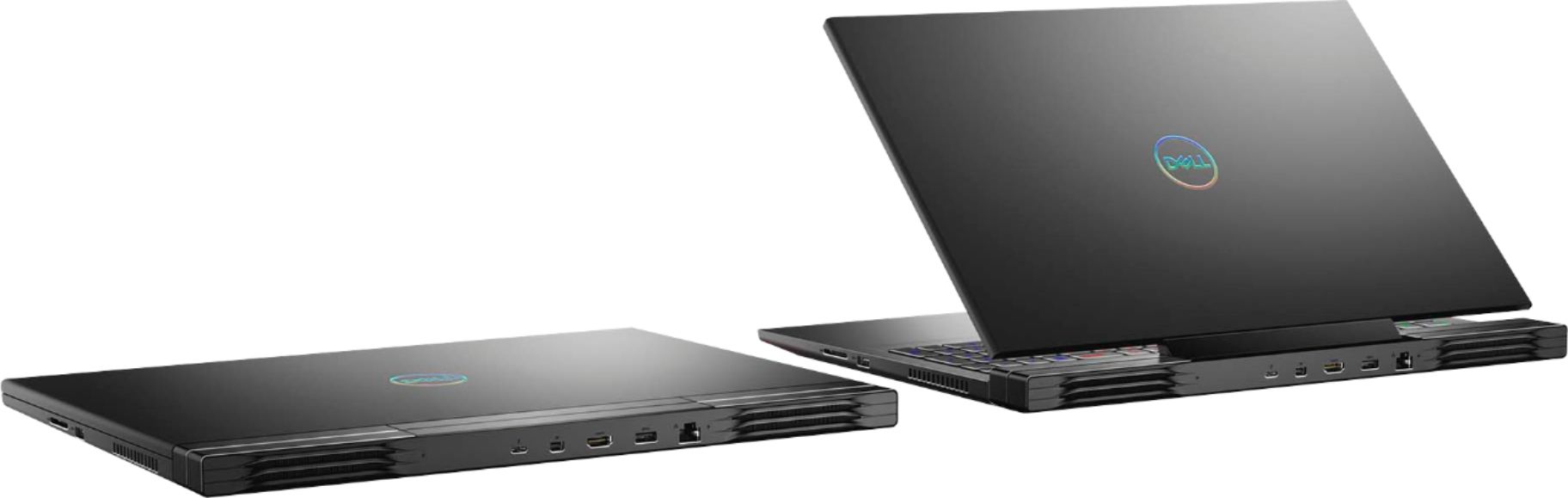
|Posted .This reviewer received promo considerations or sweepstakes entry for writing a review.This Dell G7-17 Gaming laptop computer is simply awesome! It comes loaded with MS 10 Home, 16 GB RAM (expandable to 32 GB), 300 Mhz screen, Alienware console, 10th Gen Intel I7 processor, multi-color LED lighting, Nahimic 3D audio, 512 SSD, 4 zone RGB keyboard, Nvidia RTX 2070 8 GB graphics card, wi-fi, bluetooth, SD card reader, HDMI, 3 USB type C ports, Backlit keyboard, 5-6 hour battery life when gaming, camera and 2 mics, headphone/mic combination slot. This is a hefty/heavy laptop you really won't want to lug around anywhere. Very nicely equipped and detailed, I love this laptop!
I would recommend this to a friend