Customer Ratings & Reviews
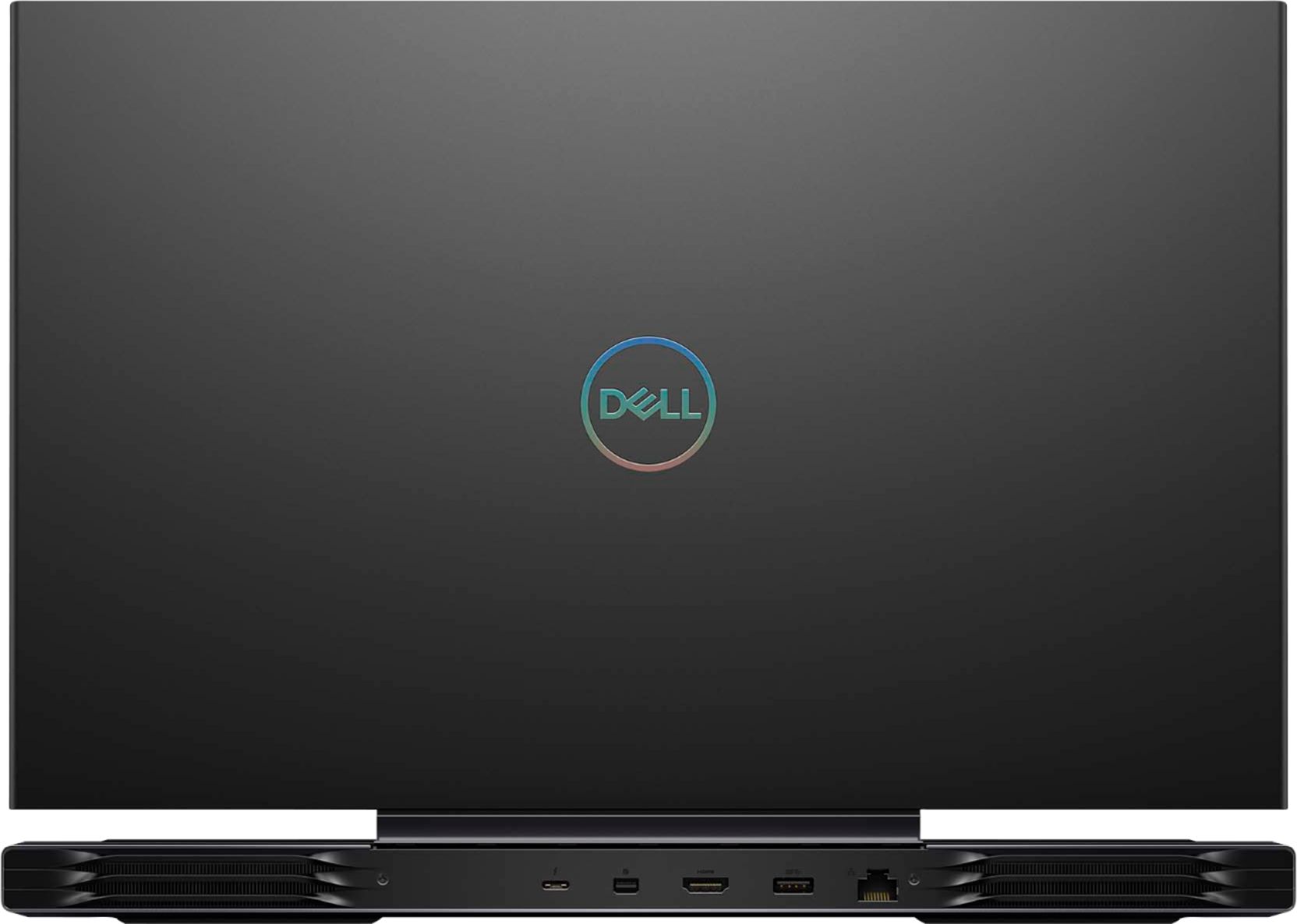
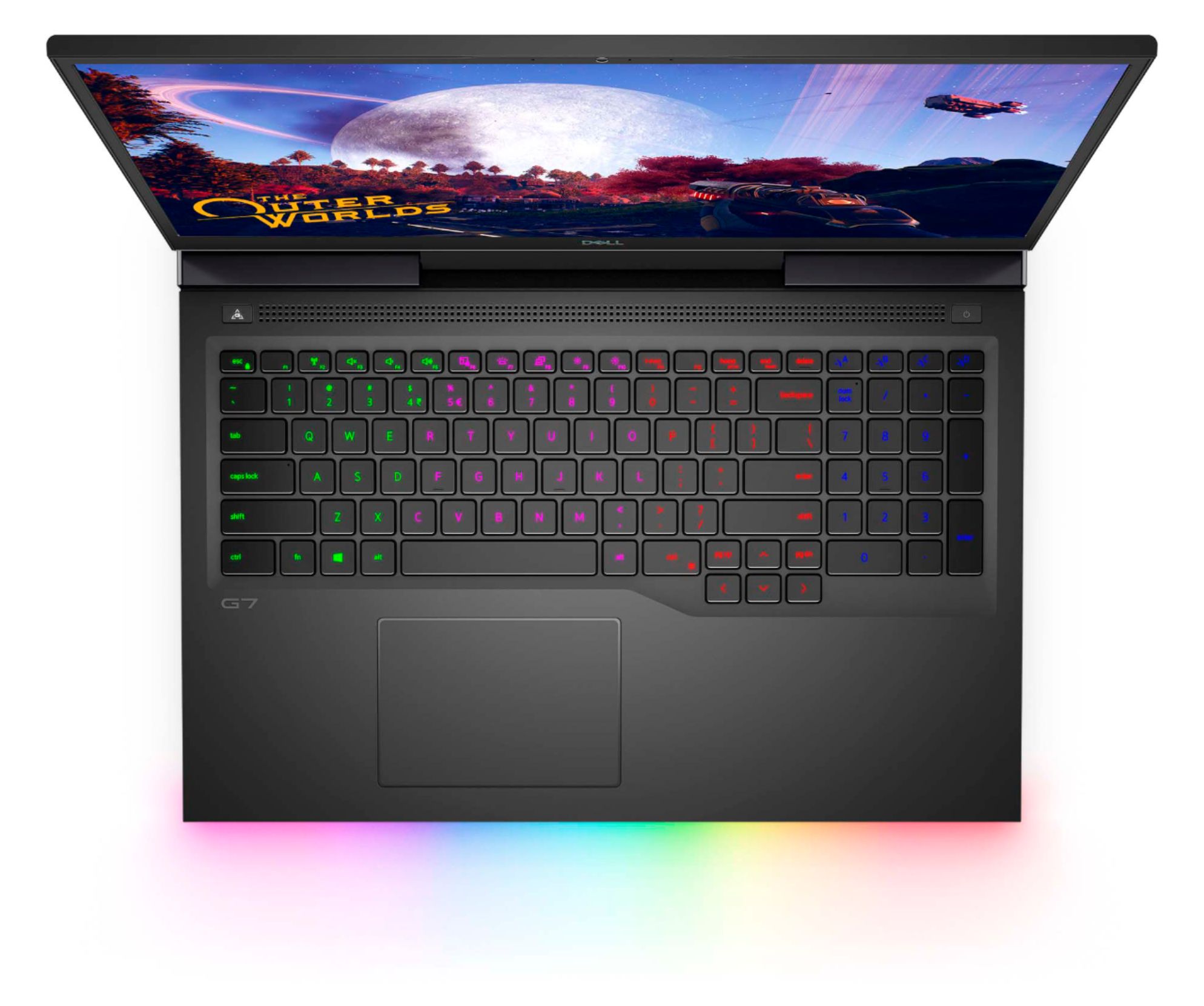

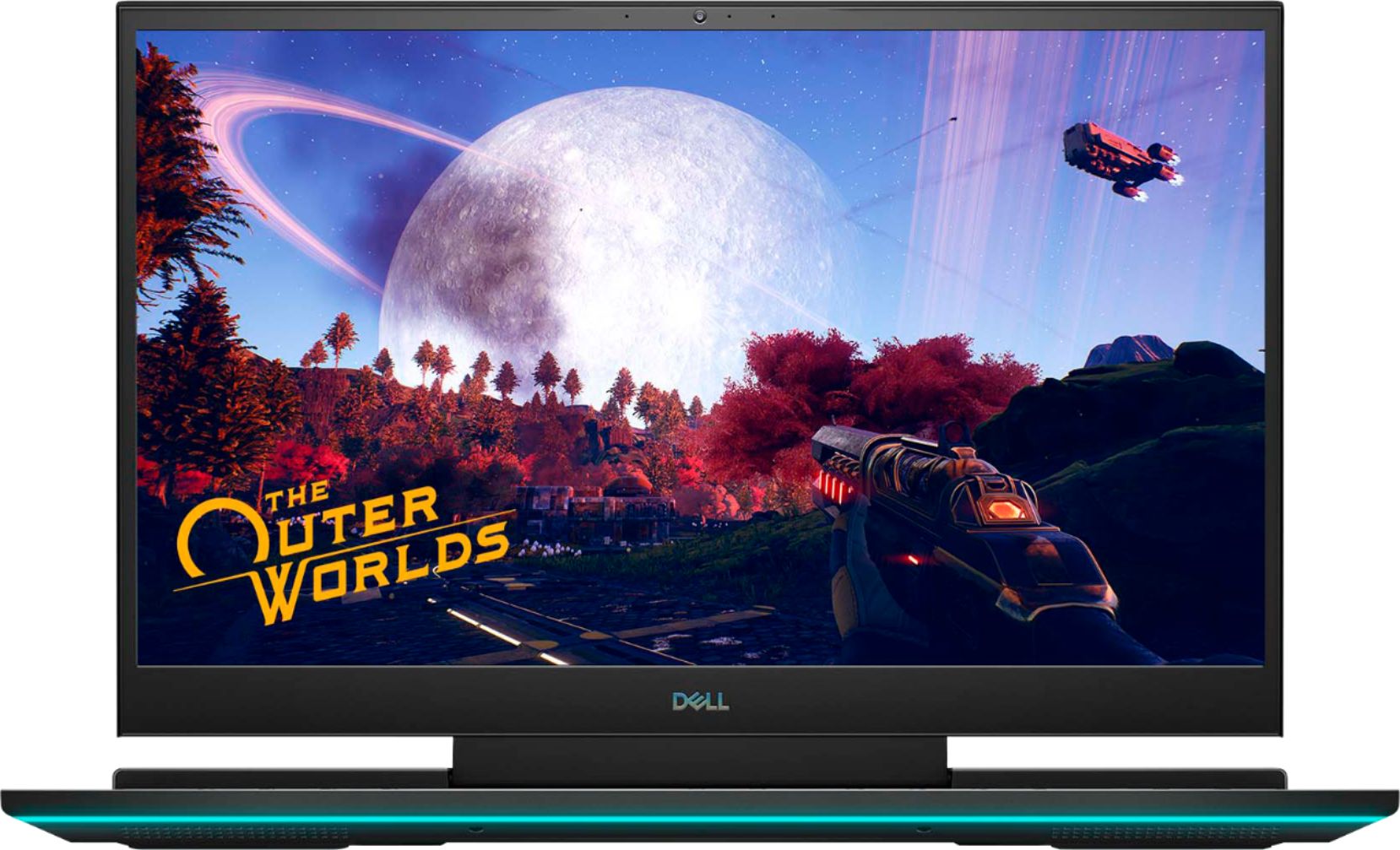

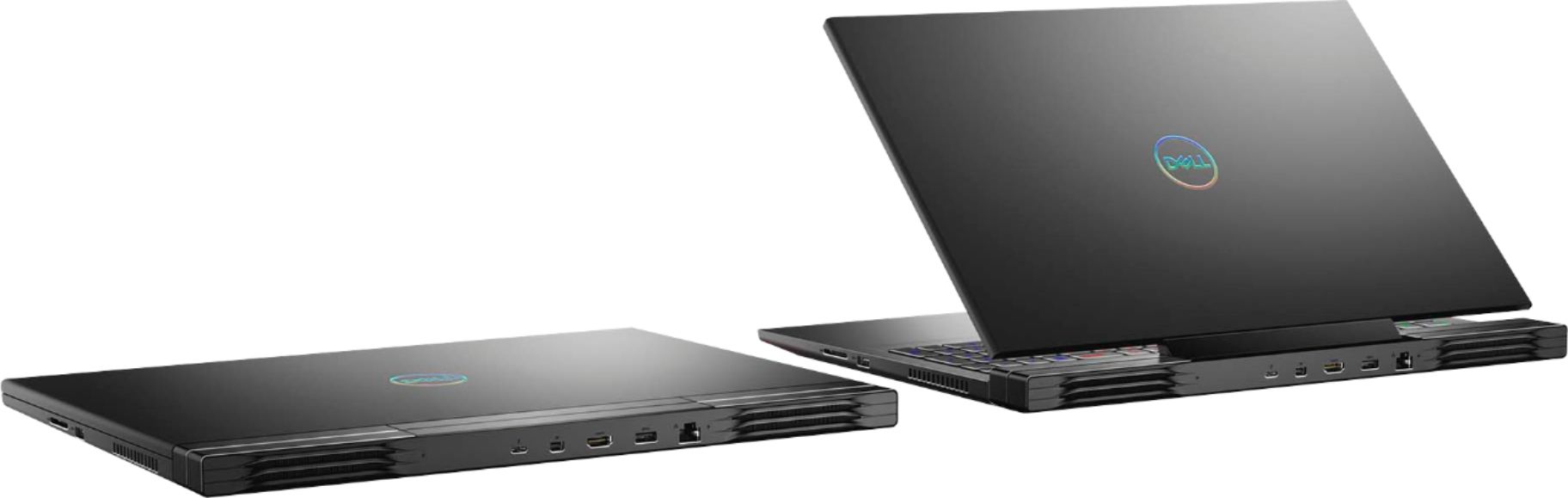


- Model:
- G7700-7231BLK-PUS
- SKU:
- 6416473
Rating by feature
- Battery Life
Rating 4.2 out of 5 stars
- Speed
Rating 4.6 out of 5 stars
- Display
Rating 4.8 out of 5 stars
Customers are saying
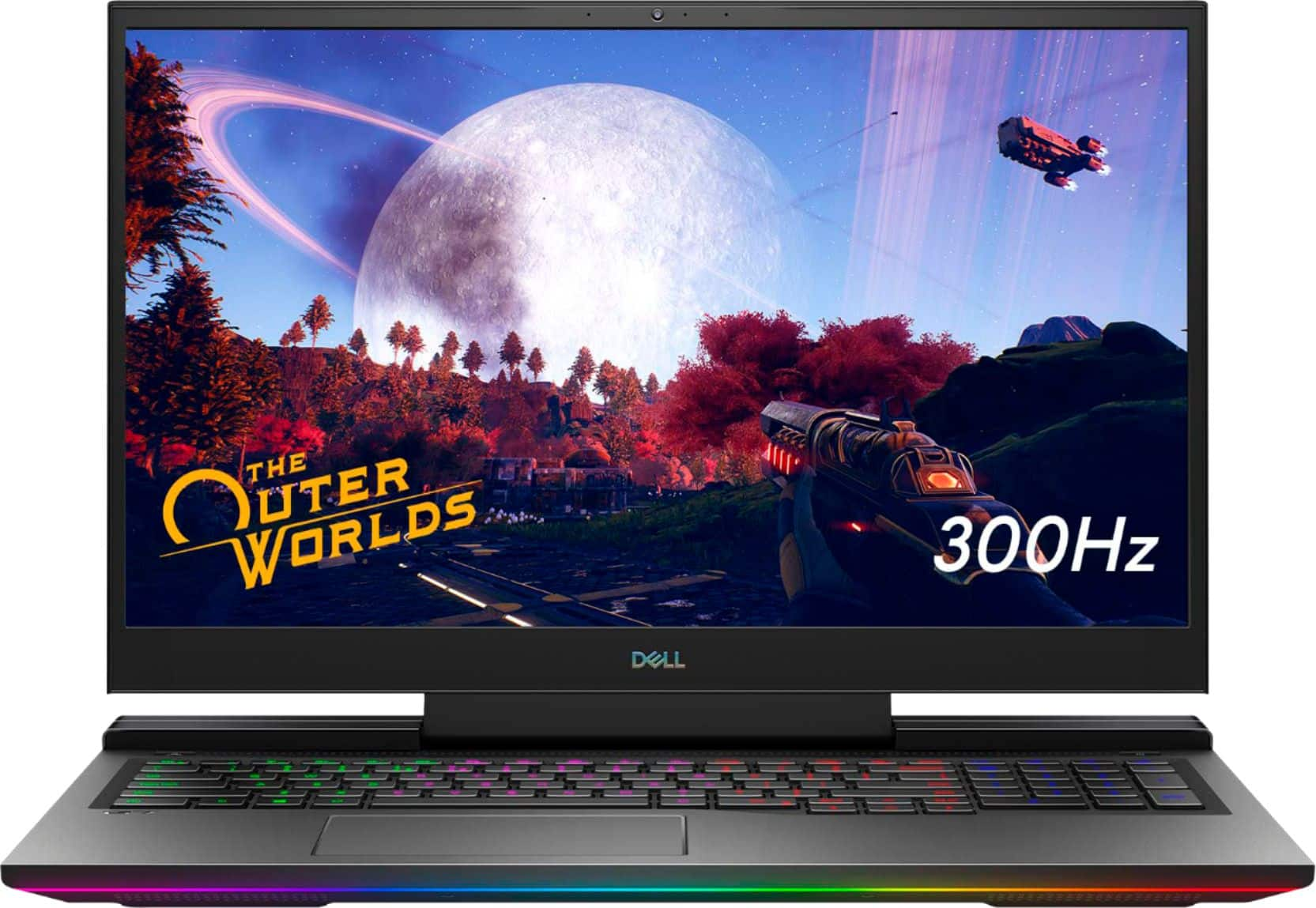
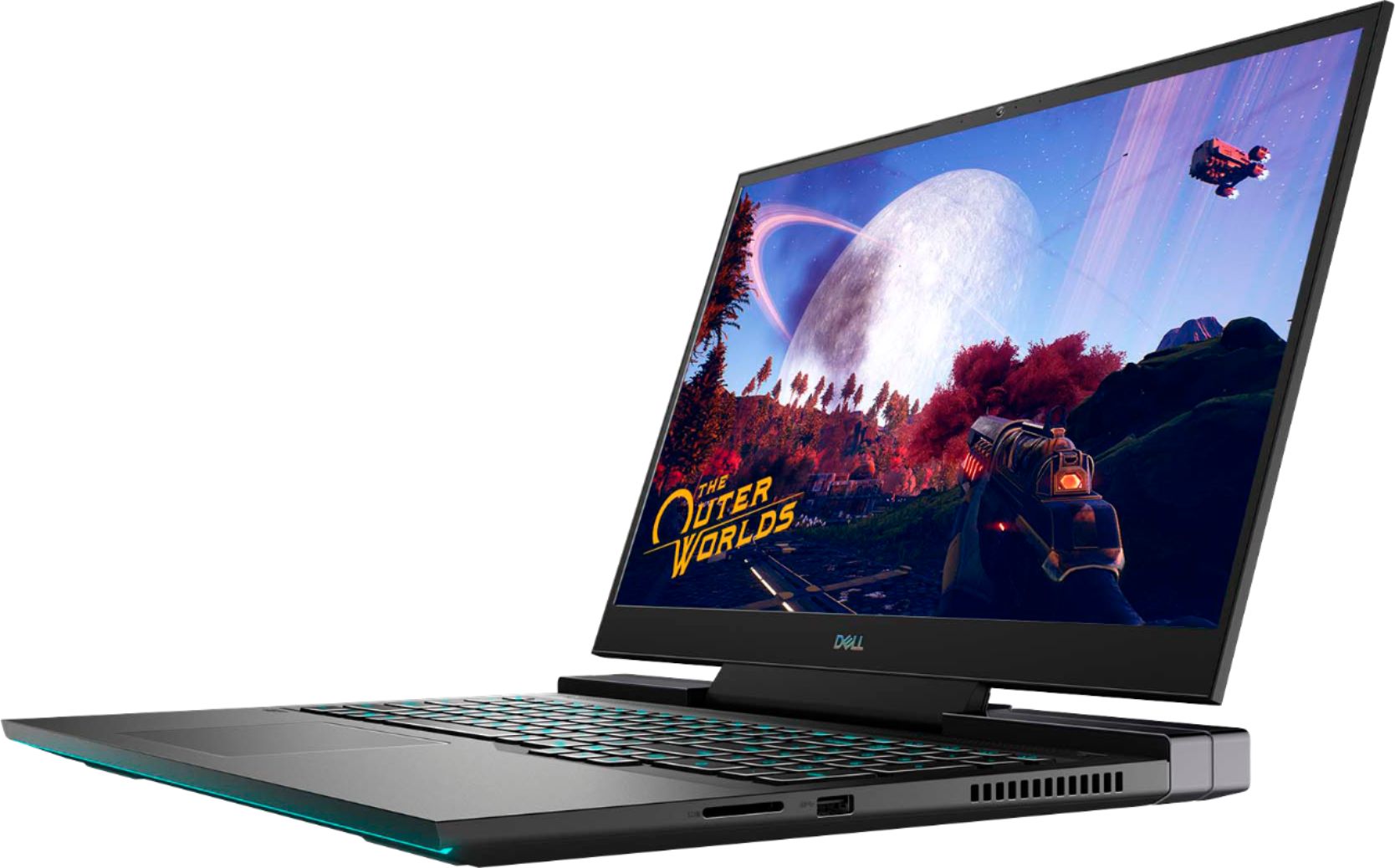
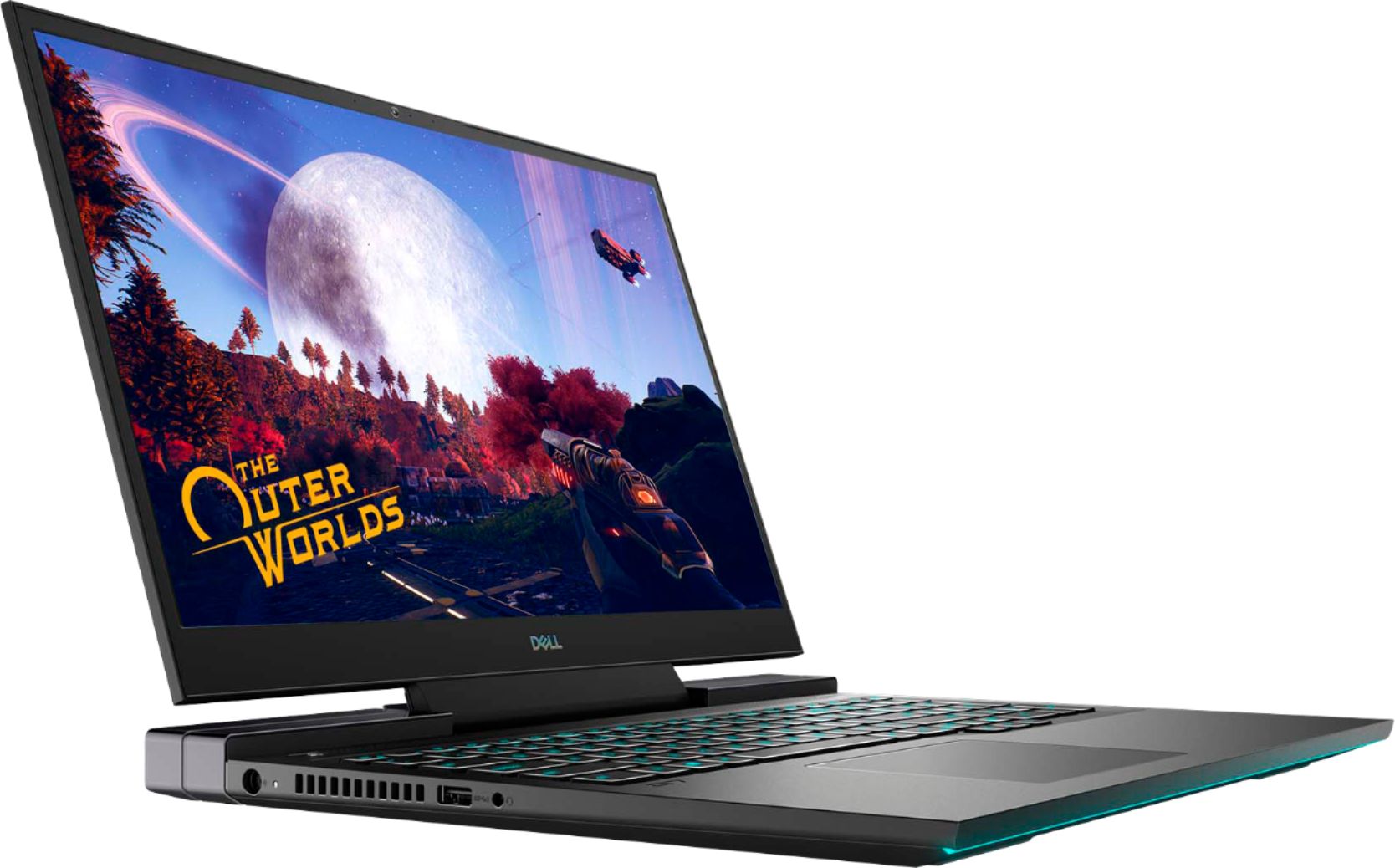
Customers regard the G7 17.3" gaming laptop favorably for its performance, large screen size, and impressive graphics capabilities, with many also praising the high refresh rate and RGB keyboard. However, significant concerns exist regarding overheating and loud fan noise, while some users also mentioned the limited SSD storage and the laptop's considerable weight. The build quality received mixed reviews, with some finding it solid while others did not. Despite some negative feedback, the price point was generally considered reasonable.
This summary was generated by AI based on customer reviews.
bad experience for me.
||Posted . Owned for 1 month when reviewed.This reviewer received promo considerations or sweepstakes entry for writing a review.The mouse pad did not work after I used it for 5 minutes. had to use an external keyboard. did not run Fortnite very well in spite of the fact that it supposedly exceeds the minimum system requirements for the game.
No, I would not recommend this to a friendBrand response from YourDellTeam
Posted .Hello,
Thank you for sharing your review. We apologize for the issues you have with your touchpad and the gaming performance of your G7. Here is a link that should help when it comes to the functionality of your touchpad - http://dell.to/2KB2shp. To maximize your gaming experience, we recommend you open and run the SupportAssist application. It is a set of tools that will install system updates and drivers, diagnose hardware and software, and optimize your system performance and network all with the press of a button.
1. Restart your computer regularly
2. Run the automated tools provided in the SupportAssist tool
3. Run a complete hardware diagnostic test
4. Scan your computer for malware
5. Restore your Dell computer using Windows System Restore
6. Reinstall Microsoft Windows
7. We'd also suggest checking to make sure that your software and drivers are up to date - https://dell.to/3tAQ4PI.
With the latest firmware installed, you should expect the most stable up-to-date experience. If the issues persist, you are more than welcome to contact Dell support for further assistance at 1-800-264-9896.
Sincerely,
Wendy C.
https://bit.ly/DellSupportTeam.
Phone number to Dell: 1-800-264-9896.
- Pros mentioned:Screen sizeCons mentioned:Weight

Maannnn this thing is fast!
|Posted .This reviewer received promo considerations or sweepstakes entry for writing a review.Setup is standard like all laptops, but once it gets going it's beautiful! The screen is very wide, bright, and adaptive per your settings, and there is an auto-optimization mode for when games are recognized. I always appreciate the keyboards having a separate Numpad. This one also has customizable backlighting. Typing is also quite to the touch. Battery life seems good for now, I'll see after a year how it holds up. Not very light but if it's a gaming laptop, it will most likely sit on my desk most of the time. All in all Good Purchase!
I would recommend this to a friend - Cons mentioned:Weight
Runs too hot!
||Posted . Owned for 4 months when reviewed.This reviewer received promo considerations or sweepstakes entry for writing a review.It’s a gaming laptop so I expect it to be heavy. The problem is the CPU temp hitting 100C and performance throttling. Needless to say, I returned it
No, I would not recommend this to a friendBrand response from YourDellTeam
Posted .Hello,
Thank you for taking the time to share your feedback and response. We apologize for the thermal issue you're experiencing with your G7 and we would love to help right away.
Here are some tips that can help prevent overheating from happening if needed in the future:
1. Ensure that you're running the latest BIOS. An out-of-date BIOS can cause thermal's issues. You can download the update here - https://dell.to/2WNIVRw.
2. Prioritize cooling by opening the Alienware Command Center application and select the 'Cool' thermal profile.
We recommend following the steps above to resolve your overheating issue if needed in the future. If you have any questions or concerns, please contact our support team here: https://bit.ly/DellSupportTeam.
Best,
Wendy C.
https://bit.ly/DellSupportTeam.
Phone number to Dell: 1-800-264-9896.
- Cons mentioned:Weight
Excellent Gaming Laptop
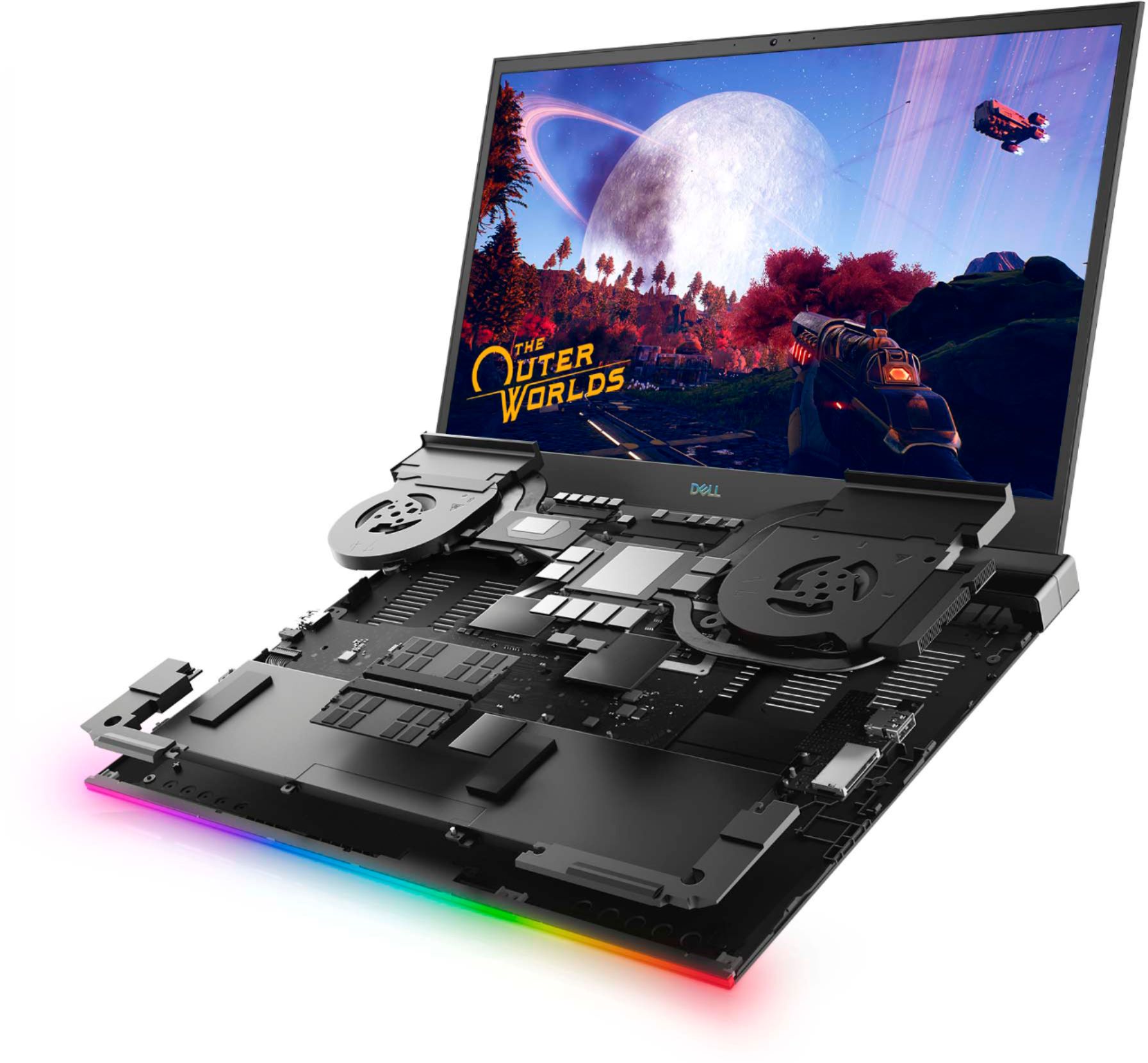
|Posted .This reviewer received promo considerations or sweepstakes entry for writing a review.In the shipping package is the Laptop (well packaged for shipping to prevent damage) and the power cord. Out of the box, I was not prepared for the weight of the laptop or the weight of the power cord. The power cord is huge and heavy so I would highly recommend a sturdy backpack/travel bag to not only protect the laptop but to distribute the weight of the power cord. I was pleasantly surprised to see the smooth outer design of the laptop as it has a very nice outward appearance. I am pretty sure there will be a lot of comments made about the exterior design and how great it looks (while out in public when the time comes). While opening the lid, I noticed right away the gap between the screen and the base of the laptop and I love it. It literally looks like I am sitting in front of a keyboard and desktop monitor. I appreciate this design because one the monitor and the keyboard base stay cool and when closed the exhaust vent also closes preventing external debris. The sound is great! I barely have it turned up and the sound fills the room. It does have a combination jack and Bluetooth capabilities (up to three audio Bluetooth devices can be connected at once). Gaming resolution was set to the highest setting while playing Call of Duty-Modern Warfare, Call of Duty-Cold War, Battlefield 5 and Over Watch and all of the games played very well. The frame rate stayed at a steady 60fps and the highest FPS that was seen while playing was right around 119. I love that the intake fans are on the bottom and the air blows out the sides of the laptop. I would definitely keeping this on a desk or table for optimum performance while gaming and maybe everywhere else for emails and other tasks. Battery Life is great for normal computing, I was able to get up to 16 hours. Gaming, so far, I get the low battery message at 3-3.5 hours with Bluetooth headphones. Overall, I think this is a great gaming laptop. I would highly recommend to friends and family and I can honestly say that I would probably purchase this particular model again.
I would recommend this to a friend - Pros mentioned:Performance, Screen size
Gaming on the Go
|Posted .This reviewer received promo considerations or sweepstakes entry for writing a review.Right out of the box I could tell this was going to be an awesome experience. The screen is fantastic. The colors are incredible. I plugged it in and turned it on and was greeted with the setup wizard. The wizard gets you set up quickly and helps you customize some settings right away. You can spend a longer time modifying everything but I wanted to get right in and test this system out. I was not disappointed. After going through the initial setup to get the laptop up and running, I next found the settings so I could tweak my gaming experience. I was able to set the lights and keyboard layout as i wanted. I probably spent more time then necessary on this step, but I could not help myself, it was great seeing just how unique I could make my settings. Once these steps were to my satisfaction I was ready to truly test this out. I was again very impressed. A few minutes into my gaming I could already appreciate the lid design and the way it hinges up off the base to allow for the fans to do their magic to keep things cool. While the laptop is big, may not fit in most standard backpacks, it is thin and not overly heavy. Well done Dell, by keeping it thin and as lightweight as possible. I have yet to experience any lagging processing. This computer definitely keeps up. I can also use it for regular office work and photo and video editing. 4 The lights are a great extra touch. I love being able to customize my mood and setting depending on what i am doing (gaming or work). The power adapter also turns BLUE when plugged in to the wall, so you may not want to charge this in your bedroom when trying to sleep. This laptop boots up very fast, you do not have to wait around while system software loads. It also has a dedicated button to switch right into Alienware Gaming mode. I have not experienced any heat issues, after several hours of continuous use it was not overly hot. Some laptops I have had get super hot after short amount of use. But I did not have any issues with heat.... well done Dell.
I would recommend this to a friend - Pros mentioned:Screen size, SpeedCons mentioned:Heat
So good I got a 2nd one
|Posted .This reviewer received promo considerations or sweepstakes entry for writing a review.So this is A bit different. I liked this so much I have 2. Games on this Dell Is fast and smooth. I runs warm but a good laptop cooler keeps temps down. and just have airflow makes a world of difference. Media watching is also very good. The biggest thing Is that the 300 hz screen on 1080p is good for basic games no triple A games run that fast. but cool feature. Oh and Playing on my Epson projector with hdmi Out. Has been a real joy. Amazing gameplay. Will upload images of gmaeplay!
I would recommend this to a friend - Pros mentioned:Screen sizeCons mentioned:Weight
monster laptop
|Posted .This reviewer received promo considerations or sweepstakes entry for writing a review.Punchline up front: big heavy laptop that can play Cyberpunk on medium ray tracing at 60 fps. Typing: Full-size keyboard with decent key travel. It's not as shallow as the Apple butterfly keys (which is a good thing), but it's also not as deep as a Thinkpad. Having the real estate, there's also a full size num pad Gaming: The G7 is a gaming laptop, but really, it's a desktop with a screen attached. It weighs 6.8 lbs, but in real world talk, my bag feels HEAVY when the laptop and the equally large power brick are inside. That being said, the SSD and 2070 card load up Cyberpunk even faster than my desktop which as an AMD Ryzen chip in it. I can easily play on medium ray tracing with no hiccups. Battery life: this is where the G7 loses some points with me. All that power comes at a heavy price, as the batteries were easily dying in 4-5 hours when playing games. Then again, with the size/weight of this system, I can't imagine it being toted around to a coffee shop for some light browsing, so it serves its purpose Ports: There are ports galore. SD, thunderbolt 3, HDMI, mini display. I don't need to use a dongle because there are enough ports for my needs Overall: if you're looking for a gaming laptop that can handle the latest games well, then this is it. The screen is 1080 but can play 4K if you use the HDMI output. 17 in screen with good color representation, so photoshop/lightroom worked well. I actually preferred using this for work over my Surface because having a full size keyboard and 17in screen was much more comfortable for me as long as I didn't need to be moving around a lot.
I would recommend this to a friend not as good as xbox and cost more.
||Posted . Owned for 1 month when reviewed.This reviewer received promo considerations or sweepstakes entry for writing a review.It was a lot smaller then my Alienware (that is nice fits on my desk), but it wont play games either. Much prefer my xbox.
No, I would not recommend this to a friendBrand response from YourDellTeam
Posted .Hello Jack,
Thank you for your review. We are sorry to learn that your G7 didn't meet expectations. We really do appreciate your feedback and will use it to help improve our current and future products. We would love to assist you with any troubleshooting needs for your gaming issues but would need a little more information. For further assistance, please visit the support page of your product - https://dell.to/346uhEE.
Best regards,
Wendy C.
For further assistance, you can contact Dell directly with the information below Chat or Call:
https://bit.ly/DellSupportTeam.
Phone number to Dell: 1-800-264-9896.
Frying pan
||Posted . Owned for 2 months when reviewed.This reviewer received promo considerations or sweepstakes entry for writing a review.Overheated immediately upon use, even after all windows, dell, and nvidia driver updates. Avoid, thermal throttling inside.
No, I would not recommend this to a friendBrand response from YourDellTeam
Posted .Hello Krognar,
We are sorry to hear you are experiencing difficulties managing your thermals. Keep in mind that our systems are designed to deliver peak performance while meeting Intel 10th Generation guidelines and not exceeding 100 degrees celsius. If this it too warm for comfort and you wish to prioritize cooling, we recommend you switch to the 'Cool' mode within the Alienware Command Center pre-installed in your system. This will prioritize system temperature and increase the overall cooling potential.
Best Regards,
Anthony P.
- Cons mentioned:Heat
Overheating
||Posted . Owned for 4 months when reviewed.This reviewer received promo considerations or sweepstakes entry for writing a review.This thing is horrible. All it does is get hot and lag very badly.
No, I would not recommend this to a friendBrand response from YourDellTeam
Posted .Dear Bbut9337,
We want to thank you for your valued feedback. We apologize for the overheating and performance issues you are encountering with your Dell G7 7700 Gaming Laptop. Below I have provided steps with the full article that can help you troubleshoot and resolve overheating issues. We also suggest making sure all drivers and downloads are up to date on your system, the BIOS in particular. I have given you a link to the Drivers and Downloads Page for your PC, so you can check for and do any applicable updates.
1. Check and clean air vents.
2. Provide proper ventilation.
3. Run a hardware diagnostic test.
4. Update the BIOS and device drivers.
5. Download and install Microsoft Windows Updates.
6. Run optimize my computer using Dell Support Assist.
7. Limit startup programs.
8. Scan your computer for malware.
You can read the full article here: https://dell.to/33NYLLE
Drivers and Downloads Page: https://dell.to/3GZ8Zef
I have also included the Maximizing your Gaming Performance article below for additional troubleshooting.
Maximize your Gaming Performance: https://dell.to/37vV0gt
If you still experience these issues after you've finished troubleshooting and installing the updates, please reach out to us directly at 1-800-624-9896 or https://bit.ly/DellSupportTeam.
Sincerely,
Ashley@Dell
Should you need further assistance, you can contact Dell directly with the information below.
Chat or call: https://bit.ly/DellSupportTeam
Phone number to Dell 1-800-624-9896
- Cons mentioned:Heat
G7
||Posted .This reviewer received promo considerations or sweepstakes entry for writing a review.a good laptop but got super hot while gameing around 95 to 100C ended up returning it
No, I would not recommend this to a friendBrand response from YourDellTeam
Posted .abreen,
Thanks for your review and we're sorry to hear about the overheating that you experienced with your laptop. There is actually a BIOS update and some troubleshooting steps on this page that would have helped: https://dell.to/3jgQlm6.
We're sorry to hear that you decided to return your computer but we hope that you'll choose Dell again in the future.
Best,
Bryan
1-800-624-9896
- Pros mentioned:Graphics, Speed
Big and Powerful
|Posted .This reviewer received promo considerations or sweepstakes entry for writing a review.I’m am over the moon with my Dell G7 gaming laptop. If its size and power that you are looking for then this has everything you are looking for. I easily set up this laptop in under half an hour with not a single issue. One of the best setup experiences I have ever had. The Dell G7 is like no other PC I have owned, the graphics are excellent, sound quality is great and its ability to process information is second to none. I’m big into simulation games such as flight simulation and due to the size and processing speed of this laptop I have never experienced anything like it. The color saturation is top notch making things look completely life like. Even with external screens linked in to this PC it seems to have not even a millisecond of lag. I can see me using this laptop for years to come. It does everything well and makes my outgoing laptop amateur at best. I will definitely be recommending this laptop to friends and family.
I would recommend this to a friend Let down
||Posted . Owned for 1 week when reviewed.This reviewer received promo considerations or sweepstakes entry for writing a review.Had to return. I've been a tech for many years to give some background. Loaded 2 games through steam and the entrie system continuously crashed. Dell cut too many corners with this one unfortunately.
No, I would not recommend this to a friendBad laptop
||Posted . Owned for 1 month when reviewed.This reviewer received promo considerations or sweepstakes entry for writing a review.Had consistent hardware issues not even a month old. Constant video card blue screens. Dell came to fix it sent wrong part and wouldn't even have a new part for 3 weeks. Trash computer and not to mention best buy never answers their phones
No, I would not recommend this to a friendBrand response from YourDellTeam
Posted .Cameron,
Thanks for your review and we're sorry to hear about the issues that you're having with your new computer. Here are the steps to diagnose your Blue Screen Errors:
1. At the desktop, click the Search the web and Windows box and type "problem reports".
2. Select View all problem reports to view a list of errors that have occurred on your computer and possible solutions for them, such as updating drivers, flashing your system BIOS, or checking for updates to the software.
3. Under the Source column, look for Windows and under Summary, look for Shut down unexpectedly.
4. Right-click the line item and select Check for a solution.
We'd also suggest checking to make sure that your software and drivers are up to date on Dell's Product Page - https://dell.to/2SLc49e.
You can read the full article here - http://dell.to/2u98Cct.
We'd also recommend that you check this BIOS Update and troubleshooting page for your computer: https://dell.to/3jgQlm6.
Best,
Bryan
1-800-624-9896
Very poor design
||Posted . Owned for 8 months when reviewed.This reviewer received promo considerations or sweepstakes entry for writing a review.Very poor design. After a few months, the lid started getting hard to open and close and the hinge just snapped. I took it in for repair and was told that their poor design is not covered under warranty and would cost more to fix then I paid for it.
No, I would not recommend this to a friend- Pros mentioned:Graphics
First gaming laptop- very impressed
Posted .This reviewer received promo considerations or sweepstakes entry for writing a review.Excellent gaming laptop overall. The rgb settings are very impressive. I mostly used this laptop for photo editing and some light gaming such as minecraft. I never had an issue with it lagging, the graphics are really good for photo editing. Very impressed for my first gaming laptop
I would recommend this to a friend Great Specs, immensely flawed software
||Posted . Owned for 1 month when reviewed.This reviewer received promo considerations or sweepstakes entry for writing a review.the game boost button some how crashes the gpu, games switch from the dedicated gpu to integrated. thats the "random frame drops" people mention its the 2070 literally turning off
No, I would not recommend this to a friendBrand response from YourDellTeam
Posted .Jackdome,
Thanks for your review and we're sorry to hear about this performance issue on your new computer. There is a BIOS update as well as some troubleshooting tips on this page: https://dell.to/3jgQlm6. We hope this helps your computer perform the way you wanted it to.
Best,
Bryan
1-800-624-9896
Bad laptop choose
||Posted .This reviewer received promo considerations or sweepstakes entry for writing a review.It’s hasn’t worked properly since I got it the sound is all messed up and it switches to air plane mode constantly for over a grand not worth it at all and the customer service at this location was very poor thanks!
No, I would not recommend this to a friendBrand response from YourDellTeam
Posted .Hello Chris,
Thank you for your input and review. We apologize for the issues you have encountered with your audio input and the airplane mode of your G7. Below, we have provided steps you can use to troubleshoot your audio.
1. Click Start and select Settings (gear icon).
2. Click Update & Security and select Troubleshoot.
3. Click Recording Audio and then click Run the troubleshooter.
4. Follow the on-screen instructions to complete the troubleshooting process.
5. This link can also help when identifying your audio issues: http://bit.ly/3gnBhT3.
If you still run into issues with the airplane mode switching on automatically, this link can assist with more details and troubleshooting steps - http://dell.to/2sLtwRh.
Best regards,
Wendy C.
For further assistance, you can contact Dell directly with the information below Chat or Call:
https://bit.ly/DellSupportTeam.
Phone number to Dell: 1-800-264-9896.
- Pros mentioned:Speed
Bulky but quality gaming experience
|Posted .This reviewer received promo considerations or sweepstakes entry for writing a review.In terms of offering a quality gaming experience, this laptop absolutely does that. I have to start off with the Intel Core i7 and NVIDIA GeForce RTX 2070 graphics card. Right off the bat, you're doing pretty well with these. I honestly don't see the point of investing in a gaming laptop if you you're not going for an i7 processor. It truly does make a difference, especially when you factor in the beautiful HD viewing paired with that graphics card. It also has way more ports than I'm used to seeing on any kind of laptop (in large part I'm sure because of the size of this thing...it allows for a lot more than most of today's computers). Now, let's be clear, this is NOT the laptop you buy if you're looking for true portability. It's obviously better than a desktop if you want to be able to take it with you and maybe game with some friends. However, it is bulky by just about anyone's standards for laptops today, and that is why I took 1 star off of the review. I get it, it's got a ton packed into it and delivers on the gaming experience it promises. But I'm willing to bet in the next year or two that this computer will still able to offer all of the features it has now but do it in a smaller package. I love it and recommend it as a great gaming computer. But if you want something lighter and easier to move around or take on the go, you'll want to keep looking.
I would recommend this to a friend Razor sharp edges and corners.
||Posted . Owned for 1 month when reviewed.This reviewer received promo considerations or sweepstakes entry for writing a review.Really nice laptop in every way except for the razor sharp edges and corners making it painful to hold it carry. I've nearly lost blood on the corners when accidentally bumping into it.
No, I would not recommend this to a friend