Customer Ratings & Reviews




- Model:
- G7700-7231BLK-PUS
- SKU:
- 6416473
Rating by feature
- Battery Life
Rating 4.2 out of 5 stars
- Speed
Rating 4.6 out of 5 stars
- Display
Rating 4.8 out of 5 stars
Customers are saying
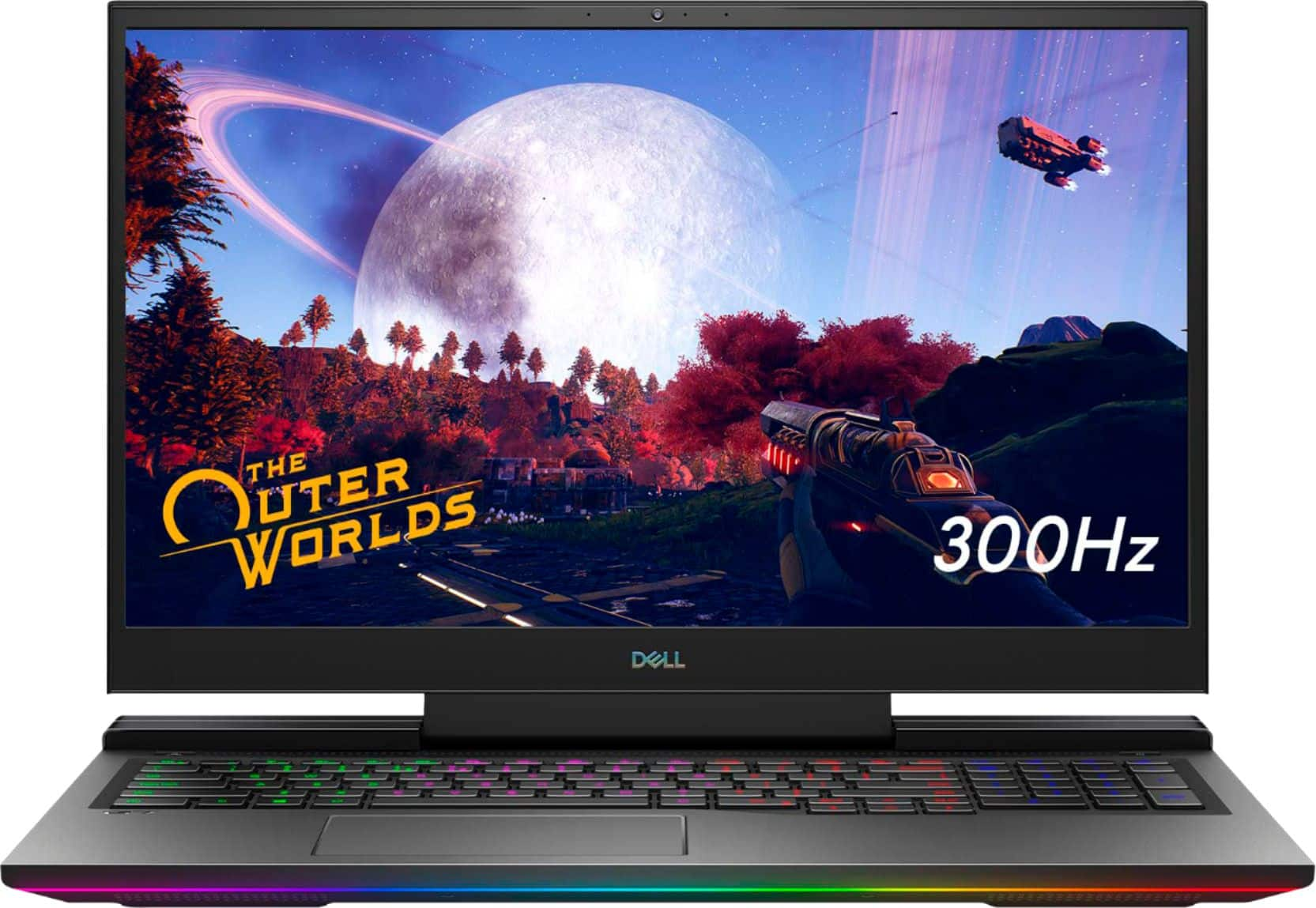
Customers regard the G7 17.3" gaming laptop favorably for its performance, large screen size, and impressive graphics capabilities, with many also praising the high refresh rate and RGB keyboard. However, significant concerns exist regarding overheating and loud fan noise, while some users also mentioned the limited SSD storage and the laptop's considerable weight. The build quality received mixed reviews, with some finding it solid while others did not. Despite some negative feedback, the price point was generally considered reasonable.
This summary was generated by AI based on customer reviews.
Meh
||Posted . Owned for 2 months when reviewed.This reviewer received promo considerations or sweepstakes entry for writing a review.Overheats too easily and cooling system is bad. Would recommend for work only really.
No, I would not recommend this to a friendBrand response from YourDellTeam
Posted .Shadow,
We're sorry to hear about the overheating on your computer. We'd recommend that you update the BIOS for your computer from this page: https://dell.to/3jgQlm6. This new BIOS should help your computer's temperature cool down.
Best,
Bryan
1-800-624-9896
Bad Buy
||Posted . Owned for 3 months when reviewed.This reviewer received promo considerations or sweepstakes entry for writing a review.Charger stopped working after 3.5 months. Contacted Best Buy and they said charger not covered under warranty & to go buy a new one.
No, I would not recommend this to a friendBrand response from YourDellTeam
Posted .Dear UnhappyCustomer,
Thank you for taking the time to leave us your review. We apologize for the trouble you have had with the charger for your Dell G7. Below, I have provided a link to an article to help troubleshoot PSU issues.
How to troubleshoot AC Adapter issues: https://dell.to/3yCUjwM
After utilizing the troubleshooting option provided, if the problem persists, please reach out to our support team here: https://bit.ly/DellSupportTeam.
If you require further assistance, you can contact Dell directly with the information below.
Chat or call: https://bit.ly/DellSupportTeam
Phone number to Dell 1-800-624-9896
Best,
Ashley@Dell
Bad and hot
||Posted . Owned for 3 months when reviewed.This reviewer received promo considerations or sweepstakes entry for writing a review.This laptop overheats absurdly due to the cooling system being shared. I do not recommend this laptop to anyone using it for gaming whatsoever.
No, I would not recommend this to a friendBrand response from YourDellTeam
Posted .Hello,
Thank you for your review. We are sorry to hear that your laptop is running a little warmer than you would like. Your feedback is sincerely appreciated. If system thermals are of concern, you can prioritize cooling by opening the Alienware Command Center and select the 'Cool' thermal profile. We would recommend ensuring that the latest BIOS is installed on your system. There was a BIOS update for this series released last week and you can download the update here - https://dell.to/3tAQ4PI. We hope this helps with any overheating issues that you are experiencing.
Best regards,
Wendy C.
For further assistance, you can contact Dell directly with the information below Chat or Call:
https://bit.ly/DellSupportTeam.
Phone number to Dell: 1-800-264-9896.
crap junk
||Posted . Owned for less than 1 week when reviewed.This reviewer received promo considerations or sweepstakes entry for writing a review.Piece of junk down clocks and overheats when playing low graphic games , not a gaming laptop in anyway
No, I would not recommend this to a friendBrand response from YourDellTeam
Posted .Dear Valued Customer,
We're sorry to ear about the temperatures on your computer. There is a new BIOS update and several troubleshooting steps for your computer that you can find on this page: https://dell.to/3jgQlm6.
Best,
Bryan
1-800-624-9896
Just buy a Tower
||Posted . Owned for 3 weeks when reviewed.This reviewer received promo considerations or sweepstakes entry for writing a review.Just buy a Tower instead of this, a tower runs better and this laptop gets mega hot when trying to run medium to large demeaning games
No, I would not recommend this to a friendBrand response from YourDellTeam
Posted .Hello MarkLewis,
Thanks for your review. We are sorry to hear that your laptop is running a little warmer than you would like. If system thermals are of concern, you can prioritize cooling by opening the Alienware Command Center application that came pre-installed with your device and select the 'Cool' thermal profile.
Below are steps that can help with overheating in the future.
1. Dell does not recommend placing portable systems directly on your lap. Due to reductions in the thickness of modern portable systems, heat transfer can be an issue.
2. Using a portable system (Laptop) on a hard, flat, non-cloth surface will increase airflow and reduce heat from underneath and inside the system.
Using the portable system on a blanket, pillow, or other types of cloth will cover up the fan cause the computer to overheat and can cause permanent damage.
3. It is recommended to use the portable system in a Room temperature of 0°C to 35°C (32°F to 95°F) with a Humidity level no greater than 90%.
4. Use compressed air to clean the vents on a regular basis.
5. Using a cooling pad can decrease heat and increase performance.
6. If you want to know the temperature limitations for your system, go to the Dell Support Website, look up your system model then open the user guide under the manuals link.
This article contains further details that can help with your overheating: http://dell.to/2uJ8AdG.
Best regards,
Wendy C.
Don’t buy
||Posted .This reviewer received promo considerations or sweepstakes entry for writing a review.Great specs poor execution. Very bad throttling, do not buy
No, I would not recommend this to a friendBrand response from YourDellTeam
Posted .Hello James,
We appreciate you taking the time to leave us your valued feedback. We apologize for the throttling issues you are having with your Dell G7. Below I have provided tips for troubleshooting this problem, along with a link to the full article should you need further information. We also recommend making sure your BIOS is up to date. I have given you a link to the Drivers and Downloads Page for your system so you can check for and do any applicable updates.
Tips for Proper Usage:
1. Dell does not recommend placing portable systems directly on your lap. Due to reductions in the thickness of modern portable systems, heat transfer can be an issue.
2. Using a portable system (Laptop) on a hard, flat, non-cloth surface will increase airflow and reduce heat from underneath and inside the system.
Using the portable system on a blanket, pillow, or other types of cloth will cover up the fan cause the computer to overheat, and can cause permanent damage.
3. It is recommended to use the portable system in a Room temperature of 0°C to 35°C (32°F to 95°F) with a Humidity level no greater than 90%.
4. Use compressed air to clean the vents on a regular basis.
5. Using a cooling pad can decrease heat and increase performance.
6. If you want to know the temperature limitations for your system, go to the Dell Support Website, look up your system model then open the user guide under the manuals link.
You can read the full article here - http://dell.to/2uJ8AdG.
Drivers and Downloads Page: https://dell.to/319oYGX
If you still experience this problem after you have finished troubleshooting your PC, please feel free to contact our support team here: 1-800-624-9896.
If you require further assistance, you can contact Dell directly with the information below.
Chat or call: https://bit.ly/DellSupportTeam
Phone number to Dell 1-800-624-9896
Best,
Ashley@Dell
- Pros mentioned:Performance
Well rounded beast
Posted .This reviewer received promo considerations or sweepstakes entry for writing a review.Have had it for 3 years now. It still works like its brand new. Very tough for carrying around and getting banged up. I take it everywhere. I’ve dropped it one and it only cracked the smallest piece of the side frame but the computer works the same. No problem running any game from apex to minecraft. Runs my business softwares with no problem. Just very big so you need to buy an appropriate sized bag or it will not fit.
I would recommend this to a friend - Pros mentioned:Screen size
Worth it but almost perfect
Posted .This reviewer received promo considerations or sweepstakes entry for writing a review.My only issue is in order to fully enjoy this laptop I had to replace the thermal paste. It's not to difficult on this laptop but if it was I would consider it a deal breaker because of how hard working on some laptops can be. I upgraded from an Acer Nitro 5 with a GTX 1650 in it and the difference is night and day. Its able to handle anything you can throw at it on High to Medium settings and in most cases you can run games on the highest settings I just like to go one below the highest. I upgraded the RAM but you really don't need to I just had the extra money when i was buying it. The RGB is pretty nice too you can mess with it and customize it in a lot of ways but I just like having it on when gaming. The screen is also top quality. I had a 75Hz monitor at home and this laptop made me realize I needed a better one because the laptop looked 10x better then my actual gaming PC at home. I'd recommend this at least 8/10 times and I will enjoy using it until and upgrade is needed hopefully not for a few years
I would recommend this to a friend 
5 star gaming machine
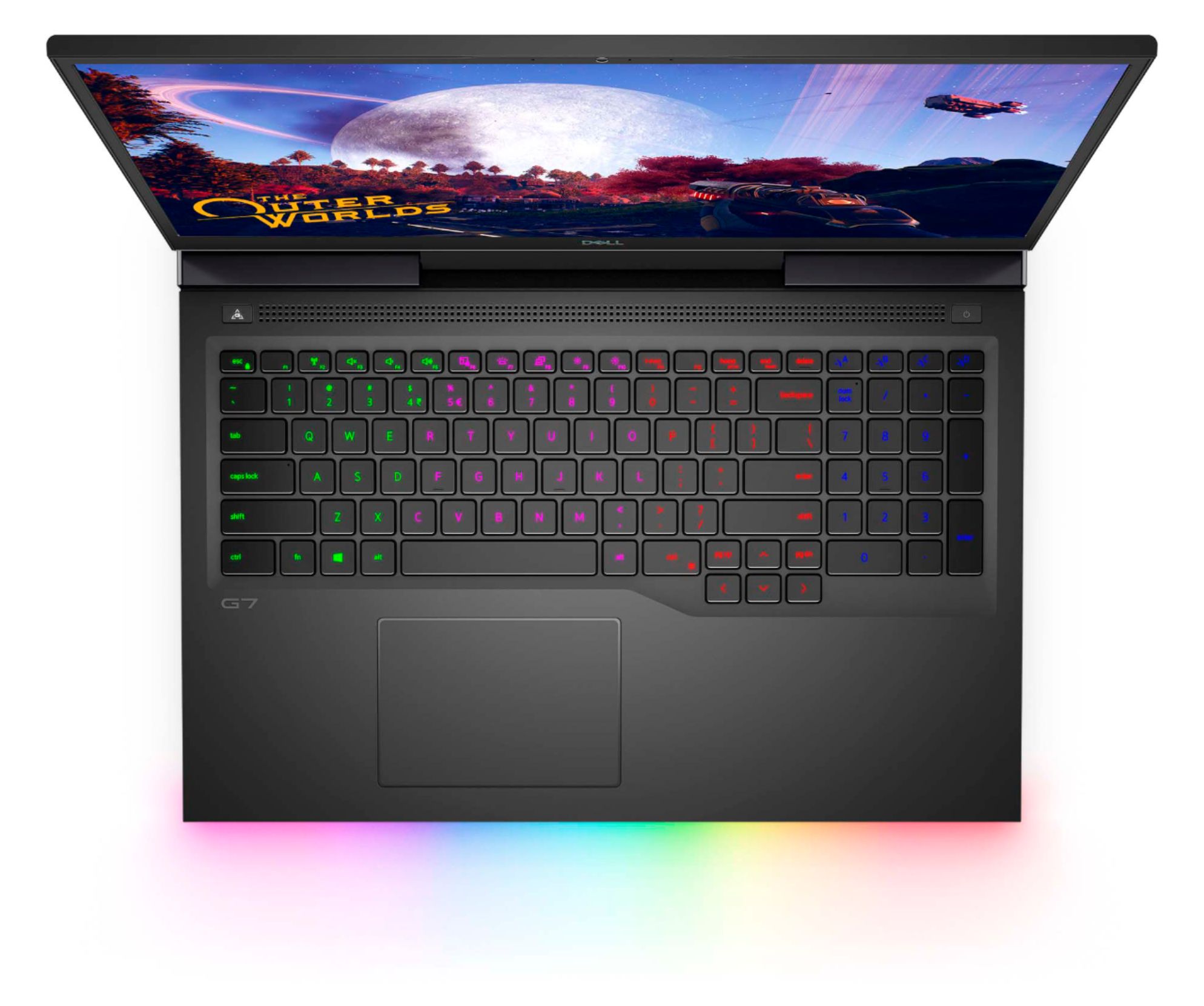
|Posted .This reviewer received promo considerations or sweepstakes entry for writing a review.This is a great gaming laptop, with a few shortcomings. Let's start with the not so good. Chicklet keys don't give very good tactile feel or response. As others have mentioned it gets VERY hot under long/extreme gaming sessions. At this time I'm not experiencing thermal shutdown, but it does affect FPS a little when hot. Dell software (Alienware Command Center) to change colors is wonky and not intuitive. Dell onboard software in general is clunky. For the mediocre: Battery life is ok, but not great when gaming. 2hours 4 minutes average from 100% to 5%. Watching Netflix, battery lasted 3 hours 58 mins from 100% to 5%. Not bad for streaming video Speakers are ok for a laptop. Tinny, no real bass, but useable. Funky location for track pad click buttons (and no mention of it anywhere). Left and right click are activated by pressing down on the trackpad at the left and right lower corners. For the good: Better than some desktops in the same price range. 512 SSD- Need I say more. Lighter than most 17 inch gaming laptops, making it very portable. Screen is awesome. Very sharp and defined, impressive for a laptop. Bluetooth connections for headsets/earbuds/headphones is easy to set up, lag free and you can set up multiple device connections. Specs are hard to beat, the RTX2070 graphics card is amazing. 16gb RAM no processor bottle necking. Wifi connection stayed solid and on line with my network speeds. Ethernet connection of course was faster. The trackpad has some neat features, but for gaming you really want a mouse. Definitely go into setting and disable the trackpad when a mouse is connected, or you'll be making moves you don't want to. WoW on ultra 98FPS, When raiding with lots of effects going on, the graphics card held up, only lowering to 51FPS. Dropping the settings a little and I'm sure it would stay above 60FPS no matter wheat you throw at it. Mechwarrior Online Averaging 53FPS on a mix of high and ultra settings Overwatch Ultra settings 78FPS CoD Ultra settings 38FPS. Mixing Ultra and high settings gets it to 69FPS This G7 will handle all your gaming needs for some time. When the G7 heats up, I experienced 4-6FPS drop. My concern about the heat issue becoming a problem later notwithstanding, it's a solid 5 star gaming laptop and I'd recommend it.
I would recommend this to a friendSubtle Desktop replacement
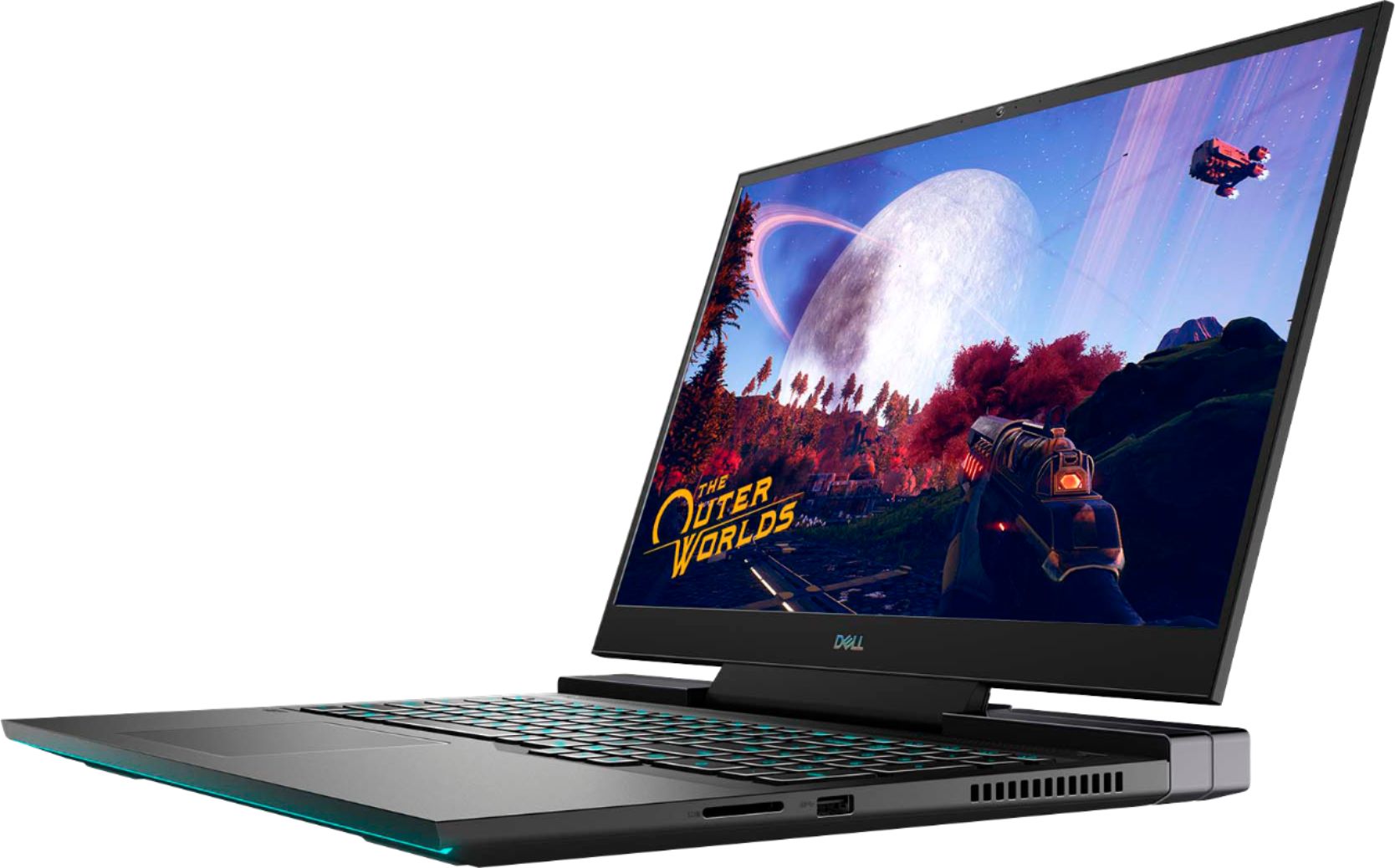
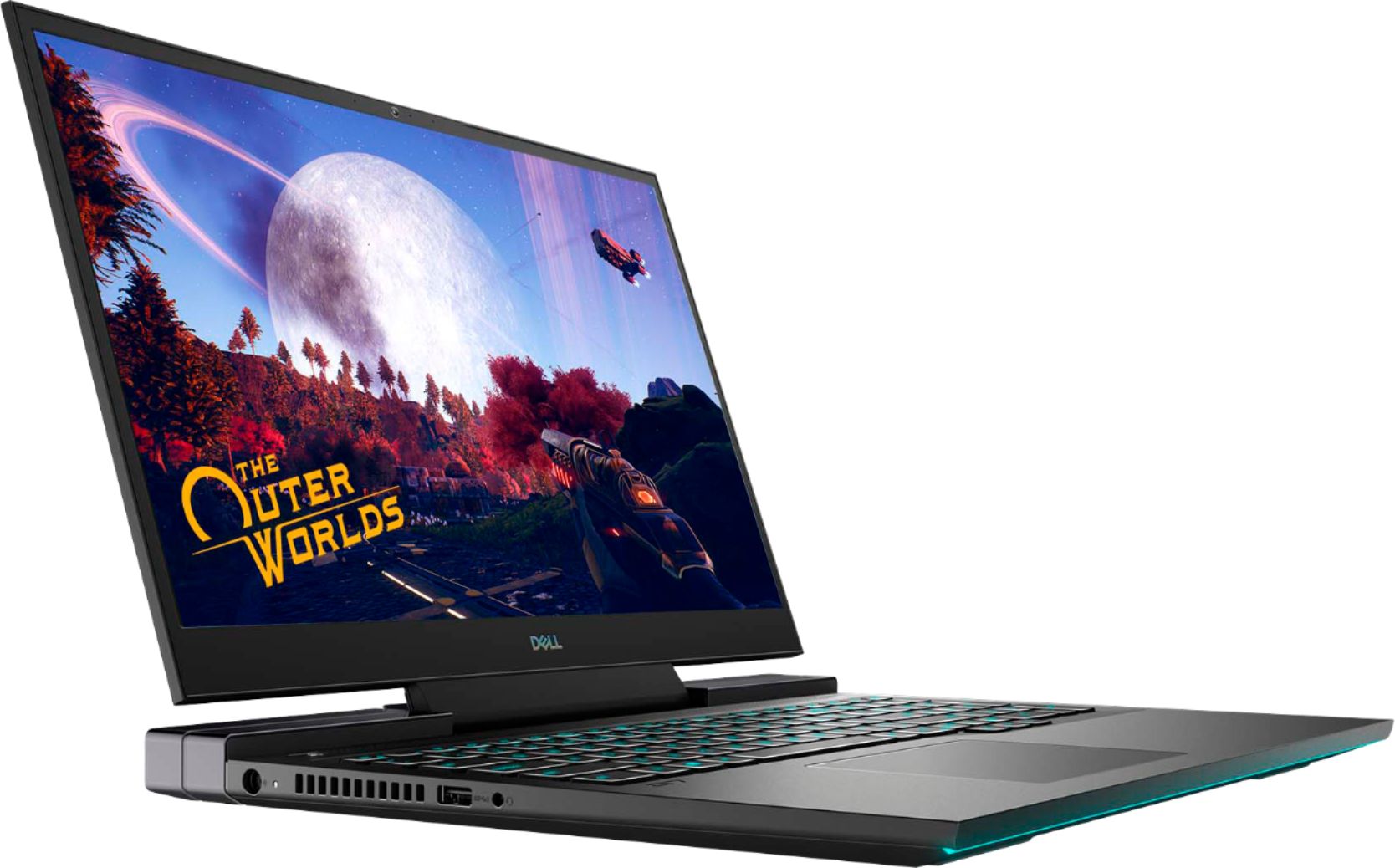
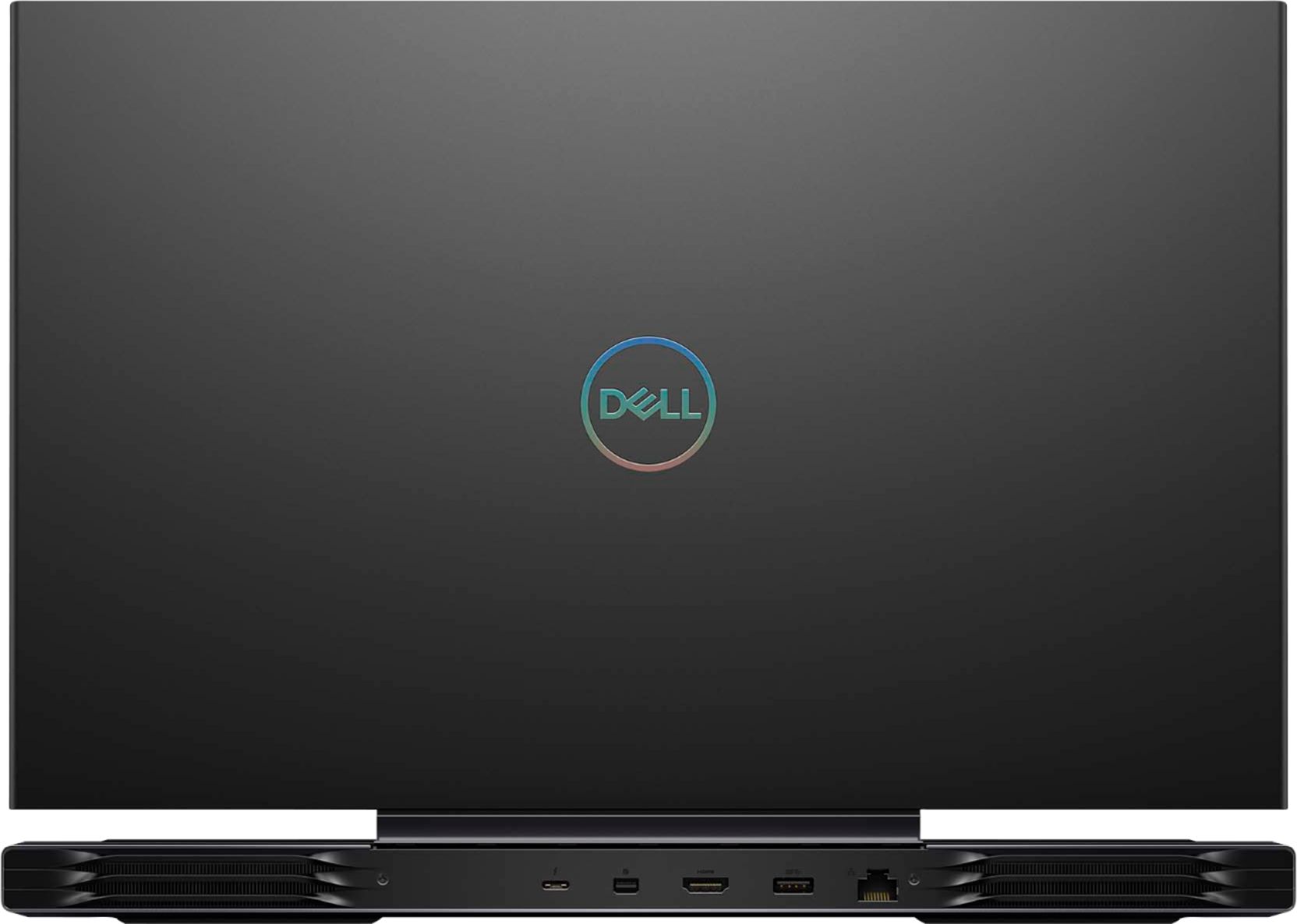
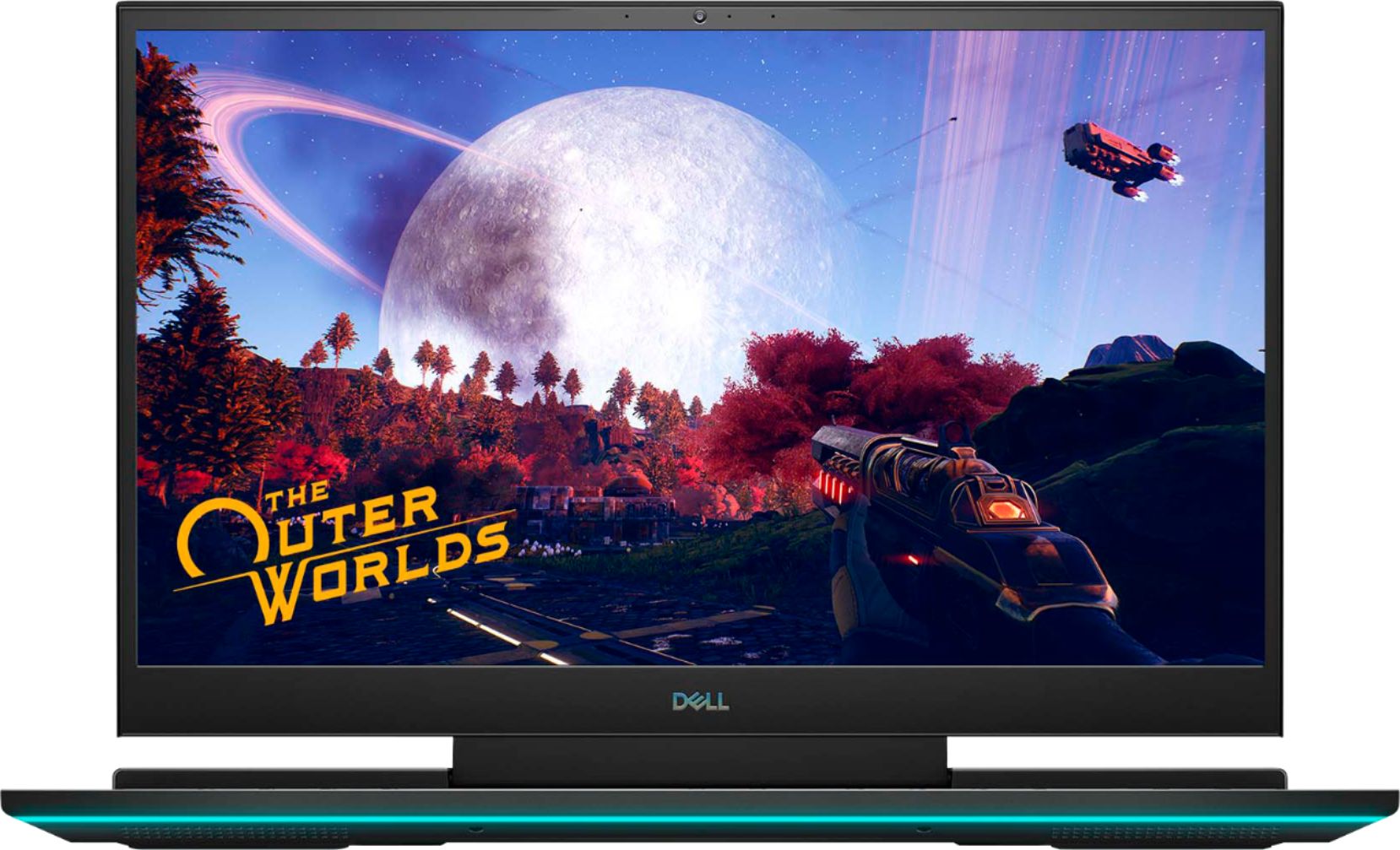
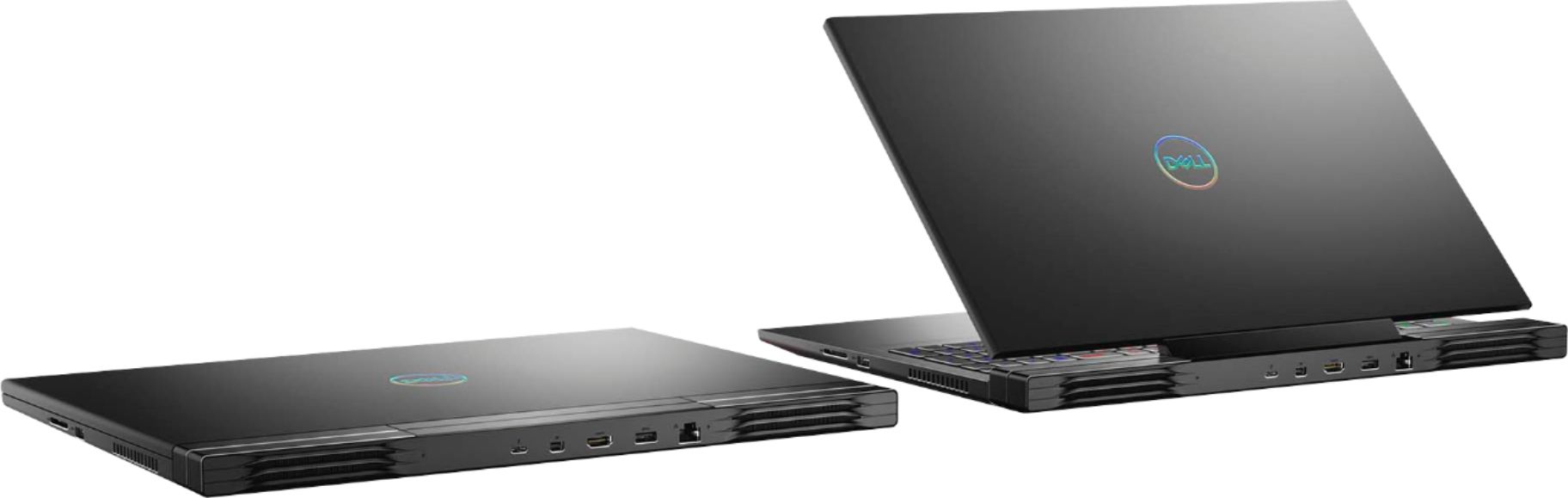
|Posted .This reviewer received promo considerations or sweepstakes entry for writing a review.The Dell G7 is a desktop replacement gaming machine that mixes aluminum and plastic well to provide a premium product that is not a fingerprint magnet. For the amount of power contained in the G7 (RTX 2070, 17.3” 300hz display, i7 processor, 16GB of RAM, and 512 GB NVME hard drive) you’re going to be hard pressed to find something as slick and thin. The RGB keyboard and front light strip are nice added bonuses that any gamer will appreciate and if you don’t want to draw attention to yourself you can turn off any or all of the RGB lighting. The trackpad is nice to use when you’re on the go. The best part about the G7 is it doesn’t SCREAM it’s a gaming laptop. The G7 gets very hot under load which I’ve come to expect out of every gaming laptop that I’ve ever owned, so it’s best to not put it in your lap when gaming under load. For example I would not play Call of Duty Warzone on this laptop in my lap because it WILL get hot, however I was gaming at 100+ FPS on high graphic settings with no issues for sessions running 2-5 hours. The only issue I ran into was hard drive space, I will need to add another NVME to the secondary M.2 slot after installing Warzone, DOOM, and Starcraft. This is entirely Warzone’s fault since it requires over 200 GB of hard drive space. While most hardcore gamers will say to just build your own desktop, I can say not everyone has that luxury and sometimes you need to be portable. I built my own gaming desktop and still see the benefits of having a powerful gaming laptop. Now, while this is a portable gaming machine, you need consider this laptop will be heavier than a typical laptop and the power brick is ENORMOUS. If you can live with the gaming laptop weight, the oversized power brick, and can find a backpack that’ll fit a 17.3” laptop, then you’ll be good to go.
I would recommend this to a friend- Cons mentioned:Heat
Screen
Posted .This reviewer received promo considerations or sweepstakes entry for writing a review.Fast, great for gaming. The 300 hz screen is great. One negative, can be loud and gets hot.
I would recommend this to a friend Good overall buy
Posted .This reviewer received promo considerations or sweepstakes entry for writing a review.Super solid little thing have had it for 3 years has slowed down and baterry life has dropped as expected with laptops. But havent had any problems with it and still use it for random games when i travel and am not home on my desktop. Only complaint is for as much as i have used it I have had to replace the charger a few times which is expected.
I would recommend this to a friend- Pros mentioned:Graphics
Too hot to handle.
Posted .This reviewer received promo considerations or sweepstakes entry for writing a review.The graphics on this laptop - outrageous - BUT - slow mo and stuttering with the heat. Had to raise the whole laptop about 2" to get a cool down that was inconsistent. The fans when playing run and run constantly. Also, the screen began to creak on opening and closing which made me think the heat would decrease the hinge life. Returned it after the trial period of 2 weeks and Bestbuy had my credit through in about 2 days which was great. Thanks Bestbuy but Dell has to tune up the thermals on this one.
No, I would not recommend this to a friendBrand response from YourDellTeam
Posted .Gameshark,
Thanks for your review and we're glad to hear that you enjoyed the performance of this Gaming Laptop. In the future if you decide to give a Dell Gaming Laptop another try we'd suggest the following tips to help with the system temperature:
1. Update your computer BIOS to the latest version available
• Browse to the Dell Drivers & Downloads page:
• Ensure you have selected the correct Operating System
• Under Category, choose BIOS
• Locate the latest System BIOS
• Click Download and save the file to your PC
• Open File Explorer and browse to the location where you saved the downloaded file
• Double-click the BIOS setup file and follow the on-screen instructions to complete the installation process
2. Open Alienware Command Center
3. Click Thermal at the Active Default Theme and set it to Performance
4. Restart the computer
5. Once the computer boots into Windows open SupportAssist
6. Go to the Troubleshooting tab and click on I want to check a specific piece of hardware
7. Click CPU under CPU Devices
8. Select CPU Stress Test and click Run Test
9. Open the Alienware Command Center and go to the Fusion tab
• The CPU peak temperature should be less than or equal to (≤) 100 ℃
• When under high stress, the computer's average temperature can be expected to be less than (≤) 100 ℃.
Best,
Bryan
1-800-624-9896
- Pros mentioned:SpeedCons mentioned:Fan noise
Very disappointed in Dell
Posted .This reviewer received promo considerations or sweepstakes entry for writing a review.I had to have some of the high performance of this computer for what I do. But I wasn't expecting the most simple of tasks to be so complicated. The noise that every one complains about is only if you are using the CPU to it's maximum extent. But turning on the backlit keyboard to stay on is impossible. Dell's website led me to the conclusion that I don't have a backlit keyboard. This computer has a complete light show (which I told the Best Buy associate that I hate). The Dell website give different ways to control the keyboard backlight but none of them work with this software controlled light. I have to have a backlight for what I do. I will have to now breakdown & get an external keyboard with a backlight I can control. This is so frustrating. I should have opted for a cheaper computer where you can use the function buttons at the top. I have had a few other minor setbacks but thru a series of steps (complication again) I have been able to resolve. Do yourself a favor & google "dell g7 15 keyboard" & you will see all the Dell discussions & YouTube videos on how to setup the backlight. None of them work with this NEW & IMPROVED software driven light show. The Dell website has the example of BIOS screen wrong also. This new G7 has a completely different setup. The light show can only be controlled by the 'Alienware Command Center' and it is very non customizable unless you are setting up a game. Everything on this computer is 'Game Centric' with no thought of how others might use it!!
No, I would not recommend this to a friendBrand response from YourDellTeam
Posted .Hardtackandbeans,
We're sorry to hear about the keyboard setup issues that you're having with your new computer. We'd recommend trying these steps, if you haven't already, to help control the backlit keyboard on your computer: https://dell.to/3bOZUV2.
If you have other technical questions about your computer you can check our Product Support Page here: https://dell.to/3jH5TjU.
Best,
Bryan
1-800-624-9896
Baller gaming laptop
|Posted .This reviewer received promo considerations or sweepstakes entry for writing a review.This gaming laptop is amazing - a true replacement for a gaming console or a desktop PC. It handles anything you throw at it (Madden 21, COD, BF, Skyrim, etc) with ease. The display is incredible for gaming with the 300Hz refresh rate. Battery life is as good as you can expect for a gaming laptop (though when gaming I definitely recommend leaving it plugged in). All in all, highly recommended!
I would recommend this to a friendDecent
Posted .This reviewer received promo considerations or sweepstakes entry for writing a review.lasted 3 years before going out... I used it kind of rough
I would recommend this to a friendGreat looking laptop but horrible thermals
Posted .This reviewer received promo considerations or sweepstakes entry for writing a review.The title says it all it looks good but thermals are really bad no way around it. If dell fixes there thermals i think this could be a great laptop everything else was good the rgb keyboard and rgb bar on front looked really nice and the 300hz refresh rate was awesome too but high cpu temps killed it for me had to return it.
No, I would not recommend this to a friendBrand response from YourDellTeam
Posted .Fvs89,
Thanks for your review and we're sorry to hear that your computer was operating at a higher temperature than you were hoping for. We're sorry to hear that you decided to return your computer but if this happens with a Dell Gaming Laptop in the future we would recommend the following:
1. Update your computer BIOS to the latest version available
• Browse to the Dell Drivers & Downloads page:
• Ensure you have selected the correct Operating System
• Under Category, choose BIOS
• Locate the latest System BIOS
• Click Download and save the file to your PC
• Open File Explorer and browse to the location where you saved the downloaded file
• Double-click the BIOS setup file and follow the on-screen instructions to complete the installation process
2. Open Alienware Command Center
3. Click Thermal at the Active Default Theme and set it to Performance
4. Restart the computer
5. Once the computer boots into Windows open SupportAssist
6. Go to the Troubleshooting tab and click on I want to check a specific piece of hardware
7. Click CPU under CPU Devices
8. Select CPU Stress Test and click Run Test
9. Open the Alienware Command Center and go to the Fusion tab
• The CPU peak temperature should be less than or equal to (≤) 100 ℃
• When under high stress, the computer's average temperature can be expected to be less than (≤) 100 ℃.
Best,
Bryan
1-800-624-9896
Great PC
Posted .This reviewer received promo considerations or sweepstakes entry for writing a review.It works really well, I have had it for years now!
I would recommend this to a friend- Pros mentioned:PerformanceCons mentioned:Heat
Disappointed.
Posted .This reviewer received promo considerations or sweepstakes entry for writing a review.The performance I would say is very high for the price it is at right now(1300). What I would consider a deal-breaker for this laptop is that it runs so hot, that games will thermal throttle. There is a performance button on it that will let you up-clock the GPU when it decides to down clock because of the temps. I am so disappointed that pretty much any game will reach the 80-degree mark almost instantly and beyond that. I understand that laptops like this are designed to run relatively hot, but not this hot(keep in mind that the pc will down clock at around 80 C, it is pretty inconsistent but that seems to be the avg threshold). I've spoken with Dell and their reps just said that the warranty didn't cover this sort of issue. To me it seems like a design flaw because I've been having this issue since day one and they've refused to help me. The best they did was offer me services that couldn't guarantee a 'repair' and had to pay for(again, mind that I've had this issue since day one), and install drivers I've already had. I will give them credit for the high performance relative to the price. But I still wouldn't recommend buying it because of the thermal issues you are likely to get with it. This PC had a lot of potentials, but if it could only remain consistent with its temps, I honestly don't care if it reached the 80-degree mark, so long as it could maintain it at that temperature because again this is a gaming laptop, high temps are to be expected.
No, I would not recommend this to a friendBrand response from YourDellTeam
Posted .Hello Reviewer,
Thank you for your purchase and review. If system thermals are of concern, you can prioritize cooling by opening the Alienware Command Center application that came pre-installed with your device and select the 'Cool' thermal profile.
Keep in mind that our G7 follows 10th generation Intel performance design guidelines, which can lead CPU temperatures to reach 100°C to output top in-game performance. We fully warrant the product under these conditions. If you see CPU temperatures rising beyond 100°C on Alienware Command Center, please contact Dell support and they would be more than happy to assist.
Best Regards,
Anthony P.
- Pros mentioned:Screen size
Just not for gaming...
Posted .This reviewer received promo considerations or sweepstakes entry for writing a review.I was looking for a gaming laptop online and across all stores and this happens to be the nicest 17.3 inch gaming laptop I have come across. It has a 300hz screen that is crystal clear for anything, BUT gaming sadly.. It is advertised as a gaming laptop, but it gets so hot that it's not comfortable to play on the keyboard. As it gets to 200 degrees fahrenheit on the CPU and GPU it drops frames really bad which leads to lag on the simplest games like Dead by Daylight, Fortnite, and Rocket League. And it lags for a while, even when you hit the top left "supercharger button" to turn the fans on to max speed. I even conducted a benchmark tests on 4 different sites and all could not even read the GPU. On another note I gave this laptop one more chance as I purchased a laptop cooling pad to keep temperatures down to see if that would help, but it didn't.. I personally think this laptop is not meant for gaming, but more as a work, school, stream, and possibly a graphics designer laptop.
No, I would not recommend this to a friendBrand response from YourDellTeam
Posted .Hello Tlchambers,
We are sorry to hear that your G7 did not quite meet expectations. Your feedback is sincerely appreciated. If system thermals are of concern, you can prioritize cooling by opening the Alienware Command Center application that came pre-installed with your device and select the 'Cool' thermal profile.
Keep in mind that our G7 follows Intel performance design guidelines, which can lead CPU temperatures to reach 100°C to output top in-game performance. We fully warrant the product under these conditions. If you see CPU temperatures rising beyond 100°C on Alienware Command Center, please contact Dell support and they would be more than happy to assist.
Best Regards,
Anthony P.