Customer Ratings & Reviews
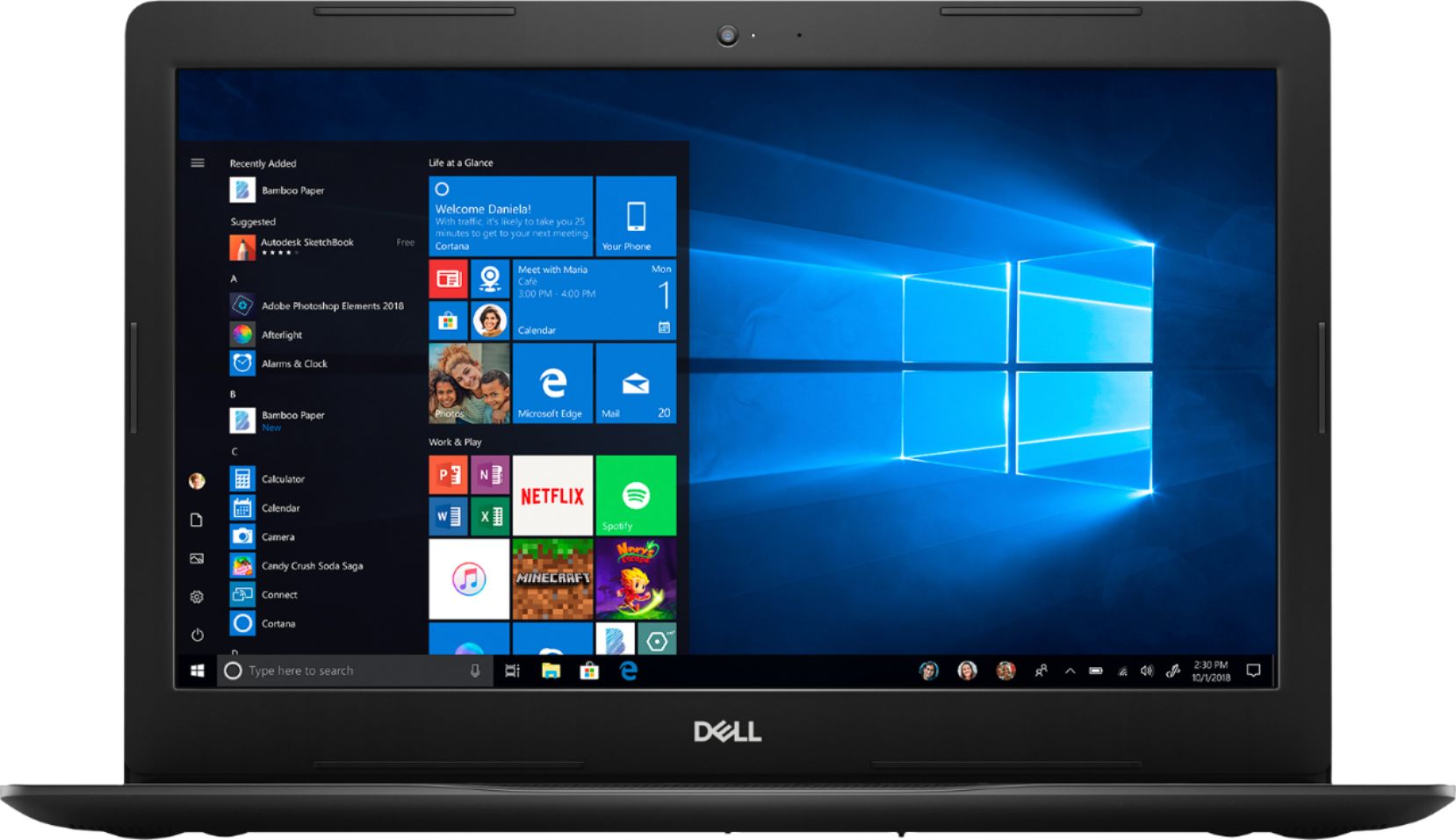
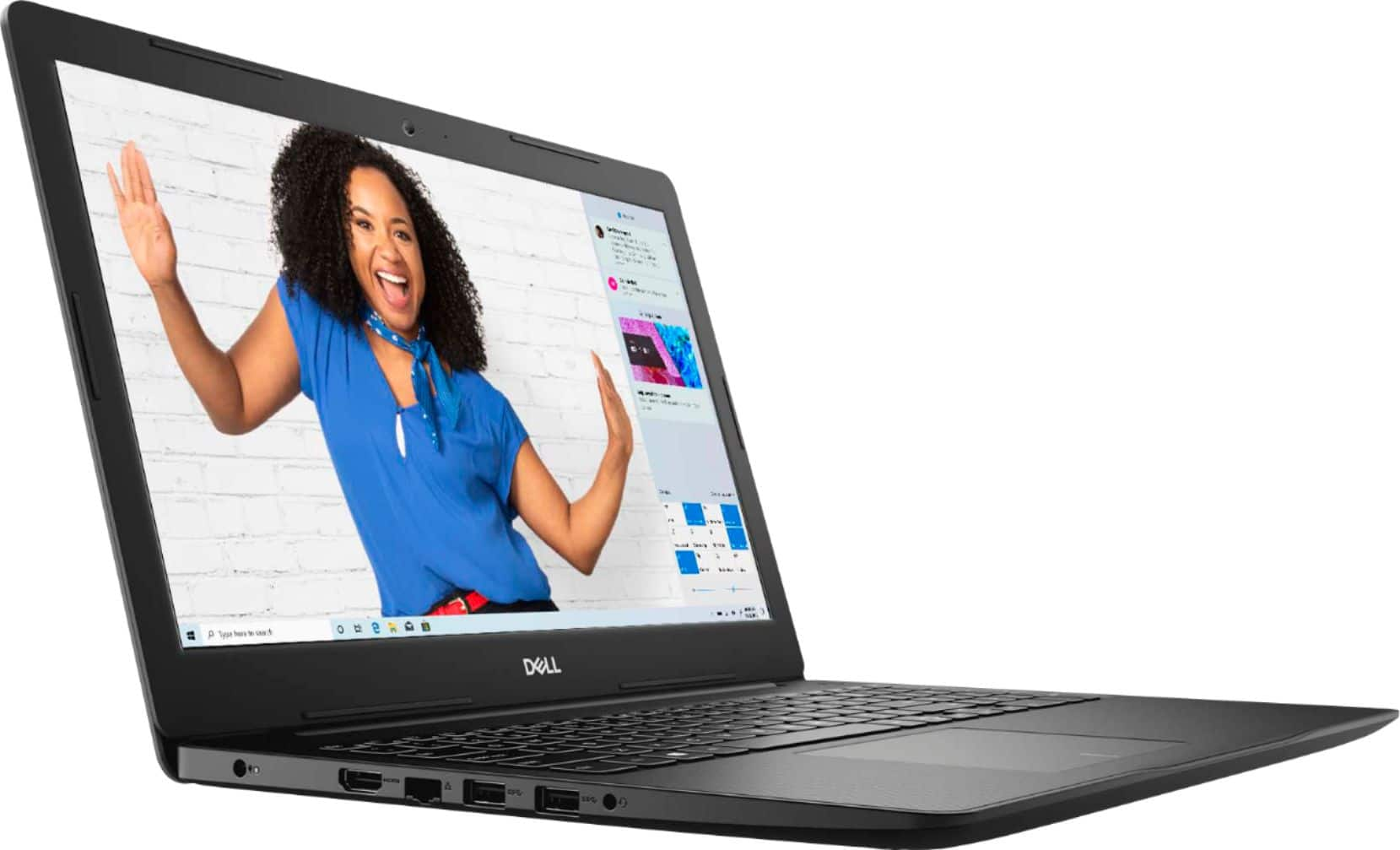
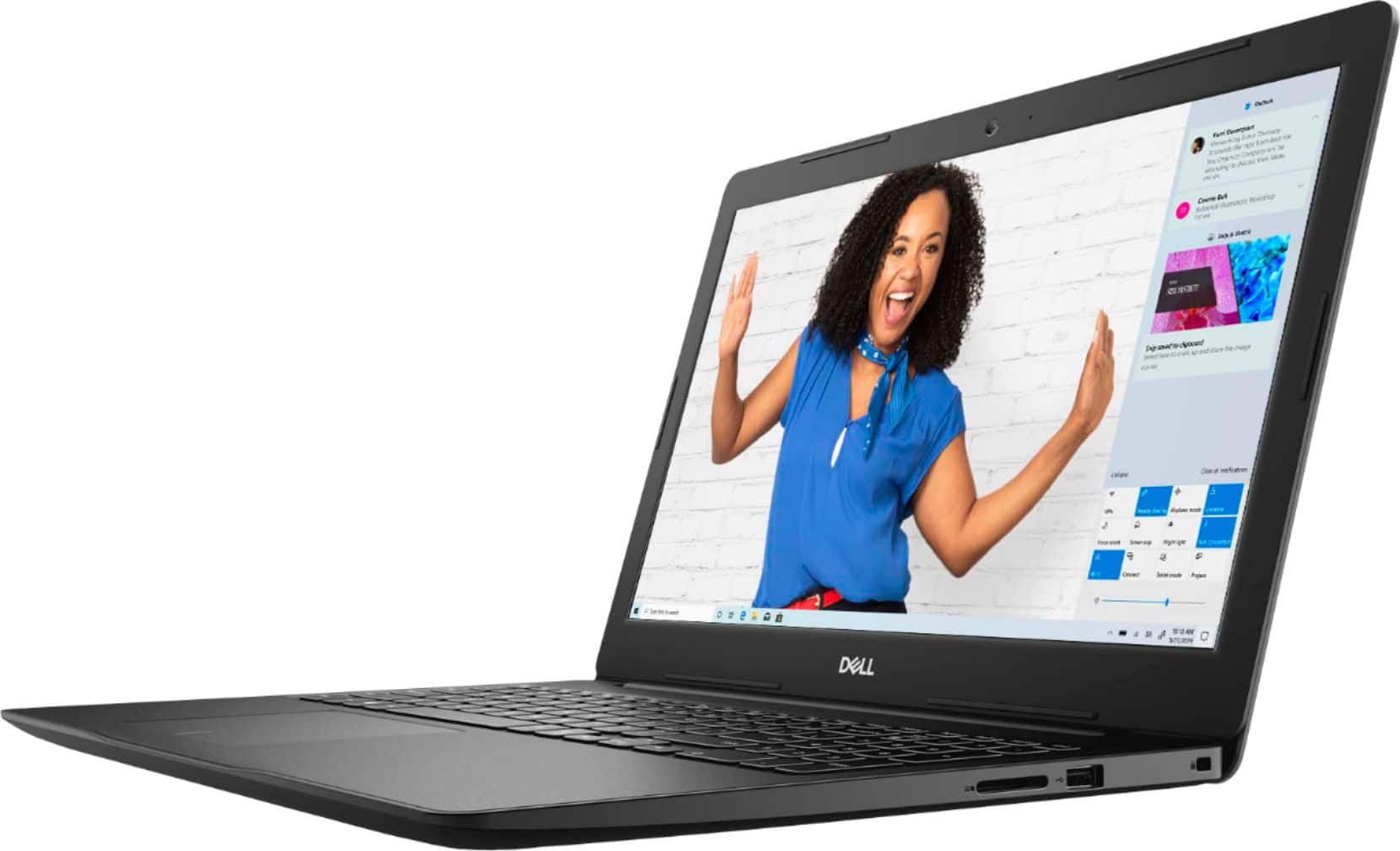
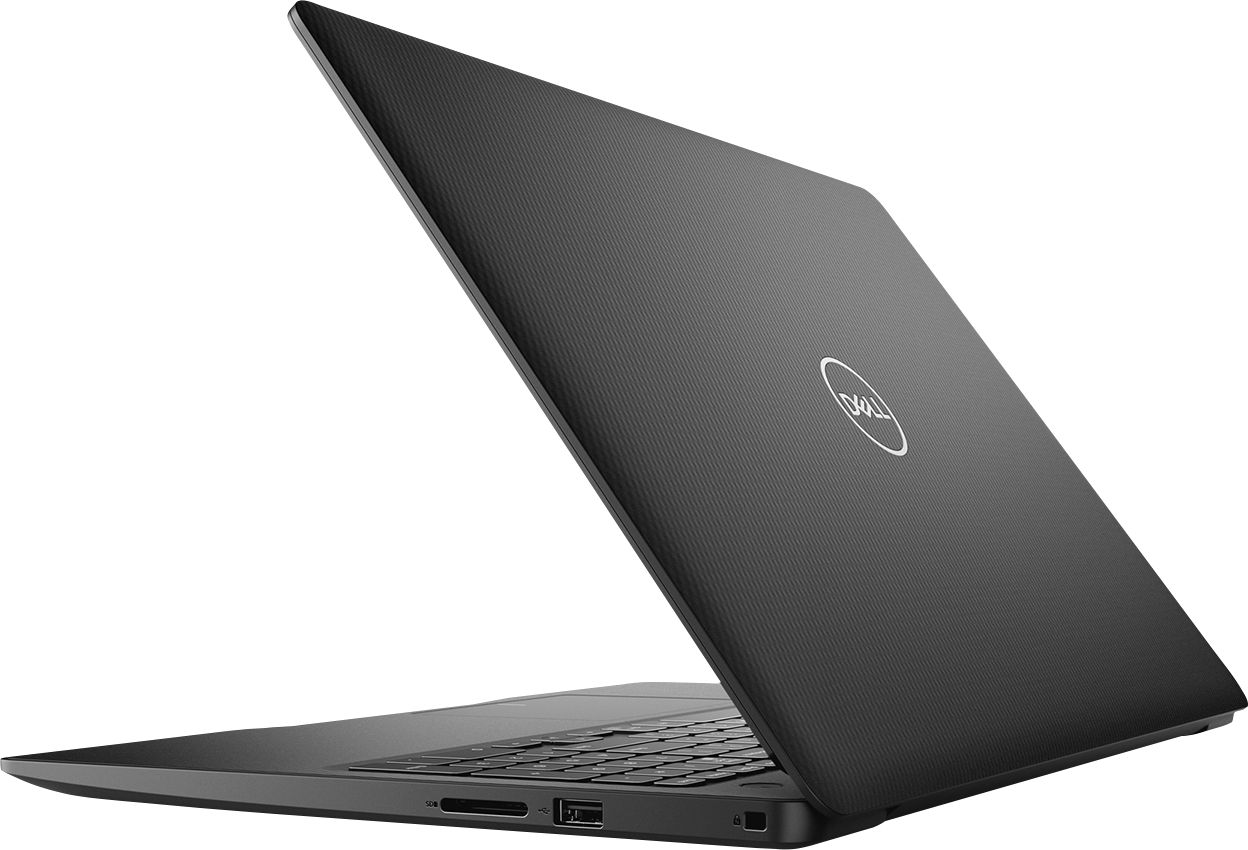

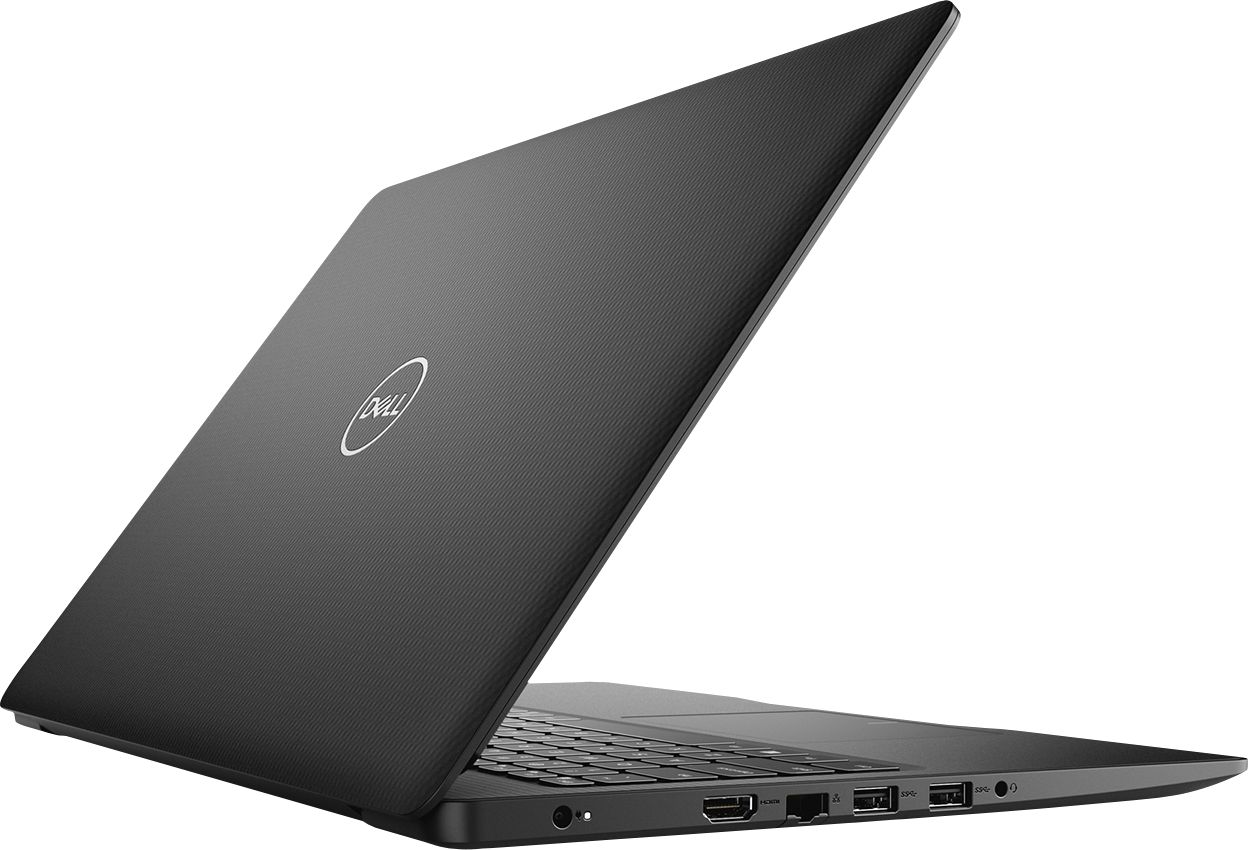


- Model:
- I3583-3867BLK
- SKU:
- 6387169
Rating by feature
- Battery Life
Rating 4.4 out of 5 stars
- Speed
Rating 4.3 out of 5 stars
- Display
Rating 4.5 out of 5 stars
Customers are saying
Customers are positive about the price, touch screen, and ease of use of the Inspiron 15.6" Touch-Screen Laptop. They appreciate the good value for the features included, enjoy using the touch screen feature, and find the laptop easy to use and navigate. However, customers are negative about the storage space, battery life, and Windows 10 operating system. They feel the storage is insufficient, the battery drains quickly, and Windows 10 requires a learning curve.
This summary was generated by AI based on customer reviews.
Way average
||Posted . Owned for 2 months when reviewed.This reviewer received promo considerations or sweepstakes entry for writing a review.This is most likely the least competent lap top I've ever owned. I wanted a cheap laptop and that is what this is. There is lag time with the touch screen and the touch pad absolutely stinks. While watching videos on social media, the screen cuts out and the computer freezes for about 15 seconds. Supper annoying. The only reason I didn't give it a 1 star is because I knew I was purchasing a cheap laptop.
No, I would not recommend this to a friendBrand response from YourDellTeam
Posted .DLNN9422,
Thanks for your feedback. We're sorry to hear that your new laptop is not performing the way that you hoped it would. We'd recommend the following steps to re-calibrate your touchpad:
Some Notebooks and Tablets with Keyboards have added gesture features to the touchpad hardware and drivers. A few of these features are two or three finger scrolling, pinch zoom, circle zoom, rotate and swiping. These new features may be the reason for the erratic cursor movement since most are turned on by default. You can disable or modify the way the features work in the touchpad driver properties. Here are some tips to modify these settings:
1. In the Search box, type main.cpl.
2. Touch or click main.cpl in the list of programs.
3. Touch or click the Dell Touchpad tab.
4. Touch or click on the picture of the touchpad.
5. Touch or click Gestures (depending on your computer there may not be a Gestures option).
6. Change the options as preferred.
7. Touch or click Save.
8. Touch or click the X in the upper-right corner to close the Dell Touchpad Utility.
9. Touch or click OK on the Mouse Properties window.
10. If the touchpad still does not work after following the preceding steps, refer to Dell Knowledge Base article - http://dell.to/2iaiujA.
You can read the full article here - http://dell.to/2tqmS02.
If you need to re-calibrate your touchsreen, please follow these steps:
1. Restart the Computer and the Monitor
2. Recalibrate the touch-screen. Steps to calibrate touch-screen:
3. Go to Control Panel and select Tablet PC Settings.
4. Under Display tab, select Calibrate.
5. Choose Pen or Touch input.
6. Perform the point calibration that appears on the screen to correct the linearity problems.
7. Save the calibrated data.
You can read the full article here - http://dell.to/2uLztub.
Lastly, if you'd like to improve the overall performance of your computer you can try to run the Windows Performance Troubleshooter:
1. Close all open windows.
2. Press the Windows logo key + X key on the keyboard.
3. Click Control Panel.
4. Click System and Security.
5. Under Security and Maintenance, select Troubleshoot common problems.
6. Under System and Security, click Run maintenance tasks.
7. Follow the on-screen instructions and prompts to complete the process.
8. Restart the PC.
You can read the full article here - http://dell.to/2tSulGV.
Best,
Bryan
1-800-624-9896
what i needed
||Posted .This reviewer received promo considerations or sweepstakes entry for writing a review.You can't go wrong with dell. It was what I was looking for.
I would recommend this to a friendOverpriced for wht you get.
||Posted . Owned for 1 month when reviewed.This reviewer received promo considerations or sweepstakes entry for writing a review.If you want a basic computer then that is what your getting. I've had it for a month and its already slower than when I first used it . It has trouble streaming at videos at time and the storage is so small that downloading items doesn't help. Considering its limitations this should be priced lower from dell.
No, I would not recommend this to a friendBrand response from YourDellTeam
Posted .none,
We're sorry to hear about your computer's performance. We'd suggest running the Windows Performance Troubleshooter to see if it will help your computer perform better for you:
1. Close all open windows.
2. Press the Windows logo key + X key on the keyboard.
3. Click Control Panel.
4. Click System and Security.
5. Under Security and Maintenance, select Troubleshoot common problems.
6. Under System and Security, click Run maintenance tasks.
7. Follow the on-screen instructions and prompts to complete the process.
8. Restart the PC.
You can read the full article here - http://dell.to/2tSulGV.
Best,
Bryan
1-800-624-9896
ore service
||Posted . Owned for 1 month when reviewed.This reviewer received promo considerations or sweepstakes entry for writing a review.didnt have new dell ready for delivery. had a appointment butwas bypassed 2 times before we went to desk to raise hell
No, I would not recommend this to a friendBrand response from YourDellTeam
Posted .bunk,
Thanks for your feedback. We're sorry to hear about the service experience that you had. If you have questions about your computer please check our Product Support Page here: https://dell.to/2m18eN8.
Best,
Bryan
1-800-624-9896
- Cons mentioned:Battery life
Not happy
||Posted . Owned for 1 month when reviewed.This reviewer received promo considerations or sweepstakes entry for writing a review.I've had it one month today and when irs 100% charged it doesn't even last 1 hour
No, I would not recommend this to a friendBrand response from YourDellTeam
Posted .Steen,
We appreciate your feedback. We're sorry to hear about the battery life on your computer. Here are some suggestions to extend the life of your battery:
Change the Power Plan:
1. On the notification area of the taskbar, right-click the Battery icon.
2. On the options list, click Power Options.
3. Select a power plan on the battery meter, such as Power Saver or Balanced. Windows 10 has a built in 'Battery Saver' mode that can be activated to extend your system's battery life. The Battery Saver mode will monitor and limit background activity and other features such as push notifications. You do have the option to enable or disable this mode within settings or within advanced Battery Saver settings, you can customize the mode to best suit your needs.
a) Click on the Action Center icon in the taskbar and select the tile for Battery Saver.
b) If running Cortana then type Battery Saver into the search box and select from the results.
Within the Battery Saver settings page, you will be able to turn on and off the feature and customize the feature to best meet your needs.
c) Turn Battery Saver On or Off.
d) Additional settings available via the Battery use and Battery saver settings links.
e) Battery use shows further info on apps and their power usage.
f) Battery Saver Settings screen allows you to customize further Battery Saver feature.
You can read the full article here - http://dell.to/2vfXWf4.
Best,
Bryan
1-800-624-9896
Hp laptop computer price was right
||Posted . Owned for 1 month when reviewed.This reviewer received promo considerations or sweepstakes entry for writing a review.Cheap computer but adequate functionality needed for person tough on laptop - So far all is well - Easy to navigate
I would recommend this to a friendBrand response from YourDellTeam
Posted .Dottie,
We're happy to see that your new computer is meeting your needs. If you have any questions about it you can check our Product Support Page here: https://dell.to/2m18eN8.
Best,
Bryan
1-800-624-9896
Easy start up and fast
||Posted .This reviewer received promo considerations or sweepstakes entry for writing a review.Computer working ok, Windows is stick trying to get me to start it up, will have to call customer service soon...
No, I would not recommend this to a friendBrand response from YourDellTeam
Posted .WorkingHard,
Thanks for your review. We're sorry to hear that you're having some trouble with your computer. When you have a chance please reach out to our Dell Technical Support Team: http://dell.to/2sH7Qlm.
Best,
Bryan
1-800-624-9896
Underwhelming
||Posted . Owned for 5 months when reviewed.This reviewer received promo considerations or sweepstakes entry for writing a review.Touchpad stinks. Screen quality not awful but not super clear which given the screen size is disappointing.
No, I would not recommend this to a friendBrand response from YourDellTeam
Posted .GhostRider,
Thanks for your review. We're sorry to hear about your touchpad. If you'd like to re-calibrate your touchpad you can follow these steps: Some Notebooks and Tablets with Keyboards have added gesture features to the touchpad hardware and drivers. A few of these features are two or three finger scrolling, pinch zoom, circle zoom, rotate and swiping. These new features may be the reason for the erratic cursor movement since most are turned on by default. You can disable or modify the way the features work in the touchpad driver properties.
Here are some tips to modify these settings:
1. In the Search box, type main.cpl.
2. Touch or click main.cpl in the list of programs.
3. Touch or click the Dell Touchpad tab.
4. Touch or click on the picture of the touchpad.
5. Touch or click Gestures (depending on your computer there may not be a Gestures option).
6. Change the options as preferred.
7. Touch or click Save.
8. Touch or click the X in the upper-right corner to close the Dell Touchpad Utility.
9. Touch or click OK on the Mouse Properties window.
10. If the touchpad still does not work after following the preceding steps, refer to Dell Knowledge Base article - http://dell.to/2iaiujA.
You can read the full article here - http://dell.to/2tqmS02.
If you'd like to see if you can improve the quality of your screen, you can read through this page: https://dell.to/2CLF6yC.
Best,
Bryan
1-800-624-9896
Horrible!!!!
||Posted . Owned for 1.5 years when reviewed.This reviewer received promo considerations or sweepstakes entry for writing a review.I bought this computer for college on Jan, 2020 since covid would be making everything remote. All I can say is it literally lasted me 1 year before it just completely croaked on its own during an update. I contacted Dell and was pretty much told “Oh well nothing we can do” I had to take it in to be repaired and thanks to the amazing people of geek squad they were able to save it as well as most of my files. Now not even another year later and the charging port is broken, and I have to take it in yet again to be repaired. Honestly looking into a new laptop as this point! Dell has been a really big disappointment. This should not have only lasted me 2 years with repairs!!
No, I would not recommend this to a friend- Cons mentioned:Storage
Don't Buy
||Posted . Owned for 2 months when reviewed.This reviewer received promo considerations or sweepstakes entry for writing a review.The touchpad stopped being responsive after almost exactly 2 months, so I'm left with a touchscreen computer. The disk is too small, necessitating buying an external drive, and there is no CD/DVD drive, necessitating buying an external CD/DVD drive.
No, I would not recommend this to a friendBrand response from YourDellTeam
Posted .Jeff,
Thanks for your review. We're sorry that your touchpad on your computer stopped working properly. Here are the steps to re-calibrate your touchpad:
Some Notebooks and Tablets with Keyboards have added gesture features to the touchpad hardware and drivers. A few of these features are two or three finger scrolling, pinch zoom, circle zoom, rotate and swiping. These new features may be the reason for the erratic cursor movement since most are turned on by default. You can disable or modify the way the features work in the touchpad driver properties. Here are some tips to modify these settings:
1. In the Search box, type main.cpl.
2. Touch or click main.cpl in the list of programs.
3. Touch or click the Dell Touchpad tab.
4. Touch or click on the picture of the touchpad.
5. Touch or click Gestures (depending on your computer there may not be a Gestures option).
6. Change the options as preferred.
7. Touch or click Save.
8. Touch or click the X in the upper-right corner to close the Dell Touchpad Utility.
9. Touch or click OK on the Mouse Properties window.
10. If the touchpad still does not work after following the preceding steps, refer to Dell Knowledge Base article - http://dell.to/2iaiujA.
You can read the full article here - http://dell.to/2tqmS02.
If the re-calibration does not work you can always use a wired or a wireless mouse in place of your touchpad.
If you are looking for additional storage space we'd recommend saving files to the cloud with Microsoft's OneDrive. We hope that these tips will help your computer perform better for you.
Best,
Bryan
1-800-624-9896
good
||Posted . Owned for 3 weeks when reviewed.This reviewer received promo considerations or sweepstakes entry for writing a review.Battery was defective. I had to replace it at a cost of about $100. I like it.
I would recommend this to a friendBrand response from YourDellTeam
Posted .Dean310,
We're sorry to hear about the battery issue that you had Dell's products come with a One Year Limited Warranty that you can find out more about here - http://dell.to/2tNsVOs in case you have any other issues that may qualify.
We hope that your computer is performing better for you now.
Best,
Bryan
1-800-624-9896
Average
||Posted . Owned for 1 year when reviewed.This reviewer received promo considerations or sweepstakes entry for writing a review.Not so great, very delicate and poor quality laptop
No, I would not recommend this to a friendgood value for the money
||Posted . Owned for 1 month when reviewed.This reviewer received promo considerations or sweepstakes entry for writing a review.I bought this for a high school student. it is serving it's purpose.
I would recommend this to a friendBrand response from YourDellTeam
Posted .KLH2,
Thanks for your review. If you have any questions about your computer you can check our Product Support Page here: https://dell.to/2m18eN8.
Best,
Bryan
1-800-624-9896
I hope it works betetr in the future.
||Posted . Owned for 1 month when reviewed.This reviewer received promo considerations or sweepstakes entry for writing a review.I have only used it a bit but one program does not run well on it.
I would recommend this to a friendBrand response from YourDellTeam
Posted .Titmuscurt,
Thanks for your review. We're sorry that one of the programs on your computer does not run well. We'd recommend checking out our Product Support Page if there are technical questions that you have about your laptop: https://dell.to/2m18eN8.
Best,
Bryan
1-800-624-9896
It's a nice laptop for the price.
||Posted . Owned for 4 months when reviewed.This reviewer received promo considerations or sweepstakes entry for writing a review.It wasn't good for gaming, and it doesn't have a lot of memory.
I would recommend this to a friendBrand response from YourDellTeam
Posted .Amir,
We appreciate your review. We're sorry that your laptop did not completely meet your needs. If you have specific questions about your computer you can check our Product Support Page here: https://dell.to/2m18eN8.
If you'd like to free up some space on your computer you can always store some of your files in the cloud using Microsoft's One Drive.
Best,
Bryan
1-800-624-9896
Nice build quality. Initial setup long process.
||Posted . Owned for 3 weeks when reviewed.This reviewer received promo considerations or sweepstakes entry for writing a review.Great features, nice quality. Setup took too long to complete.
No, I would not recommend this to a friendBrand response from YourDellTeam
Posted .Tbone,
We appreciate your feedback. We're sorry that your computer's setup is taking longer than you hoped it would. We'd recommend running Dell's SupportAssist App to ensure that you have all of the most up to date software and drivers on your computer.
If you have any questions about your laptop you can check our Product Support Page here: https://dell.to/2m18eN8.
Best,
Bryan
1-800-624-9896
to big
||Posted . Owned for 1 month when reviewed.This reviewer received promo considerations or sweepstakes entry for writing a review.I returned it cause it was to big , didnt realize it was so big
I would recommend this to a friendI just purchased this laptop. So far so good.
||Posted . Owned for 3 weeks when reviewed.This reviewer received promo considerations or sweepstakes entry for writing a review.I just purchased this laptop. Things have been so far so good.
I would recommend this to a friendBrand response from YourDellTeam
Posted .KOIBOI,
Thanks for your review. We're glad to hear that your computer is working well for you so far. If you have any questions about your computer you can check our Product Support Page here: https://dell.to/2m18eN8.
Best,
Bryan
1-800-624-9896
Great basic laptop
||Posted . Owned for 1 month when reviewed.This reviewer received promo considerations or sweepstakes entry for writing a review.It does what I need it to do, so I'm happy with the product.
I would recommend this to a friendBrand response from YourDellTeam
Posted .Hi MissyLynh,
We're happy to hear that you're satisfied with your new computer. If you have any questions you can check our Product Support Page: https://dell.to/2m18eN8.
Best,
Bryan
1-800-624-9896
Not as good as sell men said ...!!!!!! Smh
||Posted . Owned for 3 weeks when reviewed.This reviewer received promo considerations or sweepstakes entry for writing a review.I should have taken the HP !!!! Dells are just not good ..
No, I would not recommend this to a friendBrand response from YourDellTeam
Posted .Boss,
We appreciate your feedback. We're sorry that your computer is not meeting all of your needs. We'd recommend checking out our Product Support Page to see if there are answers to any issues that you're having: https://dell.to/2m18eN8.
Best,
Bryan
1-800-624-9896