Customer Ratings & Reviews
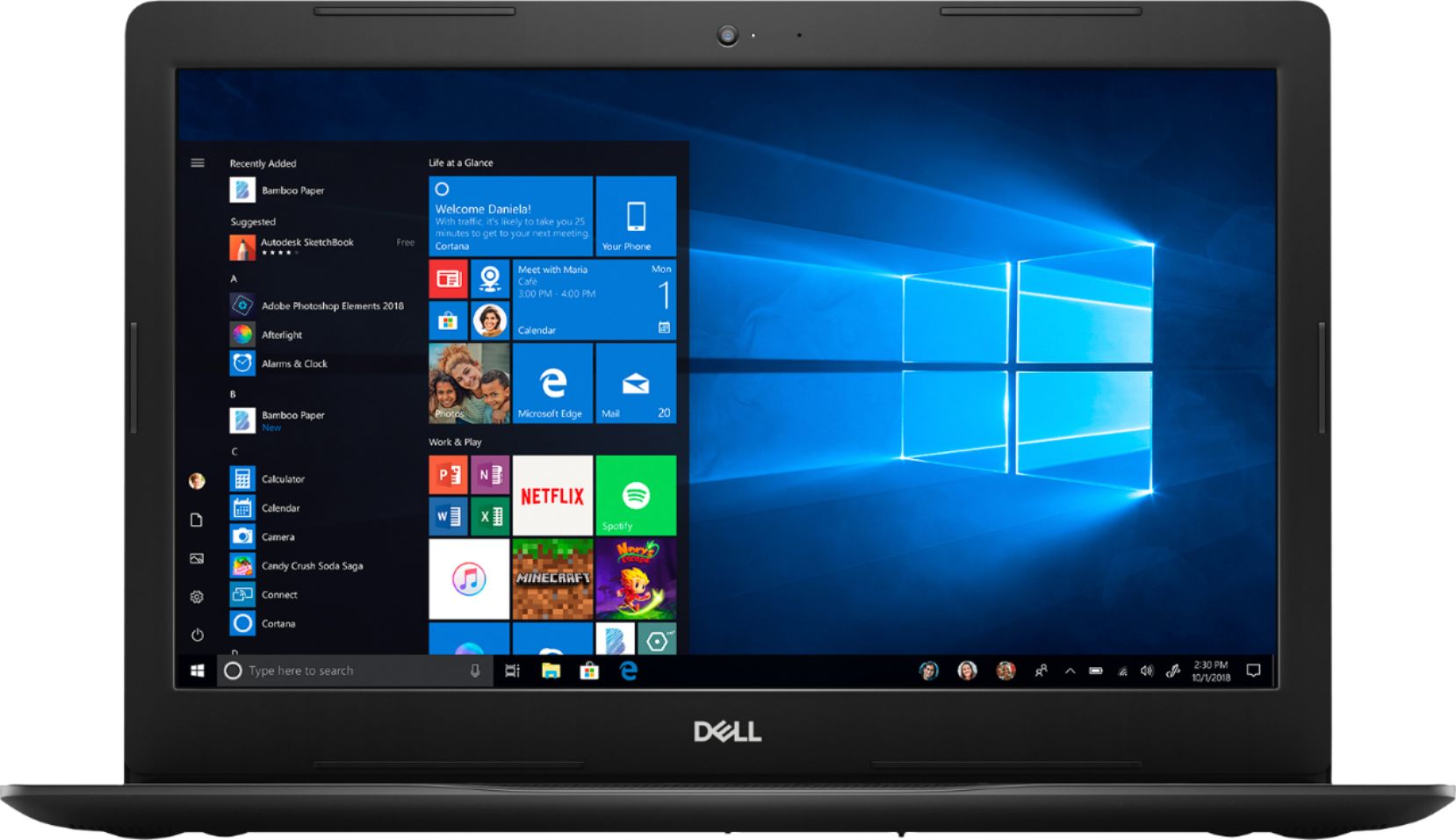
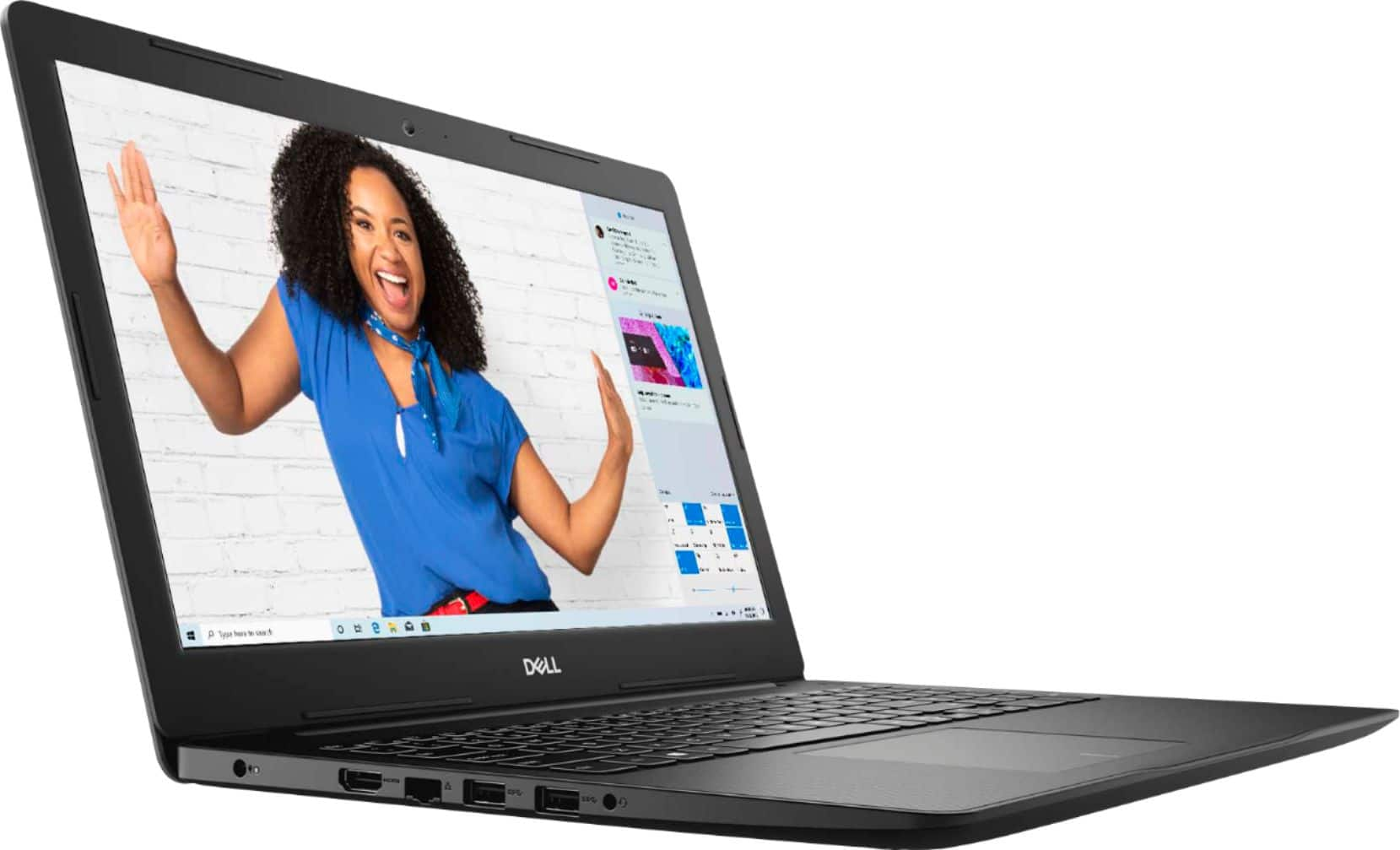
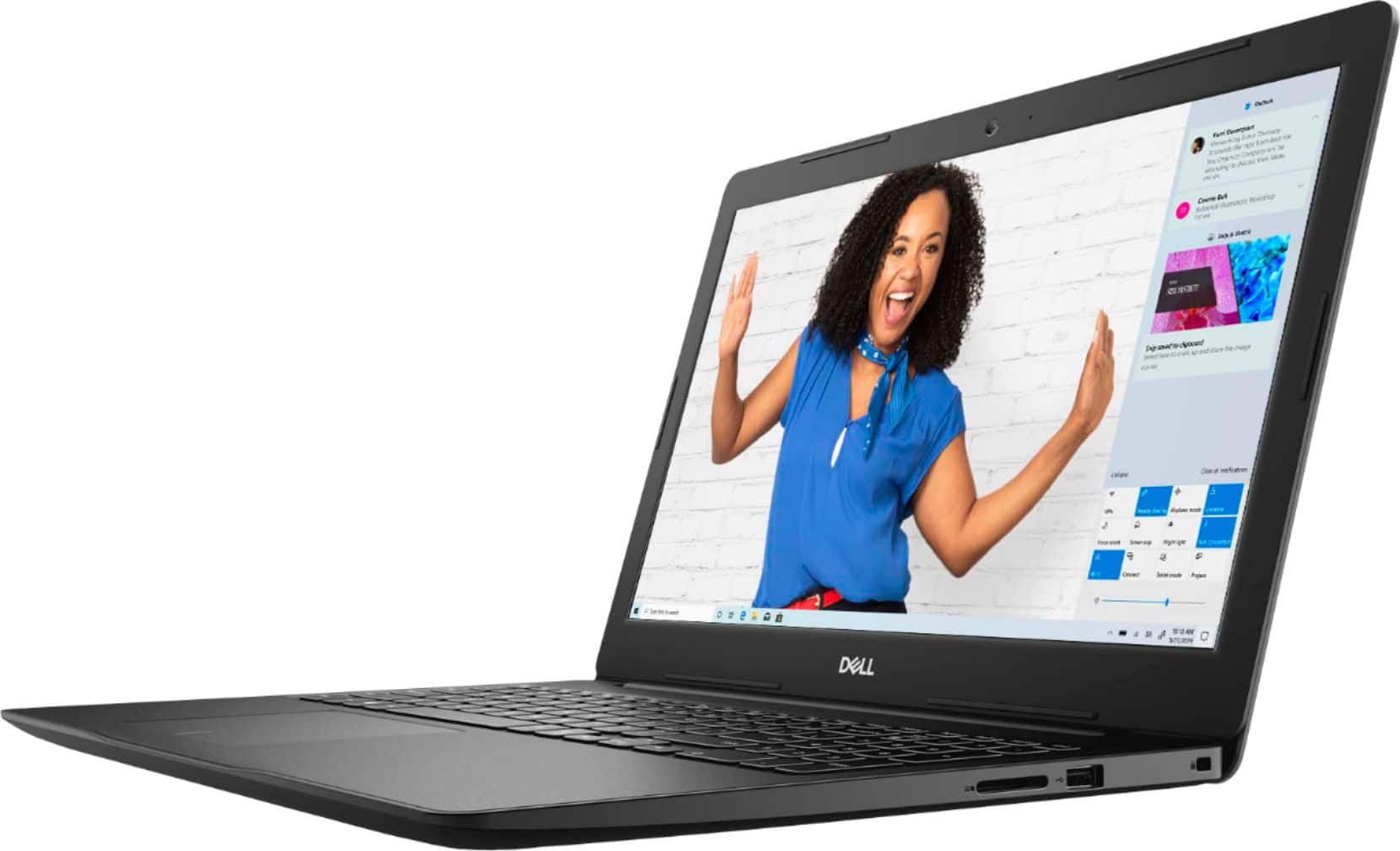
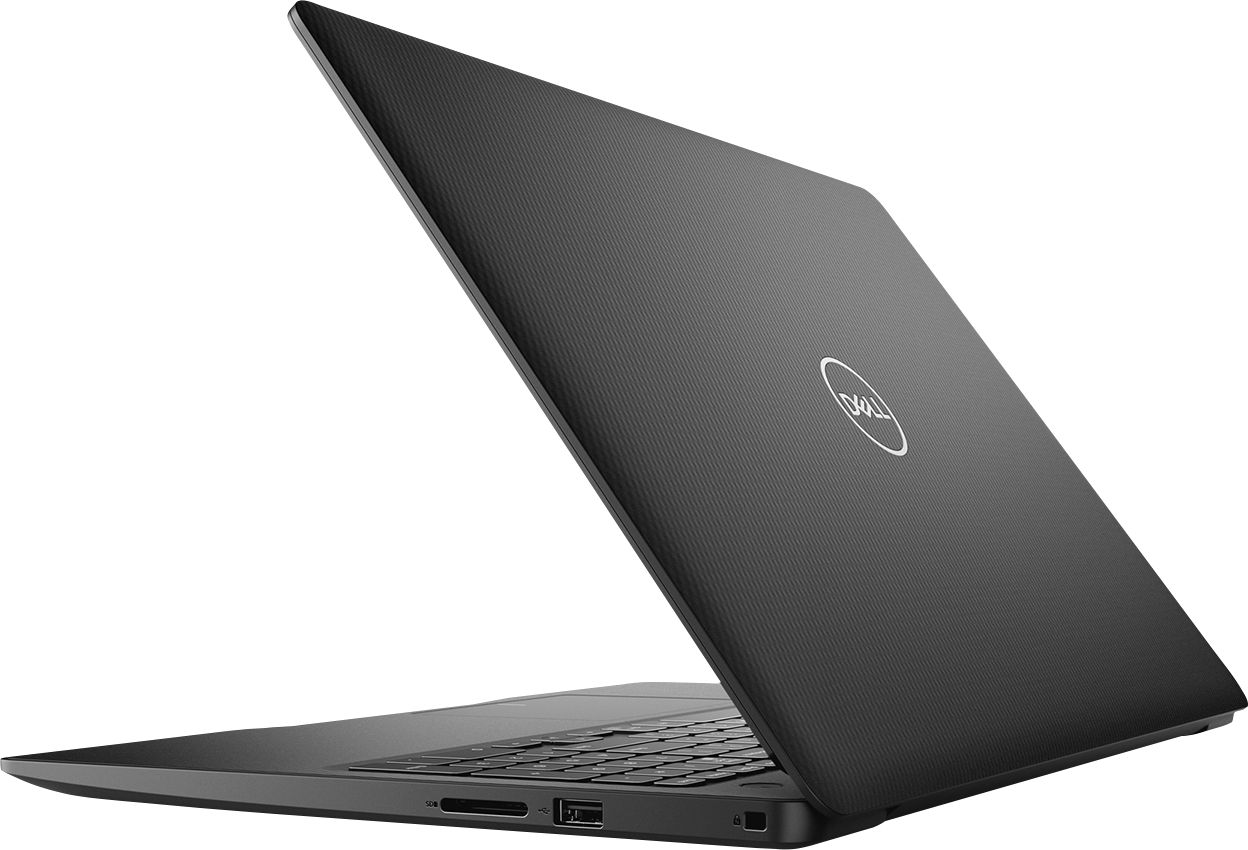

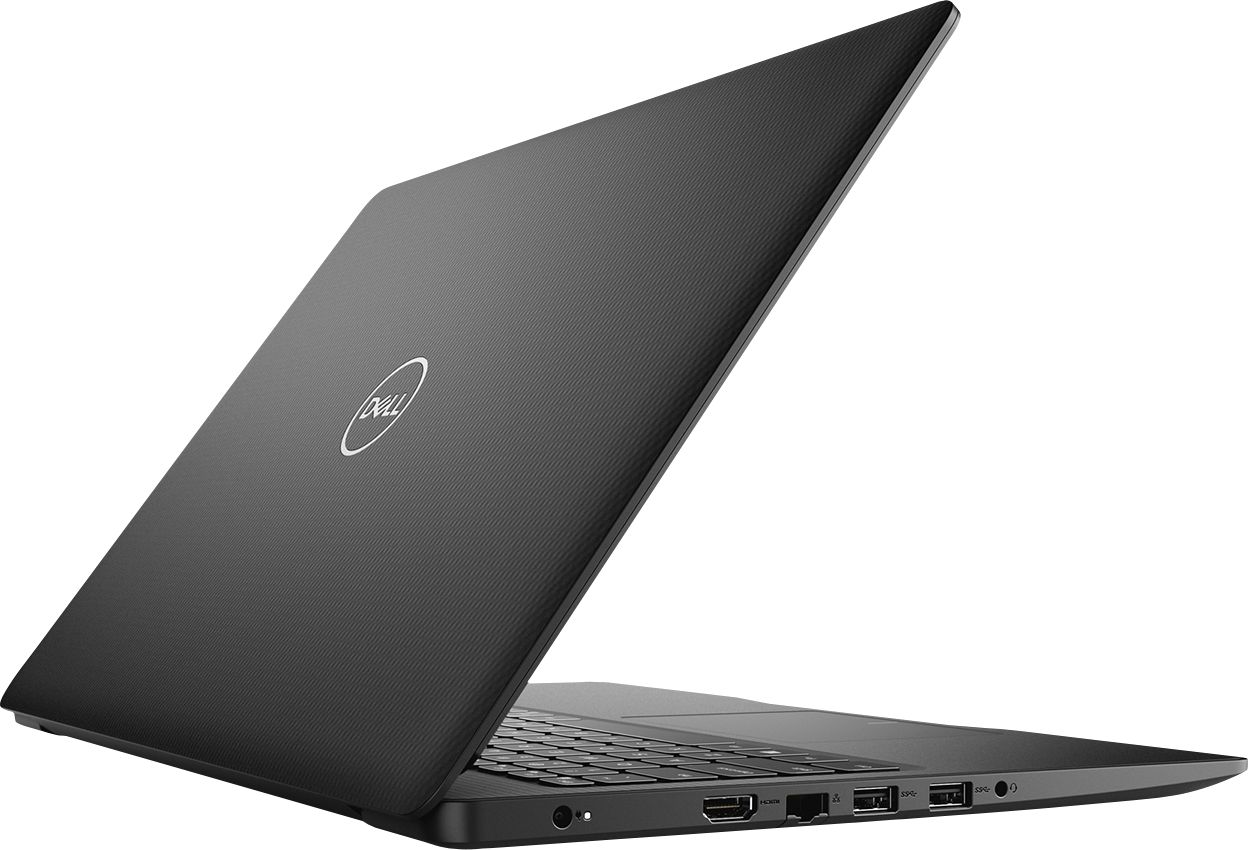


- Model:
- I3583-3867BLK
- SKU:
- 6387169
Rating by feature
- Battery Life
Rating 4.4 out of 5 stars
- Speed
Rating 4.3 out of 5 stars
- Display
Rating 4.5 out of 5 stars
Customers are saying
Customers are positive about the price, touch screen, and ease of use of the Inspiron 15.6" Touch-Screen Laptop. They appreciate the good value for the features included, enjoy using the touch screen feature, and find the laptop easy to use and navigate. However, customers are negative about the storage space, battery life, and Windows 10 operating system. They feel the storage is insufficient, the battery drains quickly, and Windows 10 requires a learning curve.
This summary was generated by AI based on customer reviews.
Disappointed Purchase
||Posted . Owned for 1 year when reviewed.This reviewer received promo considerations or sweepstakes entry for writing a review.Computer was fine for a year and then the power hookup stopped connecting. Assuming computer still works but I can't get power to it as the power plug is not connecting to the computer. Very disappointed. Thought Dell was a good product but sadly mistaken. I know I didn't buy the most expensive computer but thought I would get more than a year out of it. Cheaper chrome books for my kids have lasted way longer. Very disappointed
No, I would not recommend this to a friendStill working the issues out not really liking it
||Posted . Owned for 3 weeks when reviewed.This reviewer received promo considerations or sweepstakes entry for writing a review.Still working the issues out not really liking it. It seems to run very slow . Just not if I am going to keep it Opened up on Christmas it was a gift.
No, I would not recommend this to a friendBrand response from YourDellTeam
Posted .Maria,
We appreciate your feedback. If you'd like to see if your computer can run faster we'd recommend running the Windows Performance Troubleshooter:
1. Close all open windows.
2. Press the Windows logo key + X key on the keyboard.
3. Click Control Panel.
4. Click System and Security.
5. Under Security and Maintenance, select Troubleshoot common problems.
6. Under System and Security, click Run maintenance tasks.
7. Follow the on-screen instructions and prompts to complete the process.
8. Restart the PC.
You can read the full article here - http://dell.to/2tSulGV.
Best,
Bryan
1-800-624-9896
Good Until Warranty Ends
||Posted . Owned for 1 year when reviewed.This reviewer received promo considerations or sweepstakes entry for writing a review.Was good while it lasted. This is the second Dell I've owned that crashed 1-2 months after the warranty ended.
No, I would not recommend this to a friendHard drive crashed in less than 3 months
||Posted . Owned for 2 months when reviewed.This reviewer received promo considerations or sweepstakes entry for writing a review.Was a great laptop, however I used it for school work only and within 14 weeks the hard drive crashed. Sending it back into dell for repairs.
No, I would not recommend this to a friendBrand response from YourDellTeam
Posted .joey,
We're sorry to hear that your computer crashed after a couple of weeks of using it. We're glad that you were able to get in touch with Dell for repairs. If you have questions about your computer when you get it back you can check out our Product Support Page here: https://dell.to/2m18eN8.
Best,
Bryan
1-800-624-9896
Stopped Working in 30 days
||Posted . Owned for 6 months when reviewed.This reviewer received promo considerations or sweepstakes entry for writing a review.purchased this laptop as a backup. Within 30 days there was something wrong with it. Tried to return to Best Buy with no luck they told me we had to send back to Dell. With the pandemic I spent 6+ hours trying to work with Dell to return the laptop. Dell did not make good and we are out the money. Will no buy from Best Buy again. They do not stand behind their products unless you pruchase their $200 extra coverage.
No, I would not recommend this to a friendBrand response from YourDellTeam
Posted .Chamber,
Thanks for your review and we're sorry to hear that your computer is no longer working the way that it should. We'd recommend that you look at the Product Support Page for your computer for additional help: https://dell.to/2m18eN8.
Best,
Bryan
1-800-624-9896
Poor quality laptop
||Posted . Owned for 3 weeks when reviewed.This reviewer received promo considerations or sweepstakes entry for writing a review.After using this laptop for about 2 weeks, a problem occurred, a white flash light appeared occasionally from the laptop.
No, I would not recommend this to a friendBrand response from YourDellTeam
Posted .Elle,
Thanks for your review. We're sorry to hear about the screen issues that you're facing. Dell has released the following driver to address screen flashing and flickering on the Dell 3583 laptop model. Please visit this link in order to install the Intel UHD Graphics Driver (version 26.20.100.7463, A02): https://dell.to/36FfIYn.
Best,
Bryan
1-800-624-9896
Waste
||Posted . Owned for 1 month when reviewed.This reviewer received promo considerations or sweepstakes entry for writing a review.Even though it’s a solid-state drive it doesn’t take long to fill it up. Also, with it only being an i3 don’t expect too much out of it. If you want one for just surfing the web that’s fine but other than that, no.
No, I would not recommend this to a friendBrand response from YourDellTeam
Posted .JohnN,
Thanks for your review. We're sorry that your computer is filling up faster than you hoped it would. If you need additional storage you can always save files to the cloud using Microsoft's OneDrive.
If you have additional questions about your computer you can check our Product Support Page here: https://dell.to/2m18eN8.
Best,
Bryan
1-800-624-9896
Don't buy Dell product
||Posted . Owned for 6 months when reviewed.This reviewer received promo considerations or sweepstakes entry for writing a review.The hard drive on this laptop went out on me went out on me twice. Good thing I got total tech support
No, I would not recommend this to a friendBrand response from YourDellTeam
Posted .Thanks,
Thanks for your review. We're sorry that your computer's hard drive has not been working the way that you hoped it would. We're glad that support has been able to help with the issues that you've had. We'd recommend checking out our Product Support Page if you have additional questions: https://dell.to/2m18eN8.
Best,
Bryan
1-800-624-9896
Dell dud
||Posted . Owned for 5 months when reviewed.This reviewer received promo considerations or sweepstakes entry for writing a review.Only worked for about 3 weeks, then wouldn’t even turn on. Can’t even give it 1 star. Had to take it back to Best Buy and unfortunately since I was out of town working, couldn’t get it back for awhile, then it had to be sent back to Dell. Never buying another Dell. This was our second incident with a bad Dell computer. The first one was a desk top.
No, I would not recommend this to a friendBrand response from YourDellTeam
Posted .georgianurse,
Thanks for your review. We're sorry that your computer is not working the way that you hoped it would. We'd recommend the following steps to help turn your computer on:
1. If the computer is displaying the Dell logo and does not move past that point, it has probably failed POST.
2. If the power indicator lights up and it is amber or orange, this is usually an indicator that it has failed POST.
3. If you see text on a black screen, the computer is currently performing the POST. If the computer stays in that condition and does not move past it, it has probably failed POST.
4. If the video screen displayed anything at all during the startup process but is now black, this probably indicates that the computer failed POST.
5. If the computer is beeping or if Caps/Num/Scroll Locks are flashing, note if there is a particular pattern in which it beeps or flashes.
6. If the computer is not beeping and caps/num/scroll locks are not flashing, unplug all connections and remove all media communication devices (e.g. external monitors); reconnect one at a time and check if the computer functions.
7. For a notebook, press and hold the Fn key and then press the power button. This starts the pre-boot testing and will launch ePSA. In case you have a Desktop at the Dell logo screen tap the F12 key to enter One Time Boot Menu and use the arrow keys to highlight Diagnostics and press enter.
You can read the full article here - http://dell.to/2uj1Sby.
Best,
Bryan
1-800-624-9896
stopped working
||Posted . Owned for 8 months when reviewed.This reviewer received promo considerations or sweepstakes entry for writing a review.Within 3 months it started to give me problems turning it on and now it will not turn on at all. I called dell techs and they could not fix it after several remote calls I just gave up and now it will not turn on at all. I went online and there were hundreds of people who had the same problem....so why is best buy still selling it?
No, I would not recommend this to a friendBrand response from YourDellTeam
Posted .kimmy,
We're sorry to hear about the issues that you're having turning your computer on. We'd recommend the following steps to help get your computer started again:
1. If the computer is displaying the Dell logo and does not move past that point, it has probably failed POST.
2. If the power indicator lights up and it is amber or orange, this is usually an indicator that it has failed POST.
3. If you see text on a black screen, the computer is currently performing the POST. If the computer stays in that condition and does not move past it, it has probably failed POST.
4. If the video screen displayed anything at all during the startup process but is now black, this probably indicates that the computer failed POST.
5. If the computer is beeping or if Caps/Num/Scroll Locks are flashing, note if there is a particular pattern in which it beeps or flashes.
6. If the computer is not beeping and caps/num/scroll locks are not flashing, unplug all connections and remove all media communication devices (e.g. external monitors); reconnect one at a time and check if the computer functions.
7. For a notebook, press and hold the Fn key and then press the power button. This starts the pre-boot testing and will launch ePSA. In case you have a Desktop at the Dell logo screen tap the F12 key to enter One Time Boot Menu and use the arrow keys to highlight Diagnostics and press enter.
You can read the full article here - http://dell.to/2uj1Sby.
Best,
Bryan
1-800-624-9896
You get less than what you pay for
||Posted . Owned for 11 months when reviewed.This reviewer received promo considerations or sweepstakes entry for writing a review.Horrible! Gave me problems on the first day...Brand new! It does this thing where it goes into sleep mode, good luck waking it up! Even if your hatd boot it, that only worked some times. Took it back and dropped an extra $120 on an HP like I should have in the first place!
No, I would not recommend this to a friendNot great quality
||Posted . Owned for 1 month when reviewed.This reviewer received promo considerations or sweepstakes entry for writing a review.I really liked it at first but now I usually use my old laptop. The screen started flashing for no reason, the volume buttons don't work, and the when you are just scrolling down a page it will just randomly click on stuff.
No, I would not recommend this to a friendBrand response from YourDellTeam
Posted .JL4983,
Thanks for your review. We're sorry to hear about the issues that you're having with your laptop. If you are still experiencing screen flickering please visit this link in order to install the Intel UHD Graphics Driver (version 26.20.100.7463, A02): https://dell.to/36FfIYn.
If you'd like to re-calibrate your touchpad, you can follow these steps:
Some Notebooks and Tablets with Keyboards have added gesture features to the touchpad hardware and drivers. A few of these features are two or three finger scrolling, pinch zoom, circle zoom, rotate and swiping. These new features may be the reason for the erratic cursor movement since most are turned on by default. You can disable or modify the way the features work in the touchpad driver properties. Here are some tips to modify these settings:
1. In the Search box, type main.cpl.
2. Touch or click main.cpl in the list of programs.
3. Touch or click the Dell Touchpad tab.
4. Touch or click on the picture of the touchpad.
5. Touch or click Gestures (depending on your computer there may not be a Gestures option).
6. Change the options as preferred.
7. Touch or click Save.
8. Touch or click the X in the upper-right corner to close the Dell Touchpad Utility.
9. Touch or click OK on the Mouse Properties window.
10. If the touchpad still does not work after following the preceding steps, refer to Dell Knowledge Base article - http://dell.to/2iaiujA.
You can read the full article here - http://dell.to/2tqmS02.
Best,
Bryan
1-800-624-9896
entry level at best
||Posted . Owned for 1 year when reviewed.This reviewer received promo considerations or sweepstakes entry for writing a review.not a very good laptop not worth the price for sure.
No, I would not recommend this to a friendBrand response from YourDellTeam
Posted .Hello,
Thank you for your review. We are sorry to hear you are disappointed with your PC. We want to help resolve any issues you are facing. The best way for us to help would be to follow up with our Support Team here. http://dell.to/2sH7Qlm or 1-800-624-9896
Best,
Lexy
Slow
||Posted . Owned for 7 months when reviewed.This reviewer received promo considerations or sweepstakes entry for writing a review.Too slow i returned and bought i5 processor with 5gb ram
I would recommend this to a friendTerrible slow wast of money
||Posted . Owned for 4 months when reviewed.This reviewer received promo considerations or sweepstakes entry for writing a review.Forget about going on any new newspaper websites takes 5 minutes to load and the warranty doesn't cover anything mine is 3 months old and they wanted me to pay 150 dollars for an extended warranty
No, I would not recommend this to a friendBrand response from YourDellTeam
Posted .Nono,
Thanks for your review. We're sorry that your computer is not performing the way that you hoped it would. We'd recommend running the Windows Performance Troubleshooter to see if there is a way to help your computer run faster for you:
1. Close all open windows.
2. Press the Windows logo key + X key on the keyboard.
3. Click Control Panel.
4. Click System and Security.
5. Under Security and Maintenance, select Troubleshoot common problems.
6. Under System and Security, click Run maintenance tasks.
7. Follow the on-screen instructions and prompts to complete the process.
8. Restart the PC.
You can read the full article here - http://dell.to/2tSulGV.
Best,
Bryan
1-800-624-9896
Dell 15.6 Touch Screen Laptop Corei3
||Posted . Owned for 3 weeks when reviewed.This reviewer received promo considerations or sweepstakes entry for writing a review.I had to return this do to it would connect to my Wifi, I call Best Buy Greek personal and they said to try different setups and none them work, the agent said to return it.
No, I would not recommend this to a friendaudio was broken
||Posted . Owned for 2 months when reviewed.This reviewer received promo considerations or sweepstakes entry for writing a review.new computer, that did not have audio. i called Dell Tech support and they were clueless, returned it and bought a different brand.
No, I would not recommend this to a friendTerrible
||Posted . Owned for 3 months when reviewed.This reviewer received promo considerations or sweepstakes entry for writing a review.The screen has the absolute worst quality. The color contrast is so poor I can’t even tell the difference between some colors
No, I would not recommend this to a friendBrand response from YourDellTeam
Posted .Mjc1014,
We're sorry to hear that your screen quality is not what you were hoping it would be. We'd recommend reading the following article to see if there are ways to adjust your display settings: https://dell.to/2CLF6yC.
Best,
Bryan
1-800-624-9896
STAY AWAY FROM BEST BUY & DELL
||Posted . Owned for 11 months when reviewed.This reviewer received promo considerations or sweepstakes entry for writing a review.This piece of TIHS hasn't worked since opening the box & setting it up. I don't know if it's a lemon or what?
No, I would not recommend this to a friendBrand response from YourDellTeam
Posted .Dear Valued Customer,
We're sorry to hear that your new computer has not been working for you so far. We'd recommend running the Dell SupportAssist App to help set up your computer and ensure that you have all of the latest drivers and software installed on your computer. You can also reach out to Dell's Technical Support Team for additional help getting started with your new computer: http://dell.to/2sH7Qlm.
Best,
Bryan
1-800-624-9896
Computer I bought for school
||Posted . Owned for 3 weeks when reviewed.This reviewer received promo considerations or sweepstakes entry for writing a review.Never again would I purchase this it came to me not working I ordered it for my sons bday so dissapor
No, I would not recommend this to a friendBrand response from YourDellTeam
Posted .Jamison,
Thanks for your review. We're sorry that your computer is not working the way that you hoped it would. Please reach out directly to Best Buy in order to find out what your return and exchange options are: http://bit.ly/2v2IVhI.
Best,
Bryan
1-800-624-9896