Customer Ratings & Reviews
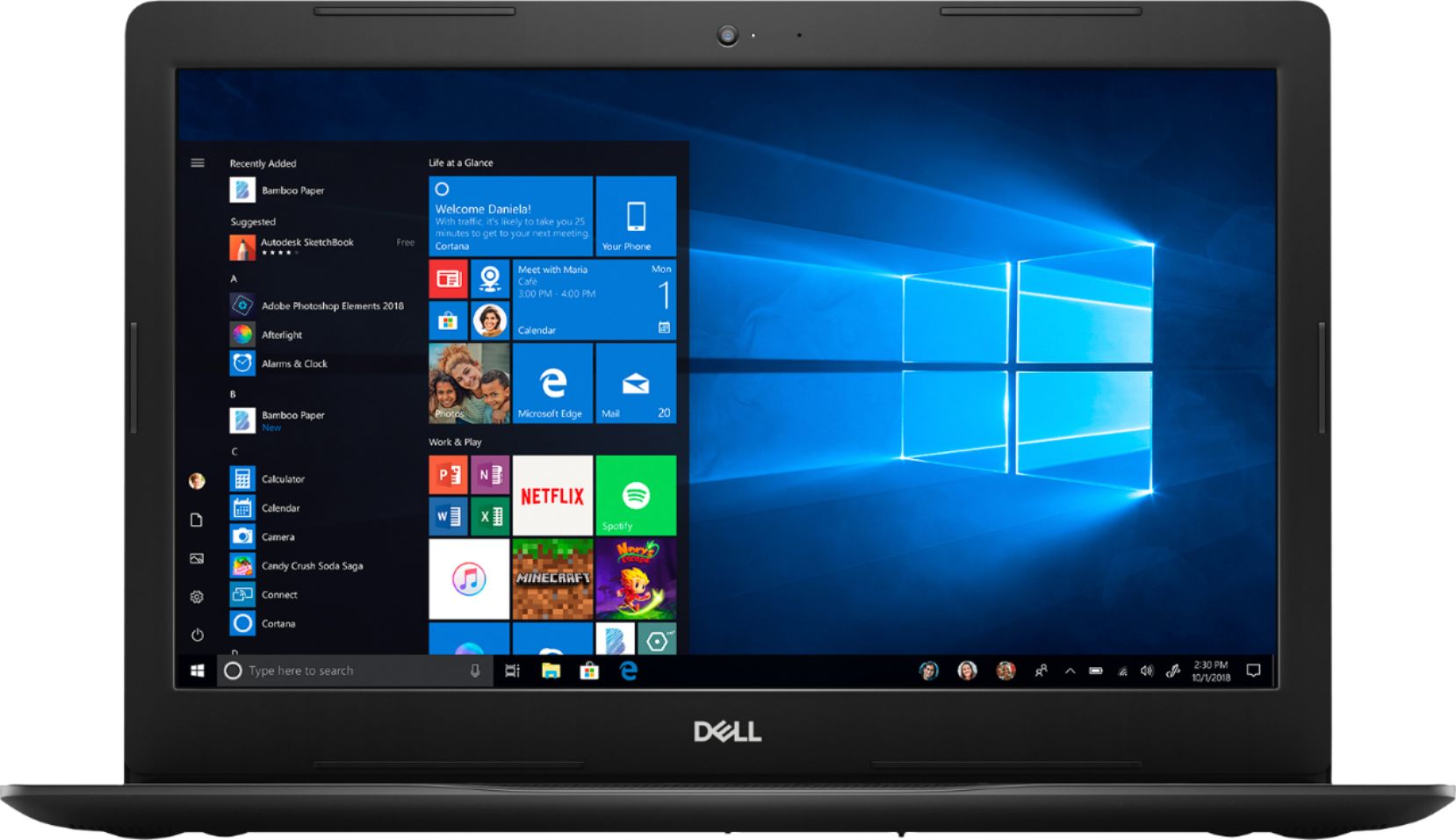
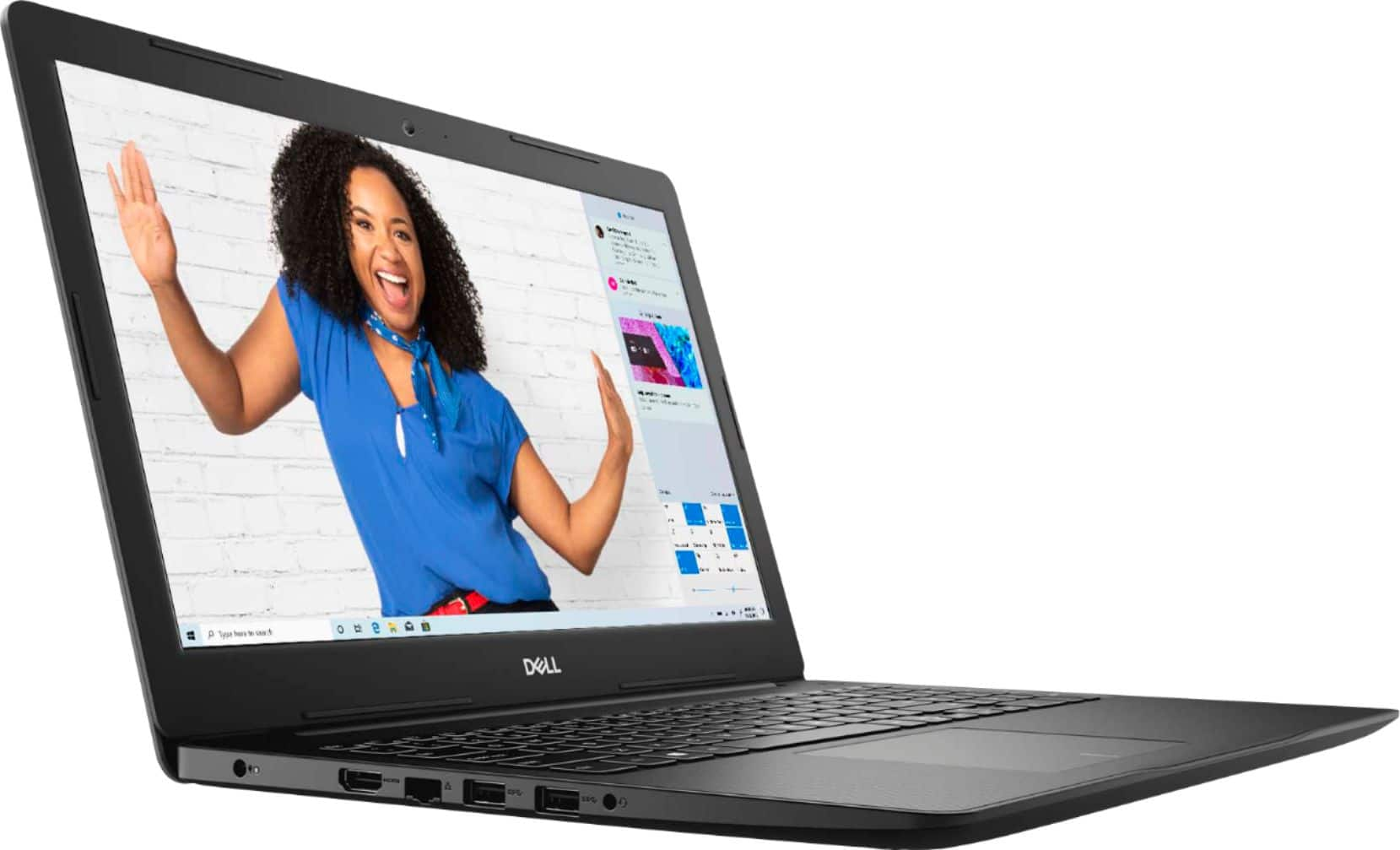
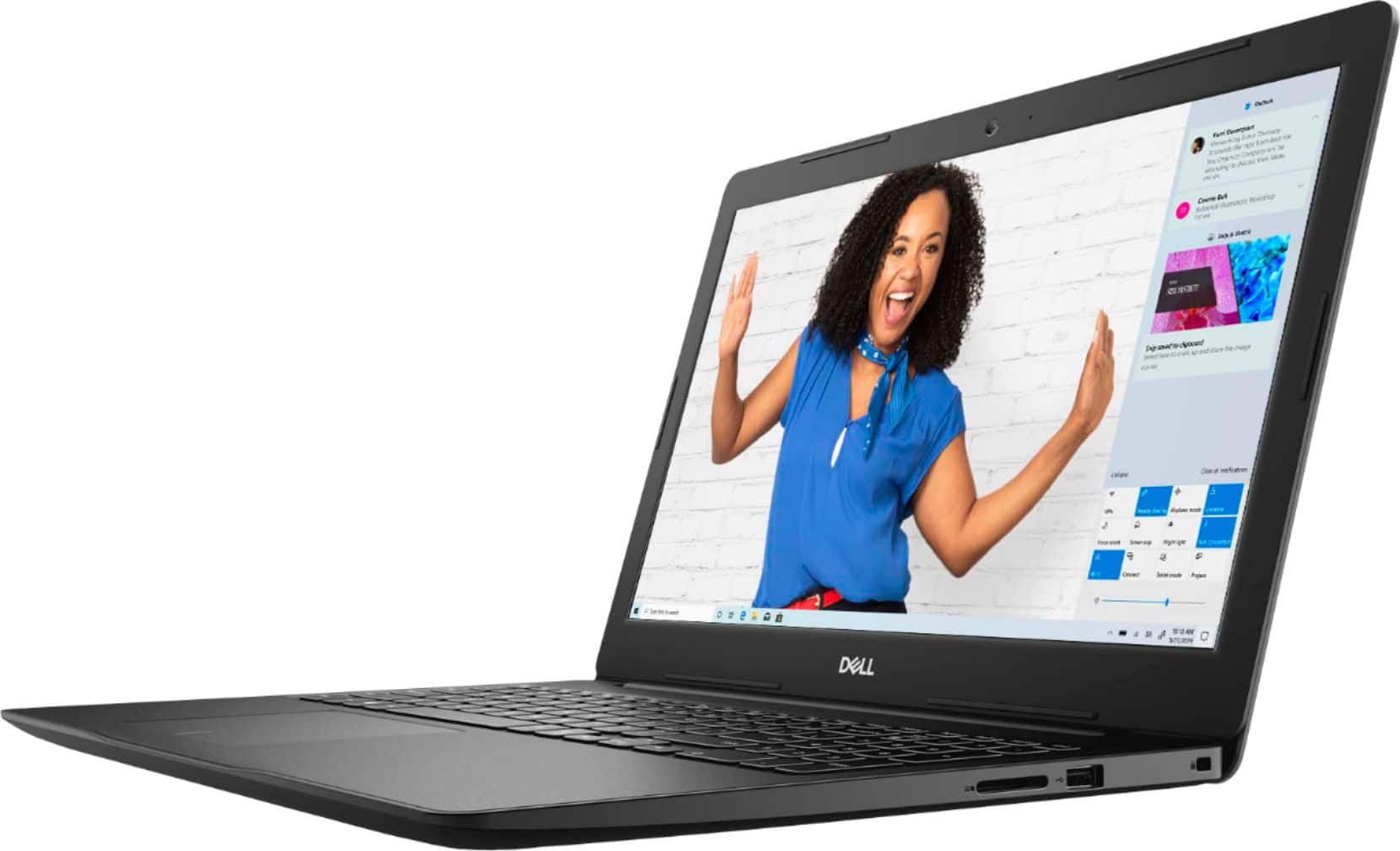
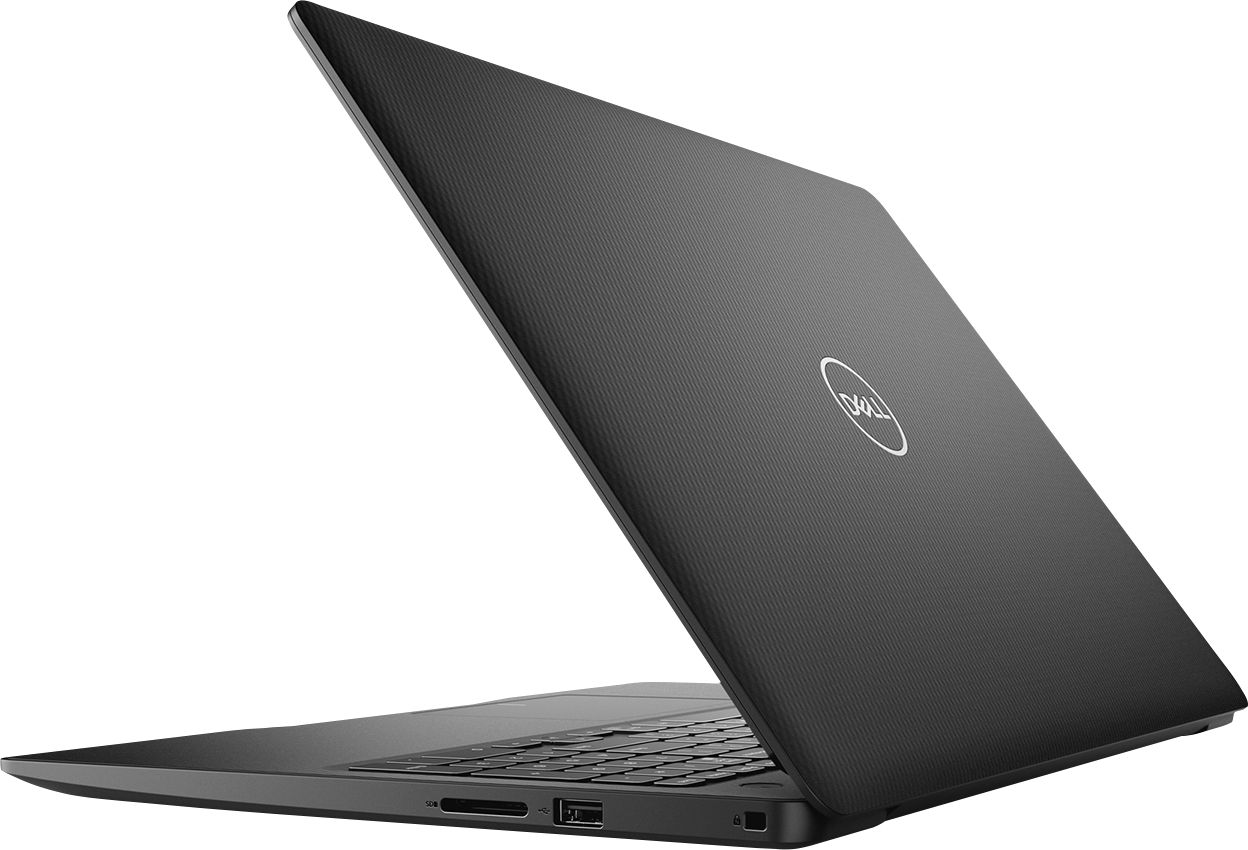

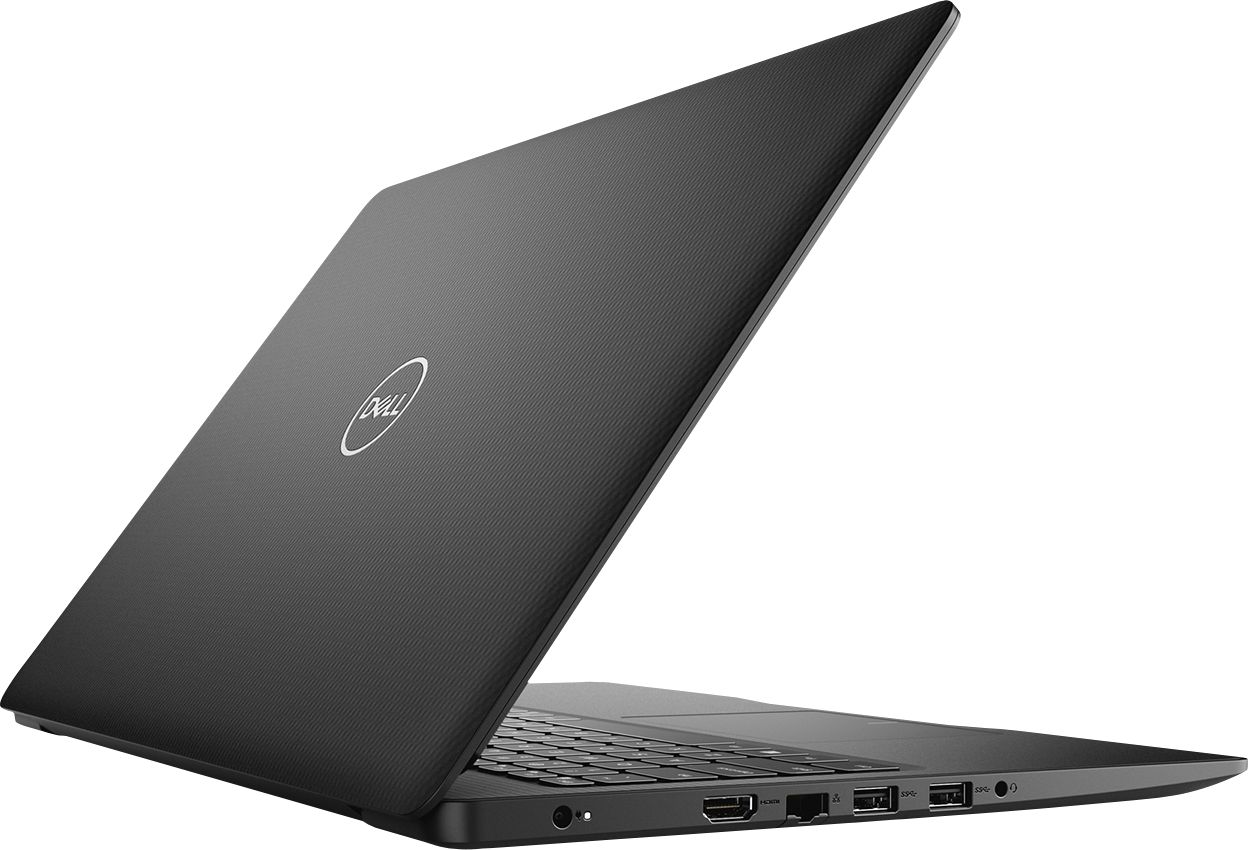


- Model:
- I3583-3867BLK
- SKU:
- 6387169
Rating by feature
- Battery Life
Rating 4.4 out of 5 stars
- Speed
Rating 4.3 out of 5 stars
- Display
Rating 4.5 out of 5 stars
Customers are saying
Customers are positive about the price, touch screen, and ease of use of the Inspiron 15.6" Touch-Screen Laptop. They appreciate the good value for the features included, enjoy using the touch screen feature, and find the laptop easy to use and navigate. However, customers are negative about the storage space, battery life, and Windows 10 operating system. They feel the storage is insufficient, the battery drains quickly, and Windows 10 requires a learning curve.
This summary was generated by AI based on customer reviews.
Problems with usb port
||Posted . Owned for 3 weeks when reviewed.This reviewer received promo considerations or sweepstakes entry for writing a review.I'm having problems with one of my USB ports, plus the "on/off" button is not working properly.
No, I would not recommend this to a friendBrand response from YourDellTeam
Posted .Patty,
Thanks for your review. Please reach out to Dell's Technical Support Team for additional help with your USB ports if you need it: http://dell.to/2sH7Qlm.
Best,
Bryan
1-800-624-9896
don't waste your money.
||Posted . Owned for 3 weeks when reviewed.This reviewer received promo considerations or sweepstakes entry for writing a review.don't waste your money. can't return right now, but this laptop is garbage.
No, I would not recommend this to a friendBrand response from YourDellTeam
Posted .busy,
Thanks for your feedback on your Dell laptop. We're sorry that the performance is not what you were hoping it would be. We'd recommend trying to run the Windows Performance Troubleshooter to see if there are ways to speed up your computer:
1. Close all open windows.
2. Press the Windows logo key + X key on the keyboard.
3. Click Control Panel.
4. Click System and Security.
5. Under Security and Maintenance, select Troubleshoot common problems.
6. Under System and Security, click Run maintenance tasks.
7. Follow the on-screen instructions and prompts to complete the process.
8. Restart the PC.
You can read the full article here - http://dell.to/2tSulGV.
If you have any questions about your computer we'd recommend checking our Product Support Page here: https://dell.to/2m18eN8.
Best,
Bryan
1-800-624-9896
Returned it.
||Posted . Owned for 1 month when reviewed.This reviewer received promo considerations or sweepstakes entry for writing a review.Only worked for a few weeks. Returned it. I do not recommend it at all.
No, I would not recommend this to a friendAlready in for service.
||Posted . Owned for 1 month when reviewed.This reviewer received promo considerations or sweepstakes entry for writing a review.Laptop is making a grinding noise and freezing. Don’t waste your money.
No, I would not recommend this to a friendBrand response from YourDellTeam
Posted .Tbean,
Thanks for your review and we're sorry to hear about the freezes that your computer is experiencing. We'd recommend the following steps to diagnose the freezes on your computer:
1. Run a Computer Diagnostic. To determine if your computer is experiencing a hardware problem, run the Dell Preboot System Assessment (PSA) Diagnostics. For information on how to run Diagnostics, and to determine the issue, refer to Dell Knowledge Base Article: http://dell.to/2iaiujA.
2. Check Safe Mode for Symptoms. To boot into safe mode, please follow the instructions below:
a) Start the computer.
b) Tap 'F8' on the keyboard immediately and every one second until the Dell logo screen disappears. From there you will see the Windows Advanced Options Menu on the screen. (If the Windows Advanced Options Menu does not appear, restart the system and try again.)
c) Select Safe mode with Networking and press Enter.
d) Log on as the administrator or as a user with administrative access.
e) Open applications and test the computer in safe mode. If the symptoms exist in safe mode, please continue the troubleshooting steps in this article. If the symptoms do not exist in safe mode, the issue is likely related to a driver or software and you may wish to complete step 3 to see if you are able to resolve the lockups or freezing.
3. Check for Malware. Malware (Virus, Spyware, etc.) can definitely cause a Windows system to lock up or appear to hang. To check for malware on your system and to ensure that your computer is up to date on security software, visit Dell Knowledge Base Article: http://dell.to/2wWP1zI.
You can read the full article here - http://dell.to/2tW5m33.
We hope that when you get your computer back from being serviced that it works the way you hoped it would.
Best,
Bryan
1-800-624-9896
Bad Computer
||Posted . Owned for 5 months when reviewed.This reviewer received promo considerations or sweepstakes entry for writing a review.Do not buy!! Very slow and geeksquad was not helpful.
No, I would not recommend this to a friendBrand response from YourDellTeam
Posted .Tanouse,
We're sorry to hear that your computer is not performing as well as you'd like it to. We'd recommend running the Windows Performance Troubleshooter to see if it improves the performance of your computer:
1. Close all open windows.
2. Press the Windows logo key + X key on the keyboard.
3. Click Control Panel.
4. Click System and Security.
5. Under Security and Maintenance, select Troubleshoot common problems.
6. Under System and Security, click Run maintenance tasks.
7. Follow the on-screen instructions and prompts to complete the process.
8. Restart the PC.
You can read the full article here - http://dell.to/2tSulGV.
Best,
Bryan
1-800-624-9896
- Pros mentioned:Price
Completely satisfied customer
Posted .This reviewer received promo considerations or sweepstakes entry for writing a review.This computer is a bang for your buck. I highly recommend it.
I would recommend this to a friend Laptop
Posted .This reviewer received promo considerations or sweepstakes entry for writing a review.Purchased this computer a few years ago and still woks like new. I will recommend this product.
I would recommend this to a friendSuper laptop
Posted .This reviewer received promo considerations or sweepstakes entry for writing a review.For those reading the not so positive reviews, let me enlighten you. 1. This is a Windows 10 in "S" mode. Meaning it is protecting you from your self. You can opt out but can't go back. 2. Small SSD drive, I'll grant you that but coupled with an Office 365 account that gives you 1 TB of data or a Google account to store your stuff in the cloud, you don't have to worry with data loss. The drive is big enough to hold Windows updates, a problem with the ultra cheap laptops, where you have to put in a jump drive to do updates. I purchased 2 of these for a customer and they setup and work just fine. $300 price point is nice.
I would recommend this to a friendGreat buy
Posted .This reviewer received promo considerations or sweepstakes entry for writing a review.I have had this laptop for four years and while it has it little kinks it still works!
I would recommend this to a friend- Cons mentioned:Battery life
Loved the computer, but doesn’t last long
Posted .This reviewer received promo considerations or sweepstakes entry for writing a review.I absolutely loved this laptop however, within a couple years, it would only work if plugged in to a Power source. I contacted a company to fix it and they said it was a default in the computer and it would require the whole motherboard to be replaced. Which would cost just as much to get a new computer. I will not buy a Dell again.
No, I would not recommend this to a friend Awesome
Posted .This reviewer received promo considerations or sweepstakes entry for writing a review.Love this laptop, I’ve worked from home for over 4 years with the same laptop
I would recommend this to a friendHappy with my laptop
Posted .This reviewer received promo considerations or sweepstakes entry for writing a review.I have had this computer for a couple years and have had no problems. It works for what I need a laptop for. I don't game, just basic internet searches and word processing.
I would recommend this to a friend- Pros mentioned:Touch screen
Very impressed
Posted .This reviewer received promo considerations or sweepstakes entry for writing a review.I was so satisfied with the one I bought that convinced a family member to try it too, and they also are highly impressed. This would've still been a great deal without the touchscreen, so that was a bonus. Solid state drive boots in ~15 seconds, 8GB of RAM is more than twice what most users would need. The layout of buttons and ports is simple and clean-looking. Both laptops have been heavily used for a year now and are still going strong!
I would recommend this to a friend - Cons mentioned:Battery life
excelent faster to chrome browser, nice resolution
Posted .This reviewer received promo considerations or sweepstakes entry for writing a review.I added one $70 from a Lenovo to this one I am fell very comfortable. I am aware about the limit of hard drive space but I cut off several - Mcaffe, windows and dell programs without low priority ( calendar, maintenance, etc...). Great product, I will recommend. ( battery is not great but works).
I would recommend this to a friend Cheap price computer
Posted .This reviewer received promo considerations or sweepstakes entry for writing a review.I bought it last week. Even though you have to change S mode to use properly, I think this computer itself is pretty nice (booting and 15 inch screen).
I would recommend this to a friend- Pros mentioned:Touch screen
Poorly Designed, but Good Functioning Laptop.
Posted .This reviewer received promo considerations or sweepstakes entry for writing a review.A good laptop to do basic tasks like browsing the internet, projects, homework, etc. The computer has stayed fast and smooth, plus the touch screen is a great addition. However, the physical components of the laptop were POORLY made. The touchpad came up just a few months after the purchase and even after getting it repaired under warranty it isn't the same. Now after 2 years, the power button is malfunctioning causing us to press the power button 20-40 times before the laptop comes on. It's not even worth getting it repaired. I'm not sure if we just purchased a dud, but I would consider a different product.
No, I would not recommend this to a friend Dell for daily tasks
Posted .This reviewer received promo considerations or sweepstakes entry for writing a review.This Dell is light, decent processing for daily task. Decent build quality for the price point.
I would recommend this to a friendLightweight....Exceptional experience
Posted .This reviewer received promo considerations or sweepstakes entry for writing a review.Excellent product. Great price.. Durable.....A must have
I would recommend this to a friendHappy costumer
Posted .This reviewer received promo considerations or sweepstakes entry for writing a review.I bought this laptop couple days ago and so far i'm happy with it, The sound it's great the battery life last 6 - 7 hours
I would recommend this to a friendBad Purchase
Posted .This reviewer received promo considerations or sweepstakes entry for writing a review.Purchased the item today. Everything seemed to go smoothly until the internet browsers just stopped working. Contacted Dell, I was told it was a software issue and that there would be a charge for assistance (Dell only provides hardware support under the warranty). It is not reasonable to purchase a computer and encounter an issue that requires a service charge to correct. I will be returning the computer tomorrow.
No, I would not recommend this to a friendBrand response from YourDellTeam
Posted .WishforMore,
Thanks for your review. We're sorry to hear about your browsers that stopped working. We'd suggest diagnosing the errors on your computer. Perhaps you can try these steps:
1. At the desktop, click the Search the web and Windows box and type "problem reports".
2. Select View all problem reports to view a list of errors that have occurred on your computer and possible solutions for them, such as updating drivers, flashing your system BIOS, or checking for updates to the software.
3. Under the Source column, look for Windows and under Summary, look for Shut down unexpectedly.
4. Right-click the line item and select Check for a solution.
We'd also suggest checking to make sure that your software and drivers are up to date on Dell's Product Page - https://dell.to/2rlFsde.
You can read the full article here - http://dell.to/2u98Cct.
Best,
Bryan
1-800-624-9896