Customer Ratings & Reviews
- Model:
- I7375-A439GRY-PUS
- SKU:
- 6208228
Rating by feature
- Value
Rating 4.1 out of 5 stars
- Quality
Rating 4.1 out of 5 stars
- Ease of Use
Rating 4.3 out of 5 stars
Customers are saying
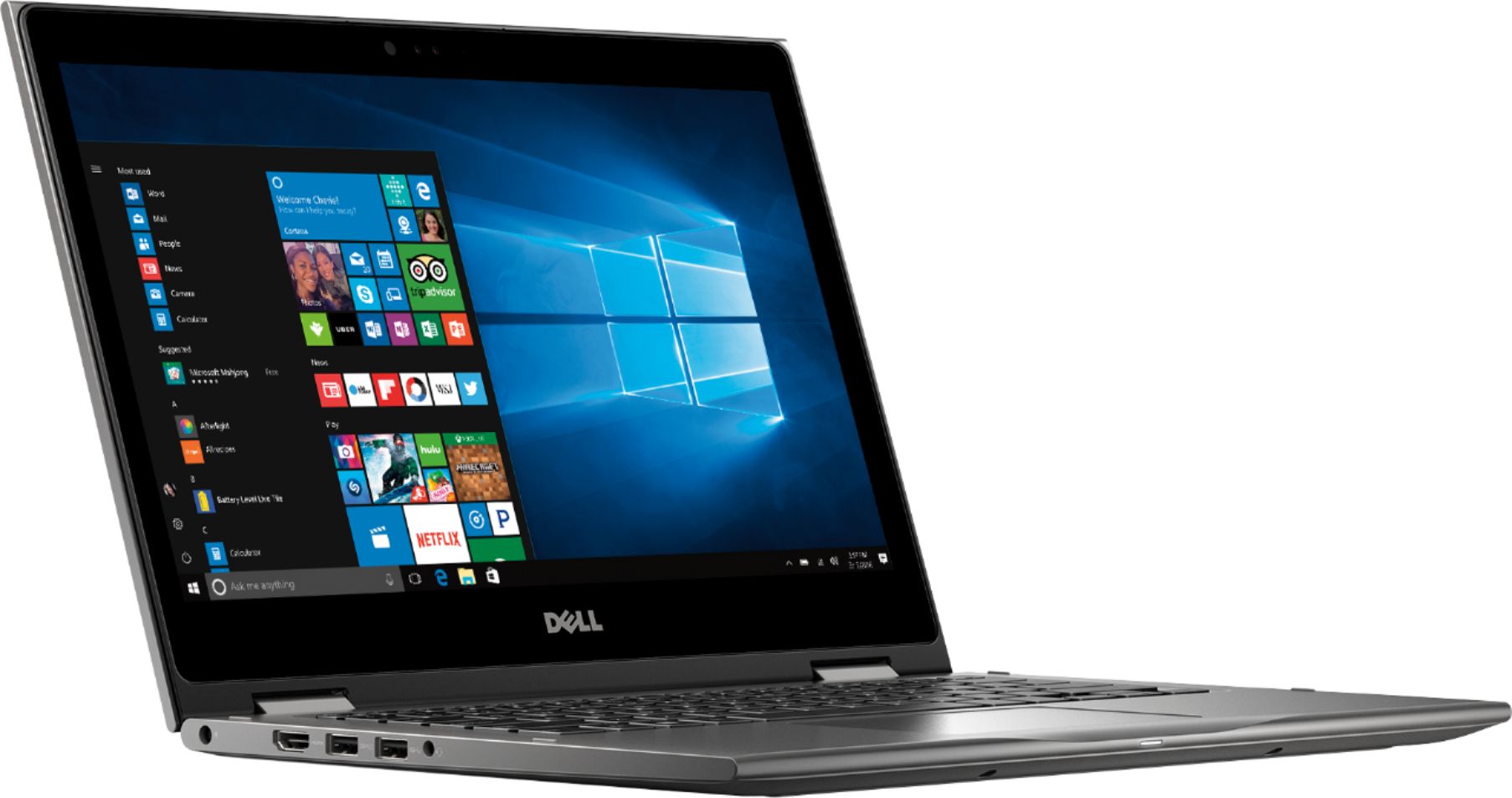
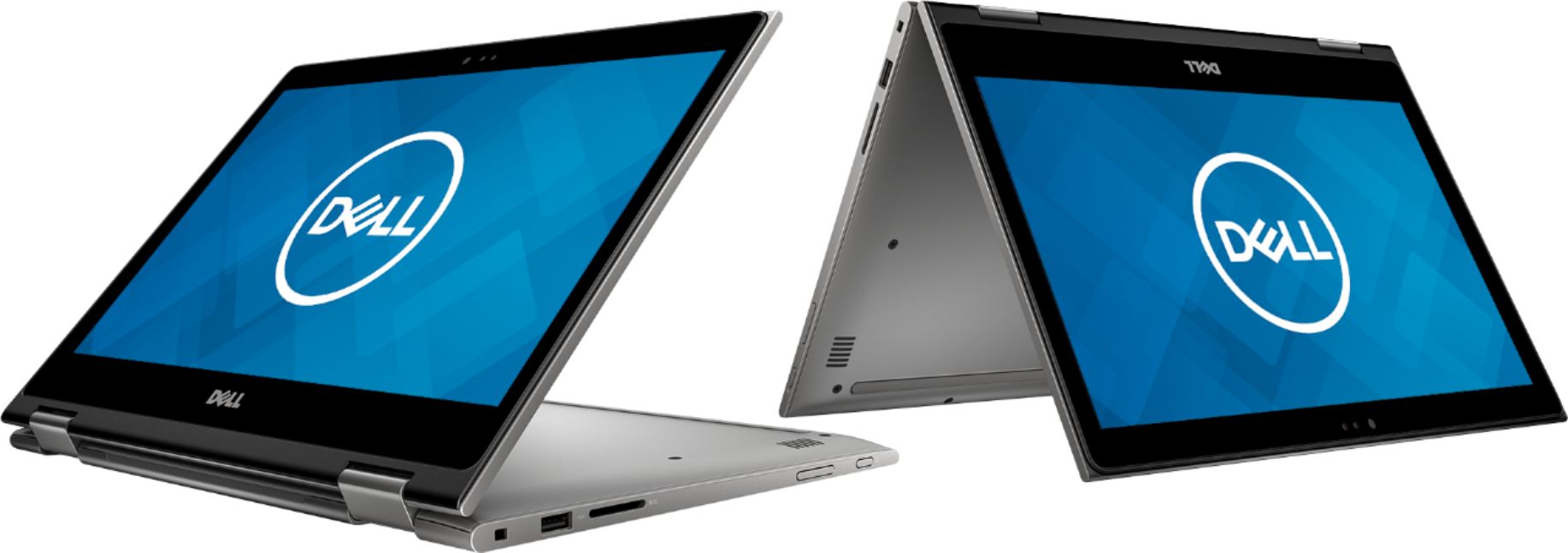
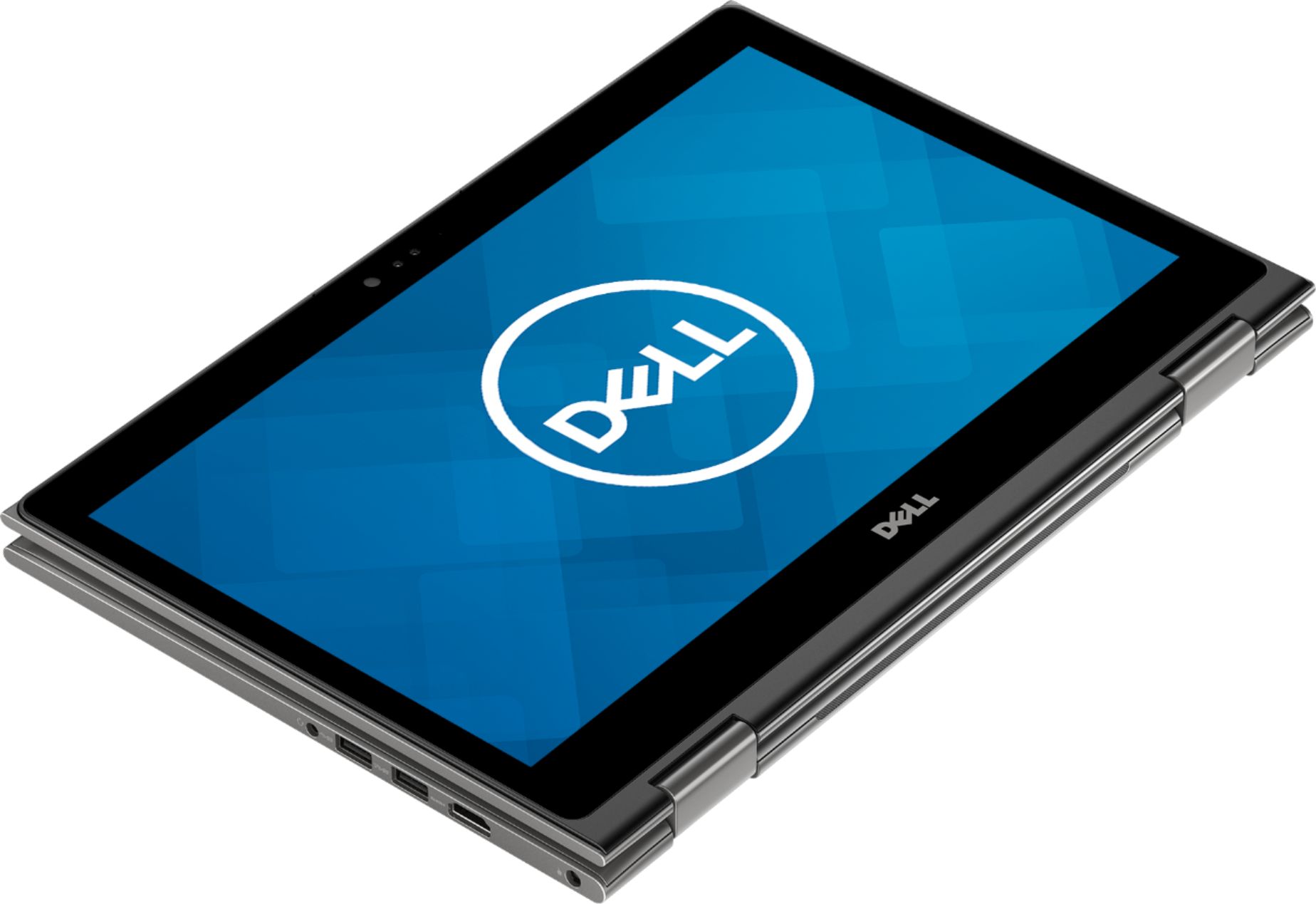
Customers are satisfied with the Inspiron 2-in-1 13.3" Touch-Screen Laptop for its touch screen responsiveness, lightweight design, user-friendly interface, and affordable price. However, some customers have concerns about its short battery life, occasional freezing, faulty units, unstable Wi-Fi connection, and slightly heavy weight.
This summary was generated by AI based on customer reviews.
Awesome laptop
||Posted . Owned for 3 months when reviewed.This reviewer received promo considerations or sweepstakes entry for writing a review.Love it. Sometimes it is hard to recognize my face when I try to unlock it. But no other issues
I would recommend this to a friend- Cons mentioned:Battery life
It gets the job done
||Posted .This reviewer received promo considerations or sweepstakes entry for writing a review.Not great on battery life. Tends to freeze up. Good starter laptop
No, I would not recommend this to a friendBrand response from YourDellTeam
Posted .Emily,
We'd recommend the following tips to help extend the battery life of your computer:
Change the Power Plan:
1. On the notification area of the taskbar, right-click the Battery icon.
2. On the options list, click Power Options.
3. Select a power plan on the battery meter, such as Power Saver or Balanced. Windows 10 has a built in 'Battery Saver' mode that can be activated to extend your system's battery life. The Battery Saver mode will monitor and limit background activity and other features such as push notifications. You do have the option to enable or disable this mode within settings or within advanced Battery Saver settings, you can customize the mode to best suit your needs.
a) Click on the Action Center icon in the taskbar and select the tile for Battery Saver.
b) If running Cortana then type Battery Saver into the search box and select from the results.
Within the Battery Saver settings page, you will be able to turn on and off the feature and customize the feature to best meet your needs.
c) Turn Battery Saver On or Off.
d) Additional settings available via the Battery use and Battery saver settings links.
e) Battery use shows further info on apps and their power usage.
f) Battery Saver Settings screen allows you to customize further Battery Saver feature.
You can read the full article here - http://dell.to/2vfXWf4.
If you'd like to diagnose your computer when it freezes we'd recommend the following:
1. Run a Computer Diagnostic. To determine if your computer is experiencing a hardware problem, run the Dell Preboot System Assessment (PSA) Diagnostics. For information on how to run Diagnostics, and to determine the issue, refer to Dell Knowledge Base Article: http://dell.to/2iaiujA.
2. Check Safe Mode for Symptoms. To boot into safe mode, please follow the instructions below:
a) Start the computer.
b) Tap 'F8' on the keyboard immediately and every one second until the Dell logo screen disappears. From there you will see the Windows Advanced Options Menu on the screen. (If the Windows Advanced Options Menu does not appear, restart the system and try again.)
c) Select Safe mode with Networking and press Enter.
d) Log on as the administrator or as a user with administrative access.
e) Open applications and test the computer in safe mode. If the symptoms exist in safe mode, please continue the troubleshooting steps in this article. If the symptoms do not exist in safe mode, the issue is likely related to a driver or software and you may wish to complete step 3 to see if you are able to resolve the lockups or freezing.
3. Check for Malware. Malware (Virus, Spyware, etc.) can definitely cause a Windows system to lock up or appear to hang. To check for malware on your system and to ensure that your computer is up to date on security software, visit Dell Knowledge Base Article: http://dell.to/2wWP1zI.
You can read the full article here - http://dell.to/2tW5m33.
Best,
Bryan
1-800-624-9896
Other better laptops!
||Posted . Owned for more than 2 years when reviewed.This reviewer received promo considerations or sweepstakes entry for writing a review.This was bought for my sister, she is in college. She wasn't a huge fan, it is out of necessity now she is using it. We had protection on in through geek squad which has made it barrable because we have had to fix it a few times. If I had to do it again I would go another route and not have gotten a Dell!
No, I would not recommend this to a friendDurable Laptop
||Posted . Owned for 1 year when reviewed.This reviewer received promo considerations or sweepstakes entry for writing a review.Using it now to write this review. I have had it about a year and have had zero issues. I also took it on nearly 200,000 airlines miles of travel all around the world. It's durable.
I would recommend this to a friendWorks quite well.
||Posted .This reviewer received promo considerations or sweepstakes entry for writing a review.This laptop is not for a beginner. Also, don't allow any Dell upgrades.It erases everything else.
I would recommend this to a friendcomputer is well made but wireless speed is not gr
||Posted .This reviewer received promo considerations or sweepstakes entry for writing a review.computer is made well but wireless speed only goes to fifety when the router puts out 100 speed.
I would recommend this to a friend- Cons mentioned:Battery life
Nice computer but average
||Posted .This reviewer received promo considerations or sweepstakes entry for writing a review.The battery life is real bad maybe 4 hrs then I have to plug it in
I would recommend this to a friendBrand response from YourDellTeam
Posted .Hamstermom,
Thanks for your feedback. We'd recommend the following tips to help your computer's battery last longer for you:
Change the Power Plan:
1. On the notification area of the taskbar, right-click the Battery icon.
2. On the options list, click Power Options.
3. Select a power plan on the battery meter, such as Power Saver or Balanced. Windows 10 has a built in 'Battery Saver' mode that can be activated to extend your system's battery life. The Battery Saver mode will monitor and limit background activity and other features such as push notifications. You do have the option to enable or disable this mode within settings or within advanced Battery Saver settings, you can customize the mode to best suit your needs.
a) Click on the Action Center icon in the taskbar and select the tile for Battery Saver.
b) If running Cortana then type Battery Saver into the search box and select from the results.
Within the Battery Saver settings page, you will be able to turn on and off the feature and customize the feature to best meet your needs.
c) Turn Battery Saver On or Off.
d) Additional settings available via the Battery use and Battery saver settings links.
e) Battery use shows further info on apps and their power usage.
f) Battery Saver Settings screen allows you to customize further Battery Saver feature.
You can read the full article here - http://dell.to/2vfXWf4.
Best,
Bryan
1-800-624-9896
Great laptop
||Posted .This reviewer received promo considerations or sweepstakes entry for writing a review.When I first opened it I had updates to do, it had bluescreened and I was nervous. It just needed to restart the installation process. I haven’t had issues with it since, by far my favorite laptop yet.
I would recommend this to a friendgreat laptop for the price
||Posted .This reviewer received promo considerations or sweepstakes entry for writing a review.great laptop for the price, unfortunately doesnt have a internet port which is what I needed.
I would recommend this to a friendNice laptop
||Posted . Owned for 1 month when reviewed.This reviewer received promo considerations or sweepstakes entry for writing a review.Still trying to learn how it works Have not had chance to figure out all of it yet
I would recommend this to a friendbackup laptop
||Posted .This reviewer received promo considerations or sweepstakes entry for writing a review.I got this laptop as a backup laptop since I am a grad student. Works well! Not super powerful but decent graphics and great speed and processing power for everyday use. also good for old games!
I would recommend this to a friendlaptop
||Posted . Owned for 10 months when reviewed.This reviewer received promo considerations or sweepstakes entry for writing a review.bought for daughter to take to college seems to be working for what she needs
I would recommend this to a friendgood all purpose laptop
||Posted . Owned for 1 month when reviewed.This reviewer received promo considerations or sweepstakes entry for writing a review.Purchased this to replace an older 17-inch HP pavilion laptop that was an al purpose laptop but was showing signs of age. Not familiar with Ryzen processors, but so far so good!
I would recommend this to a friendLaptop
||Posted . Owned for 1.5 years when reviewed.This reviewer received promo considerations or sweepstakes entry for writing a review.Over great laptop. Especially now in this covid era
I would recommend this to a friend- Cons mentioned:Battery life
satisfactory
||Posted .This reviewer received promo considerations or sweepstakes entry for writing a review.Just good enough to get by. Battery life is bad, ok.
No, I would not recommend this to a friendBrand response from YourDellTeam
Posted .whipwrex,
Here are some recommendations to help extend the life of your computer's battery:
Change the Power Plan:
1. On the notification area of the taskbar, right-click the Battery icon.
2. On the options list, click Power Options.
3. Select a power plan on the battery meter, such as Power Saver or Balanced. Windows 10 has a built in 'Battery Saver' mode that can be activated to extend your system's battery life. The Battery Saver mode will monitor and limit background activity and other features such as push notifications. You do have the option to enable or disable this mode within settings or within advanced Battery Saver settings, you can customize the mode to best suit your needs.
a) Click on the Action Center icon in the taskbar and select the tile for Battery Saver.
b) If running Cortana then type Battery Saver into the search box and select from the results.
Within the Battery Saver settings page, you will be able to turn on and off the feature and customize the feature to best meet your needs.
c) Turn Battery Saver On or Off.
d) Additional settings available via the Battery use and Battery saver settings links.
e) Battery use shows further info on apps and their power usage.
f) Battery Saver Settings screen allows you to customize further Battery Saver feature.
You can read the full article here - http://dell.to/2vfXWf4.
Best,
Bryan
1-800-624-9896
- Pros mentioned:Speed
Good starter notebook
||Posted .This reviewer received promo considerations or sweepstakes entry for writing a review.The computer is useful and fast enough to serve our needs.
I would recommend this to a friendBrand response from YourDellTeam
Posted .Mart,
We're so happy to hear that your new Dell Inspiron is meeting your needs. If you have any questions about your computer you can visit our Product Support Page here - https://dell.to/2K9bcKB.
Best,
Bryan
1-800-624-9896
Kind of a basic laptop -
||Posted .This reviewer received promo considerations or sweepstakes entry for writing a review.The laptop works fine, however it is bulky and the features it is missing outweigh those it has. 1) No light to indicate it is charging/fully charged. 2) Have to sign into an account to see where the battery is at. 3) Sometimes when plugged in, you come back to find it is not charging at all. 4) Presumably it is durable - time will tell,.
No, I would not recommend this to a friendBrand response from YourDellTeam
Posted .Hi DME76,
We're sorry that some of the features of your computer were not what you had hoped for. If you have additional questions about your computer you can always check our Product Support Page here - https://dell.to/2K9bcKB.
Best,
Bryan
1-800-624-9896
Coming up 2 years and still strong
||Posted . Owned for 1.5 years when reviewed.This reviewer received promo considerations or sweepstakes entry for writing a review.I bought this for one of my kids and she uses it every day. It's held up brilliantly. Not a single issue with it. Great laptop with good specs for the money.
I would recommend this to a friendWould not recommend
||Posted .This reviewer received promo considerations or sweepstakes entry for writing a review.This laptop has been very difficult to use. After putting all of the beginning information in and only spending about 20 minutes on the computer it completely shut down and I wasn’t able to use it. Brought it back to Best Buy to find that an update didn’t load correctly. Very difficult to get it to do anything it is supposed to do.
No, I would not recommend this to a friendBrand response from YourDellTeam
Posted .Beenda,
Thanks for your review. We're sorry that your computer has been difficult to set up for you. We'd recommend checking our Product Support Page to make sure that all of your software and drivers are up to date now: https://dell.to/2KvXWfQ.
Best,
Bryan
1-800-624-9896
Cool PC
||Posted . Owned for more than 2 years when reviewed.This reviewer received promo considerations or sweepstakes entry for writing a review.Great computer and easy to take everywhere from home to work.
I would recommend this to a friend