Customer Ratings & Reviews
- Model:
- I7375-A439GRY-PUS
- SKU:
- 6208228
Rating by feature
- Value
Rating 4.1 out of 5 stars
- Quality
Rating 4.1 out of 5 stars
- Ease of Use
Rating 4.3 out of 5 stars
Customers are saying
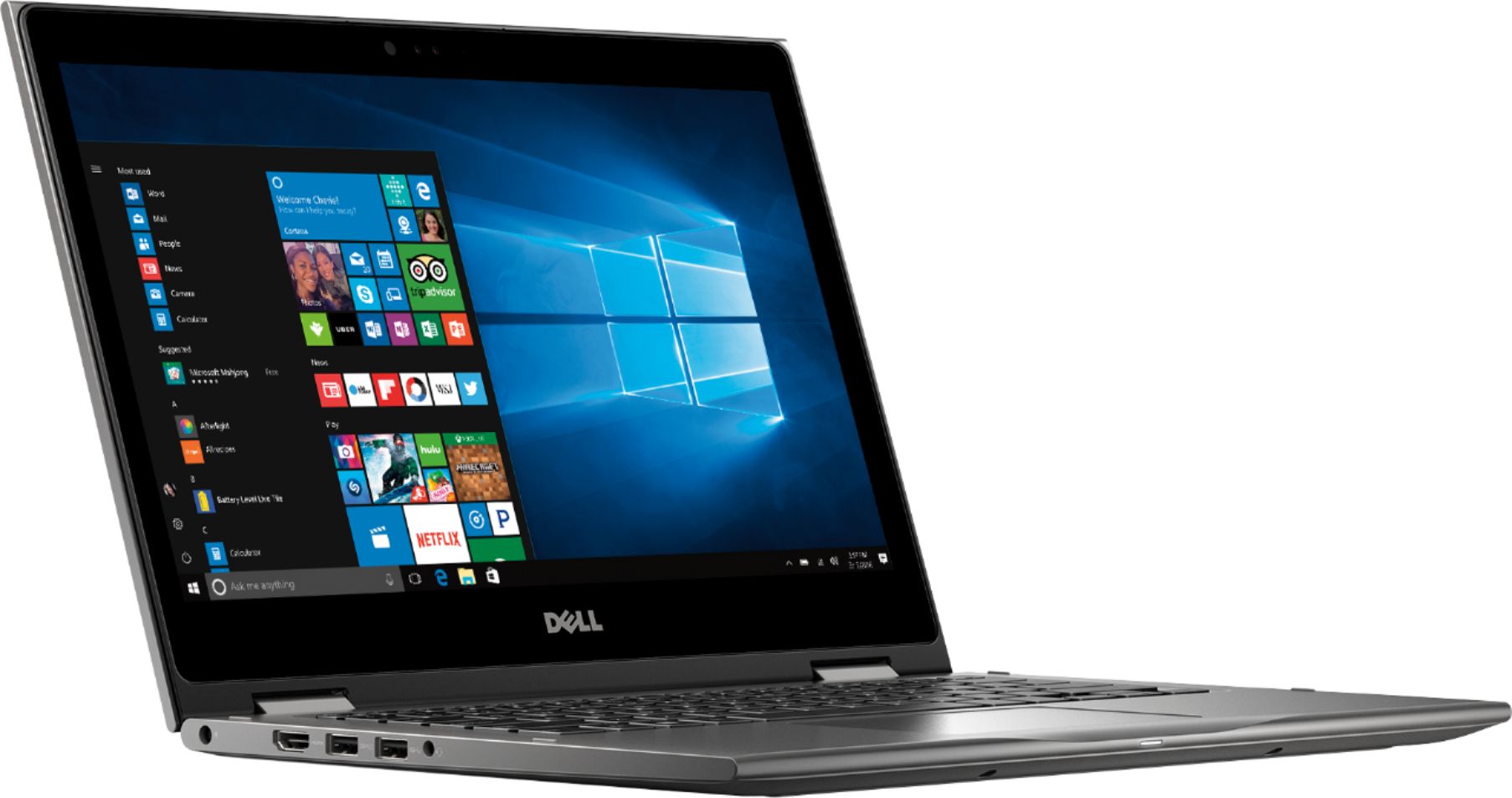
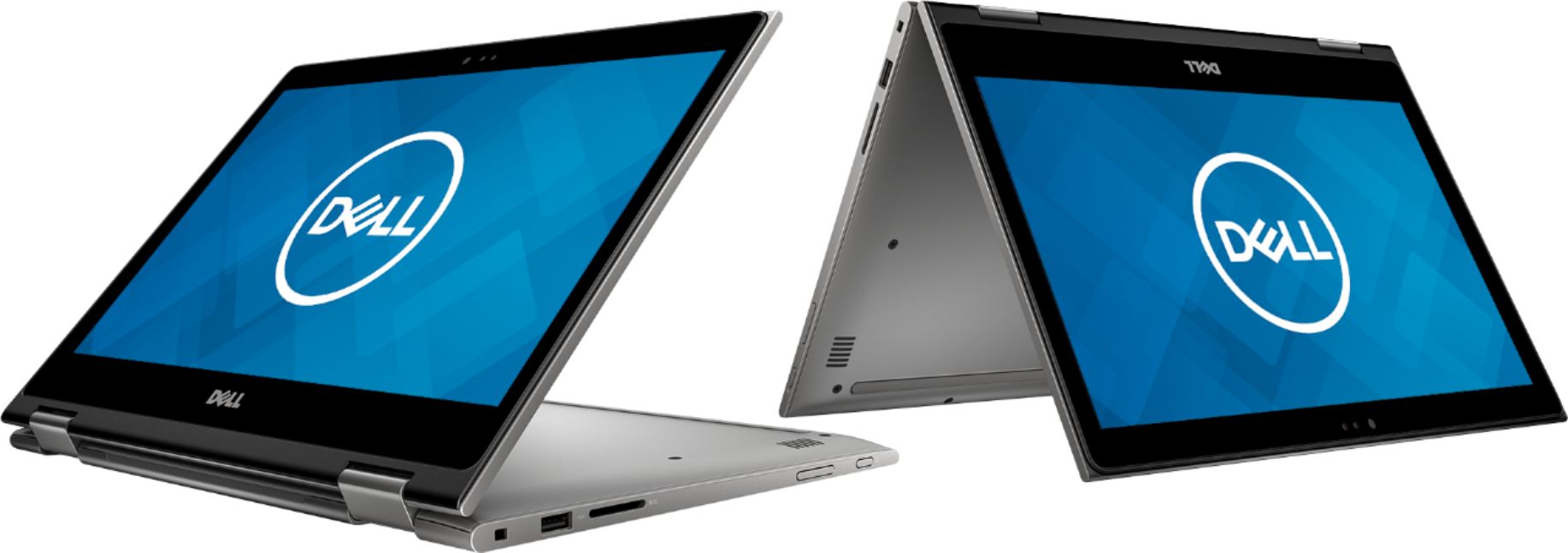
Customers are satisfied with the Inspiron 2-in-1 13.3" Touch-Screen Laptop for its touch screen responsiveness, lightweight design, user-friendly interface, and affordable price. However, some customers have concerns about its short battery life, occasional freezing, faulty units, unstable Wi-Fi connection, and slightly heavy weight.
This summary was generated by AI based on customer reviews.
Awesome Laptop
||Posted .This reviewer received promo considerations or sweepstakes entry for writing a review.I use this for work. Replaces my ASUS laptop. Zero complaints
I would recommend this to a friendLove my new laptop
||Posted .This reviewer received promo considerations or sweepstakes entry for writing a review.It’s simple and sturdy. I use for budgeting and paying bills.
I would recommend this to a friendGreat laptop
||Posted .This reviewer received promo considerations or sweepstakes entry for writing a review.Great laptop, have used it for college and it has met all my needs.
I would recommend this to a friendVery good
||Posted .This reviewer received promo considerations or sweepstakes entry for writing a review.Good product. Very fancy and easy to use. Recommend it!
I would recommend this to a friendPerfect for me!
||Posted . Owned for 1 month when reviewed.This reviewer received promo considerations or sweepstakes entry for writing a review.Gives me all I need. Great price! Shipping was prompt.
I would recommend this to a friendGreat laptop for my husband!
||Posted .This reviewer received promo considerations or sweepstakes entry for writing a review.Purchased this for Father’s Day, hubby loves it and use it everyday
I would recommend this to a friendNot the best.
||Posted .This reviewer received promo considerations or sweepstakes entry for writing a review.Starts up quickly, screen good, sound good, but freezes now and then, and the mouse pad is too sensitive to the touch even when set to least sensitivity.
No, I would not recommend this to a friendBrand response from YourDellTeam
Posted .Lowad,
Thanks for your review. We're sorry to hear about the freezes that you're experiencing. We'd recommend diagnosing the freezes with these steps:
1. Run a Computer Diagnostic. To determine if your computer is experiencing a hardware problem, run the Dell Preboot System Assessment (PSA) Diagnostics. For information on how to run Diagnostics, and to determine the issue, refer to Dell Knowledge Base Article: http://dell.to/2iaiujA.
2. Check Safe Mode for Symptoms. To boot into safe mode, please follow the instructions below:
a) Start the computer.
b) Tap 'F8' on the keyboard immediately and every one second until the Dell logo screen disappears. From there you will see the Windows Advanced Options Menu on the screen. (If the Windows Advanced Options Menu does not appear, restart the system and try again.)
c) Select Safe mode with Networking and press Enter.
d) Log on as the administrator or as a user with administrative access.
e) Open applications and test the computer in safe mode. If the symptoms exist in safe mode, please continue the troubleshooting steps in this article. If the symptoms do not exist in safe mode, the issue is likely related to a driver or software and you may wish to complete step 3 to see if you are able to resolve the lockups or freezing.
3. Check for Malware. Malware (Virus, Spyware, etc.) can definitely cause a Windows system to lock up or appear to hang. To check for malware on your system and to ensure that your computer is up to date on security software, visit Dell Knowledge Base Article: http://dell.to/2wWP1zI.
You can read the full article here - http://dell.to/2tW5m33.
If you'd like to re-calibrate your trackpad we'd recommend that you try the following:
Some Notebooks and Tablets with Keyboards have added gesture features to the touchpad hardware and drivers. A few of these features are two or three finger scrolling, pinch zoom, circle zoom, rotate and swiping. These new features may be the reason for the erratic cursor movement since most are turned on by default. You can disable or modify the way the features work in the touchpad driver properties. Here are some tips to modify these settings:
1. In the Search box, type main.cpl.
2. Touch or click main.cpl in the list of programs.
3. Touch or click the Dell Touchpad tab.
4. Touch or click on the picture of the touchpad.
5. Touch or click Gestures (depending on your computer there may not be a Gestures option).
6. Change the options as preferred.
7. Touch or click Save.
8. Touch or click the X in the upper-right corner to close the Dell Touchpad Utility.
9. Touch or click OK on the Mouse Properties window.
10. If the touchpad still does not work after following the preceding steps, refer to Dell Knowledge Base article - http://dell.to/2iaiujA.
You can read the full article here - http://dell.to/2tqmS02.
Best,
Bryan
1-800-624-9896
Great Computer
||Posted .This reviewer received promo considerations or sweepstakes entry for writing a review.Easy to use, love that I can use as a regular computer or tablet.
I would recommend this to a friendGreat Laptop
||Posted . Owned for 7 months when reviewed.This reviewer received promo considerations or sweepstakes entry for writing a review.I enjoy the flexibility that comes with this product
I would recommend this to a friendfast laptop
||Posted .This reviewer received promo considerations or sweepstakes entry for writing a review.Love the solid state hard drive. Far better than what I had before.
I would recommend this to a friendHappy
||Posted . Owned for 3 weeks when reviewed.This reviewer received promo considerations or sweepstakes entry for writing a review.Purchased for daughter’s birthday. Happy with service.
I would recommend this to a friendgreat
||Posted . Owned for 1 month when reviewed.This reviewer received promo considerations or sweepstakes entry for writing a review.The computer is great quality awesome and easy to work
I would recommend this to a friendGreat laptop/tablet
||Posted .This reviewer received promo considerations or sweepstakes entry for writing a review.Sorely needed a new computer and this did not disappoint.
I would recommend this to a friendGreat laptop for high school or college student
||Posted .This reviewer received promo considerations or sweepstakes entry for writing a review.I bought this for my high school student and it has been great!
I would recommend this to a friendGreat computer for price!
||Posted . Owned for 1 month when reviewed.This reviewer received promo considerations or sweepstakes entry for writing a review.Its easy to set up and use. Good product for the price.
I would recommend this to a friendGreat device
||Posted .This reviewer received promo considerations or sweepstakes entry for writing a review.It's a great laptop for school and work. Great for on the go
I would recommend this to a friendCollege laptop
||Posted .This reviewer received promo considerations or sweepstakes entry for writing a review.This is a great laptop especially if your in college courses
I would recommend this to a friendGreat Laptop!!!
||Posted .This reviewer received promo considerations or sweepstakes entry for writing a review.I Love it works GREAT!!! I would recommend to anyone!!!
I would recommend this to a friendGood laptop
||Posted . Owned for 3 weeks when reviewed.This reviewer received promo considerations or sweepstakes entry for writing a review.Nice to have for an extra computer for your children.
I would recommend this to a friendLovely
||Posted .This reviewer received promo considerations or sweepstakes entry for writing a review.I love it and it has all I want in a laptop. So beautiful
I would recommend this to a friend