Customer Ratings & Reviews
- Model:
- I7375-A439GRY-PUS
- SKU:
- 6208228
Rating by feature
- Value
Rating 4.1 out of 5 stars
- Quality
Rating 4.1 out of 5 stars
- Ease of Use
Rating 4.3 out of 5 stars
Customers are saying
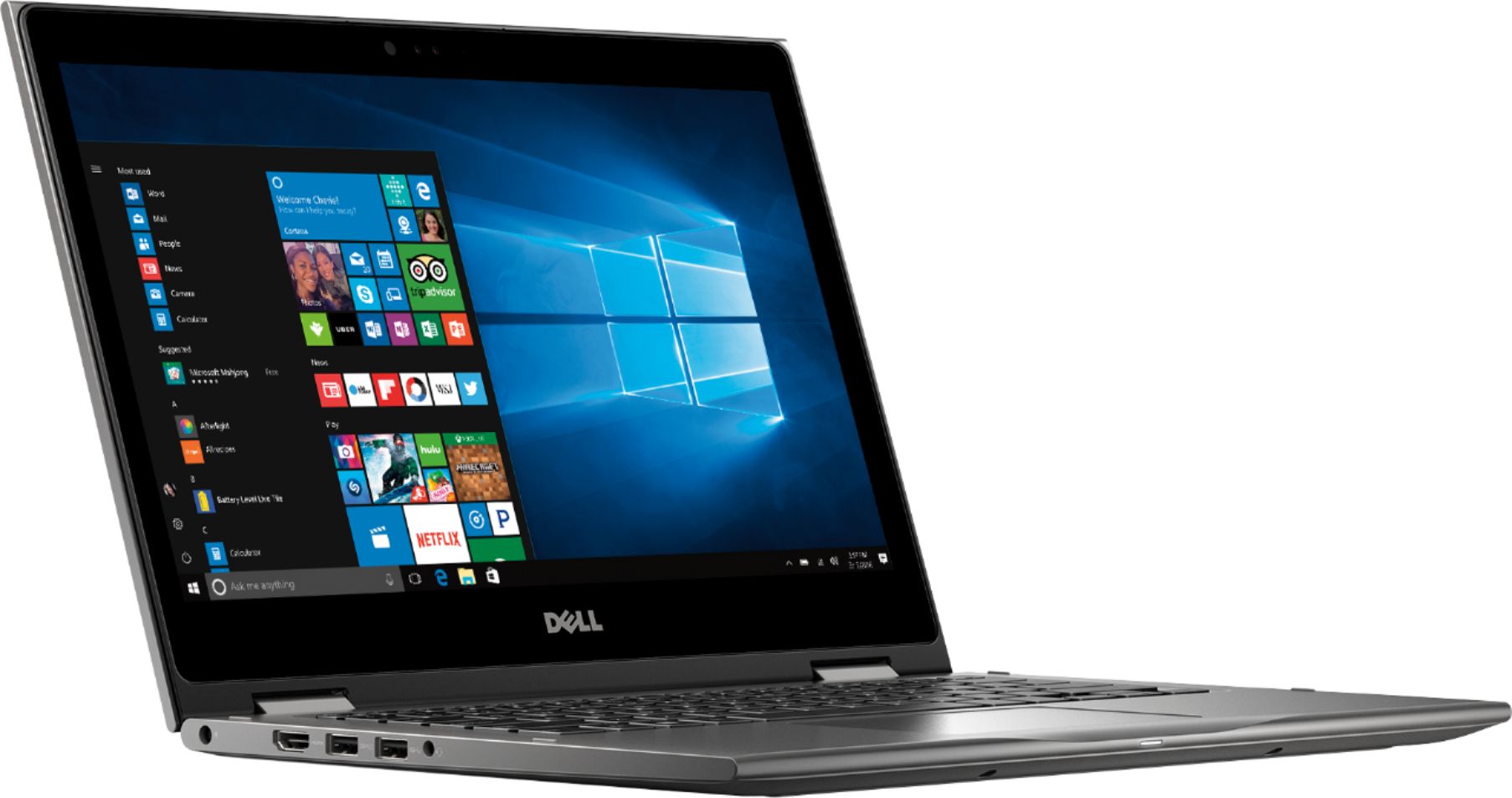
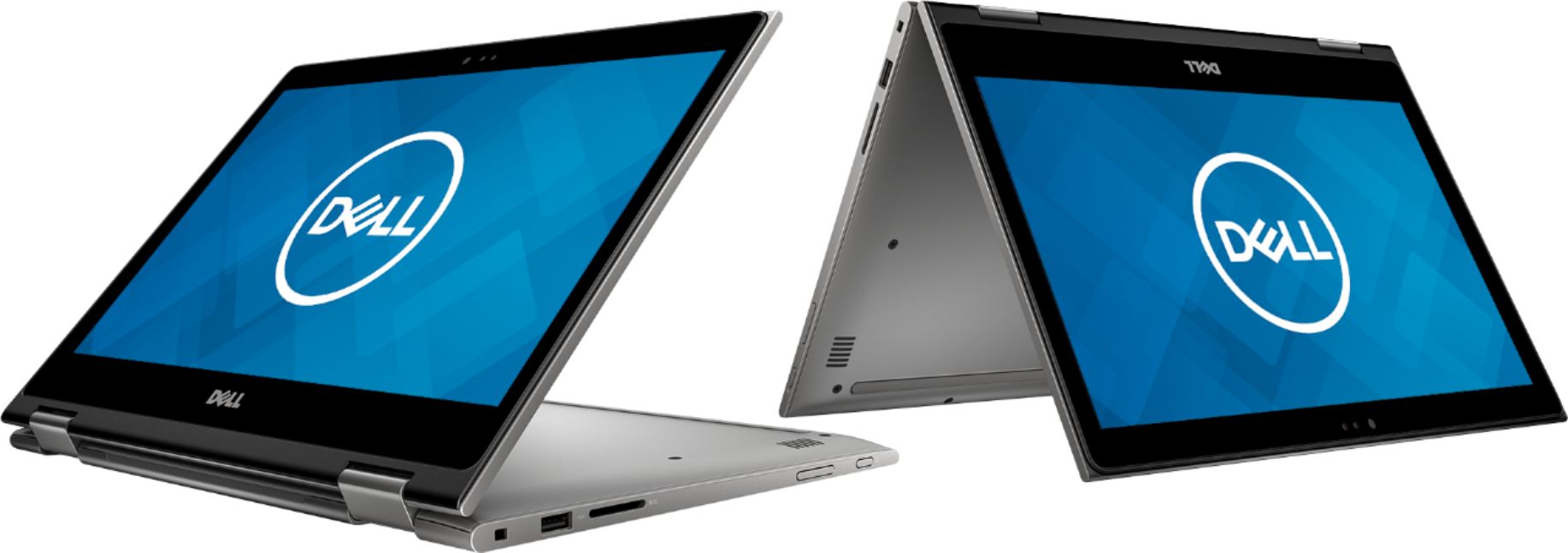
Customers are satisfied with the Inspiron 2-in-1 13.3" Touch-Screen Laptop for its touch screen responsiveness, lightweight design, user-friendly interface, and affordable price. However, some customers have concerns about its short battery life, occasional freezing, faulty units, unstable Wi-Fi connection, and slightly heavy weight.
This summary was generated by AI based on customer reviews.
Glitchy
||Posted .This reviewer received promo considerations or sweepstakes entry for writing a review.I had this laptop and returned it. At times when I would increase and decrease the size of a window the screen would turn green. I figured this problem would just get worse later down the kind. Other feature are good.
No, I would not recommend this to a friendBrand response from YourDellTeam
Posted .Momandhertrio,
We're sorry that your computer did not live up to your expectations. If you end up with another Dell computer in the future you can always reach out to Dell's Technical Support Team who can help you troubleshoot the issues that you're having: http://dell.to/2sH7Qlm.
Best,
Bryan
1-800-624-9896
Had to return
||Posted .This reviewer received promo considerations or sweepstakes entry for writing a review.I had to return this laptop because the battery life was so poor. I also found that the speaker buzzed a bit on more treble/high notes, which I didn't like. I went with the Microsoft Surface Laptop instead.
No, I would not recommend this to a friendDell - Inspiron 2-in-1 13.3" Touch-Screen Laptop -
||Posted .This reviewer received promo considerations or sweepstakes entry for writing a review.This is my third Dell computer I don't recommend dell computers at all. The Dell computer had hard drive issues and I lost all data. I replaced it with a Mac because the Dell computer has been in and out of service for two months or more still haven't received it from Best Buy. "hard drive was repaired" non of my programs were placed back on and they expect me to rebuy the Windows programs haven't even had it a year. it was also returned without speakers working.
No, I would not recommend this to a friend- Cons mentioned:Faulty
Great looking device but...
||Posted . Owned for 1 week when reviewed.This reviewer received promo considerations or sweepstakes entry for writing a review.Device looks good but after a week got blue screen when booted up. Defective product
No, I would not recommend this to a friendBrand response from YourDellTeam
Posted .First, we're glad you like the design of the device. However, we regret to learn about the blue screen. Our team would like to assist you on the situation.
To reset a Dell monitor to factory default settings, follow these instructions: Press Button 3 on the monitor to enter the On-Screen Display (OSD) Menu. Press Button 1 or Button 2 to highlight Others option in the menu and press Button 3 to select.
We welcome you - at your convenience - to call our tech support at 1 (800) 999-3355 and thanks for providing feedback on your experience.
Best,
Chris
- Cons mentioned:Faulty
Awful on all counts
||Posted .This reviewer received promo considerations or sweepstakes entry for writing a review.The computer never worked, Best Buy and Dell were awful with a return . Took hours on the phone ... All in all a terrible experience
No, I would not recommend this to a friend died early
||Posted . Owned for 2 weeks when reviewed.This reviewer received promo considerations or sweepstakes entry for writing a review.This computer did not last 2 weeks. It needed to have the network adapter updated in order to access the Internet within 7 days of purchase. When we couldn't access the Internet AGAIN, I tried to update the network adapter BUT our adapter wasn't even listed. Had major hardware issues. Returned it for a new laptop. NOT a Dell.
No, I would not recommend this to a friend- Cons mentioned:Freezing
Had to return
||Posted .This reviewer received promo considerations or sweepstakes entry for writing a review.Bought as open box, but kept freezing, had to exchange it for another product.
No, I would not recommend this to a friend WIFI issues one day after purchase
||Posted .This reviewer received promo considerations or sweepstakes entry for writing a review.The computer was great when we brought the laptop home. It was fast, no glitches, worked great. The next day, the wifi adapter wasn't showing in the device manager, the wifi bars were missing in the bottom right corner. I updated the BIOS from Dell's website, the laptop worked great for a day and then had the issue again. Will return it for another laptop.
No, I would not recommend this to a friendBrand response from YourDellTeam
Posted .Hi Aking43,
We're very sorry to hear about the connectivity issues that you're facing with your new computer. We'd recommend diagnosing these concerns with the following steps:
1. Run the Network Troubleshooter.
a) Touch and hold or right-click the network icon (Available Networks or Network Icon, located in the lower right-hand corner).
b) Touch or click Troubleshoot problems and then follow the prompts.
You can read the full article here - http://dell.to/2sLtwRh.
Best,
Bryan
1-800-624-9896
Returned
||Posted .This reviewer received promo considerations or sweepstakes entry for writing a review.I bought this product because of the ryzen 5 processer in it. The day I bought it I noticed whenever I stream any video the green would turn green and then crash the computer. Not sure why it did it so I returned it and got a new one of the same model and it did the exact same thing. Returned it for a Lenovo Yoga 730. Not sure if its because ryzen mobile is still new or if its a panel from dell but wouldn't purchase it again.
No, I would not recommend this to a friendunstable
||Posted .This reviewer received promo considerations or sweepstakes entry for writing a review.I have taken the computer back to geek squad 3 times. it still freezes, has error message, won't download work. The last 2 times I tried to write this review on my new computer it froze up. therefore it is back at geek squad and i'm using my dest top.
No, I would not recommend this to a friendBrand response from YourDellTeam
Posted .Hello Bunny,
Thank you for your review. We're sorry to hear about the troubles that you have been having with your Dell laptop. If you would like to diagnose your computer the next time it freezes you can follow these steps:
1. Run a Computer Diagnostic. To determine if your computer is experiencing a hardware problem, run the Dell Preboot System Assessment (PSA) Diagnostics. For information on how to run Diagnostics, and to determine the issue, refer to Dell Knowledge Base Article: http://dell.to/2iaiujA.
2. Check Safe Mode for Symptoms. To boot into safe mode, please follow the instructions below:
a) Start the computer.
b) Tap 'F8' on the keyboard immediately and every one second until the Dell logo screen disappears. From there you will see the Windows Advanced Options Menu on the screen. (If the Windows Advanced Options Menu does not appear, restart the system and try again.)
c) Select Safe mode with Networking and press Enter.
d) Log on as the administrator or as a user with administrative access.
e) Open applications and test the computer in safe mode. If the symptoms exist in safe mode, please continue the troubleshooting steps in this article. If the symptoms do not exist in safe mode, the issue is likely related to a driver or software and you may wish to complete steps 6 to see if you are able to resolve the lockups or freezing.
6. Check for Malware. Malware (Virus, Spyware, etc.) can definitely cause a Windows system to lock up or appear to hang. To check for malware on your system and to ensure that your computer is up to date on security software, visit Dell Knowledge Base Article: http://dell.to/2wWP1zI.
You can read the full article here - http://dell.to/2tW5m33.
We hope that when you get your computer back from Geek Squad that it will work better for you.
Best,
Bryan
1-800-624-9896
Not Good snough for Grad School
||Posted .This reviewer received promo considerations or sweepstakes entry for writing a review.I mistakenly bought this laptop not knowing someone else bought me another. Don’t need it for school but wasn’t able to return it
No, I would not recommend this to a friendBrand response from YourDellTeam
Posted .Hi Sean, we're sorry the Inspiron hasn't met your needs for Grad School. Our team understands the importance of having a laptop that meets your needs for school to work on assignments, do research and send important emails. If there is anything we can do for you - answer questions or concerns - please reach out to tech support - at your convenience - 1 (800) 999-3355. Best, Chris
Okay
||Posted .This reviewer received promo considerations or sweepstakes entry for writing a review.I have not been satisfied with this product. Seems to crash frequently. It will shut down without warning and reboot. Frustrating.
No, I would not recommend this to a friendBrand response from YourDellTeam
Posted .DEBB,
We're very sorry to hear that your computer has been crashing on you. We'd recommend that you diagnose these crashes with the following steps:
1. At the desktop, click the Search the web and Windows box and type "problem reports".
2. Select View all problem reports to view a list of errors that have occurred on your computer and possible solutions for them, such as updating drivers, flashing your system BIOS, or checking for updates to the software.
3. Under the Source column, look for Windows and under Summary, look for Shut down unexpectedly.
4. Right-click the line item and select Check for a solution.
We'd also suggest checking to make sure that your software and drivers are up to date on Dell's Product Page - https://dell.to/2K9bcKB.
You can read the full article here - http://dell.to/2u98Cct.
Best,
Bryan
1-800-624-9896
WiFi Is Extremely Slow
||Posted .This reviewer received promo considerations or sweepstakes entry for writing a review.I purchased this computer because it was the deal of the day. Computer is very fast with the exception of WiFi. Download speeds don’t even reach 1 megabit per second. Dell went through numerous things while on the phone with support and even they couldn’t get the WiFi connection to a good download speed. They are sending me a replacement so hopefully the issue is specific to the computer I purchased.
No, I would not recommend this to a friendBrand response from YourDellTeam
Posted .Hi Mike,
We hope that the new computer that you receive works better for you. If you do need to troubleshoot the speed of your computer again, you can follow these steps:
1. Download and install the latest Wireless Card driver. (https://dell.to/2th3Tpe) After updating the driver, re-establish the connection with the Wireless Access Point and check the wireless performance.
2. If the issue persists, proceed to step 3.
3. Power-cycle the local network. Shut down the Dell system, the Wireless Access Point/Router and the Modem. Wait a minimum of 60 seconds before powering up the components in the following order:
4. Power ON the Modem, and wait for it to boot fully.
5. Power ON the Wireless Access Point/Router, and wait for it to boot fully.
6. Power ON the Dell system.
7. Open Network and Sharing Center
8. In the left side navigation pane, click on Change Adapter Settings
9. Right click on the wireless connection icon and select Properties followed by the Configure button
10. Under Wireless Options, select the Wireless N mode
11. For Windows 8 or later systems click the Advanced tab and look for 802.11n Mode on the right you will be given the option to Enable or Disable. If the mode is not visible you may need to update your drivers and firmware.
12. From the drop-down menu, choose Disable followed by Ok
13. This should restore the wireless download and upload speed. Internet speed can be tested at http://speedtest.net.
Best,
Bryan
1-800-624-9896
- Pros mentioned:Easy to use
Good find for back to school
||Posted .This reviewer received promo considerations or sweepstakes entry for writing a review.Good value and exactly what was needed for school. Easy to use, just log on and get started.
I would recommend this to a friendBrand response from YourDellTeam
Posted .Cookie,
Thanks for your review. We're so happy to see that your new computer is working out well for you. We'd recommend that you check out our Product Support Page if you have any questions: https://dell.to/2K9bcKB.
Best,
Bryan
1-800-624-9896
Nice, but there have been constant problems
||Posted . Owned for 1 month when reviewed.This reviewer received promo considerations or sweepstakes entry for writing a review.When this works it's really good, but there have been continuous "blue screen" errors, Wi-Fi adapter problems. Following system crashes, the machine can't find the hard drive. Trying to resolve through Dell support and will update the review
No, I would not recommend this to a friendBrand response from YourDellTeam
Posted .JoeB,
Thanks for your review. We're sorry to hear about the Blue Screen Errors that you're experiencing. We'd recommend the following steps to try to diagnose what may be causing these issues:
1. At the desktop, click the Search the web and Windows box and type "problem reports".
2. Select View all problem reports to view a list of errors that have occurred on your computer and possible solutions for them, such as updating drivers, flashing your system BIOS, or checking for updates to the software.
3. Under the Source column, look for Windows and under Summary, look for Shut down unexpectedly.
4. Right-click the line item and select Check for a solution.
We'd also suggest checking to make sure that your software and drivers are up to date on Dell's Product Page - https://dell.to/2KvXWfQ.
You can read the full article here - http://dell.to/2u98Cct.
Best,
Bryan
1-800-624-9896
Worst computer I've ever bought.
||Posted .This reviewer received promo considerations or sweepstakes entry for writing a review.I bought a Dell Computer to replace my Toshiba which had a lot of problems. I had a Dell many years ago and, for a PC, it wasn't bad. THIS DELL HAS COMPLETELY STOPPED WORKING,(I get a little revolving circle on the desktop), HAS NO DVD DRIVE, DOES NO RECOGNIZE A FLASH DRIVE, AND IT IS ONLY A FEW WEEKS OLD.
No, I would not recommend this to a friendBrand response from YourDellTeam
Posted .Offbook,
We're sorry that your computer has stopped working. If you'd like to see what may be causing your computer to freeze or lock-up we'd recommend the following:
1. Run a Computer Diagnostic. To determine if your computer is experiencing a hardware problem, run the Dell Preboot System Assessment (PSA) Diagnostics. For information on how to run Diagnostics, and to determine the issue, refer to Dell Knowledge Base Article: http://dell.to/2iaiujA.
2. Check Safe Mode for Symptoms. To boot into safe mode, please follow the instructions below:
a) Start the computer.
b) Tap 'F8' on the keyboard immediately and every one second until the Dell logo screen disappears. From there you will see the Windows Advanced Options Menu on the screen. (If the Windows Advanced Options Menu does not appear, restart the system and try again.)
c) Select Safe mode with Networking and press Enter.
d) Log on as the administrator or as a user with administrative access.
e) Open applications and test the computer in safe mode. If the symptoms exist in safe mode, please continue the troubleshooting steps in this article. If the symptoms do not exist in safe mode, the issue is likely related to a driver or software and you may wish to complete step 3 to see if you are able to resolve the lockups or freezing.
3. Check for Malware. Malware (Virus, Spyware, etc.) can definitely cause a Windows system to lock up or appear to hang. To check for malware on your system and to ensure that your computer is up to date on security software, visit Dell Knowledge Base Article: http://dell.to/2wWP1zI.
You can read the full article here - http://dell.to/2tW5m33.
You can also reach out to Dell's Technical Support Team at any time: http://dell.to/2sH7Qlm.
Best,
Bryan
1-800-624-9896
Bad charger/charging system
||Posted .This reviewer received promo considerations or sweepstakes entry for writing a review.The laptop worked just fine until the charging system went bad. When I plug the charger in, the laptop says it doesnt recognize the charger and does not charge the laptop’s battery. I can still power the laptop, but it will die once I unplug it. I looked online about this problem and it is apparently common.
No, I would not recommend this to a friendBrand response from YourDellTeam
Posted .Acosta,
We're sorry that your computer's charging system is not working the way that it should. We'd recommend checking out Dell's One Year Limited Warranty to see if your computer qualifies: http://dell.to/2tNsVOs.
Best,
Bryan
1-800-624-9896
I wouldn't recommend it
||Posted . Owned for 1.5 years when reviewed.This reviewer received promo considerations or sweepstakes entry for writing a review.This laptop constantly crashed or froze. We've now converted to all Apple products instead.
No, I would not recommend this to a friendcan't get Del or Best Buy to help with warrenty
||Posted . Owned for 9 months when reviewed.This reviewer received promo considerations or sweepstakes entry for writing a review.bought 8/2019 was told it has a l year warranty. Internal speaker has been not working for 3 months. I have been told by Best Buy to deal with Del and Del says its Best Buys problem. So far I have spent way to much time trying to deal with this. They are more than willing to take my money and deal with problem.
No, I would not recommend this to a friendTerrible product, should not be on the market
||Posted .This reviewer received promo considerations or sweepstakes entry for writing a review.This computer froze on me several times a day and nothing would bring it back. Had to do a restart every single time. I wasn't even running heavy applications, just chrome and outlook! I took it back. Dell has fallen a long way
No, I would not recommend this to a friend