Customer Ratings & Reviews


- Model:
- I7378-5564GRY-PUS
- SKU:
- 5822970
to a friend
Customers are saying
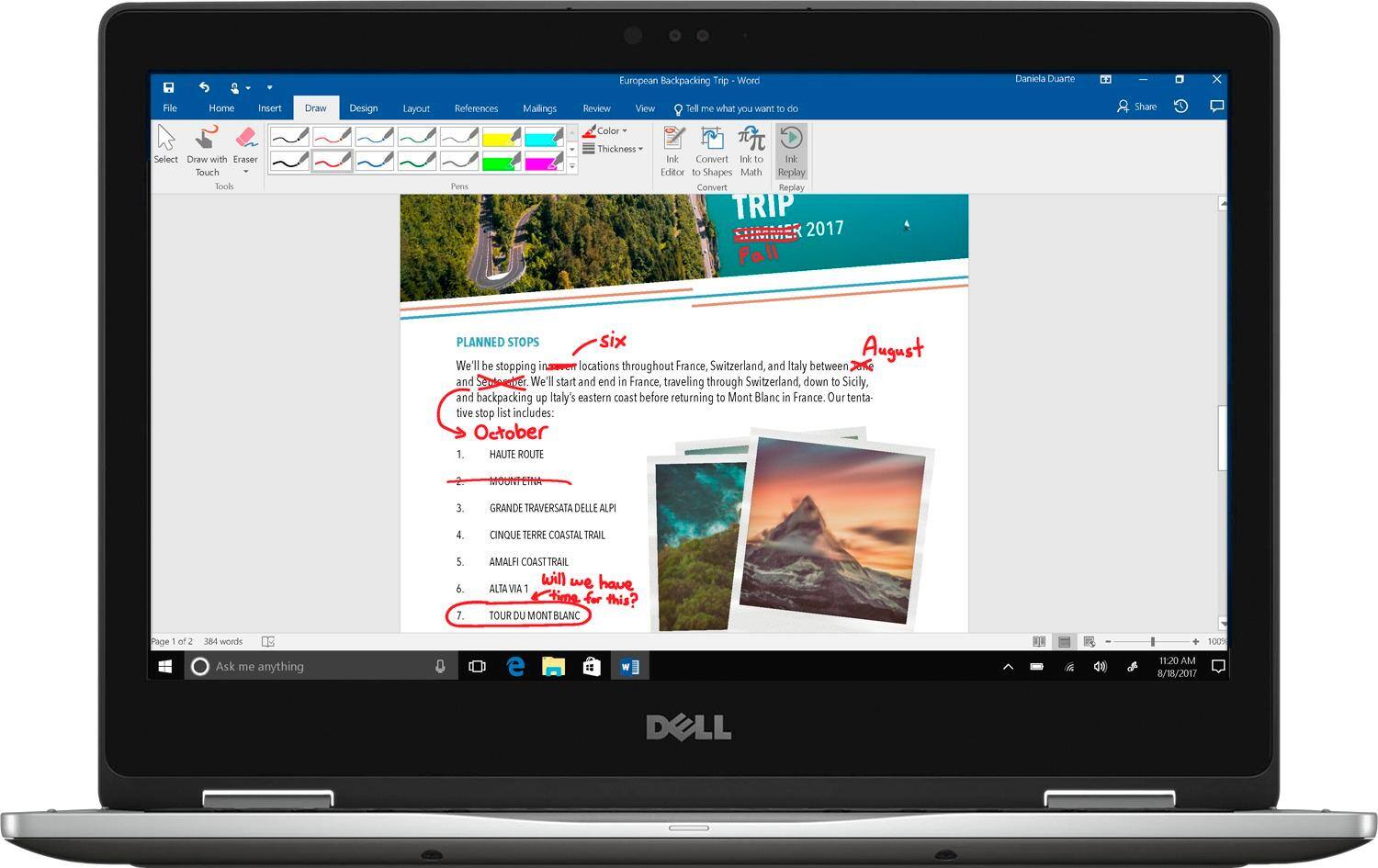
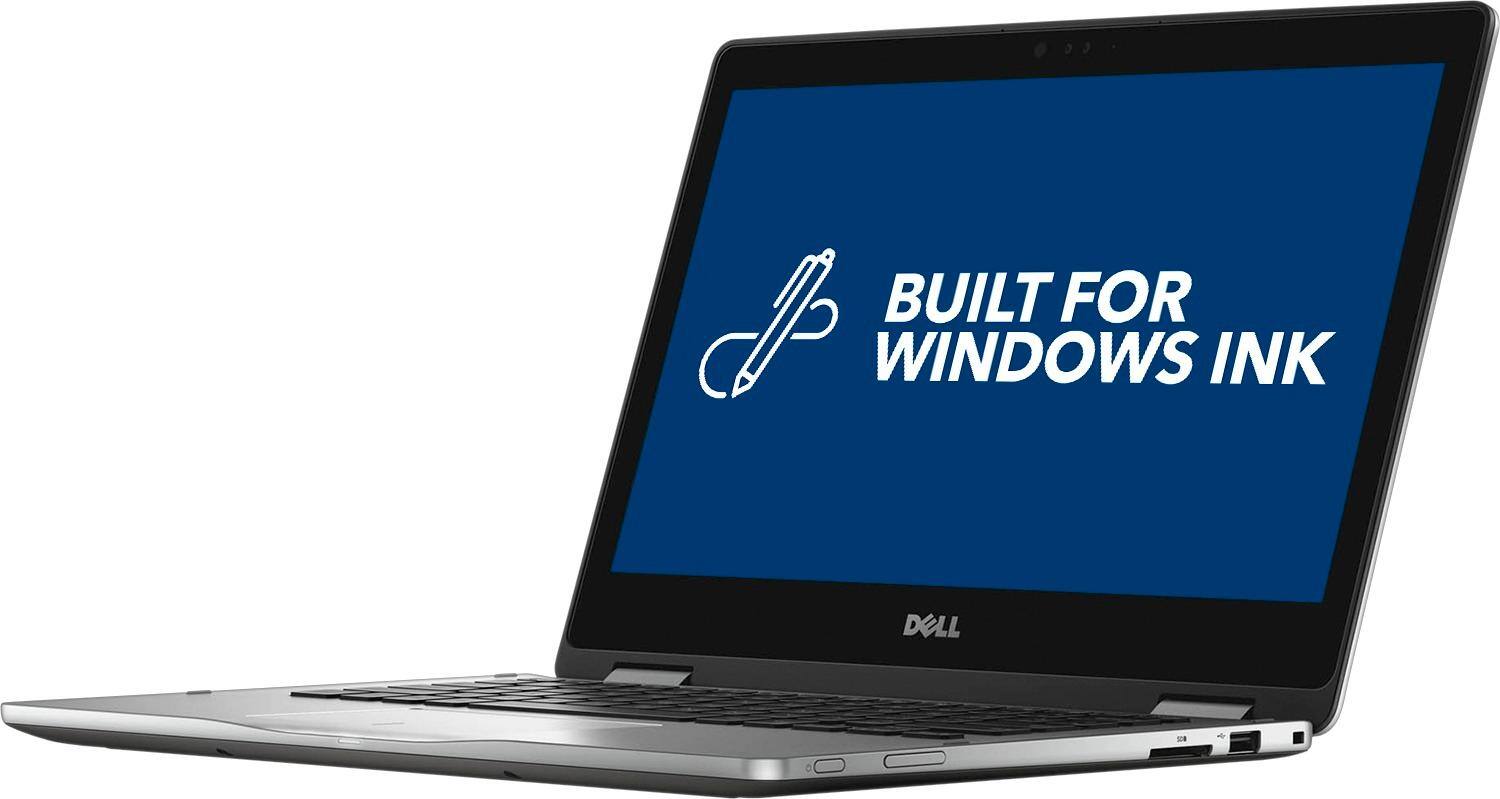
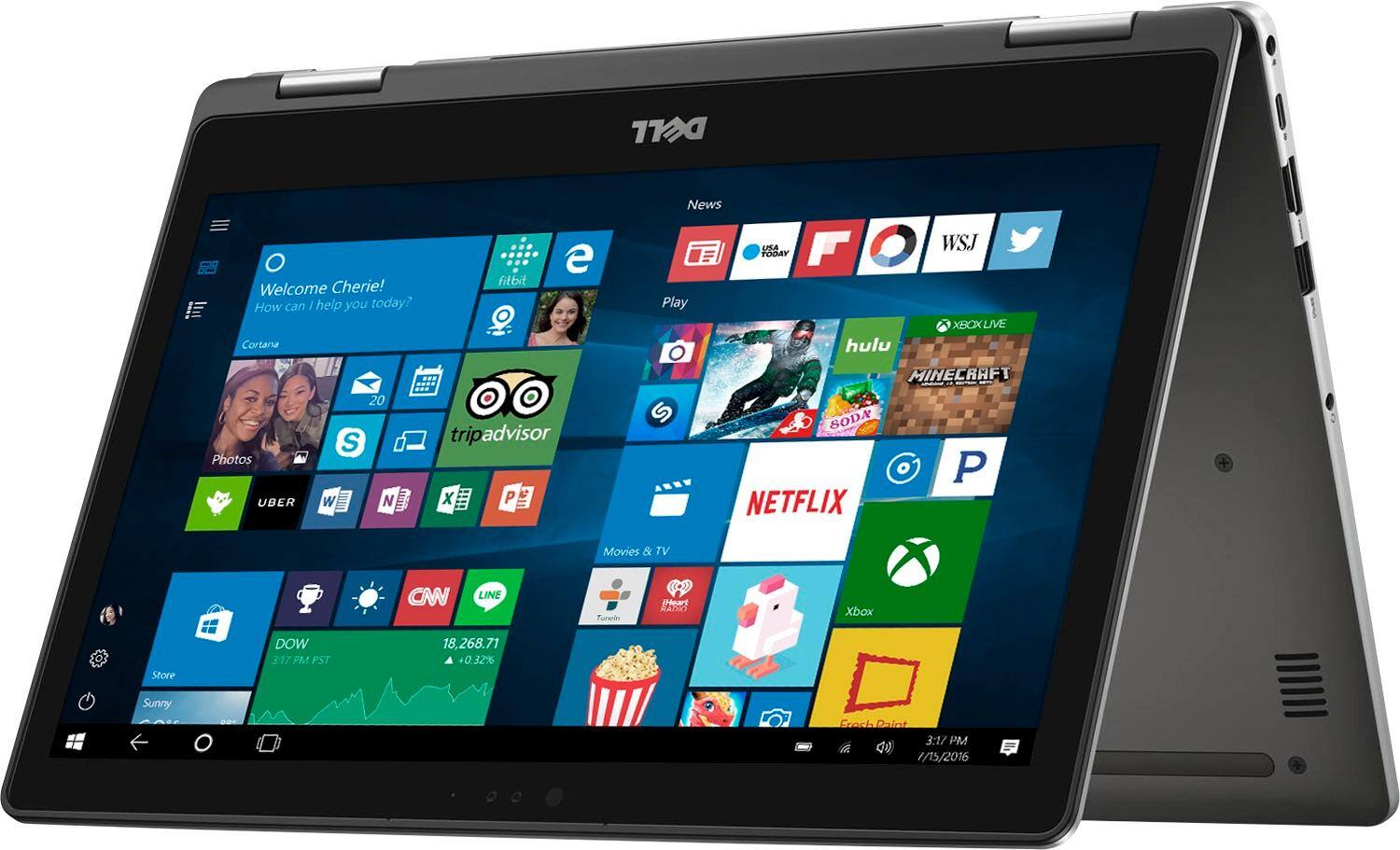
Customers often highlight the positive aspects of the Inspiron 2-in-1 13.3" Touch-Screen Laptop, such as its touch screen, fast performance, lightweight design, and affordable price. They appreciate the convenience of the touch screen, the speed of the laptop, and its portability. However, some customers have concerns about the battery life and the Windows 10 operating system.
This summary was generated by AI based on customer reviews.
great computer
||Posted .This reviewer received promo considerations or sweepstakes entry for writing a review.really like this great computer. It is easy to use.
I would recommend this to a friendFast and easy to use.
||Posted .This reviewer received promo considerations or sweepstakes entry for writing a review.Meets all my needs except there is no CD/DVD drive.
I would recommend this to a friendNice Laptop for Budget
||Posted .This reviewer received promo considerations or sweepstakes entry for writing a review.Its a cool laptop fr especially when you're on a budget. Definitely get insurance on this thing cause they are mass produced and not top par quality. If you're a student and be doing a bunch of stuff in college this will prob last u a good year or two.
I would recommend this to a friendBrand response from YourDellTeam
Posted .LogofaDog, We wanted to thank you for your recent Dell laptop purchase. As a reminder, Dell products come with a One Year Limited Warranty in case you run into any problems that you are unable to fix. If you'd like more information about our warranties you can view the policy here - http://dell.to/2tNsVOs. If there's anything that you need to troubleshoot on your device you can find out more information here - http://dell.to/2hYMYF6. We hope that this laptop will last you for years to come! - Bryan

Good
||Posted .This reviewer received promo considerations or sweepstakes entry for writing a review.It’s a nice small laptop but it began to make noise pretty early on and i wasn’t expecting that. The features are nice
I would recommend this to a friendBrand response from YourDellTeam
Posted .Lexx,
We appreciate your review. We're sorry to hear about the noises that you're experiencing. We'd recommend the following to help with fan noise:
Update the BIOS: An out-of-date BIOS can cause loud fan noises by having an outdated temperature table for the system. Refer to update BIOS and follow the instructions to update the BIOS on your computer.
You can also follow up with our Technical Support Team here - 1-800-624-9896.
You can read the full article here - http://dell.to/2ENlXfz.
We hope this helps your computer run quieter for you.
Best,
Bryan
1-800-624-9896
average
||Posted .This reviewer received promo considerations or sweepstakes entry for writing a review.computer was not as fast as expected for the specs on the box. the trackpad was the most disappointing feature.
No, I would not recommend this to a friendBrand response from YourDellTeam
Posted .schow001 - Thanks so much for your recent Dell 2-in-1 purchase. We're sorry that it's not working as fast as you had hoped but we have some tips that will helpfully make your computer faster:
Delete temporary files and directories
1. Click Start, then in the search bar type "disk". Disk Cleanup should appear on the menu above the search box.
2. Run disk cleanup and eliminate unneeded temporary files (Search results, Internet Cache and other windows temp files you may no longer need)
3. Select files you want to delete then click OK to start the cleanup process. Uninstall applications you no longer use 1. Open the Programs and Features application in Control Panel. 2. Scan the list of applications installed for ones that you no longer use. 3. Highlight any application you no longer use and then click the uninstall button at the top of the list. Follow the prompts to uninstall.
4. Repeat for each application you want to uninstall.
5. Move large files and/or seldom used files to backup media (Photos, Music you seldom listen to, application downloads after the application has been installed etc.).
6. Empty the Recycle Bin.
For the full article, you can view it here - http://dell.to/2tSulGV.
If you are having trouble with the trackpad still you can try these steps:
Some Notebooks and Tablets with Keyboards have added gesture features to the touchpad hardware and drivers. A few of these features are two or three finger scrolling, pinch zoom, circle zoom, rotate and swiping. These new features may be the reason for the erratic cursor movement since most are turned on by default. You can disable or modify the way the features work in the touchpad driver properties. Here are some tips to modify these settings:
1. In the Search box, type main.cpl.
2. Touch or click main.cpl in the list of programs.
3. Touch or click the Dell Touchpad tab.
4. Touch or click on the picture of the touchpad.
5. Touch or click Gestures (depending on your computer there may not be a Gestures option).
6. Change the options as preferred.
7. Touch or click Save.
8. Touch or click the X in the upper-right corner to close the Dell Touchpad Utility.
9. Touch or click OK on the Mouse Properties window.
10. If the touchpad still does not work after following the preceding steps, refer to Dell Knowledge Base article - http://dell.to/2iaiujA.
For the full article, you can view it here - http://dell.to/2tqmS02.
Thanks again and we hope these steps help your 2-in-1 perform the way you hoped it would. - Bryan
Very Quick to boot
||Posted .This reviewer received promo considerations or sweepstakes entry for writing a review.it is an excellent computer. Very quick to boot. Very light. Long battery life. Log in with face recognition.
I would recommend this to a friendBrand response from YourDellTeam
Posted .jindel - We're so happy to see that you're pleased with your new Dell laptop. We hope that your new computer will continue to meet your needs. If you ever need to troubleshoot anything with your new device you can view the product support page here - http://dell.to/2hYMYF6. Thanks again and good luck! - Bryan
Worked for about a week
||Posted .This reviewer received promo considerations or sweepstakes entry for writing a review.(I bought this in July) I had it for a month and never opened it because I got it for when school started up again in Aug. Yet when i started using it, it only work for about a week, and then went black and never turned back on. When i tried to take it back to Best Buy, it was one day out of the return/exchange period. I loved the laptop though, before it stopped working.
No, I would not recommend this to a friendBrand response from YourDellTeam
Posted .@JaeGardner, We're sorry to hear that your new laptop is giving you problems. If you are still experiencing issues turning on your laptop please follow these instructions:
1. If the computer is displaying the Dell logo and does not move past that point, it has probably failed POST.
2. If the power indicator lights up and it is amber or orange, this is usually an indicator that it has failed POST.
3. If you see text on a black screen, the computer is currently performing the POST. If the computer stays in that condition and does not move past it, it has probably failed POST.
4. If the video screen displayed anything at all during the startup process but is now black, this probably indicates that the computer failed POST.
5. If the computer is beeping or if Caps/Num/Scroll Locks are flashing, note if there is a particular pattern in which it beeps or flashes.
6. If the computer is not beeping and caps/num/scroll locks are not flashing, unplug all connections and remove all media communication devices (e.g. external monitors); reconnect one at a time and check if the computer functions.
7. For a notebook, press and hold the Fn key and then press the power button. This starts the pre-boot testing and will launch ePSA. In case you have a Desktop at the Dell logo screen tap the F12 key to enter One Time Boot Menu and use the arrow keys to highlight Diagnostics and press enter.
Here's a link to the full support article - http://dell.to/2uj1Sby.
Dell products also come with a One Year Limited Warranty if you believe that your computer needs to be repaired. You can view the terms of our warranty here - http://dell.to/2tNsVOs. We hope that you'll be able to use your laptop again soon and good luck with school this year!
It's an OK laptop.
||Posted .This reviewer received promo considerations or sweepstakes entry for writing a review.I guess I'm liking my Dell. I especially like that it's so much smaller than my other laptop. It works OK.
I would recommend this to a friendBrand response from YourDellTeam
Posted .Dear quincyb1, Thanks for your recent Dell 2-in-1 purchase and for your review. We're glad to hear that it's meeting your needs and that you like the size of it. If you ever need to troubleshoot anything on your new device you can always check your product support page here - http://dell.to/2hYMYF6. Thanks again and good luck! - Bryan
You get what you pay for.
||Posted .This reviewer received promo considerations or sweepstakes entry for writing a review.It's not an Apple Pro but it serves its intend use well enough.
I would recommend this to a friendLooks great, not heavy.
||Posted .This reviewer received promo considerations or sweepstakes entry for writing a review.Had to bring in for service twice and it was brand new.
No, I would not recommend this to a friendDoubtful
||Posted .This reviewer received promo considerations or sweepstakes entry for writing a review.I purchased this laptop for my son, and I just read reviews on consumer affair, not sure that I purchased a good one, crossing fingers ..I will advice you to do your homework before buying this one.
No, I would not recommend this to a friendBrand response from YourDellTeam
Posted .Dear Mencha, Thanks for your recent Dell laptop purchase. We hope that your son is happy with the performance of his new laptop. If you do have any concerns that you need to troubleshoot you can always visit the product support page for your device here - http://dell.to/2hYMYF6. Thanks again and good luck!
Bad hinges
||Posted .This reviewer received promo considerations or sweepstakes entry for writing a review.Bought this computer for my daughters first year of college. She used it less than 10 times and the wires inside of the hinges went bad. The monitor would go black unless you held up one the hinge.
No, I would not recommend this to a friendBrand response from YourDellTeam
Posted .George, Thanks for your review and for bringing your concern to our attention. We'd recommend that you contact a member of Dell's customer support team so that they can help you troubleshoot the hinge issues that you are having. You can contact the customer support team here - http://dell.to/2sH7Qlm. We hope that they're able to help you resolve this issue so that your daughter's computer will be fully functional again soon. - Bryan
Blah
||Posted .This reviewer received promo considerations or sweepstakes entry for writing a review.Only had the laptop for 3 weeks. My daughter is a college student and laptop has erased her papers 3 times.. screen jumps around and flickers.. not happy at all..
No, I would not recommend this to a friendBrand response from YourDellTeam
Posted .- Fuzz, Thanks for your recent Dell laptop purchase for your daughter. We can assure you that the way the laptop is performing is not the way it is intended to work. If she is having problems with the laptop shutting down on her due to errors we'd suggest the following:
1. At the desktop, click the Search the web and Windows box and type "problem reports".
2. Select View all problem reports to view a list of errors that have occurred on your computer and possible solutions for them, such as updating drivers, flashing your system BIOS, or checking for updates to software.
3. Under the Source column, look for Windows and under Summary, look for Shut down unexpectedly.
4. Right-click the line item and select Check for a solution. For additional information, you can view the full article here - http://dell.to/2u98Cct.
If she is experiencing problems with the screen it may be the touchpad on the laptop. Here are some tips to adjust the touchpad sensitivity on the device: Some Notebooks and Tablets with Keyboards have added gesture features to the touchpad hardware and drivers. A few of these features are two or three finger scrolling, pinch zoom, circle zoom, rotate and swiping. These new features may be the reason for the erratic cursor movement since most are turned on by default. You can disable or modify the way the features work in the touchpad driver properties. Here are some tips to modify these settings:
1. In the Search box, type main.cpl.
2. Touch or click main.cpl in the list of programs.
3. Touch or click the Dell Touchpad tab.
4. Touch or click on the picture of the touchpad.
5. Touch or click Gestures (depending on your computer there may not be a Gestures option).
6. Change the options as preferred.
7. Touch or click Save.
8. Touch or click the X in the upper-right corner to close the Dell Touchpad Utility.
9. Touch or click OK on the Mouse Properties window.
10. If the touchpad still does not work after following the preceding steps, refer to Dell Knowledge Base article - http://dell.to/2iaiujA.
For the full touchpad tips article click here - http://dell.to/2tqmS02.
We hope these tips help the performance of the laptop and we wish your daughter all the best in school this year.
It was okay at first
||Posted .This reviewer received promo considerations or sweepstakes entry for writing a review.This laptop was working really well for like the first 6 months and then it just kept freezing out of know where.
No, I would not recommend this to a friendBrand response from YourDellTeam
Posted .Hi Amanda,
Thanks for your review. If you are still experiencing crashes on your Dell computer we'd recommend the following:
1. At the desktop, click the Search the web and Windows box and type "problem reports".
2. Select View all problem reports to view a list of errors that have occurred on your computer and possible solutions for them, such as updating drivers, flashing your system BIOS, or checking for updates to the software.
3. Under the Source column, look for Windows and under Summary, look for Shut down unexpectedly.
4. Right-click the line item and select Check for a solution.
You can read the full article here - http://dell.to/2u98Cct.
We hope this helps you diagnose the cause of your crashes.
Best,
Bryan
1-800-624-9896
Fast and great features like the Tablet version
Posted .This reviewer received promo considerations or sweepstakes entry for writing a review.Got this in June of 2017 and use it daily. It has plenty of features to help me reading as a tablet or use as laptop. Very similar to the old "netbooks" back in the day but with much more power. The i5 allows to me to open up and run several different programs at once. The 8g of RAM is plenty. Using a 256gb SD card on the side gives me another bit of storage space for music, pictures and eBooks. There was one problem: the fan vent broke and it was pretty noisy. I guess this was a factory defect and didn't think anything of it until about 2 weeks ago. Geek Squad sent it away and I should be getting it back today. I'm really glad to get this back hopefully today! It's no gaming laptop but I use it as intended with general browsing, typing and reading. It does play Subnautica on decent resolution though. Battery life is a good 4-7 hours depending on use. I have this near my gaming desktop as I play games to browse the web and notice that the computer's built in battery saver gives me another 2 or so hours of running time. Love this computer!
I would recommend this to a friendHate it
||Posted . Owned for more than 2 years when reviewed.This reviewer received promo considerations or sweepstakes entry for writing a review.It has been nothing but a problem since we purchased it. Doesn’t run right and I don’t believe it ever will always messing up internally
No, I would not recommend this to a friendDidn’t last long
||Posted . Owned for 1.5 years when reviewed.This reviewer received promo considerations or sweepstakes entry for writing a review.I bought this for my daughter to use for school and it quite working not long after we bought it.
No, I would not recommend this to a friendTerrible
||Posted .This reviewer received promo considerations or sweepstakes entry for writing a review.Lasted less than a year. Would not recommend to anyone.
No, I would not recommend this to a friend- Pros mentioned:Touch screen
Perfect
Posted .This reviewer received promo considerations or sweepstakes entry for writing a review.Best Laptop I ever had so far. Bought in 2017; its 2024 and it is still better than my new laptop. High resolution, touch screen, durable. Escaped several throw downs by kids.
I would recommend this to a friend Excellant Laptop
Posted .This reviewer received promo considerations or sweepstakes entry for writing a review.I was looking for a small laptop in the 13 to 15 inch range and came across this 13" one. Best Buy also had the same laptop with the same specs in the 15" size. I had a 13" MacBook at one time and it was the ideal size for traveling so I decided on this one. This is a 2 in 1 model with the screen able to rotate a full 360 degrees which makes it ideal for me. I watch a lot of movies while on planes and the rotating screen is great for this. It has more then enough power for my uses with 8 GB of RAM and a 7th generation Intel Core i5 processor. It has 256GB of SSD storage which is more than enough since I keep most of my work in the cloud and on backup storage. It boots up super fast with the SSD and I love the Windows Hello. I've only had the computer for one week but have no complaints at all so far. It's well made and looks great and seems very rugged. I'm going to enjoy it on my long flight to Hawaii and back later this month. BTW, this is the latest model of this computer and not last years model that is on clearance.
I would recommend this to a friend