Customer Ratings & Reviews


- Model:
- I7378-5564GRY-PUS
- SKU:
- 5822970
to a friend
Customers are saying
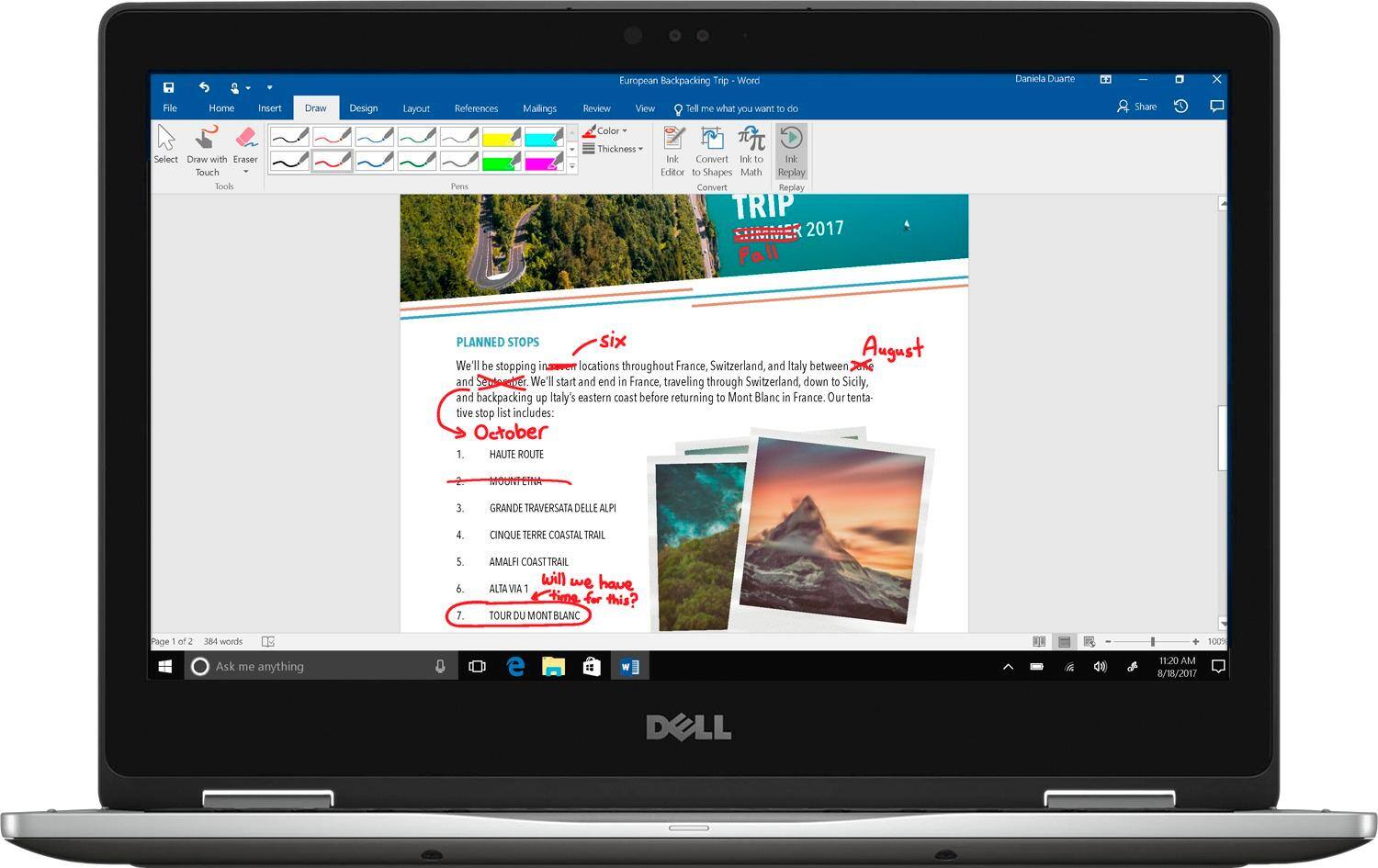
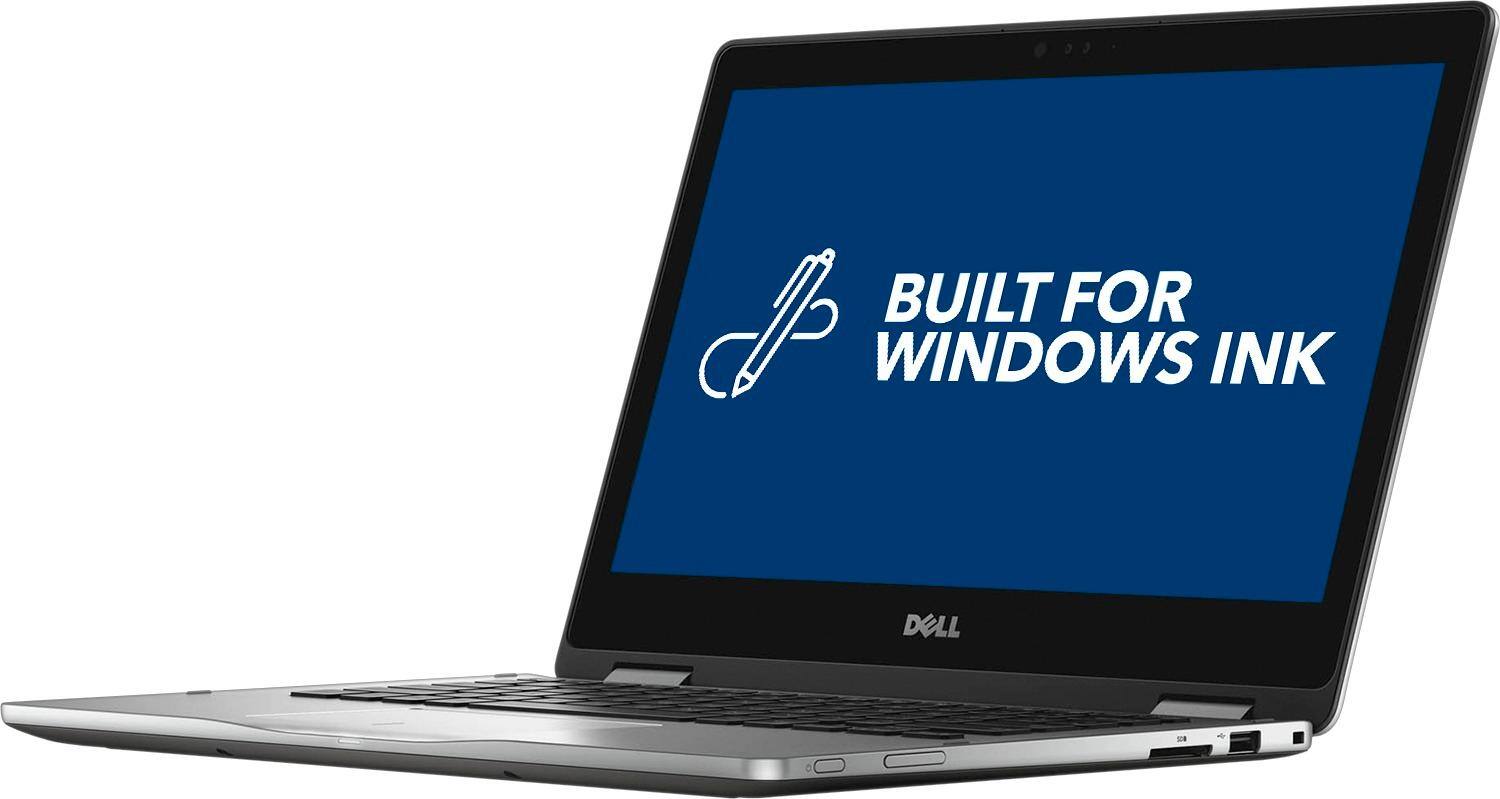
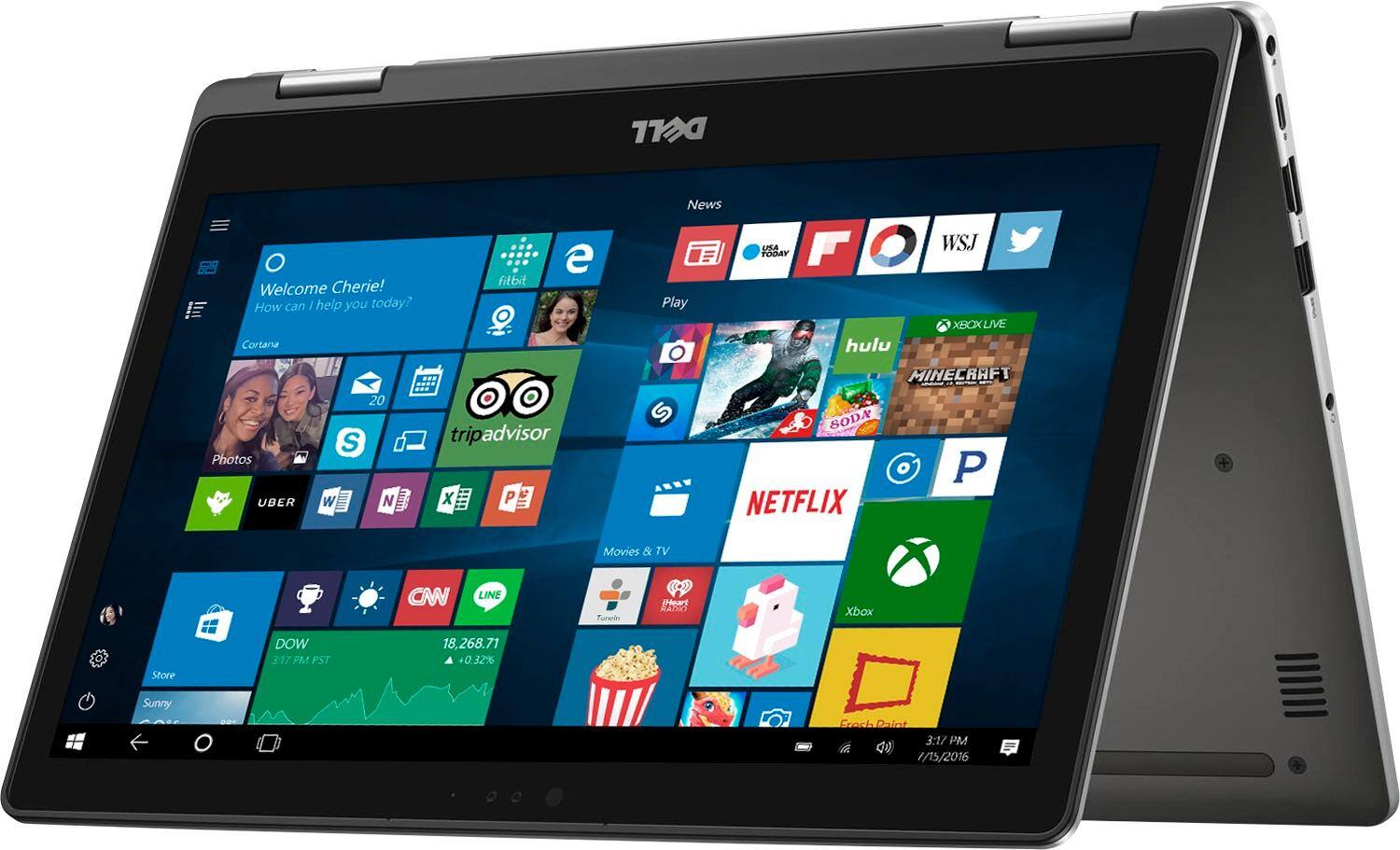
Customers often highlight the positive aspects of the Inspiron 2-in-1 13.3" Touch-Screen Laptop, such as its touch screen, fast performance, lightweight design, and affordable price. They appreciate the convenience of the touch screen, the speed of the laptop, and its portability. However, some customers have concerns about the battery life and the Windows 10 operating system.
This summary was generated by AI based on customer reviews.
- Pros mentioned:Fast
I felt it was best product for the money
||Posted .This reviewer received promo considerations or sweepstakes entry for writing a review.This was a smaller computer than what I had in mind but it seems to be pretty much what I need. It has plenty of memory for my use and is much faster than my older computer which was no longer updateable. I like the features this computer has.
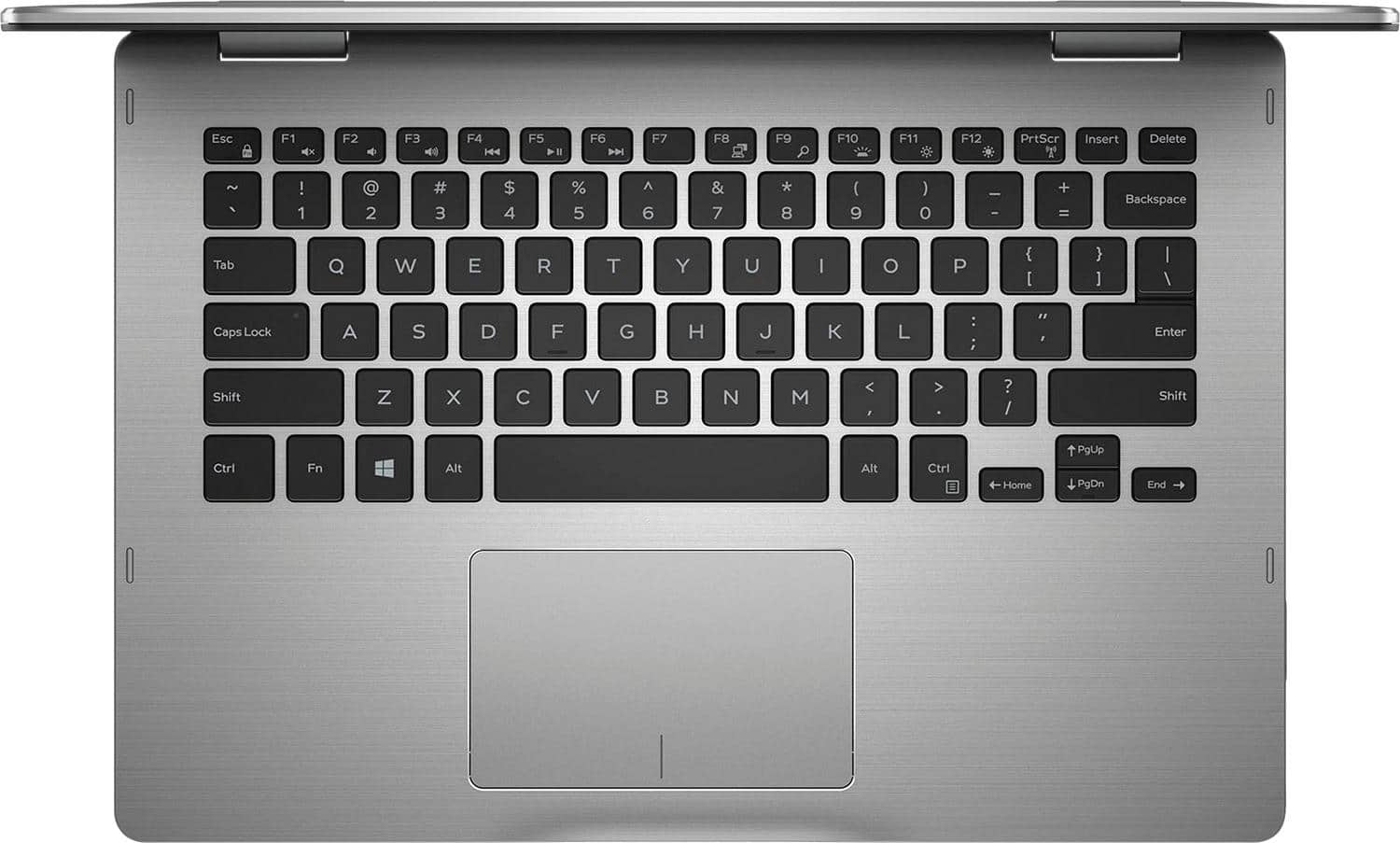
I would recommend this to a friend Had trouble with icons not working
||Posted .This reviewer received promo considerations or sweepstakes entry for writing a review.Made appointment with geek squad for help and they got it fixed and showed me what F keys did.
I would recommend this to a friendexcellent product
||Posted .This reviewer received promo considerations or sweepstakes entry for writing a review.I bought it two months ago. I have no complains about the computer
I would recommend this to a friendGood Weight
||Posted .This reviewer received promo considerations or sweepstakes entry for writing a review.If you don't need space and you have all your info in the web, this is the equipment for you.
I would recommend this to a friendSatisfied
||Posted .This reviewer received promo considerations or sweepstakes entry for writing a review.Great product and service. Had the laptop delivered to the store for pick up. Quick and easy.
I would recommend this to a friendGreat laptop for a college student
||Posted .This reviewer received promo considerations or sweepstakes entry for writing a review.Just recently bought this computer for my brother who is starting college. The storage space was concerning at first, but after speaking to a Best Buy employee I learned that SSD drives are more efficient and faster than hard drives.
I would recommend this to a friendCollege computer
||Posted .This reviewer received promo considerations or sweepstakes entry for writing a review.My daughter love her new 2-1 tablet/ computer. It's versital too.
I would recommend this to a friendRepresents best fit for intended use.
||Posted .This reviewer received promo considerations or sweepstakes entry for writing a review.Very effective for combined home personal and professional use.
I would recommend this to a friend- Pros mentioned:Price
lightweight functional
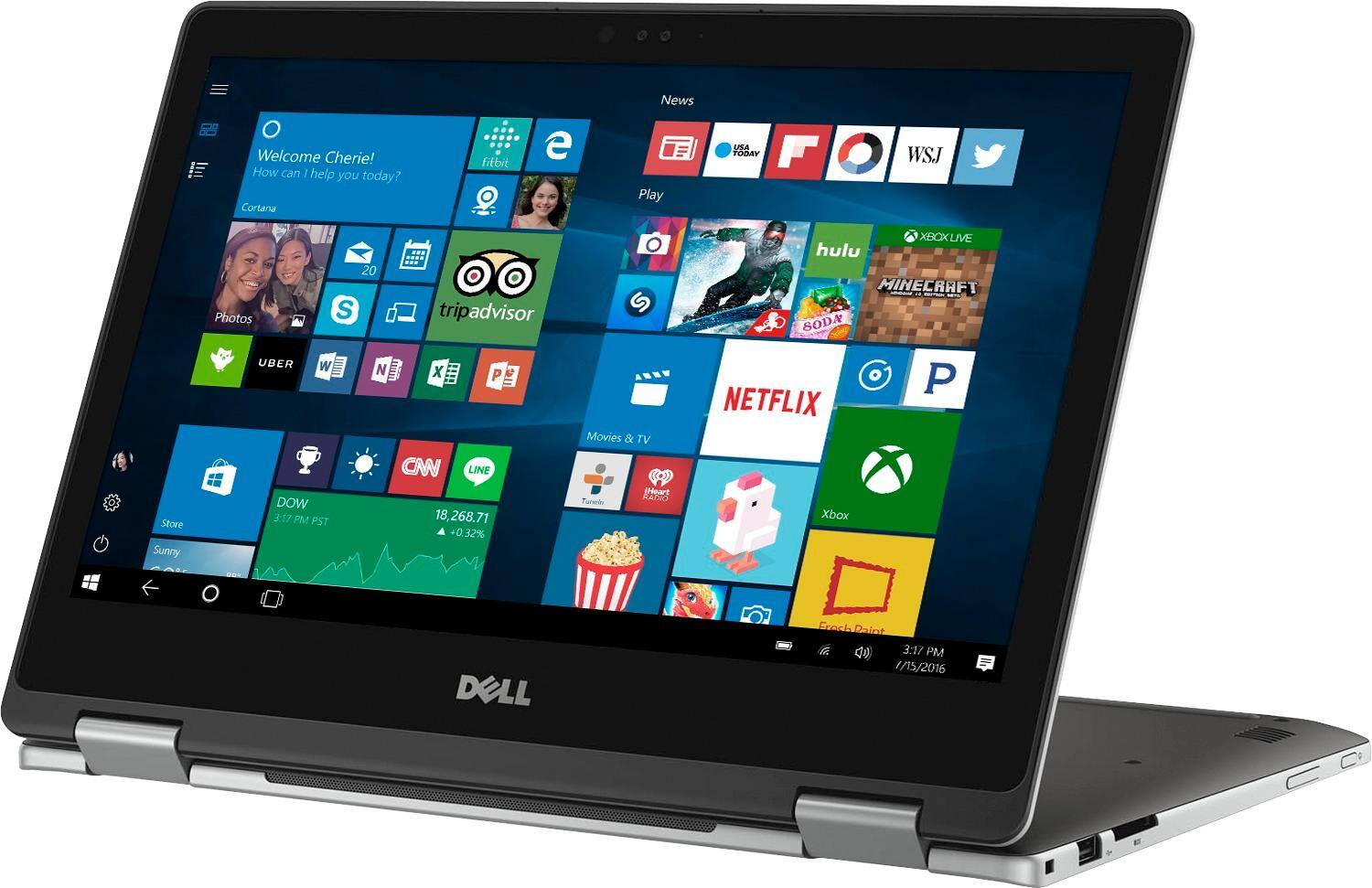
||Posted .This reviewer received promo considerations or sweepstakes entry for writing a review.absolutely the perfect combination of size and weight with the functionality of a tablet and pc love that I can write on it with the pen or type as a pc. reasonably priced and powerful I have recommended to two friends already
I would recommend this to a friend dell laptop
||Posted .This reviewer received promo considerations or sweepstakes entry for writing a review.wonderful buy. I like my Dell Laptop even if it was overpriced
I would recommend this to a friendGreat computer
||Posted .This reviewer received promo considerations or sweepstakes entry for writing a review.The perfect computer when deciding between laptop and tablets
I would recommend this to a friendExcellent 2 in 1 for all around use
||Posted .This reviewer received promo considerations or sweepstakes entry for writing a review.Excellent 2 in 1 for all around use both at home and at work.
I would recommend this to a friendGood computer
||Posted .This reviewer received promo considerations or sweepstakes entry for writing a review.I will recommend it to friends. The computer is for my kids school use. They like it.
I would recommend this to a frienddell computer
||Posted .This reviewer received promo considerations or sweepstakes entry for writing a review.works well so far , no issues wish it came with a monitor
I would recommend this to a friend- Cons mentioned:Windows 10
Like it overall but...
||Posted .This reviewer received promo considerations or sweepstakes entry for writing a review.This is a good laptop. The only real downside is that if you have slow internet do not get this laptop. Because Windows 10 so resource hungry you need fast internet to make good use of it. If you have fast internet 10MB/s at the very least you will probably fine.
I would recommend this to a friend College Student PC
||Posted .This reviewer received promo considerations or sweepstakes entry for writing a review.My daughter is a college student, she needed a new laptop. She said “So Far So Good”
I would recommend this to a friendNot quite 2 in 1
||Posted .This reviewer received promo considerations or sweepstakes entry for writing a review.Fast and light with good graphics. Having issues with the touch screen doing ghost taps and opening/closing/sending things on its own. Had to turn off the touchscreen. Haven’t found a fix yet so be aware before buying. If it didn’t have this issue I would definitely recommend but based off research I am not the only one.
No, I would not recommend this to a friendBrand response from YourDellTeam
Posted .Biztraveler - Thanks for your recent review. We're sorry to hear that your touchscreen is not working the way you had hoped it would.
Below are the steps required to calibrate your Touchscreen.
1. Restart the Computer and the Monitor
2. Recalibrate the touch-screen. Steps to calibrate touch-screen:
3. Go to Control Panel and select Tablet PC Settings. 4. Under Display tab, select Calibrate....5. Choose Pen or Touch input. 6. Perform the point calibration that appears on the screen to correct the linearity problems. 7. Save the calibrated data.
You can read the full article here - http://dell.to/2uLztub.
We hope these tips help your computer perform the way you intended it to. - Bryan
- Pros mentioned:Touch screen
Great laptop for graduate student
||Posted .This reviewer received promo considerations or sweepstakes entry for writing a review.I'm back in school after 10 years of working and I wanted a laptop dedicated for school. After researching many I felt like the Dell would do the job. I Love this computer! Easy to use and set up! Touch screen feature is great! The 24/7 support is also superb.
I would recommend this to a friend - Pros mentioned:Lightweight
Great! And, light weight
||Posted .This reviewer received promo considerations or sweepstakes entry for writing a review.Bought this for my daughter who started college. She needed something small enough to carry around in her back pack without weighing her down. She loves it. She also likes the quick start-up from having a SSD drive.
I would recommend this to a friend Great computer
||Posted .This reviewer received promo considerations or sweepstakes entry for writing a review.This is a Very nice, light computer. Reasonably priced.
I would recommend this to a friend