Customer Ratings & Reviews

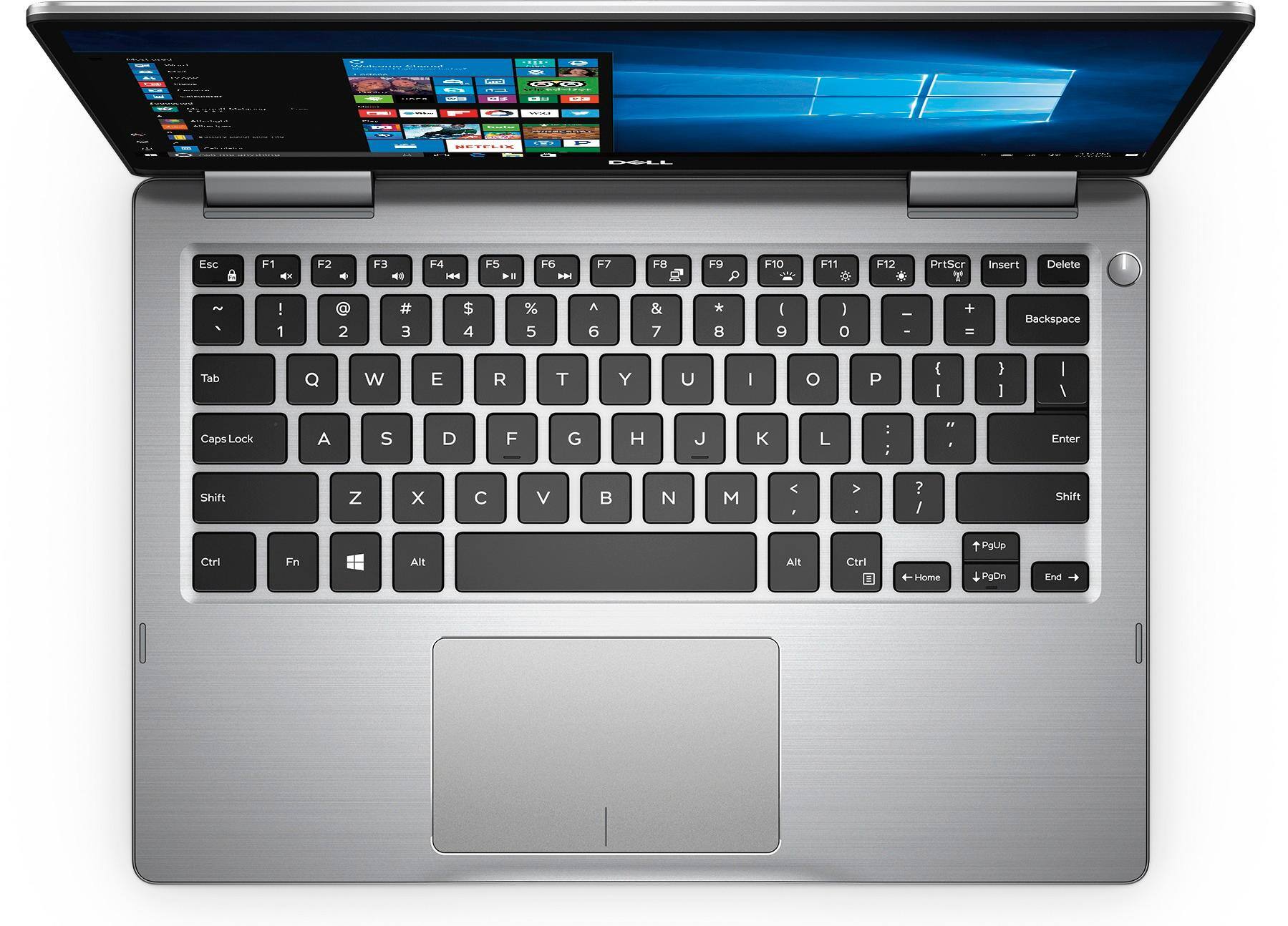
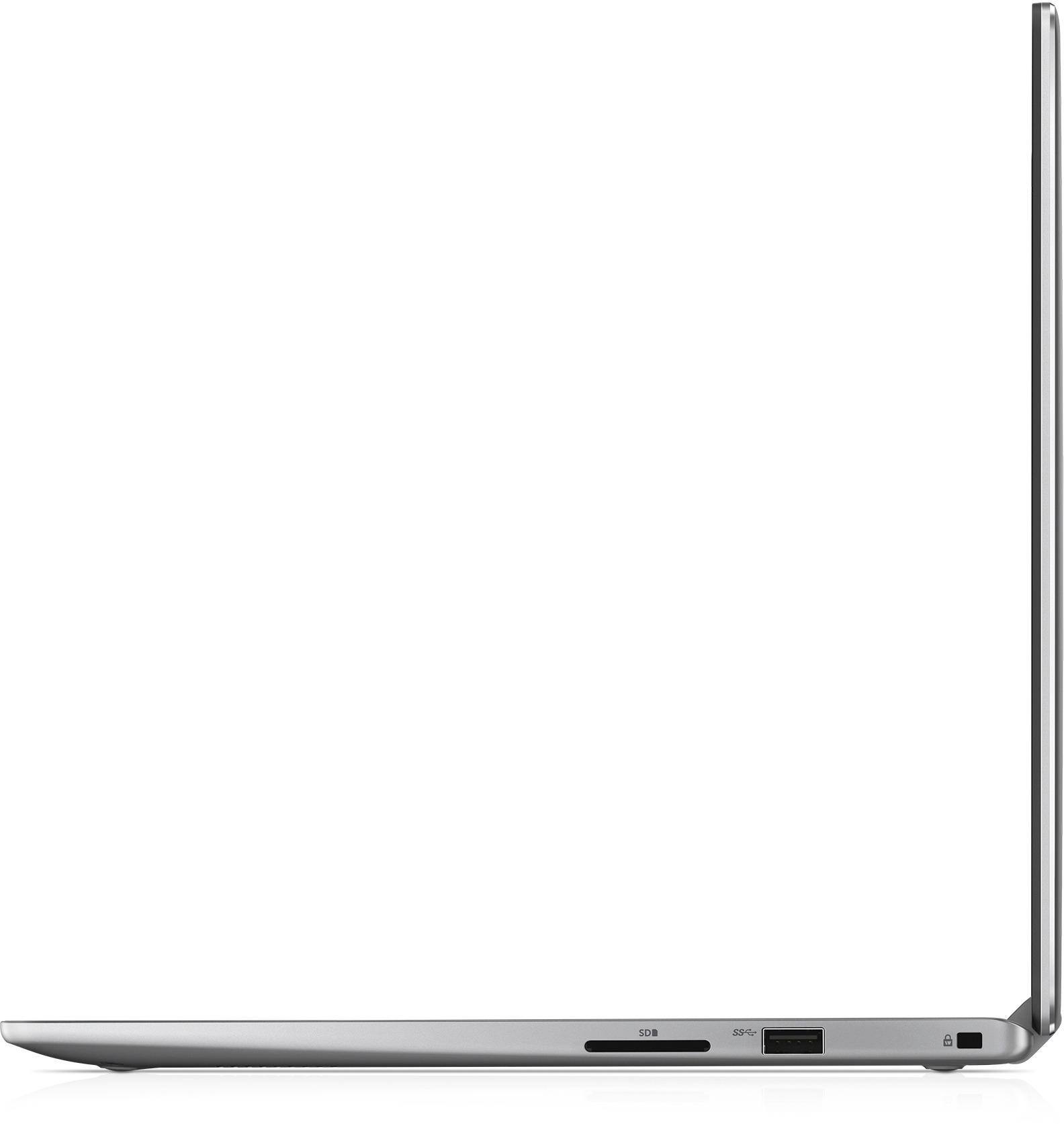
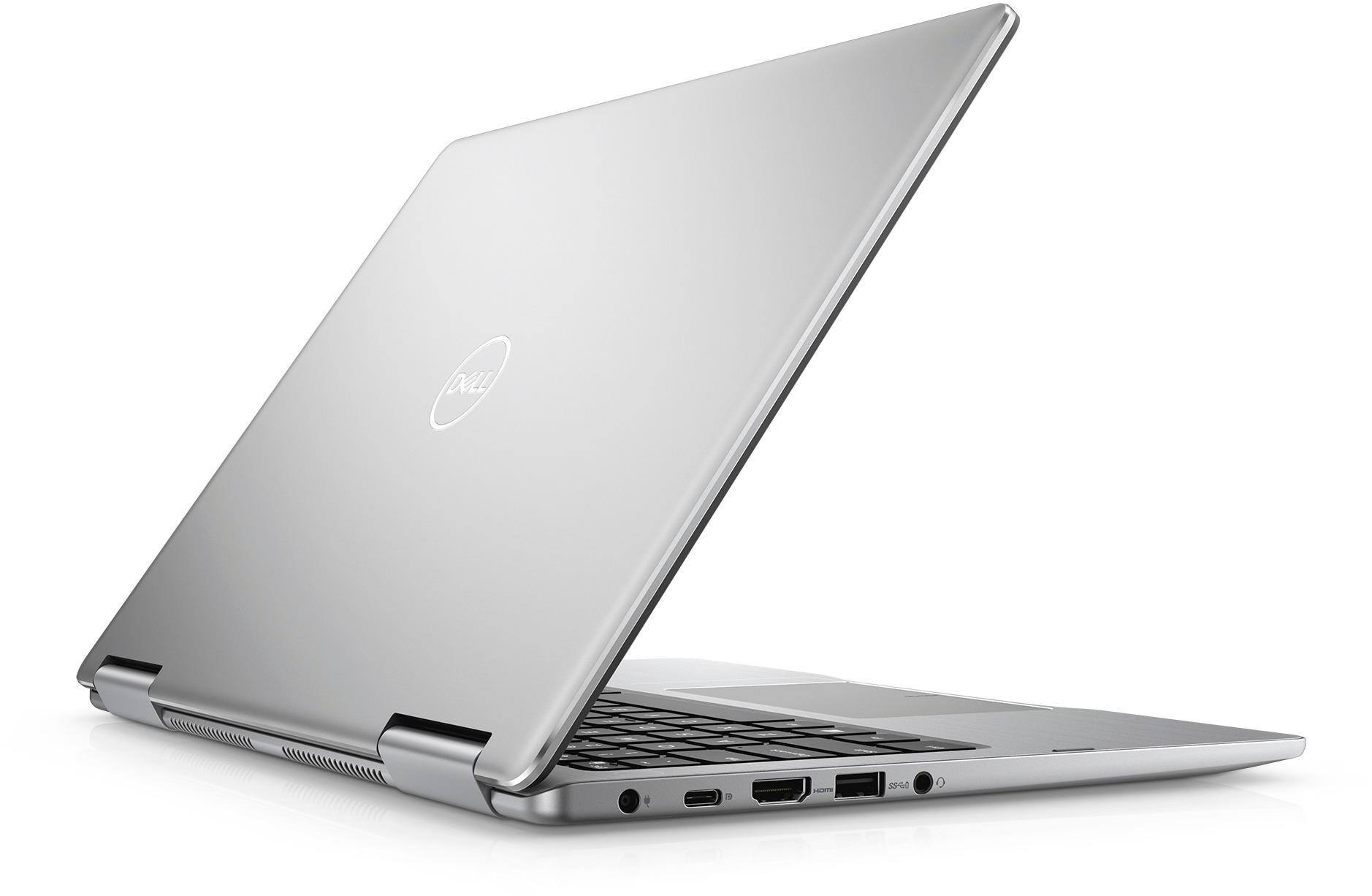
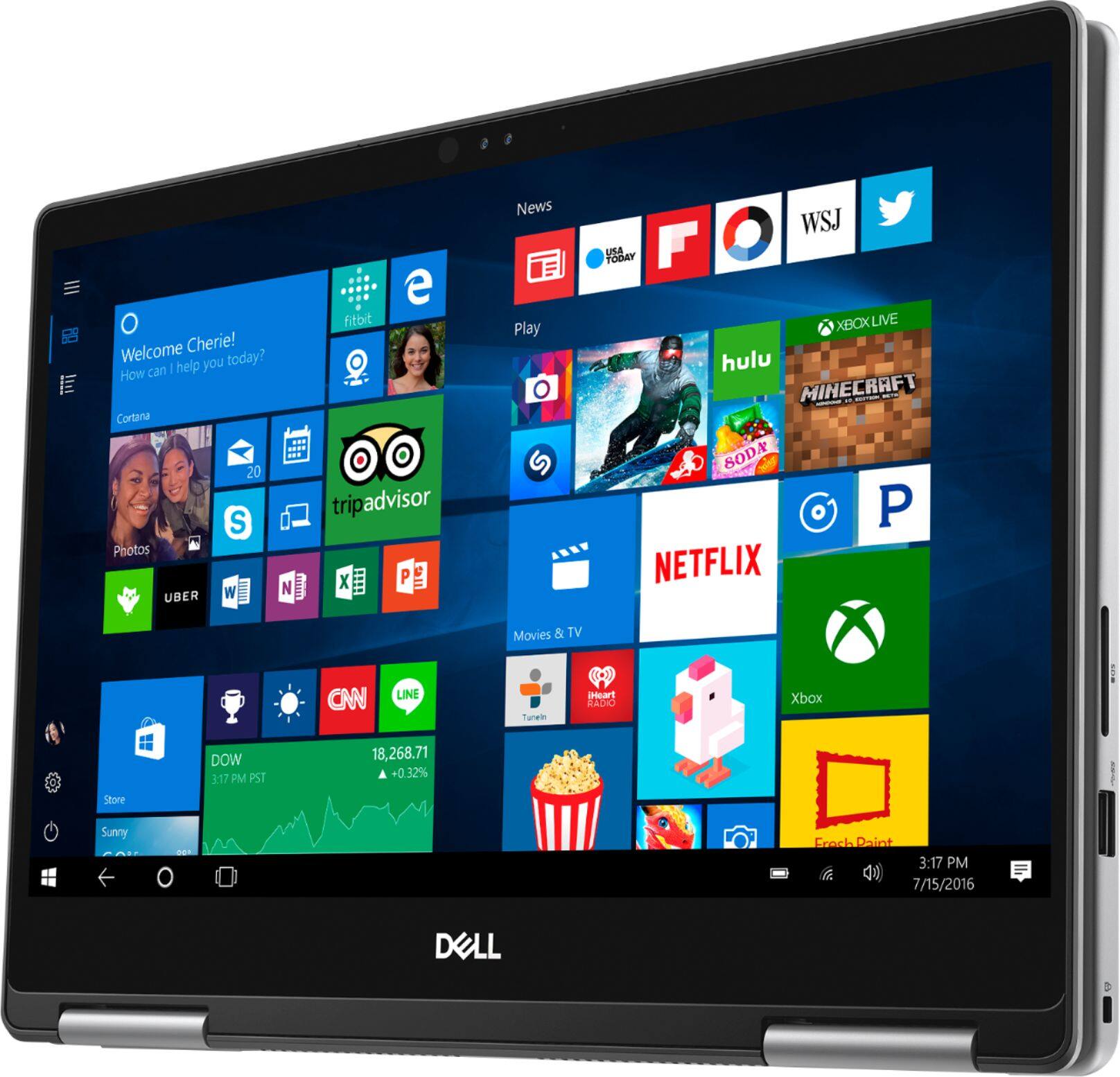
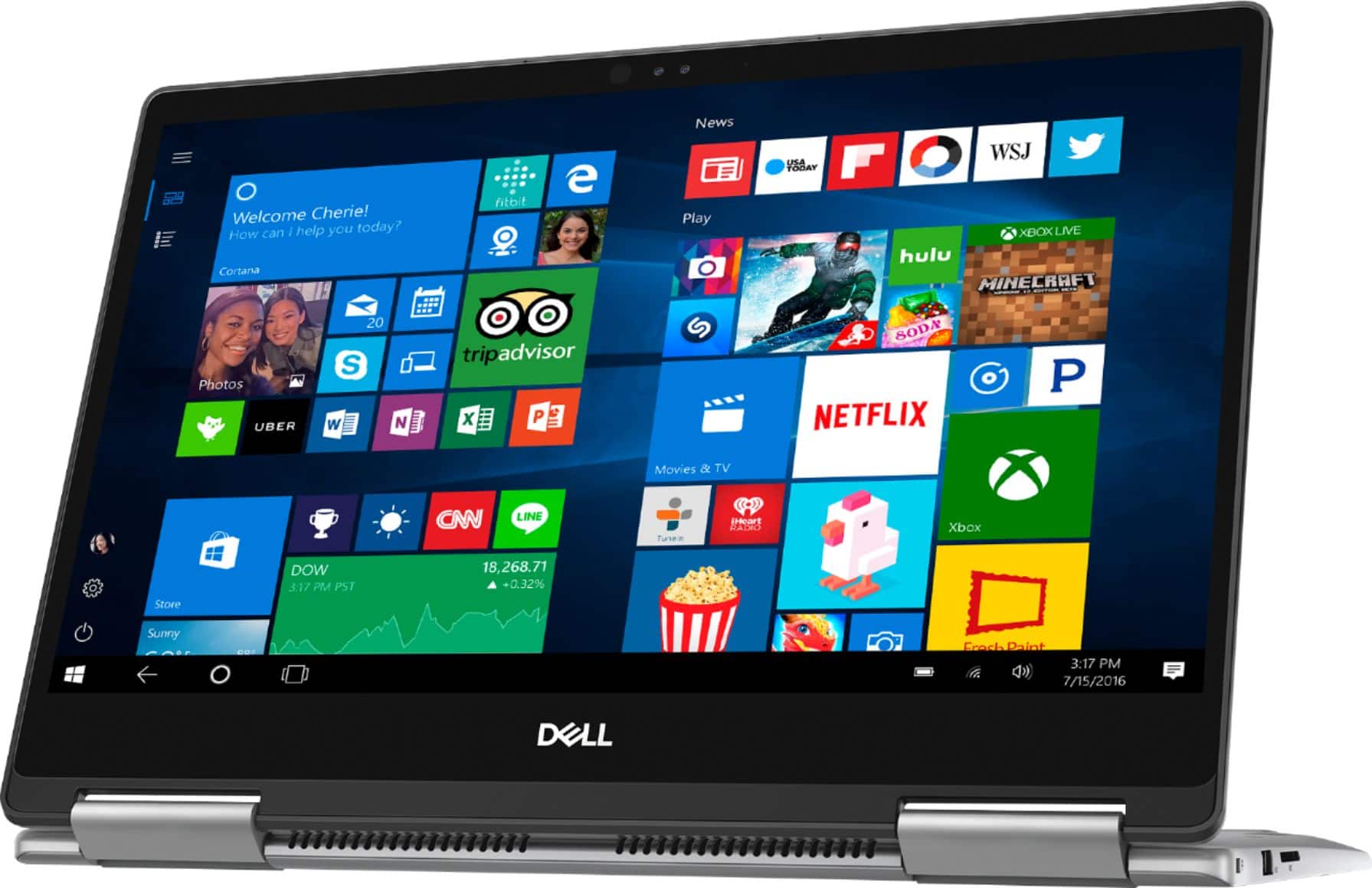
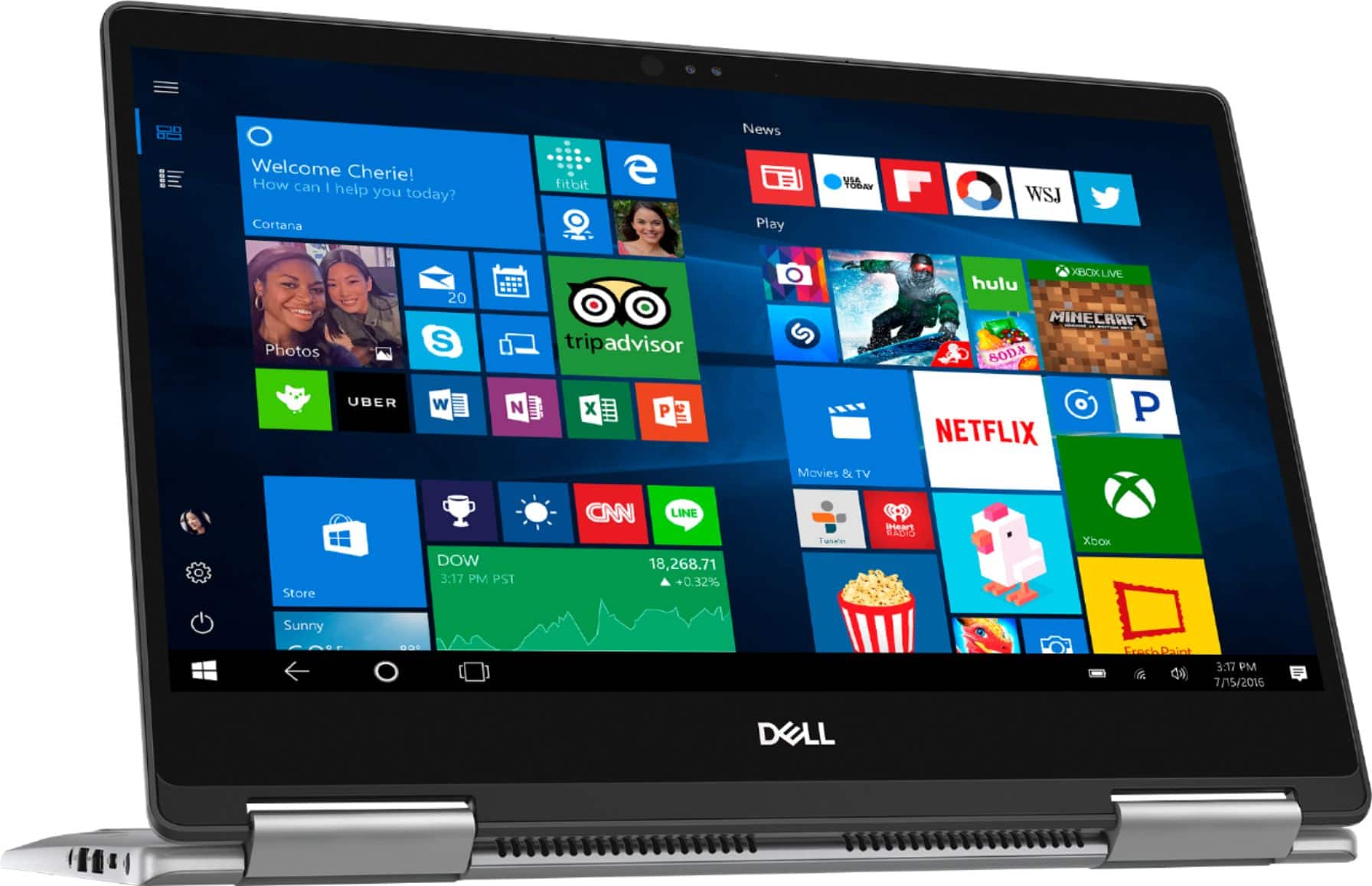
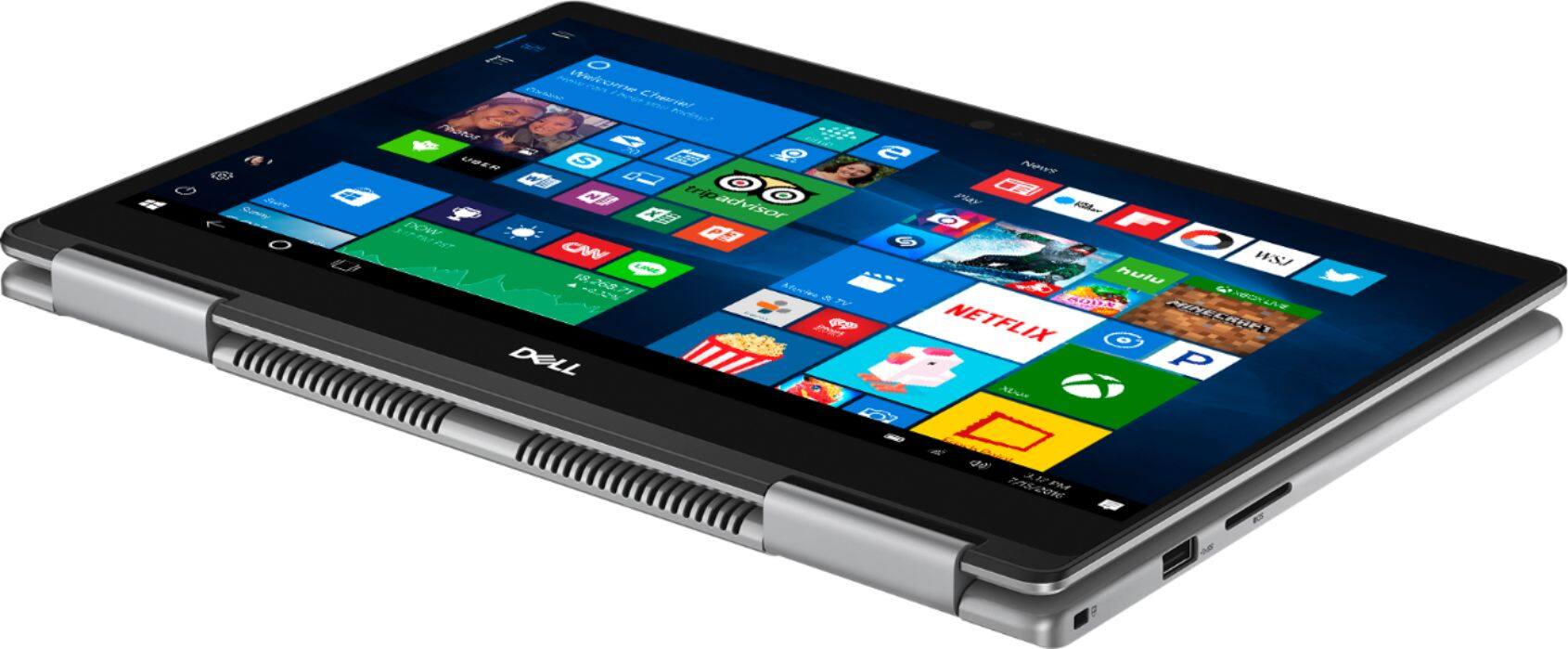
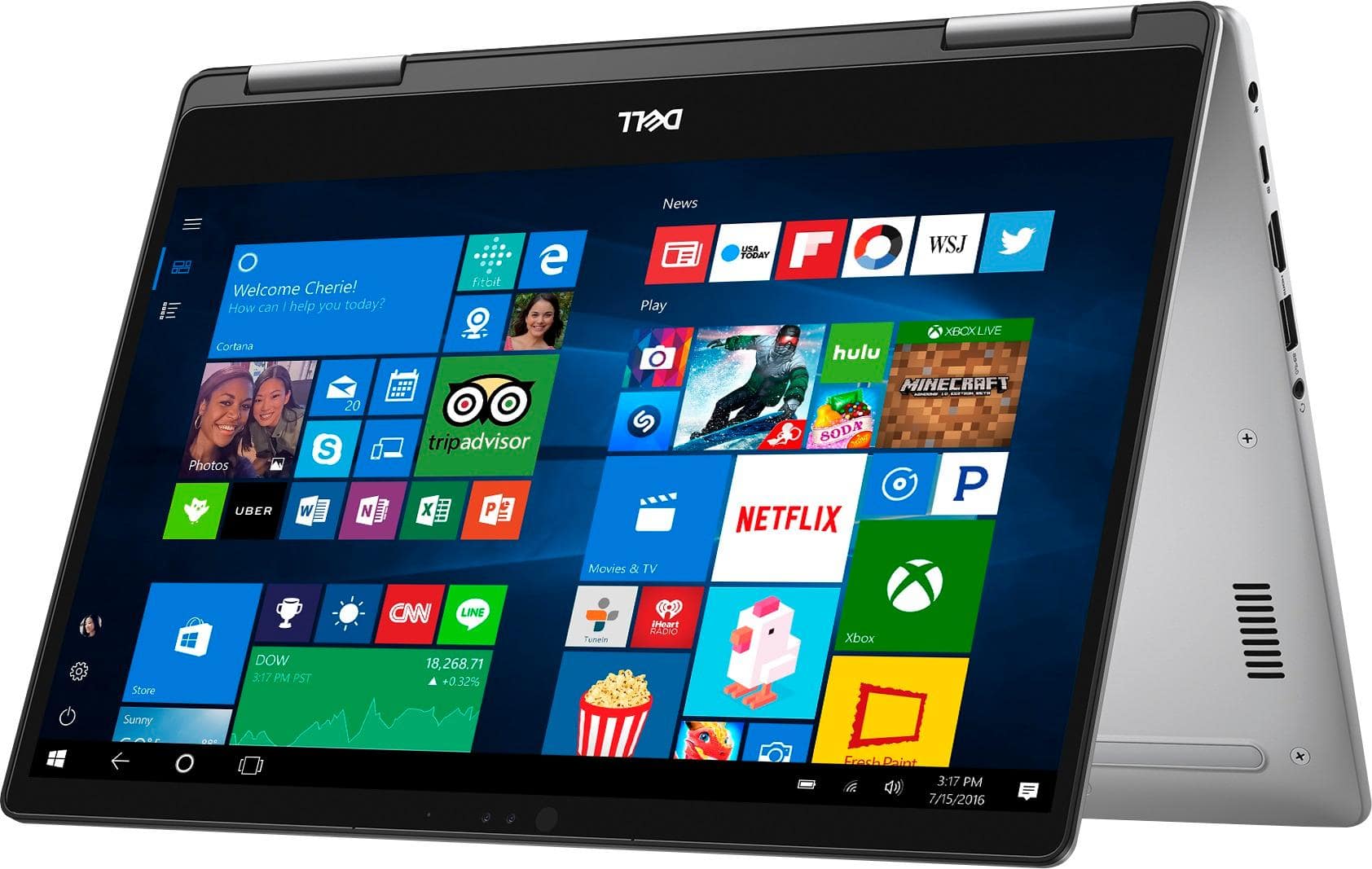


- Model:
- I7373-7227GRY-PUS
- SKU:
- 6083540
Rating by feature
- Value
Rating 3.9 out of 5 stars
- Quality
Rating 3.9 out of 5 stars
- Ease of Use
Rating 4.3 out of 5 stars
Customers are saying
Customers are pleased with the Inspiron 2-in-1 laptop's fast performance, lightweight design, and reasonable price. Many users appreciate its touch screen capabilities and light weight. However, some users have concerns about its battery life, overheating, and fan noise.
This summary was generated by AI based on customer reviews.
Good product, but too pricey
||Posted .This reviewer received promo considerations or sweepstakes entry for writing a review.Good laptop, like the solid state hard drive, but, the price is too high. I' considering apple product.
No, I would not recommend this to a friendgood item
||Posted . Owned for 1.5 years when reviewed.This reviewer received promo considerations or sweepstakes entry for writing a review.good laptop with good options, fair for the price , specially for flip option
I would recommend this to a friendGreat light weight computer
||Posted .This reviewer received promo considerations or sweepstakes entry for writing a review.Love that this computer boots up very quickly and the facial recognition function works very well
I would recommend this to a friendProduct was awesome
||Posted .This reviewer received promo considerations or sweepstakes entry for writing a review.It has everything I am planning to get for. And with best buy timely offers got it for a best price. I would love have an international warranty for these kind of products when bought from best buy
I would recommend this to a friend- Cons mentioned:Battery life
Good laptop
||Posted .This reviewer received promo considerations or sweepstakes entry for writing a review.It's a good laptop in this range but battery backup is too low.
No, I would not recommend this to a friendBrand response from YourDellTeam
Posted .Hi Nitin,
Thanks for your review. We're sorry that the battery on your computer is not performing as well as you'd like it to. We'd recommend trying these tips for your battery:
Change the Power Plan:
1. On the notification area of the taskbar, right-click the Battery icon.
2. On the options list, click Power Options.
3. Select a power plan on the battery meter, such as Power Saver or Balanced. Windows 10 has a built in 'Battery Saver' mode that can be activated to extend your system's battery life. The Battery Saver mode will monitor and limit background activity and other features such as push notifications. You do have the option to enable or disable this mode within settings or within advanced Battery Saver settings, you can customize the mode to best suit your needs.
a) Click on the Action Center icon in the taskbar and select the tile for Battery Saver.
b) If running Cortana then type Battery Saver into the search box and select from the results.
Within the Battery Saver settings page, you will be able to turn on and off the feature and customize the feature to best meet your needs.
c) Turn Battery Saver On or Off.
d) Additional settings available via the Battery use and Battery saver settings links.
e) Battery use shows further info on apps and their power usage.
f) Battery Saver Settings screen allows you to customize further Battery Saver feature.
You can read the full article here - http://dell.to/2vfXWf4.
Best,
Bryan
1-800-624-9896
Great for everything
||Posted .This reviewer received promo considerations or sweepstakes entry for writing a review.I use for my home studio recording mixing, works great with Reaper, also for HRB Home tax sw, Quicken, MS office applications, I like the minimal size, 350 movable screen, Fast boot and performance
I would recommend this to a friendIts a nice product.
||Posted .This reviewer received promo considerations or sweepstakes entry for writing a review.It's a nice product, I do like it. But would prefer if it has a processor speed of 2.40Ghz of more.
I would recommend this to a friendCompact and powerful
||Posted .This reviewer received promo considerations or sweepstakes entry for writing a review.Performs as expected of a Dell computer. Powerful,flexibility and size are perfect for my needs.
I would recommend this to a friendVery helpful, took time to answer my questions
||Posted .This reviewer received promo considerations or sweepstakes entry for writing a review.I had greek squad service done on our laptop, they were very helpful with info and suggestions.
I would recommend this to a friendDecent
||Posted .This reviewer received promo considerations or sweepstakes entry for writing a review.I was trying to downsize from a 15in for portability and this laptop is great for that. Sadly tho even uder moderate load the fans we're blazing trying to keep it cool. The bottom side would get super hot and it's nice sting to the skin if you put it on you lap like I did. Great laptop overall but runs very hot. The cooling isn't effective.
No, I would not recommend this to a friendBrand response from YourDellTeam
Posted .Vinnie,
Thanks for your review and we're sorry to hear that your computer is heating up more than you'd like it to. We'd recommend the following tips to keep your computer cooler:
Tips for Proper Usage:
1. Dell does not recommend placing portable systems directly on your lap. Due to reductions in the thickness of modern portable systems, heat transfer can be an issue.
2. Using a portable system (Laptop) on a hard, flat, non-cloth surface will increase airflow and reduce heat from underneath and inside the system.
Using the portable system on a blanket, pillow, or other types of cloth will cover up the fan cause the computer to overheat and can cause permanent damage.
3. It is recommended to use the portable system in a Room temperature of 0°C to 35°C (32°F to 95°F) with a Humidity level no greater than 90%.
4. Use compressed air to clean the vents on a regular basis.
5. Using a cooling pad can decrease heat and increase performance.
6. If you want to know the temperature limitations for your system, go to the Dell Support Website, look up your system model then open the user guide under the manuals link.
You can read the full article here - http://dell.to/2uJ8AdG.
If you'd like your fan noise to get lower you can try to update your BIOS:
An out-of-date BIOS can cause loud fan noises by having an outdated temperature table for the system. Refer to update BIOS and follow the instructions to update the BIOS on your computer.
You can also follow up with our Technical Support Team here - 1-800-624-9896.
You can read the full article here - http://dell.to/2ENlXfz.
Best,
Bryan
1-800-624-9896
- Cons mentioned:Fan noise, Overheating
Noise and Heat Issue
||Posted .This reviewer received promo considerations or sweepstakes entry for writing a review.This laptop supposed to have no moving parts, yet the fan continuously keeps making high pitch noise. And, the noise is loud and irritating.The laptop heats up really quick.
No, I would not recommend this to a friendBrand response from YourDellTeam
Posted .Hi Bhusan,
Thanks for your review. We're sorry to hear about the irritating noise that your computer is making. Here are some tips to help with fan noise -
A: Cleaning the Vents
1. Check the vents on the computer to see if they are covered with dust and not allowing heat and air to pass through.
2. Turn off the system.
3. Remove all power sources: Unplug the AC adapter and remove the battery, or unplug the desktop power Cord.
4. Use a compressed air can to blow the dust out of the vents. Be sure to hold the can at an upright angle (near 90 degrees), and hold it 15-20 centimeters (6-8 inches) away from the vent.
B: Update the BIOS: An out-of-date BIOS can cause loud fan noises by having an outdated temperature table for the system. Refer to update BIOS and follow the instructions to update the BIOS on your computer.
You can read the full article here - http://dell.to/2ENlXfz.
In reference to the heat of your laptop we'd recommend you read the following tips:
1. Dell does not recommend placing portable systems directly on your lap. Due to reductions in the thickness of modern portable systems, heat transfer can be an issue.
2. Using a portable system (Laptop) on a hard, flat, non-cloth surface will increase airflow and reduce heat from underneath and inside the system.
Using the portable system on a blanket, pillow, or other types of cloth will cover up the fan cause the computer to overheat and can cause permanent damage.
3. It is recommended to use the portable system in a Room temperature of 0°C to 35°C (32°F to 95°F) with a Humidity level no greater than 90%.
4. Use compressed air to clean the vents on a regular basis.
5. Using a cooling pad can decrease heat and increase performance.
6. If you want to know the temperature limitations for your system, go to the Dell Support Website, look up your system model then open the user guide under the manuals link.
You can read the full article here - http://dell.to/2uJ8AdG.
We hope these tips help your computer perform the way that you intended it to.
Best,
Bryan
1-800-624-9896
Lovely Freind
||Posted .This reviewer received promo considerations or sweepstakes entry for writing a review.its beautiful, smart and smoottttttthhh. fantastic design, good for carry. i dont now how much i love my laptop. thanks dell for that and thanks Best Buy for introducing that for me. love it.
I would recommend this to a friend- Cons mentioned:Storage
Light weight laptop
||Posted .This reviewer received promo considerations or sweepstakes entry for writing a review.But u need atleast 512Nvme SSD so that u can upgrade in future
No, I would not recommend this to a friendBrand response from YourDellTeam
Posted .Brijs - We appreciate you taking the time to write your review. If you end up having additional questions about your new computer you can check out our Product Support Page here - http://dell.to/2BE6VqB. - Bryan
Good one
||Posted .This reviewer received promo considerations or sweepstakes entry for writing a review.It’s a good laptop, needs improvement on Face ID, sometimes doesn’t work. Overall a good deal.
I would recommend this to a friendGood computer!
||Posted . Owned for 9 months when reviewed.This reviewer received promo considerations or sweepstakes entry for writing a review.Even though I swore I'd never own another Dell, this computer has been great. Its super easy to use. I especially like that it has 2 USB ports. Great computer for the money.
I would recommend this to a friendi got 3 and I had to return 1
||Posted .This reviewer received promo considerations or sweepstakes entry for writing a review.so far so good only one out of the 3 was pretty slow since installation so we did return it.
I would recommend this to a friendLove it!
||Posted .This reviewer received promo considerations or sweepstakes entry for writing a review.The only thing I don't like about this product is that it does not have a ten key, which I knew when I purchased it. This notebook is very light weight and thin. Would definitely recommend.
I would recommend this to a friendGreat features and easy to carry
||Posted .This reviewer received promo considerations or sweepstakes entry for writing a review.The laptop has great features and is very recommendable to others but in my scenario, i have problems with the HID-compliant touch screen and i have been facing this issue on a regular basis. Pretty much disappointed with the quality of software which can be a reason to not to recommend it to others in future if not fixed.
I would recommend this to a friendBrand response from YourDellTeam
Posted .Manee,
We're sorry to hear about the touchscreen issues that you've been having. Here are the steps to re-calibrate your touchscreen:
1. Restart the Computer and the Monitor
2. Re-calibrate the touch-screen. Steps to calibrate touch-screen:
3. Go to Control Panel and select Tablet PC Settings.
4. Under Display tab, select Calibrate.
5. Choose Pen or Touch input.
6. Perform the point calibration that appears on the screen to correct the linearity problems.
7. Save the calibrated data.
You can read the full article here - http://dell.to/2uLztub.
We hope this helps your computer perform better for you.
Best,
Bryan
1-800-624-9896
Internet fast fast fast
||Posted .This reviewer received promo considerations or sweepstakes entry for writing a review.Combined with a 27" monitor. And i5 Create USB expansion takes care of everything we like to plug in. Windows 10 and Office run fast- 16g ram and 256g solid state hard drive is quick.
I would recommend this to a friendDVRAO
||Posted .This reviewer received promo considerations or sweepstakes entry for writing a review.Extremely good laptop... helps a lot when traveling... easy handle and lightweight. worth for money... still has same quality as new one..!
I would recommend this to a friend