Customer Ratings & Reviews

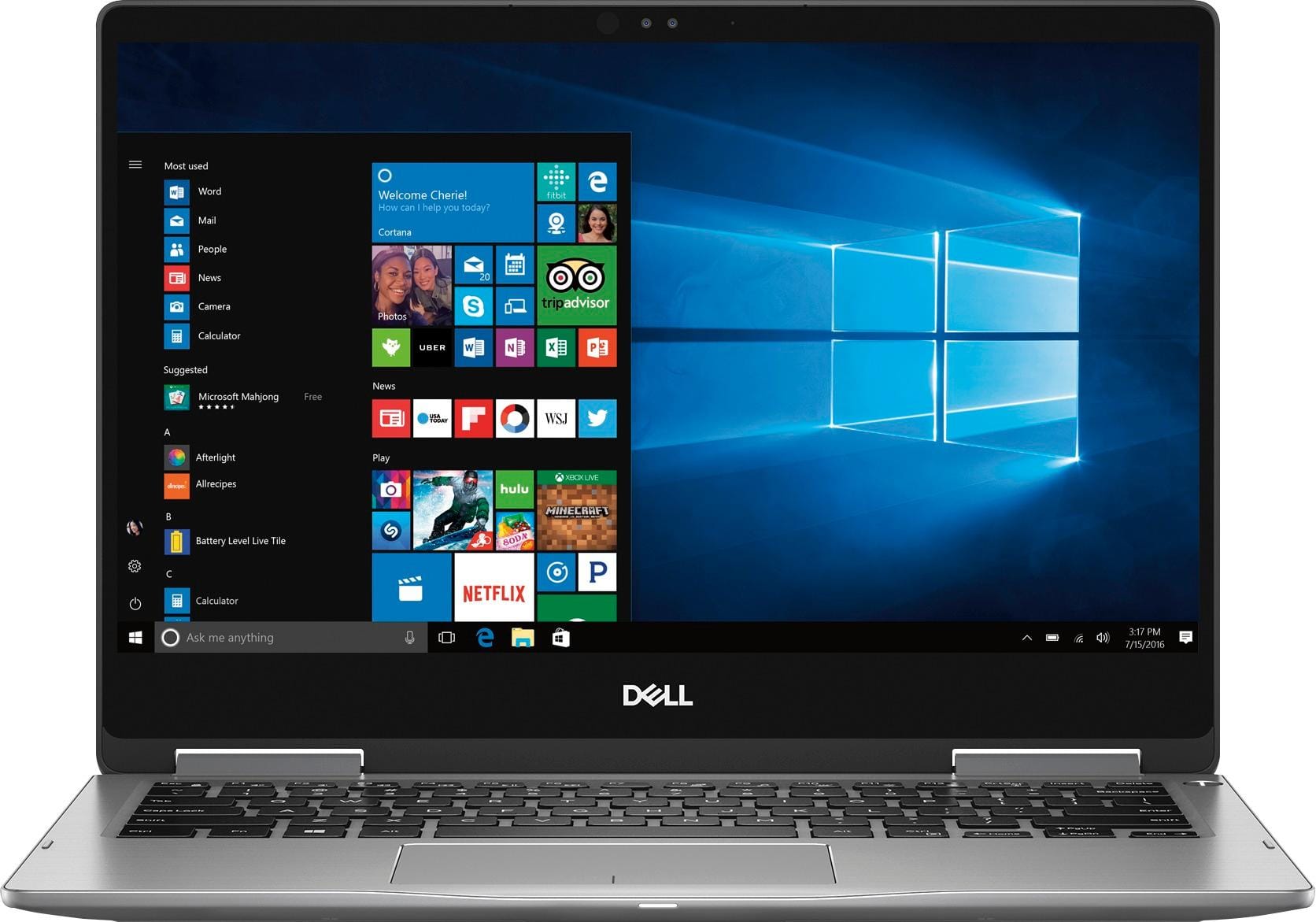
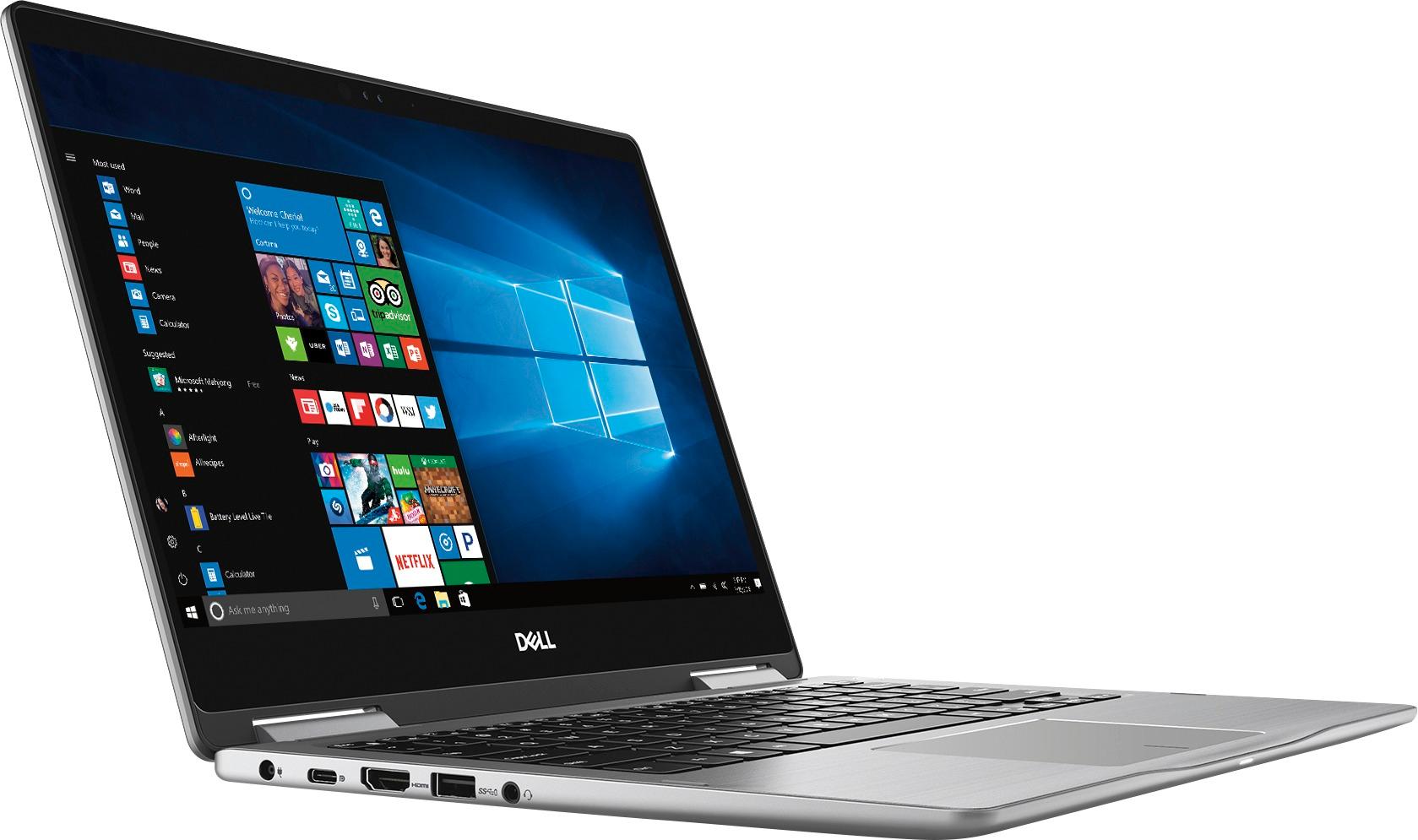
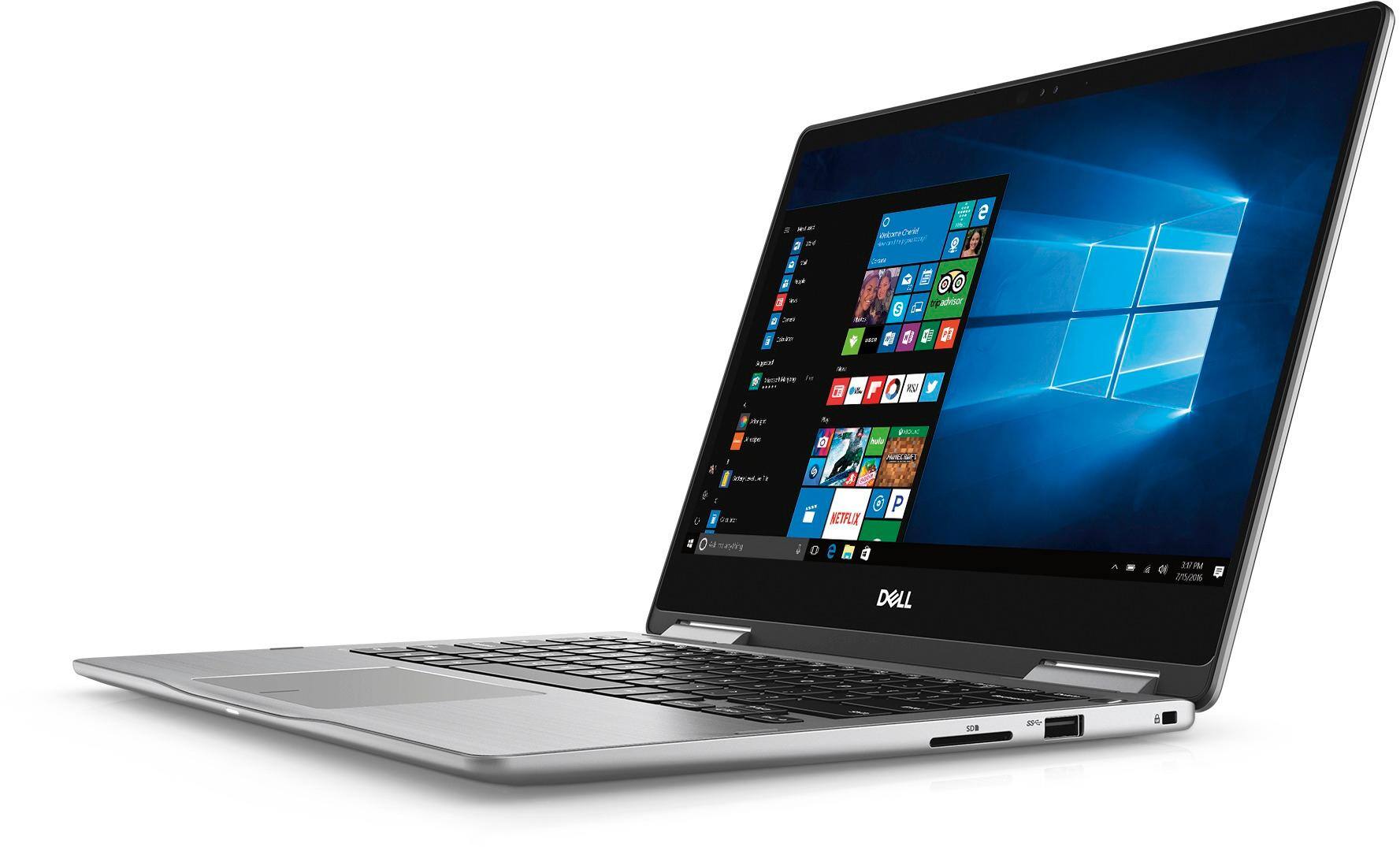
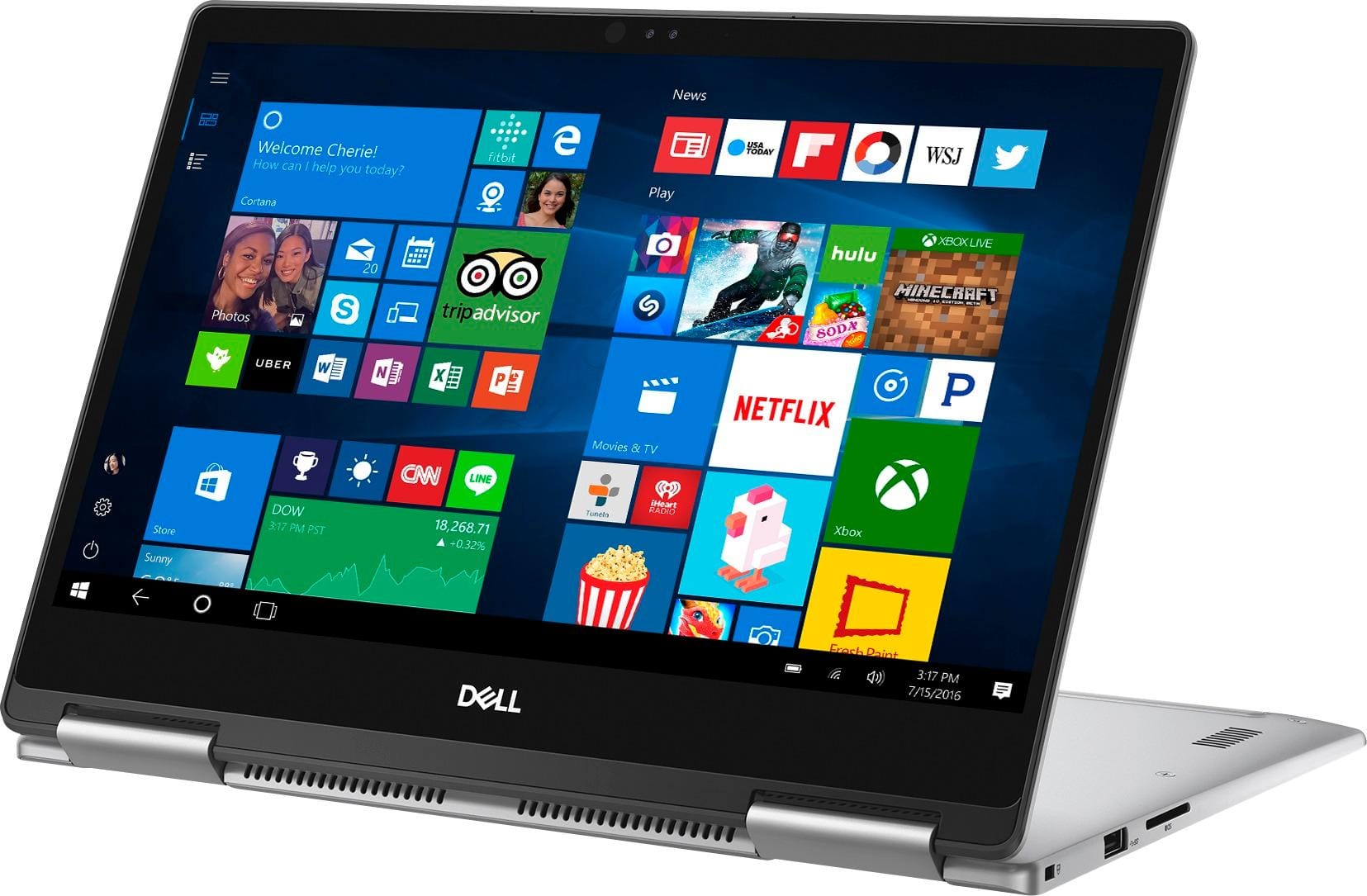
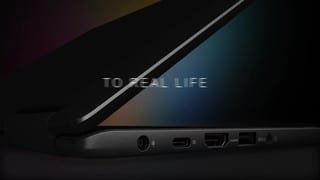


- Model:
- I7373-7227GRY-PUS
- SKU:
- 6083540
Rating by feature
- Value
Rating 3.9 out of 5 stars
- Quality
Rating 3.9 out of 5 stars
- Ease of Use
Rating 4.3 out of 5 stars
Customers are saying
Customers are pleased with the Inspiron 2-in-1 laptop's fast performance, lightweight design, and reasonable price. Many users appreciate its touch screen capabilities and light weight. However, some users have concerns about its battery life, overheating, and fan noise.
This summary was generated by AI based on customer reviews.
Great buy
||Posted .This reviewer received promo considerations or sweepstakes entry for writing a review.Everything I was wanting. Works well and was easy to set up
I would recommend this to a friendNever again
||Posted .This reviewer received promo considerations or sweepstakes entry for writing a review.Extremely dissatisfied by this product. Within 2 weeks of having the laptop, the hard drive crashed. The only program that was on the laptop was Microsoft.
No, I would not recommend this to a friendBrand response from YourDellTeam
Posted .- JNL5, Thanks for your review. We're sorry to hear about the trouble that you had with your new laptop. We'd recommend diagnosing the problem with these steps:
1. At the desktop, click the Search the web and Windows box and type "problem reports".
2. Select View all problem reports to view a list of errors that have occurred on your computer and possible solutions for them, such as updating drivers, flashing your system BIOS, or checking for updates to the software.
3. Under the Source column, look for Windows and under Summary, look for Shut down unexpectedly.
4. Right-click the line item and select Check for a solution.
You can read the full article here - http://dell.to/2u98Cct. - Bryan
Awesome laptop
||Posted .This reviewer received promo considerations or sweepstakes entry for writing a review.Very nice laptop. Plenty powerful. Great battery life
I would recommend this to a friendEasy to use
||Posted .This reviewer received promo considerations or sweepstakes entry for writing a review.Great laptop, amazing speed and really convenient to use
I would recommend this to a friendGreat deal
||Posted .This reviewer received promo considerations or sweepstakes entry for writing a review.Great deal. Works more than expected. SSD rockssss
I would recommend this to a friendGood laptop
||Posted .This reviewer received promo considerations or sweepstakes entry for writing a review.Until now I don't have any issue with this laptop.
I would recommend this to a friendPerfect size and weight, fast performance
||Posted .This reviewer received promo considerations or sweepstakes entry for writing a review.This Dell laptop is a top performer, I'm impressed
I would recommend this to a friendGreat PC for work
||Posted .This reviewer received promo considerations or sweepstakes entry for writing a review.This laptop is good for students and office workers.
I would recommend this to a friendGreat laptop
||Posted .This reviewer received promo considerations or sweepstakes entry for writing a review.We are very happy with our purchase of our laptop!
I would recommend this to a friendThis laptop is a beast
||Posted .This reviewer received promo considerations or sweepstakes entry for writing a review.Really impressive performance an light weight laptop
I would recommend this to a friend- Cons mentioned:Battery life
Bad
||Posted .This reviewer received promo considerations or sweepstakes entry for writing a review.I wish I had the option of giving this laptop a rating as low as the minimum temperatures in Canada. Really bad. Would never recommend. Stay as far as possible from this piece of junk. Started low processing just after a couple of months. Its battery life is worse than a goldfish's memory. Please don't buy this laptop. Spend those $1000 in Vegas.
No, I would not recommend this to a friendBrand response from YourDellTeam
Posted .Hiten,
Thanks for your review. We're sorry that your computer is not performing the way you hoped it would. We'd recommend running the Windows Performance Troubleshooter to see if there are ways for your computer to run faster:
1. Close all open windows.
2. Press the Windows logo key + X key on the keyboard.
3. Click Control Panel.
4. Click System and Security.
5. Under Security and Maintenance, select Troubleshoot common problems.
6. Under System and Security, click Run maintenance tasks.
7. Follow the on-screen instructions and prompts to complete the process.
8. Restart the PC.
You can read the full article here - http://dell.to/2tSulGV.
If your battery life is still not lasting long enough for you, here are some tips:
Change the Power Plan:
1. On the notification area of the taskbar, right-click the Battery icon.
2. On the options list, click Power Options.
3. Select a power plan on the battery meter, such as Power Saver or Balanced. Windows 10 has a built in 'Battery Saver' mode that can be activated to extend your system's battery life. The Battery Saver mode will monitor and limit background activity and other features such as push notifications. You do have the option to enable or disable this mode within settings or within advanced Battery Saver settings, you can customize the mode to best suit your needs.
a) Click on the Action Center icon in the taskbar and select the tile for Battery Saver.
b) If running Cortana then type Battery Saver into the search box and select from the results.
Within the Battery Saver settings page, you will be able to turn on and off the feature and customize the feature to best meet your needs.
c) Turn Battery Saver On or Off.
d) Additional settings available via the Battery use and Battery saver settings links.
e) Battery use shows further info on apps and their power usage.
f) Battery Saver Settings screen allows you to customize further Battery Saver feature.
You can read the full article here - http://dell.to/2vfXWf4.
Best,
Bryan
1-800-624-9896
Awesome laptop
||Posted .This reviewer received promo considerations or sweepstakes entry for writing a review.Had everything I needed on a laptop. Perfect size.
I would recommend this to a friendhis is my second one
||Posted .This reviewer received promo considerations or sweepstakes entry for writing a review.solid state drive is fast and the only way to go .
I would recommend this to a friendLove It
||Posted .This reviewer received promo considerations or sweepstakes entry for writing a review.Like it much better than our apple product we had.
I would recommend this to a friendPoor speakers
||Posted .This reviewer received promo considerations or sweepstakes entry for writing a review.The machine’s performance is good but the speakers make a very bad tearing kind of noise when volume is increased. I have done all my work setup and installations on this machine and don’t have time and will to redo all that, else I would have returned/exchanged the machine.
No, I would not recommend this to a friendBrand response from YourDellTeam
Posted .Hey Puneet- We appreciate your feedback and we're sorry to hear that the speakers are not performing the way that you wanted them to. We'd recommend checking your audio drivers here to make sure that they are up to date - http://dell.to/2ij0l0u. We hope that an updated driver will fix the sounds you are hearing when you turn up your speakers. - Bryan
- Cons mentioned:Battery life
Not a good one
||Posted . Owned for 6 months when reviewed.This reviewer received promo considerations or sweepstakes entry for writing a review.Not so good main disappointment is battery life. It’s hardly 3 hrs
No, I would not recommend this to a friend - Cons mentioned:Battery life
HORRIBLE BATTERY
||Posted . Owned for more than 2 years when reviewed.This reviewer received promo considerations or sweepstakes entry for writing a review.Freezes, turns off on its own in the middle of being used and sometimes won’t turn on. The battery lasts for maybe an hour and usually doesn’t charge when plugged in. These problems started shortly after purchase and I’m still dealing with them
No, I would not recommend this to a friend - Cons mentioned:Battery life, Fan noise
Thin, Light, Flexible...
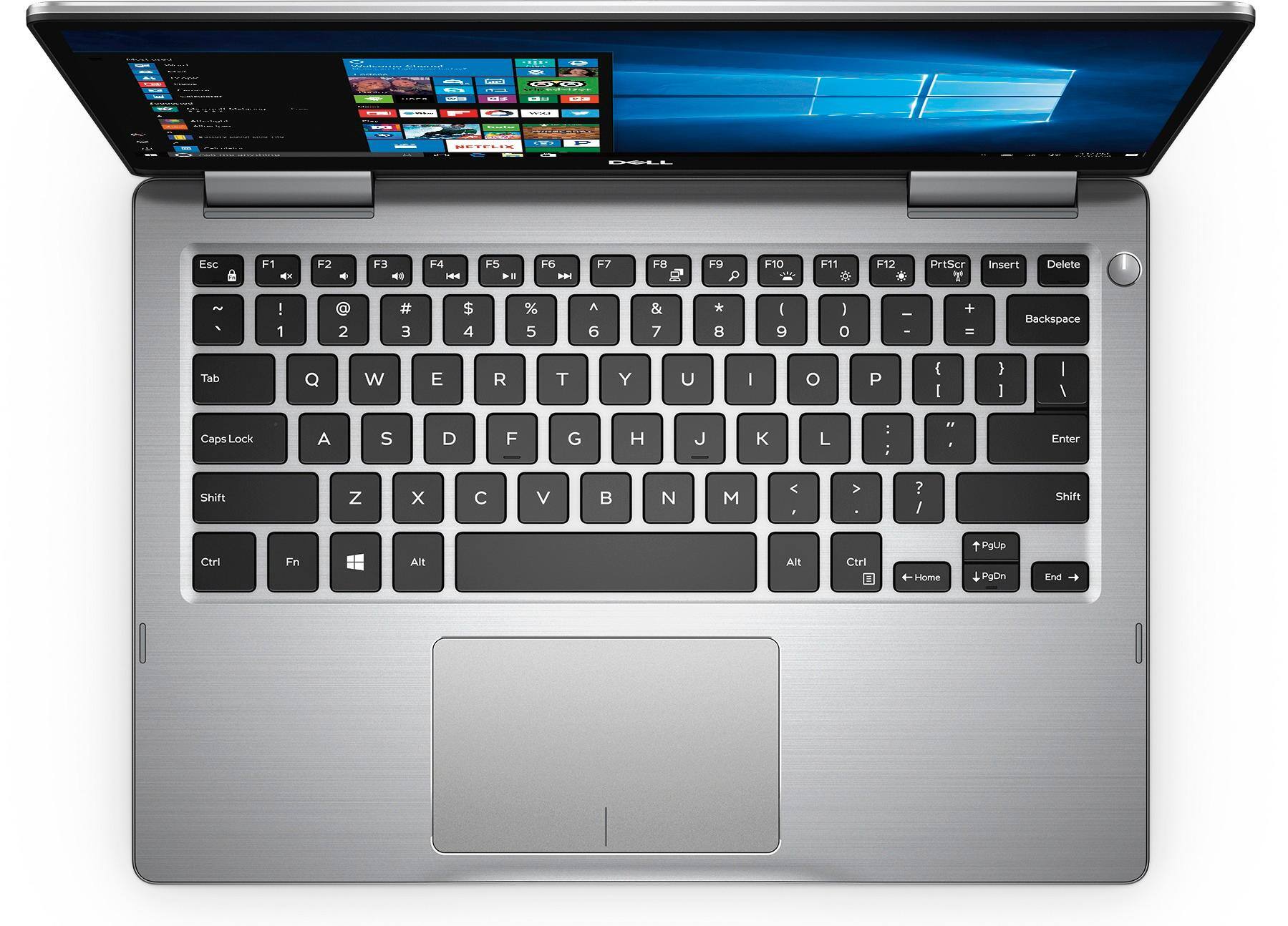
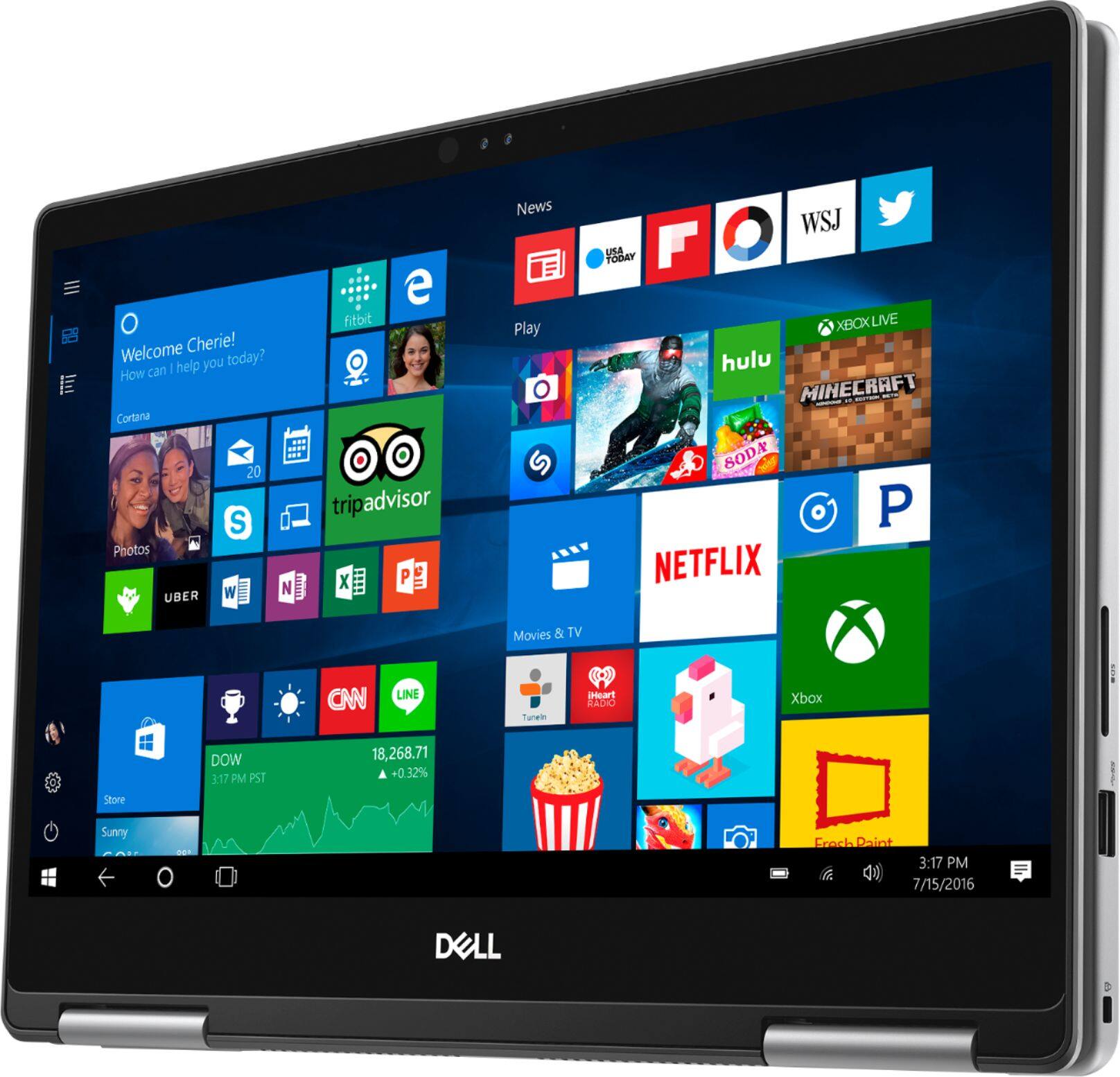
Posted .This reviewer received promo considerations or sweepstakes entry for writing a review.I never would have thought that I would go for a 2in1 but then I tried some out at Best Buy and was so impressed with Windows Ink that it changed my mind. After doing a lot of spec checking and the Dell Inspiron 7373 w/ i7-8550U, 16gigs of RAM, 256 Gig m.2 (SATA) stood out as a winner for the money. So far I like so many things about this computer. The keyboard and trackpad are very nice. The screen is great--very bright if you need it and just really nice to look at. The overall build quality is very nice--it's all metal and the finish hides fingerprints really well. I have an iPad Air so that is a lot smaller and lighter for use as a tablet but this definitely is useable on your lap to draw, etc--just don't plan on holding it in the air like a book for any length of time. It has nice little pads on the keyboard deck that contact the table in "presentation mode" or when you are sketching on a desk. Tent Mode is nice and solid--again I use it more than I thought I would. I am using the Bamboo Ink pen and it is really impressive. I have used Wacom tablets as well as my iPad Air with a rubber tipped stylus and this implimentation of Windows Ink is a big step up. It's not perfect--the main issue is a little diagonal jitter while drawing lines. My go-to sketch/art apps SketchBook Pro and Photoshop CC are amazing with this--they ignore your fingers (unlike iPad + rubber stylus) and just track the pen.--no silly looking 1/2-glove required. Performance/Battery--unless you are plugged in you have to consider this a compromise. I am sure that adding battery life would have meant a heavier, thicker notebook so you have to pay attention to your settings to favor either performance or battery life. The good news is that it is as easy as selecting the battery icon in the tray and selecting 1 of 4 settings from Best Battery Life to Best Performance. If you are plugged in the performance is really good--obviously it should be the same as any other laptop with the same CPU. Heat and Noise--an i7 chip definitely needs a fan if it is working on anything tough and this fan, while audible, is not unpleasant sounding. I don't think that it is too loud in most cases but, compared to my wife's MacBook Air this is louder--but this is a quad core/8 thread CPU and it will outperform the Air. I haven't noticed that it gets too hot--it gets a little warm under the "6" key and warmer as you push it harder which is what you would expect. Overall, as a portable substitute for my desktop, this has been great.
I would recommend this to a friend Average Laptop
||Posted . Owned for more than 2 years when reviewed.This reviewer received promo considerations or sweepstakes entry for writing a review.Good laptop for the price. Room for improvements but overall good laptop
I would recommend this to a friendthe bottom gets Very Hot
||Posted .This reviewer received promo considerations or sweepstakes entry for writing a review.the bottom gets Very Hot. the similar laptop I purchased a year ago did Not have this problem.
No, I would not recommend this to a friendBrand response from YourDellTeam
Posted .Hi psm123,
We're sorry to hear that your computer is getting hot on you. Here are some tips for keeping your laptop cool:
Tips for Proper Usage:
1. Dell does not recommend placing portable systems directly on your lap. Due to reductions in the thickness of modern portable systems, heat transfer can be an issue.
2. Using a portable system (Laptop) on a hard, flat, non-cloth surface will increase airflow and reduce heat from underneath and inside the system.
Using the portable system on a blanket, pillow, or other types of cloth will cover up the fan cause the computer to overheat and can cause permanent damage.
3. It is recommended to use the portable system in a Room temperature of 0°C to 35°C (32°F to 95°F) with a Humidity level no greater than 90%.
4. Use compressed air to clean the vents on a regular basis.
5. Using a cooling pad can decrease heat and increase performance.
6. If you want to know the temperature limitations for your system, go to the Dell Support Website, look up your system model then open the user guide under the manuals link.
You can read the full article here - http://dell.to/2uJ8AdG.
Best,
Bryan
1-800-624-9896