Customer Ratings & Reviews

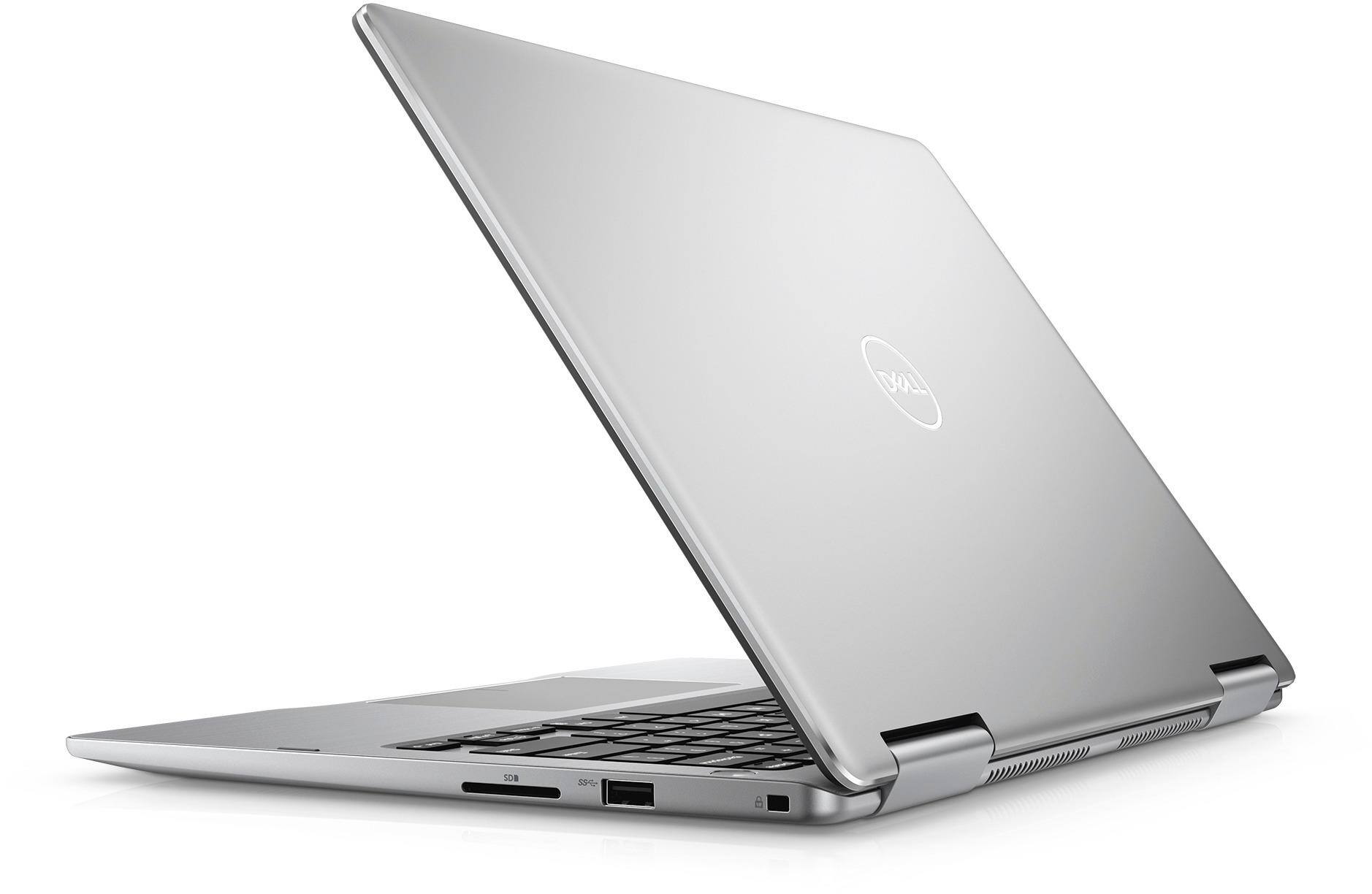
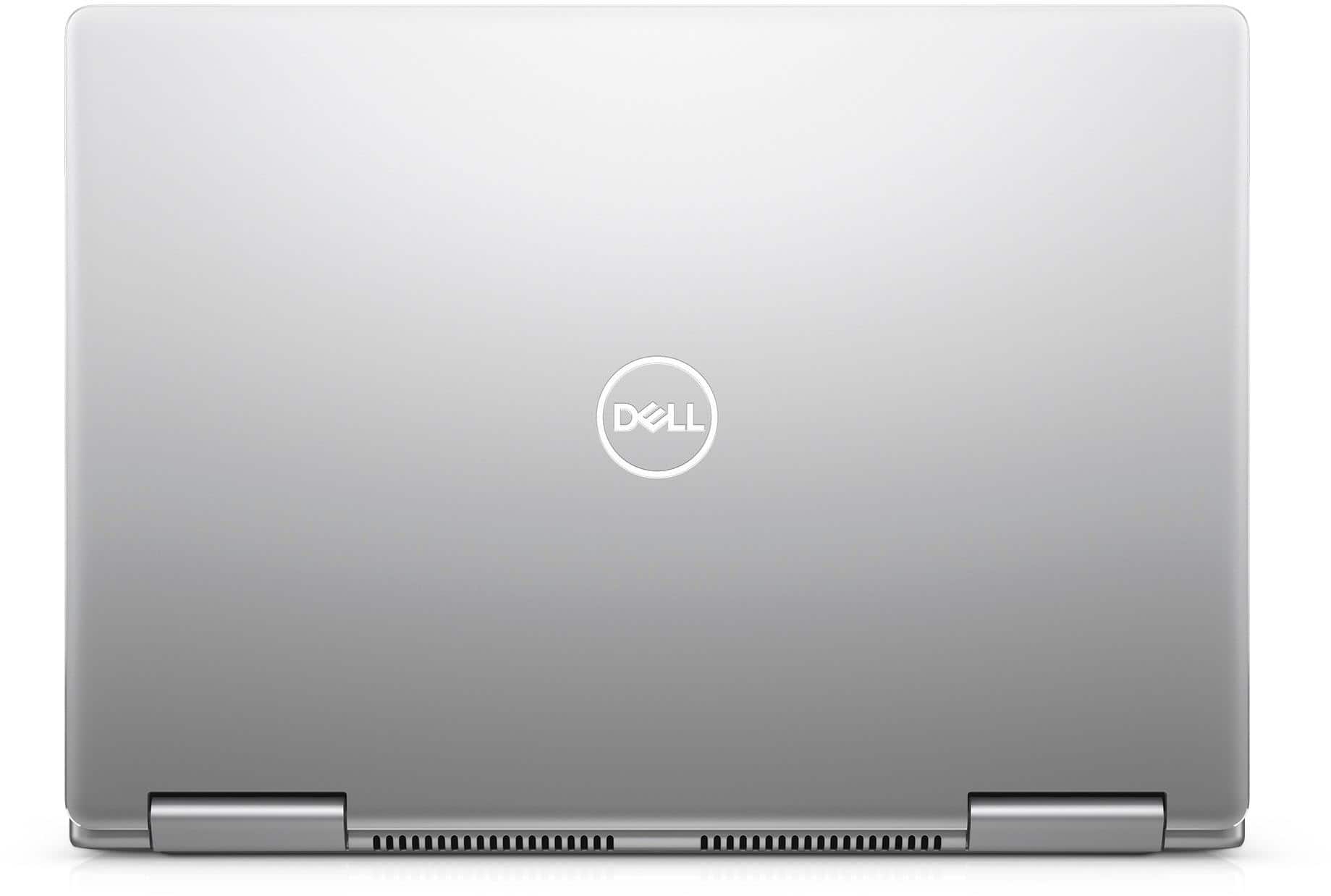
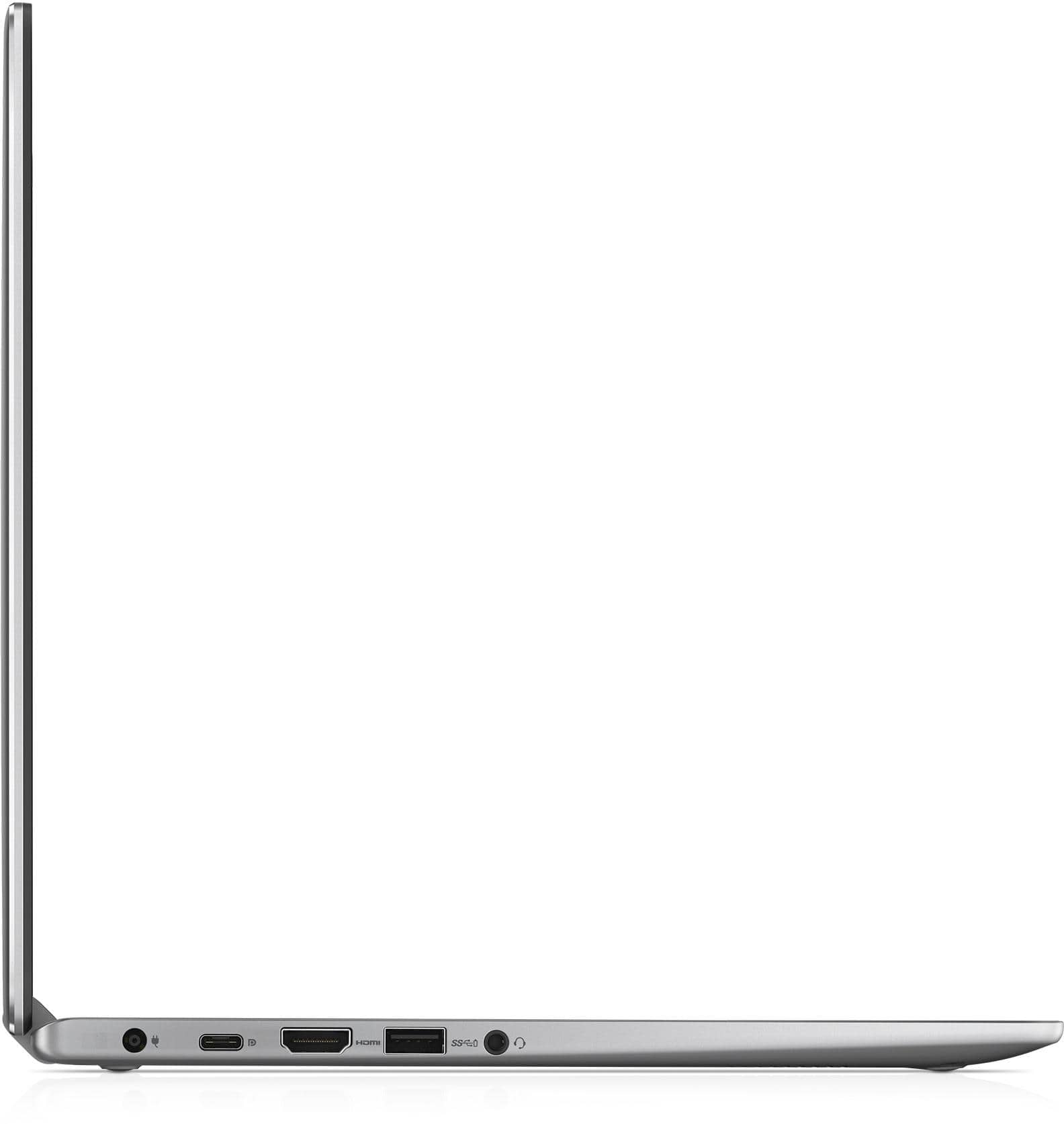
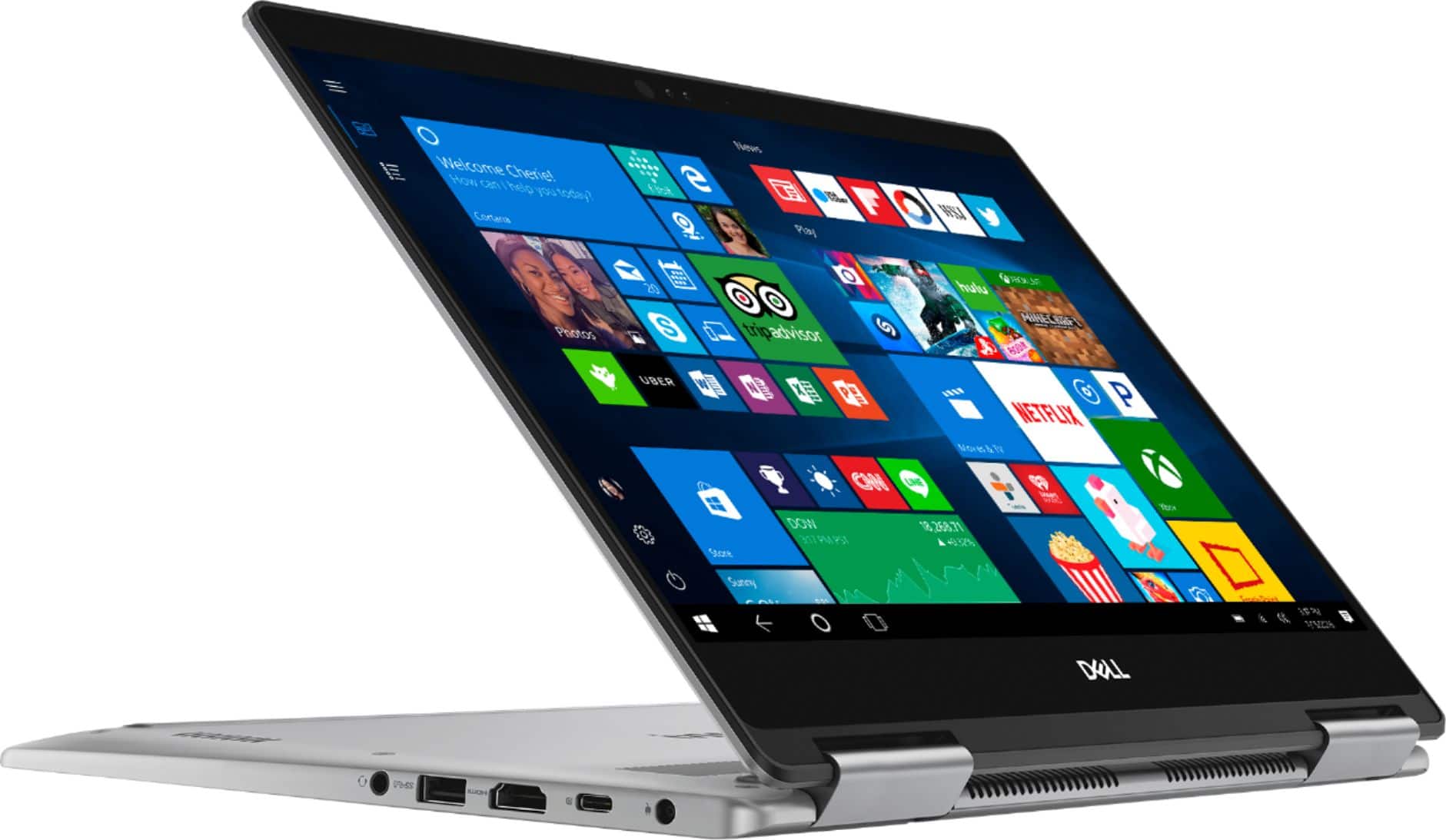


- Model:
- I7373-7227GRY-PUS
- SKU:
- 6083540
Rating by feature
- Value
Rating 3.9 out of 5 stars
- Quality
Rating 3.9 out of 5 stars
- Ease of Use
Rating 4.3 out of 5 stars
Customers are saying
Customers are pleased with the Inspiron 2-in-1 laptop's fast performance, lightweight design, and reasonable price. Many users appreciate its touch screen capabilities and light weight. However, some users have concerns about its battery life, overheating, and fan noise.
This summary was generated by AI based on customer reviews.
- Cons mentioned:Battery life, Overheating
broke down in one year, constantly overheated
Posted .This reviewer received promo considerations or sweepstakes entry for writing a review.The computer broke down completely in less than 1 year. The battery swelled up and had to be replaced twice and now it doesn't work anymore. It constantly overheated even with normal use (e.g. a video in a web browser) even though CPU utilization was less than 5% and memory utilization hovered around 25%. I think this was the main reason it stopped working - the fans were on constantly even during regular use.
No, I would not recommend this to a friend I use the word (bad) experience a lot..
Posted .This reviewer received promo considerations or sweepstakes entry for writing a review.Recently bought this laptop before a summer long work trip across the US. First day: After hours of setup for my needs, i tried the touch screen... which appeared to not be working! I'm a tech savvy guy so i went to google, no one else has had this issue. So I went through hours of troubleshooting drivers and such to no avail. After an hour on tech support making me check everything I already checked, they said it appears my laptop was made without a touchscreen, a manufacturing fluke! I had a bad experience with my last dell and that was 10 years ago. I figured this time around I'd give them another shot, technology changes every day right? Well, I should have just stayed away (read further). For now I brought the Dell back to best buy and they promptly replaced it after making sure my findings were correct. The Good. The reason why I chose the 7373 over everything else in this category is it has many appealing hardware features, which is the first thing to go out of date these days right? So that mattered to me the most. It has two regular USB ports, and my favorite part is the HDMI out! Which has come in handy while i'm traveling. It has the most powerful hardware/memory compared to Lenovo, without shelling out the cash for a surface. And it does operate pretty well. Although, it occasionally experiences a heart stopping lag sound while playing music on spotify when the computer gets taxed, or sometimes simply when i plug/unplug the power. This is astonishing and hilarious to me because my 10 year old precision M4500 used to do the SAME thing. Makes no sense at all, and it kind of makes the experience feel cheap. But i was used to this with my old laptop so i just deal. 2nd bad experience. I've been far away from home for 1 month and one of my speakers blew out. Add that to the "cheap experience" list. Of course at this point I am stuck with the laptop for i would have just returned it altogether and switched brands...... I called up Dell and they were quick to get the repair process going. It was a 6 day turn around and went without a hitch despite my living situation. But this was still a nuisance. When I got it back it was much better, but now i could notice the other speaker sounded a little crackly....so I dealt with it for a while. And now, another month later i'm in the same boat!!! I wish I said something when i first got it back but I think the Dell techs should have tested the speakers a little better. I hope this won't be an endless cycle of speaker repairs. I guess it's better than a motherboard failure but I still cannot believe the poor experience i've had with Dell. I still haven't seen any other users with an experience like mine, so I could only hope I took one for the team and got the "lemon". But in my case from now on. Never, EVER, again, will I buy a Dell.
No, I would not recommend this to a friendBrand response from YourDellTeam
Posted .weissenheimer,
We're very sorry to hear that your computer has not been performing the way you had hoped it would. We're glad to see that you've been in touch with Dell's Technical Support Team and we hope that they will continue to help you. If you do have other questions related to your computer you can always check our Product Support Page here - http://dell.to/2BE6VqB.
Best,
Bryan
1-800-624-9896
- Cons mentioned:Fan noise
FAN NOISE Ridiculous
Posted .This reviewer received promo considerations or sweepstakes entry for writing a review.The laptop is a very nice machine...but it has a HORRIFIC fan noise. It is a mechanical clicking that actually changes sound when you move the laptop around. It is so annoying I want to throw the laptop across the room. Machine has a solid state drive, so why does it have to sound like a lawnmower running 75% of the time. Dell...really? no REALLY? You can't engineer a simple quiet fan. I won't buy a Dell every again. I had an HP laptop that never had a single issue in over 5 years. I don't recommend this machine.
No, I would not recommend this to a friendBrand response from YourDellTeam
Posted .Hi autojunkie,
Thanks for your review and we're sorry to hear about the fan noise that you're experiencing on your Dell computer. Here are some tips we'd recommend to help with the fan noise: Here are some tips to help with fan noise -
A: Cleaning the Vents
1. Check the vents on the computer to see if they are covered with dust and not allowing heat and air to pass through.
2. Turn off the system.
3. Remove all power sources: Unplug the AC adapter and remove the battery, or unplug the desktop power Cord.
4. Use a compressed air can to blow the dust out of the vents. Be sure to hold the can at an upright angle (near 90 degrees), and hold it 15-20 centimeters (6-8 inches) away from the vent.
B: Update the BIOS: An out-of-date BIOS can cause loud fan noises by having an outdated temperature table for the system. Refer to update BIOS and follow the instructions to update the BIOS on your computer.
You can read the full article here - http://dell.to/2ENlXfz.
We hope this helps cut down on the fan noise that you're experiencing.
Best,
Bryan
1-800-624-9896
Great and Fast Laptop!
Posted .This reviewer received promo considerations or sweepstakes entry for writing a review.Purchased this laptop after looking at all the i7’s available. We were stuck between the dell and the Lenovo Yoga 720. The look of this laptop and the customer service we were given from the Best Buy on Tyler is what helped us in purchasing this laptop! Laptop feels nice and sturdy and is very quiet! Not one complaint I can find! Thank you again:)
I would recommend this to a friend- Cons mentioned:Battery life
Did not keep a charge
Posted .This reviewer received promo considerations or sweepstakes entry for writing a review.This item would lose charge very quickly and then completely died in 3 1/2 years time
No, I would not recommend this to a friend - Cons mentioned:Battery life
Great with a major flaw
Posted .This reviewer received promo considerations or sweepstakes entry for writing a review.Ran a bunch of benchmarks on this thing and was surpised to see it was really well. Everything was amazing; except where it matters. Even though Dell states that the computer has 8 hours, However the battery life lasts for about 2 - 4 hours including with the "battery boosters"
No, I would not recommend this to a friendBrand response from YourDellTeam
Posted .jkstle,
We're sorry to hear that your battery life is not what you were hoping it would be. We'd recommend the following tips to help your computer's battery last longer for you:
Change the Power Plan:
1. On the notification area of the taskbar, right-click the Battery icon.
2. On the options list, click Power Options.
3. Select a power plan on the battery meter, such as Power Saver or Balanced. Windows 10 has a built in 'Battery Saver' mode that can be activated to extend your system's battery life. The Battery Saver mode will monitor and limit background activity and other features such as push notifications. You do have the option to enable or disable this mode within settings or within advanced Battery Saver settings, you can customize the mode to best suit your needs.
a) Click on the Action Center icon in the taskbar and select the tile for Battery Saver.
b) If running Cortana then type Battery Saver into the search box and select from the results.
Within the Battery Saver settings page, you will be able to turn on and off the feature and customize the feature to best meet your needs.
c) Turn Battery Saver On or Off.
d) Additional settings available via the Battery use and Battery saver settings links.
e) Battery use shows further info on apps and their power usage.
f) Battery Saver Settings screen allows you to customize further Battery Saver feature.
You can read the full article here - http://dell.to/2vfXWf4.
Best,
Bryan
1-800-624-9896
Had an XPS13 Ultrabook and miss it so BAD!
Posted .This reviewer received promo considerations or sweepstakes entry for writing a review.Was looking to replace my XPS13 Ultrabook and needed to replace. Went to BB and they recommended the Inspiron 13 7000 i7 as a equal replacement - NOT. The edges of the laptop that the palms of your hands lean on are super sharp. If you are used to leaning while typing, it actually becomes quite painful. The XPS has a lovely suede like feel keyboard which feels nice and the keys don't click as loudly. The edges don't seem to be as sharp as the Inspiron, so your palms never sting. Also, bigger all around even though they are both 13'. Just disappointed that I was assured that the Inspiron was equal when it is not. I could have ordered a 2 in 1 XPS from Dell and just had what I wanted with the updated touchscreen. Now, I will still do that but have to go through the return process with BB. What a pain. I will say the colors and screen are great, the tablet option is great and I haven't had the battery issues others have mentioned. Ugh. Dell needs to advise BB not to say these two models are equal - THEY are not.
No, I would not recommend this to a friendBrand response from YourDellTeam
Posted .TRAY14,
Thanks for your review and we're sorry to hear that you are not fully satisfied with your Dell computer. We will share your feedback about the computer design with our team.
If you have additional questions about your computer you can check our Product Support Page here: http://dell.to/2BE6VqB.
Best,
Bryan
1-800-624-9896
Nice Laptop
Posted .This reviewer received promo considerations or sweepstakes entry for writing a review.Nice compact laptop. The build quality is solid, which should be expected at this price point. I've used this for over a month and have no complaints. Would buy again.
I would recommend this to a friendWorks great and looks nice!
Posted .This reviewer received promo considerations or sweepstakes entry for writing a review.I loved my Inspiron! It worked great during my full-time college experience! Durable and solid battery life!
I would recommend this to a friendPoor performance
Posted .This reviewer received promo considerations or sweepstakes entry for writing a review.Just got it 5 days ago and even with simple tasks the system runs very slow and the screen will reset and after a couple of seconds it will come back to restored page. I even tried to play the game Candy Crush and it has a hard time with keeping up with the game. If I didn't have such a older heavy laptop, I would have just kept using it. My big mistake.
No, I would not recommend this to a friendBrand response from YourDellTeam
Posted .Hello Gumby,
Thanks for your feedback on your new Dell 2-in-1. We're sorry that it's not performing the way that you had hoped it would. We'd recommend that you check to make sure that your drivers and software are up to date here - http://dell.to/2ij0l0u.
Once everything is up to date we'd recommend running the Windows Performance Troubleshooter to see if it can identify ways for your computer to run better for you:
1. Close all open windows.
2. Press the Windows logo key + X key on the keyboard.
3. Click Control Panel.
4. Click System and Security.
5. Under Security and Maintenance, select Troubleshoot common problems.
6. Under System and Security, click Run maintenance tasks.
7. Follow the on-screen instructions and prompts to complete the process.
8. Restart the PC.
You can read the full article here - http://dell.to/2tSulGV.
Best,
Bryan
1-800-624-9896
Run the other way
Posted .This reviewer received promo considerations or sweepstakes entry for writing a review.Well, I got two good weeks of stress-free computing. Then discovered the outlet for the earphone/microphone jack is defective. Okay. Now, this odd blue screen has popped up, flickering, covering 80% of the monitor. I can see through it but very difficult. Best Buy says, oh, golly, gosh, it's past the 15 day warranty. I really question what Best Buy does with their computers during the shipping process. Be taht as it may, you can't rule out Dell has serious issues.
No, I would not recommend this to a friendBrand response from YourDellTeam
Posted .Hello Cindy,
Thanks for your feedback and we're sorry that your computer did not perform as well as you had hoped it would. If you'd like to try running the following LG Tool it may help with the screen flickering that you're experiencing: https://www.dell.com/support/home/us/en/19/drivers/driversdetails?driverId=R6TNF.
Best,
Bryan
1-800-624-9896
- Cons mentioned:Battery life
dells are junk
Posted .This reviewer received promo considerations or sweepstakes entry for writing a review.piece of cr$*p. failed in 2 years. other dell battery blew out in 1 year. Never a dell again
No, I would not recommend this to a friend