Customer Ratings & Reviews



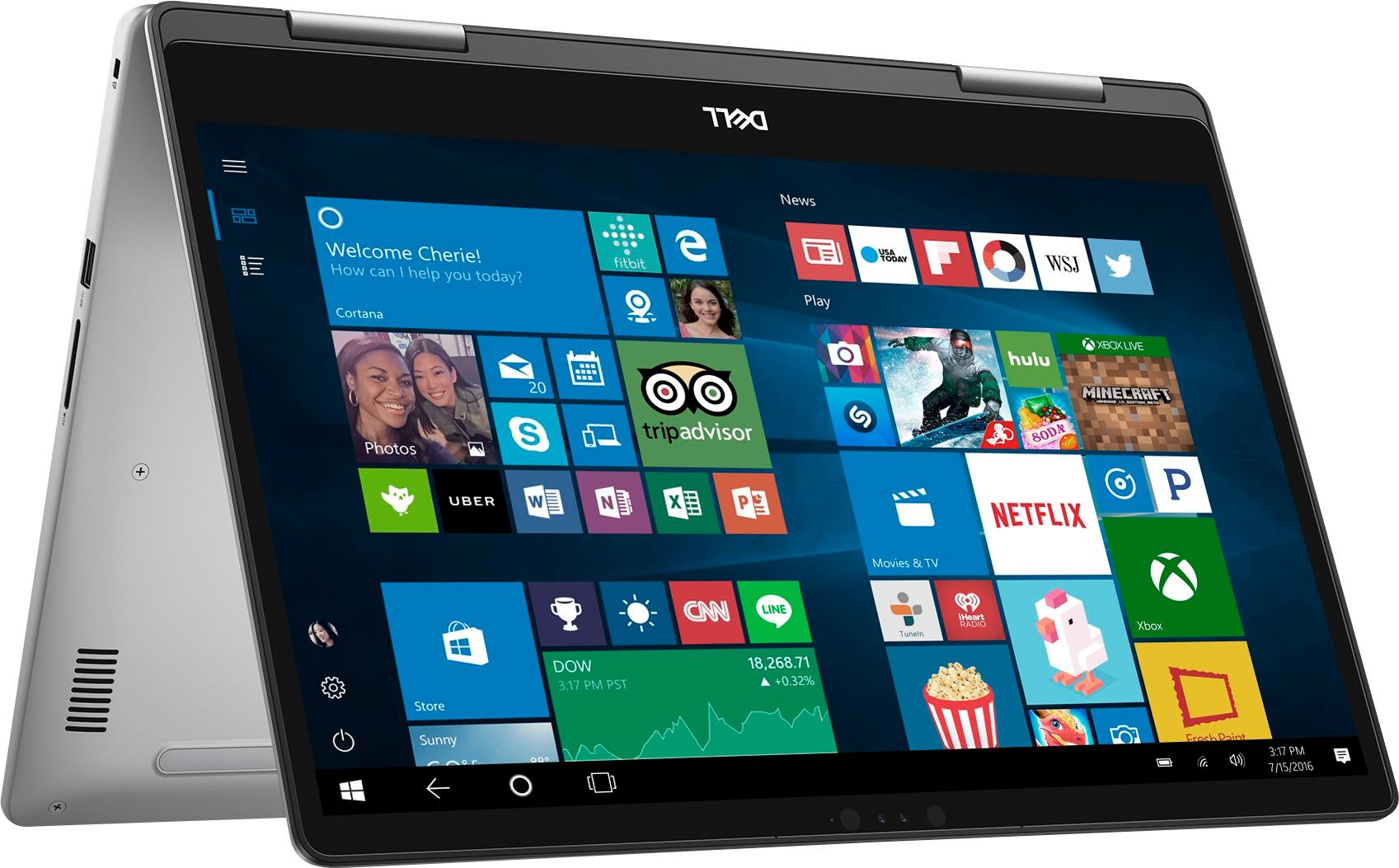


- Model:
- I7573-7012GRY-PUS
- SKU:
- 6083546
Rating by feature
- Value
Rating 4.0 out of 5 stars
- Quality
Rating 4.0 out of 5 stars
- Ease of Use
Rating 4.3 out of 5 stars
Customers are saying
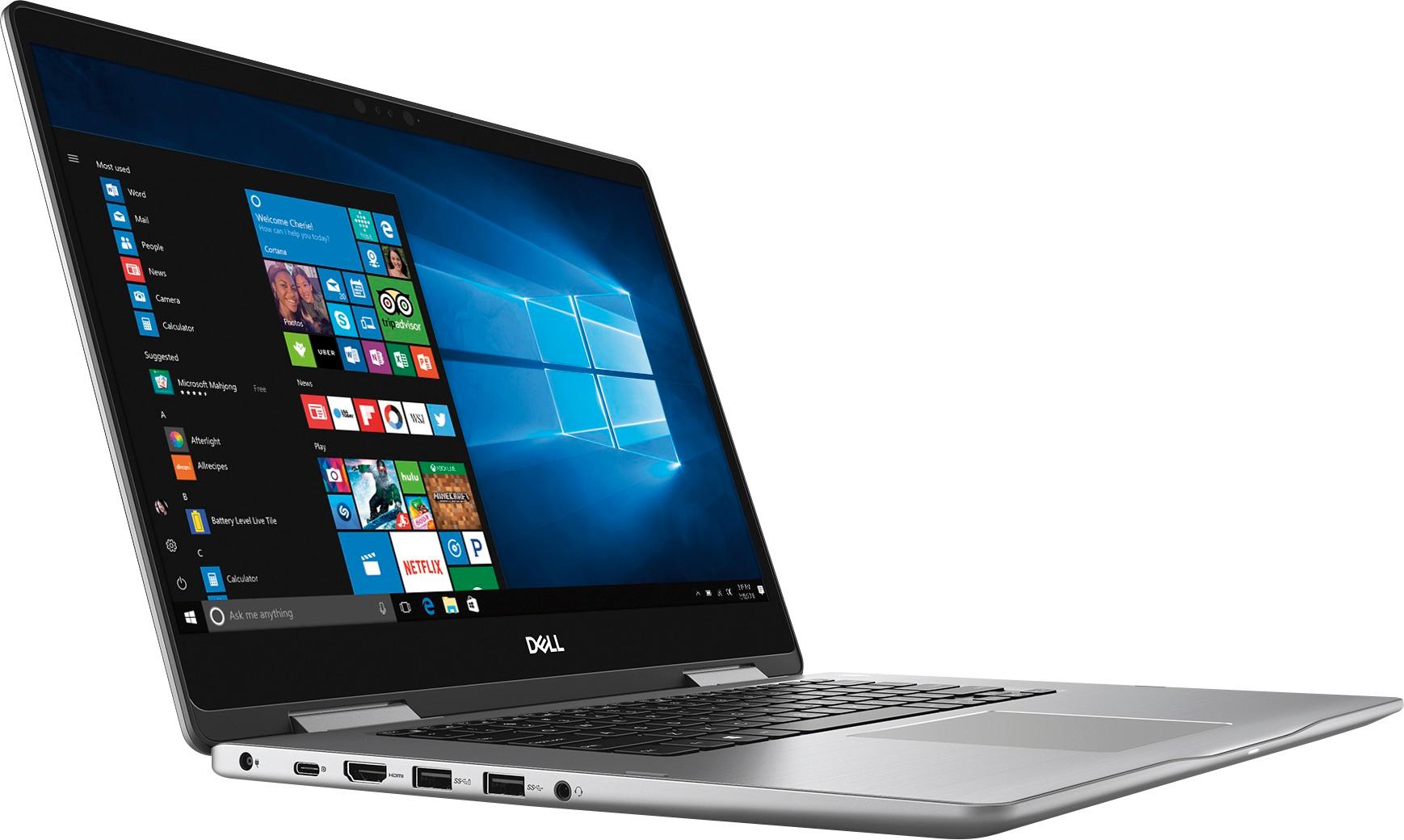
Customers admire the Inspiron 2-in-1 laptop for its responsive touch screen, affordable price, and lightweight design. Many users appreciate the 2TB storage capacity, which meets their need for ample storage. However, some users have concerns about the battery life, which lasts around 4-5 hours, and a few have experienced unexpectedly poor performance.
This summary was generated by AI based on customer reviews.
Laptop is perfect
||Posted .This reviewer received promo considerations or sweepstakes entry for writing a review.I would recommend this laptop, we did our research and shopped around before purchasing. The delivery date was spot on and intime for Christmas.
I would recommend this to a friendCompact & Reliable
||Posted .This reviewer received promo considerations or sweepstakes entry for writing a review.This laptop is very compact and reliable. The only thing I wish is that it had a SSD instead of a HDD. Other than that, no complaints to date.
I would recommend this to a friendGood Computer for what I need it to do
||Posted .This reviewer received promo considerations or sweepstakes entry for writing a review.It seems like a good computer, Its a little heavier than I anticipated, and I wished it had a side number pad, other than that it works fine.
I would recommend this to a friendPerfect performance once HDD was upgraded
||Posted . Owned for 1.5 years when reviewed.This reviewer received promo considerations or sweepstakes entry for writing a review.Got this laptop and the first thing I did was install an SSD in it, and wow! this thing flew. Used for DJ setups
I would recommend this to a friendSo far, so good!
||Posted .This reviewer received promo considerations or sweepstakes entry for writing a review.I love the Dell so far. No problems. I am having a hard time getting used to the 2 in 1 concept but it's simply a learning curve. It is a bit slow to start but the salesman said it might be due to the make up of the machine. Not really a problem.
I would recommend this to a friendDell Laptop - OK product
||Posted .This reviewer received promo considerations or sweepstakes entry for writing a review.I bought this because I needed to run some software on a PC for my side business. It is a cabinet design software and while it's a little buggy, it works ok. What was pretty disappointing about this computer was how terribly slow it is. I have hardly any software installed on this and the boot time, and even load time to launch a browser is terrible. I have nothing stored on it either. It's just SLOW...
No, I would not recommend this to a friendBrand response from YourDellTeam
Posted .chrisc,
Thanks for your review. We're sorry that your computer is running slowly for you. We'd recommend looking through the pre-installed programs to see if there are any programs that you do not plan to use. If you'd like to remove any of these programs you can follow these steps: Uninstalling or removing software or applications that you do not use or do not need from your PC can help speed up your PC. Applications may include background processes, system services, context menu entries and other things that can slow down your PC.
Uninstall applications you no longer need using Programs and Features (previously called Add/Remove Programs). Unnecessary applications occupy space on your hard disk drive.
1. Press the Windows logo key + R on the keyboard.
2. In the Run dialog box, type appwiz.cpl and press the Enter key.
3. In the list, select a program and click Uninstall.
You can read the full article here - http://dell.to/2tSulGV.
Best,
Bryan
1-800-624-9896
Works as a Dell is notorious for, great.
||Posted .This reviewer received promo considerations or sweepstakes entry for writing a review.Apologies for verbage, but my history with Dell was not always good, but for the last 5 years it's been fantastic, and this laptop is no exception. Works efficient and smooth. All software interwoven to the core. Great piece of hardware.
I would recommend this to a friendGood choice laptop
||Posted .This reviewer received promo considerations or sweepstakes entry for writing a review.This laptop is fast, have many features of the more pricey laptops. The reason for 4 stars is that it is missing numbers pad.
I would recommend this to a friendDoes everything claimed.
||Posted .This reviewer received promo considerations or sweepstakes entry for writing a review.Computer is quick with the I7 processer. There is plenty of room on the hard drive. The facial recognition is so so.
I would recommend this to a friendSo far I’m happy
||Posted .This reviewer received promo considerations or sweepstakes entry for writing a review.Only used it a few times to upload pictures from my phone, looking forward to using it to start photo projects
I would recommend this to a friendVery good laptop
||Posted .This reviewer received promo considerations or sweepstakes entry for writing a review.I bought the certified open box laptop and I loved it the price was good, the condition looked brand new to me and only alittle bit slow setting it up at first, but its faster now and no other issues.
I would recommend this to a friendOK
||Posted .This reviewer received promo considerations or sweepstakes entry for writing a review.OK pretty much covers it. Nothing special, but nothing wrong - which is precisely what I bought it for.
I would recommend this to a friendIt gets bad with time.
||Posted . Owned for more than 2 years when reviewed.This reviewer received promo considerations or sweepstakes entry for writing a review.It gets slow and sloppy, I won’t buy it now that there are better options.
No, I would not recommend this to a friendExcellent laptop for the money
||Posted .This reviewer received promo considerations or sweepstakes entry for writing a review.This Dell laptop boots up quickly and is ready to use within 2 min's or less. The backlit keyboard allows use in a dimly lit room. A very sturdy unit, the slim case fits neatly into my carry-on bag.
I would recommend this to a friendGreat notebook
||Posted .This reviewer received promo considerations or sweepstakes entry for writing a review.This was a great notebook that I bought for my daughter. We originally purchased two from sam’s club and returned cuz it was working on the first day. I like Best Buy and the price was great
I would recommend this to a friendWent from Apple to Dell
||Posted .This reviewer received promo considerations or sweepstakes entry for writing a review.Such a good price with good space, abilities to edit, design photos and video. Very pleased with this Dell. Not being a very technical person myself I found this computer very user-friendly.
I would recommend this to a friendGood and practical Laptop
||Posted .This reviewer received promo considerations or sweepstakes entry for writing a review.No problems with setting up minor issues but that happens with new things and getting use to them.
I would recommend this to a friendBest laptop
||Posted .This reviewer received promo considerations or sweepstakes entry for writing a review.Best core i7 laptop with tab mode will definitely recommend, though Dell service is worst
I would recommend this to a friend- Cons mentioned:Battery life
Not impressed
||Posted .This reviewer received promo considerations or sweepstakes entry for writing a review.I wish I hadn't let best buy employees sell me on this laptop. It is very slow and can't keep up with what I do (only used for nursing school) and the battery life doesn't get me through a full day of classes. If I could return it and get my money back, i would.
No, I would not recommend this to a friendBrand response from YourDellTeam
Posted .Nicole,
Thanks for your feedback. We're sorry that your computer is not running as fast as you'd like it to. We'd recommend the follow steps to run the Windows Performance Troubleshooter on your computer:
1. Close all open windows.
2. Press the Windows logo key + X key on the keyboard.
3. Click Control Panel.
4. Click System and Security.
5. Under Security and Maintenance, select Troubleshoot common problems.
6. Under System and Security, click Run maintenance tasks.
7. Follow the on-screen instructions and prompts to complete the process.
8. Restart the PC.
You can read the full article here - http://dell.to/2tSulGV.
If you'd like to increase the battery life on your computer, try these tips:
Change the Power Plan:
1. On the notification area of the taskbar, right-click the Battery icon.
2. On the options list, click Power Options.
3. Select a power plan on the battery meter, such as Power Saver or Balanced. Windows 10 has a built in 'Battery Saver' mode that can be activated to extend your system's battery life. The Battery Saver mode will monitor and limit background activity and other features such as push notifications. You do have the option to enable or disable this mode within settings or within advanced Battery Saver settings, you can customize the mode to best suit your needs.
a) Click on the Action Center icon in the taskbar and select the tile for Battery Saver.
b) If running Cortana then type Battery Saver into the search box and select from the results.
Within the Battery Saver settings page, you will be able to turn on and off the feature and customize the feature to best meet your needs.
c) Turn Battery Saver On or Off.
d) Additional settings available via the Battery use and Battery saver settings links.
e) Battery use shows further info on apps and their power usage.
f) Battery Saver Settings screen allows you to customize further Battery Saver feature.
You can read the full article here - http://dell.to/2vfXWf4.
Best,
Bryan
1-800-624-9896
Laptops have gotten so thin!
||Posted .This reviewer received promo considerations or sweepstakes entry for writing a review.Love this one, mate. It allows me to video chat with me miss when I'm hunting roos in the bush!
I would recommend this to a friend