Customer Ratings & Reviews

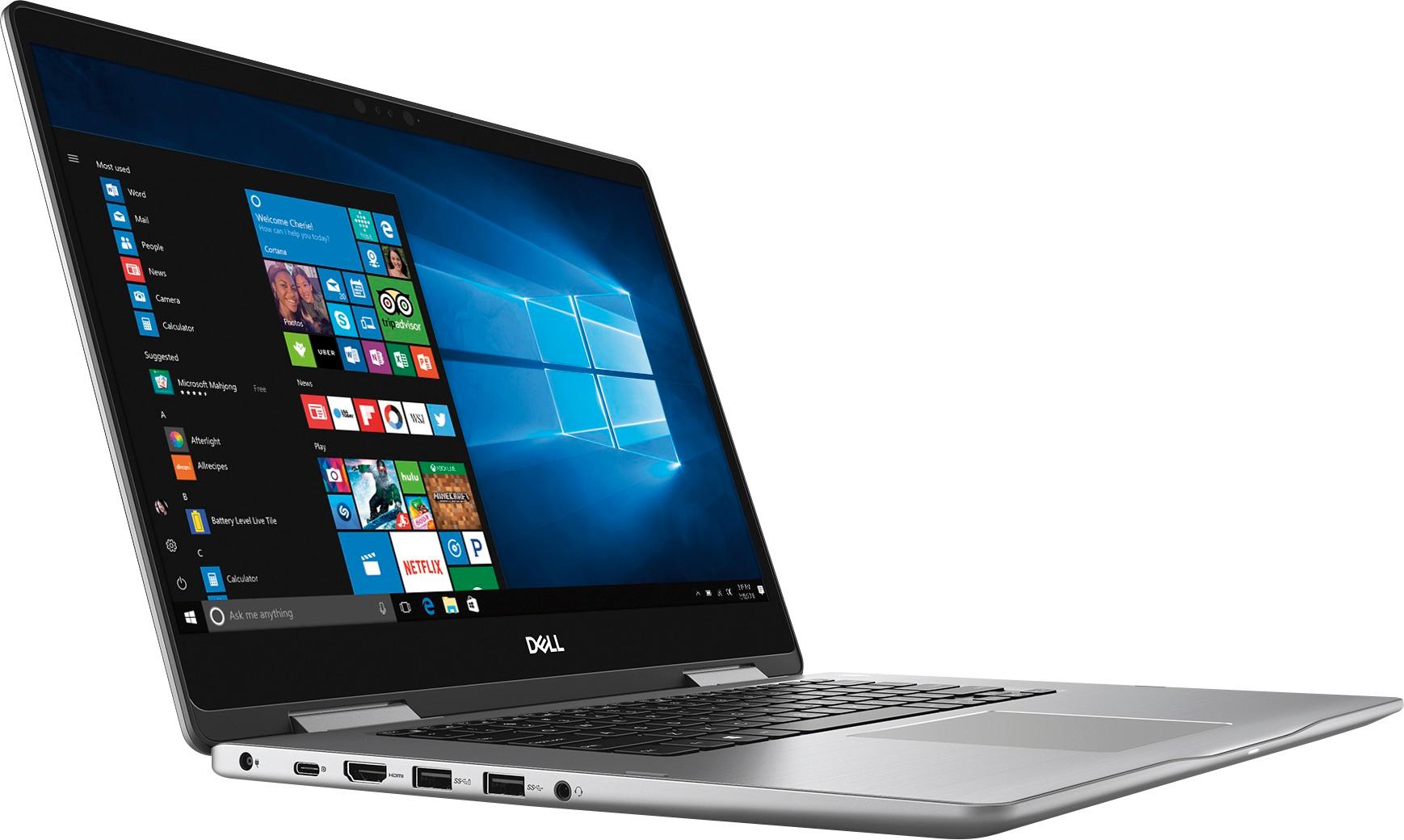
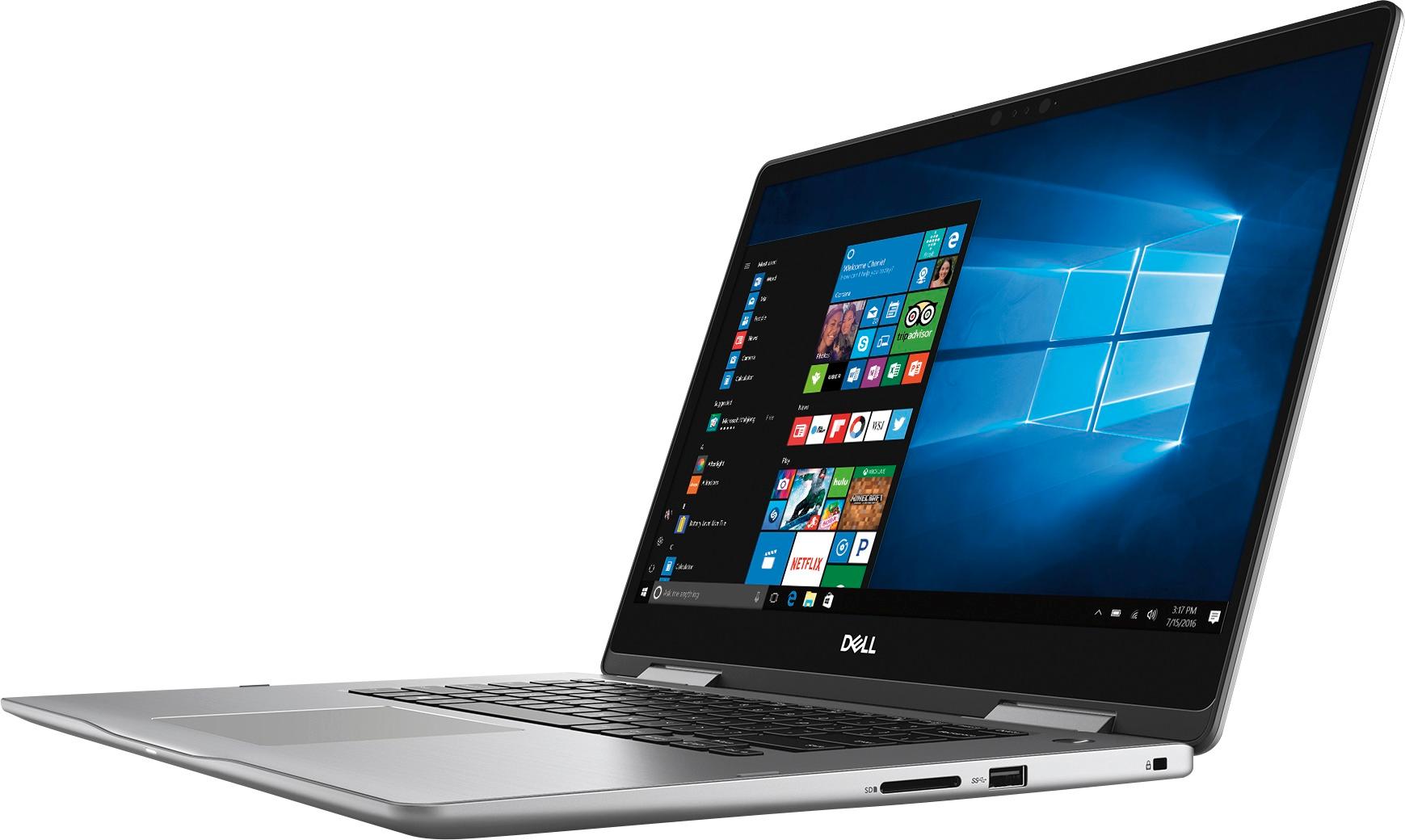
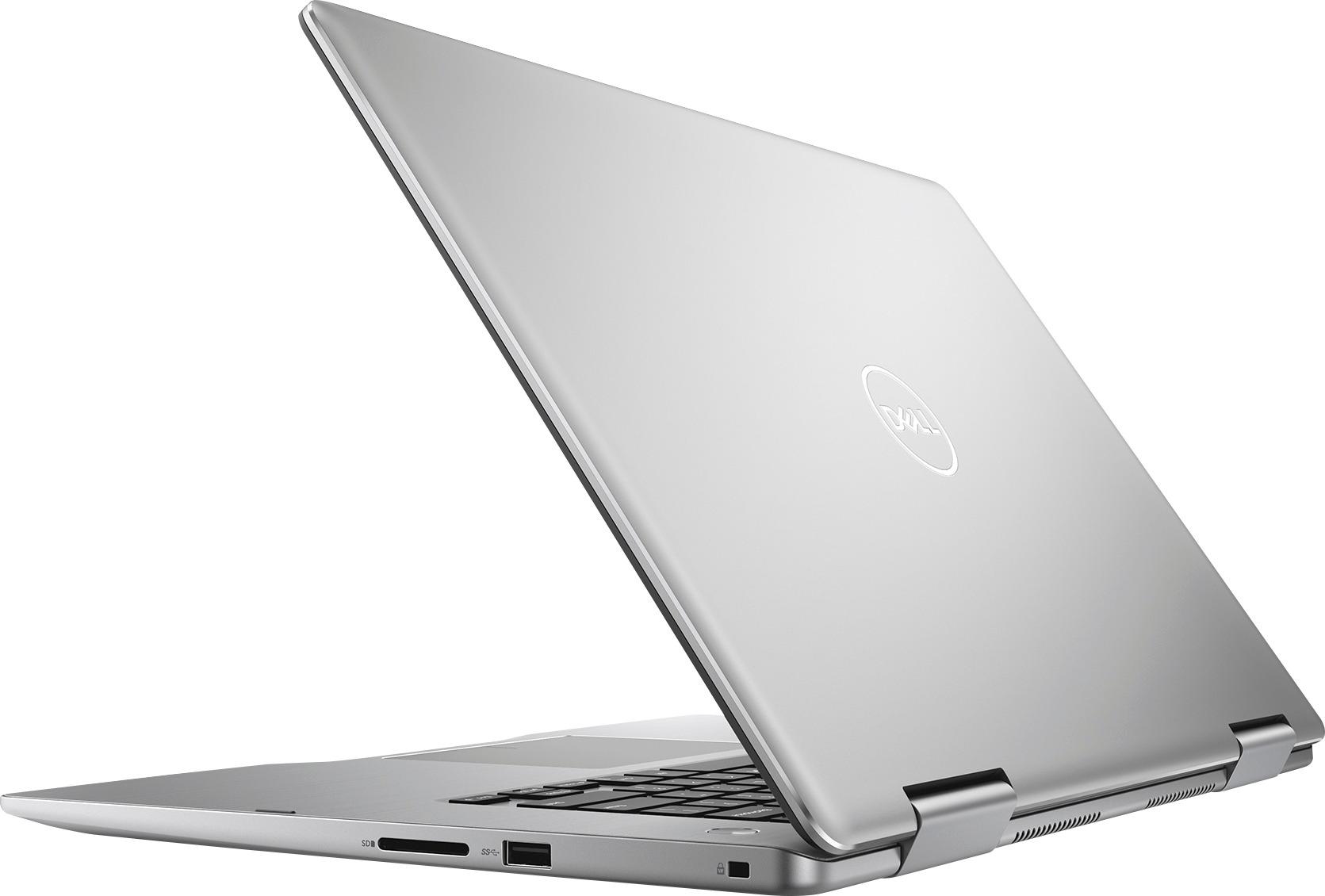




- Model:
- I7573-7012GRY-PUS
- SKU:
- 6083546
Rating by feature
- Value
Rating 4.0 out of 5 stars
- Quality
Rating 4.0 out of 5 stars
- Ease of Use
Rating 4.3 out of 5 stars
Customers are saying
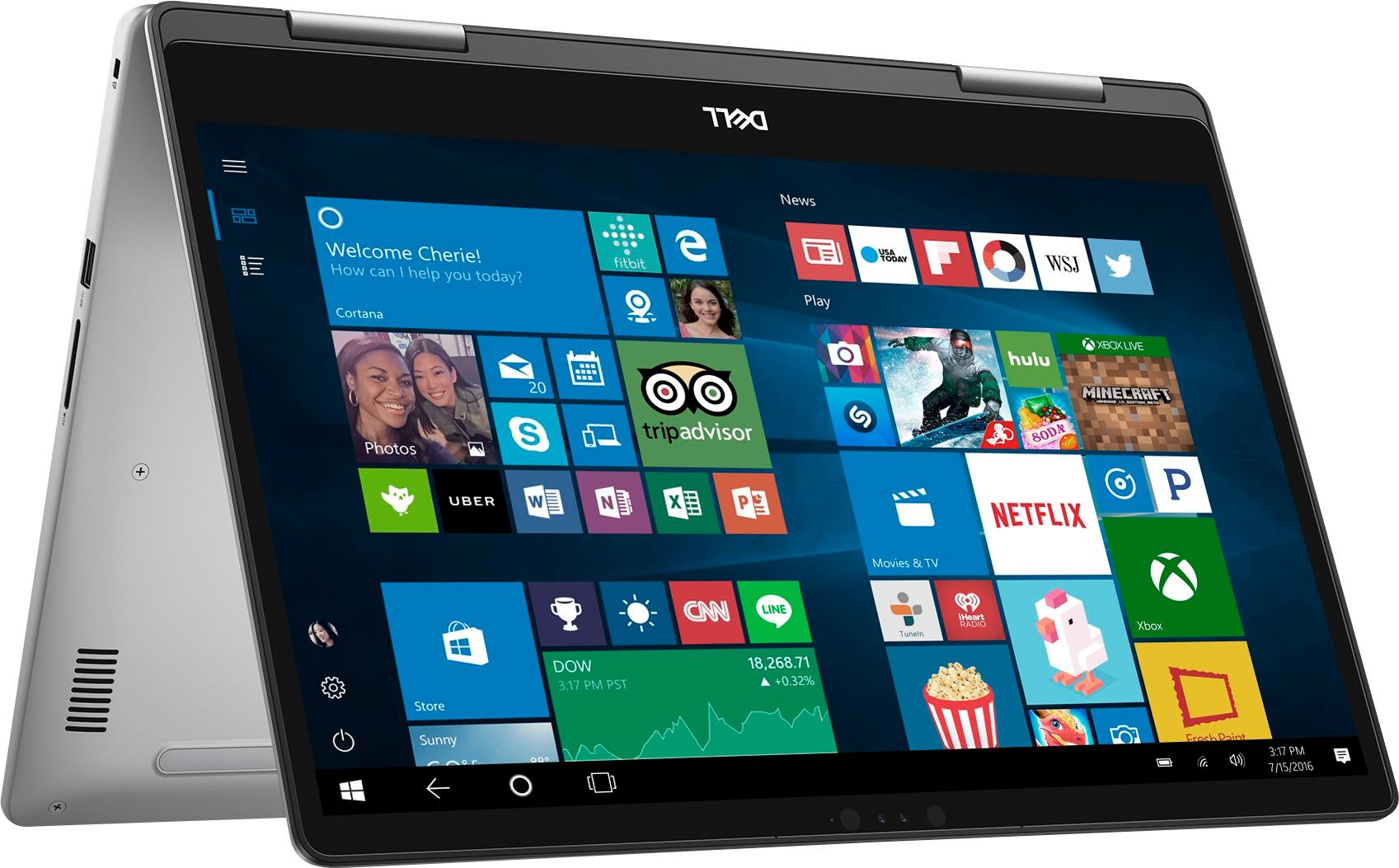
Customers admire the Inspiron 2-in-1 laptop for its responsive touch screen, affordable price, and lightweight design. Many users appreciate the 2TB storage capacity, which meets their need for ample storage. However, some users have concerns about the battery life, which lasts around 4-5 hours, and a few have experienced unexpectedly poor performance.
This summary was generated by AI based on customer reviews.
great computer
||Posted .This reviewer received promo considerations or sweepstakes entry for writing a review.This computer is very good for basic computer task.
I would recommend this to a friendGreat laptop
||Posted .This reviewer received promo considerations or sweepstakes entry for writing a review.This is a Wonderful laptop to replace a old desktop.
I would recommend this to a friendLove it
||Posted .This reviewer received promo considerations or sweepstakes entry for writing a review.The best of all excellent products Dell number 1 !!
I would recommend this to a friendnice, perfect laptop for me
||Posted .This reviewer received promo considerations or sweepstakes entry for writing a review.slim , clear cut looking laptop, nice picture quality
I would recommend this to a friendNo problems
||Posted .This reviewer received promo considerations or sweepstakes entry for writing a review.All the features I need.Lots of storage. Good value
I would recommend this to a friendGreat
||Posted .This reviewer received promo considerations or sweepstakes entry for writing a review.Awesome deal for a great computer. Works awesomely.
I would recommend this to a friend- Cons mentioned:Battery life
Worst computer I ever had
||Posted . Owned for 1 year when reviewed.This reviewer received promo considerations or sweepstakes entry for writing a review.This computer didn't even last a year, battery life is 100% thus it dont keep charge unless plugged in , the mouse sticks constantly, and I've to reboot the computer. Not worth not even $5 bucks! I only used this computer for online schooling which I bought last May 2018 and I already have to send it out to dell to fix.
No, I would not recommend this to a friend Love hate relationship
||Posted . Owned for 1 year when reviewed.This reviewer received promo considerations or sweepstakes entry for writing a review.I loved my Dell Inspiron right up until the day after the manufactures warranty expired. It crashed the day after!!
I would recommend this to a friend- Cons mentioned:Boot time
though its high configuration buts its slow
||Posted .This reviewer received promo considerations or sweepstakes entry for writing a review.though its high-end configuration but little slow while booting up
No, I would not recommend this to a friendBrand response from YourDellTeam
Posted .Hi nat3456,
We appreciate your feedback. We'd recommend limiting the number of programs that launch at startup by following these steps:
1. Close all open windows.
2. Press CTRL + Shift + ESC key together on the keyboard.
3. In the Task Manager window, click Startup tab.
4. Select the program or application that you want to disable from loading during startup.
5. Right-click and select Disable.
6. Repeat Step 4 & 5 for all the programs or applications that you want to disable from loading during startup.
7. Restart your PC.
You can read the full article here - http://dell.to/2tSulGV.
We hope these steps help speed up your computer.
Best,
Bryan
1-800-624-9896
I hate this laptop
||Posted . Owned for 1.5 years when reviewed.This reviewer received promo considerations or sweepstakes entry for writing a review.It has crashed not once, not twice, not even three times. This this has crashed 6 times in the past year. Today makes number 7. I used it earlier today and it was working marvelously. I left to watch a game and came back to the ol faithful blue screen of death. For what reason?! I sincerely hate this computer.
No, I would not recommend this to a friendToo big for me
||Posted .This reviewer received promo considerations or sweepstakes entry for writing a review.I tried to love it because it’s a great machine but it’s too heavy for day to day traveling.
I would recommend this to a friendBrand response from YourDellTeam
Posted .BNG1,
Thanks for your review and we're sorry that your computer's size is a little heavier than you'd like. If you have questions about using your computer you can check our Product Support Page here -http://dell.to/2F1mrhh.
Best,
Bryan
1-800-624-9896
Worst Experience Ever
||Posted .This reviewer received promo considerations or sweepstakes entry for writing a review.I have never, never, never had a so many difficulties with a computer or laptop since I got my first one back in the 90s. Even ahead of the actual problems, it's annoying. If I put in my master pw and create a recovery code does it really have to ask me every time I open for the day if I want to do it? I don't think so. It's done. Story over. Then there was the problem with Email account #1 which happened to be the one linked to my website. I purchased Microsoft Office along with this wretched machine and it's version of Outlook does not like, and frequently refuses to, interface with the server. And when it finally does, performance is iffy. But the worst bit is this bizarre problem with Word. Its spawning what might be duplicate corrupt files while I am in the midst of working! It's also magically declared older files that had been perfectly fine on my passport to be corrupt. I'm a writer. I don't need an entire ms to go corrupt AS I AM WORKING ON IT.
No, I would not recommend this to a friendBrand response from YourDellTeam
Posted .Dear 1946Mouse, Thanks for your review and we're sorry to hear that Microsoft Office is not performing the way you had hoped it would. Here's a link to Microsoft Office's Support Page if you have additional questions or require additional assistance - http://bit.ly/2CmNE0w.
If you have questions related to your computer you can check our Product Support Page here - http://dell.to/2F1mrhh. We hope these tips help your computer perform the way you'd like it to. - Bryan
An easy COmputer to use.
||Posted .This reviewer received promo considerations or sweepstakes entry for writing a review.Overall ideal to use for straightforward emails, taxes & financial use, no gaming.
I would recommend this to a friendBrand response from YourDellTeam
Posted .Hello Poppy1234, We appreciate your review. We're glad to hear that your computer is working the way that you had planned. If you do have questions about your computer we'd recommend that you check out our Product Support Page here - http://dell.to/2F1mrhh. We wish you continued success with your new computer. - Bryan
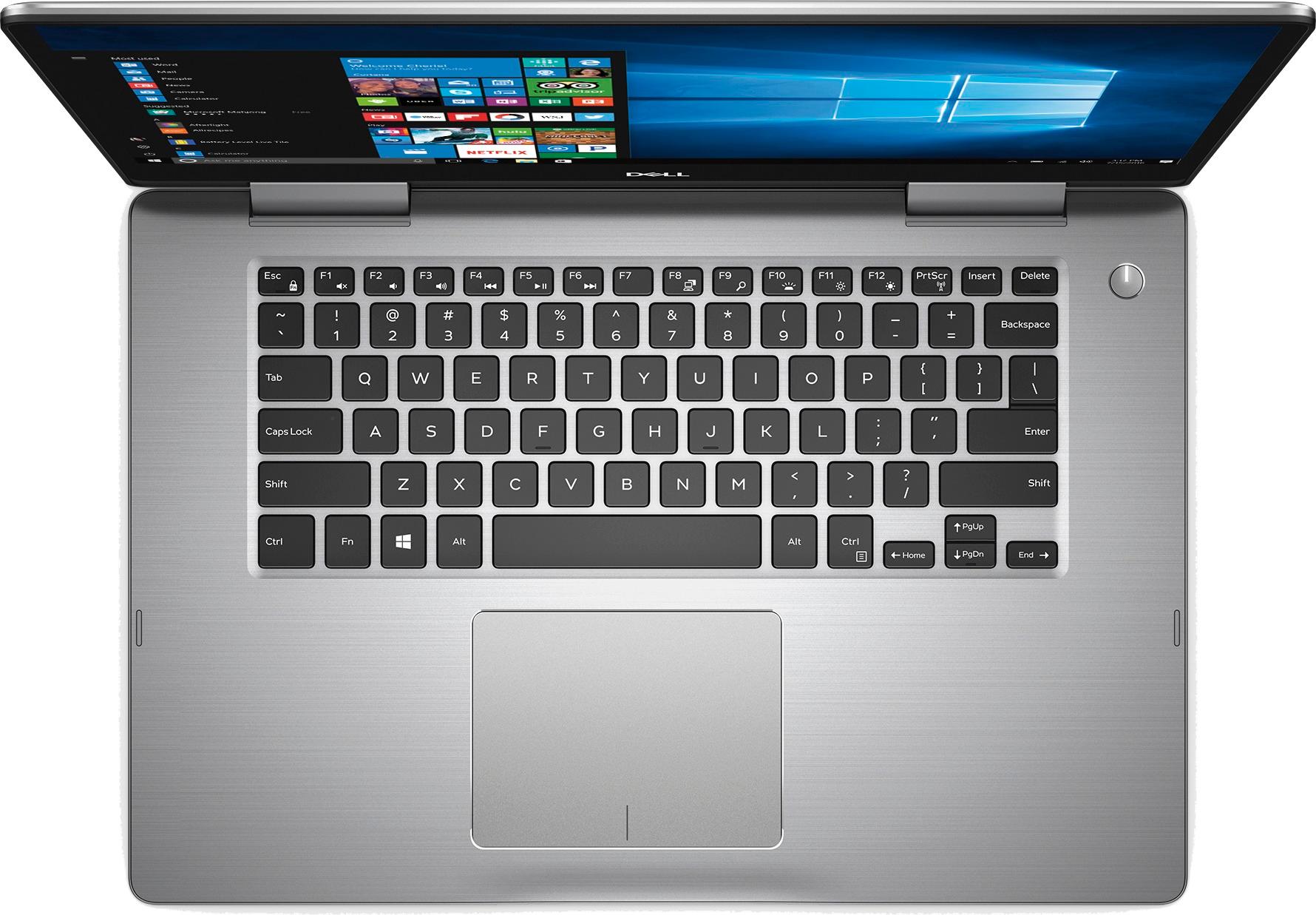
Key board too small
||Posted .This reviewer received promo considerations or sweepstakes entry for writing a review.Fan gets hot fast. Keyboard is very small for the size of the base.
No, I would not recommend this to a friendBrand response from YourDellTeam
Posted .Kate,
Thank you for your feedback about your new Dell computer. We're sorry that your computer has been overheating on you. We'd recommend the following tips for helping to keep your computer cool:
Tips for Proper Usage:
1. Dell does not recommend placing portable systems directly on your lap. Due to reductions in the thickness of modern portable systems, heat transfer can be an issue.
2. Using a portable system (Laptop) on a hard, flat, non-cloth surface will increase airflow and reduce heat from underneath and inside the system.
Using the portable system on a blanket, pillow, or other types of cloth will cover up the fan cause the computer to overheat and can cause permanent damage.
3. It is recommended to use the portable system in a Room temperature of 0°C to 35°C (32°F to 95°F) with a Humidity level no greater than 90%.
4. Use compressed air to clean the vents on a regular basis.
5. Using a cooling pad can decrease heat and increase performance.
6. If you want to know the temperature limitations for your system, go to the Dell Support Website, look up your system model then open the user guide under the manuals link.
You can read the full article here - http://dell.to/2uJ8AdG.
We hope this helps the computer cool down for you.
Best,
Bryan
1-800-624-9896
Not worth it
||Posted .This reviewer received promo considerations or sweepstakes entry for writing a review.Its glitchy and I've hardly used it. Cant return it either.
No, I would not recommend this to a friendLooks good but very very slow
||Posted .This reviewer received promo considerations or sweepstakes entry for writing a review.I bought this computer 6 months ago. I would take it back if I could. It is very slow and seems to be overwhelmed then multitasking and locks up on me. The nice side of it is that it is beautiful. It is nicely designed and looks quite sleek. This may be a nice computer if configured faster.
No, I would not recommend this to a friendBrand response from YourDellTeam
Posted .Hi Truthteller,
We appreciate your review of your new Dell Laptop. We're sorry that it's been running slow for you lately. You may want to consider running the Windows Performance Troubleshooter:
1. Close all open windows.
2. Press the Windows logo key + X key on the keyboard.
3. Click Control Panel.
4. Click System and Security.
5. Under Security and Maintenance, select Troubleshoot common problems.
6. Under System and Security, click Run maintenance tasks.
7. Follow the on-screen instructions and prompts to complete the process.
8. Restart the PC.
You can read the full article here - http://dell.to/2tSulGV.
We hope that these steps will help you find ways to speed up your computer.
Best,
Bryan
1-800-624-9896
Hardware interaction expririence is too bad
||Posted .This reviewer received promo considerations or sweepstakes entry for writing a review.The keyboard and the trackpad are the worst ones I have ever experienced on a laptop, I've worked with computers which costed less than a half and their keyboards and trackpads work as expected,,, if you are trying to get this laptop as a productive tool for your work, trust me, don't do it, you will regret everytime you type and the keyboard press other keys, and the trackpad click buttons don't work correctly, you need to literally hit the trackpad so the click button works. This is so frustrating and annoying. I must say that if you will work with an additional external keyboard and mouse, computer will work good. But at the very moment you get back to work fully to this laptop itself you will get frustrated again.
No, I would not recommend this to a friendBrand response from YourDellTeam
Posted .JukarPenz,
We're sorry to hear about your experience with your laptop keyboard and trackpad. Here are the steps to re-calibrate your trackpad if you'd like to see if this helps:
Some Notebooks and Tablets with Keyboards have added gesture features to the touchpad hardware and drivers. A few of these features are two or three finger scrolling, pinch zoom, circle zoom, rotate and swiping. These new features may be the reason for the erratic cursor movement since most are turned on by default. You can disable or modify the way the features work in the touchpad driver properties. Here are some tips to modify these settings:
1. In the Search box, type main.cpl.
2. Touch or click main.cpl in the list of programs.
3. Touch or click the Dell Touchpad tab.
4. Touch or click on the picture of the touchpad.
5. Touch or click Gestures (depending on your computer there may not be a Gestures option).
6. Change the options as preferred.
7. Touch or click Save.
8. Touch or click the X in the upper-right corner to close the Dell Touchpad Utility.
9. Touch or click OK on the Mouse Properties window.
10. If the touchpad still does not work after following the preceding steps, refer to Dell Knowledge Base article - http://dell.to/2iaiujA.
You can read the full article here - http://dell.to/2tqmS02.
Best,
Bryan
1-800-624-9896
Decidedly Average
||Posted .This reviewer received promo considerations or sweepstakes entry for writing a review.Serviceable but pales vs. MacBook Pro for the money
No, I would not recommend this to a friendBrand response from YourDellTeam
Posted .Dear CKVH - Thanks for your review and we hope that you will continue to find good uses for your new Dell laptop. If you do have any questions about it you can view our Product Support page here - http://dell.to/2F1mrhh. - Bryan
It’s ok
||Posted .This reviewer received promo considerations or sweepstakes entry for writing a review.Still ok. It’s what you would expect. Seems to work
I would recommend this to a friendBrand response from YourDellTeam
Posted .Dear Team, We're glad to hear that your new Dell laptop is performing the way that you expected it to. If you do have any questions about it in the future you can check out our Product Support Page here - http://dell.to/2F1mrhh. We hope this helps. - Bryan
- Cons mentioned:Performance
Poor performance
||Posted .This reviewer received promo considerations or sweepstakes entry for writing a review.Performance was unexpectedly poor. the laptop was so slow, it felt like it was built with intel celeron processor. But it was core i7. I had to return the laptop and bought a surface laptop.
No, I would not recommend this to a friend