Customer Ratings & Reviews



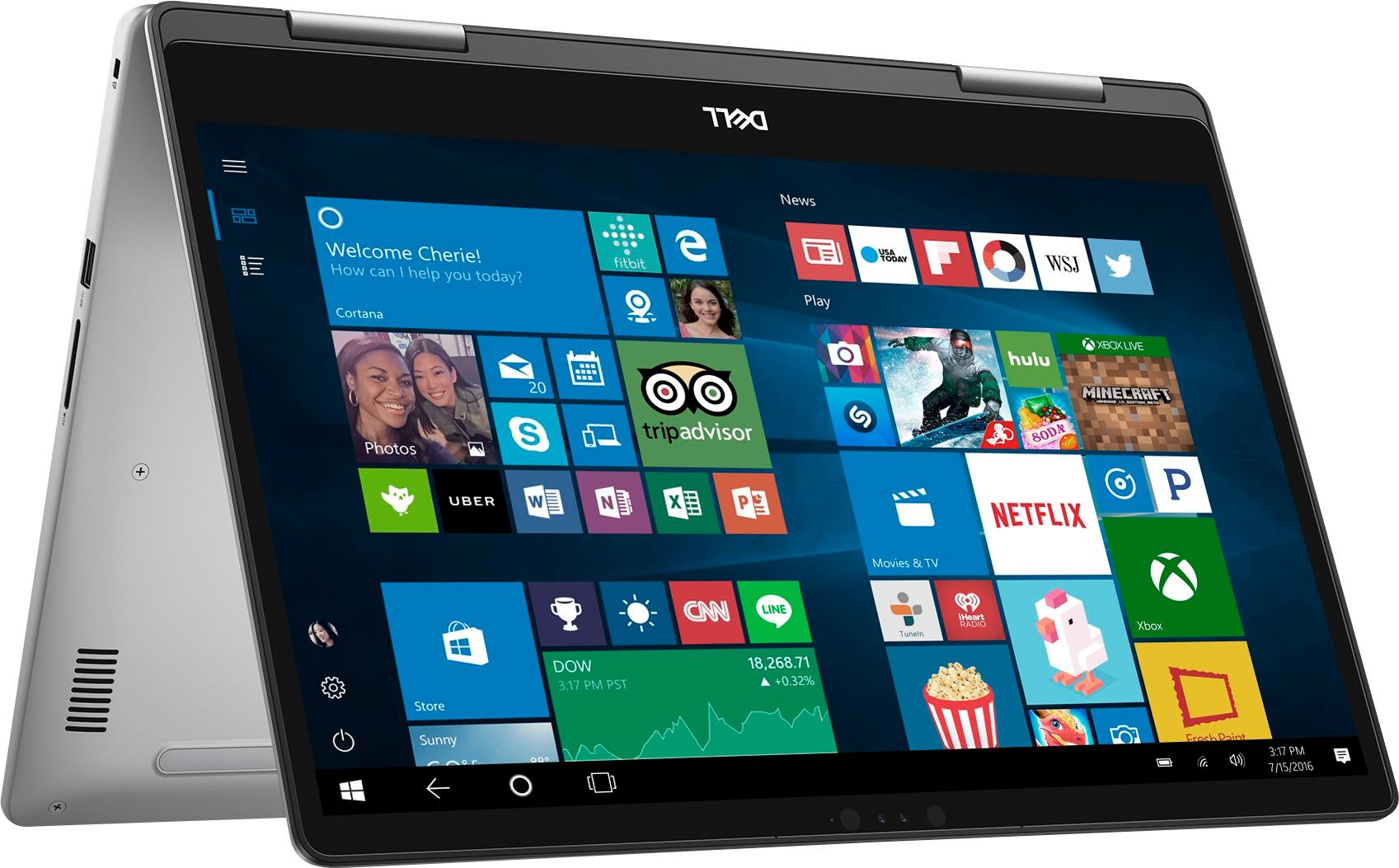


- Model:
- I7573-7012GRY-PUS
- SKU:
- 6083546
Rating by feature
- Value
Rating 4.0 out of 5 stars
- Quality
Rating 4.0 out of 5 stars
- Ease of Use
Rating 4.3 out of 5 stars
Customers are saying
Customers admire the Inspiron 2-in-1 laptop for its responsive touch screen, affordable price, and lightweight design. Many users appreciate the 2TB storage capacity, which meets their need for ample storage. However, some users have concerns about the battery life, which lasts around 4-5 hours, and a few have experienced unexpectedly poor performance.
This summary was generated by AI based on customer reviews.
Crapped out after a little over a year.
||Posted .This reviewer received promo considerations or sweepstakes entry for writing a review.I have had this laptop since Jan of 2018. And now it will no longer charge the battery. Seems to be an issue with Inspirons. Tried different adapter. It works plugged in. Not even 18 months old. Unbelievable!
No, I would not recommend this to a friendBrand response from YourDellTeam
Posted .DrTek,
Thanks for your review. We're sorry to hear about the battery issues that you are facing. Please reach out to Dell's Technical Support Team for additional assistance: http://dell.to/2sH7Qlm.
Best,
Bryan
1-800-624-9896
- Cons mentioned:Performance
It worked ok for a couple month and now it is slow
||Posted . Owned for 1 year when reviewed.This reviewer received promo considerations or sweepstakes entry for writing a review.It worked ok for a couple month and now it is very slow and i will never go again with microsoft,that was the last chance windows...
No, I would not recommend this to a friend Garbage with no help from Best Buy
||Posted .This reviewer received promo considerations or sweepstakes entry for writing a review.Spent a grand on this laptop. Have had it for 45 days and have had to re-image the hard drive twice and it has now crashed again. Took it to the supposed experts of "Geek Squad" and got the deer in the head lights look. They told me it was a hardware problem. My degree is in Computer Science. I can safely say I know more about computers than most and certainly this man at the geek squad. The machine is clearly a lemon and all I asked was for a swap out. Negative. Best Buy told me to pack sand. I WILL NEVER STEP FOOT IN A BEST BUY AGAIN.
No, I would not recommend this to a friendThis is a lemon
||Posted . Owned for 1.5 years when reviewed.This reviewer received promo considerations or sweepstakes entry for writing a review.I've had this laptop for 1-1/2 years and it has been nothing but trouble. What a huge continuing waste of my time. And a money pit. Started having trouble within a month - Dell representative remotely wiped my hard drive without my permission, so I lost a ton of important stuff. Problems continued. My programs don't run properly - Office 2013 and Acrobat 9.0. Windows is screwed up. Honestly, I am at my wit's end.
No, I would not recommend this to a friendVery Slow
||Posted .This reviewer received promo considerations or sweepstakes entry for writing a review.I saw that people said that this laptop was slow, but it is more then slow. I got it at home at 2:30pm and is now 1:09am and just finish with the set up and the downloads. It take forever to download anything. I'm writing this from my old Lenovo because it was taking forever on the Dell. Not happy at all. Will be returning it.
No, I would not recommend this to a friendLaptop
||Posted . Owned for more than 2 years when reviewed.This reviewer received promo considerations or sweepstakes entry for writing a review.The screen went out within the first few months. Since I got it replaced it works great.
I would recommend this to a friendKinda slow...
||Posted .This reviewer received promo considerations or sweepstakes entry for writing a review.Display is not that great, and the computer is pretty slow compared to how many rams it got.
No, I would not recommend this to a friendBrand response from YourDellTeam
Posted .Eddie - Thanks for your review. We're sorry to hear that your new computer is performing slower than you had hoped it would. We'd recommend the following steps to help troubleshoot the slowness that you're experiencing -
Delete temporary files and directories
1. Click Start, then in the search bar type "disk". Disk Cleanup should appear on the menu above the search box.
2. Run disk cleanup and eliminate unneeded temporary files (Search results, Internet Cache and other windows temp files you may no longer need)
3. Select files you want to delete then click OK to start the cleanup process.
Uninstall applications you no longer use
1) Open the Programs and Features application in Control Panel.
2) Scan the list of applications installed for ones that you no longer use.
3) Highlight any application you no longer use and then click the uninstall button at the top of the list. Follow the prompts to uninstall.
4. Repeat for each application you want to uninstall.
5. Move large files and/or seldom used files to backup media (Photos, Music you seldom listen to, application downloads after the application has been installed etc.).
6. Empty the Recycle Bin.
You can read the full article here - http://dell.to/2tSulGV. - Bryan
DO NOT buy this computer -
||Posted .This reviewer received promo considerations or sweepstakes entry for writing a review.we purchased 2 of these computers, we have had so many problems with these, very frustrating. Our 8 year old lap top is faster and works better then these. They were recommended by our sales person but DO NOT purchase. Wont purchase a Dell ever again.
No, I would not recommend this to a friendBrand response from YourDellTeam
Posted .Hello Linda, Thanks for your review and for your recent Dell laptop purchase. We can assure you that our computers are not meant to run as slow as you have experienced. Perhaps you can try some of these tips that have helped other customers speed up their computers: Delete temporary files and directories
1. Click Start, then in the search bar type "disk". Disk Cleanup should appear on the menu above the search box.
2. Run disk cleanup and eliminate unneeded temporary files (Search results, Internet Cache and other windows temp files you may no longer need)
3. Select files you want to delete then click OK to start the cleanup process.
Uninstall applications you no longer use
1) Open the Programs and Features application in Control Panel.
2) Scan the list of applications installed for ones that you no longer use.
3) Highlight any application you no longer use and then click the uninstall button at the top of the list. Follow the prompts to uninstall.
4. Repeat for each application you want to uninstall.
5. Move large files and/or seldom used files to backup media (Photos, Music you seldom listen to, application downloads after the application has been installed etc.).
6. Empty the Recycle Bin.
You can read the full article here: http://dell.to/2tSulGV.
We hope that some of these tips will help your computers run at the speed that you anticipated. - Bryan

Great laptop
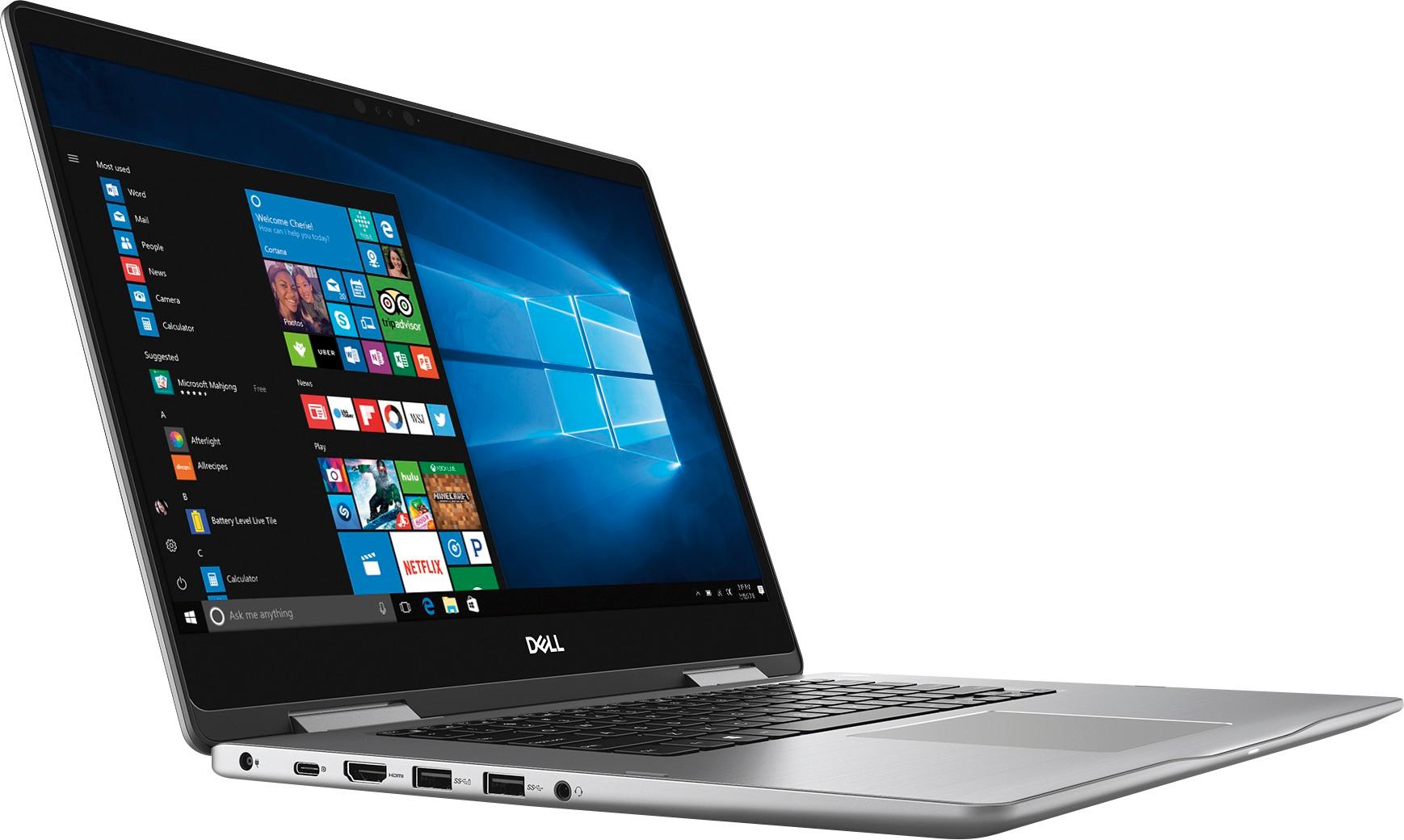
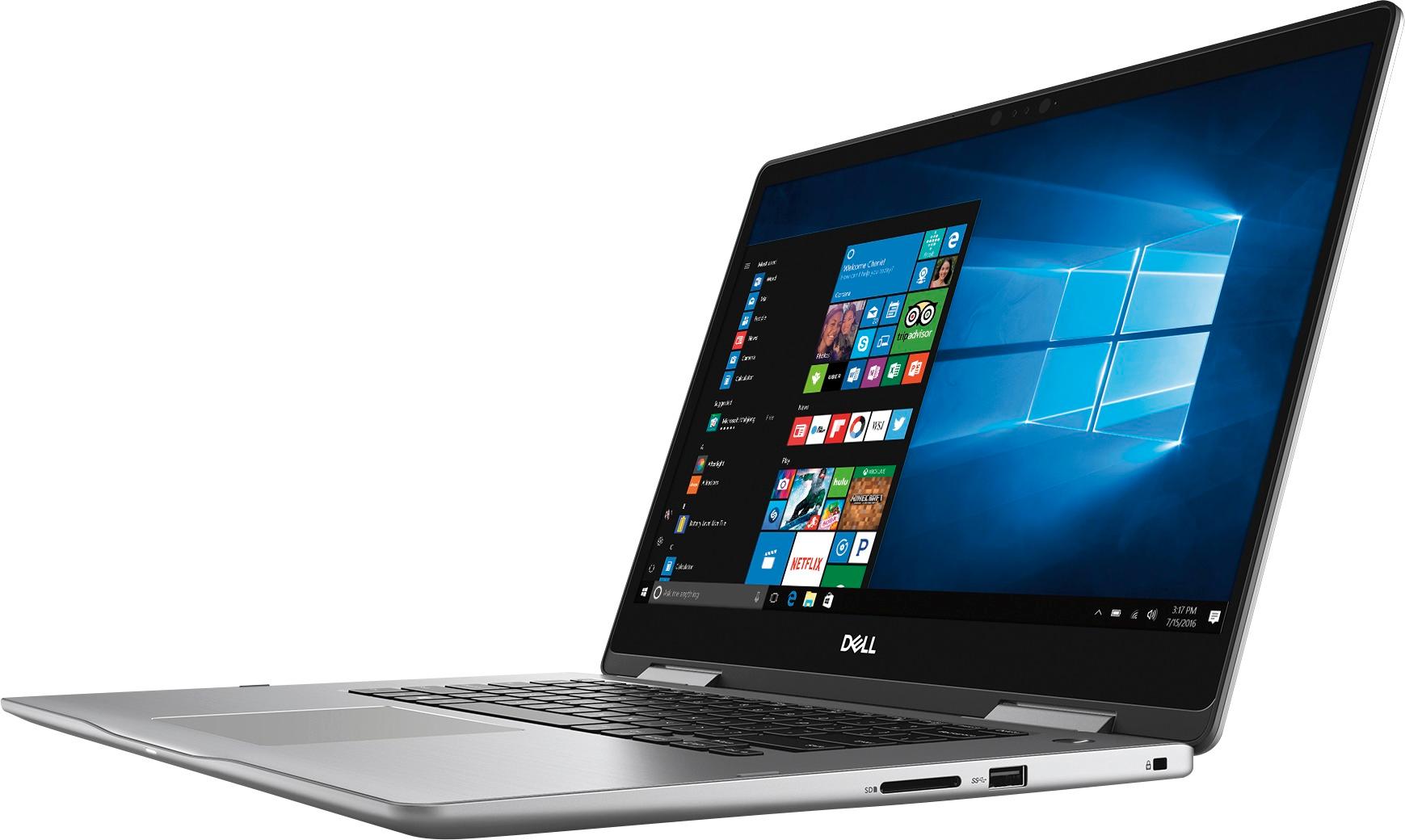
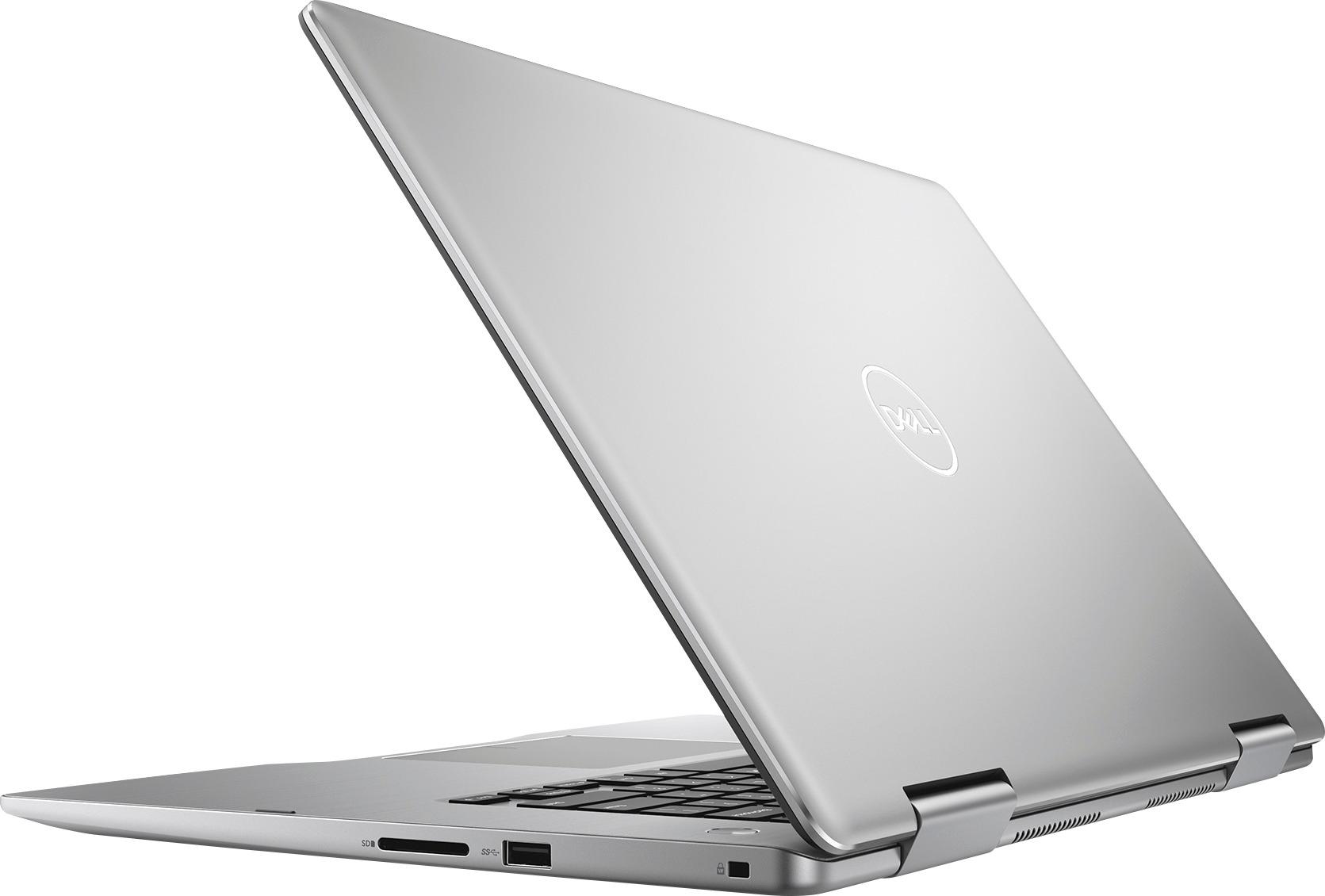
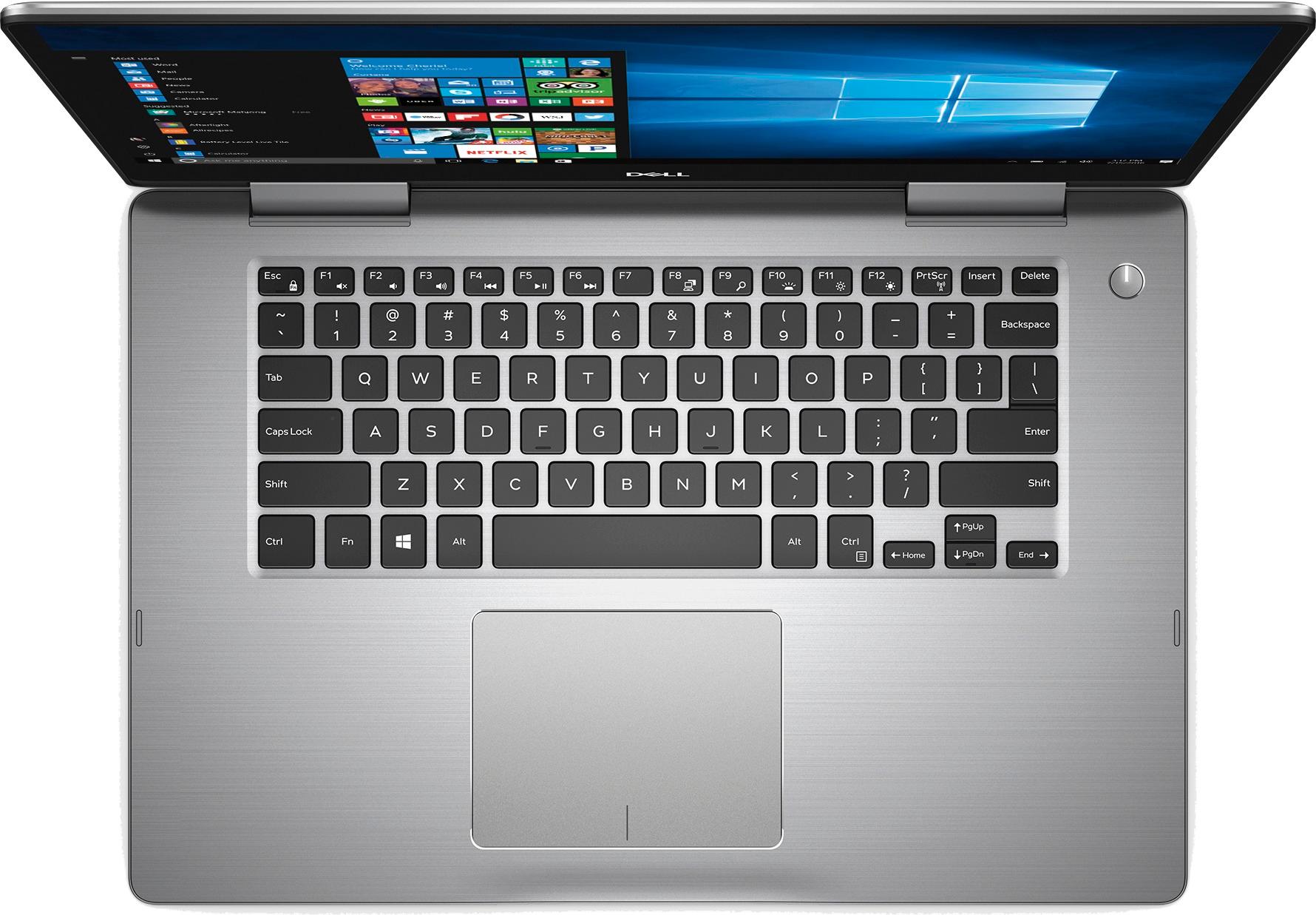
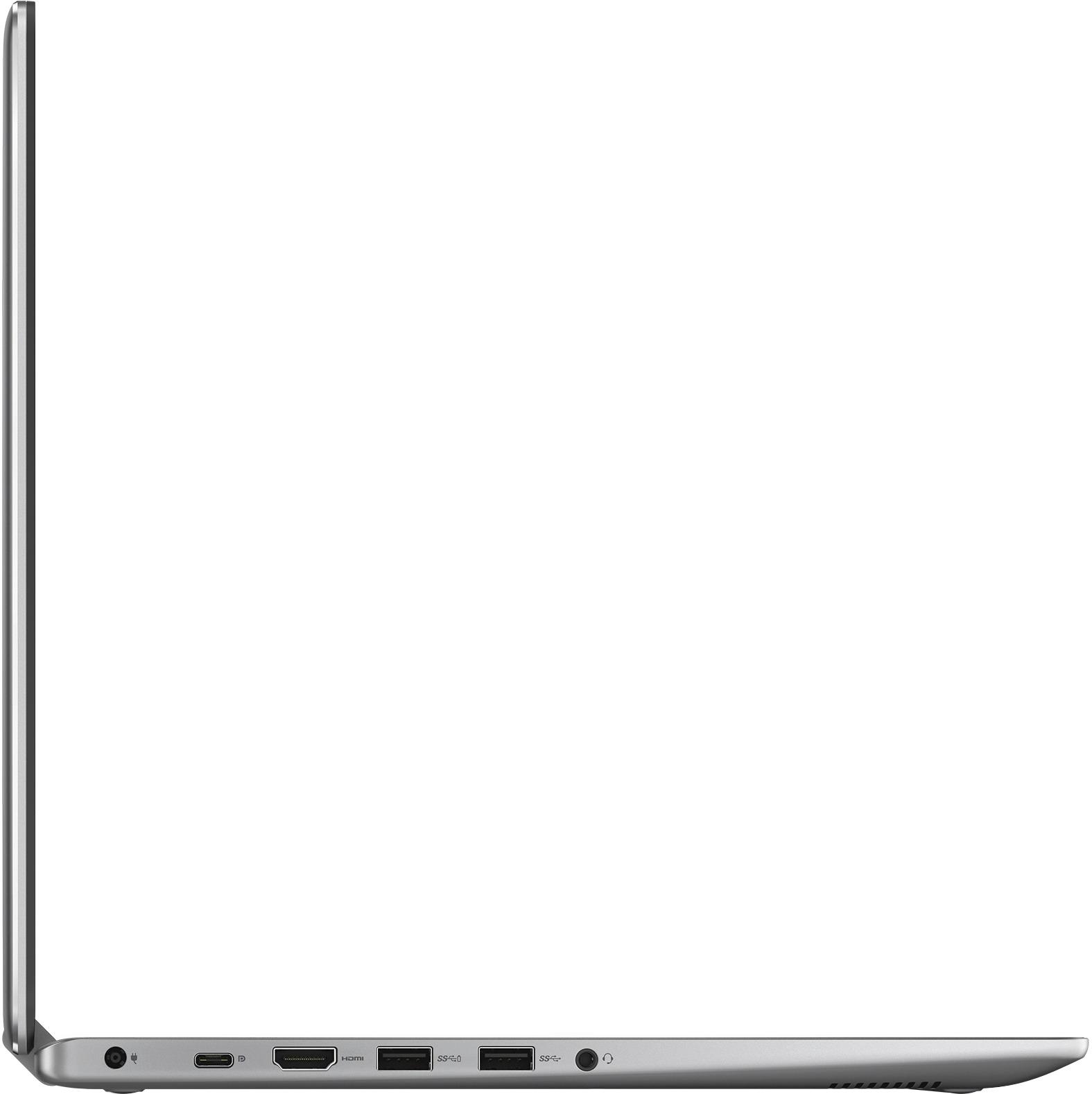
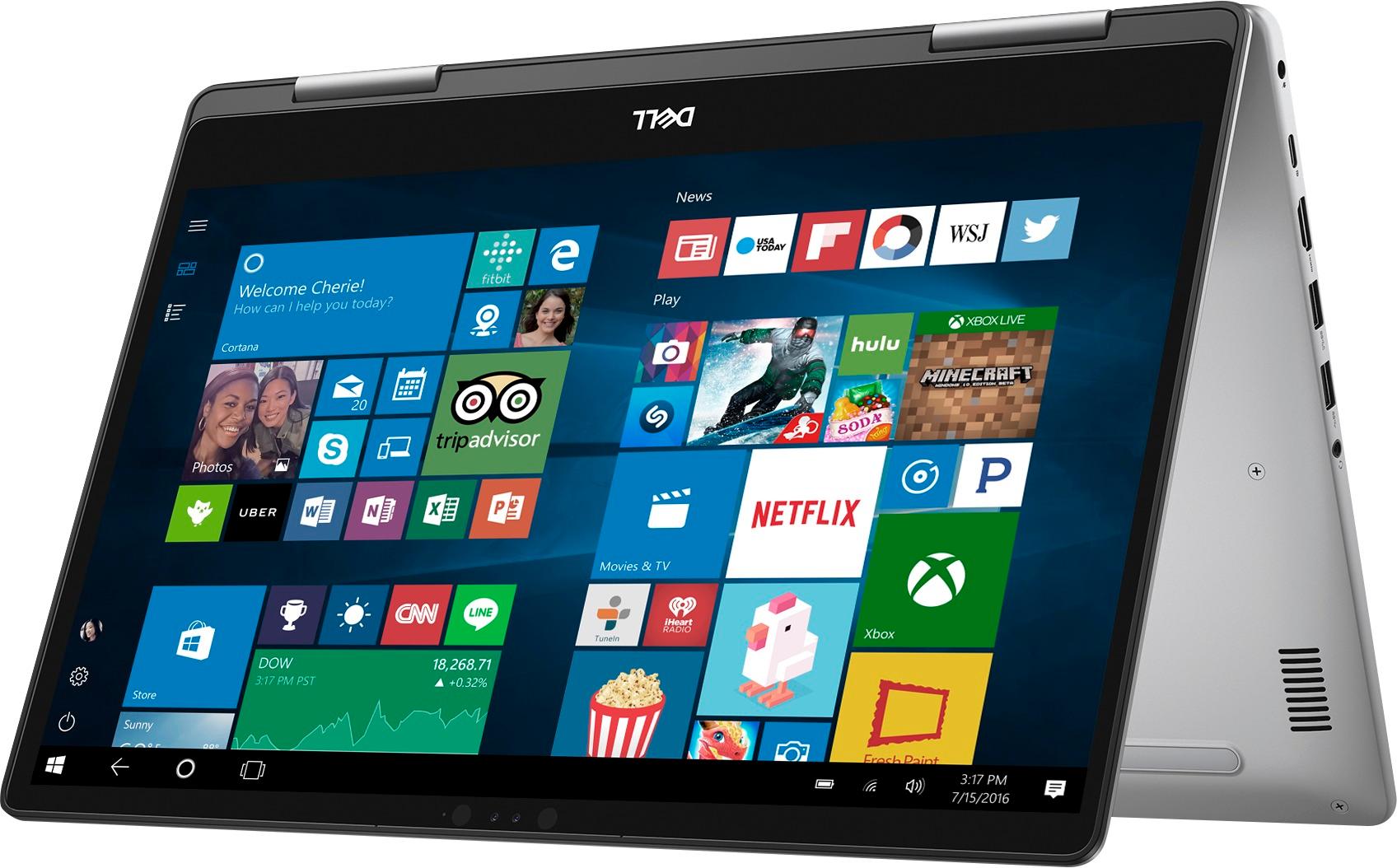
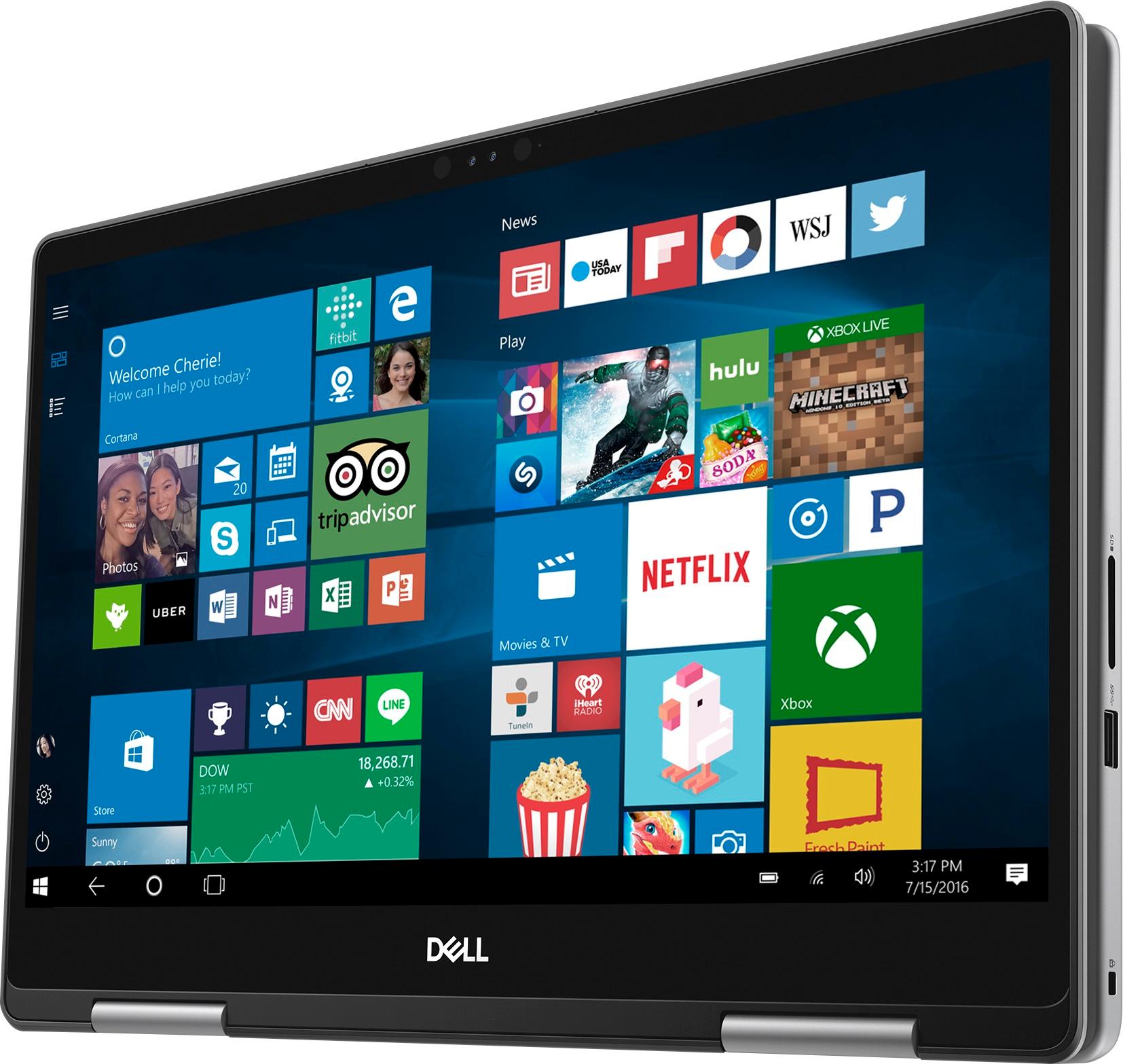
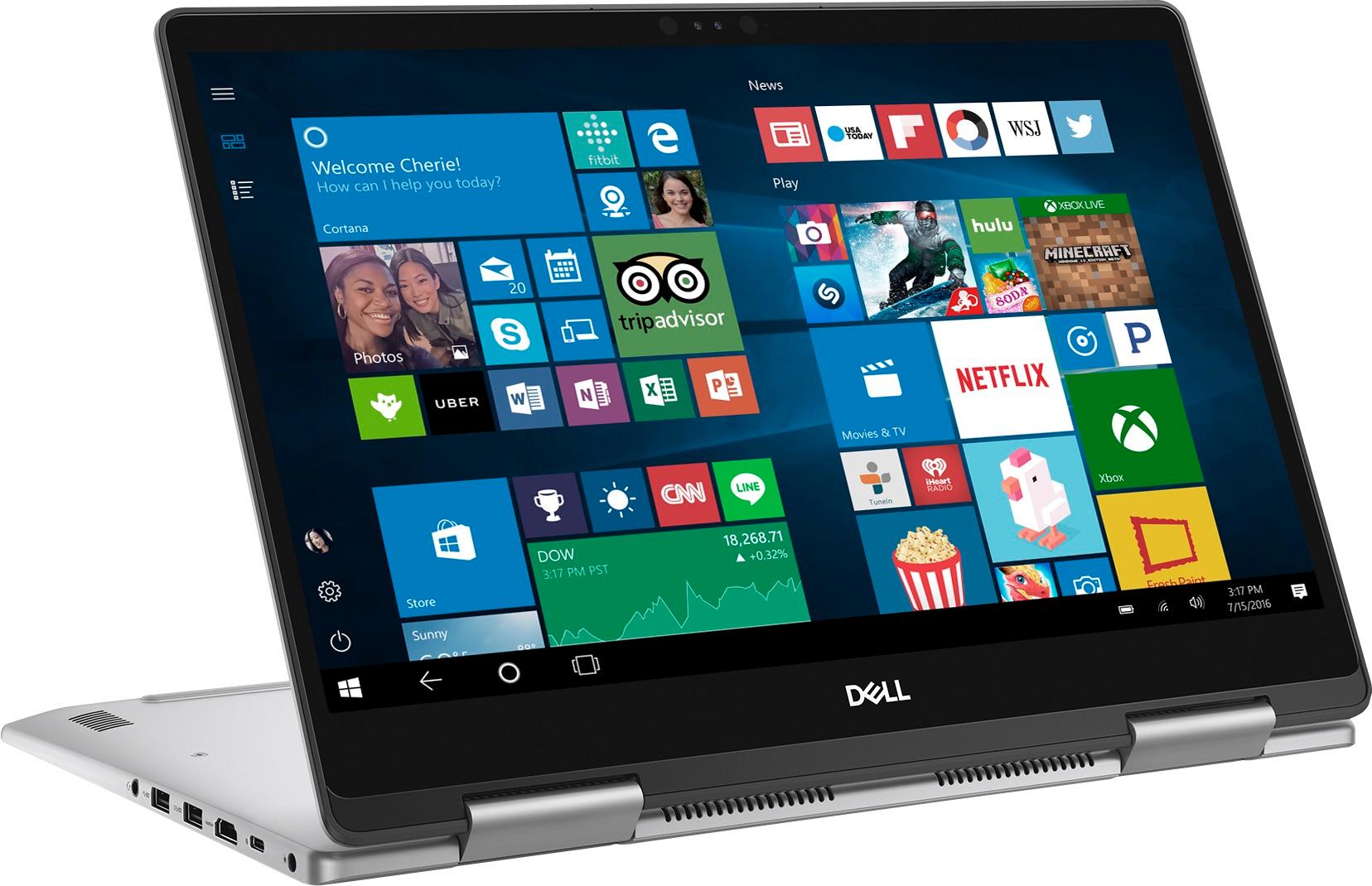
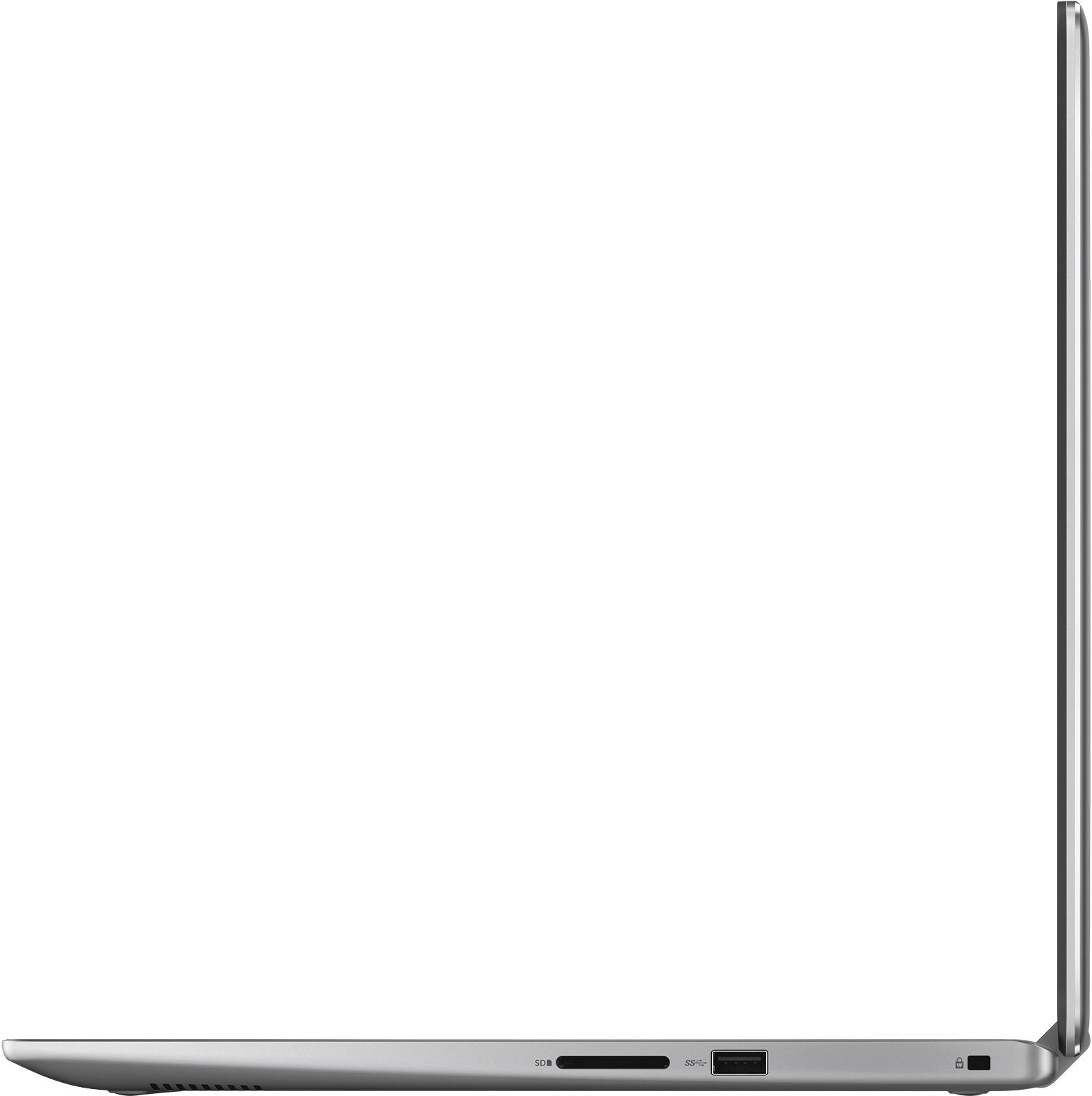
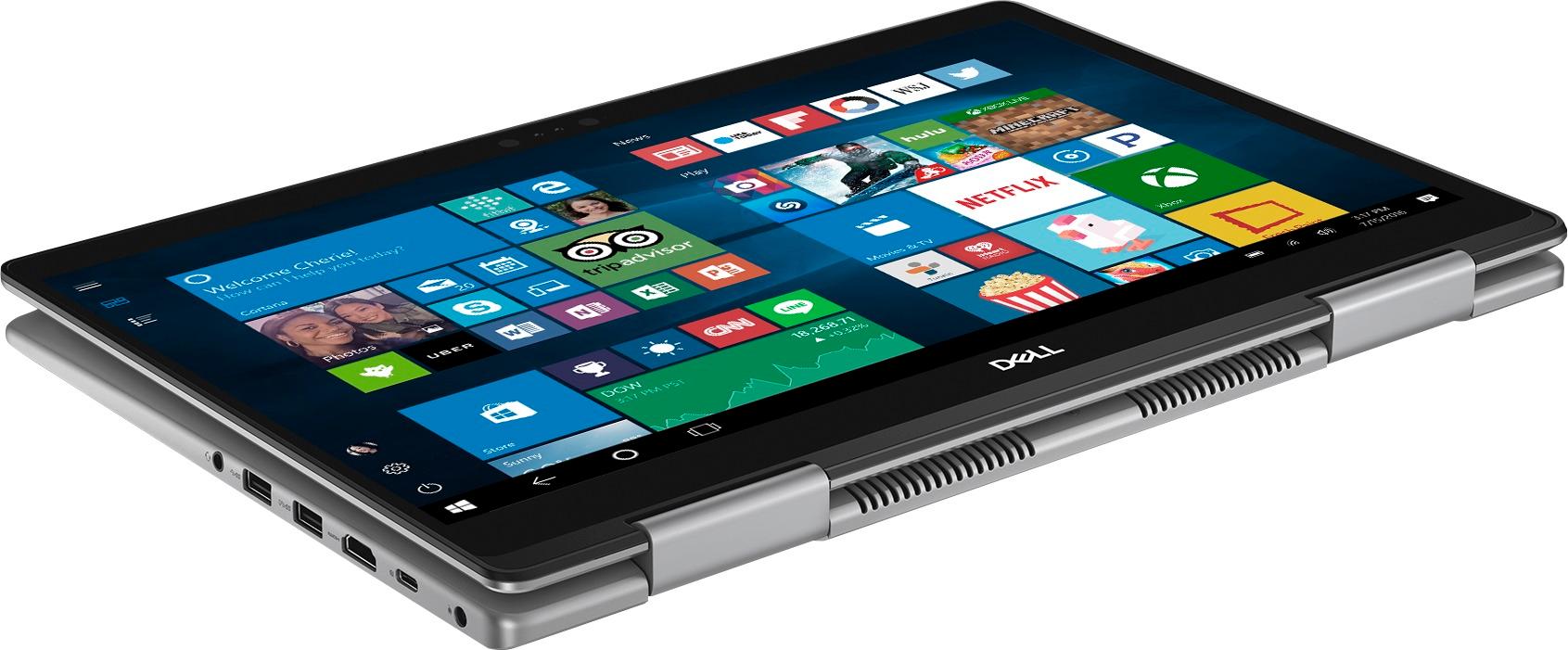
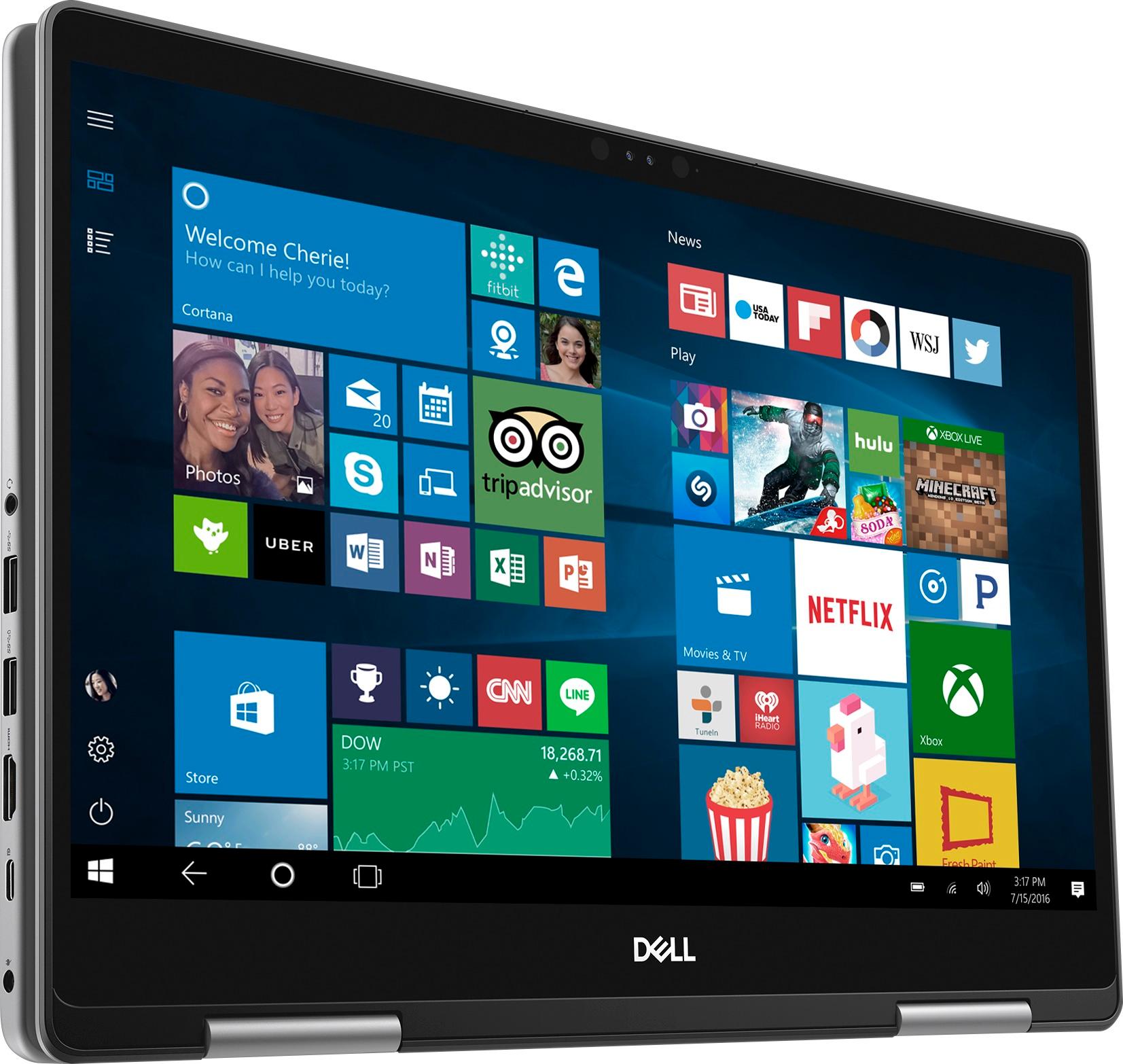
|Posted .This reviewer received promo considerations or sweepstakes entry for writing a review.From the moment I drew the new Dell Inspiron 15 7000 2-in-1 out of its trim shipping box, I grew impressed at how lightweight this 15-Inch display laptop is, yet solid in the hands. It was very shiny, and the housing seemed of excellent quality. The Inspiron arrived with a power cord and a slip of paper with limited information, no paper manuals or physical media. The Dell Support Assist application is used to access any manuals provided for this machine. Once the PC was online and basic software loaded, I found the online documentation on the Dell SupportAssist web site and it seems sufficient. One manual generally describes computer hardware, and another manual describes the exact Inspiron 15 7000 2-in-1. A third manual shows how to dismantle portions of the laptop for basic upgrades and repairs. I recommend leaving the repairs to the guidance of the experts at Dell support. The laptop comes with a standard one-year warranty, but I highly recommend buying an additional two years of support from Dell. Upon first powering up the Inspiron you are directed to finish setting up Windows 10, and as part of the setup you are given the option to generate recovery media. Once I had purchased a USB thumb drive, Windows made it easy to return to generate the recovery files. Out of the box the laptop had a charge, however I opted to charge it overnight so I can see how long the battery would last during use while set to low power. I turned down the display to lowest level to save power which I was still able to use comfortably in a normal lit room. On battery saver, the indicator says I have 5 hours of battery life. In reality this charge lasted around four hours, which is reasonable in my opinion due to the included Core I7 processor. The Dell Support Assist utility provides information on system capabilities, your warranty, device manuals, etc. I went there to get a PDF manual of this system. The Inspiron comes with three USB 3.1 ports (including one port that will share power with the system turned off). There is also a USB 3.1 Gen 1 (Type-C) port which can be used for peripherals such as external storage devices, printers, and external displays. Dell.com has an available option called the Dell Power Companion that provides 12,000mah of battery power to continue running your laptop. The Inspiron includes an HDMI port for video, a media card reader, and Bluetooth connectivity. However, there is no onboard LAN port--if this is important to you, do not be surprised—you will utilize a Wifi connection only for network connectivity. I checked online and Dell does not provide an orderable option. As an alternative, you can pick up a USB NIC from your local technology store, for faster data transfers when you are at home or the office. From a usability side: This unit was peppy with an Intel Core i7 8th Generation, 12 Gb of installed RAM (11.8Gb usable) and 1.80 Tb SATA hard drive. The display is quite clear and crisp. I had no complaints about the laptop screen. As a 2-in-one PC, the display is touch responsive, and the computer can convert to a tablet configuration. The laptop does not include a pen; you would need to acquire one separately. Even at low power, I had no problem working with the display screen in a dimly lit room. Windows 10 provides tablet accessibility features, and someone who has not used a Windows tablet should use the onboard help to get the needed training to use the tablet features. I did not find it difficult to learn, but since I’m primarily used to using a laptop configuration I stuck primarily with that option. The keyboard is backlit and can be toggled on, with two different brightness settings, or turned off. This is very handy for those times when you really want the keyboard light, otherwise turn it off to save battery. The keyboard itself is a great size for my hands, and give a reasonable depth and a good feel. This keyboard does not contain a second separate set of number keys, so you will have to be used to using the number keys on the top. There is a set of dedicated cursor keys at the bottom right hand of the keyboard. There are function key options for volume controls, pause, fast forward, rewind, projector toggles, brightness, keyboard backlight, wifi on/off, and zoom. Like every laptop, there is a small learning curve getting used to the placement of some keys, but most everything seems standard. The provided trackpad is very responsive, and I had no trouble navigating across the screen and performing double-taps and right clicks with the device. When I keyboard, my hands did not brush up on the trackpad so there is no issue with undesired mouse movement. This laptop does not come with a trackpoint in the center of the keyboard like other manufacturers, so if this is expected don’t be surprised. This unit does not include a fingerprint reader, instead utilizing Windows Hello Facial Recognition for unlock. I used the Windows set up to configure facial recognition, and didn’t really have any trouble getting the laptop to unlock by using the onboard camera. If for some reason the camera does not recognize you, you will be prompted to provide the PIN number you declare at setup of facial recognition. The Dell Inspiron 7000 2-in-1 is a very solid performer. There were some minimal pauses when loading applications. I did wish that the laptop came with a solid state drive, as it made me wonder if it would be even faster. However, the Dell Inspiron was pretty quick like I would expect from a new fresh laptop. As a Microsoft PC, the system comes with a 30-day trial of Microsoft Office 365, which you are able to subscribe to get a renewable annual license. The system also comes with a McAfee trial license, which you can subscribe or substitute with whatever is your preference. Windows comes with native antivirus options so you don’t need to keep that trialware. Due to its slim nature, the Dell Inspiron 15 7000 2-in-1 does not come with a DVD / CD / or Blu-Ray drive. This made installing my Starcraft II game an additional challenge, which I am currently in progress. If you have physical media to load from, you will need to either purchase a USB DVD drive, or have the media shared on a network drive. You can purchase a USB DVD drive from your local technology store. Not being a hard-core gamer, I pulled out one of my favorite games, Starcraft 2: Wings of Liberty. I know that this would not heavily stress a decent powered system, however my previous i5 laptop of 4-year vintage had an occasional stuffer with this title. This Dell Inspiron 15 7000 2-in-1 had no trouble playing the game. It was a pleasure playing my old friend Starcraft 2 on this system. The sound was great, even though it was out of two little speakers from the bottom front of the unit. Video display was crisp. I did not play with the game’s video settings, satisfied from an everyday business user’s standpoint that this machine could play a reasonable game. If you are going to play a high-end game, you most likely will be going for an Alienware system instead of this mainstream consumer system. However, I am comfortable that this system could play other reasonable games. I paired the laptop with my Samsung Digital Television U28E590 28” 4K display. I used the laptop to extend desktop to the Samsung, and the video card on this laptop was able to drive this display to a high resolution 3840 X 2160 resolution, which is really cool. This is not unusual as my previous laptop could do the same. I watched the latest episode of Star Trek Discovery, and the image was crisp and amazing. I did experience some lag but I’m sure it was likely due to internet bandwidth issues on the server end, as the episode had just come out this evening. In any case, I highly recommend the Dell Inspiron 15 7000 2-in-1 laptop. The system is a great fit for the normal consumer. It has plenty of room for storing your files and media, is lightweight and won’t bog you down while traveling around. Definitely do the recovery file creation, and get a nice messenger bag to store it in.
I would recommend this to a friendok for base line
||Posted .This reviewer received promo considerations or sweepstakes entry for writing a review.Seems slow not what you would of expected from this model
No, I would not recommend this to a friendBrand response from YourDellTeam
Posted .Nick,
We're sorry that your new Dell computer is running slower than you had hoped it would. We'd recommend running the Windows Performance Troubleshooter to see if there are ways to speed up your computer:
1. Close all open windows.
2. Press the Windows logo key + X key on the keyboard.
3. Click Control Panel.
4. Click System and Security.
5. Under Security and Maintenance, select Troubleshoot common problems.
6. Under System and Security, click Run maintenance tasks.
7. Follow the on-screen instructions and prompts to complete the process.
8. Restart the PC.
You can read the full article here - http://dell.to/2tSulGV.
We hope this helps your computer perform better for you.
Best,
Bryan
1-800-624-9896
Not worth the money
||Posted .This reviewer received promo considerations or sweepstakes entry for writing a review.I found this laptop to be EXTREMELY slow despite the sales rep saying theb2 tb would make it faster. It took me over an hour to use when I first brought it home because all the bloat ware that is pre installed took forever to load. I plan on returning this system tomorrow.
No, I would not recommend this to a friendBrand response from YourDellTeam
Posted .Hello Kking,
Thanks for your review. We're sorry to hear that your new computer is slower than you had hoped it would be. We're glad to see that you were able to remove some unwanted software. We'd recommend that you run the Windows Performance Troubleshooter by following these steps:
1. Close all open windows.
2. Press the Windows logo key + X key on the keyboard.
3. Click Control Panel.
4. Click System and Security.
5. Under Security and Maintenance, select Troubleshoot common problems.
6. Under System and Security, click Run maintenance tasks.
7. Follow the on-screen instructions and prompts to complete the process.
8. Restart the PC.
You can read the full article here - http://dell.to/2tSulGV.
We hope this helps your system perform better for you.
Best,
Bryan
1-800-624-9896
Extremly slow
||Posted .This reviewer received promo considerations or sweepstakes entry for writing a review.My Sony laptop died on me right before my overseas trip. I can only grab one and go. It has been a couple weeks now I am still stuck overseas trying to configure my mails. It processes so slow I can see my life wasted in waiting.
No, I would not recommend this to a friendBrand response from YourDellTeam
Posted .Jeff123,
We're sorry to hear that your computer is performing slower than you had hoped. We'd recommend running the Windows Performance Troubleshooter to see if there are ways to speed up your computer:
1. Close all open windows.
2. Press the Windows logo key + X key on the keyboard.
3. Click Control Panel.
4. Click System and Security.
5. Under Security and Maintenance, select Troubleshoot common problems.
6. Under System and Security, click Run maintenance tasks.
7. Follow the on-screen instructions and prompts to complete the process.
8. Restart the PC.
You can read the full article here - http://dell.to/2tSulGV.
Best,
Bryan
1-800-624-9896
- Pros mentioned:Easy to use
Very Good 2 in 1 Laptop
|Posted .This reviewer received promo considerations or sweepstakes entry for writing a review.Easy setup out of the box. The log in either with the built in camera for facial recognition or pin makes easy log in. Was a snap to install my WiFi printer and all other programs I use. Very fast loading of all my programs as I am not a photoshop or gamer person where a video board would be needed. This is a very good 2 in 1 laptop for my personal and small business needs. Has plenty of storage for my needs and matches my backup device that I was able to transfer my files needed from backup with no issues. I do like how easy this laptop is to use in tablet mode, great for presentations I do. Very happy with this laptop from Dell.
I would recommend this to a friend Lasted 8 days
||Posted .This reviewer received promo considerations or sweepstakes entry for writing a review.Lasted 8 days and went to a black screen. It wouldn't go back to desktop. I ended up returning it. I didn't get another one due to the fact that it was no better than my other lap top that is 8 years old.
No, I would not recommend this to a friendHorrible
||Posted .This reviewer received promo considerations or sweepstakes entry for writing a review.Thought getting a great open box deal but for a computer that is almost 1000 reg price, this computer is worse than the dell we exchanged it for at the price of 189. Slow. Dim.
No, I would not recommend this to a friendWorst computer
||Posted .This reviewer received promo considerations or sweepstakes entry for writing a review.The worst computer, It won't shut down. IT happened right after bought it. IT was too late to return it.. I didn't open the box for a month...bc I was busy. Do not buy this
No, I would not recommend this to a friendBrand response from YourDellTeam
Posted .Hello Inmo, Thanks for your review and we're sorry to hear about the troubles that you are having with your new Dell computer. Have you attempted a hard restart? You can hold down the power button for ten seconds or until the computer turns off. The computer should then restart for you. We hope this helps the problems that you're having. - Bryan
System is too slow
||Posted .This reviewer received promo considerations or sweepstakes entry for writing a review.The processor is so slow. Its takes for ever to load any application on the desktop. Waste of money for this high end machine
No, I would not recommend this to a friendBrand response from YourDellTeam
Posted .Mandy,
Thanks for your review. We're sorry to hear that your computer is not running as fast as you hoped it would. We'd recommend running the Windows Performance Troubleshooter to see if it helps speed up your computer:
1. Close all open windows.
2. Press the Windows logo key + X key on the keyboard.
3. Click Control Panel.
4. Click System and Security.
5. Under Security and Maintenance, select Troubleshoot common problems.
6. Under System and Security, click Run maintenance tasks.
7. Follow the on-screen instructions and prompts to complete the process.
8. Restart the PC.
You can read the full article here - http://dell.to/2tSulGV.
Best,
Bryan
1-800-624-9896
Audio is not good, software
||Posted .This reviewer received promo considerations or sweepstakes entry for writing a review.Facing many ussues with the software. I am eagerly looking for a return/refund. Audio speakers were also bad.
No, I would not recommend this to a friendBrand response from YourDellTeam
Posted .Avinash,
We'd recommend checking to make sure that all of your software and drivers are up to date on your computer. You can check your drivers and software for updates here: http://dell.to/2yuPeJ9. We hope this helps improve the quality of your speakers.
Best,
Bryan
1-800-624-9896
Slow computer
||Posted .This reviewer received promo considerations or sweepstakes entry for writing a review.I’m disappointed on the laptop’s performance. I’m planning to return it. Very slow and kept freezing on me.
No, I would not recommend this to a friendBrand response from YourDellTeam
Posted .Abuk,
We are sorry to hear that the performance of your new Dell laptop is not what you were hoping for. We'd recommend running the Windows Performance Troubleshooter to help you find ways for your computer to run faster:
1. Close all open windows.
2. Press the Windows logo key + X key on the keyboard.
3. Click Control Panel.
4. Click System and Security.
5. Under Security and Maintenance, select Troubleshoot common problems.
6. Under System and Security, click Run maintenance tasks.
7. Follow the on-screen instructions and prompts to complete the process.
8. Restart the PC.
You can read the full article here - http://dell.to/2tSulGV.
If you are continuing to experience problems with your computer freezing we'd recommend the following:
1. Run a Computer Diagnostic. To determine if your computer is experiencing a hardware problem, run the Dell Preboot System Assessment (PSA) Diagnostics. For information on how to run Diagnostics, and to determine the issue, refer to Dell Knowledge Base Article: http://dell.to/2iaiujA.
2. Check Safe Mode for Symptoms. To boot into safe mode, please follow the instructions below:
a) Start the computer.
b) Tap 'F8' on the keyboard immediately and every one second until the Dell logo screen disappears. From there you will see the Windows Advanced Options Menu on the screen. (If the Windows Advanced Options Menu does not appear, restart the system and try again.)
c) Select Safe mode with Networking and press Enter.
d) Log on as the administrator or as a user with administrative access.
e) Open applications and test the computer in safe mode. If the symptoms exist in safe mode, please continue the troubleshooting steps in this article. If the symptoms do not exist in safe mode, the issue is likely related to a driver or software and you may wish to complete steps 6 to see if you are able to resolve the lockups or freezing.
6. Check for Malware. Malware (Virus, Spyware, etc.) can definitely cause a Windows system to lock up or appear to hang. To check for malware on your system and to ensure that your computer is up to date on security software, visit Dell Knowledge Base Article: http://dell.to/2wWP1zI.
You can read the full article here - http://dell.to/2tW5m33.
We hope that these tips help your computer run the way you intended it to.
Best,
Bryan
1-800-624-9896
Horrible! - Bought 12/8/18 - Died 6/8/18
||Posted .This reviewer received promo considerations or sweepstakes entry for writing a review.Died 6 months to the day with no warning. Now to see how my protection plan will help me!
No, I would not recommend this to a friend