Customer Ratings & Reviews

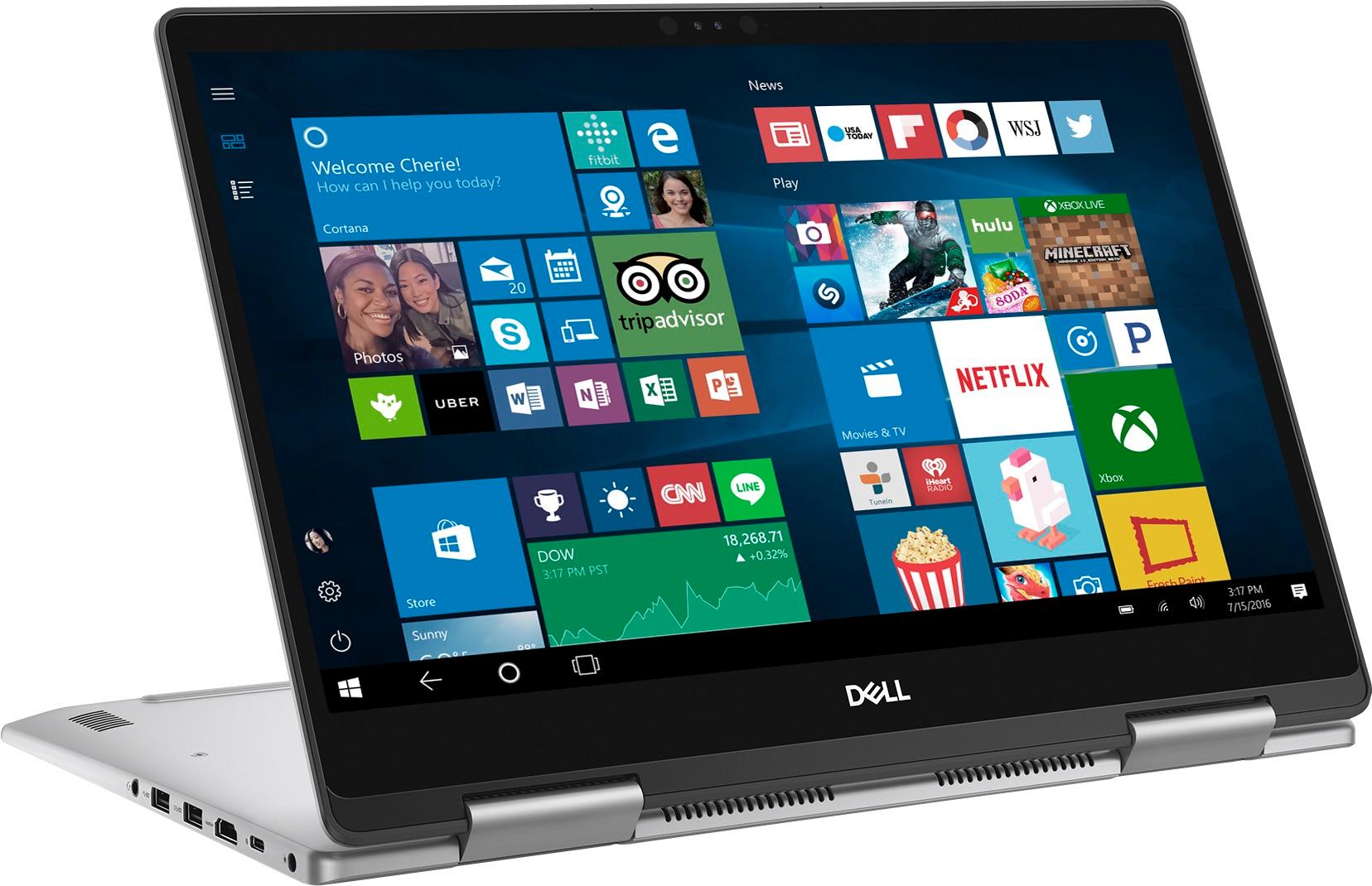
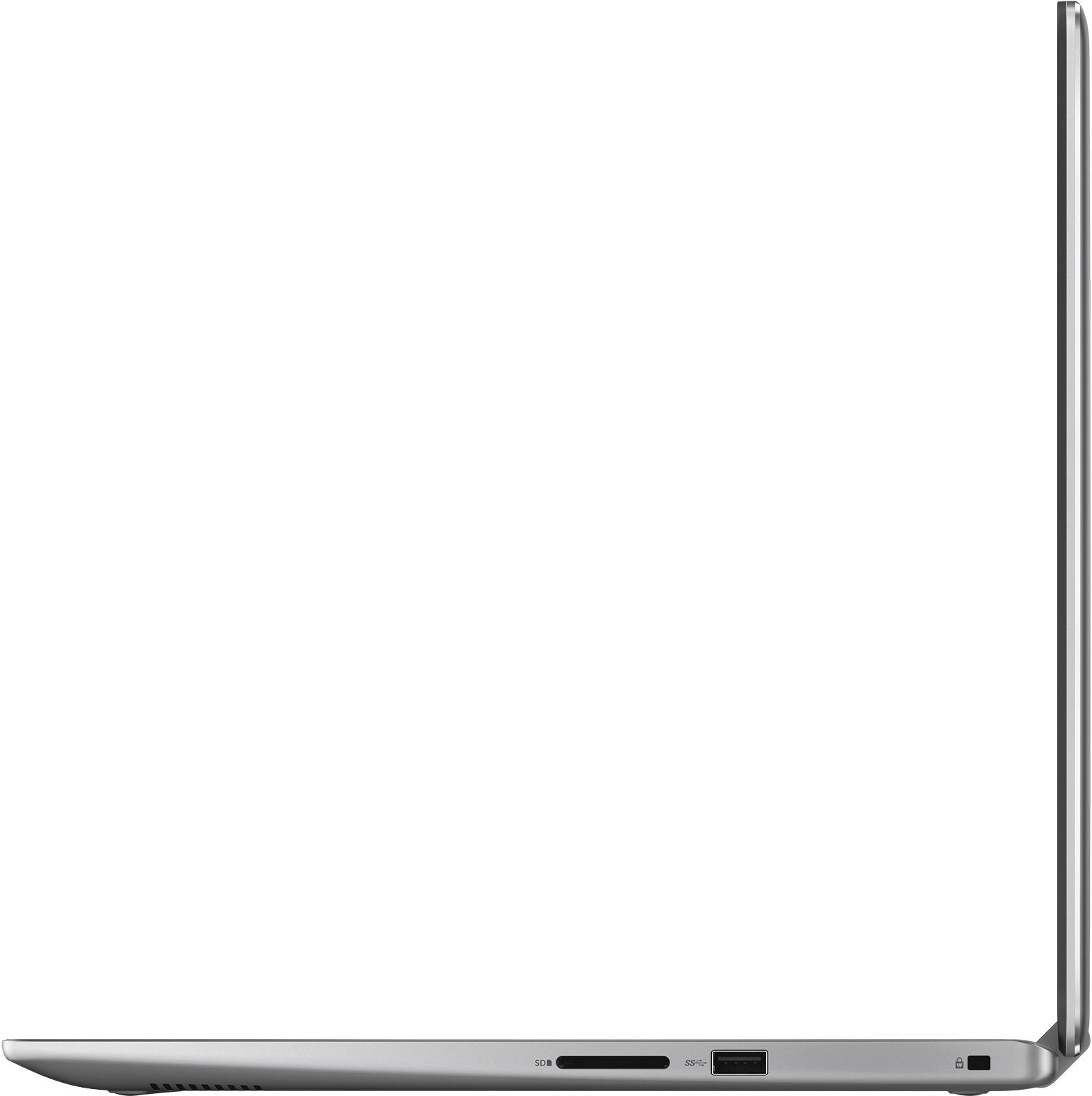

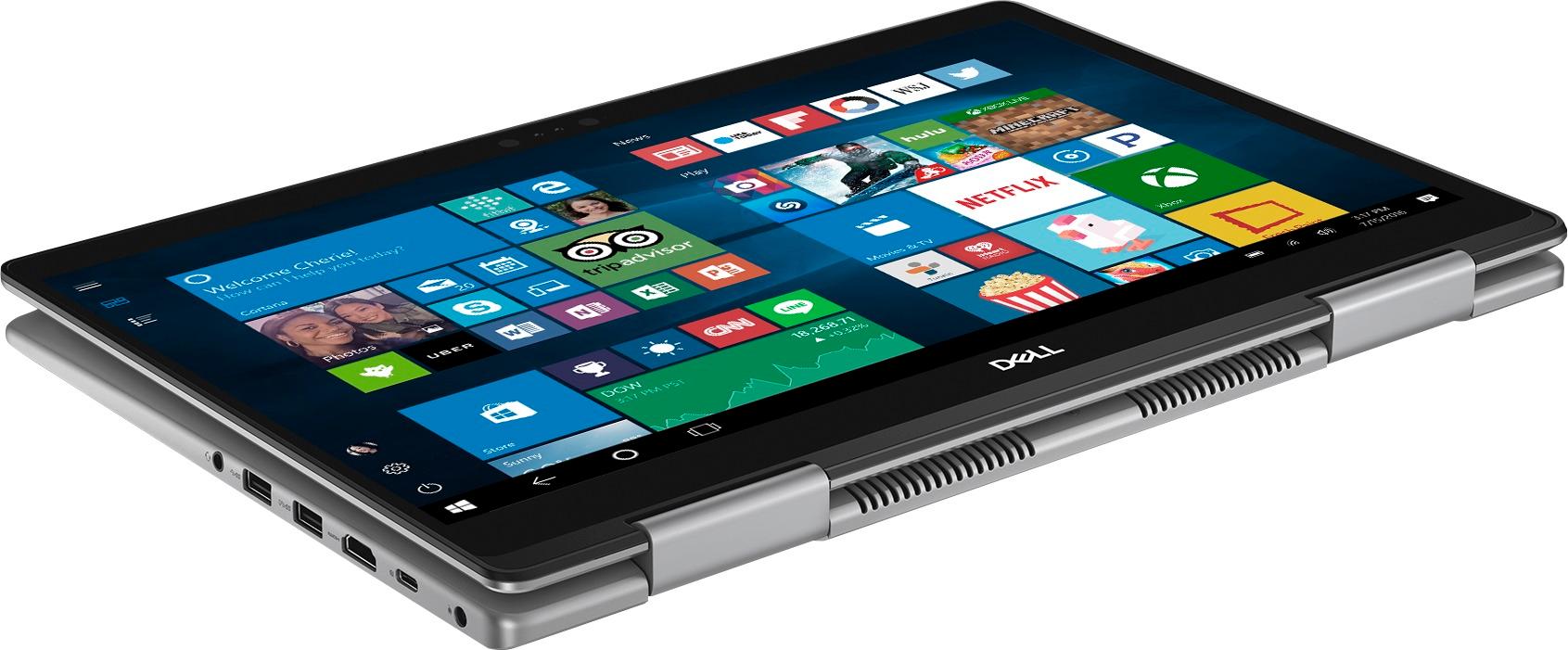

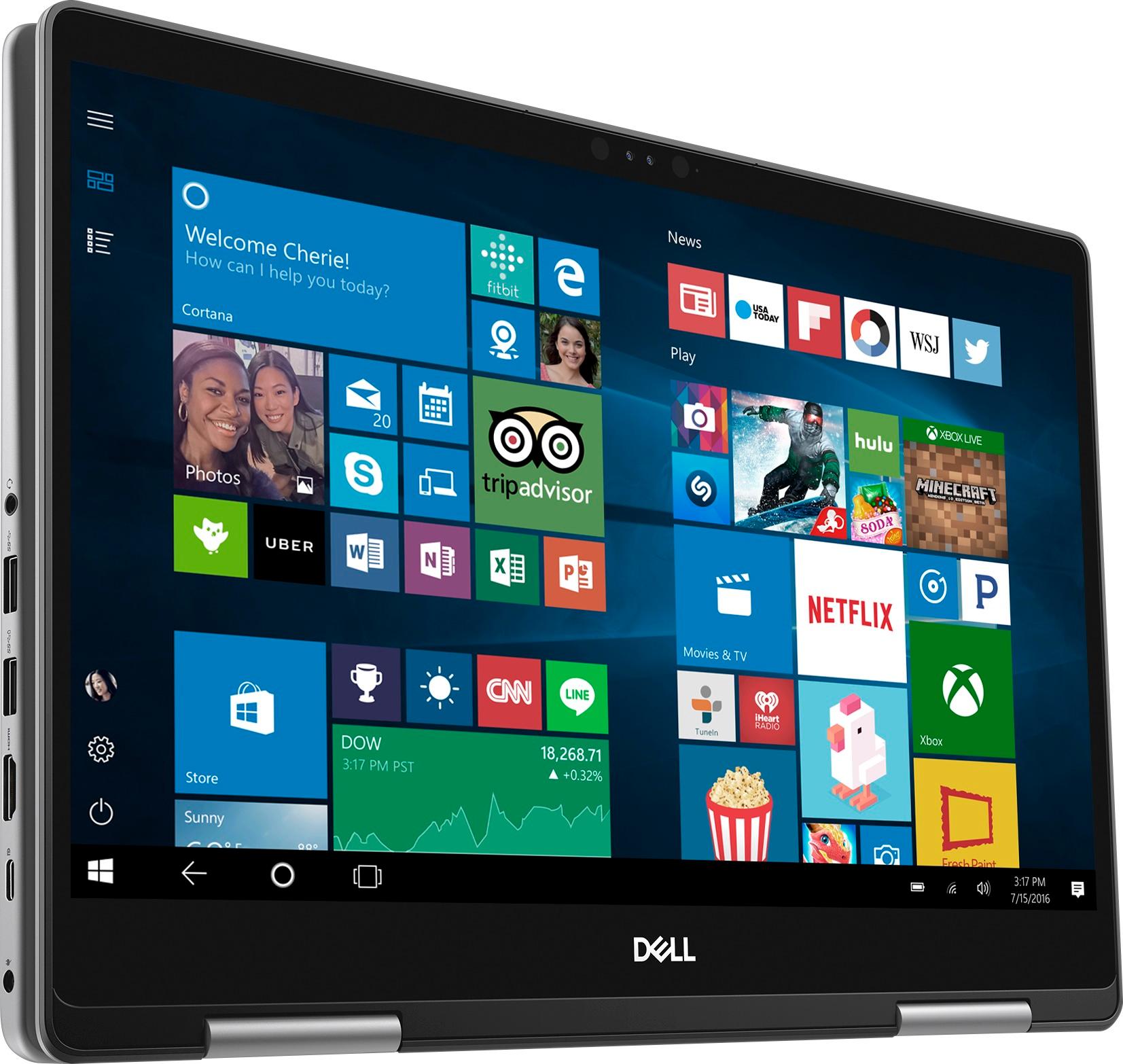
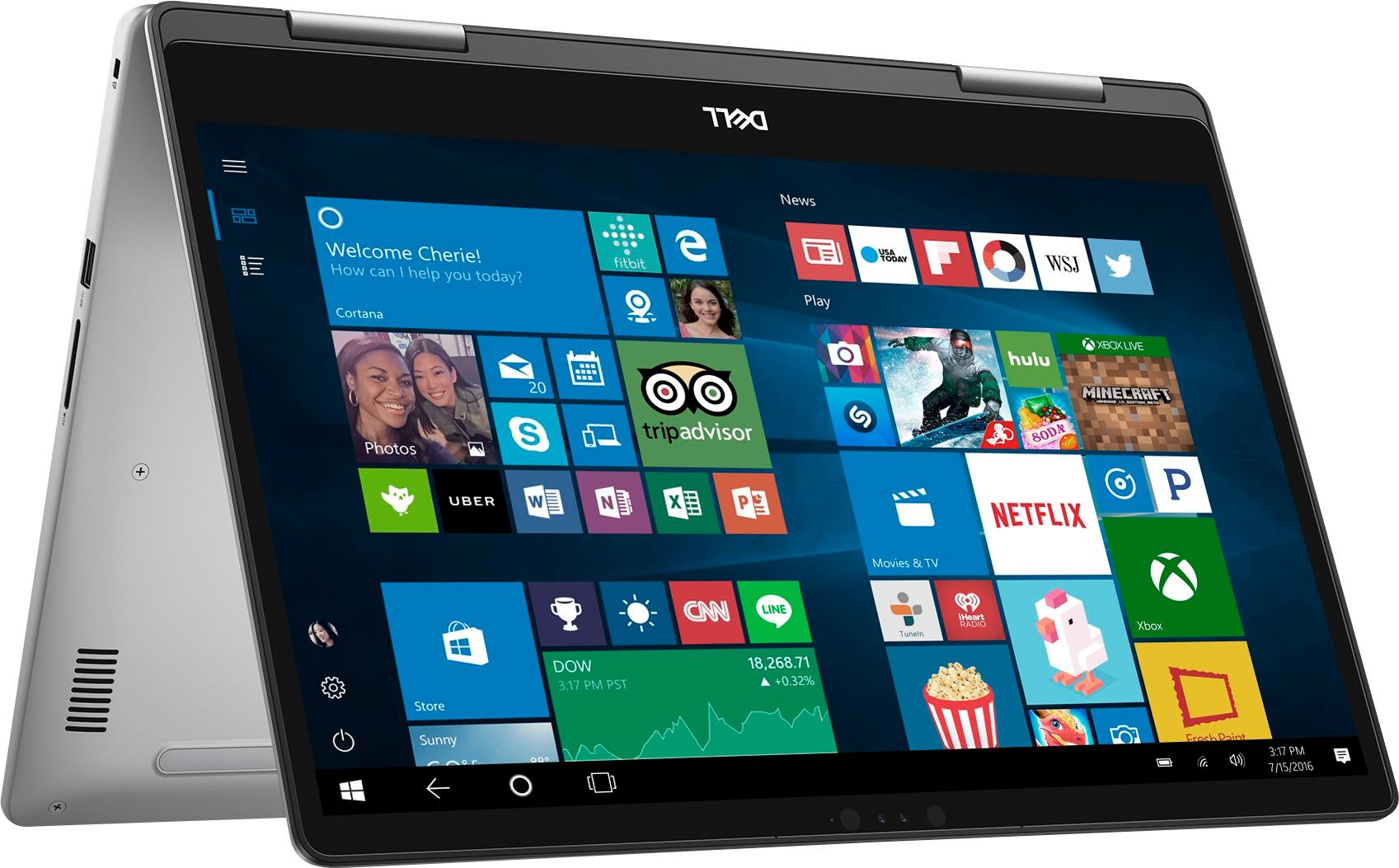


- Model:
- I7573-7012GRY-PUS
- SKU:
- 6083546
Rating by feature
- Value
Rating 4.0 out of 5 stars
- Quality
Rating 4.0 out of 5 stars
- Ease of Use
Rating 4.3 out of 5 stars
Customers are saying
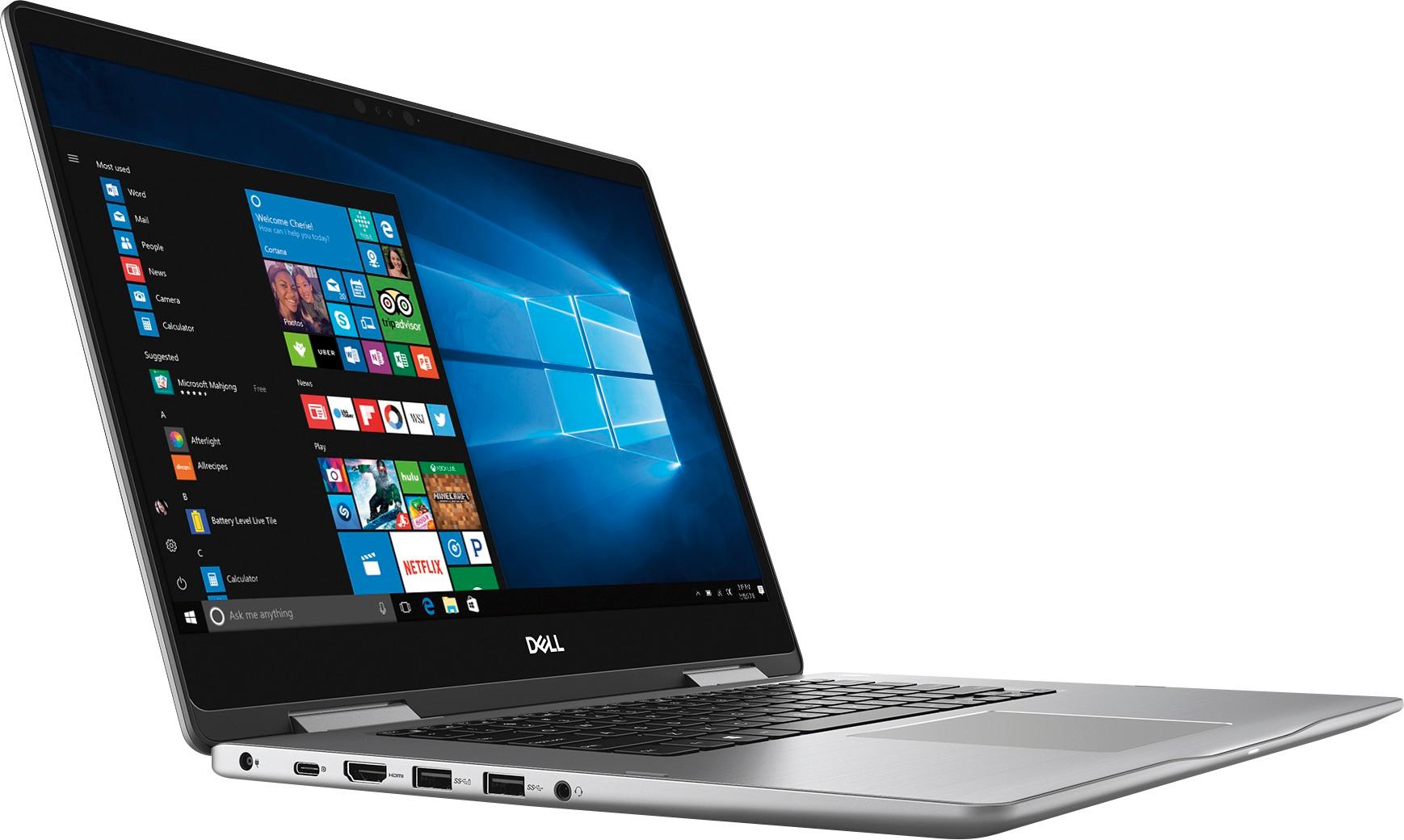
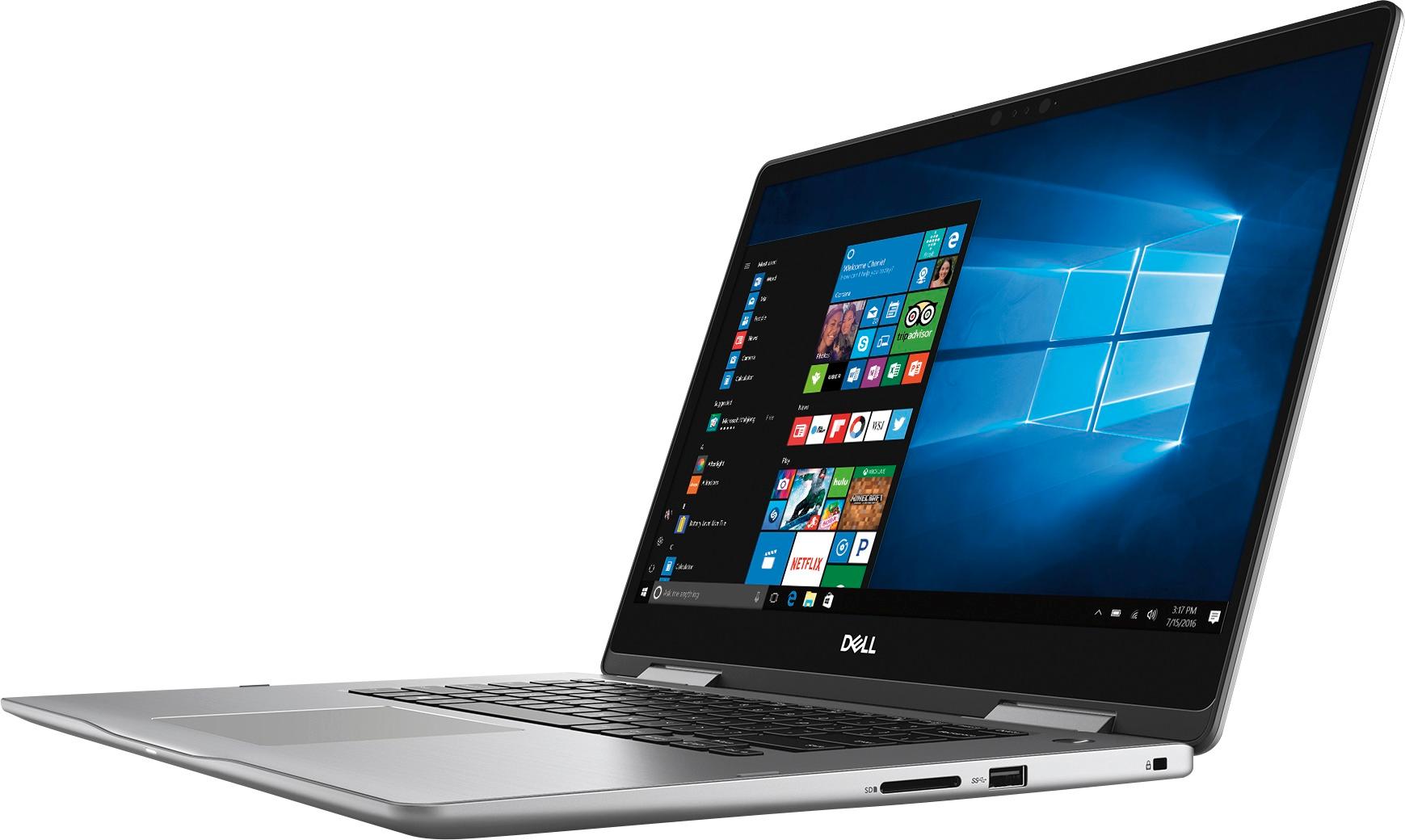
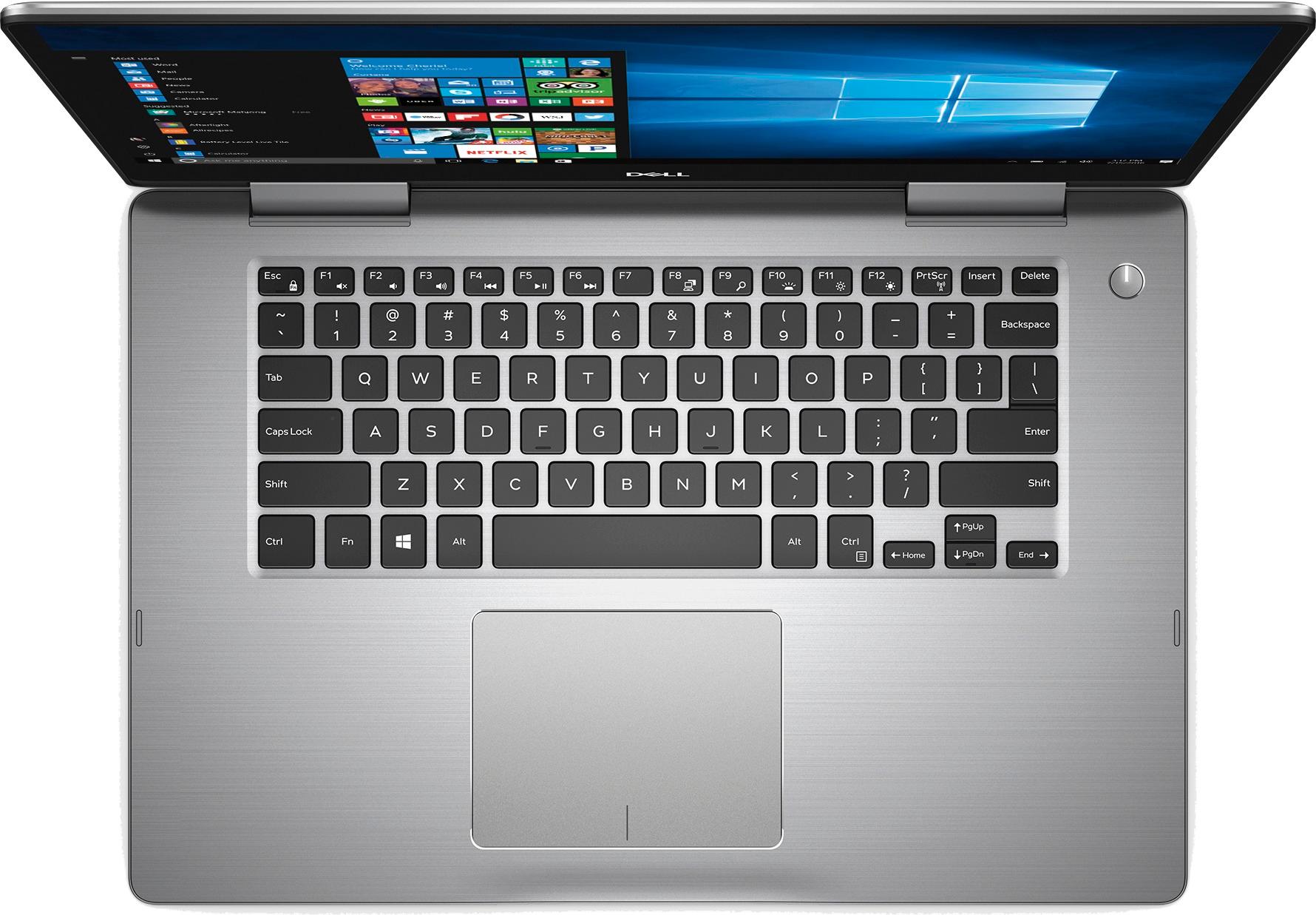
Customers admire the Inspiron 2-in-1 laptop for its responsive touch screen, affordable price, and lightweight design. Many users appreciate the 2TB storage capacity, which meets their need for ample storage. However, some users have concerns about the battery life, which lasts around 4-5 hours, and a few have experienced unexpectedly poor performance.
This summary was generated by AI based on customer reviews.
Just waste of money
||Posted . Owned for 1.5 years when reviewed.This reviewer received promo considerations or sweepstakes entry for writing a review.Super slow, poor Sound quality. Hinches got two huge cracks within three months.
No, I would not recommend this to a friendTerrible
||Posted . Owned for 3 weeks when reviewed.This reviewer received promo considerations or sweepstakes entry for writing a review.I have had for almost a week and it has already started glitching
No, I would not recommend this to a friendSucks
||Posted .This reviewer received promo considerations or sweepstakes entry for writing a review.I had a cheap hp old runs faster than this piece of crap
No, I would not recommend this to a friendBrand response from YourDellTeam
Posted .Hello Judd,
We're sorry that your computer is not performing as fast as you had hoped. We'd recommend running the Windows Performance Troubleshooter to see if there are ways to speed up your computer:
1. Close all open windows.
2. Press the Windows logo key + X key on the keyboard.
3. Click Control Panel.
4. Click System and Security.
5. Under Security and Maintenance, select Troubleshoot common problems.
6. Under System and Security, click Run maintenance tasks.
7. Follow the on-screen instructions and prompts to complete the process.
8. Restart the PC.
You can read the full article here - http://dell.to/2tSulGV.
Best,
Bryan
1-800-624-9896
Not good
||Posted .This reviewer received promo considerations or sweepstakes entry for writing a review.Laptop is not working. I am unable to switch on it
No, I would not recommend this to a friendBrand response from YourDellTeam
Posted .Kishore,
Thanks for your review. We're sorry that you're having trouble using your new computer. We'd recommend the following steps if you are having trouble turning your computer on:
1. If the computer is displaying the Dell logo and does not move past that point, it has probably failed POST.
2. If the power indicator lights up and it is amber or orange, this is usually an indicator that it has failed POST.
3. If you see text on a black screen, the computer is currently performing the POST. If the computer stays in that condition and does not move past it, it has probably failed POST.
4. If the video screen displayed anything at all during the startup process but is now black, this probably indicates that the computer failed POST.
5. If the computer is beeping or if Caps/Num/Scroll Locks are flashing, note if there is a particular pattern in which it beeps or flashes.
6. If the computer is not beeping and caps/num/scroll locks are not flashing, unplug all connections and remove all media communication devices (e.g. external monitors); reconnect one at a time and check if the computer functions.
7. For a notebook, press and hold the Fn key and then press the power button. This starts the pre-boot testing and will launch ePSA. In case you have a Desktop at the Dell logo screen tap the F12 key to enter One Time Boot Menu and use the arrow keys to highlight Diagnostics and press enter.
You can read the full article here - http://dell.to/2uj1Sby.
Best,
Bryan
1-800-624-9896
Start up speed too lengthy
||Posted .This reviewer received promo considerations or sweepstakes entry for writing a review.Returned this product and exchanged it for an hp i
No, I would not recommend this to a friend
Okay Performance
|Posted .This reviewer received promo considerations or sweepstakes entry for writing a review.First, I want to say that I am used to using a MacBook Pro. I have been using Mac's since 2012 so my expectations may be different than a PC user. When I received the laptop it had no charge whatsoever and took about 1.5 hours to fully charge. The setup process was not difficult and it is nice that it has facial recognition as an additional way to sign into the computer. However, it doesn't always work. Mainly I noticed it may not work if my hand is under my chin or something like that. In those cases I instead sign in with a pin number. The screen is nice and when carrying the computer it feels heavy enough to be good quality without being too heavy. The screen is touch screen but I don't really use it. However, I did make sure to try that aspect of it off and on when going through my email, and it seems to work well. My favorite internet browser is Chrome and so I downloaded that right away, and I downloaded iTunes not long after that. They downloaded pretty quick and I had minimal problems getting things set up on both of those. I connected a bluetooth mouse as well, and that connected easily and stays connected. The volume is EXCEPTIONALLY loud. When playing something on YouTube it was plenty loud at 30%. Battery life is not really impressing. Even with the screen brightness really low I got less than 5 hours out of it. It takes about 1-1.5 hours to fully charge. I was also able to connect some bluetooth headphones to the computer very easily. The major problem I found is that the computer is slower than I would have expected. I assumed that because my MacBook Pro has 8 GB of RAM and this has 12 GB of RAM that this would be faster. However, my MacBook Pro is still faster than this is and my MacBook Pro is five years old. It came with McAfee for 30 days, which is nice. Overall, it is not a bad computer but it is not great either. I would still recommend it but not to a person that will do heavy duty computing on a regular basis. It is more for the person who uses their computer for surfing and email purposes.
I would recommend this to a friendBrand response from YourDellTeam
Posted .Cas25 - Thanks so much for your review and for your recent Dell touchscreen laptop purchase. We're glad to hear that you're mostly happy with your new laptop but we'd like to offer some tips that can help you to enhance the use of your laptop. With regards to the battery life of your laptop we'd recommend the following to help maximize the battery life:
Change the Power Plan:
1. On the notification area of the taskbar, right-click the Battery icon.
2. On the options list, click Power Options.
3. Select a power plan on the battery meter, such as Power Saver or Balanced. Windows 10 has a built-in 'Battery Saver' mode that can be activated to extend your system's battery life. The Battery Saver mode will monitor and limit background activity and other features such as push notifications. You do have the option to enable or disable this mode within settings or within advanced Battery Saver settings, you can customize the mode to best suit your needs.
1) Click on the Action Center icon within the taskbar and select the tile for Battery Saver.
2) If running Cortana then type Battery Saver into the search box and select from the results.
Within the Battery Saver settings page you will be able to turn on and off the feature and customize the feature to best meet your needs.
3) Turn Battery Saver On or Off.
4) Additional settings available via the Battery use and Battery saver settings links.
5) Battery use shows further info on apps and their power usage.
6) Battery Saver Settings screen allows you to customize further Battery Saver feature.
You can read the full article here - http://dell.to/2vfXWf4.
In order to help speed up your computer, here are some tips:
Delete temporary files and directories
1. Click Start, then in the search bar type "disk". Disk Cleanup should appear on the menu above the search box.
2. Run disk cleanup and eliminate unneeded temporary files (Search results, Internet Cache and other windows temp files you may no longer need)
3. Select files you want to delete then click OK to start the cleanup process. Uninstall applications you no longer use
1) Open the Programs and Features application in Control Panel.
2) Scan the list of applications installed for ones that you no longer use.
3) Highlight any application you no longer use and then click the uninstall button at the top of the list. Follow the prompts to uninstall.
4. Repeat for each application you want to uninstall.
5. Move large files and/or seldom used files to backup media (Photos, Music you seldom listen to, application downloads after the application has been installed etc.).
6. Empty the Recycle Bin.
You can read the full article here - http://dell.to/2tSulGV.
We hope that these tips help you get the most out of your new computer. - Bryan
- Pros mentioned:Touch screen
Great laptop
Posted .This reviewer received promo considerations or sweepstakes entry for writing a review.I bought this laptop about a month ago and giving that it has a hhd and not a ssd the speed is exceptional the touchscreen very responsive.. it also comes with 12 gb of ram which if you are familiar with computers is a considerable amount for a laptop under 1000 dollars that isn't even mentioning that it's also a i7 8550u pcu I've had no issues as of yet.. I suggest this 2 in 1 for anybody looking for more bang for your buck. And not only that tells customer service is excellent. As well as best buys customer service
I would recommend this to a friend - Pros mentioned:Speed
Surprisingly Nice
Posted .This reviewer received promo considerations or sweepstakes entry for writing a review.I was surprised with the speed of this laptop with a standard HDD rather than a solid state drive. There is the occasional freeze or unresponsive time but overall I've enjoyed using it so far. Mainly a home computer with some business application I've been able to run all my apps alongside each other without bogging it down. The ability to use Windows ink and a pen makes taking notes during meetings a breeze, while also making drawing fun again for me as well. If you're looking for a quick, portable, game-ready laptop, this is definitely gonna get the job done for you.
I would recommend this to a friend Everything that I expected
|Posted .This reviewer received promo considerations or sweepstakes entry for writing a review.This laptop is pretty much all that I expected from a 2-in-1. The Hard Drive is a downside because it slows down the computer. An SSD will definitely speed things up by a lot. Also, the 2 TB HDD in this is nice and plenty to store a lot of files. The screen is beautiful and responsive. Watching movies and what not is absolutely amazing. I recommend this a lot.
I would recommend this to a friendDell laptop
Posted .This reviewer received promo considerations or sweepstakes entry for writing a review.Purchased for my spouse. Nice laptop but a little slow.
No, I would not recommend this to a friend- Pros mentioned:Speed
Great at first then became very slow
Posted .This reviewer received promo considerations or sweepstakes entry for writing a review.I’ve had this laptop for a couple years now and at first it was amazing and ran fast. I have kept an antivirus on it, make sure it stays fully up to date, and analyze and optimize my laptop once a week. I only use it for college work and some at home work when needed, on excel or word. Anytime i save work i always save it on to a drive instead of the laptop itself. However, after about a year and half it has became extremely slow, freezes up a lot, and takes 10+ minutes when I turn it on or restart. At first i would have recommended it to anyone that asked but now i try to steer people clear of this laptop. This is really disappointing since ive always been a huge dell fan
No, I would not recommend this to a friend Has Potential but flawed
Posted .This reviewer received promo considerations or sweepstakes entry for writing a review.I bought this computer to use for graduate school. From the day i opened it to now 3 months later I have had nothing but constant issues. On the very first day of updating one of the patches removed the sound driver and it would not reinstall of the internet, so I had to do a hard reset. After that its been nothing but very laggy slow progress. Recently it quit playing video on firefox, chrome, and ie. I ended up having to reinstall windows 10 to solve it currently. I am really doing nothing more than school use and casual internet browsing. I kept thinking it would smooth out eventually and I really didn't want to deal with returns but I really think I should have.
No, I would not recommend this to a friendBrand response from YourDellTeam
Posted .Hello Adrenalinjunky2 - We're glad that you've been able to troubleshoot your computer when certain issues have come up. We'd recommend making sure that after your re-installation that you have all of the most up to date drivers and software on your computer. You can check your drivers from this site - http://dell.to/2yuPeJ9. We hope these tips help resolve any additional problems that may arise. - Bryan
Dell keeps doing it
Posted .This reviewer received promo considerations or sweepstakes entry for writing a review.God I love this computer. I’ve had it for several years now and it has never let me down, but I have always taken care of it. One upgrade I’d recommend is an SSD; HHD just doesn’t compare.
I would recommend this to a friendPoor Quality Control
Posted .This reviewer received promo considerations or sweepstakes entry for writing a review.Bought one of these since I'm going back for graduate school and needed something with a little more flexibility and firepower than my old desktop. Dell has always served me well and their customer service has always been great. Apparently a lot has changed. This computer has plenty of performance capability, but is near constantly running the disk to 100%, resulting in things like opening Firefox to take a considerable amount of time. I tried using Dell's online diagnostics, but they wouldn't work. Called Dell. They tried to help, but didn't fix it. Was sent up the line to a different specialist who had me run a specific diagnostic, then determined the issue was software, which wasn't covered under my warranty and I'd have to pay for that help. Computer was 3 days old at this point. Took it back to best buy for an exchange. Same computer, speeds a little better but windows processes keep eating up the disk at inconvenient times. And the track pad on this one is loose... It's just kind of sad. The computer is generally ok if you ignore the disk issue. Screen is clear. Camera seems to work alright. The computer can't fold back on itself (for tablet mode) all the way flat, which is a bit annoying. Tablet mode also creates struggles if you shut the computer down while in it. I'll probably end up calling in the warranty on the track pad and eventually replace the hard drive with a SSD. I wouldn't buy this unless you had very specific plans for it.
No, I would not recommend this to a friendBrand response from YourDellTeam
Posted .Hi ZDrums24,
Thanks for your review and we're sorry to hear that your new computer is not working the best for you. If you'd like to read a little more about your computer and how to make it work better for you, you can check out our Product Support Page here - http://dell.to/2F1mrhh.
If you have additional questions for our Technical Support Team you can reach out to them here - http://dell.to/2sH7Qlm.
We hope your computer begins to perform the way you'd like it to soon.
Best,
Bryan
1-800-624-9896
Look around for better options
Posted .This reviewer received promo considerations or sweepstakes entry for writing a review.I had high hopes for this computer. I bought it to replace a roughly 10-year old laptop that was starting to show its age. I looked for a fast processor, HD display and a laptop that had decent reviews. Unfortunately, things didn't start off well. The first one I purchased had to be returned--it kept freezing and shutting down on its own. Overall, it was very buggy. I returned it for a new one and while the new one has been much better than that first one, it's far from perfect. For starters, it's much slower than I expected. I would say, in fact, that it's not any faster than my old 10-year laptop. I was expecting so much more from a Core i7 processor. And it too frequently freezes for no apparent reason. Or the facial recognition camera will not work And no matter how I shut down Google Chrome I constantly get a message saying my browser was not shut down properly and it will open up the last pages I was on. The troubleshooting tools are hit or miss and frequently cause the laptop to freeze up completely. Streaming music to a Bluetooth speaker does not seem to work correctly, so I've given up on that. There are several little things that all add up to make this a computer I would not recommend. There must be better options out there. Do I completely regret buying it? Not really, but I know I would be much happier with a different model. I'll make it work, but overall it's been a big disappointment.
No, I would not recommend this to a friendBrand response from YourDellTeam
Posted .Hello Snakenole,
Thank you for your detailed review. We're sorry that your computer is not living up to your expectations. If you are still experiencing freezing issues with your computer you can troubleshoot this concern with these steps:
1. Run a Computer Diagnostic. To determine if your computer is experiencing a hardware problem, run the Dell Preboot System Assessment (PSA) Diagnostics. For information on how to run Diagnostics, and to determine the issue, refer to Dell Knowledge Base Article: http://dell.to/2iaiujA.
2. Check Safe Mode for Symptoms. To boot into safe mode, please follow the instructions below:
a) Start the computer.
b) Tap 'F8' on the keyboard immediately and every one second until the Dell logo screen disappears. From there you will see the Windows Advanced Options Menu on the screen. (If the Windows Advanced Options Menu does not appear, restart the system and try again.)
c) Select Safe mode with Networking and press Enter.
d) Log on as the administrator or as a user with administrative access.
e) Open applications and test the computer in safe mode. If the symptoms exist in safe mode, please continue the troubleshooting steps in this article. If the symptoms do not exist in safe mode, the issue is likely related to a driver or software and you may wish to complete steps 6 to see if you are able to resolve the lockups or freezing.
6. Check for Malware. Malware (Virus, Spyware, etc.) can definitely cause a Windows system to lock up or appear to hang. To check for malware on your system and to ensure that your computer is up to date on security software, visit Dell Knowledge Base Article: http://dell.to/2wWP1zI.
You can read the full article here - http://dell.to/2tW5m33.
If your computer continues to run slower than you had planned you can run the Windows Performance Troubleshooter here:
1. Close all open windows.
2. Press the Windows logo key + X key on the keyboard.
3. Click Control Panel.
4. Click System and Security.
5. Under Security and Maintenance, select Troubleshoot common problems.
6. Under System and Security, click Run maintenance tasks.
7. Follow the on-screen instructions and prompts to complete the process.
8. Restart the PC.
You can read the full article here - http://dell.to/2tSulGV.
Lastly, we'd recommend that you check to make sure that all of your drivers and software are up to date on our Product Support Page: http://dell.to/2yuPeJ9.
We hope that these solutions help you.
Best,
Bryan
1-800-624-9896
- Cons mentioned:Battery life
Laptop kind of sucks.
Posted .This reviewer received promo considerations or sweepstakes entry for writing a review.Ok laptop. Very slow and sluggish Battery doesn't last long at all.
No, I would not recommend this to a friend - Cons mentioned:Battery life
Big waste of $
Posted .This reviewer received promo considerations or sweepstakes entry for writing a review.Horrible computer, okay well that's not entirely true I loved my computer I got it brand new only had it for maybe 7 months and internal battery quit working. Fortunately it was still under warranty so I mailed it in and they replaced the battery. This fixed the problem it ran okay for 9 months or so only to wake up one morning and try to turn it on and no power, no lights and no help! Apparently this is a common problem that this laptop has I've tried every suggestion online to try and fix it with no luck!
No, I would not recommend this to a friend Dell
Posted .This reviewer received promo considerations or sweepstakes entry for writing a review.Works great for the price got it for my grandson battery life is about 10 hours
I would recommend this to a friendPathetic laptop
Posted .This reviewer received promo considerations or sweepstakes entry for writing a review.My sister bought me this laptop from California last year and I am seriously very disappointed with this laptop. I have hardly used this laptop since it is too slow. I still prefer using my old laptop which is by the same manufacturer and purchased ten years back. It minimum takes 10 minutes to start each and every time since windows keeps on updating every time. I tried with disabling the updates but even that didnt helped. After entering the username and password on welcome page, I wait for five more minutes to get my homepage. I read some previous reviews and have done all the troubleshooting which dell guys have provided but still no luck. Its very frustating since it takes lot of time to perform even the basic stuff like transferring the photos,editing word etc. I dont know whats the problem or how should I overcome this. It shouldnot be this slow since it has strong processor and 12gb ram. I have also installed a very good licensed antivirus but to no avail.I think my device is faulty but I am not 100% sure.
No, I would not recommend this to a friendBrand response from YourDellTeam
Posted .Hi Nishant,
Thanks for your review. We're glad to see that you've tried the troubleshooting tips that were provided with past reviews. Have you tried limiting the number of programs that launch at startup? This could help speed up your system loading time:
1. Close all open windows.
2. Press CTRL + Shift + ESC key together on the keyboard.
3. In the Task Manager window, click Startup tab.
4. Select the program or application that you want to disable from loading during startup.
5. Right-click and select Disable.
6. Repeat Step 4 & 5 for all the programs or applications that you want to disable from loading during startup.
7. Restart your PC.
You can read the full article here - http://dell.to/2tSulGV.
We'd also recommend running the Dell Support Assist App that came with your computer. This will help you ensure that all of your drivers and software are up to date.
We hope that these tips help your computer perform better for you.
Best,
Bryan
1-800-624-9896
Great build and quality but poor on performance
Posted .This reviewer received promo considerations or sweepstakes entry for writing a review.I got this for my wife for her school. It does look good on paper and is pretty good on processing power as well. The real issue comes up because of the disk rate, the HDD on the laptop itself is pretty slow. I own an Alienware and use a dell latitude(i5 3rd gen) with SSD and I do see the difference between them. On investigating further, I did see that windows 10 indexing takes up the disk rate resource and hogs other applications like google chrome and this was with a clean install. Probably the laptop is not the best option if you expect it to have a faster startup or faster with opening applications. I would recommend switching the HDD with an SSD or adding a boot drive of m2 SSD with 512GB or higher depending on your use. Best buy should probably make the model refreshed on this if they want to sell more of them. There are faster Dell Inspiron laptops for the same pricing. I don't think I would recommend this one.
No, I would not recommend this to a friendBrand response from YourDellTeam
Posted .Arunkumar,
We appreciate your feedback and we're sorry that the startup of your wife's computer and applications are not what you were hoping for. We'd recommend limiting the number of programs that launch at startup. You can follow these steps to help with this:
1. Close all open windows.
2. Press CTRL + Shift + ESC key together on the keyboard.
3. In the Task Manager window, click Startup tab.
4. Select the program or application that you want to disable from loading during startup.
5. Right-click and select Disable.
6. Repeat Step 4 & 5 for all the programs or applications that you want to disable from loading during startup.
7. Restart your PC.
You can read the full article here - http://dell.to/2tSulGV.
We hope this helps your wife's computer work better for her.
Best,
Bryan
1-800-624-9896