Customer Ratings & Reviews

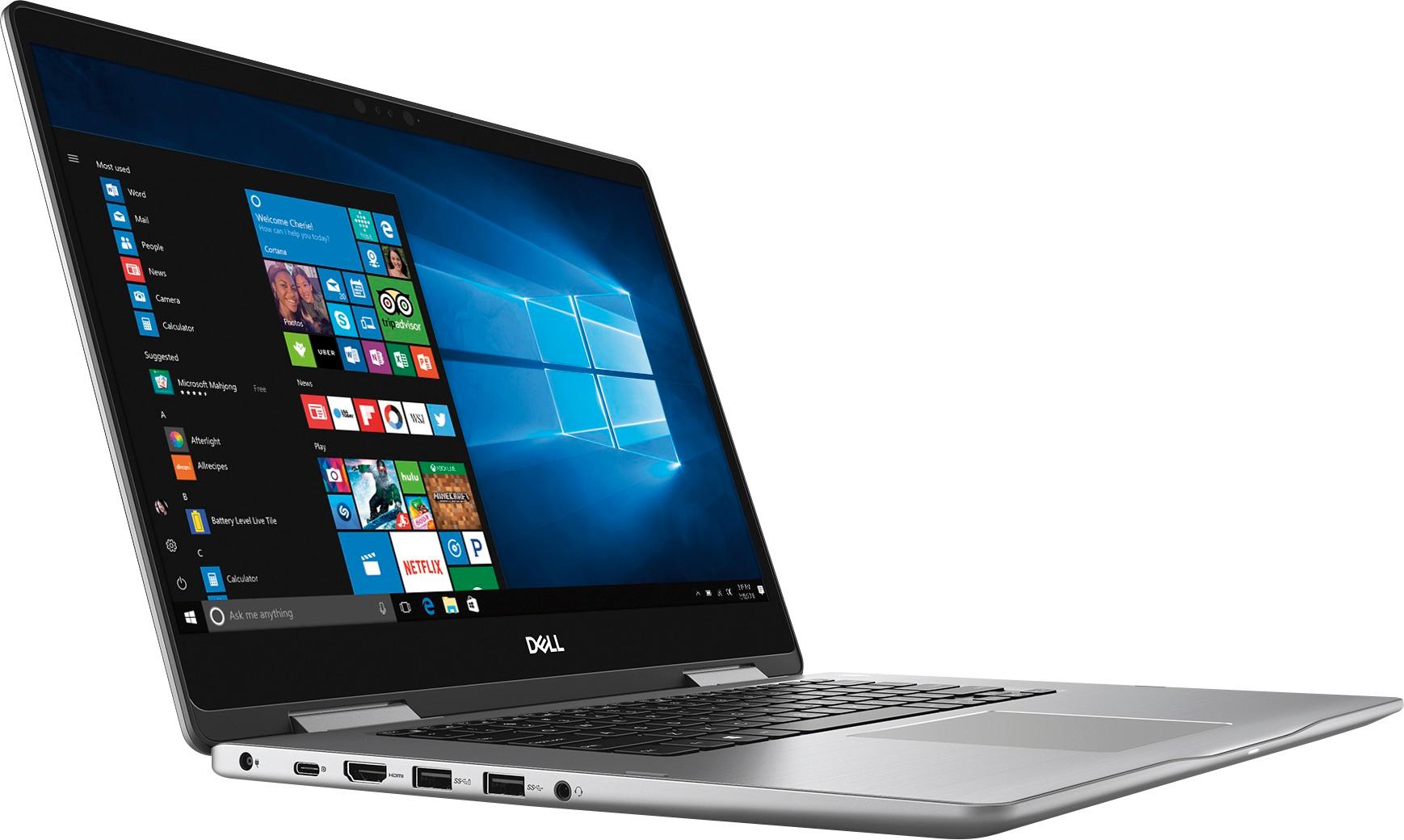
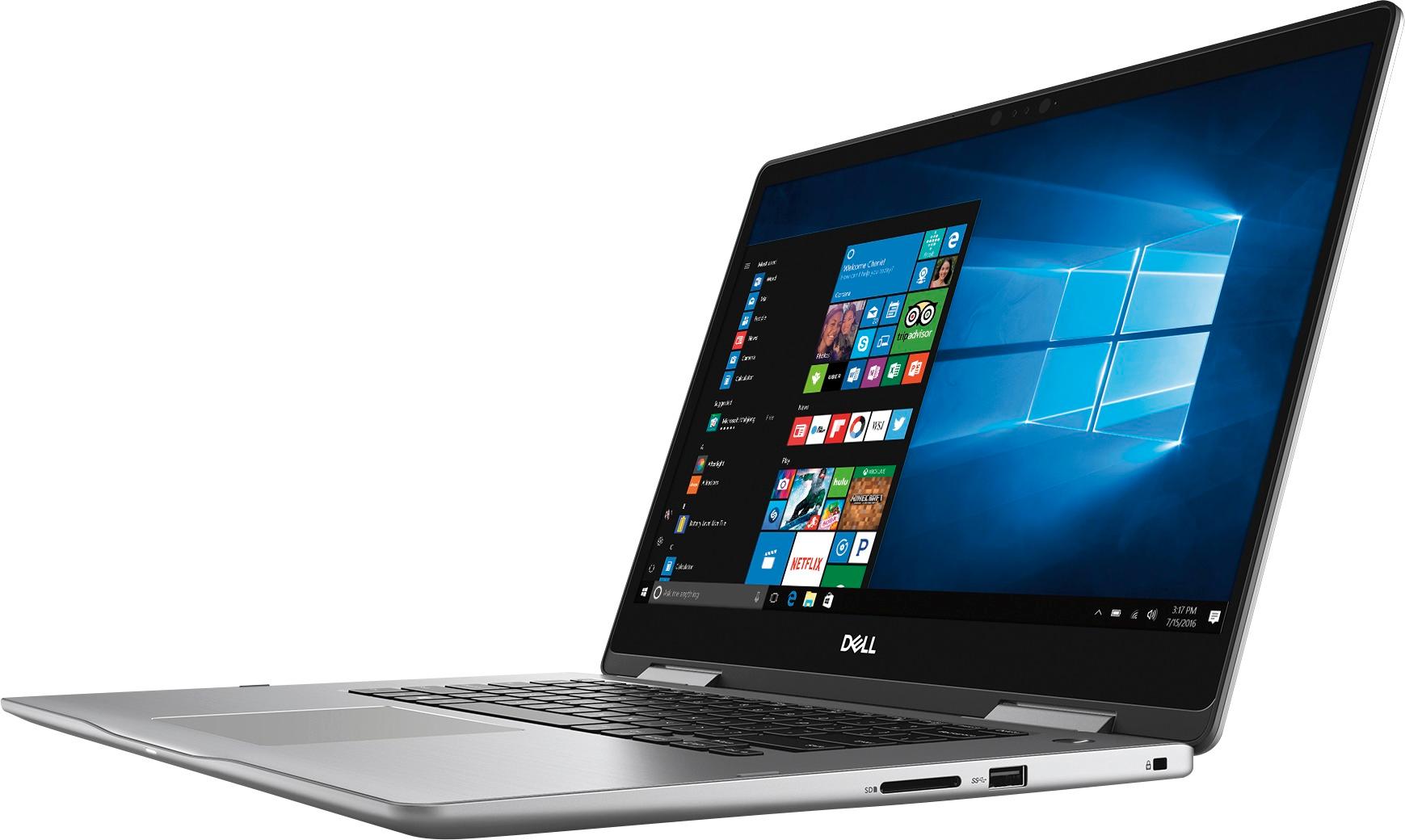
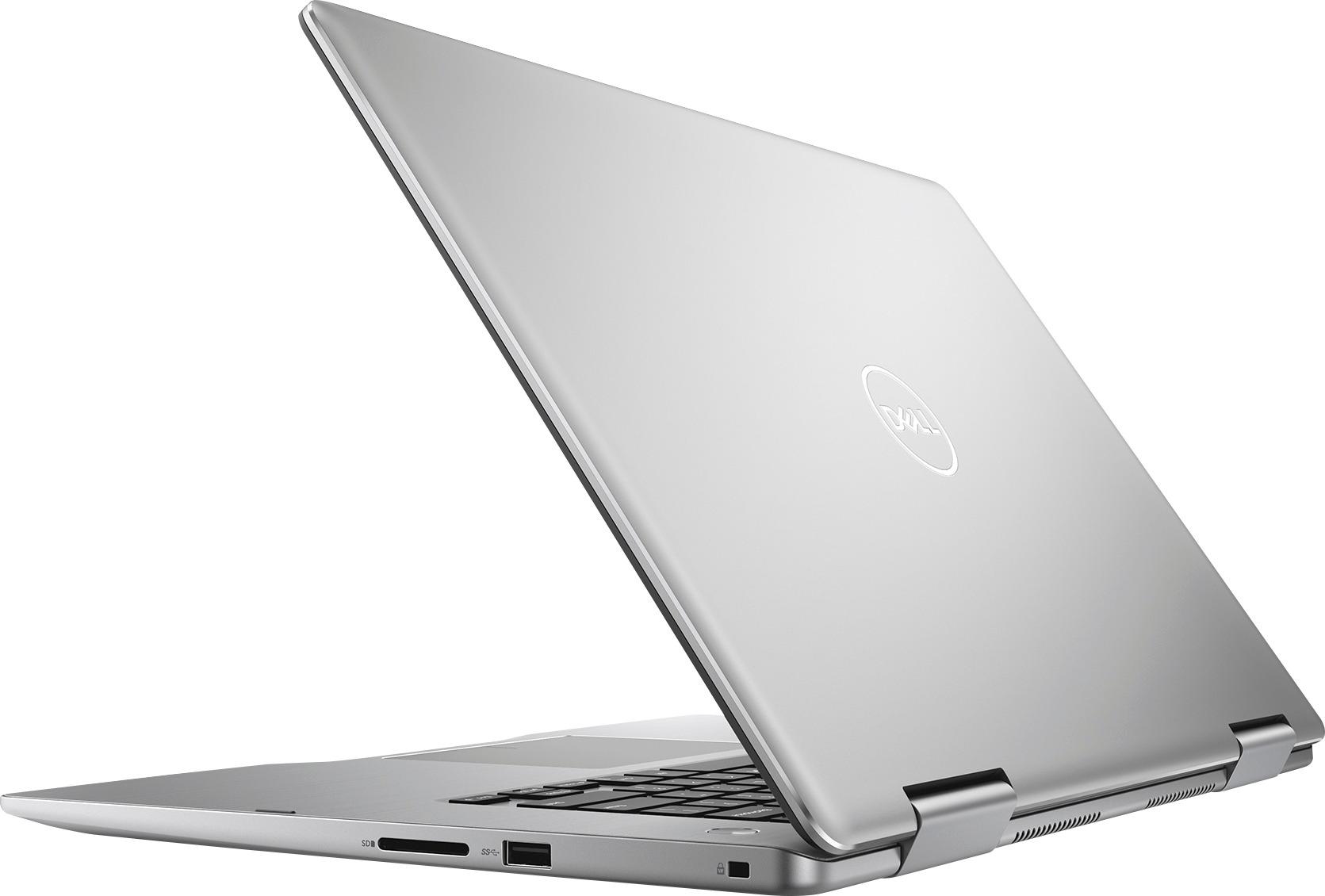
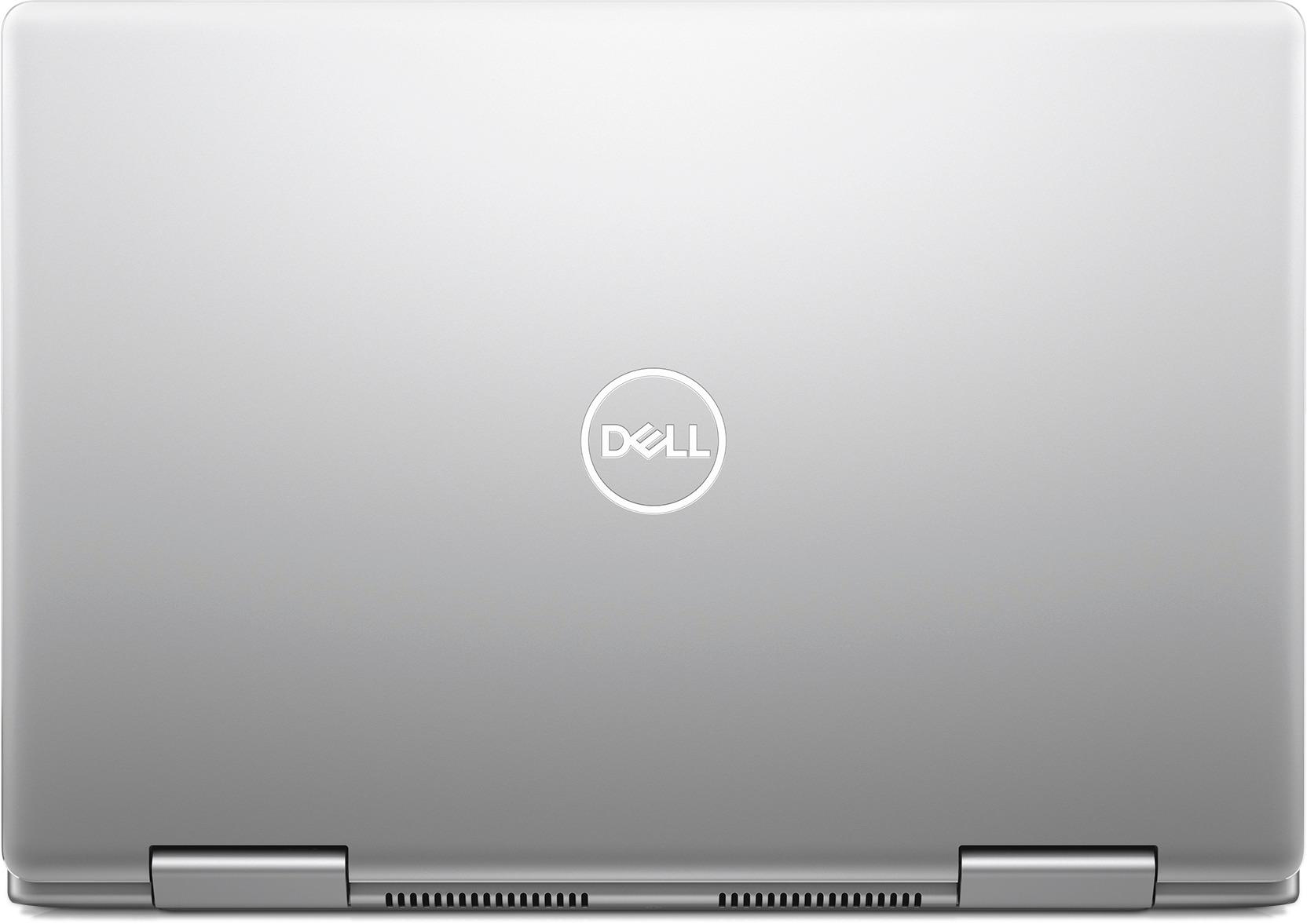


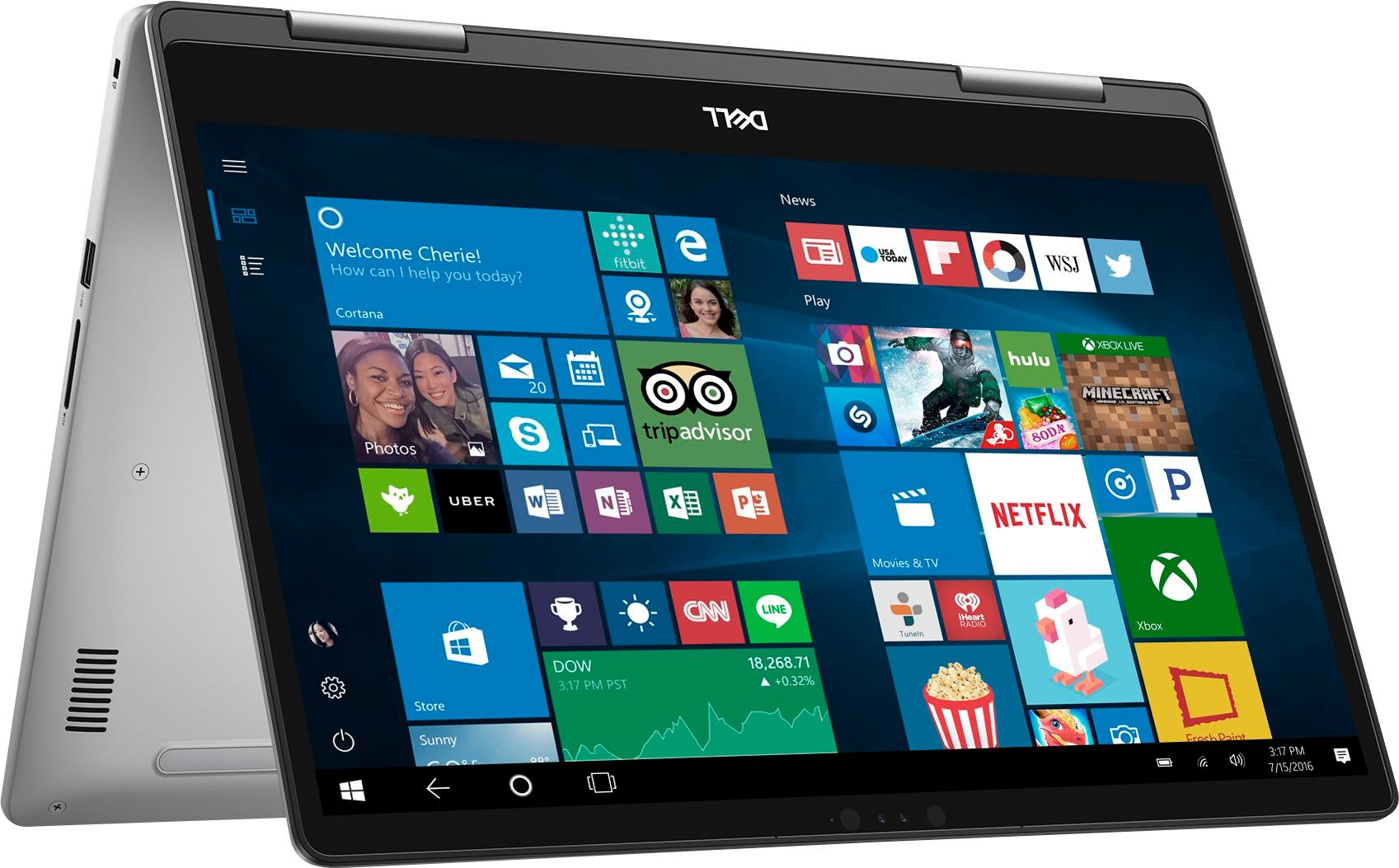


- Model:
- I7573-7012GRY-PUS
- SKU:
- 6083546
Rating by feature
- Value
Rating 4.0 out of 5 stars
- Quality
Rating 4.0 out of 5 stars
- Ease of Use
Rating 4.3 out of 5 stars
Customers are saying
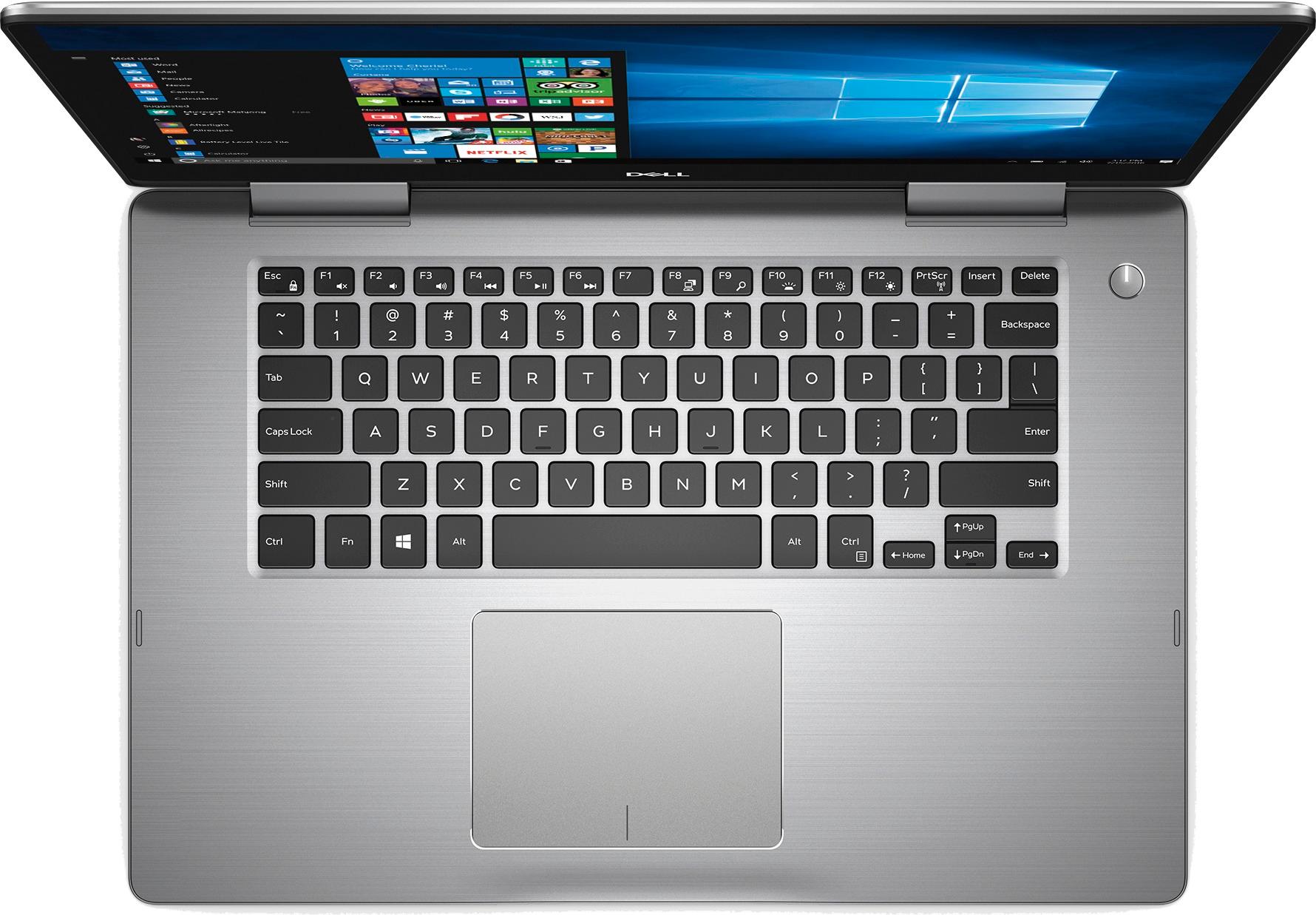
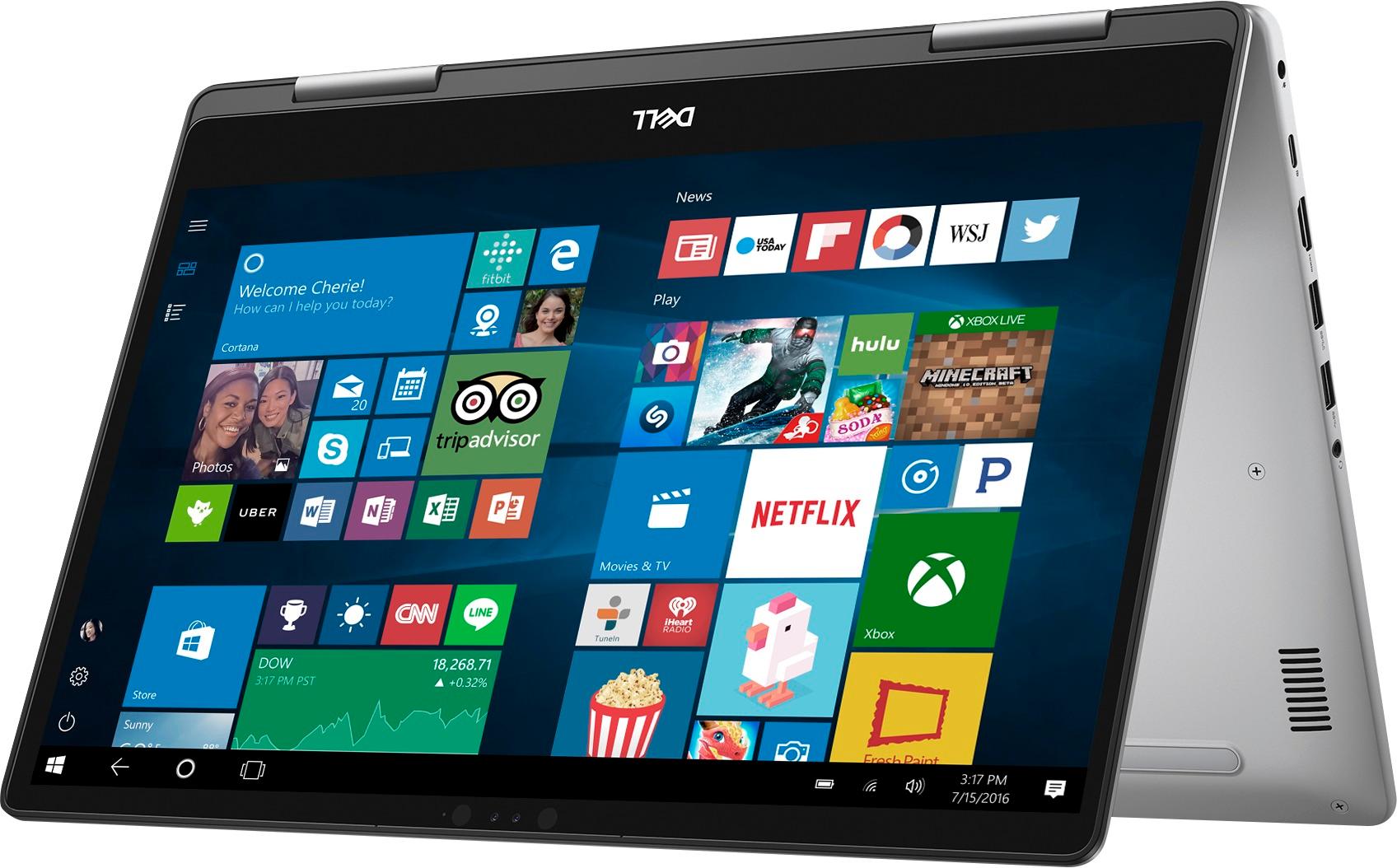
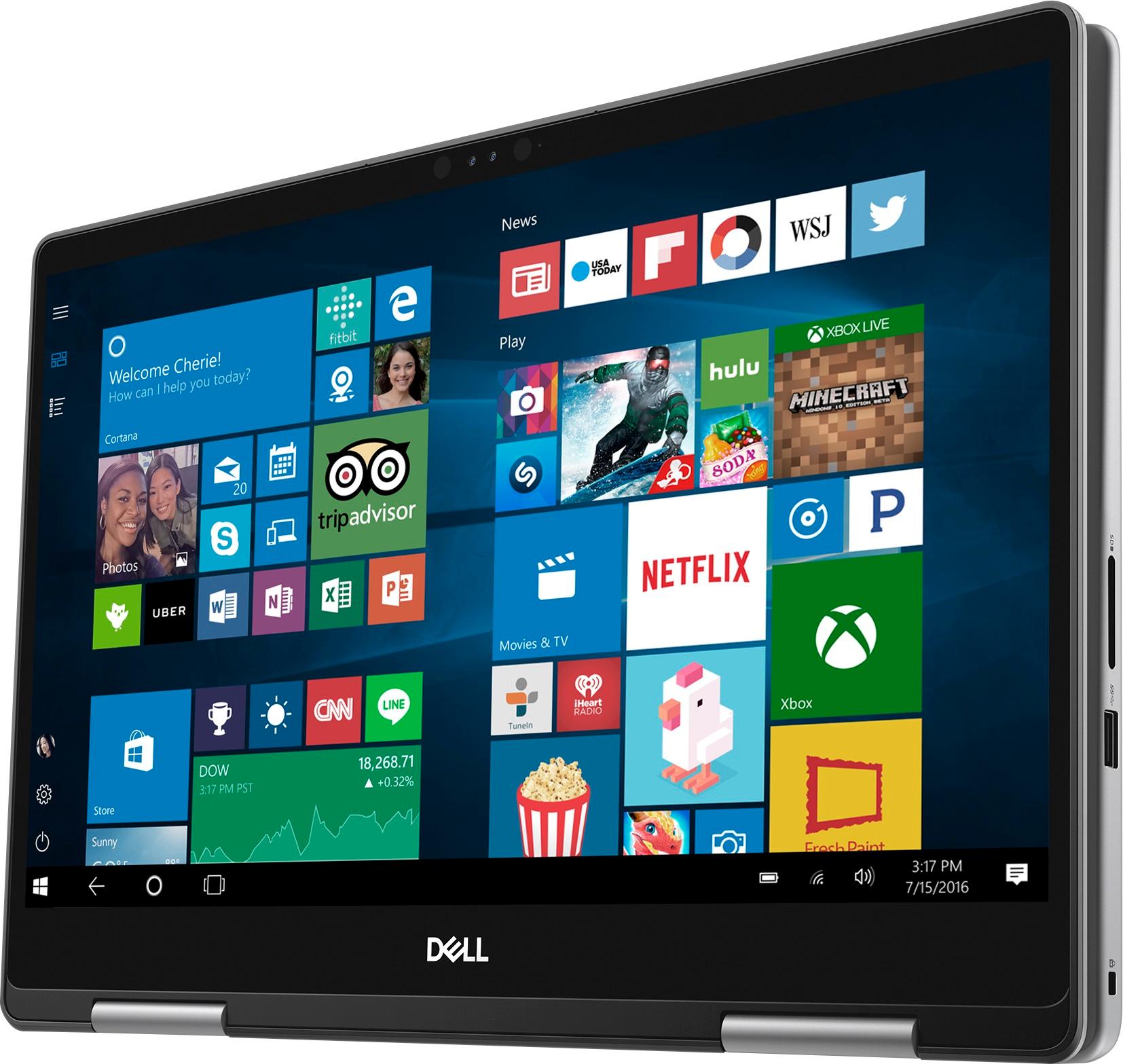
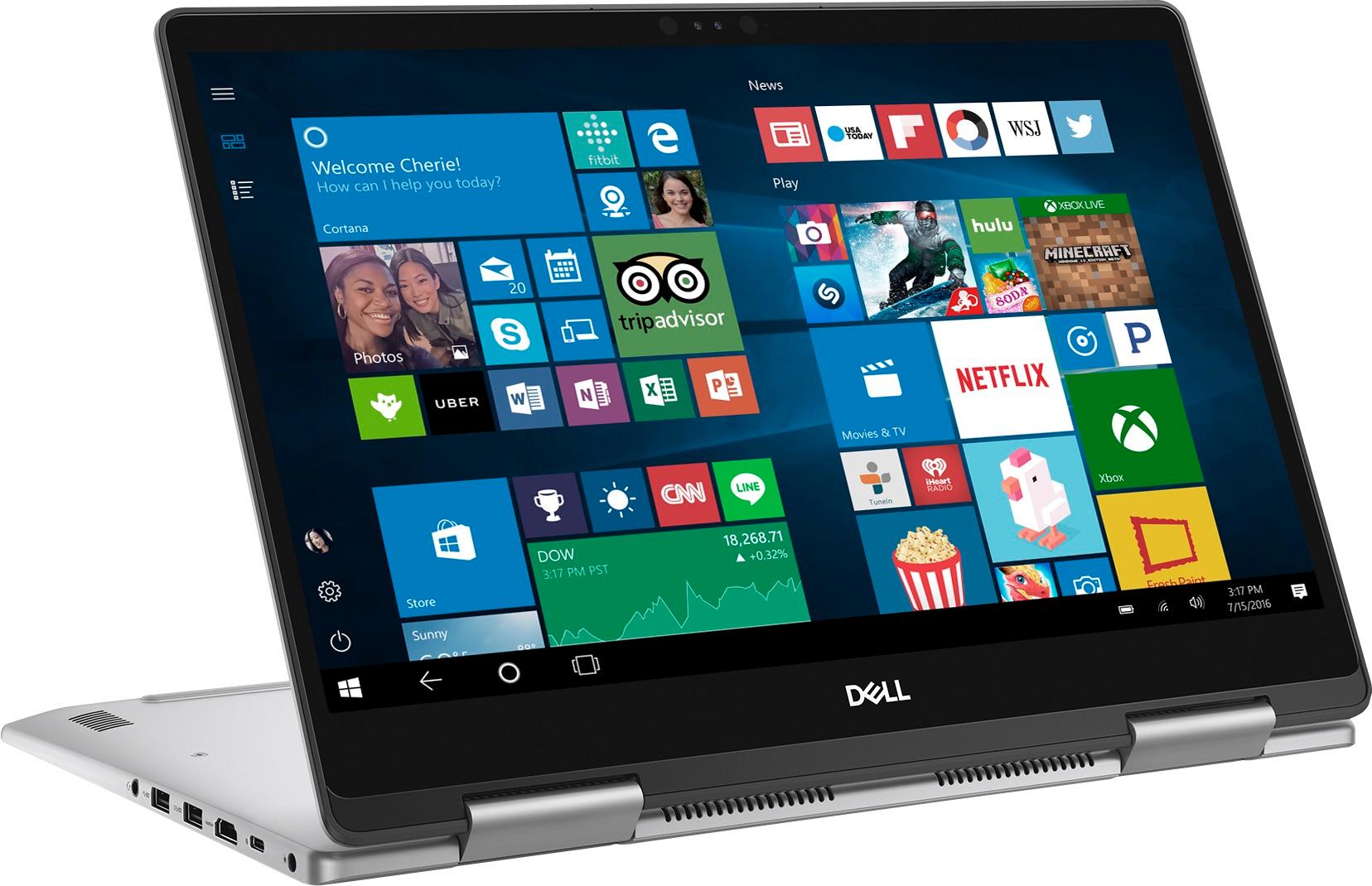
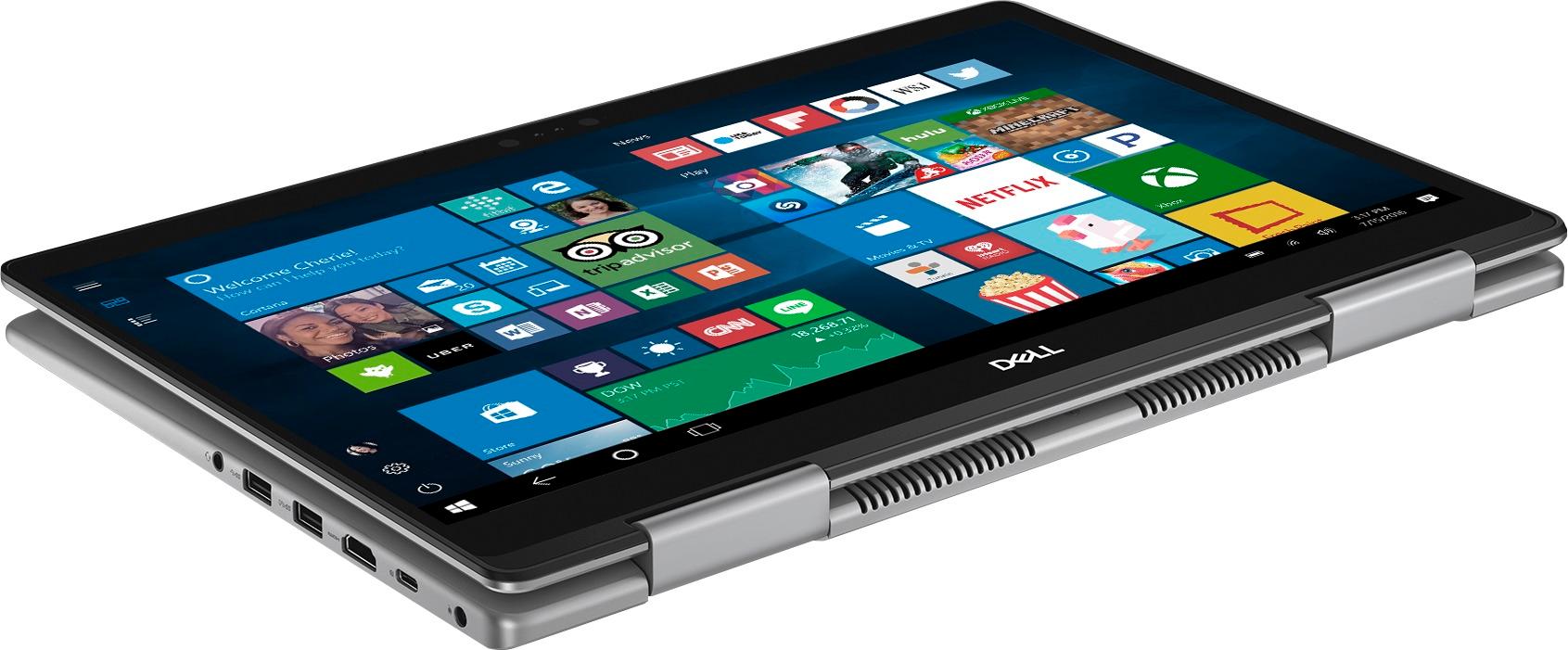
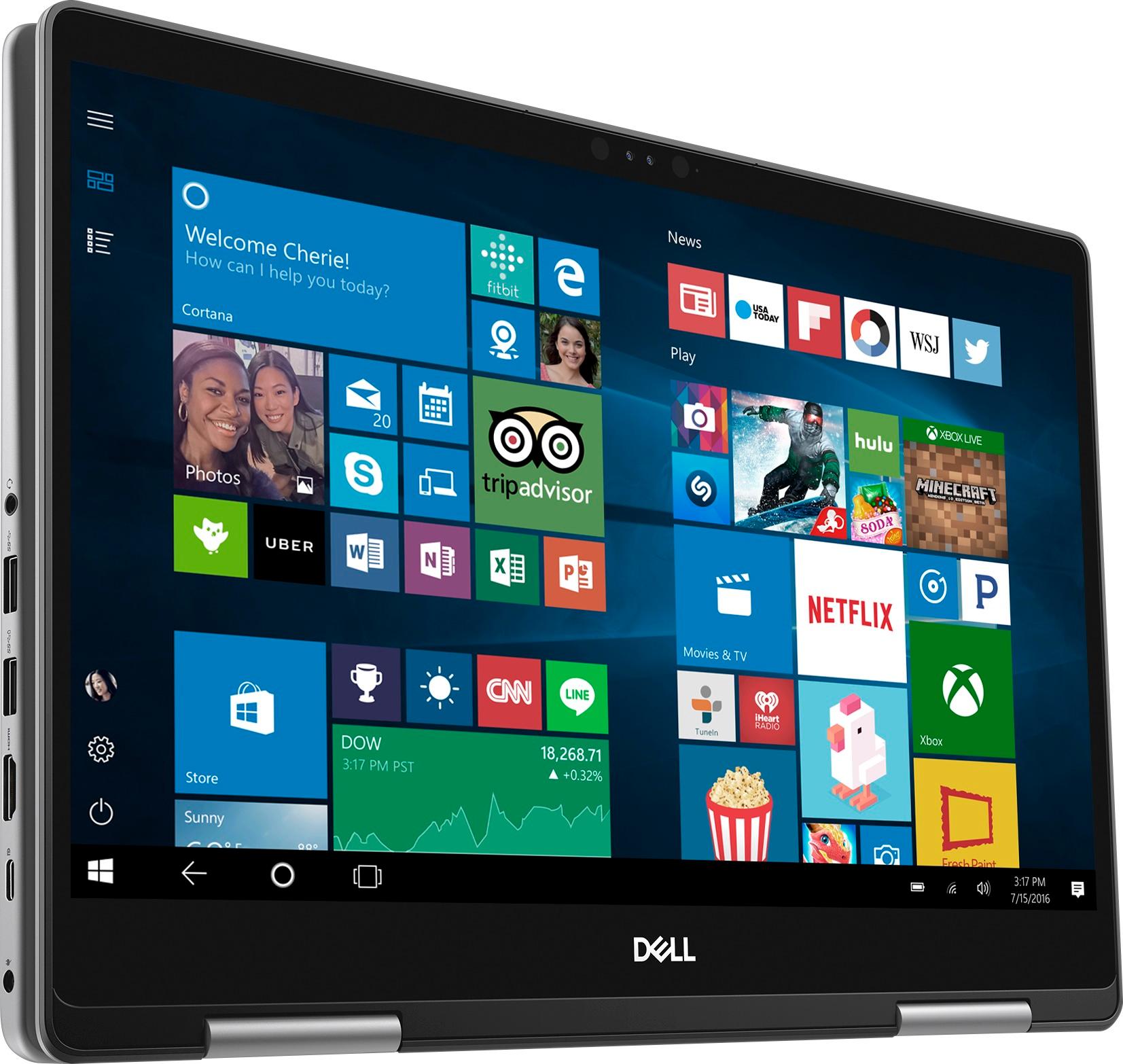
Customers admire the Inspiron 2-in-1 laptop for its responsive touch screen, affordable price, and lightweight design. Many users appreciate the 2TB storage capacity, which meets their need for ample storage. However, some users have concerns about the battery life, which lasts around 4-5 hours, and a few have experienced unexpectedly poor performance.
This summary was generated by AI based on customer reviews.
The fan is so loud!!
Posted .This reviewer received promo considerations or sweepstakes entry for writing a review.As soon as I turned on the computer, the fan started working and it is rather loud and it is rather annoying. I think it is the fan! I flipped the computer, the noise is coming from the bottom and air is blowing!! Has anybody else had this problem? Is there a way to fix it? I bought this laptop for its good specs, but the noise is annoying and not sure if I would keep it.
No, I would not recommend this to a friendBrand response from YourDellTeam
Posted .Hello Noupou, Thanks for your recent Dell laptop purchase and for your review. Here are some tips that will hopefully help with the fan noise that you are experiencing: Here are some tips to help with fan noise -
A: Cleaning the Vents 1. Check the vents on the computer to see if they are covered with dust and not allowing heat and air to pass through. 2. Turn off the system. 3. Remove all power sources: Unplug the AC adapter and remove the battery, or unplug the desktop power Cord. 4. Use a compressed air can to blow the dust out of the vents. Be sure to hold the can at an upright angle (near 90 degrees), and hold it 15-20 centimeters (6-8 inches) away from the vent.
B: Update the BIOS: An out-of-date BIOS can cause loud fan noises by having an outdated temperature table for the system. Refer to update BIOS and follow the instructions to update the BIOS on your computer.
Visit Dell Drivers and Downloads website and input your Service Tag to get updates for your computer.
C: Diagnostics Check: You may also perform Full System Diagnostics or Dell Quicktest on your computer. You can read the full article here - http://dell.to/2ENlXfz.
We hope this helps with the fan noise that you're experiencing. - Bryan
Regret ever buying this trash
Posted .This reviewer received promo considerations or sweepstakes entry for writing a review.Horrible computer. Slow moving. Can’t play simple mp4 videos without lagging. Can’t open it’s own apps without freezing such as control panel. Touch screen can’t be used because if anything gets on the screen it sends the mouse into a fit and you won’t be able to touch or click anything. All around a horrible product and I am currently back to using my asus with windows 7 because it runs everything I need to do faster and better. It is also 7 years old so I don’t understand why. Don’t buy this sh**. Build your own computer. Lesson learned.
No, I would not recommend this to a friendBrand response from YourDellTeam
Posted .CamWebb - We're sorry to hear that your 2-In-1 is not working the way that you had hoped it would. If you'd like help calibrating your screen you can view these steps here: If you are having issues with your Touchscreen, this may include being unable to access items to the edge of the screen for example your screen may require re-calibration.
Below are the steps required to calibrate your Touchscreen.
1. Restart the Computer and the Monitor
2. Recalibrate the touch-screen. Steps to calibrate touch-screen:
3. Go to Control Panel and select Tablet PC Settings.
4. Under Display tab, select Calibrate....
5. Choose Pen or Touch input.
6. Perform the point calibration that appears on the screen to correct the linearity problems.
7. Save the calibrated data.
We hope this helps the issues that you've been having. - Bryan
A total waste!
Posted .This reviewer received promo considerations or sweepstakes entry for writing a review.The worst laptop ever. Only running MS Office and Adobe Photoshop Elements and takes right at 5 minutes to load. Bunches of unneeded software was factory installed so now gone, deleted, but still awfully slow. Can’t stand this laptop. Should have returned but needed for a project. Hate this laptop.
No, I would not recommend this to a friendSuch nice specs, such terrible performance
Posted .This reviewer received promo considerations or sweepstakes entry for writing a review.By all right this laptop should be a real screamer. The only thing that really screams is the fan. noisy and constantly struggling to keep the laptop cool, especially when plugged in. Keyboard and track pad lag constantly due to something else overtaking priority in the background. There is so much Microsoft and Dell bloatware on this, it is hard to tell what causes the slow performance. In time I will trim and tune this to work better, but what a struggle.
No, I would not recommend this to a friendBrand response from YourDellTeam
Posted .Hi jch2929,
Thanks for your review and we're sorry that your new computer has been a struggle for you so far. Here are some tips for the fan noise that you are experiencing: Here are some tips to help with fan noise -
A: Cleaning the Vents
1. Check the vents on the computer to see if they are covered with dust and not allowing heat and air to pass through.
2. Turn off the system.
3. Remove all power sources: Unplug the AC adapter and remove the battery, or unplug the desktop power Cord.
4. Use a compressed air can to blow the dust out of the vents. Be sure to hold the can at an upright angle (near 90 degrees), and hold it 15-20 centimeters (6-8 inches) away from the vent.
B: Update the BIOS: An out-of-date BIOS can cause loud fan noises by having an outdated temperature table for the system. Refer to update BIOS and follow the instructions to update the BIOS on your computer.
You can read the full article here - http://dell.to/2ENlXfz.
If you need help deciding what programs and apps would be best to uninstall in order to speed up your computer you can read this article - https://dell.to/2JruiaG.
We hope these tips help your computer run the way you expected it to.
Best,
Bryan
1-800-624-9896
Worst laptop to buy
Posted .This reviewer received promo considerations or sweepstakes entry for writing a review.I am a college student and I wanted a 2-in-1 type laptop and I got this laptop for Christmas and haven't really used it. By the second week I could only use the screen to type and click on because the keyboard and mouse pad were not working. I have tried everything from shutting off and restarting this laptop and nothing has worked. I have been without a laptop for a month now and I don't recommend this laptop for anyone.
No, I would not recommend this to a friendBrand response from YourDellTeam
Posted .Hi Nati - Thanks for your review. We're very sorry to hear that your keyboard and mouse are not working the way they are meant to. If you have a chance can you reach out to our Technical Support Team so they can take a look into this issue for you? You can contact them here - http://dell.to/2sH7Qlm.
If you have additional questions about your device you can check out our Product Support Page here - http://dell.to/2F1mrhh. We hope these tips help get your 2 in 1 working the way that you had planned it to. - Bryan