Customer Ratings & Reviews


- Model:
- I3275-A821BLK-PUS
- SKU:
- 6196006
Rating by feature
- Value
Rating 3.4 out of 5 stars
- Quality
Rating 3.2 out of 5 stars
- Ease of Use
Rating 3.5 out of 5 stars
Customers are saying
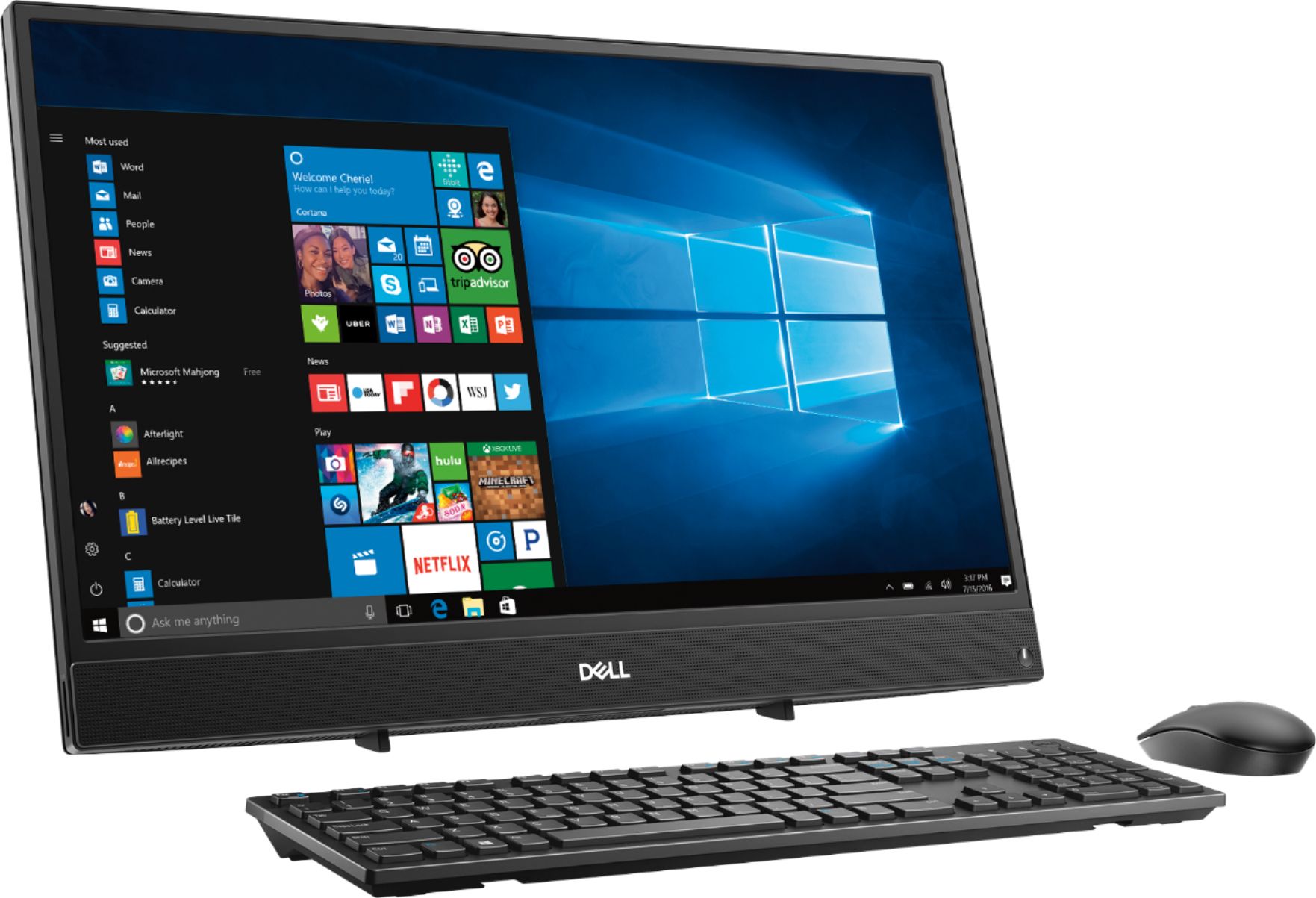
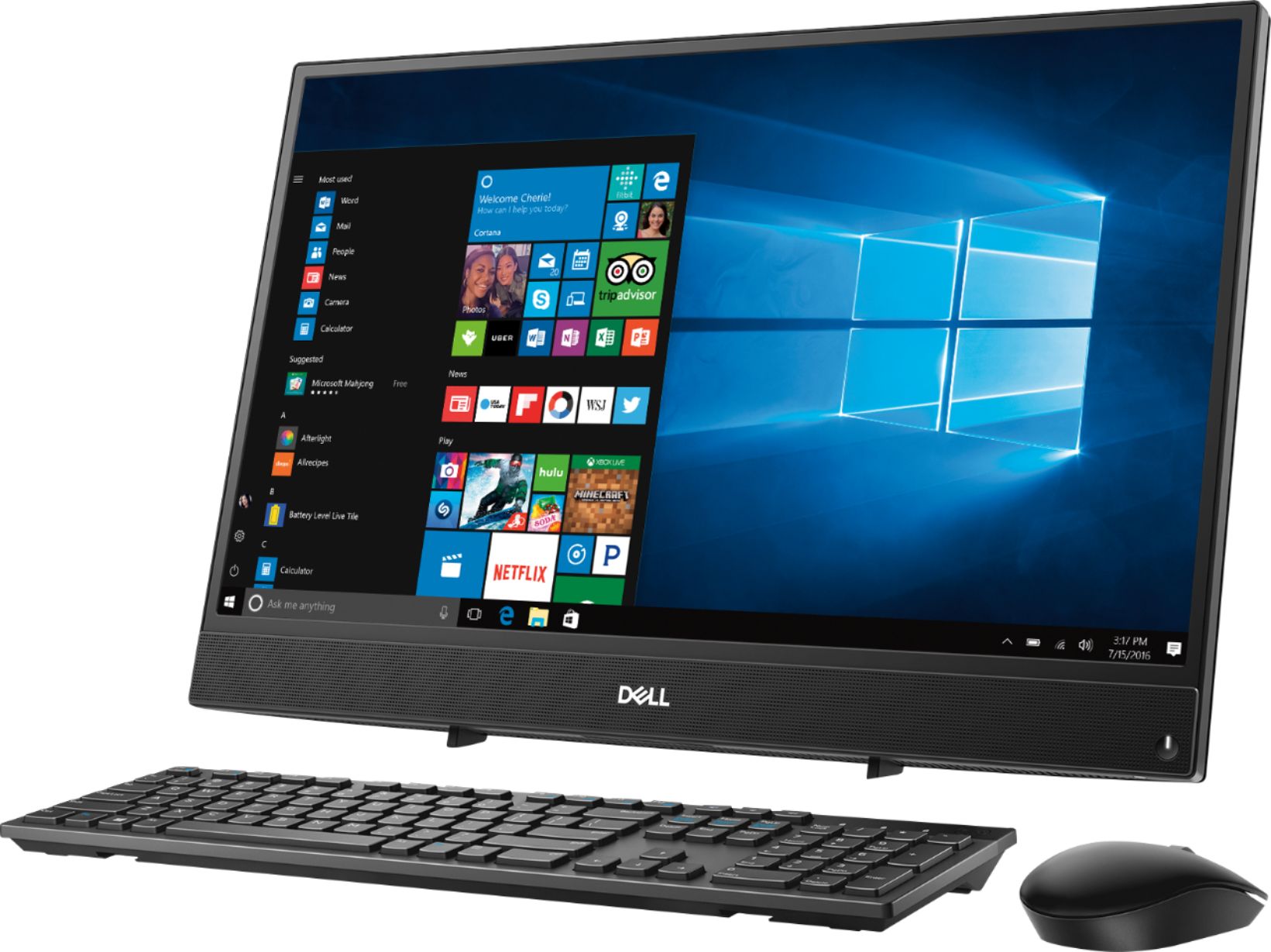
Customers commend the Inspiron 21.5" All-in-One's touch screen, ease of use, and affordable price, finding it compact and attractive. However, some users experienced slow performance and noted limitations in RAM and hard drive speed, suggesting that the system may not be suitable for demanding tasks.
This summary was generated by AI based on customer reviews.
- Cons mentioned:Speed
Do not buy
||Posted . Owned for 1.5 years when reviewed.This reviewer received promo considerations or sweepstakes entry for writing a review.Slow processor. Not worth the price even if it was a deal
No, I would not recommend this to a friend - Cons mentioned:Performance
Slow
||Posted .This reviewer received promo considerations or sweepstakes entry for writing a review.This computer is super slow. I am extremely disappointed in its performance
No, I would not recommend this to a friendBrand response from YourDellTeam
Posted .Jami,
Thanks for your review. We're sorry to see that your computer is not running as fast as you hoped it would. We'd recommend running the Windows Performance Troubleshooter to see if it will help your computer run faster:
1. Close all open windows.
2. Press the Windows logo key + X key on the keyboard.
3. Click Control Panel.
4. Click System and Security.
5. Under Security and Maintenance, select Troubleshoot common problems.
6. Under System and Security, click Run maintenance tasks.
7. Follow the on-screen instructions and prompts to complete the process.
8. Restart the PC.
You can read the full article here - http://dell.to/2tSulGV.
Please check out our Product Support Page if you have questions: https://dell.to/2u32zX8.
Best,
Bryan
1-800-624-9896
- Cons mentioned:Speed
maybe for kids
||Posted . Owned for 9 months when reviewed.This reviewer received promo considerations or sweepstakes entry for writing a review.terrible for online, trying to stream videos, slow and drops
No, I would not recommend this to a friend Didn't like the touch screen. Left smugglers and
||Posted . Owned for 1 year when reviewed.This reviewer received promo considerations or sweepstakes entry for writing a review.I will never purchase another touch screen. Didn't have all the applications l needed.
No, I would not recommend this to a friendGood value
||Posted .This reviewer received promo considerations or sweepstakes entry for writing a review.Got mine on open box sale, great calue, easy set up. Super happy
I would recommend this to a friendGood for beginners
||Posted . Owned for 1 month when reviewed.This reviewer received promo considerations or sweepstakes entry for writing a review.Great for people that don’t want to deal a tower but a bit slow when it comes to loading files
No, I would not recommend this to a friendGreat computer
||Posted .This reviewer received promo considerations or sweepstakes entry for writing a review.So far this computer is great, just wish it still had a cd drive
I would recommend this to a friend- Cons mentioned:Speed
Very Slow
||Posted .This reviewer received promo considerations or sweepstakes entry for writing a review.Not enough speed on this thing. My staff use it to do small task.
No, I would not recommend this to a friendBrand response from YourDellTeam
Posted .HiMushibaby,
Thanks for your review. We're sorry that your new Dell computer does not have as much speed as you hoped it would. We'd recommend looking at the programs that came pre-installed on your computer and make sure that you plan to use all of them. If there are any programs that you'd like to remove you can follow these steps: Uninstalling or removing software or applications that you do not use or do not need from your PC can help speed up your PC. Applications may include background processes, system services, context menu entries and other things that can slow down your PC.
Uninstall applications you no longer need using Programs and Features (previously called Add/Remove Programs). Unnecessary applications occupy space on your hard disk drive.
1. Press the Windows logo key + R on the keyboard.
2. In the Run dialog box, type appwiz.cpl and press the Enter key.
3. In the list, select a program and click Uninstall.
You can read the full article here - http://dell.to/2tSulGV.
Best,
Bryan
1-800-624-9896
Good for seniors.
||Posted .This reviewer received promo considerations or sweepstakes entry for writing a review.I like the ease of setup and the cordles mouse and keyboard.
I would recommend this to a friendgreat camera
||Posted .This reviewer received promo considerations or sweepstakes entry for writing a review.its good for reading books, youtube programs some biographies
I would recommend this to a friend- Cons mentioned:Speed
Slow, slow, slow
||Posted .This reviewer received promo considerations or sweepstakes entry for writing a review.Not much to say...after setting up this was so slow I returned it within an hour of opening for a different all-in-one. If you feel like buying something that runs like a turtle buy this computer. If not get something else
No, I would not recommend this to a friend Good
||Posted .This reviewer received promo considerations or sweepstakes entry for writing a review.I have only used it less than a month. So far so good.
I would recommend this to a friend- Cons mentioned:Speed
Not so great
||Posted .This reviewer received promo considerations or sweepstakes entry for writing a review.Super slow, needed updates.Never got to log in at all.
No, I would not recommend this to a friendBrand response from YourDellTeam
Posted .Cory,
We're sorry that your computer is operating slower than you hoped it would. We'd recommend running the Windows Performance Troubleshooter to see if there are ways for your computer to run faster:
1. Close all open windows.
2. Press the Windows logo key + X key on the keyboard.
3. Click Control Panel.
4. Click System and Security.
5. Under Security and Maintenance, select Troubleshoot common problems.
6. Under System and Security, click Run maintenance tasks.
7. Follow the on-screen instructions and prompts to complete the process.
8. Restart the PC.
You can read the full article here - http://dell.to/2tSulGV.
Best,
Bryan
1-800-624-9896
- Cons mentioned:Speed
Very slow.
||Posted .This reviewer received promo considerations or sweepstakes entry for writing a review.Computer is very slow. Wouldnt update anything on it.
No, I would not recommend this to a friendBrand response from YourDellTeam
Posted .Jackie,
Thanks for your feedback. We're sorry to hear that your computer is operating slowly for you. We'd recommend running the Windows Performance Troubleshooter to see if there are ways for your computer to perform faster:
1. Close all open windows.
2. Press the Windows logo key + X key on the keyboard.
3. Click Control Panel.
4. Click System and Security.
5. Under Security and Maintenance, select Troubleshoot common problems.
6. Under System and Security, click Run maintenance tasks.
7. Follow the on-screen instructions and prompts to complete the process.
8. Restart the PC.
You can read the full article here - http://dell.to/2tSulGV.
Best,
Bryan
1-800-624-9896
Dell all in one
||Posted .This reviewer received promo considerations or sweepstakes entry for writing a review.Very nice all in one computer. Works great for me.
I would recommend this to a friendStill learning how to work my
||Posted .This reviewer received promo considerations or sweepstakes entry for writing a review.It’s nice but a bit too Advance for me use to windows 7 this is very difficult.
No, I would not recommend this to a friendBrand response from YourDellTeam
Posted .Linda,
We're sorry to hear that you are having difficulty learning Windows 10. We'd recommend that you read Dell's Windows 10 Support page here: http://dell.to/2wMZqyx.
Best,
Bryan
1-800-624-9896
A bit slow
||Posted . Owned for 1 year when reviewed.This reviewer received promo considerations or sweepstakes entry for writing a review.I found this to be a bit slow for me, so I had to return it
No, I would not recommend this to a friend- Cons mentioned:Hard drive
Nothing but problems
||Posted . Owned for 1 year when reviewed.This reviewer received promo considerations or sweepstakes entry for writing a review.Mother board has been replaced and only used computer for a short amount of hours. Way too long to boot up. Taken. Ack to store 3 times and getting ready to take it back again and still has same problems 1 month later.
No, I would not recommend this to a friend - Cons mentioned:Speed
Slow
||Posted .This reviewer received promo considerations or sweepstakes entry for writing a review.Computer was slow right out of the box.Bought it for our children to do their homeschooling on. We have used it three times and are not able to do anything with it. Complete waste of money.
No, I would not recommend this to a friendBrand response from YourDellTeam
Posted .Peggy,
We'd suggest running the Dell Support Assist App to make sure that all of your software and drivers are up to date. You can also check your current drivers here: https://dell.to/2niytMm.
We hope this will help your computer run better for you.
Best,
Bryan
1-800-624-9896
don't like the feel of the keyboard
||Posted .This reviewer received promo considerations or sweepstakes entry for writing a review.It's ok - - but not great. The keyboard doesn't "move" as fast I type!
No, I would not recommend this to a friendBrand response from YourDellTeam
Posted .Max78,
We're glad that for the most part your computer is meeting your needs. If you have questions about your computer's performance you can check our Product Support page here: https://dell.to/2u32zX8.
Best,
Bryan
1-800-624-9896