Customer Ratings & Reviews


- Model:
- I3275-A821BLK-PUS
- SKU:
- 6196006
Rating by feature
- Value
Rating 3.4 out of 5 stars
- Quality
Rating 3.2 out of 5 stars
- Ease of Use
Rating 3.5 out of 5 stars
Customers are saying
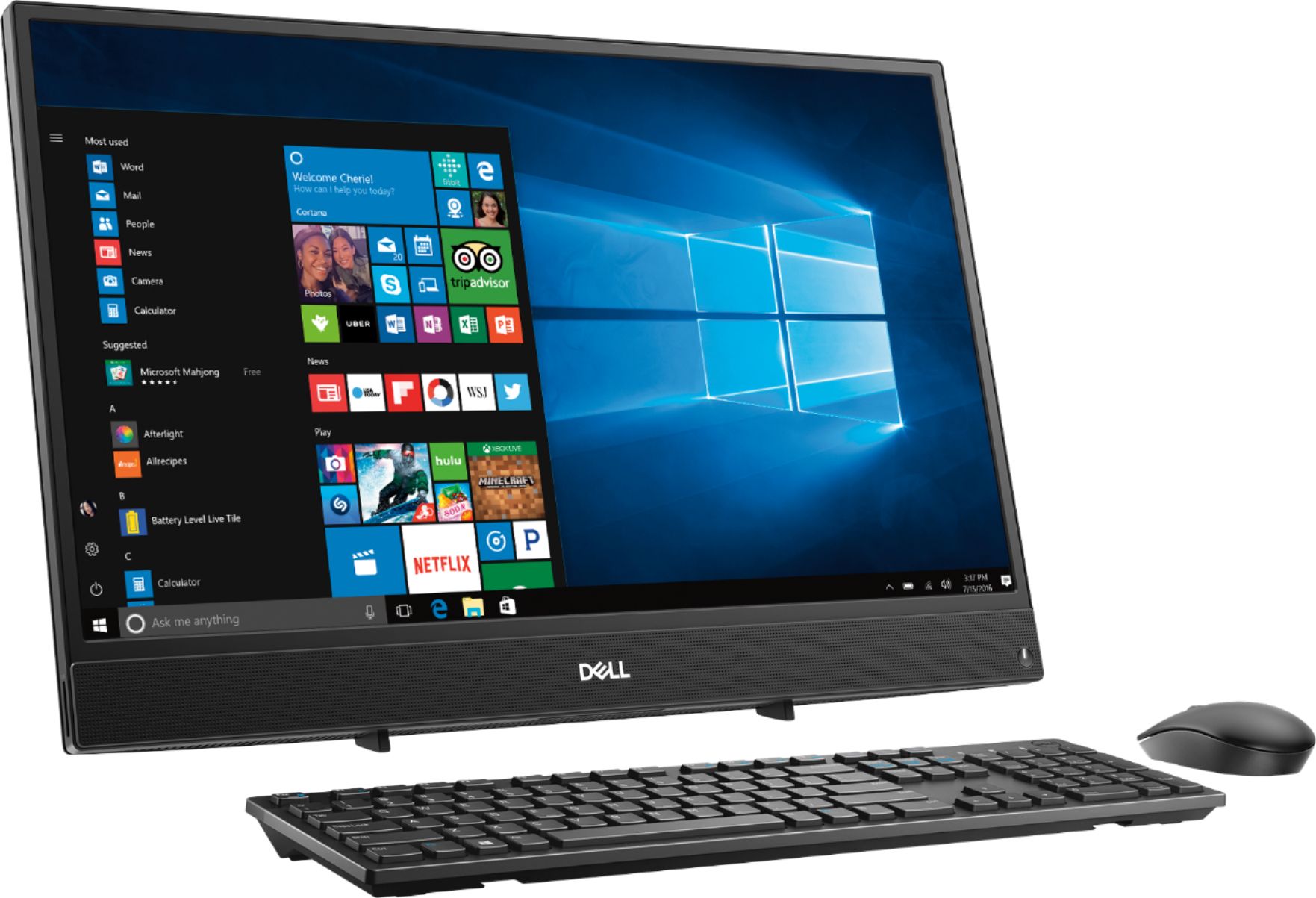
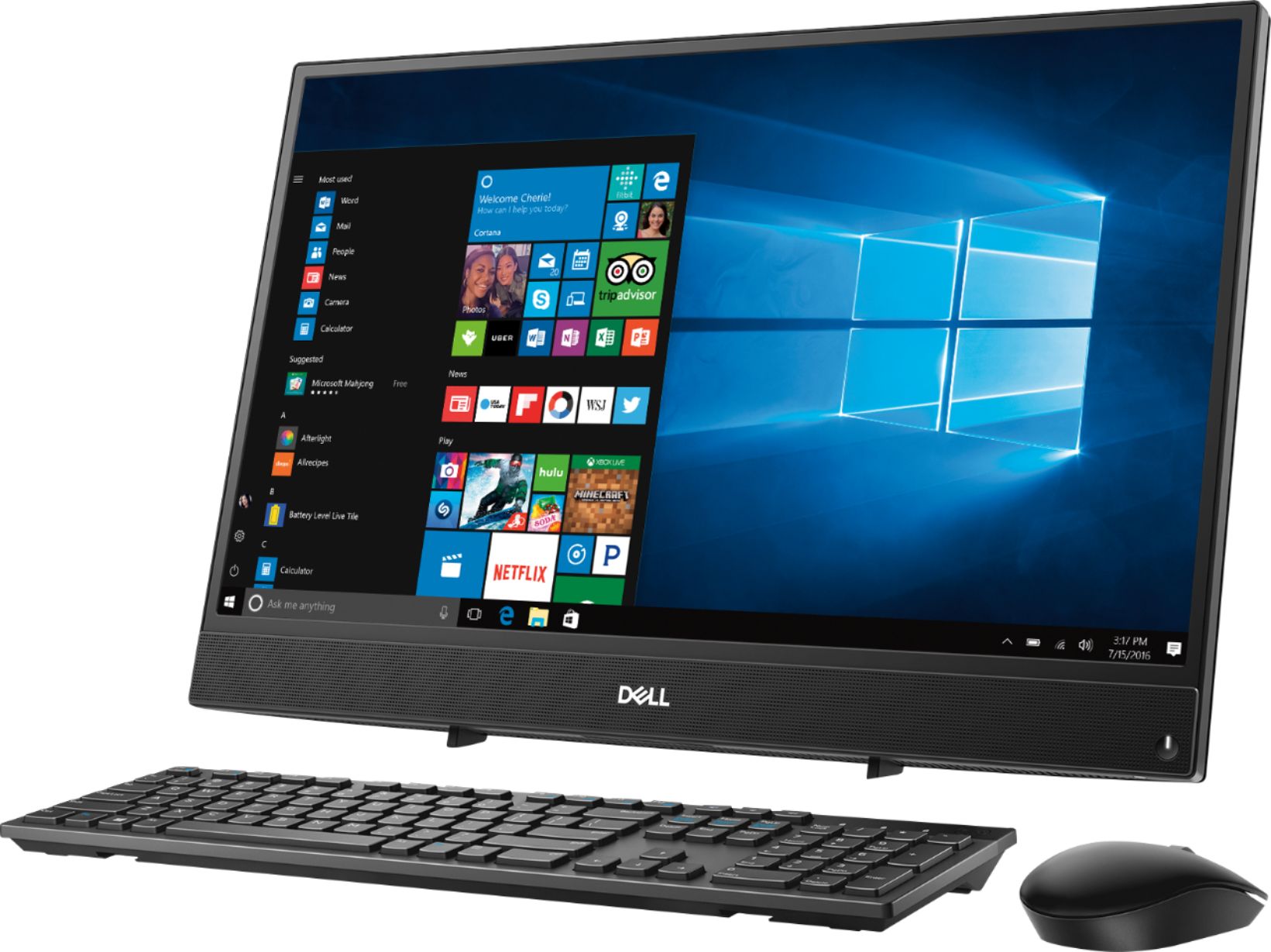
Customers commend the Inspiron 21.5" All-in-One's touch screen, ease of use, and affordable price, finding it compact and attractive. However, some users experienced slow performance and noted limitations in RAM and hard drive speed, suggesting that the system may not be suitable for demanding tasks.
This summary was generated by AI based on customer reviews.
Ok
||Posted .This reviewer received promo considerations or sweepstakes entry for writing a review.This computer is OK. This would be a good home computer. Slow.
No, I would not recommend this to a friendBrand response from YourDellTeam
Posted .Lilly1234,
Thanks for your review. If you'd like to see if your computer can run faster for you we'd recommend running the Windows Performance Troubleshooter:
1. Close all open windows.
2. Press the Windows logo key + X key on the keyboard.
3. Click Control Panel.
4. Click System and Security.
5. Under Security and Maintenance, select Troubleshoot common problems.
6. Under System and Security, click Run maintenance tasks.
7. Follow the on-screen instructions and prompts to complete the process.
8. Restart the PC.
You can read the full article here - http://dell.to/2tSulGV.
Best,
Bryan
1-800-624-9896
The price reflects the computer.
||Posted .This reviewer received promo considerations or sweepstakes entry for writing a review.It's ok for everyday things but not good for gaming.
No, I would not recommend this to a friendBrand response from YourDellTeam
Posted .Fran,
Thanks for your feedback. We're sorry that your computer is not meeting your needs for gaming. If you have specific questions about your computer you can check our Product Support Page here: https://dell.to/2u32zX8.
Best,
Bryan
1-800-624-9896
just getting use to it
||Posted .This reviewer received promo considerations or sweepstakes entry for writing a review.hard to tell if i like it------need more time with it
I would recommend this to a friendBrand response from YourDellTeam
Posted .byan,
We hope that you're still enjoying your new Dell All-In-One. If you do want to find out more about your system or if you have questions, you can visit our Product Support Page here: https://dell.to/2u32zX8.
Best,
Bryan
1-800-624-9896
- Cons mentioned:Performance
Unhappy
||Posted .This reviewer received promo considerations or sweepstakes entry for writing a review.The sales person did not tell me just what I was getting. I am unhappy with this computer for it can only do one thing at a time. I don't like losing where I was when I want to check other things out.
No, I would not recommend this to a friendBrand response from YourDellTeam
Posted .deee,
We're sorry to hear that you're unhappy with your new Dell All-In-One. We'd recommend that you take a look at our Product Support Page to see if there are answers to any questions that you may have: https://dell.to/2u32zX8.
Best,
Bryan
1-800-624-9896
Great
||Posted .This reviewer received promo considerations or sweepstakes entry for writing a review.I was happy with the delivery and the service. I would highly recommend using them again. They are the best The computer is very appropriate for my business and has helped us
I would recommend this to a friend- Cons mentioned:Performance
Doesn't work
||Posted . Owned for 7 months when reviewed.This reviewer received promo considerations or sweepstakes entry for writing a review.I bought this computer in May. By September it stopped working. I cant get it to work at all. My kids now have nothing to do thier homework on. So disappointed!
No, I would not recommend this to a friend Love it
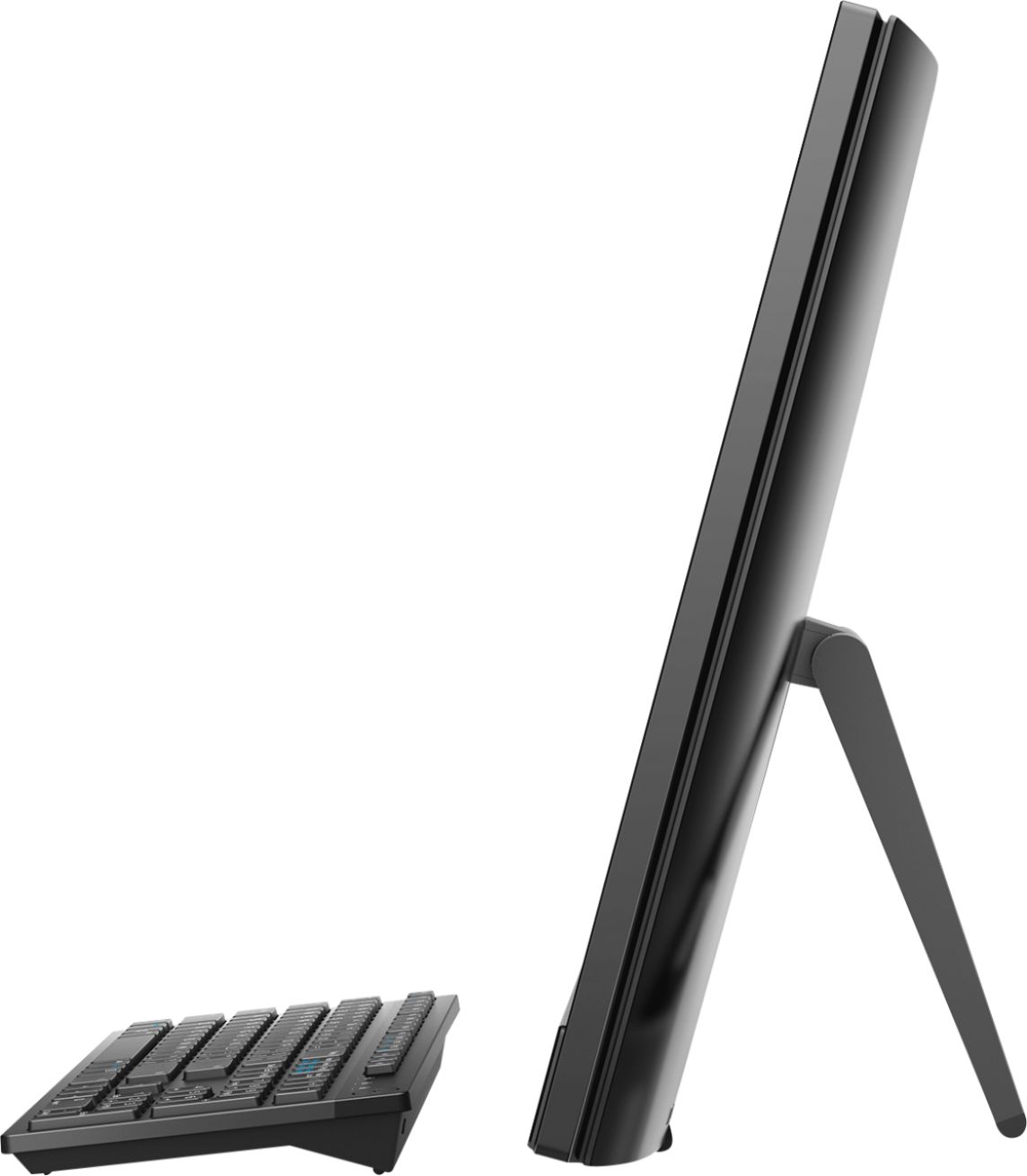
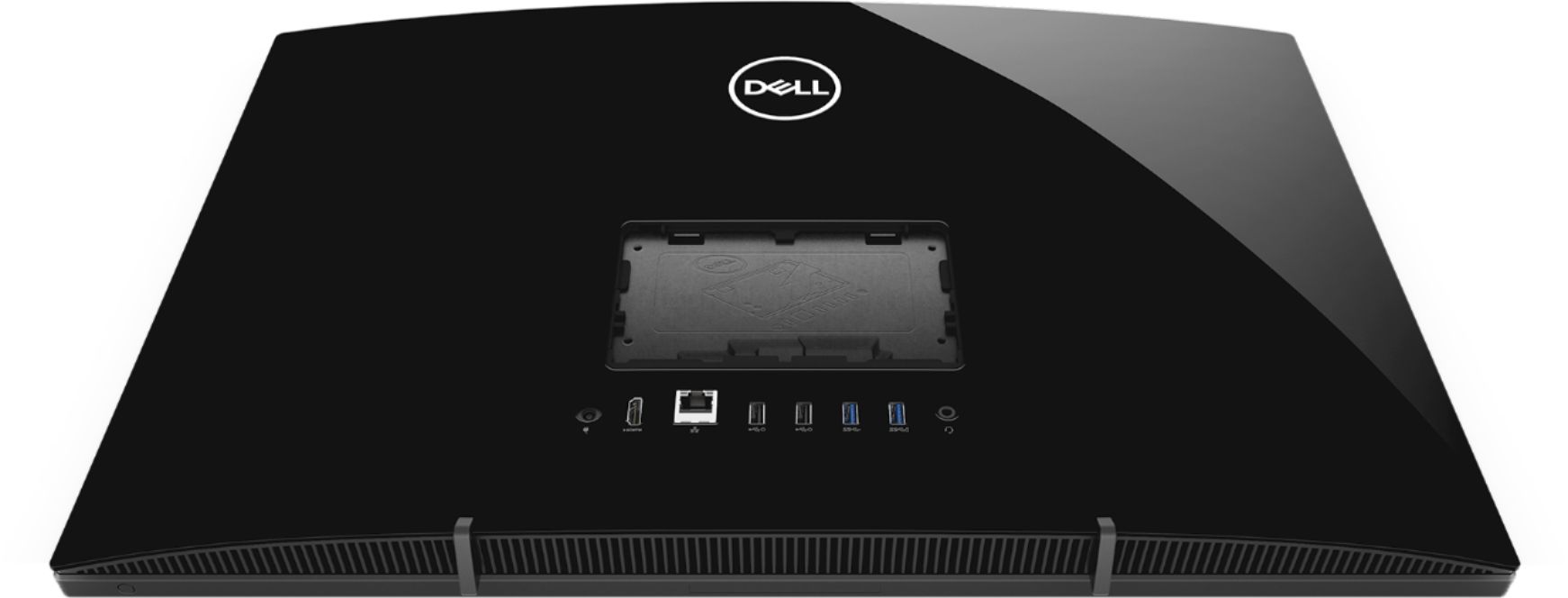
||Posted . Owned for 3 weeks when reviewed.This reviewer received promo considerations or sweepstakes entry for writing a review.Just got it so far so good. one con, the stand is in the way of the USB and HDMI slots. You can use them, it is just an awkward setup. But it is a nice PC.
I would recommend this to a friend- Cons mentioned:Speed
Too Slow
||Posted .This reviewer received promo considerations or sweepstakes entry for writing a review.I am returning this P.C.! It takes way to long to do anything. Accessing my email takes forever. This product is way too slow
No, I would not recommend this to a friendBrand response from YourDellTeam
Posted .Nikifabilust,
We're sorry to hear that your new computer is performing slower than you'd like it to. We'd recommend running the Windows Performance Troubleshooter to see if there are ways that you can speed up your computer:
1. Close all open windows.
2. Press the Windows logo key + X key on the keyboard.
3. Click Control Panel.
4. Click System and Security.
5. Under Security and Maintenance, select Troubleshoot common problems.
6. Under System and Security, click Run maintenance tasks.
7. Follow the on-screen instructions and prompts to complete the process.
8. Restart the PC.
You can read the full article here - http://dell.to/2tSulGV.
Best,
Bryan
1-800-624-9896
- Cons mentioned:Hard drive
Crappy computers
||Posted .This reviewer received promo considerations or sweepstakes entry for writing a review.All 4 computers had a bad hard drive. A waste of time and money. Very very poor quality
No, I would not recommend this to a friendBrand response from YourDellTeam
Posted .Hello Gabs,
We appreciate your feedback and we're sorry to hear that your computers are not performing the way you had hoped. We'd recommend reaching out to Dell's Technical Support Team to see if they are able to help you or to see if your products qualify for Dell's One Year Limited Warranty: http://dell.to/2sH7Qlm.
Best,
Bryan
1-800-624-9896
Excellent use without the keyboard
||Posted .This reviewer received promo considerations or sweepstakes entry for writing a review.Being able to swipe is a time saver. I am very satisfied with the purchase of my touch screen all in one. Will highly recommend this purchase to anyone.
I would recommend this to a friendSolid machine
||Posted .This reviewer received promo considerations or sweepstakes entry for writing a review.Performs as expected and needed. The overall performance of this all in one has been great. Recommend to anyone looking for a solid machine at a good price.
I would recommend this to a friend- Cons mentioned:Speed
Computer desk top
||Posted .This reviewer received promo considerations or sweepstakes entry for writing a review.This computer is so slow if i knew it was this slow I never would have bought it.
No, I would not recommend this to a friendBrand response from YourDellTeam
Posted .Juhn,
Thanks for your honest feedback. We're sorry to hear that your new computer has been running slow for you. We'd recommend running the Windows Performance Troubleshooter to see if anything can run faster for you:
1. Close all open windows.
2. Press the Windows logo key + X key on the keyboard.
3. Click Control Panel.
4. Click System and Security.
5. Under Security and Maintenance, select Troubleshoot common problems.
6. Under System and Security, click Run maintenance tasks.
7. Follow the on-screen instructions and prompts to complete the process.
8. Restart the PC.
You can read the full article here - http://dell.to/2tSulGV.
We hope that these tips will help your computer run faster for you.
Best,
Bryan
1-800-624-9896
Great replacement
||Posted .This reviewer received promo considerations or sweepstakes entry for writing a review.My old full size computer was running very slow. This all in one computer is the perfect replacement. It's smaller but so much faster. We love it.
I would recommend this to a friend- Cons mentioned:Performance
Horrible
||Posted . Owned for 1.5 years when reviewed.This reviewer received promo considerations or sweepstakes entry for writing a review.please do not purchase this computer. I can not even get the internet to open. Super slow, and will be your worst nightmare
No, I would not recommend this to a friend Very good for basic functions
||Posted .This reviewer received promo considerations or sweepstakes entry for writing a review.This is a very good computer if you only use it for basic functions like online, check email, type or edit something, import or edit pictures etc.
I would recommend this to a friend- Cons mentioned:Speed
So slow
||Posted .This reviewer received promo considerations or sweepstakes entry for writing a review.Dont get it everything is so slow even opening up sites like YouTube. But 7 did like the style
No, I would not recommend this to a friend Great for typing paperwork
||Posted .This reviewer received promo considerations or sweepstakes entry for writing a review.I like my Dell. It is very portable and compact for a laptop. I like having the keypad attached. The cd/DVD was important to me.
I would recommend this to a friend- Cons mentioned:Speed
Very Slow
||Posted .This reviewer received promo considerations or sweepstakes entry for writing a review.I would not recommend buying this PC, it is very slow and took forever to load games. I returned this PC as the function was poor.
No, I would not recommend this to a friendBrand response from YourDellTeam
Posted .Hello msmandy,
We're sorry to hear that your computer did not perform as well as you hoped it would. In the future we'd recommend running the Windows Performance Troubleshooter to see if there are ways to speed up your computer.
Best,
Bryan
1-800-624-9896
- Cons mentioned:Speed
Do not recommend it
||Posted . Owned for 1.5 years when reviewed.This reviewer received promo considerations or sweepstakes entry for writing a review.Super slow, don't recommend it I prefer to spend couple of dollars more and get something better!!
No, I would not recommend this to a friend - Cons mentioned:Speed
the computer is super slow... and It broke down..
||Posted . Owned for 5 months when reviewed.This reviewer received promo considerations or sweepstakes entry for writing a review.the computer runs very slow... and it broke down within 6 months I purchased it for no reason. now I cannot turn it on.
No, I would not recommend this to a friendBrand response from YourDellTeam
Posted .Clement,
Thanks for your review. If your computer is still not turning on we'd recommend the following steps:
1. If the computer is displaying the Dell logo and does not move past that point, it has probably failed POST.
2. If the power indicator lights up and it is amber or orange, this is usually an indicator that it has failed POST.
3. If you see text on a black screen, the computer is currently performing the POST. If the computer stays in that condition and does not move past it, it has probably failed POST.
4. If the video screen displayed anything at all during the startup process but is now black, this probably indicates that the computer failed POST.
5. If the computer is beeping or if Caps/Num/Scroll Locks are flashing, note if there is a particular pattern in which it beeps or flashes.
6. If the computer is not beeping and caps/num/scroll locks are not flashing, unplug all connections and remove all media communication devices (e.g. external monitors); reconnect one at a time and check if the computer functions.
7. For a notebook, press and hold the Fn key and then press the power button. This starts the pre-boot testing and will launch ePSA. In case you have a Desktop at the Dell logo screen tap the F12 key to enter One Time Boot Menu and use the arrow keys to highlight Diagnostics and press enter.
You can read the full article here - http://dell.to/2uj1Sby.
If you'd like to try to improve the speed of your computer we'd recommend running the Windows Performance Troubleshooter: 1. Close all open windows.
2. Press the Windows logo key + X key on the keyboard.
3. Click Control Panel.
4. Click System and Security.
5. Under Security and Maintenance, select Troubleshoot common problems.
6. Under System and Security, click Run maintenance tasks.
7. Follow the on-screen instructions and prompts to complete the process.
8. Restart the PC.
You can read the full article here - http://dell.to/2tSulGV.
Best,
Bryan
1-800-624-9896