Customer Ratings & Reviews


- Model:
- I3275-A821BLK-PUS
- SKU:
- 6196006
Rating by feature
- Value
Rating 3.4 out of 5 stars
- Quality
Rating 3.2 out of 5 stars
- Ease of Use
Rating 3.5 out of 5 stars
Customers are saying
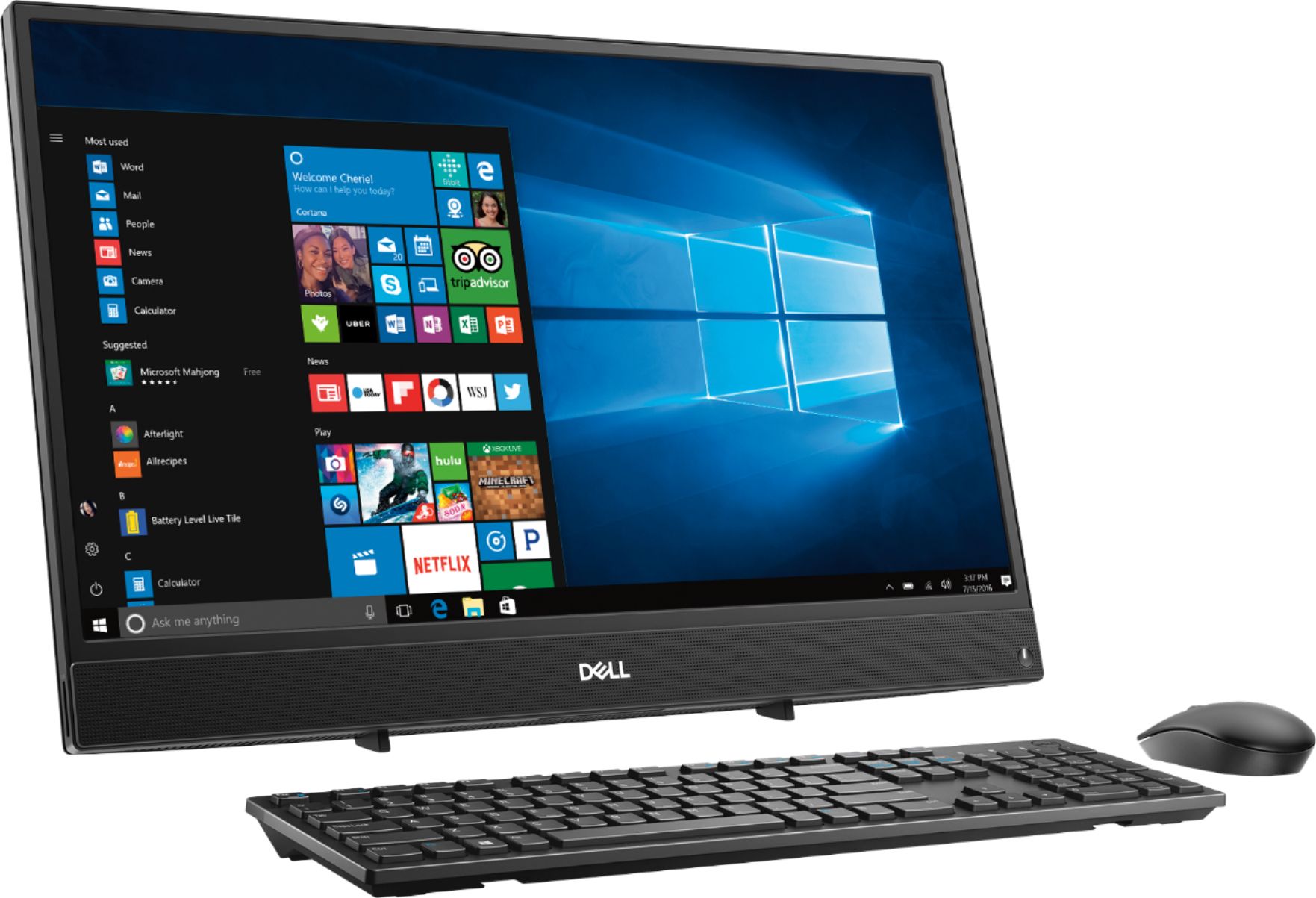
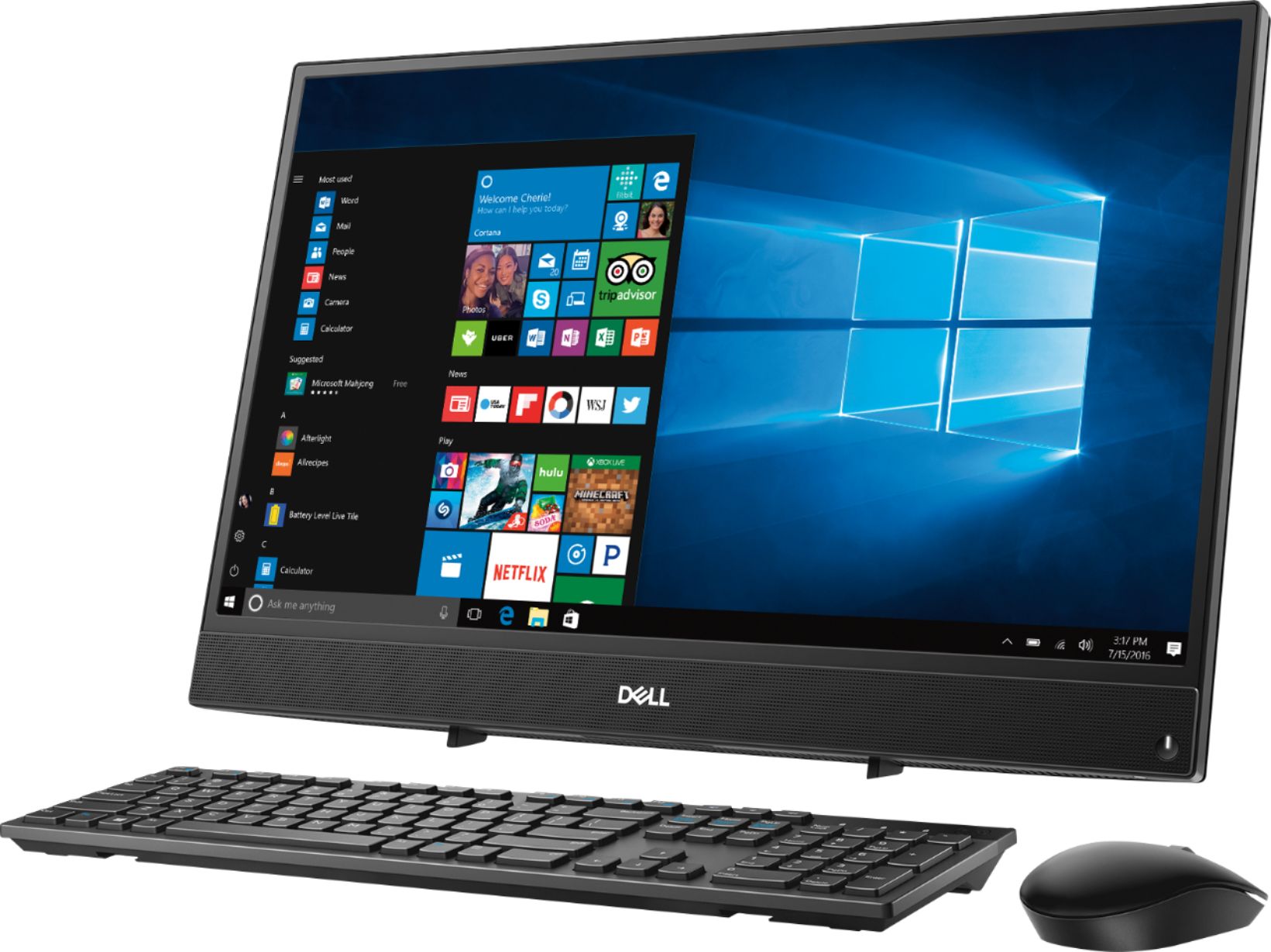
Customers commend the Inspiron 21.5" All-in-One's touch screen, ease of use, and affordable price, finding it compact and attractive. However, some users experienced slow performance and noted limitations in RAM and hard drive speed, suggesting that the system may not be suitable for demanding tasks.
This summary was generated by AI based on customer reviews.
Excellent Service
||Posted .This reviewer received promo considerations or sweepstakes entry for writing a review.Love my new computer!!! I use it for business purposes.
I would recommend this to a friendGood PC for general use.
||Posted .This reviewer received promo considerations or sweepstakes entry for writing a review.Just as stated. This is a good PC for general use.
I would recommend this to a friend- Cons mentioned:Speed
So slow
||Posted .This reviewer received promo considerations or sweepstakes entry for writing a review.Wound up returning this product due to the slowness
No, I would not recommend this to a friend Nice Desk Top
||Posted .This reviewer received promo considerations or sweepstakes entry for writing a review.Purchased for my daughter for her online classes..
I would recommend this to a friend- Cons mentioned:Speed
terrible
||Posted .This reviewer received promo considerations or sweepstakes entry for writing a review.i hate this product it is slow and the software stinks
No, I would not recommend this to a friendBrand response from YourDellTeam
Posted .Hi grandad,
We appreciate your feedback. We're sorry that your new Dell computer is working slower than you hoped it would. We'd recommend running the Windows Performance Troubleshooter to see if there are ways to speed up your computer:
1. Close all open windows.
2. Press the Windows logo key + X key on the keyboard.
3. Click Control Panel.
4. Click System and Security.
5. Under Security and Maintenance, select Troubleshoot common problems.
6. Under System and Security, click Run maintenance tasks.
7. Follow the on-screen instructions and prompts to complete the process.
8. Restart the PC.
You can read the full article here - http://dell.to/2tSulGV.
Best,
Bryan
1-800-624-9896
Great computer
||Posted .This reviewer received promo considerations or sweepstakes entry for writing a review.I am happy with this computer. The computer works well
I would recommend this to a friendGreat pc
||Posted .This reviewer received promo considerations or sweepstakes entry for writing a review.I love my computer. It’s a great product. Thank you
I would recommend this to a friendSuperb
||Posted .This reviewer received promo considerations or sweepstakes entry for writing a review.Great computer for kids and printer for home office.
I would recommend this to a friendvery good
||Posted .This reviewer received promo considerations or sweepstakes entry for writing a review.gooooooooooooooood not baaaaaaaaaaaaaaaaad looool l
I would recommend this to a friendGreat desktop!
||Posted .This reviewer received promo considerations or sweepstakes entry for writing a review.Easy to hook it up! love how it looks.!!!!!!!!!!!!
I would recommend this to a friendDo not like
||Posted . Owned for 2 months when reviewed.This reviewer received promo considerations or sweepstakes entry for writing a review.This keeps turning off and I’m totally going to return it
No, I would not recommend this to a friendBrand response from YourDellTeam
Posted .Carrielynn,
Thanks for your review. We're sorry to hear that your computer keeps turning off on you. We'd recommend diagnosing the crashes with these steps:
1. At the desktop, click the Search the web and Windows box and type "problem reports".
2. Select View all problem reports to view a list of errors that have occurred on your computer and possible solutions for them, such as updating drivers, flashing your system BIOS, or checking for updates to the software.
3. Under the Source column, look for Windows and under Summary, look for Shut down unexpectedly.
4. Right-click the line item and select Check for a solution.
We'd also suggest checking to make sure that your software and drivers are up to date on Dell's Product Page - https://dell.to/2niytMm.
You can read the full article here - http://dell.to/2u98Cct.
Best,
Bryan
1-800-624-9896
Not Impressed
||Posted .This reviewer received promo considerations or sweepstakes entry for writing a review.Computer is slow. Very slow start up. Not worth the money.
No, I would not recommend this to a friendBrand response from YourDellTeam
Posted .Dear Queen,
We regret to learn about the slow speeds you're facing with AMD E2-Series. Our team understands the frustrations you're dealing with and recommend you try the troubleshooting steps below:
Please download the BIOS update:
1. Restart the system and press F12 when the Dell Splash logo appears to display the One Time Boot Menu.
2. Using arrow keys, select USB Storage Device and press Return
3. The system will boot to a Diag C:\> prompt
4. Run the file by typing the full filename e.g. O9010A12.exe and hit Return
5. The BIOS Update Utility will load, follow the instructions on the screen.
We welcome you to call - at your convenience - our tech support at 1 (800) 999-3355. Our team thanks you for taking the time to provide feedback.
Chris
Already doesn’t work
||Posted .This reviewer received promo considerations or sweepstakes entry for writing a review.I’ve had this compute less than two weeks and I’m taking it back. I was hesistant to buy another Dell but the price point convinced. Remember the saying you get what you pay for? Never again. #donewithdell
No, I would not recommend this to a friendBrand response from YourDellTeam
Posted .Trina,
We're sorry to hear that your new All-In-One is not working for you. If you have specific questions you can always check our Product Support Page here: https://dell.to/2u32zX8.
If you'd like to speed up your computer you can always try to run the Windows Performance Troubleshooter here:
1. Close all open windows.
2. Press the Windows logo key + X key on the keyboard.
3. Click Control Panel.
4. Click System and Security.
5. Under Security and Maintenance, select Troubleshoot common problems.
6. Under System and Security, click Run maintenance tasks.
7. Follow the on-screen instructions and prompts to complete the process.
8. Restart the PC.
You can read the full article here - http://dell.to/2tSulGV.
Best,
Bryan
1-800-624-9896
not a good product
||Posted .This reviewer received promo considerations or sweepstakes entry for writing a review.This computer kept freezing up. I was unable to complete any tasks on it I returned it to the store.
No, I would not recommend this to a friendPoor product
||Posted . Owned for 3 weeks when reviewed.This reviewer received promo considerations or sweepstakes entry for writing a review.Not the best product, ended up returning it to the store. It requires for you to have internet to even start up the. computer. It would not connect to wifi
No, I would not recommend this to a friendVery slow
||Posted .This reviewer received promo considerations or sweepstakes entry for writing a review.I bought this computer to use as an everyday computer and for schoolwork. As soon as I hooked it up the system worked very slowly.
No, I would not recommend this to a friendBrand response from YourDellTeam
Posted .Dell1,
Thanks for your review. We're sorry that your computer is running slower than you hoped it would. We'd recommend running the Windows Performance Troubleshooter:
1. Close all open windows.
2. Press the Windows logo key + X key on the keyboard.
3. Click Control Panel.
4. Click System and Security.
5. Under Security and Maintenance, select Troubleshoot common problems.
6. Under System and Security, click Run maintenance tasks.
7. Follow the on-screen instructions and prompts to complete the process.
8. Restart the PC.
You can read the full article here - http://dell.to/2tSulGV.
Best,
Bryan
1-800-624-9896
awful
||Posted . Owned for 2 months when reviewed.This reviewer received promo considerations or sweepstakes entry for writing a review.this is probably the worst computer i’ve owned. it’s one of the slowest computers i’ve pretty much ever used
No, I would not recommend this to a friendBrand response from YourDellTeam
Posted .Andrea,
We're sorry that your computer's speed is not meeting your needs. We'd recommend running the Windows Performance Troubleshooter to see if there are ways to help your computer run faster:
1. Close all open windows.
2. Press the Windows logo key + X key on the keyboard.
3. Click Control Panel.
4. Click System and Security.
5. Under Security and Maintenance, select Troubleshoot common problems.
6. Under System and Security, click Run maintenance tasks.
7. Follow the on-screen instructions and prompts to complete the process.
8. Restart the PC.
You can read the full article here - http://dell.to/2tSulGV.
Best,
Bryan
1-800-624-9896
terrible computer
||Posted . Owned for more than 2 years when reviewed.This reviewer received promo considerations or sweepstakes entry for writing a review.this computer did not last 4 months. i had to bring it back. it kept shutting down.
No, I would not recommend this to a friendterrible desk top
||Posted .This reviewer received promo considerations or sweepstakes entry for writing a review.took for ever to power up about ten minutes and then took and other fifteen minutes to load program.
No, I would not recommend this to a friendBrand response from YourDellTeam
Posted .mhrlqcpa,
We're sorry to hear about how long your All-In-One is starting up for you. We'd recommend limiting the number of programs that launch at startup with the following steps:
1. Close all open windows.
2. Press CTRL + Shift + ESC key together on the keyboard.
3. In the Task Manager window, click Startup tab.
4. Select the program or application that you want to disable from loading during startup.
5. Right-click and select Disable.
6. Repeat Step 4 & 5 for all the programs or applications that you want to disable from loading during startup.
7. Restart your PC.
You can read the full article here - http://dell.to/2tSulGV.
If you have questions about your computer you can refer to our Product Support Page here: https://dell.to/2u32zX8.
Best,
Bryan
1-800-624-9896
Slow
||Posted .This reviewer received promo considerations or sweepstakes entry for writing a review.Would never buy one again never ever never ever again
No, I would not recommend this to a friendBrand response from YourDellTeam
Posted .Sneezy,
Thanks for your review and we're sorry to hear that your computer is running slower than you had hoped it would. We'd recommend running the Windows Performance Troubleshooter here:
1. Close all open windows.
2. Press the Windows logo key + X key on the keyboard.
3. Click Control Panel.
4. Click System and Security.
5. Under Security and Maintenance, select Troubleshoot common problems.
6. Under System and Security, click Run maintenance tasks.
7. Follow the on-screen instructions and prompts to complete the process.
8. Restart the PC.
You can read the full article here - http://dell.to/2tSulGV.
We hope these steps help speed up your computer.
Best,
Bryan
1-800-624-9896