Customer Ratings & Reviews
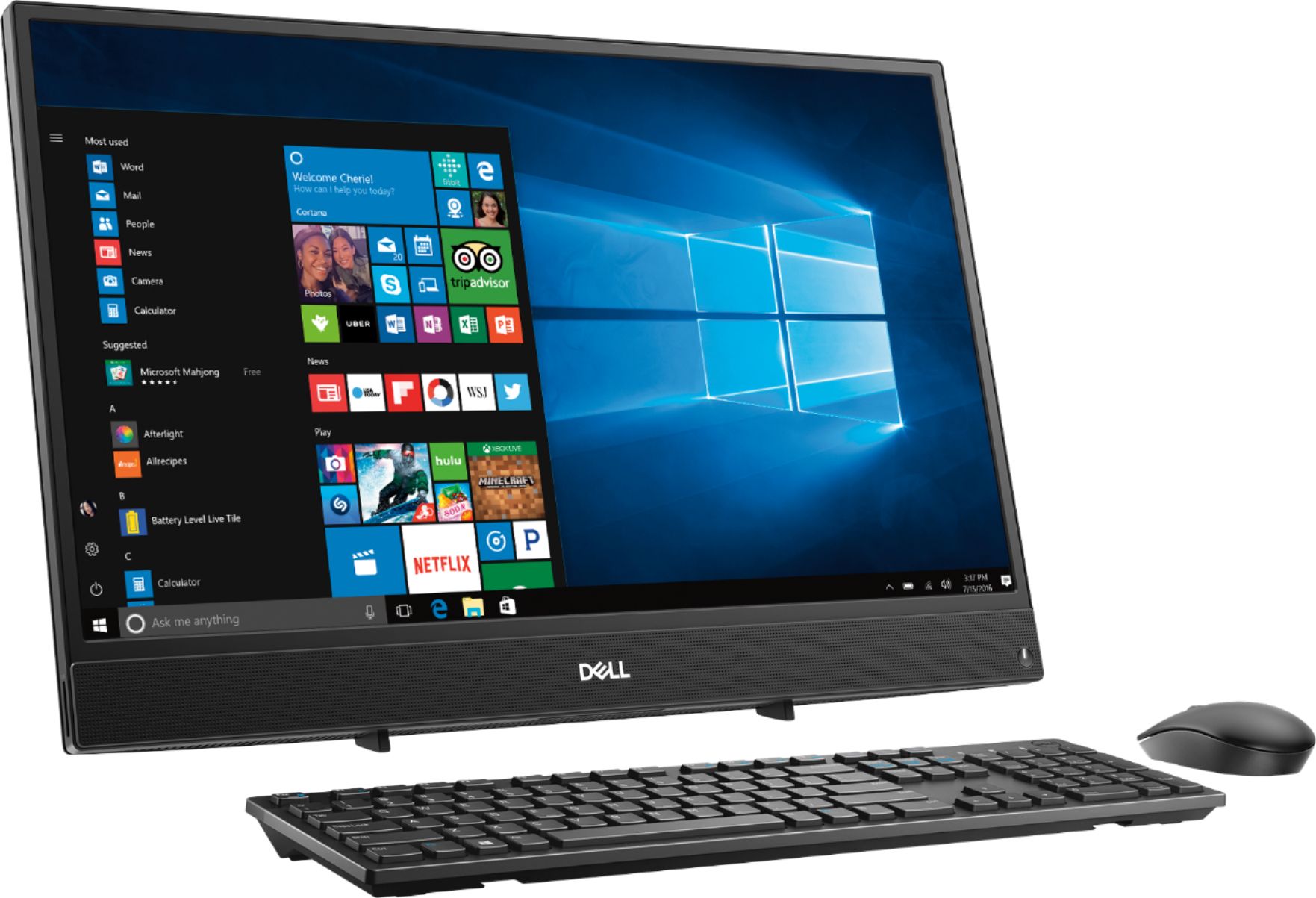
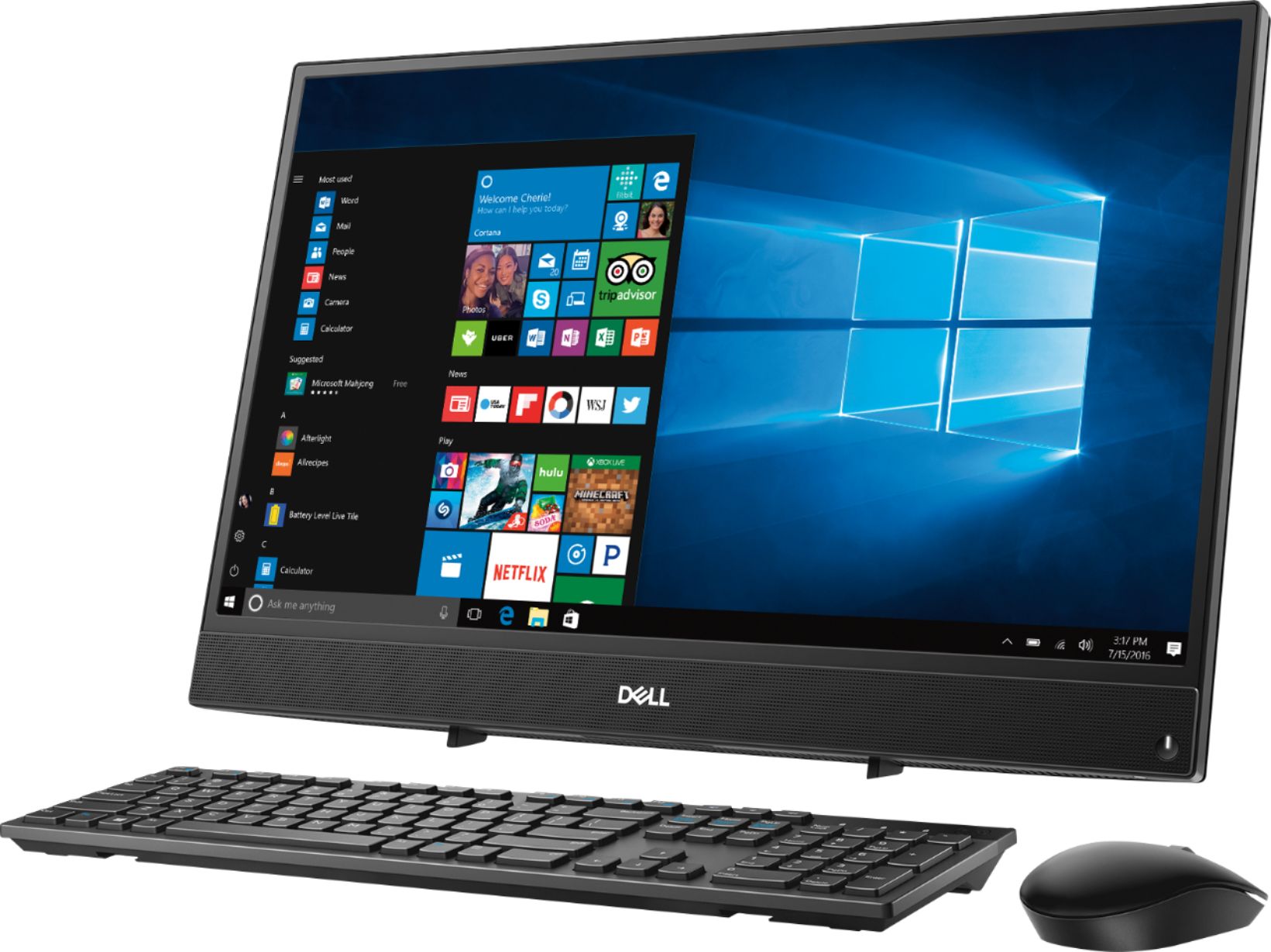


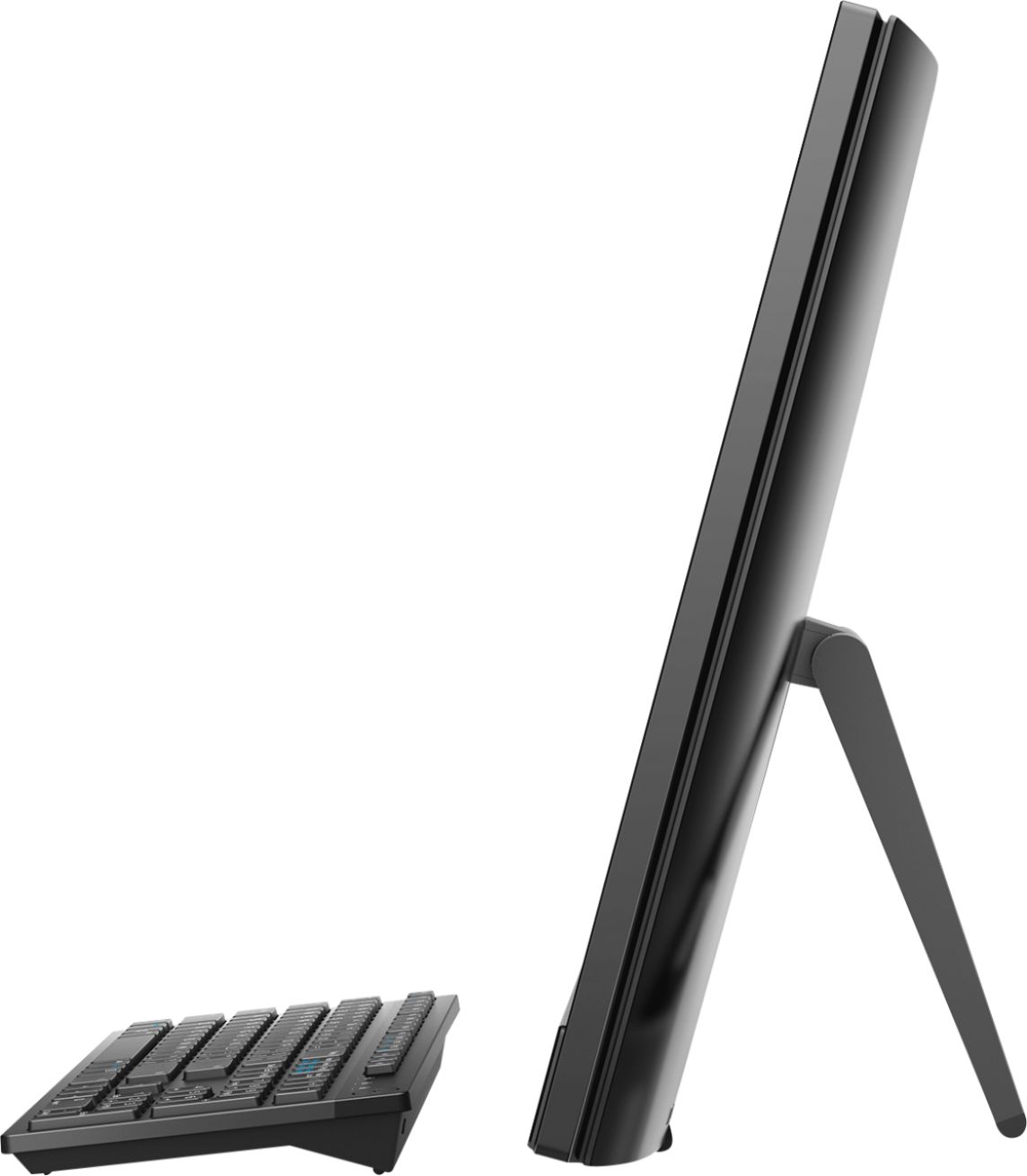
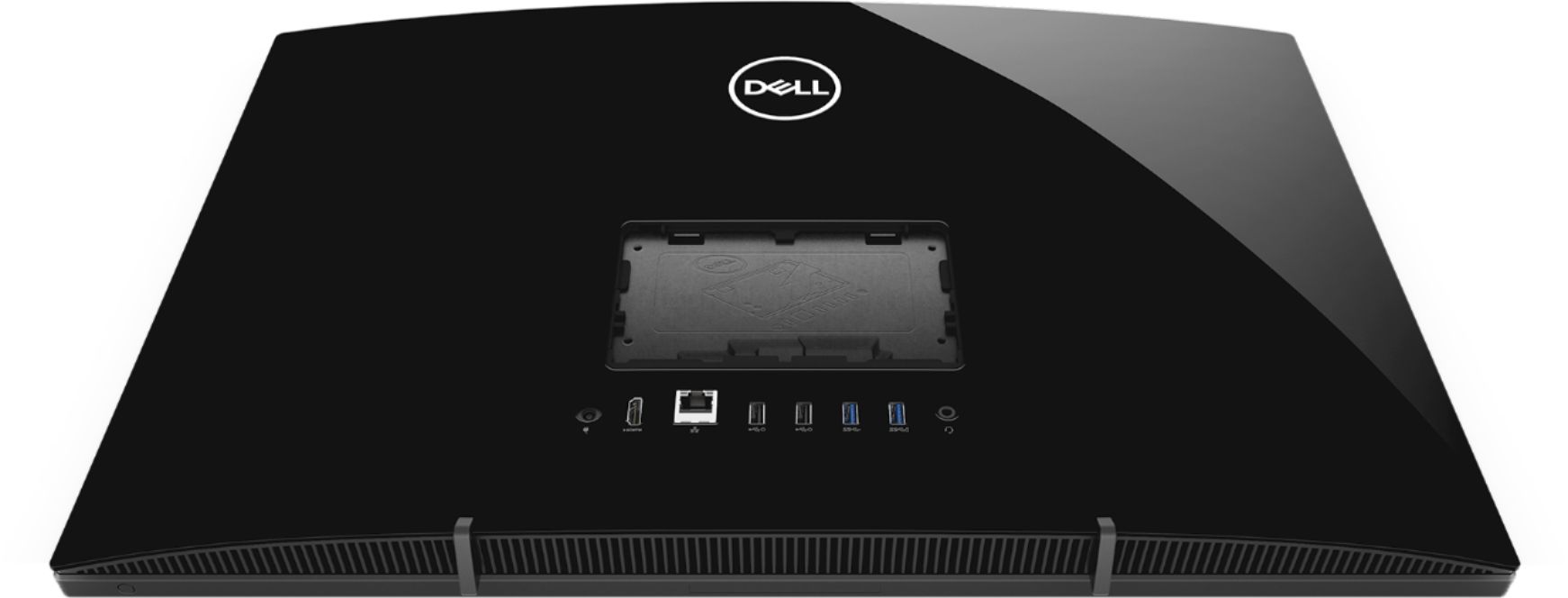
- Model:
- I3275-A821BLK-PUS
- SKU:
- 6196006
Rating by feature
- Value
Rating 3.4 out of 5 stars
- Quality
Rating 3.2 out of 5 stars
- Ease of Use
Rating 3.5 out of 5 stars
Customers are saying
Customers commend the Inspiron 21.5" All-in-One's touch screen, ease of use, and affordable price, finding it compact and attractive. However, some users experienced slow performance and noted limitations in RAM and hard drive speed, suggesting that the system may not be suitable for demanding tasks.
This summary was generated by AI based on customer reviews.
- Cons mentioned:Speed
Stay Away--Stay Very Far Away
Posted .This reviewer received promo considerations or sweepstakes entry for writing a review.I had not bought a Dell in years, and will never buy a Dell product again after spending a month with this lemon of an all-in-one. Excruciatingly slow is the only way to describe it. Not worth the cardboard box it is shipped in. Stay Away.
No, I would not recommend this to a friendBrand response from YourDellTeam
Posted .TheRealDeal,
Thanks for your review. We're sorry to hear that your new Dell computer is giving you problems. We'd recommend that you run the Windows Performance Troubleshooter to see if there is anything you can do to speed up your computer:
1. Close all open windows.
2. Press the Windows logo key + X key on the keyboard.
3. Click Control Panel.
4. Click System and Security.
5. Under Security and Maintenance, select Troubleshoot common problems.
6. Under System and Security, click Run maintenance tasks.
7. Follow the on-screen instructions and prompts to complete the process.
8. Restart the PC.
You can read the full article here - http://dell.to/2tSulGV.
We hope that this will help your computer perform the way you'd like it to.
Best,
Bryan
1-800-624-9896
- Cons mentioned:Speed
SLOW
Posted .This reviewer received promo considerations or sweepstakes entry for writing a review.This computer is so slow. Very disappointed. Do not buy this unless you like to sit and wait 5 minutes for everything you do.
No, I would not recommend this to a friendBrand response from YourDellTeam
Posted .SamN,
Thanks for your review and we're sorry to hear that your computer is not running as fast as you'd like it to. We'd recommend running the Windows Performance Troubleshooter by following these steps:
1. Close all open windows.
2. Press the Windows logo key + X key on the keyboard.
3. Click Control Panel.
4. Click System and Security.
5. Under Security and Maintenance, select Troubleshoot common problems.
6. Under System and Security, click Run maintenance tasks.
7. Follow the on-screen instructions and prompts to complete the process.
8. Restart the PC.
You can read the full article here - http://dell.to/2tSulGV.
We hope that this will provide you some ways to speed up your computer.
Best,
Bryan
1-800-624-9896
- Cons mentioned:Speed
Super duper slow
Posted .This reviewer received promo considerations or sweepstakes entry for writing a review.I’m so sad I was excited to get another all in one and it’s brand new but it’s so slow I can’t even enjoy it. Definitely returning
No, I would not recommend this to a friendBrand response from YourDellTeam
Posted .Dominique,
We appreciate your feedback and we're sorry to hear that your computer is running slower than you had hoped it would. We'd recommend running the Windows Performance Troubleshooter to see if it can help speed up your computer:
1. Close all open windows.
2. Press the Windows logo key + X key on the keyboard.
3. Click Control Panel.
4. Click System and Security.
5. Under Security and Maintenance, select Troubleshoot common problems.
6. Under System and Security, click Run maintenance tasks.
7. Follow the on-screen instructions and prompts to complete the process.
8. Restart the PC.
You can read the full article here - http://dell.to/2tSulGV.
We hope this help you notice an increase in your computer's speed.
Best,
Bryan
1-800-624-9896
Love it
Posted .This reviewer received promo considerations or sweepstakes entry for writing a review.I purchase this due i work from home and it a wonderful computer. Very easy to use
I would recommend this to a friendVery good product
Posted .This reviewer received promo considerations or sweepstakes entry for writing a review.This is a very good product for the price. The speed of the aio desktop is very good ...
I would recommend this to a friend- Cons mentioned:Speed
I don’t usually write reviews
Posted .This reviewer received promo considerations or sweepstakes entry for writing a review.This computer is terribly slow!!! I will be returning, very frustrating
No, I would not recommend this to a friendBrand response from YourDellTeam
Posted .Dell,
Thanks for your feedback. Please try to run the Windows Performance Troubleshooter to see if there are ways to speed up the performance on your computer:
1. Close all open windows.
2. Press the Windows logo key + X key on the keyboard.
3. Click Control Panel.
4. Click System and Security.
5. Under Security and Maintenance, select Troubleshoot common problems.
6. Under System and Security, click Run maintenance tasks.
7. Follow the on-screen instructions and prompts to complete the process.
8. Restart the PC.
You can read the full article here - http://dell.to/2tSulGV.
We'd also recommend looking through any programs that came pre-installed on your computer to see if they can be removed if you do not plan to use them:
Uninstalling or removing software or applications that you do not use or do not need from your PC can help speed up your PC. Applications may include background processes, system services, context menu entries and other things that can slow down your PC.
Uninstall applications you no longer need using Programs and Features (previously called Add/Remove Programs). Unnecessary applications occupy space on your hard disk drive.
1. Press the Windows logo key + R on the keyboard.
2. In the Run dialog box, type appwiz.cpl and press the Enter key.
3. In the list, select a program and click Uninstall.
You can read the full article here - http://dell.to/2tSulGV.
Best,
Bryan
1-800-624-9896