Customer Ratings & Reviews



- Model:
- i5415-A315BLK-PUS
- SKU:
- 12675458
Rating by feature
- Value
Rating 4.6 out of 5 stars
- Quality
Rating 4.6 out of 5 stars
- Ease of Use
Rating 4.6 out of 5 stars
to a friend

Great value All-In-One w/all features you expect
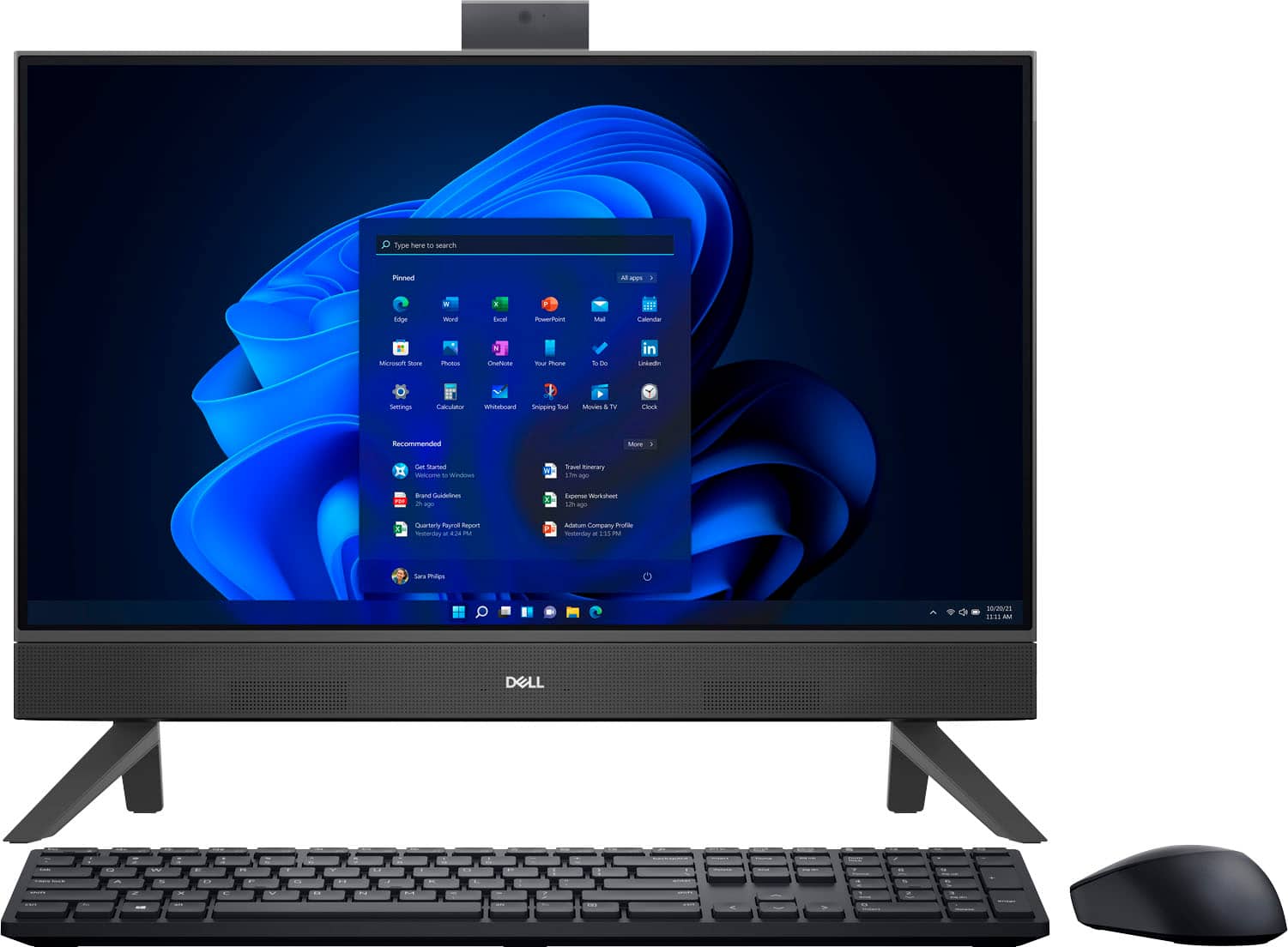
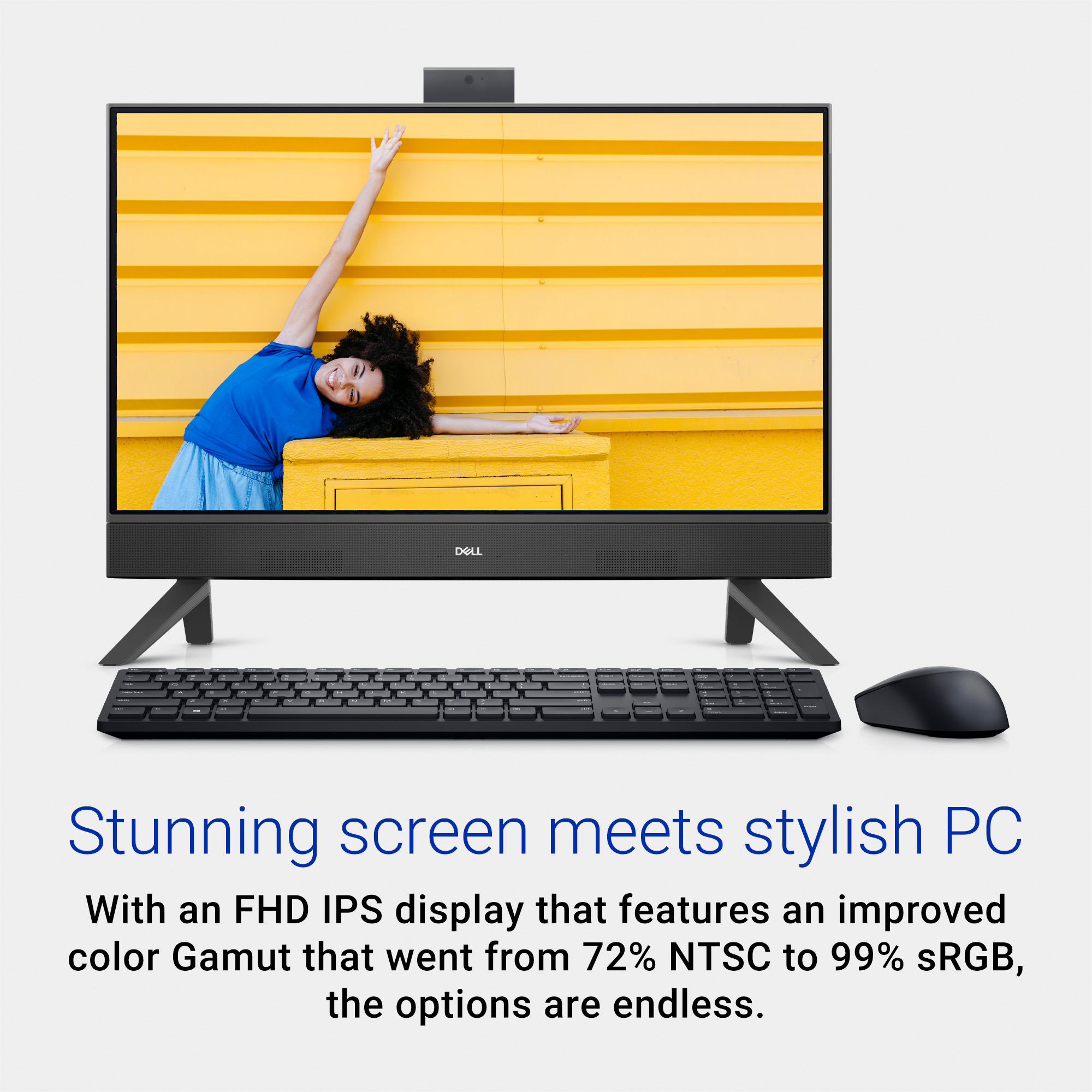
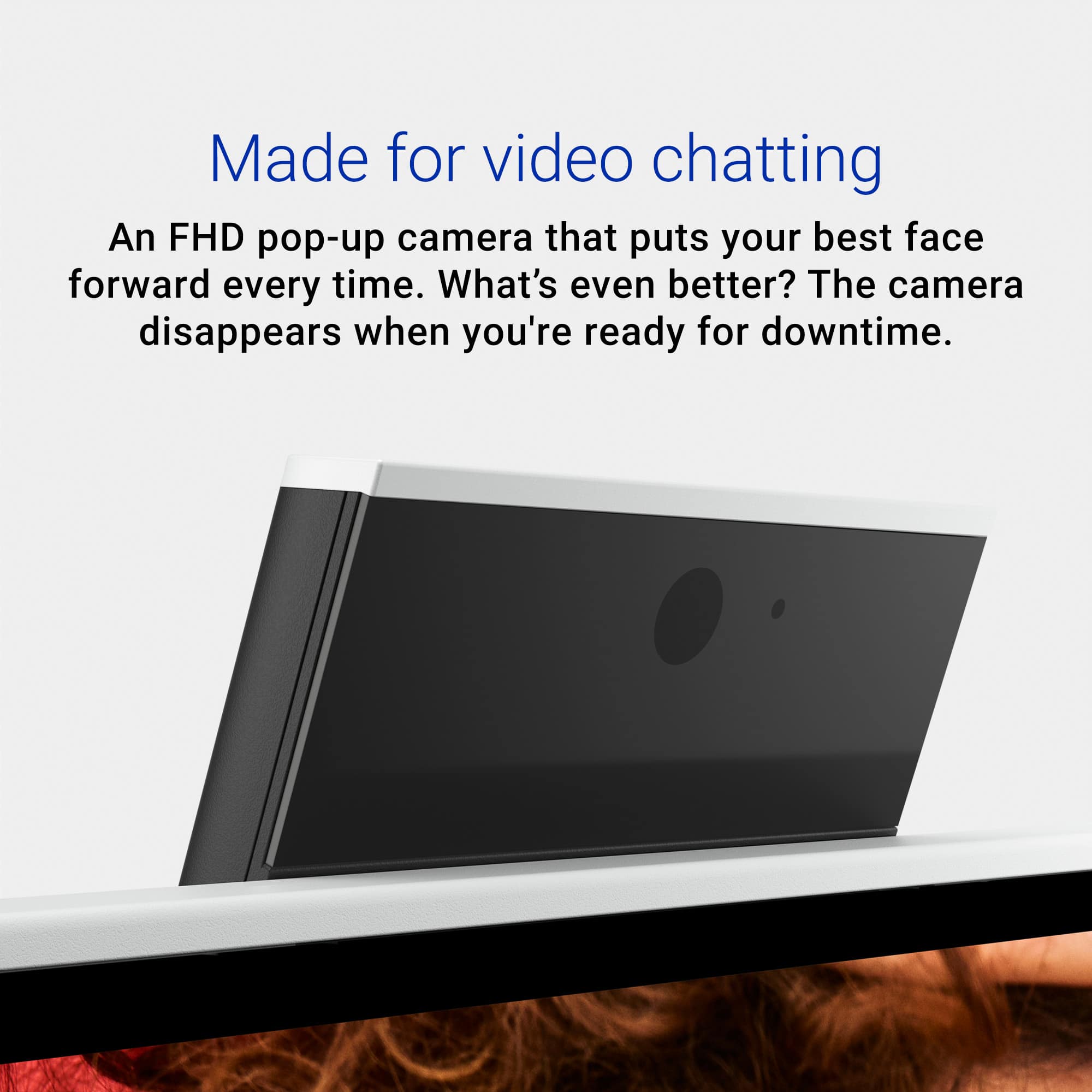
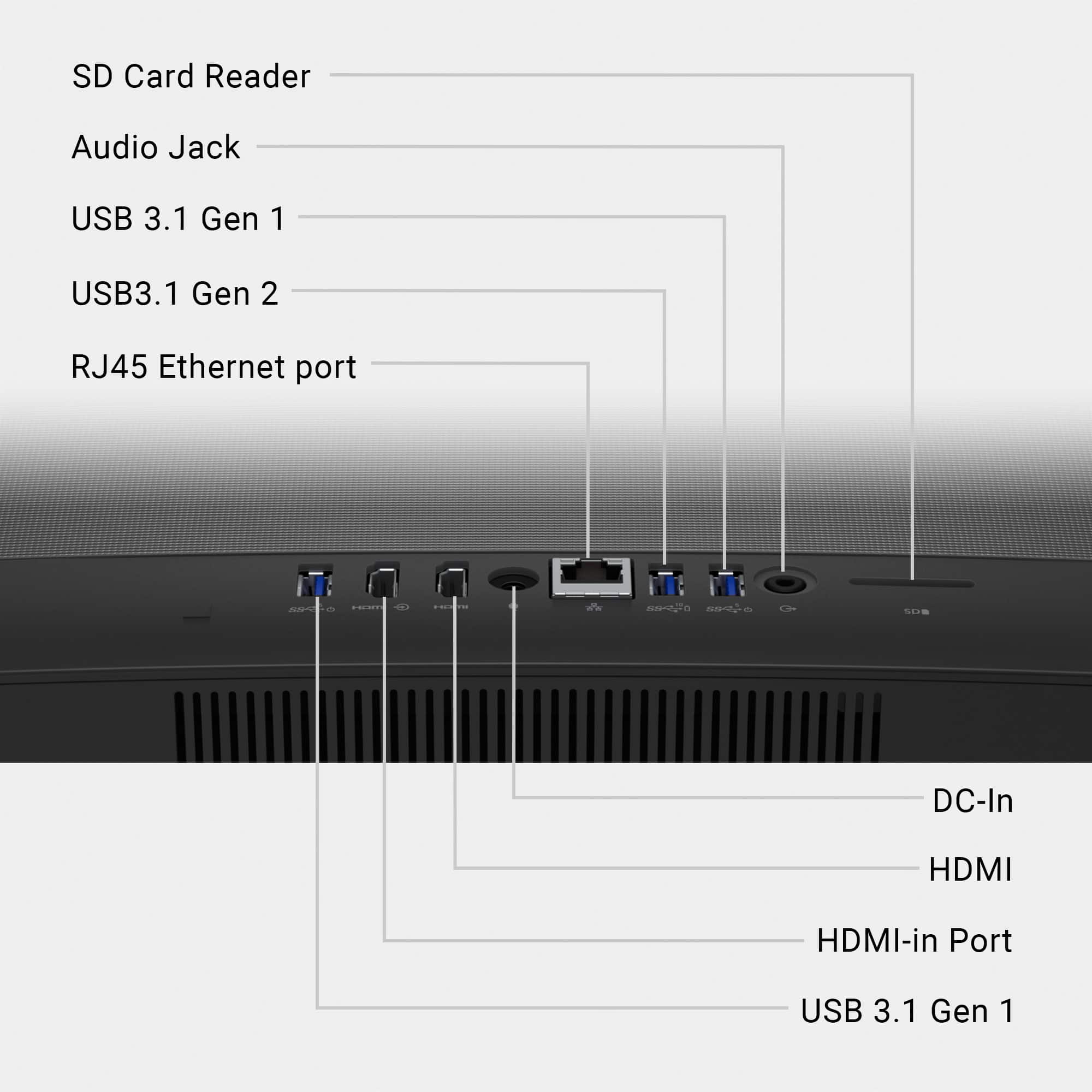
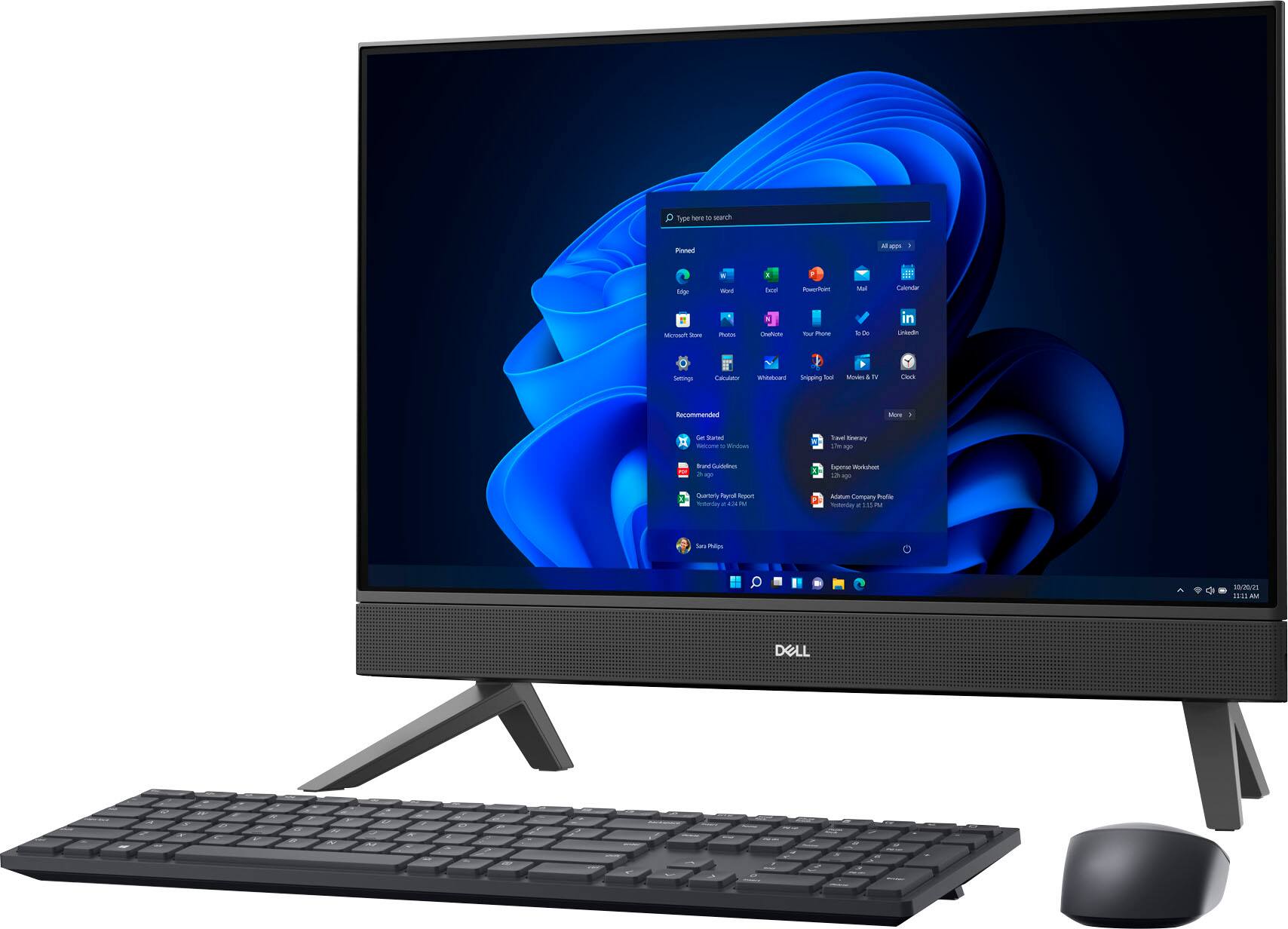
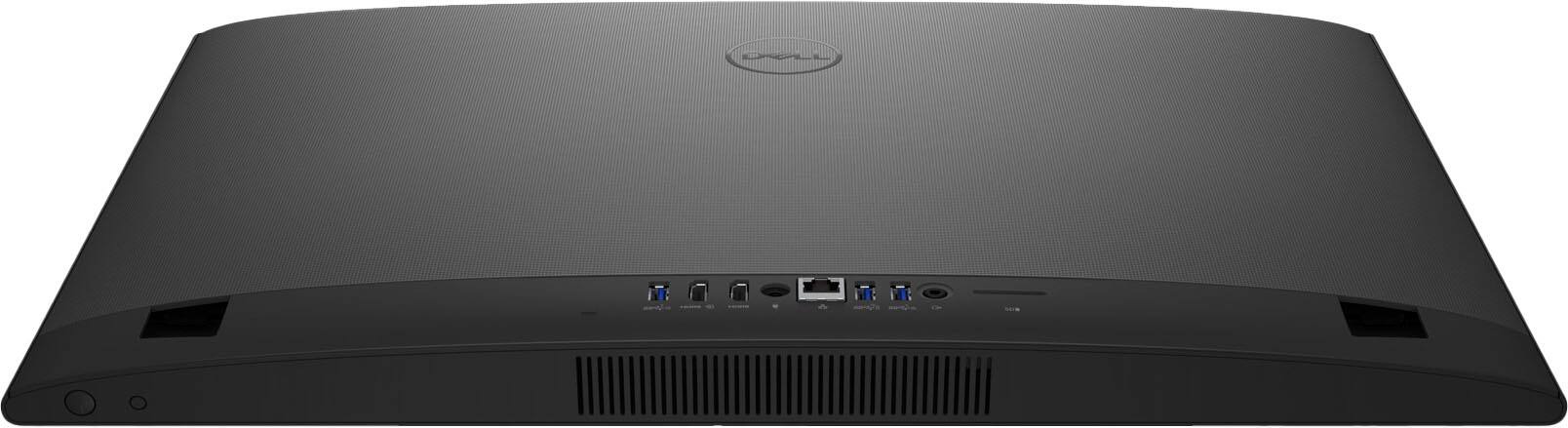
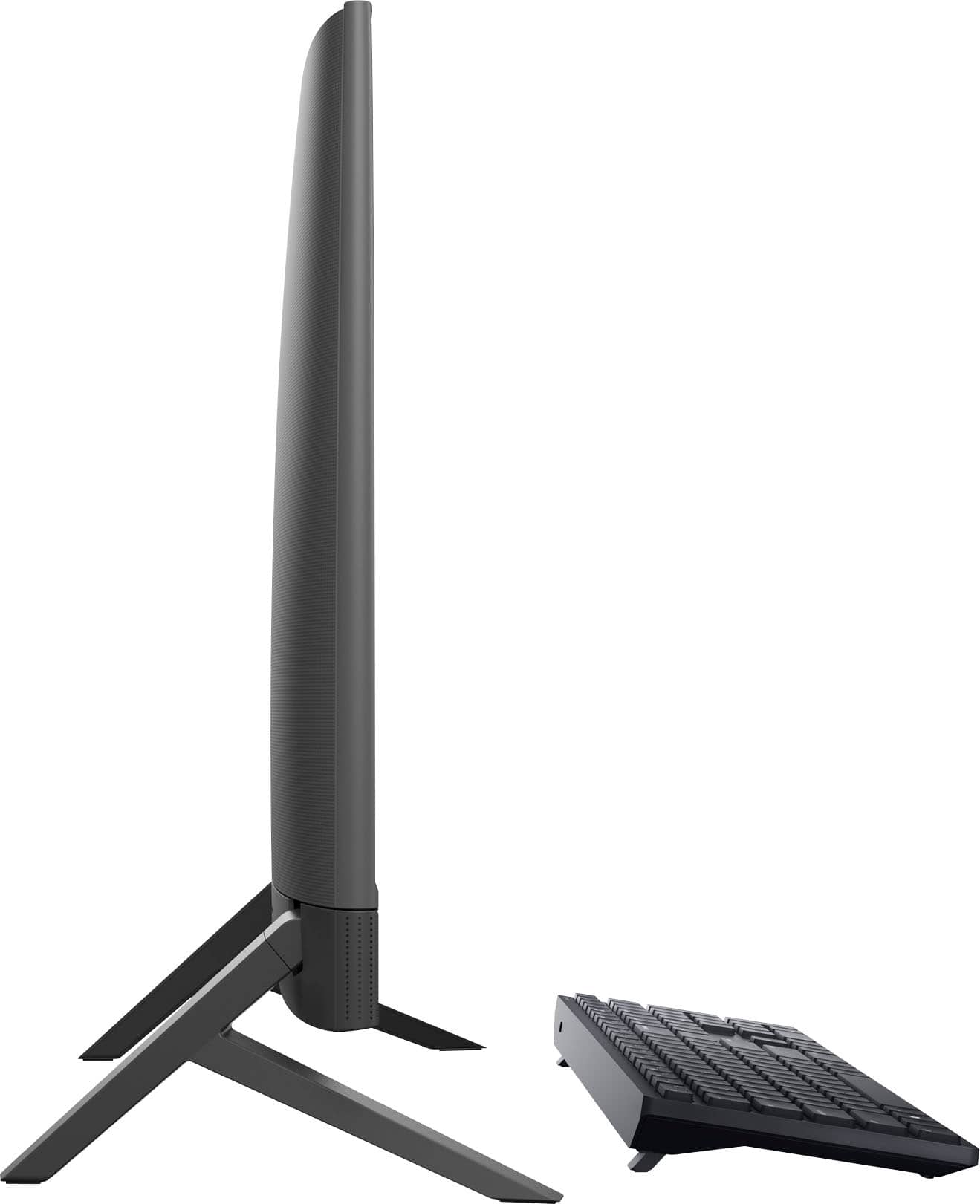
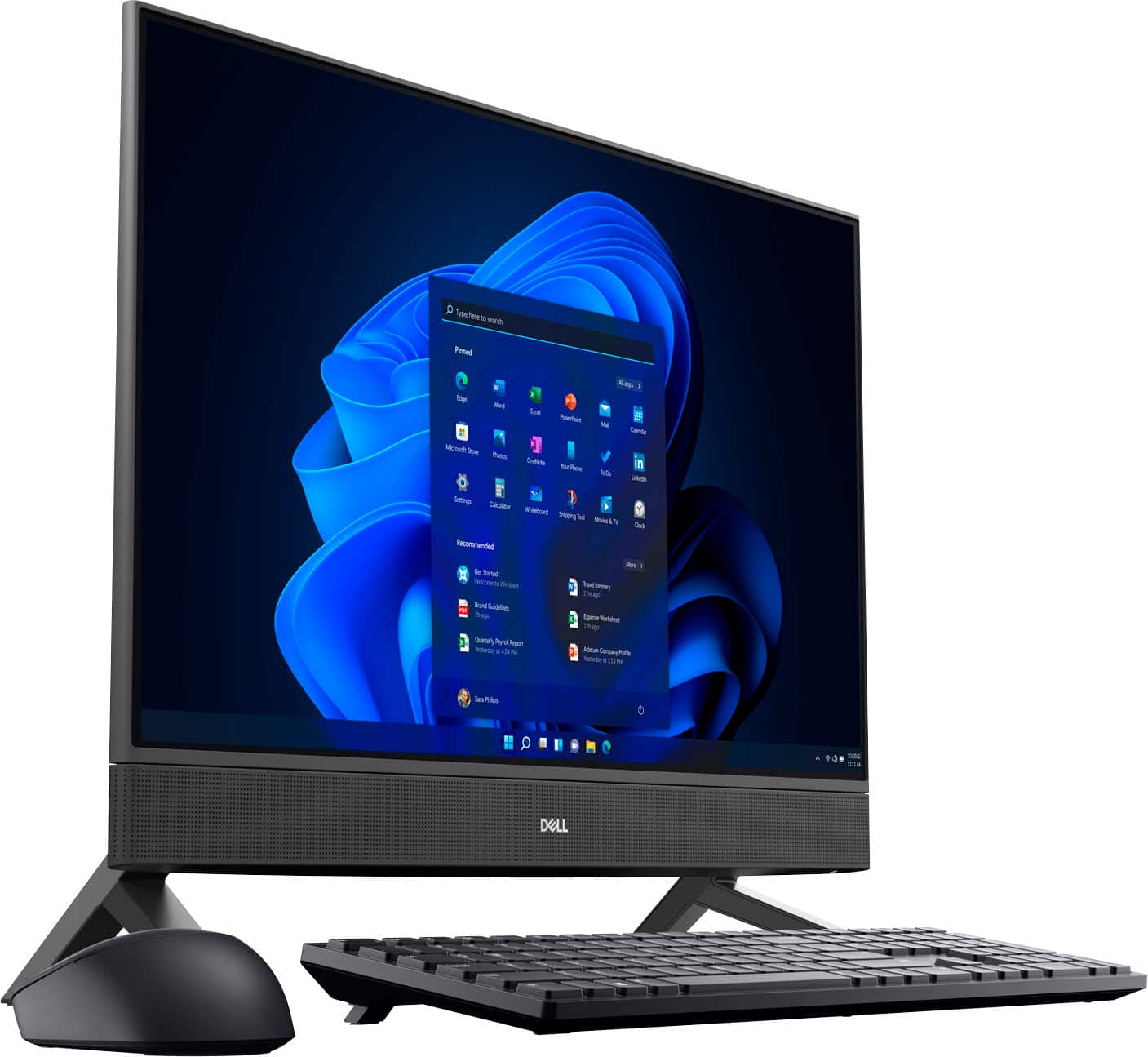
|Posted .This reviewer received promo considerations or sweepstakes entry for writing a review.I received the Dell Inspiron 24" Touch screen All-In-One PC to be primarily used for school work, light gaming (Steam games), browsing YouTube videos, and video chatting via Facebook Messenger in the kid's bedroom. Overall, I am very happy with this PC and will take you through the setup and features. Unboxing/Setup/Initial Observations: As an All-In-One, setup is very simple. You slide on the 2 legs that can only go on one way, there's no way to mess this part up. The wireless keyboard and mouse come with batteries and installing them is easy and obvious; and then both of them have switches on them to turn them on. It comes with a USB dongle so the keyboard and mouse can communicate with the PC, however this seems curious to me; why not just build the receiver for the keyboard and mouse signal into the PC so you aren't burning one of the 3 USB ports? But that's just a minor ding in my opinion. Also in the back of the PC are HDMI in and out so you can use the monitor as a secondary display to another computer; or you can connect another monitor to this PC for dual display. You have your power input, ethernet input (although this also has built in Wi-Fi, which is how I connected to my network). You're also getting an SD Card reader in the back. Not the most convenient place for that, if I were on the design team I would have put it on the side, but again, pretty minor complaint. First Time Power On: With the computer plugged in and the keyboard and mouse powered on, it was time to fire this baby up. I went through the steps of creating a new Microsoft account, enabling parental controls, and going through the process of first time setup, including getting through the Windows updates. Here, I ran into the most underwhelming aspect of the computer, the cheapness of the keyboard and mouse. Granted, I am spoiled; as a lefty, I have a rather nice Logitech Signature M650L left handed mouse, and my keyboard is the Microsoft LXM-0001 ergonomic keyboard. So the included keyboard and mouse were extremely different from what I am used to; but the lightness and cheap feel of each really are off-putting. I think many buyers will opt to replace them. With the initial setup out of the way, I then installed Google Chrome on the computer and started watching various YouTube videos to judge the audio and video quality. I chose a few different 4K videos for video quality and some of my favorite music videos to judge audio. I was impressed! The colors are bright and vivid; black is truly black, not washed out, and the sound quality was really good, even at high volume. It wasn't tinny or otherwise muddled. Unique Webcam: A very unique and clever feature of this computer is the webcam, which is spring loaded in the top center of the display. Push it in and it rises up and is perfectly aimed at you. I ran the Camera app from the control panel to see the video quality, and this 1080p camera did not disappoint. I was especially impressed not only with the resolution, but the brightness as well. I have a Dell XPS laptop that has a very good built in camera, but this one is simply better. My favorite feature though is the ability to just pop it back down when not in use, this makes it literally impossible for the camera to be toggled on, whether by accident or by hackers with ill intent. Overall performance: OK, so this computer isn't going to blow you away with its performance; that's not what it was built for and gamers are not the target market. If you're a hardcore gamer, look elsewhere. This computer doesn't have a dedicated GPU for high performance graphics, and it has a modest 8gb of RAM, although you can expand that. The computer performs just fine though for the basic tasks I need it to do well. I installed Steam on the computer and installed KartRider: Drift on that. There was no lag at all playing that, the graphics and gameplay were great. Final thoughts: This Dell All-In-One is easy to set up and use, looks great, performs well, and is a great overall value. The minor complaints I have regarding the keyboard and mouse are easy enough to address, and in all honesty nearly every non-gaming specific computer made skimps on the keyboard and mouse to stay price competitive. I apologize for not talking about the touchscreen, I assume it works well, but I am a keyboard and mouser, hate fingerprints on computer screens, and therefore never tested it. I give it 4/5 stars and recommend it.
I would recommend this to a friendDefective Product and Poor Service
||Posted . Owned for 3 weeks when reviewed.This reviewer received promo considerations or sweepstakes entry for writing a review.Red line across screen out of the box. This was a replacement for another broken computer sold by Best Buy. Took it to the store, no replacement available without “pricing up”.
No, I would not recommend this to a friendBrand response from YourDellTeam
Posted .Hello There WVlady,
We value your feedback and want to thank you for taking the time to leave a review of your
Inspiron 24” all in one. We are sorry to hear that you are experiencing an issue with your screen. That is not the type of feedback we like to hear from our customers, or the type of product Dell intends to deliver. We have noted the details of your statement and will use them to improve current and future products. Below I have provided a troubleshooting link to help resolve your issue.
Display Troubleshooting Link: https://bit.ly/3RDdSBP
If you continue to experience issues, please reach out to Dell Support directly by using the information provided below.
Chat or call: https://bit.ly/DellSupportTeam
Phone number to Dell: 1-800-624-9896
Best,
Summer@Dell
Don’t buy open box
||Posted . Owned for 1 month when reviewed.This reviewer received promo considerations or sweepstakes entry for writing a review.The computer was missing items and it still had an old account from the previous owner, absolutely horrible experience.
No, I would not recommend this to a friendNot returning to Best Buy
||Posted . Owned for 3 weeks when reviewed.This reviewer received promo considerations or sweepstakes entry for writing a review.Windows 11 isn’t very user friendly. Best Buy’s return policy is unclear
No, I would not recommend this to a friendBrand response from YourDellTeam
Posted .Hi There Ats1,
Thank you for taking the time to leave a review of your Inspiron 24” touch screen all-in-one. We value your feedback. We are sorry to hear that you are experiencing an issue with Windows 11. That is not the type of feedback we like to hear from our customers, or the type of product Dell intends to deliver. Below I have provided a troubleshooting link to help resolve any issues you may have with Windows 11.
Windows 11 Troubleshooting Link: http://bit.ly/3QKnubz
If you still experience any issues after you have finished troubleshooting your laptop using the steps above, please reach out to us at: https://bit.ly/DellSupportTeam.
We look forward to making this right for you!
Chat or call: https://bit.ly/DellSupportTeam
Phone number to Dell: 1-800-624-9896
Best,
Summer@Dell
Top notch for the price point
|Posted .This reviewer received promo considerations or sweepstakes entry for writing a review.Let me begin this review by saying know the price point and based your review on that, not review it based on wanting more that implies a higher price point. This is a wonderful all in one unit that saves space with tons of expansion ability. I found an open memory slot, swapped the existing memory for 32GB of memory for an additional cost of $68. That really out pep into the system. The included SD slot is wonderful as are all the various usb ports and hdmi port. This is my first touch screen desktop computer and took time getting used to touching the screen and eschew use of mouse/keyboard. The was great once I got accustomed to it, faster than keyboard mouse combo. The touch screen is very responsive. I must say that the mouse and keyboard are above average, which I was surprised at. Battery life seems to be great as well. The on board graphics is also surprisingly efficient and allows for enteral home office usage and light to moderate gaming as well. As the name says this is a great all in one given the price point and even better on sale. The unit also has from what I can tell an open drive slot for more expansion. I love the pop up camera, great for logging into windows via facial recognition and the ability to quickly push camera down for increased privacy which having to use software paths to achieve it, much quicker this method. Booting up the unit for the first time, within less than an 30 minutes to 45 minutes all updates were quickly downloaded and installed. Dell wifi is phenomenal, no issues, speed and connection rock solid. The included 30 day of Mcafee adds some protection till you decided if you want to pay for it or get another version or just a free available one. The bloatware is non existent, kudos to Dell for that, leaves you a pretty fully usable SSD. The SSD is also top notch, speeds are well fantastic. This unit rocks fir a family for lite to moderate gaming but really shines for general home use ranging from browsing, social media platform usage, lite graphics usage and great for children for school work. The screen size is more than ample for all these usage and for movie watching. The speakers are omg more than loud enough without sounding unclear. Great price and great components.
I would recommend this to a friendQuality is questionable
||Posted . Owned for 3 weeks when reviewed.This reviewer received promo considerations or sweepstakes entry for writing a review.Already had to reboot due to errors with the processor
No, I would not recommend this to a friendBrand response from YourDellTeam
Posted .Hey Mark,
We value your feedback and want to thank you for taking the time to leave a review of your 5415. We are sorry to hear that you are not completely satisfied with the quality of your device. That is not the type of feedback we like to hear from our customers, or the type of product Dell intends to deliver. We have noted the details of your statement and will escalate them to our quality team for improvements on current and future products.
If you continue to experience issues, please reach out to Dell Support directly by using the information provided below.
Chat or call: https://bit.ly/DellSupportTeam
Phone number to Dell: 1-800-624-9896
Best,
Summer@Dell
This computer is a good addition for the family….
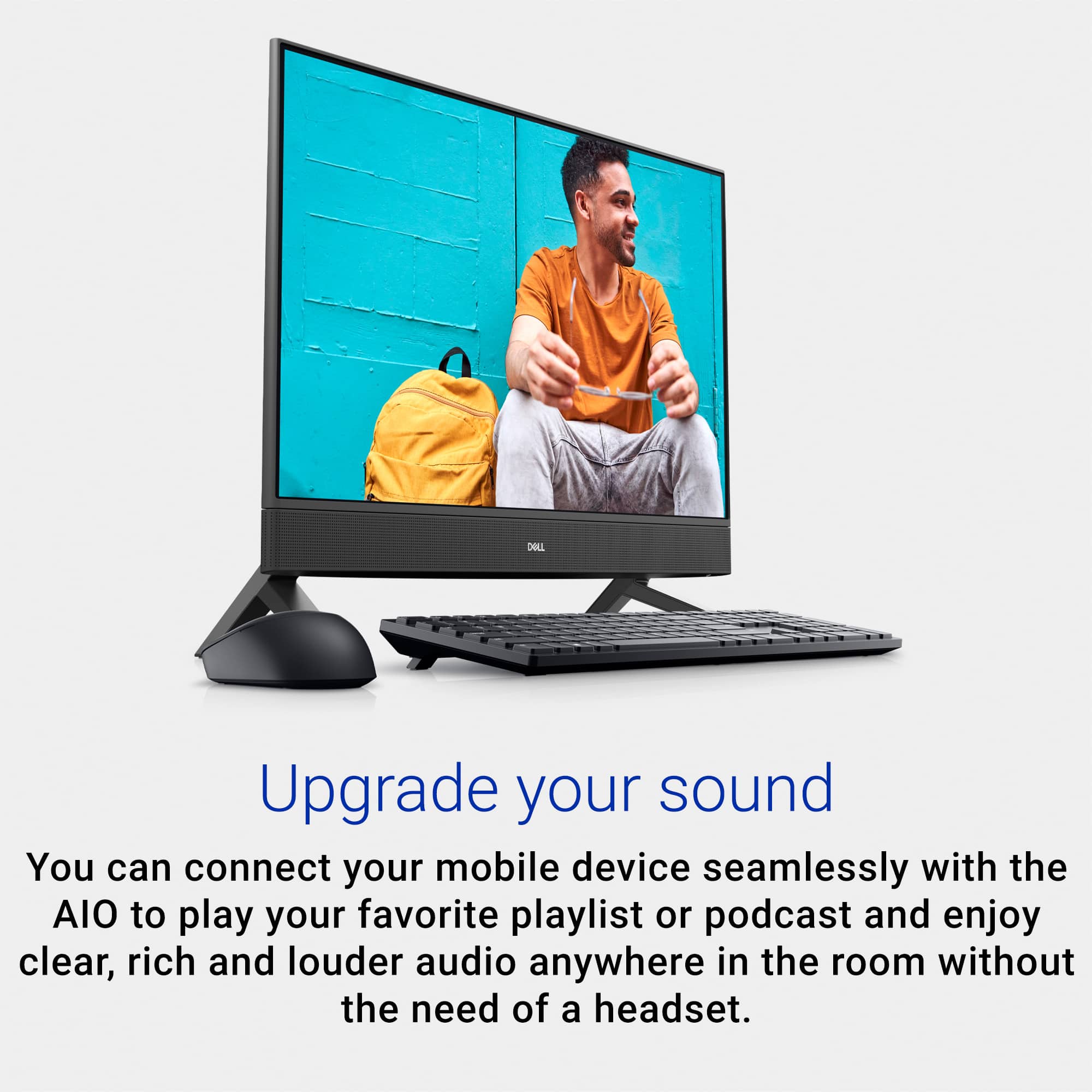
|Posted .This reviewer received promo considerations or sweepstakes entry for writing a review.The computer is one of the better computers that I have encountered. One of the finest things that I realized was fantastic was the size of the monitor. This monitor is 24 inches and is crisp and clear. Even thought he on it or is huge, it isn’t heavy at all. It sits up on the table and it does onto take up much s pace at all. I thought because of the size, it was going to take up a lot of space and be bulky and heavy but it isn’t. I love this because not only does it not take up a lot of space everything is built into it. This computer is good for my business needs and also my daily personal use. I like he fact that you have another memory space for additional space.This computers speakers are quite nice. the computer is also good enough for when you’re doing homework and games as well. I would recommend this computer to a person that like to game as well as a person who just wants to use it as a common day to day computer. This computer is also economical for the common family budget.
I would recommend this to a friendA must have!!
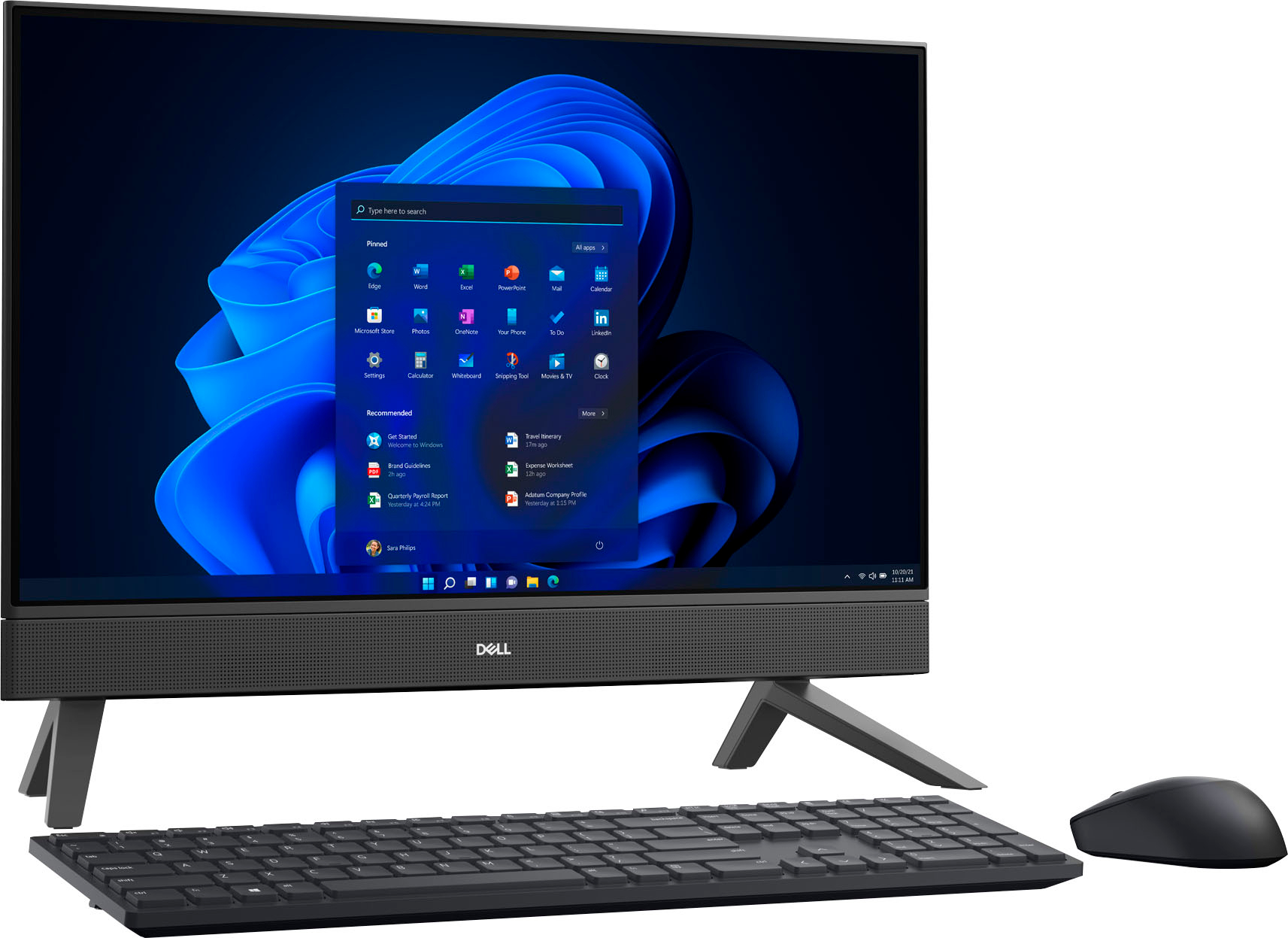
|Posted .This reviewer received promo considerations or sweepstakes entry for writing a review.The Dell Inspiron 24” Touch screen desktop was amazing and such a great addition to my office. The packaging had it nicely secured which was great because I was worried about damage, but no everything was in good condition. It includes the desktop of course, the mouse, and keyboard which both are wireless. Once it is set up, you create your account and boom, you are ready to start. Honestly, the quality and pixel of this desktop was amazing. It is a huge screen and acts like a mini TV. You can easily do paperwork, and I enjoying doing it there rather than my laptop. A great feature includes is that it is touch screen. You can tap to different tabs or go different videos without the need of a mouse. It is faster and such a better experience in getting stuff done. The sound quality is also a plus. It has a high range and the computer is also compatible with bluetooth devices. I tested the keyboard as well to see how well it aligns with my typing and I am so impressed with the swiftness of the keyboard. It is smooth and sound proof (does not make any noise while typing). The mouse is slim and has a great compatibility to the computer. I would definitely recommend to office workers, who work from home, and anybody who is in need of a great desktop. This will surely last you and worth the investment!
I would recommend this to a friendDell All in One Desktop is fantastic!
Posted .This reviewer received promo considerations or sweepstakes entry for writing a review.This all in one desktop was easy to set up. Great quality screen display. Everything is working great, highly recommend.
I would recommend this to a friendNeat and Efficient
Posted .This reviewer received promo considerations or sweepstakes entry for writing a review.I only use it as a home office desktop. The best part of it is the minimum amount of cables to set it up. It looks a lot more organized and clean. Asbfor performance, it does everything i need it it to without a problem.
I would recommend this to a frienddell all-in one
Posted .This reviewer received promo considerations or sweepstakes entry for writing a review.best computer ever. sleek, fast, and keyboard and mouse are wireless
I would recommend this to a friendVery Versatile All-In-One PC
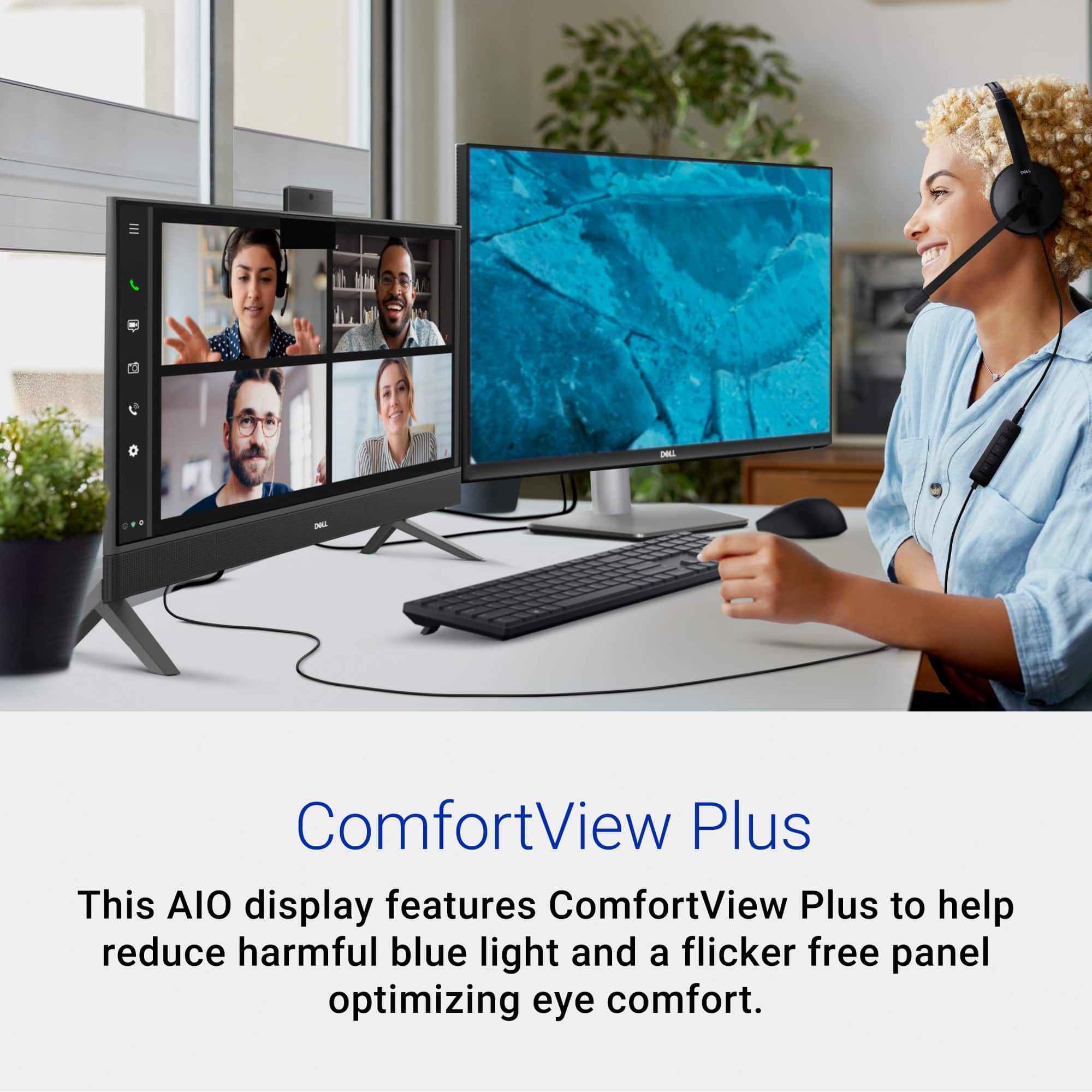
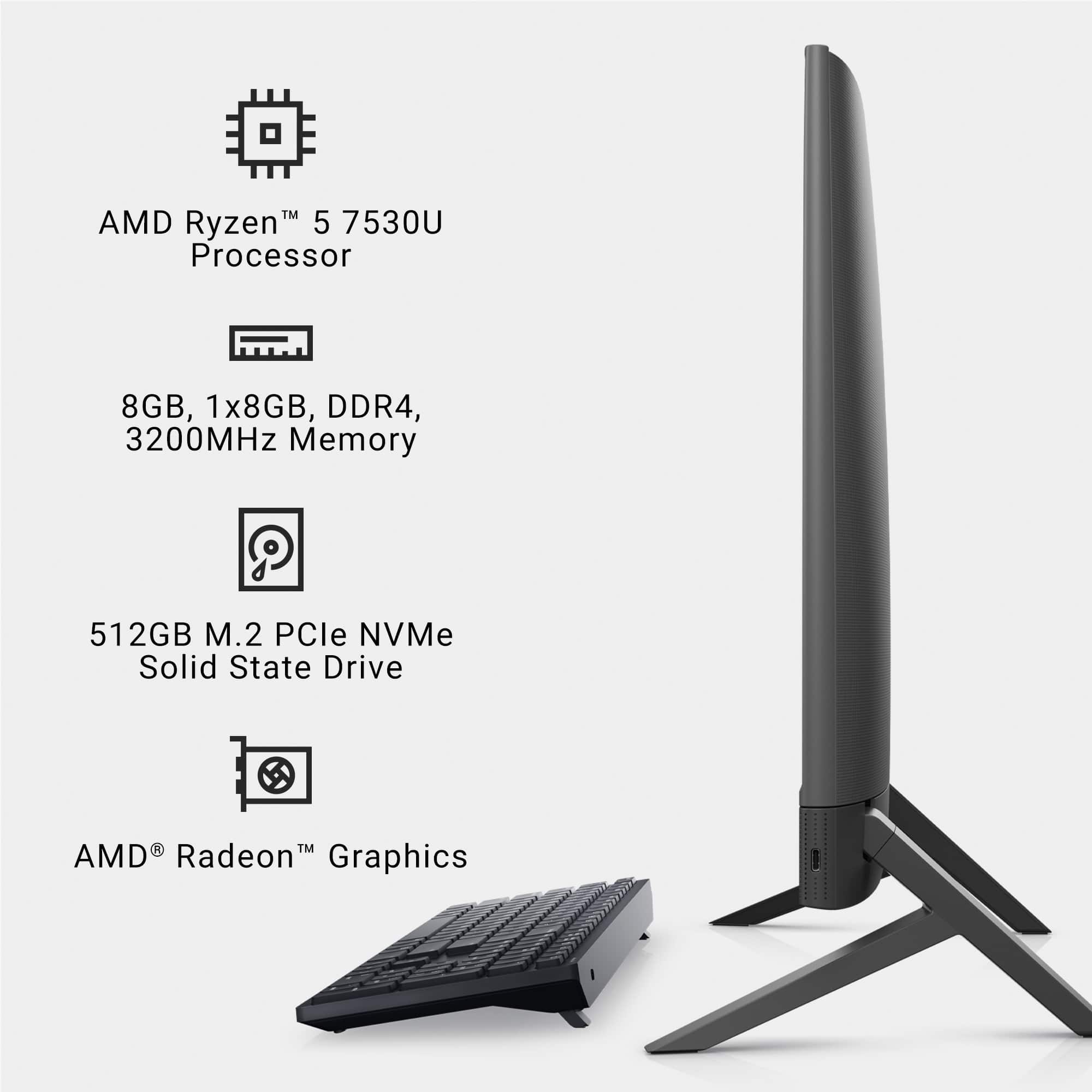
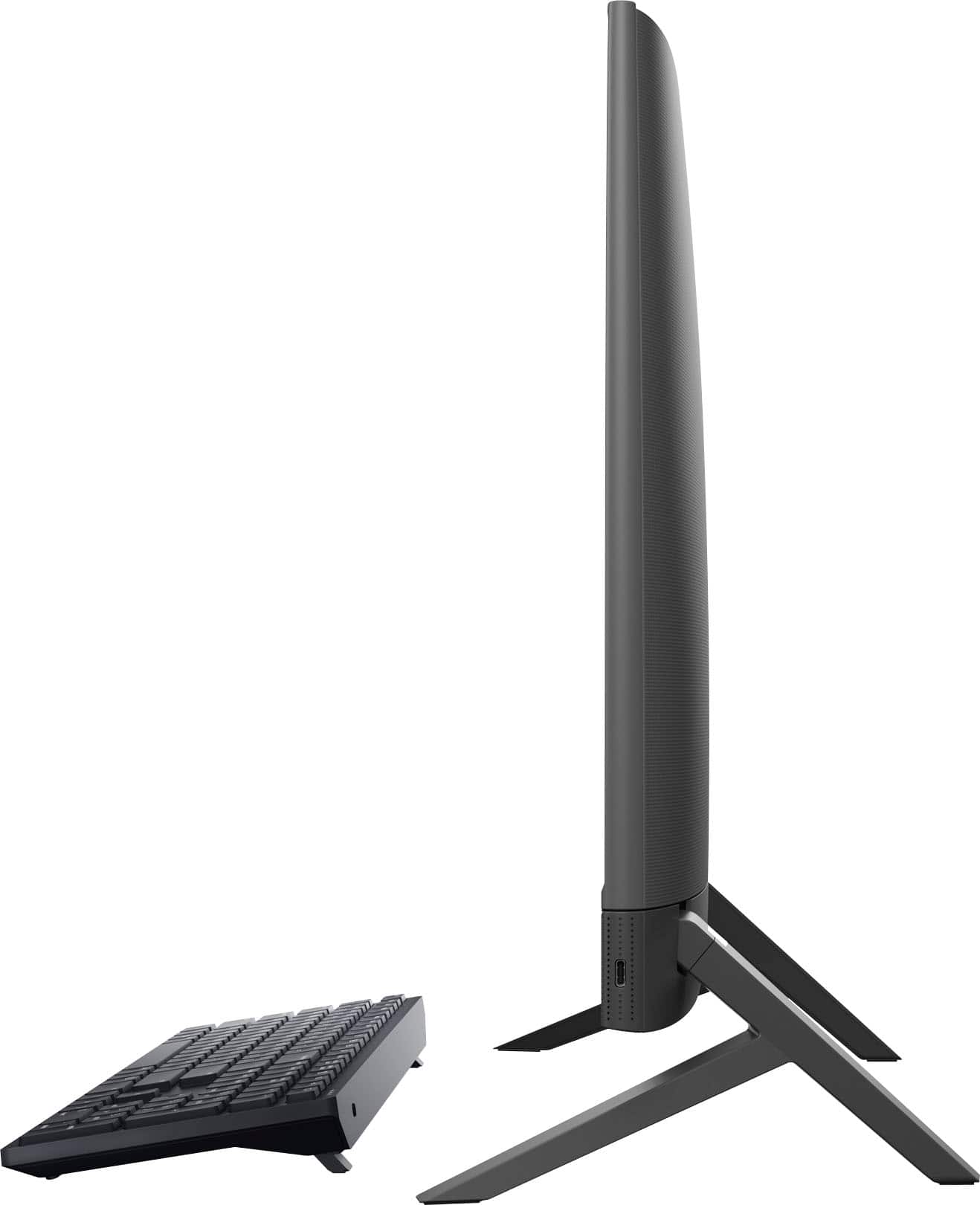
|Posted .This reviewer received promo considerations or sweepstakes entry for writing a review.The Dell - Inspiron 24" Touch screen All-In-One PC with AMD Ryzen 5 7530U 6-core / 12-thread Processor, 8GB of DDR4 3200MHz Memory, and 512GB M.2 PCIe NVMe Solid State Drive is a great all-in-one system that lives up to the lofty expectations I had for this system under the Dell brand name. One of the first things I would like to address regarding this all-in-one PC is its appearance since that was the first thing that really caught my attention as I was unboxing the unit. It is very sleek and stylish and although I am used to working on 27” screens, the 24” FHD IPS display didn’t come across as small to me. It also didn’t feel overly large, but instead, seemed to me to be just right. A lot of this likely has to do with the narrow 4-sided borders around the screen which really maximize the space that it takes up. Speaking of the display, I also really like the ComfortView Plus feature which puts less strain on the eyes by reducing blue light and how the panel is “flicker free” which really does also optimize eye comfort. This is important if you are planning on spending extended periods of time looking at a monitor. Another thing that really stood out to me regarding the screen itself is the fact that the system includes both an HDMI-in port and an HDMI-out port. This means if the 24” screen still feels too small, you can connect a second, larger monitor to the HDMI-out port for a dual monitor viewing experience, or, if you have another system that requires a monitor, you can plug it in to the HDMI-in port on this Dell all-in-one PC and use the monitor without even booting up the all-in-one PC system. This opens up so many possibilities for how this Dell all-in-one can be useful and shows how versatile this system really is. The next thing I would like to point out is the high-quality sound this PC produces from the built-in speakers. What makes the speakers on this particular system unique is the fact that you can connect to them as if they were any other standalone Bluetooth speaker. I was really surprised when I discovered this feature and it really shows how Dell continues to look outside the box for ways to improve their products. When it comes to ports included on this system, I already mentioned the HDMI ports and how useful they can be but this all-in-one system has many other useful ports that also really expand its usefulness such as an SD memory card media reader, ethernet port for wired networking (although it also has the ability to connect wirelessly to your network via WiFi, if needed), and various USB ports (1 USB 3.2 Type-C on the side and 3 USB 3.1 Type-A on the back). The only slightly limiting factors you may run into with this all-in-one PC are the relatively low amount of RAM and the fact that it uses integrated graphics. When it comes to the graphics, there isn’t much you can do about this which means gaming will be limited to non-intensive, casual gaming but considering this system is not advertised or designed for gaming, this shouldn’t be a surprise. As for the RAM, it comes with only one stick of 8GB RAM, but fortunately, this system does have a second memory slot so the RAM can at least be expanded to a higher amount, if needed. Overall, the Dell - Inspiron 24" Touch screen All-In-One PC is a very versatile mid-range system and I highly recommend it!
I would recommend this to a friendLove my new computer
Posted .This reviewer received promo considerations or sweepstakes entry for writing a review.Love it so far!! Very large screen and sleek display! Works fast and does everything I need. Easy set up too! Set up all by myself in 5 minutes
I would recommend this to a friendExcellent Mid-Level AIO
|Posted .This reviewer received promo considerations or sweepstakes entry for writing a review.As an owner of two Dell high end computers (AIO and Laptop), I was pleased to have the opportunity to test drive this new mid-level model. Once I figured out how to put the “feet” properly on, setup was a breeze. The graphic for attaching the feet wasn’t especially clear to me as to which way they should be put on. Finally, I went online for a picture of the finished product, and it clearly showed me the way. After that it was smooth sailing. As with most computers today, it pretty much setup itself. After using the device for a few days, I found a lot to like. Features include: *Win11 Home 64-bit operating system. *AMD Ryzen 5 753OU processor combines excellent multitasking abilities with responsive gaming capabilities. Processing speed is up to 4.5Gb. Storage is 512Gb and RAM 8Gb with RAM speed of 3200Mh. It runs quickly and efficiently. *Dual band WiFi6 makes it almost 3x faster than WiFi5. I have a WiFi6 Tri-band mesh system, and the two very quickly joined together to make for quick up-/down-loading. *The 24” touchscreen is very responsive to touch. Its LED backlight Full HD provides viewing. In addition, the screen has a dual purpose. Utilizing the HDMI port, the screen can easily be used as a 2nd display for another device. *Audio is excellent! Putting it to a tough test, Thunderstruck, Master of Puppets, Brain Damage, and even the 1812 Overture, Op.49 blew me away. It probably won’t make you trash an excellent music system, but it could be a worthy option. After all, it’s AIO. *Of special note, this mid-level AIO has more connectivity options than some higher levels. Onboard are Ethernet port: 1, HDMI: 1, USB: 3, USB-C: 1, and Media card: 1. As much as I like this AIO, there are a few “quirks.” I call them that because none of them would be deal breakers for me. *The keyboard is compact and not ergonomically fit for my hands with a touch of arthritis. I already have a separate ergonomic keyboard (and mouse), so I don’t see it has a negative. *The power button is under the right corner of the CPU. This is common in AIO’s, but this one is almost flush to the surface, so you may have to feel about to find it the first few times. Then, it should no longer require a search. All in all, this Dell Inspiron AIO is an excellent choice, in terms of capabilities combined with reasonable cost. It would be a great choice for home, office, or as a graduation present. Without a doubt, I would recommend it to family and friends.
I would recommend this to a friendDell Inspiron 24 AIO 5415 Desktop
|Posted .This reviewer received promo considerations or sweepstakes entry for writing a review.So I received my Dell Inspiron 24 All-In-One Touchscreen Desktop Computer a week ago and have been putting it through it's paces. This computer comes with a 24" FHD Touchscreen Display with a webcam, an AMD Ryzen 5 7530U Processor, 8GB of Memory, 512GB of SSD, Integrated AMD Radeon Graphics. Windows 11 Home Edition comes preinstalled on the computer. As far as ports, on the back you will find 4 USB ports, an Ethernet port, SD Card slot, Power port, an Audio port, HDMI In port, and an HDMI Out port. Unboxing is fairly simple. Attach the legs to the bottom of the display and pop in the USB Receiver for the included keyboard and mouse and you're good to go. The power button is under the display in the bottom right corner. Power that baby up and follow along with Windows to complete the setup process. Now this computer is far from being any type of major gaming computer, but it may be handle a couple of games. Nothing to intense. I view this computer as being perfect for someone in high school or starting off to college somewhere. It will also do very well as a home office computer. The screen as stated before is a touchscreen and that comes in handy sometimes. The display is not 4K, but its still legible to read everything. Camera quality is ok at best. Again this is pretty much a basic type of computer but its nice to have a camera included for those either studying or working from home. Audio is surprisingly amazing and clear. All in all I say grab this if you're looking for something middle of the road in terms of price and you're not going to be doing anything heavy-intense.
I would recommend this to a friendGreat computer with super easy setup!
|Posted .This reviewer received promo considerations or sweepstakes entry for writing a review.This Dell Inspiron 24 is an all-in-one computer. This one features an AMD Ryzen 5 7530U, 6 core, 12 thread processor with 8 Gb memory and a 512 Gb SSD hard drive. The display is a 23.8-inch full high definition, anti-glare, infinity edge, touch screen with a pop-up web cam. This is a TUV Rhineland certified "low blue light" monitor. There are 2 HDMI ports, one input and one output. There are 3 USB ports, one of which is taken up by the wireless keyboard/mouse receiver. There is a mini-plug audio out, an ethernet port and an SD card slot. The setup was quick and easy, attach the legs, attach the power transformer, place batteries in the mouse and keyboard, plug in the mouse/keyboard receiver and you're ready to go in a few minutes. There was only one software update after turning the computer on (it seems that some new computers need dozens) and a firmware update for the mouse and keyboard. I was amazed at how much info was transferred and set up by Windows 11 home simply by entering my Microsoft credentials. The phone link app which connects your mobile phone to the computer has been upgraded and has more functionality than the version on my older computer. Now apps from the phone can be used on the computer in addition to making calls and texting. The touch screen is handy. This computer is replacing one without a touchscreen. I have fingerprints all over the non-touchscreen computer from forgetting which computer I'm on and trying to zoom. I really like the non-glare screen surface. My older computer brightly reflects the lights that are overhead and behind me which often makes it necessary to slightly move my screen to see it all. I have not had any reflection issues with this screen. This computer is impressive and has many upgraded features compared to the unit this replaces. The video quality has been great. This has been the fastest and most pain free computer setup I have ever encountered.
I would recommend this to a friendGreat entry level computer.
|Posted .This reviewer received promo considerations or sweepstakes entry for writing a review.The Dell All-In-One 5415 is a decent entry level computer that has more benefits that meet the eye... Setting up this computer couldn’t be easier, it’s a matter of snapping the 2 stands into the monitor, then plugging in the power cord. The computer does come with both a mouse and full-sized keyboard with media controls. The all-black matte look is very sharp, and it doesn’t stand out too bad in the room or office. The computer is equipped with a 24” 1080p touch screen and a pop-up camera that functions as both face ID and video chat. This is where the computer gets interesting, aside from the 3-USB 3.1 ports, a memory card slot, and a USB-C port - there are also 2 HDMI ports in the back. 1 – HDMI output in case you want to add a second display, and 1 – HDMI input which acts as a standalone monitor. It’s not often you see this feature in all-in-one computers, this means that you can use your computer as standalone monitor for another computer, or you can connect a game console, a DVD player etc. – without having to turn the computer on. Another great thing about the 5415 is that it is upgradeable, and incredibly easy to do so. In fact, Dell even made a video on their website on how to take the back of the computer off so you can add extra ram or storage. This computer is compatible with 3 types of storage, M.2 mini, M.2, and the old school laptop HDD. There are 2 slots for DDR4 ram that can be upgraded as well. The Dell 5414 features a Ryzen 5, 6-core/12 thread processor, that can handle simple to moderate multi-tasking. It’s a pretty decent processor, but don’t expect to do any graphic intense gaming, or heavy video editing. The computer does have dedicated graphics, but the 512MB DDR4 is hardly worth mentioning. My overall impression of the Dell 5415 is I like it for what it is, an entry level all-in-one computer. It will get the job done for basic computer programs like Microsoft Office, as well as web browsing and video streaming. The 1080p display isn’t the best-looking display, but it’s far from the worst looking one either. The sound is actually very impressive on this computer, the speakers sound very clear and have a great range of highs and lows. The ability to be able to use this as an external display is a huge benefit, plus it increases its value. Not to mention the option to be able to upgrade your computer is a much added bonus. I would recommend the Dell 5414 to anyone looking for a new computer with basic needs.
I would recommend this to a friendMy Inspiron
Posted .This reviewer received promo considerations or sweepstakes entry for writing a review.I'd been using a laptop until it got real slow. Wee decided on a larger screen for easier viewing and the Dell Inspiron fit the bill perfectly. Easier viewing and not taking up a lot of room on my desk.
I would recommend this to a friendFunctional
Posted .This reviewer received promo considerations or sweepstakes entry for writing a review.Easy to utilize, love the size, just what I needed and affordable as well.
I would recommend this to a friendSatisfied Customer
Posted .This reviewer received promo considerations or sweepstakes entry for writing a review.I’m a fan of Dell and long overdue for a Desktop upgrade. All-in One for space was practical, and this Dell J purchased exceeds beyond my expectations, especially price and performance. Easy to order and pick up at Best Buy.
I would recommend this to a friend